32 Best Workflow Management and Automation Software in 2026
Workflow management and automation software spans a wide spectrum: from no-code integration hubs like Zapier and Make, to BPMN-based enterprise platforms like Camunda and Appian, to developer-first orchestration engines like Temporal and Prefect. This list covers tools across all categories with pricing verified March 2026.
Zapier
Zapier connects over 7,000 apps through no-code workflows called Zaps, making it the largest integration network in the automation market. More than 2 million businesses use it to automate tasks like routing form submissions to CRMs, sending Slack alerts, and updating spreadsheets. In 2025 Zapier consolidated its platform into four tiers — Free, Professional, Team, and Enterprise — and bundled Tables, Forms, and Interfaces into all plans. The Professional plan starts at $19.99/month for 750 tasks; the Team plan runs $69/month. Each action in a Zap counts as a separate task, so multi-step workflows burn through allowances quickly.
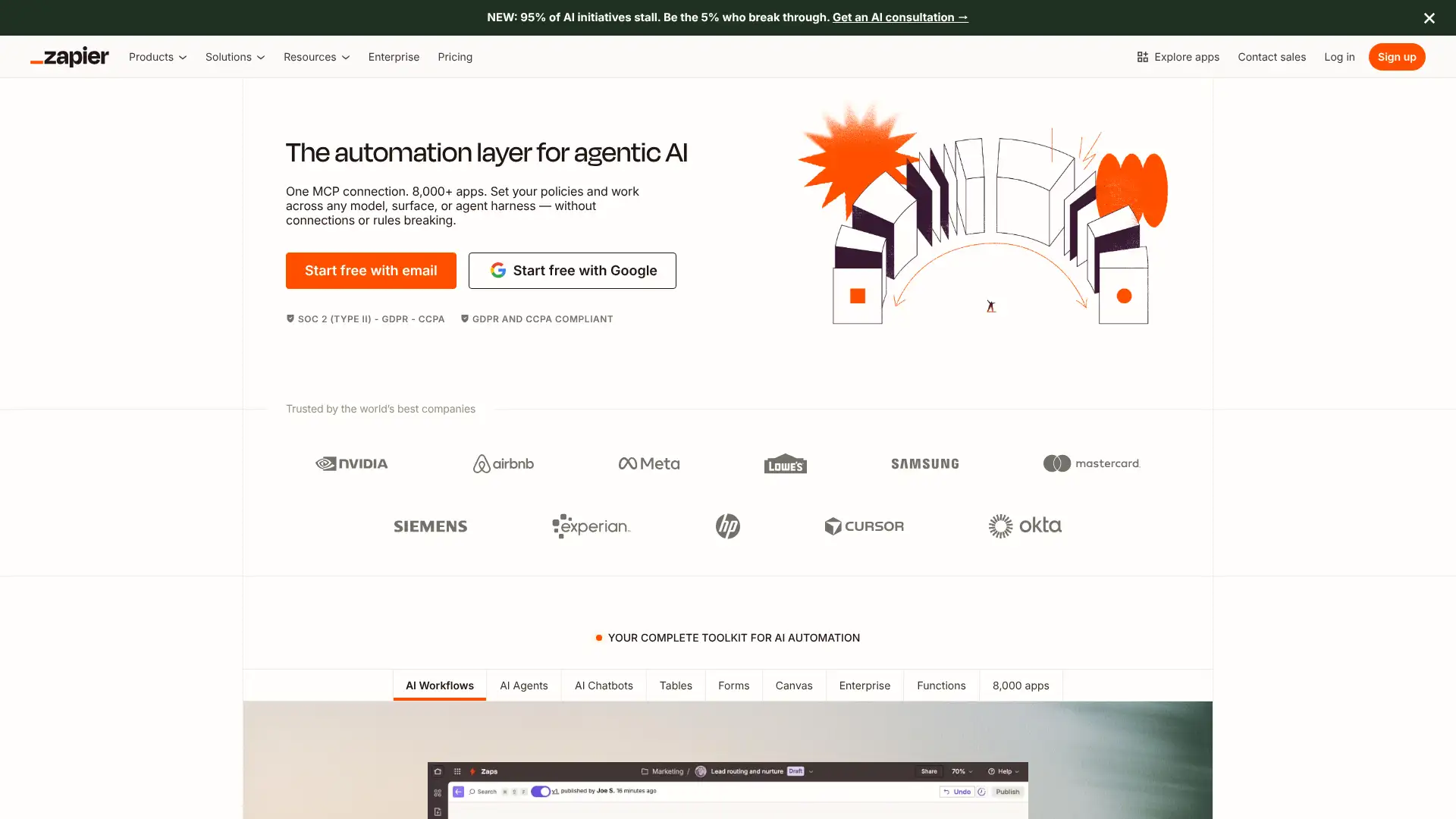
- • 7,000+ app integrations: the broadest native app catalog of any automation platform
- • Zapier Copilot: AI assistant that builds and debugs Zaps from plain-English prompts
- • Tables and Interfaces: built-in no-code database and app builder bundled into all paid plans
- • Paths and Filters: conditional branching and logic that do not consume task quota
- • Zap History and monitoring dashboard for tracking failures and replaying broken automations
Zapier is the right call for non-technical teams who need reliable automations across a huge app catalog and value setup simplicity over price efficiency. The 7,000-app library and Copilot AI make it fast to launch. However, teams running high-volume or multi-step workflows will hit expensive task overages quickly and should seriously evaluate Make.com, which delivers 10,000 operations for roughly the same monthly cost as Zapier's 750 tasks.
Make
Make (formerly Integromat) is a visual workflow automation platform used by over 500,000 businesses. It uses a canvas-based scenario builder that shows data flowing between modules in real time, making it easier to debug complex logic than list-based tools. In August 2025 Make switched from operations-based to credits-based billing, where one operation equals one credit for standard apps. The Core plan starts at $10.59/month for 10,000 credits — over 13x more operations per dollar than Zapier's entry-level tier. Make supports 3,000+ app integrations, routers, iterators, aggregators, and as of November 2025 allows all paid users to connect their own AI provider (OpenAI, Anthropic) for AI-powered scenarios.
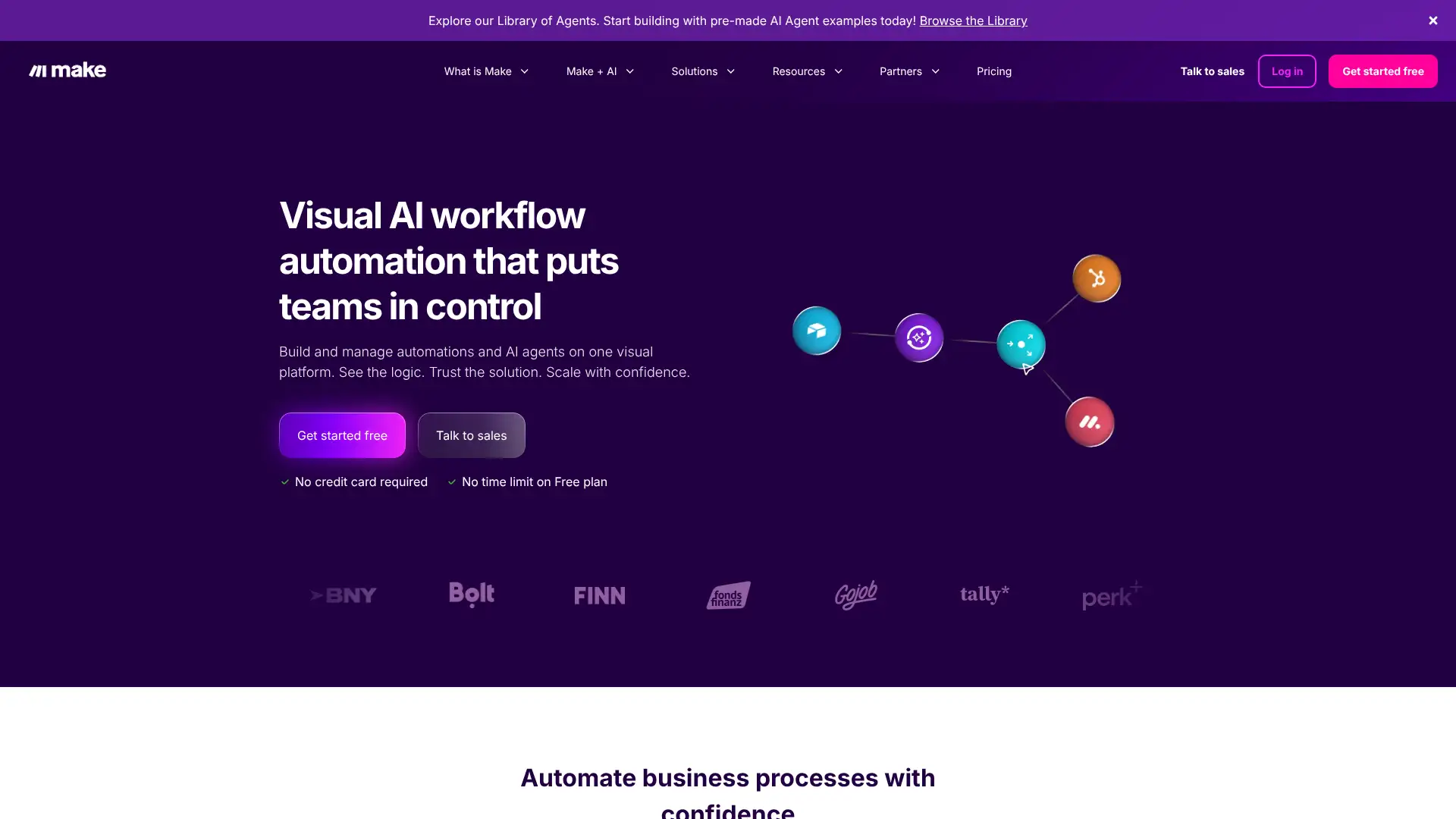
- • Visual scenario canvas: drag modules onto a canvas and see data flowing through each connection in real time
- • Routers and filters: build conditional branching paths within a single scenario without extra cost
- • Iterators and aggregators: process arrays of data and compile results, handling bulk records in one execution
- • 3,000+ app integrations with HTTP/webhook support for connecting any REST API
- • Custom AI provider connections: link your own OpenAI or Anthropic API key to AI-enabled scenarios on all paid plans
Make is the strongest choice for teams that want to build complex, multi-branch automations without paying Zapier-level prices. The visual canvas, iterators, and 13x better operations-per-dollar ratio make it a clear winner for automation-heavy workflows. Just architect scenarios carefully: polling triggers and inefficient loops can quickly deplete credits in unexpected ways.
n8n
n8n is a fair-code workflow automation platform that can be self-hosted for free using the Community Edition or run on n8n Cloud. It charges per workflow execution rather than per step, so a complex 50-node workflow still costs one execution — a significant advantage over task-based tools. The platform has over 400 integrations and supports custom JavaScript/Python code nodes for advanced logic. In 2025 n8n added AI agent capabilities allowing LLM-powered autonomous workflows. Cloud plans start at $24/month for 2,500 executions on Starter and $60/month for 10,000 executions on Pro. The open-source Community Edition is free for self-hosting with unlimited executions.
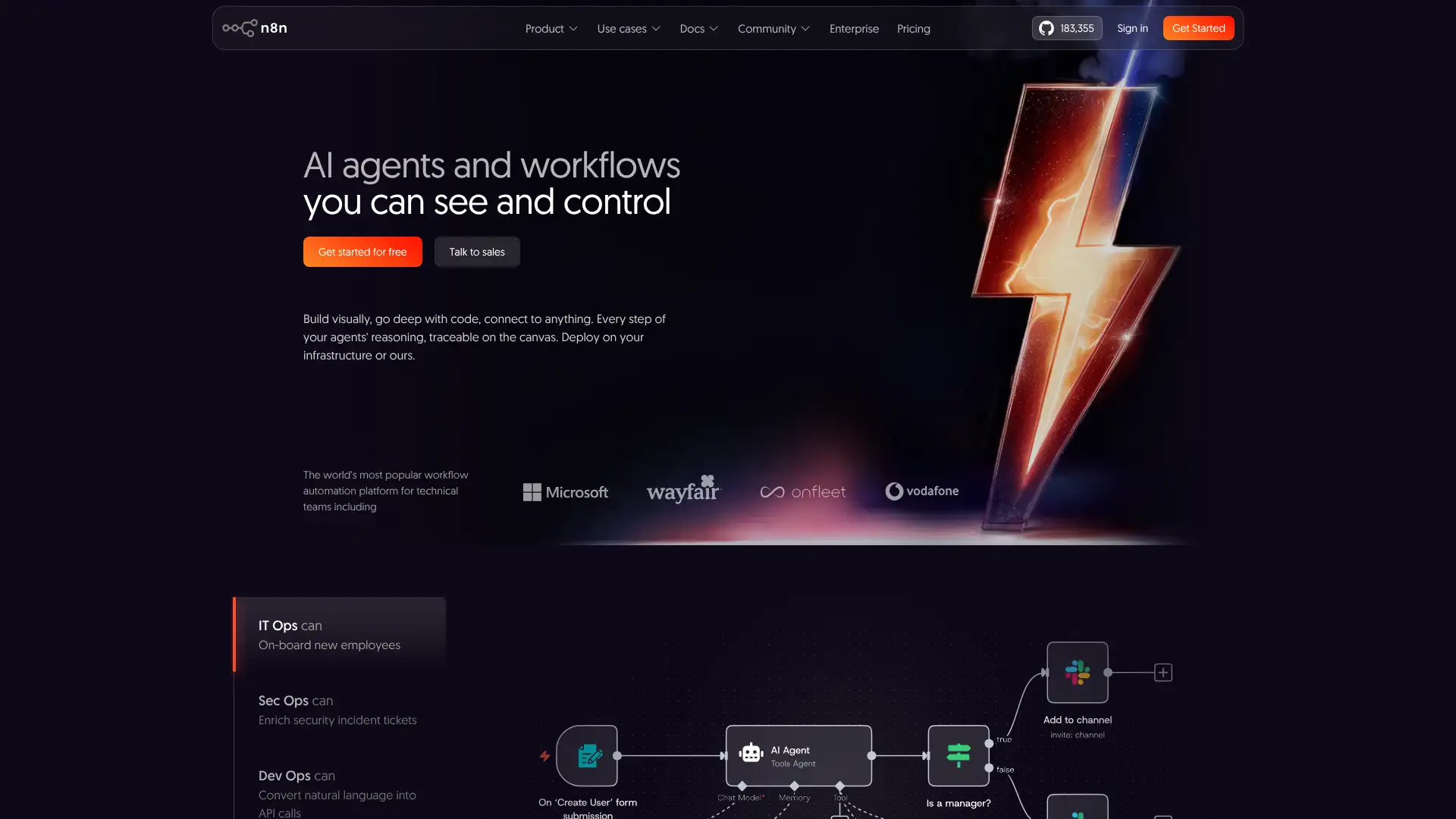
- • Per-execution billing: one workflow run counts as one execution regardless of how many nodes it contains
- • 400+ integrations plus an HTTP Request node for connecting any REST or GraphQL API
- • Code nodes: write custom JavaScript or Python inline to handle logic that no pre-built node covers
- • AI agent nodes: build autonomous LLM workflows that can call tools, loop, and make decisions
- • Self-hosted Community Edition: run on your own server with zero licensing cost and unlimited executions
n8n is the best choice for technical teams who want to self-host their automation infrastructure and avoid per-task billing at scale. The free Community Edition on a $5-10/month VPS gives unlimited executions that no SaaS competitor can match on cost. For teams without DevOps capacity, n8n Cloud offers the same execution-based efficiency, but the 2,500-execution Starter limit demands careful workflow design.
Microsoft Power Automate
Power Automate is Microsoft's automation platform within the Power Platform, used by tens of thousands of enterprises to connect Microsoft 365 apps, Dynamics 365, and third-party services. It supports cloud flows, desktop flows (RPA), and process mining. Teams with Microsoft 365 Business or Enterprise subscriptions already have access to standard connector automations at no extra cost. The Premium plan at $15/user/month adds premium connectors (Salesforce, ServiceNow, SAP), unattended RPA, and higher API limits. The Process plan at $150/bot/month covers unattended desktop automation without per-user licensing. The Hosted Process plan at $215/bot/month adds Microsoft-managed Azure VMs.
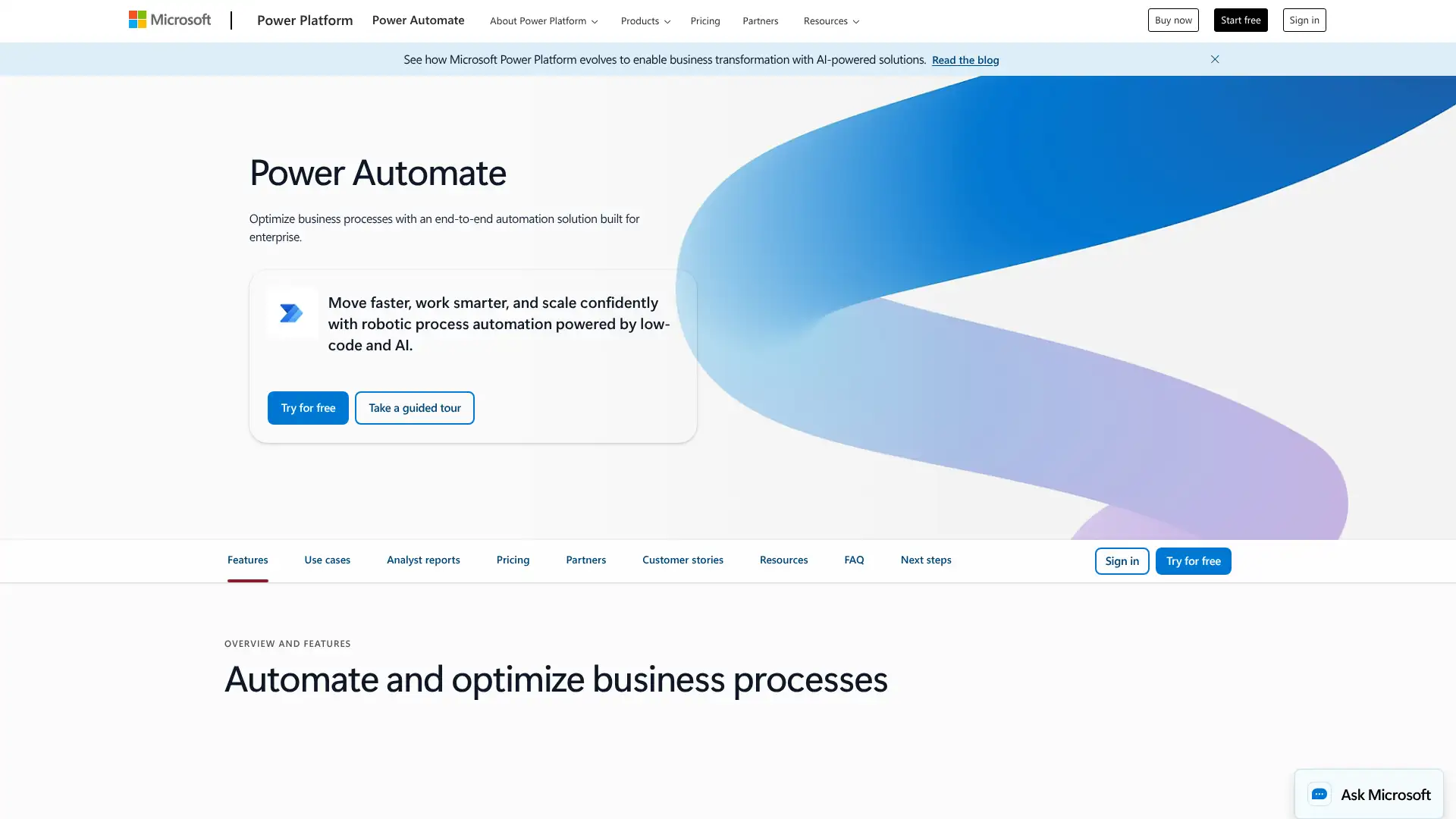
- • 300+ connectors including deep Microsoft 365 integrations with SharePoint, Teams, Outlook, and Dataverse
- • Desktop flows (RPA): automate legacy Windows applications and web UIs without APIs
- • Process mining: analyze event logs to discover actual process flows and identify automation opportunities
- • AI Builder: add document processing, prediction models, and form recognition to flows using a credit system
- • Approval flows: multi-level approvals with Teams and Outlook integration, audit trails, and adaptive cards
Power Automate is the logical default for organizations already invested in Microsoft 365 — the standard connectors are effectively free, and the Premium plan's deep Dynamics/SharePoint integration is unmatched. Outside the Microsoft ecosystem, the value proposition weakens considerably. For cross-platform automation or teams without significant Microsoft footprint, Zapier or Make offer better breadth at comparable price points.
monday.com
monday.com is a work management platform used by over 225,000 organizations including Coca-Cola, Universal, and Hulu. It combines project tracking, CRM, and workflow automation in a spreadsheet-like interface with no-code automation recipes. The Basic plan at $9/user/month covers task management; Pro at $19/user/month adds time tracking, formula columns, and automation (250 actions/month); Enterprise adds unlimited automations and advanced security. In 2025 monday.com added AI capabilities including AI-generated summaries, formula suggestions, and a Work AI feature for automating repetitive tasks. The platform supports 200+ integrations.
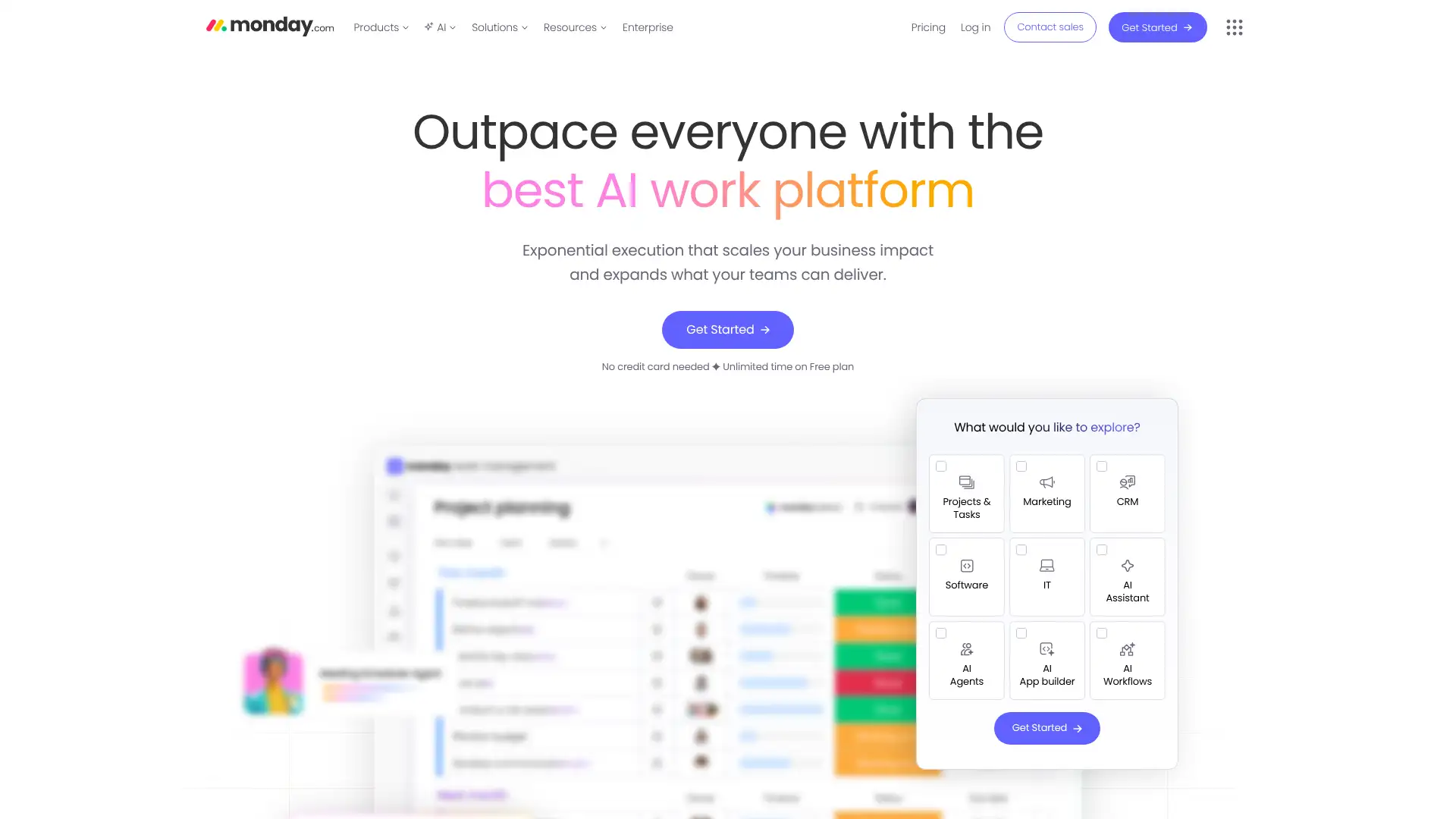
- • Automation recipes: trigger-action automations (e.g. 'When status changes to Done, notify owner') built with no code
- • 200+ integrations including Salesforce, Jira, Slack, GitHub, Zoom, and Google Workspace
- • Multiple board views: Kanban, Gantt, calendar, timeline, map, and workload views on a single dataset
- • monday Work Management, CRM, and Dev as unified products sharing one platform and data model
- • AI summaries and formula generation to reduce manual work on complex boards (Pro and above)
monday.com excels for teams that want a visually polished work OS combining project management, basic CRM, and no-code automations in one place. The Standard plan covers most small-team needs well. For teams with complex multi-department process automation requirements, dedicated BPM tools like Pipefy or Kissflow offer deeper workflow logic at a comparable price point.
ClickUp
ClickUp is a project management and productivity platform positioning itself as a replacement for multiple tools. It is used by over 800,000 teams including Google, Webflow, and Airbnb. ClickUp combines tasks, Docs, Whiteboards, Dashboards, and automation in one platform. The Free plan is genuinely capable, including 100 automation actions/month. The Unlimited plan at $7/user/month removes storage limits and adds integrations; Business at $12/user/month unlocks advanced automation (1,000 actions/month), time tracking, and custom fields. In 2024-2025 ClickUp significantly expanded AI features (ClickUp Brain) on Business and above.
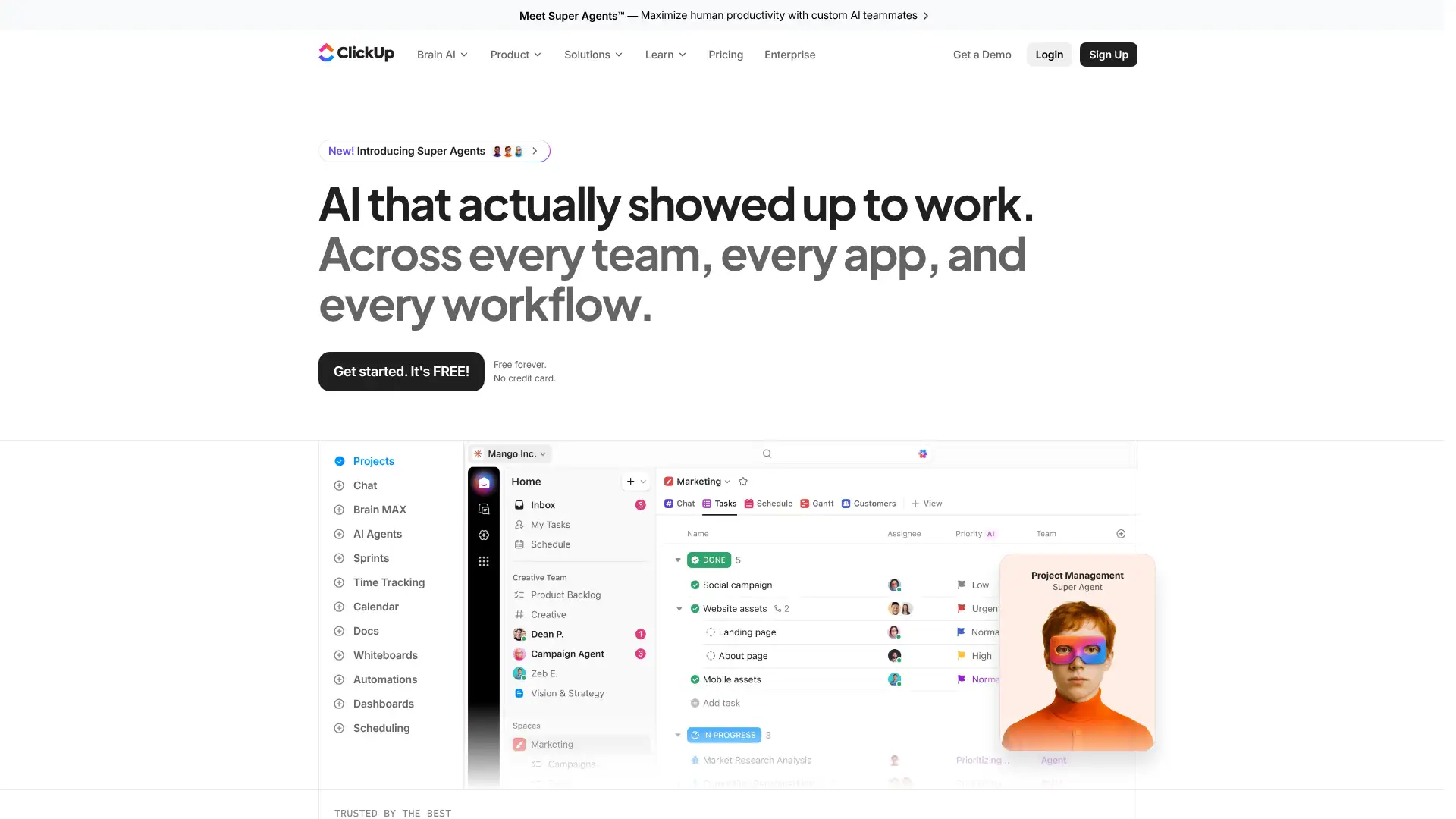
- • 1,000+ automation recipes triggered by task events, status changes, due dates, or custom field updates
- • ClickUp Brain: AI assistant for task creation, summaries, writing, and workflow suggestions (Business plan)
- • Docs with nested pages, collaborative editing, and task embedding for process documentation
- • Multiple views: List, Board, Gantt, Calendar, Table, Workload, Mind Map, and Whiteboard
- • Custom fields and relationship links between tasks across spaces and lists
ClickUp delivers more features per dollar than any direct competitor — unlimited automations, AI, Docs, and advanced views all on the $12/month Business plan. It is the best value play for budget-conscious teams willing to invest in setup and configuration. Teams that want a polished out-of-the-box experience with less learning curve should look at monday.com instead.
Asana
Asana is a project management platform used by over 150,000 organizations including Amazon, Spotify, and NASA. It covers task management, project timelines, goals, and reporting. In 2025 Asana added AI Studio for automated workflow building and AI-powered project summaries via its AI teammates feature. The free Personal plan supports unlimited tasks for up to 10 users. Paid plans start at $10.99/user/month on Starter (formerly Premium). The Advanced plan at $24.99/user/month unlocks Timeline (Gantt), Portfolios, and workload management.
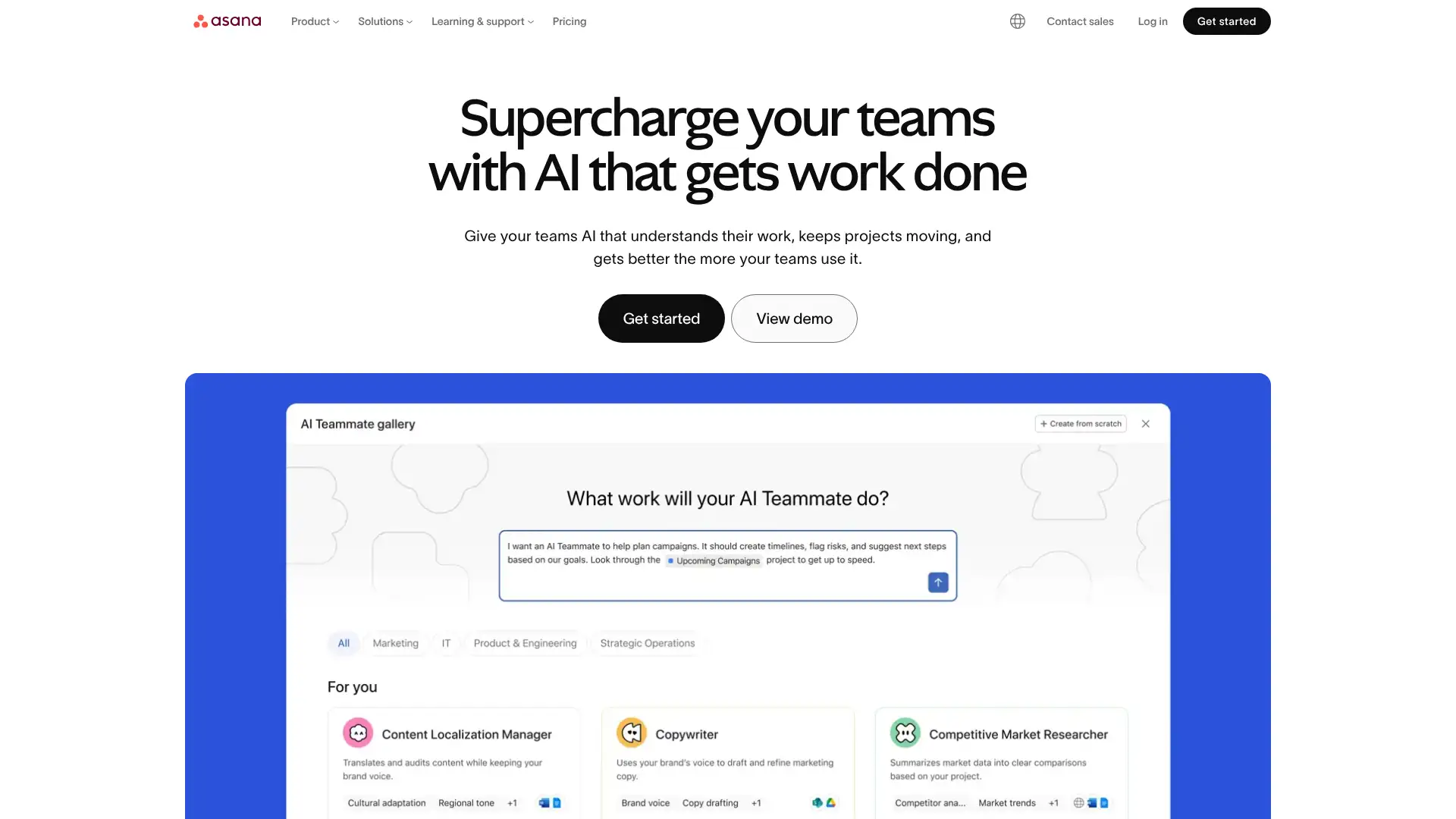
- • Timeline view: Gantt-style dependency mapping to visualize project schedules and critical paths (Starter and above)
- • Goals: connect individual tasks to company OKRs with real-time progress tracking across portfolios
- • AI Studio: build no-code automated workflows triggered by task events, due dates, or status changes
- • 300+ integrations including Slack, Google Workspace, Salesforce, Zoom, and GitHub
- • Portfolios: view status, timeline, and workload across multiple projects in one dashboard (Advanced plan)
Asana is the strongest choice for mid-size and enterprise teams running complex cross-functional projects who need reliable dependency tracking and goal alignment. The free plan is genuinely useful for small teams. For budget-conscious teams that need Gantt and reporting without paying $24.99/user/month, ClickUp offers comparable features at $12/user/month.
Process Street
Process Street is a compliance operations platform that turns SOPs and policies into automated, audit-ready workflows. It is used across HR onboarding, customer success, financial operations, and compliance audits by companies like Airbnb, Spotify, and Salesforce. In 2025 Process Street added an AI compliance agent that monitors execution, flags risks, and enforces policy at each workflow step. Pricing is fully custom and requires contacting sales. The Startup plan is available to companies with fewer than 15 employees and under $2M revenue; Pro plans reportedly start around $1,500/month based on third-party data; Enterprise pricing is custom.
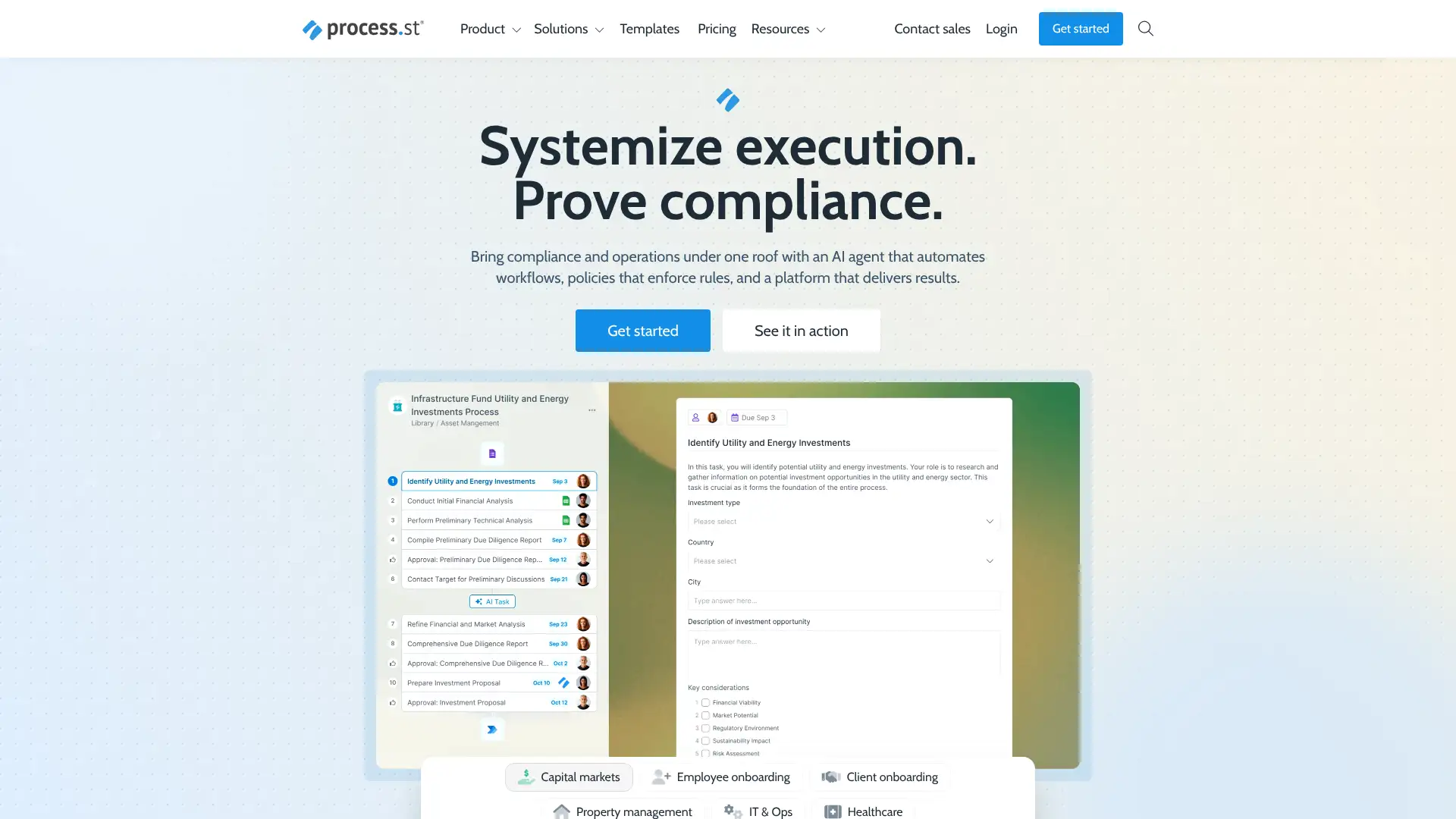
- • AI compliance agent: monitors workflow execution, flags deviations from policy, and enforces audit-ready steps automatically
- • Conditional logic: show or hide tasks based on form responses, creating adaptive checklists that mirror real processes
- • Data Sets: structured database within workflows to store and query process data without a separate database tool
- • 800+ pre-built workflow templates covering HR, finance, IT, and customer success processes
- • Audit trails: complete, immutable record of who completed each step and when, supporting ISO and SOC 2 compliance
Process Street is the top choice for compliance-driven teams in regulated industries who need audit-ready workflow execution with AI-powered policy enforcement. The platform's compliance agent and audit trail features are genuinely best-in-class. However, the lack of published pricing and the high reported cost of Pro plans make it difficult to evaluate without a full sales cycle — teams with smaller budgets should shortlist Tallyfy or Pipefy first.
Kissflow
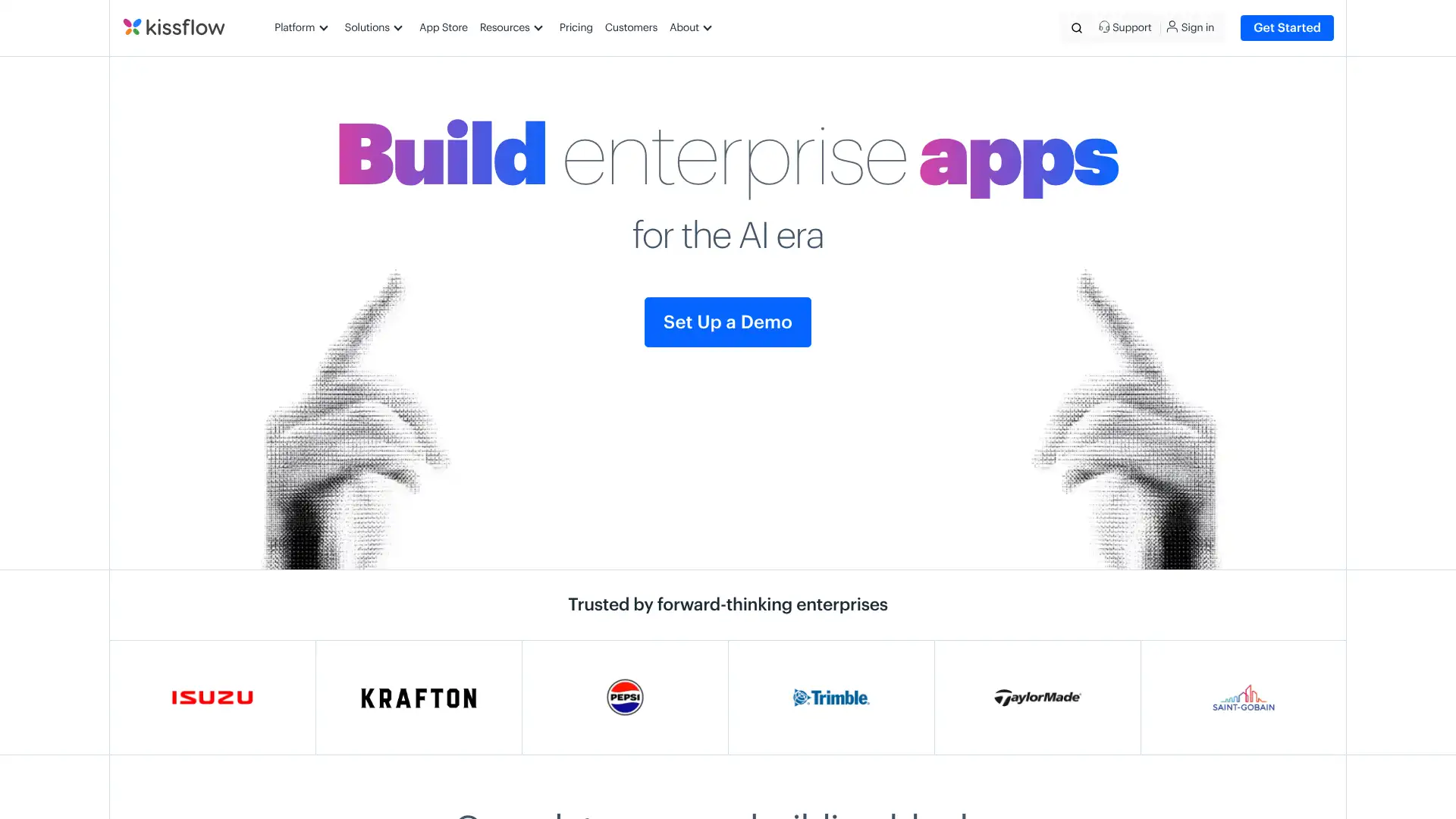
Kissflow is a low-code/no-code workflow automation platform targeting mid-market and enterprise organizations. It offers process management, project tracking, and case management on one platform without requiring code. Used by companies including Motorola, Pepsi, and Airbus, Kissflow supports multi-step approval routing, conditional logic, and SLA tracking. The Basic plan starts at $1,500/month for up to 50 users; Enterprise pricing is custom and typically starts at $3,000-$5,000/month based on third-party reporting. There is no free plan — a 14-day free trial is available. Additional users beyond the base count cost approximately $20-30/month each.
- • Visual workflow designer: drag-and-drop process builder with conditional routing, parallel steps, and SLA alerts
- • No-code form builder: build custom forms for process initiation with field validation and dependent field logic
- • Case management: manage unstructured, non-linear workflows alongside structured approval processes
- • Integration with Salesforce, SAP, and enterprise ERPs via native connectors and REST API
- • Analytics dashboard: real-time process metrics, bottleneck identification, and SLA compliance reporting
Kissflow makes sense for mid-market organizations running 10+ structured business processes with approval workflows, compliance needs, and enough users that the $1,500/month flat fee delivers reasonable per-head economics. Below 20-25 users or for simpler workflow needs, Pipefy or Cflow deliver similar automation capabilities at a fraction of the cost.
Nintex
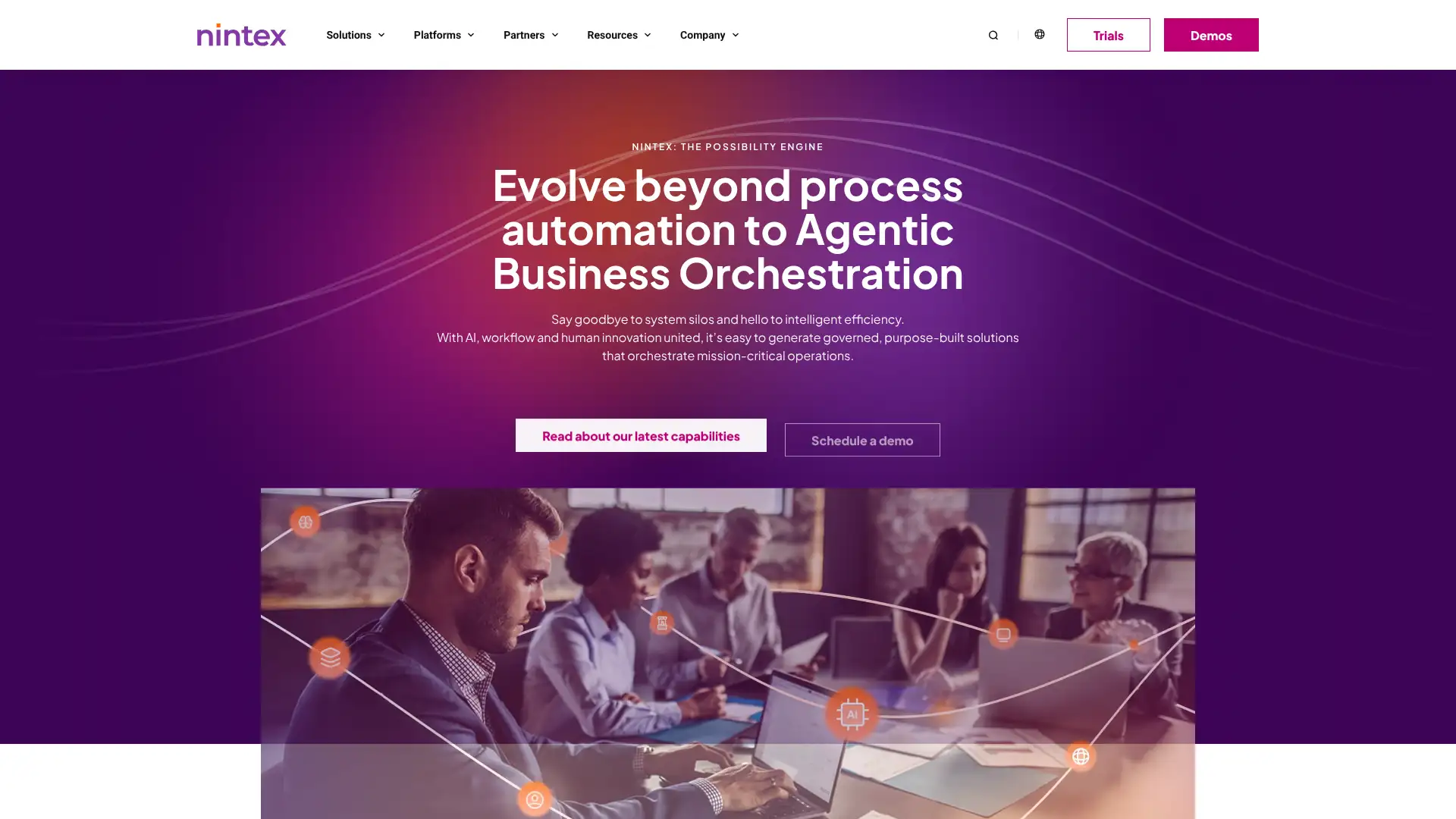
Nintex is a process automation platform specializing in workflow automation, document generation, e-signatures, and RPA, with deep Microsoft SharePoint and Office 365 integration. It is used by over 10,000 customers including Toyota, Vodafone, and the US Air Force. Nintex offers two licensing models: instance-based (pay per workflow execution) and user-based (fixed capacity). Nintex does not publish pricing publicly; estimates from third-party sources put Standard plans at around $625/month for limited workflows, with Enterprise plans reaching $100,000+ per year for large deployments. A free trial is available.
- • Deep SharePoint integration: build forms, workflows, and document automation directly within SharePoint Online and on-prem
- • Document generation: auto-create contracts, proposals, and reports from templates using workflow data (DocGen)
- • Nintex RPA: robotic process automation for desktop and web UI automation on legacy systems (Enterprise plan)
- • Process Manager (Promapp): visual process mapping and documentation tool for creating simple, navigable process libraries
- • 130+ pre-built connectors including Salesforce, ServiceNow, SAP, and Microsoft Dynamics
Nintex is the strongest choice for large organizations deeply embedded in the Microsoft SharePoint ecosystem who need enterprise-grade document automation and RPA alongside workflow management. The opaque pricing and potential for rapid cost escalation make it a poor fit for smaller teams or those wanting transparent SaaS subscription economics.
Pipefy
Pipefy is a business process automation platform used by companies like Visa, Volvo, and GE. It enables HR, finance, operations, and IT teams to automate workflows through a no-code interface. The platform was featured in Gartner's 2026 Emerging Tech report. In 2025 Pipefy added AI Studio for creating and managing AI agents via natural language, and native iPaaS integration. The Free plan supports up to 10 users with 5 processes. Business and Enterprise plans are contact-sales only. Enterprise includes unlimited processes, role-based access, e-signatures, advanced integrations, and SAML SSO. Each plan includes 1,000 AI credits.
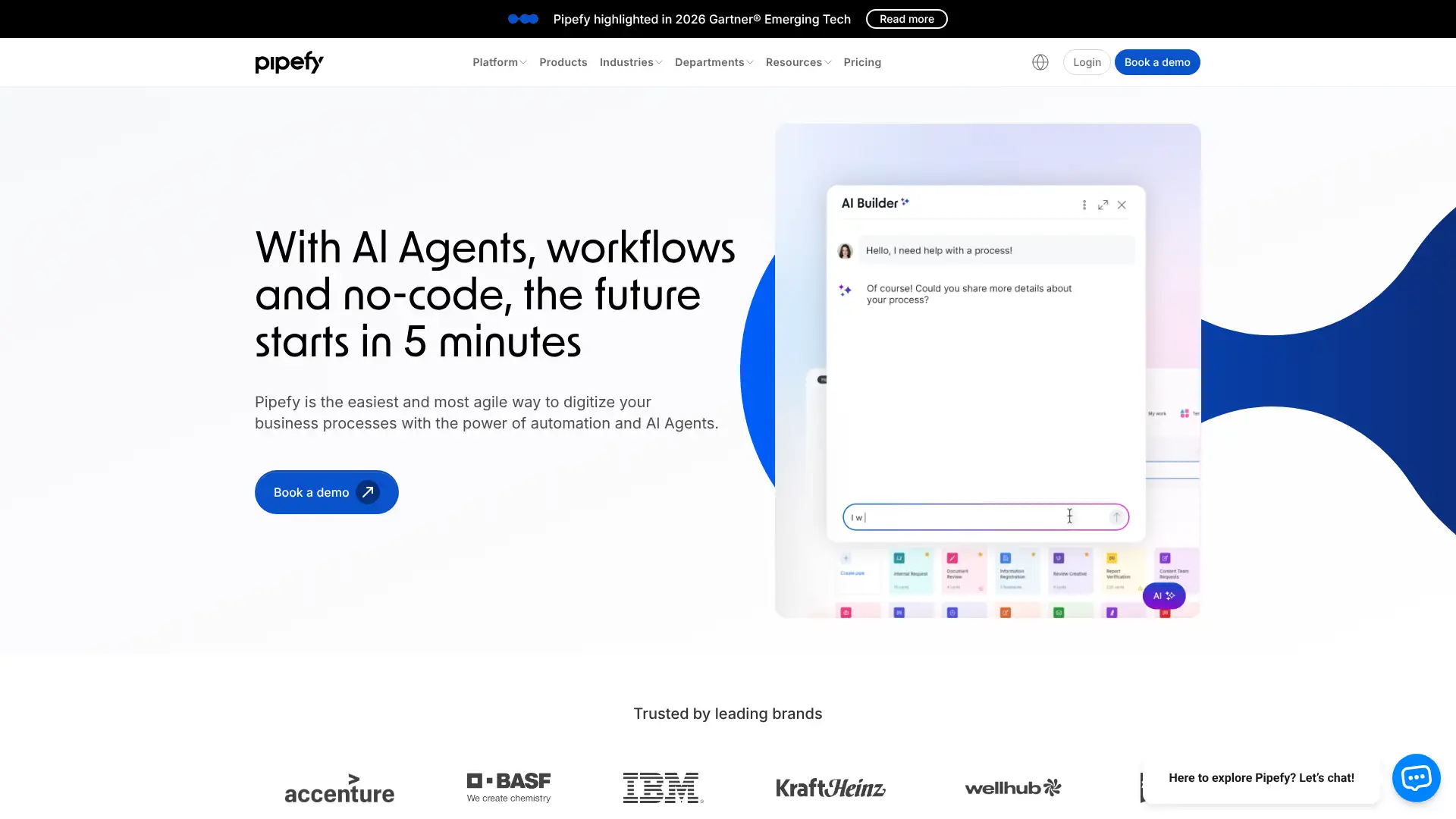
- • AI Studio: build and manage AI agents using natural language prompts to automate repetitive process decisions
- • No-code process builder: design multi-step workflows with conditional logic, SLA alerts, and parallel execution
- • Native iPaaS: connect systems through native integrations with Salesforce, SAP, and 300+ apps without middleware
- • Custom portals: create branded request portals for external users (clients, vendors) without requiring Pipefy accounts
- • Process templates: 300+ pre-built workflows for HR, procurement, customer service, and IT request management
Pipefy is a strong mid-market choice for operations teams wanting to centralize multiple process types on one AI-powered platform. The free tier provides a genuine trial runway. The lack of published pricing on paid plans is a friction point, but Pipefy typically offers more accessible pricing than Kissflow for teams under 50 users while delivering comparable workflow automation depth.
Creatio
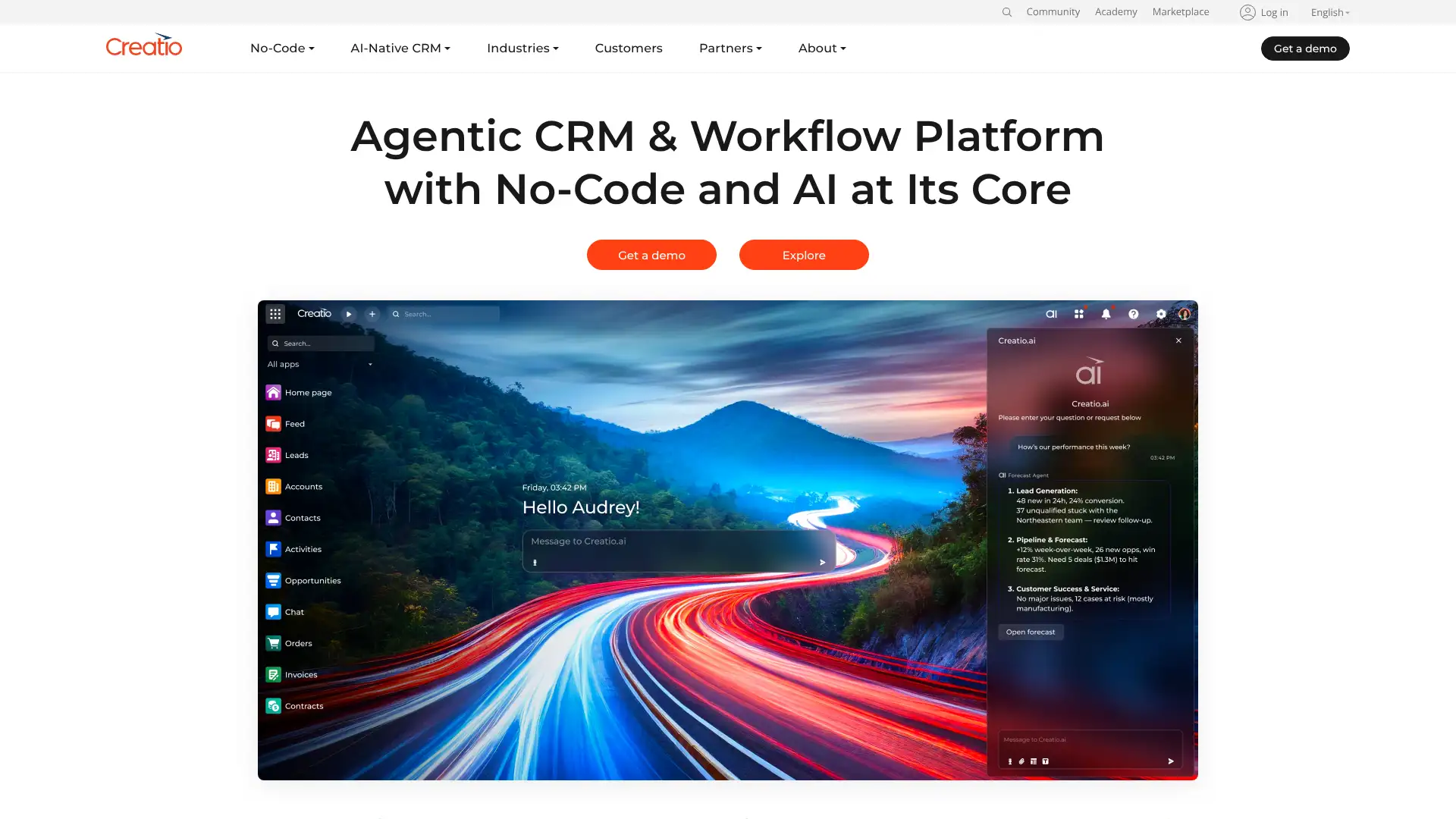
Creatio is an agentic CRM and process automation platform used by companies like Heineken, BNP Paribas, and Toyota. It was recognized as a Leader in Gartner's 2025 Magic Quadrant for B2B Marketing Automation and a Visionary for Sales Force Automation. Creatio uses a modular composable pricing model with platform tiers starting at $25/user/month (Growth), $55/user/month (Enterprise), and $85/user/month (Unlimited). A minimum annual purchase of $10,000 applies. Optional Sales, Marketing, and Service modules cost an additional $15/user/month each. In 2025 Creatio added AI agents natively embedded into the platform with no separate AI license required.
- • No-code process designer: build BPMN-based workflows and AI agent orchestration using a visual canvas without code
- • Creatio.ai: AI agents aware of all workflows and data — embedded natively without a separate AI license or token purchase in base plan
- • CRM suite: Sales, Marketing, and Service modules available as add-ons at $15/user/month each, shareable across departments
- • On-premise and cloud deployment: both options available, supporting data residency and compliance requirements
- • Freedom platform concept: composable architecture allowing incremental adoption of modules without a full platform rip-and-replace
Creatio stands out for organizations that want a unified CRM and process automation platform without vendor lock-in into Salesforce's ecosystem. The AI-native architecture and composable pricing give it a strong long-term value proposition. However, the $10,000 minimum annual spend and complex pricing model make it best suited to organizations with at least 20-30 users running meaningful automation programs.
Appian
Appian is a low-code automation platform founded in 1999, used by large enterprises and government agencies in sectors like financial services, healthcare, and defense. It is a consistent leader in Gartner's Magic Quadrant for Enterprise Low-Code Application Platforms and was ranked #1 for Business Workflow Automation in Gartner's 2024 Low-Code report. Appian unifies workflow, case management, process mining, RPA, and AI in one platform. Pricing is not publicly listed and requires contacting sales. The Community Edition (free) supports development and testing only. Standard, Advanced, and Premium tiers progressively add RPA bot counts, AI action quotas, and analytics capabilities.
- • Unified automation fabric: workflow, case management, RPA, AI, and process mining in a single platform without integration overhead
- • Data fabric: connects to multiple enterprise data sources without copying data, enabling real-time 360-degree views
- • Process mining: automatically discovers actual process flows from event logs to identify automation opportunities
- • FedRAMP certification: available for US government cloud deployments where security certification is mandatory
- • 25-year track record in regulated industries with documented customer deployments reducing process cycle times by 70%+
Appian is justified for regulated enterprises running complex, mission-critical processes where audit trails, FedRAMP compliance, and a unified automation stack are non-negotiable. The 25-year platform maturity and integrated process mining are genuine differentiators. For organizations without regulatory compliance requirements, the opaque pricing and proprietary SAIL language create unnecessary lock-in compared to open-standard alternatives like Camunda.
Decisions
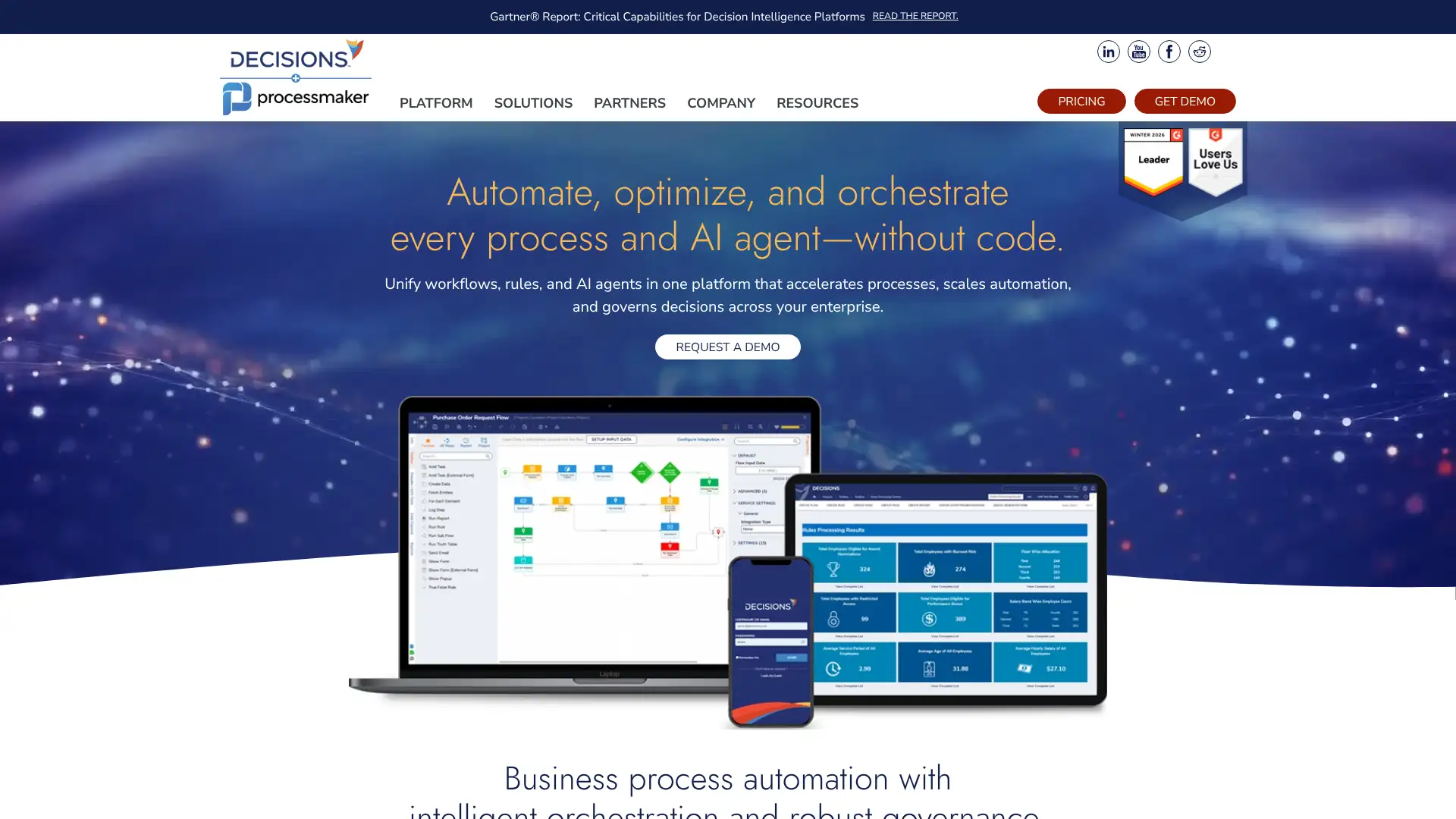
Decisions is an AI-powered process orchestration platform used by organizations in financial services, healthcare, and insurance. In 2025 Decisions merged with ProcessMaker to form a combined Business Orchestration and Automation Technologies (BOAT) platform. The combined platform includes workflow automation, an enterprise rules engine, AI orchestration, intelligent document processing, and process intelligence. Pricing starts at around $6,750/month for the Bronze tier (according to third-party analysis) and scales with infrastructure requirements; Enterprise pricing is custom. All plans include unlimited users, unlimited process modeling, and both cloud-hosted and on-premise deployment options.
- • Enterprise rules engine: build and maintain complex decision logic using matrix tables, reusable rules, and branching conditions without code
- • AI orchestration: configure AI agents that combine LLMs with workflow tool calls to take action, not just answer questions
- • Visual process designer: drag-and-drop workflow builder with form creation, business rules, dashboards, and API integrations
- • Process intelligence: monitor granular agent and workflow execution with audit trails for compliance and regulatory reporting
- • Hybrid deployment: choose cloud-hosted or on-premise deployment to meet data residency and security requirements
Decisions is purpose-built for enterprises where complex, rules-driven decision logic is central to operations — think loan underwriting, insurance claims, or compliance workflows with thousands of routing conditions. The unlimited user model and powerful rules engine are strong differentiators. The ~$6,750/month floor makes it a poor fit for organizations not running significant automation programs that justify the investment.
Pulpstream
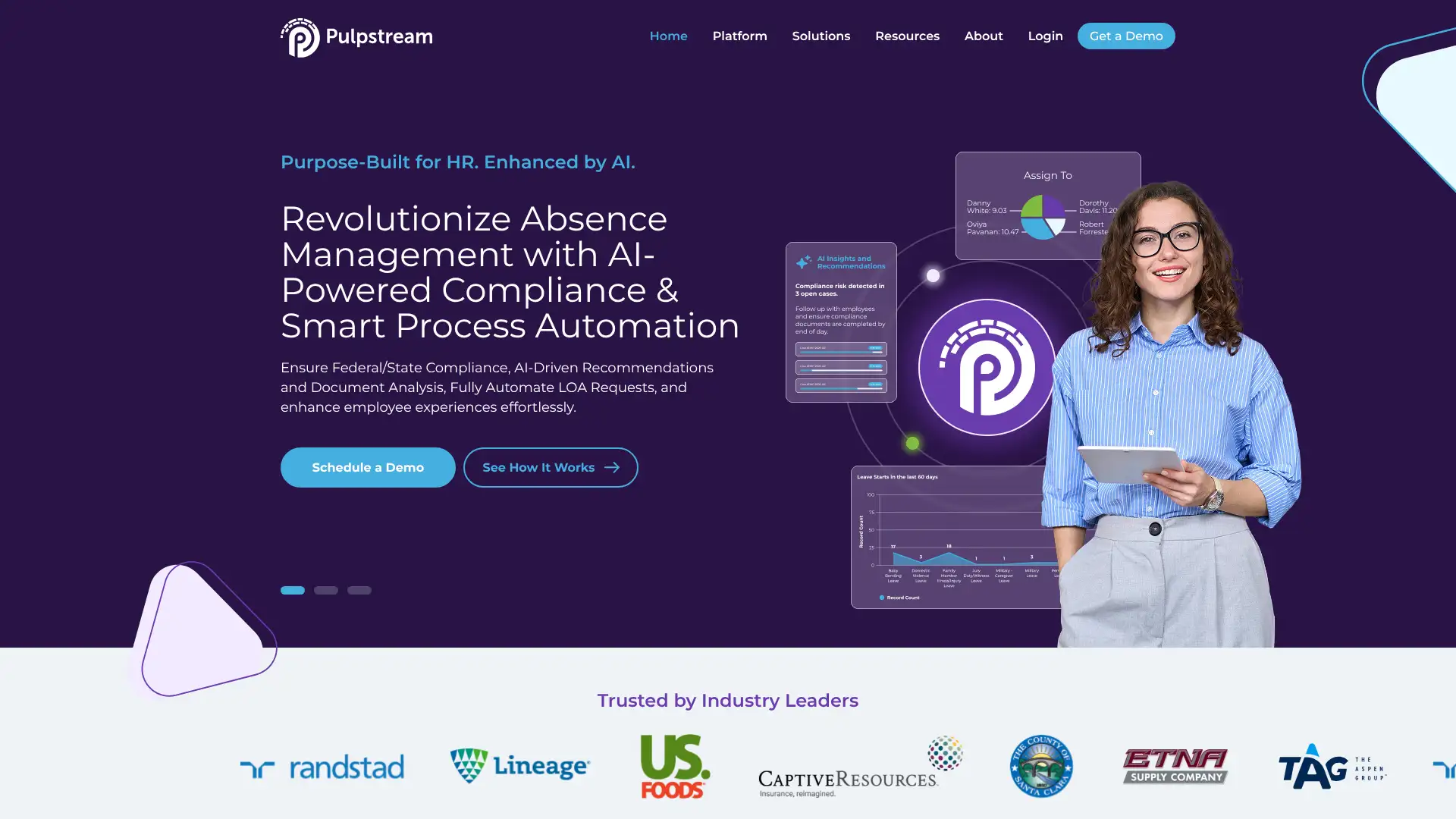
Pulpstream is a no-code process automation platform that specializes in HR and risk operations, particularly leave of absence (LOA), workers' compensation claims, ADA accommodations, and incident management. It is used by US organizations with 300 to 90,000 employees across retail, healthcare, manufacturing, and energy sectors. Pulpstream's AI recommendation engine analyzes state and federal leave regulations automatically, updating workflows when laws change — including Minnesota and Delaware's new paid leave programs that went live in January 2026. Pricing is not published; demo-based sales process required. The platform supports offline mobile access for field workers.
- • AI-powered leave compliance: automatically detects applicable federal and state leave laws, calculates concurrent leave, and generates compliant designation letters
- • Workers' comp workflow automation: centralize incident reporting, claim routing, return-to-work coordination, and insurer communications
- • Offline mobile access: field employees can initiate and complete workflow tasks without an internet connection, with automatic syncing on reconnect
- • Rules engine: configurable decision matrices that route workflows based on employee data, injury type, jurisdiction, or custom variables
- • Integrations via API and SFTP with HRIS platforms, payroll systems, DocuSign, ADP, and Salesforce
Pulpstream is the right choice for US-based organizations with meaningful employee populations where LOA compliance, workers' comp, and HR risk workflows are active pain points. The automatic regulatory update engine alone can eliminate significant legal risk. For organizations needing general-purpose workflow automation across finance, IT, or customer service alongside HR, a broader platform like Kissflow or Pipefy will serve more departments from a single tool.
Pneumatic
Pneumatic is a workflow management platform built for startups and small businesses that prioritizes simplicity and predictable pricing. Its standout feature is a flat-rate pricing model: the Unlimited plan at $99/month covers unlimited users, workflows, tasks, and processes — a strong proposition for growing teams where per-user SaaS costs become significant. The platform includes a library of pre-built workflow templates (lead enrichment, employee onboarding, purchase approvals, hiring) and supports conditional rules, task assignment, and Zapier/Make integrations. A 'Fractional COO' plan at $599/month adds dedicated workflow implementation support.
- • Flat-rate unlimited user pricing: $99/month regardless of team size — no per-seat escalation as the organization grows
- • Pre-built workflow template library: dozens of ready-to-use templates for common business processes (onboarding, approvals, lead routing)
- • Conditional task branching: show or hide steps based on form responses using simple if-then rules
- • Zapier, Make, and API integrations for connecting Pneumatic workflows to external tools
- • Kick-off forms: public-facing forms that external users (clients, vendors) can submit to initiate workflows
Pneumatic is the best budget choice for small businesses of 10+ people who want flat-rate workflow management without per-user charges. The $99/month unlimited pricing model offers real cost advantages over per-seat tools once your team grows past 5-10 members. For teams needing advanced analytics, complex branching logic, or mobile offline access, the simplicity comes at the cost of capability.
Smartsheet
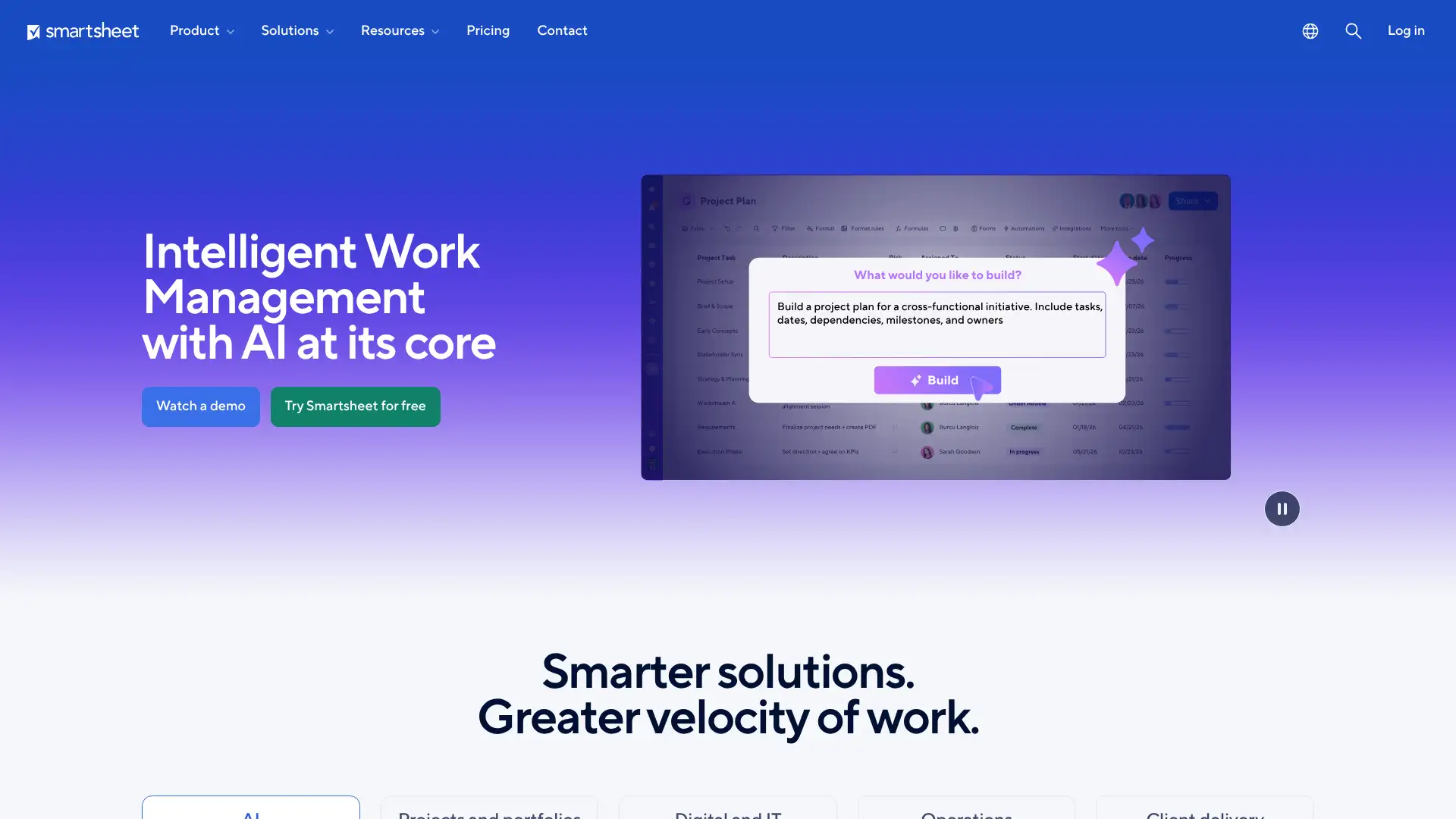
Smartsheet is a collaborative work management platform used by over 80% of Fortune 500 companies including Apple, Google, and Amazon. It combines spreadsheet-style sheets with project management views (Gantt, calendar, board), workflow automation, and reporting. In 2024-2025 Smartsheet overhauled its pricing model to a user subscription model (USM) based on 'Members' — licensed users who can create and edit. The Pro plan starts at $9/Member/month for up to 10 members; Business at $19/Member/month for unlimited members. Smartsheet was recognized as a Leader in the 2025 Gartner Magic Quadrant for Collaborative Work Management for the third consecutive year.
- • Gantt and timeline views: linked tasks, dependencies, and baseline tracking for project schedules
- • Workflow automations: trigger-based alerts, approvals, and row actions; capped at 250/month on Pro, unlimited on Business
- • Document Builder: mail-merge style document generation from sheet data (Business and above)
- • WorkApps: build lightweight internal web apps and portals from sheet data without code (Enterprise)
- • Resource Management add-on: team capacity planning, utilization tracking, and time/expense reporting
Smartsheet is the right choice for organizations that need enterprise-grade project and work management with a familiar spreadsheet paradigm and strong reporting. The Business plan at $19/member/month covers most team needs adequately. Be vigilant about premium app add-ons at renewal — they can significantly inflate total cost beyond the published per-seat rate.
Jotform
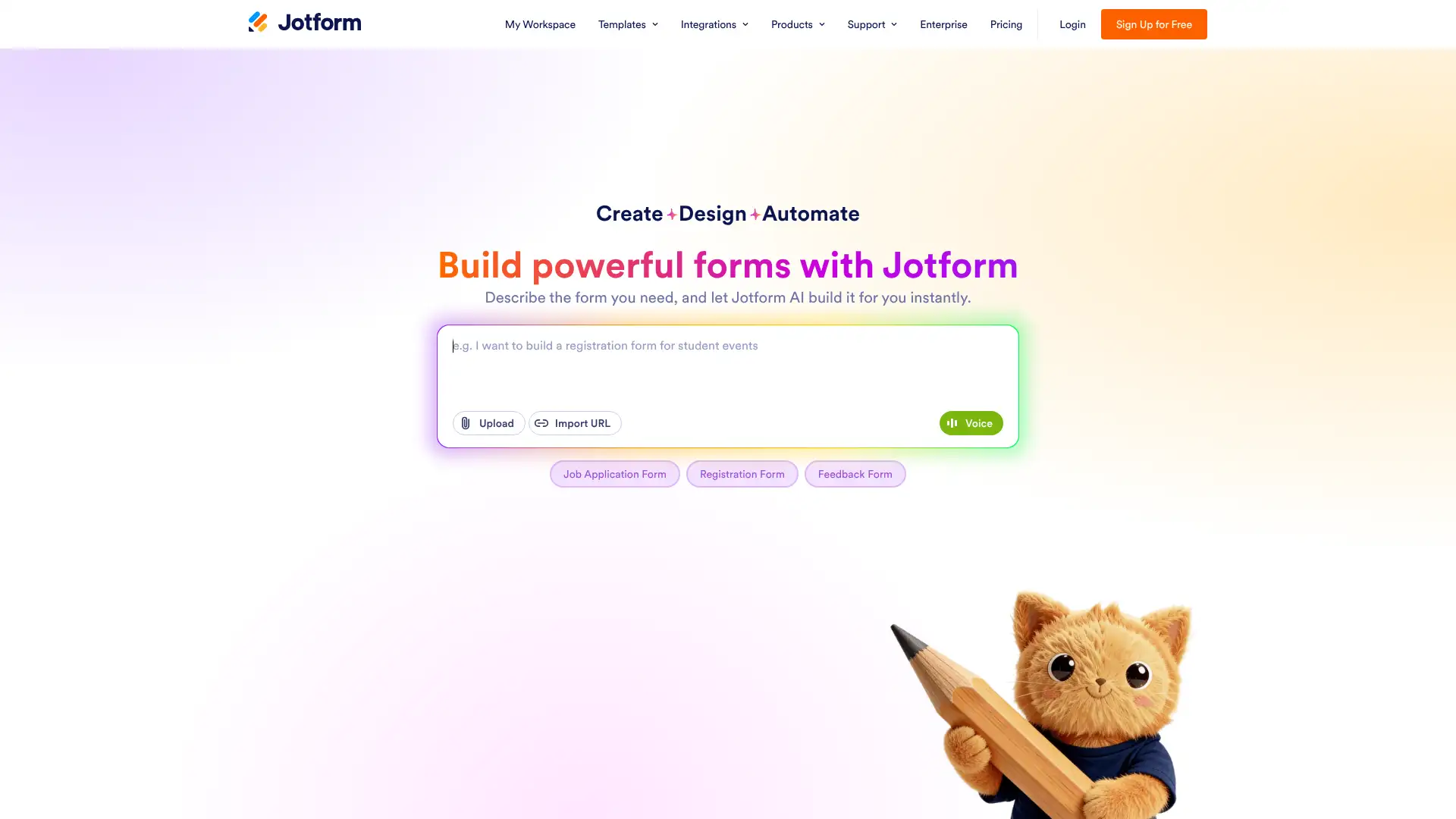
Jotform is a no-code form builder and workflow platform used by over 25 million users. It goes beyond forms to include approval workflows, e-signatures, payment collection, and AI Agents that handle conversational form submissions. In 2025 Jotform integrated GPT-4-based AI Agents that can guide respondents through forms, validate inputs, and route submissions. The free Starter plan allows 5 forms and 100 monthly submissions; paid plans start at $34/month (Bronze, annual) and scale to $99/month (Gold). HIPAA compliance is available only on Gold and Enterprise plans. Over 100 integrations include Google Sheets, Salesforce, PayPal, and Zapier.
- • Drag-and-drop form builder with 10,000+ templates for surveys, registration, payments, and intake forms
- • Jotform Workflows: approval chains triggered by form submissions, with multi-step routing, conditional approvals, and automated email notifications
- • AI Agents: GPT-4 powered conversational assistants that guide form respondents in real time with voice and chat support
- • Payment collection: 30+ payment gateway integrations (PayPal, Stripe, Square) built directly into forms
- • HIPAA compliance: end-to-end encryption and PHI management on Gold and Enterprise plans for healthcare data collection
Jotform is the go-to for teams whose workflows are fundamentally driven by data collection — intake forms, registration, payments, or healthcare records. The AI Agents and HIPAA support on accessible pricing tiers are meaningful differentiators. If your automation needs extend significantly beyond form submissions, a dedicated BPM tool will serve you better as the primary platform with Jotform feeding into it.
Typeform
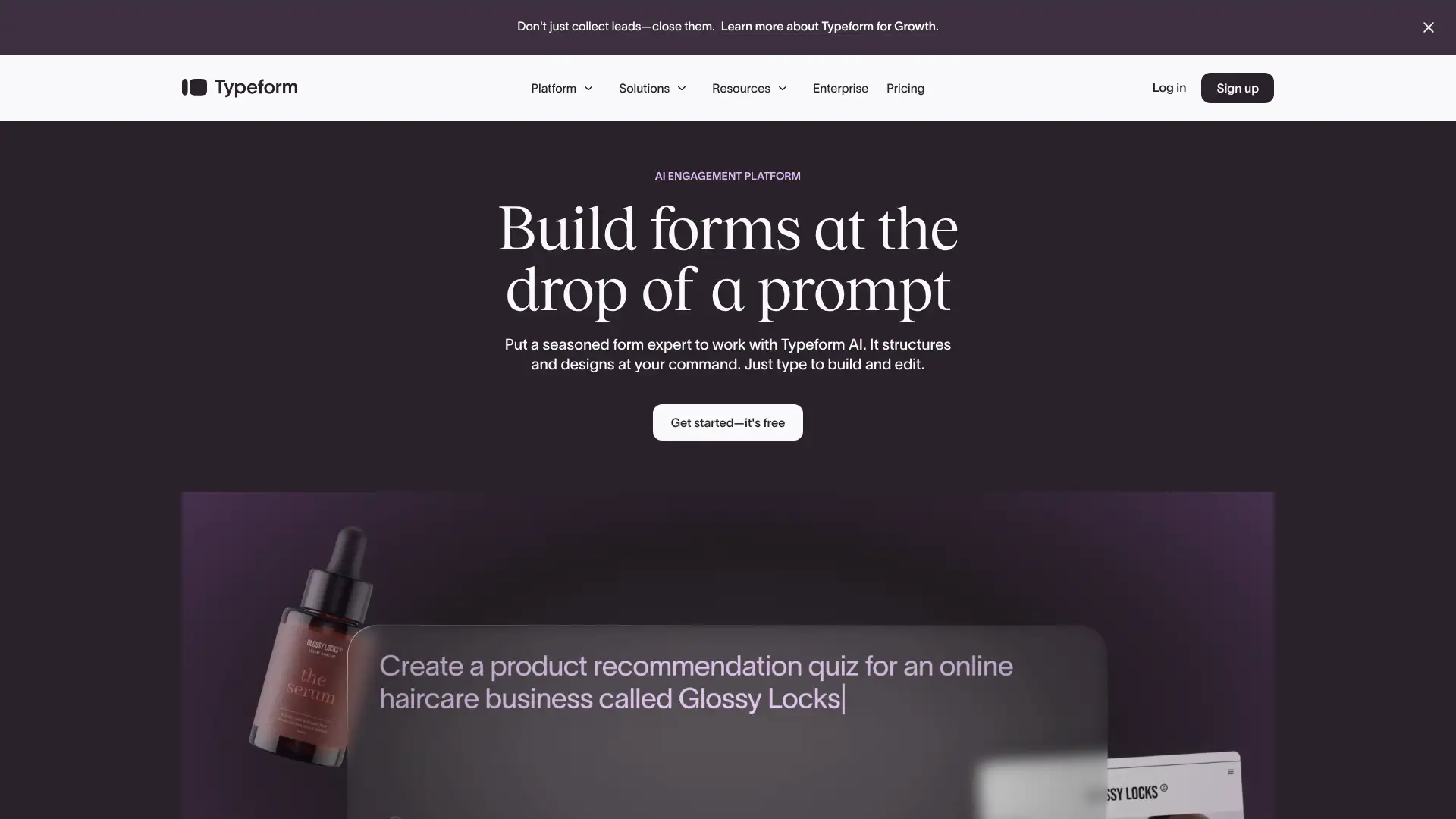
Typeform is a form and survey platform known for its distinctive one-question-at-a-time conversational UX, which drives higher completion rates than traditional forms. It is used by 65% of Fortune 500 companies. Typeform has three pricing tracks: Core plans for general form building, Growth plans for lead generation, and Talent plans for HR workflows. Core plans start at $25/month (Basic, billed annually) with 100 responses/month. Growth plans start at $166/user/month (annual) for Essentials and target marketing teams with enrichment and AI tools. The free plan is limited to 10 responses/month.
- • Conversational form UX: one question shown at a time with logic jumps that adapt based on prior answers
- • 300+ integrations including HubSpot, Salesforce, Slack, Mailchimp, and Google Sheets for automatic data routing
- • Video questions and answers: asynchronous video responses for job applications and customer research (Talent plan)
- • Growth plans: AI-powered lead enrichment, duplicate response prevention, and advanced qualification scoring
- • Logic jumps: conditional branching that shows different follow-up questions based on each respondent's previous answers
Typeform is worth the premium for teams where form completion rate is a meaningful KPI — lead gen, customer research, or employee surveys where engagement affects data quality. For teams running paid advertising, the Growth plan at $166/month is required for CAPTCHA, making it a significant step up in cost. Teams that just need functional forms without the conversational UX premium should start with Jotform.
Cflow
Cflow is a cloud-based no-code workflow automation platform developed by Cavintek and aimed at small to mid-sized businesses. It focuses on approval-based workflows such as purchase order approvals, expense reimbursements, leave requests, and invoice processing. In 2025 Cflow added Seyarc AI, an AI assistant that builds workflows from natural language descriptions. The platform serves companies like Godrej Capital, Del Monte, and L&T. Pricing is straightforward: the Joy plan starts at $11/user/month (annual) for teams up to 10 users; the Scale and Infinity plans extend capabilities for larger deployments. A 14-day free trial is available with no credit card required.
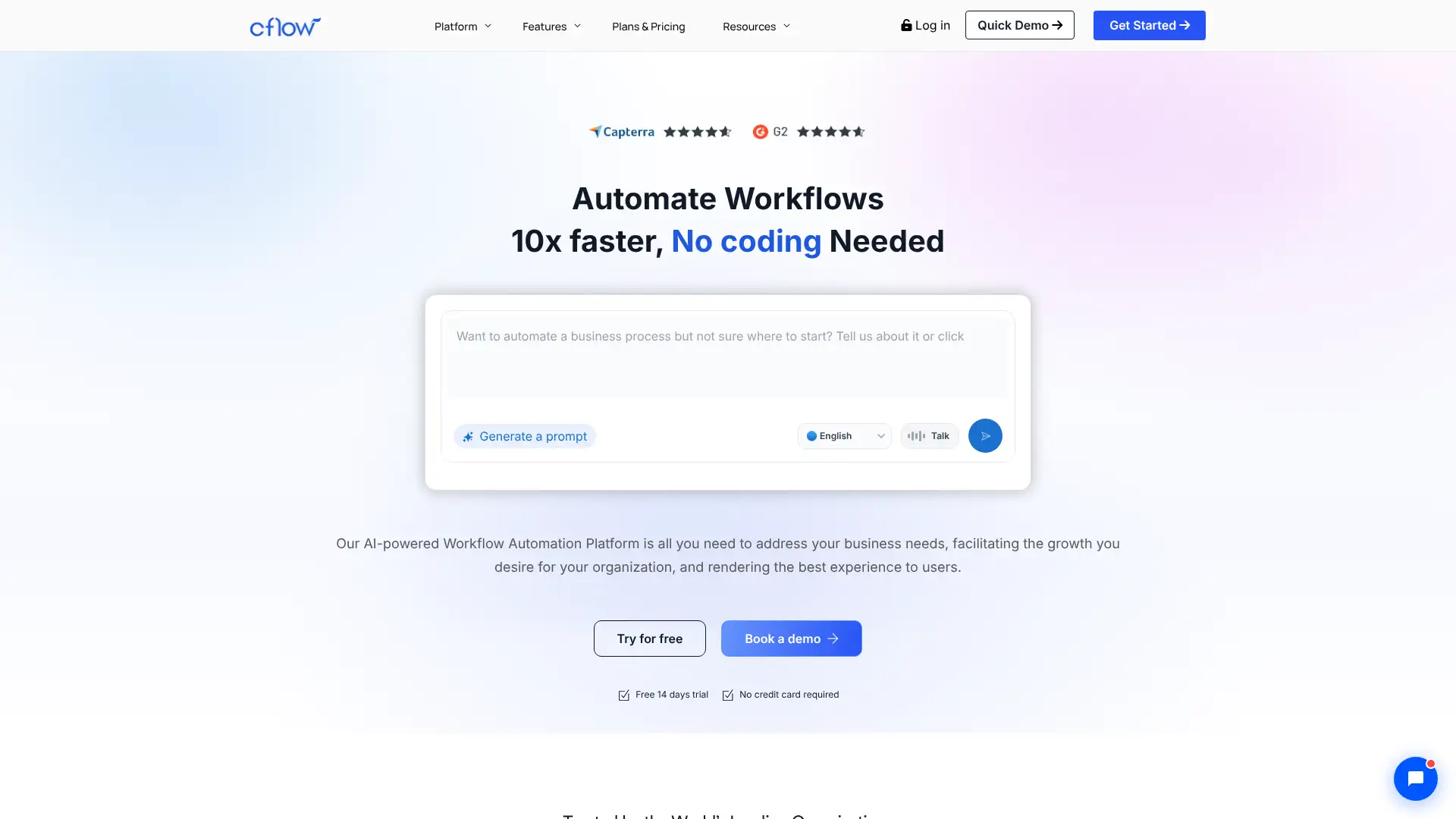
- • Seyarc AI: natural language workflow builder that converts process descriptions into automated workflows in minutes
- • Drag-and-drop form designer with conditional fields, validation rules, and file attachment support
- • Multi-level approval routing with parallel branches, escalation rules, and time-based reminders
- • Activity monitor: real-time dashboard showing in-progress workflows, bottlenecks, and SLA adherence
- • Integrations with Slack, Gmail, Google Drive, Microsoft Outlook, HubSpot, and Zapier
Cflow is an excellent value for SMEs running approval-based workflows where the primary need is routing, tracking, and notification — not complex multi-department orchestration. At $11/user/month it undercuts most competitors, and Seyarc AI significantly reduces setup friction. Teams requiring sophisticated reporting, mobile offline access, or BPMN-standard process modeling should look at Flokzu or Camunda.
Flokzu
Flokzu is a cloud-based BPM and workflow automation platform from Uruguay, built on BPMN 2.0 standards. It serves over 1,500 organizations across the Americas and Europe in industries including construction, manufacturing, healthcare, and education. The platform's BPMN drag-and-drop modeler, custom form builder, and SLA management tools allow teams to deploy structured processes quickly. A free Starter plan covers up to 50 process instances/month; Standard ($18/user/month) and Premium ($23/user/month) plans unlock unlimited instances and storage. Flokzu actively supports nonprofit and educational organizations with discounted pricing.
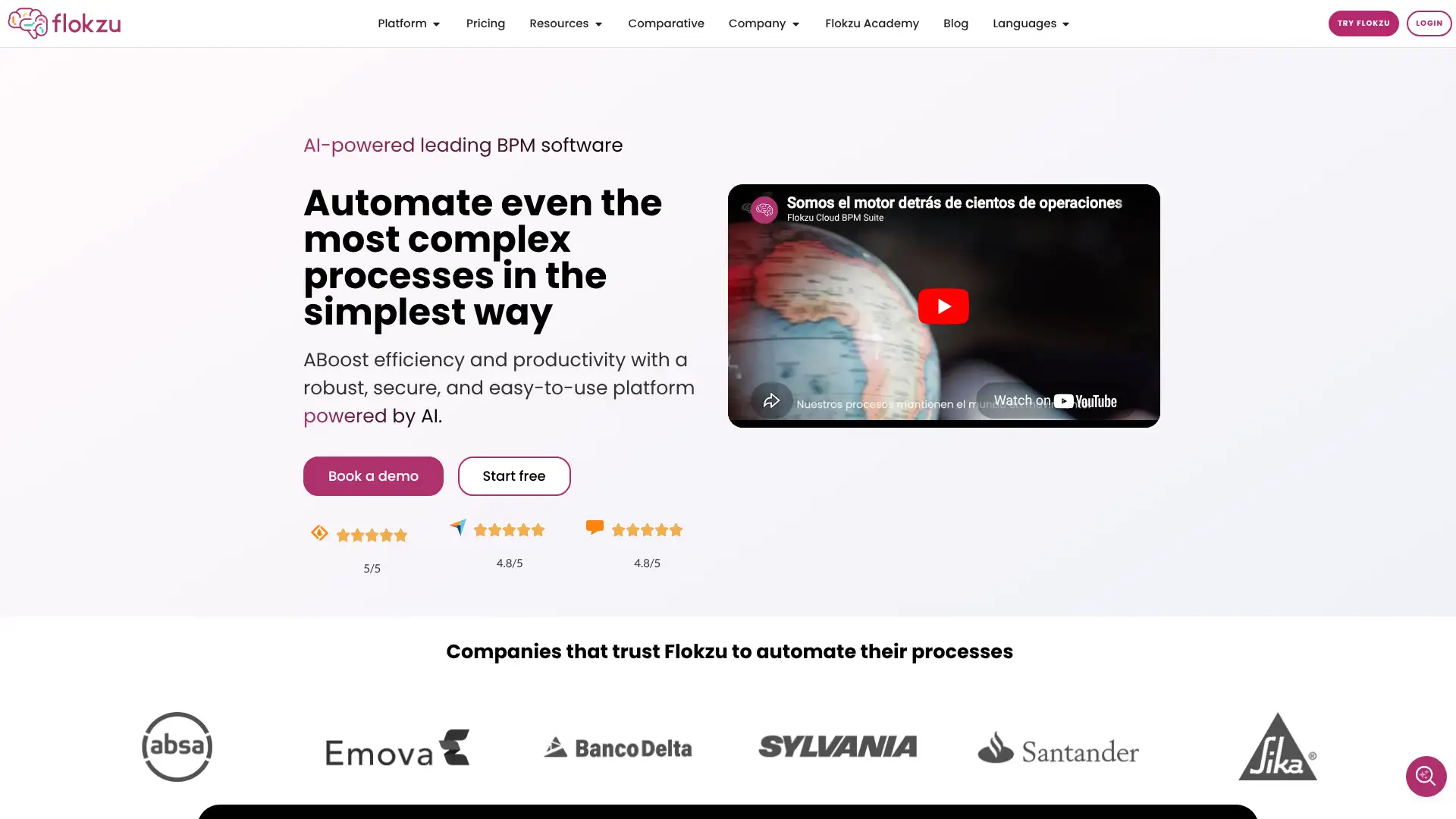
- • BPMN 2.0 drag-and-drop modeler: design processes using international BPM standards with tasks, gateways, and events
- • Custom form builder: define forms for each process step with multiple field types, auto-populated content, and conditional visibility
- • SLA management: set time-based deadlines per step with automated alerts when tasks approach or breach SLAs
- • Audit trail: every action, change, and approval is logged with timestamps for compliance and process review
- • On-premise deployment option: host Flokzu on your own servers to meet data sovereignty or compliance requirements
Flokzu is the right BPMN platform for organizations that want standards-based process automation without the complexity or cost of enterprise BPM suites. The free tier with unlimited users and the engineer-delivered support make it a low-risk entry point. For organizations needing sub-second automation at scale or deep developer API control, Camunda's technical architecture is a better fit.
Tallyfy
Tallyfy is a workflow automation platform focused on running repeatable, documented processes across teams and with external clients. Used by professional services firms, HR departments, and operations teams, it offers conditional branching, real-time tracking, and client portals for external process participation. Pricing is straightforward: Full Seats (workflow creators) cost $300/year ($25/month equivalent) and Light Seats (task completers only) cost $100/year. All paid plans include unlimited guests for free. SSO is included at no extra cost. A 14-day trial requires no credit card on Starter/Pro tiers.
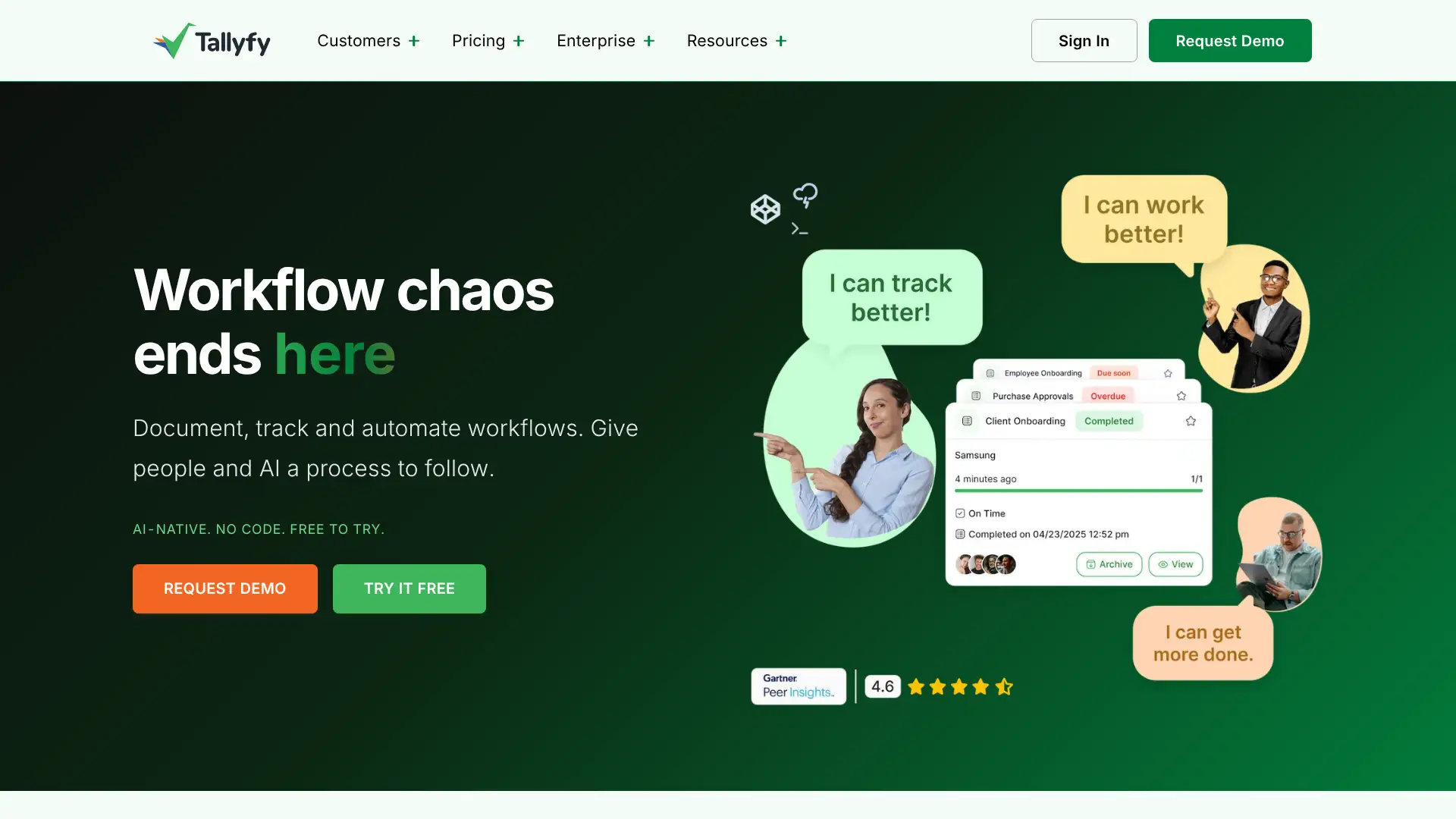
- • Full/Light Seat model: pay $300/year for template creators and $100/year for task completers, dramatically reducing per-user cost for large teams
- • Client portals: external guests participate in workflows for free, enabling transparent client-facing processes
- • Conditional rules: show or hide tasks based on form answers, creating adaptive processes that respond to real-world decisions
- • AI-powered workflow features: AI assists with template creation and step suggestions across all paid plans
- • Real-time dashboard: track all active process runs with status, completion rates, and bottleneck visibility
Tallyfy's Light Seat pricing model makes it uniquely cost-effective for organizations where a small team of process owners runs workflows for a large population of task completers — professional services, client onboarding, and HR operations are ideal use cases. The unlimited guest feature and free SSO add real value. For organizations needing offline access or deeper reporting without add-ons, Cflow or Flokzu offer better base-plan comprehensiveness.
Comindware Tracker
Comindware Tracker (now marketed as CMW Tracker / CMW Platform) is a no-code workflow automation and business process management tool developed by Comindware. It is used by mid-size and enterprise organizations across IT, manufacturing, finance, and government for task management, process automation, and social collaboration. The platform features a graphical workflow builder, time tracking, Outlook integration, and mobile access. Pricing starts at approximately $24.99/user/month per third-party estimates; official pricing requires contacting sales. A free trial is available.
- • Graphical drag-and-drop workflow builder with no-code form design and field configuration
- • Microsoft Outlook integration: receive and process workflow tasks directly within Outlook without leaving the email client
- • Time tracking: log time against tasks and processes with expense tracking and project cost monitoring
- • Role-based access control with granular user permissions and social collaboration features (comments, mentions)
- • Both cloud (SaaS) and on-premise deployment options to meet different infrastructure requirements
Comindware Tracker is worth evaluating for Microsoft-centric organizations where the Outlook integration and bundled time tracking are meaningful differentiators. The combination of cloud and on-premise deployment with no-code workflow configuration covers a broad range of enterprise requirements. Compared to Flokzu or Cflow, the higher estimated price and opaque pricing model make it harder to recommend without a detailed head-to-head proposal.
Nintex Process Manager (Promapp)
Nintex Process Manager, formerly known as Promapp (acquired by Nintex in 2019), is a process management and documentation tool designed to make business processes simple, searchable, and navigable by all employees. Used by over 500 organizations including Coca-Cola, McDonald's, Toyota, and Johnson & Johnson, it converts complex Visio flowcharts and procedure documents into clean, step-by-step process maps. In 2025 Nintex added AI Process Capture (automated process recording) and AI Process Generator (generates process maps from natural language prompts). Pricing is enterprise-based and custom; monthly subscription models are available but require contacting Nintex sales.
- • AI Process Capture: automatically records process steps as employees perform them, reducing manual documentation time
- • AI Process Generator: converts a natural language description into a formatted, role-assigned process map based on industry best practices
- • Process ownership model: each process has an assigned owner who is accountable for updates and improvement — not just IT
- • Feedback and improvement tools: staff can submit feedback on any process step, creating a continuous improvement loop
- • Risk, quality, and compliance management: link processes to ISO, regulatory, and internal policy requirements
Nintex Process Manager is the best tool for organizations that want to build a living, searchable process library that employees actually use — not just documentation that sits in SharePoint folders. The AI capture and generation features in 2025 substantially reduce the cost of documentation. For organizations that need both process documentation AND automated workflow execution, budget for both Process Manager and Nintex Automation Cloud or consider Bizagi's unified approach.
SAP Signavio
SAP Signavio is an enterprise business process transformation suite acquired by SAP in 2021. It combines process modeling, process mining, and workflow automation in a single platform, with deep integration into SAP S/4HANA and other SAP solutions. Used by global enterprises for digital transformation programs, it enables organizations to discover, analyze, and optimize processes using event-log-based process mining alongside collaborative process design. Pricing is subscription-based and entirely custom, requiring a quote from SAP — no published rates exist. Enterprise licenses are known to be expensive; user reports cite £2,500/year for enterprise-level and £30/year for collaboration licenses, purchased in blocks of 500.
- • Process mining: automatically discover actual process flows from SAP and non-SAP event logs, not assumed models
- • Conformance checking: compare designed processes against actual execution to identify deviations and compliance gaps
- • BPMN collaborative modeling: real-time multi-user process design with version history and approval workflows
- • Deep SAP integration: pre-built connectors for S/4HANA process data, enabling transformation programs to use live data
- • Customer journey modeler: map end-to-end customer experiences alongside operational processes for CX transformation
SAP Signavio is the right choice for large SAP-centric organizations running major transformation programs where process mining, conformance checking, and modeling need to work against live SAP data. The value proposition narrows significantly for non-SAP environments. The opaque and reportedly high post-acquisition pricing makes an honest TCO assessment essential before committing.
Bizagi
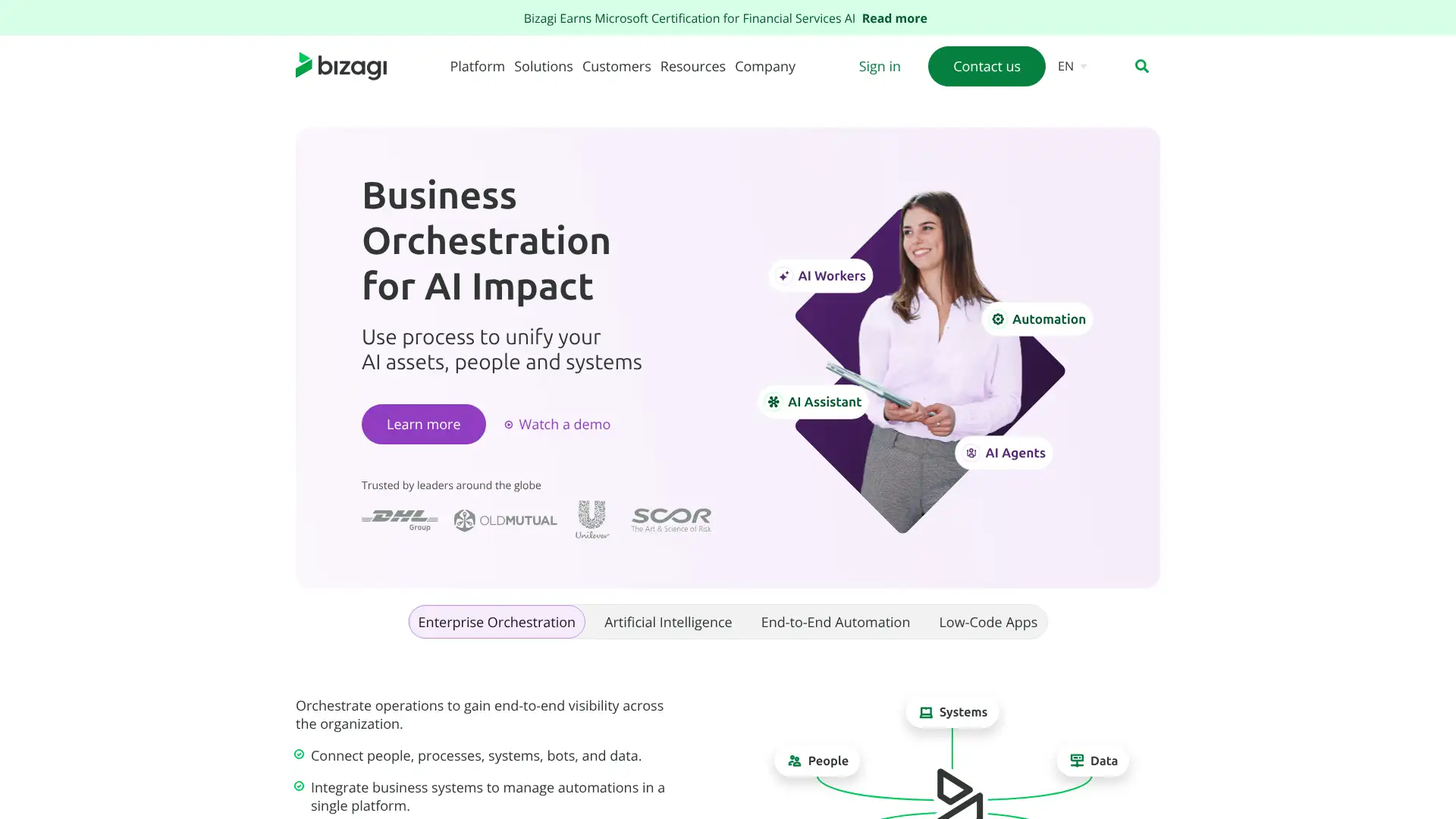
Bizagi is a low-code intelligent process automation platform used by over 1,000 enterprises including Banco Itaú, Volkswagen, and Qatar Airways. It provides BPMN-based process modeling, a low-code app builder, and AI agent capabilities under one platform with a consumption-based pricing model. Unlike per-user licensing, Bizagi charges based on process executions and interactions, with no hard limits on users or applications within a subscription. The platform supports cloud (BonitaCloud), on-premise, and hybrid deployments. A 30-day free trial is available. Enterprise pricing is custom and requires a demo request.
- • BPMN 2.0 process modeling with a visual drag-and-drop designer and simulation for testing process logic before deployment
- • Consumption-based pricing: no user or app limits within a subscription — costs scale with actual execution volume
- • AI Agents: orchestrate AI-driven decisions and human tasks within business processes using built-in Bizagi AI capabilities
- • 130+ pre-built connectors including Blue Prism, SAP, Salesforce, Power BI, and Tableau
- • Process analytics: built-in monitoring dashboards and KPI tracking with real-time visibility into process performance
Bizagi is a strong enterprise BPM platform for organizations that want BPMN modeling, AI agents, and unlimited user adoption without per-seat friction. The consumption model aligns costs with actual value delivered. Mid-market organizations or teams wanting transparent pricing before a sales call should evaluate Flokzu or Camunda, both of which publish pricing publicly.
Bonitasoft
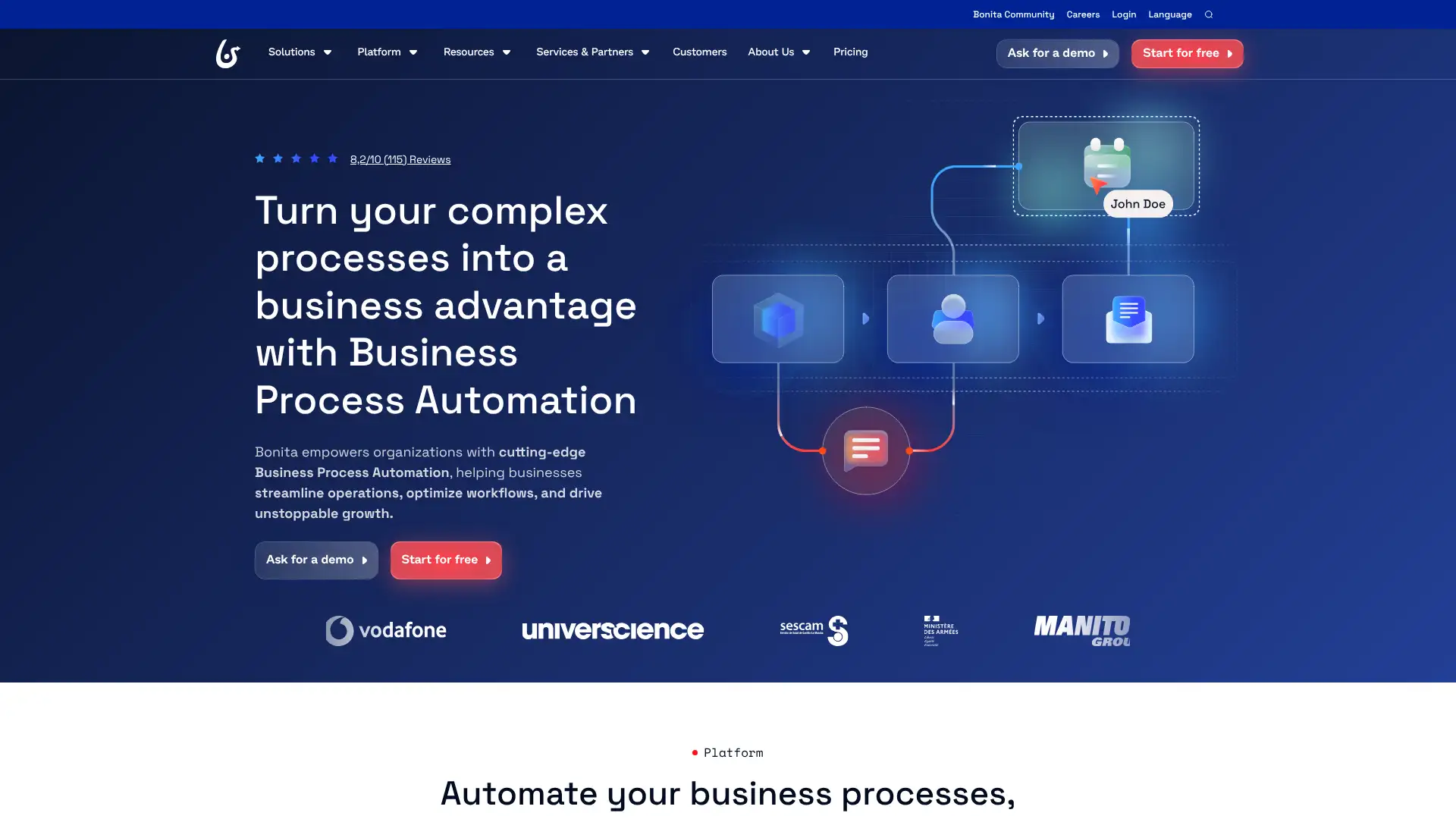
Bonitasoft provides Bonita, an open-source and extensible BPM platform for building process-driven applications. Used by enterprises in telecom, publishing, healthcare, and manufacturing worldwide, Bonita supports BPMN 2.0 and CMMN, with a developer-friendly Java/REST API for custom integrations. The Community Edition is free (Apache 2.0 license) for production use, making it one of the few enterprise BPM tools with no licensing cost for self-hosting. Paid subscription editions (Access and Scale) add enterprise support, high availability, and a low-code designer. Subscription pricing is custom; the Community Edition is permanently free.
- • BPMN 2.0 and CMMN standards support: models execute both structured (BPMN) and adaptive/case management (CMMN) processes
- • Open-source Apache 2.0 license: free to self-host, fork, modify, and build commercial products on top without licensing restrictions
- • Rich integration library: pre-built connectors for SAP, Salesforce, Oracle, and any JDBC/HTTP endpoint; custom connectors can be built with Java
- • Low-code process designer (subscription editions): visual form builder, UI widget library, and deployment tools accessible to non-developers
- • Multi-instance parallel tasks: execute the same task step simultaneously for multiple users or data items, handling bulk operations natively
Bonitasoft is the right choice for IT teams with Java expertise who want to build custom BPM applications on a mature, fully open-source foundation without licensing costs. The Community Edition's production-readiness is a genuine differentiator. Organizations without development resources should opt for a more user-accessible platform like Bizagi or Flokzu, and developer teams targeting modern cloud-native orchestration should evaluate Camunda 8 or Flowable.
Camunda
Camunda is a process orchestration platform used by over 700 organizations including Atlassian, ING, Vodafone, and athenahealth. It enables developers to automate complex, high-volume workflows using BPMN and DMN standards with an API-first architecture. Camunda 8 introduced Zeebe, a horizontally scalable cloud-native workflow engine capable of processing hundreds of thousands of actions per second. In 2025 Camunda launched agentic process orchestration for governing AI agents with BPMN. The SaaS Free plan (collaborative modeling, 5 users) and Self-Managed Free (non-production) are available at no cost. Production SaaS and Self-Managed Enterprise plans require custom quotes.
- • Zeebe engine: horizontally scalable cloud-native BPMN workflow engine, performance-tested at 300,000+ actions/second
- • BPMN and DMN standards: industry-standard process and decision modeling with full separation of business logic and implementation
- • Agentic process orchestration: govern AI agents with BPMN, adding audit trails, human oversight gates, and retry logic to LLM-based automation
- • Multi-language SDKs: official clients in Java, Go, Python, TypeScript, .NET, and Ruby for polyglot team adoption
- • Operate and Optimize: cloud-hosted monitoring dashboards and process analytics for production workflow visibility
Camunda is the best choice for enterprises and developer teams that need BPMN-compliant, high-throughput workflow orchestration with explicit governance for both traditional and AI-agent processes. The Zeebe engine's scalability and the BPMN standard's business/IT collaboration model are unmatched in this category. Non-BPMN-centric teams needing simpler durable execution should evaluate Temporal; organizations seeking more accessible pricing should start with Flowable.
Flowable
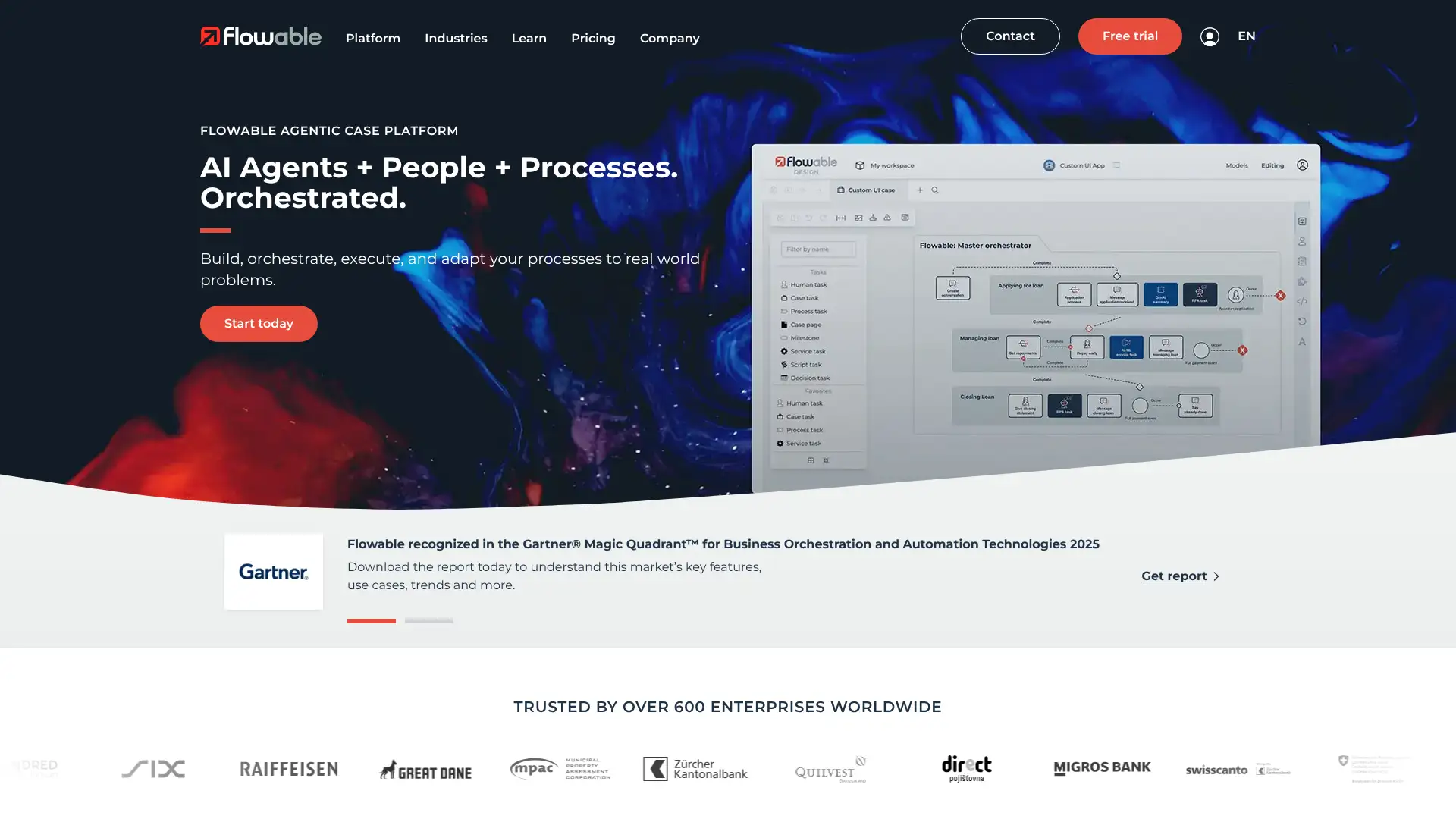
Flowable is a Swiss BPM platform offering open-source workflow engines and a commercial low-code intelligent automation platform for enterprises. It supports all three OMG standards simultaneously: BPMN (structured processes), CMMN (adaptive case management), and DMN (decision rules). The open-source Community Edition has over 5,000 GitHub stars and is Apache 2.0 licensed. Used in financial services, insurance, healthcare, and public sector, Flowable supports both cloud and on-premise deployment. In 2025 Flowable added agentic BPM capabilities for orchestrating AI-assisted non-linear processes. Commercial pricing is user-based and contact-sales only.
- • Triple standard support: BPMN 2.0, CMMN 1.1, and DMN 1.3 in a single platform — covering structured, adaptive, and rule-based processes
- • Agentic BPM: orchestrate AI agents with event-reactive logic, human-in-the-loop gates, and compliance enforcement for adaptive processes
- • Open-source Apache 2.0 engines: embed Flowable directly into Java applications or use as a standalone server; full fork and modification rights
- • Visual expression builders and variable autocompletion: speed up low-code modeling with AI-assisted content suggestions
- • REST API and Java API: dual-interface access for both developer integration and external application connectivity
Flowable is the strongest choice for Java-based enterprise teams that need a platform covering structured, adaptive, and rules-based processes under one roof with open-source flexibility. The CMMN support for adaptive case management is a meaningful differentiator over Camunda for organizations with complex, non-linear processes like insurance claims or compliance investigations. Teams needing purely high-volume BPMN orchestration at scale should evaluate Camunda's Zeebe engine instead.
Temporal
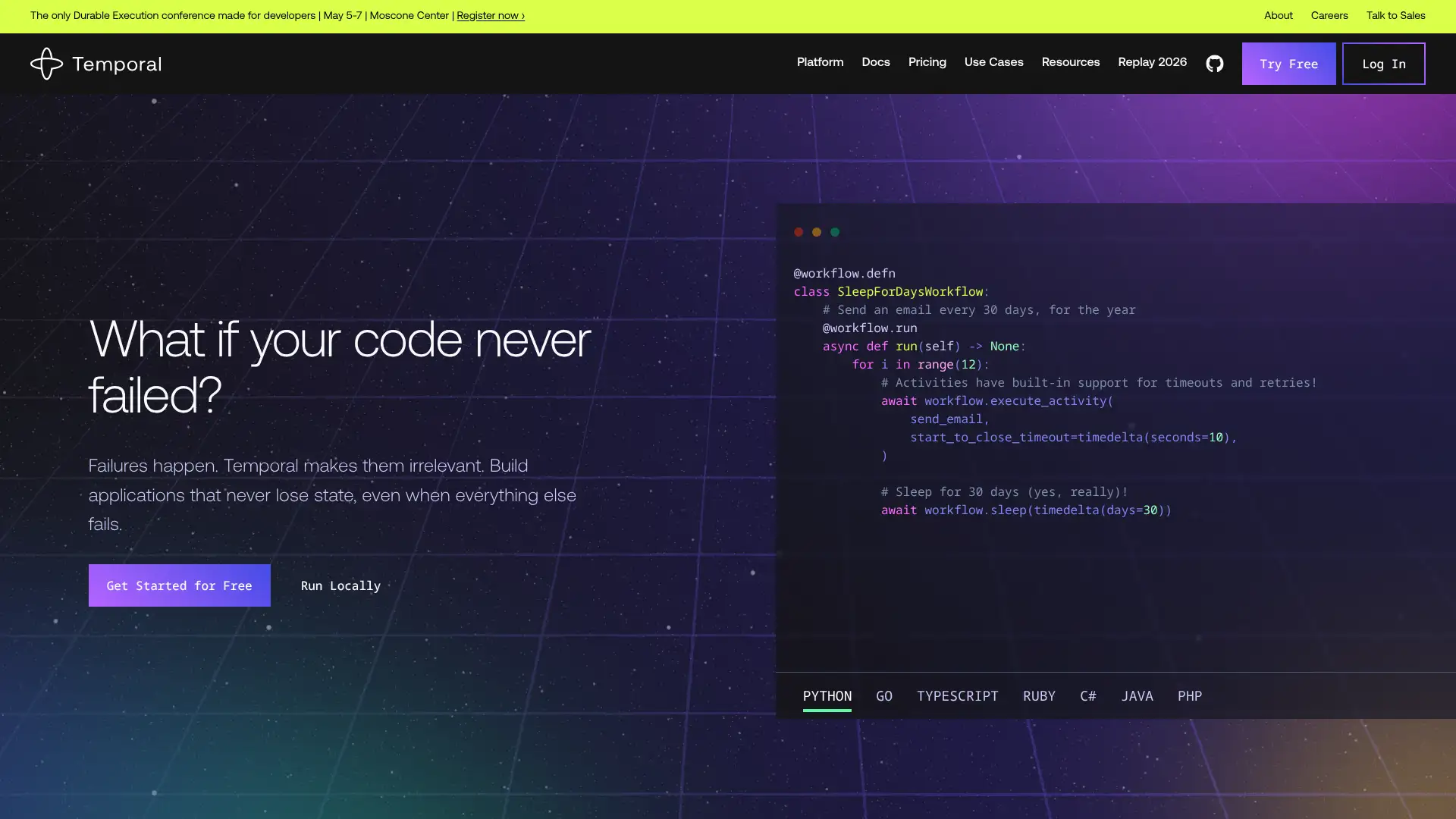
Temporal is a durable execution platform that makes application code reliable by default. Used by over 2,500 customers including Netflix, DoorDash, Snap, and Coinbase, it lets developers write workflows as regular code (Go, Java, TypeScript, Python, .NET) and guarantees that execution completes even if services crash or networks fail. Temporal Cloud uses an action-based billing model: the Essentials plan starts at $100/month with an allocation of actions included. Production action pricing starts at $50 per million actions with volume discounts up to 70%. The platform is open source (MIT-licensed server) and can be self-hosted at infrastructure cost only.
- • Durable execution: workflows survive server crashes, restarts, and network failures — state is persisted at every step automatically
- • Code-first workflows: write workflows in standard Go, Java, Python, TypeScript, or .NET without BPMN diagrams or proprietary DSLs
- • Activity retry and timeout policies: configure per-activity failure handling, retry schedules, and heartbeat timeouts with fine-grained control
- • Long-running workflows: a single workflow execution can span seconds, days, months, or indefinitely — Temporal handles state storage throughout
- • Workflow-as-code: workflows are versioned, testable, and reviewable in standard developer tooling alongside application code
Temporal is the best solution for engineering teams building production applications where workflow failure is not an option — financial transactions, order fulfillment, identity verification, or any long-running process that must complete despite infrastructure failures. The code-first, durable execution model eliminates a whole class of distributed systems bugs. For data pipeline orchestration, Prefect is simpler; for BPMN-standard process modeling, Camunda is more appropriate.
Prefect
Prefect is a Python-native workflow orchestration platform used by organizations including NASA, Cisco, Cash App, and 1Password. It enables data engineers and ML teams to schedule, monitor, and manage data pipelines without per-task or per-execution fees — Prefect uses seat-based pricing instead. In April 2025 Prefect launched new self-serve plans: Hobby (free, 2 users, 5 workflows), Starter ($100/month, 3 users), and Team ($400/month, 4-8 users). The open-source Prefect engine is Apache 2.0 licensed and free to self-host. Teams switching from Astronomer to Prefect have reported 73.78% cost reductions in verified case studies.
- • Seat-based pricing: pay for developer seats, not workflow executions or task counts — no cost penalties for running parallel or complex pipelines
- • Python-native workflows: decorate existing Python functions with @flow and @task — no YAML, no new DSL, minimal code changes required
- • Prefect Serverless: fully managed compute option where Prefect provisions infrastructure, so teams avoid managing worker fleets
- • Hybrid architecture: workers run in your infrastructure, polling Prefect Cloud's API — your data never leaves your network even with a cloud control plane
- • Result caching: persist task results to skip re-running expensive steps in failed workflow reruns, reducing both time and compute cost
Prefect is the best workflow orchestration choice for data engineering and ML teams who want Python-native pipelines with predictable seat-based costs and managed infrastructure. The $100/month Starter plan is a compelling entry point for small data teams, and the 73.78% documented cost reduction over Astronomer is credible. For general-purpose business process automation or approval workflows, Prefect is the wrong tool — look at Zapier, Pipefy, or Kissflow instead.
Apache Airflow
Apache Airflow is the most widely deployed open-source data workflow orchestration platform, created at Airbnb in 2014 and donated to the Apache Software Foundation. Used by tens of thousands of organizations including NASA, Twitter, Lyft, and Adobe for scheduling, orchestrating, and monitoring data pipelines defined as Python DAGs. The software itself is free (Apache 2.0 license). Costs arise from infrastructure: AWS Managed Workflows for Apache Airflow (MWAA) starts at approximately $365/month for a small environment running 24/7; Google Cloud Composer and Astronomer are alternative managed options. The Astronomer commercial platform for Airflow starts at approximately $500/month.
- • DAG-based orchestration: define workflows as Directed Acyclic Graphs in Python with full dependency mapping and parallel execution
- • Dynamic pipeline generation: use Python code to generate DAGs programmatically, enabling complex data-driven workflow structures
- • Extensive operator library: 800+ pre-built operators for AWS, GCP, Azure, databases, HTTP, Kubernetes, and data tools like dbt and Spark
- • Web UI: visualize DAG structure, execution history, logs, and task states with a built-in monitoring dashboard
- • Scheduler and worker architecture: separates scheduling logic from task execution for scalability and reliability in production
Apache Airflow is the default choice for data engineering teams that are already cloud-native, comfortable with Python, and have DevOps capacity to manage infrastructure. The zero-license-cost open-source model and unmatched operator library make it the most powerful data pipeline orchestrator available. For teams that want managed infrastructure without DevOps overhead, AWS MWAA or Astronomer are worth the added cost. Teams outside the data engineering domain should look at Prefect or n8n, which have lower operational complexity.