From hyperscale enterprise platforms to open-source self-hosted solutions, async video tools, and VoIP phone systems with built-in meetings. Pricing verified March 2026.
Zoom Workplace is recommended for: all-round video meetings
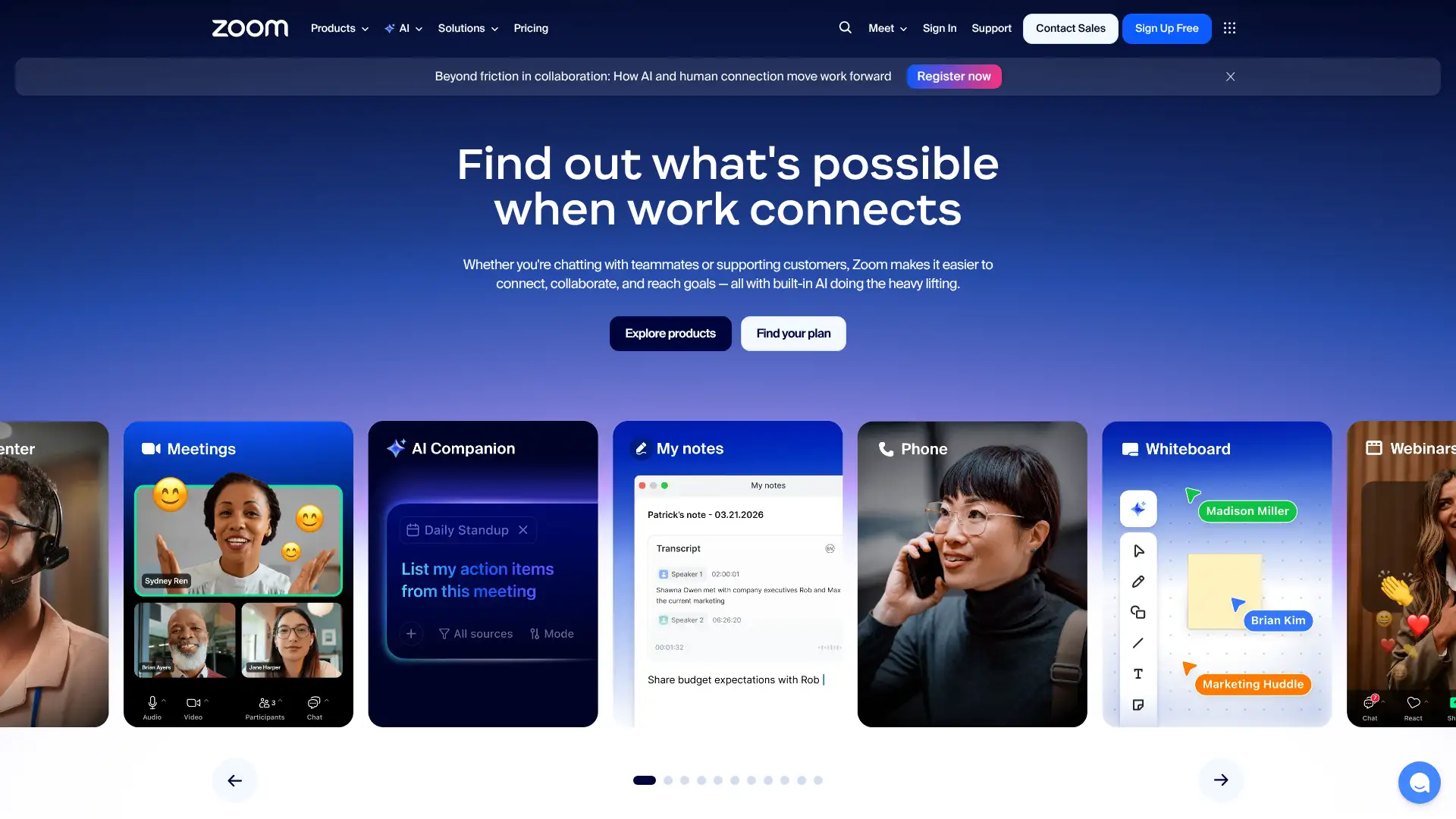
Zoom remains the default choice for video meetings in 2026. The platform has expanded well beyond meetings into Zoom Workplace, bundling team chat, docs, email, calendar, and the AI Companion assistant. With over 300 million daily meeting participants and native integrations for nearly every business tool, "Zoom" is still a verb.
Pricing
Basic (free)$040-min limit
Pro$13.33/user/mo (annual)
Business$18.32/user/mo (annual)
Business PlusCustom pricing
Key features
•AI Companion included on paid plans: auto-summaries, action items, chat drafts
• Breakout rooms, polls, whiteboard, and Q&A across all paid plans
• Zoom Phone add-on from $10/user/mo; Zoom Contact Center for enterprise
• 300-participant cap on Business; Webinars scale to 50,000 attendees
✓ Most recognized platform; guests rarely need help joining
✓ AI Companion included free on paid plans in 2025
✓ Best webinar and large-event scaling in the market
✓ Consistent audio/video quality across poor connections
Limitations
✕ Free tier enforces a hard 40-minute limit on group meetings; participants must rejoin manually after the cutoff, which disrupts client calls and recurring standups
✕ Standard meetings use AES-256 transport encryption, not true end-to-end encryption; E2EE requires enabling a specific mode that disables recording and cloud features — limiting it for truly confidential calls
✕ In August 2023 Zoom updated its Terms of Service to permit training AI models on customer content (later revised after widespread backlash); the episode created lasting trust concerns for enterprise and regulated-industry buyers
Teams, Google Meet, and Webex cover the core meeting use case. For webinars specifically, consider Zoom Webinars vs. Webex Events vs. RingCentral Events.
Microsoft Teams
teams.microsoft.com
Google Meet
meet.google.com
Cisco Webex
webex.com
Whereby
whereby.com
The safest default for external-facing meetings. If your team already pays for Microsoft 365 or Google Workspace, audit whether Zoom is genuinely additive before renewing.
Websitezoom.us
Google Meet
02
Google Meet is recommended for: Google Workspace teams
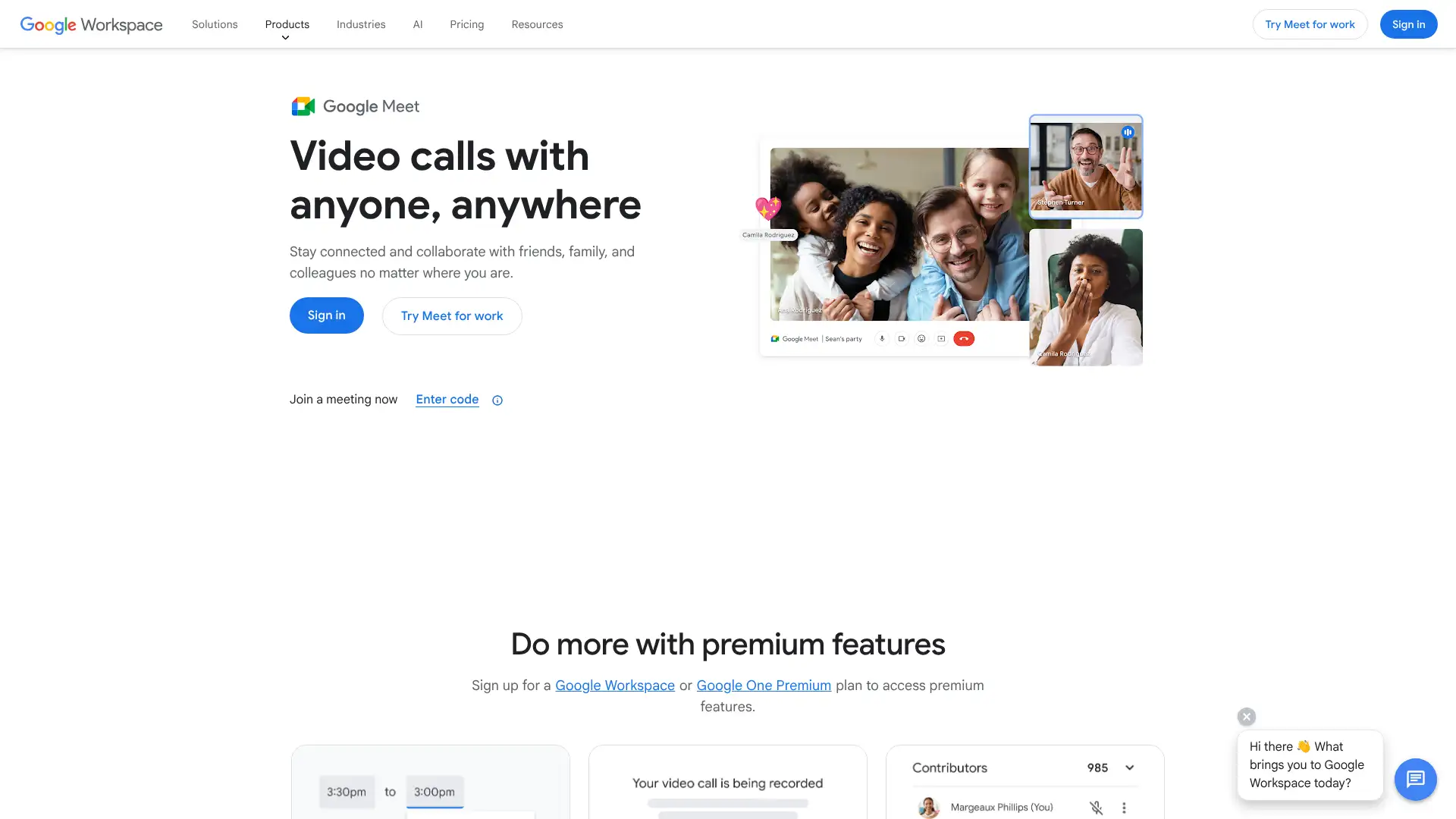
Google Meet is included in every Google Workspace subscription and free for personal Google accounts. In early 2026, Google and Microsoft announced cross-platform room hardware interoperability, allowing Meet Rooms to join Teams meetings natively. The platform has added 1080p video and Adaptive Audio for hybrid rooms.
Pricing
Free (personal)$060-min groups
Business Starter$6/user/mo (annual)
Business Standard$12/user/mo (annual)
Business Plus$18/user/mo (annual)
Key features
• No download required; works entirely in Chrome and most modern browsers
• 1080p video, Adaptive Audio, live captions in 70+ languages
• Recording and transcription available on Business Standard and above
• Native integration with Gmail, Calendar, Drive, Docs, and Sheets
•Meet hardware kits from Google partners (Logitech, ASUS, Lenovo): $1,500 to $5,000+
Strengths
✓ No additional cost for Google Workspace subscribers
✓ Instant one-click meetings from Gmail and Calendar
✓ Cross-platform room hardware interop with Teams (ISE 2026)
✓ Solid live captioning quality for accessibility
Limitations
✕ Recording and transcription are locked behind Business Standard ($12/user/mo) and above; Business Starter users at $6/user/mo cannot record meetings at all — a significant gap vs. Zoom Pro
✕ No virtual backgrounds or noise suppression on the free personal tier; these features require a paid Google Workspace subscription, unlike Zoom which includes them on free accounts
✕ Maximum 500 participants on Business and Enterprise plans; Zoom Webinars and Webex Events scale to 10,000-50,000 — Meet is not a credible option for large-scale virtual events
For teams not on Google Workspace, Teams or Zoom provide stronger standalone alternatives. Whereby suits smaller teams who need zero-install guest links.
Zoom
zoom.us
Microsoft Teams
teams.microsoft.com
Whereby
whereby.com
Jitsi Meet
jitsi.org
The default choice for any team already paying for Google Workspace. The value is hard to beat when the license is already included, and 2026 quality updates have closed the gap with Zoom meaningfully.
Websitemeet.google.com
Microsoft Teams
03
Microsoft Teams is recommended for: Microsoft 365 organizations
Microsoft Teams is bundled into Microsoft 365, making it the automatic choice for organizations already on that ecosystem. Beyond video meetings, it integrates SharePoint, OneDrive, Planner, and Excel. Paid plans start at $4/user/mo for Teams Essentials, while full Microsoft 365 Business Basic runs $6/user/mo.
Pricing
Teams Free$060-min groups
Teams Essentials$4/user/mo (annual)
M365 Business Basic$6/user/mo (annual)
M365 Business Standard$12.50/user/mo (annual)
Key features
• Channels, threaded chat, file co-editing, and task management all in one pane
• Live Events supports up to 20,000 viewers; Town Halls for all-hands
• Teams Rooms Basic free for up to 25 rooms; Premium $480/room/year
• Copilot AI (paid add-on) for meeting summaries, chat recap, and drafts
• Cross-platform room interop with Google Meet hardware announced ISE 2026
Strengths
✓ No added cost for most Microsoft 365 subscribers
✓ Deepest integration with Word, Excel, SharePoint, and Planner
✓ Strongest enterprise compliance and admin controls
✓ 30-hour meeting limits and 300 participants on paid plans
Limitations
✕ Teams is notoriously resource-heavy; it regularly consumes 300-500MB+ RAM and high CPU during calls, causing slowdowns on older laptops — a common complaint in enterprise IT forums
✕ Copilot AI meeting summaries and transcription cost an additional $30/user/mo on top of existing Microsoft 365 licensing; Zoom AI Companion and Dialpad AI are included free in their base plans
✕ The interface bundles too many overlapping features (Chat, Teams, Channels, Calendar, Files, Activity) creating a steep learning curve; new users frequently message in the wrong context — channels vs. chat vs. meeting chat
Zoom remains the leading alternative for meeting-quality-focused teams. Google Meet suits Google Workspace organizations. Webex leads on compliance in regulated industries.
Zoom
zoom.us
Google Meet
meet.google.com
Cisco Webex
webex.com
Whereby
whereby.com
The correct choice if your organization is on Microsoft 365. Not worth purchasing as a standalone video tool when Zoom exists, unless compliance and SharePoint integration are the priority.
Websiteteams.microsoft.com
Cisco Webex
04
Cisco Webex is recommended for: enterprise compliance and hardware
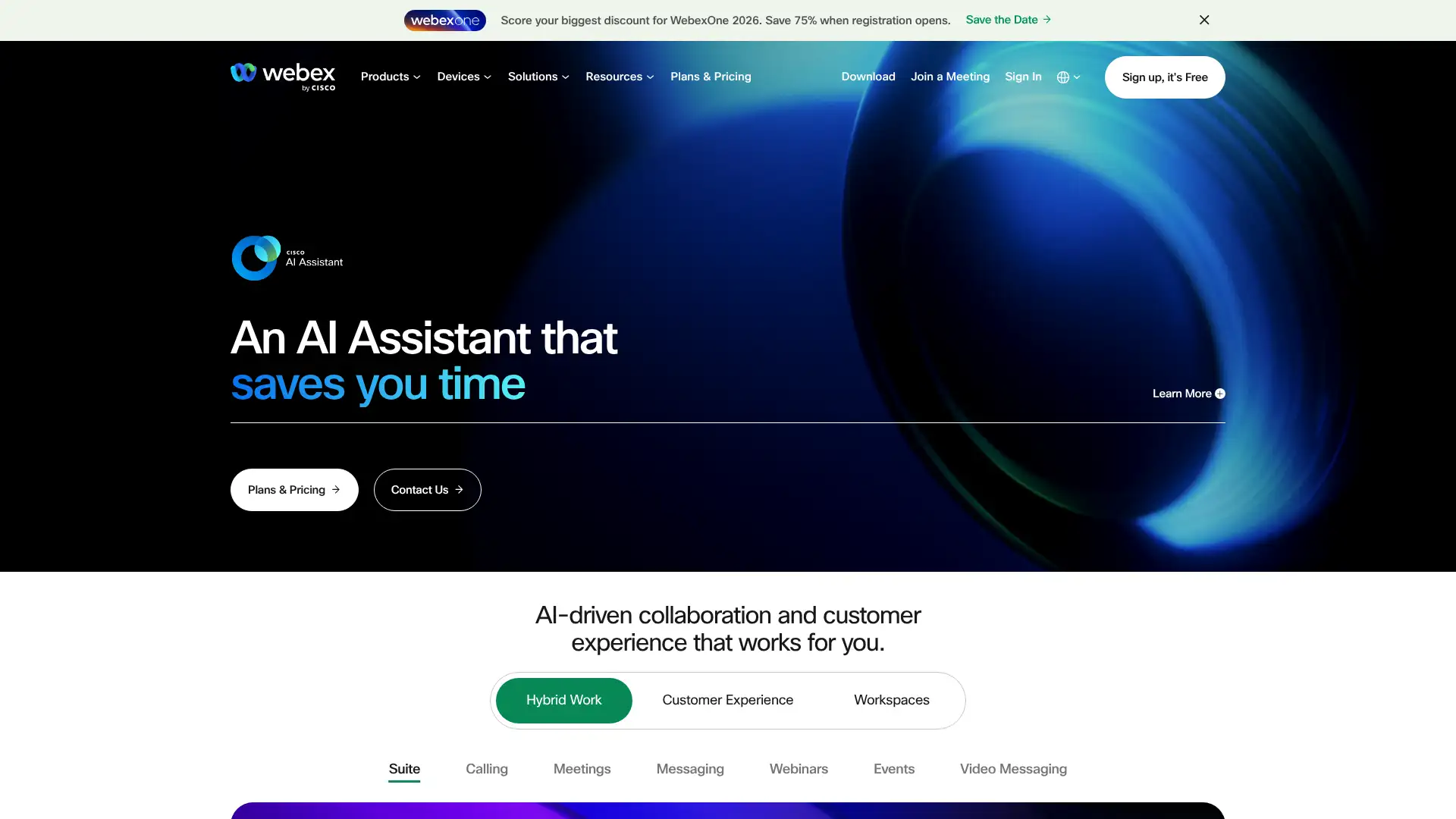
Cisco Webex is the enterprise-first video platform, optimized for organizations that prioritize security, compliance, and high-end conference room hardware. In 2026, Cisco has leaned into interoperability: Webex hardware now runs Teams and Zoom just as well as Webex itself, making it a hardware-first rather than software-first play.
Pricing
Free$0limited
Webex Meet~$14.50/user/mo
Webex Suite~$25/user/mo (video + calling)
EnterpriseCustom pricing
Key features
•Granular access controls: block external domains or specific regions from joining
• Real-time translation add-on for 100+ languages ($25/user/mo extra)
• Webex AI Assistant for meeting summaries and Slido polls included in Suite
• Meetings up to 200 participants on Meet; 1,000 on Suite
• Room Kit hardware runs Zoom, Teams, and Webex natively from 2026
Strengths
✓ Deepest security controls of any major video platform
✓ Multilingual real-time translation for global teams
Limitations
✕ Real-time translation is a $25/user/mo add-on on top of an already expensive $14.50-25/user/mo base plan — combined cost of $39.50-50/user/mo is among the most expensive on this list
✕ Webex has lost significant market share to Zoom and Teams since 2020; the smaller user base means guests more frequently encounter friction or unfamiliarity when joining, undermining the meeting experience
✕ The Webex interface and client have historically received poor usability reviews compared to Zoom and Teams; the software feels dated and enterprise-first in a way that frustrates non-technical end users
Teams and Zoom cover most enterprise video needs at a lower price. For compliance-first teams in education, BigBlueButton is a self-hosted alternative.
Zoom
zoom.us
Microsoft Teams
teams.microsoft.com
8x8
8x8.com
BigBlueButton
bigbluebutton.org
The right choice for finance, healthcare, and government organizations where compliance and controlled access trump ease of use. The hardware play is compelling if you are also equipping conference rooms.
Websitewebex.com
GoTo Meeting
05
GoTo Meeting is recommended for: simple reliable recurring meetings
GoTo Meeting (formerly LogMeIn) is a veteran conferencing tool focused on reliable meetings without feature bloat. It remains a strong choice for mid-market teams that want clean scheduling, dial-in numbers, and dependable call quality without managing the platform complexity of Zoom or Teams. Professional plan starts at $12/organizer/mo annually.
Pricing
ProfessionalFrom $12/organizer/mo (annual)
BusinessFrom $16/organizer/mo (annual)
EnterpriseCustom pricing
Key features
• Up to 250 participants on Business plan; 3,000 on Enterprise
• Unlimited meetings with dial-in numbers across 50+ countries
• Smart Meeting Assistant for automated transcription and highlights
• No permanent free tier; 14-day free trial available
• GoTo Connect bundles video, phone, and messaging into one UCaaS plan
Strengths
✓ Very clean interface with low learning curve
✓ Reliable dial-in audio across 50+ countries
✓ Good choice for mid-market teams that find Zoom complex
✓ GoTo Connect upgrade path adds phone and messaging
Limitations
✕ No permanent free tier; the 14-day free trial is the only way to test the product before paying — unlike Zoom, Google Meet, and Teams which all offer ongoing free plans
✕ Smart Meeting Assistant transcription accuracy and AI feature depth are meaningfully behind Zoom AI Companion and Teams Copilot; GoTo has not kept pace with AI investment from the larger players
✕ Integration marketplace is much smaller than Zoom's 1,500+ app directory; connecting GoTo Meeting to CRM and productivity tools often requires Zapier rather than native connectors
Zoom and Google Meet cover the meeting market at lower entry prices. For international-calling UCaaS, 8x8 and Dialpad are strong contenders.
Zoom
zoom.us
Google Meet
meet.google.com
Whereby
whereby.com
Dialpad
dialpad.com
A dependable workhorse for teams that want meetings to just work without IT overhead. Increasingly hard to justify the cost when Zoom and Teams have more AI investment at comparable pricing.
Websitegotomeeting.com
Whereby
06
Whereby is recommended for: no-install client-facing calls
Whereby removes the biggest friction point in client-facing calls: nobody needs to install anything. Share a permanent room URL and guests join instantly in any browser. This makes it ideal for sales demos, onboarding calls, and support sessions where you cannot ask visitors to download software in advance.
• Built-in Miro, Trello, and Google Docs integrations inside the meeting room
• Colocation tech reduces echo when multiple participants share a physical room
• Whereby Embedded API lets developers integrate video into their own product
• Bandwidth-efficient; reliable on poor connections for remote participants
Strengths
✓ Zero install for guests; join in any browser instantly
✓ Permanent room URLs reduce scheduling friction
✓ Embedded API for building video into your own product
✓ Budget-friendly pricing for small teams and freelancers
Limitations
✕ Hard cap of 100 participants even on paid plans — not suitable for webinars, large all-hands meetings, or virtual events where Zoom or Teams scale to hundreds or thousands
✕ Recording is not available on the Free or standard Pro tiers; it is only accessible through the Embedded API, meaning smaller teams must pay for developer integration just to get recordings
✕ No native mobile apps with full feature parity; mobile users join via browser, which lacks the polish and reliability of native Zoom or Teams iOS and Android applications
Zoom and Google Meet are the larger alternatives. For open-source no-install conferencing, Jitsi Meet is comparable without the hosted cost.
Zoom
zoom.us
Jitsi Meet
jitsi.org
Around
around.co
Sessions
sessions.us
The top pick for teams that frequently meet with external clients or prospects and need zero-friction joining. The Embedded API also makes it compelling for SaaS products that want built-in video without building it themselves.
Websitewhereby.com
Loom
08
Loom is recommended for: async video messaging
Loom is not a traditional conferencing tool. It records your screen and webcam simultaneously and instantly generates a shareable link, enabling teams to communicate asynchronously across time zones. Acquired by Atlassian in 2023, it now integrates natively with Jira, Confluence, and Slack. The Business plus AI plan at $20/user/mo adds auto-summaries, filler-word removal, and meeting recaps.
Pricing
Starter (free)$025 videos, 5-min limit
Business$15/user/mo (annual)
Business + AI$20/user/mo (annual)
EnterpriseCustom pricing
Key features
• Record stops, shareable link generates instantly with no upload wait
• AI auto-titles, chapters, summaries, and filler-word removal on Business + AI
•Viewer analytics: see who watched, how long, and where attention dropped
• Timestamp comments let recipients reply at specific moments
• Native embed in Jira, Confluence, Slack, and Linear with link unfurling
Strengths
✓ Eliminates unnecessary synchronous meetings across time zones
✓ Fastest record-to-share workflow in the async video category
✓ AI filler-word removal produces polished videos with zero editing effort
✓ Deep Atlassian integration benefits Jira and Confluence users
Limitations
✕ Free tier is limited to 25 videos total with a strict 5-minute recording cap per video; active users hit these limits within days, forcing an immediate upgrade decision
✕ AI features (filler-word removal, auto-chapters, summaries) are only on the Business + AI plan at $20/user/mo — not the $15 Business plan — creating a confusing tier gap for the most-marketed features
✕ No native video editing beyond basic trimming; polished post-production still requires DaVinci Resolve, Premiere, or CapCut, meaning Loom is a capture and share tool, not a video production platform
mmhmm and Tella are async video alternatives with stronger presentation aesthetics. Vidyard suits sales teams focused on personalized outreach video.
mmhmm
mmhmm.app
Vowel
vowel.com
Zoom Clips
zoom.us
Riverside.fm
riverside.fm
The top async video tool on the market. For distributed teams in multiple time zones, Loom can eliminate dozens of unnecessary live meetings each month. The Business + AI plan at $20/user/mo pays for itself quickly for active users.
Websiteloom.com
mmhmm
09
mmhmm is recommended for: visual presenters and educators
mmhmm puts you inside your presentation slides rather than showing you as a small rectangle in the corner. It works as a layer on top of Zoom, Teams, Google Meet, or Webex, and also records standalone async videos. Key features include multi-person video, custom interactive backgrounds, and a team video library. Individual plan is $9.99/mo, business $18/user/mo.
Pricing
Free$0limited features
Individual$9.99/mo
Business$18/user/mo
Key features
• Appear on-screen in front of your slides, PDFs, images, and screen content
•Multi-person video: up to 10 people with customizable interactive backgrounds
•Big Hands mode: turns hand gestures into giant on-screen emoji
• Works as a virtual camera with Zoom, Teams, Meet, and Webex
• Team video library with view analytics for published recordings
Strengths
✓ Dramatically more engaging presentation style than standard screen share
✓ Works on top of any existing video platform
✓ Strong for educators, trainers, and sales demos
✓ 30-day free trial, no credit card required
Limitations
✕ Not a standalone video meeting platform; you still need an active Zoom, Teams, or Meet subscription running underneath it, meaning combined monthly costs stack on top of your existing video platform fees
✕ The virtual camera layer adds meaningful CPU overhead; on older Macs or Windows machines without a dedicated GPU, mmhmm can cause frame drops and overheating during long sessions
✕ Feature set is narrowly focused on presentation aesthetics; it lacks meeting transcription, recording management, scheduling, or any meeting infrastructure — it is a one-trick tool that complements but never replaces your meeting platform
Loom is the broader async video alternative. Prezi Video offers a similar on-screen-in-presentation style with different aesthetics.
Loom
loom.com
Vowel
vowel.com
Riverside.fm
riverside.fm
StreamYard
streamyard.com
A compelling presentation layer for educators, trainers, and sales teams who want to stand out from the sea of screen-share-plus-tiny-camera-bubble. Not a daily driver for every team, but transformative for those who present regularly.
Websitemmhmm.app
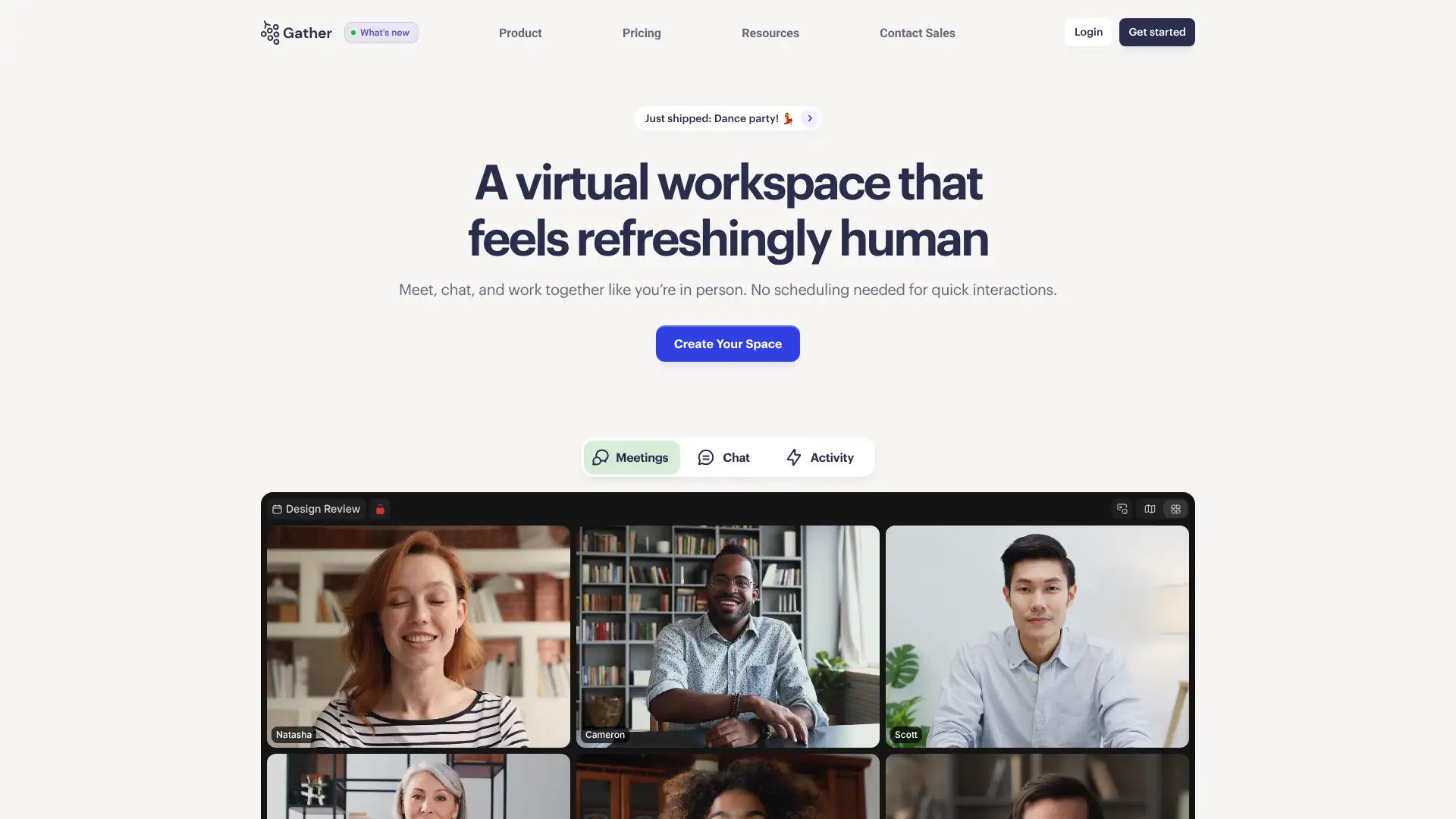
Gather.town
11
Gather.town is recommended for: virtual office and team socials
Gather.town uses a 2D pixel-art virtual space where your avatar walks around and video activates automatically when you approach other participants. This proximity-based model recreates the feeling of bumping into a colleague at the office, making it popular for remote team socials, hackathons, onboarding events, and virtual conferences.
Pricing
Free$0up to 25 users
Pro$2.99-7/user/mo depending on size
EducationFree for verified institutions
EnterpriseCustom pricing
Key features
•Proximity video: conversations start and stop automatically as avatars move
•Customizable 2D pixel art spaces: offices, conference halls, social lounges
• Private areas, whiteboards, embedded videos, and interactive objects
• Free for up to 25 users with no time limit
• Used by teams at Google, Atlassian, and MIT for remote events
Strengths
✓ Recreates the serendipitous social interactions of a physical office
✓ Free for up to 25 users; great for small teams
✓ Excellent for team onboarding events and remote socials
✓ Education tier is free for verified institutions
Limitations
✕ 2D pixel-art aesthetic feels fun for team socials but is inappropriate for formal client meetings, board presentations, or external business calls — limiting it to internal and social use cases only
✕ Performance degrades noticeably with 50+ simultaneous video streams in a single space; bandwidth and CPU requirements are higher than standard video platforms, creating friction for participants on weak connections
✕ Not a replacement for structured video meetings; there is no meeting agenda, recording, transcription, or admin-controlled scheduling — it is a complement to Zoom, not a substitute
Spatial.io offers a 3D immersive alternative. Around provides a lighter-weight ambient presence. Hopin (now RingCentral Events) handles larger virtual event formats.
Spatial.io
spatial.io
Around
around.co
Airmeet
airmeet.com
RingCentral Events
hopin.com
The best tool on this list for making distributed teams feel like they share a space. Excellent for remote socials, onboarding, and hackathons. Not a replacement for Zoom on structured calls, but a valuable complement to a remote-first culture.
Websitegather.town
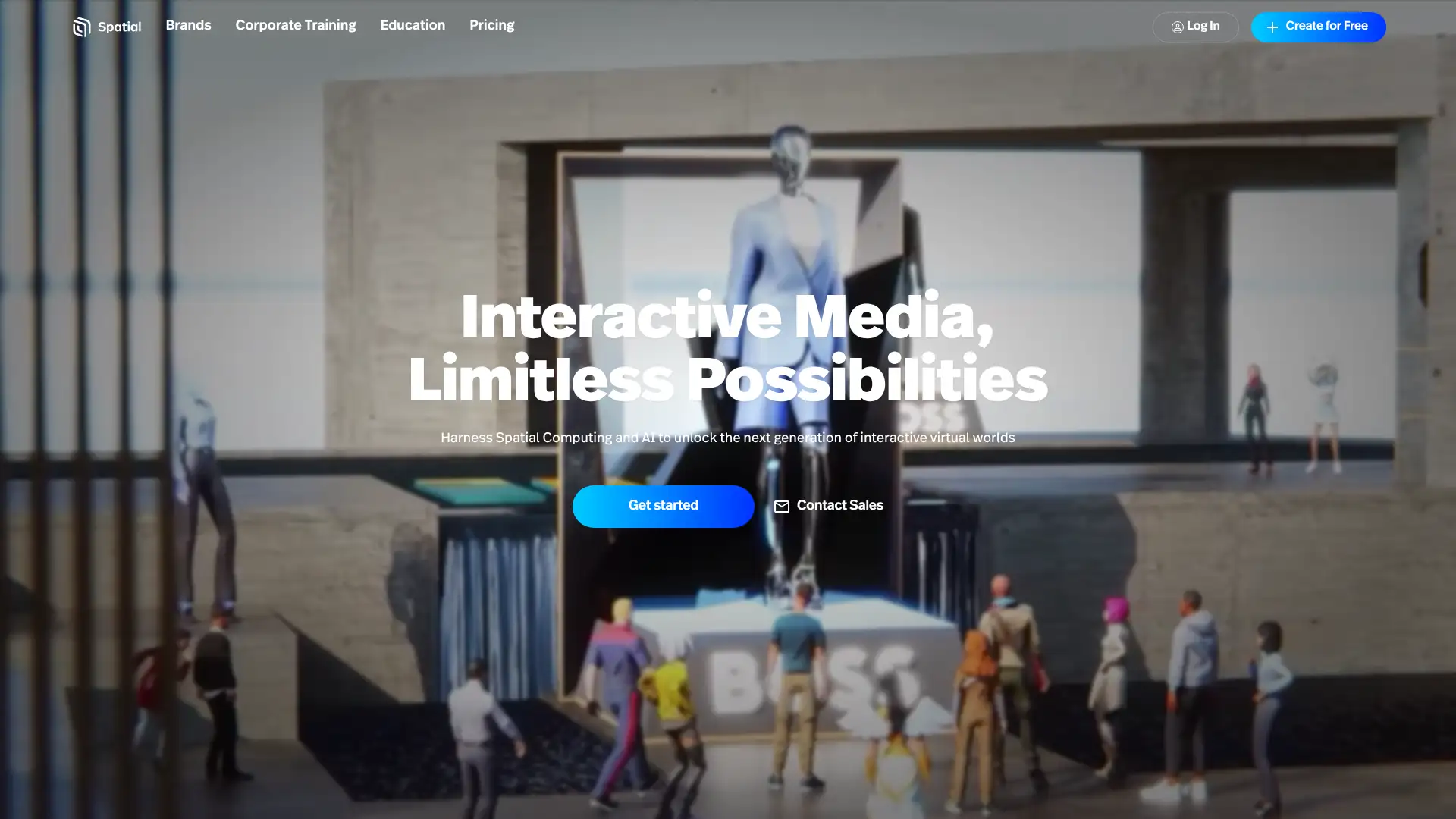
Spatial.io
12
Spatial.io is recommended for: 3D immersive virtual workspaces
Spatial.io creates immersive 3D virtual workspaces that work in the browser, on desktop, or in VR/AR headsets. Teams can build virtual offices, showrooms, and event venues. The platform targets companies experimenting with spatial computing and metaverse-adjacent collaboration, including product demos, digital art galleries, and executive briefing centers.
Pricing
Free$0basic space
Pro~$20/user/mo
EnterpriseCustom pricing
Key features
•3D customizable spaces: offices, event halls, product showrooms, art galleries
• Works in browser, desktop, iOS, Android, and VR headsets (Meta Quest, HoloLens)
• Realistic 3D avatars with facial expression tracking
• Upload 3D objects, images, videos, and PDFs directly into the virtual space
• Screen sharing, whiteboards, and collaborative object manipulation in-space
Strengths
✓ Most immersive virtual space on this list; works with VR headsets
✓ Browser access means no VR headset required to participate
✓ Strong for product demos, showrooms, and executive briefings
✓ Free tier provides genuine functionality for small teams
Limitations
✕ 3D rendering requires a modern device with a capable GPU; older laptops and low-spec office computers produce a sluggish or unrendered experience, creating unequal participant experiences
✕ Steep learning curve for non-technical users unfamiliar with 3D navigation; avatar controls, space interactions, and object manipulation require onboarding time before a guest can participate effectively
✕ Remains a niche use case in 2026; the metaverse-adjacent value proposition is difficult to justify for most businesses beyond specific product demos or virtual showrooms — ROI is hard to measure for everyday use
Gather.town offers a lighter 2D alternative. For most teams, Zoom or Teams handles video while Spatial.io serves event or demo-specific use cases.
Gather.town
gather.town
Around
around.co
RingCentral Events
hopin.com
Airmeet
airmeet.com
The right choice for organizations experimenting with spatial computing or needing impressive 3D environments for client demos and product showcases. Too niche for everyday team meetings but genuinely compelling for the right use case.
Websitespatial.io
Riverside.fm
13
Riverside.fm is recommended for: studio-quality podcast and video recording
Riverside.fm records each participant's audio and video locally at up to 4K and 48kHz WAV, then uploads in the background. This means recording quality is independent of internet connection. The result is broadcast-quality separate tracks for every guest, even on a weak connection. Standard plan from $15/mo; Pro from $24/mo.
Pricing
Free$02-hr/mo recording
Standard$15/mo (annual)
Pro$24/mo (annual)
EnterpriseCustom pricing
Key features
• Local 4K video and 48kHz WAV audio recording per participant, independent of internet quality
• Separate tracks per guest for full post-production control in Premiere or DaVinci
• AI-powered clip maker, transcript, and text-based editing
• Live streaming to YouTube, Twitch, LinkedIn, and Facebook on Pro plan
•Magic Clips: AI auto-generates social-ready short clips from your recording
Strengths
✓ Best recording quality of any remote recording platform
✓ Separate local tracks mean one bad connection does not ruin the recording
✓ AI clip maker speeds up social content creation dramatically
✓ Browser-based; no download required for guests
Limitations
✕ Free tier is limited to just 2 hours of recording per month total — insufficient for any active podcast or interview show; paid plans start at $15/mo just to get meaningful recording capacity
✕ Local recording requires guests to keep their browser tab open and active throughout the session; if a guest accidentally closes the tab or their browser crashes mid-session, their local track may be lost or corrupted beyond recovery
✕ In-platform editing is text-based and basic; professional audio post-production (noise gate, EQ, compression) still requires a separate DAW like Adobe Audition or Descript — Riverside is capture-and-upload, not a full production suite
StreamYard is the leading alternative for live streaming focused use cases. SquadCast records high-quality audio with a slightly simpler interface.
StreamYard
streamyard.com
Restream
restream.io
Loom
loom.com
Zoom
zoom.us
The industry standard for podcast and video interview recording. If you produce any recorded content with remote guests, Riverside eliminates the quality anxiety that comes with cloud-only recording tools like Zoom. Essential for content creators.
Websiteriverside.fm
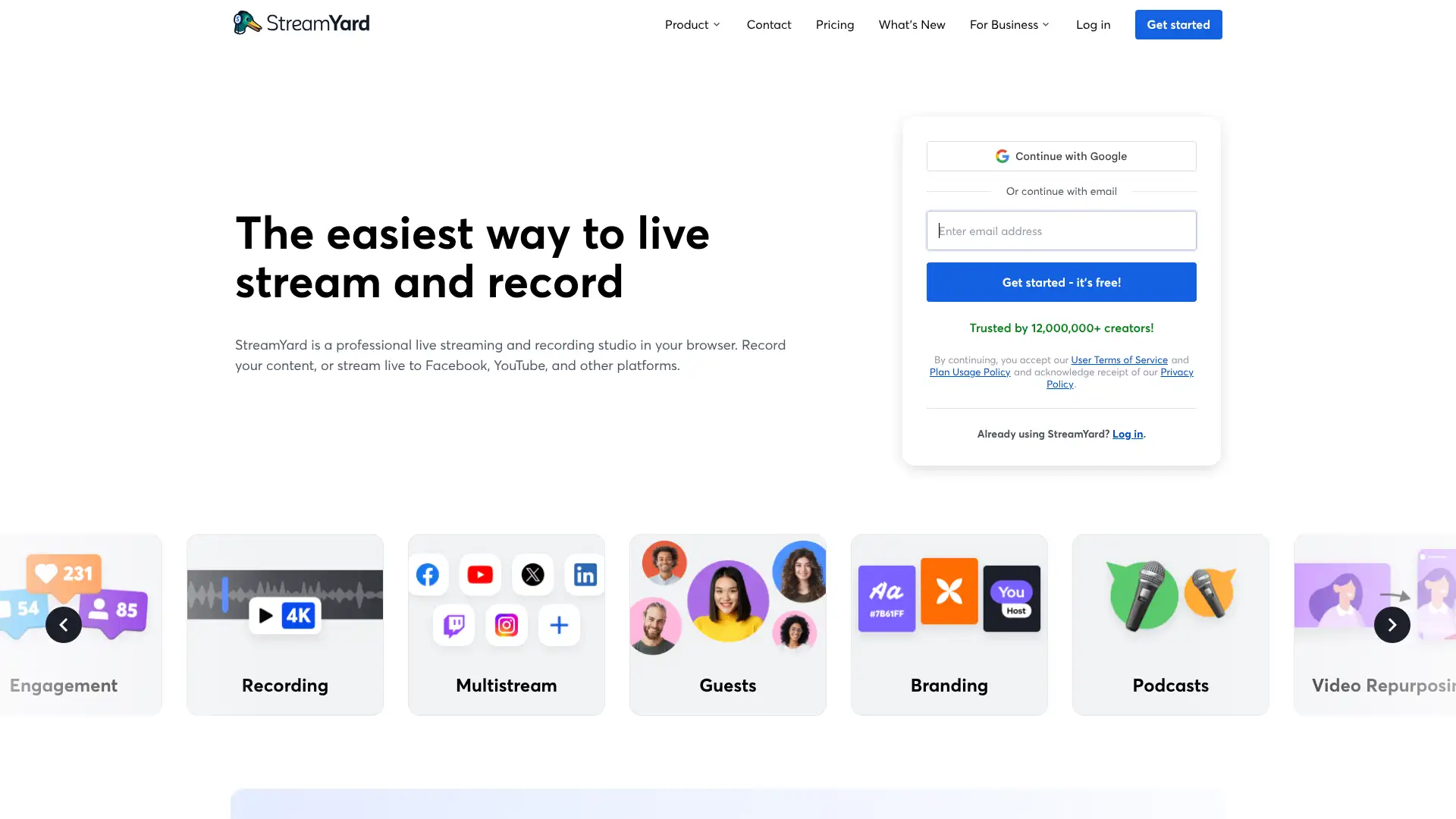
StreamYard
14
StreamYard is recommended for: live streaming with guests
StreamYard is a browser-based live studio for producing and streaming video content to multiple platforms simultaneously. Guests join via a link with no software install. The host controls on-screen layouts, lower-thirds, banners, and screen share from a production dashboard. Basic plan $20/mo; Professional $39/mo (both annual pricing).
Pricing
Free$0StreamYard watermark, 1 destination
Basic$20/mo (annual)
Professional$39/mo (annual)
BusinessCustom pricing
Key features
• Multistream to YouTube, Twitch, LinkedIn, Facebook, and custom RTMP simultaneously
• Up to 10 on-screen guests on Professional plan; invite-via-link, no install
• Real-time comment display from all streaming platforms in one dashboard
• On-air webinars and full HD 1080p streaming on Professional plan
Strengths
✓ Easiest live streaming tool for non-technical hosts
✓ No install for guests; join from any browser
✓ Multistreaming to multiple platforms in one session
✓ Polished production controls without video editing knowledge
Limitations
✕ Free plan applies a permanent StreamYard watermark to all streamed and recorded content; removing it requires a $20/mo paid plan — the free tier is unsuitable for any professional broadcast
✕ Cloud-only recording: StreamYard records to the cloud rather than locally per-participant, meaning a poor guest internet connection directly degrades their recorded audio and video quality — a fundamental limitation vs. Riverside.fm
✕ Maximum streaming resolution is 1080p; 4K streaming is not available on any plan, which is a limitation for professional broadcast productions targeting modern high-resolution platforms
Riverside.fm produces higher per-track recording quality. Restream is the leading multistreaming alternative for teams who do not need live guests.
Riverside.fm
riverside.fm
Restream
restream.io
mmhmm
mmhmm.app
Zoom Webinars
zoom.us
The easiest way to run a polished live show with remote guests. If your primary goal is live streaming to your audience with minimal technical friction, StreamYard is the clear choice. For recorded podcast-quality content, Riverside is superior.
Websitestreamyard.com
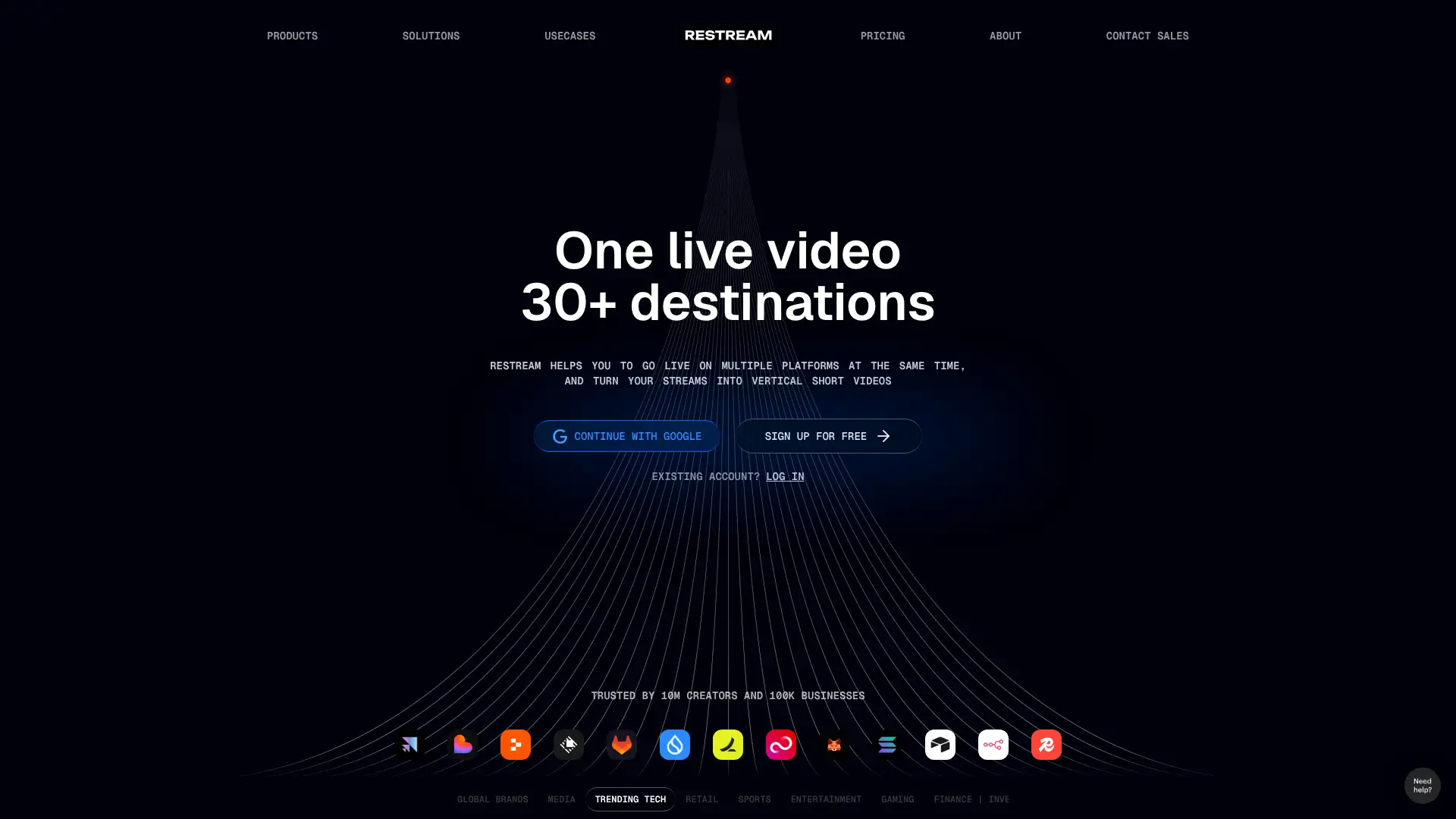
Restream
15
Restream is recommended for: simultaneous multiplatform live streaming
Restream lets you broadcast one live stream to 30+ platforms simultaneously, including YouTube, Twitch, LinkedIn, Facebook, and custom RTMP. The focus is maximum audience reach with minimum duplication of effort. Standard plan $16/mo; Professional $41/mo. Pre-recorded video scheduling and a Restream Studio browser-based production tool are included.
Pricing
Free$0Restream watermark
Standard$16/mo
Professional$41/mo
BusinessCustom pricing
Key features
• Multistream to 30+ platforms simultaneously from one dashboard
•Unified real-time chat: manage comments from all platforms in one stream
• Schedule and stream pre-recorded videos as if they were live
•Restream Studio: browser-based live production with overlays and guests
• Stream analytics aggregated across all platforms post-broadcast
Strengths
✓ Best-in-class multistreaming to the largest number of destinations
✓ Unified chat from all platforms in one view
✓ Pre-recorded video scheduling for evergreen content
✓ Works with OBS, Streamlabs, or Restream Studio
Limitations
✕ Restream Studio (built-in browser production tool) is significantly less capable than StreamYard for guest management; complex multi-guest live shows still require OBS or an external production tool alongside it
✕ Analytics are aggregated post-broadcast only; there is no real-time per-platform viewer count visible during a live stream, making it impossible to see which destination is performing during the broadcast
✕ Free plan watermarks all content; the $16/mo Standard plan required to remove the watermark also caps stream quality, with 1080p only unlocked at the $41/mo Professional tier
StreamYard is the better option when hosting live guests is the priority. Riverside.fm excels at recorded interview quality.
StreamYard
streamyard.com
Riverside.fm
riverside.fm
Zoom Webinars
zoom.us
RingCentral Events
hopin.com
The top choice for maximizing live stream reach without duplicating work. If your goal is to be on YouTube, Twitch, and LinkedIn simultaneously, Restream is unmatched in simplicity. For guest-heavy shows, consider StreamYard instead.
Websiterestream.io
Hopin / RingCentral Events
16
Hopin / RingCentral Events is recommended for: virtual and hybrid event management
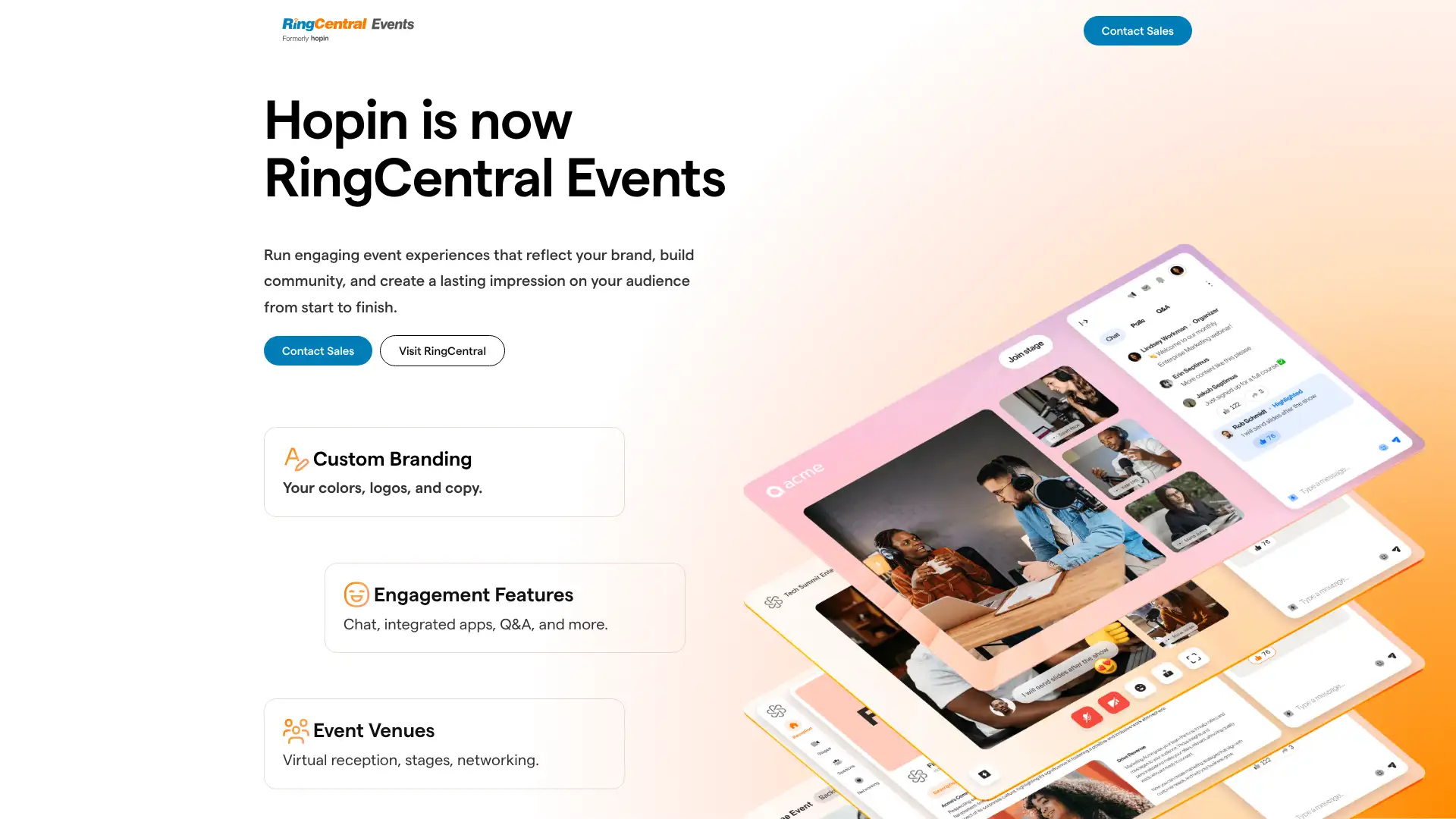
Hopin sold its Events and Session products to RingCentral in August 2023 for $15M, after being valued at $7.75B at its 2021 peak. The platform now operates as RingCentral Events, retaining the Hopin technology for virtual and hybrid conferences: main stage, breakout sessions, expo booths, networking, and registration. StreamYard (retained by Hopin) is a separate product.
✓ Speed networking is a differentiating feature not found in Zoom
✓ Strong post-event reporting and attendee engagement data
✓ Now backed by RingCentral's enterprise distribution
Limitations
✕ The platform collapsed from a $7.75B valuation in 2021 to a $15M sale price in August 2023 — a 99.8% valuation wipeout that enterprise event planners cite as a legitimate long-term vendor stability concern
✕ All pricing is custom with no published rates; planning an event budget requires committing to a full sales cycle, which is slow when evaluating multiple platforms simultaneously
✕ The Hopin-to-RingCentral brand transition has created product roadmap uncertainty; users from the Hopin era report that feature communication and update cadence has declined since the acquisition
Airmeet is a strong independent alternative for virtual networking events. Zoom Webinars and Webex Events cover structured broadcast-style virtual events.
Airmeet
airmeet.com
Zoom Webinars
zoom.us
Gather.town
gather.town
Veertly
veertly.com
The Hopin platform remains strong for virtual conferences with 100 to 10,000 attendees. RingCentral's ownership adds stability. Pricing opacity and the brand transition make evaluating alternatives worthwhile before committing.
Websitehopin.com
Airmeet
17
Airmeet is recommended for: virtual networking events
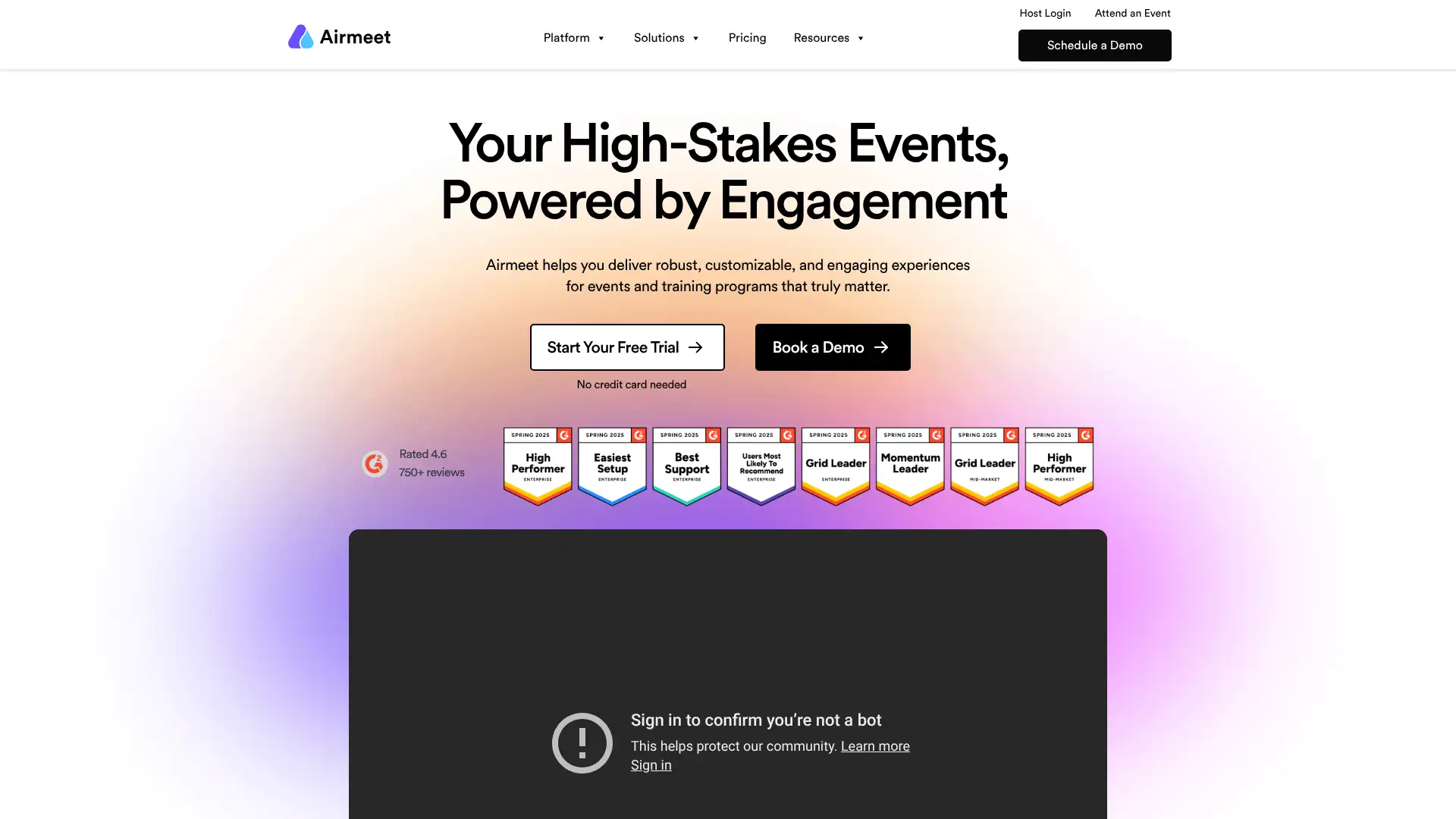
Airmeet is an independent virtual events and webinar platform known for its social tables feature, where attendees can join small-group video tables at a networking lounge, replicating the way people cluster at a conference reception. It supports webinars, summits, and community events with 50 to 100,000 attendees. Pricing is per-event or subscription-based.
Pricing
Free$0up to 50 attendees
StarterFrom $99/mo
ProfessionalCustom pricing
EnterpriseCustom pricing
Key features
•Social tables: open-join small video tables in a networking lounge during events
• Webinar format with polls, Q&A, hand raising, and engagement tools
•CRM integrations: Salesforce, HubSpot, Marketo via Zapier
• Scale to 100,000 attendees on enterprise plans
Strengths
✓ Social tables deliver the best virtual networking experience on this list
✓ Scales from small webinars to 100,000-person conferences
✓ Free tier available for events up to 50 attendees
✓ CRM integration for lead capture at virtual events
Limitations
✕ Pricing jumps sharply from the free tier (50 attendees only) to the Starter plan at $99/mo; small community organizers running events for 51-200 attendees face a steep cost cliff with no intermediate option
✕ Video quality in the social tables networking lounge degrades when more than 6-8 people join a single table simultaneously; larger group clusters at the same table create visible lag and audio overlap
✕ CRM integrations with Salesforce and HubSpot are primarily routed through Zapier rather than native bi-directional sync, limiting real-time lead scoring and data richness compared to Bizzabo or purpose-built event CRMs
RingCentral Events (Hopin) is the closest full-event-management alternative. Gather.town is lighter for small team virtual socials.
RingCentral Events
hopin.com
Gather.town
gather.town
Zoom Webinars
zoom.us
Veertly
veertly.com
The best dedicated virtual events tool for organizations where networking is as important as content. The social tables feature genuinely differentiates Airmeet for community events, professional summits, and career fairs.
Websiteairmeet.com
Veertly
18
Veertly is recommended for: European GDPR-compliant virtual events
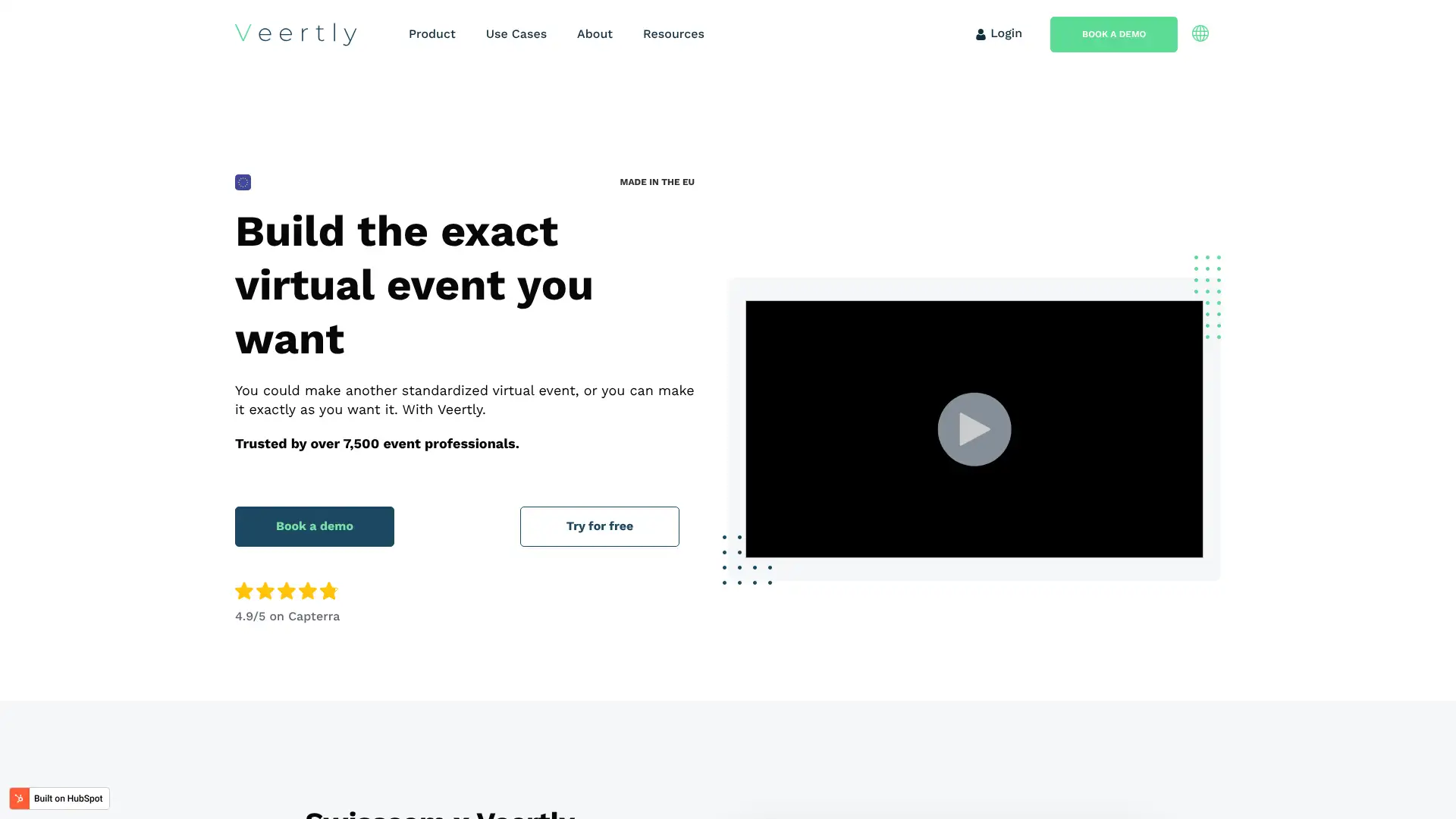
Veertly is a European virtual events platform built with GDPR compliance as a core design principle, not an afterthought. It offers stages, networking areas, breakout rooms, and sponsor booths. Data is hosted in Europe and the platform is designed for companies that cannot use US-hosted tools for certain event types due to data sovereignty requirements.
Pricing
Free$0limited events
StarterFrom ~$49/mo
ProfessionalCustom pricing
EnterpriseCustom pricing
Key features
• All data hosted on European servers; built for GDPR compliance
• Virtual stages, networking areas, breakout rooms, and sponsor booths
• Customizable event branding and white-label options
•Attendee engagement: polls, Q&A, reactions, and networking tables
•Hybrid event support: combine in-person and remote attendees
Strengths
✓ European data hosting; strongest GDPR compliance on this list
✓ Solid feature set for virtual and hybrid events
✓ White-label options for agencies running events for clients
✓ Free tier available for testing and small events
Limitations
✕ Much smaller product and company than RingCentral Events or Airmeet; feature depth and UI polish lag significantly behind larger competitors, which is noticeable during live enterprise event evaluations
✕ Limited third-party integration library; marketing automation and CRM connections are basic compared to Airmeet's Zapier coverage or Hopin's native Salesforce connector
✕ Community resources and documentation are thin; setting up and troubleshooting the platform for first-time event organizers requires direct vendor support, which scales poorly for large or complex events
For GDPR-compliant video meetings (not events), Jitsi self-hosted or Whereby are strong alternatives. For larger events with European compliance, check BigBlueButton for educational contexts.
Airmeet
airmeet.com
RingCentral Events
hopin.com
Element
element.io
Jitsi Meet
jitsi.org
The standout choice for European organizations that need virtual event hosting with confirmed GDPR-compliant data residency. Outside of that specific requirement, Airmeet and RingCentral Events offer more feature depth.
Websiteveertly.com
BigBlueButton
19
BigBlueButton is recommended for: education and self-hosted classrooms
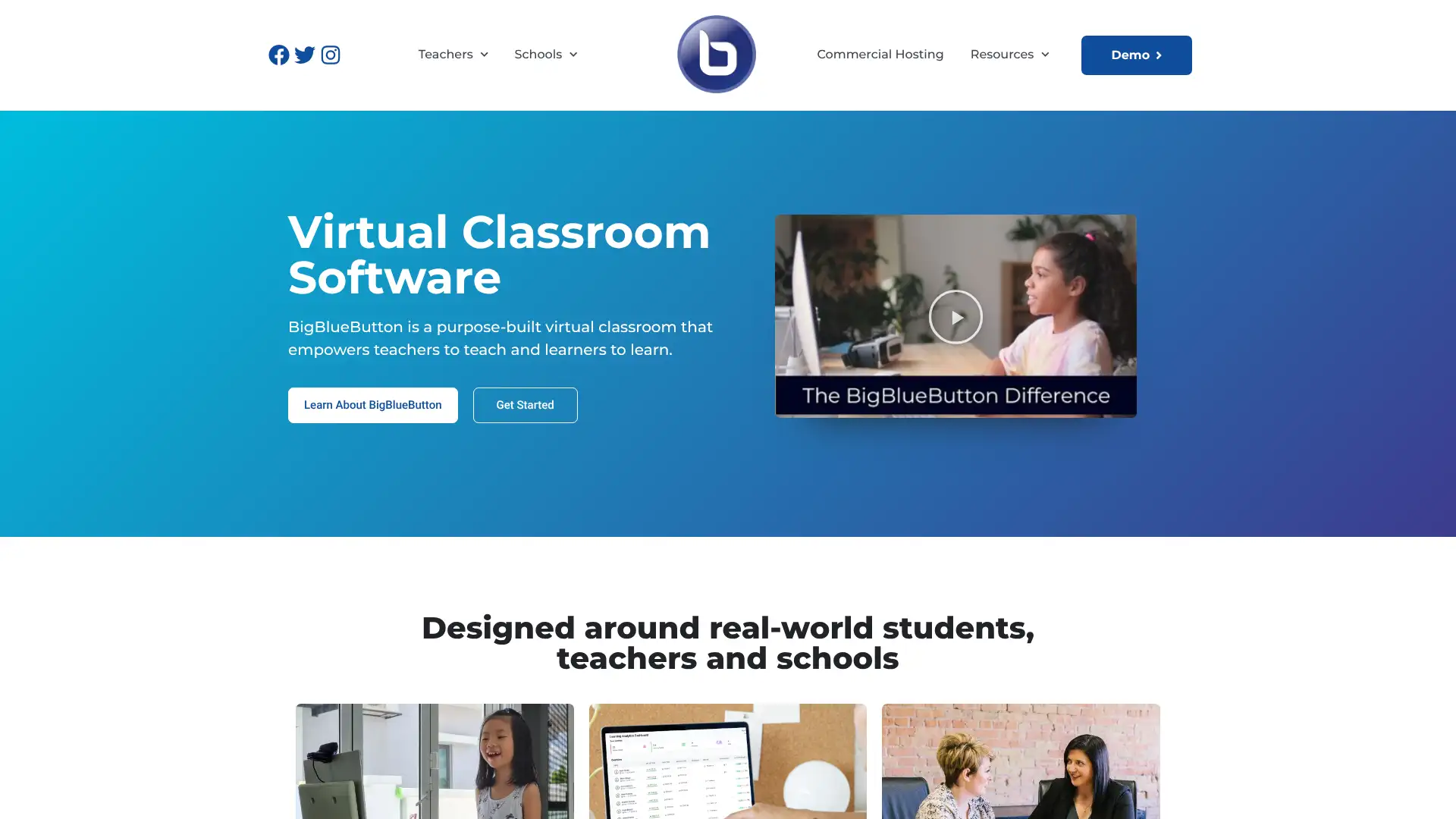
BigBlueButton (BBB) is a free open-source web conferencing system built specifically for online education. It integrates natively with Moodle, Canvas, and Sakai. Schools and universities use it for its real-time whiteboard, breakout rooms, polls, shared notes, and learning-management-system embeds. Self-hosted on Ubuntu servers; no per-user licensing cost.
Pricing
Self-hostedFree (server costs apply)
Hosted (via Elos/Mconf)From ~$5/user/mo
Enterprise hostingCustom pricing
Key features
• Real-time shared whiteboard with annotation tools for instructors and students
• Breakout rooms, group polling, Q&A, and shared notes in every session
• Native LMS integration with Moodle, Canvas, and Sakai via LTI
• No participant limit in theory; requires well-resourced Ubuntu server (16GB+ RAM)
• Greenlight front-end provides a simple room management UI for self-hosted installs
Strengths
✓ Free to self-host with no per-user licensing fees
✓ Best classroom features of any open-source tool: whiteboard, polls, breakouts
✓ Native LMS integration for Moodle and Canvas
✓ GDPR compliant when self-hosted; full data control
Limitations
✕ Self-hosting requires a dedicated Ubuntu server with 16GB+ RAM and a static public IPv4 address; this is a significant IT infrastructure commitment that most schools without dedicated server staff cannot manage reliably
✕ Performance degrades noticeably above 100 concurrent participants per server instance; scaling beyond that requires horizontal load balancing with a scalelite cluster, which adds substantial system administration complexity
✕ No native mobile app with full classroom functionality; students and teachers joining from iOS or Android join via the browser, which delivers a degraded experience compared to native Zoom or Teams mobile apps
Jitsi Meet is simpler to self-host for non-educational use. Zoom for Education and Google Meet with Google Workspace for Education are the commercial alternatives.
Jitsi Meet
jitsi.org
Zoom for Education
zoom.us
Google Meet
meet.google.com
Element
element.io
The best open-source conferencing tool for educational institutions running Moodle or Canvas. The zero-license cost is compelling, but self-hosting complexity means it suits universities with dedicated IT teams rather than small schools.
Websitebigbluebutton.org
Jitsi Meet
20
Jitsi Meet is recommended for: free open-source no-account meetings
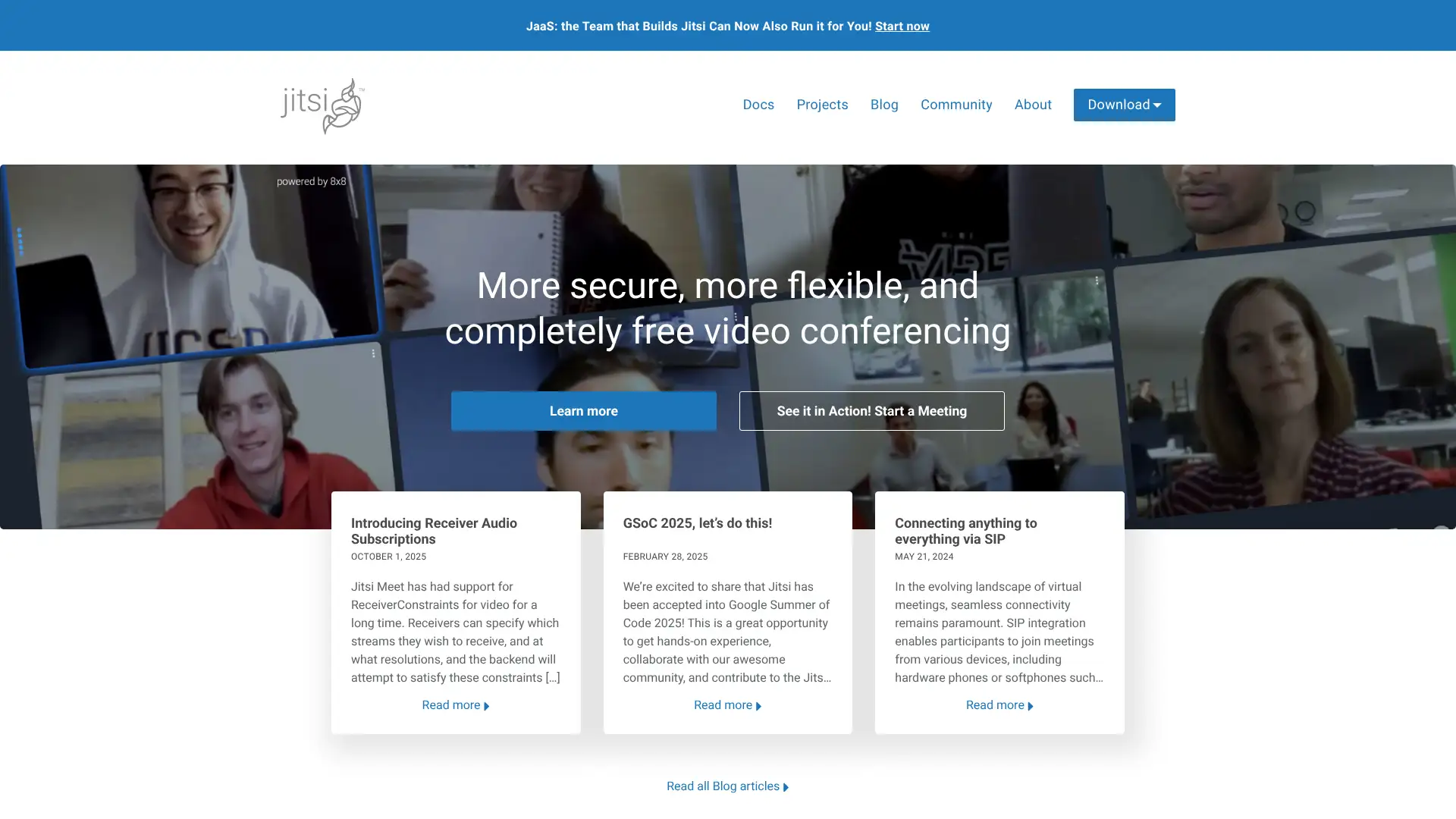
Jitsi Meet is a free open-source video conferencing tool maintained by 8x8. No account or download is required: visit meet.jit.si, type a room name, and you have a meeting with a shareable link. Self-hostable on Ubuntu with one command. The Matrix/Element platform uses Jitsi as its video layer. Used by NGOs, privacy advocates, and developers who want full data control.
Pricing
meet.jit.si (hosted)Free
Self-hostedFree (Apache 2.0 license)
8x8 Jitsi as a ServicePay-as-you-go per participant minute
Key features
• No account required; visit URL, name a room, share link, start meeting immediately
•End-to-end encryption for 1: 1 calls; DTLS-SRTP encryption for group calls
• 500+ participants possible on well-configured self-hosted instances
• Apache 2.0 license; commercially usable with full source code access
Strengths
✓ Fully free with no account or download required
✓ Self-hosted gives complete data control and GDPR compliance
✓ Active open-source community with regular updates
✓ Commercially usable under Apache 2.0 license
Limitations
✕ The public meet.jit.si service has no guaranteed uptime SLA and runs on shared infrastructure; it is unreliable during peak hours and unsuitable for business-critical or time-sensitive meetings
✕ End-to-end encryption is only available in 1:1 calls; group calls use DTLS-SRTP server-side decryption, meaning the hosting server (8x8's infrastructure on the public instance) can technically access group call content
✕ No meeting recording on the free public instance; recording requires either a Dropbox account integration or a self-hosted deployment with additional Jibri recording infrastructure configured separately
BigBlueButton is the better open-source option for education specifically. Element/Matrix provides a federated alternative with stronger encryption guarantees.
BigBlueButton
bigbluebutton.org
Element
element.io
Whereby
whereby.com
Google Meet
meet.google.com
The go-to recommendation for NGOs, startups, and privacy-conscious teams that want zero-cost, no-account video meetings. For teams willing to maintain a server, self-hosted Jitsi is the most cost-effective conferencing solution on this list.
Websitejitsi.org
Element (Matrix)
21
Element (Matrix) is recommended for: federated open-source encrypted communication
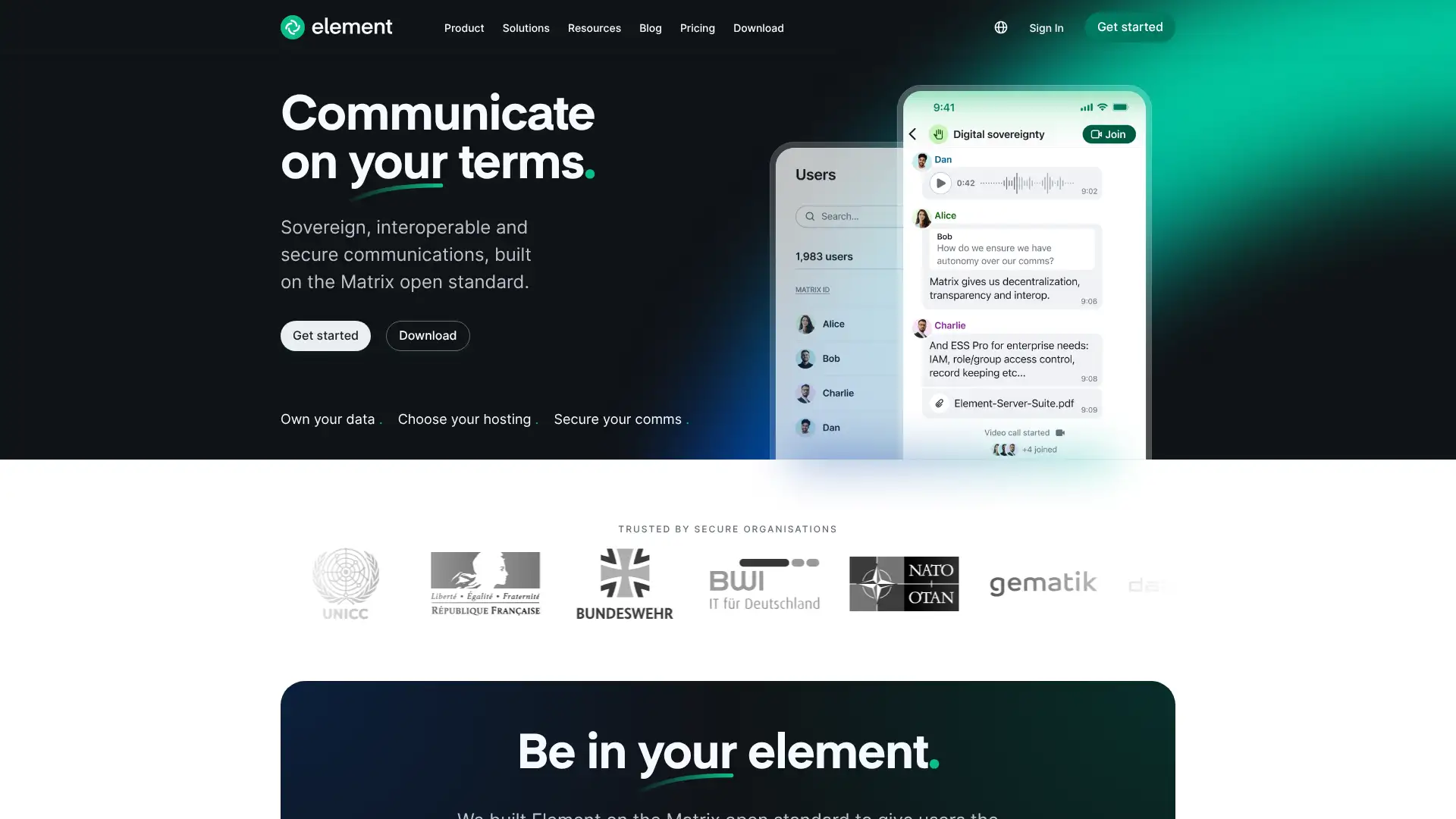
Element is the leading client for the Matrix open-source federated communication protocol. Like email, Matrix means different servers can talk to each other without one company owning the network. Element provides end-to-end encrypted messaging, voice, and video. Used by the German and French governments, NHS, and organizations requiring sovereign communication infrastructure.
Pricing
Free (matrix.org)$0community hosted
Element One$5/user/mo
Element EnterpriseCustom pricing
Self-hosted (Synapse)Free (AGPL)
Key features
•Federated protocol: your server talks to other Matrix servers without a central authority
• End-to-end encryption for all messages and calls by default
• Voice and video calls powered by Jitsi integration inside rooms
• Bridges to Slack, Teams, IRC, and Telegram allow interoperability
• Used by German federal government (BundesMessenger) and French armed forces
Strengths
✓ No vendor lock-in; federated protocol means you own your data
✓ End-to-end encryption by default on all channels
✓ Government and defense proven; highest-security use cases on this list
✓ Bridges to Slack, Teams, and IRC for interoperability
Limitations
✕ Matrix federation between different homeservers introduces latency and sync complexity; message delivery across servers can be slow, and bridge reliability to Slack, Teams, or IRC is inconsistent depending on bridge server health
✕ Self-hosting the Synapse homeserver is resource-intensive; a deployment for 50 users typically requires 4GB+ RAM and a well-tuned PostgreSQL database, and performance degrades significantly without ongoing server maintenance
✕ End-to-end encryption cross-device session verification is genuinely confusing for non-technical users; device verification prompts and key management create friction that Slack and Teams never impose on ordinary employees
Wire is a direct alternative for end-to-end encrypted business communications. Jitsi covers the video layer for teams that do not need full federated messaging.
Wire
wire.com
Jitsi Meet
jitsi.org
BigBlueButton
bigbluebutton.org
Cisco Webex
webex.com
The only tool on this list that gives you fully sovereign communication infrastructure with no single company controlling the network. Overkill for most SMBs, but essential for government, defense, and organizations in adversarial compliance environments.
Websiteelement.io
Wire
22
Wire is recommended for: end-to-end encrypted business messaging and video
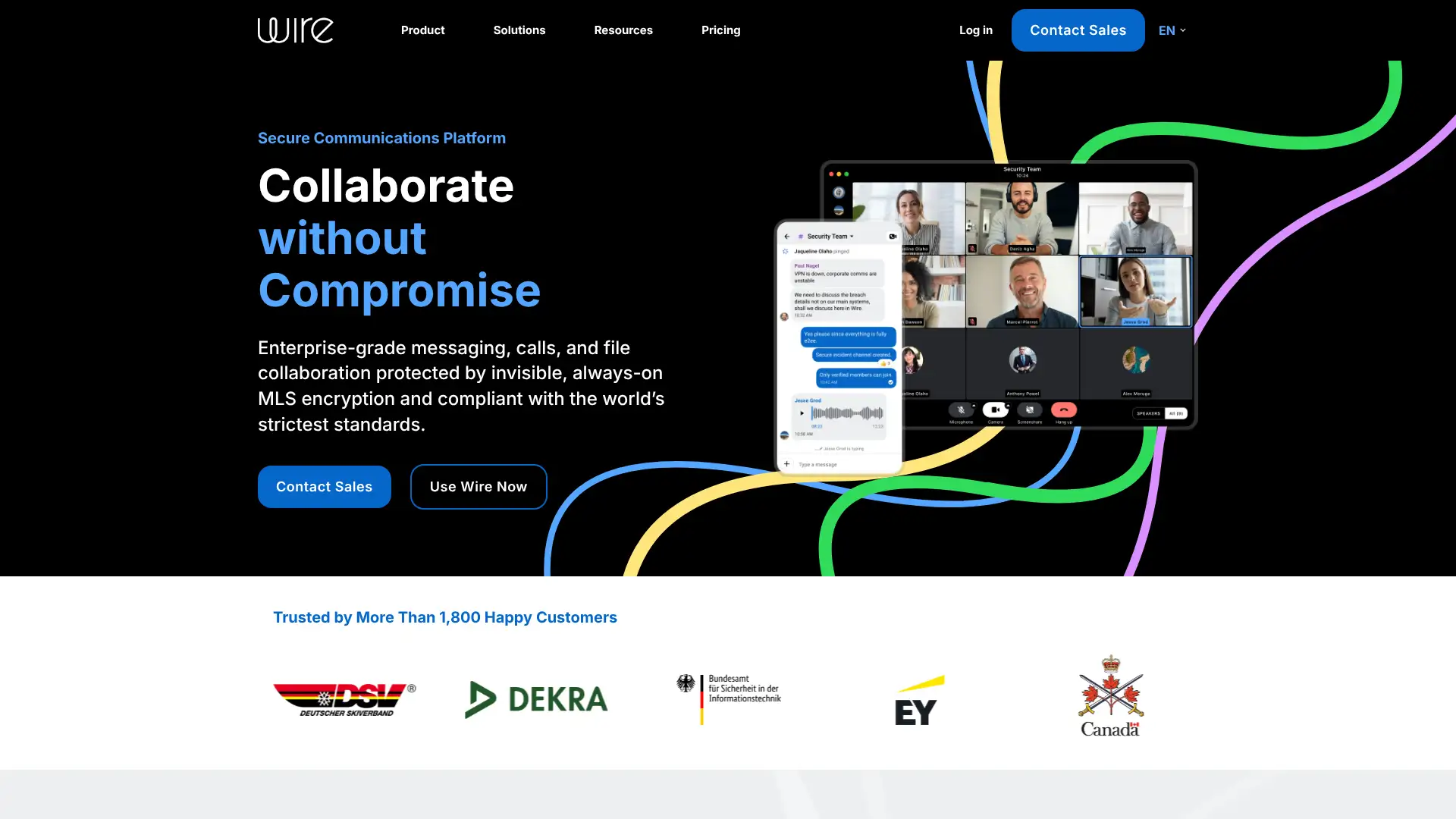
Wire is an open-source end-to-end encrypted communication platform for business, covering messaging, file sharing, voice, and video. Unlike Signal (consumer-focused), Wire is designed for enterprise security with admin controls, GDPR-compliant EU data hosting, and on-premise deployment options. Group video is limited to 4 participants on all plans, which is a significant restriction for team meetings.
Pricing
Free$0personal use
Wire for TeamsCustom pricing
Enterprise (on-prem)Custom pricing
Key features
• End-to-end encryption on all messages, calls, and file transfers by default
• EU data hosting with GDPR compliance; on-premise deployment available
• Screen sharing, screen recording, and meeting scheduling on business plans
• Group video limited to 4 participants on all current plans
• Open source under GPL; auditable codebase for security-conscious buyers
Strengths
✓ E2EE by default on all communications including files
✓ EU data hosting and on-premise options for compliance
✓ Auditable open-source codebase
✓ Used by defense, legal, and financial organizations in Europe
Limitations
✕ Group video is hard-capped at 4 participants on all current Wire plans — a deal-breaker for any business that needs to hold team meetings with 5 or more people via video; this alone disqualifies it as a primary meetings platform
✕ Business pricing is entirely custom with no published rates; there is no self-serve signup or transparent pricing page for Wire for Teams, requiring a direct sales engagement to evaluate cost
✕ Feature development pace has been slow compared to Zoom or Teams; Wire has not shipped AI meeting summaries, real-time transcription, or workspace productivity features, falling well behind the AI feature race in 2025-2026
Element/Matrix provides a federated open-source alternative with broader video support. Webex offers enterprise encryption with a larger feature set.
Element
element.io
Cisco Webex
webex.com
Zoom
zoom.us
Jitsi Meet
jitsi.org
A strong compliance-first messaging platform for small secure teams in regulated industries. The 4-participant group video cap is a deal-breaker for most businesses as a primary meetings tool, but Wire excels as a secure messaging layer alongside a separate video platform.
Websitewire.com
8x8
23
8x8 is recommended for: unlimited international calling and UCaaS
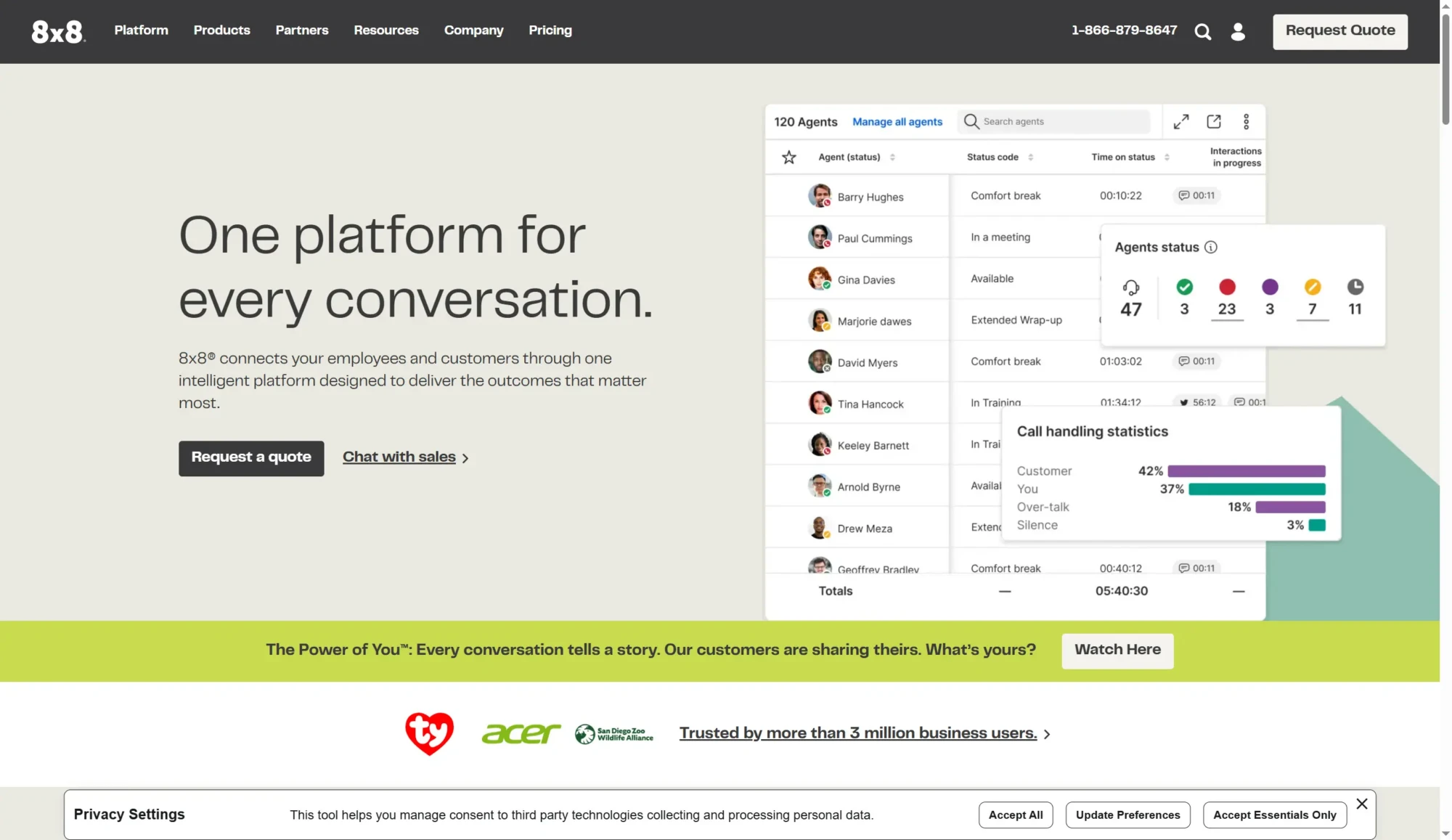
8x8 is a unified communications platform (UCaaS) that includes video meetings, voice, team messaging, and contact center capabilities. Its standout advantage is unlimited calling to 48 countries on all plans, which makes it the top choice for organizations with frequent international calling needs. Communication plans start at $28/user/mo; contact center plans from $85/user/mo. 8x8 also maintains and stewards Jitsi Meet as an open-source project.
Pricing
X2 (Comm)$28/user/mo
X4 (Comm+)$57/user/mo
X6 (CC)$85/user/mo
X8 (CC Advanced)$110/user/mo
Key features
• Unlimited calling to 48 countries included in all plans
• Unlimited SMS and MMS texting (not available on RingCentral base plans)
• Video meetings up to 500 participants with recording and transcription
• 8x8 sponsors and maintains Jitsi Meet as an open-source project
•Contact center add-on covers omnichannel: voice, email, SMS, chat
Strengths
✓ Unlimited calling to 48 countries on all plans; best international value
✓ Unlimited SMS on all plans (RingCentral caps SMS at 25-200/user/mo)
✓ Stewards the open-source Jitsi project
✓ Strong contact center integration for customer-facing teams
Limitations
✕ X2 plan at $28/user/mo is more expensive than RingCentral Core ($20/user/mo) and Dialpad Standard ($23/user/mo); the 8x8 premium is only cost-justified for teams making heavy international calls to the covered 48 countries
✕ Video meeting interface and feature set are behind Zoom and Teams; 8x8 video is functionally adequate but not a selling point — it lacks the AI companion, breakout room polish, and integration depth of the leading platforms
✕ Contact center plans starting at $85/user/mo (X6) are significantly more expensive than Dialpad's contact center offering at comparable feature levels; pricing escalates steeply beyond the base communications tier
RingCentral is cheaper with stronger CRM integrations for domestic teams. Dialpad is the best AI-first alternative for US-focused teams.
RingCentral
ringcentral.com
Dialpad
dialpad.com
Nextiva
nextiva.com
Cisco Webex
webex.com
The best UCaaS platform for organizations with heavy international calling requirements. If your team regularly calls 10+ countries, the unlimited calling across 48 countries makes 8x8 more cost-effective than RingCentral despite the higher base price.
Website8x8.com
Dialpad
24
Dialpad is recommended for: AI-powered calls and transcription
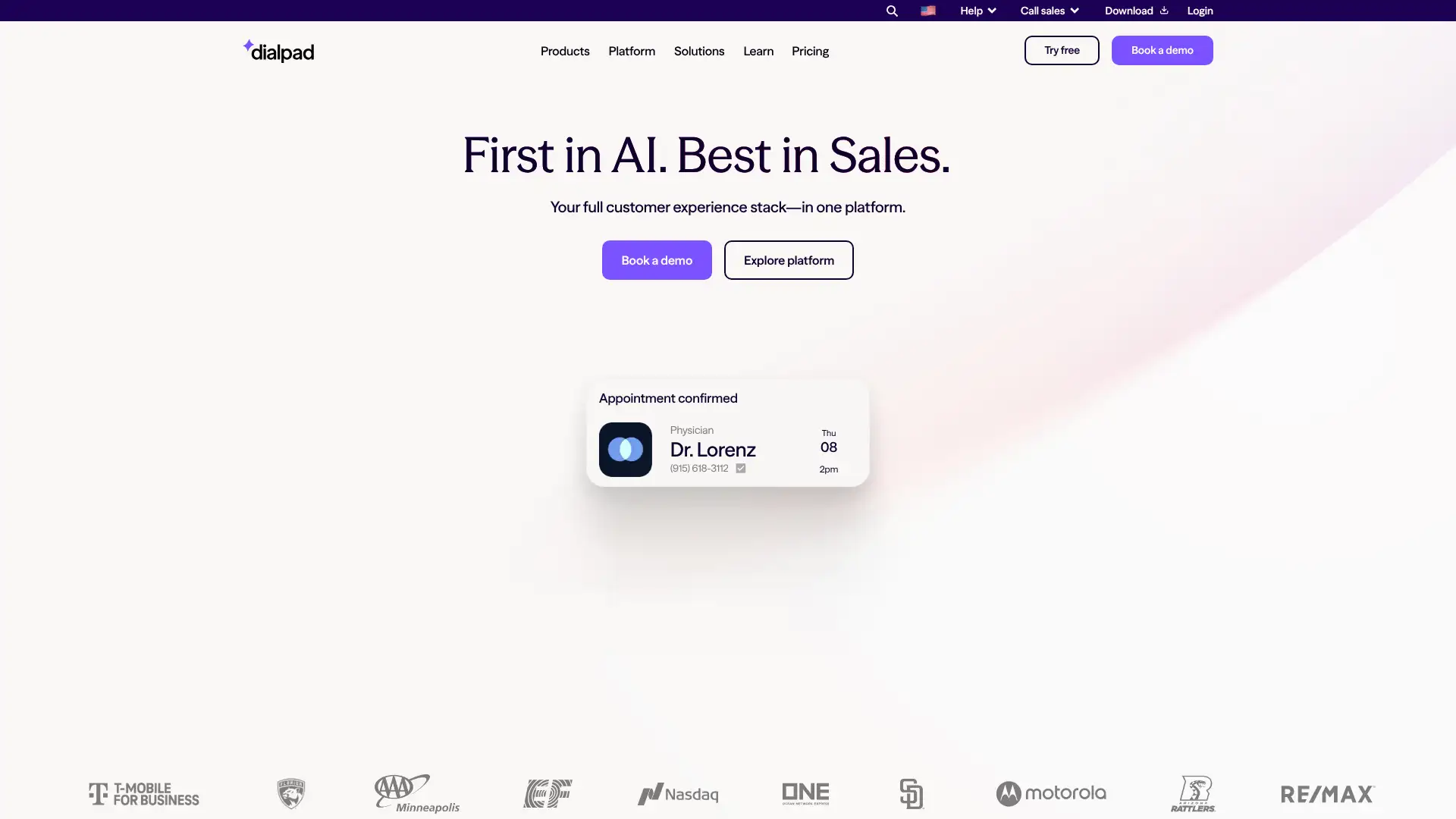
Dialpad is the AI-first UCaaS platform, built around Voice Intelligence (Vi): real-time transcription, sentiment analysis, and automated post-call summaries on every call. It merges voice, SMS, video, and contact center features into one interface. In 2026, Dialpad is widely recognized as the best business phone system for teams who want AI features without paying enterprise-level add-on prices.
Pricing
Standard$23/user/mo (annual)
Pro$35/user/mo (annual)
EnterpriseCustom pricing
Free (Meetings)$0basic, no card required
Key features
• Real-time transcription and sentiment analysis on every call and meeting
• Automated post-call summaries with action items; no note-taking required
• Unlimited calling and SMS in the US and Canada on all plans
• Integrates natively with Salesforce, Google Workspace, and HubSpot
•AI coaching: real-time suggestions for sales reps on live calls
Strengths
✓ Best AI transcription and call intelligence features in the UCaaS market
✓ AI features included in core pricing; no expensive add-ons
✓ Up to 55% cheaper than RingCentral once AI add-ons are factored in
✓ Unified voice, SMS, video, and chat in one clean interface
Limitations
✕ International calling outside the US and Canada incurs per-minute charges on all standard plans; teams with frequent calls to Europe, Asia, or Latin America will find 8x8 more cost-effective for international coverage
✕ Video meetings are capped at 150 participants — meaningfully less than Zoom (300-500), Teams (300), or Webex (up to 1,000) — limiting Dialpad's use for large internal all-hands or company-wide video calls
✕ Salesforce and HubSpot CRM integrations require the Pro plan at $35/user/mo; the Standard plan at $23/user/mo lacks native CRM connectivity, which is a significant gap for sales teams evaluating the platform
RingCentral offers broader integrations for enterprise teams. Nextiva provides better customer support for smaller businesses building out UCaaS for the first time.
RingCentral
ringcentral.com
Nextiva
nextiva.com
8x8
8x8.com
Zoom Phone
zoom.us
The best AI-first business phone system in 2026 for teams in the US and Canada. If automated call summaries and real-time transcription matter to you, Dialpad includes them in the base price where competitors charge significant add-on fees.
Websitedialpad.com
RingCentral (RingEX)
25
RingCentral (RingEX) is recommended for: enterprise UCaaS and video integration
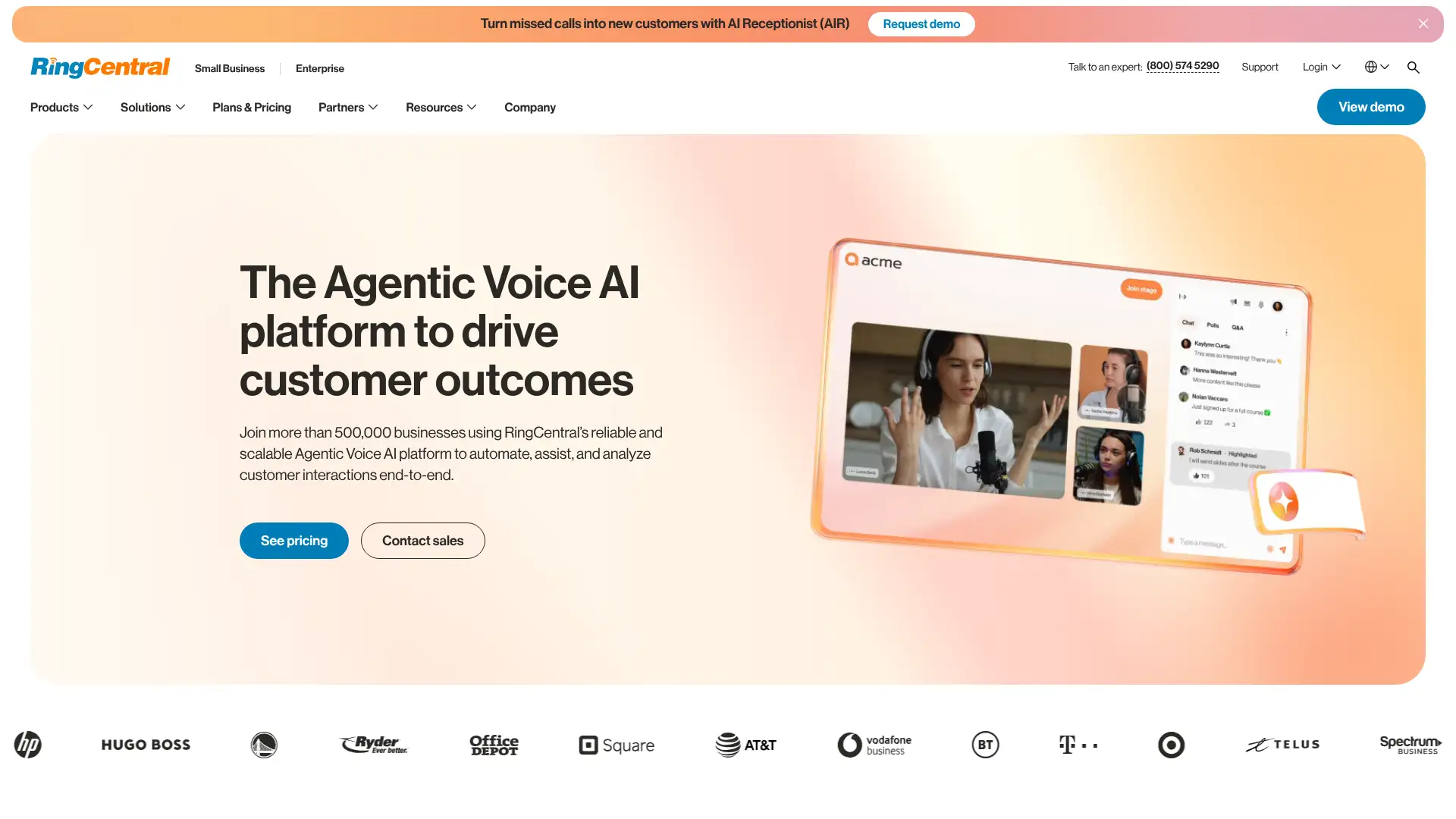
RingCentral RingEX serves over 7 million users as a full unified communications platform covering phone, video, team messaging, and contact center. It acquired Hopin's Events and Session products in 2023, expanding video into virtual events. Plans run from $20 to $35/user/mo (annual). AI features are largely locked behind costly add-ons, unlike Dialpad where they are bundled.
Pricing
Core$20/user/mo (annual)
Advanced$25/user/mo (annual)
Ultra$35/user/mo (annual)
RingCX (Contact Center)$65/user/mo (annual)
Key features
• Unlimited calling in 33 countries; DID numbers from 100+ countries
• 300+ CRM integrations including Salesforce, Zendesk, and HubSpot (Advanced plan)
• Video meetings up to 500 participants; 14-day free trial available
• RingCentral Events (Hopin) for virtual and hybrid conferences as add-on
• AI Receptionist add-on at $39/mo handles call routing and appointment booking 24/7
Strengths
✓ Most comprehensive UCaaS platform: phone, video, events, and contact center
✓ 300+ CRM and business app integrations on Advanced plan
✓ 24/7 customer support across all paid plans
✓ Proven at enterprise scale; 7+ million users
Limitations
✕ AI features (RingSense AI transcription, AI Receptionist) are priced as expensive add-ons: RingSense costs approximately $30/user/mo extra on top of base plan pricing — comparable to Dialpad's entire monthly cost which includes AI in the base plan
✕ SMS is capped at 25 messages/user/mo on the Core plan and 100/user/mo on Advanced; 8x8 includes unlimited SMS on all plans, making RingCentral a poor choice for teams with high SMS volume needs
✕ Annual contract is required to receive advertised pricing; month-to-month rates are significantly higher, and early termination fees apply to annual contracts — a notable commitment risk for growing businesses
Dialpad is the AI-first alternative at lower effective cost. Nextiva is better rated for customer support and SMB ease of use.
Dialpad
dialpad.com
Nextiva
nextiva.com
8x8
8x8.com
Zoom Phone
zoom.us
The most complete UCaaS platform for enterprise buyers who need everything under one vendor. Watch out for add-on costs: AI Receptionist, RingSense, and RingCX can significantly inflate the headline $20/user/mo price.
Websiteringcentral.com
Vonage Business
26
Vonage Business is recommended for: API customization and programmable voice
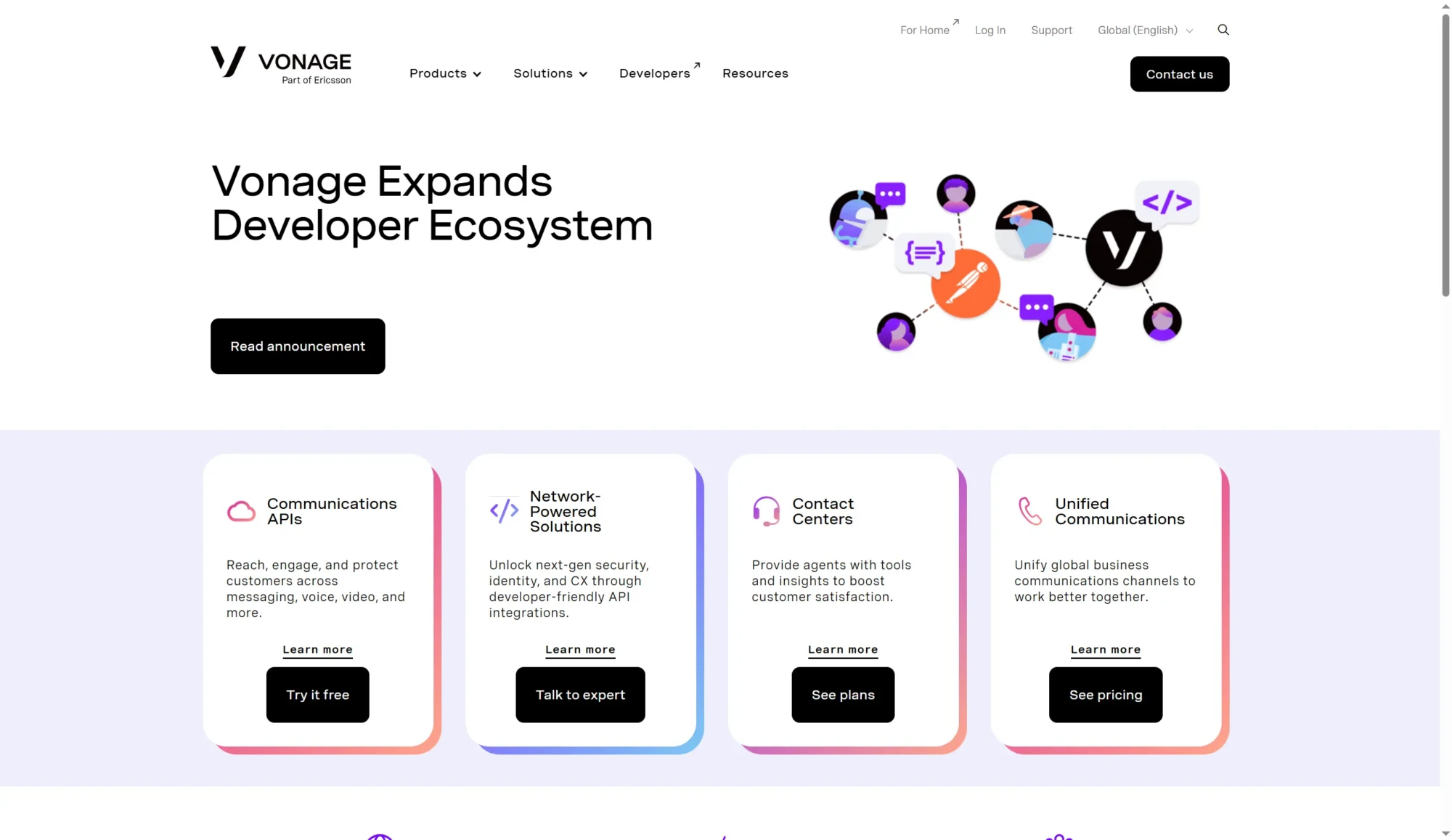
Vonage (acquired by Ericsson in 2022) is a veteran VoIP provider offering both a standard UCaaS business phone product and a powerful Communications API platform for building custom voice, SMS, and video workflows. The Vonage Business Communications product covers meetings, messaging, and phone. The APIs (formerly Nexmo) are used by developers to embed communications into applications.
Pricing
Mobile~$19.99/line/mo
Premium~$29.99/line/mo
Advanced~$39.99/line/mo
APIsPay-as-you-go
Key features
• 99.999% uptime SLA; among the strongest reliability guarantees in the market
• Unlimited SMS and MMS on Advanced plan ($39.99/line/mo)
•Vonage Communications APIs: programmable voice, SMS, video for custom app builds
• Call recording available as an add-on (not included in base plans)
• 14-day free trial available on all business plans
✓ Best-in-class API platform for building custom communication workflows
✓ Decades of VoIP infrastructure experience
✓ Flexible plans that reduce cost as user count increases
Limitations
✕ Call recording is not included in base plans and is charged as an add-on — a notable omission for sales and compliance teams, particularly when Dialpad includes call recording in its Standard plan at $23/user/mo
✕ Ericsson's acquisition of Vonage in 2022 has created ongoing product direction uncertainty; the business UCaaS product has been repositioned multiple times since acquisition, and competitors actively leverage this instability in sales cycles
✕ The Vonage APIs and UCaaS products are marketed together, creating buyer confusion; most SMB buyers don't need the programmable API platform and end up evaluating (and sometimes paying for) capabilities that provide no value to their use case
For API-driven communication, Twilio is the primary competitor. For standard UCaaS, RingCentral and Dialpad offer more AI innovation at similar pricing.
RingCentral
ringcentral.com
Dialpad
dialpad.com
Nextiva
nextiva.com
8x8
8x8.com
Vonage makes the most sense for organizations that need both a standard business phone system and a programmable API layer to build custom communication features into their own products. For pure UCaaS, Dialpad and RingCentral are stronger in 2026.
Websitevonage.com
Nextiva
27
Nextiva is recommended for: SMBs wanting best support and unified UCaaS
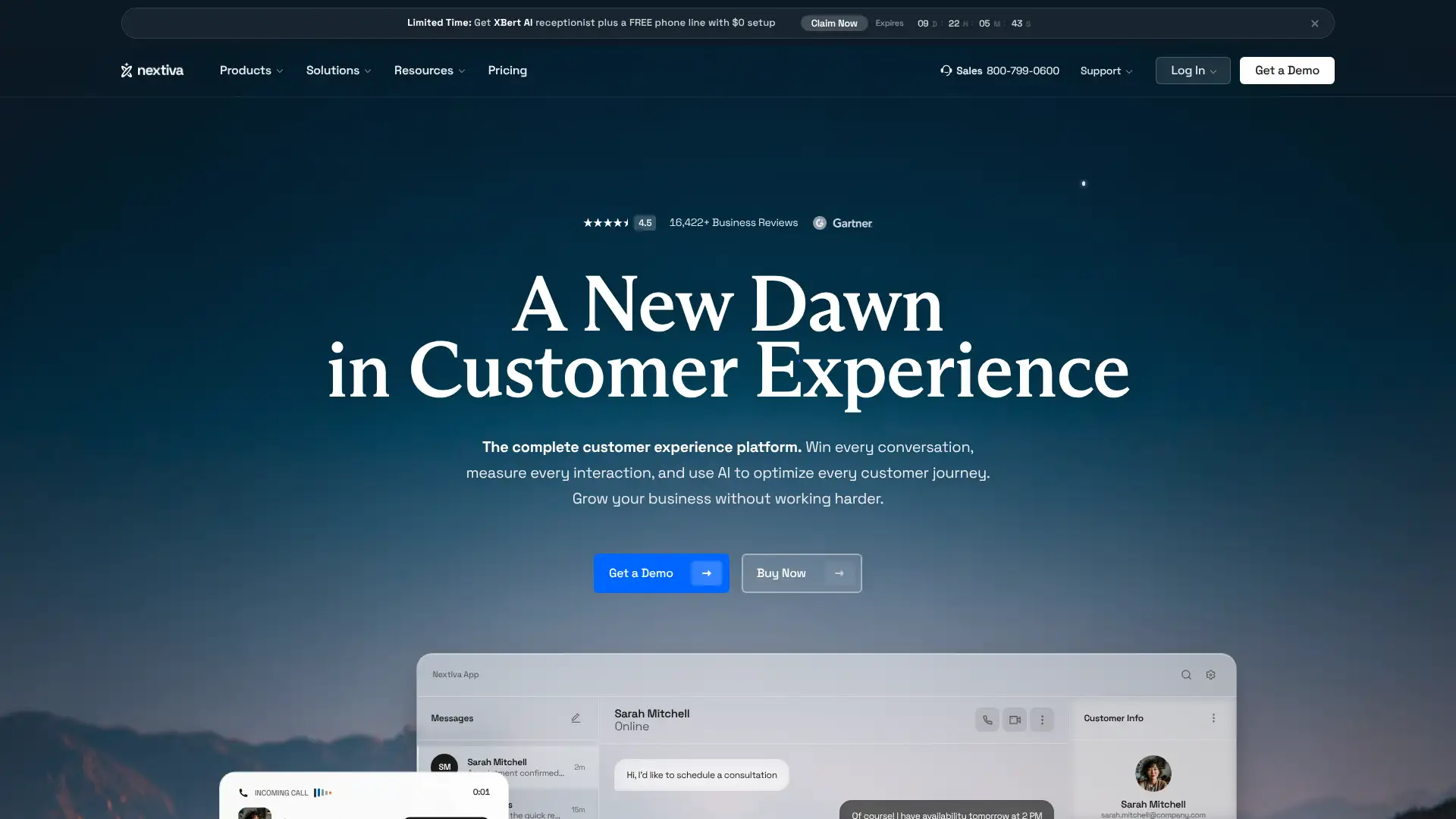
Nextiva is consistently rated among the top UCaaS providers for customer support and value. The NextivaONE portal unifies calling, video, team chat, and SMS into a single interface. Pricing has moved to custom quotes for most plans, but historically ranges from $24-38/user/mo. Nextiva is the go-to recommendation for 20-99 employee organizations that want enterprise reliability without enterprise complexity.
Pricing
Essential~$24/user/mo (annual)
Professional~$28/user/mo (annual)
Enterprise~$38/user/mo (annual)
Power Suite~$68-75/user/mo
Key features
•NextivaONE: unified dashboard for calling, video, SMS, and team messaging
• 99.999% uptime with 8 carrier-grade data centers; 24/7 monitoring
• Up to 12,500 toll-free minutes included on Enterprise plan
• Free brand-new Nextiva phones included for new subscribers on some plans
• Built-in contact list management, calendar, and CRM-lite features
Strengths
✓ Best-rated customer support of any UCaaS provider consistently
✓ Unified communications dashboard with minimal complexity
✓ 99.999% uptime SLA with redundant US data centers
✓ Toll-free minutes included on all plans
Limitations
✕ Pricing has shifted to custom quotes for most tiers; the historically published $24-38/user/mo range is no longer reliably available as a self-serve purchase, slowing evaluation for SMBs that want instant pricing transparency
✕ AI features are significantly behind Dialpad; Nextiva does not include real-time transcription, sentiment analysis, or AI coaching on live calls in base pricing — teams requiring AI call intelligence must look elsewhere
✕ NextivaONE video conferencing is functionally basic; it handles internal calls adequately but lacks the feature depth (AI summaries, breakout rooms, webinar scaling) needed to compete with Zoom for client-facing meetings
Dialpad offers better AI features. RingCentral has broader enterprise integrations. For simple phone-first SMBs, Ooma Office is a lower-cost option.
Dialpad
dialpad.com
RingCentral
ringcentral.com
8x8
8x8.com
Ooma Office
ooma.com
The top pick for 20-100 employee businesses that want reliable UCaaS with excellent onboarding support. Nextiva consistently wins on customer satisfaction vs. larger competitors. Worth requesting a custom quote rather than comparing sticker prices alone.
Websitenextiva.com
Grasshopper
28
Grasshopper is recommended for: solopreneurs and side businesses
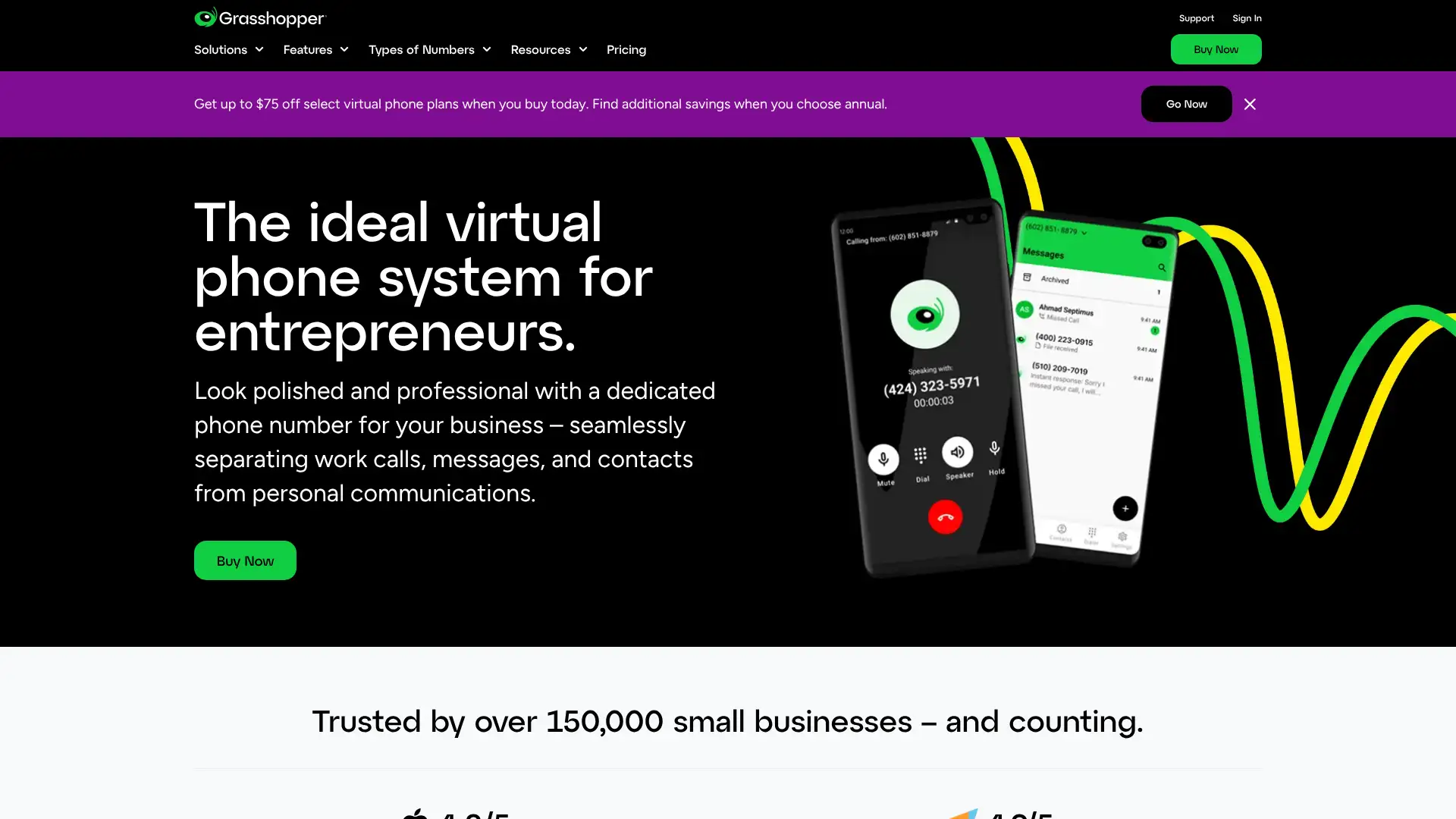
Grasshopper is a virtual phone number overlay for solopreneurs and very small businesses. It lets you separate business calls from personal ones on your existing phone, with no additional hardware. Pricing is account-based (not per-user), making it unusually affordable for teams sharing a number. True Solo plan $14/mo; Solo Plus $25/mo; Small Business $55/mo.
Pricing
True Solo$14/mo (annual)
Solo Plus$25/mo (annual)
Small Business$55/mo (annual)
Key features
• Virtual business number that rings your personal mobile or landline
• Unlimited calling and SMS in the US on all plans
• Custom greetings, call screening, and call forwarding included
•Account-based pricing: Small Business covers unlimited users for $55/mo flat
•Virtual fax: receive faxes as PDF attachments by email
Strengths
✓ Cheapest professional business number option on this list
✓ Account-based pricing makes Small Business plan great value for small teams
✓ Unlimited SMS included on all plans
✓ 7-day free trial
Limitations
✕ Grasshopper is not a real VoIP system; calls are forwarded to your personal mobile or landline rather than through a dedicated softphone or desktop app, meaning call quality depends entirely on your carrier and personal device
✕ No video meetings, team messaging, or shared inbox; it is purely a virtual number with call forwarding — unsuitable as a primary communications platform for any business with more than 2-3 employees who need to collaborate beyond basic call handling
✕ Number portability away from Grasshopper can be difficult; users report friction when attempting to port their Grasshopper number to a full VoIP provider like Dialpad or RingCentral after outgrowing the service
OpenPhone (now Quo) is a more modern collaborative alternative. Ooma Office adds desk phone support for teams moving beyond virtual numbers.
Ooma Office
ooma.com
Nextiva
nextiva.com
Dialpad
dialpad.com
Zoom Phone
zoom.us
The perfect first business phone number for freelancers, consultants, and side businesses that want to look professional without buying a full UCaaS platform. Once you hire your second or third employee and need video, upgrade to Ooma or Dialpad.
Websitegrasshopper.com
Ooma Office
29
Ooma Office is recommended for: desk-phone-first small business VoIP
Ooma Office is a plug-and-play VoIP solution for small businesses that want the familiarity of desk phones with modern cloud features. Rated 4.6/5 on G2, it scores highly for ease of setup, customer service, and affordability. Essentials plan $19.95/user/mo includes virtual receptionist, extension dialing, music on hold, and ring groups. The Pro plan adds call recording, SMS, and video conferencing.
Pricing
Essentials$19.95/user/mo
Pro$24.95/user/mo
Pro Plus$29.95/user/mo
Key features
• Virtual receptionist with customizable call routing menus
•Multi-ring: rings office and mobile simultaneously on inbound calls
• Call recording, video conferencing, and SMS on Pro plan ($24.95/mo)
•IP phone paging: one-way voice broadcast to all desk phones in office
• Salesforce integration available on Pro Plus plan
Strengths
✓ Rated 4.6/5 on G2; top-rated for support among budget VoIP tools
✓ Plug-and-play setup; minimal IT knowledge required
✓ Great fit for traditional small offices still using desk phones
✓ No long-term contract required
Limitations
✕ Call recording is only available on the Pro plan ($24.95/user/mo) and is limited to 30 days of cloud storage; businesses with compliance recording requirements need to integrate a separate long-term storage solution
✕ International SMS is not available on standard Ooma Office plans; the platform is designed for US domestic calling and SMS, making it unsuitable for businesses that communicate regularly with customers or partners outside the US
✕ Video conferencing included in Ooma Office is basic and not competitive with Zoom or Teams for client-facing calls; it functions as a checkbox feature rather than a capable video platform, meaning businesses that video-meet externally still need a separate solution
Grasshopper is simpler and cheaper for solo use. Nextiva is the upgrade path when needing better analytics and omnichannel support.
Grasshopper
grasshopper.com
Nextiva
nextiva.com
Dialpad
dialpad.com
RingCentral
ringcentral.com
The best budget VoIP option for small businesses that want reliable desk phones and a virtual receptionist without digital complexity. If your team still values physical handsets and simple call routing, Ooma delivers excellent value at $19.95/user/mo.
Websiteooma.com
Sessions.us
30
Sessions.us is recommended for: structured client-facing meetings with agendas
Sessions is a meeting platform built around structure: every session has a pre-built agenda, runs with timers, and includes collaborative tools like whiteboards, polls, and note-taking within the meeting room. It is aimed at coaches, consultants, and client-facing teams who want their external meetings to feel professionally orchestrated rather than improvised. Browser-based with no guest install required.
• Built-in timer keeps each agenda item on schedule during the meeting
• Collaborative whiteboard, polls, notes, and screen sharing inside the meeting room
• Automated meeting summaries and recording sent post-session
• No guest install required; participants join via browser link
Strengths
✓ Agenda-first design ensures meetings stay on track
✓ Pre-built templates reduce meeting prep time significantly
✓ Excellent for coaches and consultants with recurring structured calls
✓ Browser-based; no install friction for external clients
Limitations
✕ Very niche tool with a small user base and limited third-party integrations; CRM sync, calendar connections, and webhook support are limited compared to Zoom's 1,500+ app marketplace
✕ Participant limits are low; Sessions is not designed for team-wide or company-wide meetings beyond approximately 25 attendees, restricting its use to structured 1:1 or small group client calls
✕ The mandatory agenda-template structure adds meaningful prep overhead for informal or ad-hoc meetings; the rigidity of the format is counterproductive for internal team standups or quick unscheduled conversations
Vowel offers similar structured-meeting features with a searchable archive. Whereby is the simpler no-install alternative for external calls without the template structure.
Vowel
vowel.com
Whereby
whereby.com
Zoom
zoom.us
Loom
loom.com
A strong niche tool for coaches, consultants, and client-success teams who run the same structured meeting types repeatedly. The agenda-template approach meaningfully improves client perception of professional preparation. Not a daily driver for general internal meetings.
You're about to leave this website for our recommended partner for AI video generation.
We don't offer AI video generation yet,
therefore we will refer you to a verified partner for AI video generation. We earn a commission from this referral.