38 Best Project Management Tools in 2026
Project management software is one of the most crowded software categories, ranging from simple Kanban boards for solo users to enterprise portfolio management platforms used by Fortune 500 PMOs. This guide covers all 40 tools across every use case: Agile development, creative and agency work, personal productivity, enterprise governance, and open-source self-hosted options. All pricing verified March 2026.
Asana
Asana is one of the most widely adopted project management platforms, used by teams ranging from small startups to Fortune 500 enterprises. Originally built for Facebook's internal productivity, it is known for its clear task hierarchy, multiple views, and automation rules that hit a practical middle ground without overwhelming non-technical users. It includes timeline, board, list, calendar, and portfolio views, with advanced workload management and AI-assisted features on higher tiers.
- • Multiple project views: list, board, timeline (Gantt), calendar, and portfolio
- • Automation rules for recurring tasks, status updates, and notifications without coding
- • Portfolios and workload management for cross-project visibility on Advanced tier
- • Goals tracking to link projects to company objectives
- • 300+ integrations including Slack, Google Workspace, Microsoft 365, Salesforce, and Jira
Asana is the most structured cross-functional project manager at mid-market. The Starter plan at $10.99/user/month delivers unlimited automations, timelines, and Gantt views that ClickUp gates behind higher tiers.
Monday.com
Monday.com is a Work OS that positions itself beyond pure project management, handling cross-department coordination, CRM-style pipelines, and operational dashboards alongside traditional task tracking. Its highly visual boards, customisable columns, and colour-coded workflows make progress easy to understand without deep configuration knowledge. It scales from SMBs to large enterprises and is widely adopted by marketing, operations, and creative teams that want flexibility without technical overhead.
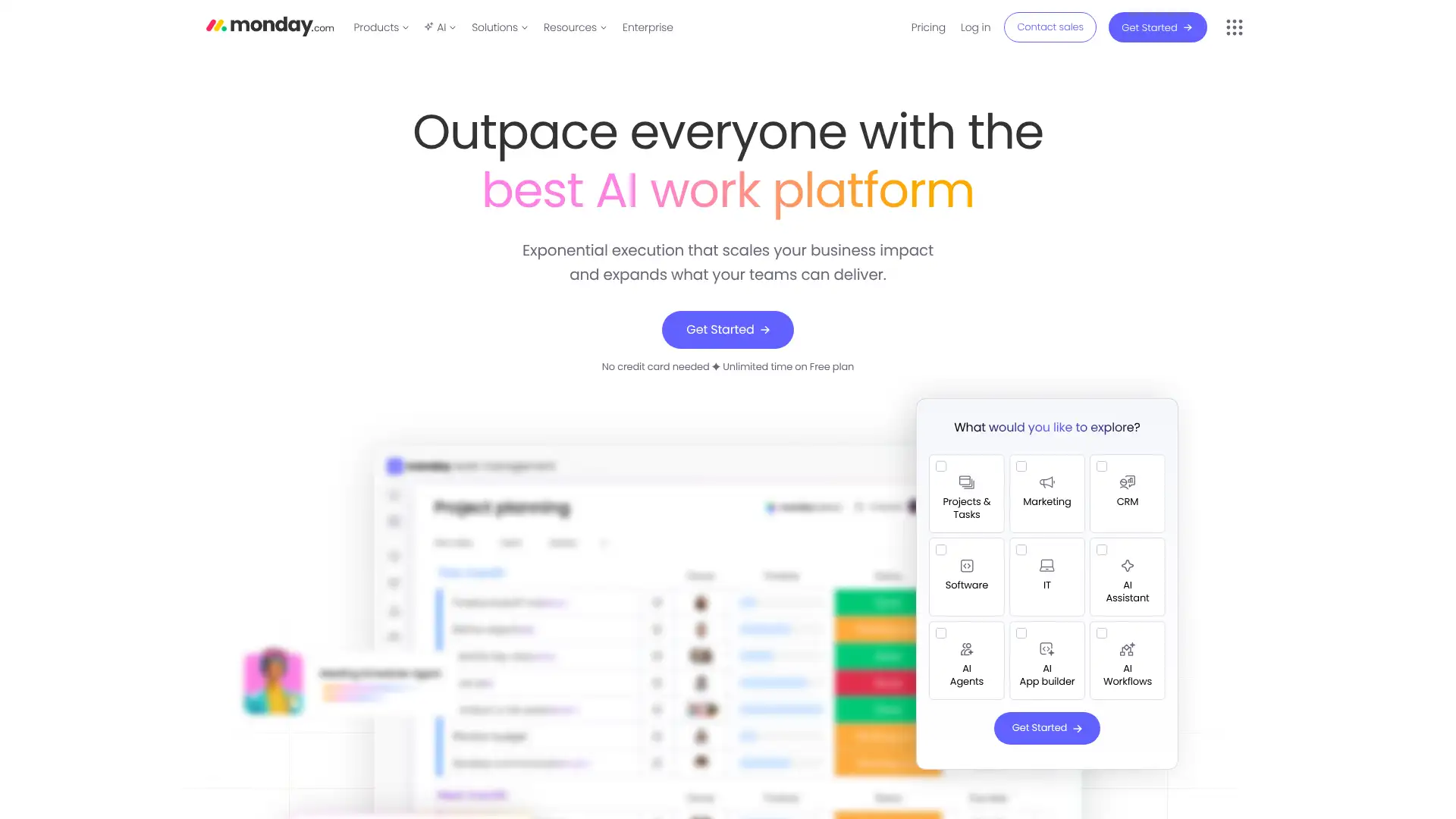
- • Highly visual boards with custom column types: status, people, date, dropdown, formula, and more
- • Dashboards aggregate data across multiple boards for cross-project reporting
- • Automations and integrations engine with no-code recipes for routine workflow steps
- • Work OS architecture: can run as CRM, dev tracker, marketing calendar, or operations hub
- • 200+ integrations including Slack, Salesforce, Jira, HubSpot, and Adobe Creative Cloud
Monday.com is the most visually accessible work OS for non-technical teams and cross-department coordination. The Standard plan at $12/user/month includes custom automations earlier than Asana, which requires Starter at $10.99 for comparable features but with unlimited automations.
ClickUp
ClickUp aims to be the "one app to replace them all," bundling tasks, docs, goals, time tracking, whiteboards, sprints, and dashboards in a single platform. It offers more features at lower price tiers than either Asana or Monday.com, making it popular with startups and tech-savvy teams that want maximum capability at minimum cost. The trade-off is complexity: Reddit users frequently describe ClickUp as the most customisable but also the most overwhelming project management platform.
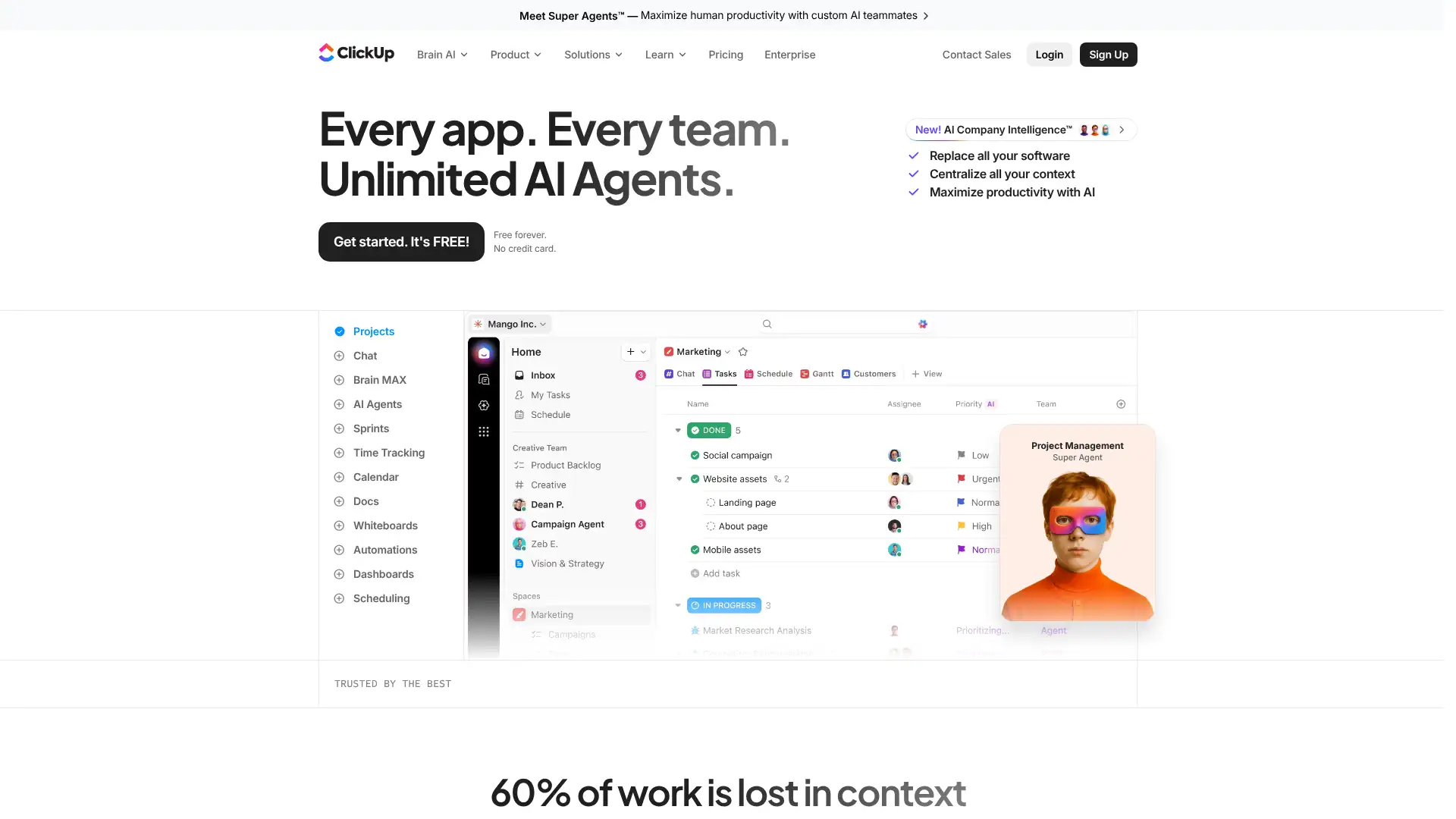
- • 35 ClickApps for custom workflow modules: sprints, time tracking, goals, custom fields, and more
- • Docs and wikis built in for knowledge management alongside project execution
- • Granular task hierarchy: Space, Folder, List, Task, Subtask, Checklist
- • Advanced automation with conditional logic: more powerful than Asana's rule-based system
- • AI writing, summarisation, and automation suggestions built into the platform
ClickUp is the highest feature density per dollar of any project manager in 2026. The Business plan at $12/user/month includes time tracking, goals, and workload management that Asana locks behind $24.99.
Trello
Trello is the original Kanban board tool, now owned by Atlassian. Its drag-and-drop cards, lists, and boards are the simplest introduction to visual task management available. Power-Ups extend functionality with calendar views, time tracking, and integrations. The free plan supports unlimited cards and up to 10 boards per workspace, making it genuinely useful for individuals and small teams. It lacks native Gantt charts, subtasks, and dependencies without add-ons, which limits it for complex projects.
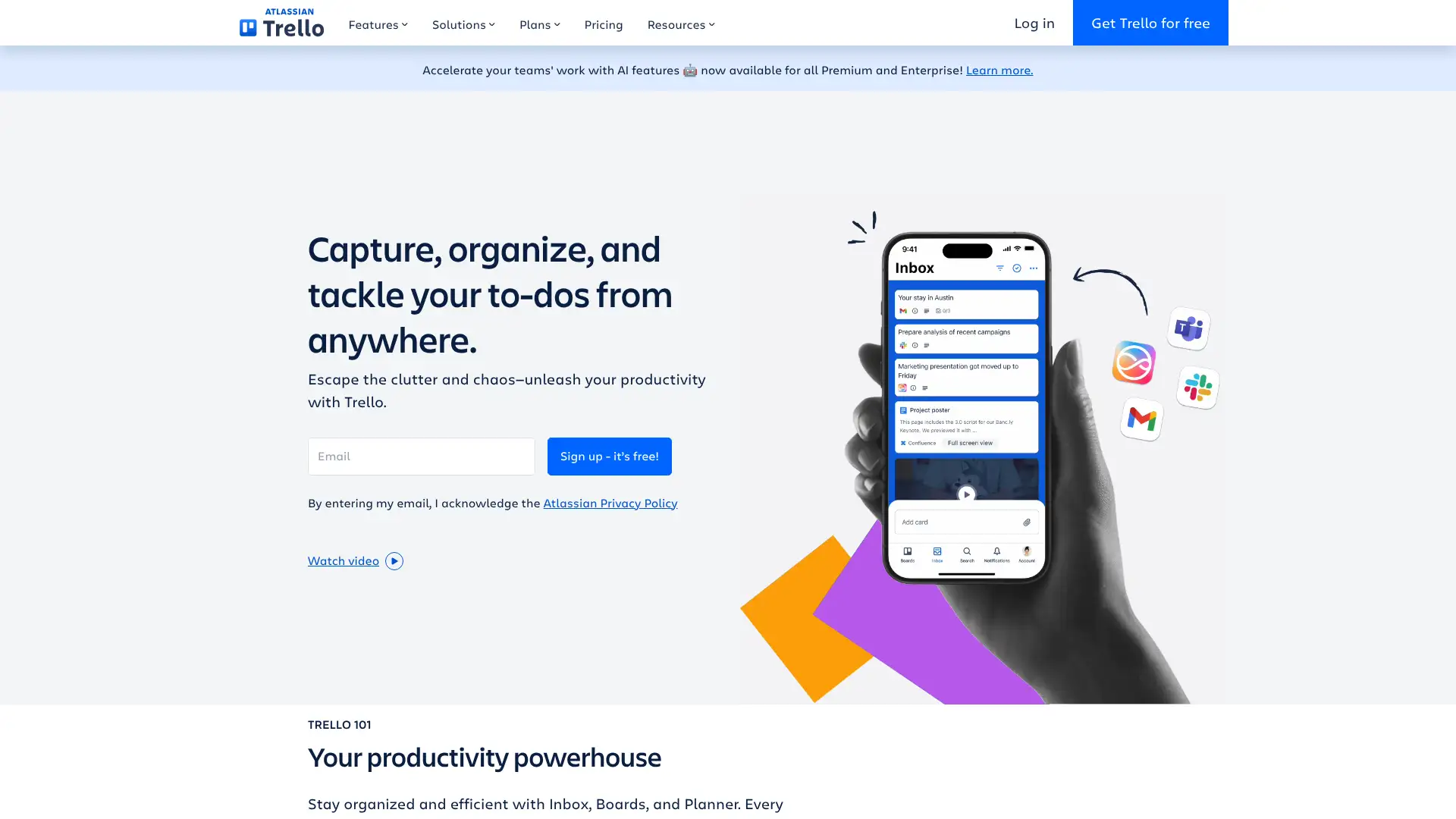
- • Drag-and-drop Kanban boards with cards, checklists, labels, due dates, and attachments
- • Butler automation bot for rule-based triggers: card moves, due dates, button presses
- • 200+ Power-Up integrations including Slack, GitHub, Google Drive, and Jira
- • Timeline, calendar, table, and map views on Premium and above
- • Community-made templates across business, marketing, education, and engineering
Trello is the fastest tool to adopt for small teams doing simple task tracking, but it hits its ceiling quickly. The free plan limits you to 10 boards per workspace, and Trello has no native subtasks, dependencies, or Gantt charts at any tier.
Jira
Jira, part of the Atlassian suite, is the dominant project and issue tracking tool for software development teams practising Agile methodologies. It provides sprint planning, backlog management, user stories, bug tracking, and deep integrations with developer tools including GitHub, Bitbucket, and GitLab. Custom workflows, issue hierarchies, and reporting give engineering teams the granular control they need. The free plan supports up to 10 users with unlimited projects.
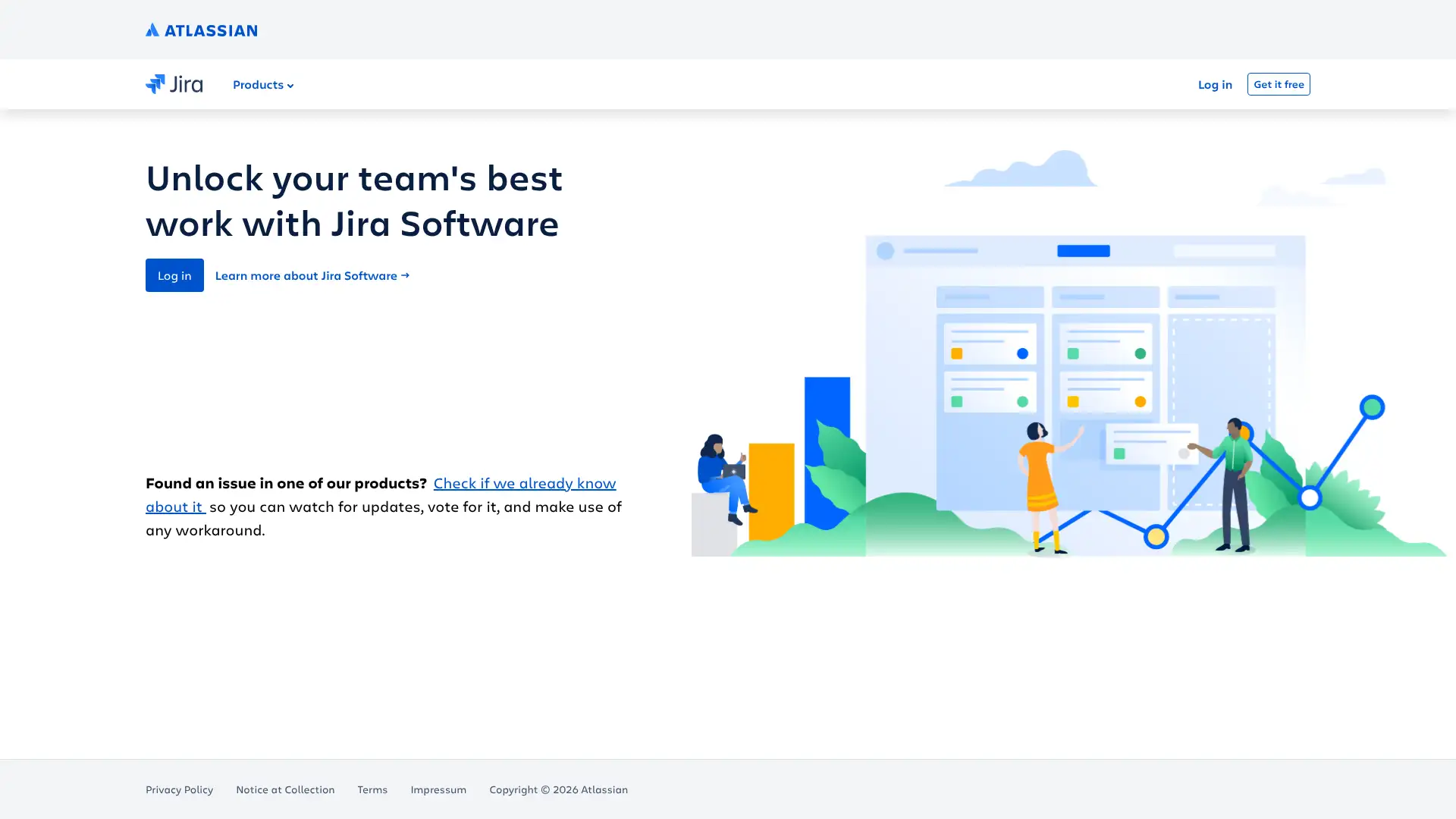
- • Scrum and Kanban boards with sprint planning, velocity charts, and burndown tracking
- • Custom issue types, workflows, and statuses tailored to any development process
- • Deep integration with GitHub, Bitbucket, GitLab, and other developer tooling
- • Advanced roadmaps for multi-team programme management on Premium
- • 3,000+ integrations via the Atlassian Marketplace
Jira is the dominant issue tracker for software teams and the most capable Agile tool at scale, but genuinely the wrong choice outside engineering. Scrum boards, sprint velocity, story points, and the GitHub/GitLab/Bitbucket integrations are unmatched at $8.15/user/month.
Notion
Notion is a flexible workspace combining notes, wikis, databases, and project tracking in a single document-first interface. Its block-based editor supports 50+ content types, and its relational databases can be configured as task lists, CRMs, content calendars, or project trackers. Notion AI adds automated summaries, research capabilities, and AI agents for workflow automation. It is particularly popular with startups, content teams, and product builders who want a unified workspace for execution and documentation.
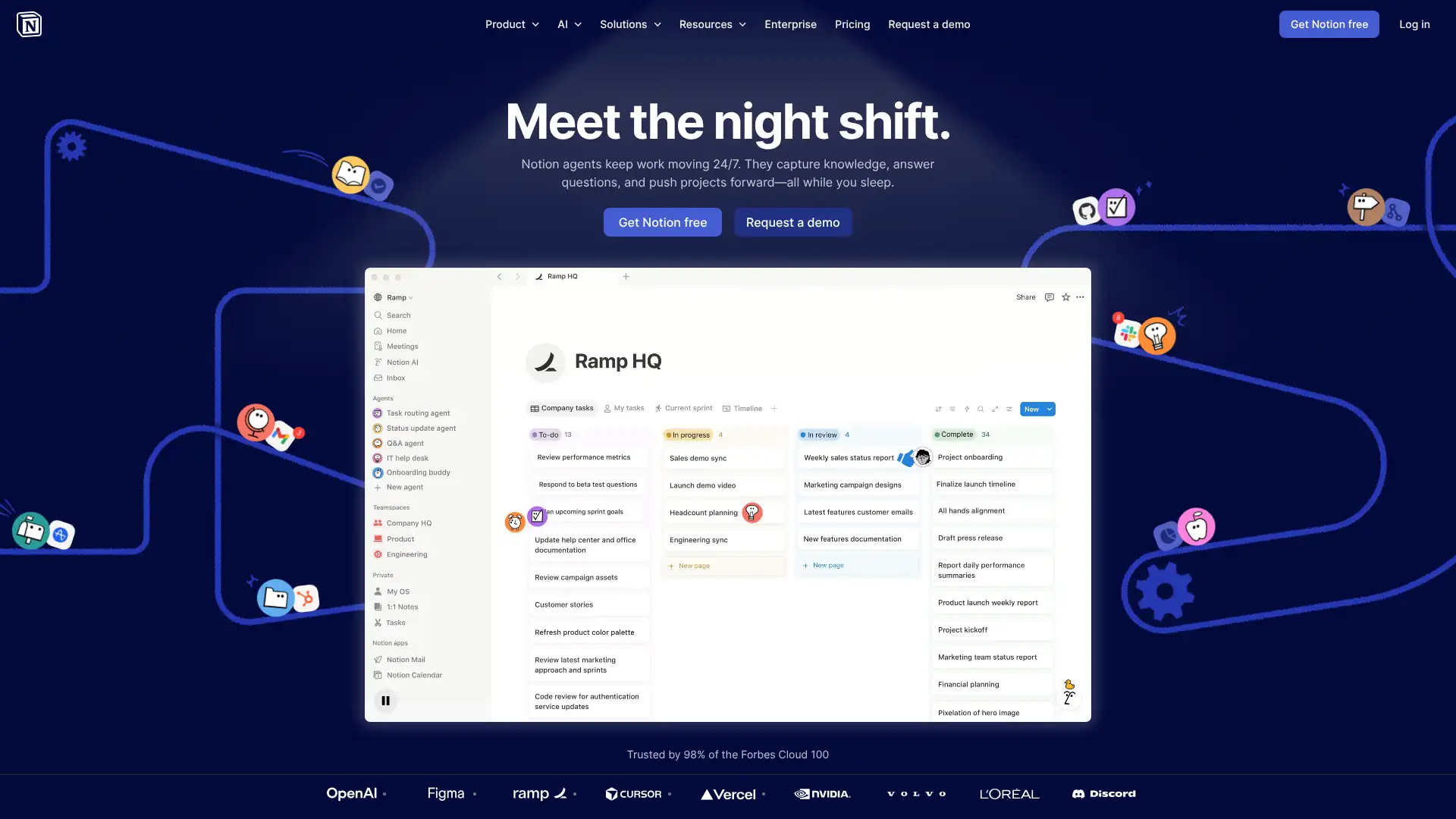
- • Block-based editor with 50+ content types: text, databases, embeds, code, toggles, and callouts
- • Relational databases with linked views: table, board, calendar, gallery, timeline, and list
- • Notion AI for summaries, Q&A, autofill, and automated workflows
- • Sites feature for publishing pages publicly with SEO controls and custom domains
- • 1-way database syncs with Jira, GitHub, Asana, and more for live data in Notion
Notion is the best single workspace for teams that produce documentation as a byproduct of project work. The Notion AI at $10/user/month on top of the Plus plan ($10/user) is expensive relative to ClickUp's bundled docs.
Basecamp
Basecamp was created by 37signals (the Ruby on Rails company) when they couldn't find a project tool that fit their needs. It emphasises communication and clarity over feature density, centralising to-do lists, message boards, file sharing, and schedules in one straightforward interface. Its flat pricing model, $15/user or $299/month for unlimited users, makes it cost-effective for larger teams. It deliberately lacks Gantt charts, Kanban boards, and dependencies, which is a design choice rather than an oversight.
- • Hill charts for tracking project progress as a visual wave, not a percentage or status colour
- • Automatic check-ins replace status meetings with scheduled async questions
- • Message boards centralise project discussions away from email and Slack
- • Card Tables (Kanban) added in recent versions for visual task tracking
- • Pro Unlimited flat rate: $299/mo covers any number of users, best for teams above 20
Basecamp is at $299/month flat for unlimited users, Basecamp breaks even against Asana Starter at 28 users and beats every per-user competitor above that. The opinionated feature set (no Gantt, no dependencies, no resource management) is a deliberate choice that forces teams to communicate rather than over-engineer processes.
Wrike
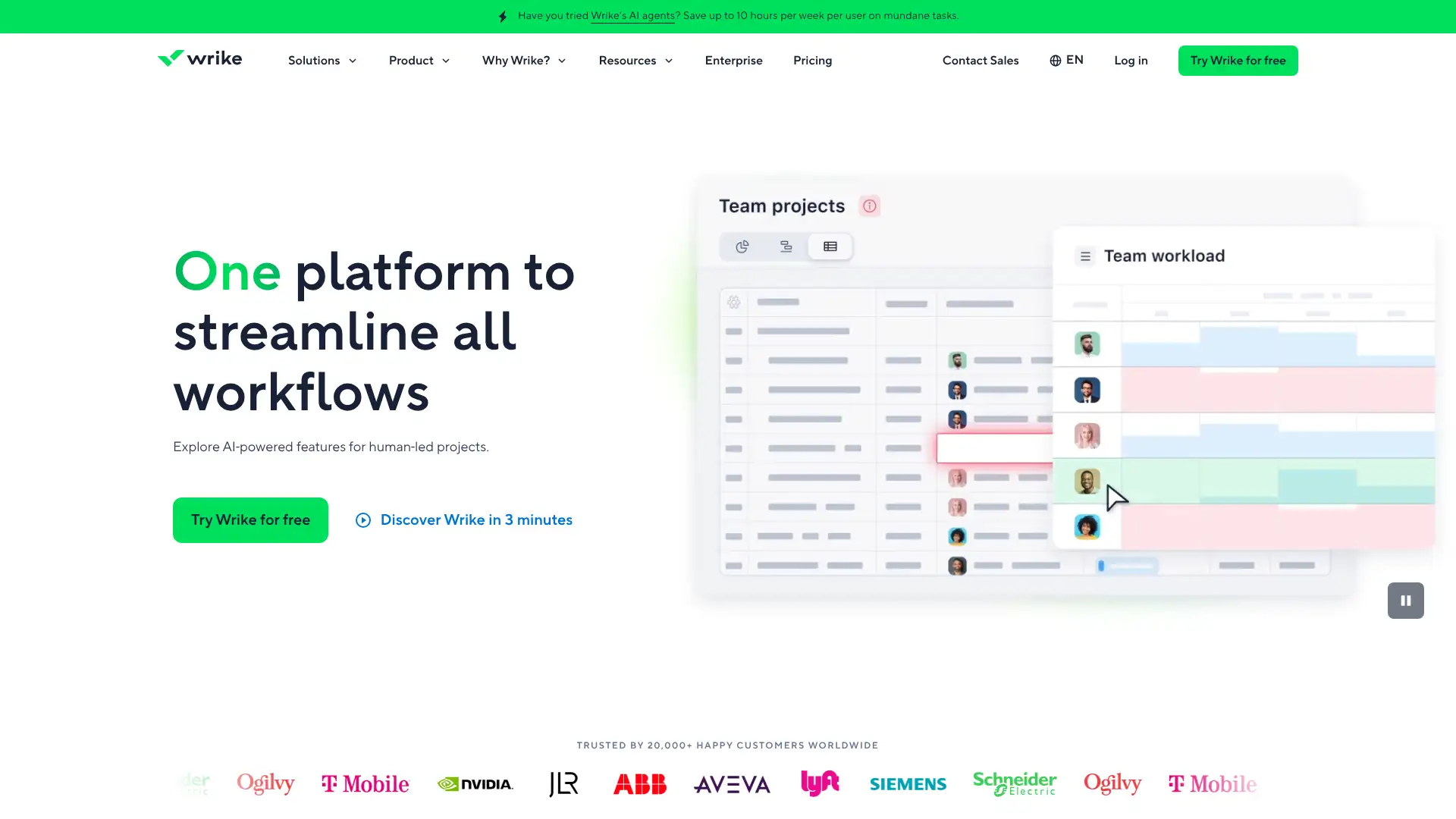
Wrike is a work management platform combining project planning, resource management, approval workflows, and creative proofing in a single system. Its built-in proofing tool lets teams review and mark up creative assets directly inside Wrike without switching to a separate review tool. Custom request forms route incoming work into predefined workflows automatically, making it particularly strong for marketing operations and creative agencies. Used by 85% of Fortune 500 companies in some capacity.
- • Built-in proofing: review and approve creative assets with markup and version control in-platform
- • Custom request forms that auto-route work into structured workflows on intake
- • Dynamic Gantt charts with dependencies and critical path visualisation
- • Resource management with workload views and capacity planning across projects
- • AI risk prediction and work intelligence to flag project health issues early
Wrike is the best PM platform for marketing and creative teams where reviewing and approving assets is a recurring workflow. The built-in proofing, @mention markup on PDFs and images, and automated intake forms eliminate Ziflow, Workfront, or standalone approval tool subscriptions.
Smartsheet
Smartsheet bridges the gap between Excel familiarity and enterprise project coordination. Built around a grid interface that immediately feels familiar to spreadsheet users, it adds real-time collaboration, automation, Gantt charts, resource management, and portfolio-level reporting. Used by 85% of Fortune 500 companies, it is particularly strong for operations, programme management, and organisations blending waterfall and agile methodologies. Control Center standardises project templates at portfolio scale.
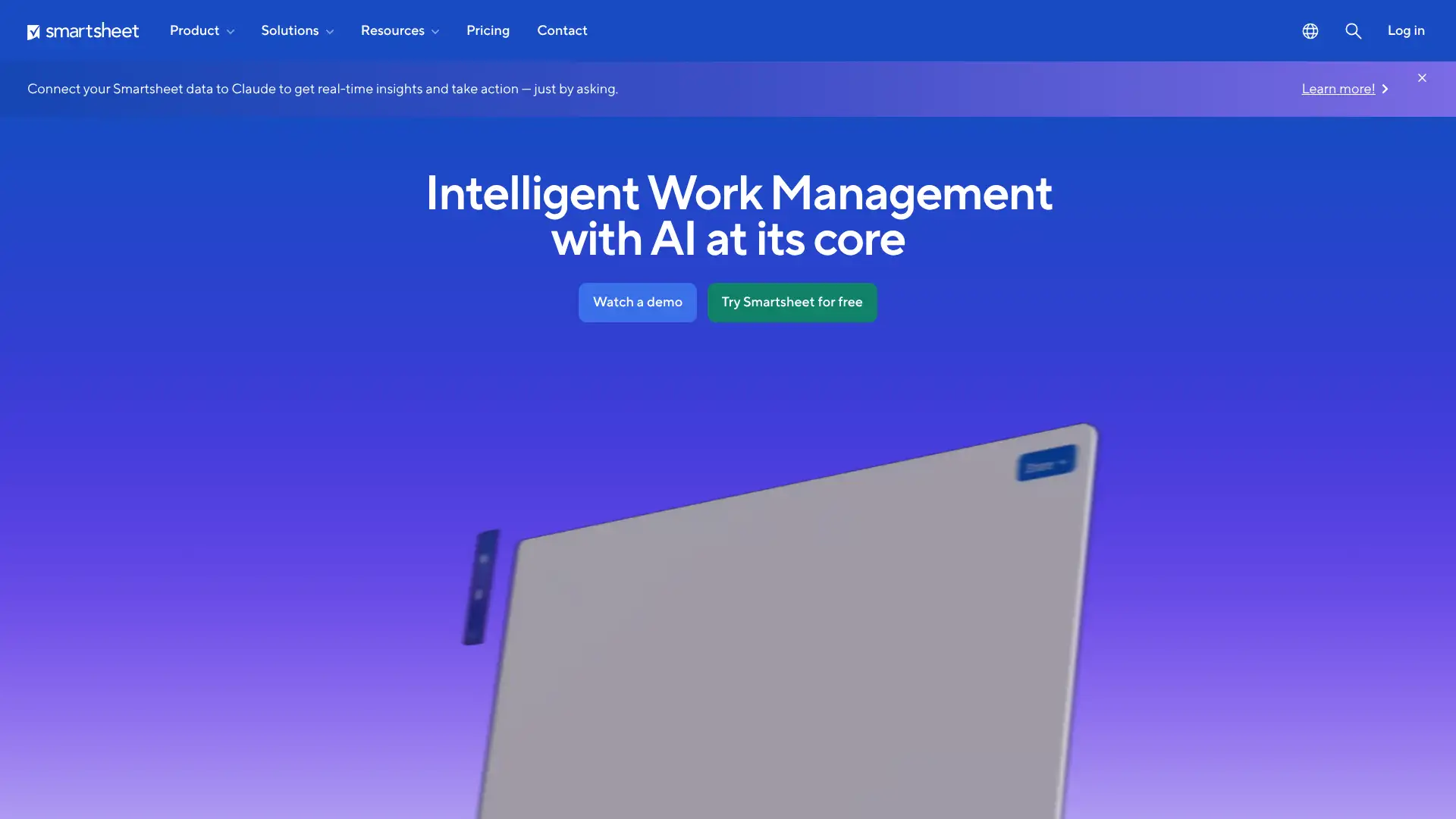
- • Grid, Gantt, calendar, and card views: familiar spreadsheet-like interface with PM features layered on
- • Control Center for standardising project templates and governance across large portfolios
- • Dynamic View: securely share only relevant data fields with external partners or stakeholders
- • Cross-sheet reporting and dashboards for real-time portfolio-level oversight
- • 100+ native integrations including Salesforce, Microsoft Teams, Google Workspace, and Tableau
Smartsheet is the only PM tool that genuinely converts spreadsheet-native teams without retraining. If your operations, finance, or programme management team manages work in Excel, Smartsheet adoption is typically twice as fast as Asana or Monday because the grid interface is identical to what they already know.
Teamwork
Teamwork is a project management platform built specifically for client services teams: agencies, consultancies, and professional services firms. It combines project tracking with time tracking, invoicing, and client portals in one platform, addressing the specific challenge of managing multiple client accounts profitably. Profitability tracking shows whether projects are billable versus over-budget in real time, which is a unique differentiator for billing-sensitive teams.
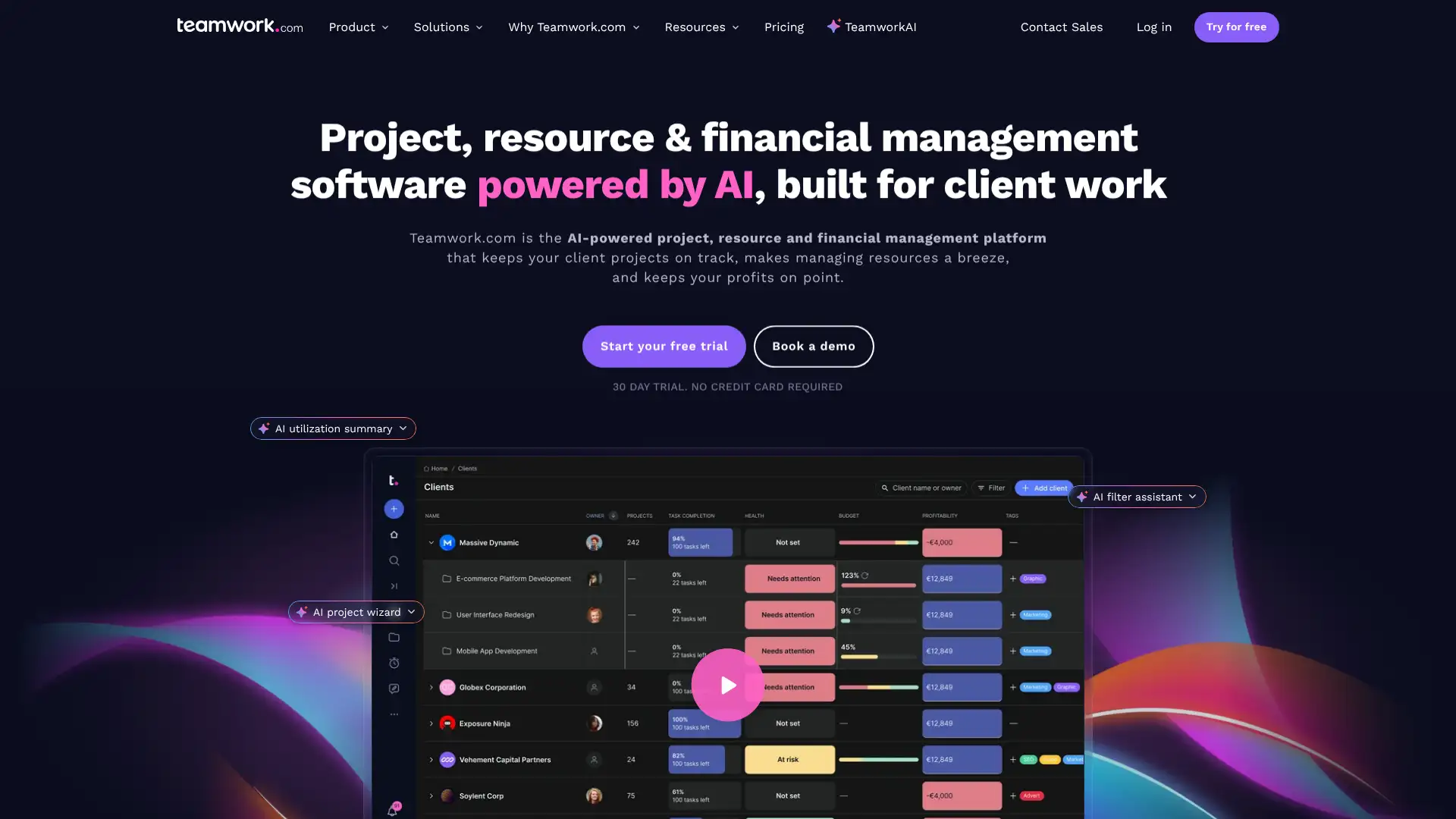
- • Real-time profitability tracking: shows billable time vs budget across all active projects
- • Client portal: clients can view project progress, leave feedback, and approve deliverables
- • Time tracking and invoicing built in without a separate billing tool
- • Retainer management for agencies on recurring monthly engagements
- • Resource scheduling and workload management on the Grow plan
Teamwork is the most complete project management platform for client-services agencies needing billing, profitability tracking, and client access in one tool. Non-agency teams will find the features they care about most available in Asana or ClickUp at better value.
Linear
Linear is a product and issue tracking tool built with an opinionated philosophy: it is fast, minimal, and structured around cycles (sprints) and projects. Engineering and product teams that find Jira too heavy and ClickUp too chaotic have made Linear the default choice for modern software companies. Its keyboard-first interface, sub-100ms response times, and clean design are core product principles. It integrates deeply with GitHub, GitLab, Figma, Slack, and Sentry.
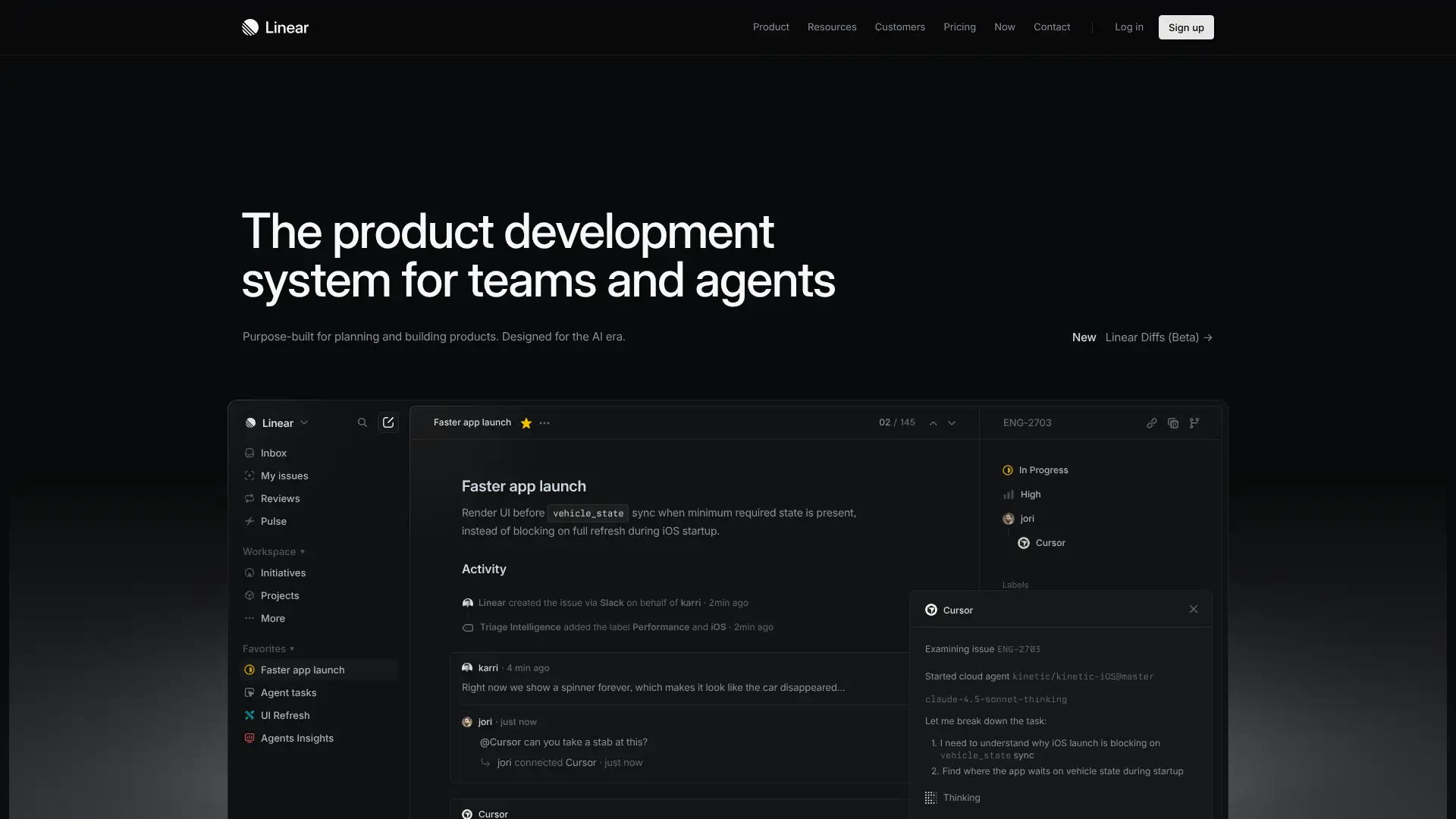
- • Sub-100ms interface response times: performance is a core design principle, not a feature
- • Keyboard-first navigation with shortcuts for every action in the platform
- • Cycles (sprints) and Projects for organising work across time and scope
- • Deep GitHub and GitLab integration linking commits and PRs to issues automatically
- • Roadmaps connecting issues to high-level project milestones and timelines
Linear is the preferred issue tracker for modern software startups and scale-ups that find Jira too heavy. Its speed, keyboard navigation, and GitHub integration are industry-leading. For non-engineering use cases or teams needing heavy customisation, it is the wrong tool.
Hive
Hive is a productivity platform combining project management, email, messaging, and AI assistance in a single workspace. Its built-in email inbox lets teams manage emails and attach them to tasks without switching tools, which is a genuine differentiator for client-services teams. It supports Gantt, Kanban, calendar, and portfolio views and is priced below ClickUp at entry tiers. Used by teams at Google, Toyota, and the Associated Press.
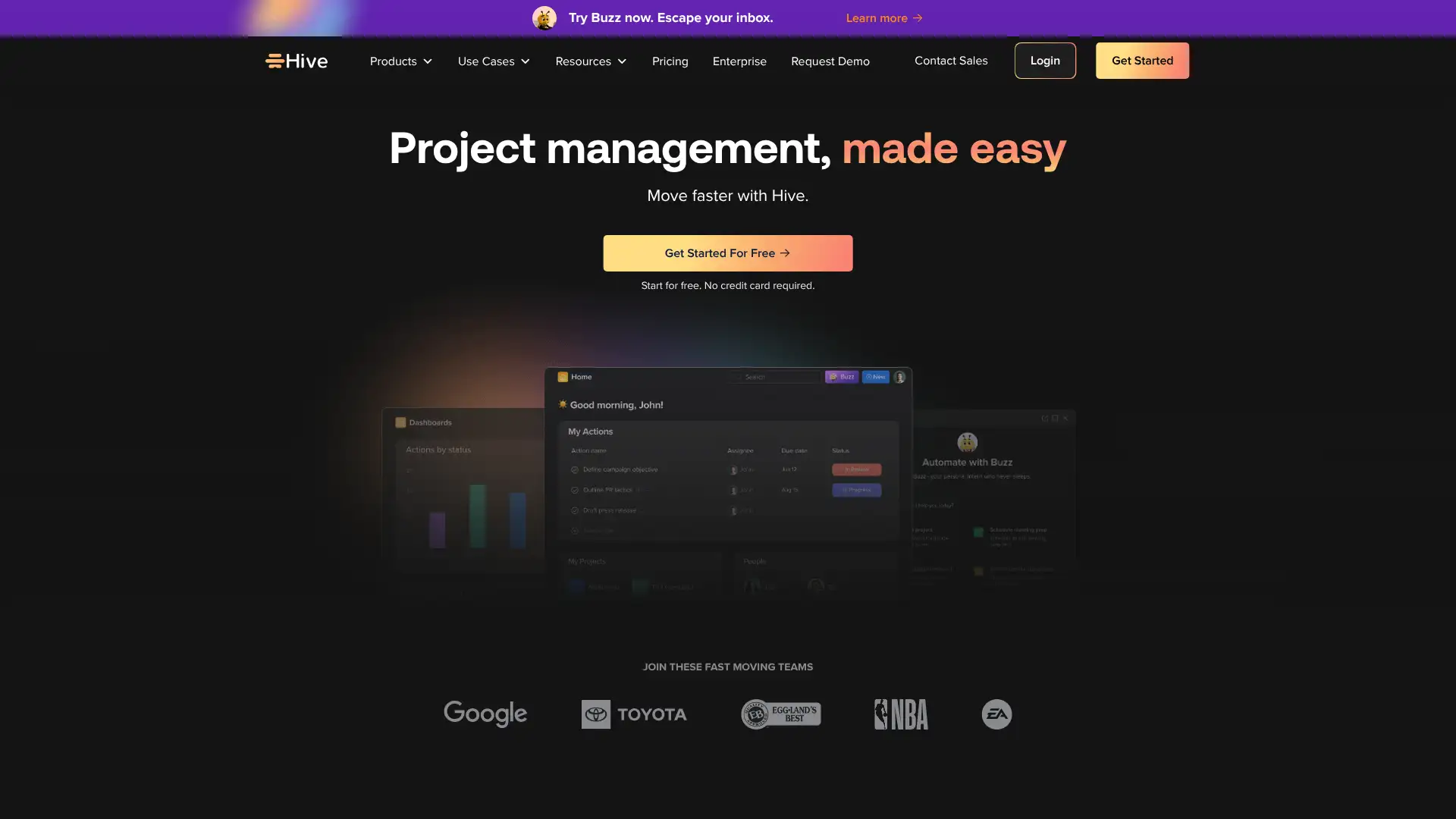
- • Built-in email inbox: manage emails and attach them to tasks without leaving Hive
- • Multiple project views: Gantt, Kanban, calendar, table, portfolio, and summary
- • Hive AI for task generation, summarisation, and automation assistance
- • Team messaging and direct messaging built in alongside project work
- • Time clock feature for tracking hours directly against tasks and projects
Hive is a functional mid-market PM tool with the genuinely useful built-in email feature that reduces context switching for teams that manage external correspondence alongside projects. The combined messaging-and-PM model differentiates it from Asana and Monday, which both require Slack or Teams for team chat.
Airtable
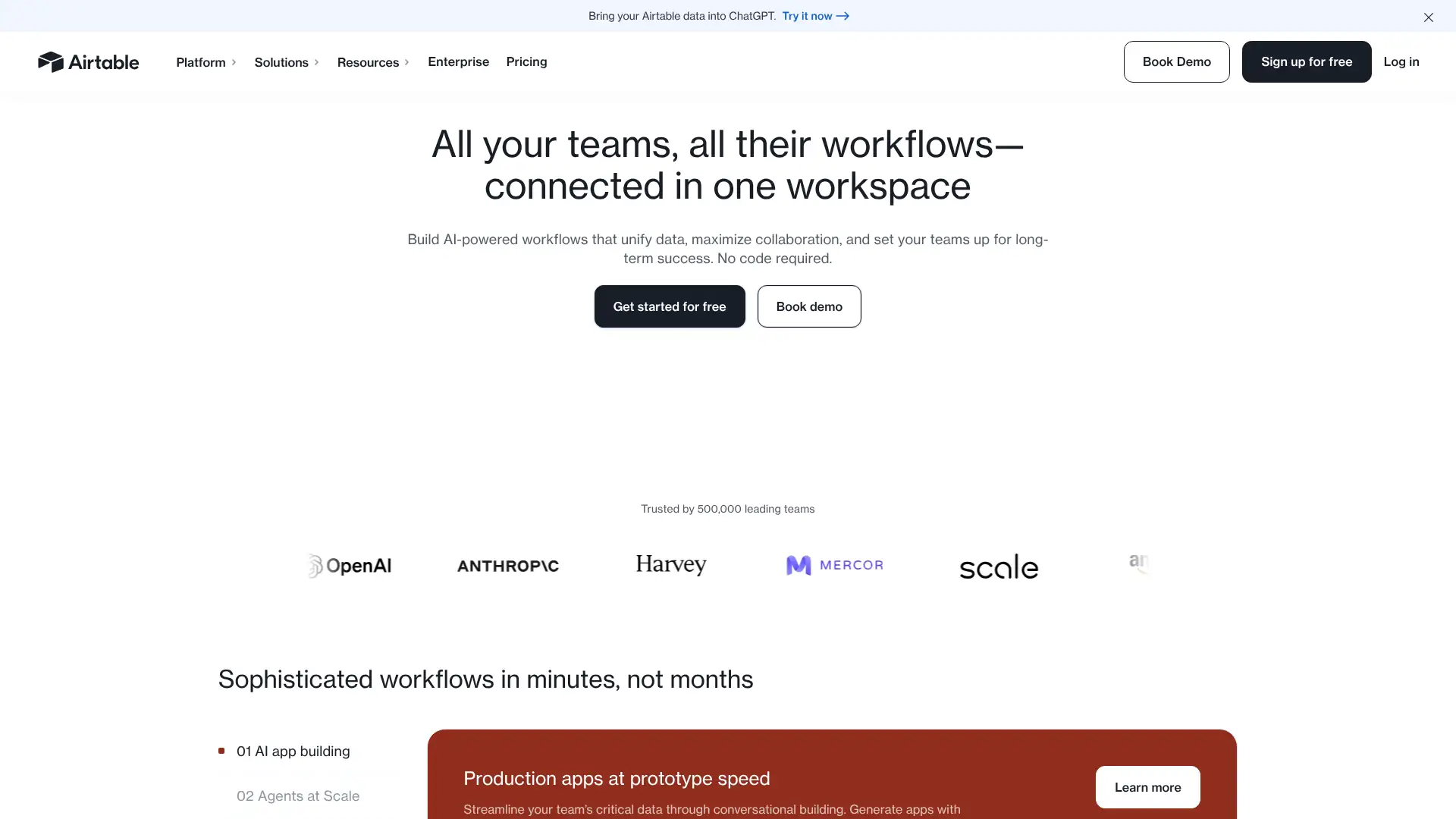
Airtable is a relational database platform with a spreadsheet interface and project management views layered on top. It sits between Google Sheets and a full database, allowing teams to build custom workflows for content calendars, CRMs, product roadmaps, inventory tracking, and project tracking from a single data model. Pricing is per editor (anyone who modifies data), with read-only viewers free. Record and automation limits can force upgrades faster than expected.
- • Relational database model: link records across tables for cross-referenced data
- • Multiple views: grid, Kanban, calendar, gallery, Gantt, and timeline
- • Interfaces: build visual dashboards and portals on top of Airtable bases
- • Two-way sync with Salesforce, Google Sheets, Jira, and other sources on Business tier
- • 5,000+ integrations via Zapier, Make, and native connectors
Airtable is the right tool when your project data is relational rather than linear. A content calendar where each post links to a campaign, a client, and a stage makes sense in Airtable's linked-record model in a way that Asana tasks cannot replicate.
Todoist
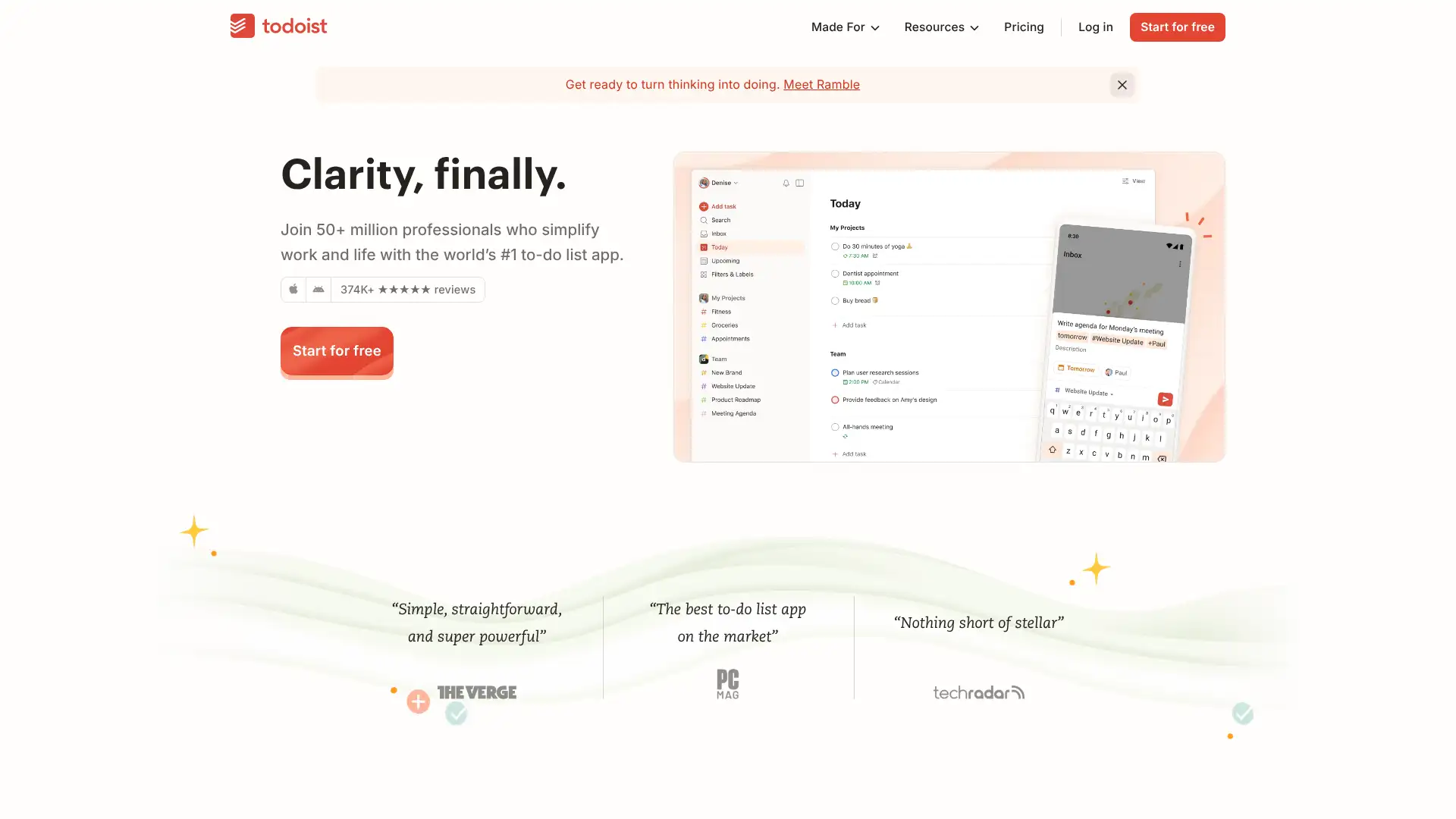
Todoist is a focused task management app praised for its clean interface, best-in-class natural language parsing, and cross-platform availability. Type "email Sara about the budget every Tuesday at 9am" and the date, time, and recurrence are parsed automatically. It covers personal tasks, team workspaces, and project collaboration with 80+ integrations. Todoist AI helps break large tasks into steps and prioritise work. Pro at $5/user/month and Business at $8/user/month make it one of the most affordable task tools available.
- • Best-in-class natural language parsing: "every other Tuesday at 9am starting next week" works flawlessly
- • AI task assist: breaks large tasks into steps and suggests priority adjustments
- • 80+ integrations including Slack, Gmail, Outlook, Google Calendar, and GitHub
- • Team workspaces with separate personal and work task namespaces
- • Browser extension and email add-ins for capturing tasks from anywhere
Todoist is the best personal and light-team task manager available. The natural language input and AI task assist genuinely reduce friction. For projects needing Gantt charts, resource management, or portfolio visibility, a dedicated project management tool is needed alongside it.
TickTick
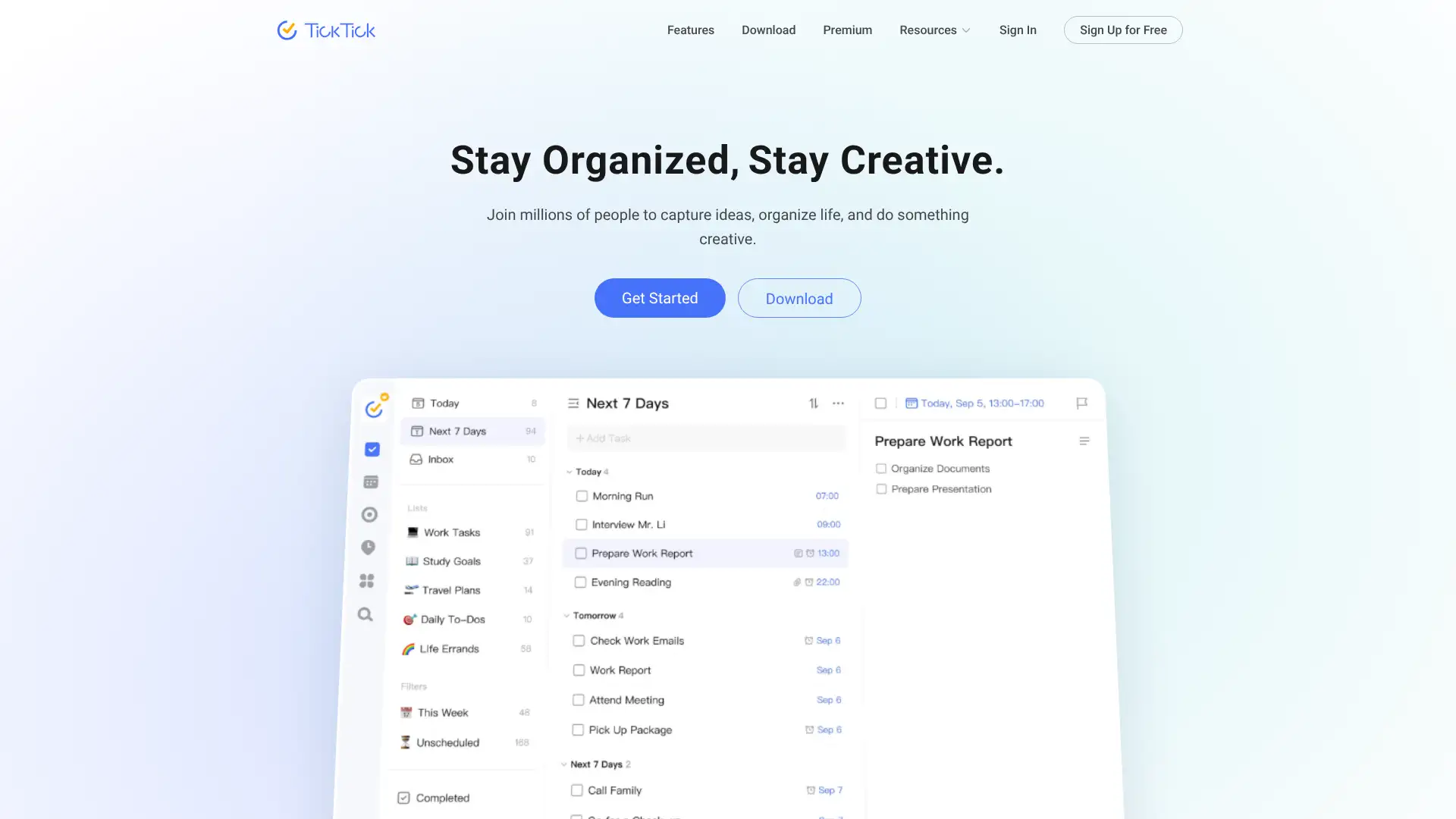
TickTick is a personal productivity and task management app that bundles task lists, habit tracking, a Pomodoro timer, and a native calendar view in one application. Unlike Todoist's focused task-only approach, TickTick takes an all-in-one stance: if you want tasks, focus timers, habits, and a weekly calendar without opening additional apps, TickTick is the answer. It is available on 10+ platforms and is particularly well-regarded for its widgets and daily planning tools.
- • Built-in Pomodoro timer synced to tasks for focus sessions without a separate app
- • Habit tracker alongside tasks: manage routines and daily goals in one view
- • Native calendar view for weekly planning, not just a list of tasks
- • Eisenhower Matrix view for prioritising tasks by urgency and importance
- • Smart home screen widget with one-tap task check-off directly from device screen
TickTick is the best all-in-one personal productivity app at the lowest price point in this list. At $3.99/month it bundles what would otherwise require three separate apps. Not a team project management tool, but unbeatable for individual productivity workflows across devices.
Nifty
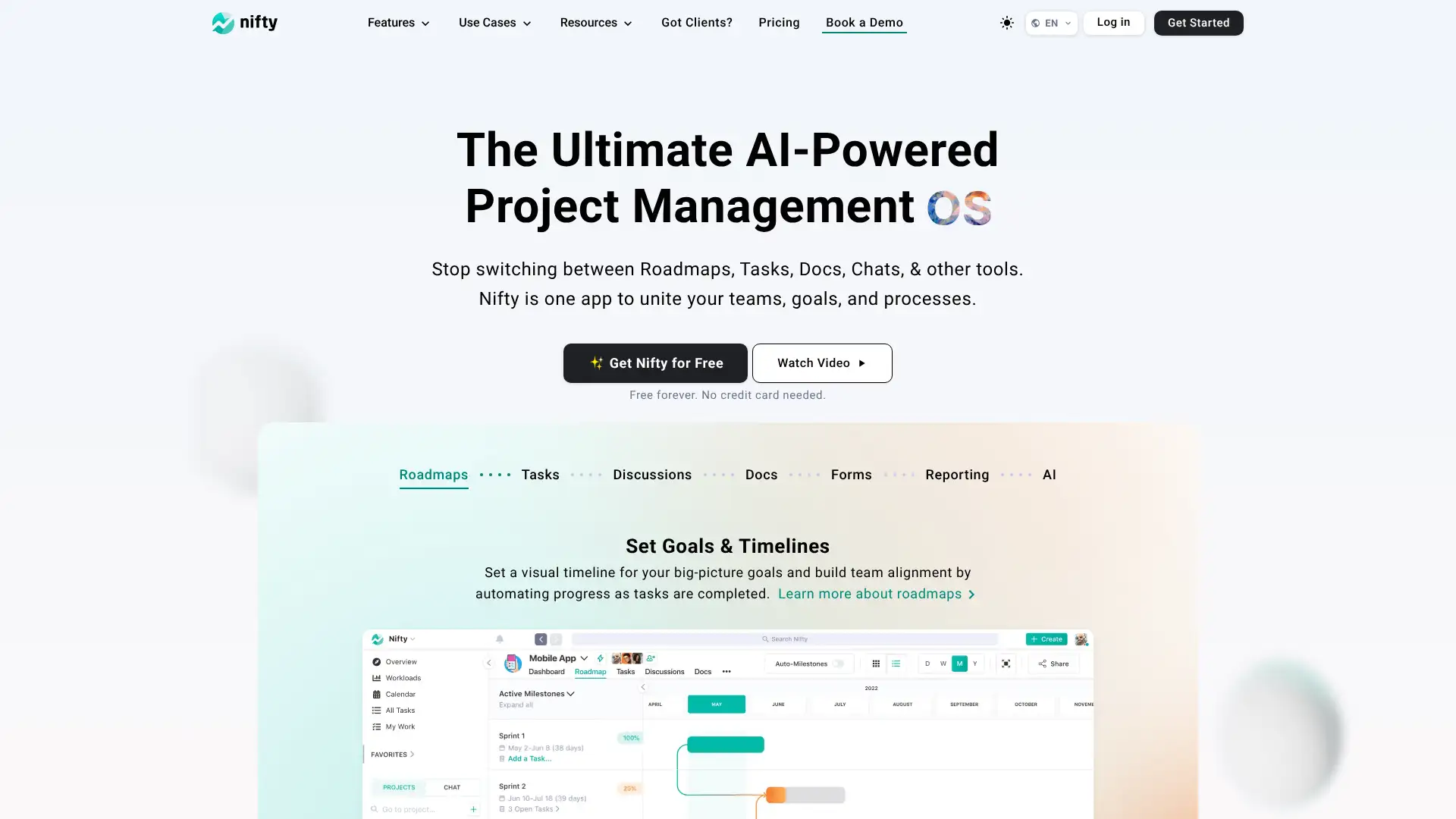
Nifty is an agile project management platform for fast-moving SMBs and startups. It connects milestones to task completion automatically, meaning when tasks within a milestone are completed, the milestone progress updates without manual entry. It includes roadmaps, sprints, time tracking, team chat, and docs in one platform. Its OKR tracking links goals to project milestones, making it a natural fit for product teams that want strategy-to-execution visibility.
- • Auto-updating milestones: progress calculates from task completion without manual input
- • Roadmaps connecting milestones to high-level project timelines visually
- • OKR tracking: link team goals to specific milestones and sprints
- • Built-in team chat, docs, and time tracking reduce the need for separate tools
- • Multiple views: list, board, timeline, swimlane, and calendar
Nifty is a well-priced and well-designed agile PM tool for product and engineering teams that want milestone auto-progress and OKR tracking built in. The auto-updating milestone progress is a genuinely useful differentiator that removes a manual PM task most teams forget to do anyway.
Freedcamp
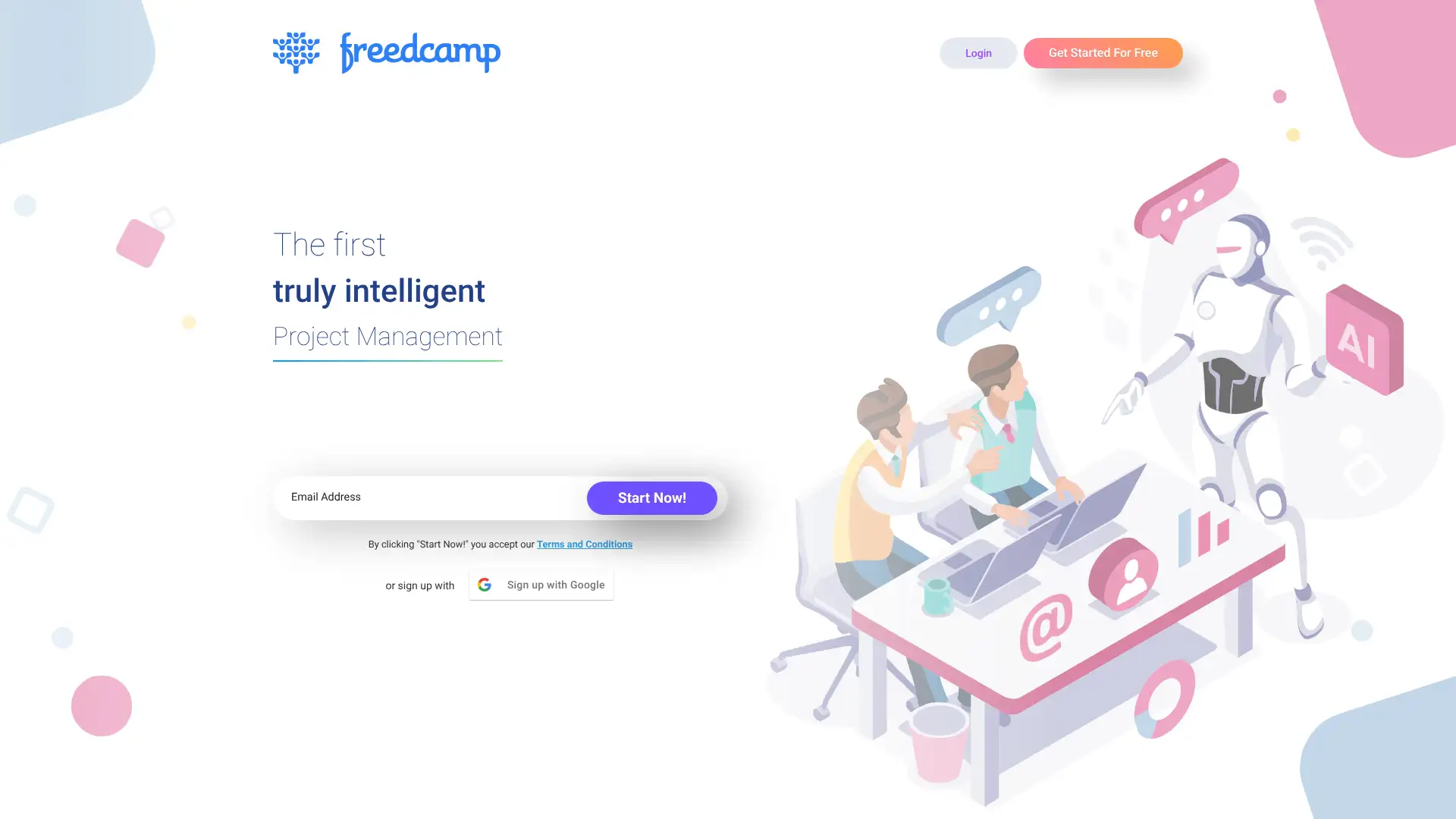
Freedcamp offers one of the most generous free plans in project management: unlimited users, unlimited projects, and unlimited storage at no cost. Paid plans start at $1.49/user/month and add Gantt charts, invoicing, CRM, and other modules. It is popular with nonprofits, freelancers, and small teams that want a functional free project management tool without the limitations of Trello or Asana's free tiers. Support responsiveness is consistently praised in user reviews.
- • Free plan with unlimited users, projects, and storage: most generous in this category
- • Modular add-ons for Gantt charts, invoicing, CRM, and time tracking
- • Task lists, milestones, discussions, and file management on the free plan
- • Google Drive and Dropbox integration for file attachment
- • Responsive support team praised across user reviews for fast resolution
Freedcamp is the most generous free project management tool available by any measure. For nonprofits, startups, and individuals who want a functional free tool without time-limited trials, Freedcamp delivers. For teams needing a modern interface and deep integrations, the alternatives have more to offer.
Zoho Projects
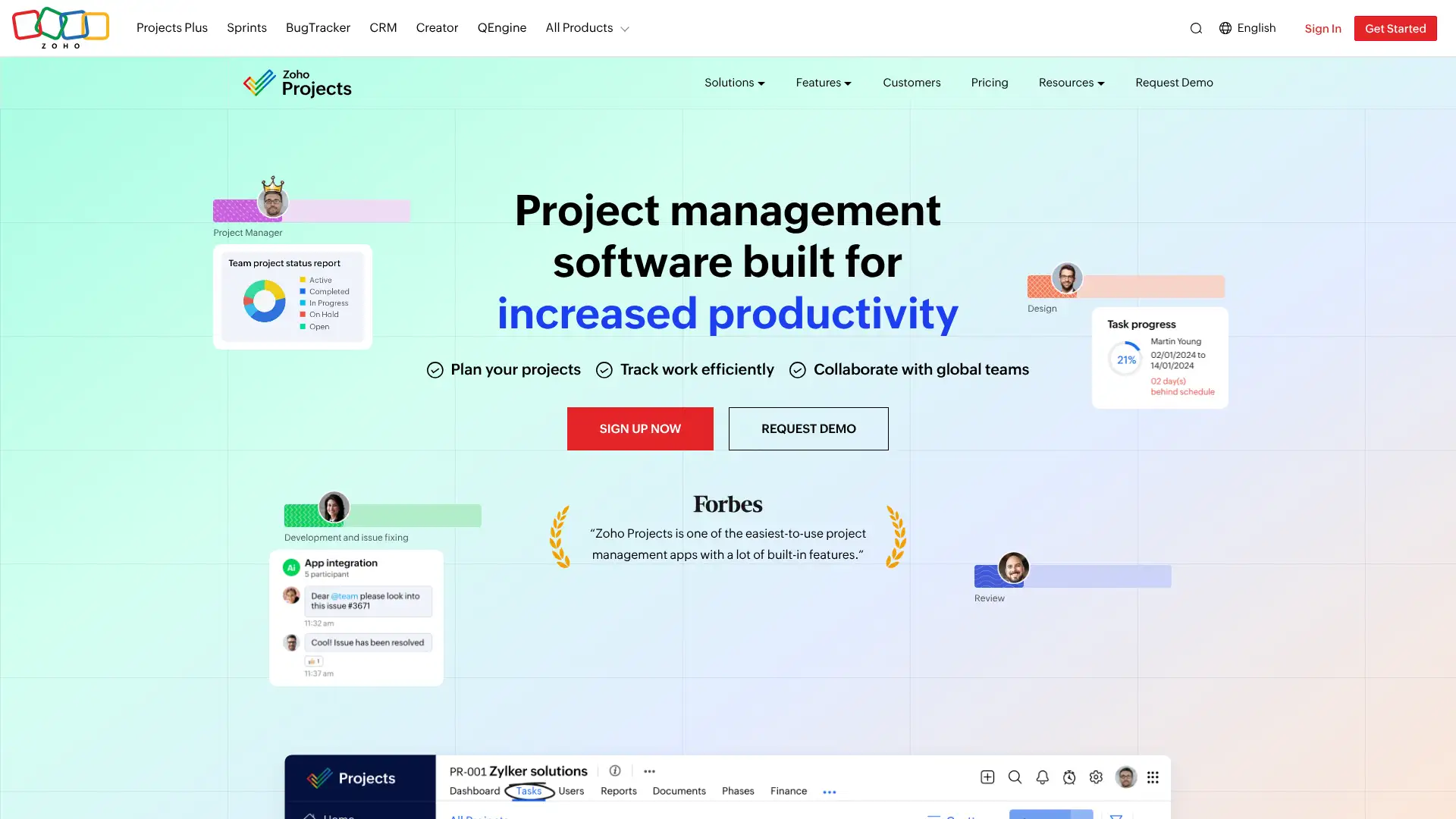
Zoho Projects is a comprehensive project management tool within the Zoho business suite. It includes task management, Gantt charts, time tracking, issue tracking, resource management, and reporting at very competitive pricing. For teams already using Zoho CRM, Zoho Desk, or other Zoho products, the native integration across the suite eliminates data sync overhead. The premium plan at $5/user/month is among the most affordable full-featured PM tools available.
- • Gantt charts with dependencies and critical path analysis on the Premium plan
- • Time tracking with timesheets, logged hours, and billing reports
- • Issue tracking module for bug and defect management alongside project tasks
- • Resource management with utilisation charts and workload allocation
- • Native Zoho CRM, Zoho Desk, and Zoho Analytics integrations at no extra cost
Zoho Projects is the best value comprehensive project management tool for teams already on Zoho. At $5/user/month with Gantt charts, time tracking, and resource management, it undercuts every comparable competitor. Outside the Zoho ecosystem, the integration value is lost and Asana or ClickUp are more polished choices.
Microsoft Project
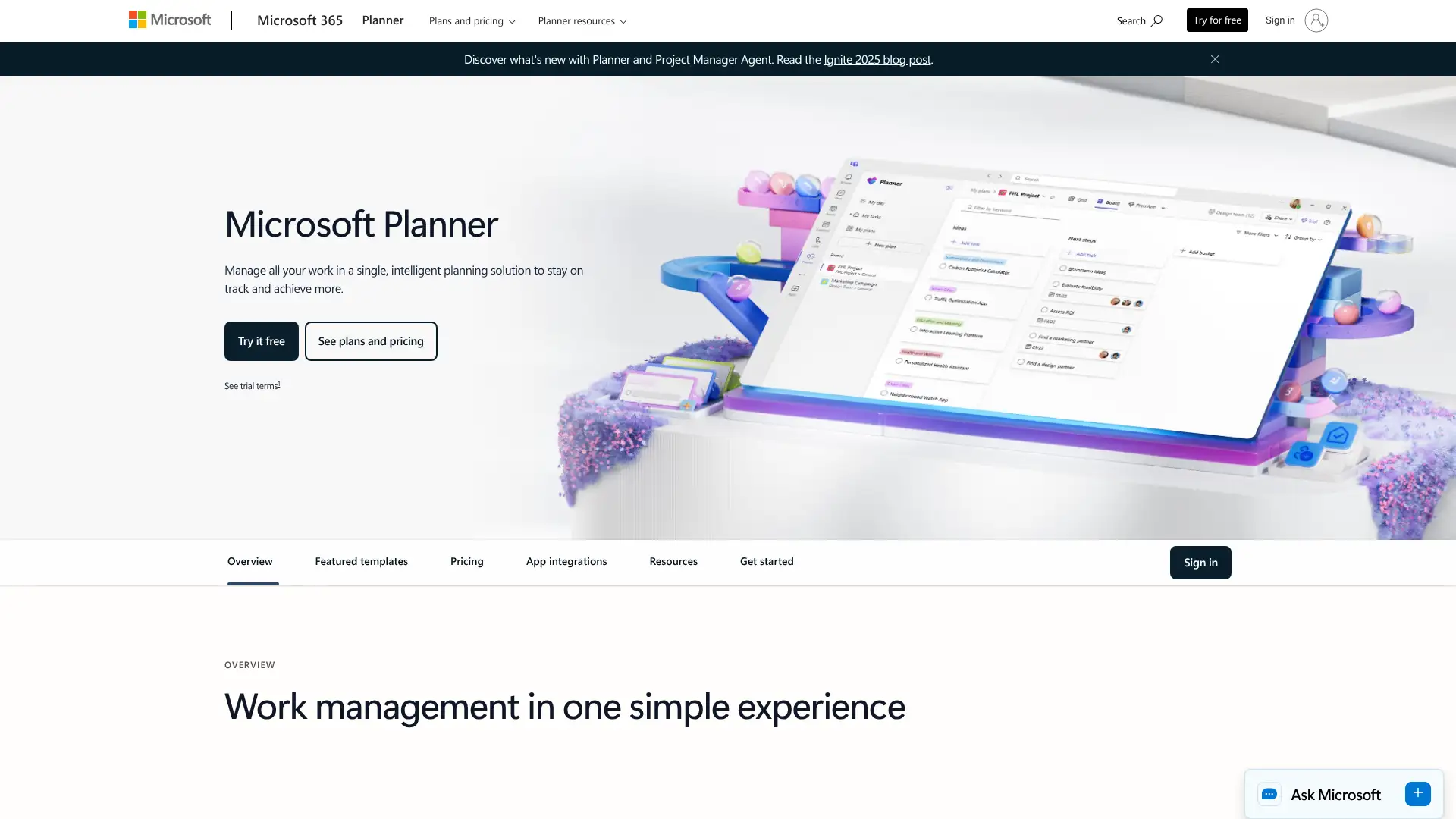
Microsoft Project is the traditional enterprise project management standard, used by PMOs and large organisations for detailed scheduling, resource management, and portfolio tracking. It integrates with Microsoft 365, Teams, SharePoint, and Power BI. The cloud-based Project for the Web is the modern version, while on-premises deployments remain common in regulated industries. It is particularly strong for waterfall project management with detailed WBS, critical path, and budget tracking.
- • Detailed Gantt charts with WBS, critical path, and milestone tracking
- • Resource management with capacity planning and workload levelling
- • Portfolio management for programme and PMO-level strategic oversight on Plan 5
- • Native integration with Microsoft 365, Teams, SharePoint, and Power BI
- • Baseline tracking to compare actual progress against the original project schedule
Microsoft Project is the default PMO tool for enterprise organisations already standardised on Microsoft 365. Its waterfall PM depth, portfolio management, and native Microsoft integration are hard to replicate elsewhere. For Agile teams or organisations not in the Microsoft ecosystem, cheaper and more modern alternatives exist.
Podio
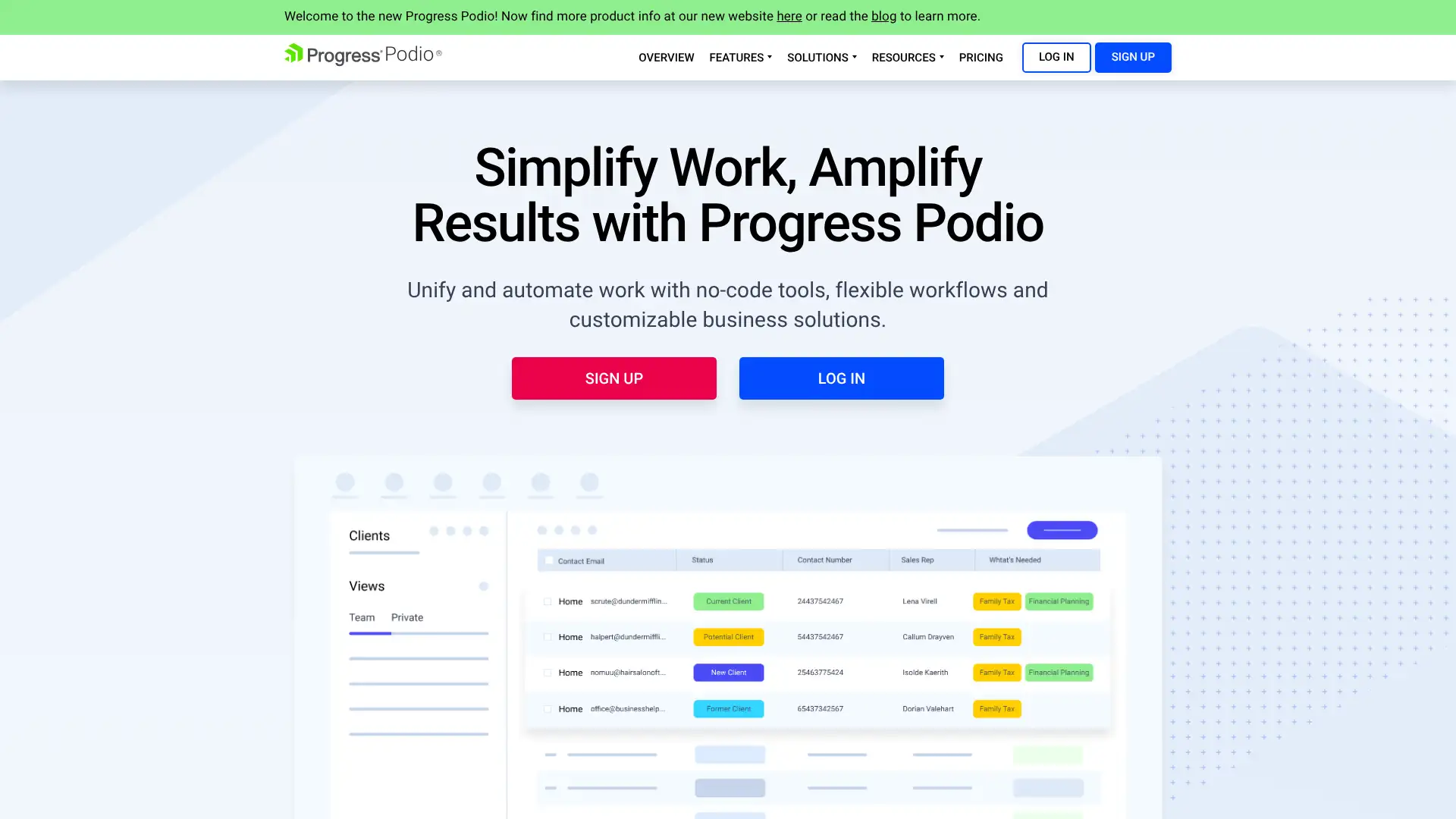
Podio, now owned by Citrix, is a flexible collaboration workspace with highly customisable apps, automated workflows, and integrated communication tools. Teams build custom workspaces by choosing from pre-built app templates or creating their own data structures, making it adaptable to nearly any business process. It includes meeting scheduling, social collaboration, and workflow automation. The free plan supports up to 5 team members.
- • Custom app builder: create any data structure and workflow without coding
- • Workflow automation for routing tasks, sending notifications, and updating fields
- • Meeting scheduling and social collaboration built into workspace streams
- • Integrations with Google Drive, Dropbox, Evernote, Zendesk, and FreshBooks
- • Data visualisation dashboards for reporting on custom workspace data
Podio is a proven flexible workspace for teams willing to invest time in custom app configuration. It is a capable platform, but slower product development since the Citrix acquisition means Notion, Airtable, and Fibery offer more modern alternatives with similar flexibility and active roadmaps.
TeamGantt
TeamGantt is a Gantt chart-focused project management tool built around making timeline planning as visual and intuitive as possible. Its drag-and-drop Gantt interface, tutorial content, and beginner-friendly onboarding make it one of the easiest entry points for teams adopting Gantt-based project planning. Documents, conversations, and tasks are centralised alongside the Gantt, and project plans can be exported as print-ready PDFs and CSVs for stakeholder communication.
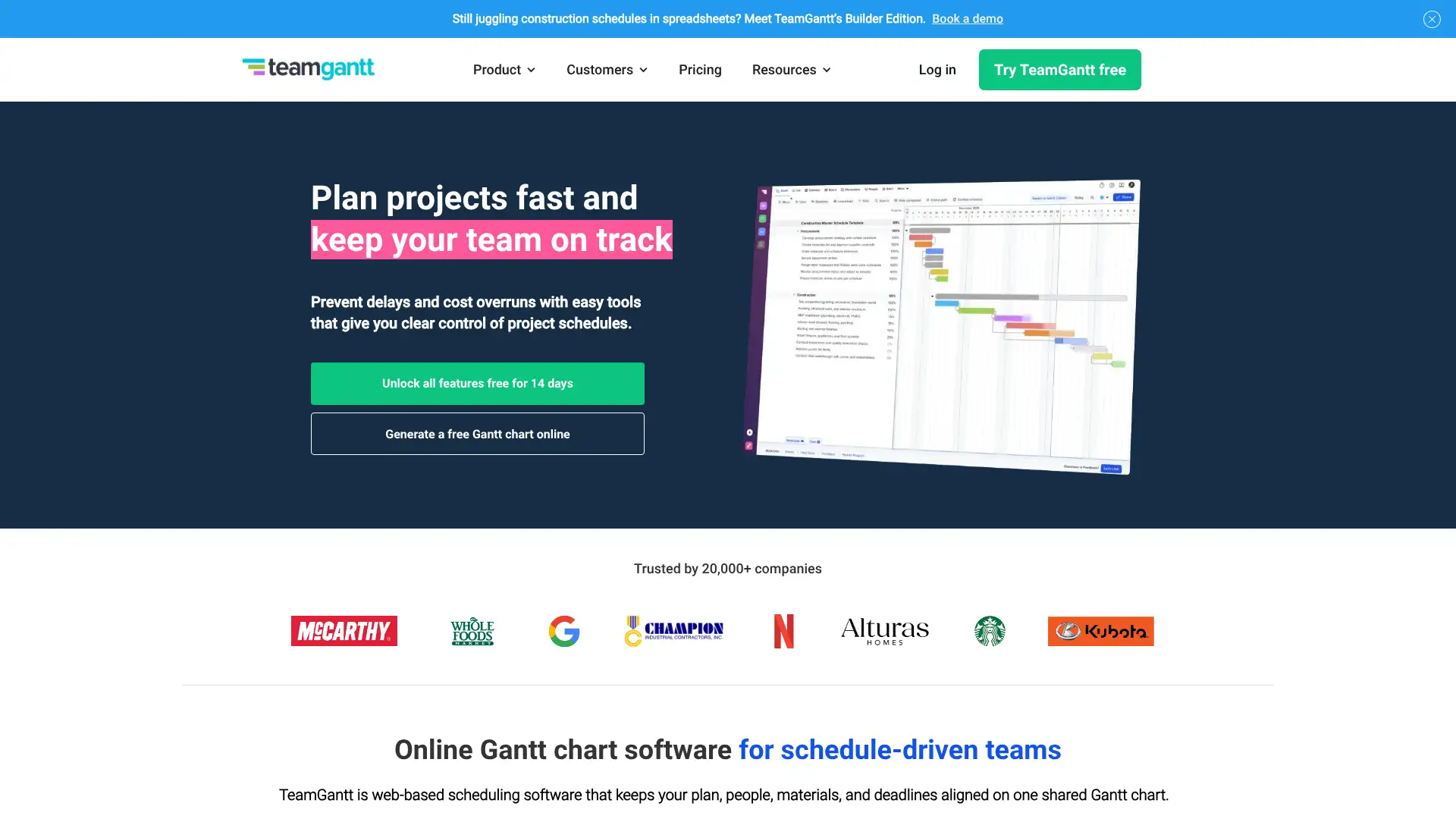
- • Drag-and-drop Gantt chart builder with dependencies and milestone markers
- • Export project plans as print-ready PDFs and CSVs for stakeholder presentations
- • Per-manager pricing model: team members view and update tasks for free
- • Centralised hub for tasks, files, and discussions linked to the Gantt
- • Extensive tutorial library making it one of the easiest Gantt tools to learn
TeamGantt is the most beginner-accessible Gantt chart tool available. The per-manager pricing is genuinely cost-effective for teams with a few project managers overseeing larger groups. For teams that need more than Gantt-based planning, a broader tool like Asana or ClickUp provides a better long-term foundation.
LiquidPlanner
LiquidPlanner is a predictive project management platform using intelligent scheduling that automatically adjusts timelines and task priorities based on changing workloads and team availability. Rather than fixed deadlines, tasks have best-case and worst-case time estimates, and the platform computes a statistically likely schedule accounting for uncertainty. This makes it uniquely valuable for IT, software, and engineering teams where scope changes are frequent and resource contention is common.
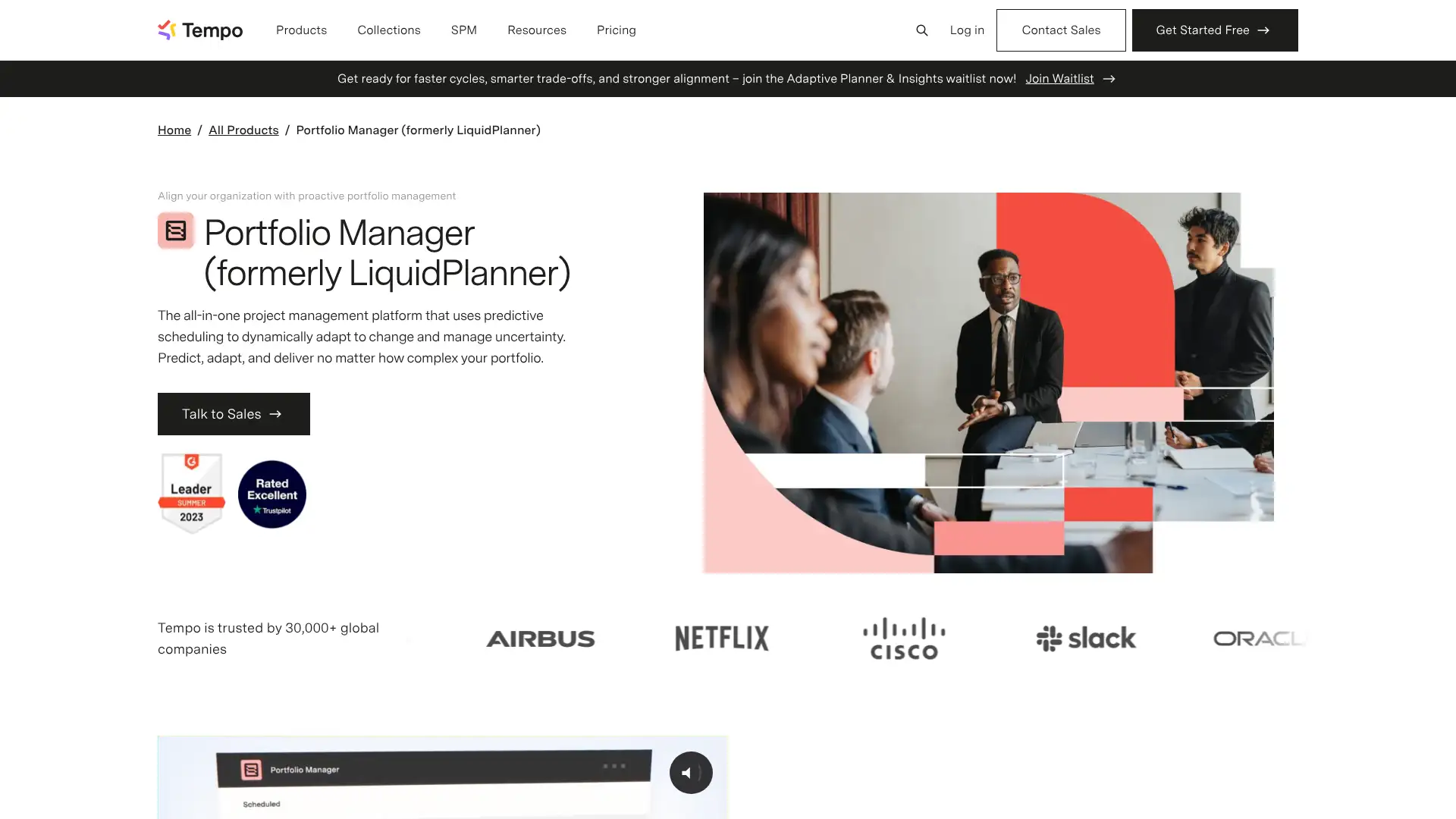
- • Predictive scheduling: timelines auto-adjust when priorities or workloads change
- • Range estimates (best-case / worst-case) rather than fixed deadlines per task
- • Resource management showing each team member's capacity across all projects
- • Priority-based scheduling: drag to reprioritise and the entire schedule recalculates
- • Time tracking and budget tracking integrated with the predictive engine
LiquidPlanner is a uniquely differentiated tool for IT and engineering teams whose schedules change frequently. The predictive scheduling model eliminates the manual work of constantly updating Gantt charts after scope changes. The learning curve investment pays off only for teams managing genuinely complex, resource-constrained portfolios.
Workzone
Workzone is a project management platform known for its straightforward interface and comprehensive project lifecycle management. It covers task lists, Gantt charts, file sharing, reporting, and team collaboration without the complexity of enterprise tools. Particularly popular with marketing and creative teams that need project tracking without deep configuration. Integrates with Dropbox, Tableau, and Salesforce and allows projects to be saved as reusable templates.
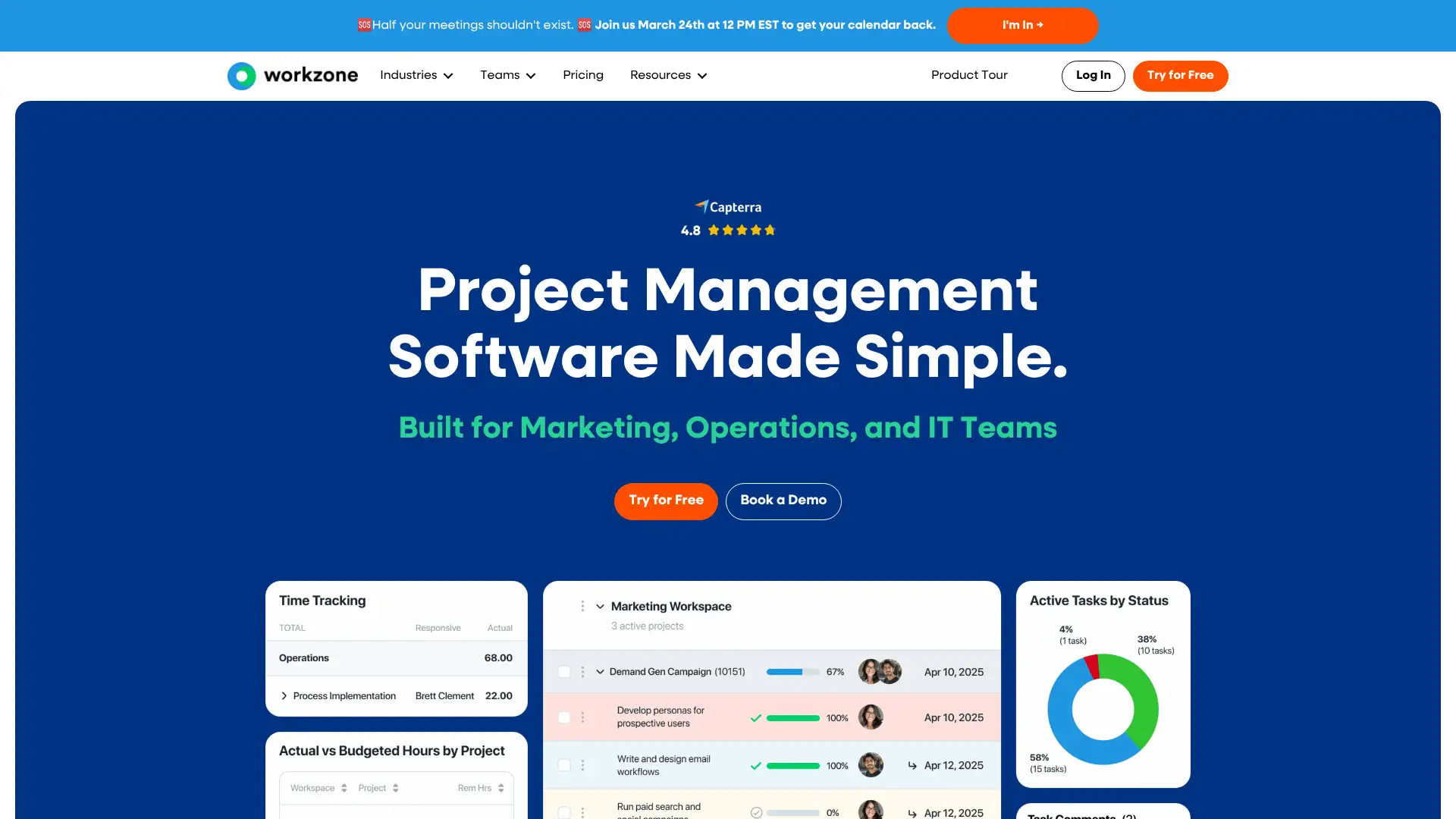
- • Simple task lists with Gantt charts for timeline planning without configuration overhead
- • Request, share, review, and approve documents online in one workflow
- • Save any project as a reusable template to standardise delivery processes
- • High-visibility dashboards showing project status across all active projects
- • Integrations with Dropbox, Tableau, Salesforce, and 1,000+ via Zapier
Workzone is a clean and practical PM tool for marketing and creative teams that want a simple but complete workflow without the complexity of enterprise platforms. At $24/user/month with no free plan, it is priced above more feature-rich alternatives, which is difficult to justify unless the simplicity
Backlog
Backlog, by Nulab, combines project management, bug tracking, Git and SVN repositories, and wiki documentation in one platform. Development teams that want issue tracking and code hosting in a single tool without stitching Jira to GitHub find Backlog a compelling all-in-one alternative. It is particularly popular with Japanese and Asian Pacific development teams and includes Gantt charts, burndown charts, and board views alongside the repository integration.
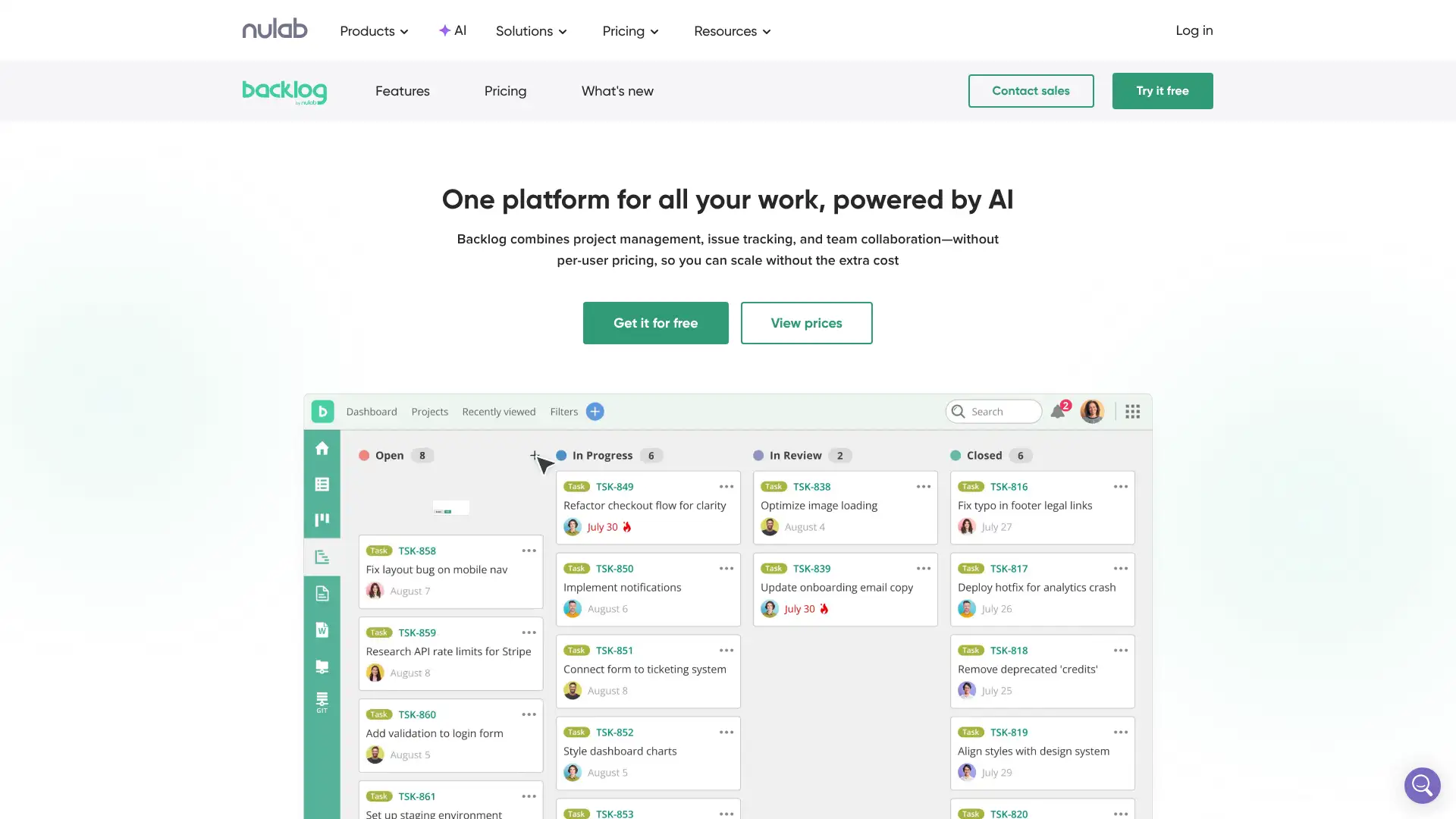
- • Built-in Git and SVN repository hosting: code and issues in one platform
- • Bug and issue tracker with custom statuses, priorities, and categories
- • Gantt charts and burndown charts for project timeline and sprint tracking
- • Wiki documentation integrated alongside project tasks and repositories
- • Flat monthly pricing per workspace: cost-effective for larger development teams
Backlog is an underrated tool for development teams that want code hosting and issue tracking in one subscription. The flat workspace pricing is very competitive for teams above 15 people. For Western markets, Jira plus GitHub is the more common equivalent, but at higher total cost.
Ora
Ora is a project management and team productivity tool that packs Kanban boards, Gantt charts, time tracking, sprints, and reporting into a single platform targeting small teams that find Jira too complex and expensive. It positions itself as a simplified Jira alternative at a significantly lower price point. The free plan is generous for small teams and includes Kanban, basic reporting, and integrations with GitHub and GitLab for development workflows.
- • Kanban boards, Gantt charts, and sprint views for agile or waterfall workflows
- • Time tracking built in: log hours against tasks and generate time reports
- • GitHub and GitLab integration for linking commits and PRs to tasks
- • Multiple project views: board, list, timeline, calendar, and workload
- • Free plan includes unlimited users and tasks across 5 projects
Ora is a strong budget alternative to Jira for small development teams needing sprints, Gantt charts, and GitHub integration. At $5.99/user/month with all core features, it undercuts Jira Standard significantly. Linear is faster and more modern, but Ora covers more views including Gantt, which Linear does not.
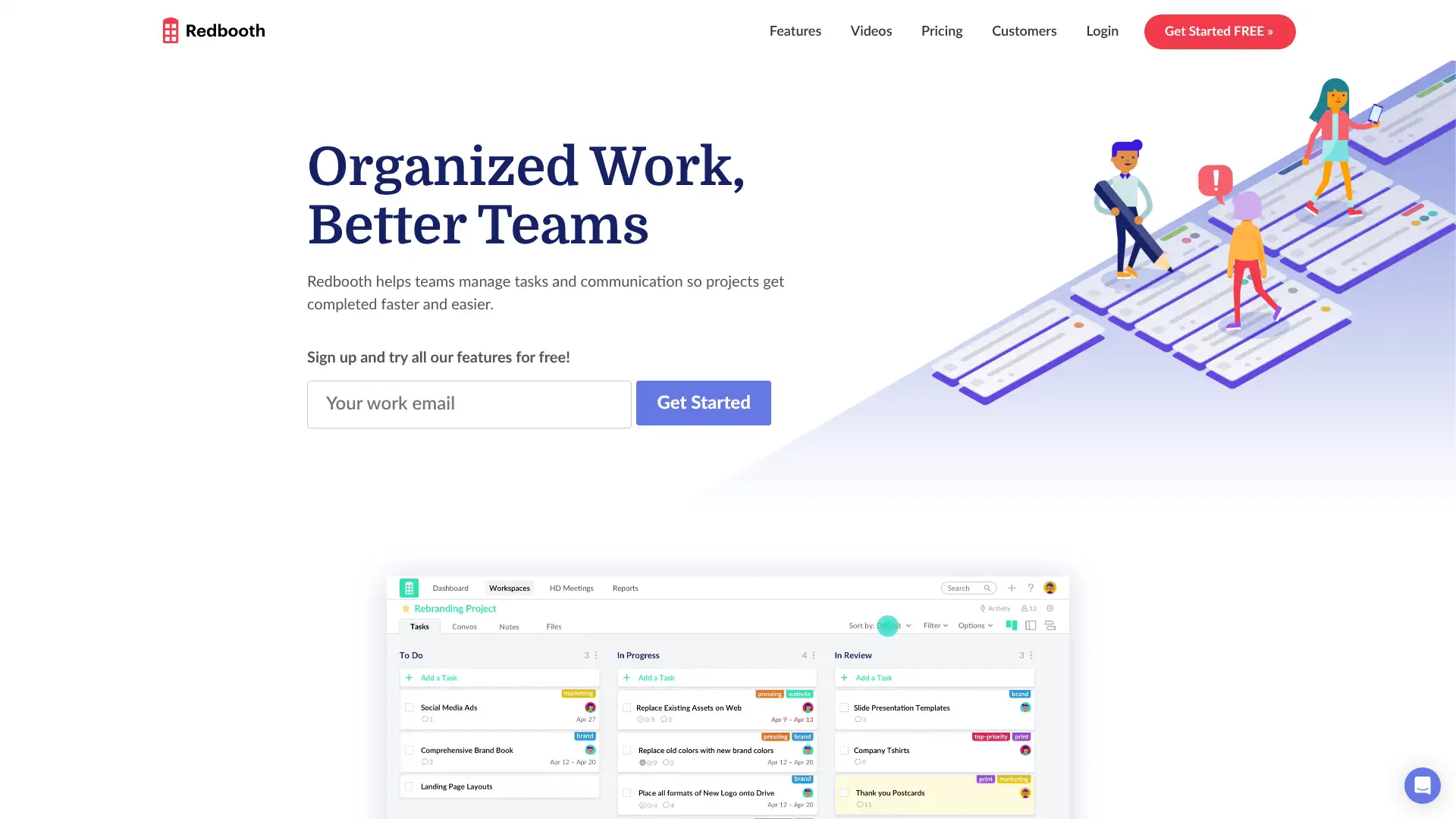
Redbooth
Redbooth is an easy-to-use task and project management platform designed for small to medium-sized teams. It emphasises cross-platform availability and visual task management with Kanban boards, task lists, and project timelines. It includes HD video conferencing, built-in messaging, and file attachment alongside task management, reducing the number of separate tools a small team needs. A clean interface with predictive search makes it accessible for non-technical users.
- • Kanban boards and task lists with drag-and-drop organisation
- • HD video conferencing built in: conduct meetings alongside task management
- • Built-in messaging and conversations linked to tasks and projects
- • Cross-platform: web, iOS, Android, and desktop apps available
- • Predictive search for fast task and project discovery
Redbooth is a solid and underrated option for small teams that want task management, messaging, and video conferencing without managing three separate tools. At $9/user/month, it is competitive.
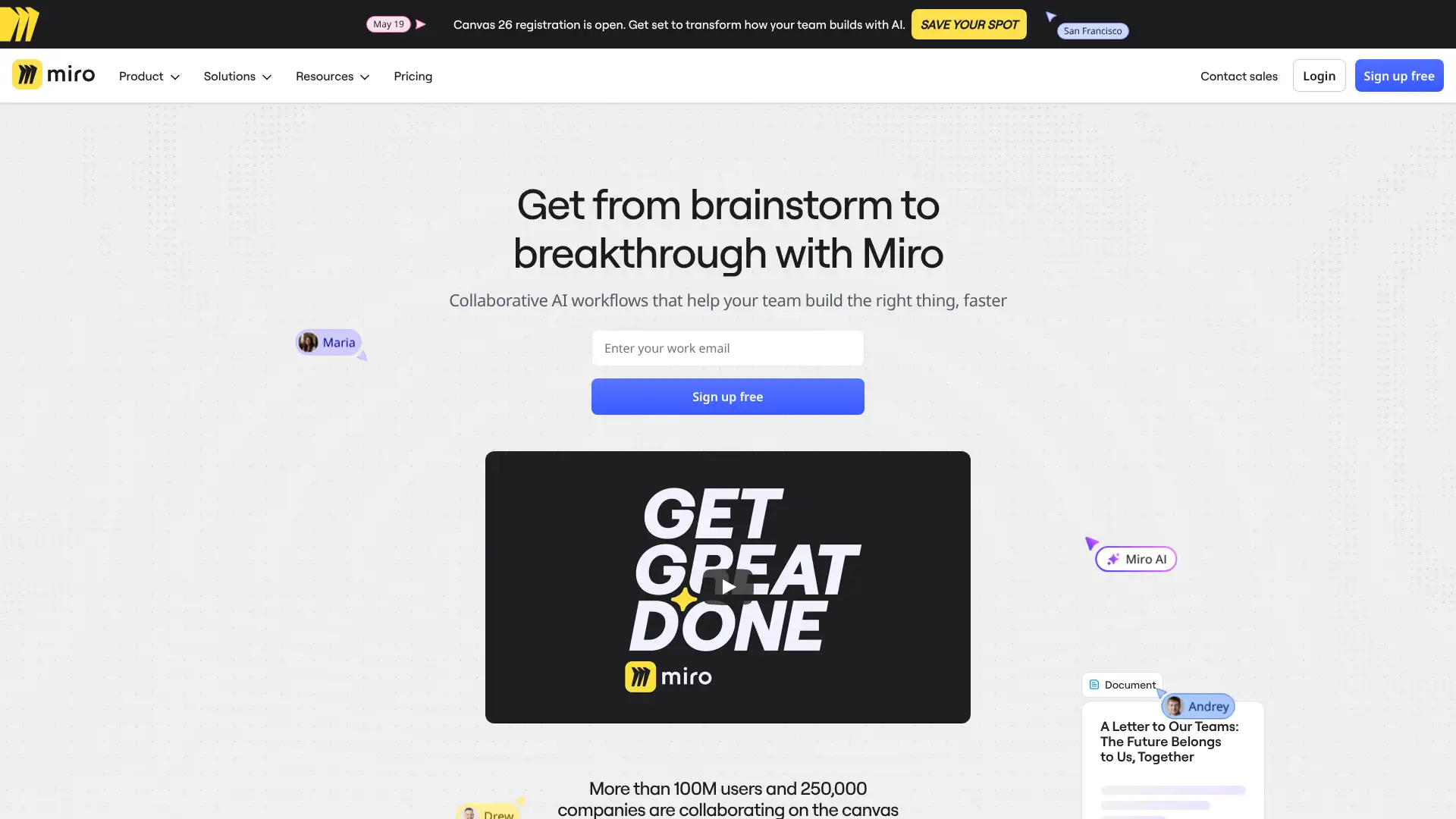
Miro
Miro is the leading visual collaboration platform, used by over 60 million people for whiteboarding, brainstorming, sprint planning, UX research, and diagramming. It is not primarily a project management tool but complements PM platforms as a visual thinking and collaboration layer. Teams use it for workshop facilitation, retrospectives, roadmap planning, and customer journey mapping. It integrates with virtually every major PM tool including Jira, Asana, Monday, and Azure DevOps.
- • Infinite canvas for collaborative whiteboarding, diagramming, and sticky note sessions
- • 2,500+ ready-made templates for retrospectives, sprint planning, journey maps, and more
- • Miro AI for automatic diagramming, sticky note clustering, and content generation
- • Deep integrations with Jira, Asana, Monday, Azure DevOps, Confluence, and Figma
- • Facilitation tools: voting, timer, cursor chat, and presentation mode for live workshops
Miro is the essential visual planning layer for distributed teams, but not a replacement for a PM tool. Miro's value is highest in the 48 hours around a planning session: sprint planning, product roadmapping, retrospectives, and stakeholder workshops where a shared canvas beats a slide deck.
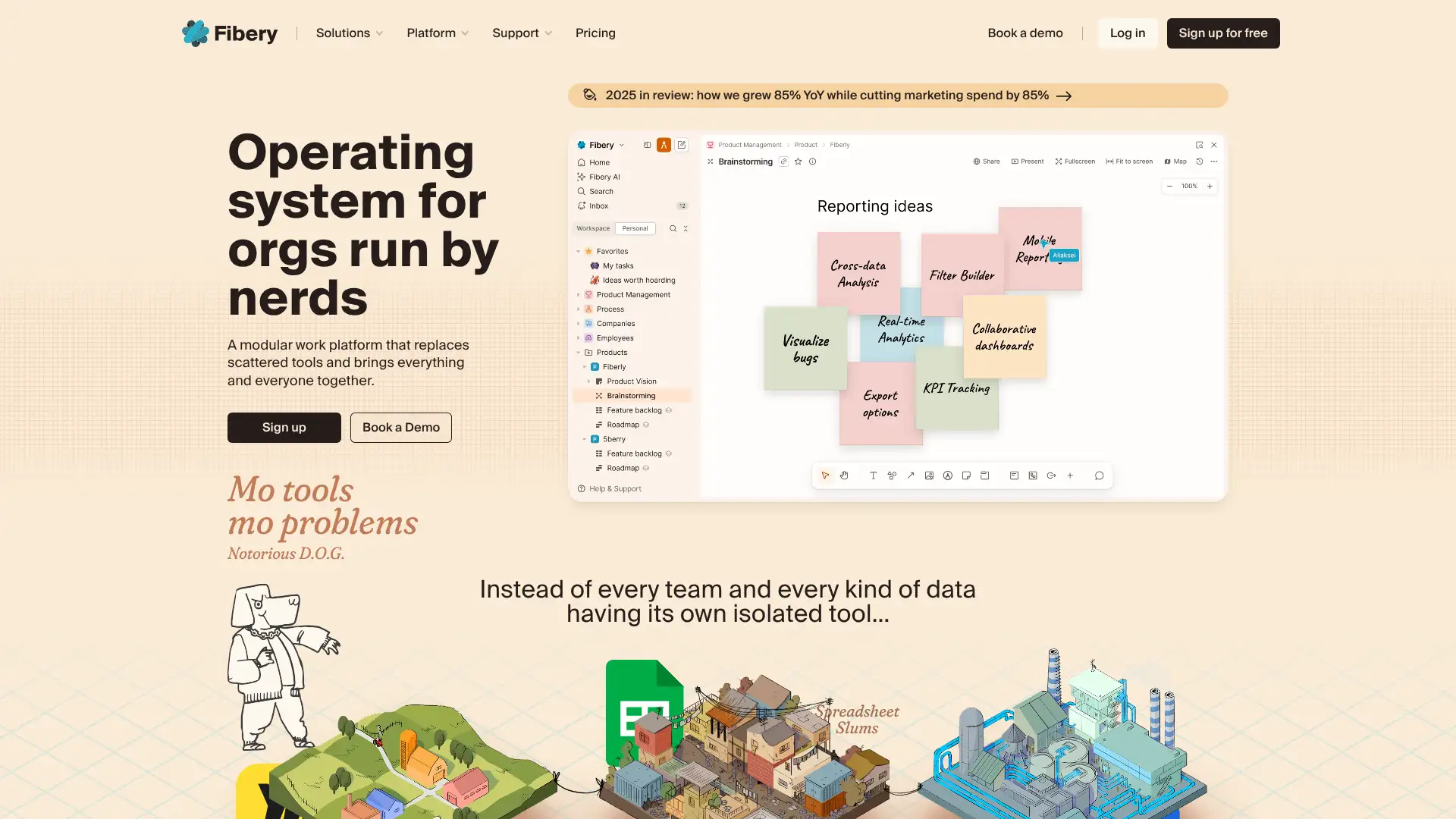
Fibery
Fibery is a flexible work management platform designed for product teams that want to connect strategy, product discovery, and execution in one connected system. Unlike Notion (which is document-first) or Jira (which is issue-first), Fibery starts with a data model that teams customise to represent their specific work: features, experiments, customer feedback, and sprints are all linked entities rather than separate tools. AI automation helps process information and surface insights across the workspace.
- • Custom data model: define entity types and relations to match any product or business process
- • Linked entities: features, feedback, experiments, and sprints connected in one graph
- • Multiple views: board, list, timeline, table, and calendar per entity type
- • AI for summarising, classifying, and automating repetitive information tasks
- • Native rich-text documents embedded alongside entities for in-context documentation
Fibery is one of the most sophisticated connected work platforms available for product teams that want strategy, research, and execution in a single linked system. The configuration investment is real, but teams that invest in the setup report it replacing three or four separate tools.
Productive
Productive is a Professional Services Automation (PSA) platform for agencies and consultancies that want to manage sales, project delivery, resource planning, and financials in one system. It connects CRM pipeline data to project delivery, showing real-time profitability and utilisation rates. Unlike Teamwork (which focuses on client delivery), Productive covers the full agency operating model from business development through invoicing, making it a more complete agency management suite.
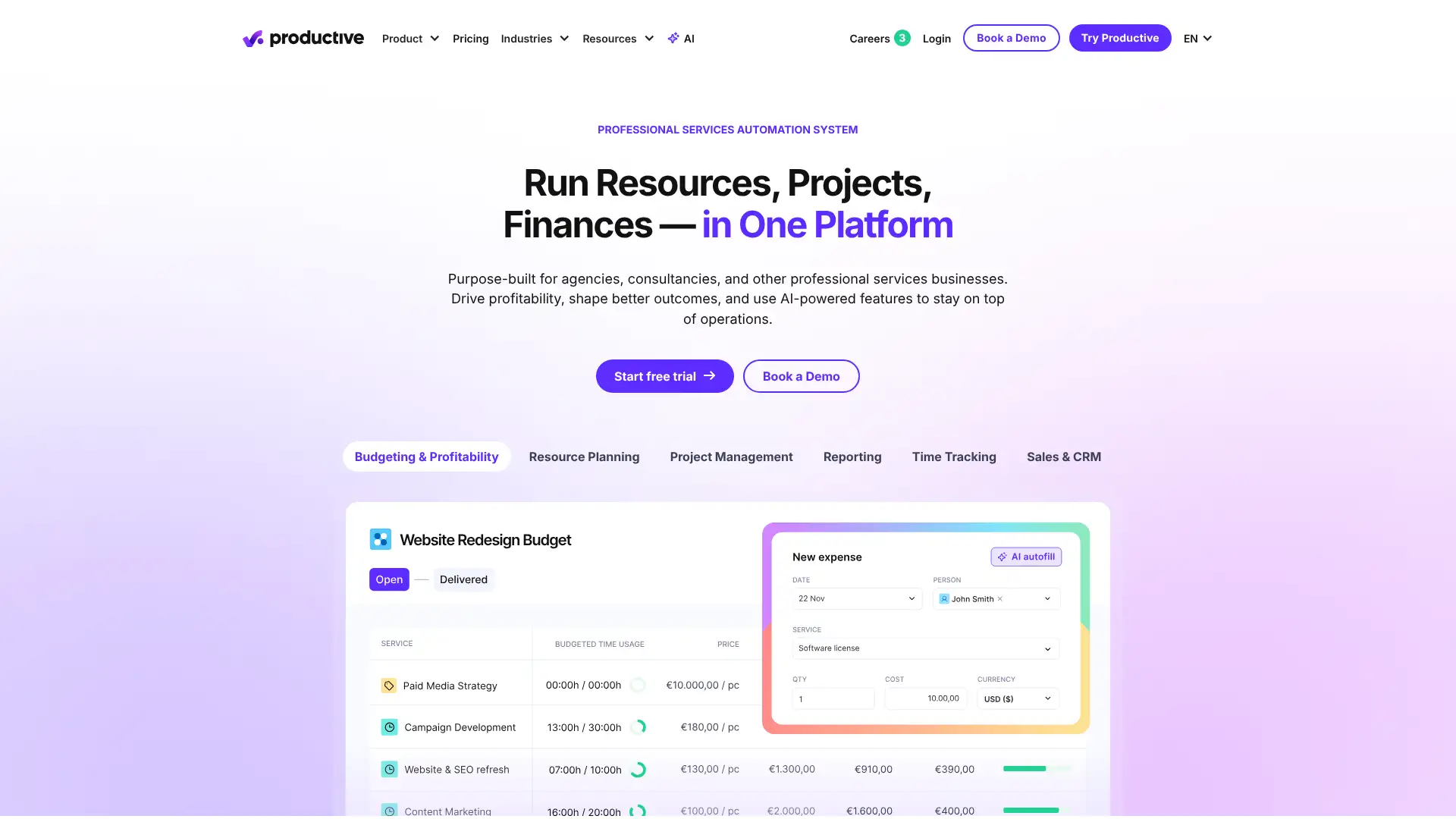
- • Real-time profitability tracking across all active projects and clients
- • Resource planning with visual timeline and capacity forecasting
- • CRM and sales pipeline feeding directly into project creation on contract win
- • Automated invoicing from tracked time and project budgets
- • Utilisation reports showing how agency capacity is allocated across projects
Productive is the best agency PSA for teams that want a full operating system from sales to invoice. Real-time profitability and utilisation data make it meaningfully better than Teamwork for agencies that need financial visibility, not just delivery tracking.
Kantata
Kantata (formerly Mavenlink and Kimble PSA) is a comprehensive resource and project management platform for consultancies, agencies, and professional services teams. It centralises project delivery, financial data, resource planning, and reporting with a people-first approach to capacity management. Automated staffing recommendations match skills to projects based on availability. It integrates with Salesforce, HubSpot, Jira, and over 30 other enterprise tools.
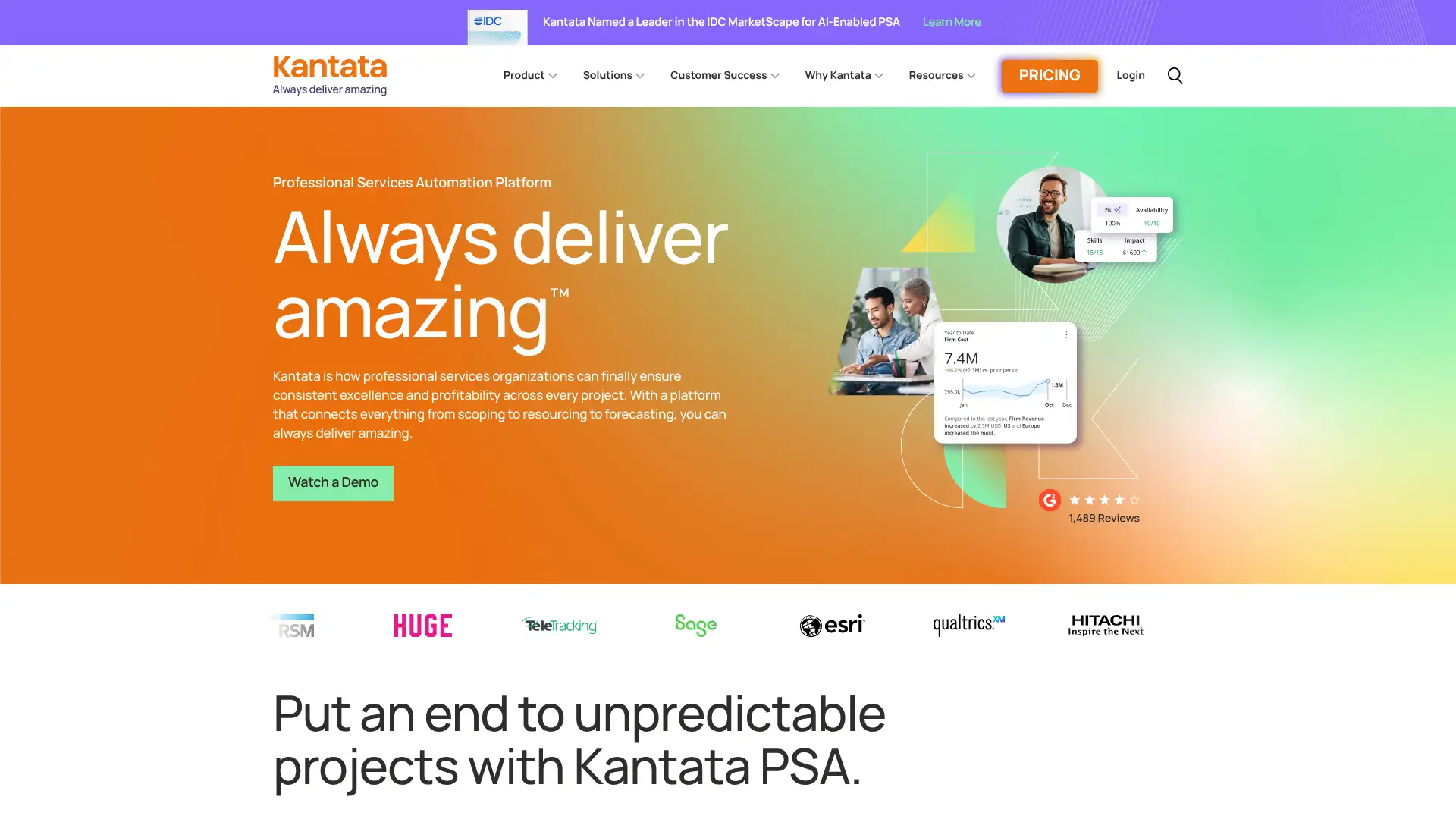
- • Automated staffing recommendations based on team availability, skills, and project requirements
- • Scenario planning for testing resource allocation options before committing
- • Skills inventory for identifying capability gaps and development opportunities
- • Time, expense, and project financials integrated with project delivery workflows
- • Salesforce CRM integration for pipeline-to-project data flow
Kantata is a strong mid-enterprise PSA for consultancies and professional services firms that need automated resource matching and deep Salesforce integration. For teams below mid-market scale, Productive or Teamwork offer 80% of the functionality at a fraction of the cost with transparent pricing.
ProjectManager
ProjectManager is an end-to-end project management tool with customisable dashboards, Gantt charts, Kanban boards, task lists, and timesheets. It targets mid-market and enterprise PMOs that need real-time project status visibility without the complexity of enterprise platforms like Microsoft Project or Planview. Integrates with over 1,000 apps and is particularly well-reviewed for its reporting and monitoring capabilities across multiple simultaneous projects.
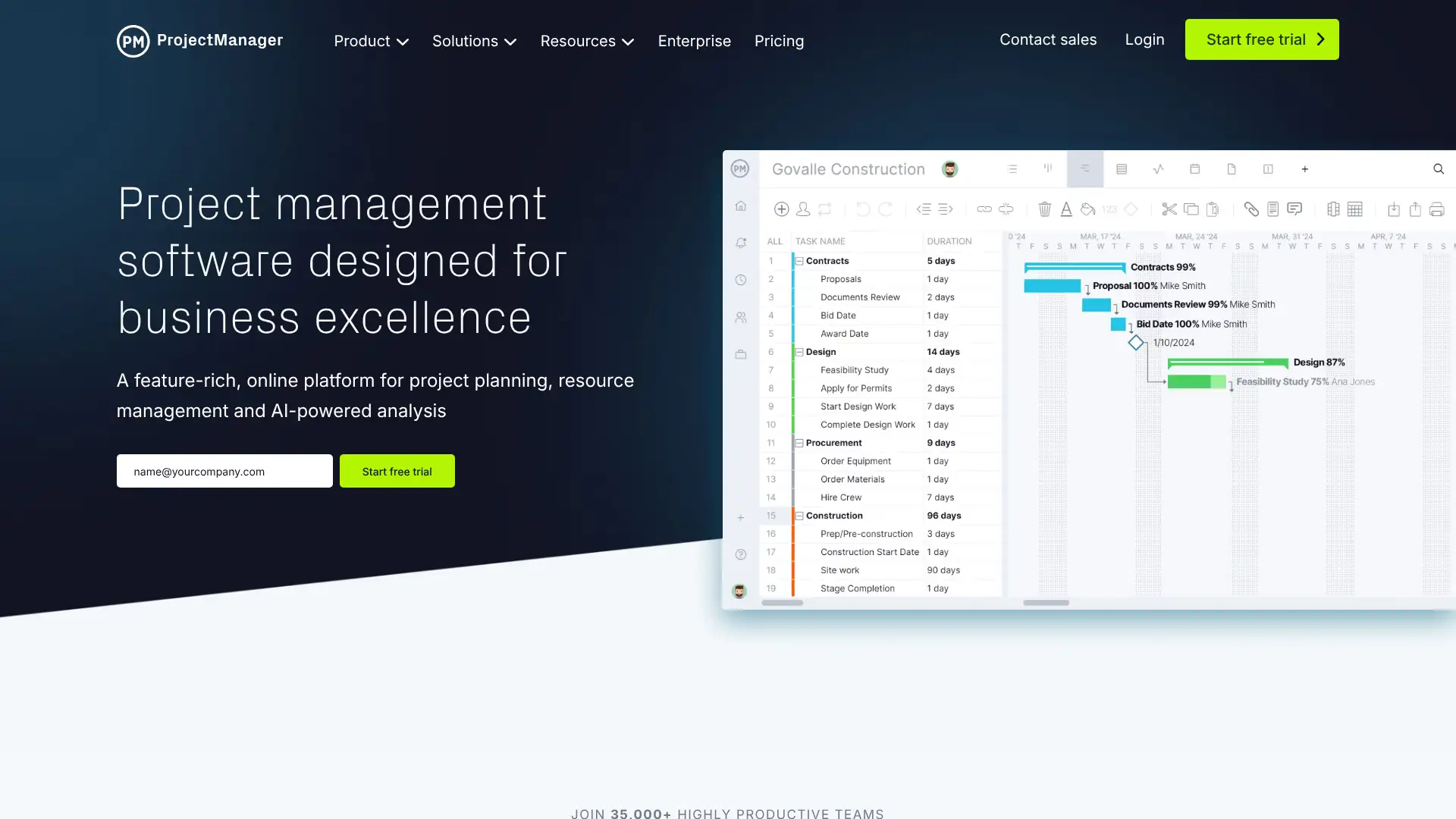
- • Real-time customisable dashboards with project health, budget, and team metrics
- • Gantt charts with critical path, baselines, and dependency tracking
- • Risk management module for identifying, assessing, and tracking project risks
- • Timesheets and budget tracking integrated with project planning
- • 1,000+ integrations including Slack, Google Workspace, Jira, Salesforce, and Trello
ProjectManager is a well-rounded PMO tool that covers real-time dashboards, Gantt charts, risk management, and timesheets without requiring enterprise pricing. The risk management module at the Team plan level is a meaningful differentiator for PMOs that need to track project risks formally.
Celoxis
Celoxis is an enterprise Project Portfolio Management (PPM) platform covering portfolios, projects, tasks, resources, timesheets, issues, and risks from one place. It is designed for mid-to-large organisations with complex project portfolios that need 360-degree visibility, a customisable client portal, and advanced reporting. Clients include HBO, Bombardier, KPMG, and the University of Washington. It is available as both cloud and on-premises deployments.
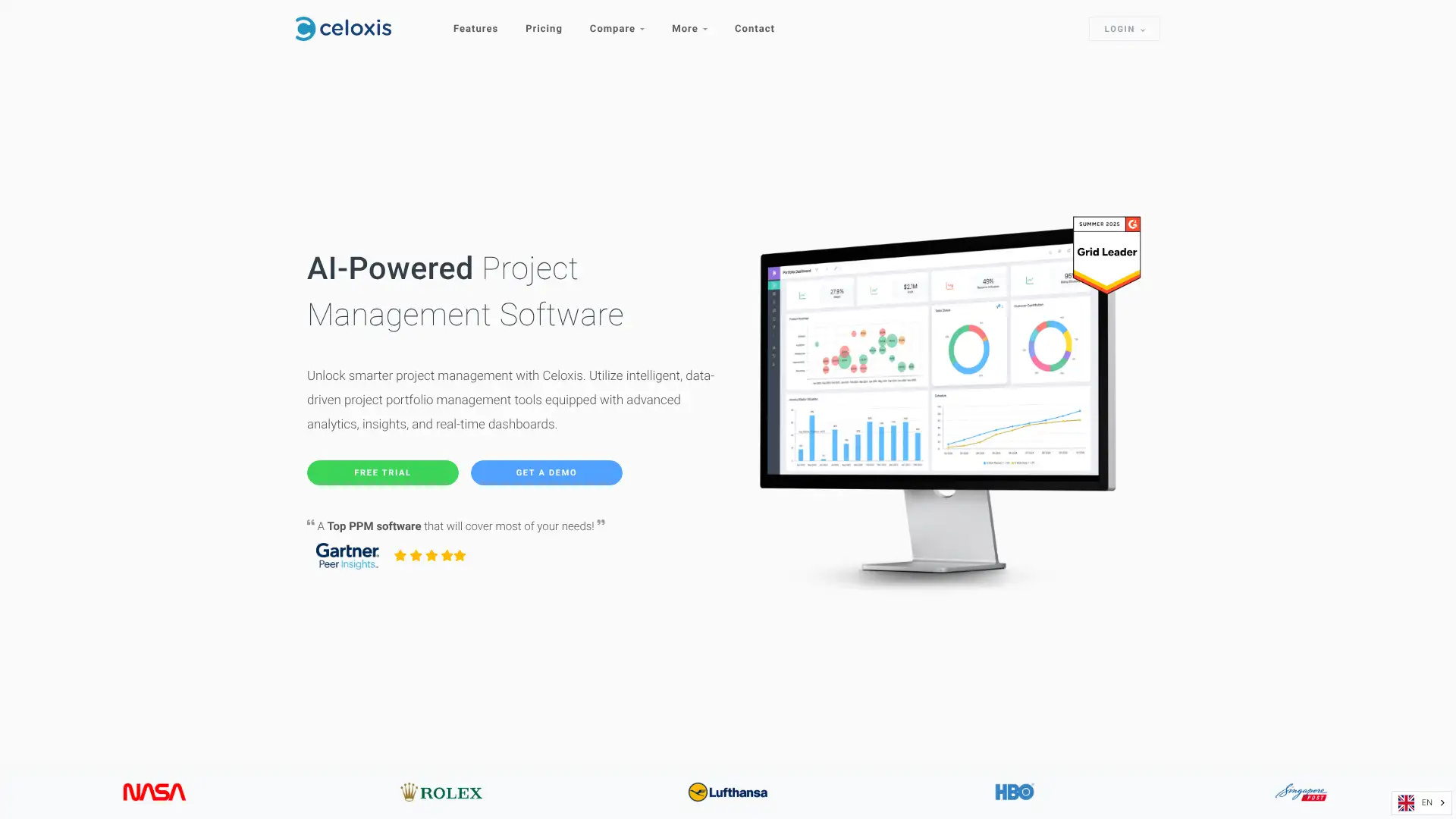
- • Full PPM coverage: portfolios, projects, tasks, resources, timesheets, issues, and risks in one platform
- • Customisable client portal for external stakeholder access and reporting
- • 360-degree dashboard view across all active projects and portfolio health
- • Resource management with capacity planning, allocation, and utilisation tracking
- • On-premises deployment option for regulated industries requiring data sovereignty
Celoxis is a comprehensive enterprise PPM platform that covers every project management dimension at a flat and transparent $25/user/month. For mid-to-large organisations needing portfolio visibility, risk tracking, and a client portal, it is a strong alternative to Microsoft Project or Planview at a lower total cost.
Scoro
Scoro is a comprehensive business management platform combining project management, CRM, resource planning, time tracking, and invoicing in a single interlinked workspace. It is designed to help professional services teams manage the entire work lifecycle from quoting and planning to delivery and invoicing. Real-time Gantt charts, a drag-and-drop planner, revenue tracking, and automated billing make it a genuine end-to-end PSA for teams that want to eliminate multiple separate tools.
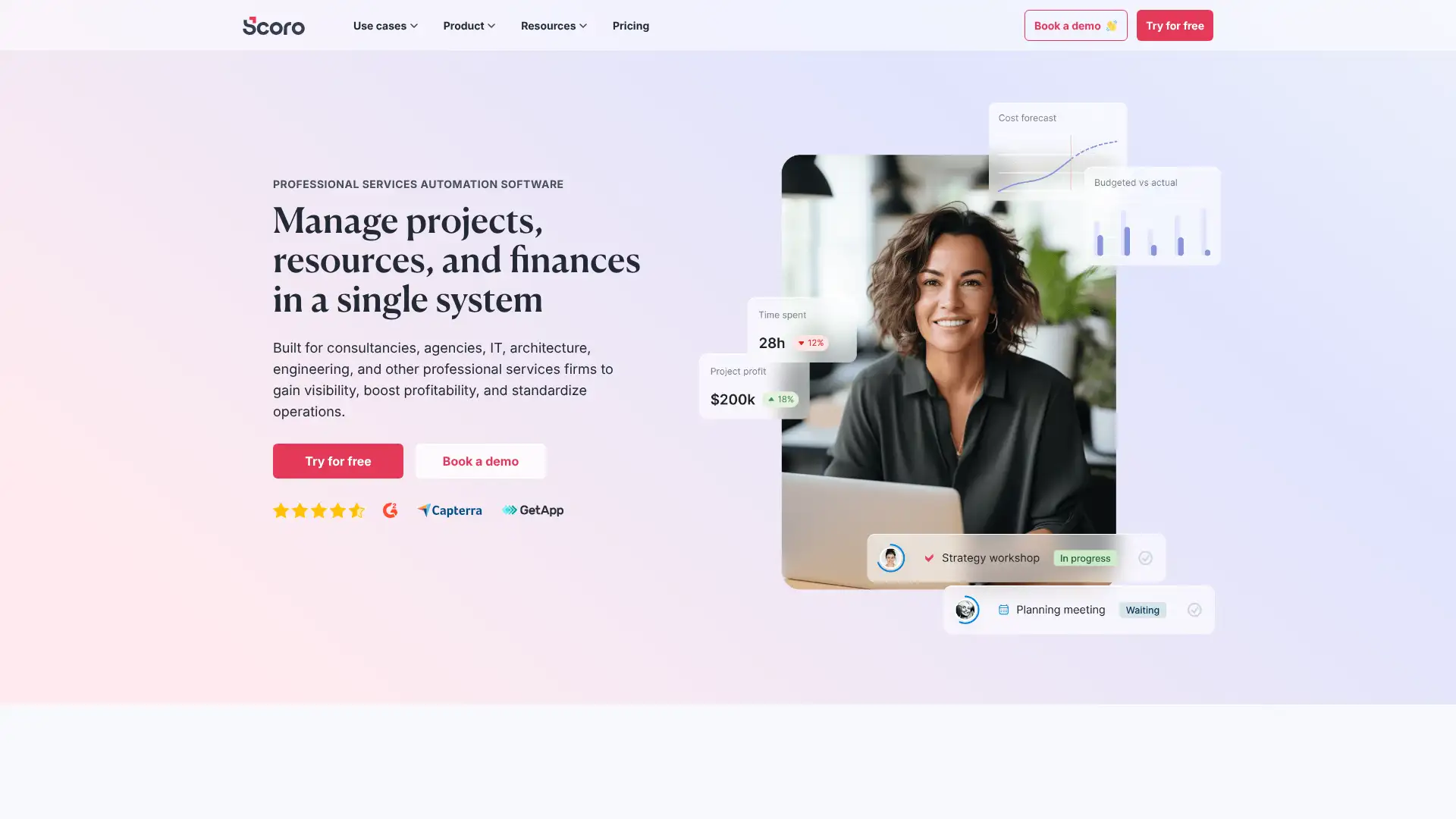
- • End-to-end workflow: quote, plan, deliver, track time, and invoice from one platform
- • Real-time Gantt charts and drag-and-drop planner for project scheduling
- • CRM and sales pipeline feeding directly into project delivery on deal close
- • Revenue and profitability tracking per project and client in real time
- • Automated billing from tracked time, milestones, or fixed-fee project types
Scoro is the most complete end-to-end business management platform for professional services teams that want a single system covering sales, delivery, and billing. The cost is significant, but teams replacing separate CRM, PM, time tracking, and invoicing tools often find the total cost of ownership comparable.
Adobe Workfront
Adobe Workfront is an enterprise work management platform acquired by Adobe in 2022 for $1.5 billion. It is designed for large marketing organisations and creative teams that need structured project intake, approval workflows, creative brief management, and content production pipelines. Deep integration with the Adobe Creative Cloud suite, including Photoshop, Premiere Pro, and AEM, makes it the natural enterprise choice for organisations running creative production at scale.
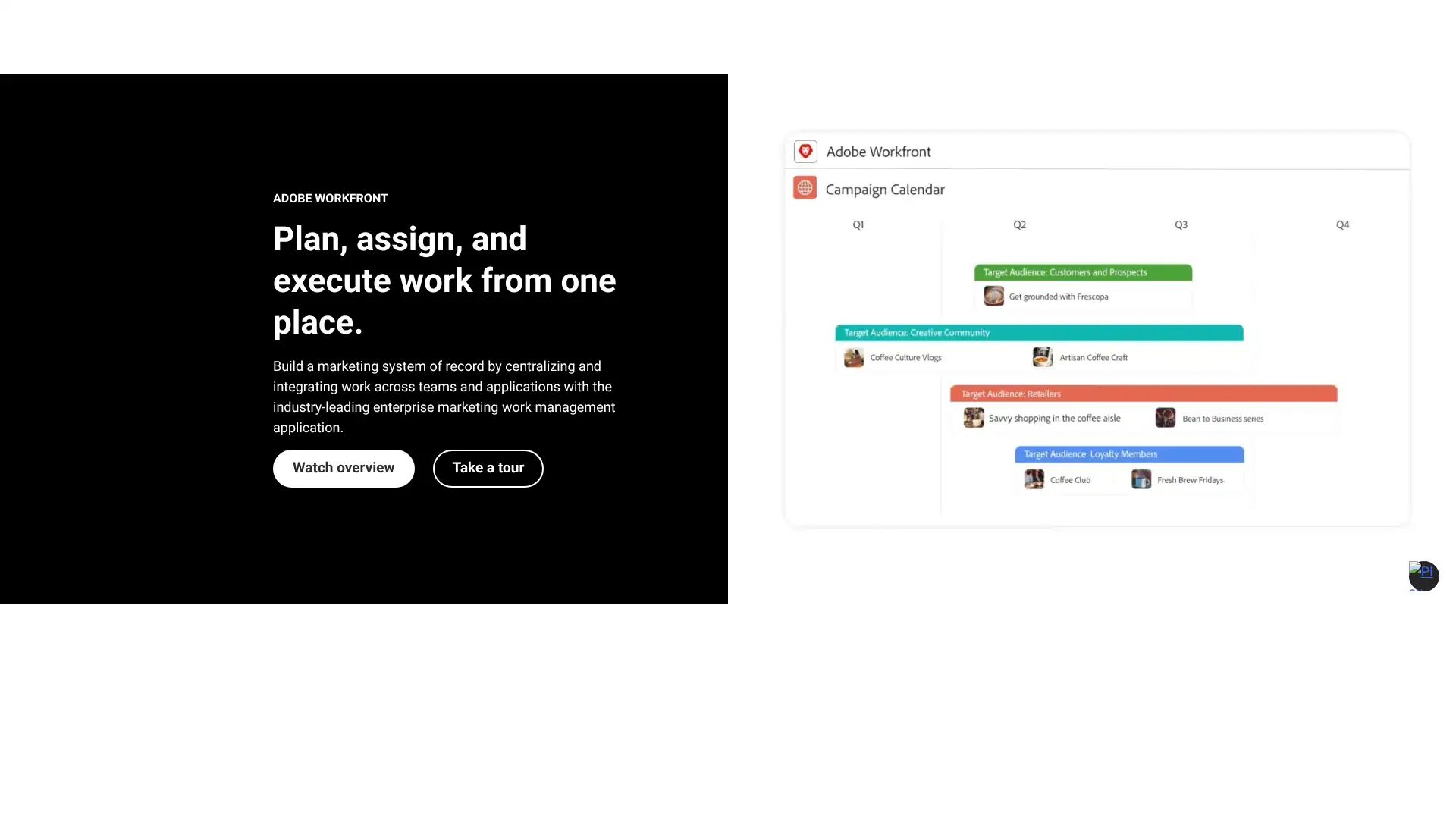
- • Structured project intake forms routing requests into standardised creative workflows
- • Deep Adobe Creative Cloud integration: manage projects from within Photoshop, Premiere, and more
- • Multi-stage approval workflows for enterprise creative review and compliance
- • Adobe Experience Manager (AEM) integration for content management and campaign delivery
- • AI work intelligence (Workfront AI) for prioritisation, risk identification, and capacity planning
Adobe Workfront is the enterprise standard for large marketing organisations running creative production at scale within the Adobe ecosystem. Below enterprise scale, Wrike covers most of the same creative workflow features at a fraction of the cost. The Adobe Creative Cloud integration is the only genuinely irreplaceable differentiator.
Planview
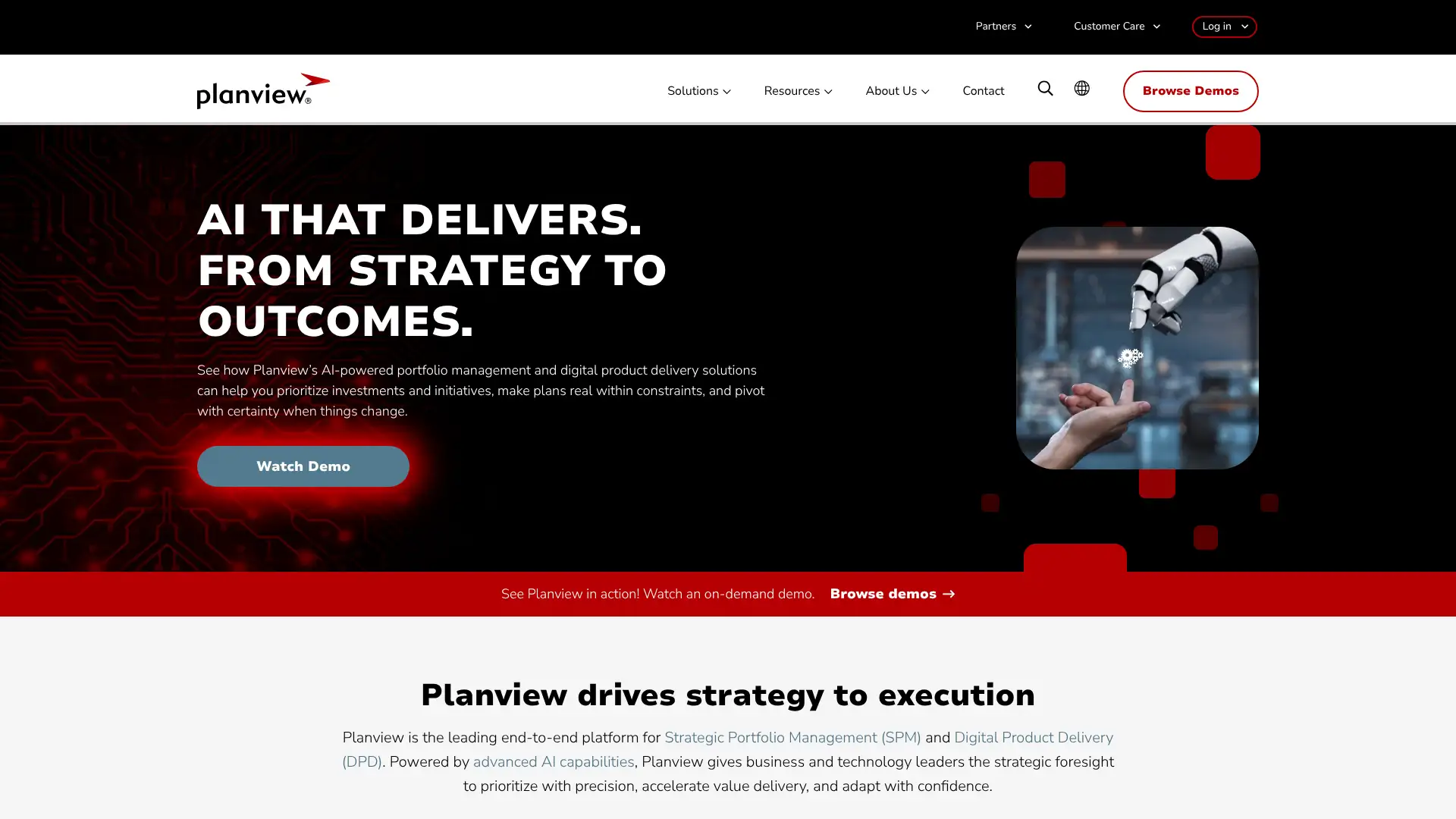
Planview is an enterprise portfolio management (EPM) and value stream management platform used by Fortune 500 organisations to connect strategy to execution across large, complex project portfolios. It covers strategic planning, portfolio management, resource management, and agile delivery in an integrated platform. More powerful and more complex than tools like Smartsheet or Wrike, it targets organisations managing hundreds of concurrent initiatives at enterprise scale.
- • Enterprise portfolio management linking strategy to individual project execution
- • Value stream management for tracking how work flows from idea to delivery
- • Resource management at portfolio scale across hundreds of projects and teams
- • Strategic capacity planning connecting investment decisions to delivery capacity
- • Agile and waterfall delivery support in a unified portfolio framework
Planview is the go-to enterprise portfolio management platform for large organisations connecting strategic investment decisions to delivery outcomes. Below enterprise scale, Smartsheet or Celoxis cover most portfolio management requirements at significantly lower cost and complexity.
Shortcut
Shortcut (formerly Clubhouse) is a product and engineering project management tool that occupies the space between Jira's complexity and Linear's minimalism. It includes stories, epics, milestones, sprints, iterations, and roadmaps in a polished interface that software teams find faster to adopt than Jira. Strong GitHub and GitLab integrations link code directly to stories. Pricing is competitive with Jira Standard while offering a cleaner and more modern experience.
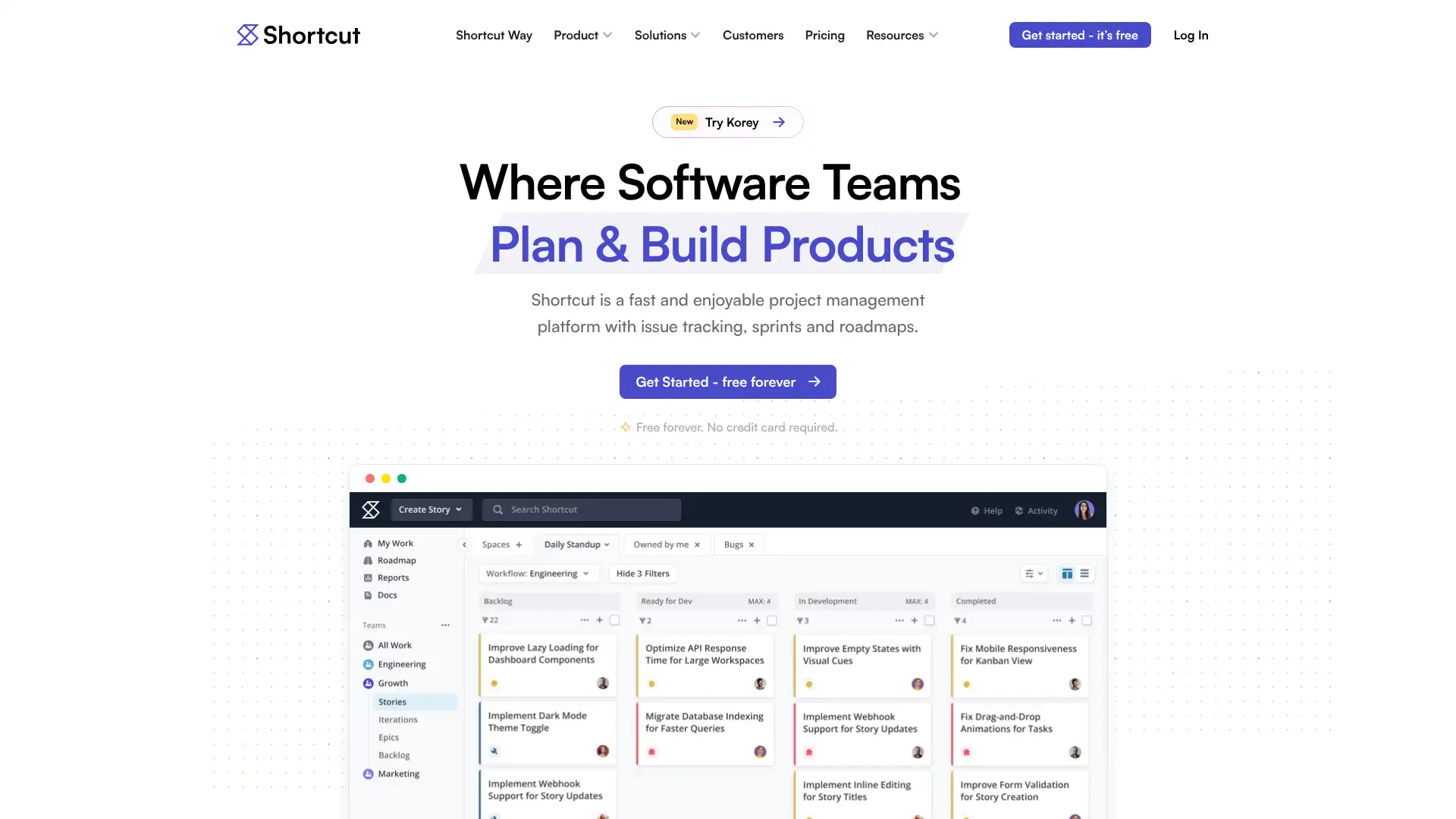
- • Stories, epics, milestones, and iterations for full agile software development workflows
- • Roadmaps showing how epics and milestones connect across teams and time
- • GitHub and GitLab integration linking branches, PRs, and commits to stories
- • Customisable workflows with story types and states for any development process
- • Slack integration for story notifications and updates directly in channels
Shortcut is the best middle ground between Jira's power and Linear's simplicity for software teams that want full Agile tooling without Jira's configuration overhead. At $8.50/user/month it is priced fairly. Teams that have already invested in the Atlassian ecosystem will find less reason to switch.
Vikunja
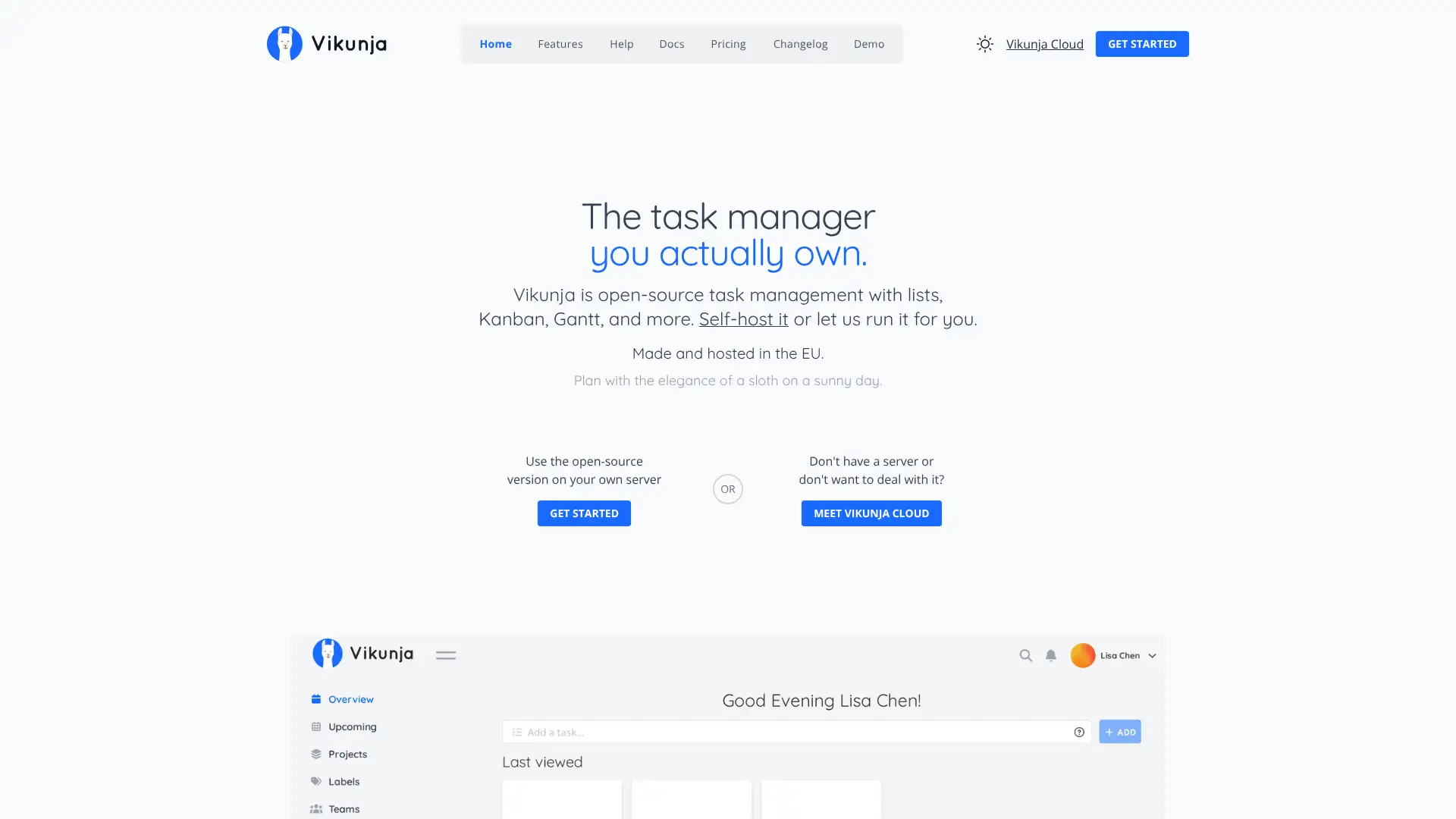
Vikunja is an open-source, self-hosted task and project management tool. It provides a clean interface for managing projects, tasks, and teams with list, Gantt, and Kanban views. Being self-hosted means complete data ownership and no per-seat fees beyond infrastructure costs, making it popular with privacy-conscious developers, small teams, and organisations in regulated environments. A cloud-hosted version is available for teams that want the software without infrastructure management.
- • Open-source: full source code available under AGPLv3 licence
- • Self-hosted deployment: Docker, Kubernetes, or binary for full data control
- • Multiple views: list, Gantt, Kanban, and table for projects and tasks
- • Task sharing, team management, and permission controls
- • REST API for custom integrations and automation
Vikunja is the best self-hosted task management tool for developers and privacy-conscious teams that want full data control without per-seat fees. The cloud option at $5/user/month makes it accessible for teams that want the software without managing the infrastructure. Feature depth is adequate but not market-leading.
Taiga
Taiga is a lightweight open-source agile project management tool with a focus on Scrum and Kanban workflows. Built since the mid-2010s, it is one of the most mature open-source PM tools available with a clean interface, backlog and sprint planning, burndown charts, and an issue tracker. No functionality is locked behind a paywall in the self-hosted version, and cloud hosting is available at affordable per-user rates. Popular with agile teams that value openness, simplicity, and community-driven development.
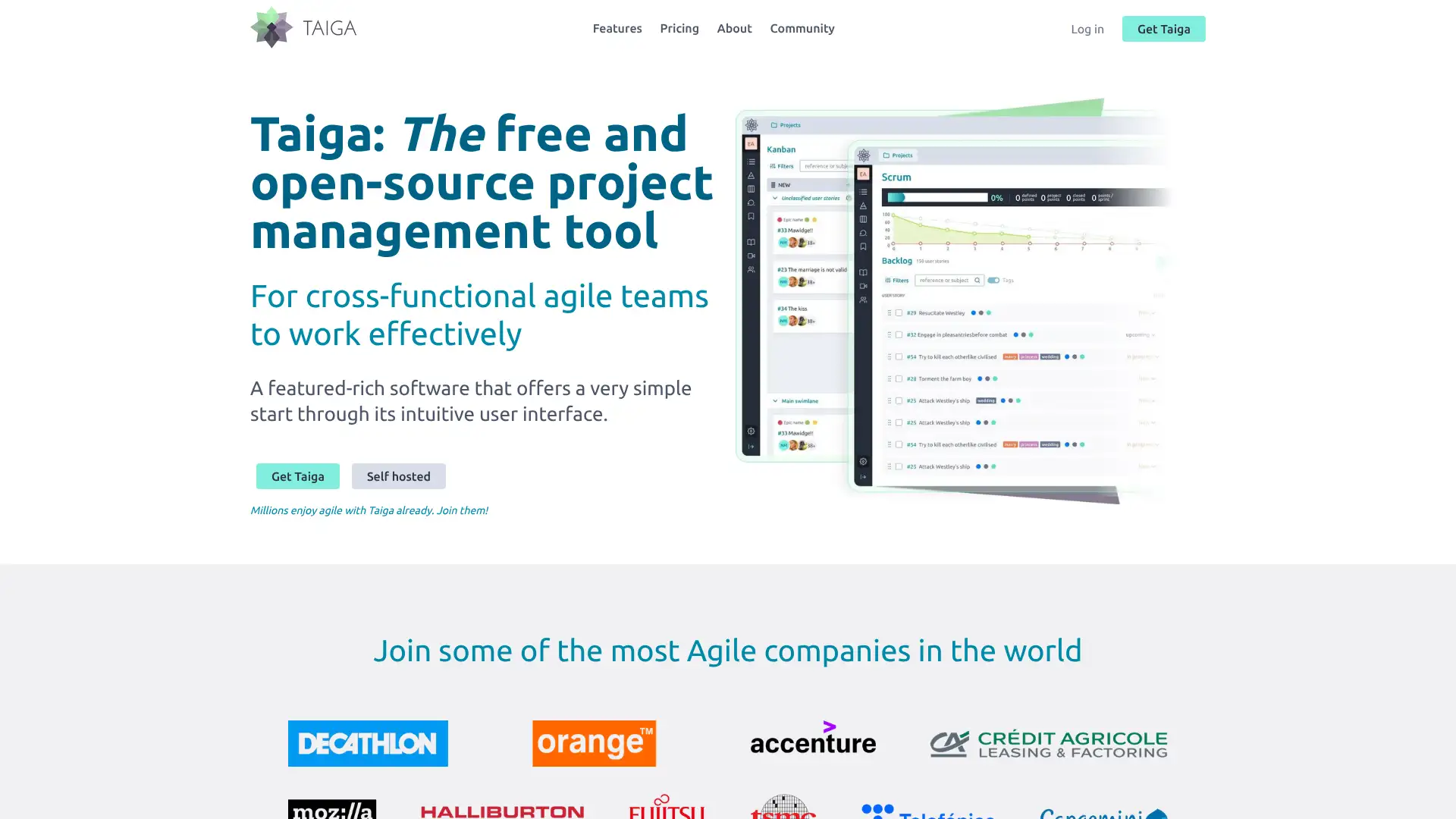
- • Scrum boards with sprint planning, backlog management, and burndown charts
- • Kanban boards with customisable swimlanes and WIP limits
- • Issue tracker with prioritisation, tagging, and custom fields
- • Wiki module for in-project documentation alongside sprints
- • Open-source: full source available, active community, no vendor lock-in
Taiga is the best open-source agile PM tool for teams that prioritise Scrum and Kanban workflows, data ownership, and community-driven software. At $5/user/month for the hosted version it is very competitively priced.