27 Best Personal Finance & Budgeting Apps in 2026
Personal finance and budgeting apps range from zero-based envelope systems to AI-powered spending coaches and spreadsheet powerhouses. This list covers the top 31 tools actively available in 2026, with pricing verified in March 2026. Three apps from the original list were removed after research confirmed they are no longer active: Mvelopes (shut down December 2022), Zeta (shut down May 2025), and mint-alternatives.com (a comparison site, not an app).
YNAB
YNAB (You Need A Budget) is a zero-based budgeting app built around four rules: give every dollar a job, embrace your true expenses, roll with the punches, and age your money. It is used by over 205,000 active Reddit community members and claims new users save an average of $600 in their first two months. There is no free tier beyond a 34-day trial, but college students can claim one free year. Pricing is $14.99/month or $109/year. In 2025, YNAB added a shared household feature called YNAB Together allowing up to five users under one subscription, and introduced a loan payoff simulator alongside Apple Watch support.
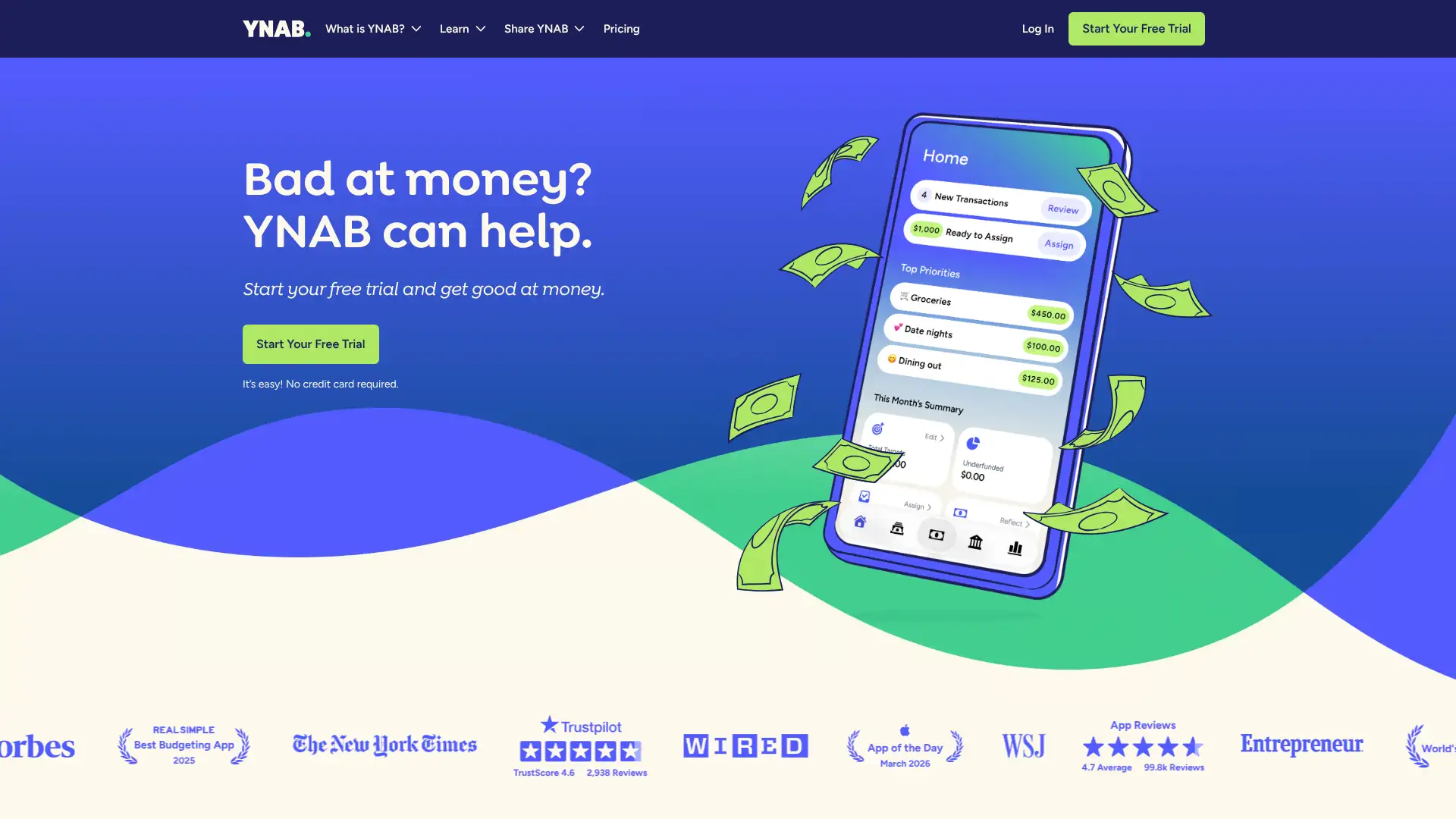
- • Zero-based budgeting: every dollar of income is assigned to a category before you spend it, forcing intentional allocation.
- • YNAB Together: one subscription covers up to 5 household members, each with separate logins and views.
- • Loan payoff simulator: models debt payoff timelines with avalanche or snowball strategies based on real account balances.
- • Bank sync via Plaid, MX, and TrueLayer across thousands of US, UK, Canadian, and EU institutions.
- • Live workshops: free weekly educational classes on budgeting, debt payoff, and money mindset are included with every plan.
YNAB is the strongest choice for people who are serious about changing their spending behavior, not just tracking it. The methodology genuinely works, and the community support is unmatched. If you want passive account monitoring rather than active budgeting, Empower or Monarch will serve you better without the subscription cost.
Monarch Money
Monarch Money is an ad-free, subscription-based personal finance platform founded in 2018 and backed by $94.8 million in funding including a $75 million Series B in May 2025 at an $850 million valuation. It aggregates bank accounts, credit cards, investments, loans, real estate, and vehicles into a single dashboard using Plaid, Finicity, and MX. Pricing is $14.99/month or $99.99/year for a single household subscription that covers unlimited household members at no extra cost. A 7-day free trial is available. In late 2025, Monarch launched Shared Views, letting couples label accounts and transactions as personal, partner, or shared across the full dashboard.
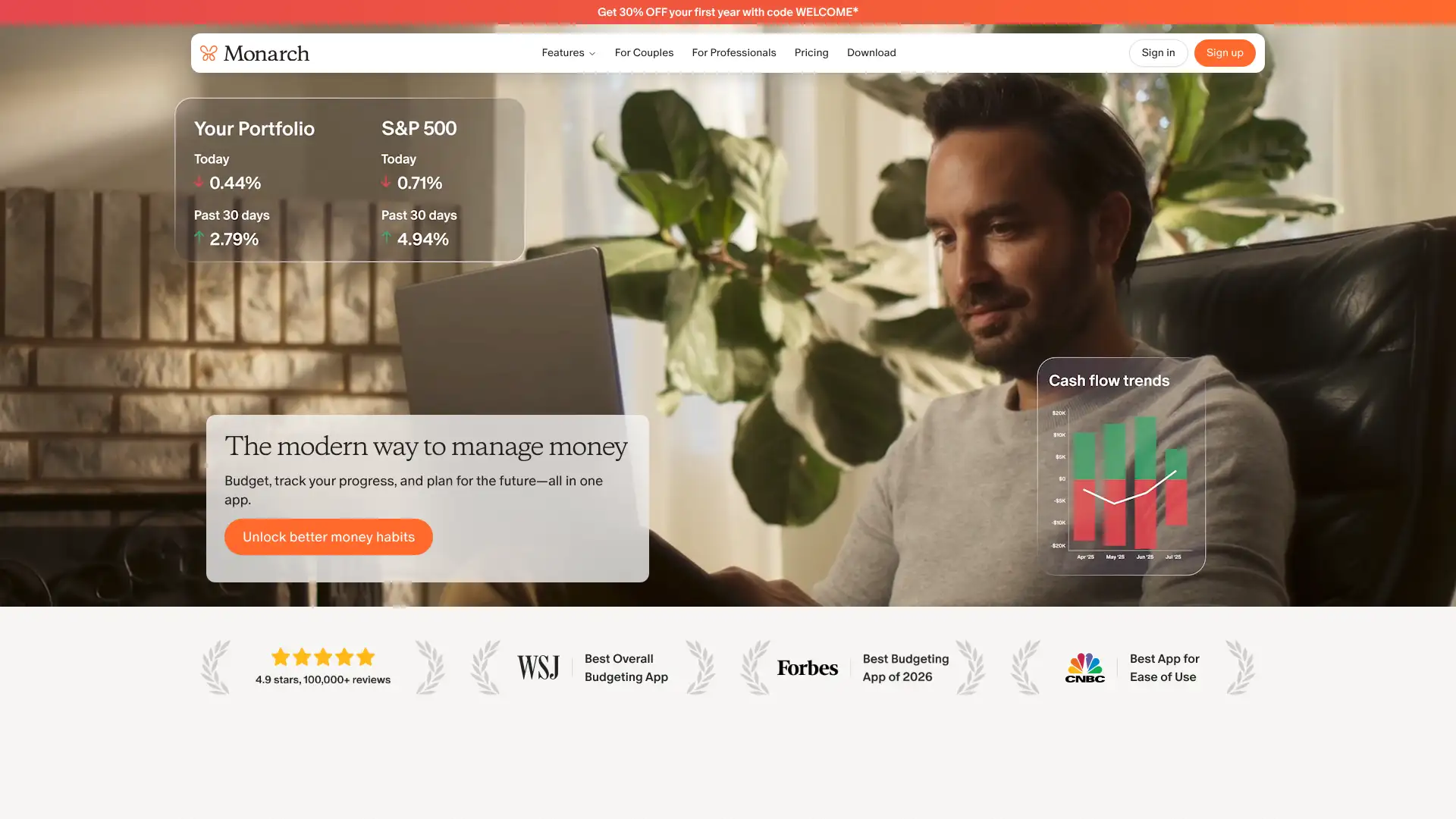
- • Multi-aggregator bank sync: connects via Plaid, Finicity, and MX, with automatic fallback if one provider fails — covering 13,000+ institutions.
- • Shared Views: launched late 2025, lets partners label any account or transaction as personal, partner, or shared without merging finances.
- • Investment tracking: monitors portfolio performance, allocation, and holdings across brokerage, retirement, and crypto accounts.
- • Flexible budgeting: choose between flex budgeting (big-picture) or category budgeting (granular), and switch between them anytime.
- • Bill Sync: pulls statement balances and due dates for credit cards and loans via Spinwheel, mapped to your existing accounts.
Monarch is the best all-in-one household finance platform for couples who want full financial visibility without merging accounts or paying per user. The 7-day trial is short, so use it actively. For solo users who primarily want investment tracking, the free Empower dashboard may deliver more analytics at no cost.
Rocket Money
Rocket Money, formerly Truebill, is a free-to-download personal finance app from Rocket Companies. It is best known for its subscription detection and concierge cancellation service, which contacts providers on your behalf. The free tier connects unlimited accounts and identifies subscriptions but caps you at 2 custom budget categories. Premium costs $6–$12/month on a user-selected sliding scale — all features unlock regardless of the price chosen. A separate bill negotiation service charges 35–60% of first-year savings only when it succeeds. The app has a 4.5-star rating on the App Store across 285,000+ reviews. In 2025 and 2026, Rocket Money is frequently named as the leading Mint replacement for users who want minimal setup.
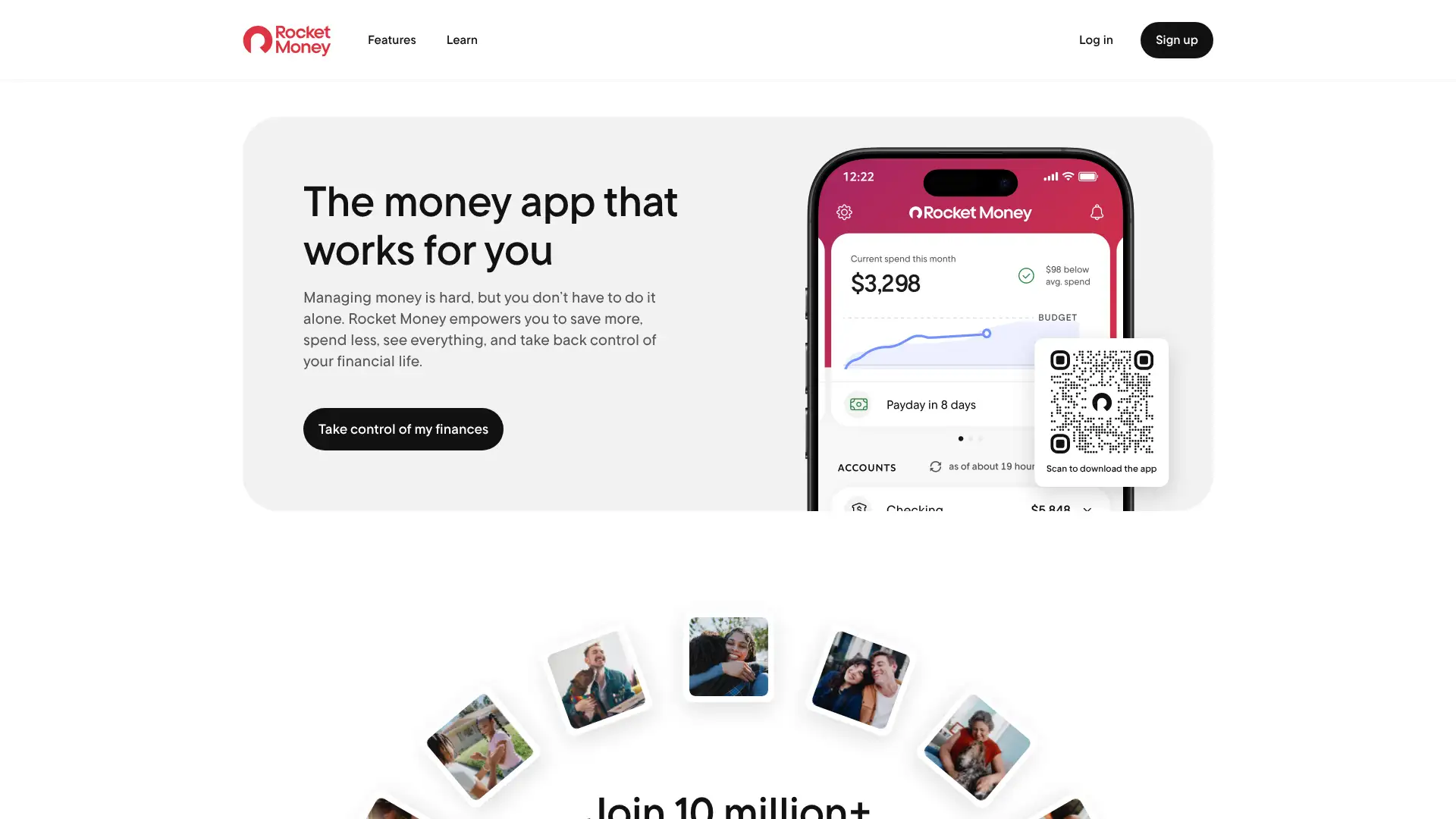
- • Subscription scanner: automatically detects recurring charges across all linked accounts and displays them in a single dashboard.
- • Concierge cancellation: Premium users request cancellations in-app and Rocket Money's team contacts the provider directly.
- • Bill negotiation: the service negotiates cable, internet, and phone bills on your behalf and charges 35–60% of first-year savings only when it works.
- • Smart Savings: automatically moves small amounts from checking to a savings goal based on your cash flow patterns.
- • Net worth tracker: aggregates assets and liabilities across all linked accounts for a real-time net worth view (Premium only).
Rocket Money is the right tool if your main goal is finding and canceling forgotten subscriptions. The free tier delivers real value immediately. For comprehensive monthly budgeting with meaningful categories, the 2-category free limit pushes you toward paying, at which point Quicken Simplifi at $5.99/month offers more budgeting structure for a similar price.
PocketGuard
PocketGuard is a budgeting app centered on its 'Leftover' (formerly 'In My Pocket') feature, which calculates how much you have available to spend after accounting for bills, goals, and necessities. The app was founded in 2015 and has over one million members. It no longer offers a permanent free plan as of January 2025; all features require a paid subscription after a 7-day free trial. Pricing is $74.99/year ($6.25/month) or $12.99/month. A lifetime membership is also available in-app at $149.99 (iOS). The app supports unlimited linked accounts, debt payoff planning, subscription tracking, and net worth monitoring on all paid tiers.
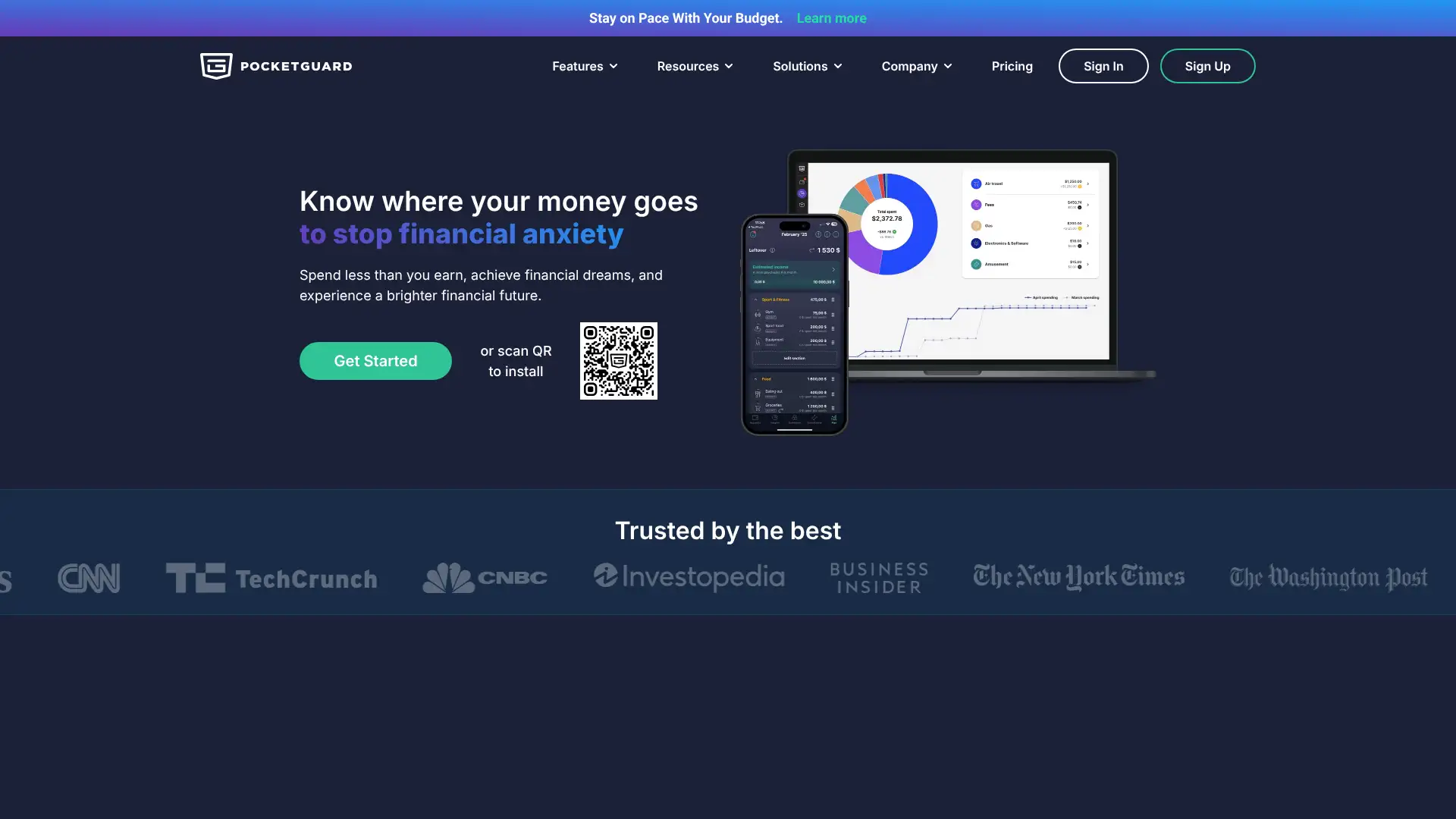
- • Leftover calculation: shows a single safe-to-spend number updated in real time after bills, goals, and savings are deducted.
- • Debt payoff planner: build a payoff strategy using avalanche or snowball method with a minimum-loss or maximum-progress approach.
- • Subscription tracker: automatically identifies and lists recurring charges for review and optional cancellation.
- • Custom categories with rollovers: build budget categories for any expense type and roll unused funds to the next month.
- • Pace indicator: alerts you when you are spending faster than your budget allows based on days remaining in the billing cycle.
PocketGuard works best for spenders who need a guardrail, not a spreadsheet — the Leftover number is psychologically effective. The removal of a free plan and the doubling of the annual price since 2023 make it harder to recommend over Quicken Simplifi, which costs $71.88/year and offers stronger reporting. The lifetime plan is the best value if you want PocketGuard long term.
Copilot
Copilot is an Apple-exclusive personal finance app (iPhone, iPad, Mac, and Apple Watch) founded in 2018 by former Google engineer Andrés Ugarte. It was named an Apple Design Award Finalist in 2024 and holds a 4.8-star App Store rating across 28,000+ reviews. The app uses per-user machine learning models that improve with feedback, achieving roughly 90% categorization accuracy out of the box. A web version launched in December 2025. Pricing is $95/year ($7.92/month) or $13/month, with a 30-day free trial requiring no credit card. There is no Android app as of March 2026. Copilot raised a $6 million Series A in 2024.
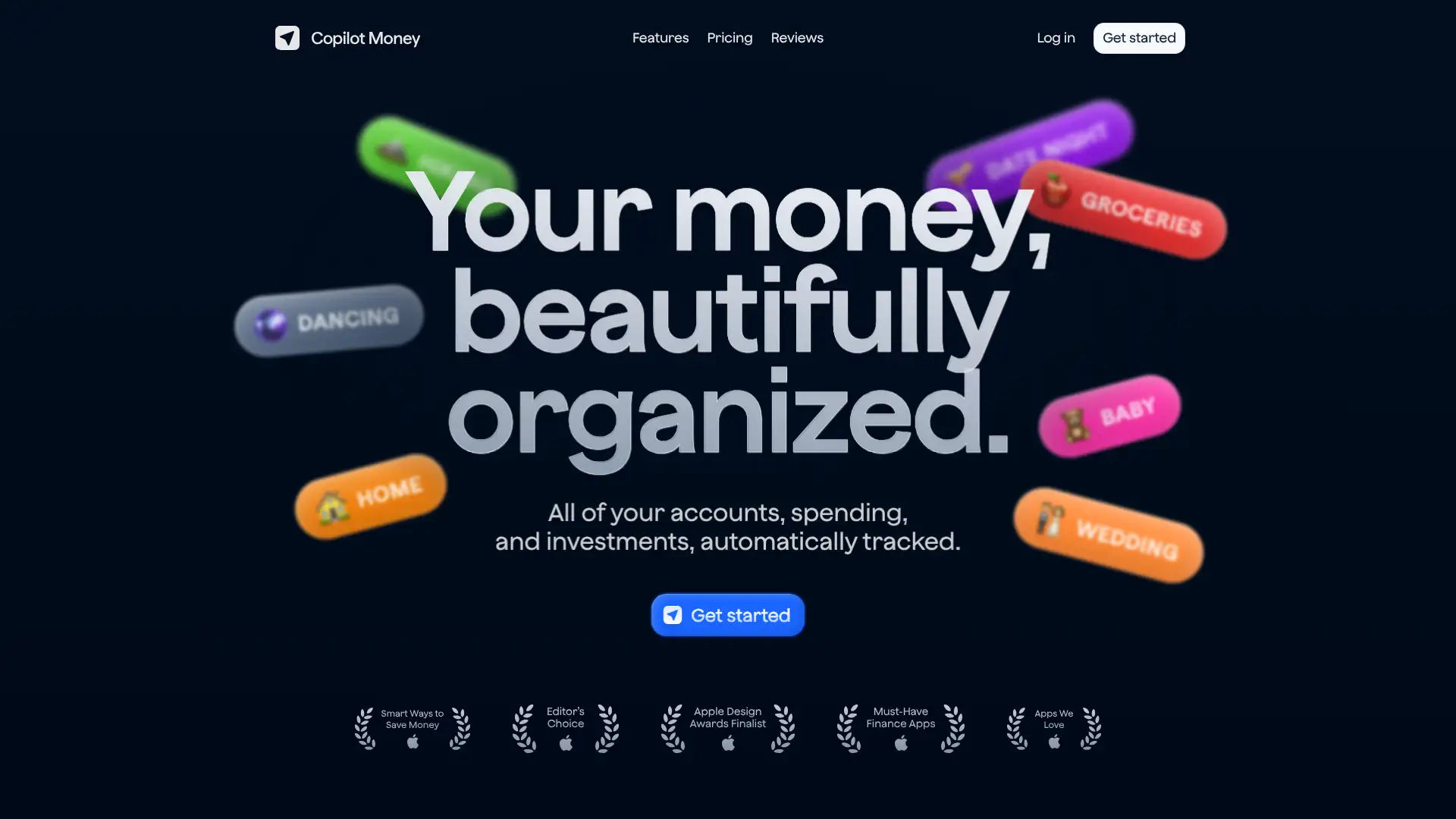
- • Private AI categorization: each user gets their own ML model trained on their transaction patterns, not shared across the user base.
- • Adaptive budgets: Copilot uses your spending history to suggest realistic budget amounts and adjusts them automatically over time.
- • Investment tracking: monitors holdings, performance, and allocation across brokerage, retirement, and crypto accounts with Zillow home value integration.
- • Monthly recaps: automated visual summaries delivered each month showing income, spending trends, net worth changes, and budget performance.
- • Charge splitting and tagging: split any transaction across multiple categories or people, and apply custom tags for granular filtering and reporting.
Copilot is the best budgeting app in the Apple ecosystem if design and automation matter to you. The 30-day trial makes it easy to evaluate. If you or your partner use Android, or if you want a methodology-driven approach rather than smart tracking, look elsewhere.
EveryDollar
EveryDollar is Ramsey Solutions' zero-based budgeting app, launched in 2015 and now used by over 10 million budgeters. The free version allows manual budgeting with unlimited categories. The premium version adds bank sync via Plaid and Mastercard Connect, paycheck planning, financial roadmap, spending reports, and an AI-powered margin finder. In January 2026, EveryDollar relaunched with new features including a Margin Finder that claims to identify an average of $3,015 in unused budget room in 15 minutes. Premium pricing is $17.99/month or $79.99/year. The Ramsey+ bundle at $129.99/year includes EveryDollar Premium plus Financial Peace University and other Ramsey content.
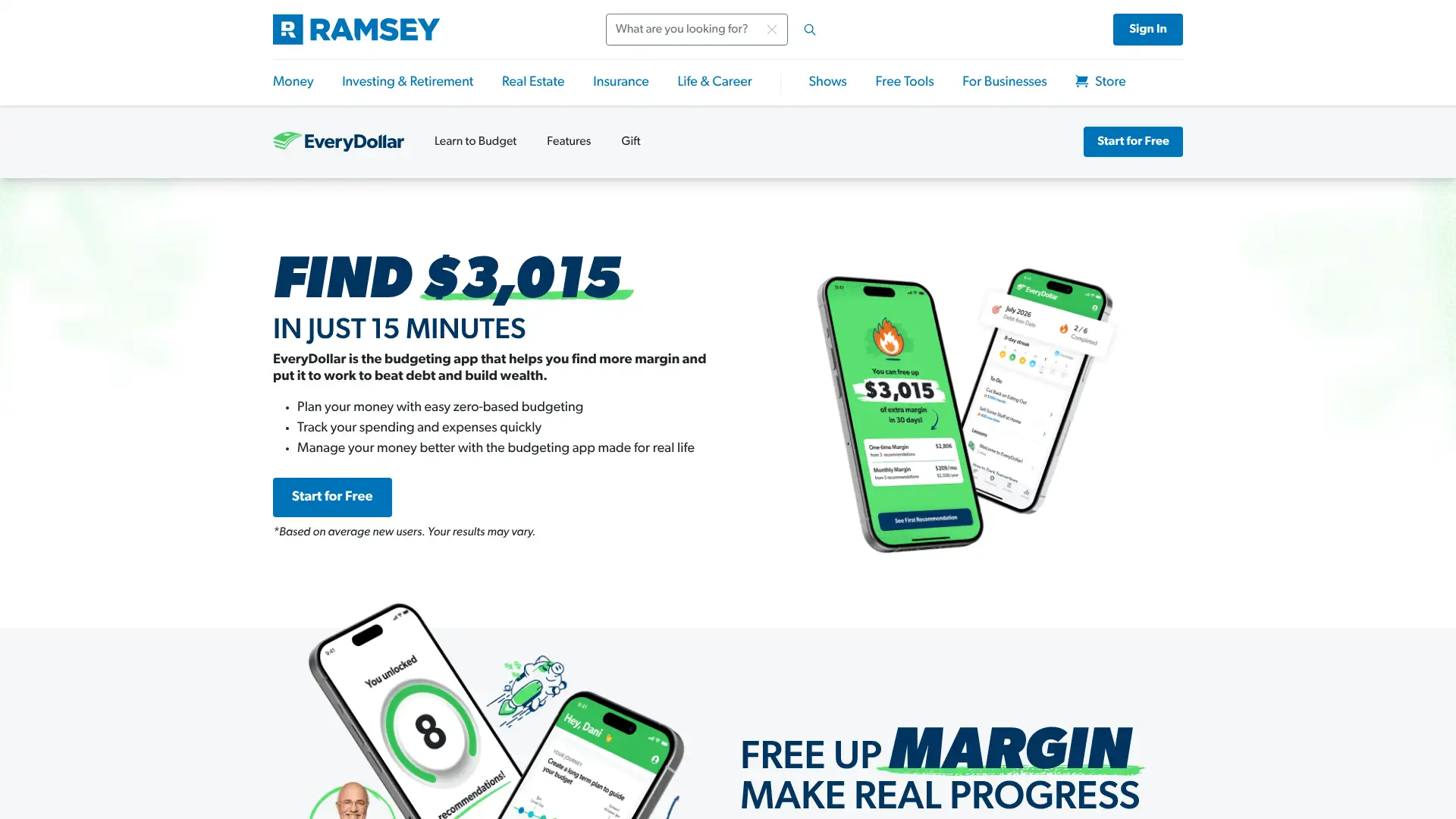
- • Zero-based budgeting: the app requires income minus expenses to equal zero before the month begins, following Ramsey's method.
- • Paycheck planning (Premium): organizes the budget around each specific paycheck date rather than a single monthly total.
- • Debt snowball tracker: tracks individual debt payoff progress and calculates updated payment amounts as balances decrease.
- • Margin Finder (2026 relaunch): analyzes spending habits in onboarding to surface potential budget savings.
- • Household sharing: both partners can log in with separate emails and see the same live budget without sharing passwords.
EveryDollar is excellent for Ramsey followers and offers one of the most genuinely functional free tiers in the category. The January 2026 relaunch shows the product is actively improving. If you don't follow the Ramsey philosophy or rely heavily on American Express, YNAB or Monarch will be a better fit.
Empower
Empower (formerly Personal Capital) offers a free personal finance dashboard that combines budgeting, spending tracking, net worth calculation, investment checkup, and retirement planning. The dashboard is completely free and requires no investment. Paid wealth management services start at $100,000 minimum with a 0.89% annual advisory fee on the first $1 million. Clients with $250,000+ get two dedicated financial advisors; those with $1 million+ unlock estate and tax planning. Empower also offers a cash management account with up to $5 million in FDIC insurance. The free tools have been named one of the best budgeting apps of 2026 by multiple major publications following the shutdown of Mint in 2024.

- • Investment fee analyzer: calculates the weighted average expense ratio across all linked accounts and projects the dollar cost over 7 years.
- • Retirement planner: models retirement readiness with Monte Carlo simulations based on current savings, spending, and expected returns.
- • Cash Flow tracker: aggregates income and spending from all linked accounts with auto-categorization and monthly comparison views.
- • Net worth dashboard: tracks assets and liabilities including bank accounts, investments, real estate, and debt in real time.
- • Investment checkup: compares your current asset allocation to an age-appropriate recommended allocation based on your risk profile.
Empower is the best free financial dashboard available in 2026, particularly for investors with multiple accounts. Use it for portfolio and retirement tracking. If you also want granular monthly budgeting, pair it with a dedicated budgeting tool rather than relying on Empower's lighter spending views.
Goodbudget
Goodbudget is a digital envelope budgeting app developed by Dayspring Partners, operating since 2009 (originally as EEBA). Unlike most budgeting apps, the free tier does not sync with banks — transactions are entered manually or via CSV upload. The Premium plan ($10/month or $80/year) adds automatic bank sync via Plaid, unlimited envelopes, and 7 years of transaction history. The free tier allows 10 envelopes and 1 account. In August 2024, Goodbudget restructured its plans, replacing the former Plus tier with a new Premium tier that introduced bank sync for the first time. The app holds a 4.7-star rating on the App Store across 13,000+ reviews.
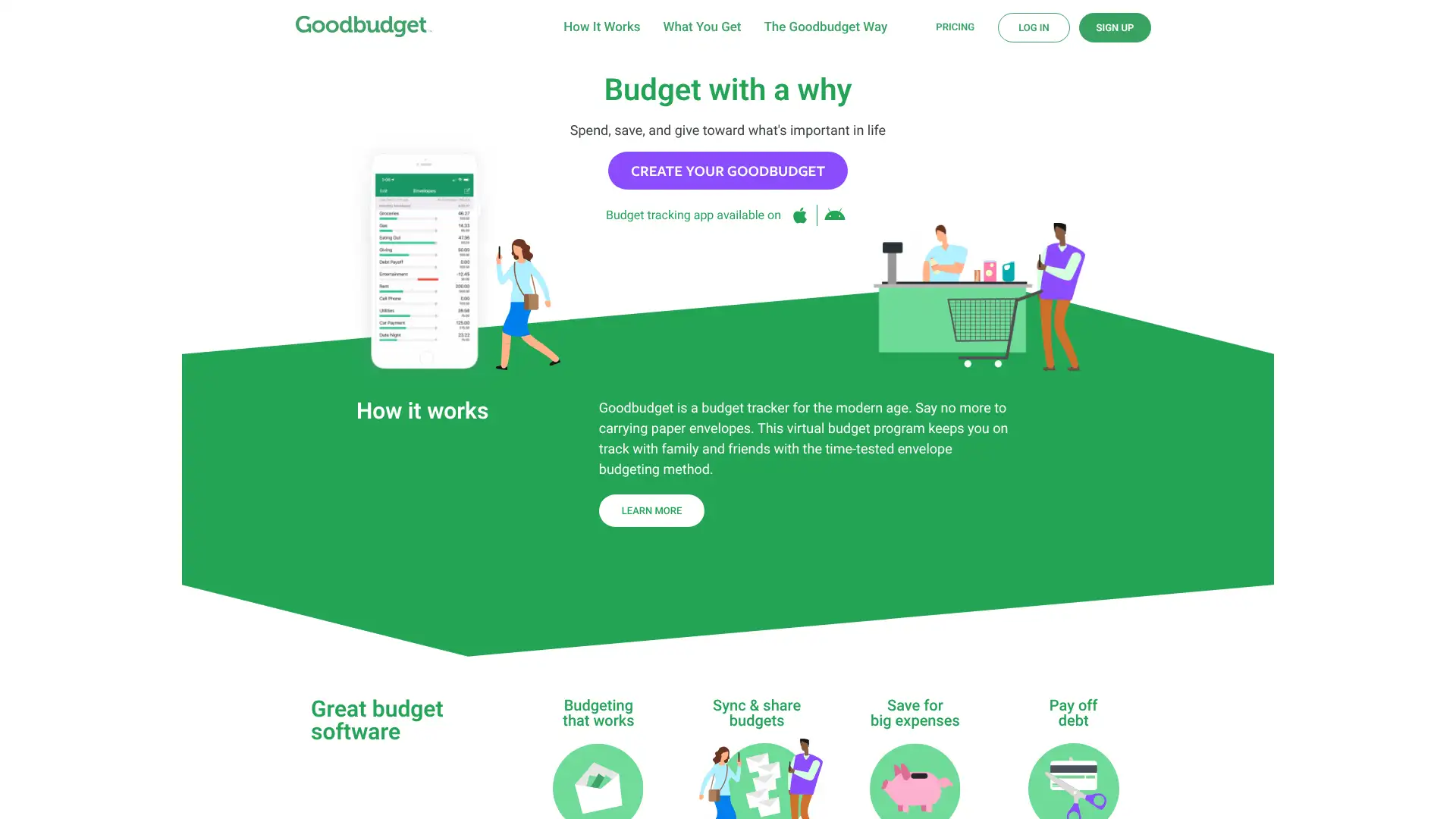
- • Digital envelopes: allocate income into named spending envelopes before the month begins; the balance depletes as you log transactions.
- • Shared budgeting: up to 5 devices can access the same budget simultaneously, making it practical for couples or families.
- • Envelope transfer: move funds between envelopes mid-month without reconfiguring the entire budget.
- • Debt tracking: create envelope-based debt payoff plans and track progress visually against each loan.
- • Bank sync (Premium): connects to banks via Plaid for automatic transaction import, then matches imported transactions to manual entries.
Goodbudget is the right pick for couples or families who want the cash envelope method digitally, especially if manual transaction entry feels like a useful spending discipline. The free tier is legitimate. If you want automation, bank sync without paying a premium, or stronger Android support, look at YNAB or EveryDollar's free tier instead.
Honeydue
Honeydue is a free budgeting app built exclusively for couples. It allows partners to link checking, savings, credit cards, loans, and investments from over 20,000 financial institutions across 5 countries, then choose exactly how much each account is shared — full balances and transactions, balance only, or nothing at all. The app is completely free with no paid tier; Honeydue earns revenue through an optional tipping model ($1–$10/month). A built-in in-app chat lets partners discuss specific transactions with emoji reactions. Recent App Store reviews note the tip jar feature was removed and support response times have declined since 2024, raising concerns about the company's long-term maintenance pace.
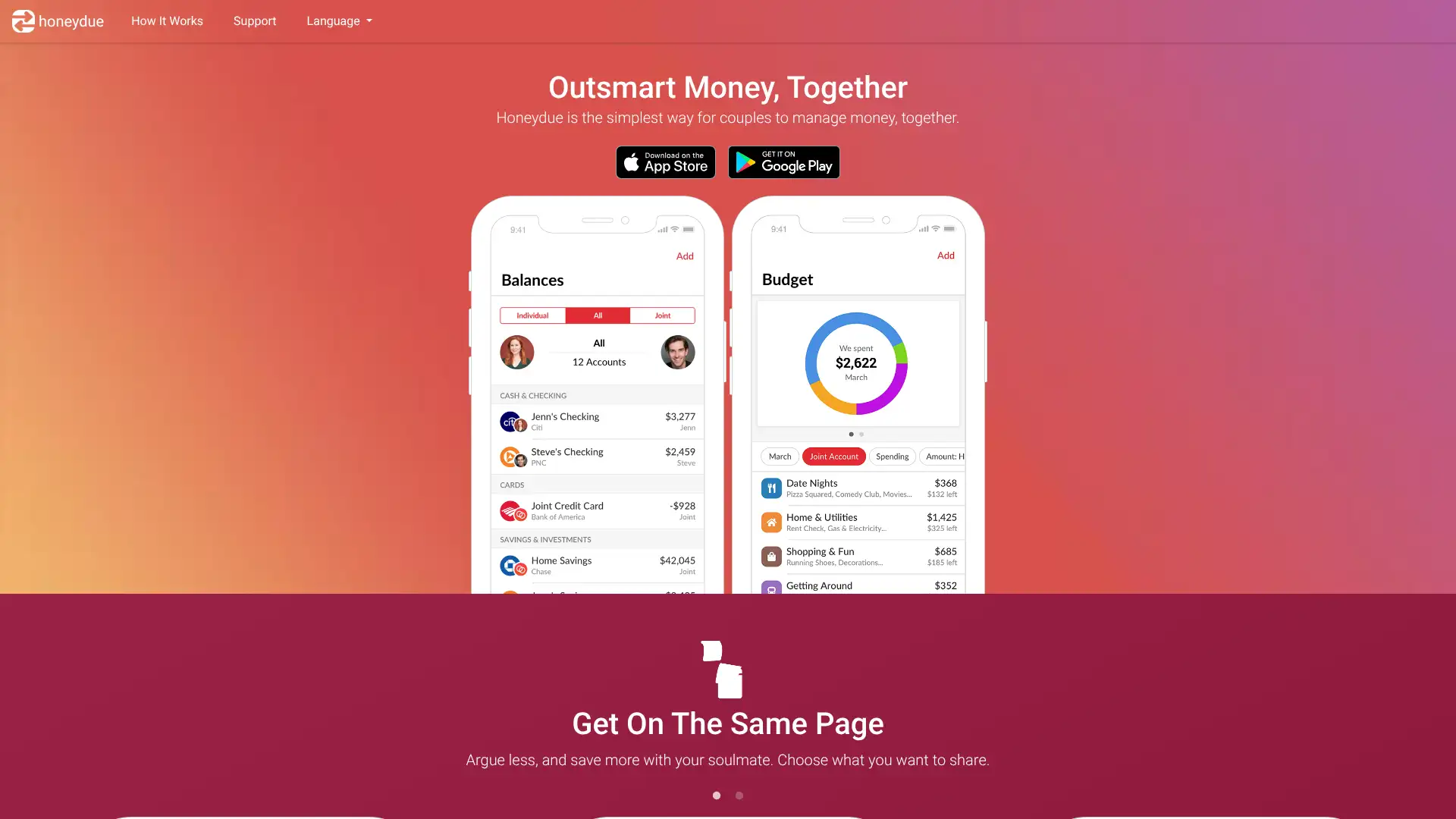
- • Granular privacy controls: each linked account can be set to share both balances and transactions, balance only, or be completely hidden from your partner.
- • In-app messaging: send emojis or comments directly on individual transactions to ask questions or add context without leaving the app.
- • Bill reminders: add recurring bills with due dates and both partners receive alerts before payment is due.
- • Monthly spending limits: set household budget caps per spending category and receive alerts when you are approaching the limit.
- • Expense splitting: divide shared transactions between partners and track who owes what.
Honeydue fills a real gap as the only completely free couples-first budgeting app. For couples just starting to share finances or who want a low-friction overview, it is hard to beat at zero cost. Declining support responsiveness in 2025–2026 is a concern worth monitoring; if you want long-term reliability, Monarch Money offers a more actively developed paid alternative.
Quicken Simplifi
Quicken Simplifi is a cloud-based personal finance app from Quicken, available on web and mobile (iOS and Android). It automatically syncs with bank accounts, credit cards, investments, and loans, then generates a personalized Spending Plan based on your income and bills. Pricing is $5.99/month billed annually ($71.88/year), with frequent new-user promotions at $2.99–$3.99/month for the first year. There is no monthly billing option and no free tier, but a 30-day money-back guarantee is available. In 2025, Simplifi added retirement planning projections, a refund tracker, and a LifeHub bundle option for document and personal information management.
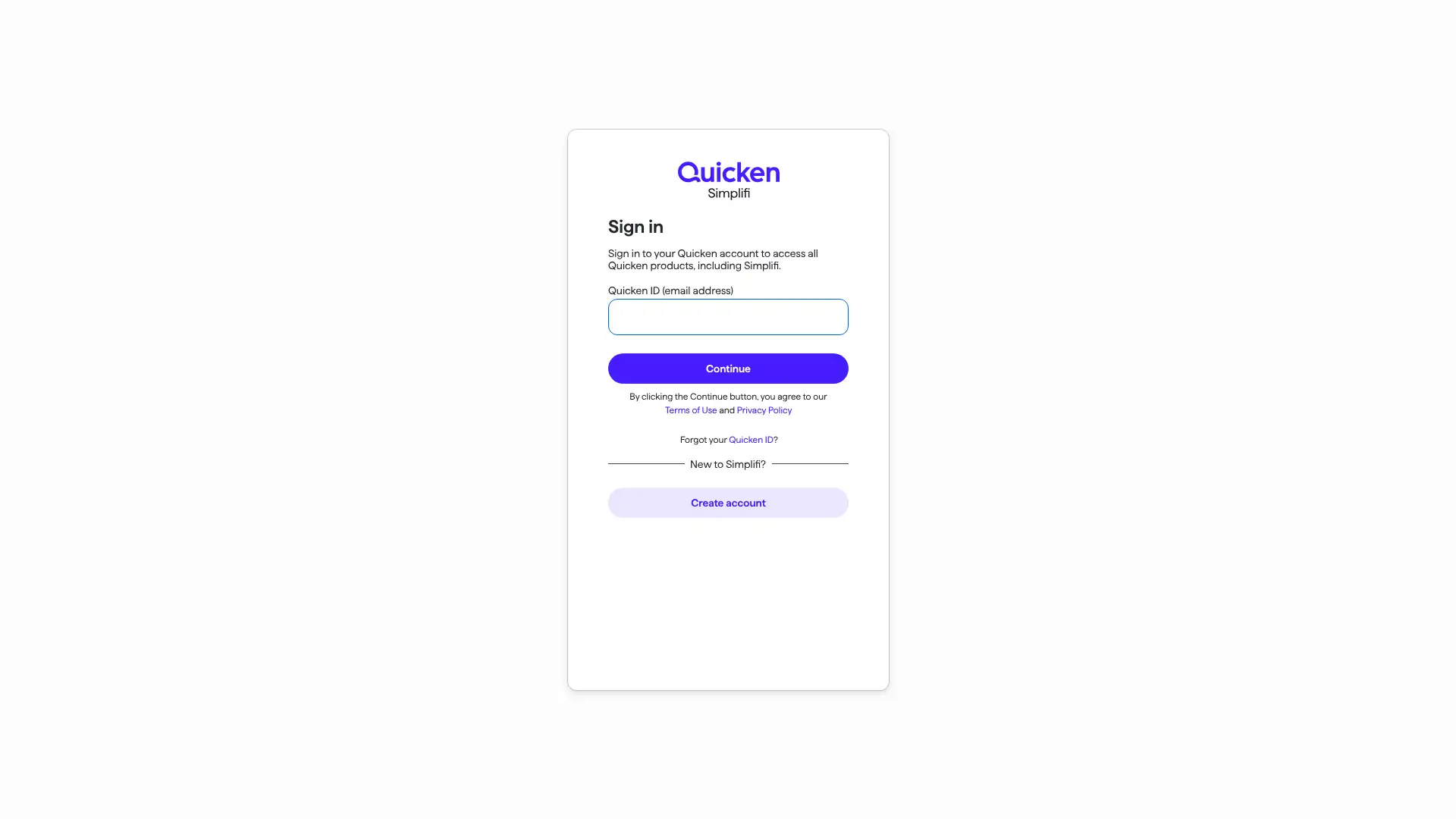
- • Spending Plan: automatically subtracts recurring bills and subscriptions from income to show a personalized daily safe-to-spend amount.
- • Customizable reports: pre-built and user-configured reports on spending, income, and savings across any time range.
- • Projected cash flow: models future account balances based on recurring income and expenses up to 12 months ahead.
- • Refund tracker: monitors expected refunds from returns or cancellations and alerts you when the money posts.
- • Investment view: tracks portfolio performance, cost basis, and real-time quotes across linked brokerage and retirement accounts.
Quicken Simplifi is the best value premium budgeting app in 2026 for solo users or couples who want real spending plans and reports without paying $100+/year. The annual-only billing is inconvenient, but the 30-day refund window makes it safe to try. Users who want a zero-based methodology or Android-first experience should look at YNAB.
Lunch Money
Lunch Money is a web-first personal finance app built and run independently by founder Jen Yip (originally based in Canada). It supports multi-currency budgeting, bank sync via Plaid (US/Canada) and expanding European connections, a public developer API, and CSV import. The app has a companion iOS and Android mobile app. Pricing uses a pay-what-you-want annual model with a minimum that increased from $50 to $60/year on March 15, 2026 (locked for existing subscribers). A 30-day free trial is available. In early 2026, Lunch Money added a financial coach directory, redesigned budgeting interface, and improved calendar view.
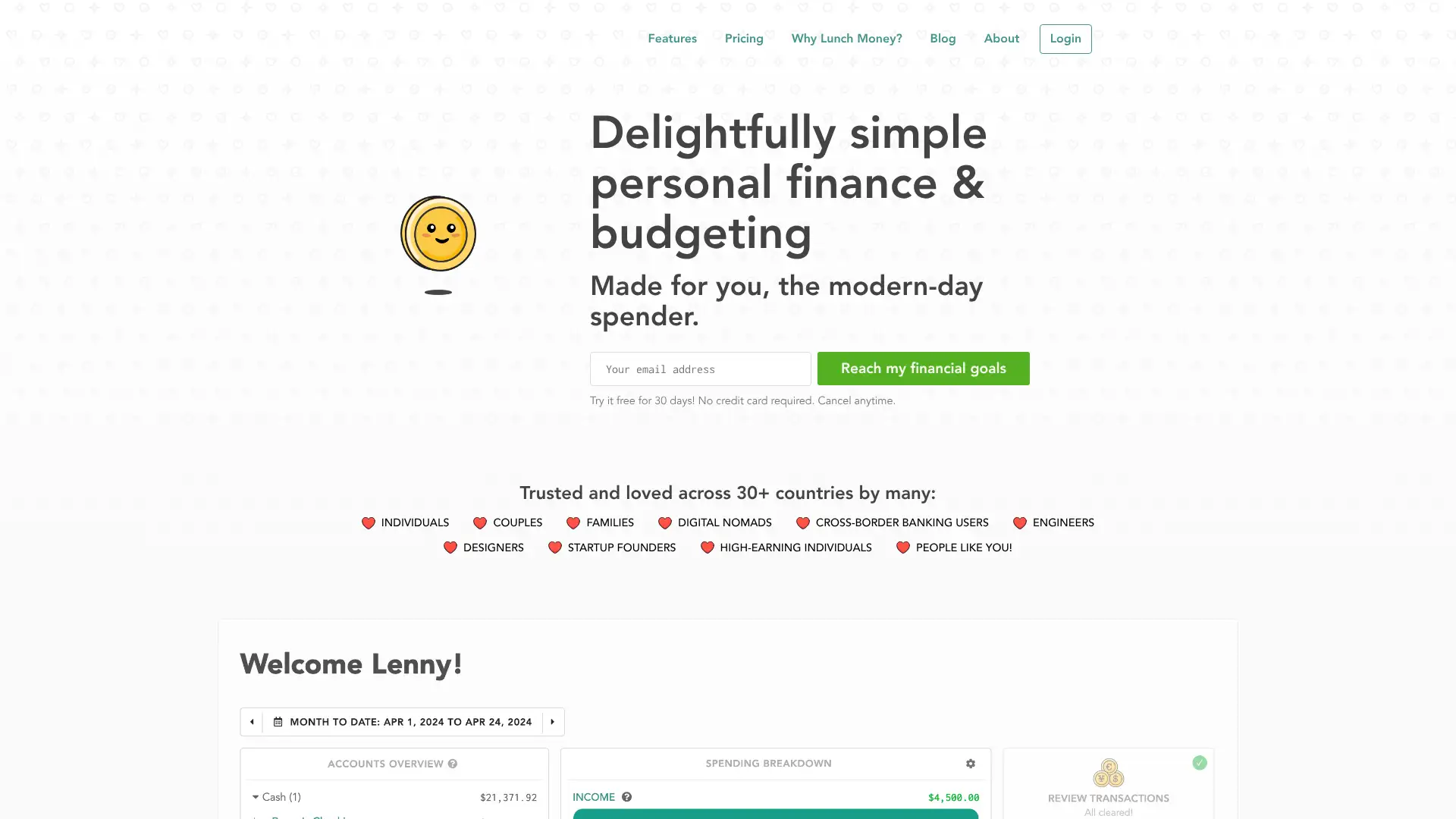
- • Multi-currency support: tracks accounts and transactions in 200+ currencies with automatic daily rate conversion.
- • Developer API: public REST API allows third-party extensions, custom dashboards, and automated transaction imports via integrations built by the community.
- • Recurring transaction management: tracks bills, subscriptions, and income in a calendar view with status tracking.
- • CSV import: import transactions from any bank as a CSV file, making it compatible with institutions not supported by Plaid.
- • Price-lock guarantee: the rate you subscribe at is locked permanently as long as your subscription remains active — no retroactive price increases.
Lunch Money is a standout for technically inclined users, multi-currency households, and anyone who wants to build custom finance workflows using an API. The pay-what-you-want model and price-lock policy are genuinely user-friendly. For mobile-first users or those who want a polished iOS experience, Copilot or Monarch are more suitable.
FreeBudget
FreeBudget is a newer free budgeting app positioned as a straightforward replacement for Mint, offering automatic bank sync via Plaid, expense categorization, net worth reports, and a clean interface with no ads and no data selling. The app is in active development as of early 2026 and published a detailed comparison of competitors including YNAB, Monarch, Copilot, and EveryDollar on its own blog in February 2026. Pricing structure and exact feature limits were not publicly listed on the pricing page as of March 2026 research.
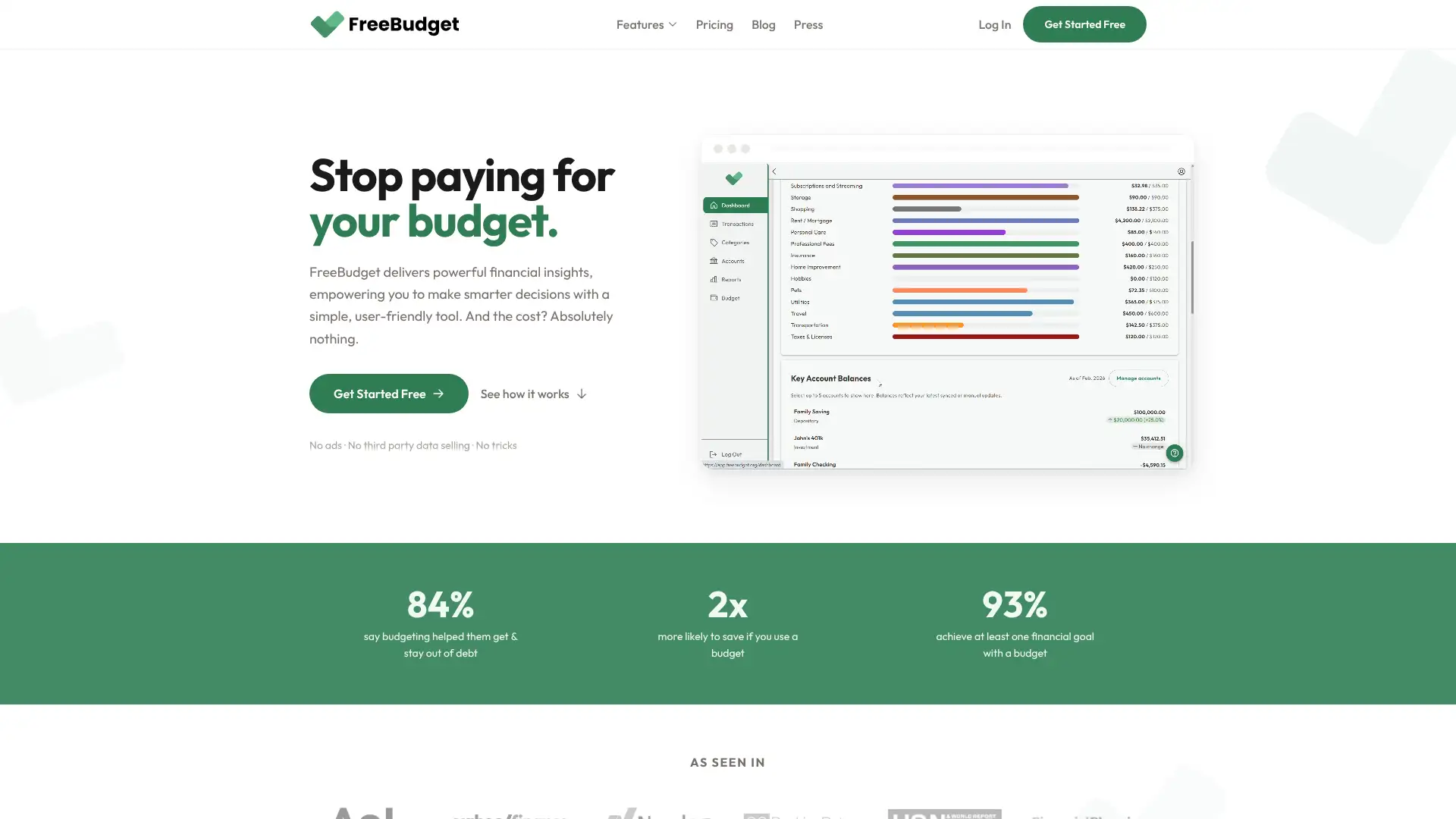
- • Automatic bank sync: connects accounts via Plaid for daily transaction imports without manual entry.
- • Net worth reports: aggregates assets and liabilities for a running net worth calculation.
- • Expense categorization: auto-categorizes transactions and allows manual correction.
- • Ad-free by policy: explicitly committed to no advertising revenue model.
- • Privacy-first stated policy: no selling of user financial data to third parties.
FreeBudget is worth watching as a Mint replacement for users who want free bank sync with no ads. Its newer status makes it harder to recommend as a primary tool over established alternatives, but for light budgeting needs with no budget to spend, it is a credible option to evaluate directly at their website.
Wallet by BudgetBakers
Wallet by BudgetBakers is a personal finance app available on iOS, Android, and web, with support for over 15,000 banks in more than 60 countries. Manual transaction entry is available free; automatic bank sync requires a paid premium subscription. The app supports multiple currencies, budget reports, savings goals, debt tracking, and CSV export to Excel. It has been available since around 2012 and is well-regarded in European markets. Premium pricing starts at $5.99/month or $21.99/year for full bank sync, with a free tier available for manual use.
- • Global bank sync: connects to 15,000+ financial institutions across 60+ countries, with stronger international coverage than US-centric competitors.
- • Multi-currency tracking: track and convert expenses across multiple currencies, useful for travelers and expats.
- • Transaction rating: rate purchases to reflect on spending choices — a unique feature encouraging mindful money habits.
- • Budget reports and export: generate detailed spending reports and export data to Excel or CSV for external analysis.
- • Shared wallets: invite family members or partners to view and contribute to a shared budget.
Wallet by BudgetBakers is the strongest choice for international users or expats managing money across multiple currencies and countries. The $21.99/year premium is outstanding value. US-based users with straightforward domestic banking needs will find more community support and features in YNAB, Monarch, or Quicken Simplifi.
MoneyLion
MoneyLion is an all-in-one fintech platform offering cash advances (Instacash up to $500), a checking account (RoarMoney), credit builder loans, investing, and personal finance tracking in one app. The budgeting and tracking tools are free. Cash advances require a RoarMoney account with qualifying direct deposits of at least $750/month to access amounts up to $1,000. Standard Instacash delivery is free; express transfers cost $0.49–$8.99. A WOW membership ($19.99/month) adds unlimited cash back and Instacash Turbo fee rebates. MoneyLion reports that most users boost their credit score by 25+ points within 60 days of using the credit builder loan.
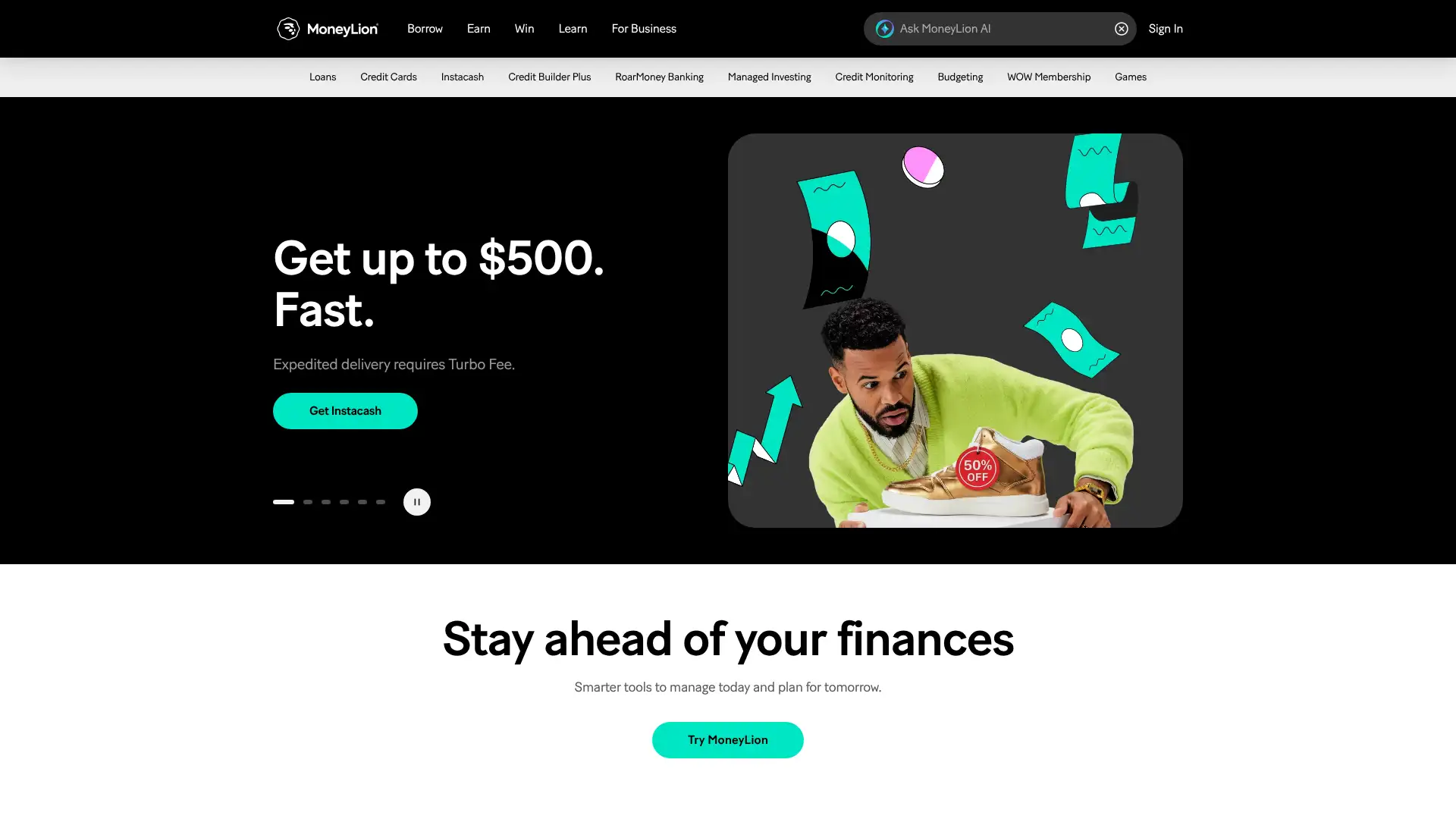
- • Instacash: fee-free cash advances up to $500 (up to $1,000 for qualifying RoarMoney users) with no interest and no credit check.
- • Credit builder loan: up to $1,000 loan with payments reported to all three credit bureaus, helping establish or rebuild credit history.
- • RoarMoney account: no-fee checking with early direct deposit up to 2 days early via Thread Bank, FDIC-insured.
- • Personal loan marketplace: compare offers up to $100,000 at 6.99–35.99% APR from partner lenders with no hard credit pull on matching.
- • Financial tracking: aggregates accounts, tracks spending categories, and sends alerts — basic by comparison to standalone budgeting apps.
MoneyLion is best suited for users who need banking, credit building, and occasional small advances in one place — not for serious budgeting. If your primary goal is tracking and managing a monthly budget, a dedicated budgeting app will serve you significantly better. MoneyLion's value is in its financial product ecosystem, not its money management interface.
Spendee
Spendee is a personal finance app with a visually distinct, graphic-heavy interface that automatically analyzes income and expenses and syncs with over 2,500 financial providers globally, including e-wallets and crypto wallets. It supports shared wallets for couples and families, multi-currency tracking, and customizable categories and icons. A free tier allows manual transaction entry with 1 bank wallet; the Plus tier ($14.99/month or $29.99/year) adds automatic bank sync, unlimited bank wallets, and 2 shared wallets. The app is available on iOS and Android.
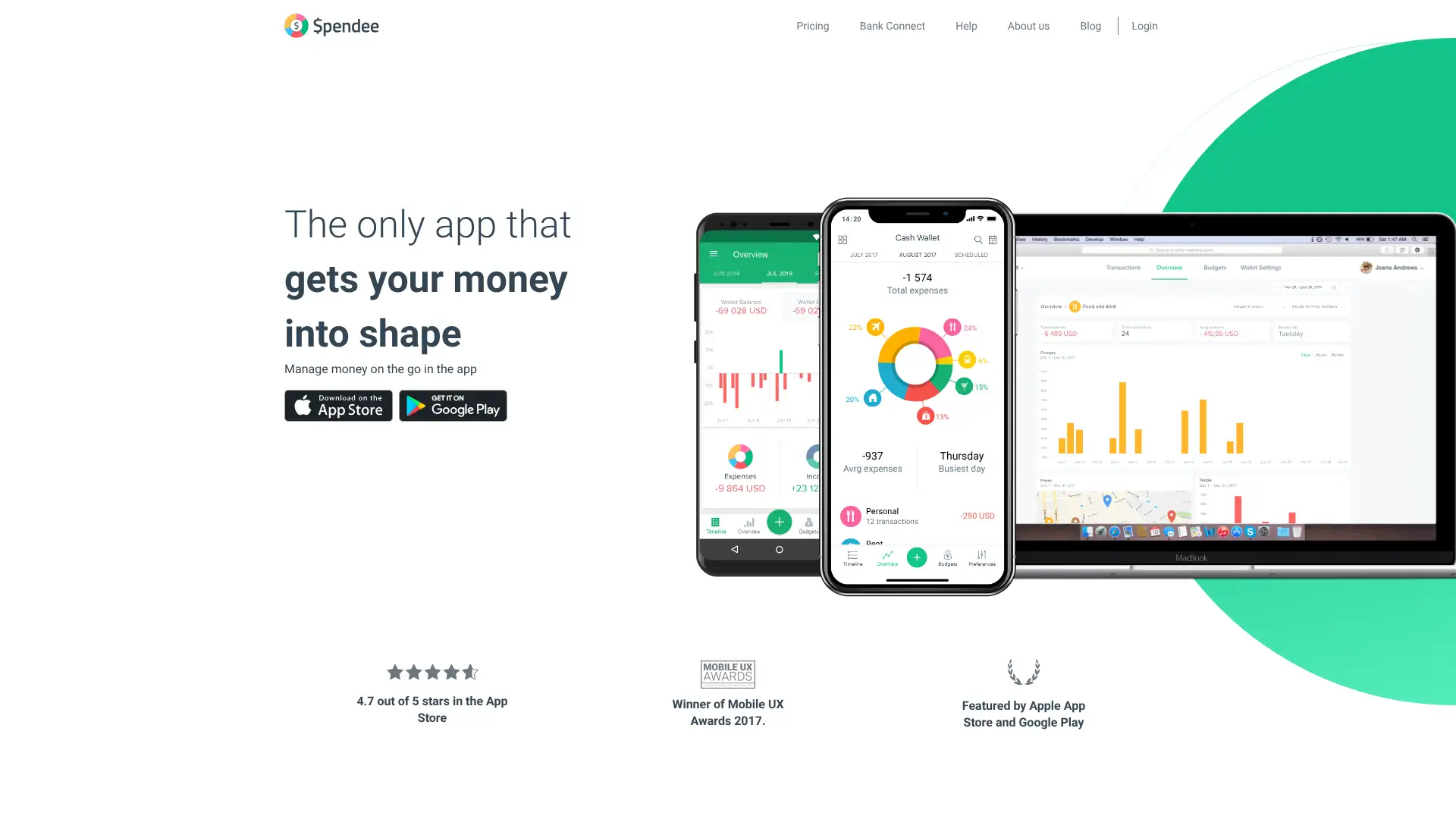
- • Visual spending analytics: colorful pie charts, bar graphs, and trend lines make spending patterns immediately clear at a glance.
- • Shared wallets: create wallets that multiple users can contribute to and view, useful for households tracking shared expenses.
- • Crypto wallet sync: connects to crypto wallets alongside traditional bank accounts — one of the few budgeting apps to do this natively.
- • Smart budgets: set spending limits by category with progress bars and automatic alerts as you approach limits.
- • Custom categories and icons: build any category structure with color coding and icon choices, making the dashboard personalized to your lifestyle.
Spendee's $29.99/year annual plan is excellent value for visual learners who want international bank sync and crypto support. Always pay annually — the monthly rate of $14.99 is unjustifiably expensive compared to the same features at $2.50/month on the annual plan.
CountAbout
CountAbout is a web-based personal finance tool built explicitly as an alternative to Mint and Quicken, with native data importers for both platforms. It was founded over a decade ago and is a popular choice for users migrating off deprecated tools. The Basic plan ($9.99/year) supports manual entry and CSV import. Premium ($39.99/year) adds automatic transaction downloads from thousands of financial institutions. An attachments add-on ($10/year) and an invoicing add-on ($60/year) are available. A 45-day free trial gives one of the longest evaluation windows in this category.
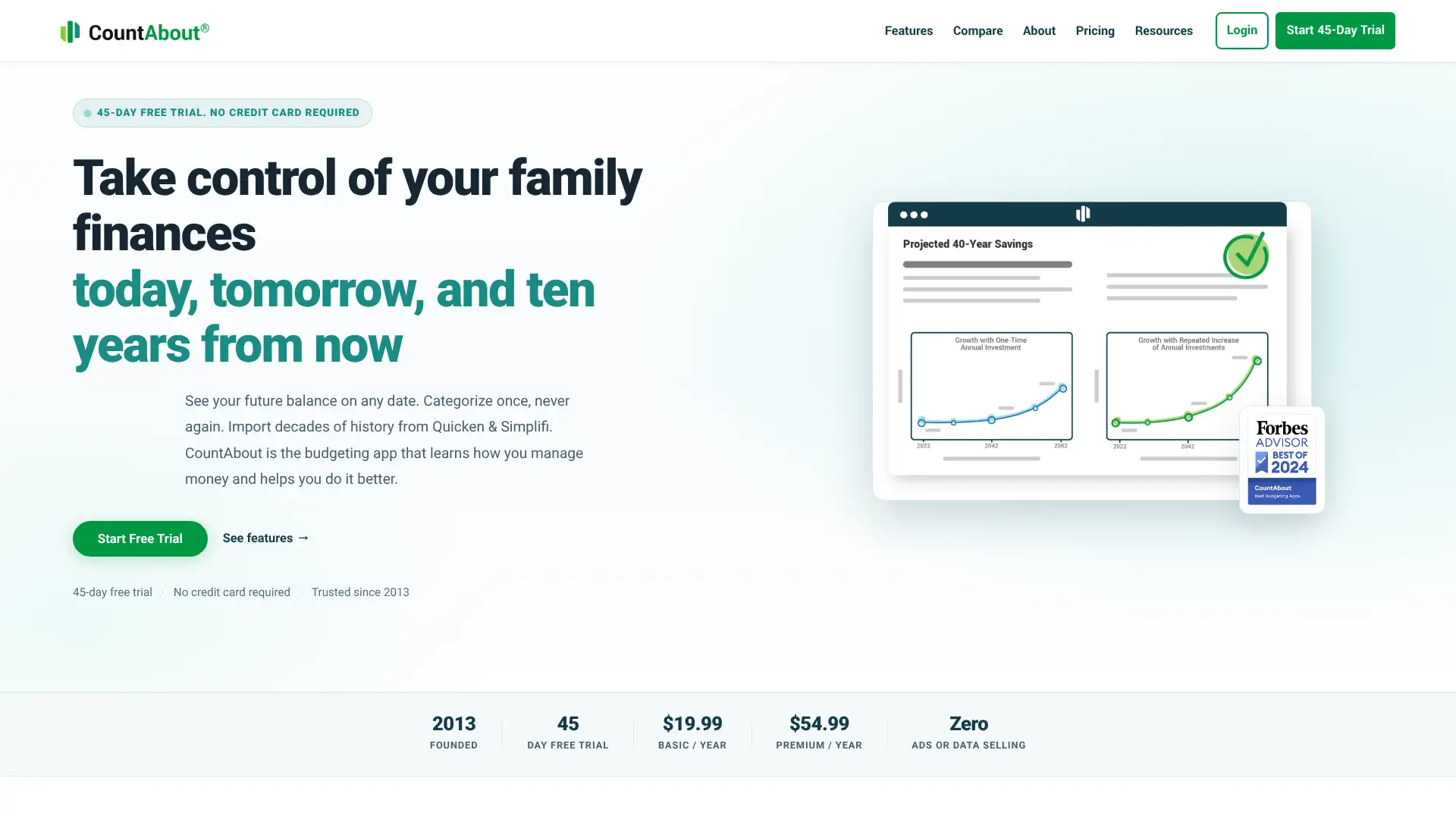
- • Mint and Quicken data import: native importer reads Quicken QIF files and Mint CSV exports, enabling direct data migration.
- • Register-style interface: familiar Quicken-like register view that appeals to long-time desktop software users.
- • Custom categories and tags: fully user-controlled categorization with no predefined structure imposed by the app.
- • Invoicing (add-on): sole proprietors can create and track invoices within CountAbout without switching to separate accounting software.
- • 100% money-back guarantee: stated on the CountAbout website, reinforcing the risk-free evaluation commitment.
CountAbout is the most practical landing spot for former Mint or Quicken users who want a like-for-like migration. The $9.99 Basic plan with a 45-day trial offers exceptional entry-level value. For users who need investment tracking or a mobile-first experience, it falls short against more modern alternatives.
Tiller
Tiller is a personal finance service that automatically feeds daily transaction and balance data from 21,000+ financial institutions into a user's Google Sheet or Microsoft Excel workbook. Users start with the Foundation Template (a pre-built budget/net worth/insights dashboard) or build their own. The AutoCat feature auto-categorizes transactions using fully user-configurable rules. Tiller was named one of The College Investor's Editor's Picks for Best Budgeting Apps in 2026. Pricing is $79/year ($6.58/month) with a 30-day free trial. There is no mobile app — Tiller is spreadsheet-based only.
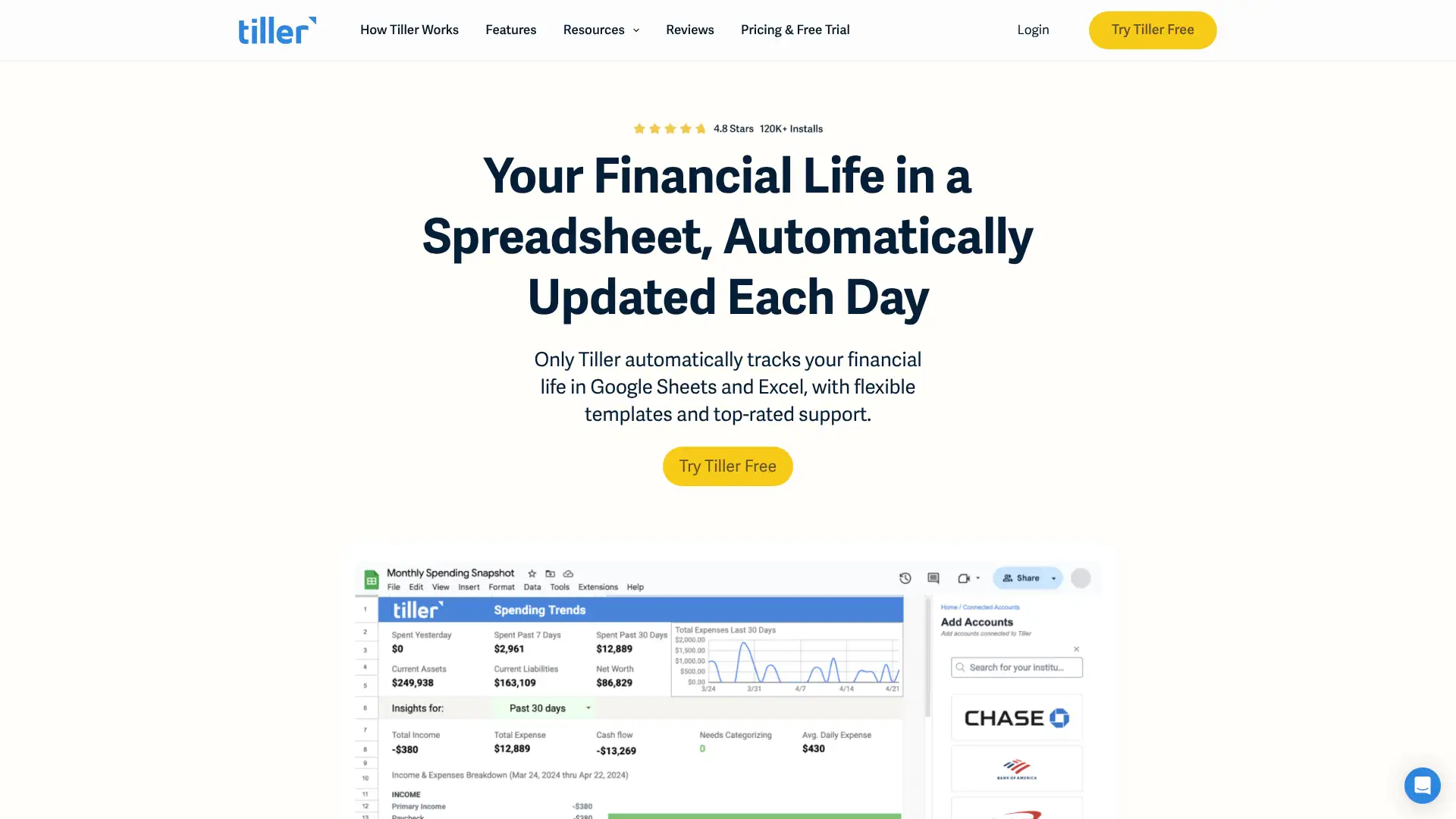
- • Automated daily bank feeds: transactions and balances from 21,000+ institutions post to your spreadsheet every morning without manual entry.
- • AutoCat: user-defined rules automatically categorize transactions based on merchant name, amount range, day of week, or other conditions — 100% configurable.
- • Up to 5 spreadsheets per subscription: run separate workbooks for personal finances, small business, rental property, and more under one account.
- • Community Solutions library: dozens of free community-built templates for debt tracking, net worth, financial independence calculations, and more.
- • Daily email digest: morning email shows account balances and overnight transactions for a quick financial check-in without opening any app.
Tiller is the right tool for people who already live in spreadsheets and want to automate the data collection without giving up control. The 5-spreadsheet limit and AutoCat rule engine are genuinely powerful. For anyone who wants a polished mobile experience or who finds spreadsheets intimidating, a traditional app will serve them better.
Banktivity
Banktivity is a Mac and iOS exclusive personal finance application developed by IGG Software, designed as an Apple-native alternative to Quicken. It offers budgeting, investment tracking, bill payment from multiple bank accounts simultaneously, customizable reports, and a tagging system for granular transaction classification. The app connects to 14,000 banks for live feeds. Pricing starts at $49.99/year for the basic plan. A 30-day free trial is available. Banktivity is macOS-only (no Android or Windows) and appeals strongly to long-time Quicken users who prefer an Apple-native experience.

- • Multi-account bill payment: pay bills from more than one bank account within the app, routing each payment to the appropriate source account.
- • Investment tracking: monitors stocks, bonds, ETFs, and retirement accounts with ROI and IRR calculations.
- • Custom tagging: add unlimited tags to transactions for cross-category analysis (e.g., tag multiple categories as 'Vacation' for trip spending reports).
- • Workspaces (reporting): create and save custom report configurations for recurring financial review sessions.
- • macOS integration: native design follows Apple HIG guidelines, with keyboard shortcuts, Touch Bar support, and Handoff between Mac and iPhone.
Banktivity is the right choice for Mac power users who want the Quicken experience in a modern Apple-native package. The multi-account bill payment and tagging system are genuinely differentiated. Windows and Android users should look elsewhere entirely.
MoneyCoach
MoneyCoach is an Apple ecosystem budgeting app (iPhone, iPad, Mac, and Apple Watch) built around visual spending tracking, SMART goal setting, and quick transaction entry. It is notable for having the most complete Apple Watch budgeting experience among apps in this category. The app supports manual entry and limited bank sync. A free tier with basic features is available; premium unlocks budget templates, unlimited budgets, advanced statistics, and full Apple Watch support. Pricing for premium is approximately $4.99/month or $34.99/year. MoneyCoach is built and maintained by a small independent team.
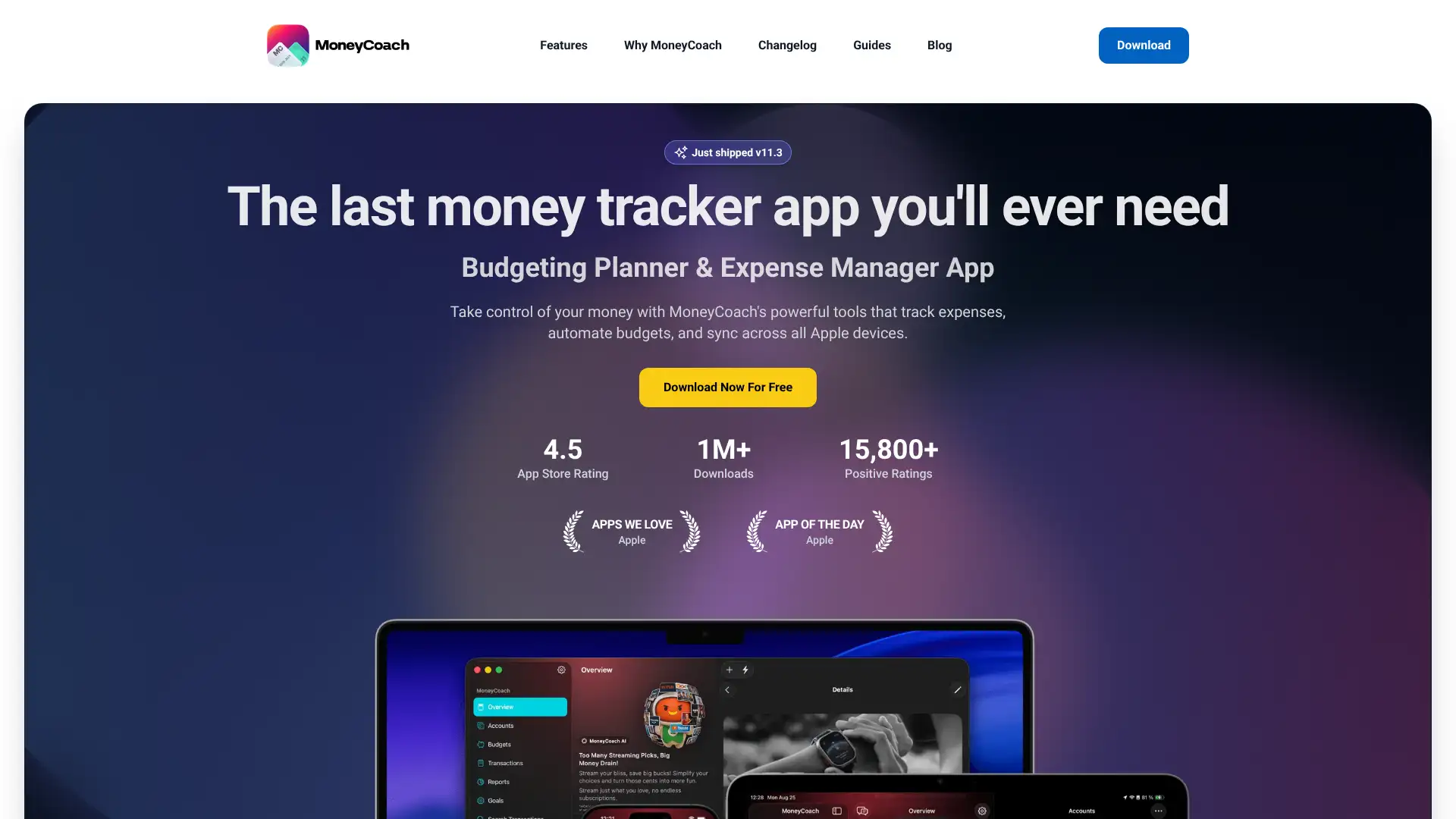
- • Apple Watch integration: add transactions, check budget status, and view spending summaries directly from your wrist — the most complete Watch experience in this category.
- • SMART goals: create specific, measurable savings goals with target dates and progress tracking linked to budget behavior.
- • Budget templates: choose from pre-built budget structures for common lifestyles (student, single professional, family) as starting points.
- • Visual spending charts: color-coded breakdowns of spending by category with trend comparisons across months.
- • iCloud sync: data syncs privately between all your Apple devices via iCloud without a third-party server.
MoneyCoach is the best budgeting app for Apple Watch users who want to log spending and check budgets from their wrist. The iCloud-only sync model appeals to privacy-conscious Apple users who do not want data on third-party servers. For users who prioritize automated bank sync over manual control, Copilot is the stronger iOS alternative.
Financier
Financier is a browser-based zero-based budgeting application that stores data locally in the browser by default. Syncing across devices requires the paid plan, which costs just $1/month ($12/year). The app offers three main views: Budget (for monthly allocation), Accounts (for transaction entry), and Reports (for spending analysis). It does not connect to banks and relies entirely on manual transaction entry. Financier is targeted at YNAB-style budgeting users who want privacy and local data ownership at minimal cost. The GitHub repository (financier-io/financier) confirms it is an active open-source project.
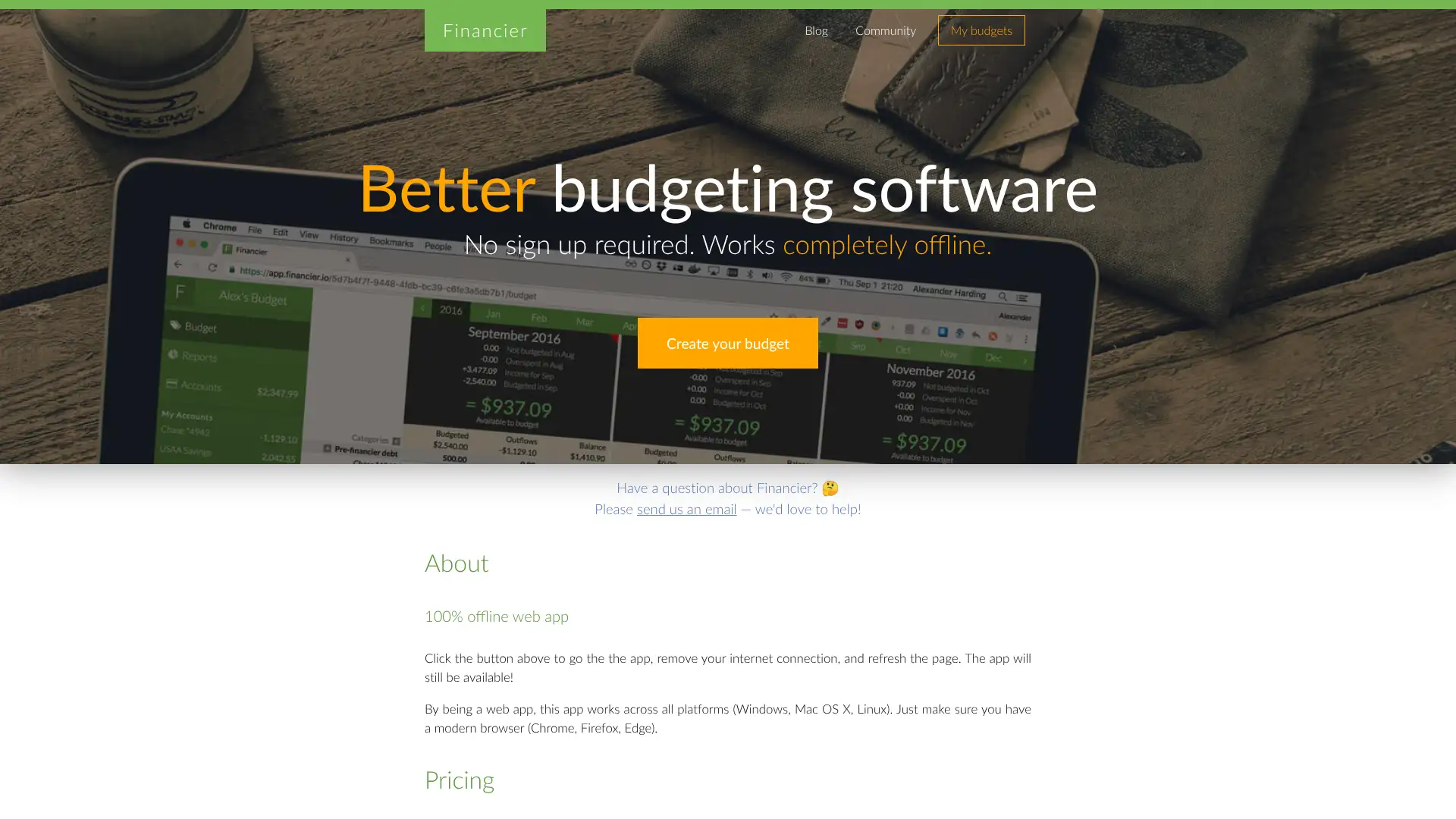
- • Zero-based budgeting: requires income minus budget allocations to equal zero, following the same philosophy as YNAB.
- • Offline-first: the app works without internet access and syncs when connectivity is restored, like a local-first progressive web app.
- • Local data storage: default free mode stores all data in the browser — no third-party server holds your financial information.
- • Live cross-device sync: paid plan syncs changes across any device in real time when online.
- • Open-source: the codebase is publicly available on GitHub, enabling verification of privacy claims and community contributions.
Financier is for a narrow but real audience: privacy-conscious zero-based budgeting users who want to spend $12/year or less and are willing to enter transactions manually. For almost any other use case, YNAB at $109/year or Actual Budget at no subscription cost offer better tools with similar privacy philosophies.
Actual Budget
Actual Budget is a free, open-source personal finance application built around envelope budgeting. The software is local-first, meaning all data lives on your device and syncs through a server you control. The codebase is publicly available on GitHub under the actualbudget organization. Bank sync is supported via GoCardless (EU/UK) and SimpleFIN (US/Canada). The app runs as a web progressive web app, with desktop apps available. For users who do not want to self-host, PikaPods offers managed Actual hosting for approximately $1.50/month. Actual is actively maintained by a community of contributors as of early 2026.
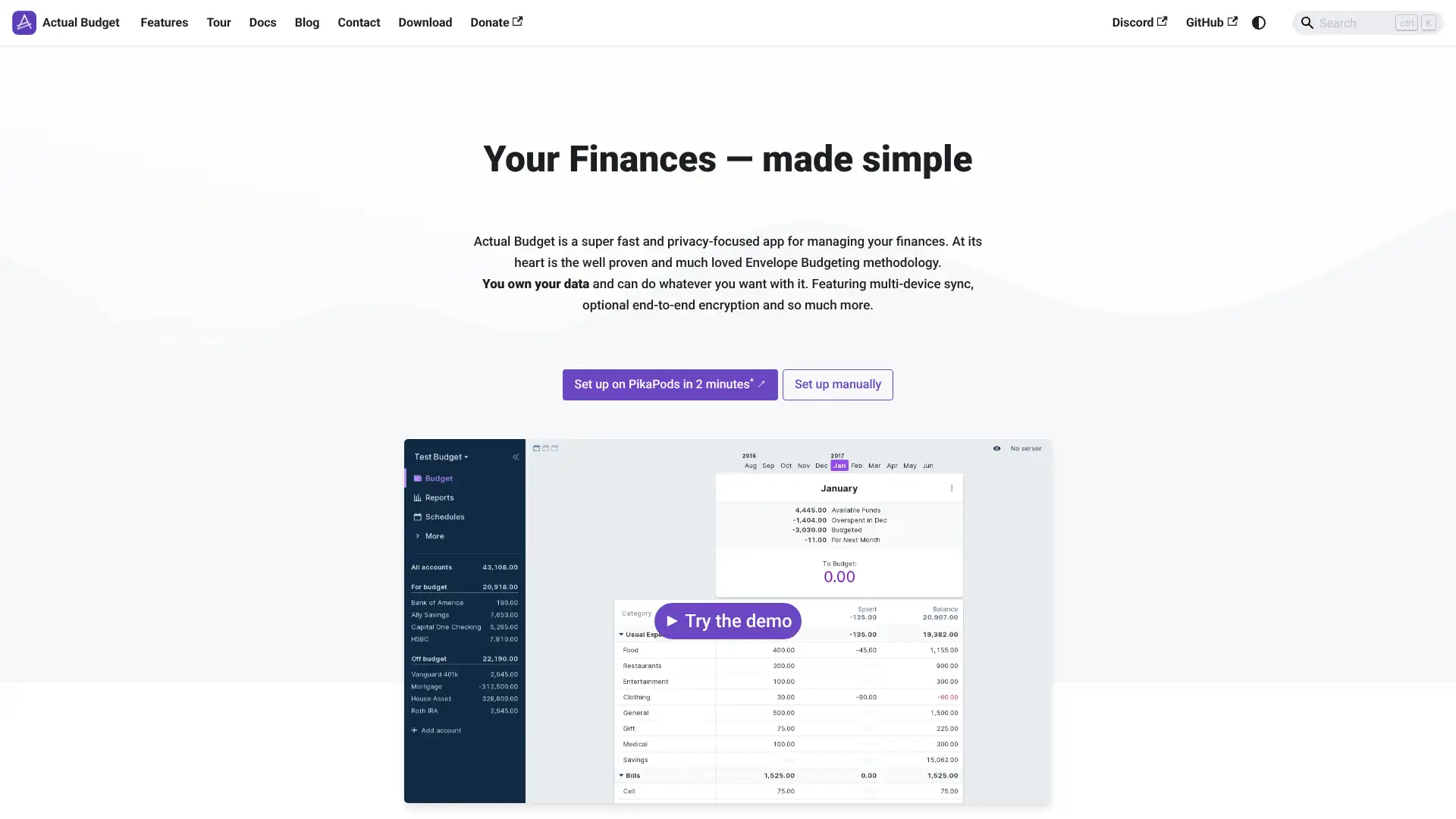
- • Envelope budgeting: budget only the cash you have on hand — no forward allocation of future income, keeping the budget grounded in reality.
- • Bank sync: connects to GoCardless for EU/UK institutions and SimpleFIN for US/Canadian banks, with optional manual entry or CSV import.
- • End-to-end encryption: optional E2E encryption ensures that even your sync server cannot read your financial data.
- • Local-first architecture: works fully offline and syncs automatically when a connection is available, with no data stored on a third-party server by default.
- • Custom reports and net worth: built-in reporting with cash flow tracking, spending trends, and asset/liability tracking.
Actual Budget is the best free zero-based budgeting option for technically capable users who want full data ownership. If you are comfortable with self-hosting or can use PikaPods for $1.50/month, it matches or beats YNAB in terms of envelope budgeting power at a fraction of the cost. Non-technical users should choose YNAB or Goodbudget instead.
Buxfer
Buxfer is a comprehensive personal finance platform built for 'power users' who need flexibility, global bank coverage, and planning tools beyond basic budgeting. It syncs with over 20,000 financial institutions worldwide, supports multi-currency tracking with daily rate updates, and includes financial forecasting, retirement planning, and investment monitoring. Pricing starts at $99/year for Plus (unlimited accounts, budgets, and bank sync). Pro and Prime tiers add forecasting and investment features. A 7-day free trial is available. Buxfer has received praise from expats managing finances across multiple countries as one of the few apps with reliable international bank coverage.
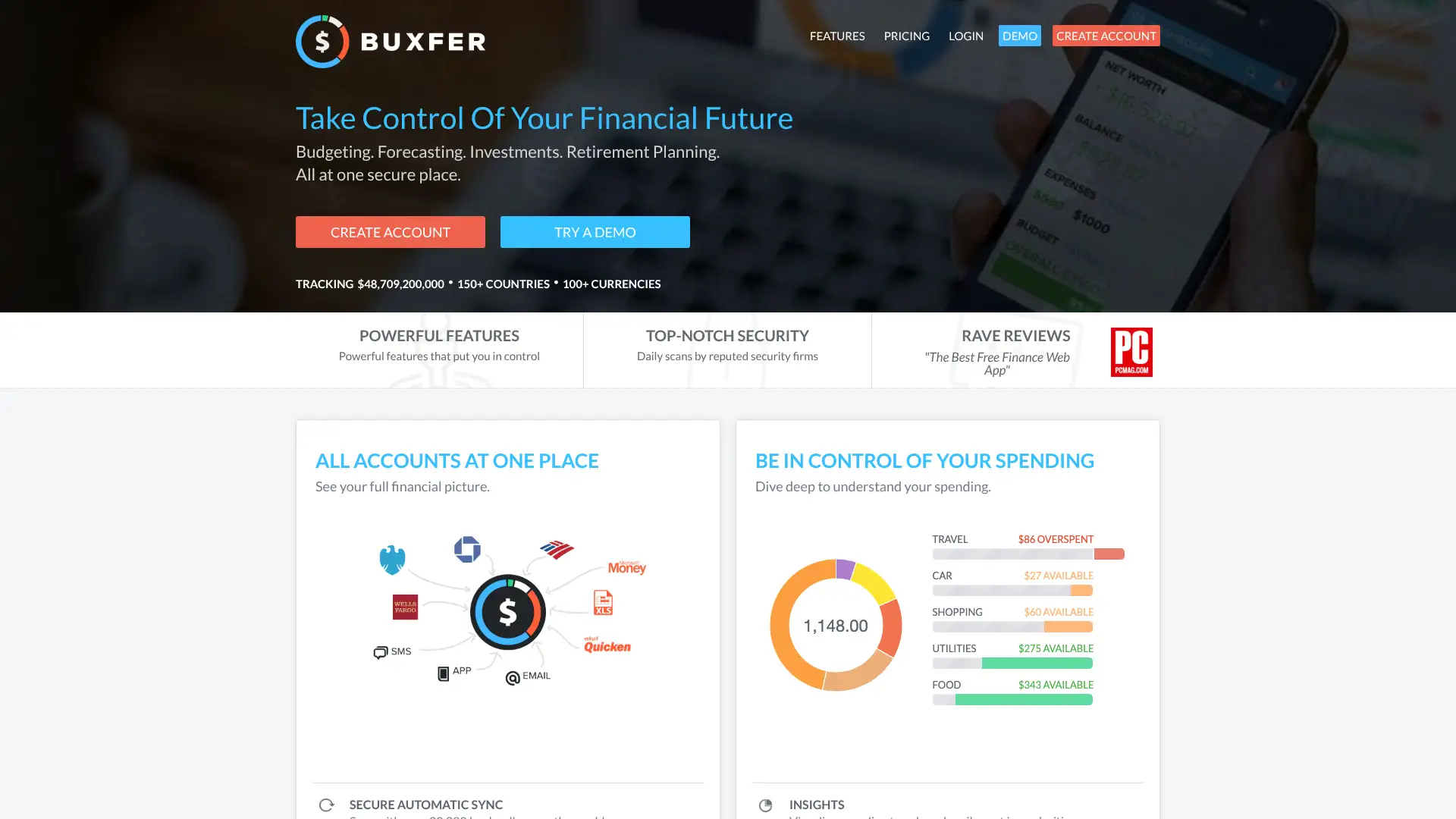
- • 20,000+ global bank sync: covers financial institutions in more countries than almost any competitor, including many European, Asian, and Latin American banks.
- • Multi-currency with daily rates: tracks assets in any currency and converts them to your base currency automatically using live daily exchange rates.
- • Financial forecast (Pro/Prime): projects future balances based on scheduled income and expense rules, showing account balances months into the future.
- • IOU tracking: logs shared expenses and outstanding balances with friends or family within the app.
- • Retirement planner (Prime): models retirement readiness with savings rate projections and target scenarios.
Buxfer is the strongest choice for expats, frequent travelers, or anyone managing money across multiple countries and currencies. The support quality concerns are a real risk — test bank sync for your specific institutions during the 7-day trial before committing to an annual plan. For US-focused users, Monarch Money offers a better-supported experience at a nearly identical price.
Dollarbird
Dollarbird is a calendar-based personal finance app developed by Halcyon Mobile (Dollarbird Apps SRL) in Romania. Unlike transaction-tracking apps, Dollarbird's core value is forecasting: you enter planned future income and expenses onto a calendar, and the app predicts your daily balance for weeks or months ahead. It does not connect to banks and relies entirely on manual transaction entry. The app supports team collaboration (up to 3 members on Pro, unlimited on Business), AI-assisted categorization, and recurring transaction scheduling. A subscription is required for full functionality; free features are limited to 3 categories and 1 calendar.
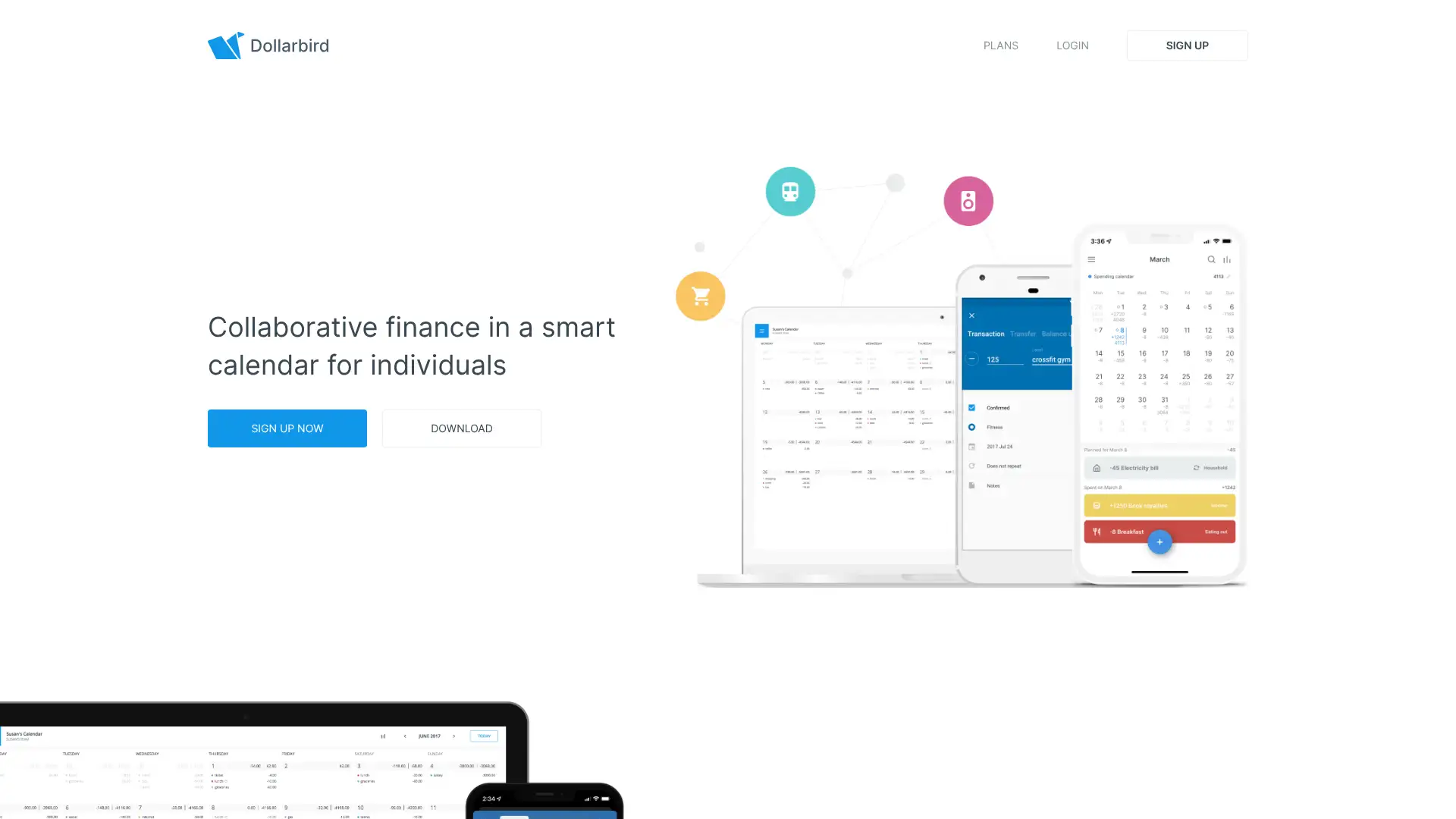
- • Calendar forecasting: see your projected daily bank balance for any future date based on planned recurring and one-time transactions.
- • Recurring transaction scheduling: set up any payment or income as recurring with flexible repeat patterns to automate future planning.
- • Receipt photo upload: attach receipt photos to transactions for record keeping and expense documentation.
- • AI-assisted categorization: the app learns from past entries and suggests categories for new transactions.
- • Collaboration: share calendars with partners or team members for shared financial visibility.
Dollarbird's calendar forecast view is the best visual cash flow planning tool among personal finance apps — nothing else shows your projected daily balance as clearly. The lack of bank sync and reported support issues limit its appeal as a primary finance tool. Use it as a cash flow planner alongside a budgeting app, not as a standalone solution.
Cashculator
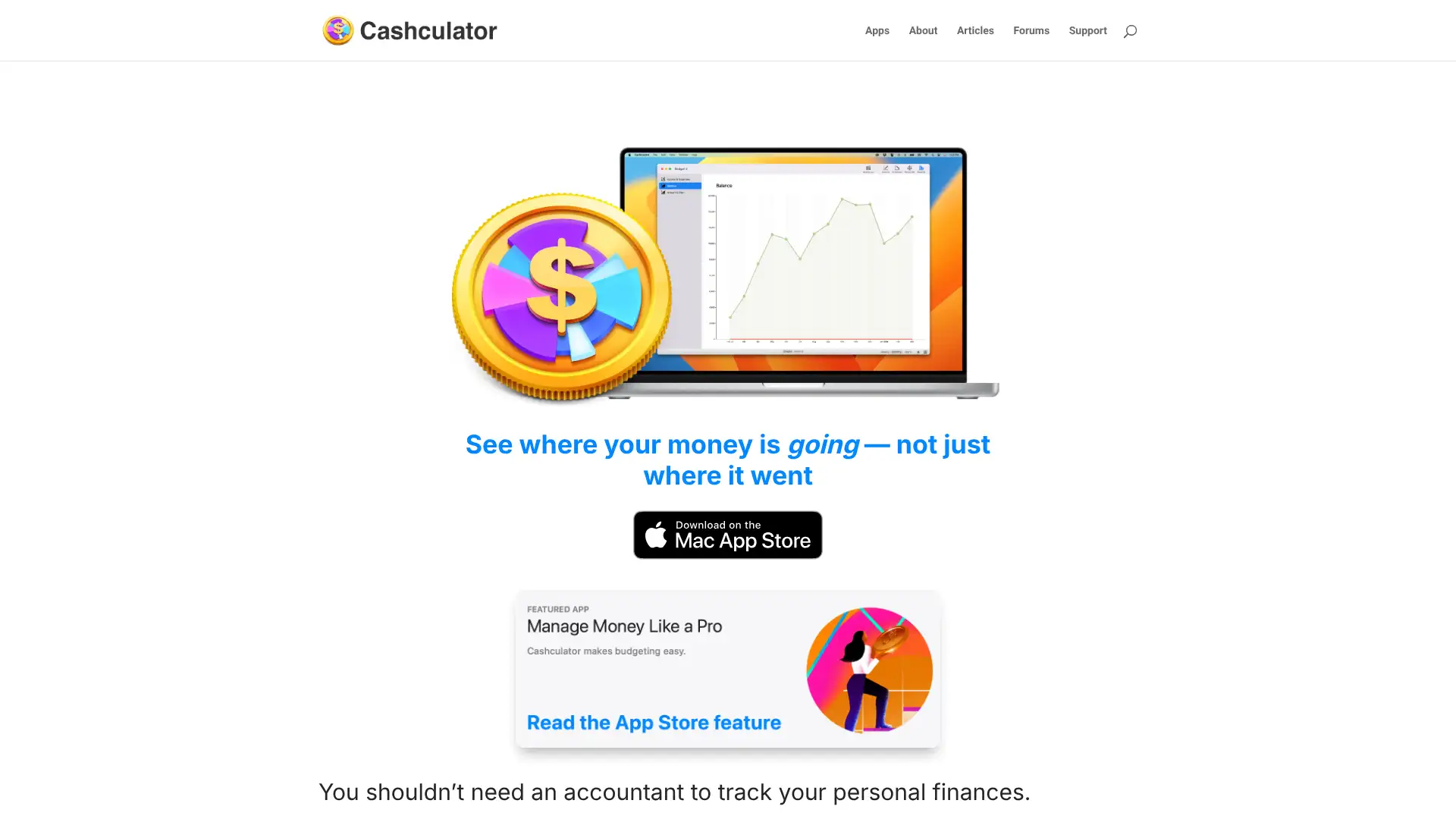
Cashculator is a Mac-exclusive personal finance app built by Apparent Software in Winnipeg, Canada. Its philosophy differs from most apps: rather than tracking past transactions in detail, it focuses on forecasting future finances using a familiar spreadsheet-style interface. Users enter expected income and expenses by category, and Cashculator calculates projected balances and cash flow over custom time horizons. It does not sync with banks; data imports via CSV only. A free tier supports up to 5 income and 5 expense categories. Full access requires a subscription at $49.99/year or $5.99/month, starting with a one-week free trial. The app was actively updated through 2025 with transaction attachments, improved CSV import, and new theme options.
- • Scenario comparisons: create multiple 'what if' scenarios (e.g., new job, house purchase, early retirement) and toggle between them to see the financial impact.
- • Forward-looking forecasting: set expected income and expenses for the year ahead and see projected balances on a weekly or monthly basis.
- • Spreadsheet-style data entry: familiar tabular interface with keyboard shortcut support for rapid transaction entry.
- • CSV import: import bank or app data from CSV for historical accuracy within the forecast model.
- • Transaction attachments (2025 update): attach receipts, invoices, and documents directly to transactions for tax and reimbursement documentation.
Cashculator is uniquely valuable for Mac users who want to model financial futures and run scenario comparisons rather than track past spending. If bank sync or mobile access is important to you, look at Banktivity or Quicken Simplifi. For a dedicated financial forecasting tool on Mac, Cashculator has no direct competitor.
WalletHub
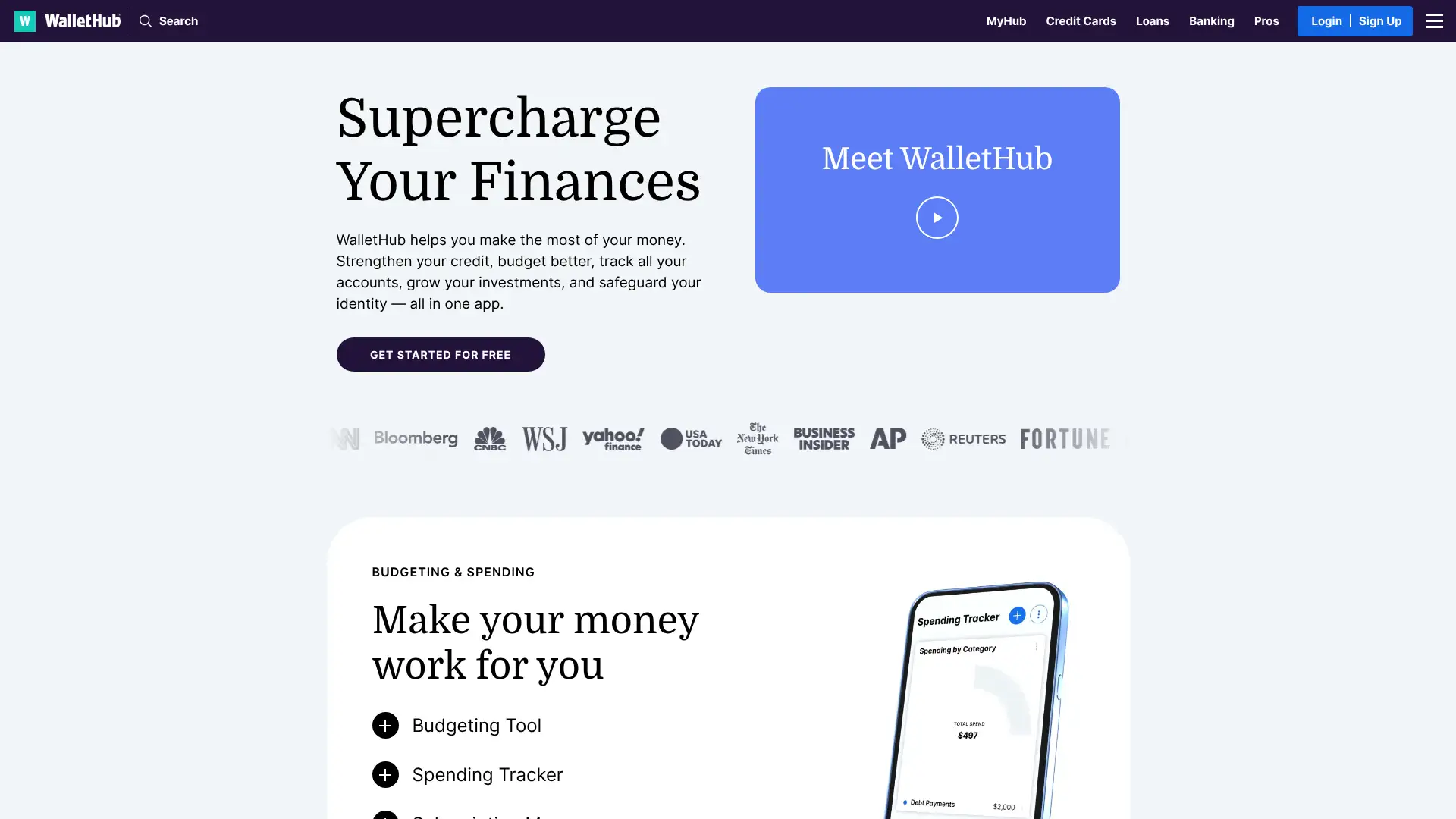
WalletHub is a free personal finance platform that combines credit score monitoring (daily updates from TransUnion), spending tracking, budgeting, net worth calculation, and financial comparison tools. It generates revenue through financial product recommendations rather than subscriptions, similar to the old Mint model. Users can link bank accounts, credit cards, and set up custom budgets with spending categories. WalletHub also offers an upgraded plan with dark web monitoring and additional identity protection. It was frequently named as a Mint alternative in 2024–2025 and holds a place on WalletHub's own best free budget apps list.
- • Daily credit score: free daily TransUnion VantageScore updates with credit report monitoring and change alerts.
- • Account aggregation: link bank accounts, credit cards, and track balances in one dashboard.
- • Spending tracker: categorize transactions and monitor monthly spending by category with 6-month historical averages.
- • Debt payoff plan: create personalized debt payoff plans and track progress across multiple loans and credit cards.
- • Financial product comparison: compare credit cards, loans, and banking products using your own financial profile data.
WalletHub is a solid free option for users who want daily credit monitoring alongside basic budgeting without paying anything. The ad-supported model makes it more intrusive than paid alternatives, and budgeting depth is limited. If credit score is your primary concern, WalletHub or Credit Karma are both free and functional. If budgeting is the priority, a paid tool will serve you better.
Expensify
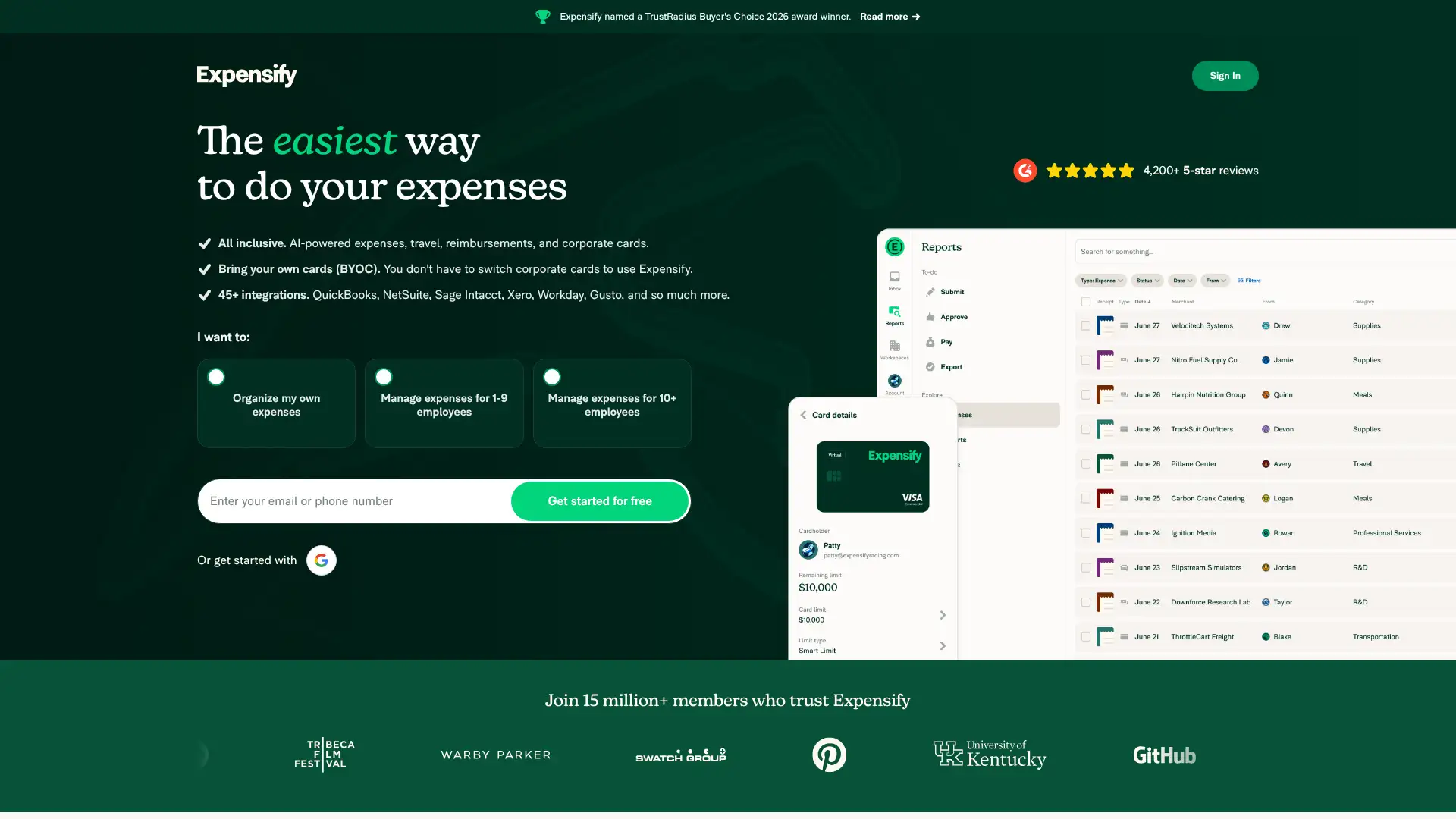
Expensify is primarily known as a business expense management platform, but its personal use case (expensify.com) allows individuals to track personal spending, scan receipts, and manage reimbursements. The app's SmartScan technology uses OCR to extract data from receipts photographed on mobile. Personal users can track cash and card expenses, categorize spending, and generate reports. The free Individual plan includes a limited number of SmartScans per month; the paid Collect plan at $5/member/month unlocks unlimited SmartScans, bank sync, and more. Expensify has over 10 million users globally.
- • SmartScan: photograph any receipt and Expensify automatically extracts the merchant, amount, date, and category using OCR and ML.
- • eReceipts: automatically imports and creates digital receipts for card transactions under $75 made with a linked bank card, no photo needed.
- • Personal expense categories: organize spending by customizable categories for tax and personal finance analysis.
- • Report generation: export expenses as PDF or CSV reports for personal records or accountant review.
- • Mileage tracking: log business or personal mileage directly in the app with automatic rate calculation.
Expensify shines for self-employed users, freelancers, and anyone who deals with expense reports alongside personal finances. The SmartScan and mileage tracking are class-leading. For household budgeting without an expense management need, any of the dedicated personal finance apps in this list will be more appropriate.
Splitwise
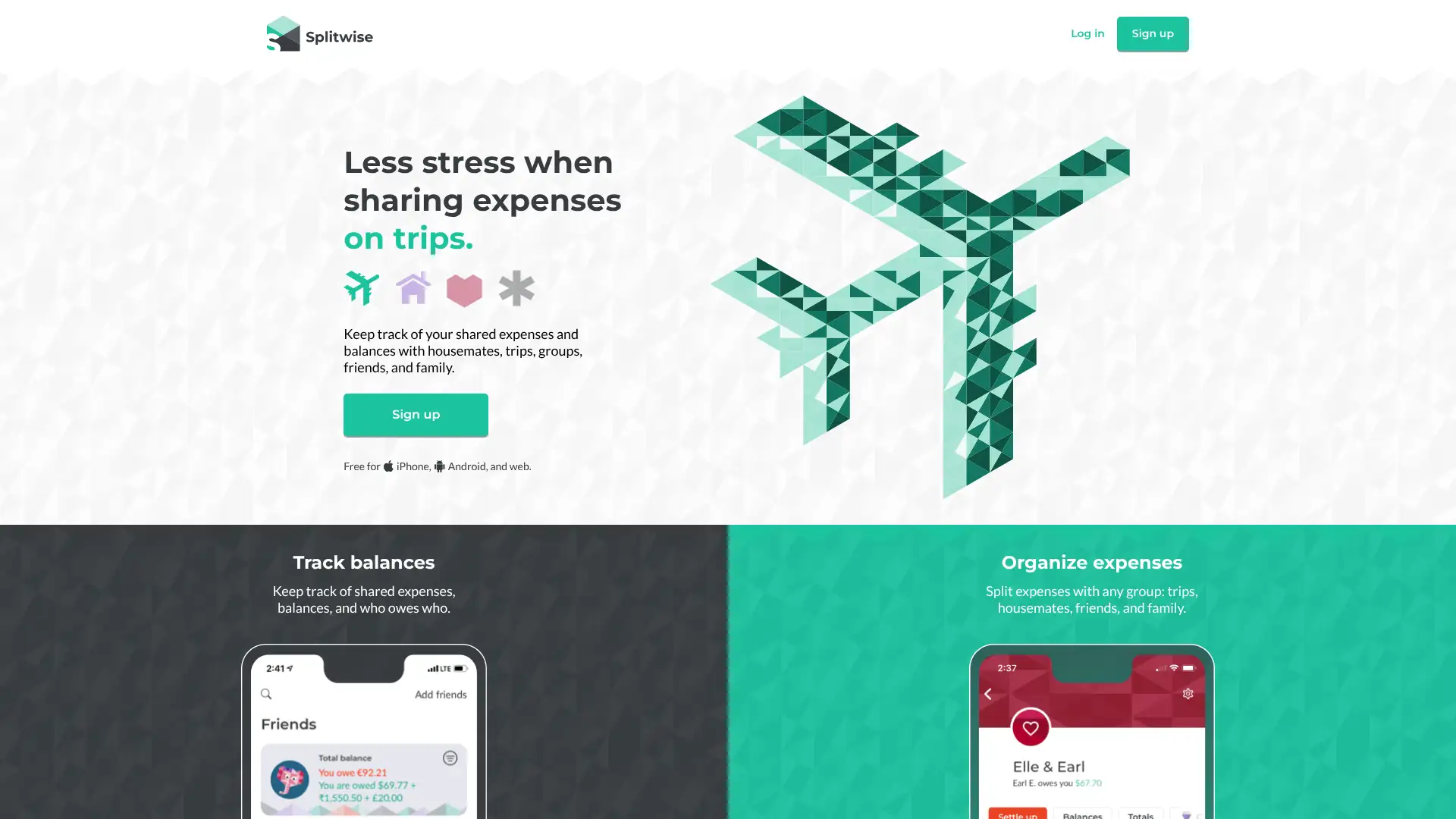
Splitwise is a shared expense tracking app used by over 50 million people worldwide to track who owes what across shared bills, group trips, and household expenses. It is not a personal budgeting app but rather an expense splitting ledger. The free version allows unlimited expenses and members in groups, with currency support and basic expense splitting. Splitwise Pro ($3/month or $29.99/year) adds receipt scanning, currency conversion, charts, expense search, reminders, and removal of ads. Splitwise is available on iOS, Android, and web.
- • Group expense ledger: add shared expenses to a group and Splitwise calculates who owes whom across any number of participants.
- • Flexible splitting: split by percentage, exact amount, shares, or unequal portions — adapts to any real-world sharing scenario.
- • Multi-currency support: track expenses in any currency with conversion rates; useful for international group travel.
- • Settle up: send payment requests or settle balances through linked payment apps including Venmo and PayPal.
- • Receipt scanning (Pro): photograph receipts and Splitwise extracts expense data automatically.
Splitwise is the best tool for its specific job: tracking shared expenses and who owes what in groups. The free tier is comprehensive enough for most users. If you need Splitwise functionality embedded within a full personal finance platform, Buxfer's IOU tracking and Honeydue's couples view are the closest alternatives.