27 Best Password Managers in 2026
Password managers range from free open-source local tools to enterprise Privileged Access Management platforms protecting thousands of accounts. This guide covers all 30 tools across three tiers: consumer and SMB managers, open-source and self-hosted tools, and enterprise PAM platforms. All pricing verified March 2026. Note on LastPass: its 2022-2023 breaches resulted in encrypted vaults being stolen and are documented throughout the security community. This guide covers the product but includes the breach context.
1Password
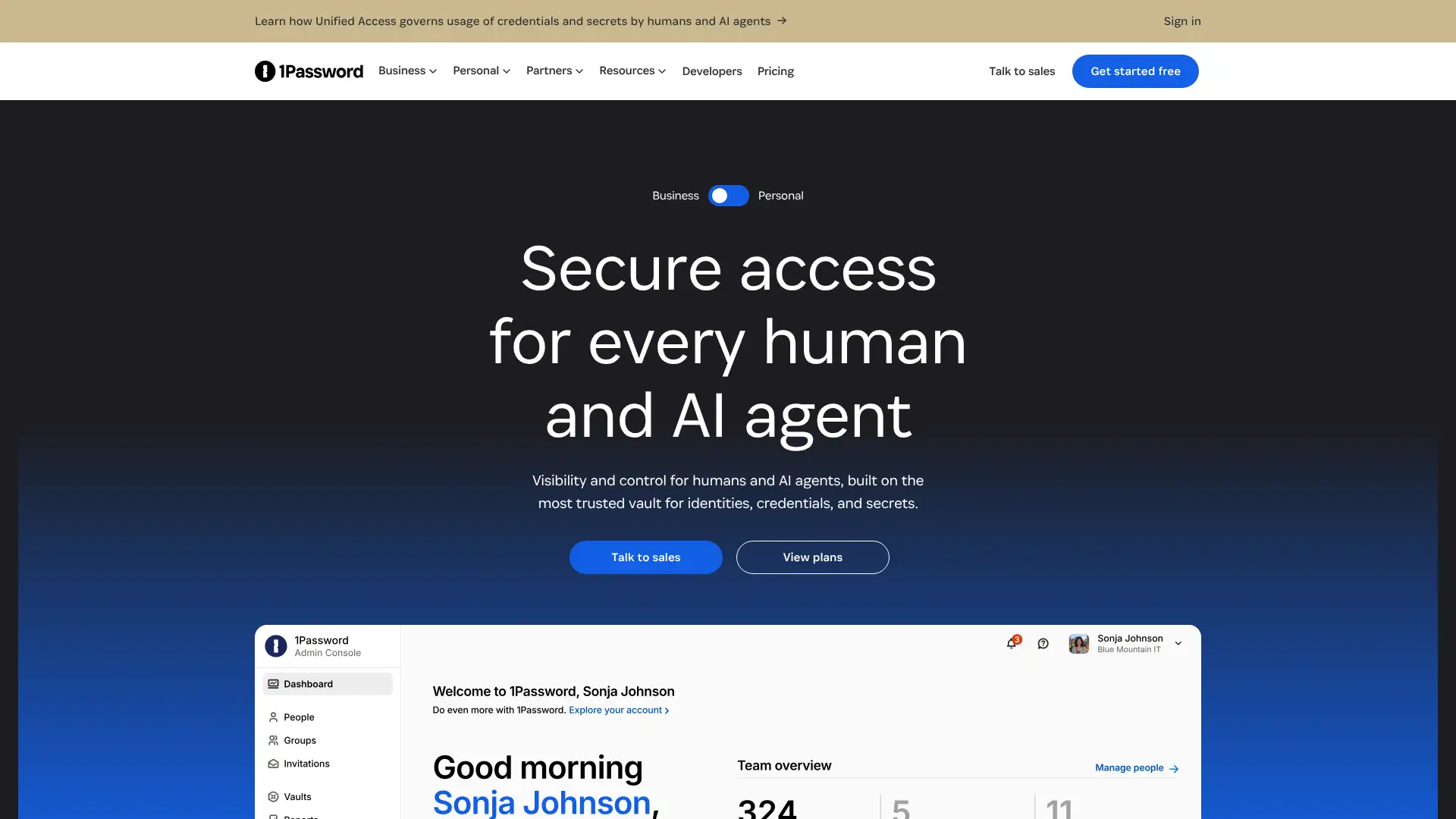
1Password is consistently ranked the best overall commercial password manager in 2026 for its combination of polished apps, strong security architecture, and unique features. Travel Mode allows users to temporarily remove selected vaults from devices when crossing borders, preventing vault contents from being accessible to device inspection. Watchtower monitors stored credentials for breaches, weak passwords, and expiring items. No free tier is offered: all plans require payment. Pricing increased to $3.99/month ($47.88/year) individual effective March 27, 2026, widening the gap with lower-cost alternatives. AES-256 encryption with a Secret Key architecture requires both master password and a device-specific Secret Key for account access.
- • Travel Mode: removes selected vaults from devices until re-enabled, protecting data during border crossings and device inspections
- • Watchtower: continuously monitors vault for breached passwords, weak passwords, reused passwords, and expiring 2FA codes
- • Secret Key architecture: requires both master password and a device-specific Secret Key for account access, preventing remote brute-force attacks
- • 1Password Families vault sharing: the most polished shared vault experience available across competing family plans
- • Passkey storage and management support: positioned for the passwordless transition period
1Password is the strongest commercially-polished password manager for families and teams who want the most refined shared vault experience and Travel Mode for international travel. The March 2026 price increase to $47.88/year positions it as a premium product above mid-tier alternatives.
Bitwarden
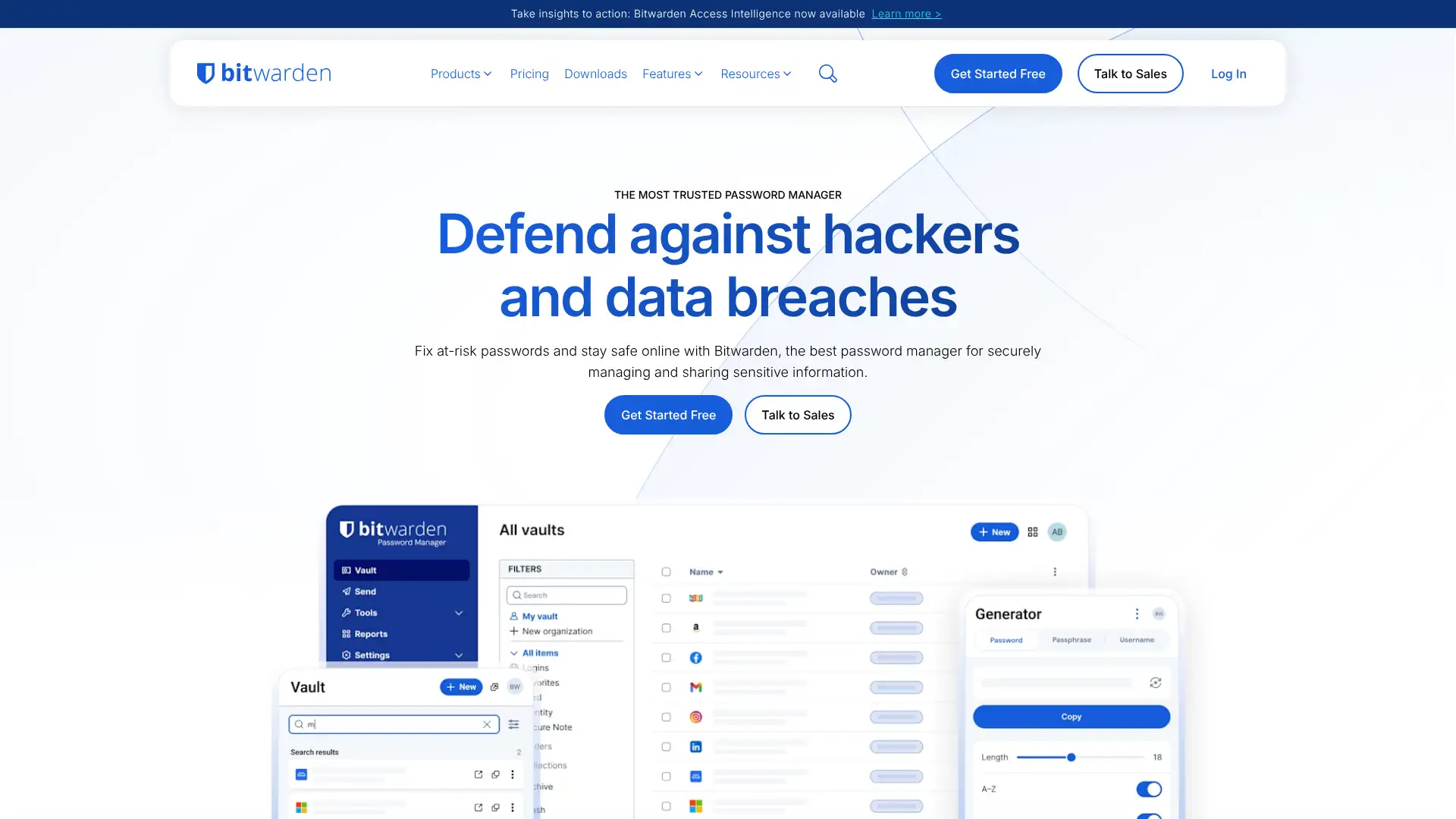
Bitwarden is the most recommended password manager in 2026 for its combination of a genuinely unlimited free tier, open-source code, and independent security audits. The free plan provides unlimited passwords stored across unlimited devices with no data cap, which competitors like Dashlane and LastPass have progressively restricted. Premium at $10/year adds TOTP generation, encrypted file attachments, and breach monitoring. Self-hosting on your own server is supported for organisations that need complete control over data storage. Bitwarden Send allows secure, time-limited sharing of credentials with non-Bitwarden users. The interface is less polished than 1Password but functional and reliable.
- • Fully open-source: all client and server code is publicly available and independently audited annually
- • Self-hosting: deploy Bitwarden on your own server infrastructure with complete data sovereignty
- • Bitwarden Send: securely share credentials with non-Bitwarden users via time-limited, password-protected links
- • TOTP generation on Premium: replace a separate authenticator app by generating time-based codes from within the vault
- • Passkey support: stores and manages FIDO2 passkeys for passwordless authentication workflows
Bitwarden is the default recommendation for most users in 2026. Unlimited free tier, open-source code, independent audits, and self-hosting make it the technically strongest value proposition at every price point.
LastPass
LastPass was once the most widely used password manager but suffered significant breaches in 2022 and 2023. In August 2022, an attacker accessed the development environment. In November 2022, they used that access to steal encrypted customer vaults from backup storage. In February 2023, LastPass confirmed attackers had also stolen backup data including unencrypted URLs and metadata. The encrypted vaults themselves are protected by the master password, but weak master passwords create decryption risk. Many security researchers recommend migrating away from LastPass. The product continues to operate with improved security controls and the company positions itself as hardened post-breach. LastPass Free was restricted to one device type in 2021.
- • AES-256 encryption with PBKDF2-SHA256: industry-standard encryption architecture
- • 1,200+ pre-integrated SSO applications on Business plan: one of the largest SSO app libraries of any password manager
- • Dark web monitoring: alerts when stored email addresses appear in known breach databases
- • Security Dashboard with score: provides actionable password health overview and prioritised recommendations
- • Advanced MFA: supports hardware keys, biometric authentication, and adaptive multi-factor policies
LastPass is a difficult recommendation given the documented 2022-2023 breaches that resulted in customer vaults being stolen. The product has since implemented security improvements and continues to operate with a large customer base.
Dashlane
Dashlane differentiates itself from all other consumer password managers by including a built-in VPN (powered by Hotspot Shield) on paid plans and real-time phishing alerts that detect suspicious login pages before credentials are entered. It eliminated its free tier for new users, making it a paid-only product. The admin console is considered the most intuitive onboarding experience for deploying password managers to non-technical teams. Confidential SSO on the Business plan does not require a master password at all. Dashlane has never been breached. AES-256 encryption with Argon2 key derivation.
- • Built-in VPN: Hotspot Shield-powered VPN included on all business and premium personal plans
- • Real-time phishing alerts: detects suspicious login pages and alerts users before credentials are entered
- • Confidential SSO: deploys without requiring users to have or remember a master password
- • Password Health Score: live scoring dashboard showing strength, reuse, and compromise status across all vault entries
- • Never breached: Dashlane has no public security incidents in its operating history
Dashlane is the best choice for users and teams who specifically want phishing detection and a bundled VPN in their password manager. The clean security track record is a meaningful differentiator.
NordPass
NordPass is a consumer password manager built by Nord Security, the same company behind NordVPN and Surfshark. It uses XChaCha20-Poly1305 encryption instead of the industry-standard AES-256, which Nord argues provides better performance on devices without hardware AES acceleration and is resistant to timing attacks. The free plan is technically unlimited in password count but restricts users to one active device at a time. The premium plan at $1.99/month is one of the most affordable among named consumer password managers. Anonymous payment via cryptocurrency is accepted. Email masking is included on paid plans.
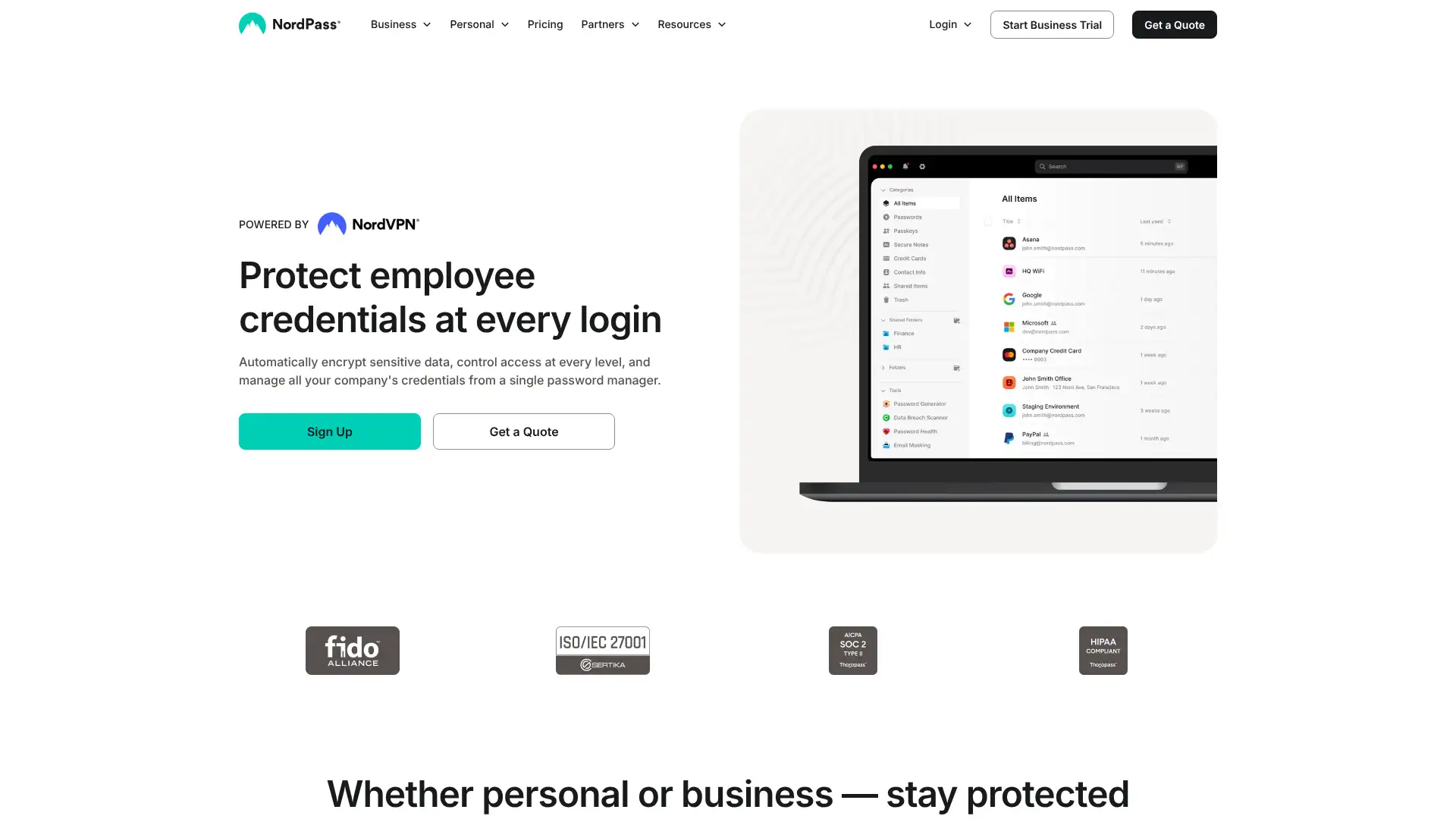
- • XChaCha20-Poly1305 encryption: faster than AES-256 on devices without hardware acceleration, resistant to timing attacks
- • Email masking: generates anonymous email addresses for signup forms to reduce spam and breach exposure
- • Data breach scanner: checks stored email addresses and passwords against known breach databases in real time
- • Anonymous payment options: cryptocurrency accepted for subscription payments
- • Passkey management: stores and autofills FIDO2 passkeys for passwordless login workflows
NordPass is the best choice for users migrating from browser-based password storage who want something more secure but equally simple. The $1.99/month premium is competitive, and XChaCha20 encryption is a thoughtful cryptographic choice.
RoboForm
RoboForm has operated since 1999 and has built the most accurate web form-filling engine of any password manager, accurately populating complex multi-page forms including addresses, insurance details, passport information, and vehicle data. It has never been publicly breached. AES-256 encryption with over 8 million PBKDF2 iterations provides strong protection against offline brute-force attacks. Unique among mainstream password managers, RoboForm supports local-only vault storage without any cloud synchronisation, aligning with CISA guidance on credential storage. Premium at $1.99/month is the most affordable named premium plan available.
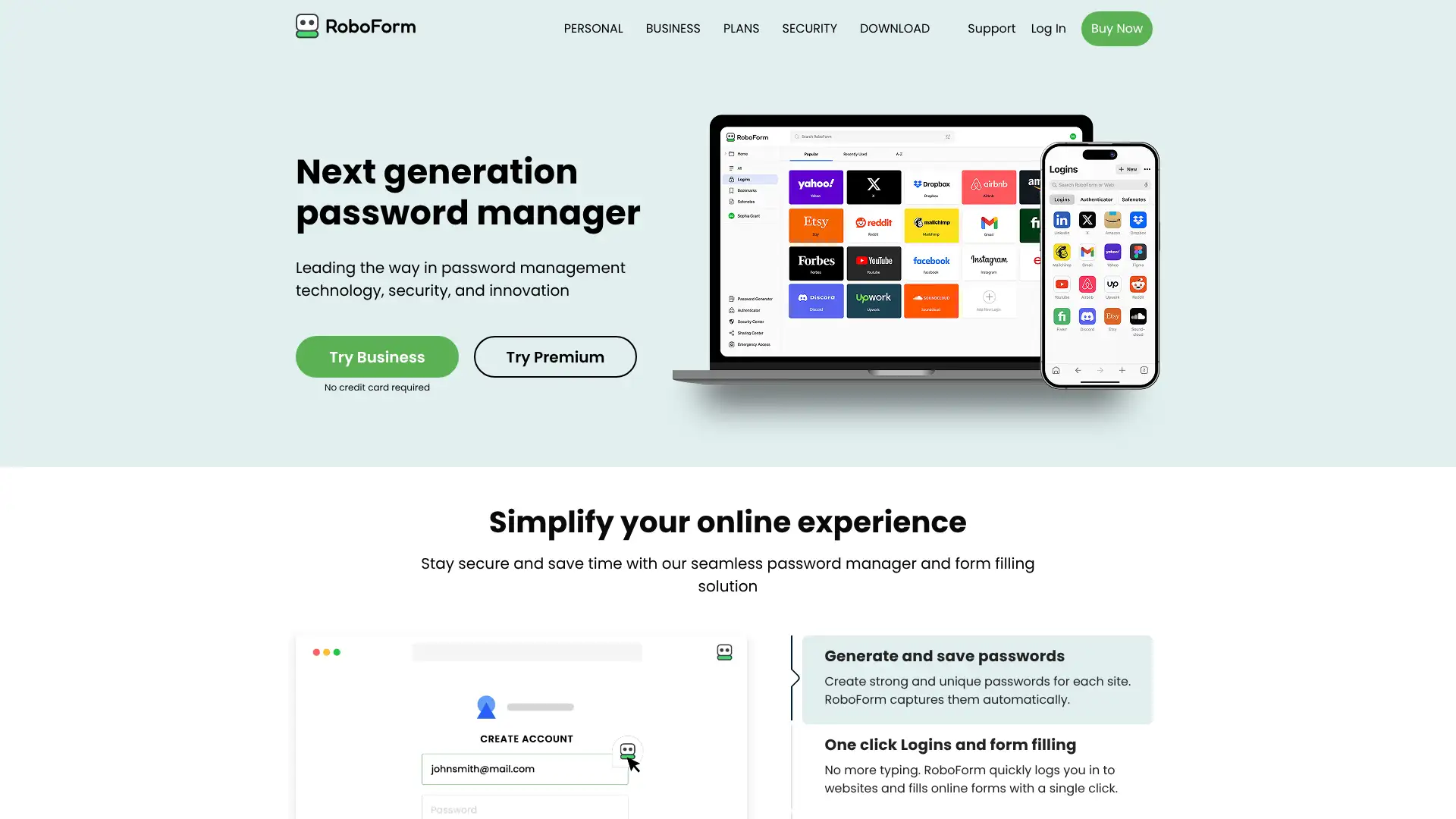
- • Best web form-filling accuracy of any password manager: addresses, credit cards, insurance, and passport data on multi-page forms
- • Local-only storage option: vault never synced to cloud if user prefers local-only credential management
- • 8 million+ PBKDF2 iterations: higher iteration count than most competitors for stronger offline attack resistance
- • Batch login: log in to multiple websites simultaneously with a single action
- • Never breached: 25+ year operating history with no public security incidents
RoboForm is the best password manager for professionals who regularly complete complex web forms: real estate agents, insurance brokers, and admin staff who fill the same data repeatedly. The local-only storage option and 8 million PBKDF2 iterations are genuine security differentiators at a $23.88/year price point.
Enpass
Enpass is a privacy-first password manager that stores vaults locally by default and never on Enpass servers. Cloud sync is optional and performed via the user's own cloud account (iCloud, Google Drive, Dropbox, OneDrive, or WebDAV). Because Enpass does not run cloud infrastructure, it has no server to be breached. A one-time lifetime licence at $99.99 makes it the only mainstream password manager still offering a perpetual purchase option, eliminating subscription fees permanently. It supports Windows, macOS, Linux, iOS, and Android. Recent updates added expanded import support from MYKI and 1Password and improved Wi-Fi local sync.
- • Local-first vault storage: no Enpass cloud server holds your data, eliminating a server breach attack vector
- • Lifetime licence at $99.99: one-time purchase for perpetual access without ongoing subscription fees
- • Sync via your own cloud: use iCloud, Google Drive, Dropbox, or WebDAV instead of a third-party password manager server
- • Wi-Fi local sync: sync between devices on the same local network without any cloud involvement
- • Multiple vault support: separate vaults for work, personal, and family credentials in one app
Enpass is the best choice for users who want password management without depending on any third-party cloud server, and who are willing to manage their own sync. The lifetime licence is an excellent long-term value for users confident they will use the product for several years.
Zoho Vault
Zoho Vault is the password manager component of the Zoho productivity suite, offering deep integration with Zoho Mail, Desk, Projects, and other Zoho applications. The personal free plan includes unlimited passwords, unlimited devices, offline access, and a built-in 2FA authenticator with no restrictions on features. This makes Zoho Vault's free tier among the most complete free personal password managers available. The business tiers add centralized admin controls, SSO, Active Directory integration, and SIEM connectivity. India-based: data sovereignty questions are relevant for some regulated industries.
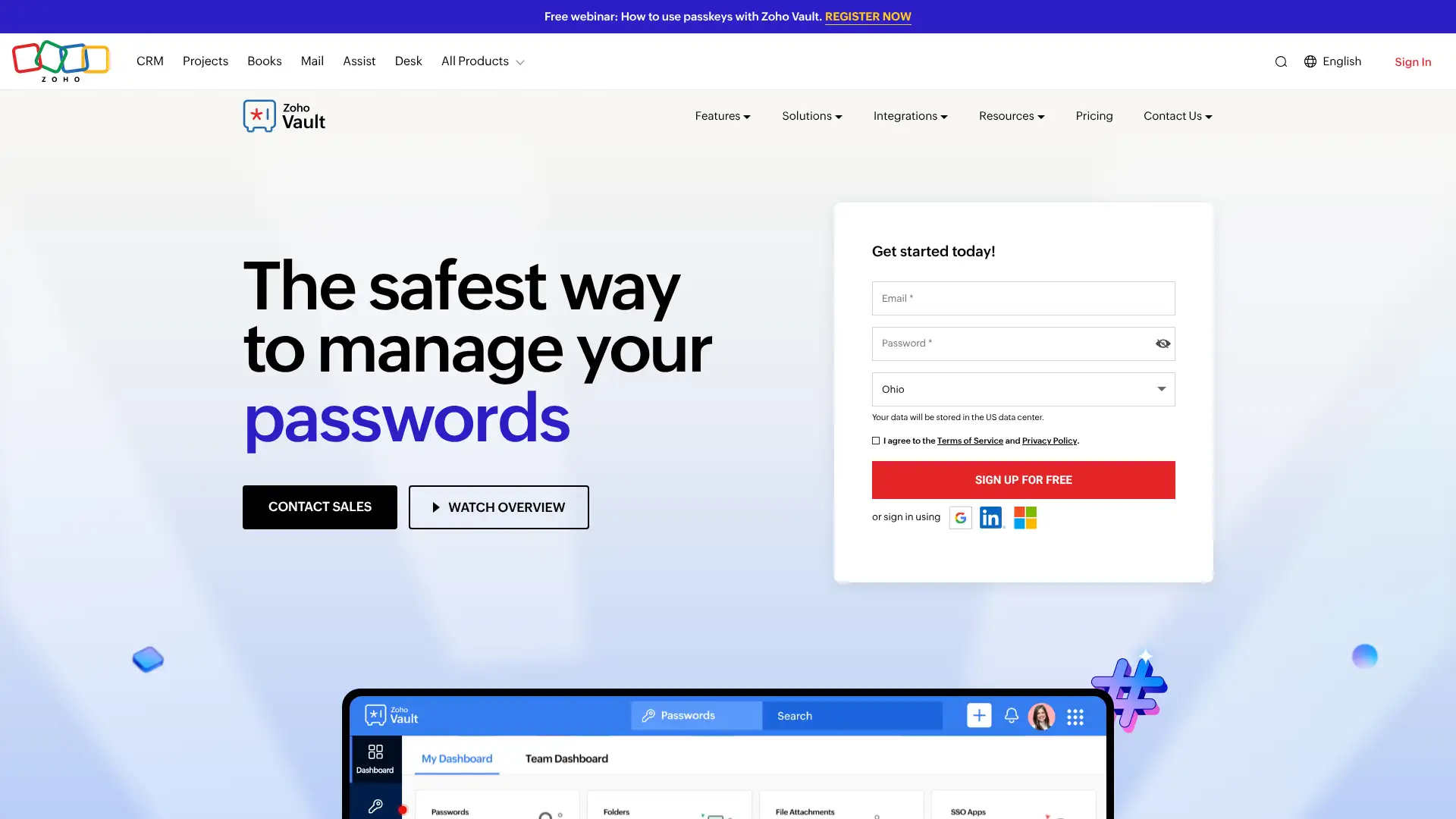
- • Personal free tier: unlimited passwords on unlimited devices with offline access and built-in 2FA at no cost
- • Zoho ecosystem integration: native connections to Zoho Mail, Desk, Projects, and CRM
- • Active Directory integration on Enterprise: provisions and deprovisions users automatically via AD sync
- • Break glass account: emergency access for administrators when primary credentials are unavailable
- • SIEM integration on Enterprise: sends vault audit events to external security monitoring tools
Zoho Vault is the best free personal password manager for individuals who want no feature restrictions and no device limits at zero cost. Strong value for organisations already in the Zoho ecosystem where the native integrations reduce setup overhead.
Sticky Password
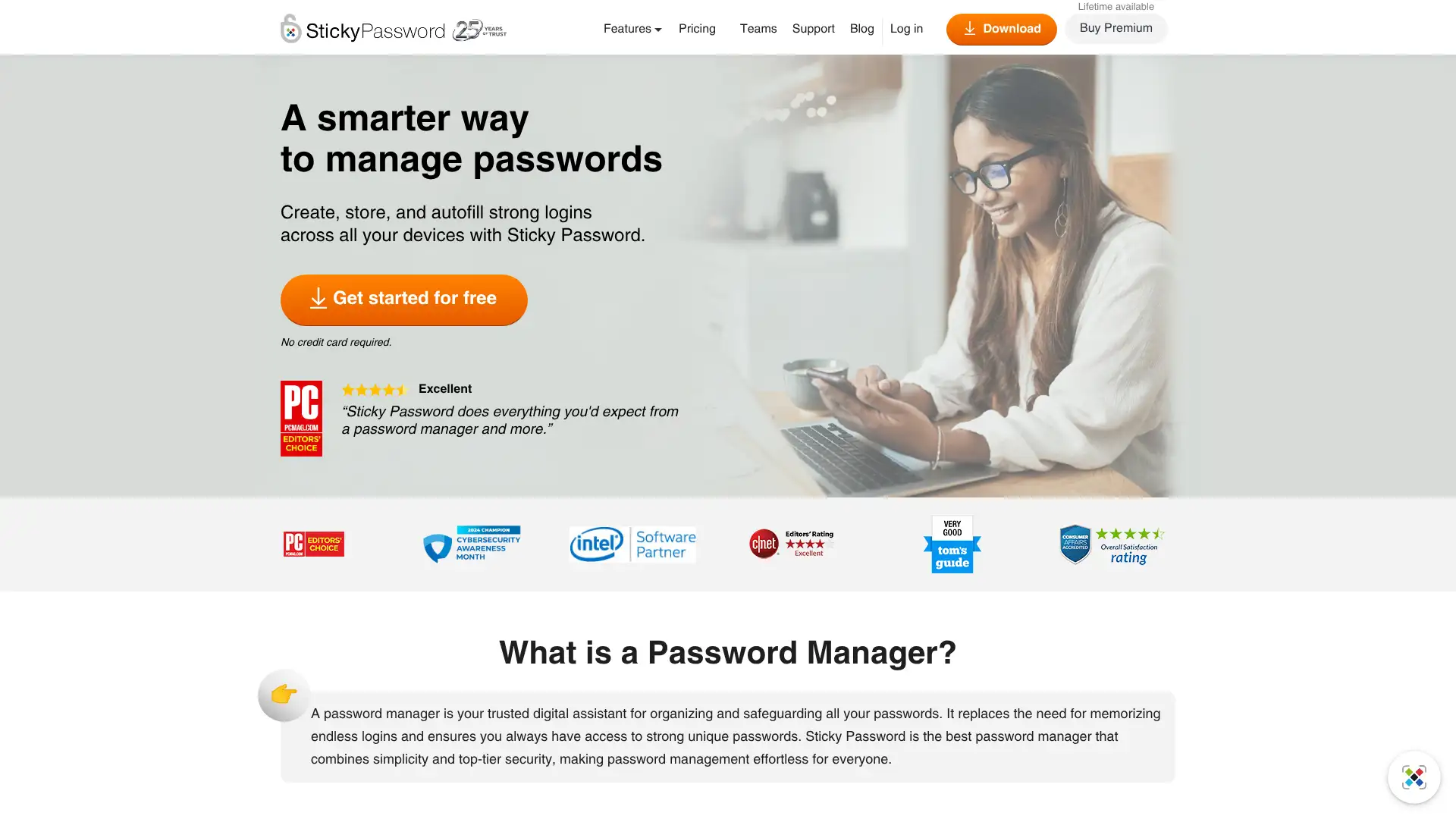
Sticky Password is a Czech-based password manager offering local vault storage, optional local Wi-Fi sync, and a lifetime licence purchase option. It uses AES-256 encryption and a zero-knowledge architecture. The Sticky Password Premium lifetime deal is available for $199.99, providing perpetual access without ongoing subscription costs. A portion of each purchase is donated to the nonprofit Save the Manatee Club, which is a distinctive charitable model. The user interface is functional but dated compared to modern alternatives. Wi-Fi sync between devices works entirely on the local network without data leaving the premises.
- • Local Wi-Fi sync: sync passwords between devices over local network without any cloud involvement
- • Lifetime licence at $199.99: perpetual access without annual subscription commitment
- • AES-256 encryption with zero-knowledge architecture: passwords never visible to Sticky Password staff
- • Supports fingerprint biometric authentication on compatible devices
- • Charitable donation model: portion of every purchase goes to manatee conservation
Sticky Password is a serviceable offline-first password manager for users who want Wi-Fi sync without cloud storage and appreciate the charitable donation component. The dated interface and slower update pace compared to 1Password or Bitwarden are the main trade-offs.
LogMeOnce
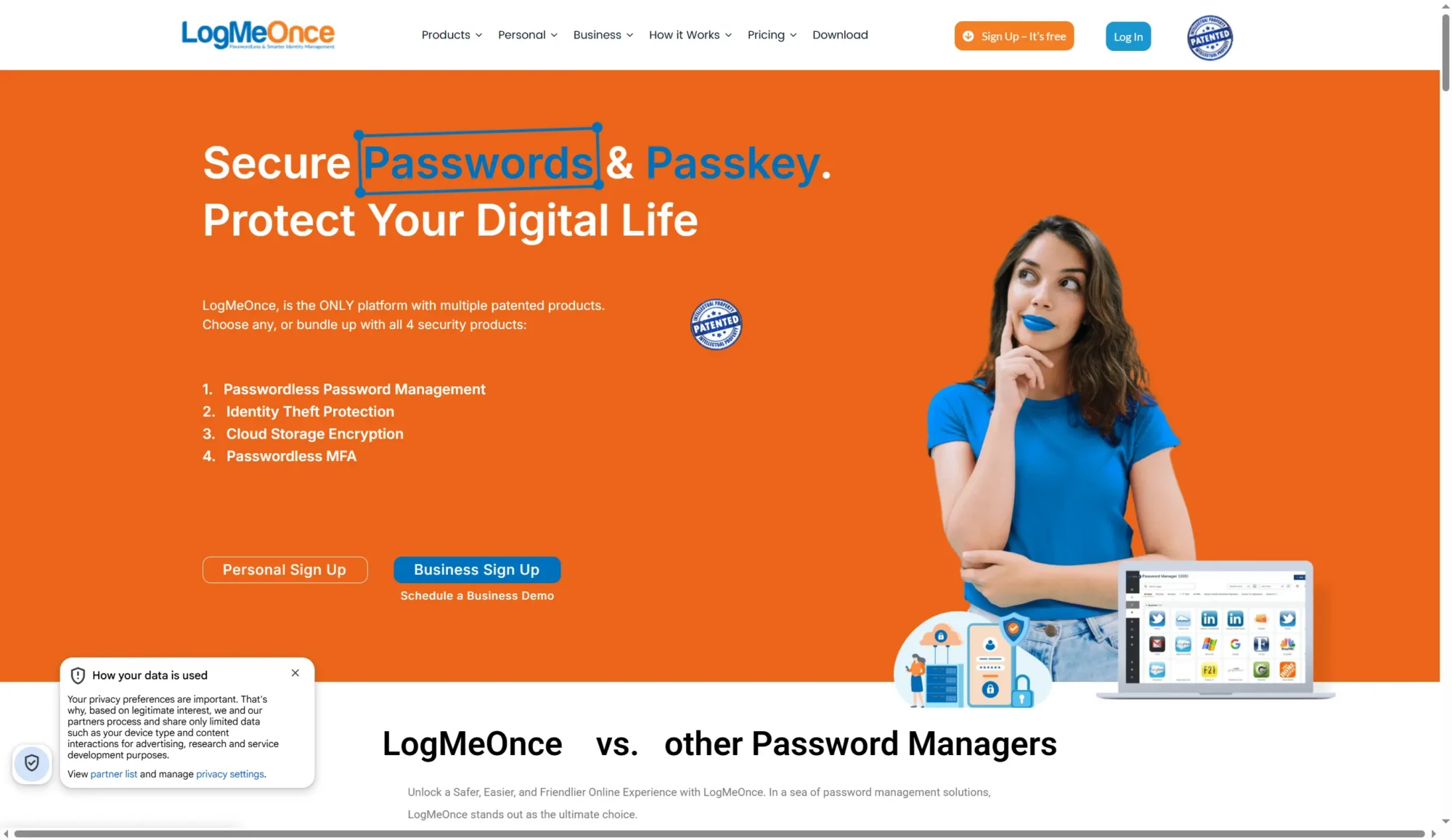
LogMeOnce is a password manager that specifically focuses on passwordless authentication, offering more login methods than any other consumer password manager. PhotoLogin allows login via a selfie photo without entering any password. LoginGym provides automated daily security exercises. The personal free plan includes basic password management. LogMeOnce was designed with security certificate verification at its core. Identity theft protection and insurance coverage are included on higher personal tiers. The interface has more features than most users need, which can create initial complexity.
- • PhotoLogin: authenticate by taking a selfie without entering any password or code
- • Passwordless MFA: more authentication methods than any other consumer password manager including biometrics, selfie, PIN, and fingerprint
- • Security Score dashboard with actionable recommendations for vault health improvement
- • Identity theft protection: monitors personal information across the web and dark web for exposure
- • Anti-theft features: remotely lock, wipe, or locate a mobile device from the LogMeOnce dashboard
LogMeOnce is the right choice for users who specifically prioritise passwordless authentication options and want the widest selection of login methods. PhotoLogin is genuinely unique.
Passbolt
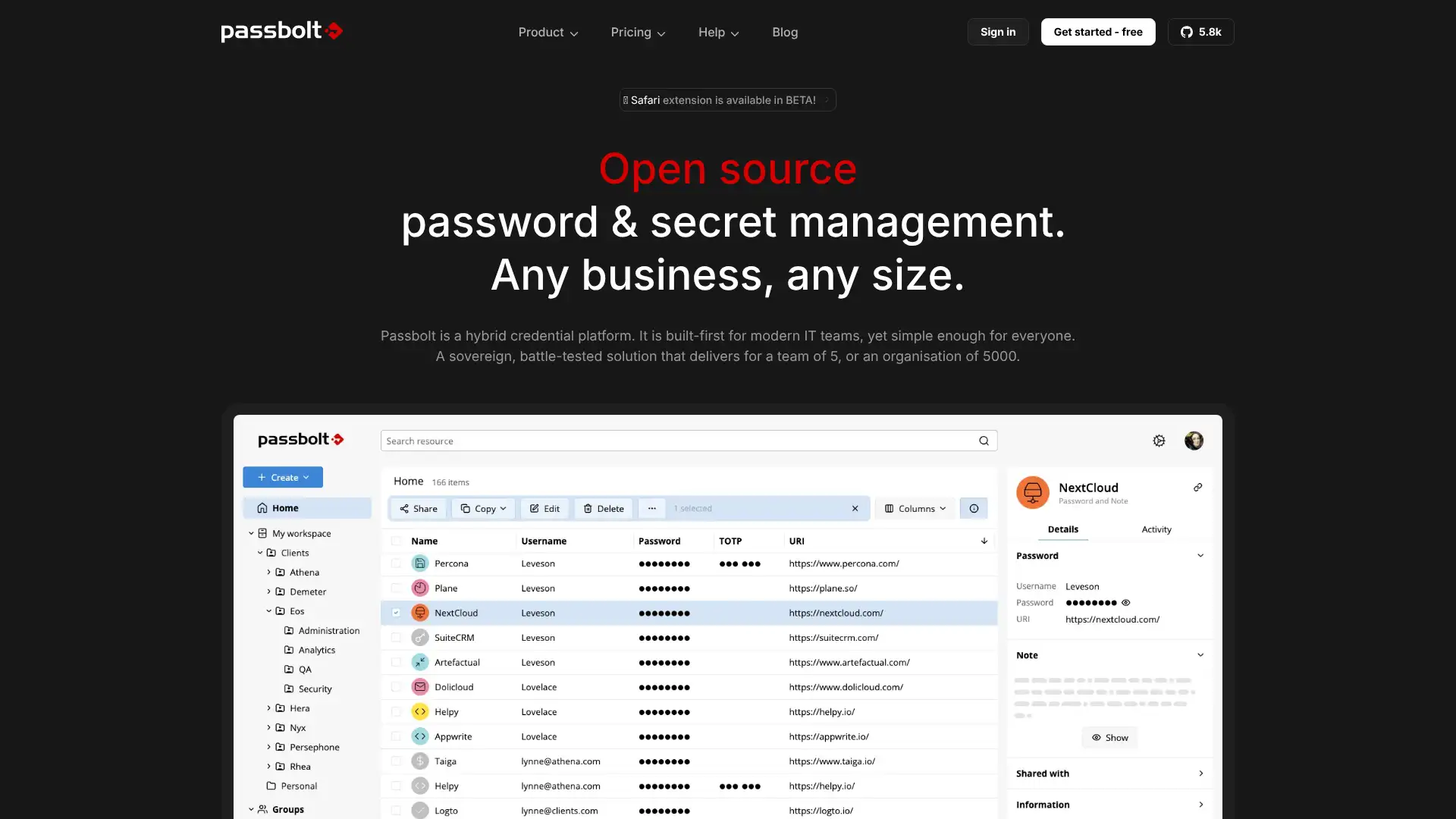
Passbolt is an open-source password manager specifically designed for teams and collaboration, using OpenPGP encryption instead of the more common AES-256. Each password is encrypted using the recipient's individual OpenPGP key, meaning the server never holds decryption keys. Passbolt can be self-hosted on your own infrastructure for complete data sovereignty or used via Passbolt Cloud. The Community edition is free forever for unlimited users. It is popular with IT, DevOps, and sysadmin teams who are comfortable with PGP key management. APIs for automation and CI/CD pipeline integration are available.
- • OpenPGP encryption: each credential encrypted with the recipient's individual key, server never holds decryption material
- • Self-hosted free forever: deploy on your own server with unlimited users and no licence fees
- • API-first architecture: full REST API for programmatic vault access, automation, and CI/CD integration
- • Row-level encryption: granular sharing where individual passwords can be shared at per-user level
- • GDPR and HIPAA compliant: designed for regulated environments where data sovereignty matters
Passbolt is the strongest open-source team password manager for IT and DevOps teams who are comfortable with PGP key management and want full data sovereignty via self-hosting. The free self-hosted unlimited tier is unmatched for budget-conscious organisations.
Proton Pass
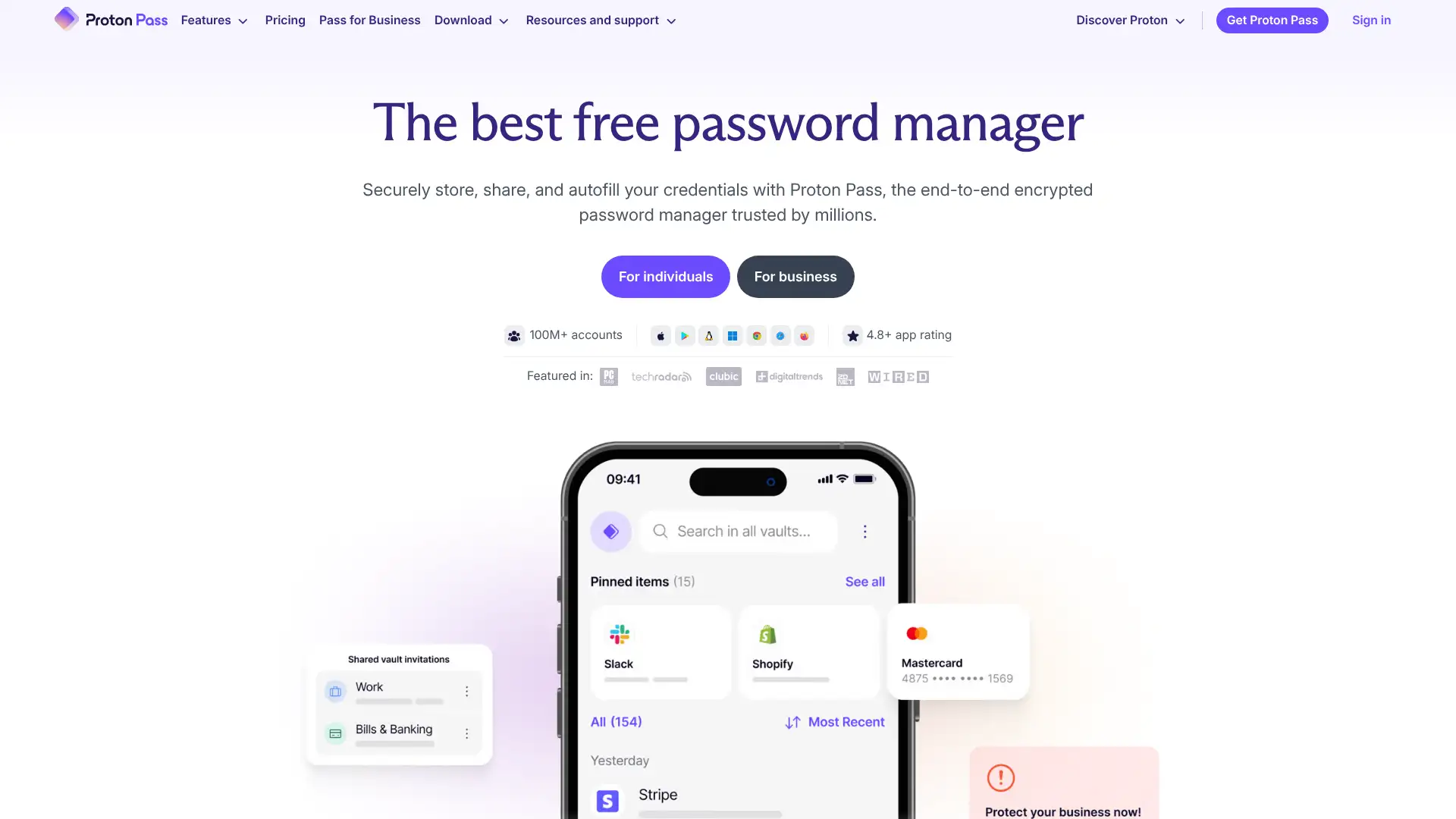
Proton Pass is developed by Proton AG, the Swiss company behind ProtonMail and ProtonVPN. Swiss jurisdiction, outside Five Eyes, combined with Proton's privacy-first reputation gives Proton Pass a strong trust foundation. The free plan provides unlimited passwords on unlimited devices, which is as generous as Bitwarden's free tier. 10 email aliases per account are included at no cost via SimpleLogin integration. The Pro plan at $4.99/month adds unlimited email aliases, advanced 2FA, and business features. Proton Pass is relatively newer than established managers and its import tooling and browser extension reliability continue to mature.
- • Swiss jurisdiction: Proton AG operates under Swiss privacy law outside Five Eyes intelligence alliances
- • 10 free email aliases via SimpleLogin: create throwaway addresses linked to your real inbox for every signup
- • End-to-end encryption covering not just passwords but also metadata like URLs and item names
- • Passkey support: store and autofill passkeys for FIDO2 passwordless authentication
- • Zero-knowledge architecture: Proton staff cannot access stored credentials or metadata
Proton Pass is the best choice for privacy-conscious individuals and small teams who value Swiss jurisdiction, Proton's proven track record, and the SimpleLogin alias integration. The free tier is genuinely competitive with Bitwarden's.
TeamPassword
TeamPassword is a cloud-based password manager specifically designed for small teams that need shared password access without the complexity of enterprise PAM systems. It provides a straightforward group-based sharing model where credentials are organised into groups and members are assigned to groups with view or edit permissions. AES-256 encryption with a zero-knowledge architecture. The interface is simple and fast to learn. TeamPassword integrates with Slack for access notifications. It does not support SSO or advanced enterprise identity features, positioning it as an SMB-focused tool.
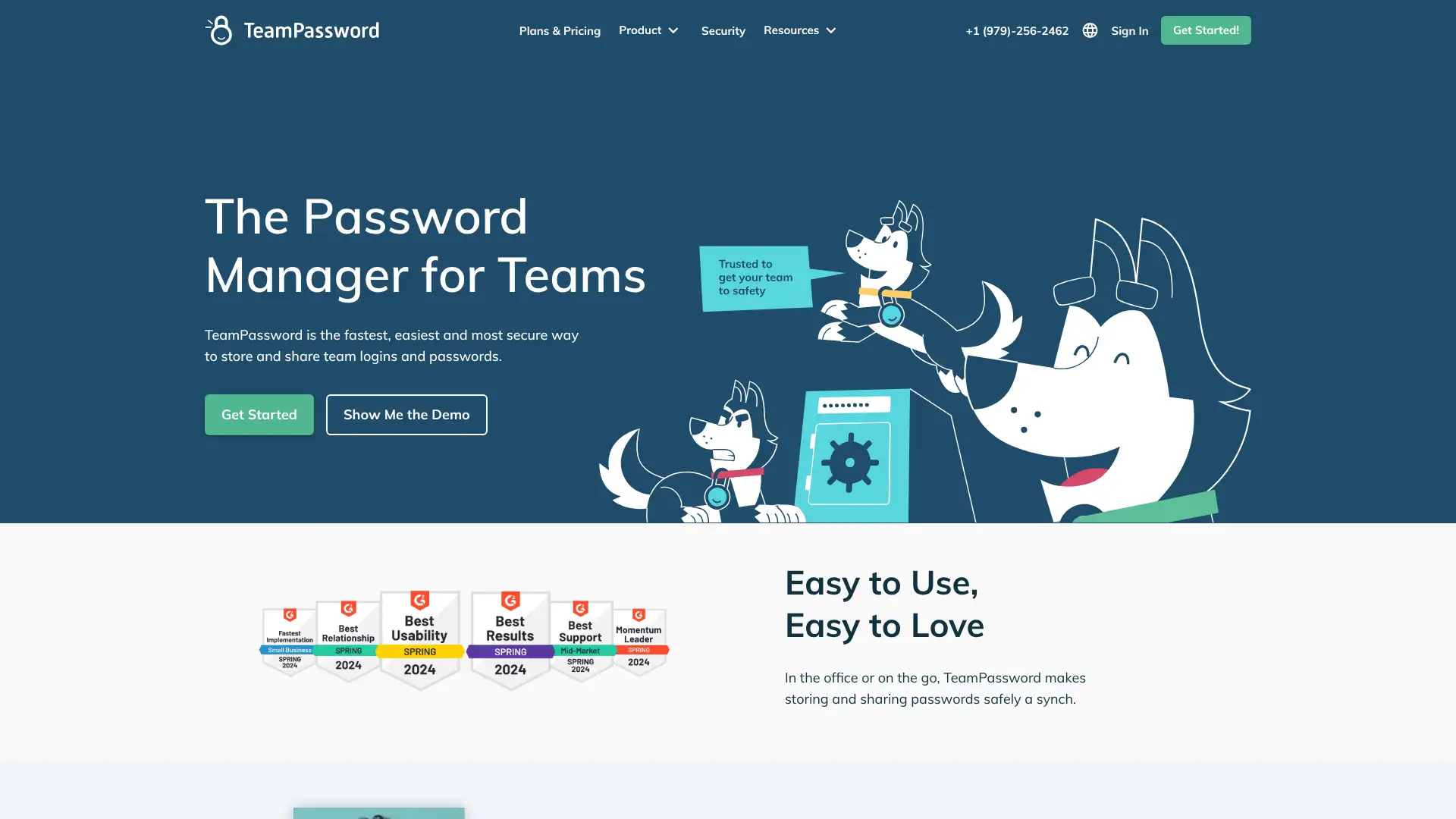
- • Group-based sharing: organise credentials into groups and assign team members with view or edit access
- • Activity log: tracks who accessed or modified each credential for basic accountability
- • AES-256 zero-knowledge encryption: credentials encrypted client-side before transmission
- • Slack integration: receive notifications when credentials are accessed or updated in Slack
- • Simple onboarding: new team members can be set up and accessing shared credentials within minutes
TeamPassword is the best choice for teams of under 25 people who want a simple, low-friction shared credential management tool without enterprise complexity. The flat-rate pricing prevents per-user cost surprises.
PasswordBoss
PasswordBoss is a password manager targeted at small and medium businesses with features including secure vault, breach monitoring, password policy enforcement, and basic remote wipe. It is available as a managed service for IT professionals and MSPs who deploy and manage password managers for client organisations. AES-256 encryption with a zero-knowledge model. The MSP channel model is the primary distribution channel, with direct purchasing also available. Less independently reviewed than the major consumer managers.
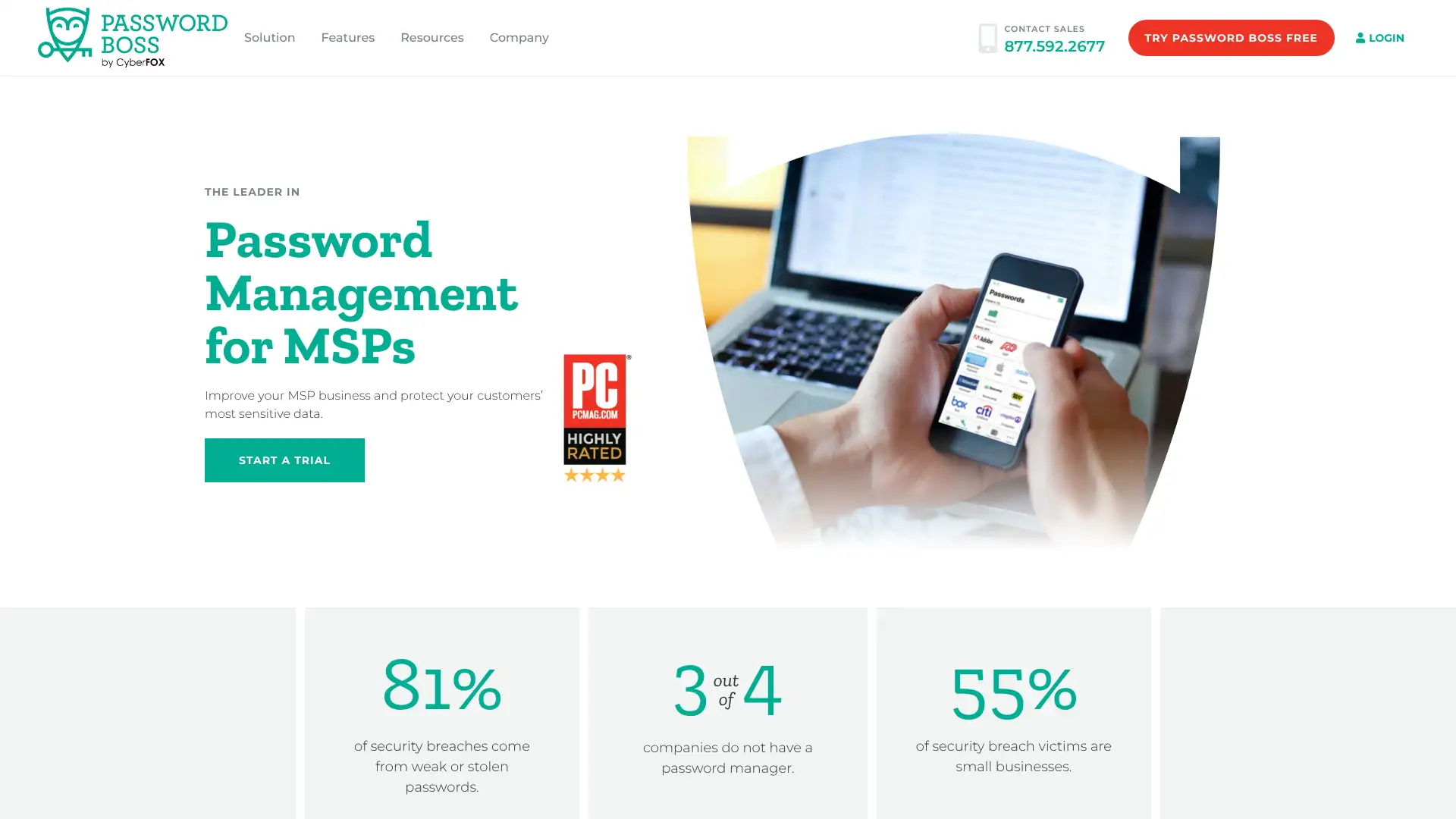
- • Secure Digital Wallet: stores credit cards, bank accounts, and identity documents alongside passwords
- • Breach monitoring: alerts when stored credentials appear in known data breach databases
- • Remote wipe: administrators can remotely clear a user's vault in case of device loss or employee offboarding
- • MSP management portal: IT providers can centrally manage password deployments across multiple client organisations
- • Password policy enforcement: set minimum requirements for passwords created within team vaults
PasswordBoss is a functional SMB password manager accessible through IT service providers who prefer a managed deployment model. For organisations evaluating directly, Bitwarden Teams at $4/user/month provides comparable features with published open-source audits and a larger user community for troubleshooting support.
mSecure
mSecure is a password manager built primarily for Apple device users, offering a clean native iOS and macOS experience with iCloud sync as the default synchronisation method. It stores the vault locally on device with no mSecure server dependency. Sync is performed via the user's own iCloud account. mSecure 6 introduced a subscription model alongside the existing one-time purchase option. It supports custom categories for organising vault items beyond the standard login and card types. AES-256 encryption.

- • iCloud sync: vault syncs via the user's own iCloud account without passing through mSecure servers
- • Custom categories: create custom vault item types beyond standard login, card, and note templates
- • Local storage by default: vault does not leave the device unless sync is explicitly enabled
- • Native iOS and macOS design: follows Apple Human Interface Guidelines for a consistent native experience
- • AES-256 encryption with zero-knowledge: mSecure staff cannot access stored credentials
mSecure is the best password manager for users who exclusively use Apple devices and want a native, Apple-idiomatic experience with iCloud sync. For users with Windows, Android, or Linux devices in their setup, 1Password, Bitwarden, or Enpass provide better cross-platform coverage.
SaferPass
SaferPass is a straightforward browser-extension-based password manager focused on simplicity. It stores passwords in the cloud with AES-256 encryption and a zero-knowledge model. The free plan provides 50 passwords. Premium unlocks unlimited storage and cross-device sync. SaferPass is less well-known and less independently reviewed than the major consumer password managers. It targets users who want a simple browser extension without additional software installation requirements.
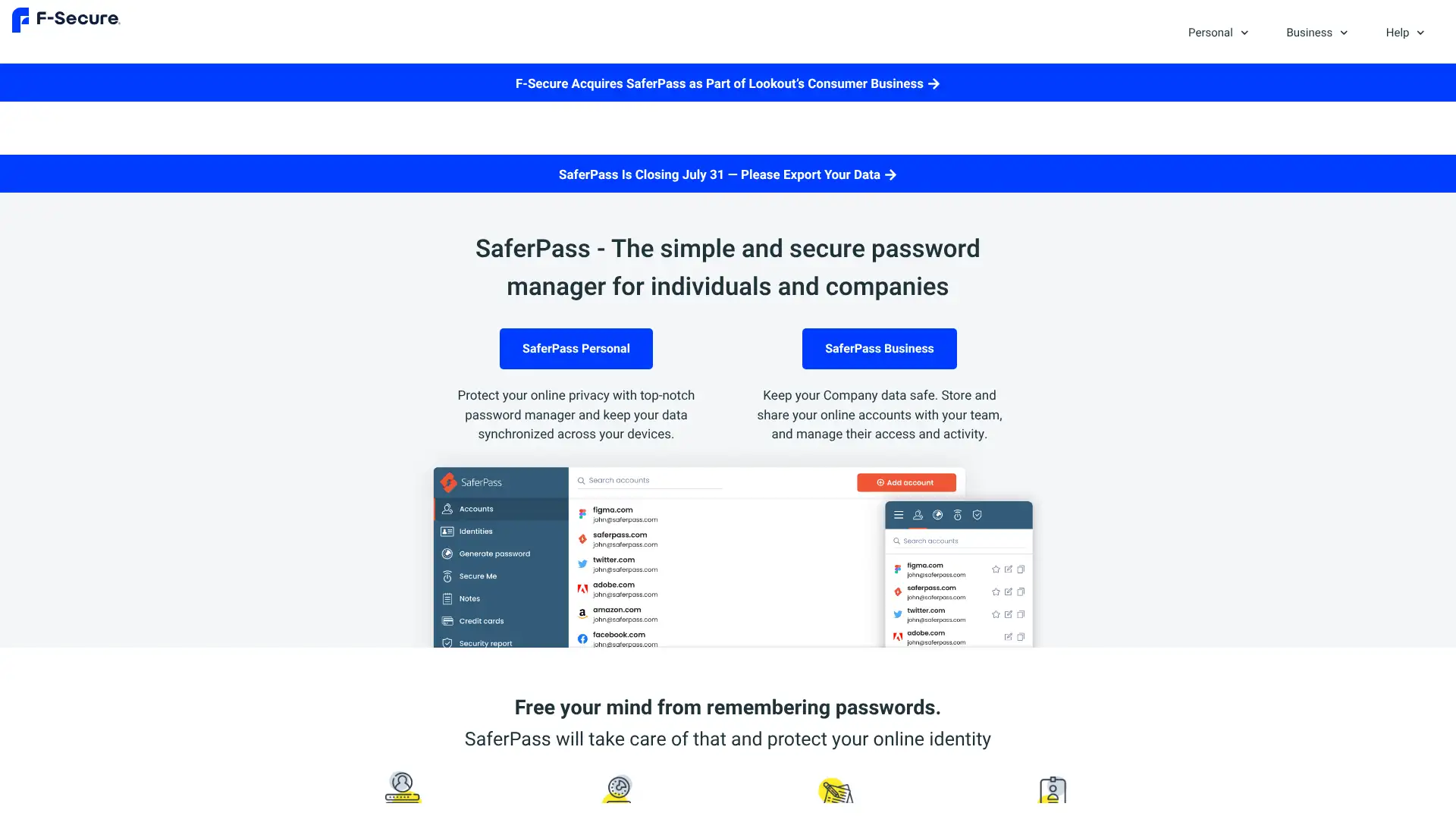
- • Browser extension-first design: focused on autofill and capture in-browser without a separate desktop app
- • AES-256 zero-knowledge encryption: credentials encrypted client-side
- • Secure sharing: share individual credentials with trusted contacts
- • Breach monitoring: alerts when stored email addresses appear in known data breaches
- • Simple interface: minimal feature set targeted at users who want basic functionality without complexity
SaferPass is adequate for users who specifically want a minimal, browser-extension-only password manager. The limited independent security review history means buyers should research carefully before trusting it with sensitive credentials. For a similar simplicity-first approach with established security audits, NordPass or RoboForm are more verifiable choices.
KeePass
KeePass is the original open-source offline password manager created by Dominik Reichl in 2003 and maintained as a one-person project. The entire vault is stored as an encrypted local .kdbx file on the device with no cloud connectivity. The database can be manually synced via USB drive, file sharing, or third-party cloud services. It received a European Commission funding-backed security audit in 2016 which found no critical vulnerabilities. The interface is functional but dated, reflecting its Windows-native design heritage. KeePass is free forever and accepts donations. Third-party ports extend it to iOS (Strongbox), Android (KeePass2Android), and macOS (KeePassXC).
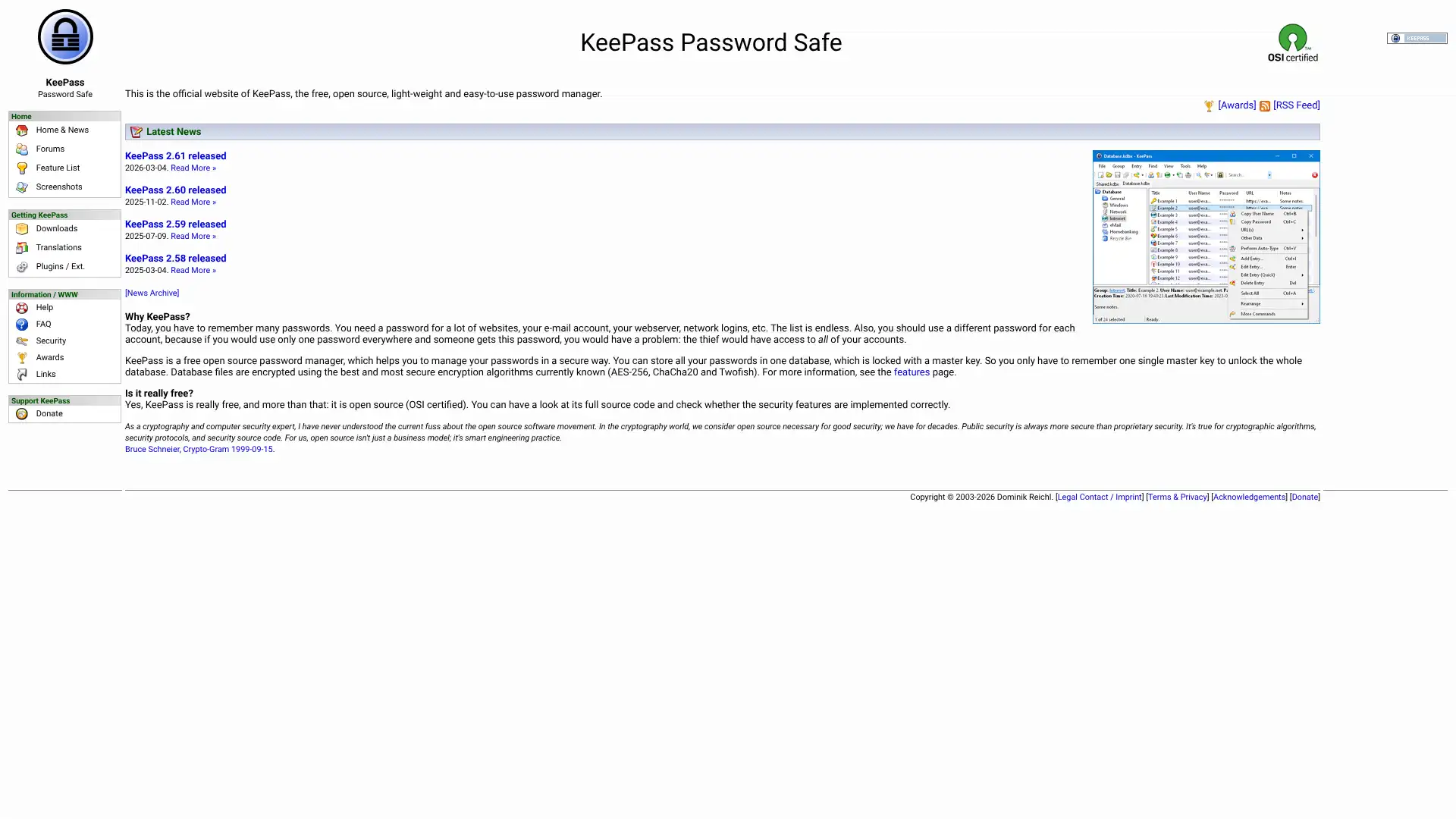
- • Fully offline local storage: .kdbx database file never sent to any server by default
- • Plugins ecosystem: hundreds of community-contributed plugins extend functionality including browser integration, cloud sync, and report generation
- • Auto-Type: automatically types credentials into application windows, not just browsers
- • AES-256 or Twofish or ChaCha20 encryption: multiple algorithm choices for database encryption
- • European Commission security audit: independently audited and cleared as part of the EU FOSS audit programme
KeePass is the right tool for Windows users who want maximum offline control, a plugins ecosystem, and a 20+ year track record at zero cost. For users who need macOS, Linux, or consistent cross-platform experience, KeePassXC is a community fork of the same architecture with broader platform
KeePassXC
KeePassXC is a community-maintained cross-platform fork of KeePass, written in C++ for native performance on Windows, macOS, and Linux. It was created when the original KeePassX cross-platform port stalled, and continues active development by a five-member team. KeePassXC 2.7.9 received a First-Level Security Certification (CSPN) from the French National Cybersecurity Agency (ANSSI) in 2025, providing formal government-level independent validation. KeePassXC 2.7.12 was released in March 2026 with passkey support and enhanced browser extension capabilities. It reads KeePass .kdbx format databases, enabling migration from KeePass.
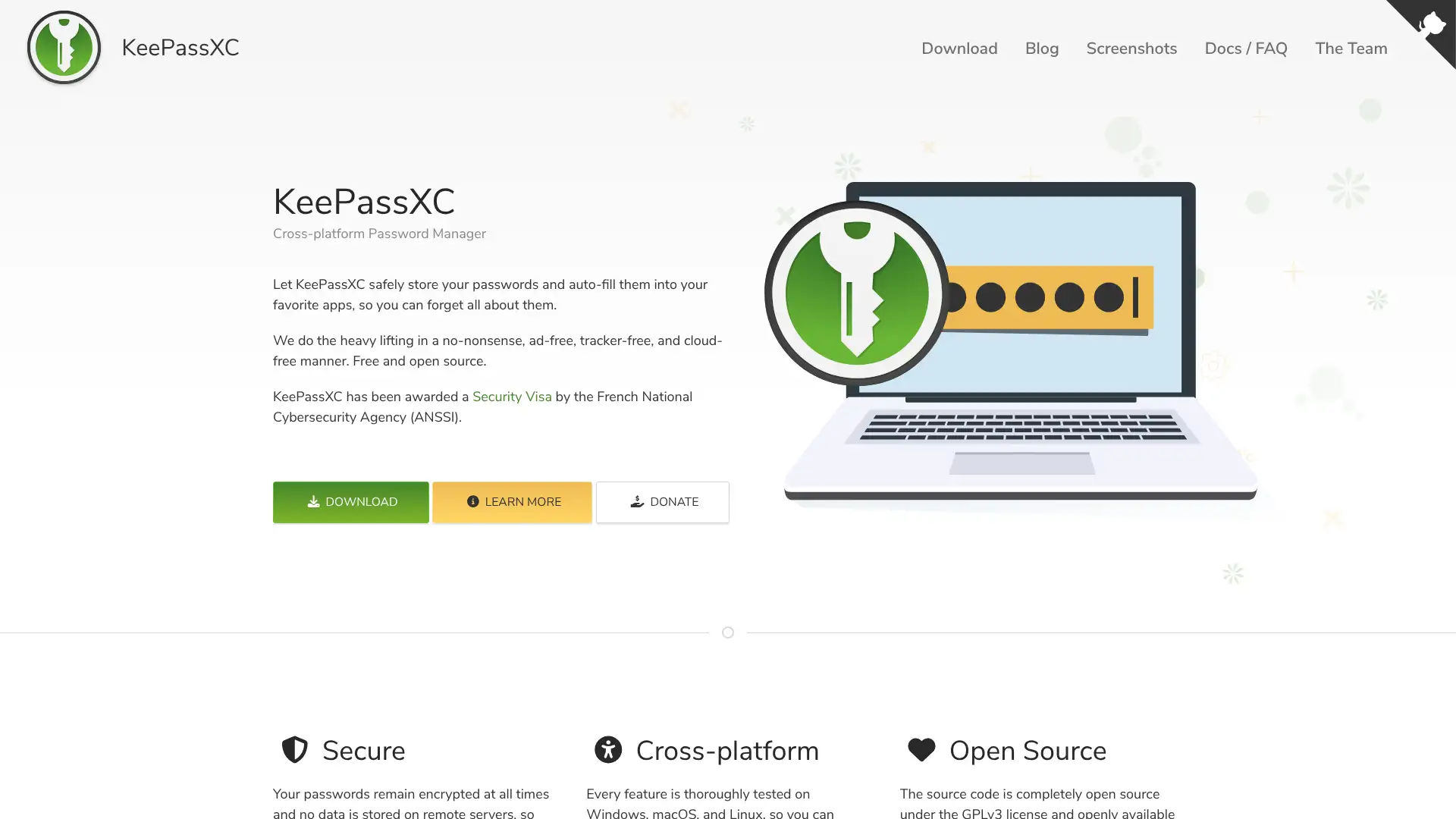
- • CSPN certification: received First-Level Security Certification from France's ANSSI in 2025 after independent evaluation
- • Passkey support: stores and manages FIDO2 passkeys in the .kdbx database format
- • SSH agent integration: store SSH keys in the KeePassXC database and use them directly via the built-in SSH agent
- • Browser extension: native browser integration via KeePassXC-Browser extension for Chrome, Firefox, and Edge
- • KeePass .kdbx compatibility: reads and writes the same database format as KeePass, enabling easy migration
KeePassXC is the best free open-source cross-platform password manager in 2026. The CSPN certification from ANSSI provides government-validated security assurance.
Padloc
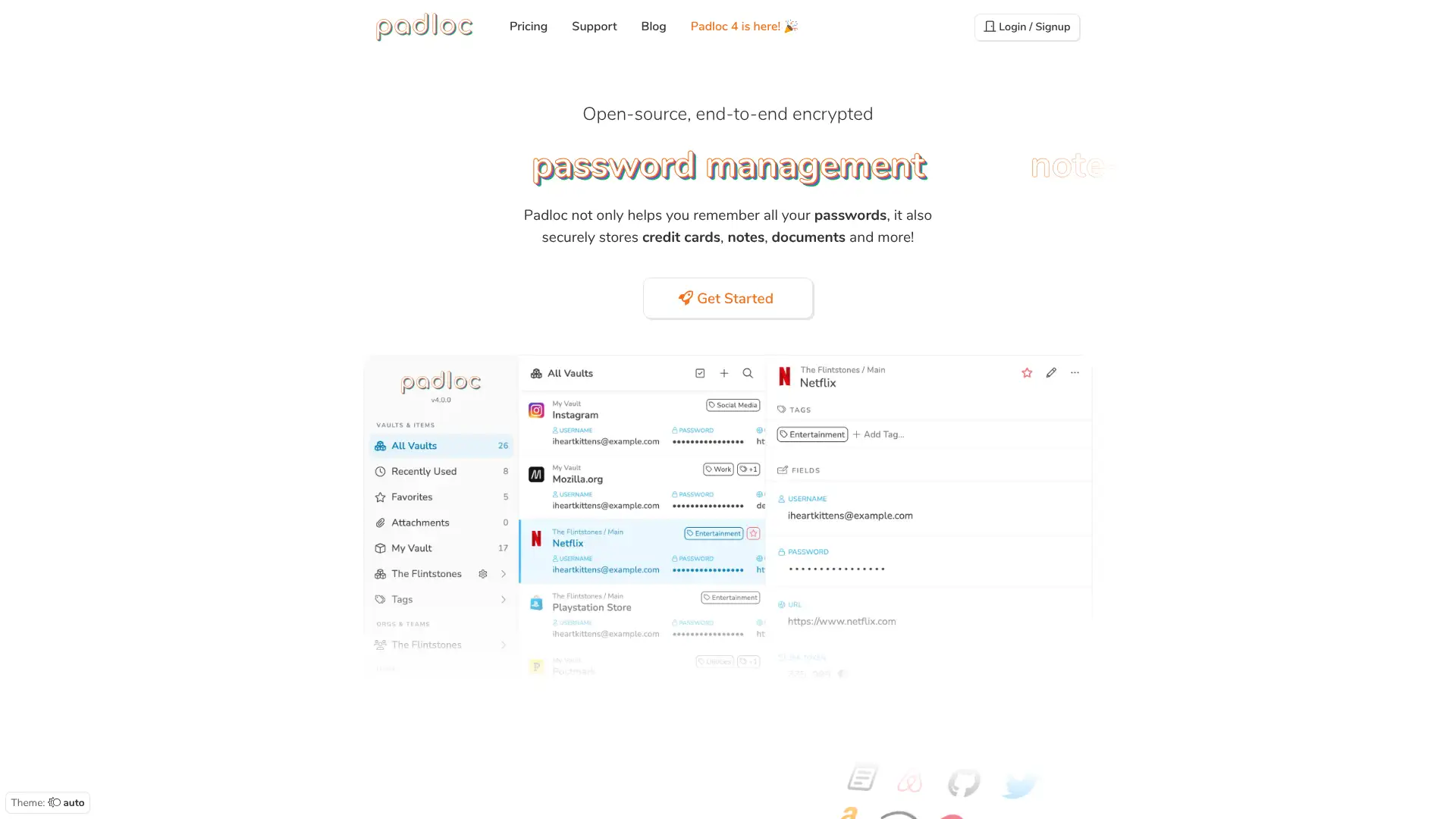
Padloc is an open-source, minimalist password manager available across Windows, macOS, Linux, iOS, Android, and ChromeOS. The free plan supports up to 50 passwords synced across 2 devices. The interface is clean and deliberately simple with a steep-less-than-usual learning curve. Source code is publicly available on GitHub. Cloud sync is provided via Padloc Cloud. Self-hosting is supported for teams who want data sovereignty. Team features including vaults, member management, and admin roles are available on paid plans.
- • Open-source: full source code available on GitHub under AGPL-3.0 licence
- • Cross-platform with cloud sync: native apps on Windows, macOS, Linux, iOS, Android, and ChromeOS
- • Self-hosting option: deploy Padloc on your own server for complete data sovereignty
- • Minimalist interface: deliberately simple design with no unnecessary complexity
- • Team vaults: shared password storage with role-based member management
Padloc is a well-designed minimalist open-source password manager for users who want a simple, clean experience with ChromeOS support and self-hosting option. The 50-item free tier is a meaningful limitation compared to Bitwarden's unlimited free offering.
PSONO
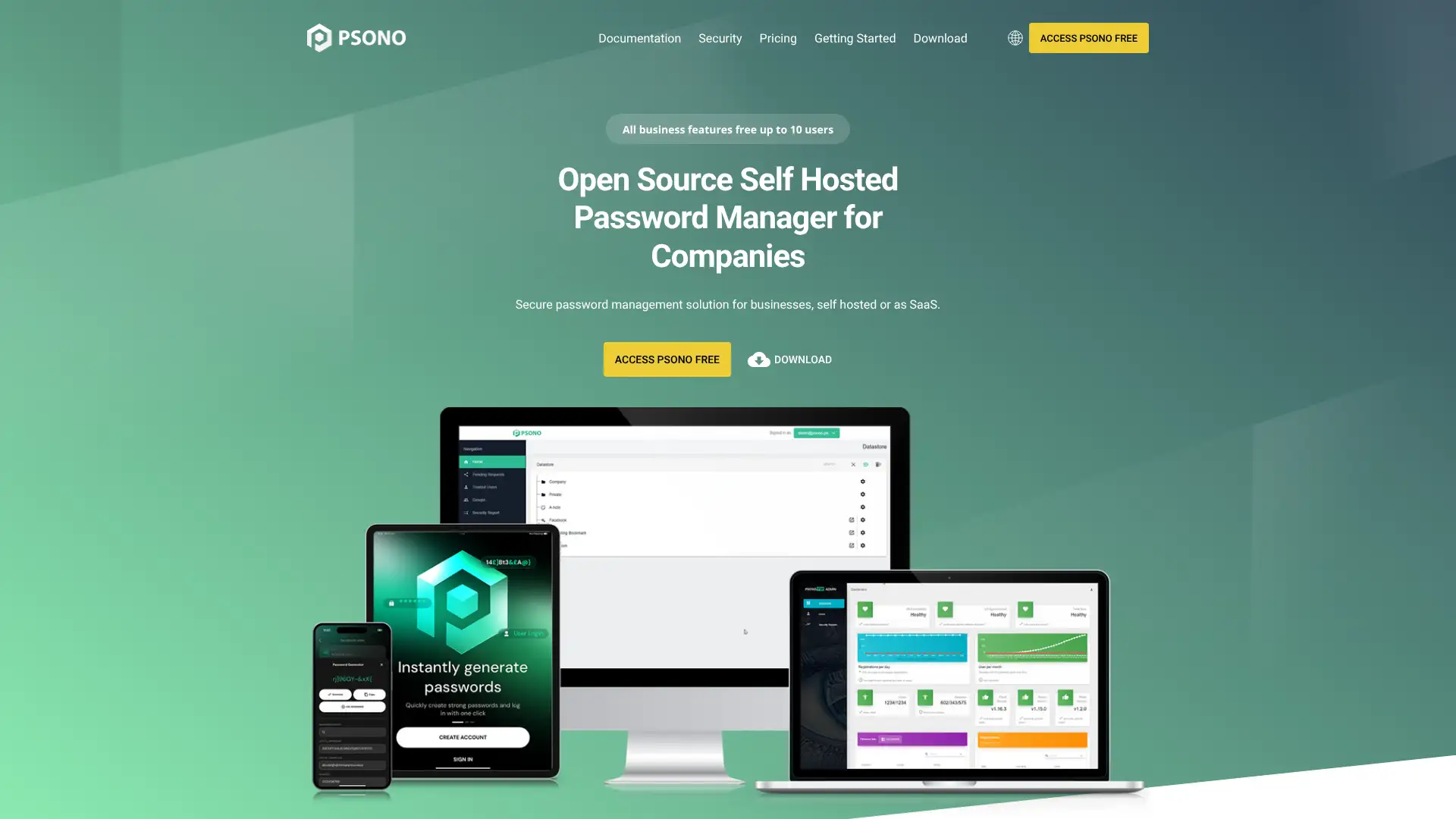
PSONO is a German-developed open-source password manager specifically designed for enterprise and DevOps team deployments. It uses end-to-end encryption with a client-server model where the self-hosted server never has access to decryption keys. The Community edition is free with unlimited users when self-hosted. PSONO integrates with LDAP, Active Directory, SAML, and OpenID Connect for enterprise identity management. CLI support makes it suitable for automation pipelines. The Enterprise tier adds managed cloud deployment and advanced support.
- • End-to-end encryption with server-blind architecture: self-hosted server cannot decrypt stored credentials
- • LDAP and Active Directory integration on Community: enterprise identity provisioning without extra cost
- • CLI interface: command-line access for automation, scripting, and CI/CD pipeline secret injection
- • REST API: programmatic vault access for DevOps tooling and custom integrations
- • SAML and OpenID Connect support: integrates with Okta, Azure AD, and other enterprise identity providers
PSONO is the strongest free self-hosted enterprise password manager for organisations with technical infrastructure teams. LDAP, AD, SSO, CLI, and API support at the free Community tier is an excellent value for enterprises that prefer not to use a managed cloud service.
Passpack
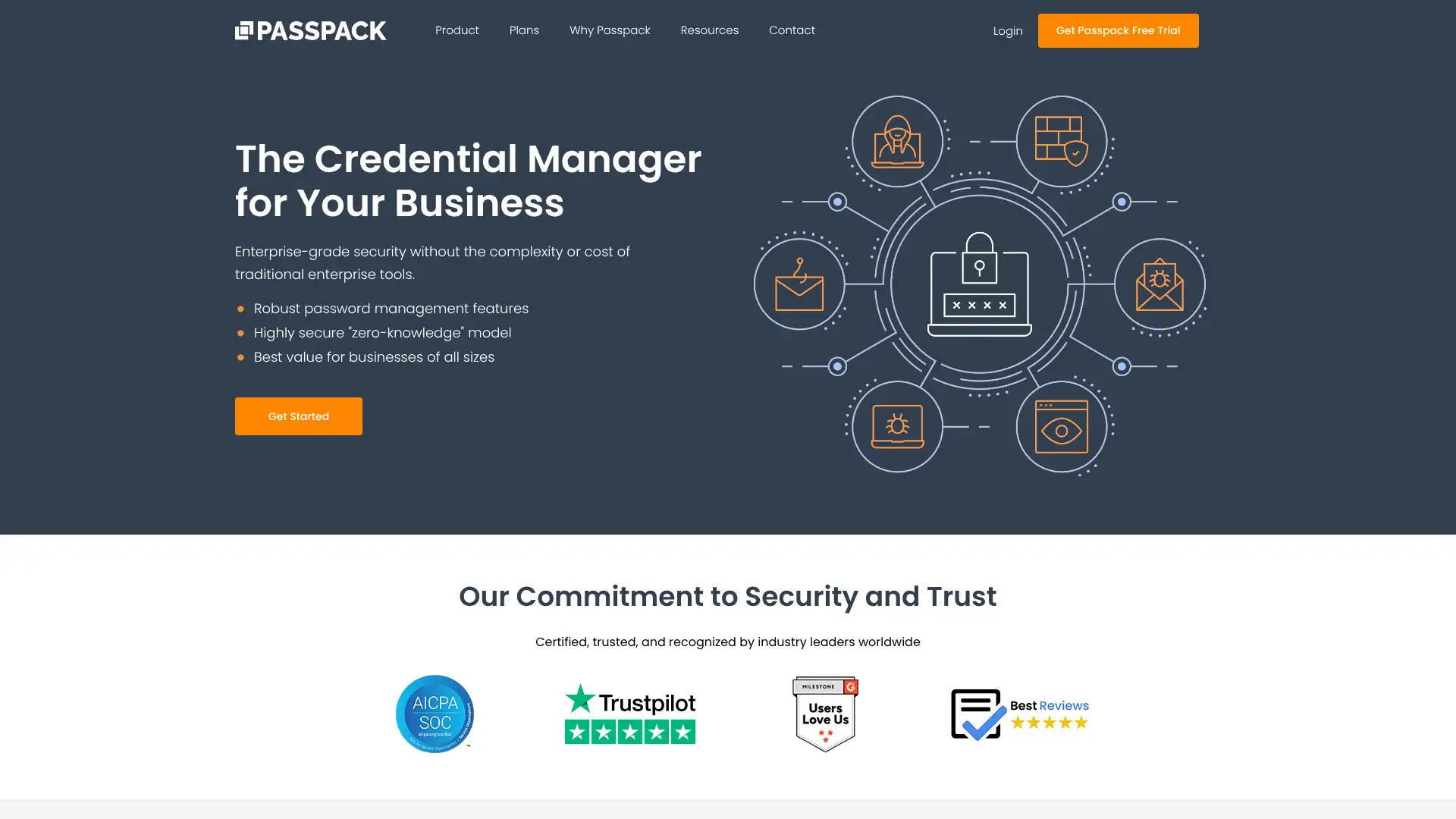
Passpack is a web-based team password and credentials manager that has operated since 2006, originally as an individual tool and now focused on SMB and professional services teams. Its security model uses two authentication layers: a standard login password plus a separate Packing Key that never leaves the user's device. This means Passpack's servers never hold the keys needed to decrypt vault data even if breached. SOC 2 Type II and HIPAA compliance make it suitable for regulated industries. The Teams plan starts at $1.50/user/month, making it one of the most affordable team password managers.
- • Packing Key model: a second private key stored only on the user's device prevents server-side decryption even if Passpack is compromised
- • SOC 2 Type II and HIPAA compliance: independently audited for regulated industries
- • Role-based access control: fine-grained view/edit permissions at the individual credential level
- • Audit trails: full activity log for compliance reporting requirements
- • SSO integration with Google and Microsoft on Business plan
Passpack is a strong choice for regulated-industry teams, particularly professional services and healthcare organisations, who need SOC 2 Type II and HIPAA compliance at the lowest possible per-user cost. The Packing Key architecture is a genuine security differentiator.
HyperVault
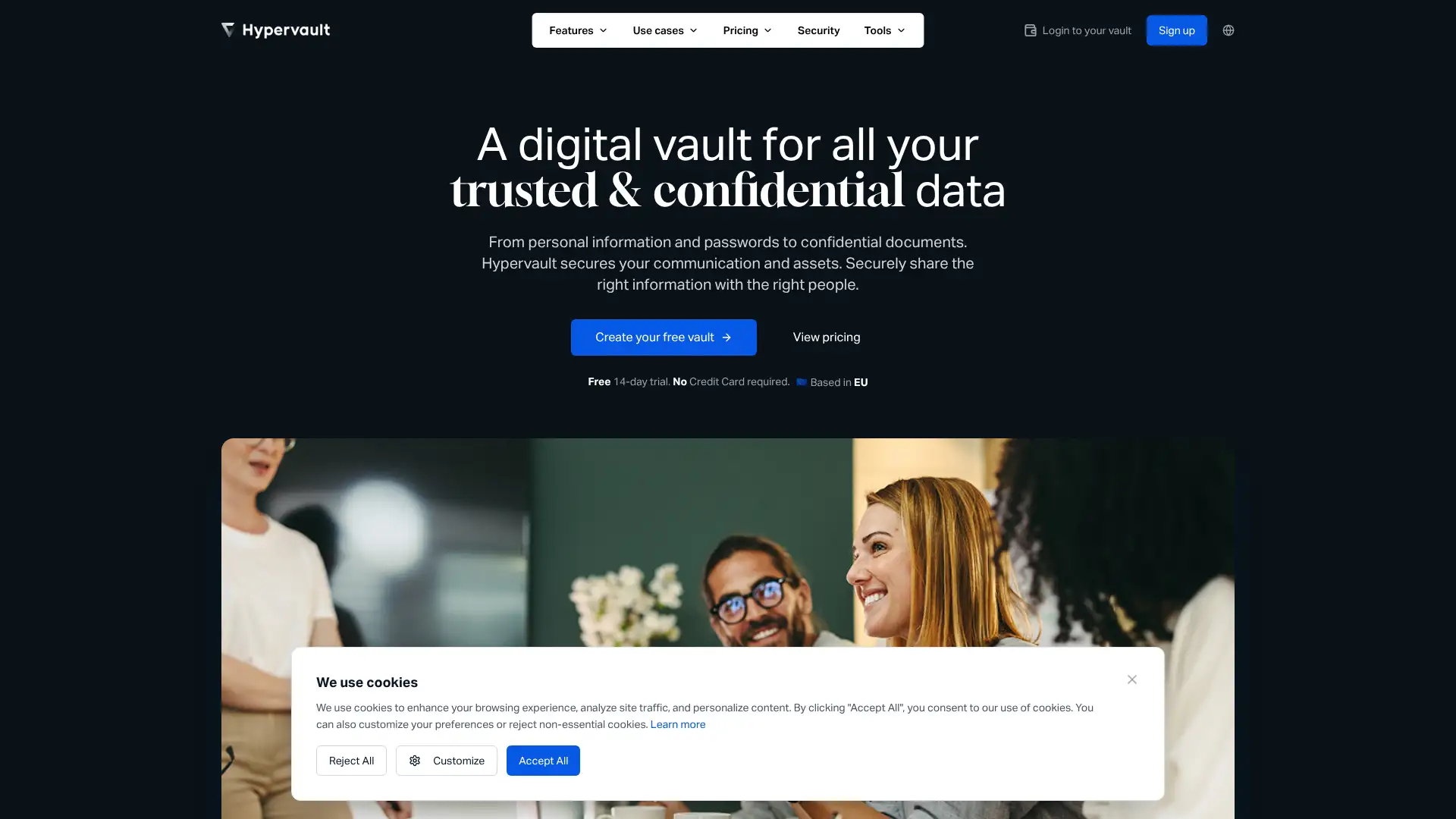
HyperVault is an open-source self-hosted credential and secret management tool aimed at development teams and organisations who need to manage API keys, tokens, database credentials, and other secrets alongside traditional passwords. It is designed for deployment in private infrastructure. As a newer and smaller open-source project, it has a smaller user community than Bitwarden or PSONO. AES-256 encryption. Team sharing and access control are supported.
- • Self-hosted deployment: all data stored on organisation-controlled infrastructure
- • Secret management: designed for API keys, tokens, and developer credentials alongside standard passwords
- • Team access control: role-based permissions for sharing secrets among team members
- • AES-256 encryption with zero-knowledge architecture
- • Web-based interface with REST API access
HyperVault is a reasonable starting point for development teams exploring self-hosted credential management for API keys and secrets. The small community and limited production deployment history mean it should be evaluated carefully against more established alternatives before adopting it for business-critical credential storage.
Pleasant Password Server
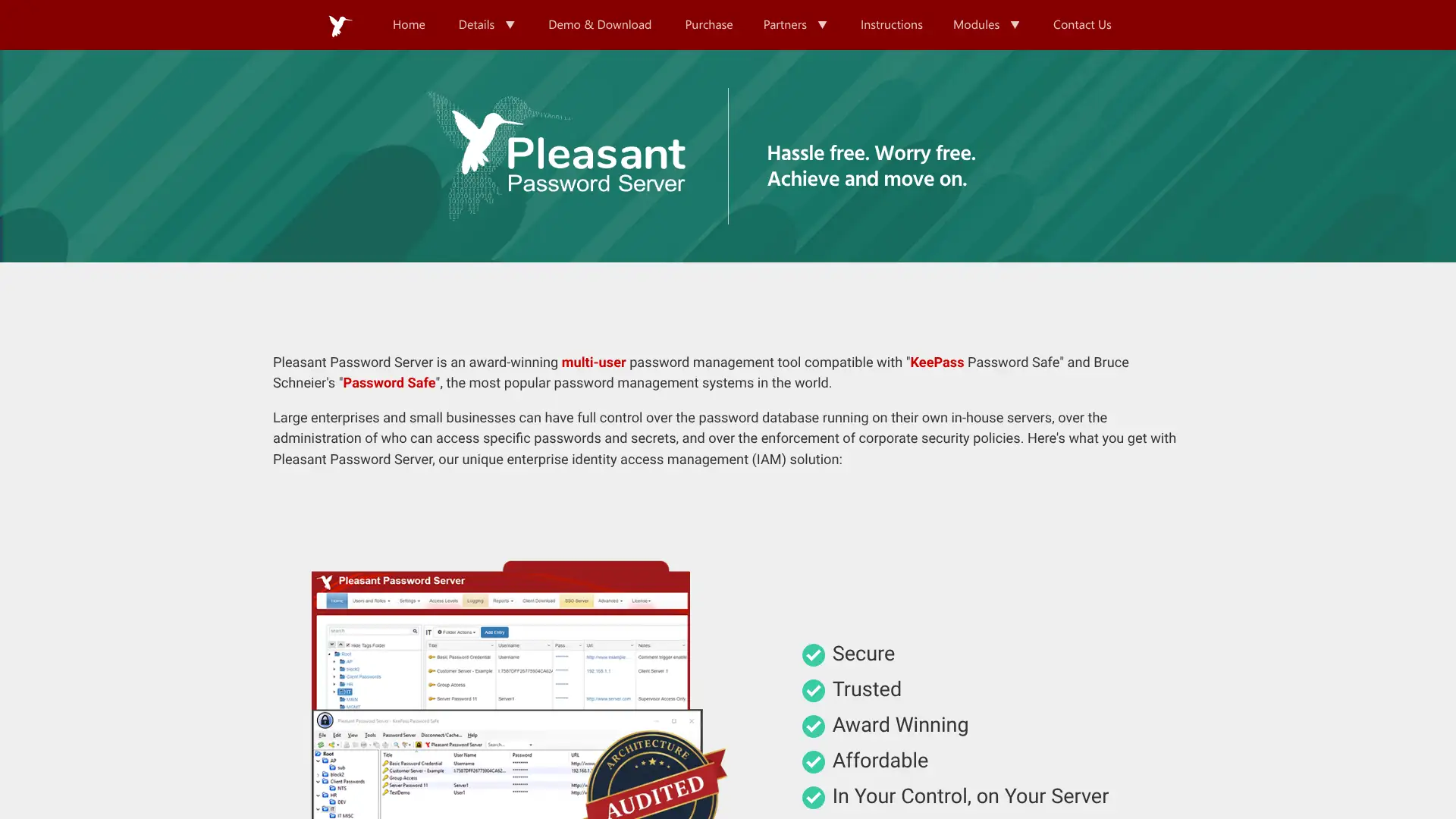
Pleasant Password Server is a Windows-based enterprise on-premises password manager built on the KeePass .kdbx format. It provides a centralised server that multiple users can access via browser, desktop client, or KeePass directly. Role-based access control, Active Directory integration, dual-control password checkout, and session recording are all included. Being built on KeePass compatibility means it can consume existing KeePass databases. It is primarily deployed in regulated industries and government environments where cloud storage of credentials is not permitted.
- • KeePass .kdbx compatibility: reads and shares KeePass databases natively, preserving existing investments
- • Active Directory integration: provisions users from AD with group-based access control
- • Dual-control password checkout: requires two-person approval before a password can be viewed or used
- • Session recording: records all credential access sessions for compliance auditing
- • On-premises deployment: no cloud dependency, all data stays within the organisation's own infrastructure
Pleasant Password Server is the best choice for regulated enterprises and government organisations that need on-premises credential management, KeePass compatibility, and dual-control checkout workflows. For cloud-native organisations, Keeper or Bitwarden Enterprise provide equivalent enterprise features with simpler deployment and lower infrastructure overhead.
Delinea Secret Server
Delinea Secret Server (formerly Thycotic Secret Server, then ThycoticCentrify) is one of the leading enterprise Privileged Access Management (PAM) platforms, holding 5.1% mindshare in the Enterprise Password Managers category as of March 2026. It provides privileged account vaulting, automated password rotation, session monitoring, remote password management, and Just-In-Time access workflows. Delinea is positioned as more cost-effective and easier to use than CyberArk, with comparable core PAM capabilities. Secret Server integrates with SIEM platforms including Splunk, Azure Sentinel, and ServiceNow for ticketing. On-premises, cloud, and hybrid deployment options are available.
- • Automated password rotation: schedules and executes rotation of privileged account passwords without human intervention
- • Session monitoring and recording: records all privileged sessions including terminal sessions for compliance
- • Remote password management: rotates and manages credentials on remote systems without requiring VPN access
- • Just-In-Time access: grants temporary elevated privileges for specific tasks that expire automatically
- • Network discovery: automatically discovers privileged accounts across the network for vault onboarding
Delinea Secret Server is the strongest balance of enterprise PAM capability and deployment accessibility. Delinea's Secret Server is consistently described as easier to implement and more cost-effective than CyberArk while covering the same core privileged access use cases.
CyberArk Privileged Access Manager
CyberArk is the Gartner Magic Quadrant leader for Privileged Access Management and holds 11.2% mindshare in the PAM category as of February 2026. Its Enterprise Password Vault, Privileged Session Manager, and Privileged Threat Analytics form a comprehensive platform for securing privileged accounts across hybrid cloud environments. CyberArk is the standard for Fortune 500 and regulated industry PAM. 95% of users are willing to recommend it, the highest recommendation rate in its category. Pricing is high relative to competitors: users consistently describe it as expensive, and pricing varies significantly by region and organisation size.
- • Enterprise Password Vault: centralised credential vaulting with role-based access and policy enforcement for all privileged accounts
- • Privileged Session Manager: proxy-based session recording and monitoring for all privileged access to servers and applications
- • Privileged Threat Analytics: AI-powered behavioural analytics detecting anomalous privileged account activity
- • Secrets Manager: API secret vaulting and rotation for DevOps and machine-to-machine credentials
- • CyberArk Blueprint: structured methodology for PAM programme deployment and maturity progression
CyberArk Privileged Access Manager is the reference standard for enterprise PAM deployments in large organisations, financial services, and government. The Gartner leadership position and 95% recommendation rate reflect genuine product quality.
BeyondTrust Password Safe
BeyondTrust Password Safe is an enterprise PAM platform holding 3.3% mindshare in the Enterprise Password Managers category, rated 8.5/10 by users with 83% recommendation rate. It focuses on credential vaulting and session recording as its core strengths. BeyondTrust is FedRAMP Authorised, qualifying it for US government use. Password Safe and Privileged Remote Access are separate BeyondTrust products that are integrated via API rather than a unified interface. Asset-based licensing provides flexibility for organisations with varied endpoint types.
- • FedRAMP Authorisation: qualified for US federal government and CMMC-compliant deployments
- • Session recording: records all privileged sessions including RDP, SSH, and application sessions
- • Automated password rotation: schedules credential rotation for privileged accounts across the environment
- • Asset-based licensing: pricing based on managed assets rather than per-user, providing flexibility for diverse environments
- • Integration with ticketing systems: ServiceNow, JIRA, and other workflow tools for access request workflows
BeyondTrust Password Safe is the best PAM choice for US government contractors and organisations requiring FedRAMP authorisation. Asset-based licensing is practical for organisations where the ratio of users to managed systems is low.
VaultPress (Jetpack Backup)
VaultPress was originally a WordPress backup and security service. It has since been integrated into Jetpack and rebranded as Jetpack Backup. VaultPress was never a password manager: it managed WordPress site backups, security scans, and uptime monitoring. If you are looking for a password manager, this is not it. Jetpack Backup provides real-time WordPress backup, malware scanning, and one-click restore functionality for WordPress sites.
- • Real-time WordPress backup: backs up every change to a WordPress site as it happens
- • One-click restore: restore the entire site or individual files from any backup point
- • Malware scanning: daily scans of WordPress files for known malware signatures and code injections
- • Uptime monitoring: alerts when the WordPress site goes offline
- • Activity log: full record of all changes made to the WordPress site and its content
VaultPress is this is not a password manager. VaultPress is a WordPress backup service integrated into Jetpack. If you are looking for a password manager, please refer to any of the previous 29 cards in this guide.