33 Best Invoicing Software for Freelancers and Small Business in 2026
Invoicing software covers everything from bare-bones invoice generators you can use without signing up, to full accounting platforms with time tracking, contracts, and client portals. This list includes dedicated invoice tools, freelancer business suites, and accounting apps with strong invoicing features. All pricing has been verified against vendor websites as of March 2026.
FreshBooks
FreshBooks is a cloud accounting platform built for freelancers, self-employed professionals, and small service businesses. It covers invoicing, expense tracking, time logging, project management, and double-entry accounting. Used by over 30 million people worldwide, it stands out for its clean interface and client portal. In early 2026 FreshBooks raised prices with a new FAQ page addressing the change. The Lite plan starts at $19/mo and caps you at 5 billable clients, while the Plus plan at $33/mo raises that to 50 clients and adds recurring billing and receipt scanning.
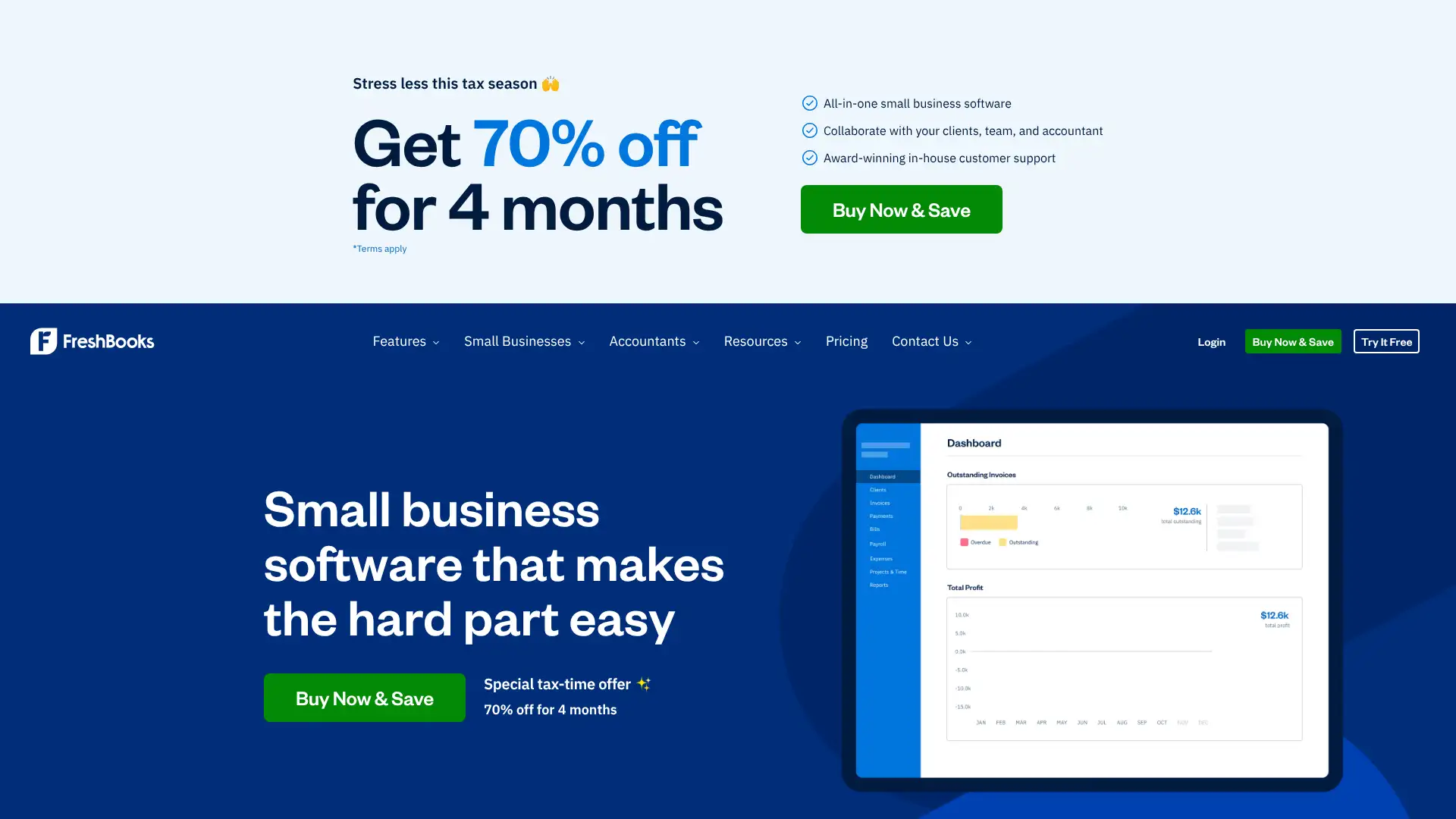
- • Invoicing: create branded invoices in seconds, schedule automatic payment reminders, and see when a client opens your invoice in real time.
- • Time tracking: built-in timer lets you log hours against projects and add billable time directly to an invoice with one click.
- • Expense tracking: photograph receipts with the mobile app, connect a bank account, and auto-categorize transactions.
- • Double-entry accounting: profit and loss, balance sheets, and tax summaries included on Plus and above — no accountant plug-in required.
- • Client portal: clients can view invoices, approve estimates, and pay online via credit card or ACH from a single branded link.
FreshBooks is the best-rounded paid invoicing platform for solo freelancers who bill by the hour and want polished, professional invoices without learning accounting software. The time-tracking integration alone justifies the cost for hourly workers. If you have more than 5 clients and don't need full accounting, the Plus plan at $33/mo is the sweet spot; budget-conscious freelancers should look at Wave or Zoho Invoice first.
Invoice Ninja
Invoice Ninja is an open-source invoicing platform available as a hosted cloud service or self-hosted on your own server. It supports unlimited invoicing, time tracking, expense management, and over 50 payment gateway integrations including Stripe, PayPal, and Authorize.net. As of January 2026, the company updated its pricing: the free cloud plan allows up to 5 clients with unlimited invoices, the Ninja Pro plan costs $18/mo (or $180/yr) for 2 users, and the Enterprise plan starts at $32/mo (or $320/yr) for up to 5 users with advanced features including white-labeling and document locking. Self-hosting with white-label costs $40/year.

- • 50+ payment gateway integrations including Stripe, PayPal, Square, WePay, and Authorize.net — the widest gateway selection in this category.
- • Open-source codebase: self-host for free on your own server and retain full control of your data and billing environment.
- • Document locking on Enterprise: prevent clients from downloading deliverables until an invoice is paid, useful for digital file delivery.
- • Time tracking and project management: log hours per task, convert timesheets to invoices, and track project budgets.
- • Multi-currency and multi-language support across 50+ currencies and 30 languages for international billing.
Invoice Ninja is the strongest choice for developers, technically confident freelancers, and small agencies who want maximum flexibility and the lowest possible recurring cost. The free plan covers most solo freelancers indefinitely. For teams needing white-labeling and document locking, the Enterprise tiers are priced well below comparable competitors. Non-technical users who want a simple managed experience should look at FreshBooks or Zoho Invoice instead.
Zoho Invoice
Zoho Invoice is a permanently free invoicing platform from Zoho, one of the largest business software companies in the world. It covers invoicing, estimates, recurring billing, expense tracking, time tracking, a customer portal, and multi-currency support — all at no cost. Zoho removed all paid plans from Zoho Invoice in 2021 and committed to keeping it free forever, funded by revenue from its broader product ecosystem. The free plan allows up to 2 users, 3 projects, and 500 invoices per year, and integrates natively with Zoho CRM, Zoho Books, and Zoho Analytics.
- • Completely free with no credit card required and no hidden upgrade prompts — includes recurring invoices, automated reminders, and online payment acceptance.
- • Customer portal: clients can view transaction history, make payments, and download documents from a branded self-service portal.
- • 10+ payment gateway integrations including Stripe, PayPal, Square, Braintree, and Authorize.net across 100+ countries.
- • Time tracking and project billing: log time, track project costs, and convert unbilled time to invoices in one click.
- • Native integration with Zoho Books for full accounting, Zoho CRM for deal-to-invoice workflows, and 40+ other Zoho apps.
Zoho Invoice is the best free invoicing tool available in 2026, full stop. The combination of zero cost, unlimited clients, online payments, time tracking, and 24/5 phone support is unmatched in this price bracket. Solo freelancers and small businesses with fewer than 500 invoices per year will never need to pay for invoicing software. Businesses needing payroll or inventory should start with Zoho Books instead.
Wave
Wave is a free cloud accounting platform that includes invoicing, income and expense tracking, bank reconciliation, and basic financial reports. The core accounting and invoicing features are permanently free with no invoice or client limits. Wave earns revenue through its optional paid add-ons: a Pro plan at $16/mo unlocks automated bank transaction imports and advanced roles; payroll starts at $40/mo plus $6 per employee; and payment processing fees apply when clients pay online (2.9% + $0.60 for most cards, 3.4% + $0.60 for Amex). Wave serves over 2 million small businesses, predominantly in North America.
- • Free double-entry accounting: profit and loss statements, balance sheets, and accounts receivable/payable reports at no cost.
- • Invoicing: unlimited customizable invoices with your logo, automated payment reminders, and read receipts showing when a client opened your invoice.
- • Bank connection: link bank accounts and credit cards to automatically import and categorize transactions (automated imports require the Pro plan).
- • Receipt scanning: photograph receipts via the mobile app and Wave uses OCR to extract and categorize the expense.
- • Payment processing: clients can pay invoices online via credit card or ACH bank transfer directly from the emailed invoice link.
Wave is the best option for North American freelancers and micro-businesses who want free invoicing bundled with real double-entry accounting. If you only need invoicing, Zoho Invoice is slightly more capable for free. But if you want a full books-and-billing solution at zero cost, Wave has no direct competitor. The lack of live support on the free tier is a real drawback — budget for the Pro plan or Wave Advisors if you expect to need help.
Square Invoices
Square Invoices is the invoicing module built into the Square payments ecosystem. The free tier lets you create and send unlimited invoices, estimates, and contracts with no monthly fee — you only pay Square's processing fee when a client pays (3.3% + $0.30 per online transaction on the Free plan). Following Square's major pricing overhaul in October 2025, plans were unified across all business types into three tiers: Free, Plus ($49/mo), and Premium ($149/mo). The Plus plan drops online invoice transaction rates to 2.9% + $0.30 and adds advanced customization, milestone billing, and batch invoicing.

- • Seamless Square ecosystem integration: sync invoices with Square POS, inventory, payroll, and banking so every payment reconciles automatically.
- • Milestone-based invoicing: split a single project into multiple payment stages and let clients pay deposits or installments.
- • Contract templates: create and attach reusable contract clauses directly to invoices and collect e-signatures from clients.
- • ACH bank transfer payments: clients can pay via bank transfer at 1% per transaction (no monthly minimum), significantly cheaper than card rates for large invoices.
- • Recurring and automatic invoicing: schedule invoices to send daily, weekly, monthly, or yearly with automatic payment reminders built in.
Square Invoices is the obvious choice if you already process payments with Square or run a hybrid in-person and remote billing business. The free tier is genuinely useful and the ecosystem integration saves hours of reconciliation work. For pure invoicing without hardware or POS needs, FreshBooks or Zoho Invoice deliver more invoicing-specific features at the same or lower cost.
PayPal Invoicing
PayPal Invoicing is a free invoicing feature built into every PayPal Business account. There is no monthly subscription fee — PayPal charges a payment processing fee only when a client pays: 3.49% + $0.49 per transaction for standard PayPal payments in the US (rates vary by country and payment method). You can create unlimited invoices, add line items, set payment due dates, and accept card payments through PayPal's checkout. PayPal Invoicing does not require any software setup and works directly from a PayPal Business account on desktop or the mobile app.
- • Zero setup: any existing PayPal Business account can start creating and sending invoices immediately from the dashboard with no additional registration.
- • Unlimited invoices: no cap on invoices sent, clients billed, or items per invoice regardless of business size or volume.
- • Installment payments: let clients pay in installments using Pay Later (Buy Now, Pay Later), which can increase conversion on large invoices.
- • Mobile invoicing: the PayPal Business app on iOS and Android lets you create, send, and track invoices from anywhere.
- • Multi-currency support: send invoices and receive payments in 25+ currencies with automatic conversion to your account currency.
PayPal Invoicing is best as a quick, no-setup solution when your clients specifically expect to pay via PayPal or you need to collect one-off payments without committing to any software. For regular invoicing, the high per-transaction fees add up quickly and dedicated tools like Wave, Zoho Invoice, or FreshBooks provide more features for the same or lower total cost.
Stripe Invoicing
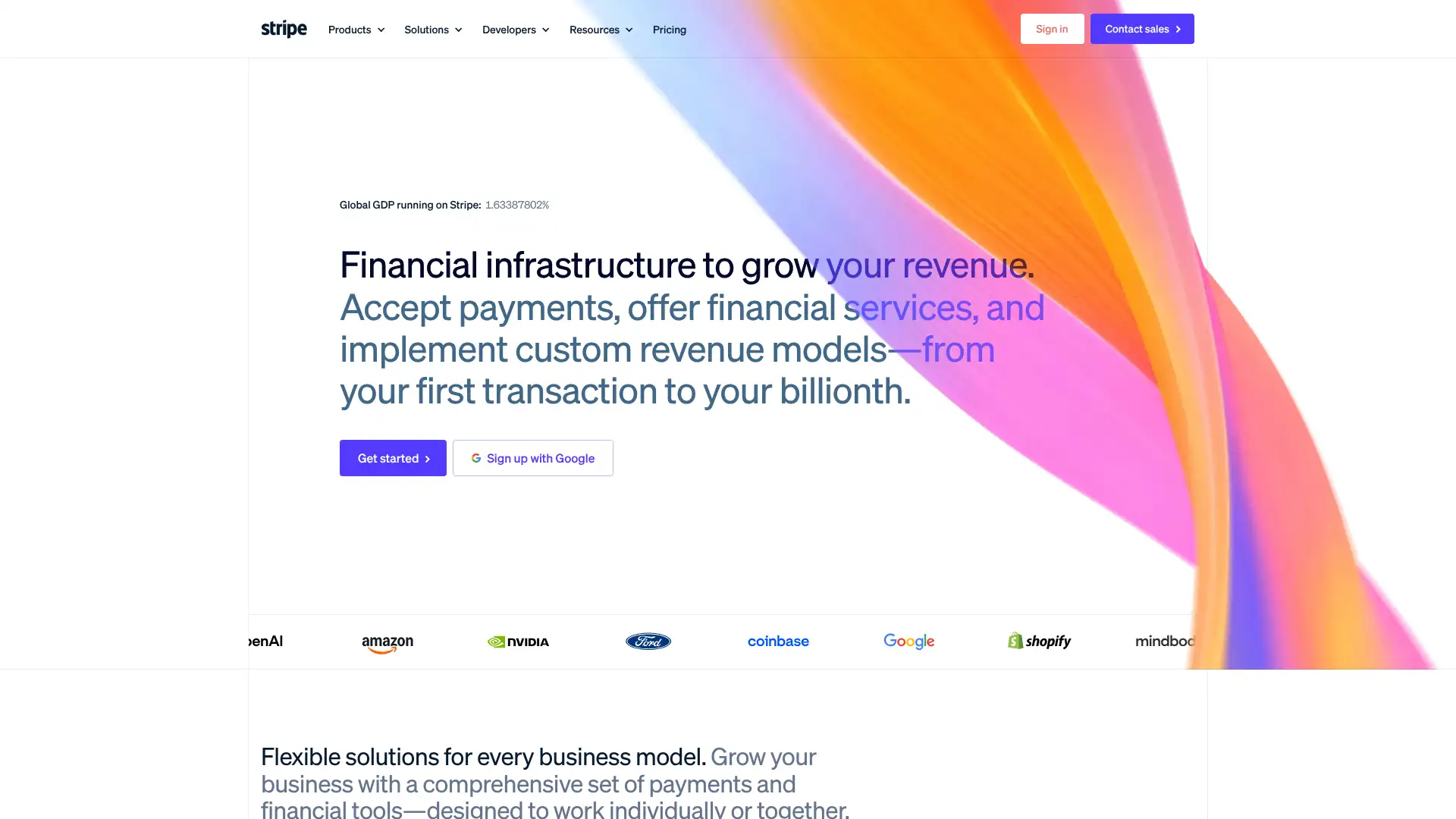
Stripe Invoicing is a pay-per-use invoicing layer built on top of Stripe Payments. There are two tiers: Invoicing Starter at 0.4% per paid invoice and Invoicing Plus at 0.5% per paid invoice (Plus adds hosted invoices with client action links and automated email sequences). Stripe's standard payment processing fee (2.9% + $0.30 for US card transactions) applies on top of the invoicing fee. Stripe Invoicing integrates with Stripe Billing for subscription management, Stripe Tax for automated tax calculation, and Stripe's developer API for custom invoicing workflows. It is widely used by SaaS companies, platforms, and agencies that already run payments through Stripe.
- • API-first architecture: create, update, send, and cancel invoices programmatically via Stripe's REST API — no dashboard required for automated billing pipelines.
- • Stripe Billing integration: combine one-off invoices with subscription management, prorations, and metered billing in a single unified system.
- • Automatic tax calculation: Stripe Tax (separate pricing applies) can calculate and apply sales tax, VAT, and GST across 40+ countries automatically.
- • Smart Retries: Stripe's dunning management automatically retries failed invoice payments at optimized intervals to recover revenue.
- • Multi-currency invoicing in 135+ currencies with automatic currency conversion at Stripe's FX rates.
Stripe Invoicing is the right choice when your business already runs on Stripe and you want invoicing tightly integrated into your existing payment infrastructure without switching platforms. It is especially powerful for SaaS companies managing mixed subscription and one-off billing. For freelancers and non-technical users, the per-invoice fee plus processing fee structure is more expensive than Wave, Zoho Invoice, or FreshBooks on any meaningful volume.
QuickBooks Online
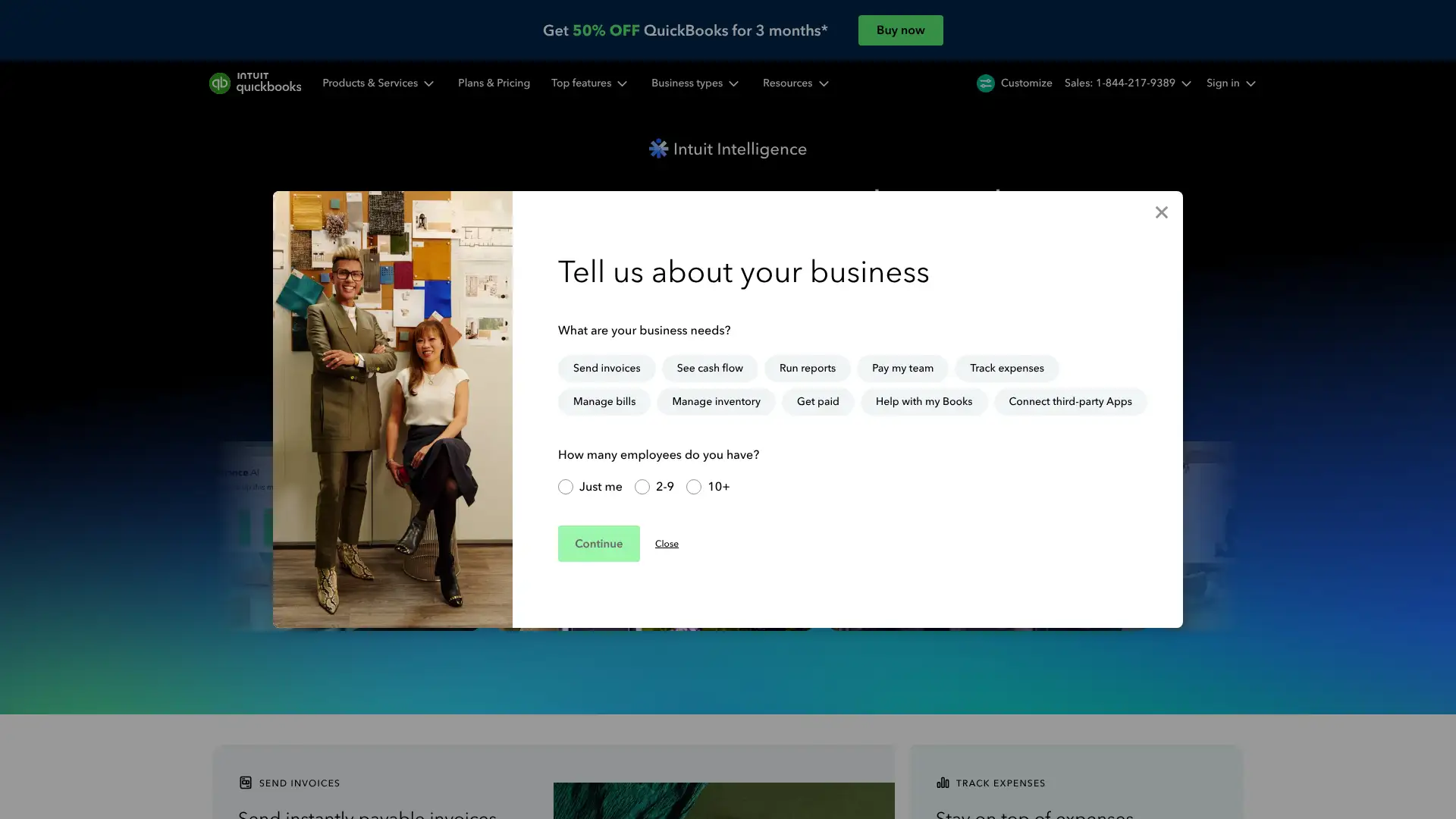
QuickBooks Online is the dominant small business accounting platform in the US, used by over 8 million businesses globally. Its invoicing features are embedded within a full accounting suite covering bank reconciliation, expense tracking, inventory, payroll, and tax preparation. QuickBooks Online plans start at $35/mo (Simple Start) after a promotional period and scale up to $235/mo for Advanced. The invoicing features specifically include customizable invoice templates, progress invoicing, automated reminders, and integration with QuickBooks Payments for online card and ACH acceptance.
- • Progress invoicing: bill clients incrementally as project milestones are hit, pulling from a master estimate automatically.
- • QuickBooks Payments: accept credit cards at 2.99% and ACH at 1% (capped at $10) directly from invoices without a third-party gateway.
- • Automatic late payment reminders with customizable schedules and messages sent from your business email address.
- • Seamless bank feed reconciliation: match invoice payments to bank deposits automatically, keeping books current without manual matching.
- • Ecosystem depth: 750+ third-party integrations including Shopify, HubSpot, TSheets, Gusto, and most major CRMs and e-commerce platforms.
QuickBooks Online is the right choice when you need a complete accounting system — not just invoicing. It earns its cost for businesses with employees, inventory, or complex tax needs where everything must reconcile. Pure invoicers and freelancers pay far more than they need to; Zoho Invoice is free and FreshBooks costs $14-$52/mo less for equivalent invoicing capability.
Xero
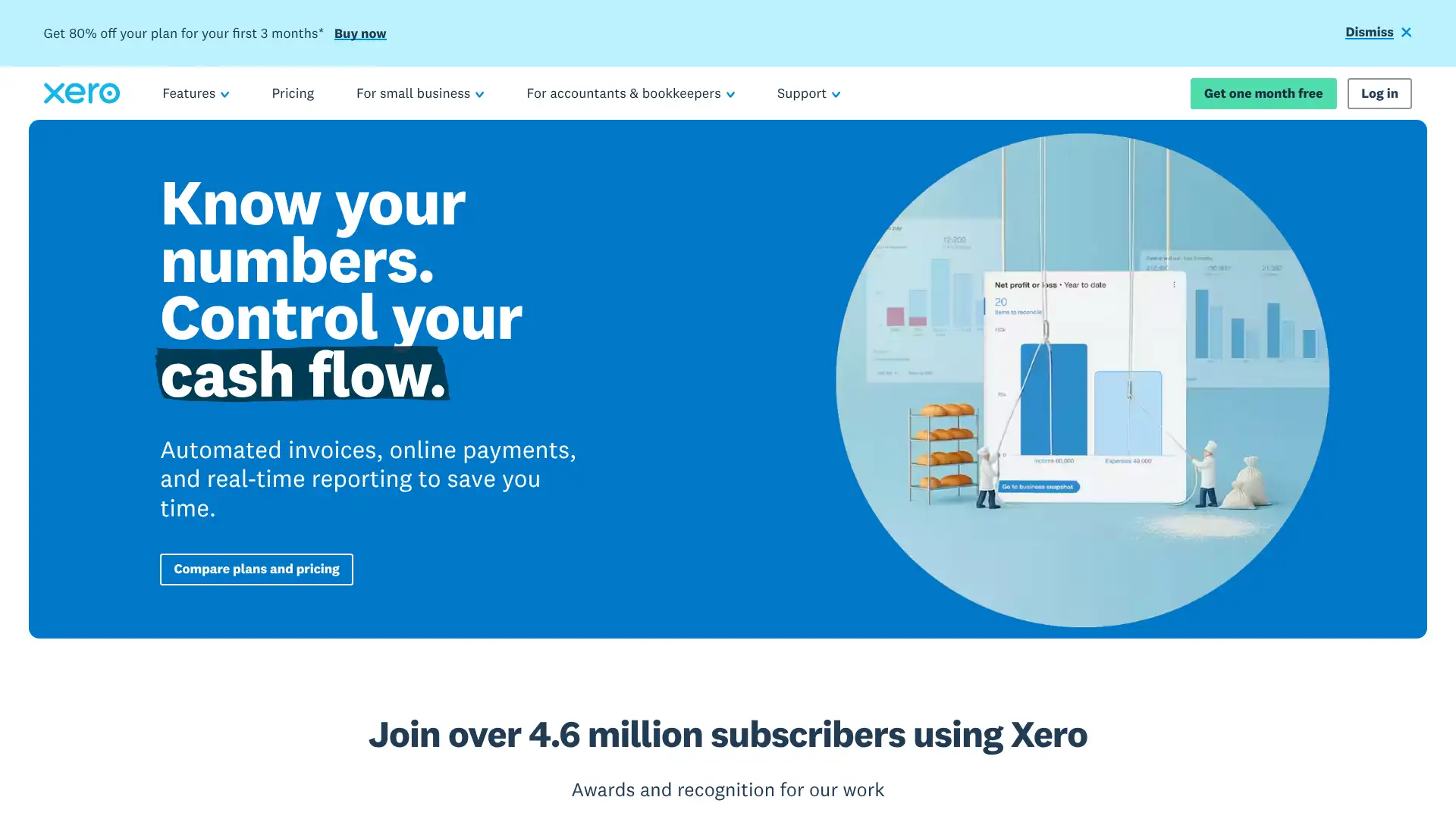
Xero is a cloud accounting platform headquartered in New Zealand and widely used in the UK, Australia, and globally. It provides invoicing, bank reconciliation, multi-currency support, expense claims, payroll (in select countries), and 1,000+ app integrations. Xero's invoicing tools include branded templates, automatic payment reminders, online payment collection via Stripe or GoCardless, and quote-to-invoice conversion. Plans start at $20/mo (Starter) and scale to $80/mo (Ultimate). Xero has processed over 1 billion invoices and connects with most major bank feeds globally.
- • Multi-currency: send invoices and accept payments in 160+ currencies on Premium and above, with automatic exchange rate tracking for accurate reporting.
- • 1,000+ integrations via the Xero App Store, including A2X, Shopify, PayPal, Stripe, HubSpot, Gusto, and 40+ payroll providers globally.
- • Hubdoc receipt capture: automatically extract data from receipts and supplier invoices and code them to the correct account.
- • Bank reconciliation: direct bank feeds from thousands of financial institutions globally update transactions daily without manual CSV imports.
- • Projects module: track time and costs per project, create invoices from logged time and expenses, and see project profitability in real time.
Xero is the top choice for international businesses and accountants who need multi-currency invoicing and accounting with deep ecosystem integration. The unlimited-users model makes it cost-effective for teams. The Starter plan is too restricted to be useful in practice; budget for Standard at $47/mo as the realistic entry point. Solo freelancers should look at FreshBooks or Zoho Invoice rather than paying for a full accounting suite they don't need.
Harvest
Harvest is a time tracking and invoicing platform primarily used by agencies, consultancies, and professional services teams. Its core strength is the time-to-invoice pipeline: log hours on any project, then generate an invoice from those timesheets in seconds. Harvest serves over 70,000 companies and integrates with Asana, Jira, Basecamp, QuickBooks, Xero, Stripe, and PayPal. Pricing was restructured in 2025-2026 with three plans: a free tier (1 seat, 2 active projects), a Pro plan at $13.75/seat/mo billed monthly ($11/seat/mo annually), and a Premium plan with advanced reporting, timesheet approvals, and SSO. Large historical data volumes may trigger usage-based migration pricing.
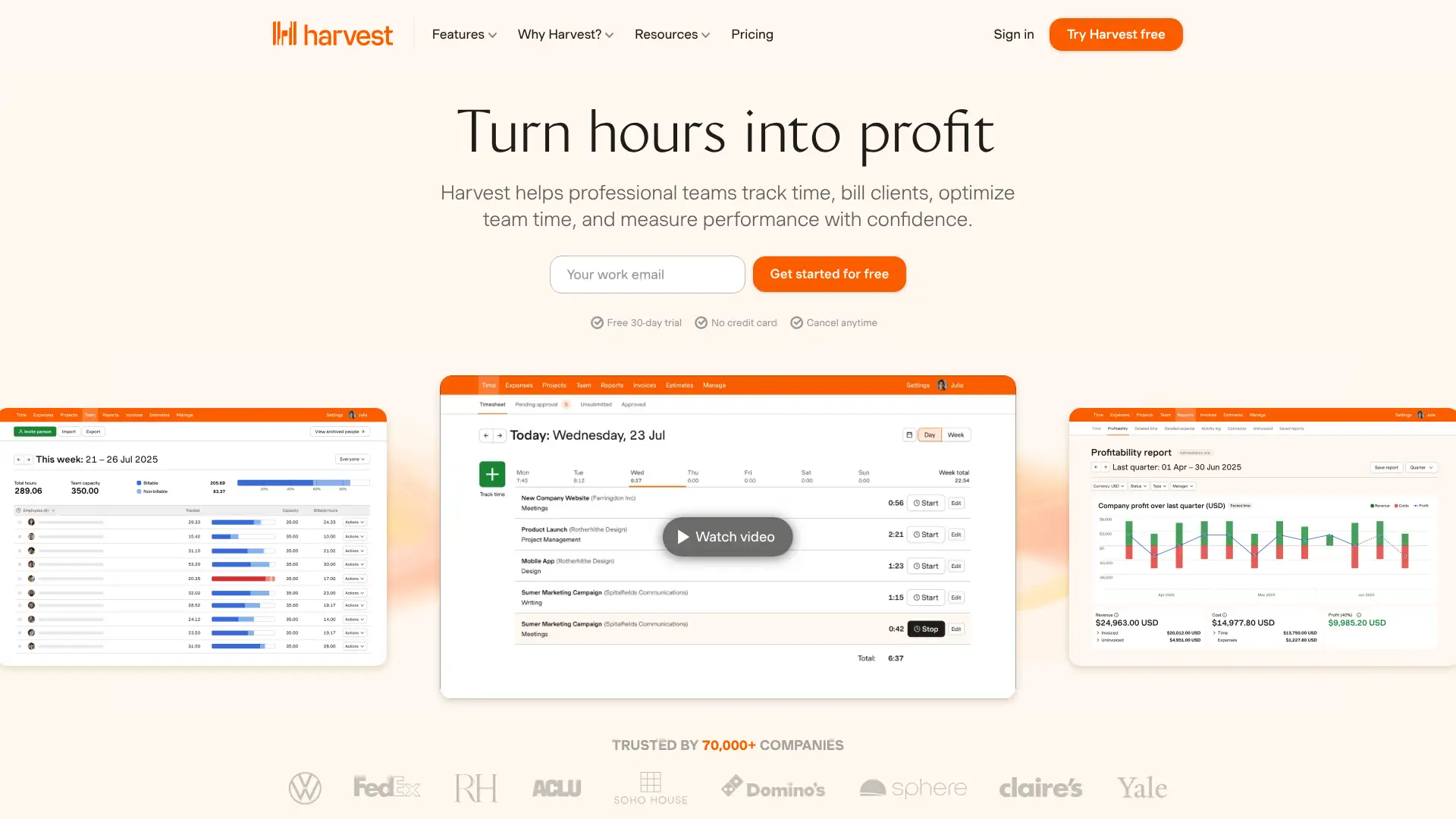
- • Time-to-invoice conversion: select unbilled time entries from any project, review and adjust hours, and generate an itemized invoice in under a minute.
- • Budget alerts: set project hour or cost budgets and receive email notifications when the team approaches the threshold.
- • Integrations with 50+ tools including Asana, Trello, Basecamp, Jira, Slack, QuickBooks, Xero, Stripe, and PayPal for end-to-end workflow coverage.
- • Team reporting on the Pro plan: see utilization rates, billable hours, and capacity across the full team — not just individual time logs.
- • Online payment collection: clients can pay invoices via credit card through Stripe or PayPal directly from the invoice link.
Harvest is the best time-to-invoice solution for agencies and service teams billing by the hour who need team visibility and accounting integrations. The Pro plan at $11/seat/mo annually delivers genuine value for teams of 3-20 people. Solo freelancers get more invoicing features at a lower price from FreshBooks, and teams wanting scheduling should budget for Harvest Forecast separately or consider Paymo as an all-in-one alternative.
HoneyBook
HoneyBook is a client experience platform used by over 100,000 independent creative businesses including photographers, event planners, designers, and coaches. It combines proposals, contracts, invoices, and payment collection into a single client-facing flow. Clients receive one branded link where they select a package, sign a contract, and pay a deposit — all without the vendor manually chasing them. HoneyBook raised prices significantly in February 2025: the Starter plan went from $19/mo to $36/mo. Annual billing reduces rates to $29/mo (Starter), $49/mo (Essentials), and $109/mo (Premium).
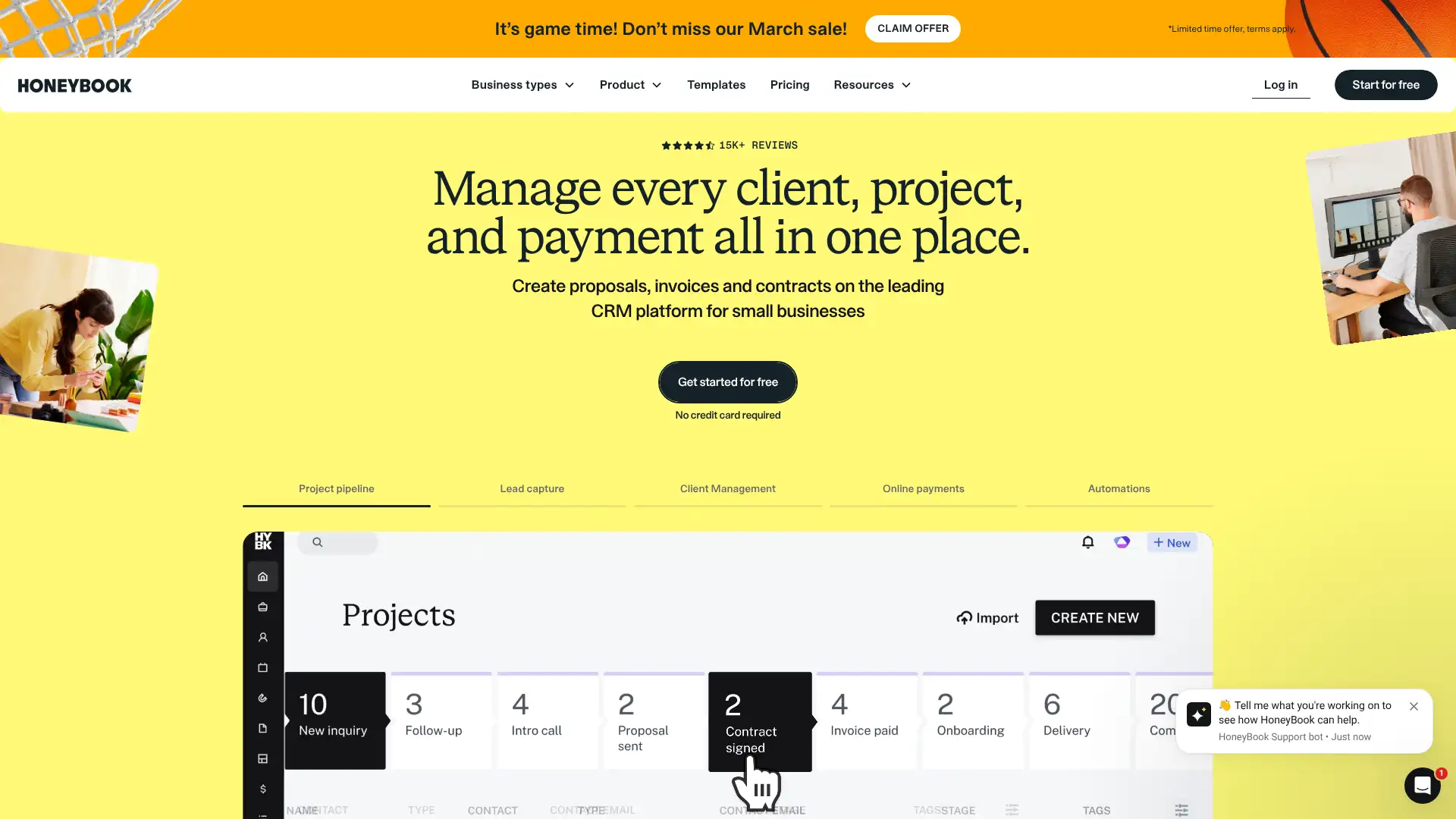
- • Smart files: combine a proposal, contract, and invoice into a single client-facing document — clients select a package, sign, and pay without switching apps.
- • Booking automations: trigger a contract send, invoice creation, or thank-you email automatically when a prospect submits an inquiry form.
- • AI workflow builder: describe your process in plain language and HoneyBook's AI builds an automation workflow from the description (Essentials and above).
- • Client portal: clients see all projects, documents, invoices, and communications from a single branded portal, reducing back-and-forth emails.
- • Payment processing: accept credit card (2.9% + $0.25) and ACH (1.5%) payments directly from invoices and smart files.
HoneyBook earns its cost for creative freelancers — photographers, planners, designers — who want every client touchpoint to feel polished and automated. The proposal-to-payment flow is best-in-class for client onboarding. The 2025 price increase makes it harder to recommend for freelancers with simple invoicing needs; Dubsado or Bonsai offer comparable workflows at a lower annual cost, and Zoho Invoice is free if invoicing is all you need.
Dubsado
Dubsado is a business management and CRM platform for creatives and service professionals, combining invoicing, contracts, proposals, scheduling, client portals, and automated workflows. Unlike HoneyBook's simpler onboarding focus, Dubsado's strength is highly customizable multi-step automations — trigger a sequence of emails, contract sends, and invoice reminders based on client actions. Following a December 2025 pricing restructure and the launch of Dubsado 3.0, the Starter plan is $35/mo or $335/yr, and the Premier plan is $55/mo or $525/yr. A free trial allows up to 3 clients with no time limit.
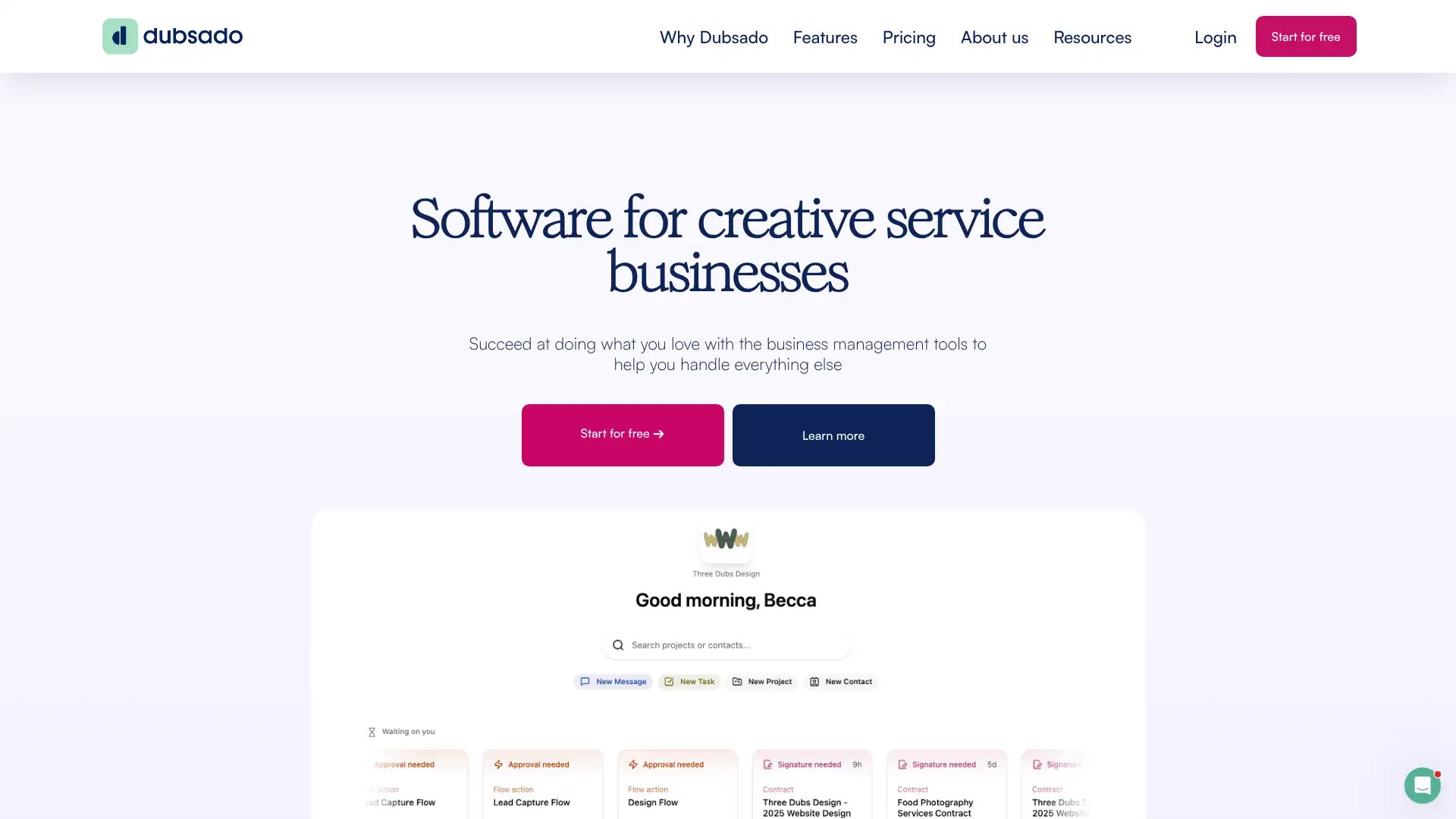
- • Automated workflow builder: chain triggers and actions across emails, contracts, invoices, and tasks — for example, auto-send a contract when a lead books, then auto-send an invoice when the contract is signed.
- • Canned emails and templates: save commonly used email scripts as templates and insert them into workflows or send manually in one click.
- • Scheduling integration: embed a booking calendar into a proposal so clients can select their appointment time while accepting a contract.
- • Invoice payment plans: allow clients to pay deposits and balance in scheduled stages set at the invoice level, not just at the plan level.
- • ACH payment cap: Dubsado Payments (Stripe-powered) caps ACH fees, making it cost-effective for large invoice amounts compared to uncapped percentage models.
Dubsado is the best option for creative businesses that want to automate their entire client workflow — inquiry to final payment — without paying enterprise prices. The Premier plan at $525/yr is excellent value if you actually use the automations. If you just need invoicing and contracts without workflow automation, the Starter plan's limitations mean you're overpaying for what you get; HoneyBook or Bonsai will serve you better.
Hiveage
Hiveage (formerly CurdBee) is an invoicing and billing platform from Vesess Inc., serving over 65,000 customers in 150+ countries since 2014. It supports unlimited invoices, time and expense tracking, recurring billing, multi-business management, and 12+ payment gateway integrations. Hiveage relaunched a free plan in 2020 capped at 5 clients. Paid plans scale by client count: Basic at $19/mo (50 clients), Pro at $29/mo (250 clients and 5 team members), and Plus at $49/mo (1,000 clients and 10 team members). Annual billing saves up to 17%.
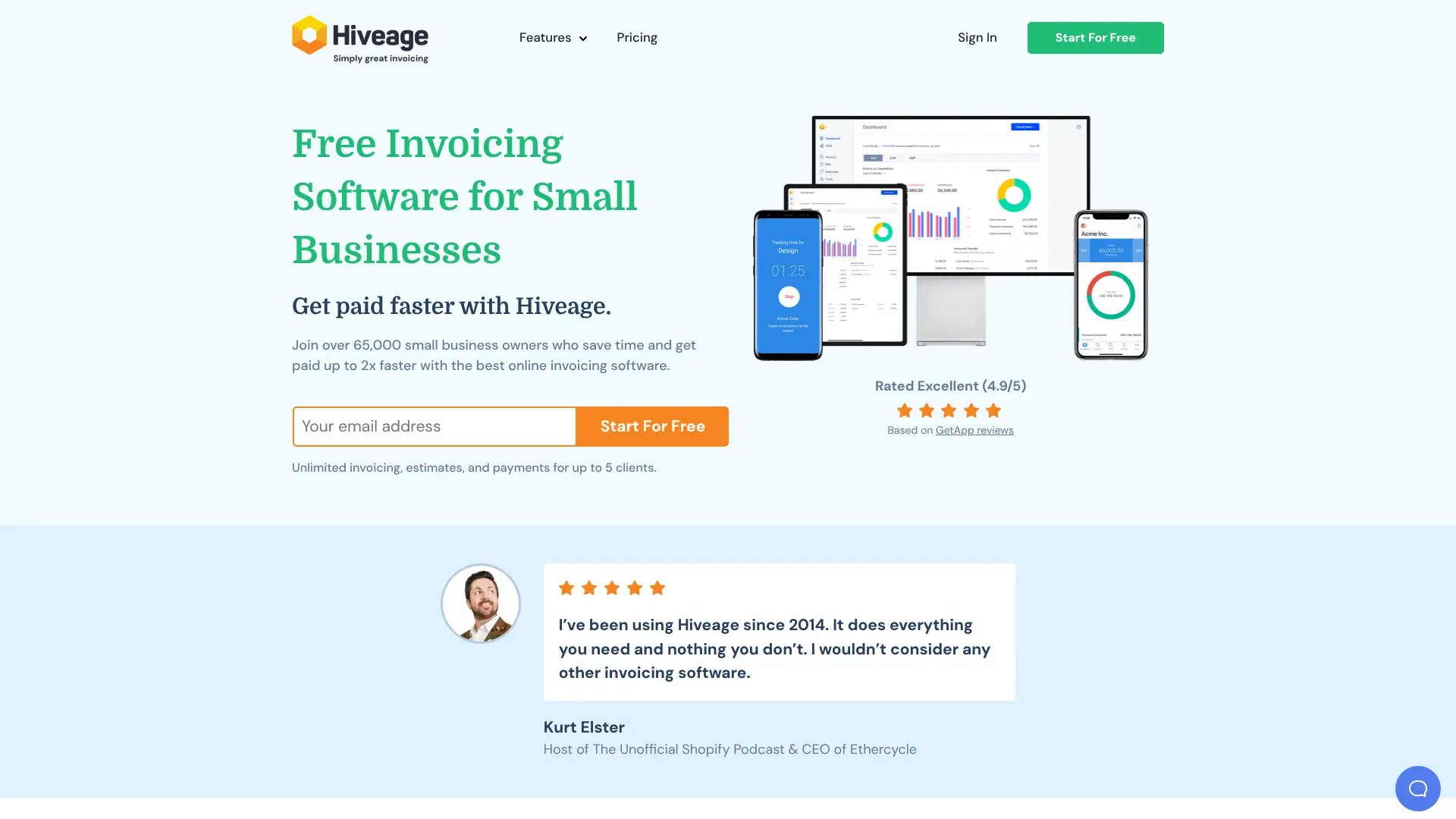
- • Multi-business support: manage unlimited separate businesses (each with its own branding, invoices, and client lists) from a single Hiveage account.
- • 12+ payment gateway integrations including PayPal, Stripe, Square, Authorize.net, Braintree, and WePay with no additional per-transaction fee from Hiveage.
- • Recurring billing and subscriptions: set auto-billing cycles, automatically charge saved card details, and send receipts without manual intervention.
- • Mileage tracking: log business trips directly within Hiveage and convert mileage expenses to invoice line items.
- • Invoice delivery via email, SMS, or shareable link — with read receipts showing exactly when a client viewed the document.
Hiveage is a solid choice for freelancers juggling multiple brands or businesses who want a clean interface without paying for features they don't use. The free plan is more generous than most competitors and the multi-business management is a genuine differentiator. For freelancers needing a strong mobile app or more than 5 clients for free, Zoho Invoice is the better starting point.
Bonsai
Bonsai is an all-in-one business management platform for freelancers and creative agencies, covering CRM, proposals, contracts, invoicing, time tracking, expense tracking, and a client portal. It was acquired by Zoom in late 2025. Pricing is per-user per-month: Basic at $15/user/mo, Essentials at $25/user/mo, Premium at $39/user/mo, and Elite at $59/user/mo. The Basic plan excludes invoicing and contracts — you need Essentials ($25/user/mo) for the full invoicing and contract workflow. A 7-day free trial with full feature access is available on all plans.
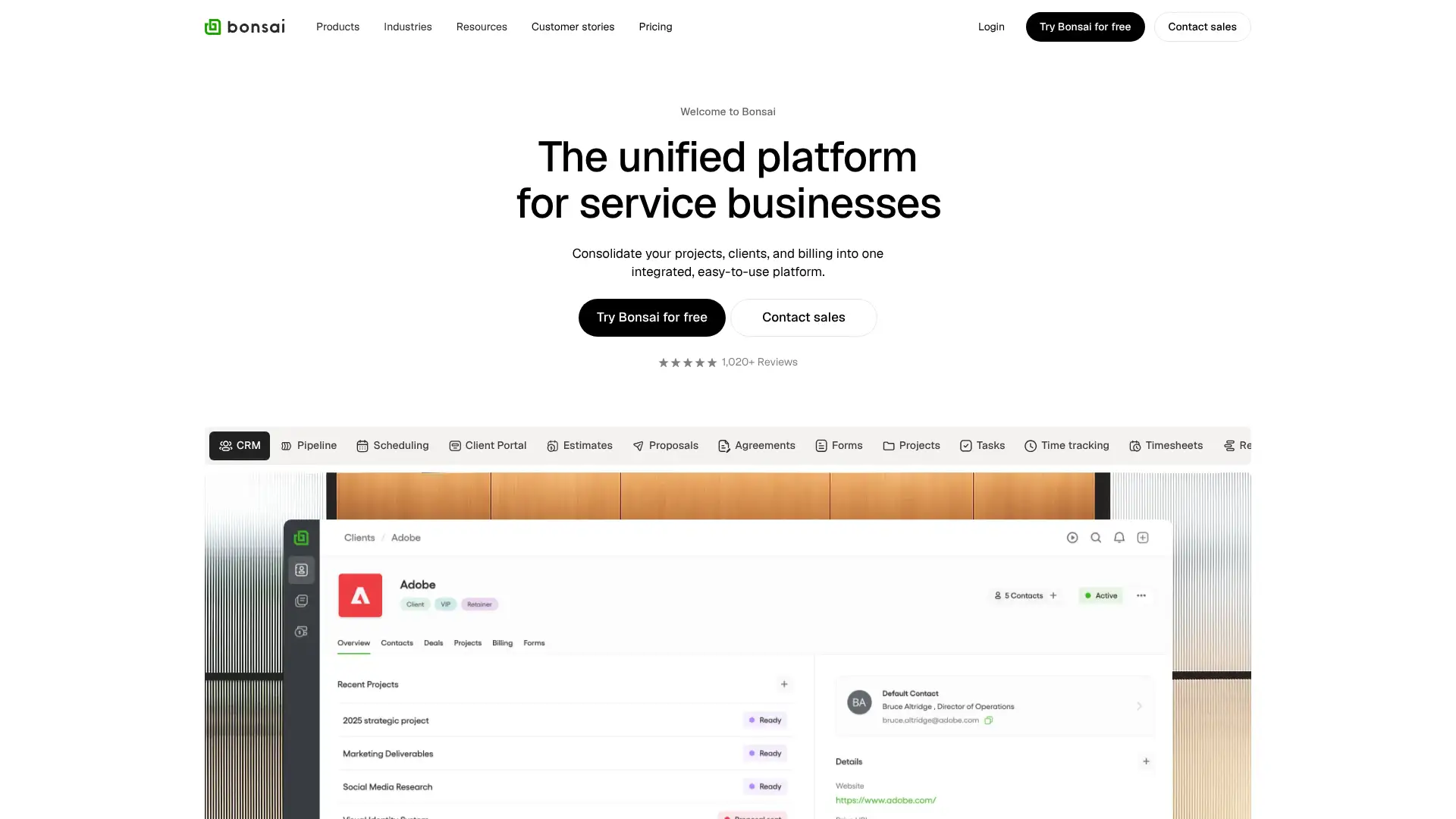
- • Contract templates: 100+ pre-built contract templates covering design, development, photography, consulting, and more — customize and save for reuse.
- • Proposal builder: create multi-package proposals where clients select their preferred tier, which then auto-generates the matching contract and invoice.
- • Multi-currency billing: send invoices and collect payments in the client's currency — unusual for a freelance-focused tool at this price point.
- • Expense tracking with markup: log a purchase, add a markup percentage, and convert it to an invoice line item in one step.
- • Client portal: clients access all projects, contracts, invoices, and shared documents from a branded portal without creating a Bonsai account.
Bonsai is best for solo freelancers who want everything — contracts, proposals, invoicing, and time tracking — in one clean workspace and are willing to pay $25/mo for the full package. The multi-currency support and contract templates justify the cost for international or contract-heavy freelancers. For growing teams, the per-user cost escalates fast; HoneyBook or Dubsado offer better value at larger team sizes.
Invoicely
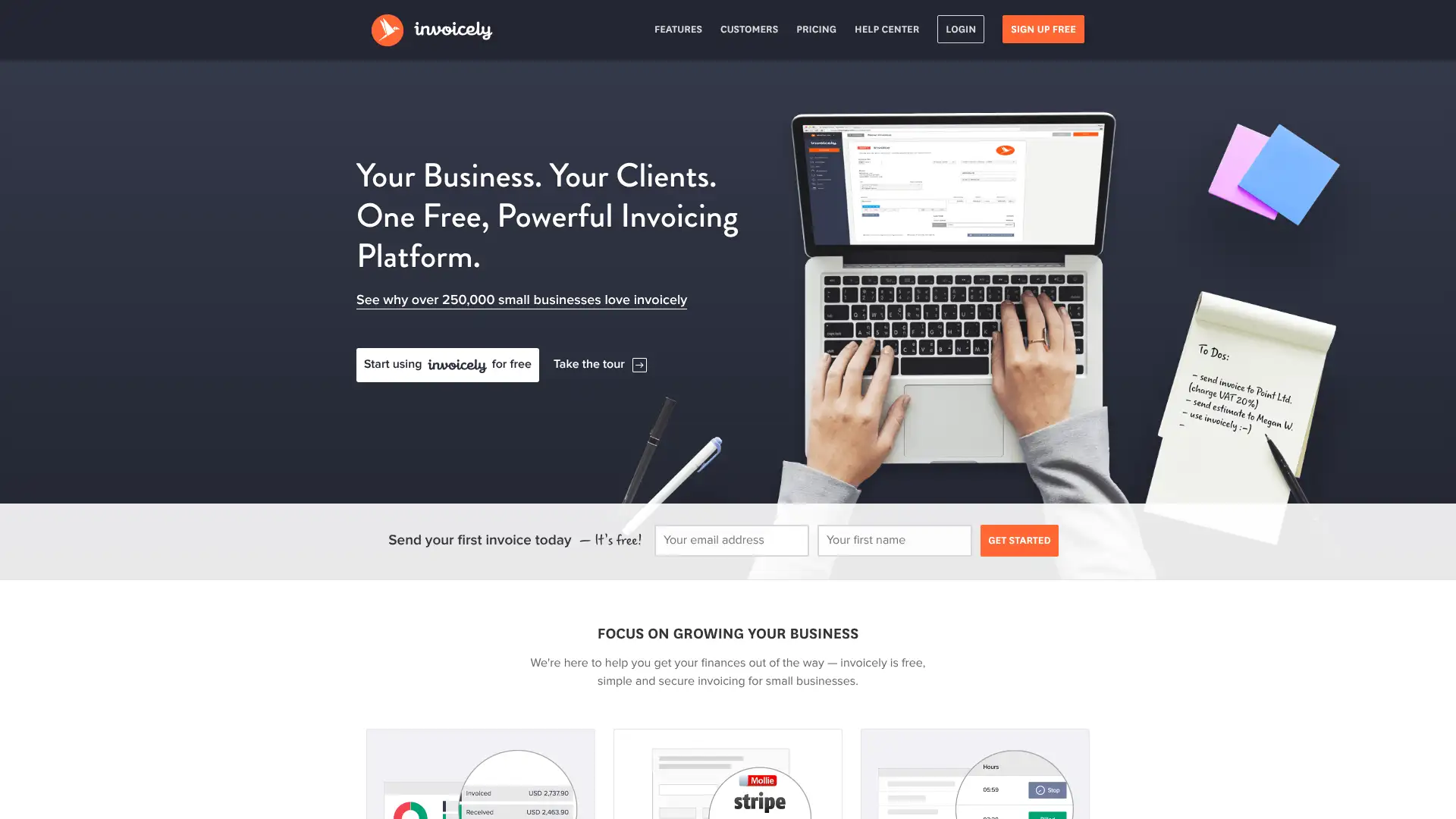
Invoicely is a web-based invoicing platform from Stack Holdings GmbH, trusted by over 100,000 subscribers worldwide. It offers invoicing, estimates, time tracking, expense tracking, and basic financial reporting. The platform supports multiple businesses under one account, making it useful for freelancers running side projects. The free plan sends up to 5 invoices per month to up to 3 saved clients with PayPal-only payments. Paid plans start at $9.99/mo (Basic) for 100 invoices/mo, $19.99/mo (Professional) for 250 invoices and 10 team members, and $29.99/mo (Enterprise) for unlimited everything.
- • Multiple businesses per account: manage separate client lists, branding, and invoice numbering for different business entities under one login.
- • Multi-currency billing: send invoices in any currency and accept credit card payments via Stripe, Authorize.net, Mollie, or PayPal.
- • Recurring invoices with automatic reminders: set billing schedules and let Invoicely send and follow up automatically.
- • Expense and mileage tracking: log costs against clients, convert expenses to invoice line items, and generate expense reports.
- • Real-time invoice activity tracking: see when each client opens an invoice, with dashboard notifications and email alerts.
Invoicely is a capable mid-range invoicing tool with solid team and multi-business support at a price point below most full accounting suites. The Enterprise plan at $29.99/mo is genuinely competitive. However, for businesses that can stay within Zoho Invoice's 500 invoice/year limit, free beats paid every time. Invoicely is best for teams of 2-10 that need invoicing-only software and want to avoid paying for accounting features they won't use.
Billdu
Billdu is a mobile-focused invoicing app for small businesses and freelancers, rated 4.8 stars across 70,000+ App Store and Google Play reviews. It allows users to create invoices, estimates, purchase orders, and delivery notes from their phone or browser. Paid plans are priced annually: Lite at $4.99/mo (10 clients), Standard at $9.99/mo (50 clients, 2 team members), and Premium at $19.99/mo (unlimited clients, 10 team members, recurring invoices, Xero integration, and API). The platform also offers online appointment booking, an online store, and a live chat widget as add-on apps.
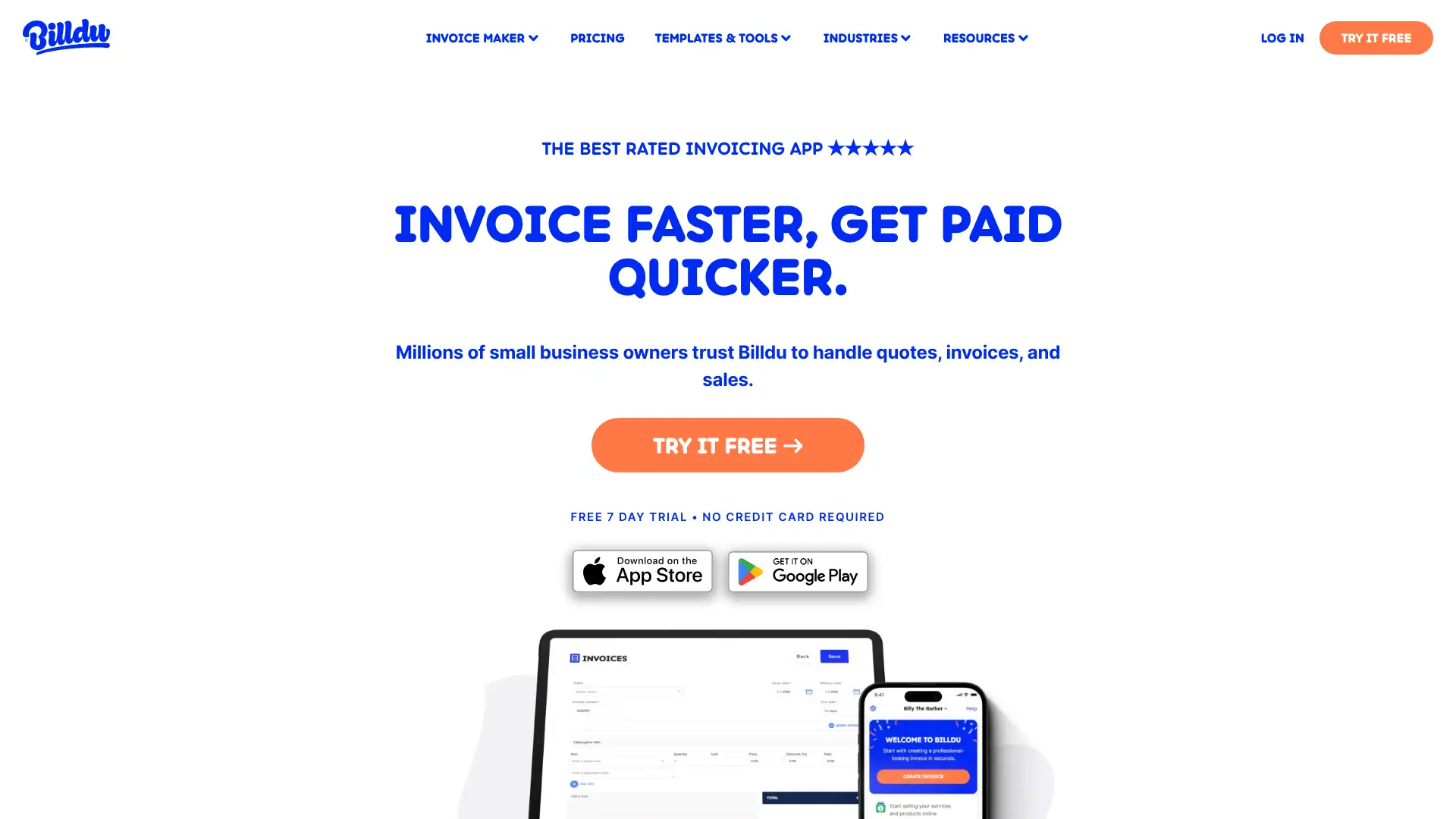
- • Mobile-first design: full invoice creation, client management, and payment tracking from the iOS or Android app, not just a stripped-down mobile view of a desktop tool.
- • Barcode scanner: scan product barcodes directly from the mobile app to add line items to invoices without manual entry — useful for retail and trade businesses.
- • Client e-signature: collect a client's signature on an estimate or invoice directly from the app before work begins.
- • Document suite: create invoices, estimates, purchase orders, delivery notes, and proforma invoices from the same platform with consistent branding.
- • Online payments via PayPal and Stripe with direct links embedded in emailed invoices, plus in-person card acceptance via Stripe Terminal.
Billdu is the best choice for tradespeople, retail operators, and small business owners who live on their phone and want the most polished mobile invoicing experience available. The barcode scanner and e-signature features are genuinely useful on-site. The lack of a free plan and the client caps on lower tiers are real frustrations; if mobile quality matters less, Zoho Invoice or Invoice Ninja deliver more for less money.
vcita
vcita is a business management platform primarily targeting solo service providers — coaches, consultants, personal trainers, therapists, and local service businesses. It integrates client scheduling, invoicing, payments, email/SMS marketing, and CRM in one tool. There is no free plan; pricing starts at $29/mo (Essential) and goes up to $93/mo (Platinum) for 1 user on annual billing. For team features, higher tiers are available with additional seat costs. The platform emphasizes its client-facing booking page and automated appointment reminders as its key differentiators.
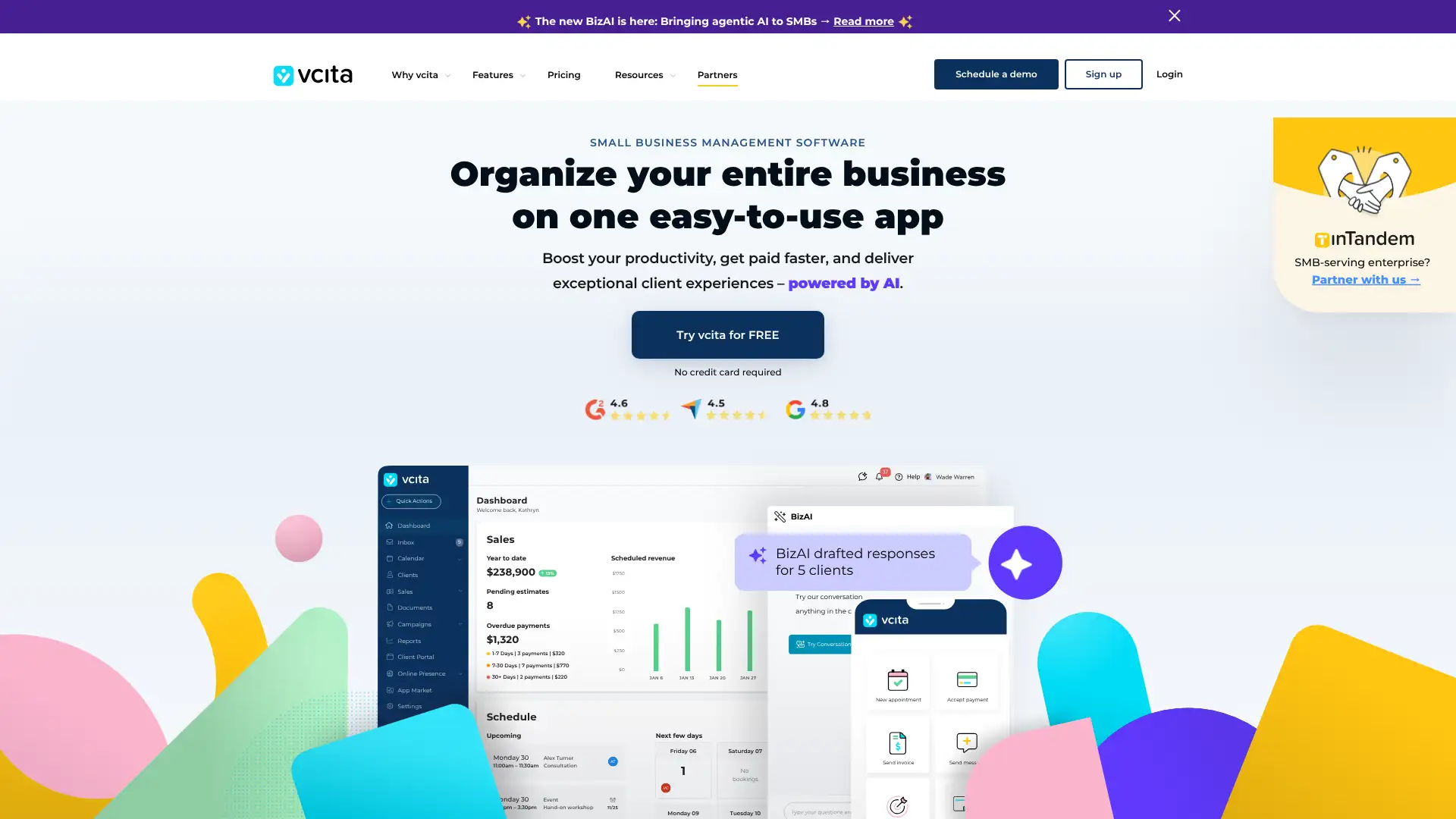
- • Online booking page: clients book appointments, select services, and pay deposits directly from a branded booking page embedded on your website or shared by link.
- • Invoicing with scheduled follow-ups: send invoices with automatic payment reminders on a schedule you define, tracked per client.
- • SMS marketing: send appointment reminders and promotional messages via SMS directly from vcita, with usage credits varying by plan.
- • Client portal: clients view upcoming appointments, invoices, and documents from a single branded web portal, reducing support emails.
- • Lead capture forms: embed forms on your website that automatically create a new client record and trigger a follow-up sequence in vcita.
vcita suits service businesses where scheduling and invoicing are equally important and where automating appointment reminders visibly reduces no-shows. The platform is well-rounded but priced at the high end for a single-user tool. For businesses that primarily need invoicing, there are free or cheaper options; vcita's value comes from the scheduling-CRM-billing combination working seamlessly together.
InvoiceOcean
InvoiceOcean is an online invoicing platform headquartered in the UK, particularly popular in European markets. It supports invoicing in 30+ languages, all world currencies, and generates tax-compliant invoices for multiple countries including VAT requirements across the EU. The free tier allows 3 invoices per month permanently. Paid plans start at $9/mo (Mini, 30 documents/mo) and scale up to unlimited documents on the Pro plan at $39/mo. InvoiceOcean integrates with Stripe, PayPal, Braintree, and WooCommerce, and supports bank payment import for automatic reconciliation on higher plans.
- • 30+ language invoice generation: produce invoices with all labels, terms, and tax names in the client's language — valuable for European agencies and international businesses.
- • Multi-company management: manage multiple businesses with separate invoice numbering, logos, and accounting in one InvoiceOcean account.
- • Warehouse and inventory tracking on Basic and above: track stock levels and automatically update inventory when invoices are created.
- • Bank payment import on Standard and above: import a bank export file and have payments automatically matched to open invoices.
- • CSS-level invoice template customization: modify template styles via CSS, giving designers more control over invoice appearance than most tools offer.
InvoiceOcean is the strongest choice for European businesses, international agencies, or any company regularly invoicing clients in multiple countries who need invoices automatically formatted in the client's language with the correct tax fields. For UK and US businesses with standard invoicing needs, FreshBooks or Zoho Invoice are easier to use and better supported.
Invoice Home
Invoice Home is a template-focused invoicing platform offering over 100 professionally designed invoice templates across dozens of industry styles. It is designed for simplicity: pick a template, add your details, and download or email a PDF invoice. The platform accepts online payments via PayPal and Stripe, supports multi-currency, and stores invoices in the cloud. The free plan gives 3 invoices per month; paid plans start at approximately $5.99/mo (Starter) for higher invoice volumes. Invoice Home is particularly popular with freelancers who want their invoices to look distinctive rather than generic.
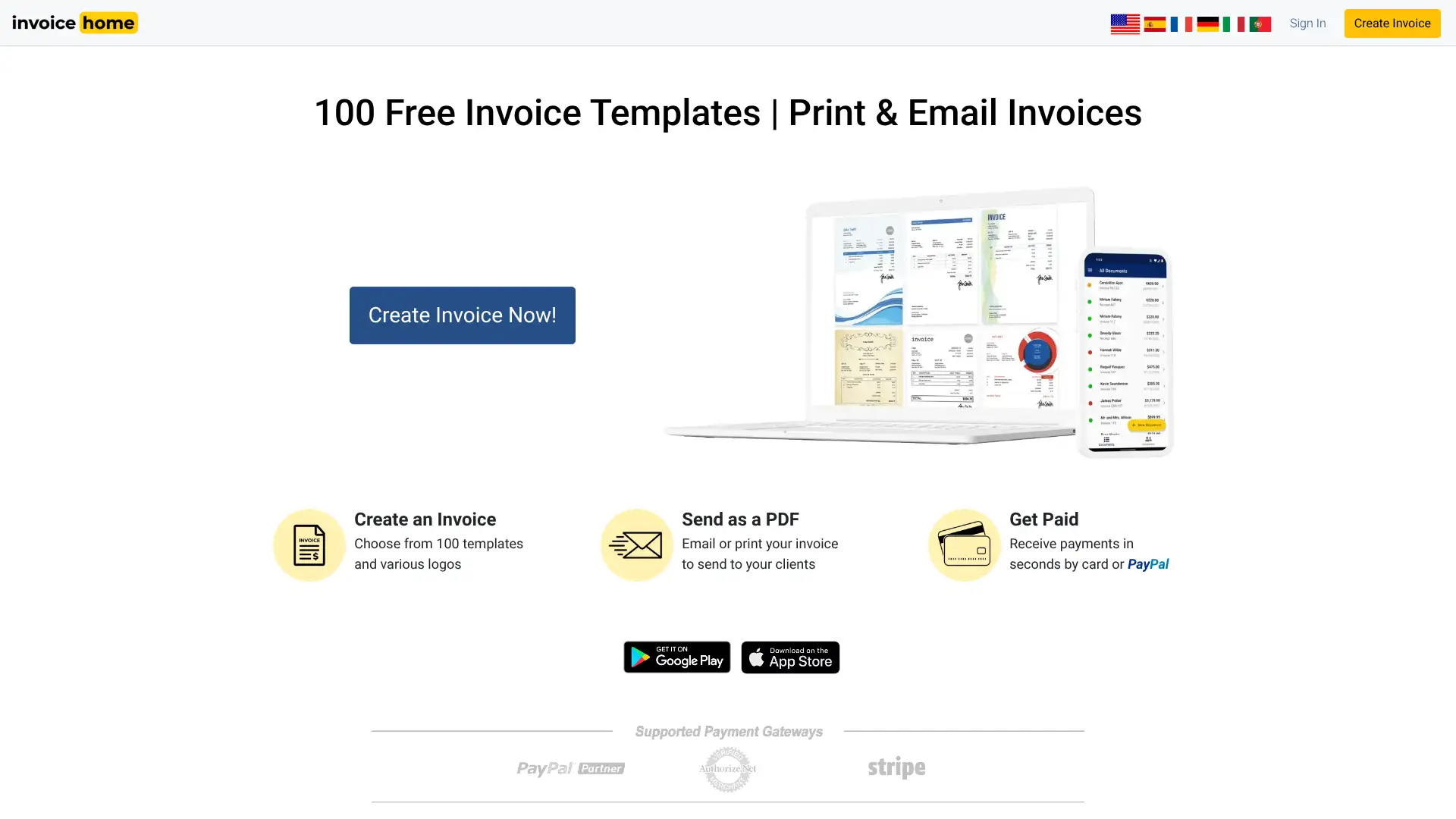
- • 100+ professionally designed invoice templates spanning industries including design, construction, photography, legal, retail, and food service.
- • Multi-language and multi-currency support: send invoices in the client's language and preferred currency with automatic number formatting.
- • Online payment links: embed a PayPal or Stripe payment button directly in emailed invoices so clients can pay in one click.
- • Cloud invoice storage: access all past invoices from any device, resend or duplicate past invoices, and track payment status.
- • PDF download and email: download finalized invoices as PDFs or send directly to clients from within the platform without a separate email client.
Invoice Home is the best choice for freelancers who care deeply about invoice design and want templates that look nothing like the generic blue-and-white defaults. The 100+ templates are a genuine differentiator. For regular invoicing beyond 3 per month, you'll need a paid plan — at which point Zoho Invoice's free tier with more features becomes a stronger option for most people.
Free Invoice Generator
Invoice-Generator.com is a browser-based tool that lets you create a professional PDF invoice in under a minute with no account, no sign-up, and no fee. Owned by Cushion, the freelance financial planning app, it stores invoice data locally in your browser using HTML5 Web Storage — so if you close the tab, your data is preserved. The tool supports custom logos, multi-currency, custom color schemes, and includes a Notes field for payment terms. Generating and downloading the PDF is completely free and unlimited. There is no recurring billing component — it is purely a PDF invoice generator for one-off use.
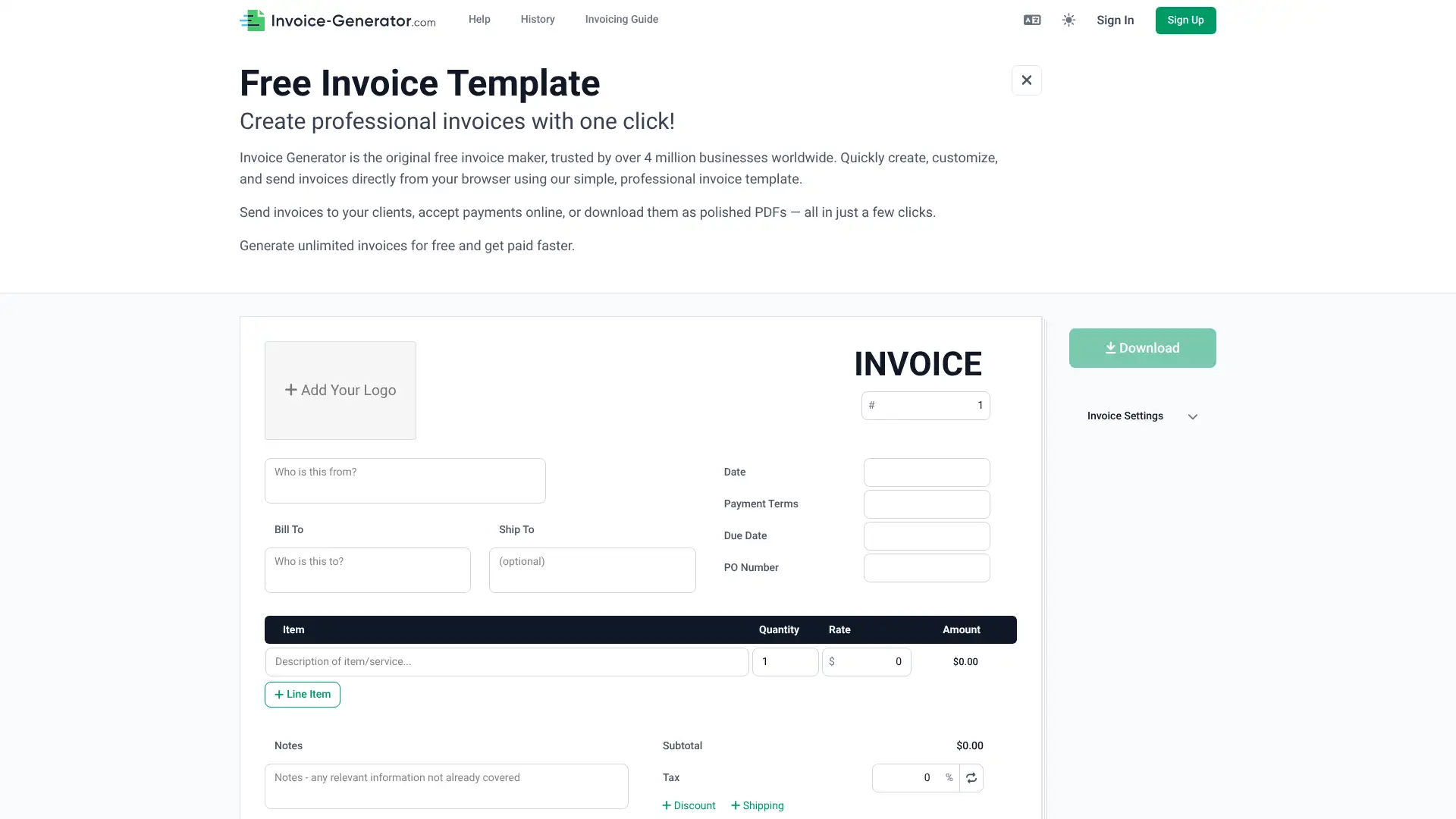
- • Zero friction: open the URL, fill in your details, and download a PDF invoice — no account creation, no email address, no credit card.
- • Browser-local data storage: invoice details are preserved in your browser's local storage so you can close and reopen the tab without losing your work.
- • Logo upload: add your company logo (PNG, JPG, GIF up to 10MB) to generate a branded invoice rather than a plain generic document.
- • Multi-currency: select from a full range of global currencies with the correct currency symbol applied automatically.
- • Email delivery option: enter a client email address directly on the page and send the invoice PDF without opening your email client.
Invoice-Generator.com is the right tool for one situation: you need to send a professional invoice right now with zero setup and no ongoing commitment. It does that job perfectly and without any strings attached. For anything involving recurring clients, payment tracking, or online payment acceptance, a free full invoicing platform like Zoho Invoice or Wave will serve you better from day one.
Paymo
Paymo is a Romanian-built project management and invoicing platform popular with agencies, architects, consultants, and small service businesses. It covers time tracking, task management (Kanban, Gantt, calendar), resource planning, client invoicing, and online payments. Paymo has a generous free plan for solo users and four paid tiers scaling from $5.90/user/mo to $23.90/user/mo on annual billing. Over 100,000 businesses use Paymo, according to the company. The platform supports multiple currencies, 15-day free trials with no credit card, and a 50% discount for nonprofits and educational institutions.
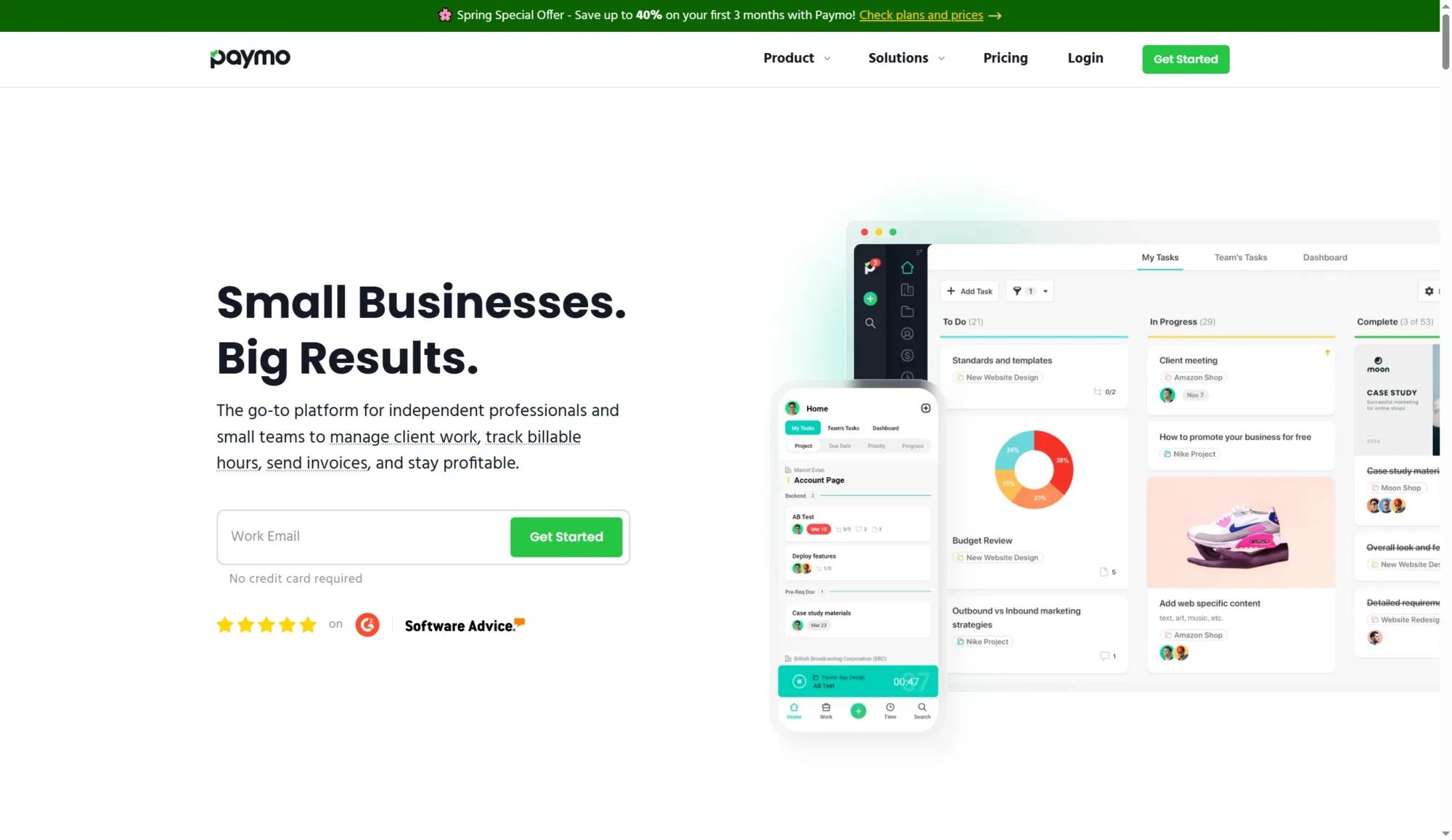
- • End-to-end time-to-invoice: track time against tasks and projects, then generate an invoice from unbilled timesheet entries with one click.
- • Gantt charts and resource planning on Business plan: visualize project timelines and team capacity to avoid overbooking client work.
- • Multi-currency invoicing in 15 languages: send invoices in a client's preferred currency with automatic totals and tax calculations.
- • Online payments: accept invoices via PayPal, Stripe, and other gateways directly from the invoice email link.
- • File proofing on Plus and above: clients can review, annotate, and approve design files or documents within Paymo without emailing PDFs back and forth.
Paymo is the best value for small agencies and teams that need project management and invoicing together without paying separate tool costs. The Solo plan at $5.90/mo is among the cheapest time-tracked invoicing options available. For pure invoicing, FreshBooks is simpler; for pure project management, tools like Asana are deeper. Paymo earns its place when you genuinely need both.
Refrens
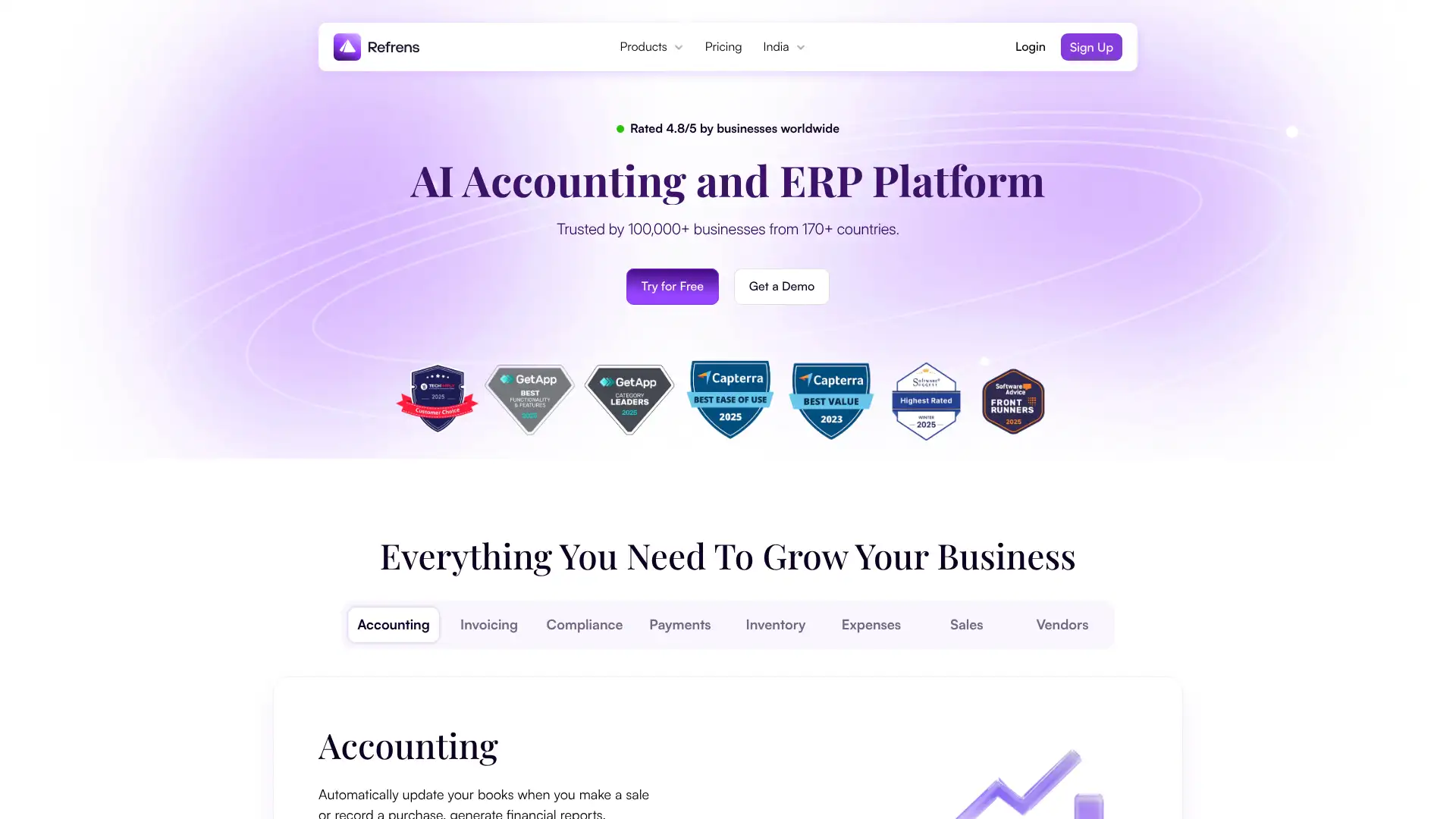
Refrens is an Indian business management platform built specifically for the Indian market's GST and accounting requirements, while also serving freelancers and agencies globally. It covers invoicing, quotations, expense and purchase management, CRM with WhatsApp integration, lead management, and basic accounting. The free plan allows 15 documents total before requiring an upgrade to a paid plan starting at approximately $104/business/year (about $8.65/mo). Refrens features native WhatsApp invoice sharing, IndiaMART and Meta integrations, and ISO/IEC 27001:2022 security certification.
- • GST-compliant invoicing: generates GST invoices, credit notes, and purchase records in formats required for Indian tax compliance, including GSTR-1 reconciliation.
- • WhatsApp invoice sharing: send invoices directly via WhatsApp from within the platform, reflecting how Indian business communication actually works.
- • Lead and CRM management: capture leads from IndiaMART, Facebook, and Instagram forms, and track them through a pipeline alongside invoices.
- • Auto-numbering and quote-to-invoice conversion: quotes auto-convert to invoices with one click while preserving numbering and client history.
- • ISO/IEC 27001: 2022 certification: independently audited data security — a differentiator for businesses needing formal security assurance.
Refrens is the best choice for Indian freelancers and SMBs who want a modern invoicing and business management platform with proper GST compliance, WhatsApp integration, and responsive local support. For businesses with high invoice volume, the free plan runs out quickly — evaluate the annual premium plan cost against Zoho Invoice's unlimited free tier before committing.
Billbooks
Billbooks is an invoicing platform from Billbooks Inc., notable for two claims: its pricing has not changed since 2010, and it offers a pay-per-invoice model in addition to subscriptions. It supports unlimited invoices, estimates, expenses, project tracking, multi-currency, and digital signatures. Plans are priced by number of users: Basic at $7.95/mo (2 users), Standard at $14.95/mo (5 users), and Professional at $29.95/mo (10 users), with a 30-day free trial. Annual billing saves 10%. The platform is trusted in 120+ countries and includes AI-assisted data import.
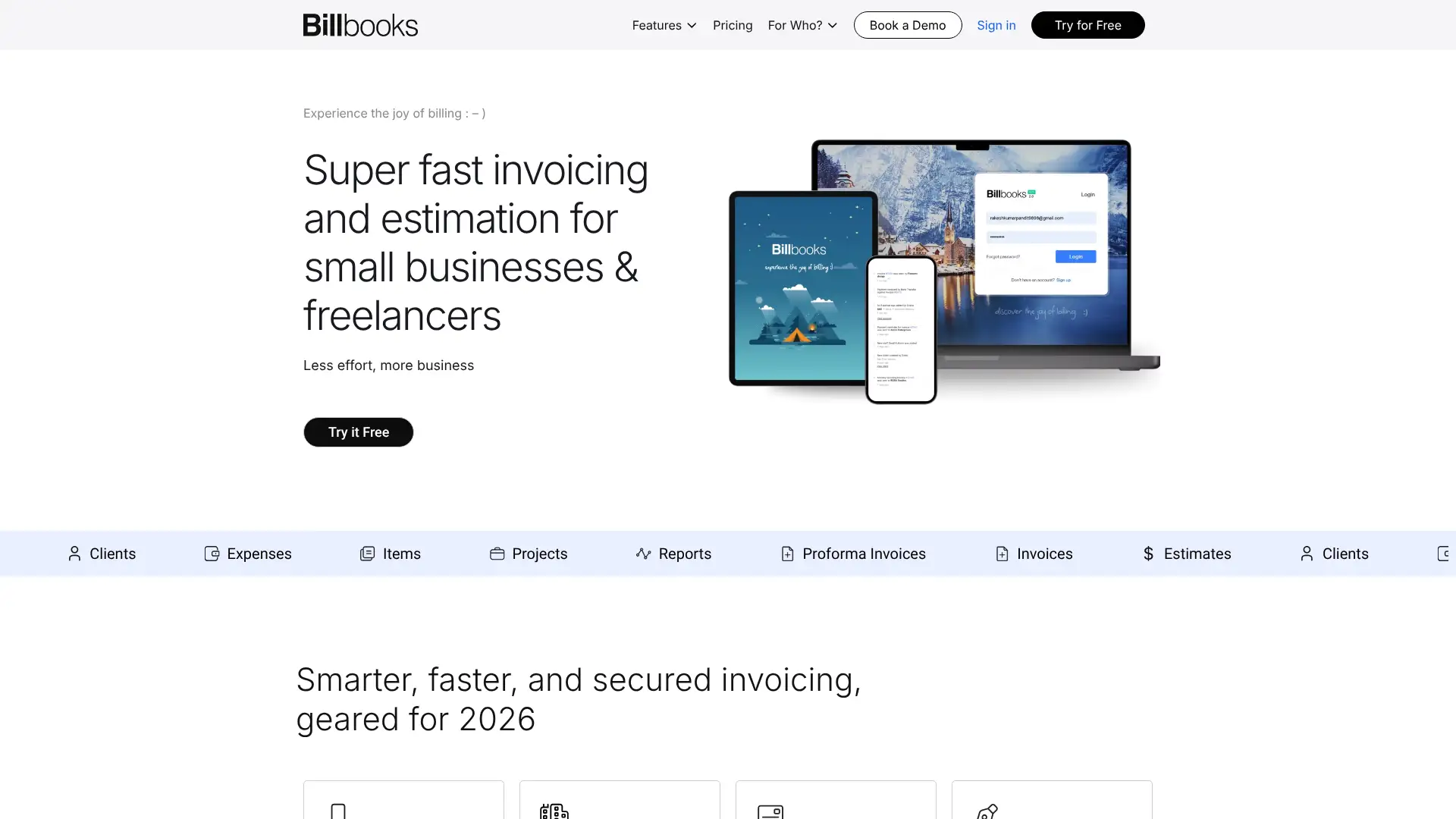
- • AI-assisted data import: paste or upload existing invoice data and Billbooks uses AI to extract and populate fields automatically, reducing manual entry.
- • Digital signatures: collect client signatures on estimates and invoices directly within the platform without a separate e-sign tool.
- • Configurable invoice columns: choose which columns appear on invoices (quantity, rate, discount, tax) at the individual invoice level.
- • Past due auto-reminders: set automatic follow-up sequences that send overdue reminders on a schedule you define per client.
- • Profit and loss reporting: generate a P&L statement from within Billbooks — unusual for a tool at this price point.
Billbooks earns consideration for small businesses that value pricing stability and multi-user access at a low cost. The Professional plan at $29.95/mo for 10 users is excellent value. The key limitation is the absence of accounting features — if you need invoicing plus accounting in one tool, Wave or FreshBooks serve you better. Billbooks is best for teams that use a separate accounting system and just need clean, reliable invoicing.
Saldo Invoice
Saldo Invoice (developed by Saldo Apps Inc.) is a mobile-centric invoice creation app available for iOS and Android, with a companion web version at saldoapps.com. It targets small business owners and freelancers who primarily work from their phones and need to create invoices quickly without a laptop. The app supports customizable templates, logo upload, multi-currency, expense tracking, and Stripe payment integration. A free plan provides basic functionality; the paid plan is approximately $9.99/mo and unlocks unlimited invoices, recurring billing, advanced templates, and reporting. Over 5,500 users have given it 5-star ratings on the App Store.
- • Mobile-first design: full invoice creation, template selection, and client management from iOS or Android without needing a computer.
- • Receipt scanner with IRS 1040 form guidance: photograph receipts and Saldo categorizes them with suggestions aligned to common tax deduction categories.
- • Recurring invoices and auto-billing: schedule repeating invoices on any cycle and collect recurring payments via Stripe automatically.
- • Multi-currency and international formatting: supports dozens of currencies with local date and number formats.
- • Net worth and financial dashboard: track income, expenses, and overall financial position with simple visual charts in the app.
Saldo Invoice is a solid choice for mobile-only freelancers and micro-business owners who spend most of their working day away from a desk and want to invoice clients from their phone without complexity. The receipt scanner with tax guidance is a useful differentiator. If you also need a web interface, accounting, or team features, Billdu or Zoho Invoice offer more complete platforms at the same or lower cost.
Inv24
INV24 is an online invoicing platform used by over 40,000 registered businesses, primarily in Europe, North America, and Australia. It is fully localized for 30+ countries, supporting country-specific tax rules, date formats, and legal invoice requirements. A free account covers invoices up to a combined $1,000 per month; beyond that, paid plans are available starting at approximately $10/mo. INV24 does not require installation — it is a browser-based app with iOS and Android mobile apps. The platform is focused on simplicity and handles invoices, quotes, credit notes, and basic expense tracking.
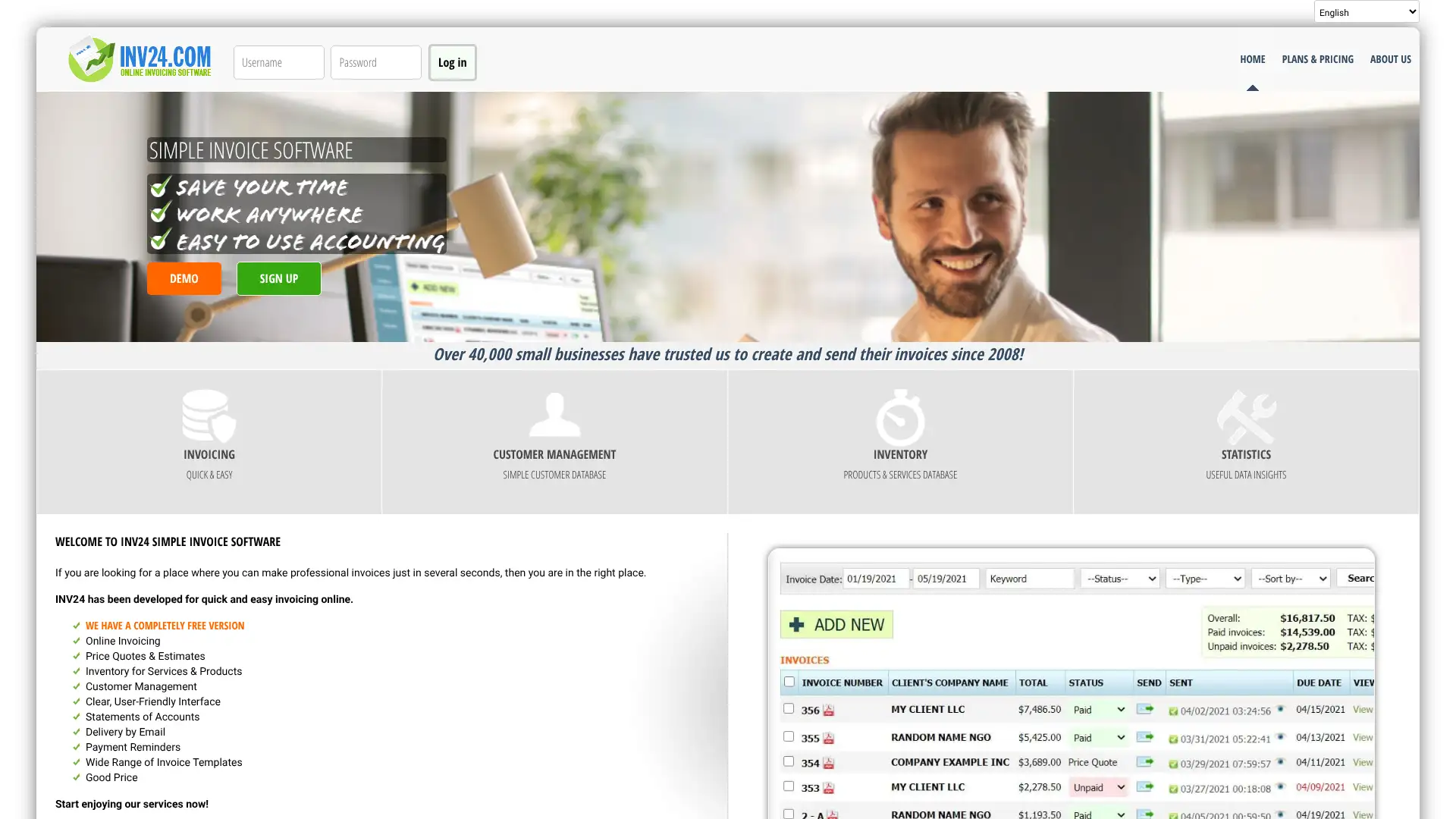
- • 30+ country localizations: invoice templates, date formats, tax fields, and legal text pre-configured for the requirements of each supported country.
- • Free up to $1,000/mo in invoice value: an unusual free tier structure that covers low-volume freelancers without restricting specific features.
- • Mobile apps for iOS and Android: full invoice creation, PDF download, and client management from the phone app.
- • Multi-currency and exchange rates: issue invoices in any major currency with the platform automatically applying current exchange rates.
- • Credit notes and partial payments: issue credit notes against past invoices and record partial payments against outstanding balances.
INV24 is a sensible entry point for European freelancers who want localized invoicing with minimal setup and no monthly commitment for the first $1,000 of billing each month. It serves its niche well. For businesses growing beyond the free tier, Zoho Invoice or Invoice Ninja provide more features at equivalent or lower cost.
SumUp Invoices
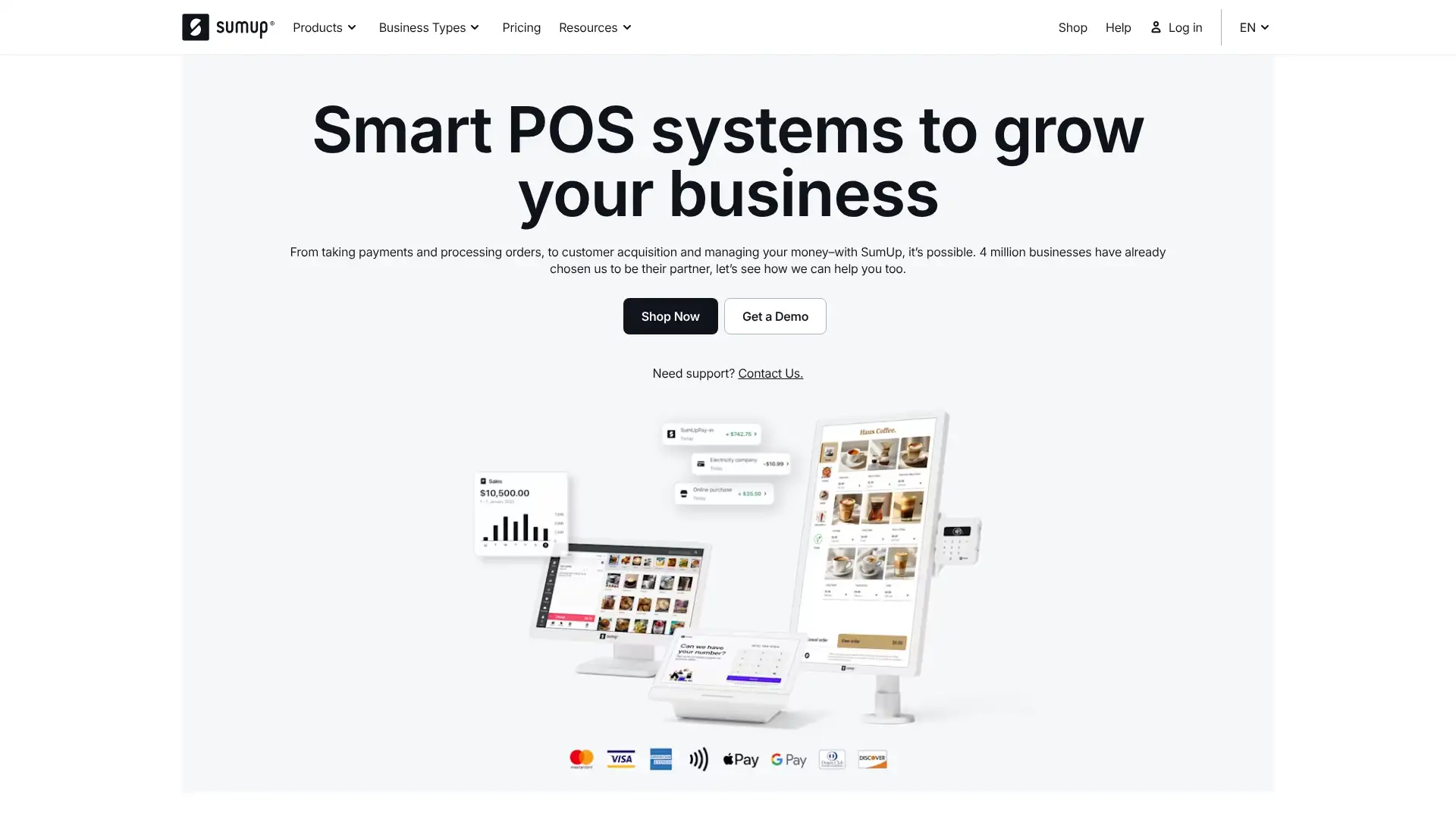
SumUp Invoices is the invoicing product from SumUp, a UK-based fintech serving over 4 million merchants in 30+ countries. It was formerly known as Debitoor before SumUp acquired it and rebranded it in 2022. SumUp Invoices allows merchants to create, send, and manage invoices from desktop or mobile, linked to SumUp's card reader and payment infrastructure. The invoicing software itself is free to use; merchants pay SumUp's card transaction fees (1.69% per in-person tap/chip payment) when clients pay. SumUp Invoices integrates with SumUp's broader ecosystem including the SumUp Business Account, Online Store, and Card Readers.
- • SumUp ecosystem integration: invoices sync with SumUp POS, the SumUp Business Account, and card readers so all payment data is consolidated in one place.
- • Mobile invoice creation: the SumUp app on iOS and Android lets you create and send invoices from the same app you use for card payments.
- • Direct payment link: each invoice includes a link where clients can pay online by card via SumUp's payment gateway.
- • Recurring invoices and credit notes: set scheduled repeating invoices and issue credit notes against past invoices from the same platform.
- • Multi-language invoices: available across SumUp's 30+ active markets with local language support.
SumUp Invoices makes sense only if you already use SumUp card readers for in-person payments and want invoicing in the same app at no extra cost. For standalone invoicing, Zoho Invoice and Wave offer substantially more features for free without the hardware dependency. The decline in customer satisfaction since the Debitoor transition is a real concern for businesses relying on the platform.
Agiled
Agiled is an all-in-one business management platform built for service businesses, agencies, and consultancies. It consolidates CRM, deals pipeline, project management, time tracking, invoicing, contracts, HR management, scheduling, and client portals into one workspace. Pricing is per account (not per user beyond included seats), making it cost-effective for growing teams. The Free plan allows 1 user with up to 2 clients. Paid plans include Pro at $25/mo (3 users), Premium at $49/mo (7 users), and Business at $83/mo (15 users), all billed annually. Additional users cost $5/user/mo across all paid plans.
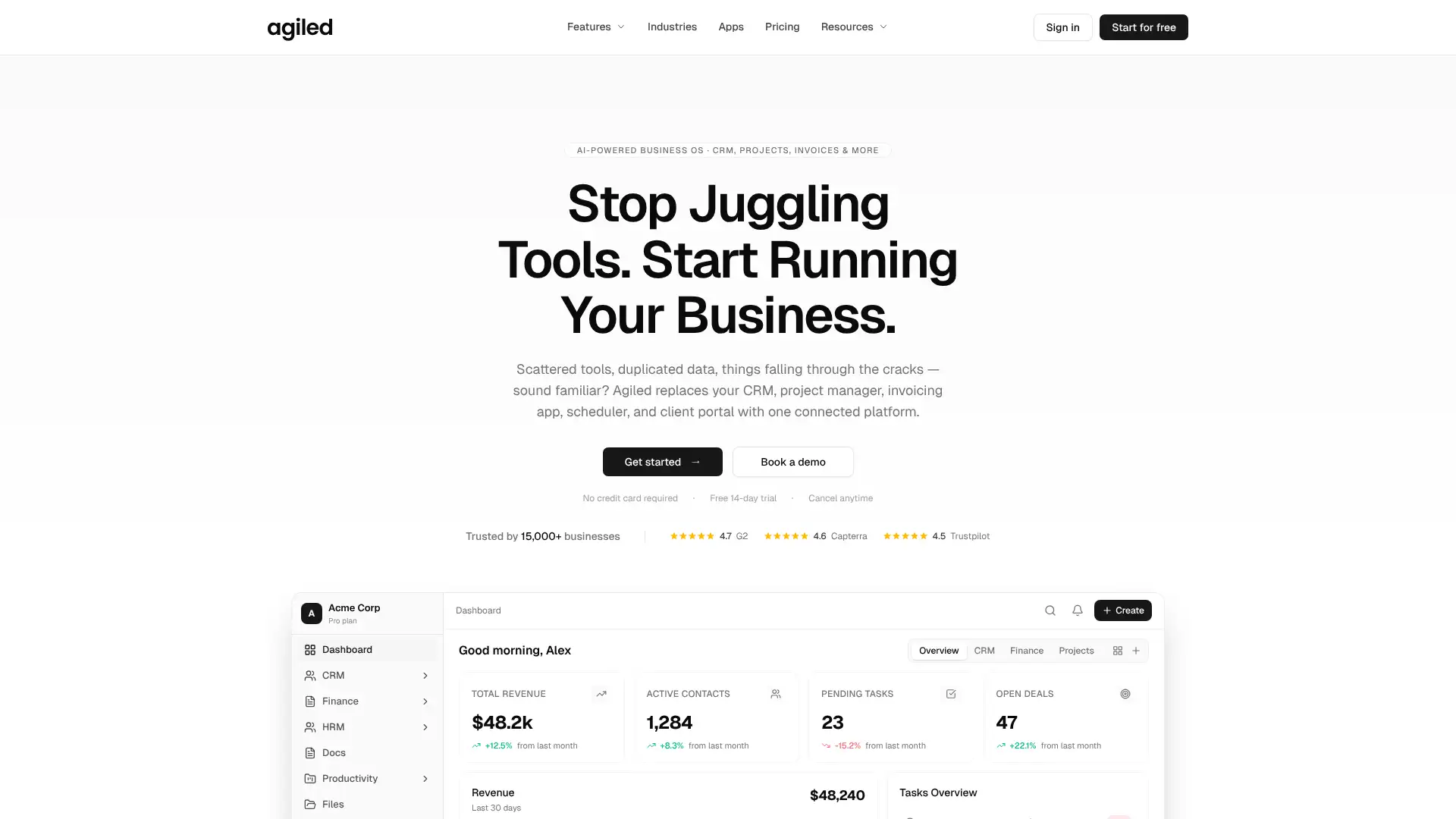
- • Unified platform: CRM, projects, invoices, contracts, HR, and scheduling in one dashboard — replacing 8-10 separate tools for agencies managing full client lifecycles.
- • Proposal and contract builder with e-signature on Premium: create branded proposals, attach contracts, and collect digital signatures without a separate DocuSign subscription.
- • HR and payroll on Business: manage employee attendance, leaves, and payroll from within Agiled — unusual for an invoicing-adjacent platform.
- • Workflow automation on Premium: build no-code triggers and actions (e.g., auto-send invoice when project milestone is marked complete).
- • Client portal: clients see projects, invoices, documents, and can communicate with your team from a branded portal.
Agiled is the strongest all-in-one value proposition for small agencies that want to replace multiple SaaS subscriptions with a single platform. The Pro plan at $25/mo for 3 users covering invoicing, CRM, projects, and HR is hard to beat on price. The platform is best for teams willing to invest setup time; users expecting plug-and-play simplicity should look at HoneyBook or FreshBooks instead.
Heeros
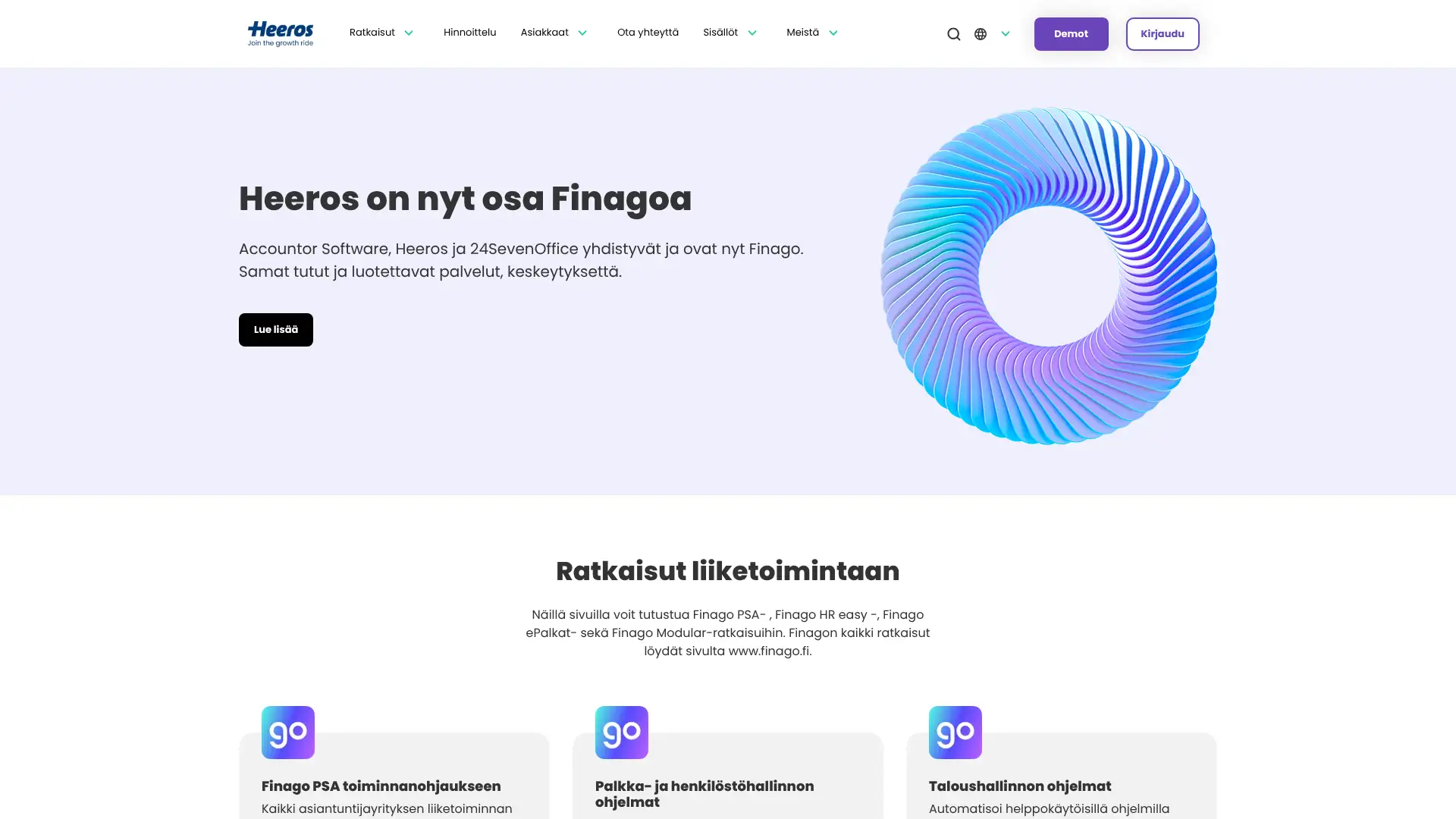
Heeros is a Finnish financial management platform targeting professional services companies in Europe, particularly in the Nordic markets. It offers two main products: Heeros PSA (a professional services automation platform with time tracking and invoicing) and Heeros Sales Invoices (a standalone invoicing module designed to extend ERP systems with compliant e-invoicing). The company is transitioning its branding to Finago as of 2025. Pricing is custom and usage-based — Heeros does not publish flat monthly rates; businesses contact sales for a tailored quote. PSA plans are quoted based on user count and module selection. The PSA platform supports Growth, Business, Enterprise, and Enterprise+ tiers.
- • PEPPOL e-invoicing: send legally compliant electronic invoices directly to government entities and enterprise customers across the EU via the PEPPOL network.
- • ERP connector integrations: over 100 ready-made integrations with SAP, Oracle, Microsoft Dynamics, and other major ERP systems for invoice-to-cash automation.
- • Automated revenue recognition and accounting posting: invoices generated in PSA automatically create accounting entries with correct VAT codes, cost centers, and G/L accounts.
- • Mass invoicing: generate invoices for all projects with unbilled data in one click — critical for agencies billing dozens of clients on monthly cycles.
- • AI-powered purchase invoice processing: 85-90% accurate automatic OCR and coding of incoming supplier invoices, reducing accounts payable manual work.
Heeros is relevant for mid-sized European professional services firms that need PEPPOL-compliant e-invoicing, ERP integration, and automated financial workflows at an enterprise level. For most businesses in this list's audience — freelancers, small businesses — Heeros is significantly over-engineered and over-priced. Consider it only when EU e-invoicing mandates, ERP connectivity, or 100+ monthly invoices are genuinely in scope.
Paydirt
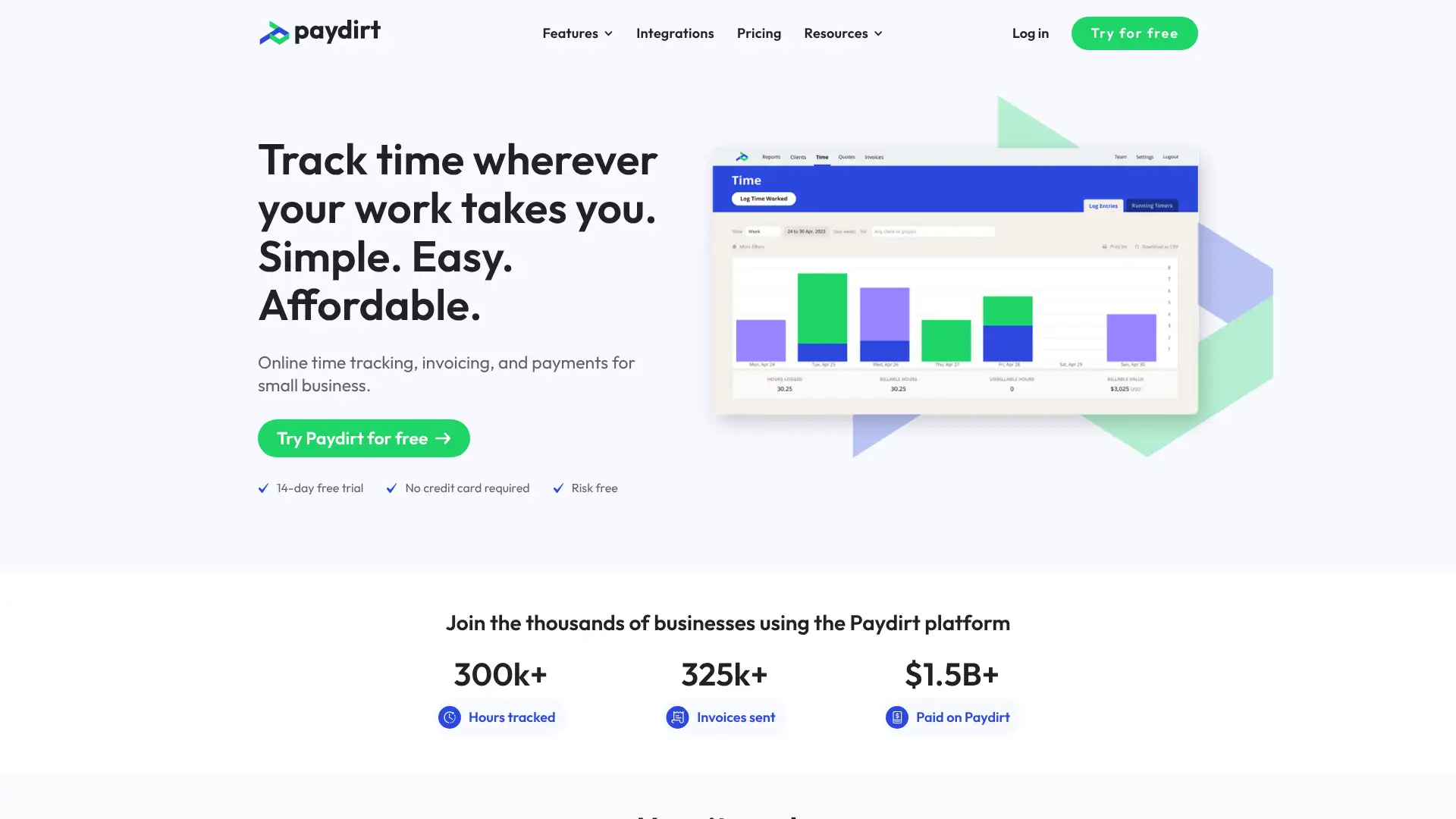
Paydirt is a time tracking and invoicing platform for freelancers, consultants, and small agencies, owned by SureSwift Capital. Its defining feature is a browser extension that detects which client you are working for based on keywords and automatically prompts you to start a timer — addressing the common problem of forgetting to log billable hours. Paydirt has processed over $1.5 billion in invoiced amounts across 325,000+ invoices. Plans start at $8/mo for solo freelancers, with small team plans up to $29/mo for 6 users and large team plans for up to 20 users. Payments are collected via PayPal or Stripe integrations.
- • Intelligent browser extension: installs in Chrome and detects client keywords on webpages — visiting a Basecamp project page triggers a prompt to start a timer for that client automatically.
- • Quote management: create, duplicate, and send professional quotes; track acceptance status and convert accepted quotes to billable projects.
- • Timesheet approvals: team managers review and approve submitted timesheets before invoices are generated, ensuring billing accuracy.
- • Automatic invoice generation from timesheets: select a date range and client, and Paydirt generates an itemized invoice from all logged time entries.
- • Integrations with Basecamp, Trello, Redbooth, and Zapier for task-level time tracking directly inside project management tools.
Paydirt is the best option for developers and digital freelancers who work in the browser and want intelligent automatic time capture that connects directly to invoicing. The browser extension is a genuine productivity tool that pays for itself in recovered billable hours. For agencies needing deeper reporting or more integrations, Harvest is a stronger platform; for solo freelancers wanting free time tracking, Toggl's free tier competes directly.
Ballpark
Ballpark is an invoicing, time tracking, and estimates platform built and owned by Simple Focus, a Memphis-based digital agency that also runs the product. Originally created by MetaLab (the team that designed Slack), Ballpark has served tens of thousands of freelancers and agency owners since 2008. It covers time tracking, project budgets, estimates, invoices, and expense tracking, with online payments via Stripe and PayPal. Pricing is per-seat, calculated via a custom calculator on the pricing page — a 25-person agency pays approximately $2,820/year ($235/mo). Free concierge data migration from any other invoicing platform is offered to new users.
- • Full-featured with no plan tiers: all Ballpark features are available to every paying customer regardless of team size — no feature gates based on plan level.
- • Estimate-to-invoice pipeline: create detailed multi-line estimates, send for client approval (accepted/declined tracked), and convert approved estimates to invoices in one click.
- • Project budget tracking: set hour or dollar budgets per project and see real-time progress so you know before a project goes over budget.
- • Custom domain branding: Ballpark configures a branded invoicing subdomain (billing.yourcompany.com) and matches templates to your company identity.
- • Concierge onboarding: new customers get free migration of all existing invoices, clients, and project data from their previous invoicing system.
Ballpark is the right choice for boutique creative agencies and freelancers who want a clean, beautifully designed invoicing platform with no feature tiers and concierge support to get started. The all-features-included model is philosophically different from the tiered approach most competitors use, and it suits agency owners who hate discovering features are locked behind plan upgrades. For larger teams or more complex reporting needs, Harvest or Paymo offer more analytical depth.
Cushion
Cushion is a financial planning and invoicing app built specifically for solo freelancers, created by the same team behind Invoice-Generator.com. Its defining feature is schedule visualization — Cushion displays your entire year as a timeline so you can see when you are booked, when gaps exist, and how your income will flow month by month. It supports invoice creation and tracking with Stripe for card payments and ACH collection, automatic payment reminders, and multi-language invoice support in over 20 languages. Pricing is a flat $16/mo, billed monthly. Cushion is primarily a web app with no dedicated iOS/Android native app.
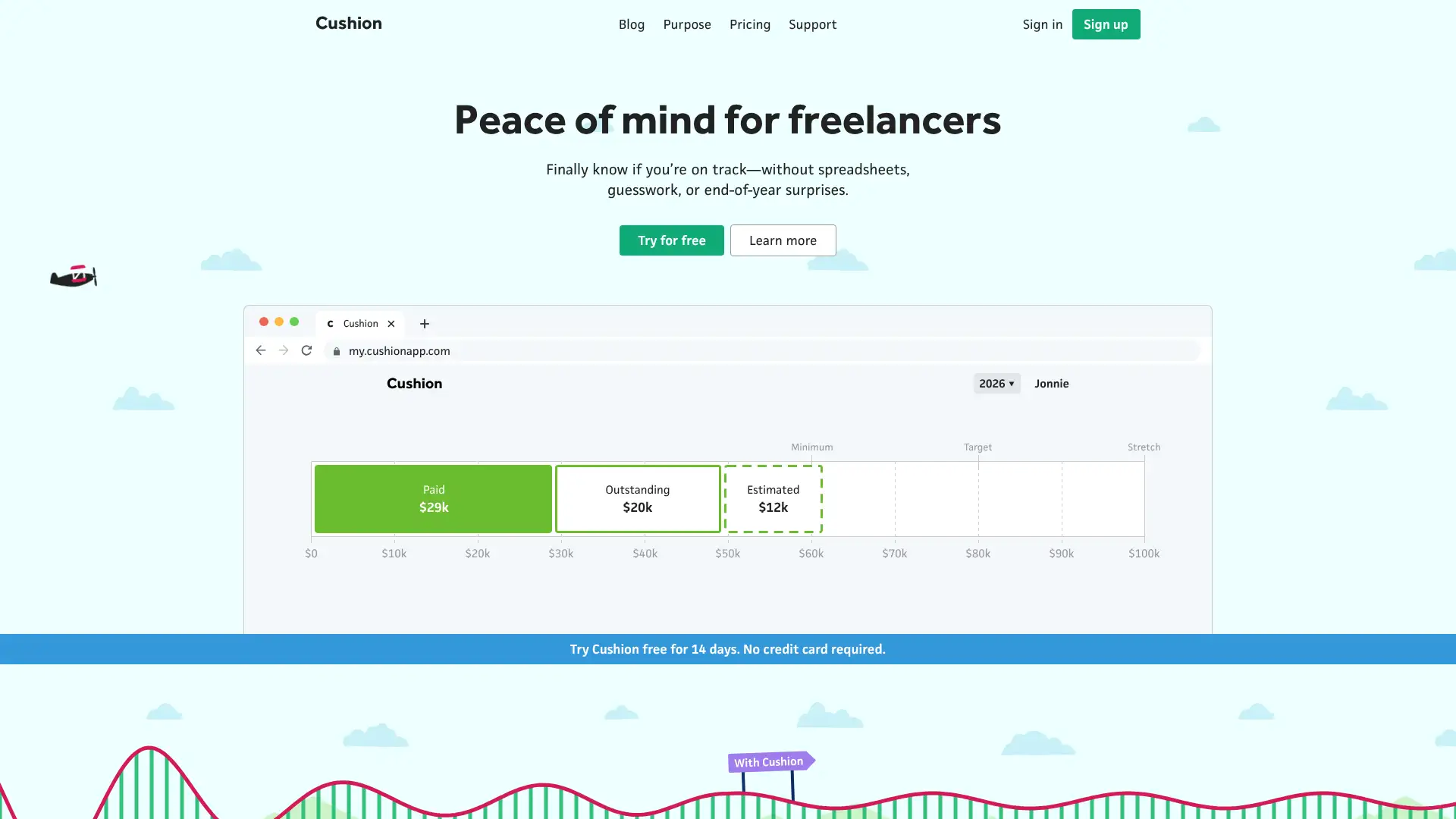
- • Year-view schedule visualization: see your entire year as a timeline with booked projects, available slots, and projected income displayed in a single calendar view.
- • Income forecasting: Cushion calculates expected income based on scheduled projects, sent invoices, and client payment history, flagging gaps before they become cash flow problems.
- • Client pattern analysis: AI-powered insights identify which clients pay late, book frequently, or tend to delay projects — informing future client selection decisions.
- • Invoice creation with Stripe: generate branded invoices and collect card or ACH payments directly through Stripe, with automatic client notification when payments are received.
- • Import from Harvest, FreeAgent, and FreshBooks: migrate existing invoice and client data from other platforms without manual re-entry.
Cushion is a niche but excellent tool for solo freelancers who struggle with the feast-or-famine income cycle and want visual forecasting alongside basic invoicing. The schedule visualization genuinely helps freelancers plan ahead and spot income gaps before they become crises. If you only need invoicing, Zoho Invoice is free and more feature-complete. Cushion's value is the planning layer — use it only if you'll actually engage with those tools.
Rounded
Rounded is an accounting and invoicing platform built exclusively for Australian and New Zealand sole traders and freelancers. It handles invoicing, time tracking, expense tracking, GST calculation, BAS preparation and lodgement, superannuation tracking, and bank feeds. Rounded is approved by the ATO for Making Tax Digital. Plans are in AUD: Starter at approximately A$24/mo and Pro at approximately A$29.95/mo (with bank feeds). A 14-day free trial requires no credit card. The platform specifically avoids payroll, inventory, and complex accounting features to stay focused on the sole trader use case.

- • BAS lodgement: calculate and submit Business Activity Statements directly from Rounded without manually transferring data to the ATO portal.
- • Australian bank feed connections: direct feeds from 30+ Australian and New Zealand banks and credit cards via Open Banking, with read-only access.
- • GST tracking: automatically calculate GST on all income and expenses, with a running estimate of the tax liability sitting in your account.
- • Superannuation tracking: log voluntary contributions throughout the year and track deductible super amounts ahead of EOFY.
- • Accountant portal: give your bookkeeper or accountant secure, real-time access to your Rounded data — no exporting spreadsheets.
Rounded is the best accounting tool for Australian and New Zealand sole traders who want GST, BAS, and invoicing handled correctly for local requirements without paying Xero's prices. The BAS lodgement and Open Banking integration are practical time-savers that justify the cost. For sole traders with employees or complex inventory, Xero is the appropriate upgrade. Businesses outside Australia and New Zealand should not consider Rounded.
Coconut
Coconut is a UK-focused accounting and tax app for self-employed people, sole traders, landlords, and CIS subcontractors. In 2025, Coconut received HMRC approval as a Making Tax Digital for Income Tax (MTD IT) compatible software provider ahead of the April 2026 mandate. The app connects to 30+ UK bank accounts and credit cards via Open Banking, automatically categorizes transactions, tracks GST/VAT, and handles Self Assessment tax return preparation. Invoicing is included for sending, tracking, and receiving payments via PayPal. Pricing is in GBP and includes a 30-day free trial.
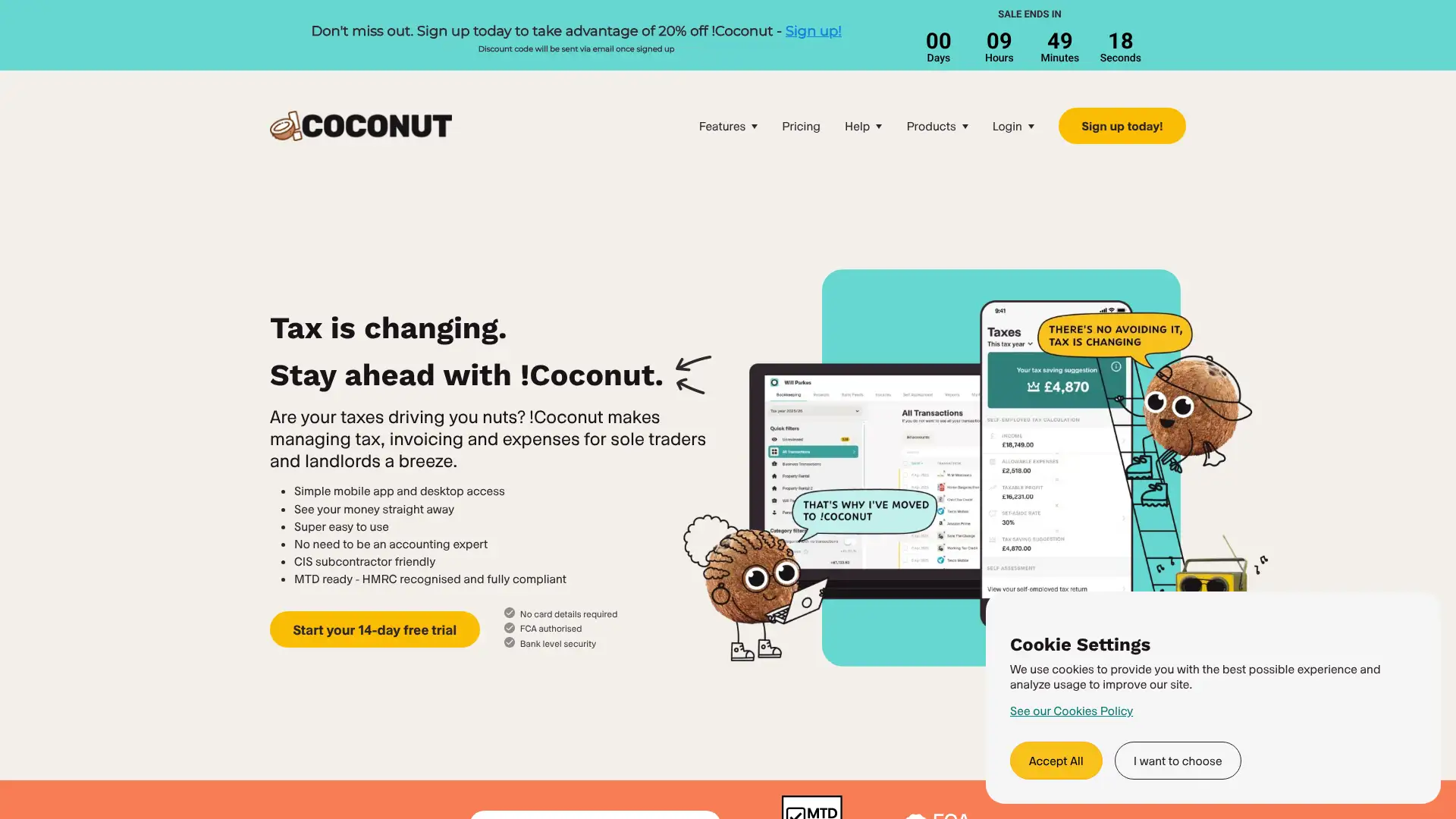
- • HMRC-approved MTD IT software: submit quarterly digital tax updates to HMRC directly from Coconut from April 2026 onwards, as required by Making Tax Digital for Income Tax.
- • Open Banking connections to 30+ UK providers: link bank accounts and credit cards from Barclays, HSBC, Lloyds, Monzo, Starling, and others for automatic transaction import.
- • Real-time tax estimate: Coconut continuously calculates your estimated Income Tax and National Insurance based on live income and expenses — no EOFY guesswork.
- • Accountant portal: invite your accountant or bookkeeper to view your live records, eliminating the need to email spreadsheets or bank statements.
- • Invoice creation and tracking: create branded invoices, send via email, and track payment status with PayPal payment link integration.
Coconut is the right tool for UK sole traders and landlords who want simple accounting, automatic tax estimates, and MTD IT compliance without the complexity or cost of Xero or QuickBooks. The HMRC approval is a practical necessity for the April 2026 MTD mandate. The invoicing features are functional but limited — businesses that send frequent or complex invoices will find FreeAgent or FreshBooks more capable alongside their accounting needs.