30 Best Forms Automation Software in 2026
Forms automation software spans everything from simple drag-and-drop web form builders to enterprise mobile data collection platforms for field teams. This guide covers cloud-hosted form builders, WordPress plugins, open-source survey tools, and offline-capable mobile form apps across all price tiers. All pricing in this guide was verified against vendor pricing pages in March 2026.
JotForm
JotForm is a no-code form builder used by over 25 million users worldwide, including teams at NASA, Red Cross, and Airbnb. It offers 10,000+ templates, payment integrations with Stripe and PayPal, e-signatures, and an AI Agents feature that lets users build conversational AI-powered forms. The free Starter plan caps you at 5 forms and 100 monthly submissions. Paid plans start at $34/month (annual) and top out at $99/month for the Gold tier, which adds HIPAA compliance and 10,000 monthly submissions.
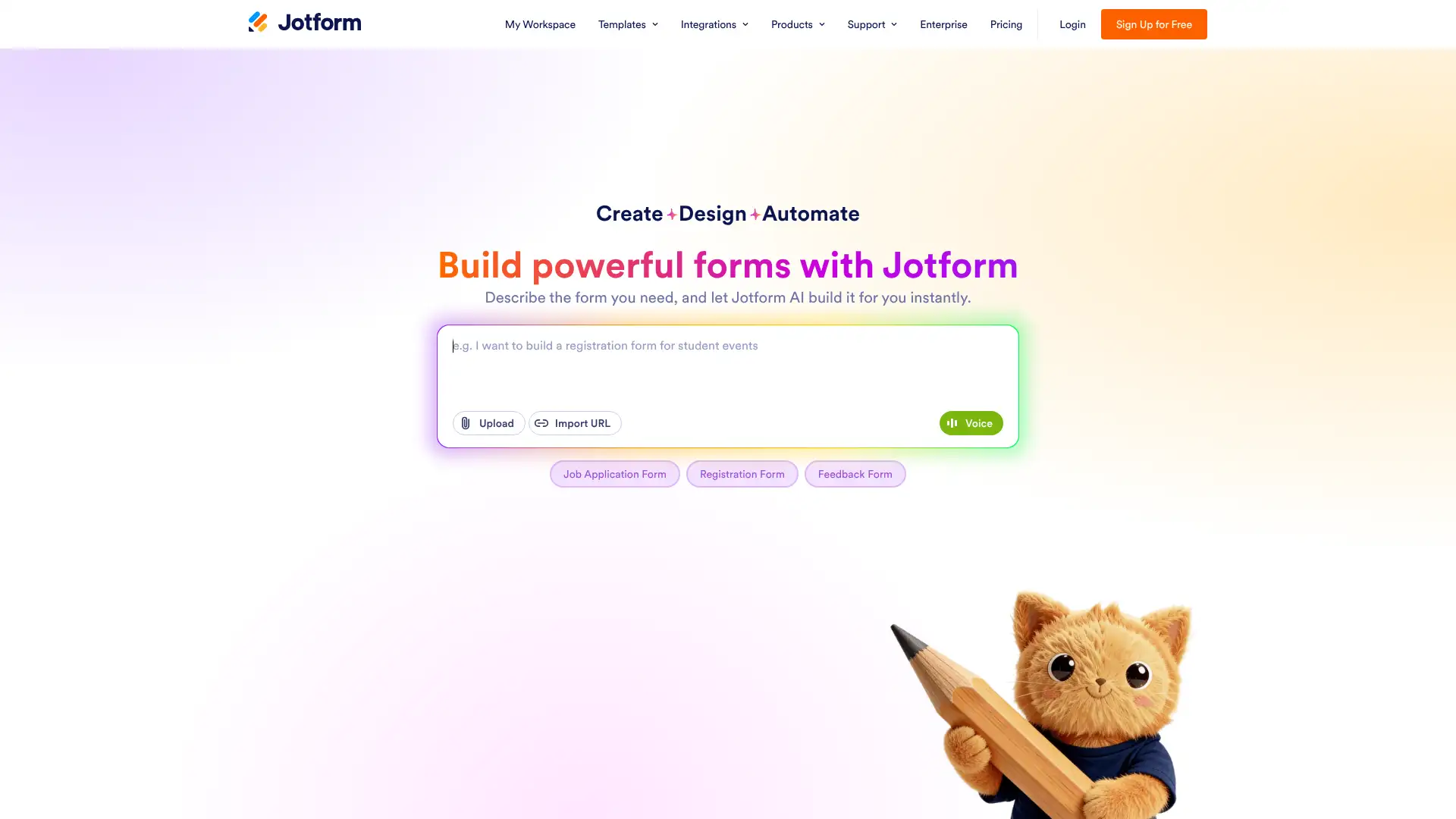
- • 10,000+ pre-built templates spanning HR, healthcare, education, and e-commerce use cases
- • AI Agents: create conversational voice and chat forms that respond dynamically to user input
- • Native payment integrations with Stripe, PayPal, Square, and Authorize.Net, including recurring subscriptions
- • E-signature collection built into all paid plans without a separate tool requirement
- • HIPAA-compliant data collection available on the Gold ($99/mo) and Enterprise plans only
JotForm is the best all-rounder for teams that need high template volume, payment collection, and e-signatures in one place. The free plan is a real starting point, but most growing businesses will land on Silver or Gold fairly quickly as submission limits kick in. Teams with strict HIPAA requirements should budget for the $99/mo Gold plan from the start.
Typeform
Typeform pioneered the one-question-at-a-time conversational form format and claims to reach 65% of Fortune 500 companies. It introduced restructured plan groupings in 2024 — Core plans for general use, Growth plans for marketing/lead generation, and Talent plans for HR teams. Core plans start at $29/month (Basic) and go up to $99/month (Business). Growth plans for lead-gen teams begin at $199/month, while the free plan limits users to just 10 responses per month, making it almost purely a trial tier.
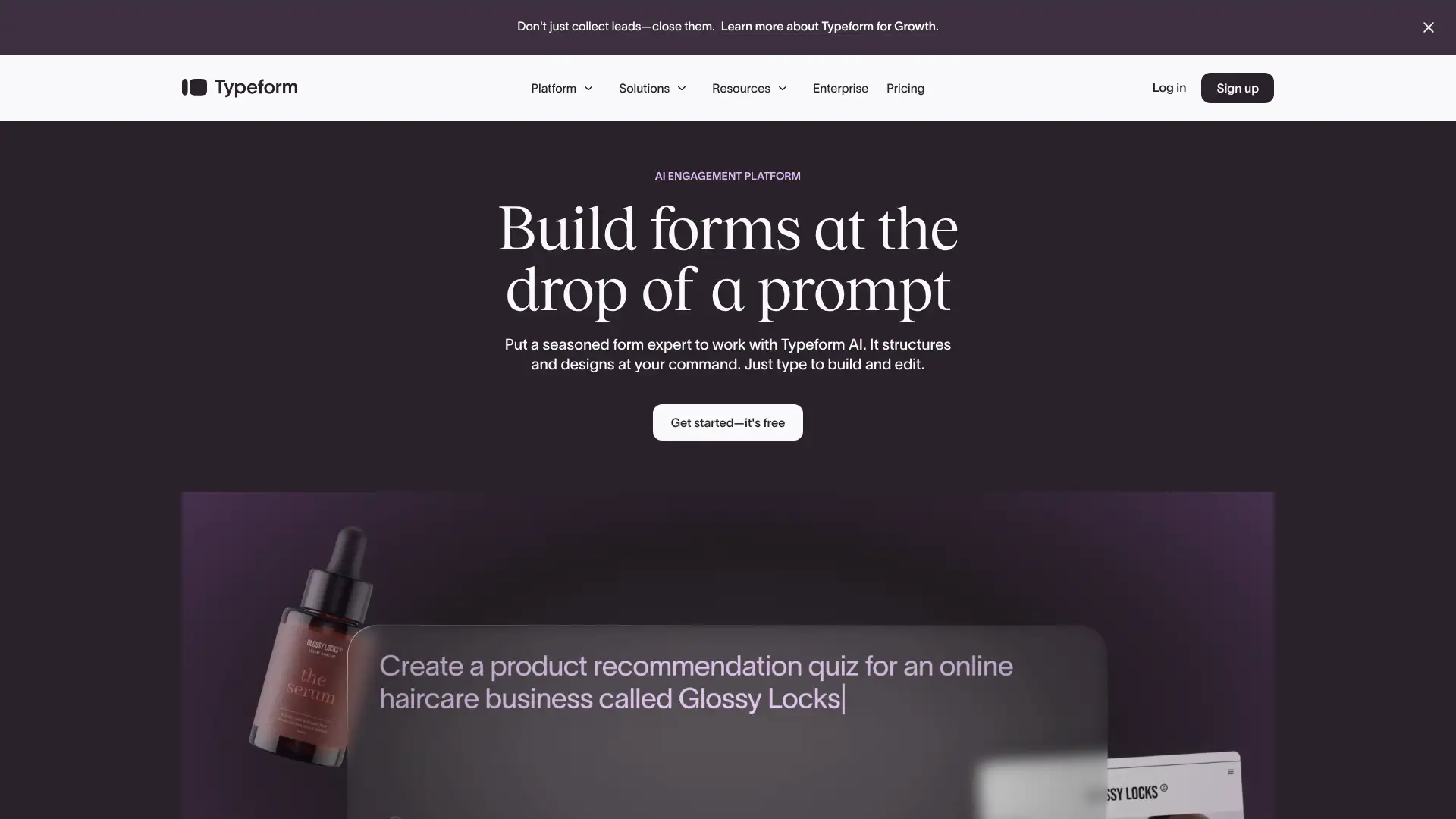
- • One-question-at-a-time conversational UI that consistently boosts completion rates versus traditional multi-field forms
- • Logic Jumps: route respondents to different questions based on prior answers, available on all paid Core plans
- • Lead enrichment on Growth plans: auto-populate known contact data to shorten form length for identified leads
- • Video questions and video answers (Growth/Talent plans) for more personal onboarding and HR feedback experiences
- • 300+ native integrations including HubSpot, Salesforce, Slack, Google Sheets, and Mailchimp
Typeform earns its place for B2B lead gen, customer feedback, and HR workflows where conversational design directly impacts response quality. The sweet spot is the Plus plan at $50/mo (annual) for small marketing teams. However, the bot-protection gap on Core plans is a genuine issue for anyone running paid ad traffic — in that case, upgrade to Growth Essentials or switch to a competitor.
Google Forms
Google Forms is a completely free form builder included with every Google account — personal or Workspace. It offers unlimited forms, unlimited responses, and automatic response sync to Google Sheets. It is used across education, nonprofits, and internal business operations globally. While it lacks the visual customization, payment processing, and conditional logic depth of paid tools, Google introduced AI-assisted question suggestions and summary charts natively in 2024. Response limits and storage are governed only by your Google Drive quota (15GB free).
- • Unlimited forms and unlimited responses at zero cost, with no branding watermarks or submission caps
- • Automatic Google Sheets sync: every response populates a connected spreadsheet in real time
- • Branching/conditional sections: show different question sections based on respondent answers (limited compared to dedicated builders)
- • Quiz mode with auto-grading, point values, and answer explanation feedback for education use cases
- • AI-generated question suggestions based on your form topic, available via the sparkle icon in the editor
Google Forms is the right choice for teams on Google Workspace who need fast, free data collection without any procurement friction. It cannot replace a paid form builder for payment flows, complex logic, or branded client-facing forms — but for internal surveys, registrations, and quizzes, nothing beats it at zero cost.
Microsoft Forms
Microsoft Forms is included in every Microsoft 365 commercial and education subscription at no additional cost. It supports surveys, quizzes, and polls with branching logic and can export results directly to Excel. In 2025, Microsoft added Copilot AI integration for draft question suggestions and theme generation. Forms created in Teams can be embedded into channels, shared with external respondents (with toggle controls), and results can feed into Power BI dashboards via Power Automate. Response storage is tied to your Microsoft 365 tenant.
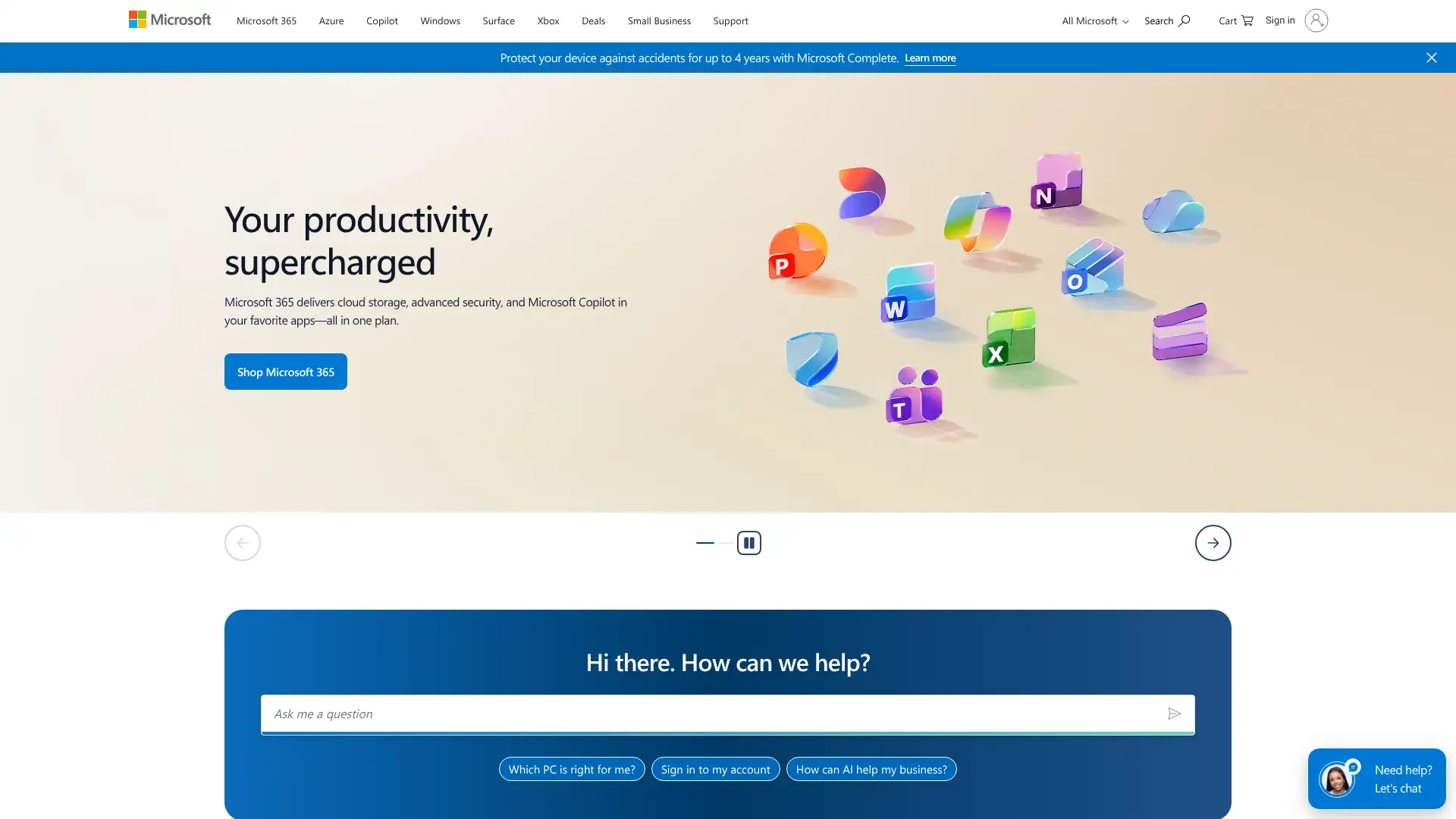
- • Native embedding in Microsoft Teams channels, SharePoint pages, and Outlook emails with no code required
- • Copilot AI (2025): auto-generate full form drafts from a plain-language description of your survey goal
- • Branching rules: skip or show questions based on prior answers, configurable per question
- • Real-time results dashboard with charts, word clouds, and Excel export available immediately after first response
- • External sharing controls: restrict responses to your organization or open to anonymous external respondents
Microsoft Forms is the default choice for any organization standardized on Microsoft 365 — the Copilot integration and Teams embedding make it genuinely useful, not just adequate. For external lead forms, branded client surveys, or anything requiring payments, you will need a dedicated form builder alongside it.
SurveyMonkey
SurveyMonkey is one of the oldest and most recognized survey platforms, used by over 300,000 organizations for customer feedback, employee engagement, and market research. It differentiates itself with a 1,800+ question bank, research-grade statistical analysis tools (MaxDiff, TURF, NPS benchmarks), and an opt-in respondent panel called SurveyMonkey Audience for targeted survey fielding. Free plan users see only the first 40 responses per survey. Individual paid plans start at $39/month; team plans start at $25/user/month (annual, 3-user minimum).

- • 1,800+ expert-written survey questions organized by category in a built-in question bank
- • Advanced research methods including MaxDiff, conjoint analysis, and TURF available on Premier tiers
- • SurveyMonkey Audience: purchase access to targeted survey respondents at approximately $1–$3 per completed response
- • NPS benchmarking: compare your Net Promoter Score against industry averages in the same dashboard
- • Power BI and Tableau connectors plus API access (Enterprise) for enterprise reporting pipelines
SurveyMonkey is the right platform for dedicated research teams who need statistical rigor, panel access, and benchmarking — it is overkill and overpriced for simple feedback collection. Teams who only need response collection should look at JotForm or Typeform; those needing panel respondents should budget SurveyMonkey Audience costs separately from the start.
Formstack
Formstack is a no-code data collection platform that goes beyond form building with native document generation and e-signature capabilities. Originally known as Intellistack, the platform serves healthcare, financial services, and higher education clients where multi-step approval workflows and HIPAA compliance matter. The entry Forms plan starts at $83/month (annual) and covers 1 builder user, 25 forms, and 1,000 submissions per form. The Suite plan at $250/month bundles Forms, Documents, and Sign into a single subscription for end-to-end workflow automation. No free plan is offered, but a 14-day free trial is available.
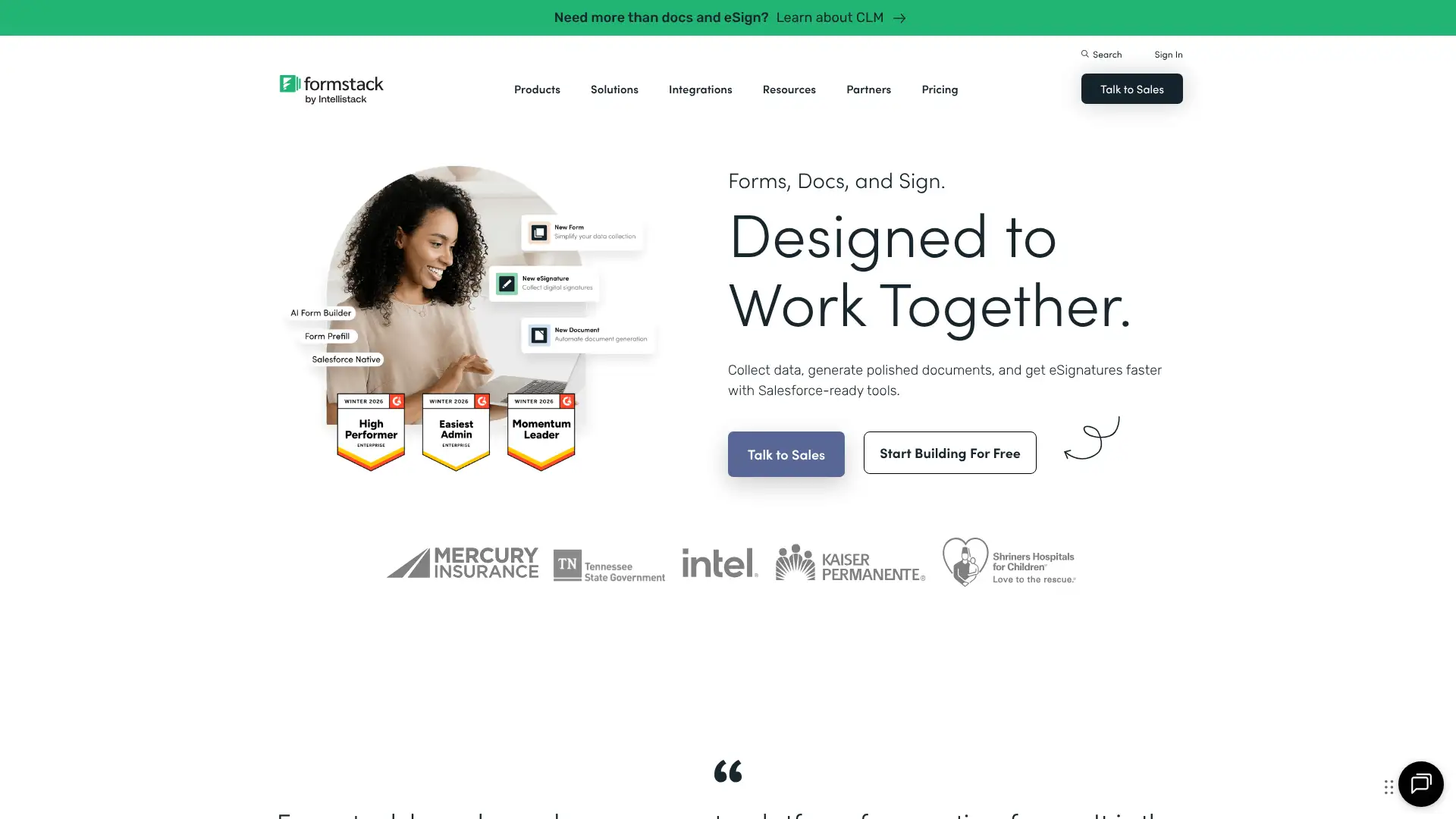
- • Drag-and-drop form builder with conditional logic, multi-step forms, form prefill, and 60+ integrations out of the box
- • Formstack Documents: auto-generate PDF, Word, or PowerPoint documents from form submission data with merge tags
- • Formstack Sign: collect legally binding e-signatures with audit trails and UETA/ESIGN compliance
- • Salesforce native forms: build forms that push and pull data directly within a Salesforce org without Zapier
- • HIPAA compliance available on Forms Pro and above, covering PHI collection for healthcare workflows
Formstack earns its price for organizations running approval workflows that span forms, document generation, and e-signatures — the Suite plan at $250/mo replaces three separate vendor contracts. For teams that only need data collection, Formstack is expensive relative to JotForm or Cognito Forms and the user and form caps on the entry tier create friction early.
Cognito Forms
Cognito Forms is a no-code form builder founded in 2013 and used by over 150,000 teams for registration, HR, payments, and workflow approvals. Its standout feature is a workflow engine that lets non-technical users build role-based approval processes, status-driven entry views, and conditional email notifications without code. The free Individual plan allows unlimited forms for 1 user with 100 entries/month. The Pro plan at $19/month supports 2 users, 2,000 entries/month, and full workflow automation. Square, Stripe, and PayPal payment integrations are available on all paid plans.
- • Workflow engine: define approval stages with role-based user assignments, status transitions, and conditional email actions — all in a visual no-code interface
- • Document generation: auto-create PDF or Word documents from form submissions using customizable templates
- • Guest access (Team and above): share entry views with external stakeholders via role-based links without requiring a Cognito account
- • Payment processing via Stripe, Square, and PayPal on all paid plans, including recurring subscriptions and coupon codes
- • SSO and audit logging included on the Enterprise plan at $129/mo for compliance-heavy environments
Cognito Forms delivers the best value-to-feature ratio of any form builder for teams that need approval workflows. The Pro plan at $19/mo is unmatched at that price point. Healthcare teams on a budget should note that HIPAA compliance requires the Enterprise plan at $129/mo, which is still cheaper than Formstack's equivalent tier.
123FormBuilder
123FormBuilder is a cloud-based form builder serving over 2 million users, including enterprises in healthcare, financial services, and education. It offers a drag-and-drop builder, 1,900+ templates, conditional logic, Salesforce integration, HIPAA compliance, and payment collection via Stripe, PayPal, and Square. The free plan allows 3 forms and 20 submissions/month. Paid plans start at $37/user/month (monthly billing), with annual discounts of up to 50%. An Enterprise tier targets mid-to-large organizations needing white-label forms, SSO, and unlimited submissions.
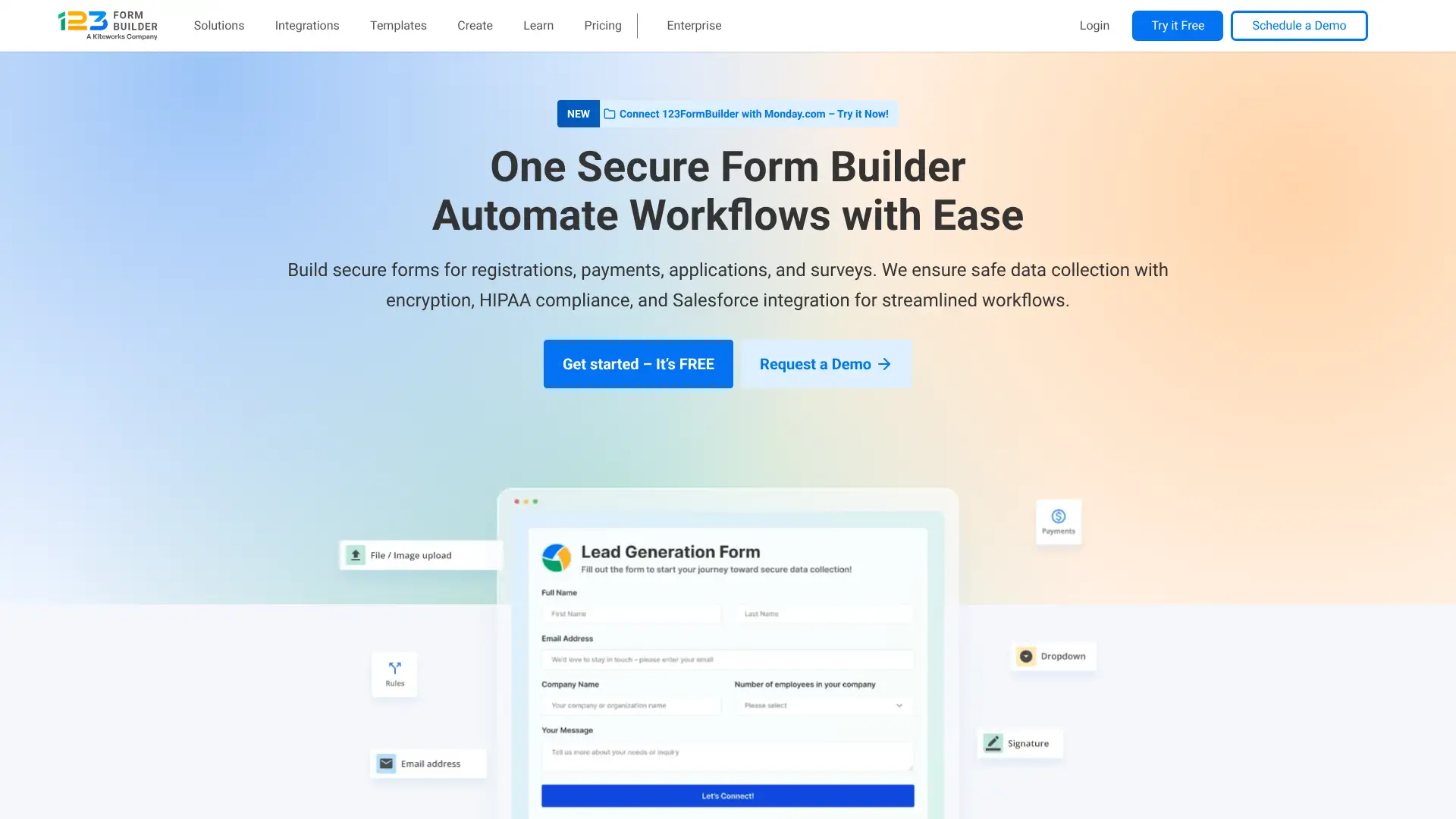
- • Salesforce native integration: push form submissions directly to Salesforce leads, contacts, and custom objects without Zapier
- • HIPAA-compliant forms with BAA on Diamond and Enterprise plans for healthcare data collection
- • Calculation fields: build pricing calculators and conditional math formulas directly within forms
- • 4,000+ Zapier-connected apps for extending integrations beyond the native set
- • Sub-user accounts with configurable permission levels for client or team delegation
123FormBuilder is a solid mid-market choice for organizations that need Salesforce integration without an enterprise budget. The Diamond plan at $99/mo covers HIPAA + Salesforce + white-label in one package that would cost significantly more at Formstack. For teams without Salesforce requirements, JotForm or Cognito Forms offer better pricing structure.
Wufoo
Wufoo, owned by SurveyMonkey since 2011, is one of the longest-running form builders on the market. It is known for its 400+ templates, SSL encryption on all forms, and easy Stripe, PayPal, and Authorize.Net payment integrations. The free Gratis plan allows 5 forms with 100 entries/month. Paid plans run from $16.25/month (Starter, billed annually at $195/year) to $83.25/month (Advanced, billed annually at $999/year). All plans include unlimited reports and form rules.
- • 400+ ready-to-use templates spanning registration, orders, surveys, and lead capture
- • Payment processing via Stripe, PayPal, and Authorize.Net included on Professional plan and above
- • Form Rules: show or hide fields, skip to sections, or notify specific people based on form field logic
- • Field encryption for sensitive data fields including SSNs and payment card numbers
- • 25% annual billing discount on all plans vs. monthly pricing
Wufoo remains a dependable, no-surprises option for teams that need reliable form collection and payments without complexity — the low entry price at $16.25/mo (annual) is genuinely competitive. However, its feature set has stagnated since 2015, and teams that need AI form generation, e-signatures, or modern UI should look elsewhere.
Gravity Forms
Gravity Forms is a premium WordPress-only form plugin developed by Rocketgenius and has been a market leader for WordPress form building since 2009. Unlike SaaS form builders, it is a one-time annual license (renewal required for updates and support). All three tiers — Basic, Pro, and Elite — include every core feature and official add-on; the only difference is the number of WordPress sites licensed. The Basic license at $59/year covers a single site, Pro at $159/year covers 3 sites, and Elite at $259/year covers unlimited sites. No free plan exists, but renewal pricing is transparent and consistent.
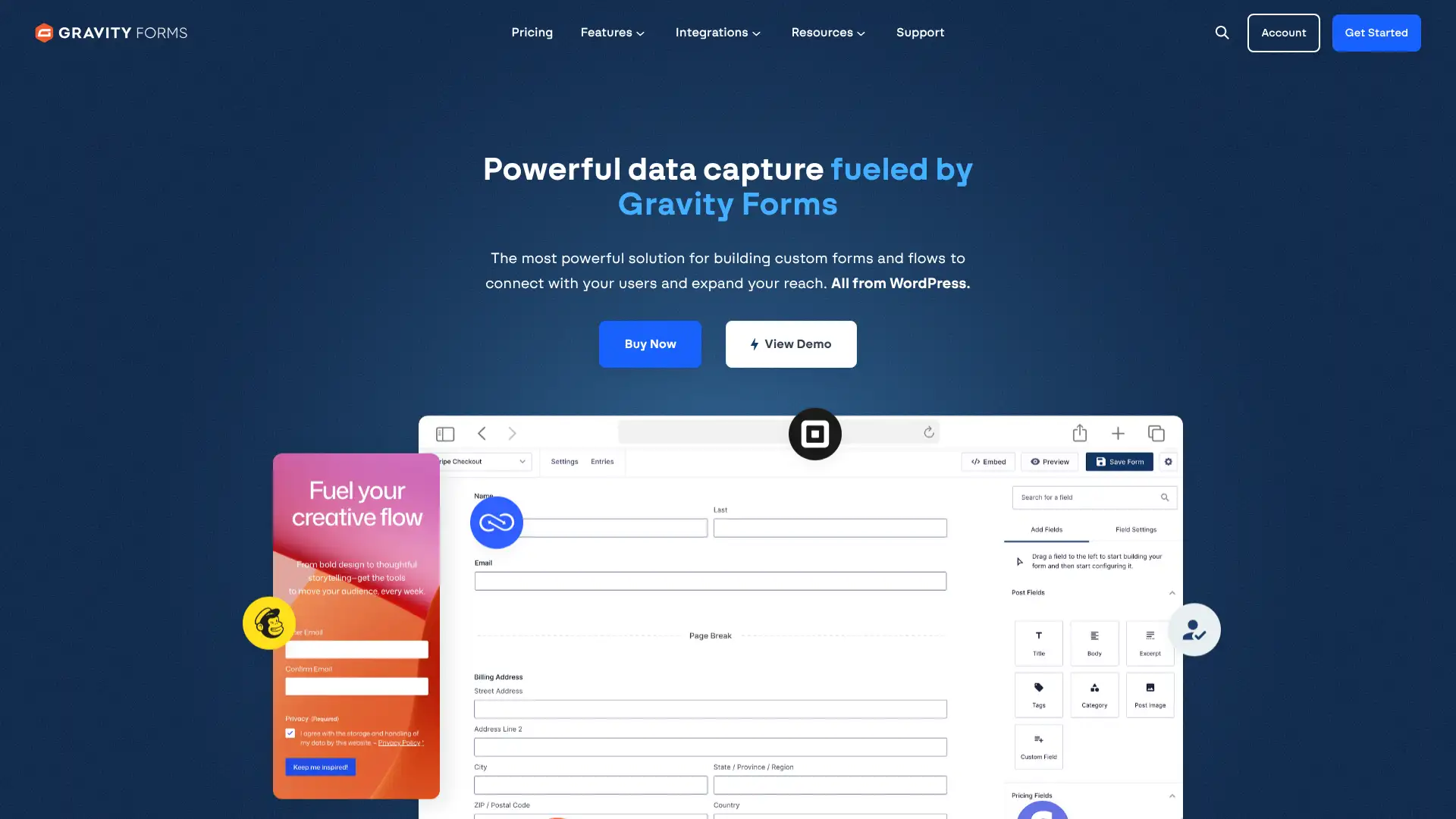
- • 19+ official add-ons on Basic (Zapier, Stripe, PayPal, Mailchimp, and more) included at no additional cost
- • Conditional logic: show or hide fields, sections, and pages based on any combination of form field values
- • Survey add-on: create Likert scale, rating, and rank-order survey questions with in-dashboard result analysis (Pro and Elite)
- • Calculations: build dynamic pricing forms, quote calculators, and score-based quizzes using formula fields
- • Robust third-party ecosystem with hundreds of community-built add-ons including GravityView, Gravity Flow, and Gravity Perks
Gravity Forms is the most capable WordPress form builder for developers and power users who need payments, conditional logic, and a rich add-on ecosystem. The transparent renewal pricing and all-inclusive feature set make it more predictable than WPForms, which discounts the first year but doubles renewal costs. Non-WordPress users should look elsewhere.
WPForms
WPForms is a WordPress form plugin used by over 6 million professionals and built by Awesome Motive. It differentiates itself from Gravity Forms with a more beginner-friendly builder, 2,000+ pre-made templates, and a large template library organized by industry. Plans range from Basic at $49.50/year (first year) for 1 site to Elite at $299.50/year (first year) for unlimited sites. A free Lite version is available on WordPress.org but does not save form submissions to the WordPress dashboard. Note: all plans use introductory first-year pricing; renewals are at full price, which is approximately double.
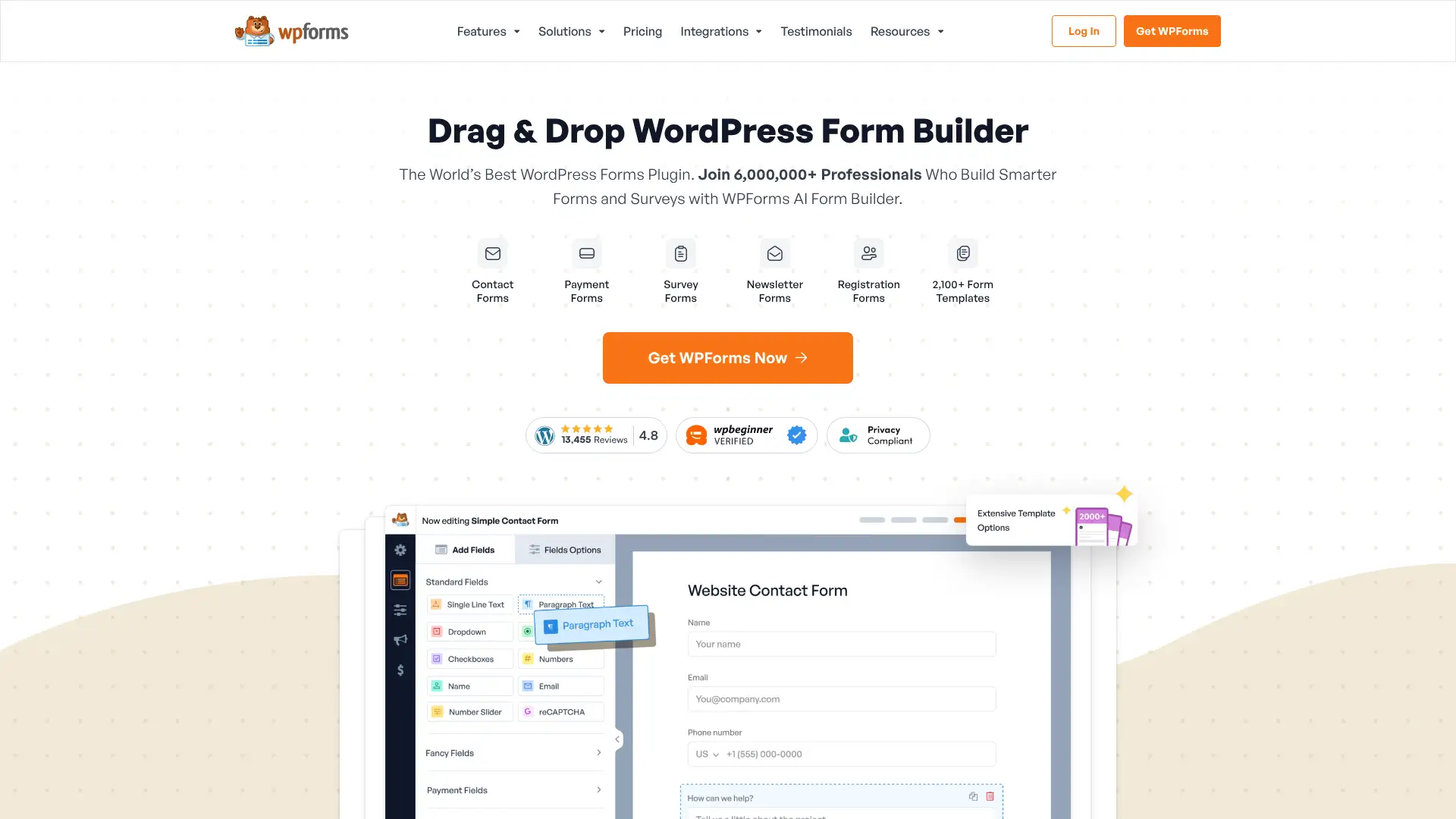
- • 2,000+ pre-built form templates covering healthcare, education, e-commerce, and event planning
- • Conversational Forms add-on (Pro and above): display one question at a time in a Typeform-like interface
- • Form Landing Pages: publish standalone form pages hosted on your WordPress site without building a full page
- • Offline forms (Pro): collect submissions without internet connection, syncing when connectivity is restored
- • Smart Workflows: define conditional data routing and Slack notification triggers from within the form editor
WPForms is the easiest WordPress form builder for non-technical users and the 2,000+ template library is genuinely impressive. The introductory pricing is attractive, but the doubling renewal cost is a real long-term consideration — budget for full price from year two onward. Teams comfortable with a slight learning curve should compare Gravity Forms' flat-rate pricing before committing.
Ninja Forms
Ninja Forms is a WordPress form plugin with a free core version available on WordPress.org that includes unlimited forms, unlimited submissions, and basic field types. Advanced features — conditional logic, multi-step forms, Stripe payments, Mailchimp, and Zapier — are available as individual add-on purchases or through annual bundle plans. Bundle plans range from $99/year (for 1 site) to $499/year for unlimited sites with all add-ons included. This modular approach benefits teams that need one or two specific integrations, but purchasing multiple add-ons individually can exceed bundle pricing quickly.
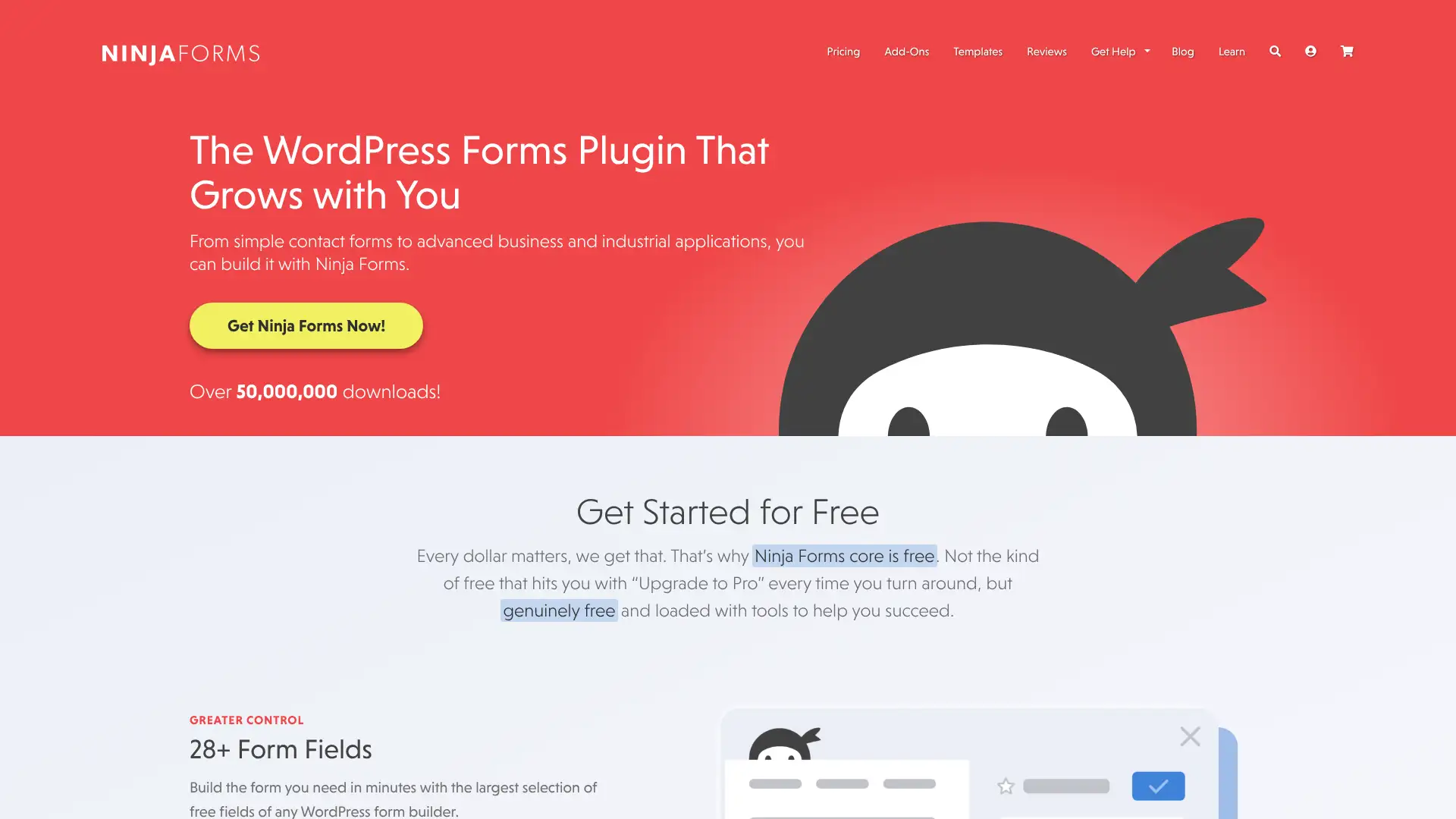
- • Free core plugin on WordPress.org with no expiration — unlimited forms and submissions without a license key
- • Modular add-on model: purchase only the specific capabilities (Stripe, Mailchimp, Zapier, file uploads) you actually need
- • Multi-Part Forms add-on: create multi-step forms with progress bars and save/resume, available as a $99/year add-on
- • Conditional Logic add-on at $99/year: show or hide fields and pages based on user input
- • Scheduled forms: automatically open and close forms at specific dates and times — a unique feature not commonly available in Gravity Forms
Ninja Forms is the right choice if you only need one or two specific add-ons and want to start free — buying just the Stripe add-on at $49/year is cheaper than any Gravity Forms license. For teams that need conditional logic, multi-step forms, AND Zapier, the total add-on cost quickly exceeds Gravity Forms Pro at $159/year, at which point the bundle pricing makes more sense.
Paperform
Paperform is an Australian-built form builder that treats forms as mini landing pages — users type content like a document and drop in form fields, payment blocks, and booking calendars inline. It supports Stripe, Square, Braintree, and PayPal payments on all paid plans. A free plan launched in 2025 provides basic access. Paid plans start at $29/month (Essentials, monthly billing) or $24/month (annual). The Business plan at $129/month adds HIPAA compliance, custom HTML/CSS, custom domains, and priority support. Paperform also offers Papersign (e-signatures) and Stepper (AI workflow automation) as companion products.
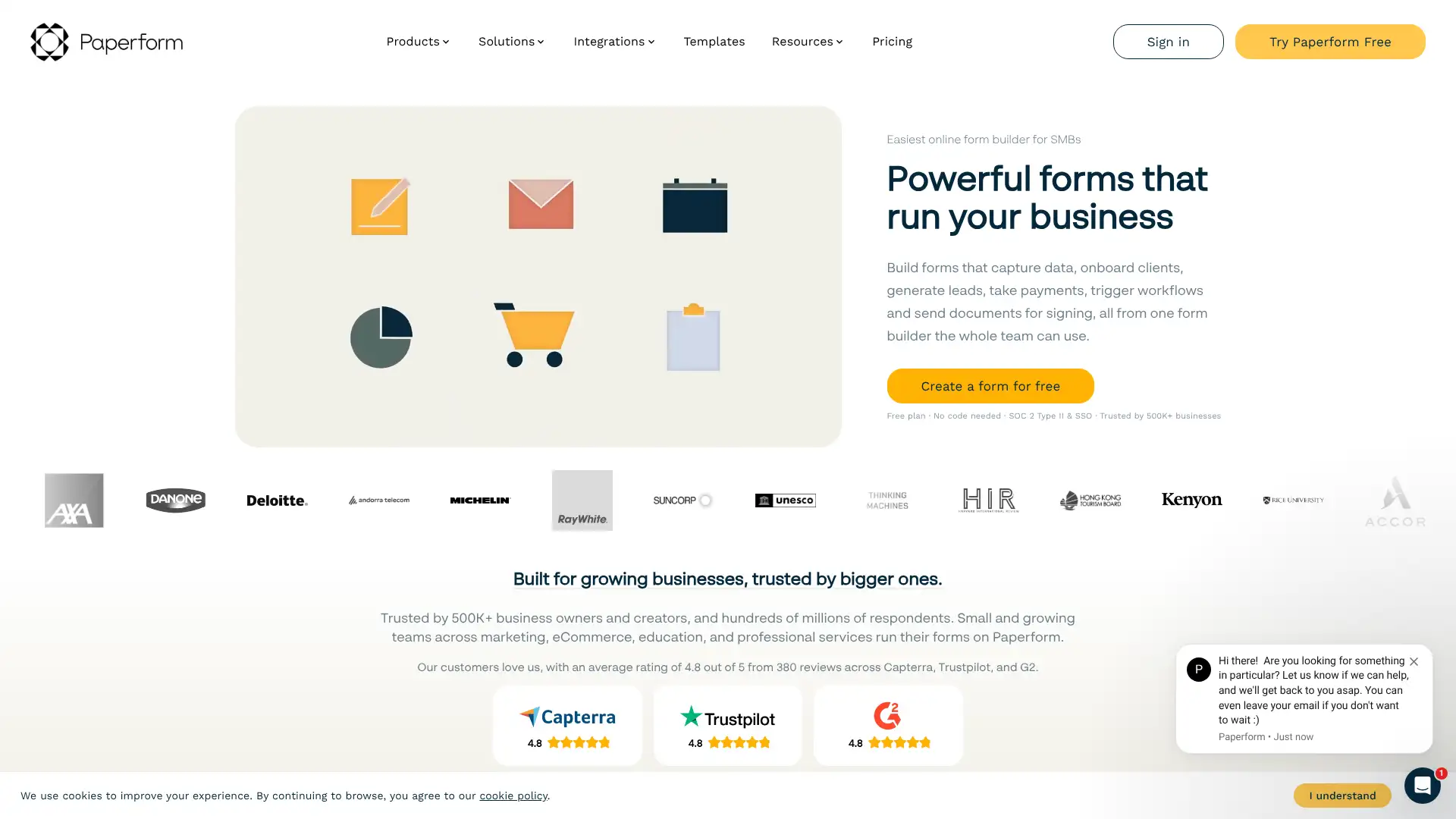
- • Doc-style form editor: type prose, headings, and images alongside form fields for a landing page-style experience
- • Scheduling and booking: embed date/time availability pickers directly into forms for appointment scheduling
- • Payments in all plans: accept Stripe, Square, PayPal, and Braintree charges with pricing calculators and product fields
- • AI form generation: describe your use case and Paperform generates a complete form draft including questions and logic
- • Conditional logic with calculations: define rules that adjust pricing, show or hide sections, and compute dynamic totals
Paperform is the best choice for businesses that want their forms to look like landing pages — quote requests, booking forms, and product order forms all benefit from its doc-style editor. The submission cap on Essentials is a genuine limitation for active lead generation; teams expecting more than 100 submissions/month should start on Pro at $49/mo (annual) or budget for JotForm instead.
Tally
Tally is an EU-based bootstrapped form builder that offers unlimited forms and unlimited responses on its free plan — a rarity in the market where most competitors limit free users to 100 submissions/month or fewer. Founded in 2020, Tally processes over 500,000 monthly active users and is SOC 2, ISO 27001, GDPR, and CCPA compliant. The Pro plan at $29/month unlocks custom domains, custom CSS, branding removal, partial submissions tracking, and team collaboration. The Business plan at $89/month adds email verification, submissions data retention controls, and advanced team management.
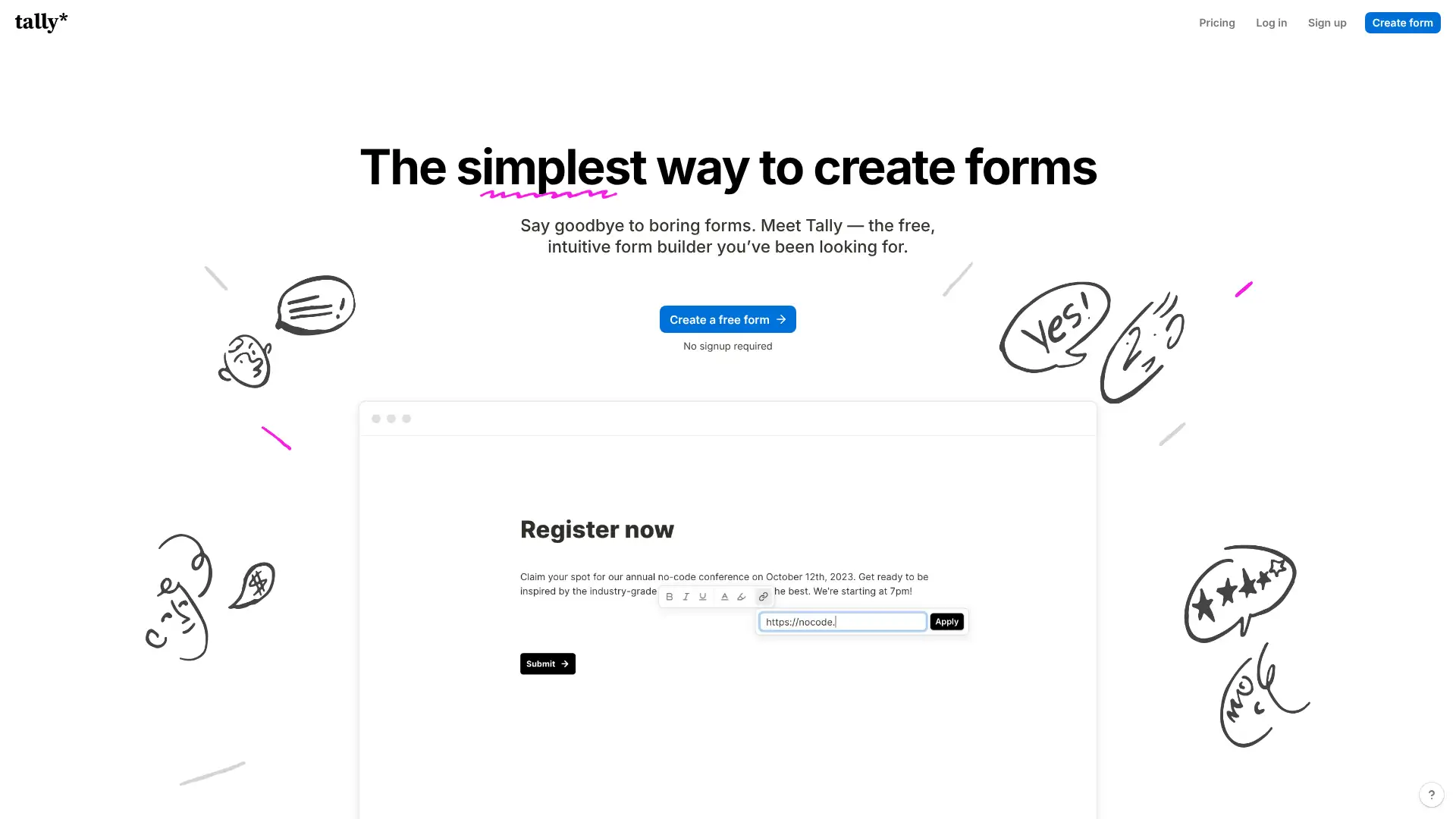
- • Notion-style block editor: type to add questions, use / commands to insert field types — no drag-and-drop panel required
- • Unlimited responses on the free plan under fair use guidelines — no monthly submission caps
- • Electronic signatures available on the free plan — most competitors lock e-signatures behind paid tiers
- • Conditional logic, calculated fields, and custom thank-you screens included for free
- • Native integrations with Airtable, Notion, Google Sheets, Slack, and Zapier on paid plans
Tally is the most generous free form builder available — unlimited responses, conditional logic, and e-signatures at zero cost make it the best starting point for individuals and small teams. Upgrade to Pro at $29/mo when you need your own domain or want to remove branding. Teams with complex payment workflows should choose Paperform or JotForm instead.
Fillout
Fillout is a newer form builder founded in 2022 with deep native integrations to Airtable, Notion, HubSpot, SmartSuite, and Salesforce — allowing forms to read and write database records in real time, not just append rows. The free plan allows 1,000 submissions/month, which is one of the largest free tiers available. The Starter plan is $15/month (annual) and the Business plan at $75/month (annual) unlocks unlimited submissions, advanced logic, and custom code. A Conversion Kit add-on for lead optimization features is available at an additional $100/month.
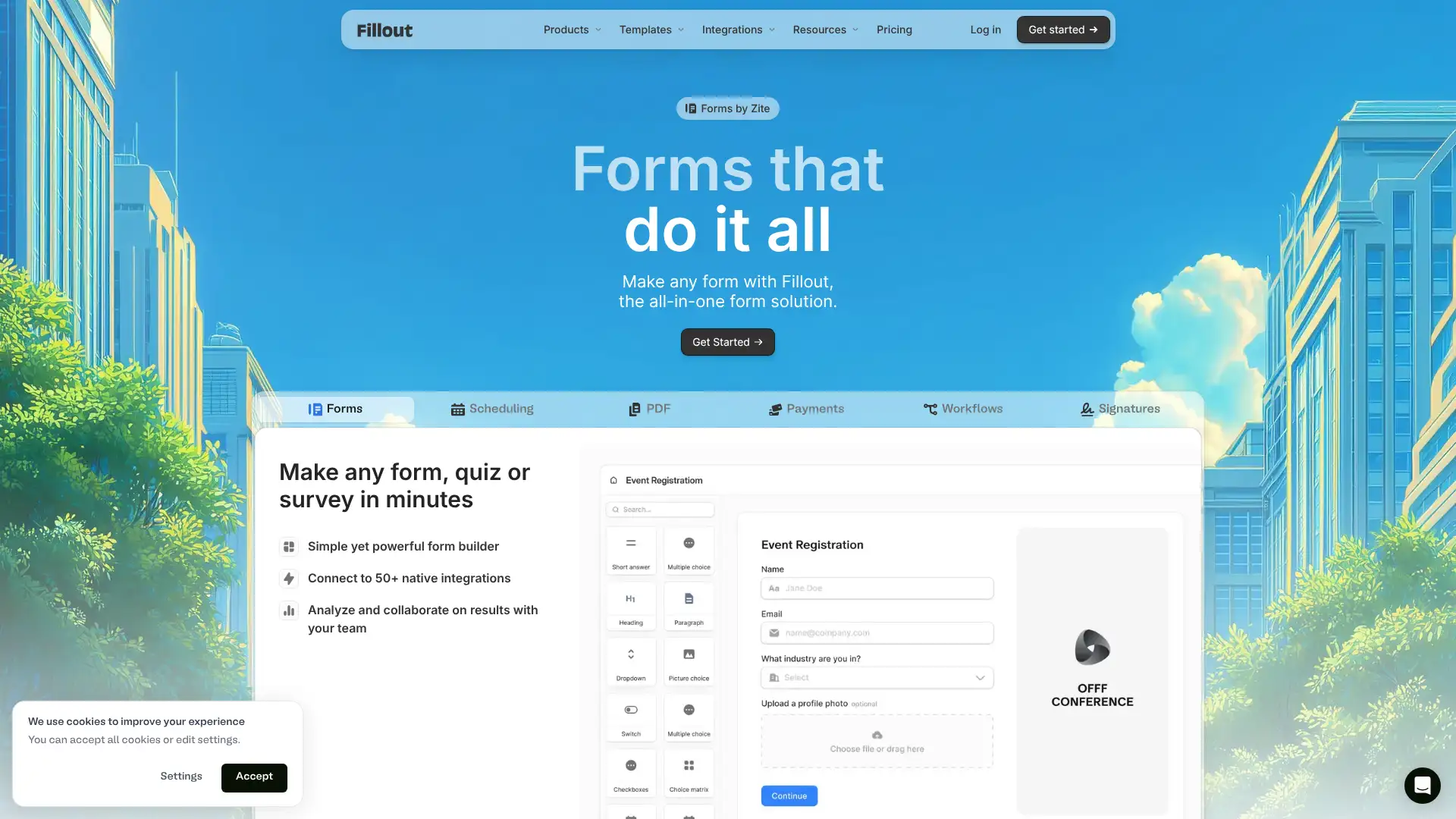
- • Airtable and Notion integration: forms can look up existing records and pre-populate fields based on database data, enabling update forms not just insert forms
- • 1,000 free submissions/month on the free plan — the most generous free tier among dedicated form builders
- • Multi-step forms with animations between pages, progress indicators, and partial submission capture
- • Conversion Kit add-on: address autocomplete via Google Places, Google Ads conversion integration, and lead enrichment
- • Conditional routing: redirect respondents to different URLs or show different endings based on answers
Fillout is the top pick for ops and product teams whose work centers on Airtable or Notion — the bidirectional database sync is genuinely unique. The free plan is the most usable free tier in the market at 1,000 submissions/month. Teams running paid ads should carefully price the Conversion Kit add-on before committing, as it significantly changes the total cost.
Feathery
Feathery is an enterprise form and workflow platform targeting regulated industries — insurance, financial services, and healthcare — with SOC 2 Type 2 and HIPAA compliance as defaults across all plans. It offers AI-powered document parsing (98%+ accuracy from uploaded PDFs), collaborative approval workflows, e-signatures, document template autofill, and over 100 vertical integrations including Plaid, Applied Epic, and KYC providers. Paid plans start at approximately $100/month (Growth, billed annually). Feathery also offers a white-label editor for embedding its form builder into third-party SaaS products.
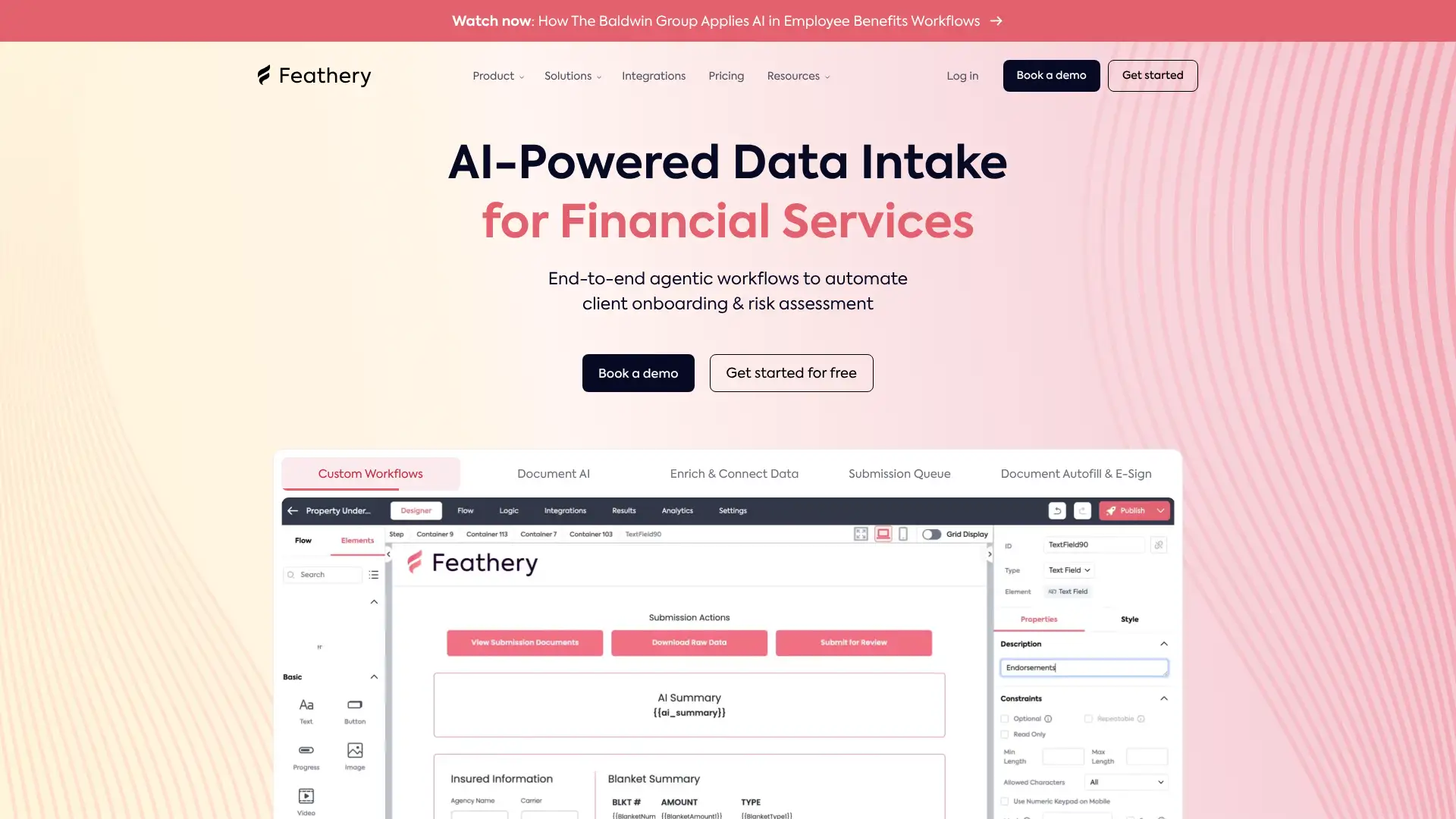
- • AI document parsing: extract structured data from uploaded PDFs, voice recordings, and emails with 98%+ accuracy to pre-fill form fields
- • Pixel-perfect visual designer: build branded forms with custom components, fonts, and layout without CSS limitations
- • Collaborative approval workflows: route submissions through multi-user review, conditional approvals, and role-based access
- • 100+ vertical integrations spanning KYC (Alloy), AML, insurance AMS (Applied Epic), and financial data (Plaid)
- • White-label editor: embed Feathery's form builder inside your own SaaS product as a native feature
Feathery is purpose-built for regulated industries that need document intelligence, HIPAA compliance, and complex workflow approvals — if those are your requirements, the $100/mo entry is competitive. For standard web form collection without AI document parsing, the price-to-value ratio is poor compared to JotForm or Formstack.
Formbricks
Formbricks is an open-source experience management platform positioned as an alternative to Qualtrics for software teams. It supports link surveys, in-app surveys triggered by user events, website surveys, and email-embedded surveys. The Community Edition is completely free to self-host with unlimited users, unlimited surveys, and all standard features. An Enterprise Edition (contact for pricing) adds SSO, SAML, team access roles, white-label email follow-ups, and multi-language surveys. Formbricks is used by over 10,000 teams including Siemens, Flixbus, and various SaaS companies. The cloud version also offers a free tier.
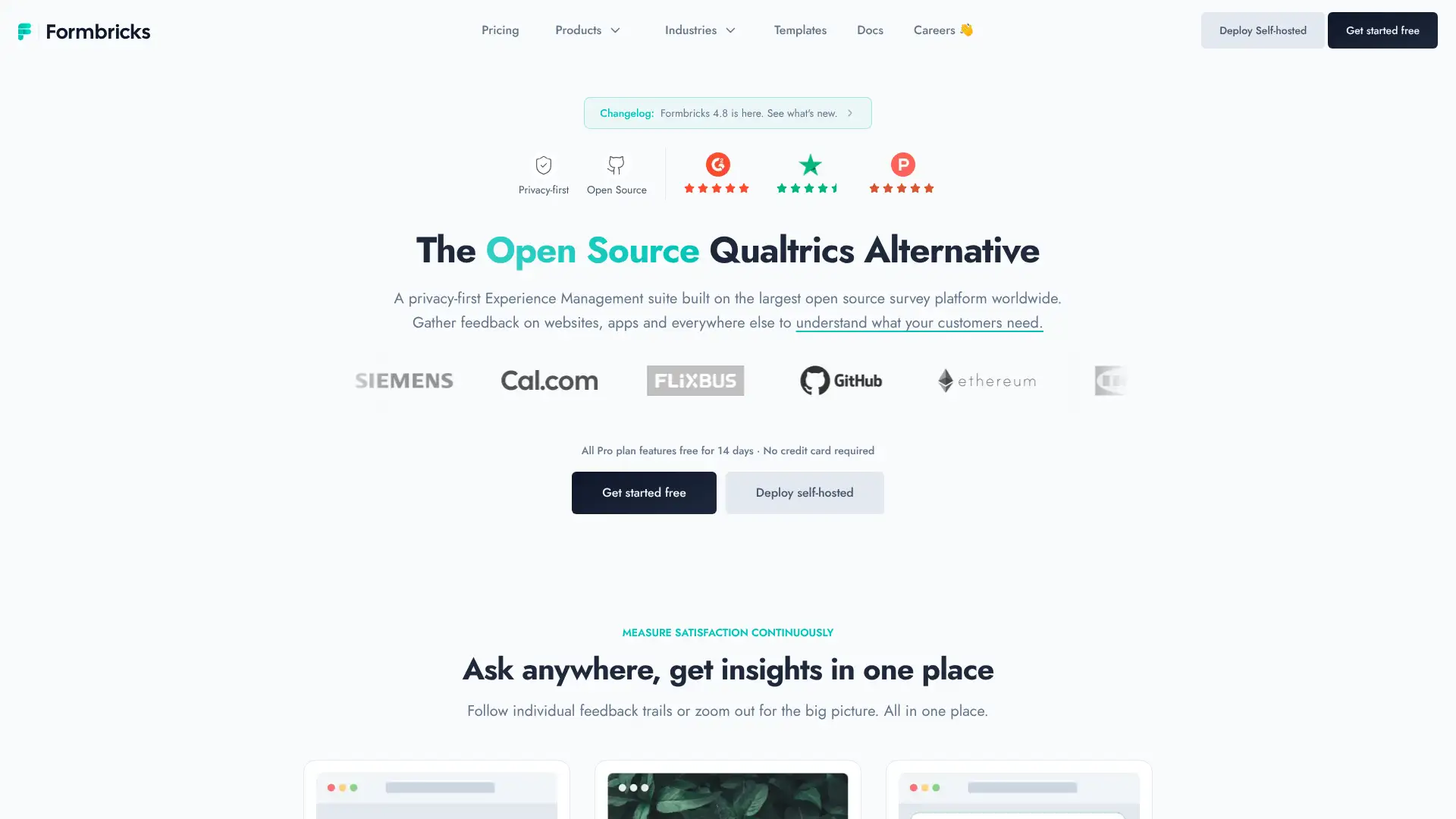
- • In-app survey targeting: trigger surveys based on specific user events, cohort attributes, or session conditions within your web or mobile app
- • Link surveys with pin protection, custom URLs, single-use links, and partial response capture
- • Email-embedded surveys: embed one-click NPS or CSAT questions directly in outgoing email campaigns
- • Open-source codebase: full access to modify, audit, and self-deploy the entire platform under your own infrastructure
- • Native integrations with Slack, Google Sheets, Notion, Zapier, n8n, Make.com, and Airtable
Formbricks is the best choice for engineering and product teams who want in-app survey targeting and are comfortable self-hosting. The unlimited free Community Edition is exceptional value for technical organizations. Non-technical teams should use the cloud free tier to test, or look at Tally or Typeform for a hosted alternative with better support.
Reform
Reform is a conversion-rate-optimization-first form builder created by the team at FunnelEnvy, who have spent over a decade optimizing funnels for high-growth companies. It focuses on multi-step forms, lead enrichment, qualification routing, abandoned submission tracking, and email validation — all features aimed at maximizing lead quality. The free plan allows 1 active form and 10 responses/month. The Essentials plan at $15/month unlocks up to 10 active forms, unlimited responses, conditional logic, and custom branding. The Pro plan at $35/month adds webhooks, response automation, and advanced layout controls.
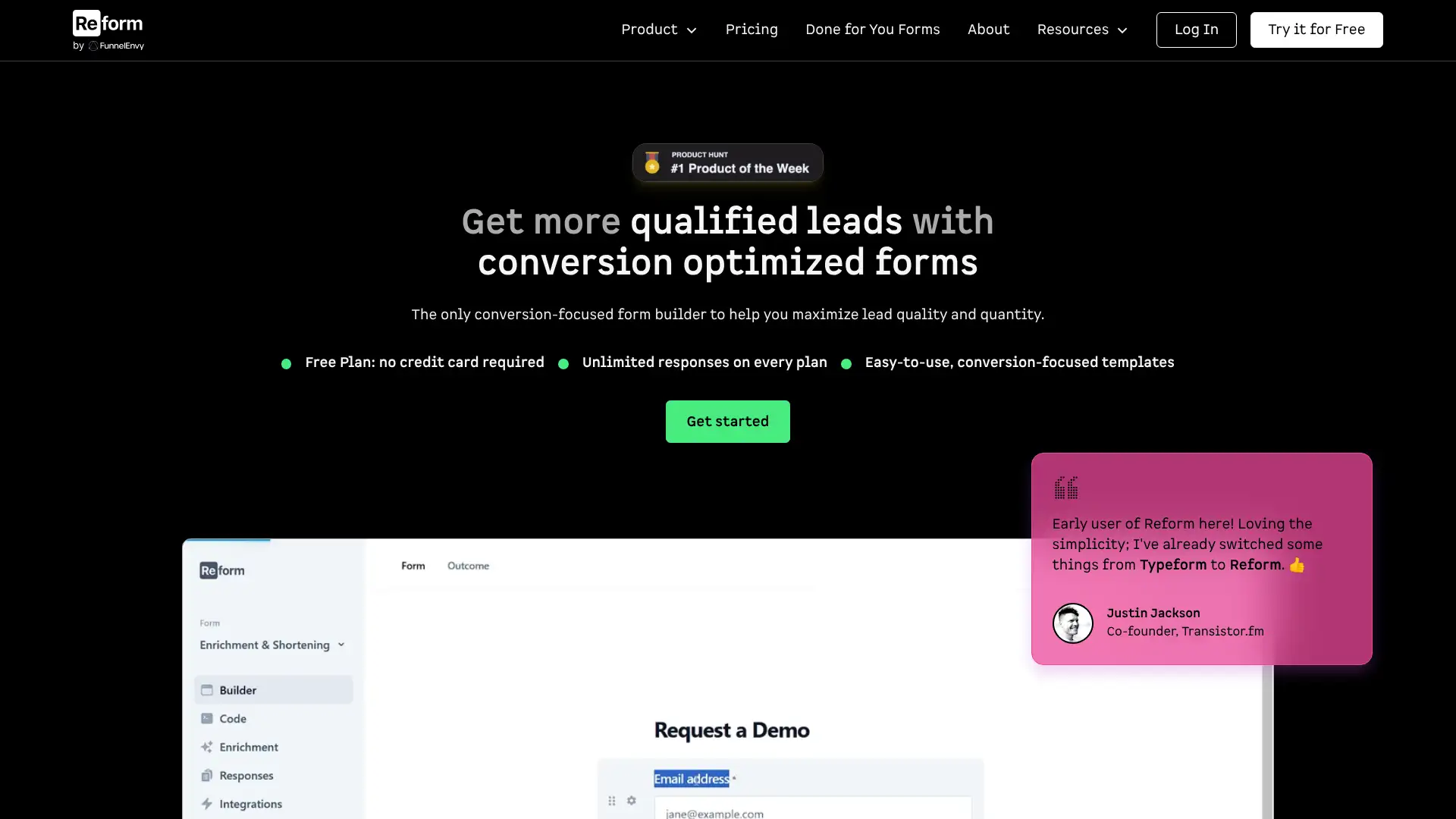
- • Multi-step form builder with CRO-optimized templates tested across hundreds of real lead-gen campaigns
- • Qualification routing: direct leads down different paths based on answers — prerecorded demo vs. live sales call routing
- • Lead enrichment: auto-populate known contact data using enrichment providers to shorten form length for identified prospects
- • Abandoned submission tracking: identify when respondents drop off mid-form and recover partial leads
- • UTM parameter capture: record campaign attribution data (UTM source, medium, campaign) alongside every submission
Reform is the right pick for growth-stage B2B companies who want a lead capture form built with CRO principles baked in from the start. The $15/mo Essentials plan offers the best price-per-lead-gen-feature ratio in the market. Teams who need payment processing, general-purpose surveys, or deep database integrations should look at JotForm, Paperform, or Fillout.
Heyflow
Heyflow is a no-code funnel and form builder loved by 3,000+ brands in 50+ countries, designed specifically for lead generation with full design flexibility — described as the only no-code tool that does not compromise on branding. It introduced lead-based pricing in late 2025 through Starter, Growth, Scale, and Enterprise tiers. Plans are scoped by monthly lead (response) volume rather than fixed submission counts. The platform includes A/B testing, native ad tracking (GA4, GTM, Meta Pixel, Google Ads, TikTok, LinkedIn), SOC 2 Type II compliance, and GDPR-compliant EU data hosting.
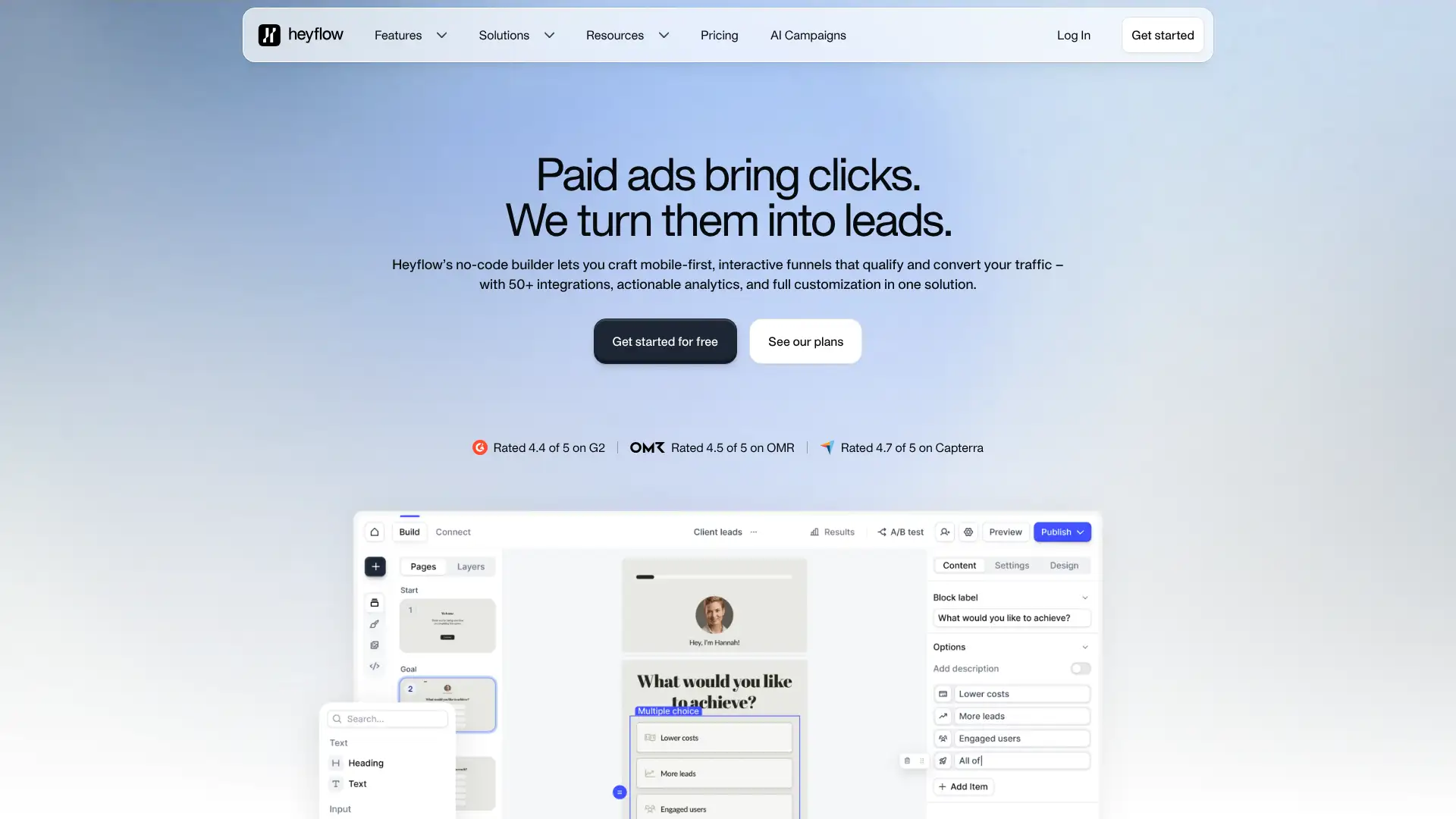
- • Pixel-perfect design system with custom fonts (Google Fonts), icon library with 5,000+ icons, and full layout control without CSS
- • Lead-based pricing model: pay based on leads generated rather than site traffic or total form views
- • A/B testing for funnels: test different flow variants against each other with statistical significance tracking
- • Native ad tracking integrations: GA4, GTM, Meta Pixel, Google Ads, TikTok Ads, LinkedIn Insight Tag, Microsoft Ads
- • Calculator fields: build dynamic quote calculators, loan estimators, and pricing configurators within interactive flows
Heyflow is the best choice for performance marketing teams running paid ad campaigns who need beautiful, branded lead funnels with built-in A/B testing and ad pixel tracking. The design flexibility is genuinely unmatched at the no-code level. The variable lead-based pricing model requires careful budgeting, and teams should request a pricing quote based on their expected monthly lead volume before committing.
Leadpages
Leadpages is primarily a landing page builder with embedded form capabilities — not a standalone form builder. It is used by over 40,000 small businesses for lead generation, webinar registration, and product sales pages. Forms in Leadpages are tied to landing pages with opt-in boxes, pop-ups, and alert bars. The Standard plan at $37/month (annual) allows 5 landing pages and connects 1 custom domain. The Pro plan at $74/month (annual) unlocks unlimited landing pages, unlimited A/B testing, Stripe payment collection, and 3 custom domains. A 14-day free trial is offered on all plans.
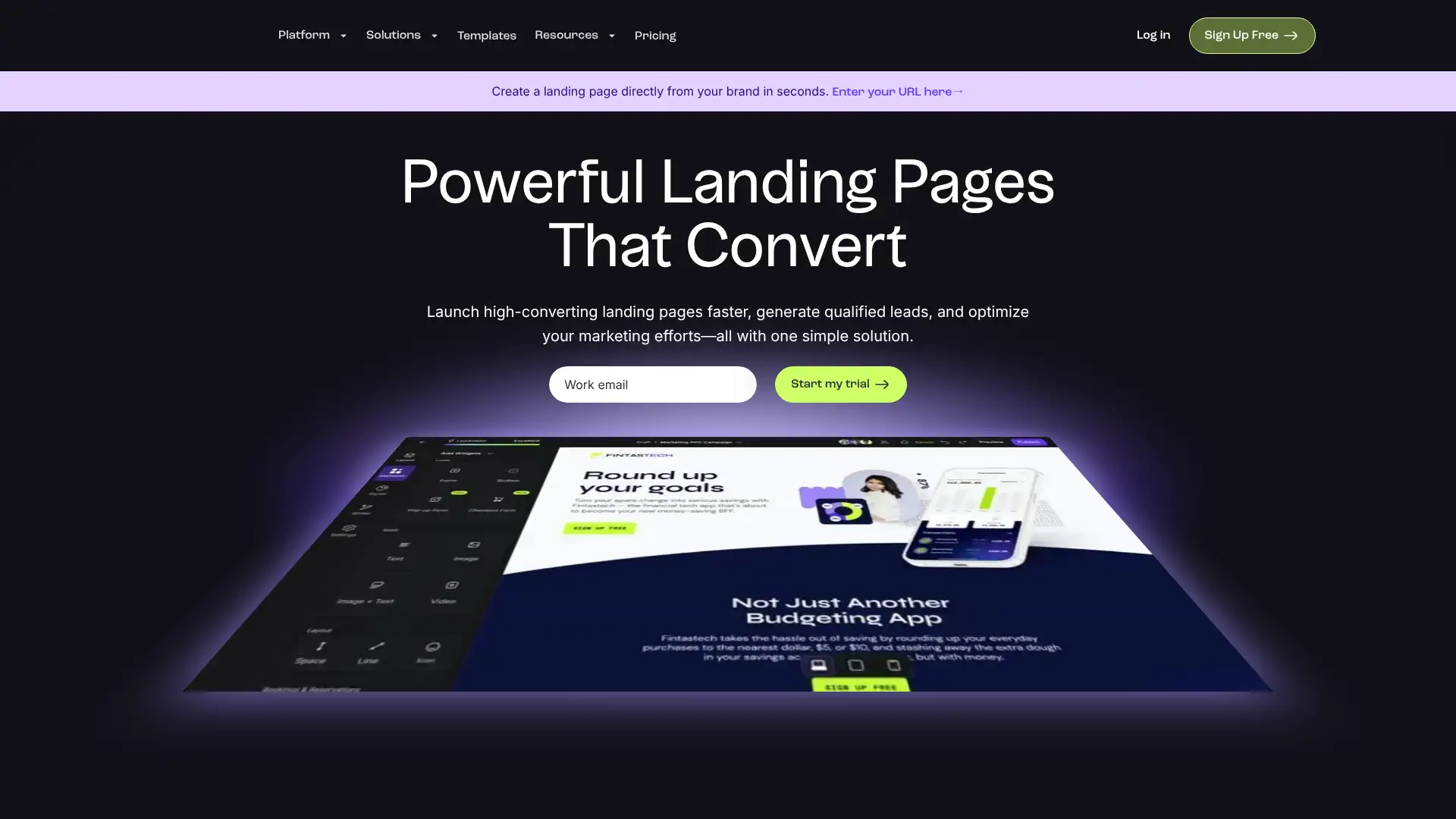
- • Drag-and-drop landing page builder with 200+ conversion-optimized templates for webinars, lead magnets, and sales pages
- • Leadmeter: real-time conversion score that analyzes your page as you build and suggests improvements
- • Pop-ups and alert bars: add opt-in forms to any page on your site as overlays or notification strips
- • Stripe payment integration for selling digital products and subscriptions directly from landing pages (Pro plan)
- • 40+ native integrations including Mailchimp, HubSpot, ActiveCampaign, Salesforce, and Zapier for 1,000+ more apps
Leadpages is a solid, affordable choice for small businesses that primarily need lead generation landing pages with embedded opt-in forms. The Pro plan at $74/mo (annual) is the only tier that makes sense for most users — the Standard plan's 5-page limit is too restrictive for active marketers. Teams that need standalone form capabilities beyond lead capture should use a dedicated form builder alongside or instead of Leadpages.
HubSpot Forms
HubSpot Forms is a free form builder included in HubSpot's free CRM — any company with a free HubSpot account can create unlimited forms and automatically push all submissions into the HubSpot contact database with no additional cost. Every submission creates or updates a contact record, making forms a native part of HubSpot's marketing, sales, and service workflows. Advanced features like smart forms (show different questions to known contacts), A/B testing, and progressive profiling require Marketing Hub Starter ($18/month for 1,000 contacts) or above.
- • Native CRM integration: every form submission automatically creates or updates a HubSpot contact record — no Zapier step required
- • Smart forms (Professional): display different questions to anonymous vs. known contacts based on what data HubSpot already has
- • Progressive profiling: ask a different field each time a known contact returns to a form to enrich their profile over multiple visits
- • Pop-up forms: triggered by time-on-page, exit intent, or scroll depth, all connected to CRM workflows
- • Meets GDPR/CCPA consent requirements with built-in legal basis dropdowns and consent checkboxes
HubSpot Forms is the obvious choice if you are already in the HubSpot CRM ecosystem — the zero-cost native sync eliminates a Zapier dependency and keeps your contact data clean automatically. For organizations not using HubSpot, the forms tool alone is not a reason to adopt the platform; use JotForm or Tally instead.
Zoho Forms
Zoho Forms is a dedicated form builder within the Zoho product ecosystem, supporting integration with Zoho CRM, Zoho Desk, Zoho Projects, and 13 other Zoho apps natively. The free plan allows 1 user, 3 forms, and 500 submissions/month with payment processing via Stripe, PayPal, and others — unusually generous for a free tier. Paid plans start at $8/month (Basic, annual) for 1 user and scale to $90/month (Premium) for 100 users with HIPAA compliance, SMTP configuration, and record audit. Zoho Forms also offers Android and iOS mobile apps for on-the-go form deployment.
- • Native two-way integration with Zoho CRM, Bigin, Books, Desk, Campaigns, Projects, and Sign with no Zapier required
- • Approvals workflow: route form submissions through multi-step review and sign-off processes (Standard plan and above)
- • Mobile apps for iOS and Android with offline data capture capability
- • 12+ payment gateways supported including Stripe, PayPal, Razorpay, Authorize.Net, Square, and regional options like PayTabs
- • HIPAA compliance with auto-trash and record audit available on the Premium plan at $90/mo
Zoho Forms is the natural choice for any organization standardized on Zoho — the native CRM and workflow integrations make it far more powerful than a standalone form builder in that context. For teams outside the Zoho ecosystem, the Basic plan at $8/mo is unbeatable value for unlimited forms with 10,000 monthly submissions.
Formsite
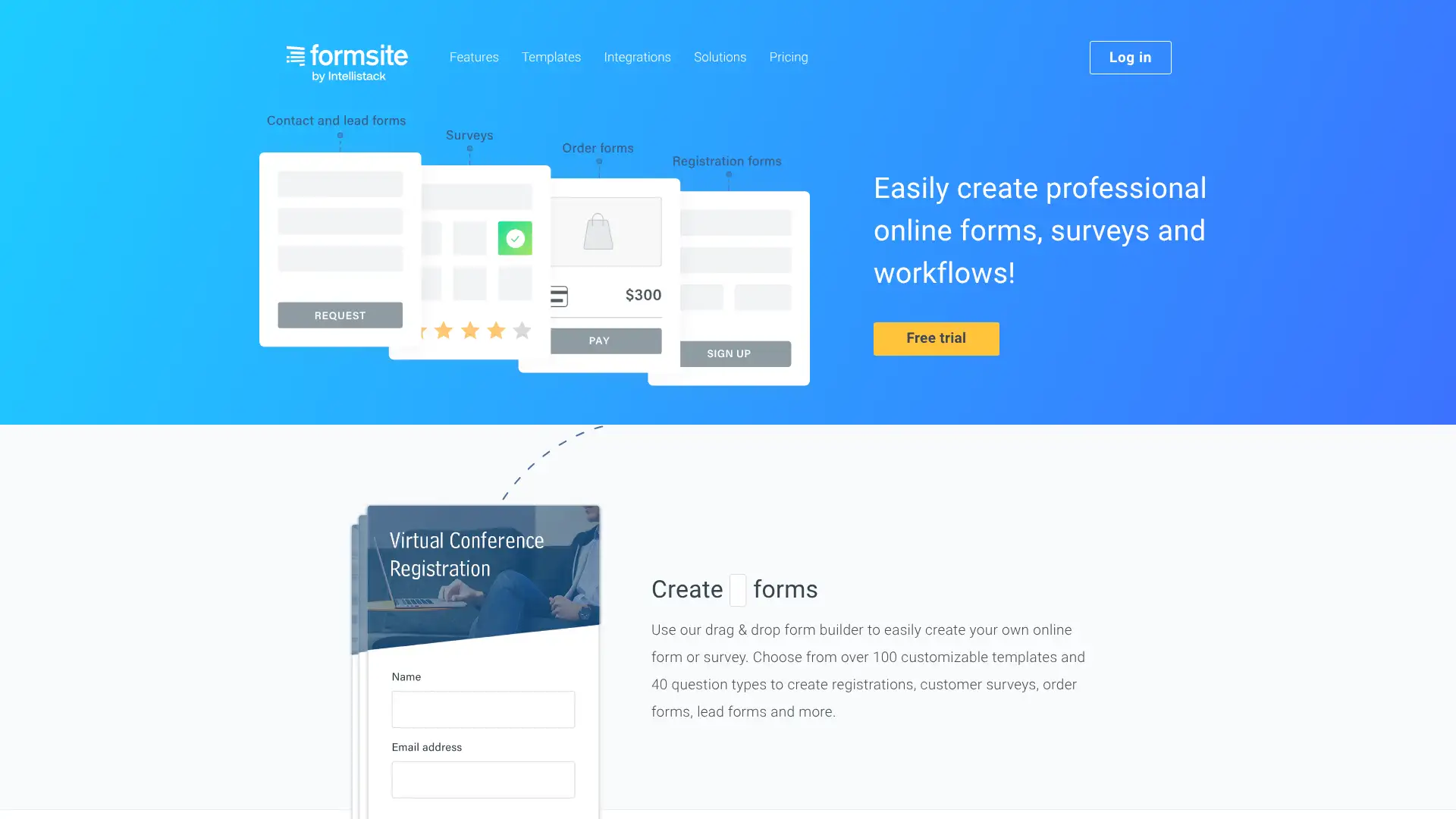
Formsite is a veteran form builder that has been active since 1998, serving non-profits, healthcare, education, and government clients. It offers 100+ templates, conditional logic, file uploads, and payment processing via Stripe, PayPal, and Braintree. No free plan is available, but a 14-day trial is offered without a credit card. Entry pricing starts at $24.95/month (Deluxe, monthly billing) or $21/month (billed annually at $249.95/year). An Enterprise plan at $209/month covers teams needing SSO, unlimited users, and high submission volumes.
- • 100+ customizable form and survey templates including complex matrix-style and masking question types
- • Conditional logic with branching, piping, and required field logic across all plan tiers
- • Payment collection via Stripe, PayPal, and Braintree with order summary and coupon code support
- • File uploads for form attachments, document submission, and image collection
- • Results sharing and PDF export on all tiers; SharePoint and OneDrive integration via Zapier
Formsite is a reliable, established option for non-profits and small teams that need complex conditional logic and payment processing without enterprise complexity. The result-per-form storage model takes some getting used to, and the lack of any free tier limits its appeal for teams testing before buying. JotForm and Cognito Forms offer stronger value for most comparable use cases.
EmailMeForm
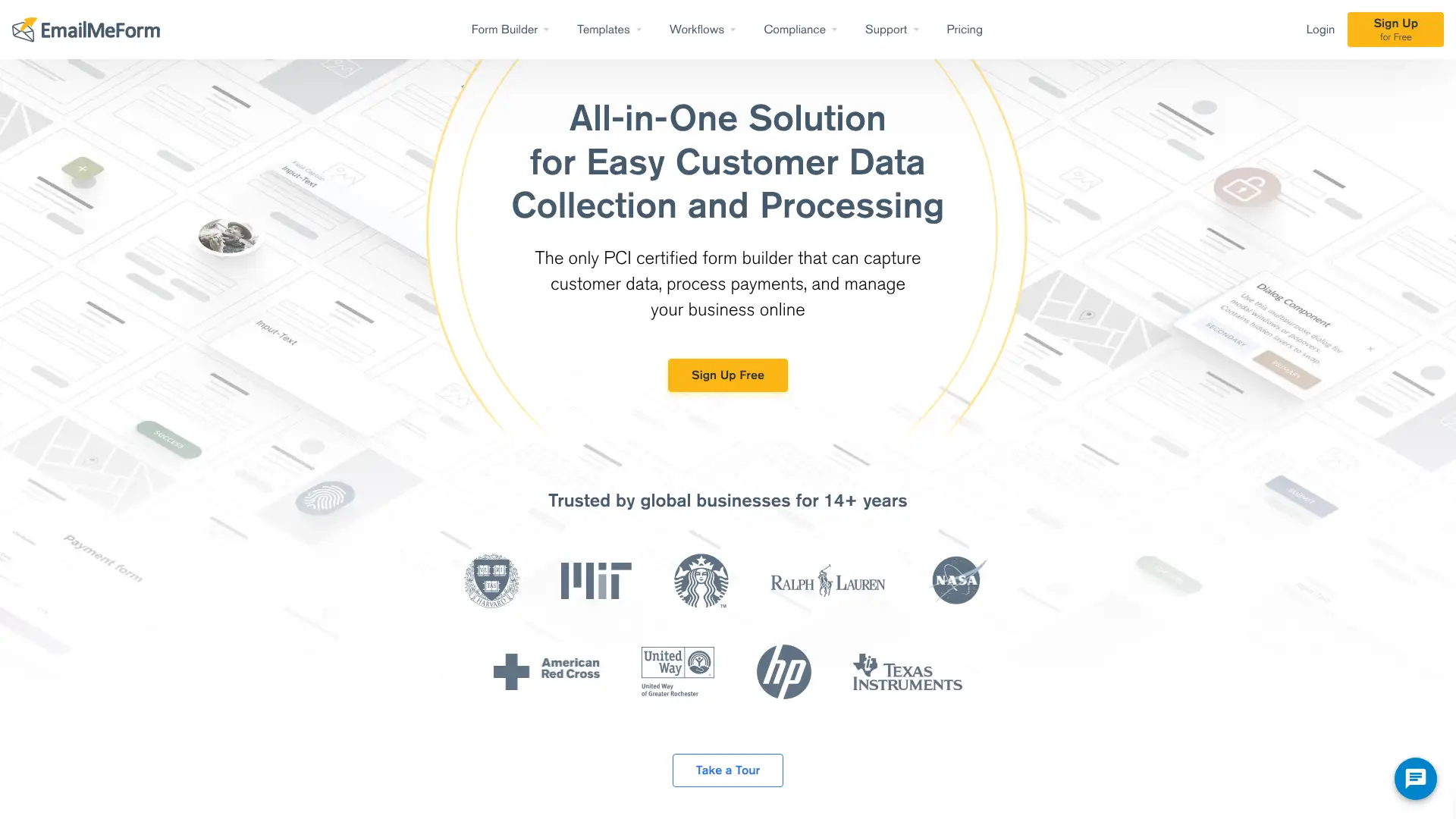
EmailMeForm is a security-focused form builder trusted by organizations including NASA and Starbucks. It provides HIPAA, PCI-DSS, GDPR, and CCPA compliant forms with PCI-certified offline payment processing — meaning it can collect payment card data without routing through a third-party gateway. The platform supports conditional logic, file uploads, and workflow automation. Unlike most form builders, it does not offer a permanent free plan — a free trial is available. Paid plans start at $30/month (Beginner) and include up to $85/month (Veteran).
- • PCI-certified offline payment processing: collect card data directly without Stripe, PayPal, or third-party gateway routing
- • HIPAA compliance with BAA included on Experienced and Veteran plans for healthcare data collection
- • GDPR and CCPA data privacy controls including consent management and data deletion request handling
- • Conditional logic and branching for dynamic multi-step forms
- • Sell-now, pay-later payment option for deferred billing on product or service order forms
EmailMeForm fills a specific niche: organizations that need PCI-certified offline payment processing with HIPAA compliance in one form builder. If those two requirements apply, few competitors match this at $50/month. For general-purpose form building with security compliance, JotForm or Cognito Forms are better-known and offer more modern feature sets.
FormAssembly
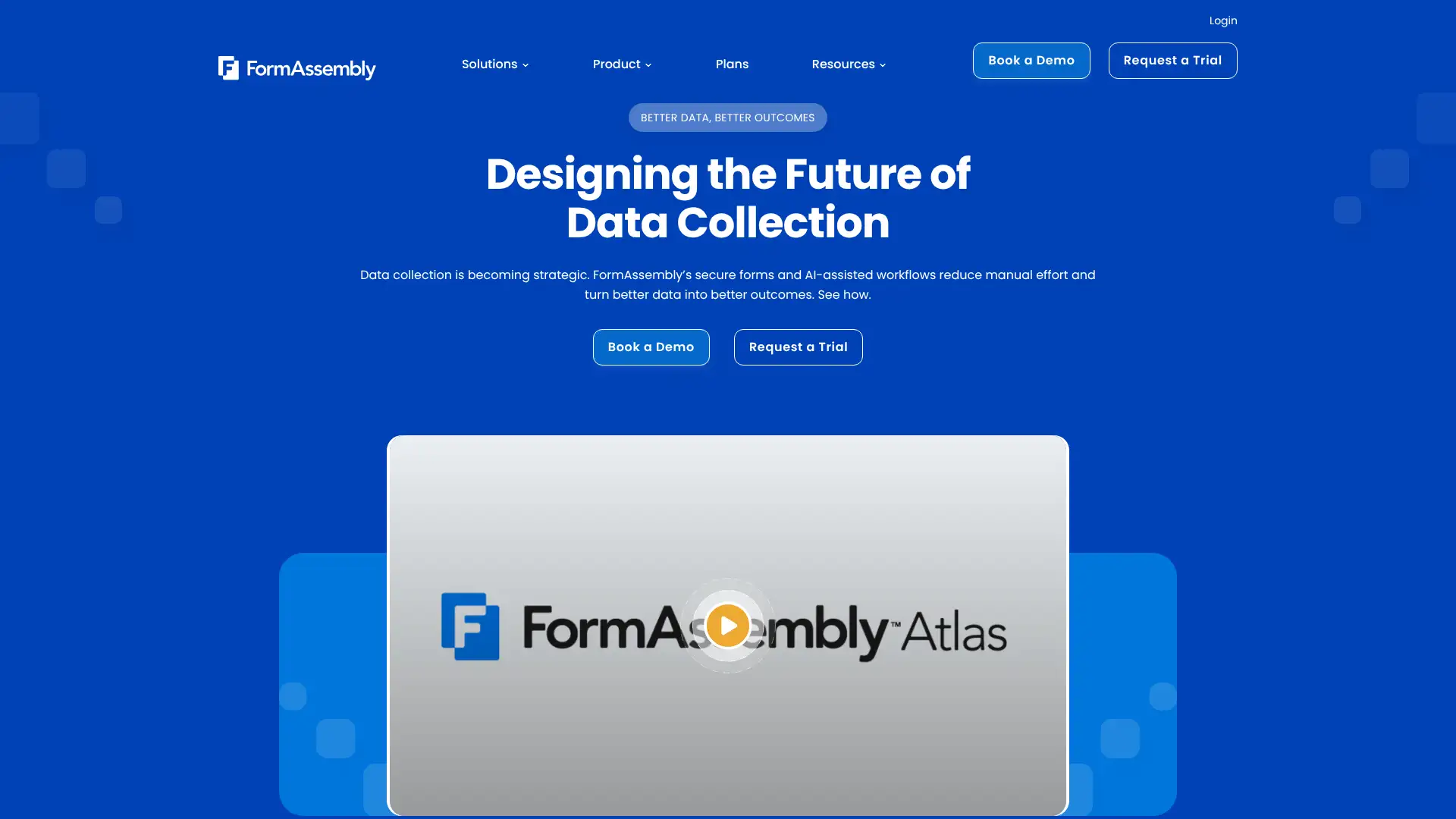
FormAssembly, now marketed as the Atlas platform, is used by organizations like Stanford University, the World Health Organization, and the US Air Force for secure data collection with native Salesforce integration. It is known for its Salesforce prefill connector — which pre-populates form fields with existing CRM data before the respondent sees the form. The Explorer plan starts at $59/month for 1 user with unlimited forms and responses. Higher tiers (Team, Enterprise, Government) cover multi-user environments, HIPAA compliance, FedRAMP authorization, and data residency in North America, Europe, or Asia-Pacific.
- • Salesforce prefill connector: pre-populate form fields with existing Salesforce record data before respondents arrive at the form
- • Unlimited forms and unlimited responses on all plans — no per-submission fees that penalize high-converting forms
- • Agentic AI assistant (Atlas platform): describe your data collection need and the AI builds a complete form and workflow draft
- • Data residency in North America, Europe, or Asia-Pacific for data sovereignty compliance on Enterprise plans
- • FedRAMP High authorization on Gov Cloud for US federal agencies with the highest security clearance requirements
FormAssembly is the top choice for Salesforce-centric organizations — especially those in higher education, nonprofits, and government — where form prefill from CRM data is a core requirement. The unlimited response model is honest and scalable. For teams that do not run Salesforce or need self-serve pricing transparency, JotForm or Formstack will be easier to purchase and deploy.
Device Magic
Device Magic is a mobile forms platform used by enterprises including Apple, Bridgestone, Toshiba, and Honeywell to replace paper-based field data collection. Teams build forms in a web-based drag-and-drop editor and deploy them to field staff on iOS or Android devices. Forms work fully offline and sync automatically when connectivity is restored. A free plan supports 1 device with unlimited forms and submissions. The Professional plan starts at $25/device/month (annual billing) with advanced integrations including Google Drive, Dropbox, Salesforce, Slack, and SQL databases.
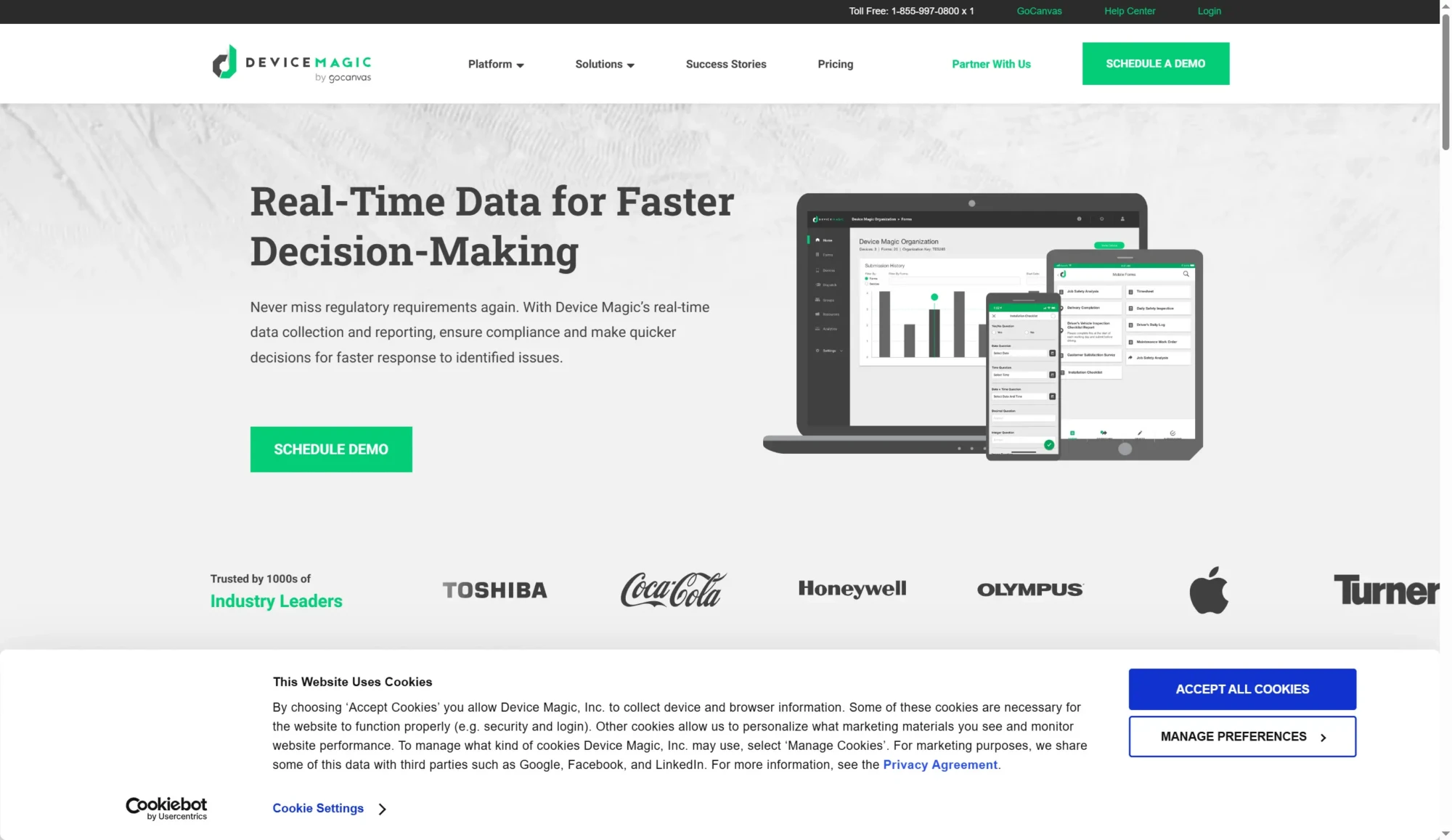
- • Offline-first mobile forms: all form data is collected locally on the device and synced automatically when internet returns — no data loss in remote areas
- • Barcode and QR code scanning, GPS location tagging, photo capture with annotation, and electronic signatures within forms
- • Custom output formats: generate completed forms as PDF, Word, Excel, JSON, or XML and auto-deliver to email, Dropbox, or Google Drive
- • Dispatch routing: automatically forward a completed form to trigger another form or notification to a different user
- • Formula-based calculation fields that run locally on device, including automatic sums and conditional calculations
Device Magic is a strong choice for mid-sized field service companies that need offline mobile forms with rich output formats and multi-system integrations. The minimum 3-device pricing floor makes it uneconomical for very small teams. Organizations with GIS or spatial data needs should evaluate Fulcrum; those needing enterprise workflow depth should look at TrueContext.
GoCanvas
GoCanvas is a mobile forms and inspection platform trusted by over 5,000 companies in construction, safety, maintenance, and field service. It enables teams to replace paper forms with digital inspections, work orders, and checklists that work on any mobile device. The platform includes GPS tracking, photo capture, barcode scanning, e-signatures, and analytics dashboards. GoCanvas joined SafetyCulture (the company behind iAuditor) in 2022, giving it access to an expanded template library and enterprise support infrastructure. The Pro plan starts at $49/user/month and the Max plan at $79/user/month.
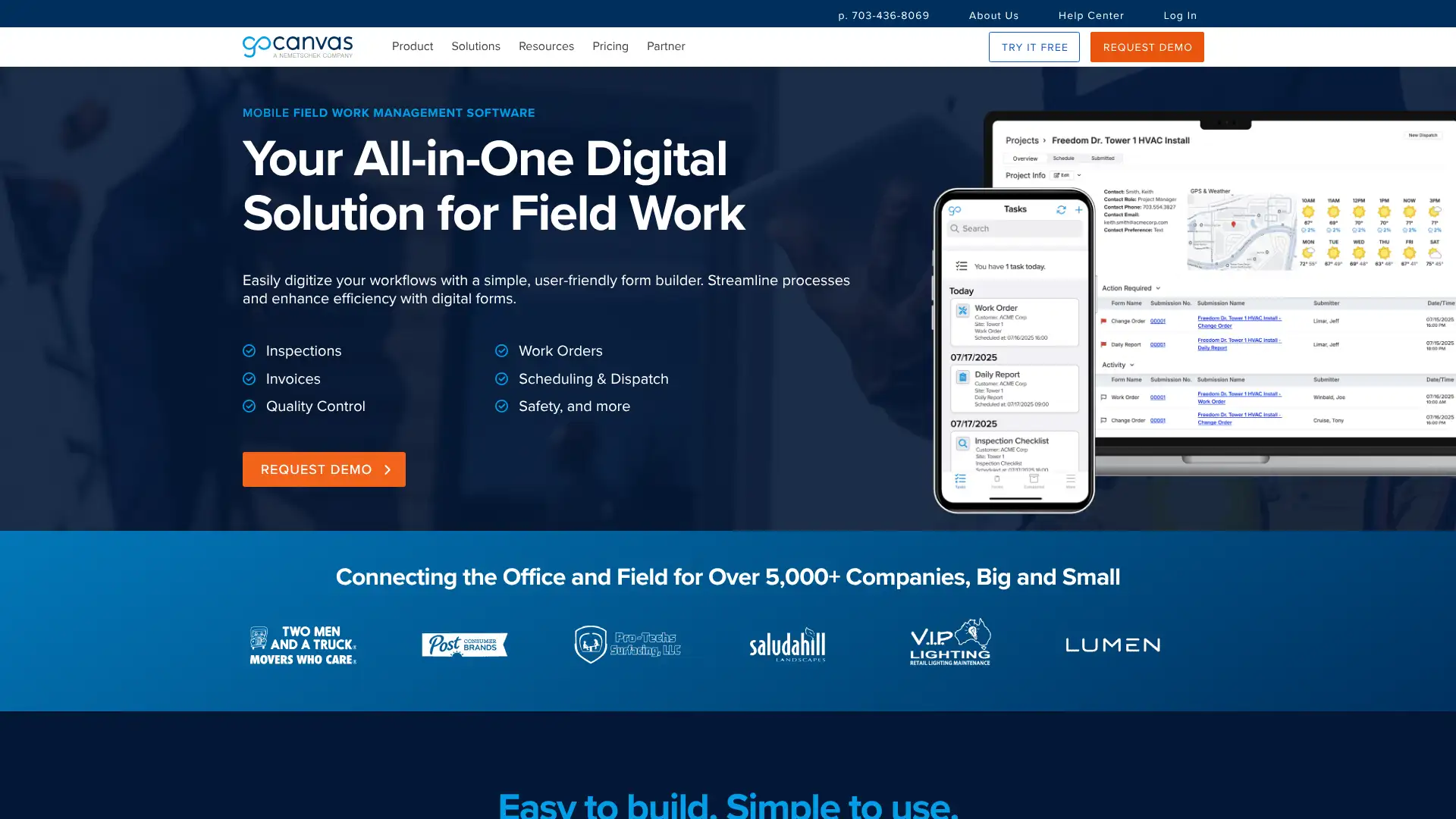
- • 5,000+ pre-built form templates organized by industry (construction, safety, healthcare, oil & gas, logistics)
- • Real-time GPS location tagging, photo capture, and barcode/QR scanning built into every form
- • Analytics dashboard: track completion rates, identify bottleneck inspections, and monitor field team performance in real time
- • Offline access: all forms and data collection work without internet connectivity, syncing when connected
- • PDF and Excel report generation with custom layouts, including company logo and signature fields
GoCanvas is the best mobile forms platform for companies in construction, safety, and maintenance that want a rich template library and a native analytics dashboard out of the box. The per-user pricing is premium — teams should compare TrueContext at $25/user/month as a direct alternative before committing, especially for larger field workforces.
Fulcrum
Fulcrum is a field-first SaaS platform purpose-built for organizations that need to capture location-tagged spatial data alongside standard form responses. It is widely used in utilities, construction, environmental, and telecommunications for asset inspections, vegetation management, and infrastructure audits. Fulcrum's standout differentiators include GIS integration with Esri ArcGIS, AI-powered form prefill from photos and voice (FastFill), and object recognition that auto-classifies field assets. Plans require a minimum of 5 users. Pricing starts at approximately $22/user/month on the Essentials plan (annual).
- • GIS and mapping integration: display collected data on maps in real time with Esri ArcGIS and Google Earth compatibility
- • FastFill AI: auto-populate form fields by analyzing photos, voice descriptions, and text captured in the field — reduces manual data entry significantly
- • Offline functionality: native iOS and Android apps support complete data collection without connectivity, with automatic sync on reconnection
- • Custom AI models: deploy organization-specific AI for tasks like anomaly detection, vegetation classification, or asset identification
- • SpatialVideo and SpatialAudio capture: collect video and audio recordings with embedded GPS coordinates and timestamps
Fulcrum is the definitive choice for any organization where spatial data, GIS integration, and asset-level inspection accuracy are non-negotiable — utilities, telecoms, environmental agencies, and infrastructure teams. For construction and safety teams without GIS requirements, GoCanvas offers a more accessible template library and analytics at a comparable price point.
TrueContext
TrueContext, formerly ProntoForms, is the leading enterprise mobile workflow platform for field service management. Used by companies including Shell, Halliburton, and Amtrak, it enables field technicians to complete complex multi-step workflows — service orders, safety audits, maintenance reports — on mobile devices in any environment, including fully offline. Three tiers (Digital, Intelligent, Elite) are scoped by workflow complexity rather than simple user counts. The legacy Essentials plan starts at $25/user/month and the Advanced plan at $45/user/month (annual billing). Elite pricing is custom and includes AI-augmented technician features launching in 2026.
- • Enterprise workflow engine: multi-step conditional workflows with dispatch, approval routing, and real-time back-office integration
- • Offline-first architecture: forms, data, and workflows operate completely without connectivity — data syncs when connection returns
- • ServiceNow and Salesforce integration on Advanced and above for bidirectional field service record management
- • On-Demand Connections (Elite, launching 2026): workflows that query AI agents and enterprise systems mid-job for real-time guidance
- • Work History (Elite): pre-populate technician workflows with prior visit records, asset history, and previous inspection findings
TrueContext is the right platform for enterprises in oil and gas, utilities, manufacturing, and medical equipment where mobile workflows connect directly to ServiceNow, Salesforce, or SAP. The $25/user/month Essentials tier is the lowest-cost way to get enterprise-grade mobile field forms with unlimited submissions. Organizations needing AI-augmented workflows should budget for Elite pricing discussions.
FastField
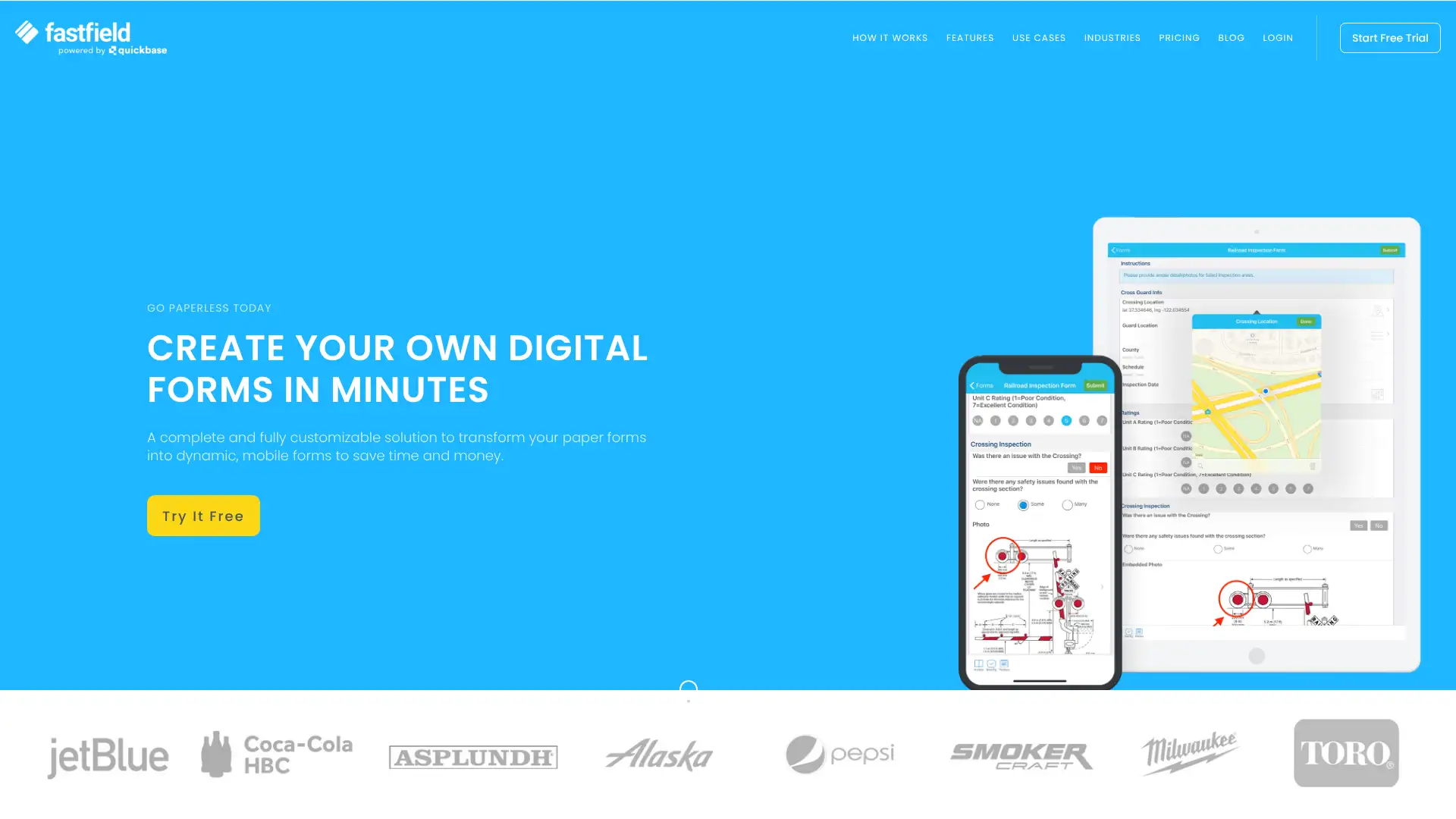
FastField Forms is a mobile forms platform designed to digitize paper inspections, work orders, safety checklists, and data collection for field teams. It emphasizes ease-of-use for non-technical managers and fast deployment without IT involvement. All plans support offline data collection, unlimited forms, barcode scanning, GPS, signatures, and custom PDF/Word report generation. Pricing starts at $35/user/month with no published submission limits. FastField also offers a white-label option for agencies and software vendors who want to embed mobile forms in their own product.
- • No-limit forms and submissions: create unlimited forms and collect unlimited field data without worrying about monthly caps
- • Custom PDF and Word report generation: auto-generate branded, formatted reports from field submissions with your company logo and layout
- • Offline data collection on iOS and Android: forms work fully without internet connectivity, syncing when connection resumes
- • Business Insights dashboard: real-time data visualization to identify trends, bottlenecks, and performance patterns from field submissions
- • White-label option: agencies and software companies can brand the FastField mobile app as their own for client deployment
FastField is a solid mid-market mobile forms platform for field service teams that value simplicity and unlimited submissions over enterprise workflow depth. The $35/user/month price point sits between TrueContext Essentials ($25) and GoCanvas Pro ($49) — it makes the most sense for teams that need cleaner PDF reports and a white-label option without a full enterprise procurement process.