35 Best Business Management Software in 2026
Business management software spans everything from full ERP suites to lightweight scheduling tools, CRMs, and field service platforms. This guide covers 35 verified platforms across those categories, with pricing confirmed as of March 2026. Whether you need an all-in-one platform for a small service business or an enterprise ERP, the tools below cover every scale and industry vertical.
Odoo
Odoo is an open-source ERP suite used by over 12 million users worldwide, covering CRM, accounting, inventory, manufacturing, HR, e-commerce, and more than 100 other modules. The platform runs on a flat per-user pricing model with no extra per-app fees, making it one of the most cost-effective full-suite ERPs available. In 2025, Odoo launched AI-powered features including Odoo Studio enhancements and improved automation flows. The Standard cloud plan starts at $24.90/user/month (billed annually) in the US, while the Community edition remains entirely free and open-source for self-hosted deployments.
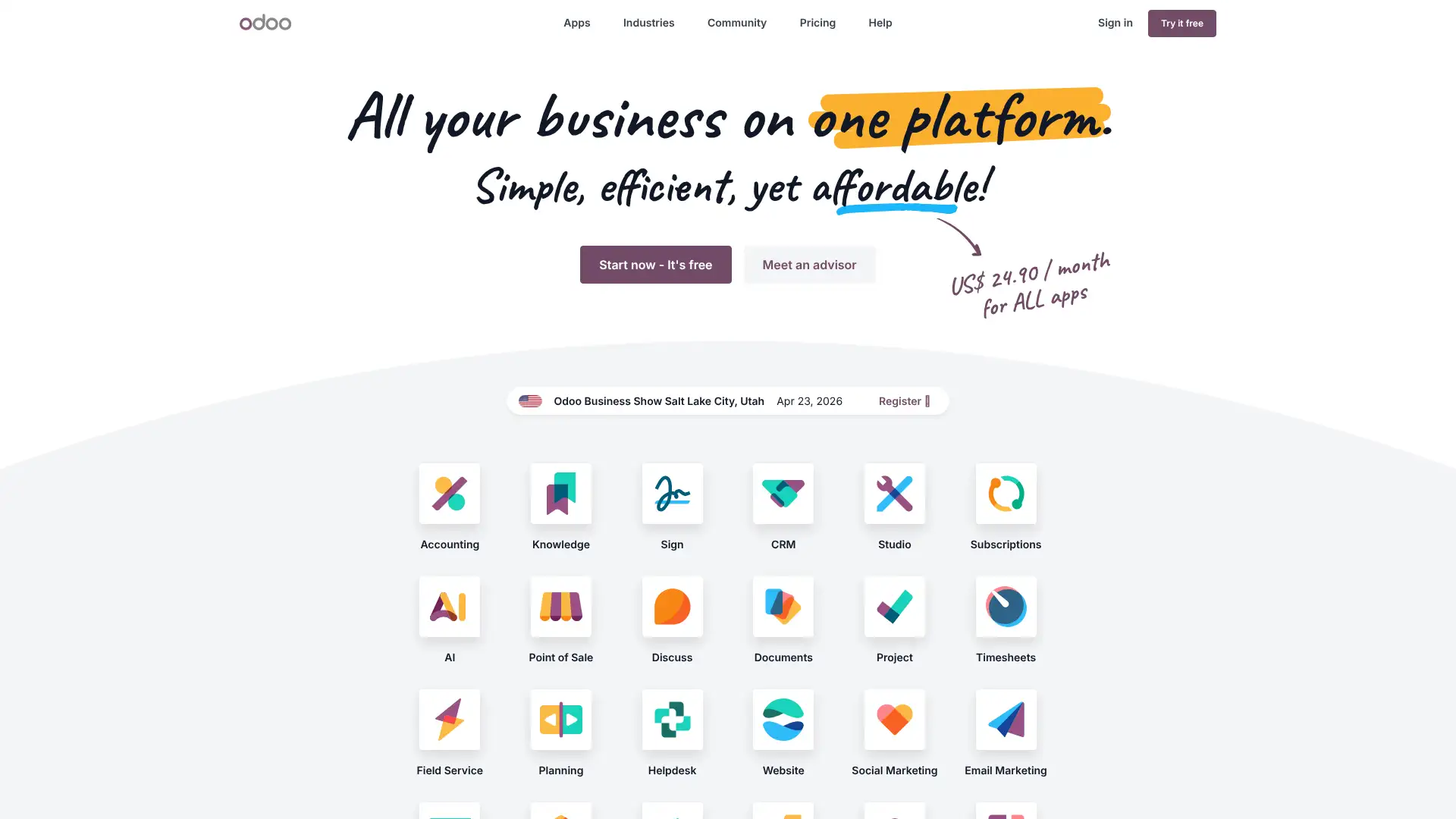
- • Modular ERP: 100+ integrated apps from CRM and sales to manufacturing, payroll, and e-commerce in one platform.
- • Flat user pricing: every licensed user gets access to all apps at the same rate, eliminating per-module add-on fees.
- • Odoo Studio: build custom apps, forms, and reports visually without writing code, available on the Custom plan.
- • Open-source Community edition: full source code access for self-hosted deployments with LGPL-v3 license.
- • AI automation in 2025: enhanced workflow triggers, auto-generated content, and smart data-entry suggestions across modules.
Odoo is the best modular ERP for cost-conscious SMBs that want to start with one or two modules and expand over time without licensing surprises. The flat pricing model and open-source Community edition are genuinely differentiating. For companies that need multi-company accounting, custom app development, or on-premise hosting, budget for the Custom plan and an experienced implementation partner.
Zoho One
Zoho One is an all-in-one suite that bundles over 45 Zoho applications including CRM, Books (accounting), People (HR), Projects, Desk (support), Campaigns, Analytics, and more. It is available in two models: All Employee pricing at $37/employee/month (annual) — which requires licenses for every employee — and Flexible User pricing at $90/user/month (annual) for selective licensing. Zoho has never taken outside investment and positions itself as a privacy-first, self-sufficient alternative to Salesforce or HubSpot. Over 100 million users globally use Zoho products.
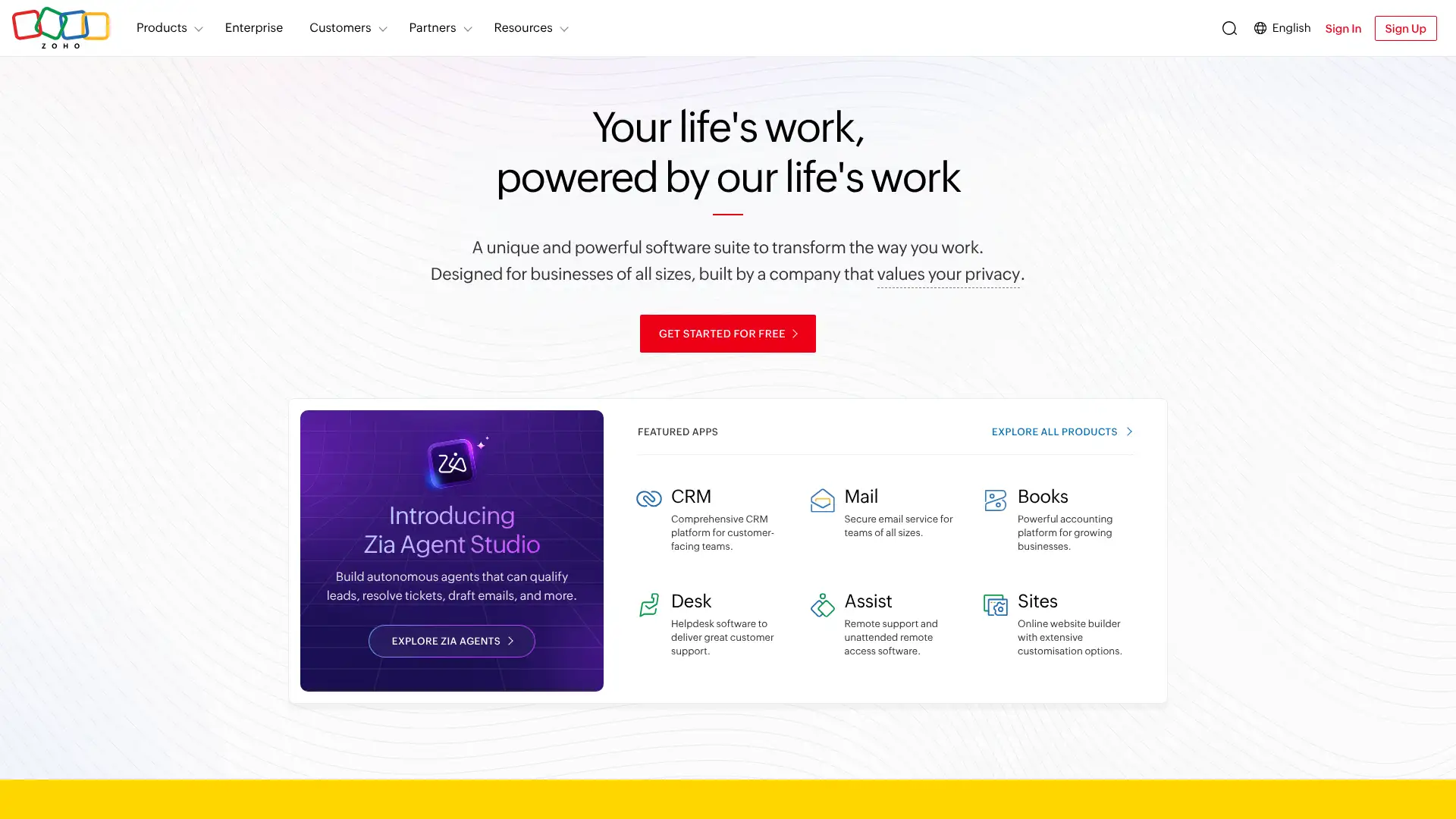
- • 45+ enterprise-grade apps: CRM, accounting, HR, support, marketing, analytics, and collaboration all included at one price.
- • Unified customer data: apps share a single contact record so sales, support, and accounting all see the same customer history.
- • Zoho Analytics Plus: advanced cross-app reporting and custom dashboards included, no separate BI subscription required.
- • Zoho Creator: low-code app builder included for building custom internal tools without developer involvement.
- • Premium support upgrade available at 20% of subscription cost for faster response times and dedicated phone support.
Zoho One delivers extraordinary value for companies that genuinely need tools across CRM, HR, finance, and support — the All Employee plan at $37/month is hard to beat if most staff members need access. The catch is the mandatory whole-company licensing model; a 50-person company where only 15 people actually need these tools will find Flexible User pricing at $90/user/month more sensible.
Monday.com
Monday.com is a work OS platform used by over 225,000 organizations including Canva, Zippo, and Hulu. It offers boards-based project management, CRM, dev sprints, and marketing workflows in a highly visual interface. In 2024-2025, Monday.com expanded its AI capabilities with Monday AI for automated status updates, text generation, and formula writing. The Free plan supports up to 2 seats, while paid plans start at $9/seat/month (annual). Monday CRM and Monday Dev are sold as separate products with their own pricing.
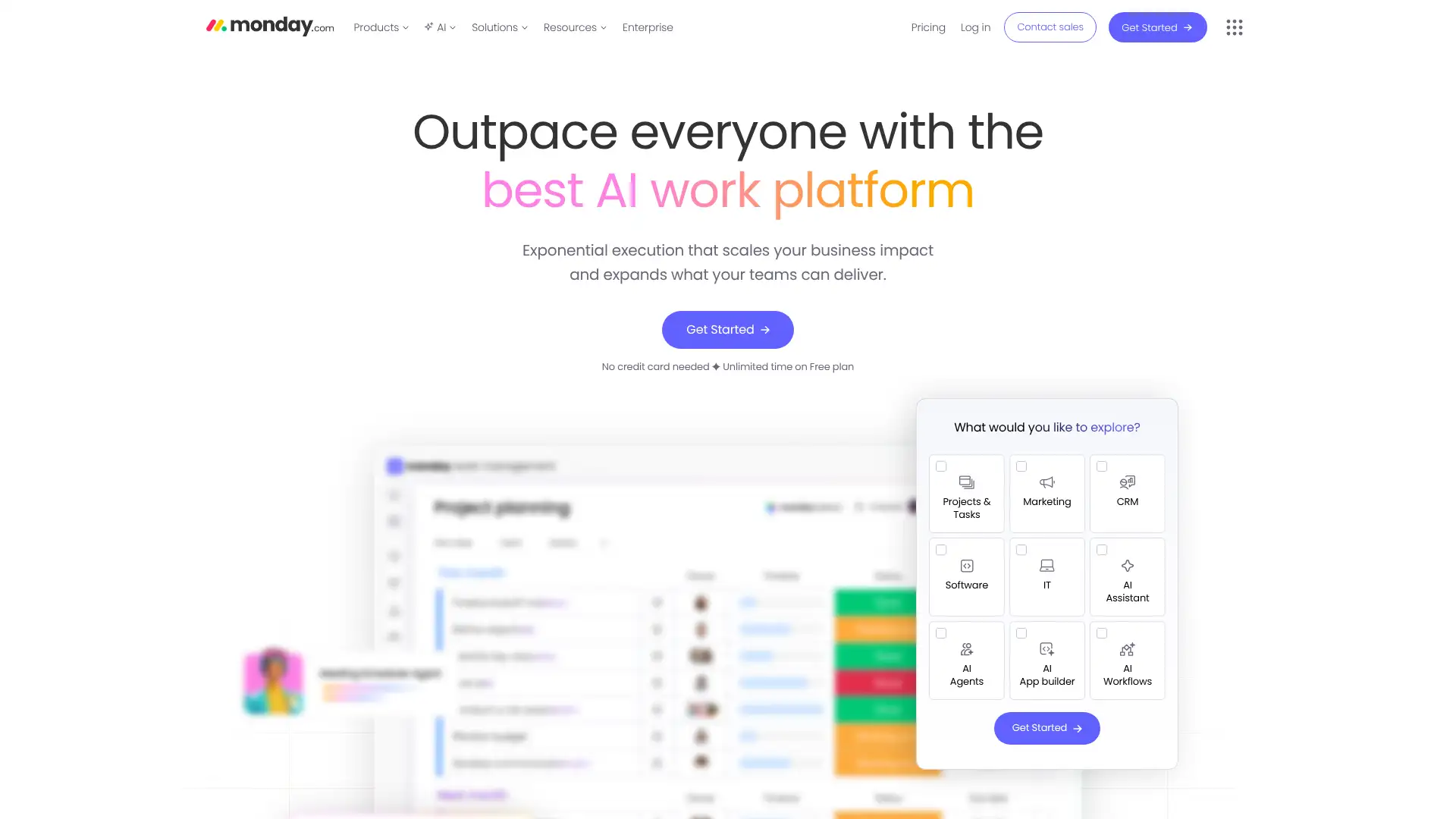
- • Boards and dashboards: drag-and-drop visual boards with 20+ column types including status, timeline, formula, and dependency columns.
- • Automation center: 250–25,000 automated actions per month depending on plan, with no-code trigger-action builder.
- • Integrations: 200+ native integrations including Slack, Jira, Salesforce, GitHub, Zoom, and Google Workspace.
- • Monday AI: AI-powered column summaries, automated text generation, formula suggestions, and item scoring (Pro+ plans).
- • Workdocs: collaborative documents embedded directly inside boards for meeting notes and project briefs.
Monday.com is the best choice for teams that want beautiful visual boards and fast onboarding without heavy training. The Standard plan at $12/seat/month covers most project management needs for small and mid-size teams. Teams with advanced automation needs or complex CRM requirements may find ClickUp's lower price point or Asana's deeper workflow logic more appropriate.
ClickUp
ClickUp is an all-in-one productivity platform covering tasks, docs, goals, whiteboards, time tracking, and sprints. It serves over 10 million users and positions itself as a replacement for multiple tools. ClickUp introduced ClickUp Brain (AI) in 2024, offering AI task summaries, writing assistance, and automated status updates. The free plan is genuinely capable, with unlimited tasks and unlimited members — unusual in the project management space. Paid plans start at $7/user/month (annual), making it one of the most affordable full-featured options.
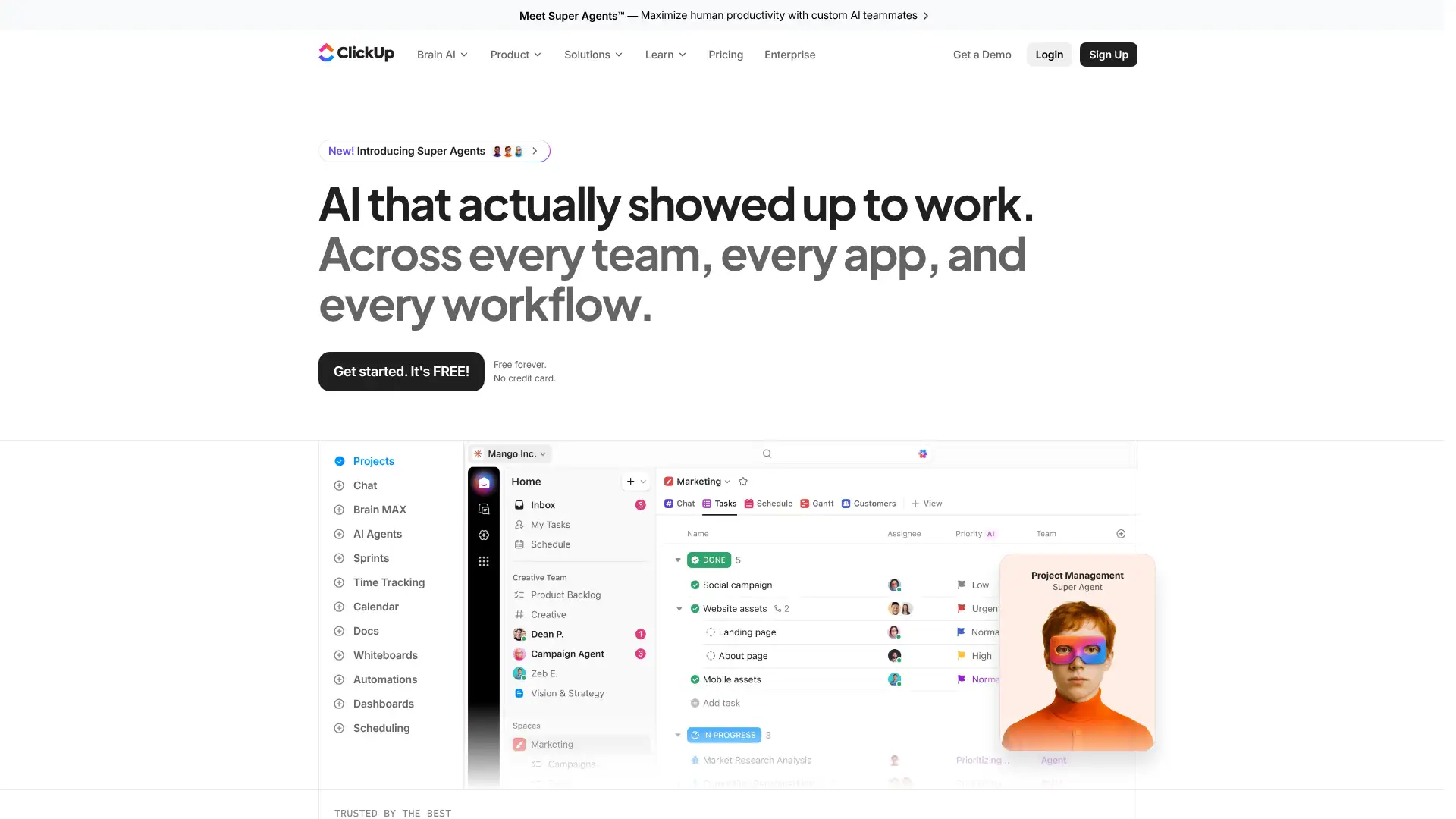
- • Universal search: search tasks, docs, integrations, and people across the entire workspace in one search bar.
- • ClickUp Brain: AI assistant for writing, task summaries, formula generation, and automated standups available on paid plans.
- • 15+ views: List, Board, Gantt, Calendar, Timeline, Map, Workload, and more — all available without plan restrictions.
- • Custom fields and automation: build highly customized workflows with conditional logic, webhooks, and 50+ automation triggers.
- • Time tracking and workload: built-in time tracking, capacity management, and workload views on Business plan.
ClickUp offers the highest features-to-price ratio in the project management market. At $7-$12/user/month it routinely beats competitors charging twice as much for similar capabilities. The tradeoff is a steeper initial learning curve. It is the best choice for budget-conscious teams that want power over polish, and a poor fit for teams that prioritize a clean, opinionated interface.
Notion
Notion is a connected workspace that combines documents, databases, wikis, and project boards in a single tool. It is used by over 35 million users and has become a standard tool for startups, creative teams, and knowledge-work organizations. In 2024, Notion launched Notion AI as a built-in assistant for summaries, writing, translation, and Q&A across your workspace. The Free plan supports unlimited blocks for individuals, with team plans starting at $10/user/month (annual). Notion acquired Cron (now Notion Calendar) in 2022 and added Notion Forms and a site-building tool in 2024-2025.
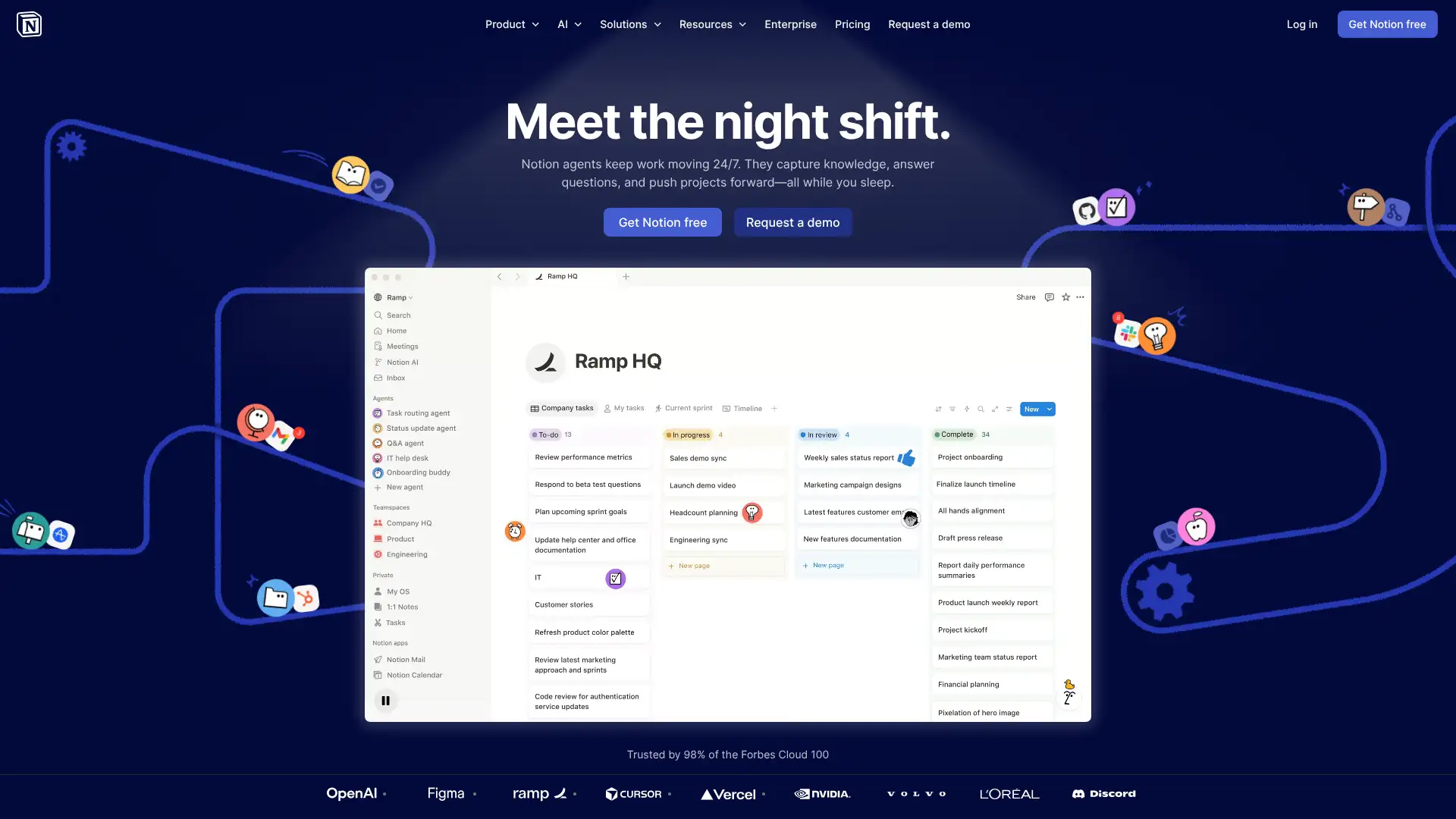
- • Flexible databases: any page can become a database with table, board, gallery, calendar, timeline, and list views in one block.
- • Notion AI: built-in AI that can summarize pages, answer questions across your workspace, and write drafts directly in any block.
- • Notion Sites: publish any Notion page as a public website with a custom domain (Business plan).
- • Notion Calendar: desktop calendar app (formerly Cron) that syncs Google Calendar events with Notion tasks.
- • Templates library: 10,000+ community and official templates for wikis, roadmaps, CRMs, meeting notes, and more.
Notion is the best tool for teams that think in documents and wikis rather than task lists. It shines for knowledge management, SOPs, company handbooks, and lightweight CRMs. Teams needing structured project management with dependencies, time tracking, or resource planning will quickly outgrow it and should look at ClickUp or Asana instead.
Airtable
Airtable combines spreadsheet familiarity with relational database power, used by over 450,000 organizations including Netflix, Slack, and GitHub. It supports Grid, Gallery, Kanban, Calendar, Gantt, and Timeline views on top of structured databases. In 2024, Airtable introduced Airtable AI for field summaries, content generation, and data categorization. The Free plan supports unlimited bases with up to 1,000 records per base; paid plans start at $20/seat/month (annual) and increase record limits to 50,000–500,000+. Airtable also launched Interface Designer for building no-code internal tools directly on top of existing data.
- • Relational tables: link records across multiple tables to build normalized databases without writing SQL.
- • Interface Designer: build custom portals and dashboards on top of Airtable data for non-technical stakeholders without code.
- • Airtable AI: categorize records, generate content, and summarize fields automatically using AI models built into the platform.
- • Sync integrations: two-way sync with Salesforce, Jira, GitHub, Zendesk, and Google Drive to keep data unified across tools.
- • Automations: 25,000–100,000 automation runs/month with triggers across Airtable, Slack, email, and webhooks.
Airtable is the best choice for operations, marketing, and product teams that manage structured data and need to build lightweight internal apps without engineers. If your use case is closer to project tracking than database management, ClickUp or Notion will give you more for less money.
Smartsheet
Smartsheet is a work management platform used by 90% of Fortune 100 companies, combining spreadsheet-like sheets with Gantt charts, dashboards, and automation. It is particularly strong in regulated industries and enterprise environments where audit trails, permissions, and governance matter. In 2024, Smartsheet expanded its AI capabilities and launched a no-code automation builder. Pricing starts at $9/user/month for the Pro plan (annual). Smartsheet acquired Brandfolder in 2020 for DAM capabilities and announced a definitive agreement to be acquired by Blackstone in 2024.
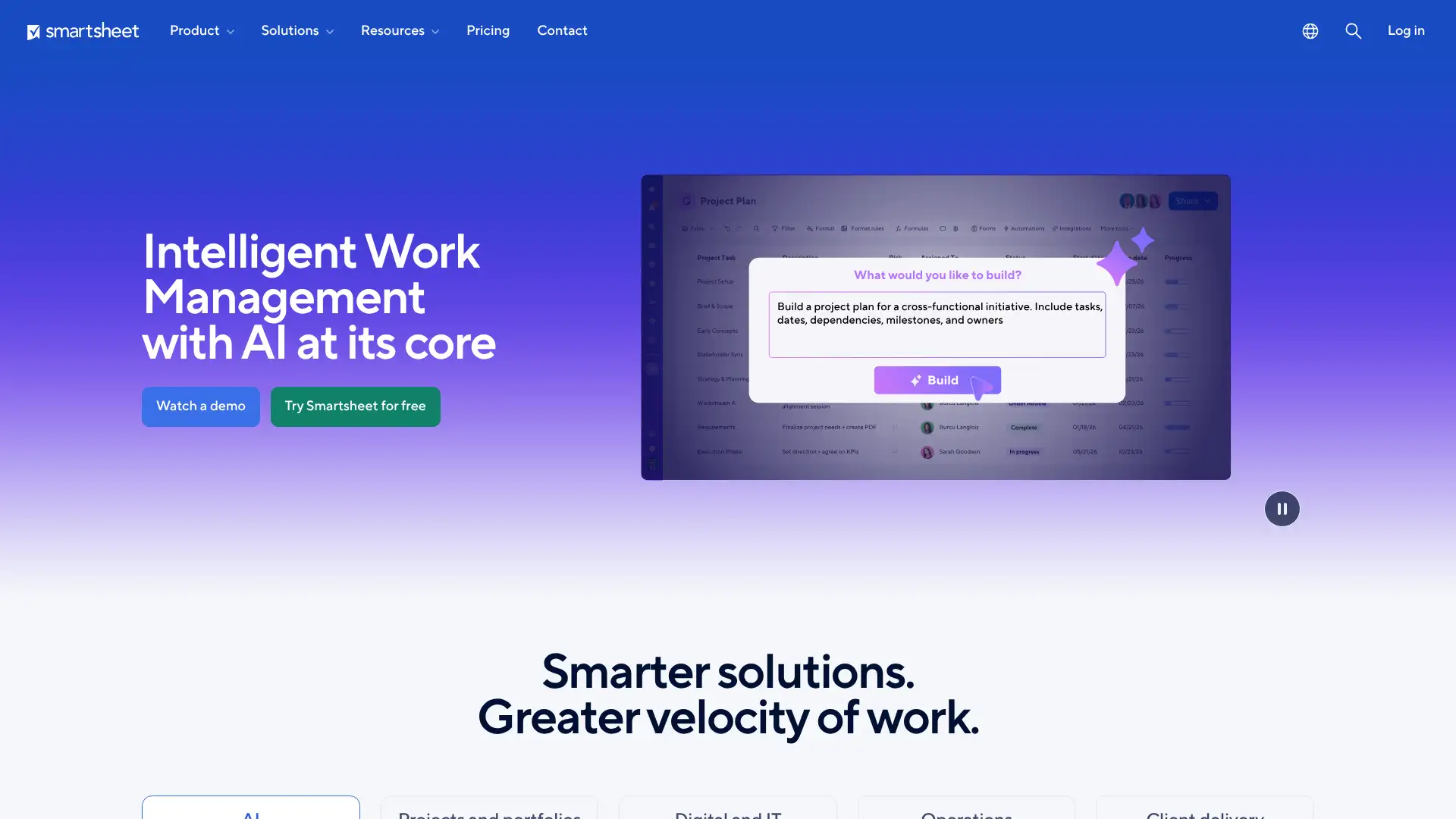
- • Sheet-based project management: row-based sheets that look like Excel but support Gantt views, dependencies, and predecessors natively.
- • Automated workflows: no-code automation with 250–unlimited runs per month including email alerts, approvals, and row updates.
- • Dashboards: real-time cross-sheet dashboards with charts, metrics, and report widgets for executive visibility.
- • Resource management: workload views and capacity planning for tracking team utilization across projects (Advanced plan).
- • Brandfolder integration: digital asset management built in for brand and marketing teams that need centralized media libraries.
Smartsheet is the right choice for enterprise teams that need spreadsheet familiarity with strong governance and cross-department visibility. It is less suited for small startups or creative teams who would benefit more from Monday.com or Notion's visual interfaces.
Wrike
Wrike is a collaborative work management platform used by 20,000+ organizations including Google, Estee Lauder, and Macy's. It offers task management, Gantt charts, proofing tools for creative assets, resource management, and dashboards. Wrike is particularly strong for marketing agencies and creative teams with its built-in proofing and approval workflows. The Free plan supports unlimited users with basic features; paid plans start at $10/user/month for the Teams plan. In 2025, Wrike expanded its AI capabilities with automated risk detection and smart project summaries.
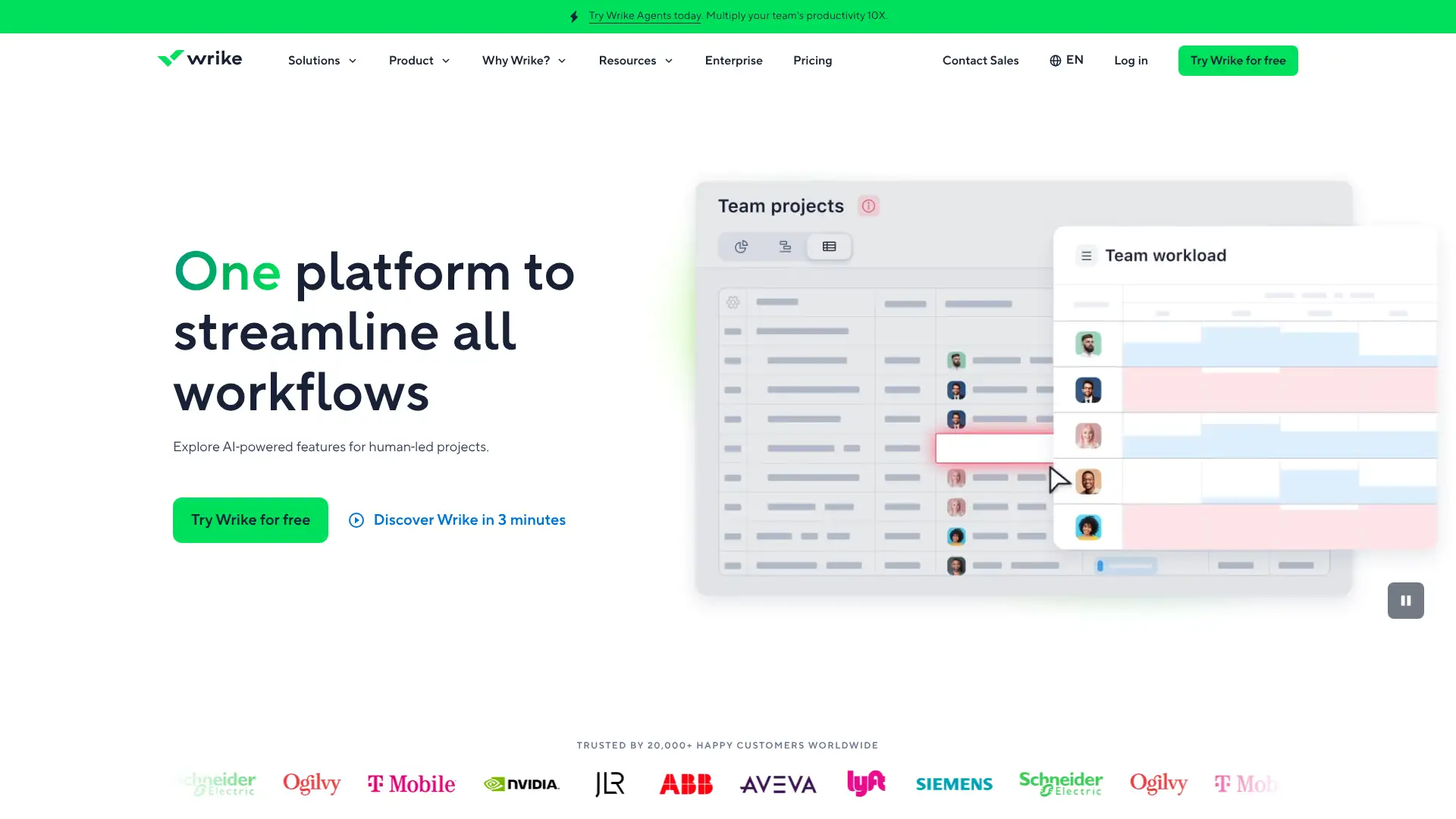
- • Proofing and approvals: built-in video, image, and document proofing with annotation tools and approval workflows for creative teams.
- • Request forms: custom intake forms that automatically create tasks and assign them to the right team member on submission.
- • Resource management: workload charts and effort tracking to prevent team burnout and optimize capacity.
- • Cross-space reporting: customizable reports and dashboards that pull data across all projects in real time.
- • AI Work Intelligence: automated risk identification, project summaries, and smart duplicate detection (2024-2025 releases).
Wrike is the best project management tool for marketing and creative agencies that need built-in proofing, intake forms, and approval workflows. For general project teams that don't have heavy creative review needs, ClickUp or Monday.com deliver more per dollar.
Scoro
Scoro is a professional services automation (PSA) platform built specifically for consultancies, agencies, IT firms, and architecture companies. It combines project management, CRM, quoting, time tracking, resource planning, and billing in one system. In early 2026, Scoro added subtasks and an MCP server for AI tool integration. Scoro releases 13 version updates per year and is used by 1,000+ professional services firms. Pricing starts at $19.90/user/month (annual) for the Core plan, with all plans requiring a minimum of 5 users.
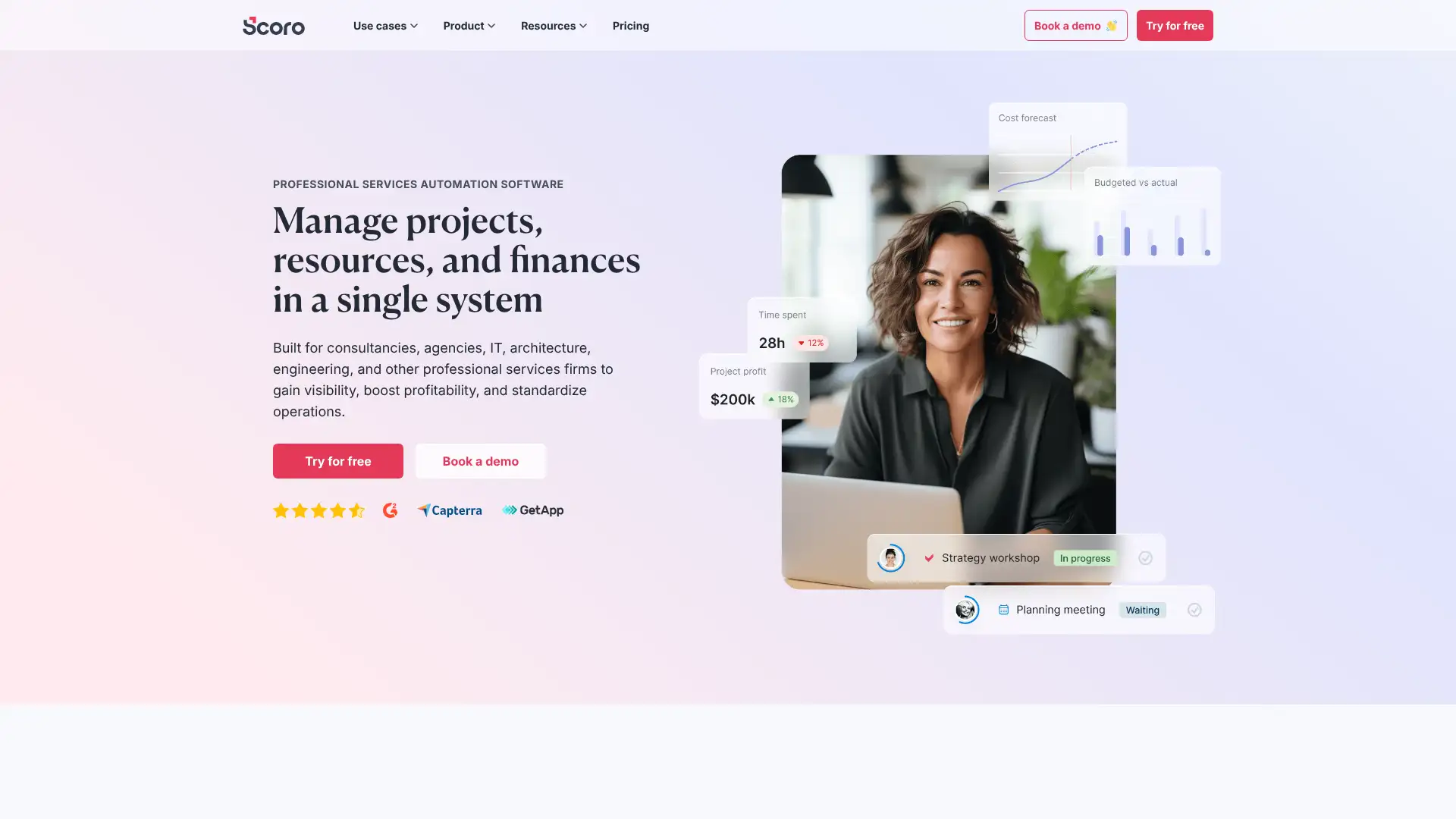
- • Quote-to-cash pipeline: create quotes, convert them to projects with budgets, track time against scope, and invoice automatically.
- • Resource planning: live heatmaps and utilization forecasts to track team capacity and avoid overbooking (Performance plan).
- • Financial dashboard: real-time margin, revenue, and cost data at the project and portfolio level for profit visibility.
- • MCP server (Dec 2025): integrates Scoro with AI tools like Claude and ChatGPT for natural-language project queries and workflow automation.
- • Subtasks (Feb 2026): break tasks into smaller units with independent planned time tracking for granular project execution.
Scoro is the strongest all-in-one PSA tool for professional services firms that have outgrown spreadsheets and disconnected billing systems. It pays for itself when teams stop losing billable hours to poor tracking. For teams under 5 or those needing simple project management without financial depth, ClickUp or Monday.com at lower price points make more sense.
Bitrix24
Bitrix24 is a flat-rate, per-organization platform that bundles CRM, project management, HR tools, communication, telephony, and website building — all at a single monthly price regardless of user count. Over 12 million organizations use Bitrix24. Unlike per-seat tools, the Basic plan ($49/mo) covers up to 5 users while the Enterprise plan ($350/mo annual) covers 250 users. A genuinely functional free plan for unlimited users is available. In 2025, Bitrix24 launched CoPilot AI features across tasks and chat for all paid plans.
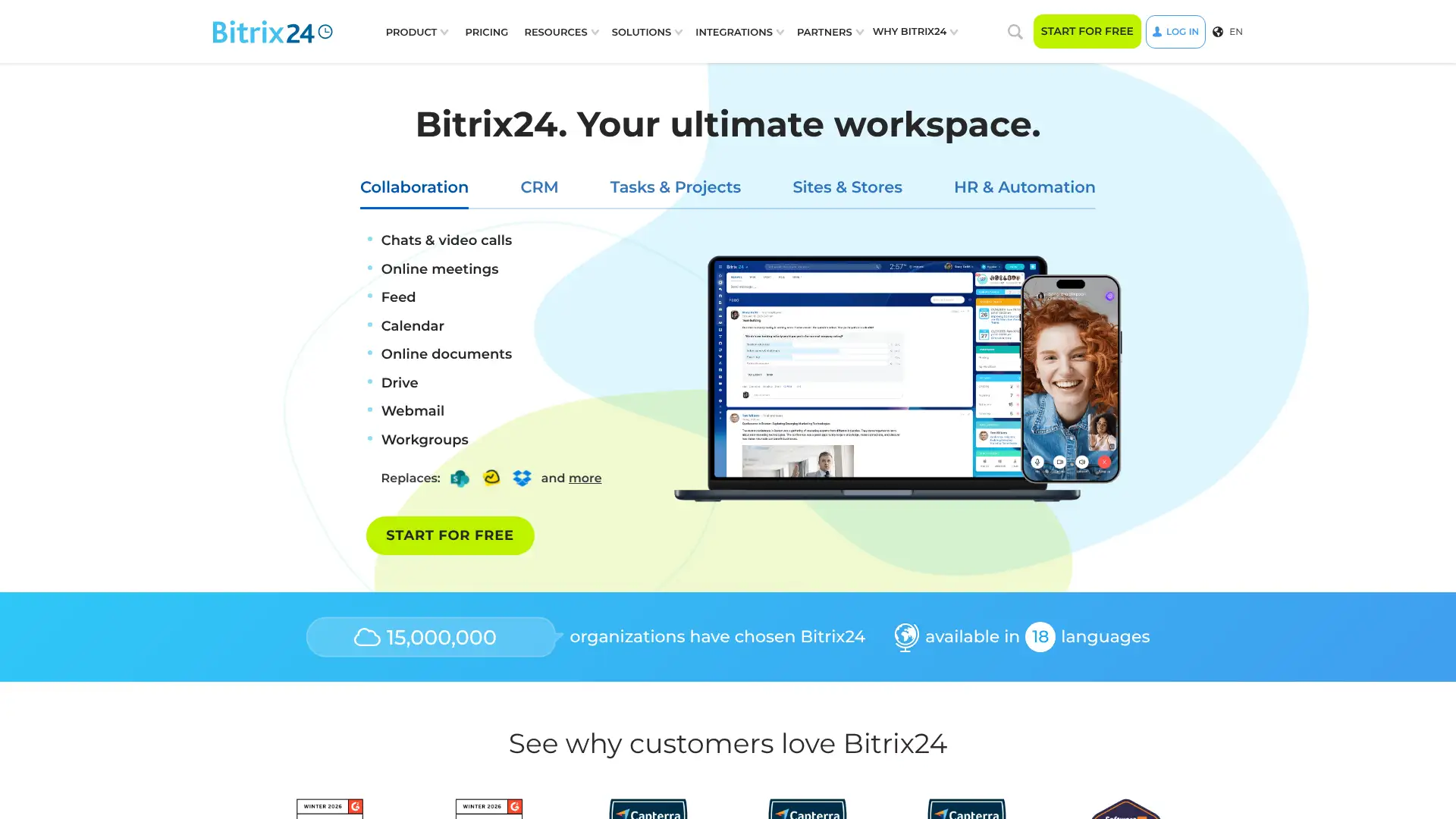
- • Flat-rate pricing: one monthly price for the whole team with no per-user fees as your headcount grows within plan limits.
- • Built-in CRM: full sales pipeline with leads, deals, contacts, and invoice generation included at every paid plan level.
- • Telephony and contact center: built-in VoIP calling, call routing, and omni-channel inbox (web chat, email, SMS, social) across all plans.
- • CoPilot AI: AI-generated task descriptions, chat summaries, and brainstorming tools built into the platform (all paid plans).
- • Website and online store builder: full CMS and e-commerce tools included — teams can build a business website without a separate subscription.
Bitrix24 is the best flat-rate all-in-one platform for SMBs that want CRM, communication, and project management without per-user scaling costs. It is particularly strong for teams of 10-50 where the economics of flat pricing shine. The tradeoff is a steeper learning curve and a cluttered UI that requires time to configure well.
ConnectWise PSA
ConnectWise PSA (formerly ConnectWise Manage) is the most widely used professional services automation platform for technology solution businesses, with over 100,000 users. It combines service desk ticketing, project management, time tracking, CRM, billing, and reporting into one platform built specifically for MSPs. Pricing is custom and not publicly listed; based on market data ConnectWise PSA typically costs $68/user/month or more depending on configuration and add-ons. It integrates natively with ConnectWise Automate (RMM), ConnectWise Sell, and Fortify security tools within the broader ConnectWise suite.
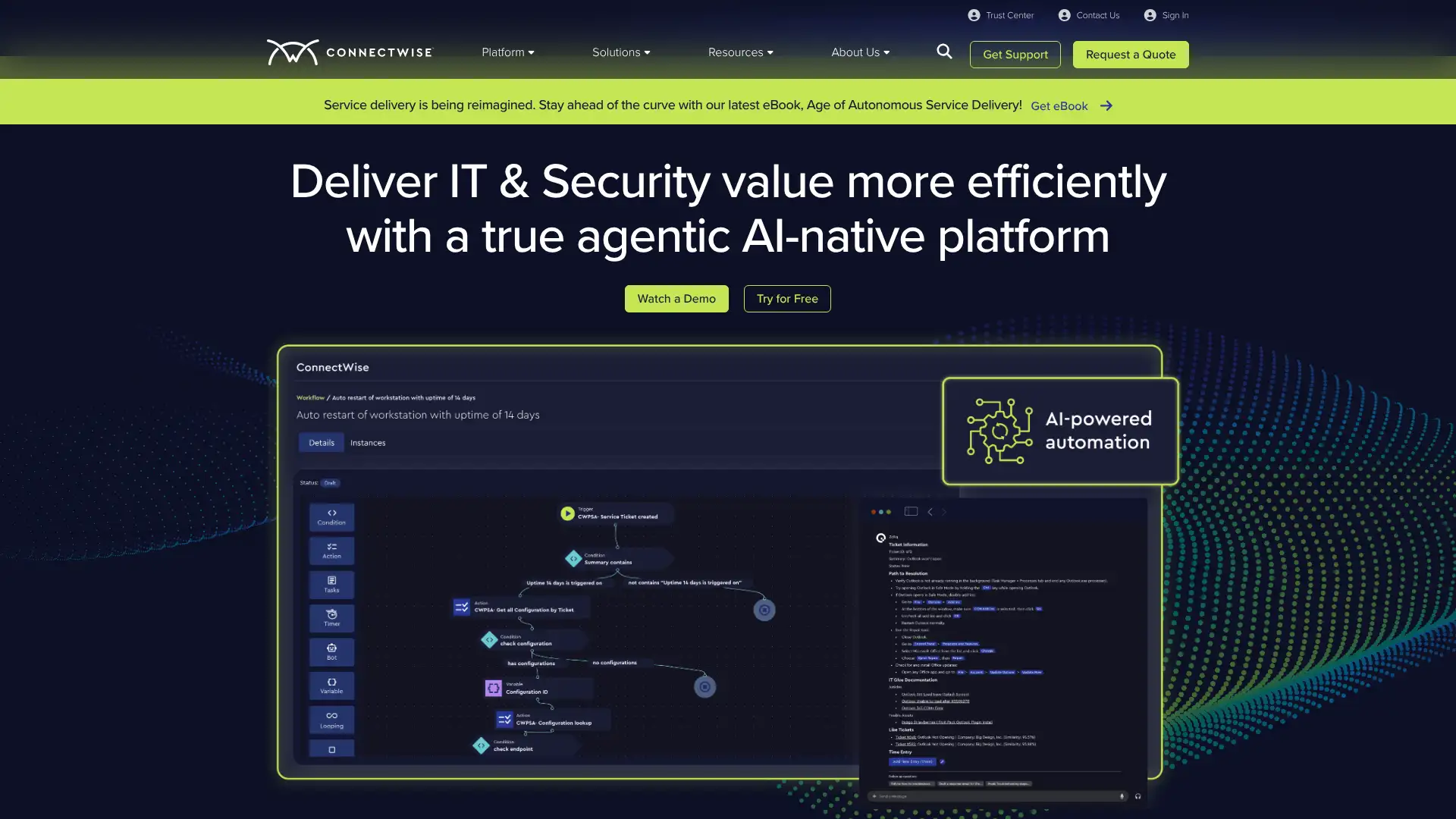
- • ITIL-aligned ticketing: service board management with SLA tracking, priority queuing, and automated escalations for help desk teams.
- • Agreement billing automation: contracts automatically generate invoices based on labor, recurring services, and managed device counts.
- • Project management: work plans, milestones, and time-to-revenue tracking with sales-to-project conversion built in.
- • RMM integration: one-click workflows between ConnectWise PSA and ConnectWise Automate for ticket creation from monitoring alerts.
- • 360-degree client view: all service history, contracts, configurations, and communications consolidated per client account.
ConnectWise PSA is the industry standard for MSPs running 10+ technicians who need deep billing automation, SLA management, and RMM integration in one system. Smaller MSPs or those evaluating their first PSA should compare it against Autotask PSA and SuperOps before committing, as pricing and implementation complexity can be a barrier.
Autotask PSA
Autotask PSA is a 100% SaaS professional services automation platform developed by Datto (owned by Kaseya since 2022), used by thousands of managed service providers globally. It combines service desk, project management, CRM, billing, and reporting with a native integration into the IT Complete suite including Datto RMM, IT Glue, and Datto Backup. Pricing is custom and contact-based; market sources indicate it starts around $50/user/month. Autotask delivers 99.99% uptime SLA and supports over 250 third-party integrations. In 2025, Autotask added AI-powered ticket insights and smart documentation surfacing.
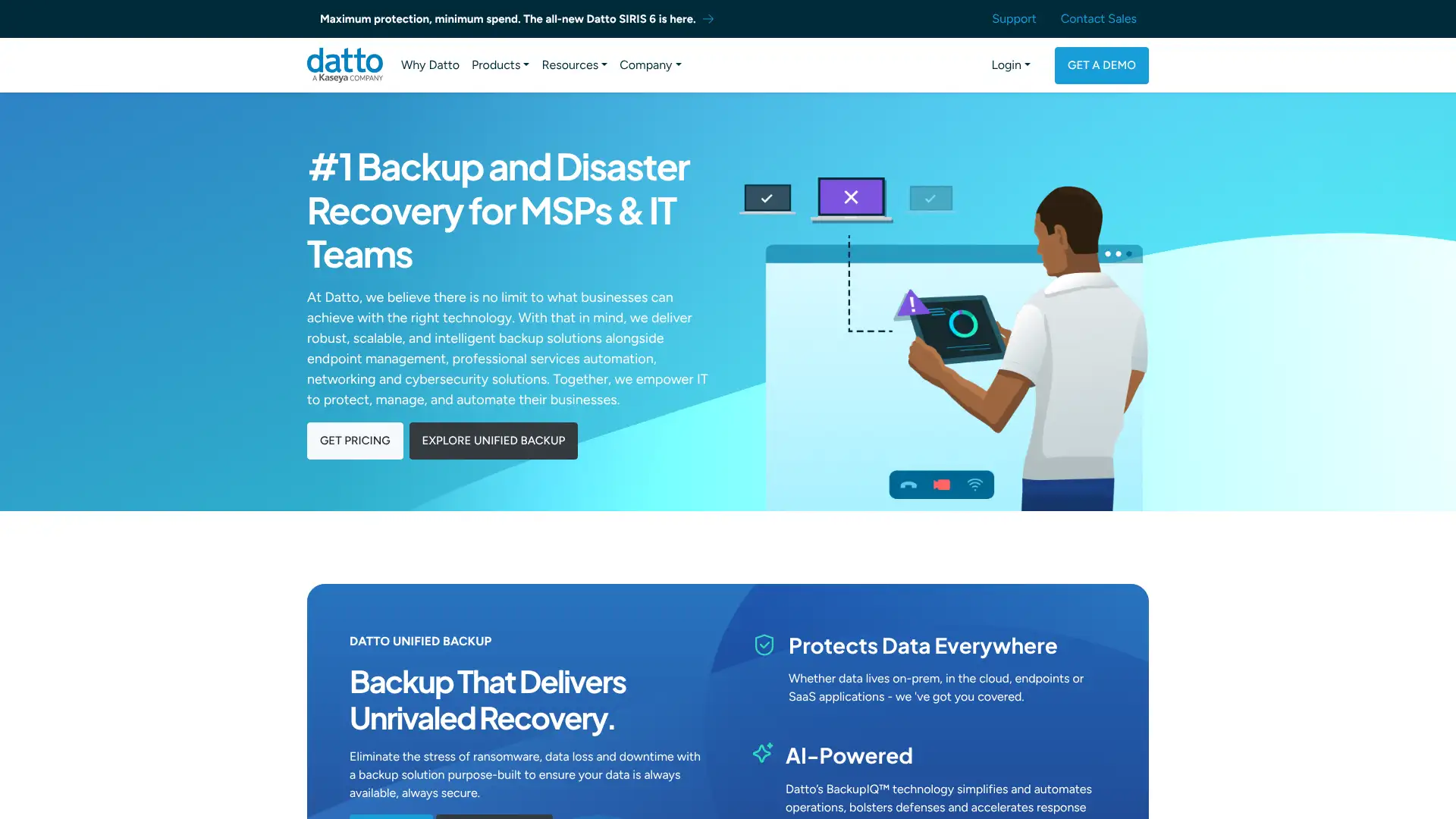
- • ITIL service desk: ticket management with SLA compliance tracking, automated workflows, and AI-powered knowledge base suggestions.
- • IT Complete integration: one-click sync between Autotask, Datto RMM, IT Glue, and Datto Backup for unified MSP operations.
- • Contract and billing automation: automate recurring invoices, time-and-materials billing, and managed device billing against client agreements.
- • LiveMobile app: full ticket management, time entry, and scheduling on iOS and Android for technicians in the field.
- • Open API with 250+ integrations: connects with QuickBooks, BrightGauge, Acronis, SentinelOne, and most MSP tools.
Autotask PSA is an excellent choice for MSPs that are already in the Kaseya/Datto ecosystem — the RMM and IT documentation integration alone justifies the platform. For MSPs running a mixed vendor stack, ConnectWise PSA's broader third-party integrations may be more valuable.
Freshworks
Freshworks is a San Mateo-based SaaS company founded in 2010, serving 65,000+ customers with a suite of customer experience products: Freshsales (CRM), Freshdesk (support), Freshservice (ITSM), and Freshmarketer (marketing automation). Each product is sold separately with its own pricing tiers. Freshworks' Freddy AI assistant is embedded across products and included on paid plans. Freshsales Growth starts at $9/user/month (annual), Freshdesk Growth at $15/agent/month, and Freshservice Starter at $19/agent/month. All products offer free tiers with limited features.
- • Freddy AI: built-in AI assistant for lead scoring, deal insights, ticket summaries, and response suggestions across all Freshworks products.
- • Freshsales Suite: bundles CRM + marketing automation in one product, sharing contact data across sales and marketing teams.
- • Freshdesk omnichannel: manages support tickets from email, phone, chat, social media, and WhatsApp in one inbox.
- • Freshservice ITSM: ITIL-aligned incident, problem, and change management for internal IT teams with asset tracking.
- • Native product integrations: Freshsales, Freshdesk, and Freshservice share customer data without Zapier for users buying multiple products.
Freshworks is the best value option for SMBs that need CRM, helpdesk, or ITSM as separate products with affordable pricing and a real free tier. Companies needing tight CRM-to-marketing automation integration across a large team will get better value from HubSpot's bundle pricing.
HubSpot
HubSpot is an all-in-one CRM platform with separate hubs for Marketing, Sales, Service, Content, Data, and Commerce. Used by 248,000+ customers, HubSpot introduced a seat-based pricing model in 2024 and added Breeze AI across all hubs in 2025. The free CRM is genuinely usable with unlimited contacts; paid plans start at $15/seat/month (Starter) for individual hubs or $1,170/month for the Professional Customer Platform bundle with 5 seats. Enterprise plans start at $4,300/month for the full platform with 7 seats.
- • Unified CRM core: all HubSpot products share a single contact record, eliminating data silos between marketing, sales, and support.
- • Marketing Hub: email campaigns, landing pages, social publishing, SEO tools, and ad management with attribution reporting.
- • Sales Hub: deal pipelines, sequences, meeting scheduling, CPQ, and call tracking with Breeze AI-assisted insights.
- • Breeze AI: AI agents for prospecting, customer service, and content creation embedded across all paid hubs.
- • App marketplace: 1,500+ integrations with Salesforce, Slack, Zoom, Stripe, QuickBooks, and most major business tools.
HubSpot is the best all-in-one CRM for growth-stage B2B companies that want to align marketing and sales in one platform with strong automation. The free CRM is an excellent starting point, but teams should budget carefully for the Professional Customer Platform pricing and mandatory onboarding fees before committing.
Salesforce
Salesforce is the world's leading CRM platform, serving 150,000+ organizations including Amazon, Adidas, and Toyota. Its core product, Agentforce Sales (formerly Sales Cloud), manages leads, opportunities, forecasting, and automation. In August 2025, Salesforce raised prices on Enterprise and Unlimited editions by 6%. Agentforce AI agents, available from the Enterprise edition, enable autonomous sales prospecting and deal management. Sales Cloud pricing starts at $25/user/month (Starter Suite) and $100/user/month for the Pro Suite; Enterprise is $165/user/month and Unlimited is $330/user/month.
- • Agentforce: autonomous AI agents for sales prospecting, email outreach, and deal management built into Enterprise and Unlimited editions.
- • Flow automation: no-code workflow automation with 2,000+ triggers for process automation across CRM, service, and marketing.
- • AppExchange: 7,000+ third-party apps and integrations, the largest ecosystem of any CRM platform.
- • Einstein AI: predictive lead scoring, opportunity insights, and forecast accuracy tools included from Enterprise edition.
- • Salesforce Platform: build custom enterprise apps, objects, and integrations using Apex code or no-code tools on top of the CRM data model.
Salesforce is the right choice for mid-size and enterprise sales organizations that need deep customization, complex automation, and a proven platform with global support. Small businesses should start with HubSpot or Freshsales — Salesforce's true power only pays off with dedicated admin resources and budget for proper implementation.
NetSuite
NetSuite (Oracle NetSuite) is the leading cloud ERP for mid-market businesses, used by 40,000+ organizations globally. It covers financial management, inventory, order management, CRM, HR, and e-commerce in a single system. Pricing is entirely custom and not published; the base platform license starts around $999/month, with full-user licenses adding $99-$149/user/month and advanced modules priced individually at $300-$1,500+/month each. First-year total costs typically range from $25,000 to $100,000+ including implementation. NetSuite added AI-powered financial forecasting and anomaly detection in 2024-2025.
- • Real-time financial consolidation: multi-subsidiary, multi-currency reporting with automated intercompany eliminations in a single system.
- • SuiteAnalytics: built-in reporting and dashboards with role-based KPIs — no separate BI tool required for standard operational reporting.
- • SuiteCommerce: fully integrated e-commerce module that shares the same inventory, pricing, and customer data as the ERP backend.
- • Revenue recognition automation: ASC 606 and IFRS 15 compliant revenue recognition rules with automated journal entries.
- • OneWorld: multi-entity management for companies with subsidiaries in multiple countries, currencies, and tax jurisdictions.
NetSuite is the best ERP for mid-market companies (50-1,000 employees) that have outgrown QuickBooks and need consolidated financials, inventory, and CRM in one cloud system. Budget realistically — base license plus implementation and first-year modules typically costs $50,000-$150,000. For companies under $5M revenue, Odoo or Xero+inventory addon will provide better ROI.
SAP Business One
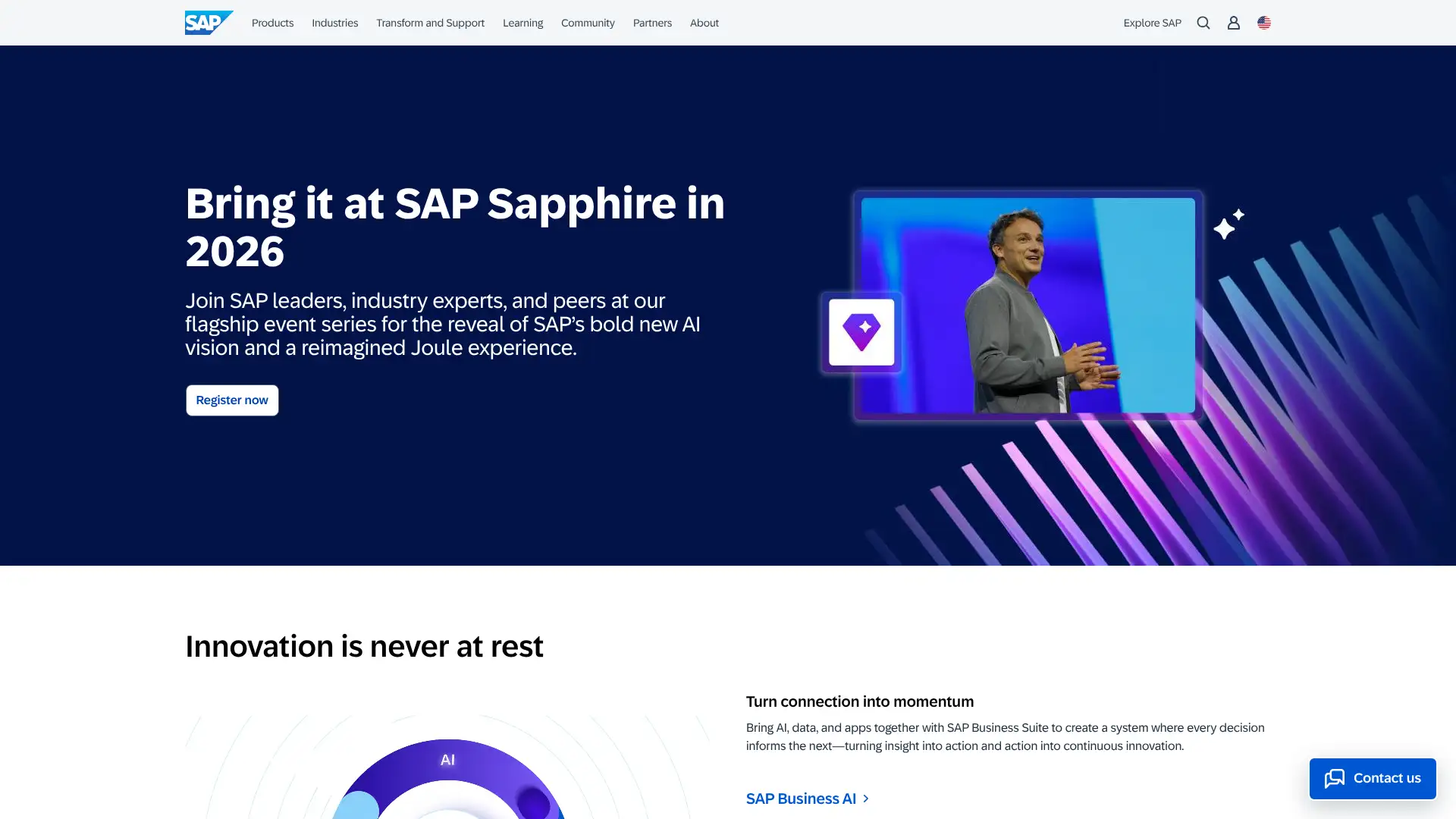
SAP Business One is SAP's dedicated ERP solution for small and mid-sized businesses with 10-250 employees, covering financials, sales, inventory, manufacturing, and CRM. Available as both cloud subscription and perpetual on-premise license. Cloud pricing runs approximately $95-$250/user/month depending on user type (Professional vs. Limited), with perpetual on-premise licenses at $3,500-$5,500/named user plus 18-20% annual maintenance. A starter package for up to 5 users is available from approximately $91/user/month (cloud). Sold exclusively through SAP-authorized partners who set their own implementation rates.
- • Integrated financials: GL, AP/AR, bank reconciliation, multi-currency, and tax management with real-time period-end close.
- • Manufacturing module: production orders, BOM management, MRP, and shop-floor control built into the core ERP.
- • Service management: service contracts, service calls, and customer equipment management for after-sales support teams.
- • SAP Crystal Reports: built-in reporting engine for financial and operational reports with custom layout designer.
- • SAP HANA in-memory processing: ultra-fast analytics and real-time inventory queries on the cloud edition.
SAP Business One is the right ERP for established SMBs in manufacturing or distribution that want SAP's reliability and audit standards without the complexity of S/4HANA. For companies primarily needing financials and CRM without manufacturing, NetSuite or Odoo will deliver more at a lower total cost.
Microsoft Dynamics 365 Business Central
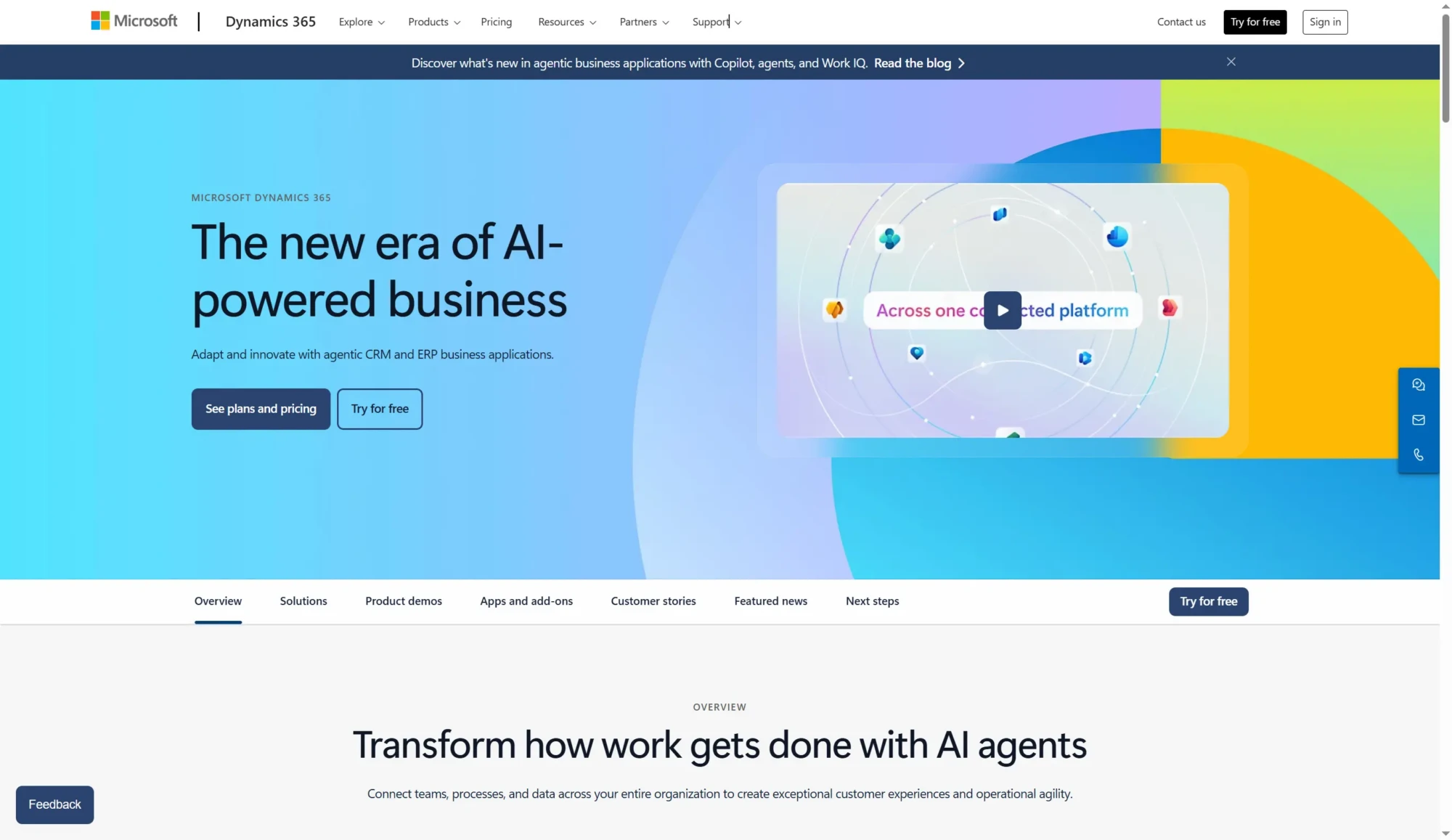
Microsoft Dynamics 365 Business Central is Microsoft's cloud ERP for small and mid-sized businesses, evolved from the Dynamics NAV (Navision) codebase. It covers financials, supply chain, manufacturing, sales, and service management in one system, with deep native integration into Microsoft 365, Power BI, and Azure. In November 2025, Microsoft raised Business Central prices for the first time in five years: Essentials is now $80/user/month, Premium is $110/user/month, and Team Members remain at $8/user/month. The 2025 release added Copilot AI features for invoicing, inventory, and financial reconciliation.
- • Microsoft 365 native: Excel data entry, Outlook email integration, and Teams collaboration built into the ERP workflow without API connections.
- • Power BI integration: publish Business Central data to Power BI for real-time operational dashboards without data exports.
- • Copilot AI: AI-powered invoice processing, bank reconciliation suggestions, inventory forecasting, and purchase order automation (2025 release).
- • AppSource marketplace: 2,000+ add-on apps from Microsoft and partners extend Business Central for industry-specific requirements.
- • Multi-company and multi-currency: manage up to 300 companies per environment with full consolidation and intercompany accounting.
Business Central is the natural ERP choice for companies already on Microsoft 365 that want ERP functionality woven into their existing productivity tools. The Copilot AI additions in 2025 significantly enhanced the platform's automation value. Companies needing manufacturing should budget for Premium licenses, and all prospective buyers should model implementation costs carefully before committing.
Sage
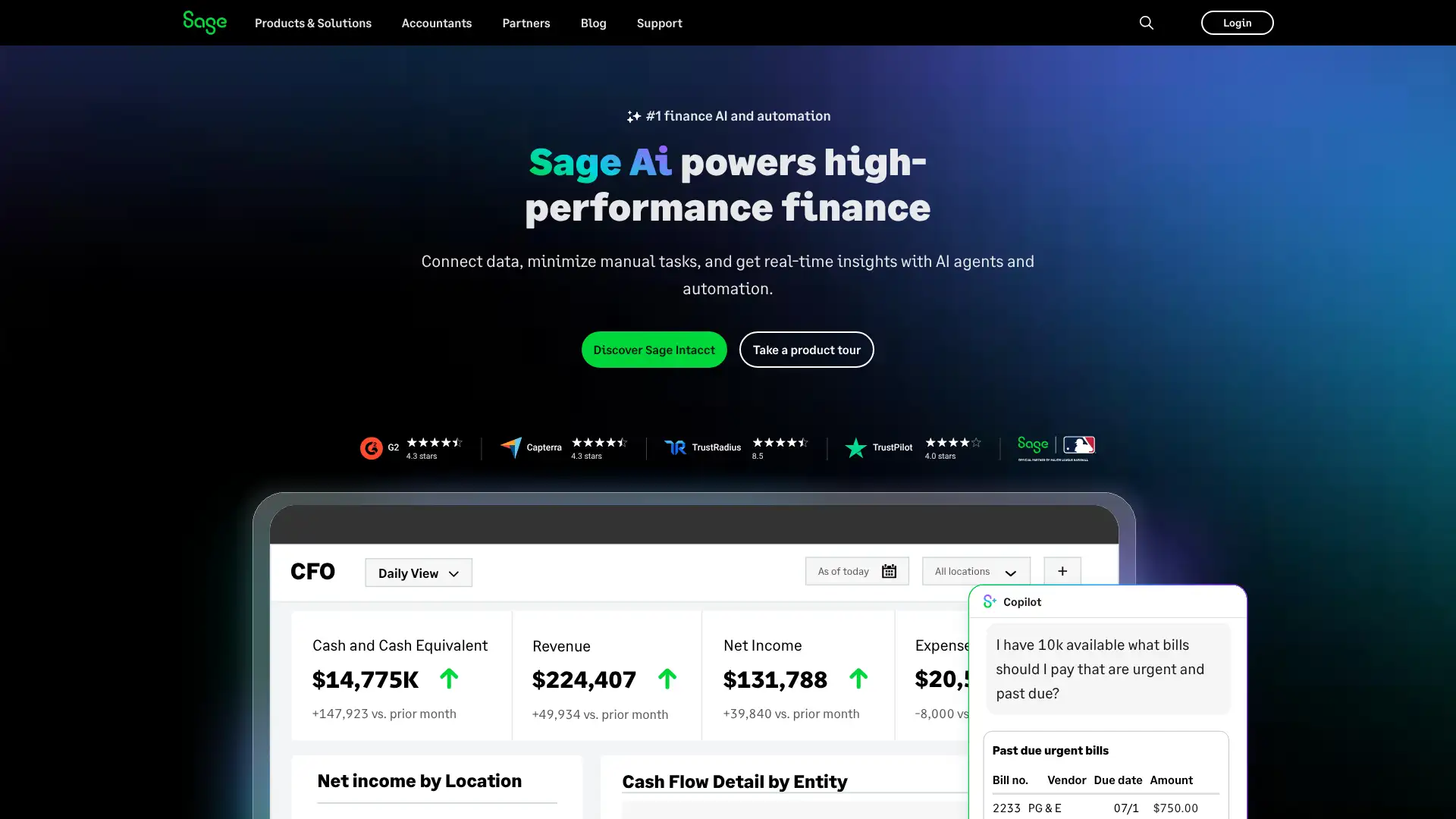
Sage offers two distinct products relevant to this directory: Sage Intacct, a cloud-native financial management platform for mid-market organizations and nonprofits, and Sage 50, a desktop-based accounting solution for small businesses. Sage Intacct uses custom quote-based pricing; average customers spend $25,000-$35,000 annually. Sage 50 offers structured subscription plans. Sage Intacct is particularly dominant in the nonprofit, healthcare, and professional services verticals, where its multi-entity consolidation and grant tracking are industry-leading.
- • Fund accounting (Intacct): native multi-dimensional fund tracking for nonprofits and government entities with FASB-compliant reporting.
- • Multi-entity consolidation: manage multiple subsidiaries with automated intercompany eliminations across currencies and legal entities.
- • Sage Intacct for Nonprofits: grant tracking, donor management, and FASB ASC 958 reporting built into the core platform.
- • AI-powered automation: Sage Intacct's built-in AI agents automate AP coding, anomaly detection, and period-close tasks (2025 release).
- • Subscription billing (Intacct): native revenue recognition and ASC 606 compliance for SaaS and subscription businesses.
Sage Intacct is the best choice for mid-market nonprofits and professional services firms with $4M+ in revenue and complex multi-entity or grant tracking needs. Sage 50 remains a reasonable option for small businesses that prefer desktop software with offline access. For everyone else, Xero or QuickBooks Online provide better value at lower cost.
Xero
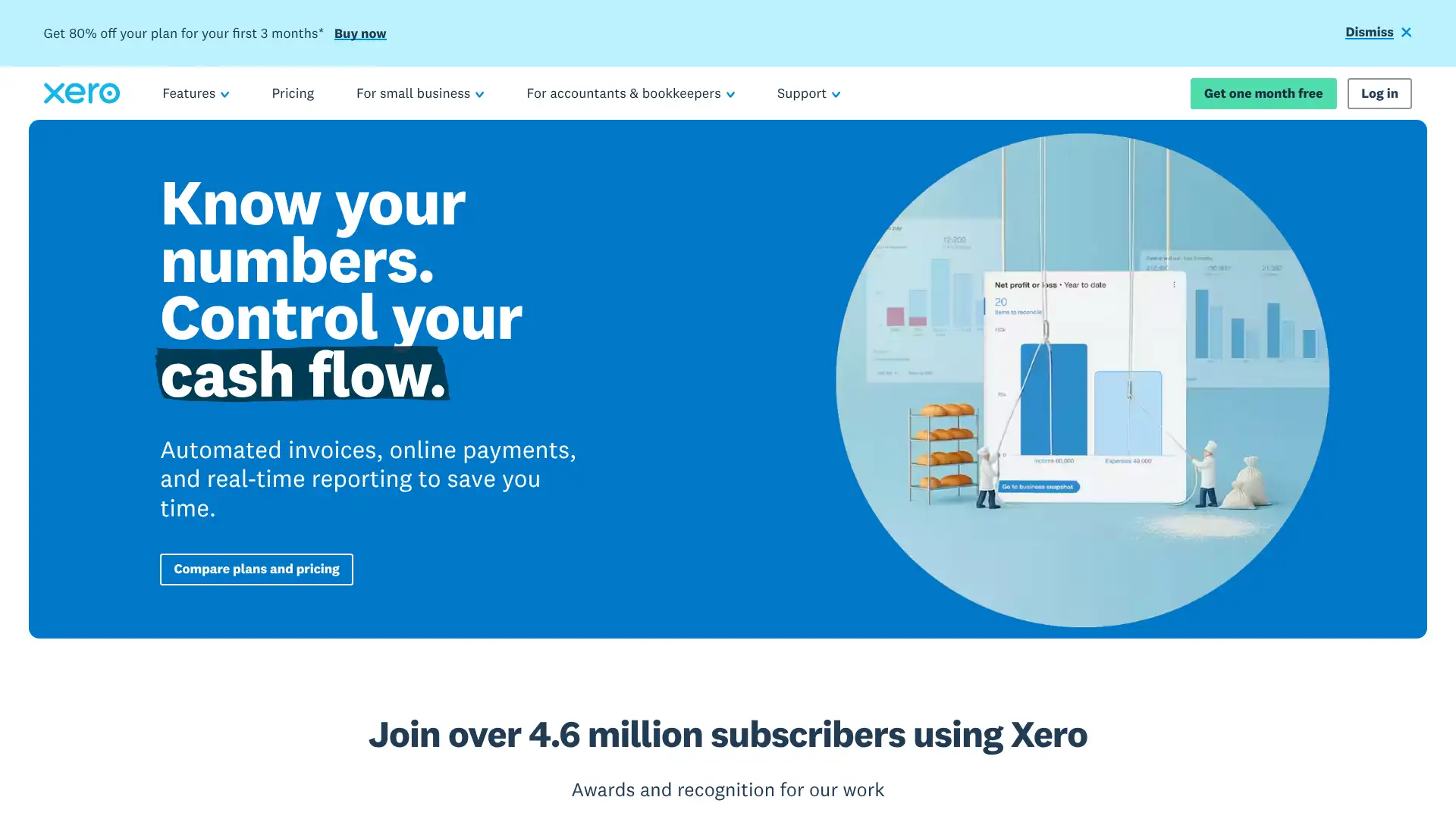
Xero is a cloud-based accounting platform used by over 4 million subscribers globally, founded in New Zealand in 2006. It is the dominant accounting tool in Australia, New Zealand, and the UK, and has strong market share among small businesses in the US. Xero includes unlimited users on every plan — a rare differentiator. US plans are: Early at $29/month, Growing at $46/month, and Established at $69/month. In 2024, Xero launched Xero Go for sole traders and added AI-powered bank reconciliation suggestions. Optional add-ons include Xero Projects ($7/month) and Xero Expenses ($5/month per user).
- • Unlimited users on all plans: invite accountants, bookkeepers, and business owners without paying per seat — unique in the accounting software space.
- • Bank reconciliation: automatic bank feed matching with AI-suggested coding that learns from your categorization history.
- • Hubdoc integration: capture and auto-import receipts and bills from email or mobile camera, included on all plans.
- • Xero App Store: 1,000+ integrations with payroll, inventory, POS, e-commerce, and CRM tools.
- • Xero Analytics: short-term cash flow projection and business snapshot dashboards included on Growing and Established plans.
Xero is the best cloud accounting solution for small businesses that value unlimited users, a clean interface, and strong bank reconciliation. It is especially well-suited for businesses working with a bookkeeper or accountant, as unlimited user access eliminates a common friction point. US-based businesses needing robust payroll should budget for the Gusto integration separately.
Wave
Wave is a cloud-based financial management platform for small businesses acquired by H&R Block in 2019 and serving over 2 million businesses globally. Wave's core accounting and invoicing features remain free, though Wave shifted to a freemium model in 2023-2024 by moving automatic bank transaction imports from free to the paid Pro plan. The Starter plan is free with manual bank entry; the Pro plan is $16/month for automatic imports and multi-user access. Payroll is an optional add-on starting at $40/month base plus $6/active employee. Wave also offers Wave Advisors bookkeeping services at $199/month.
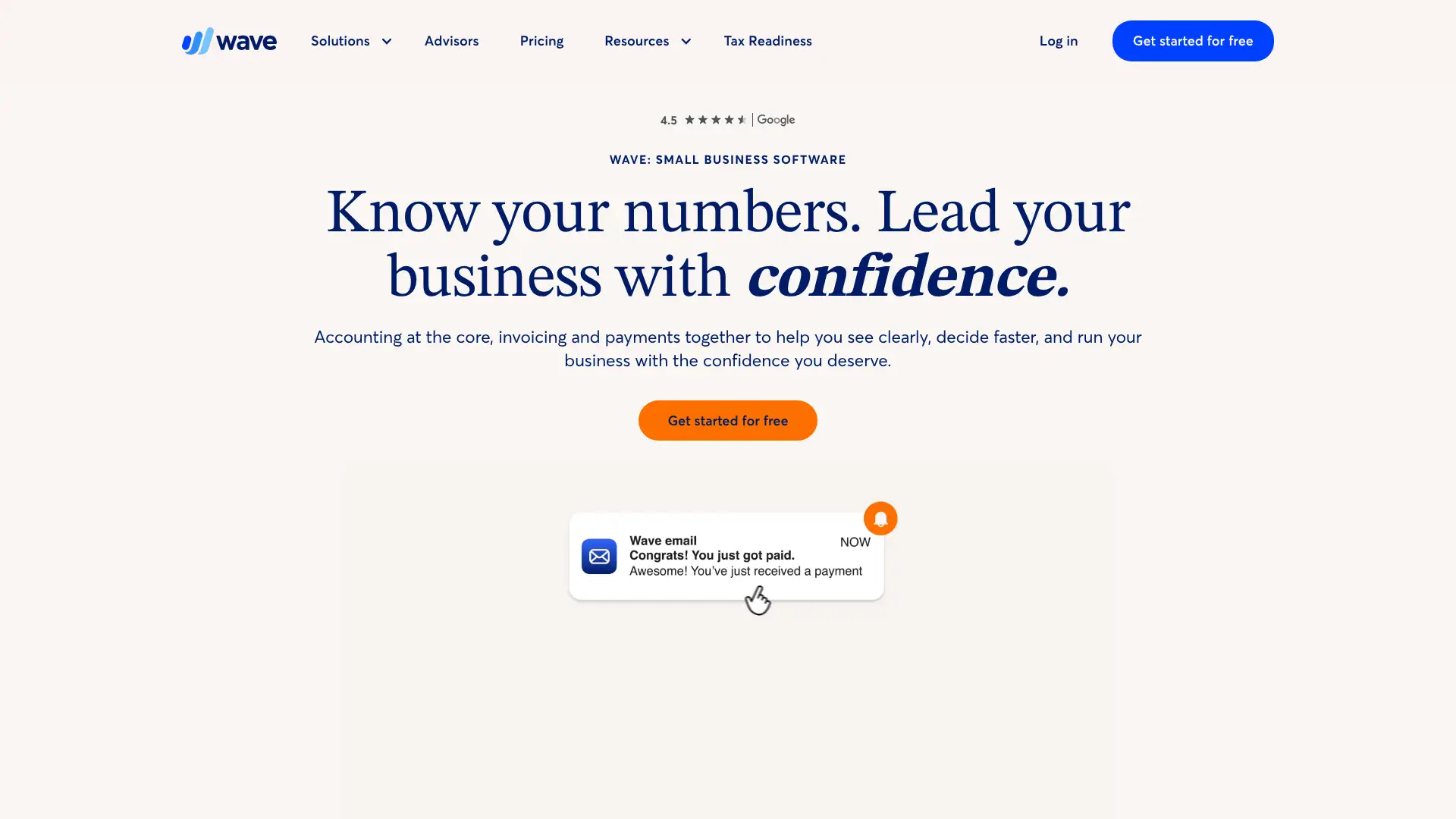
- • Free invoicing: unlimited professionally branded invoices with online payment collection at no monthly cost.
- • Double-entry accounting: proper bookkeeping with profit & loss, balance sheet, and cash flow statements on the free plan.
- • Wave Payments: accept credit cards (2.9% + $0.60 per transaction) and bank transfers (1% per transaction, $1 minimum) from invoices.
- • Full-service payroll: automated tax filing in all 50 US states via Check integration (launched April 2025).
- • Wave Advisors: optional bookkeeping and accounting support from Wave's own team at $199/month for ongoing advisory.
Wave is the best free accounting option for freelancers, sole proprietors, and micro-businesses that only need invoicing, basic expense tracking, and financial reports. As soon as a business needs automatic bank imports, inventory, or time tracking, upgrading to Wave Pro or switching to Xero provides better value.
Aplos
Aplos is a cloud-based accounting platform built specifically for nonprofit organizations and churches, combining fund accounting, donor management, and online giving tools in one system. It is used by thousands of nonprofits, churches, and faith-based organizations in the US and Canada. Aplos pricing starts at $79/month for the Lite plan and scales to $229/month for Advanced. In 2025, Aplos added AI-powered financial agents for automated AP coding and anomaly detection. A 15-day free trial is offered with no credit card required. New organizations in their first year may be eligible for 6 months free.
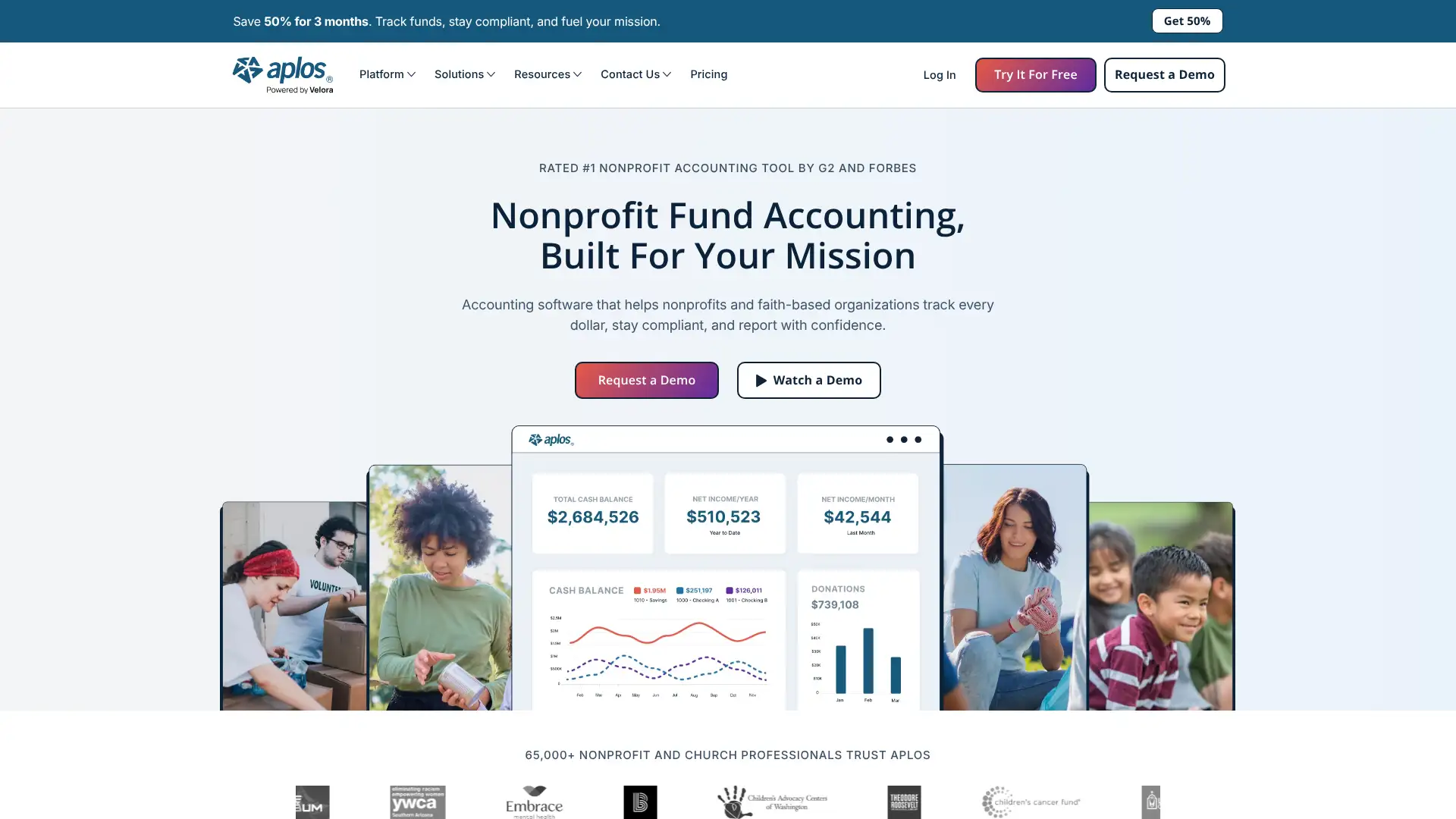
- • Fund accounting: track restricted, unrestricted, and temporarily restricted funds with FASB ASC 958-compliant reporting.
- • Donor management: built-in donor database with giving history, pledge tracking, and automated contribution statements.
- • Online giving: customizable donation forms with recurring gift support, event registration, and donor portals.
- • Grant tracking: track grant income by purpose with specialized reporting for grant compliance and stewardship.
- • AI financial agents: automated transaction categorization and anomaly detection launched in 2025 to reduce manual bookkeeping.
Aplos is the best accounting platform for small to mid-size nonprofits and churches that want purpose-built fund accounting without the complexity and cost of Sage Intacct. Organizations over $1M in annual revenue with multiple entities or complex grant requirements should evaluate Sage Intacct instead.
HoneyBook
HoneyBook is a client management platform for independent business owners — photographers, designers, event planners, consultants, and coaches. It combines proposals, contracts, invoices, online payments, scheduling, and client communication in one tool. In February 2025, HoneyBook raised prices significantly for the first time in a decade: Starter is now $36/month (monthly) or $29/month (annual). HoneyBook is available only in the US and Canada. In 2024-2025, HoneyBook added AI tools for lead response and proposal drafting, and integrated with Pic-Time for photographers.
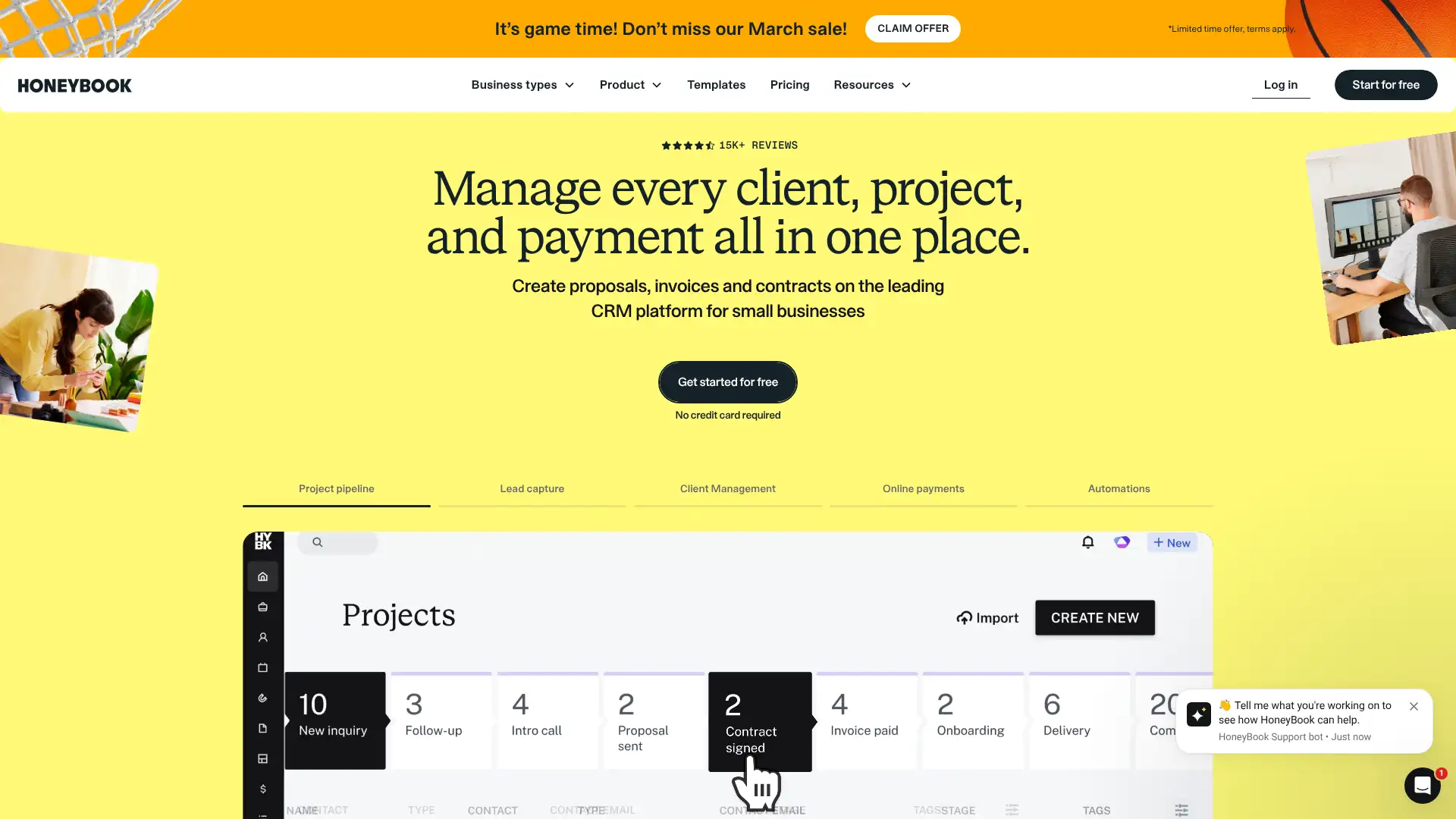
- • Smart Files: combine proposal, contract, and invoice into a single interactive client-facing document for a seamless booking experience.
- • Client portal: clients access files, messages, and payment status through a branded self-service portal.
- • AI tools: AI-assisted lead responses and proposal drafting to speed up client communication (all plans).
- • Automation: automated email workflows, file sharing, and task assignment on Essentials plan and above.
- • Payment processing: built-in payments accepting cards (2.9% + fee) and bank transfers (1.5% + fee) with no third-party payment setup.
HoneyBook is the best choice for US and Canadian freelancers and independent service providers who want a beautiful, client-facing CRM with payments built in and minimal setup. The 2025 price increase makes Dubsado a more competitive alternative for budget-conscious users, though HoneyBook's simpler onboarding and AI tools maintain its edge for users prioritizing speed.
Dubsado
Dubsado is a client relationship and business management platform designed for freelancers and service businesses worldwide, unlike HoneyBook which is US/Canada only. It offers CRM, automated workflows, customizable forms, invoicing, scheduling, and client portals. In December 2025, Dubsado raised prices: the Starter plan is now $20/month or $200/year, and the Premier plan is $40/month or $400/year. The free trial allows up to 3 clients with no time limit, giving users full evaluation time. Dubsado supports multi-brand management ($10/month per additional brand) and tiered additional user pricing.
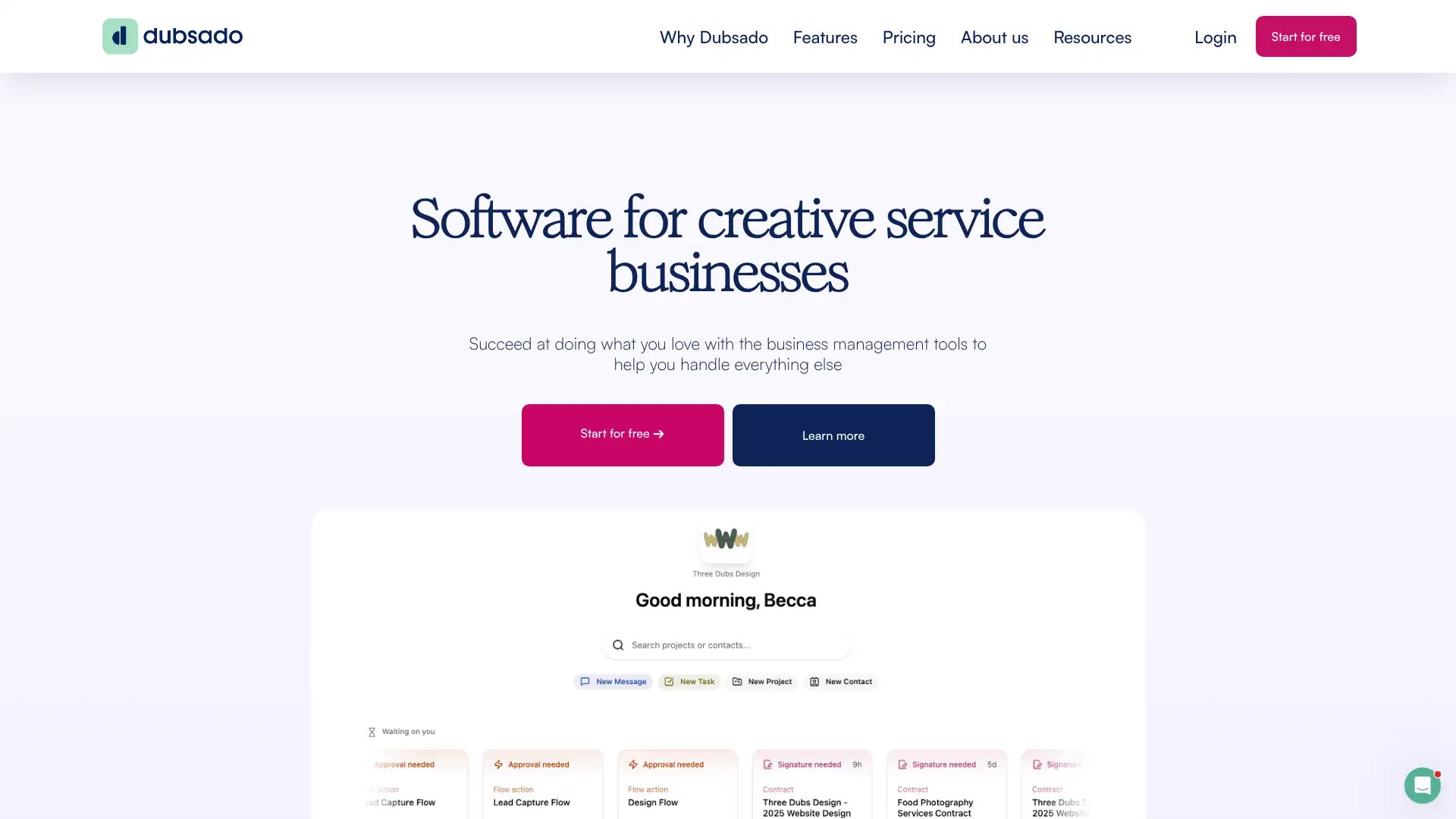
- • Automated workflows: multi-step automation triggered by client actions (form submission, payment, contract signing) with email, task, and status triggers.
- • CSS form customization: customize forms and proposals with CSS for pixel-perfect branding — unique capability compared to most CRM tools.
- • Multi-brand management: manage multiple business brands from one Dubsado account ($10/month per additional brand).
- • Payment processor flexibility: integrates with Stripe, Square, and PayPal with autopay at no extra cost — lower transaction fees than HoneyBook's built-in processor.
- • Free trial with no time limit: 3-client trial lets you fully set up and test the system before buying, unlike HoneyBook's 7-day timer.
Dubsado is the strongest CRM for service businesses that need advanced automation and want to work internationally. The Premier plan at $40/month delivers exceptional automation value. HoneyBook is better for users who want to get up and running in days rather than weeks and don't need CSS-level customization.
vCita
vCita is an all-in-one business management platform for small service-based businesses, combining CRM, scheduling, invoicing, payment processing, marketing campaigns, and BizAI (an AI assistant). It targets wellness centers, law offices, financial advisors, and similar local service businesses. vCita has three plans starting at $29/month (annual) for Kickstart and scaling to $93/month for Platinum. A 14-day free trial requires no credit card. In 2025, vCita launched BizAI, an in-app AI assistant for drafting replies, creating estimates, and providing business recommendations.
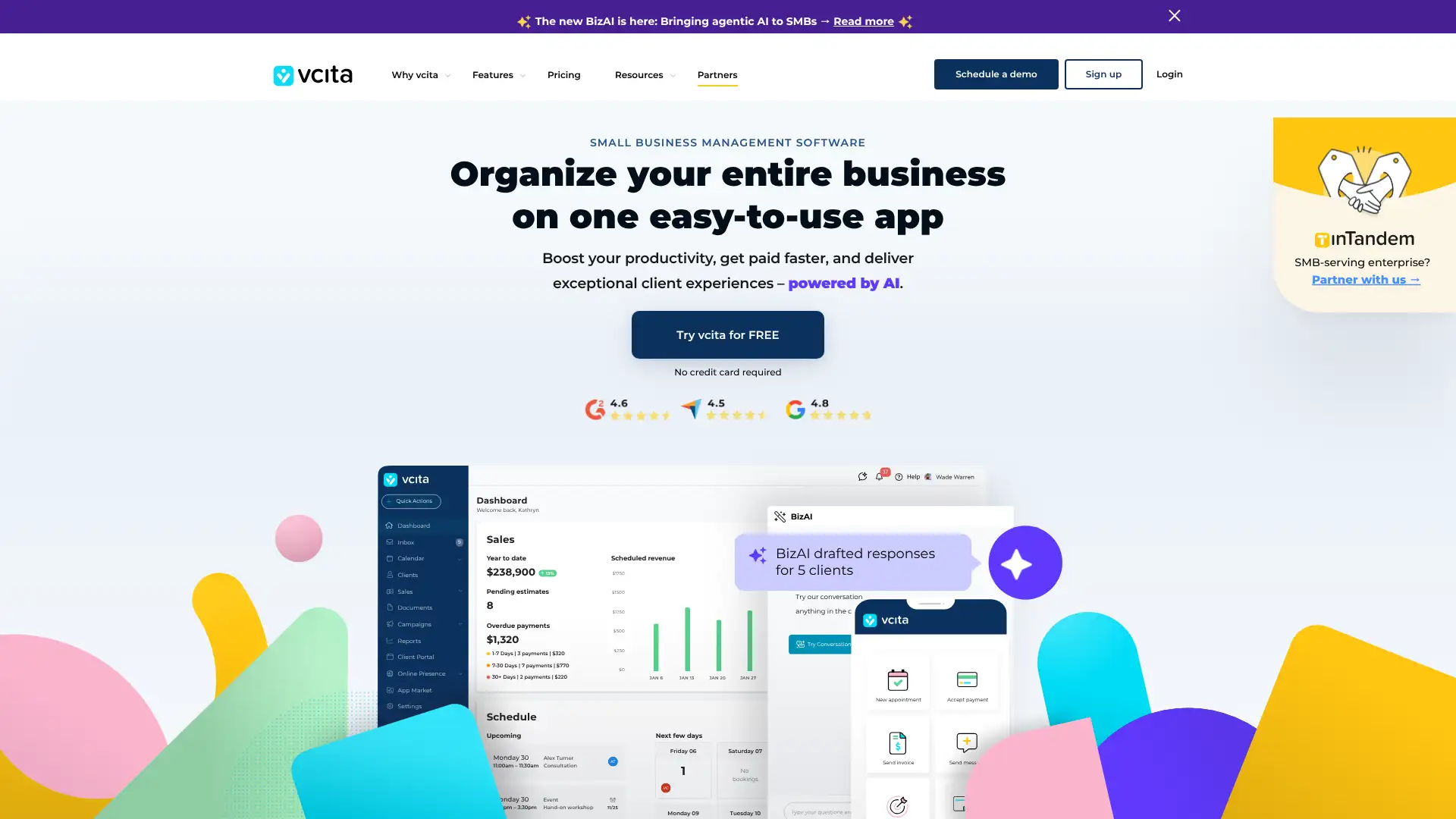
- • BizAI assistant: AI-powered reply drafting, estimate creation, and business insights built into the platform (2025 launch).
- • Multi-channel marketing campaigns: email and SMS marketing campaigns with client segmentation from inside the CRM.
- • Client self-service portal: clients book appointments, pay invoices, access files, and communicate through a branded client portal.
- • HIPAA compliance: Business and Platinum plans support HIPAA-compliant data handling for healthcare providers (requires BAA).
- • Waitlist management: manage appointment waitlists and automatically notify clients when slots open (Business plan).
vCita is the best all-in-one option for local service businesses — therapists, consultants, financial advisors — that need scheduling, client management, and marketing in one tool with HIPAA-readiness at an accessible price. Creative freelancers who prioritize client experience aesthetics may prefer HoneyBook or Dubsado's more polished client portals.
Thryv
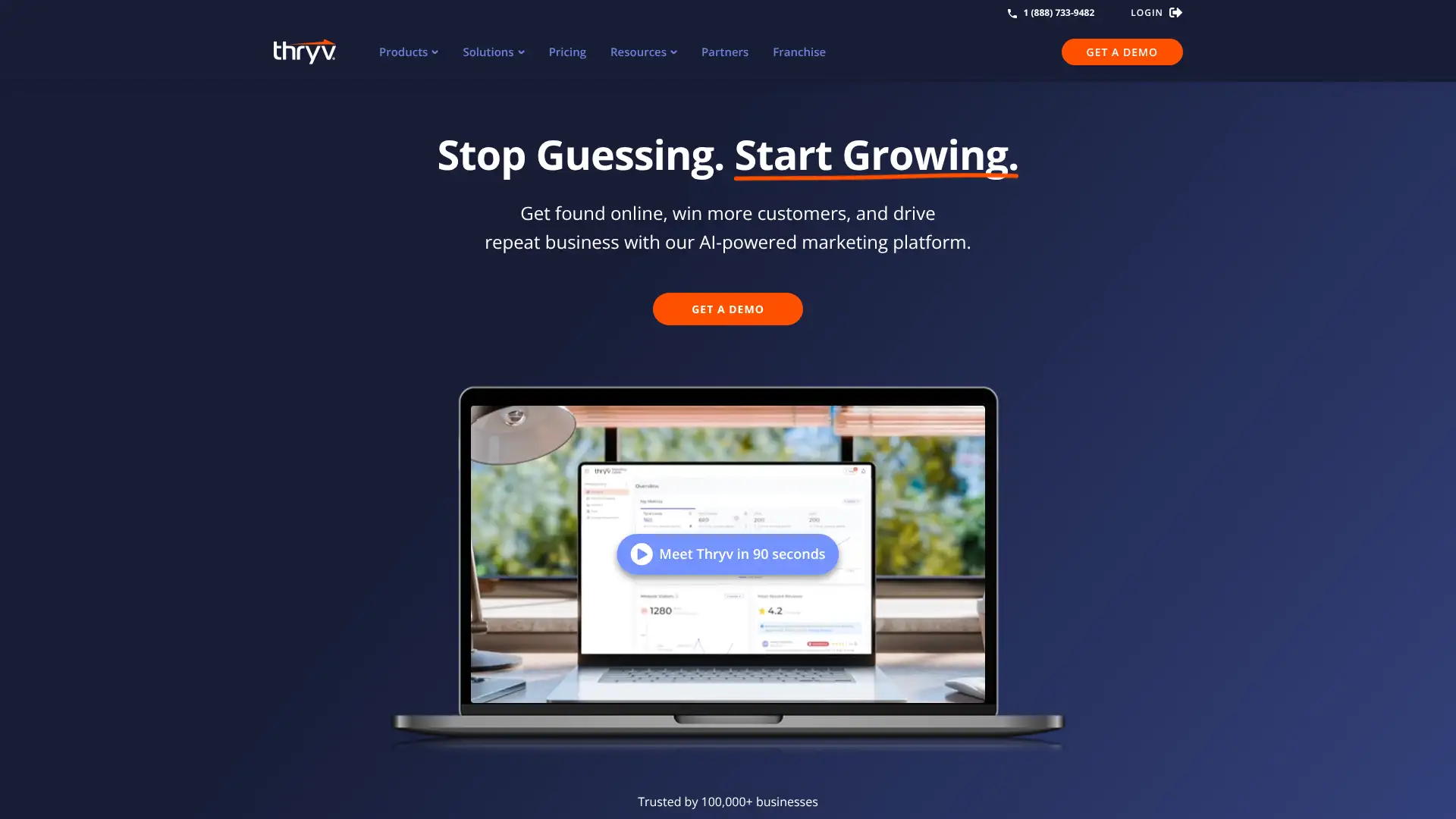
Thryv is a small business management platform evolved from the company behind Yellow Pages, combining Business Center (CRM, scheduling, payments), Marketing Center (local listings, social media, reputation), and Command Center (communications inbox). It targets established local service businesses and offers bundled packages including Kickstart ($623/month), Ignite (~$1,094/month), and Accelerate (~$1,345/month). A Command Center free plan is available for team communication. All packages require a mandatory $250 onboarding fee and an initial 6-month commitment that then auto-renews monthly.
- • Reputation management: request, monitor, and respond to reviews across Google, Facebook, and other platforms from one dashboard.
- • Local listings management: maintain consistent business listings across 50+ directories including Google, Yelp, and Bing.
- • Omni-channel inbox: consolidate email, text, social messages, and voicemails into one team inbox via Command Center.
- • ThryvPay: integrated payment processor with competitive rates starting at 2.60% + $0.30 for card-present transactions.
- • Marketing automation: email and SMS campaign builder with list segmentation and campaign analytics (Growth Bundle and above).
Thryv is best suited for established local service businesses with budget for $600-$1,300/month that want their local marketing, CRM, and operations managed by one vendor. The value is in the local listings and reputation management components. Businesses with tighter budgets or those primarily needing field service scheduling should look at Jobber or Housecall Pro instead.
Jobber
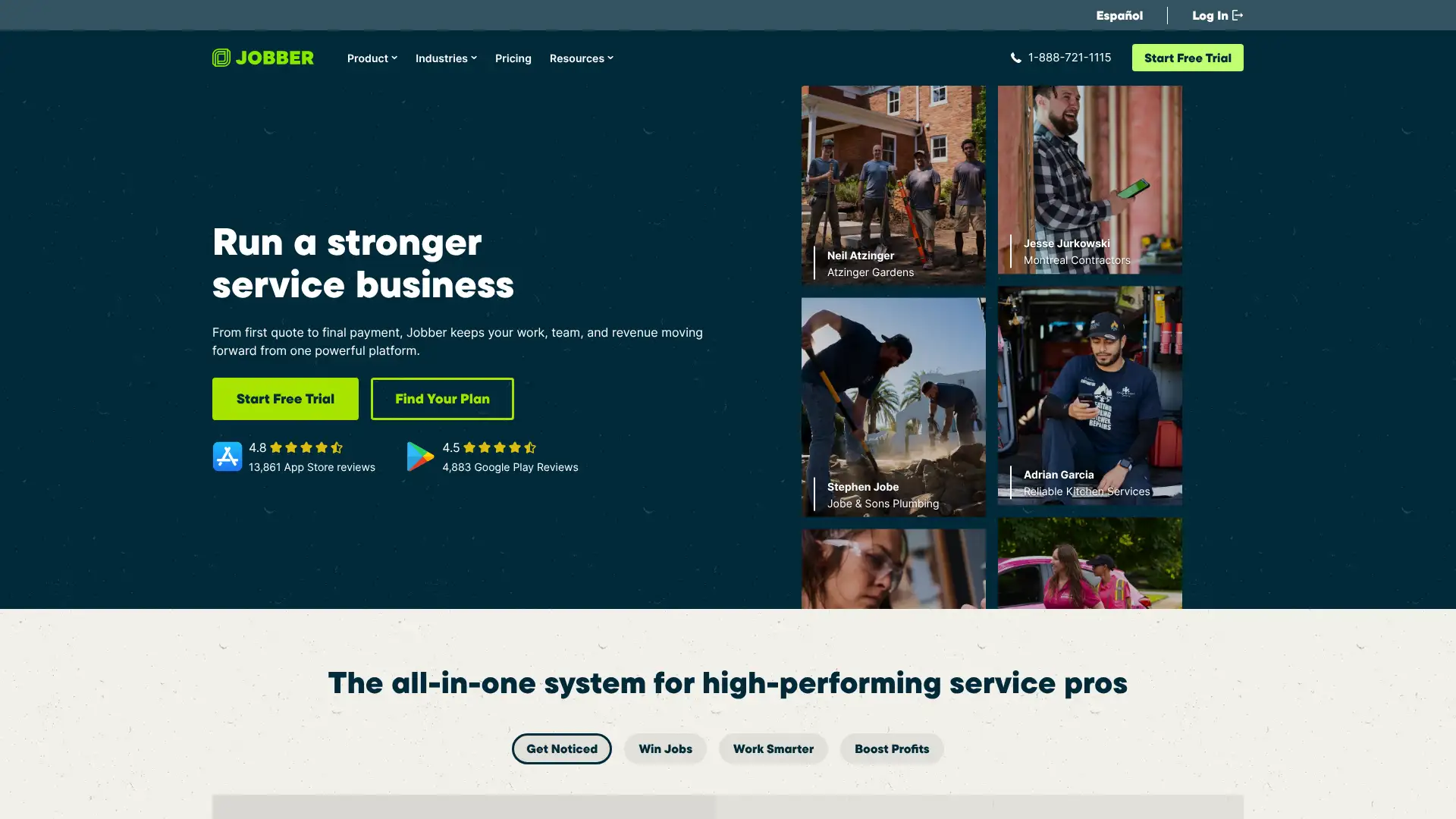
Jobber is a field service management platform used by 250,000+ home service business owners in plumbing, HVAC, cleaning, landscaping, and electrical trades. It covers quoting, scheduling, dispatching, invoicing, payment collection, and client communication. Pricing is structured for individual operators and teams separately. Individual plans start at $39/month (Core) and team plans start at $169/month (Connect Team for 5 users). The Plus plan at $599/month covers 15 users and includes the full Marketing Suite and AI Receptionist. Jobber charges 2.9% + $0.30 per credit card transaction.
- • Client Hub: self-service portal where clients approve quotes, view appointment details, and pay invoices online 24/7.
- • Job costing: track material and labor costs per job to see actual profit margin on each service call (Grow plan).
- • Two-way SMS: text message communication directly with clients from the platform, including automated appointment reminders.
- • AI Receptionist: 24/7 AI phone agent that answers calls, captures lead info, and can book jobs into your calendar (Plus plan).
- • QuickBooks Online integration: sync invoices, payments, and customers bidirectionally with QuickBooks (Connect plan and above).
Jobber is the best field service platform for home service businesses with 1-10 technicians that want professional quoting, client self-service, and payment collection without enterprise complexity. Businesses needing job costing and two-way SMS should plan for the Grow Team plan at $349/month from the start.
Housecall Pro
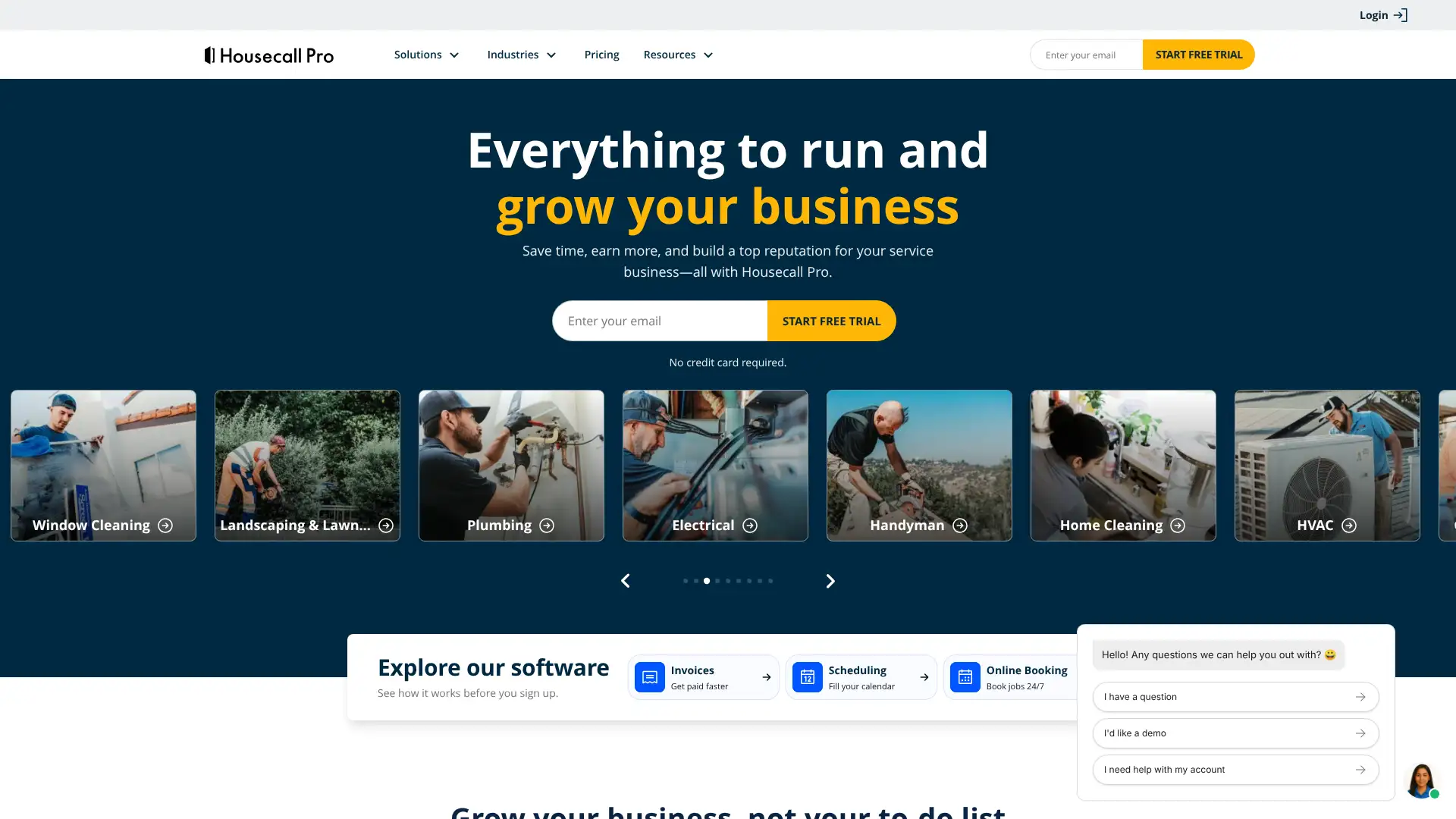
Housecall Pro is a field service management platform for home service businesses including HVAC, plumbing, electrical, and cleaning companies. Used by 45,000+ businesses, it offers scheduling, dispatching, invoicing, flat-rate price book, GPS tracking, and marketing tools. As of 2025, pricing starts at $59/month (annual) for the Basic plan (1 user) and scales to $149/month for Essentials (1-5 users) and $299/month for MAX (1-8 users). Unlike Jobber, QuickBooks integration is included from the Essentials plan at $149/month. A 14-day free trial with full MAX features is available.
- • Flat-rate price book: catalog services with images, categories, and subcategories for professional in-field quoting (Essentials and above).
- • GPS field tracking: live technician location tracking using mobile phone GPS without additional hardware (Essentials plan).
- • Recurring service agreements: set up maintenance plans with automatic billing and scheduling for service contract revenue (MAX plan).
- • Review collection: automated customer review request system with direct Google and Facebook review links.
- • Consumer financing: Wisetack integration allows customers to finance service jobs directly from a Housecall Pro quote.
Housecall Pro is slightly better than Jobber for businesses that specifically need QuickBooks integration at the 1-5 user scale, where the Essentials plan at $149/month provides better value than Jobber's equivalent tier. For solo operators on a tight budget, Jobber's Core plan at $39/month is more affordable.
ServiceTitan
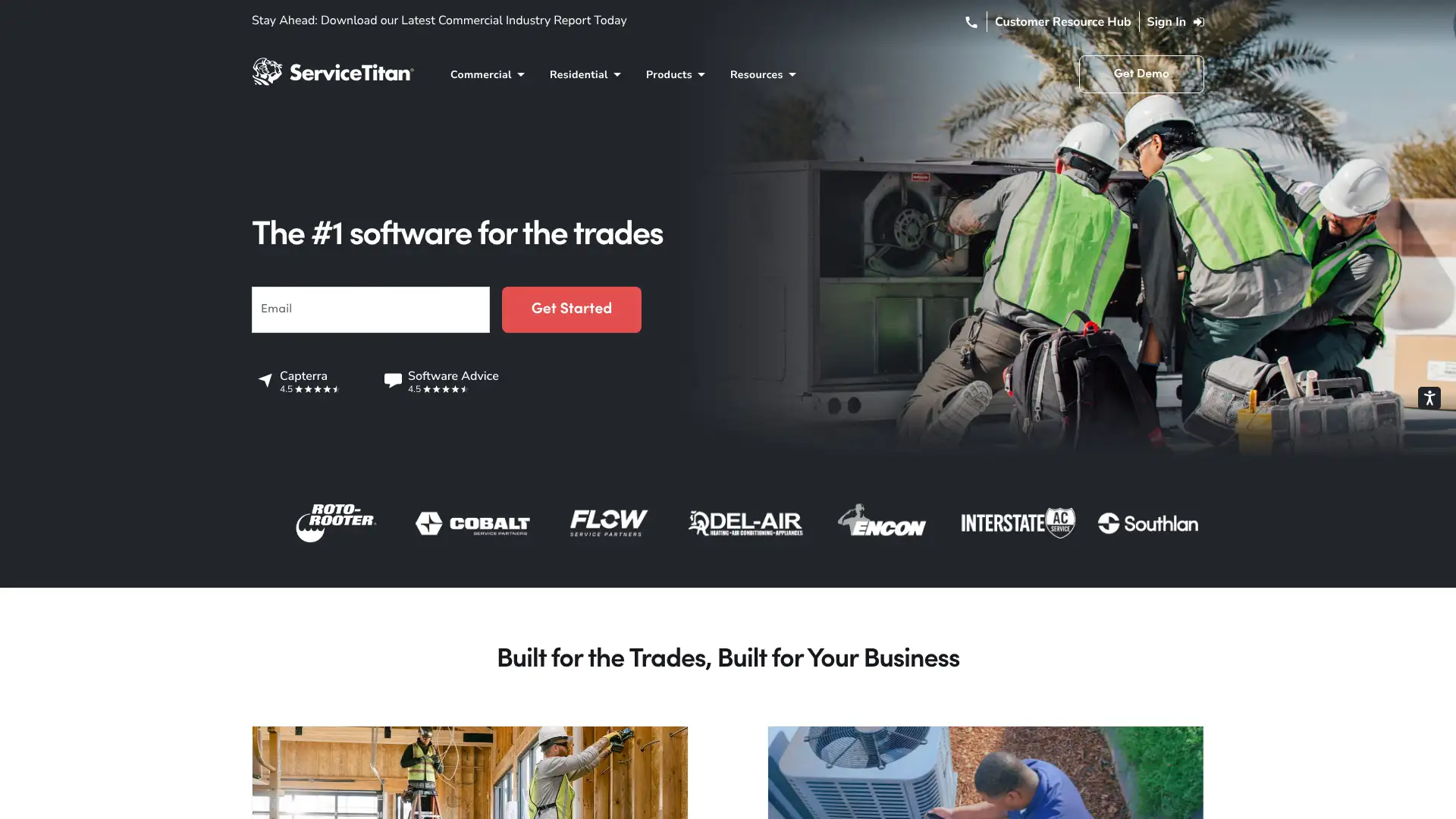
ServiceTitan is the enterprise-tier field service management platform for the skilled trades, serving thousands of HVAC, plumbing, electrical, and other home service companies. It went public in December 2024 and is used by top 100 HVAC and plumbing companies across the US. Pricing is custom and not published — typical costs range from $250-$500 per technician per month depending on features and add-ons. Marketing Pro and Phones Pro are sold separately from the base plan. A required implementation fee typically starts at $1,000-$5,000. No free trial is available.
- • Visual sales proposals: technicians present service options with images, prices, and good/better/best tiers on a tablet in the customer's home.
- • Marketing attribution: tracks which marketing campaigns generate revenue by connecting call recording, booking, and invoice data end-to-end.
- • GPS fleet tracking and dispatch board: real-time technician locations, route optimization, and drag-and-drop dispatching for call center efficiency.
- • Phones Pro: AI-powered phone system with call booking directly from incoming calls, call recording, and CSR performance tracking.
- • Membership management: automated recurring billing, scheduling, and customer communication for service agreement members.
ServiceTitan is the right investment for established trade businesses with 15+ technicians and $2M+ in annual revenue that need enterprise dispatch, marketing attribution, and membership management. Smaller operations will find the cost and implementation complexity unsustainable and should start with Jobber or Housecall Pro.
Mindbody
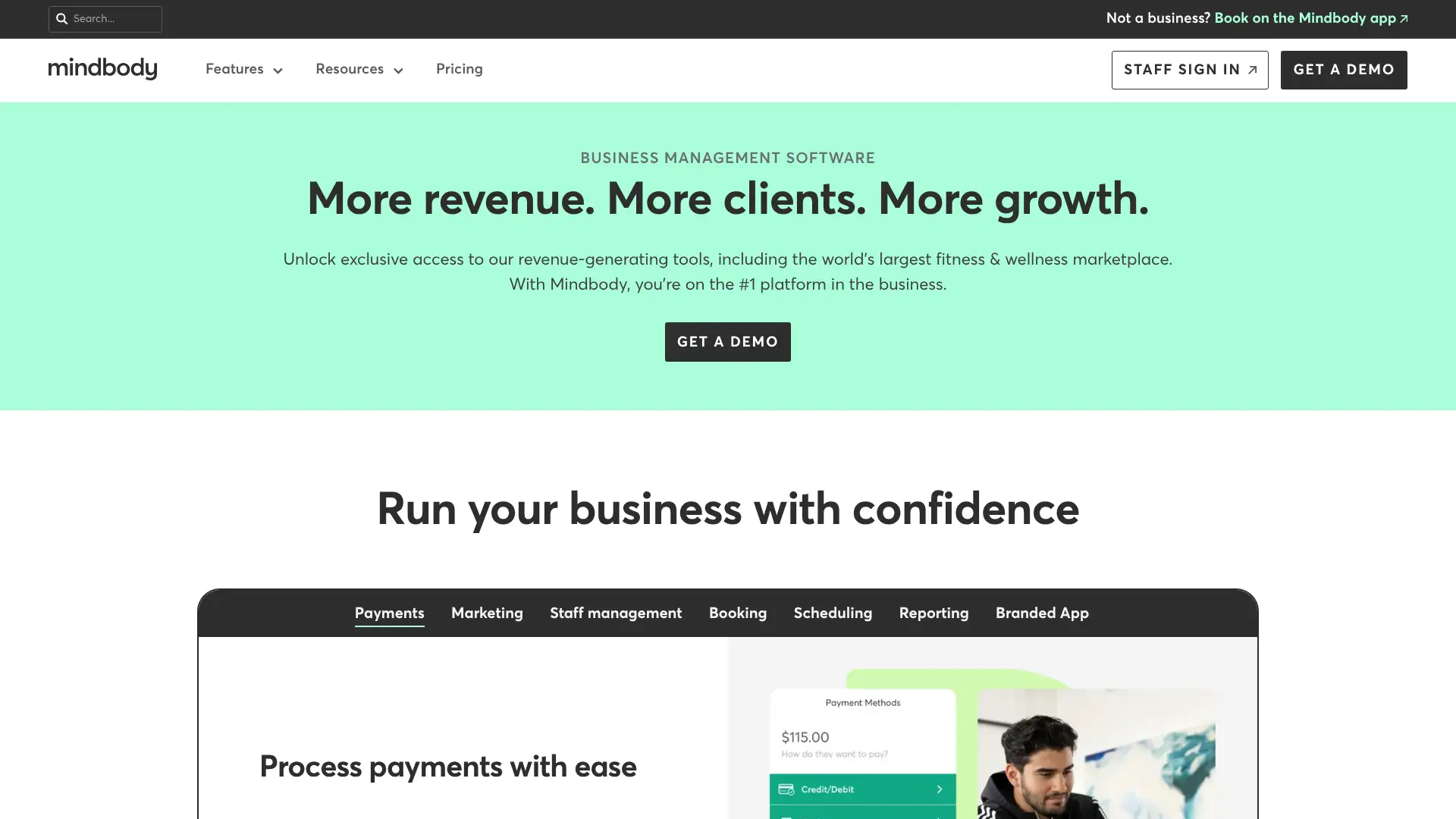
Mindbody is the dominant management platform for the fitness and wellness industry, serving 60,000+ businesses in 130+ countries since 2001. It combines class scheduling, membership management, point-of-sale, and email/SMS marketing, with the Mindbody consumer app providing marketplace exposure to new clients. Pricing is not fully published; starting at $99/location/month and scaling to $499+/month for the Ultimate plan. Mindbody charges a 20% marketplace fee on purchases made by new clients discovered through the Mindbody app. In 2025, Mindbody added Messenger[ai] as an add-on for AI-powered client communication.
- • Class and appointment scheduling: book group classes, private sessions, and events with staff assignment and waitlist management.
- • Mindbody app marketplace: consumer-facing app with 2.5M+ active users who discover new studios — new-client purchases incur a 20% marketplace commission.
- • Membership management: recurring billing, contract management, and freeze/cancel workflows for monthly membership programs.
- • Pick-a-Spot: clients choose their specific spot in a class (yoga mat position, spin bike number) during online booking.
- • Marketing automation: email campaign builder and SMS campaigns available on Accelerate and Ultimate plans respectively.
Mindbody is worth the premium for fitness studios and wellness centers that depend on the Mindbody consumer app for new client discovery. For studios with established client bases who don't need the marketplace, Vagaro or WellnessLiving provide comparable class scheduling at lower cost without the 20% commission on new-client purchases.
Acuity Scheduling
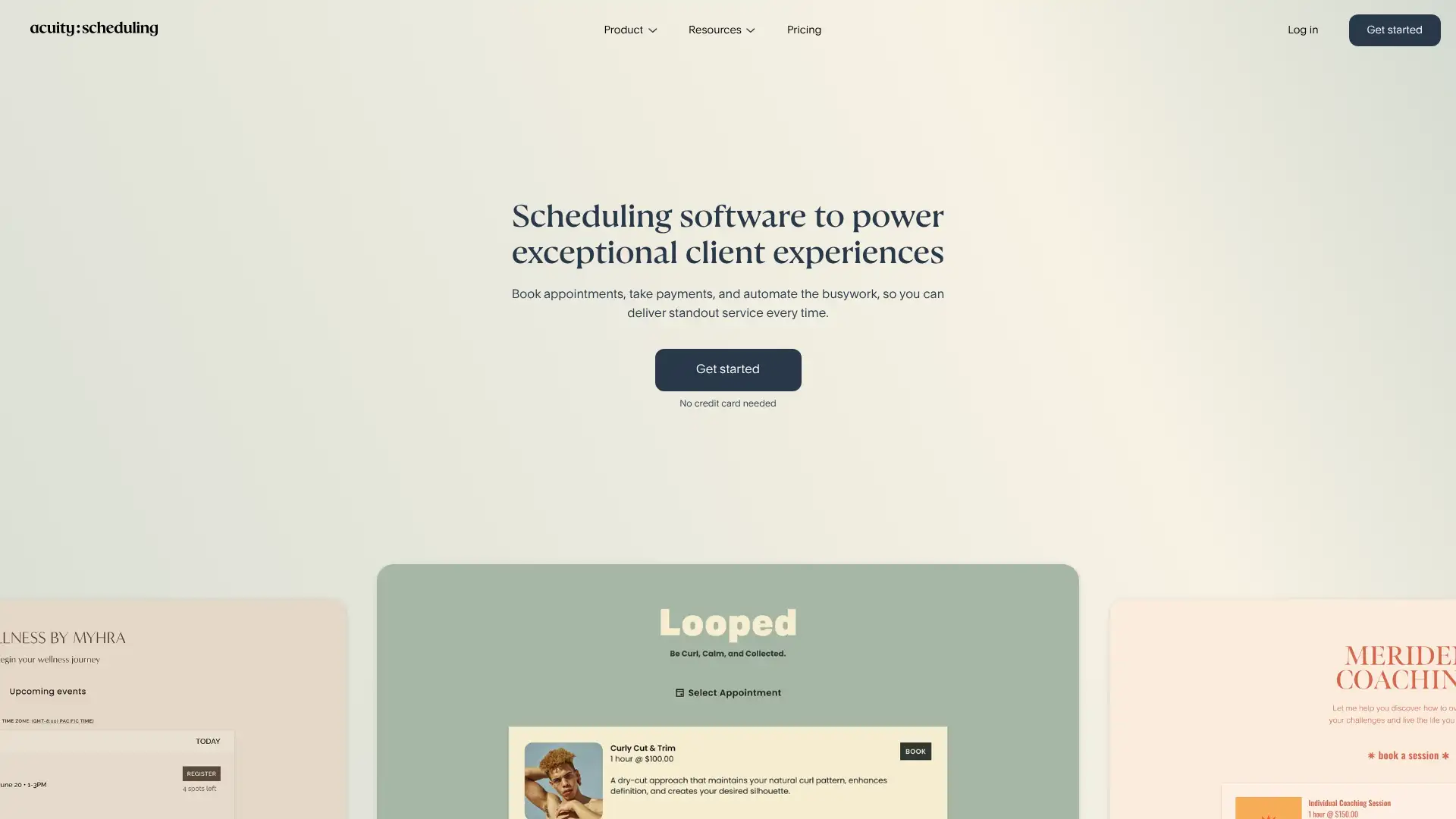
Acuity Scheduling is an online appointment scheduling tool owned by Squarespace since 2019, serving health professionals, coaches, tutors, photographers, and service businesses globally. It allows clients to self-book from available calendar slots with automatic timezone conversion. Acuity integrates with Squarespace websites natively. Pricing has three plans: Emerging at $16/month (annual), Growing at $27/month (annual), and Powerhouse at $49/month (annual). No free plan is offered, but a 7-day free trial is available. Enterprise pricing for 100+ calendars is available by quote.
- • Intake forms: customizable pre-appointment questionnaires to collect client information before the session automatically.
- • Time zone conversion: automatically adjusts booking times for clients in different time zones — critical for coaches with international clients.
- • Multiple calendars: supports up to 36 staff or location calendars on Powerhouse for businesses with multi-resource scheduling.
- • HIPAA compliance: available on Powerhouse plan with signed Business Associate Agreement for healthcare providers.
- • Payment integrations: Stripe, Square, and PayPal for paid appointments, with packages and gift certificate support.
Acuity Scheduling is the best appointment scheduling tool for service professionals — health coaches, therapists, tutors, and photographers — who need customizable intake forms and payment collection in one clean interface. Businesses needing HIPAA compliance should plan for the $49/month Powerhouse plan. For businesses that simply need meeting links without intake forms, Calendly is significantly simpler.
Setmore
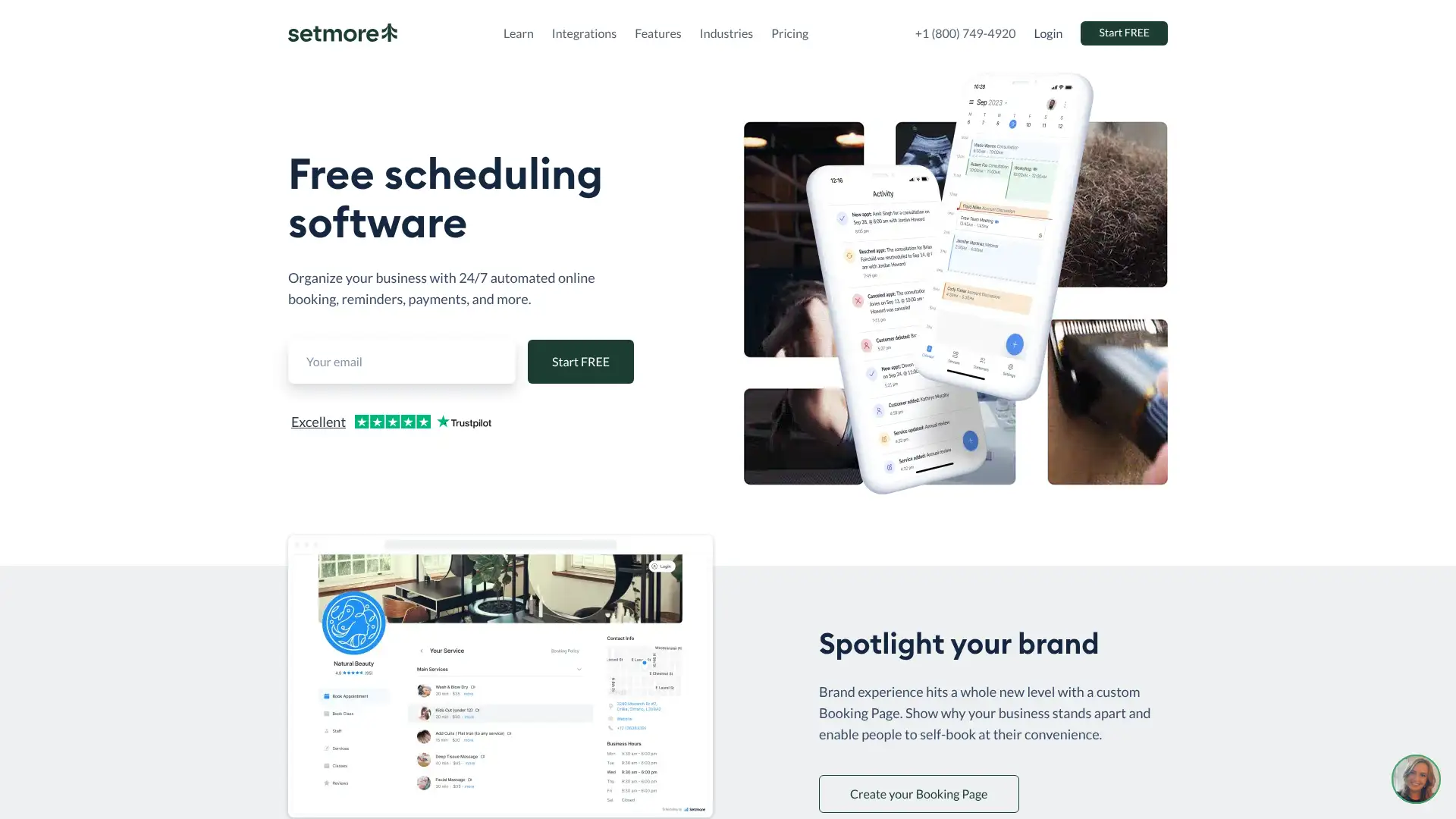
Setmore is a free appointment scheduling platform used by businesses in health, wellness, beauty, and consulting that need online booking from their website or social media profiles. It offers a permanent free plan for up to 4 staff calendars with unlimited appointments. The paid Pro plan adds SMS reminders, two-way calendar sync, and recurring bookings at $5/user/month (annual) or $12/user/month (monthly). Setmore provides 24/7 customer support via live chat and phone on all plans including the free tier — unusual in the category. In 2025, Setmore improved its booking widget performance and Stripe integration.
- • Free plan for 4 users: up to 4 staff calendars with unlimited appointments and free Stripe/Square/PayPal payment integration.
- • Website booking widget: embed a 'Book Now' button on any website or link directly from Facebook and Instagram.
- • QR code booking: generate a QR code that takes clients directly to your booking page for printed materials or point-of-sale displays.
- • Setmore Teleport: built-in video meeting link generation for virtual appointments without a separate Zoom account.
- • Google Reviews integration: automatically request Google reviews from clients after appointments (Pro plan).
Setmore is the best free scheduling tool for small service businesses — salons, therapists, tutors — that want online booking without paying a monthly fee. The Pro plan at $5/user/month is exceptional value. Teams needing HIPAA compliance, complex intake forms, or group class scheduling should evaluate Acuity Scheduling or Mindbody instead.
Calendly
Calendly is the leading scheduling automation platform for business meetings, used by 20 million users including Dropbox, Zendesk, and HubSpot. It is primarily used for external scheduling — sharing availability links for sales calls, demos, interviews, and consultations. Pricing is per user with a functional free plan; paid plans are Standard at $10/user/month (annual) and Teams at $16/user/month (annual). Enterprise starts at $15,000/year for 30+ users. In 2024-2025, Calendly expanded routing capabilities and added Salesforce integration on the Teams plan. Volume pricing discounts apply for Teams beyond 30 seats.
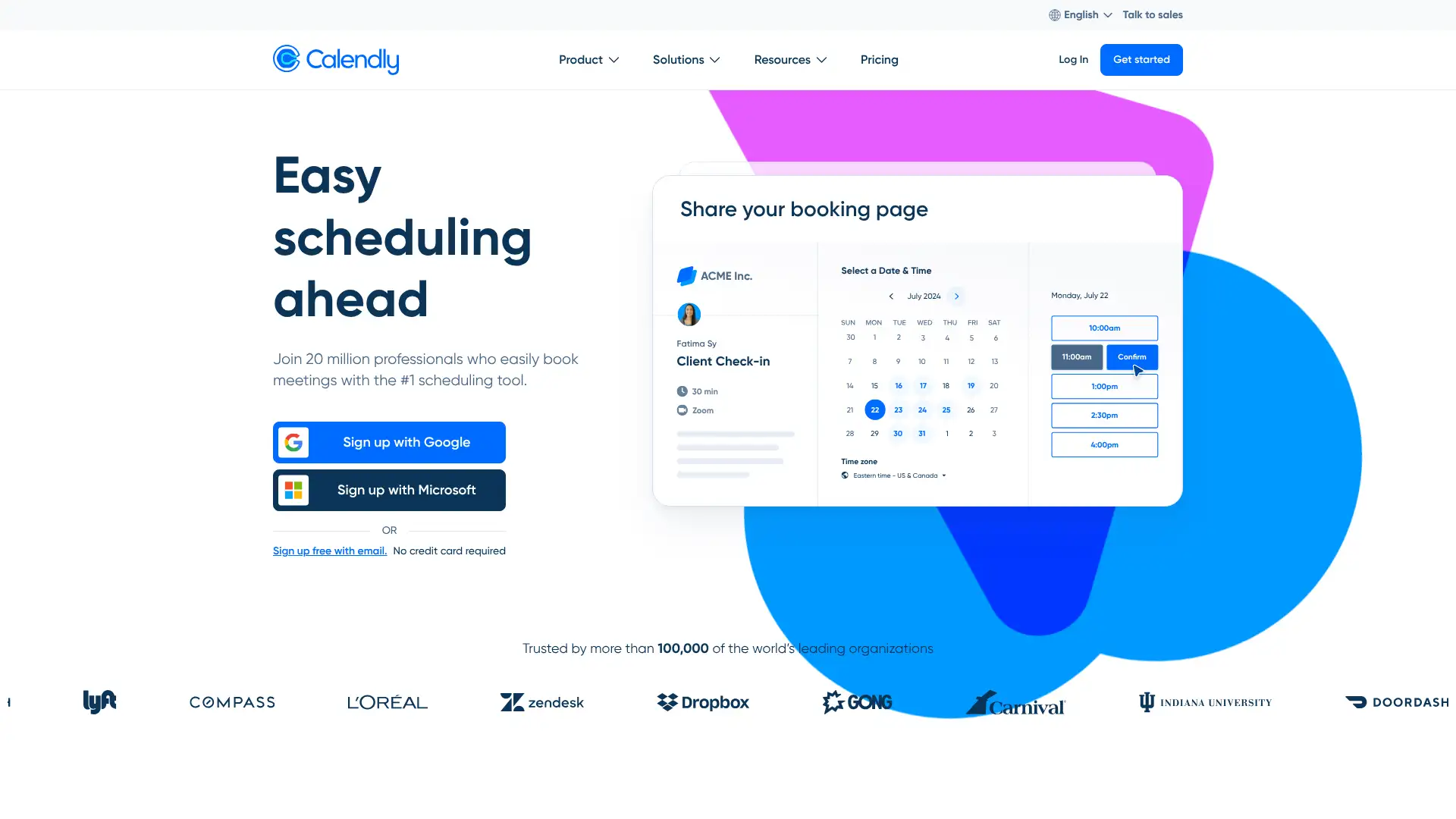
- • Availability sharing: share a link showing available time slots and let invitees book without back-and-forth email.
- • Round-robin routing: distribute inbound meetings across team members based on availability or load balancing (Teams plan).
- • Salesforce routing: route leads to the right account owner in Salesforce based on CRM data — available on Teams and Enterprise.
- • Payments integration: charge for paid consultations via Stripe or PayPal on the Standard plan.
- • Volume pricing tiers: Teams plan pricing decreases per seat as team size grows beyond 30 users, lowering average cost.
Calendly is the go-to meeting scheduling tool for external business meetings — sales demos, interviews, and customer calls — and is far simpler for business use than service business scheduling tools like Acuity or Setmore. For team scheduling with round-robin or Salesforce routing, the Teams plan at $16/user/month is the right entry point.
Keap
Keap (formerly Infusionsoft) is a CRM and marketing automation platform for small businesses, combining contact management, email marketing, sales automation, appointment scheduling, and e-commerce in one tool. Unlike most CRMs, Keap charges based on a combination of contact count and user count rather than per-user tiers. Pricing starts at $249/month (annual) for 2 users and 1,500 contacts. Additional users cost $39/month each. A mandatory coaching/onboarding package ($499-$2,000+) is required for new customers. A 14-day free trial is available.
- • Visual automation builder: drag-and-drop campaign canvas for building multi-step email sequences and sales automation based on contact behavior.
- • E-commerce integration: landing pages, payment forms, order tracking, and coupon management built directly into the CRM.
- • Lead scoring: automatically score contacts based on engagement and purchase behavior to prioritize follow-up.
- • Business phone line: dedicated US business phone number and SMS capability included on all plans.
- • Sales pipeline: deal tracking with task assignment, appointment scheduling, and quote generation in the CRM.
Keap is best suited for established small businesses with a proven sales process that want CRM, email automation, and e-commerce bundled together. The high entry price and mandatory coaching fees make it a poor fit for very early stage businesses. Teams under 1,500 contacts with simpler needs should start with HubSpot Starter or ActiveCampaign at much lower cost.
Ontraport
Ontraport is a CRM and marketing automation platform for small businesses and entrepreneurs, covering contact management, email/SMS automation, landing pages, sales pipelines, membership sites, e-commerce, and affiliate management. It competes directly with Keap (Infusionsoft) with a cleaner interface and more transparent pricing. Plans start at $79/month for Basic (1,000 contacts, 1 user) and scale to $497/month for Enterprise (20,000 contacts, 5 users). A 14-day free trial requires no credit card. Annual plans offer 2 months free. In 2025, Ontraport added enhanced CRM reporting and improved dynamic CMS capabilities.
- • Unlimited email sending: all plans include unlimited email sends to your contact database with no per-email charges.
- • Membership sites: build gated membership portals and content drip courses directly in Ontraport without a separate membership platform.
- • Affiliate management: recruit, track, and pay affiliate partners directly inside the platform (Pro plan and above).
- • Dynamic CMS add-on: create custom web apps, client portals, and interactive web content with member-specific data ($41+/month add-on).
- • 14-day free trial: full access to all features with no credit card required, plus done-with-you setup support available.
Ontraport is a strong Keap alternative for entrepreneurs and small businesses who want all-in-one CRM and marketing automation with transparent pricing and no mandatory coaching fees. The affiliate program and membership site capabilities make it uniquely suited for digital product creators and online course businesses. Teams prioritizing pure CRM or inbound marketing should consider HubSpot.