35 Best Accounting Software for Small Business in 2026
This directory covers the leading accounting and bookkeeping tools available to small businesses in 2026, from full-featured cloud platforms like QuickBooks and Xero to free open-source solutions and managed bookkeeping services. It includes DIY accounting software, automated receipt capture tools, AP/AR automation platforms, and outsourced bookkeeping services. Pricing has been verified as of March 2026.
QuickBooks Online
QuickBooks Online is the most widely adopted small business accounting platform in the US, with over 7 million subscribers. It covers invoicing, expense tracking, bank reconciliation, payroll integration, and over 65 financial reports. In 2025 Intuit introduced AI-powered Accounting Agent and Payments Agent features on Essentials and above. Prices increased July 2025: Simple Start is $38/mo, Essentials $75/mo, Plus $115/mo, and Advanced $275/mo. A 50% promotional discount for the first three months is common for new subscribers.
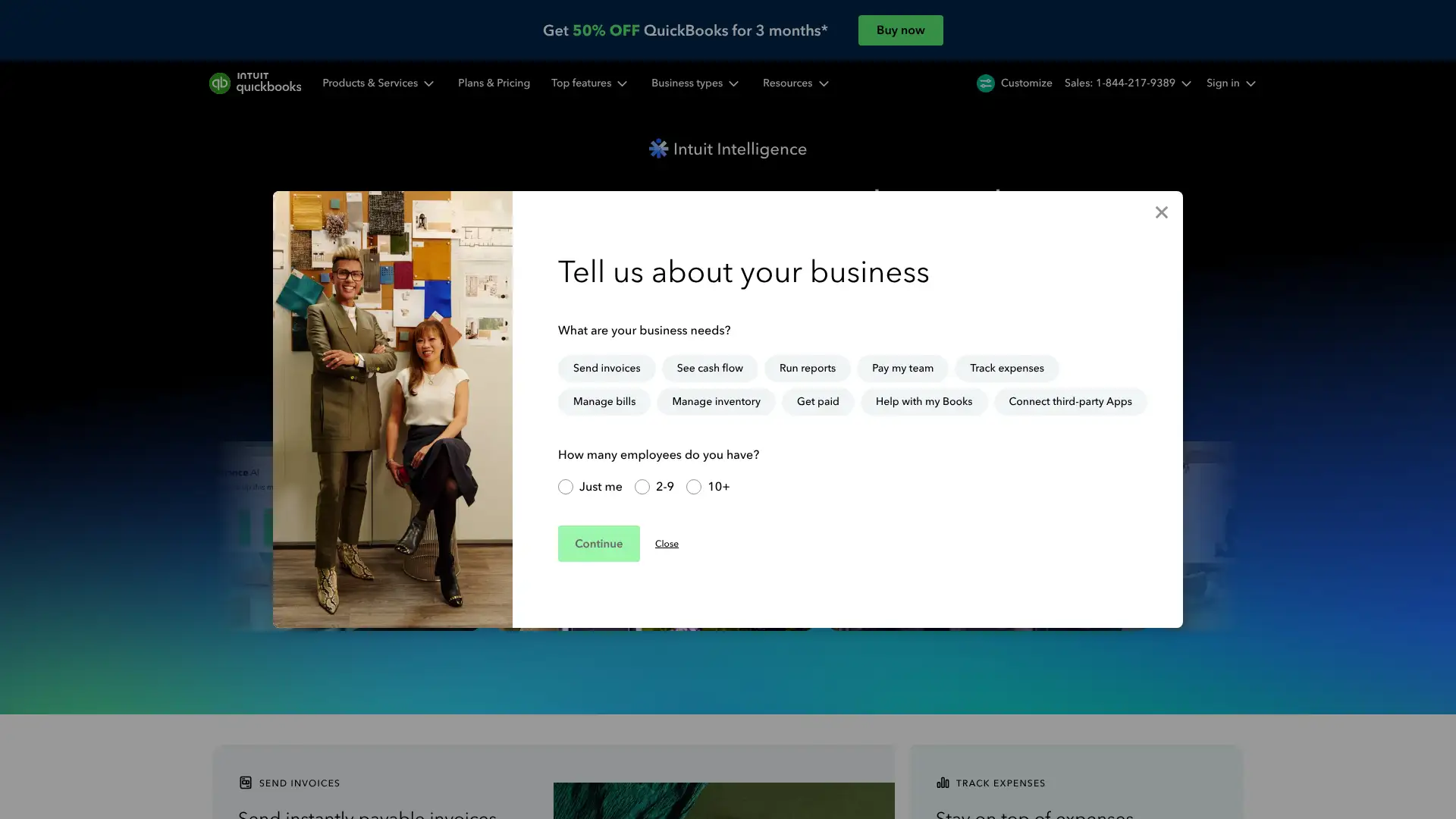
- • Intuit Assist AI: categorizes transactions, sends automated invoice reminders, and flags anomalies across all plans
- • Inventory tracking: available on Plus and above with real-time stock levels and COGS reporting
- • 300+ app integrations including Shopify, PayPal, Stripe, Gusto, and HubSpot
- • Project profitability tracking on Plus plan lets you see profit and loss per job or client engagement
- • QuickBooks Live Expert Assisted: optional add-on connecting users to US-based bookkeepers for monthly close support
QuickBooks Online is the default choice for small businesses that want deep accountant support, a mature app ecosystem, and robust reporting. The July 2025 price increases make it noticeably more expensive than comparable tools, so budget-conscious teams should model post-promo costs carefully. If inventory or advanced analytics are not needed, Xero or Zoho Books offer comparable bookkeeping at lower price points.
Xero
Xero is a New Zealand-based cloud accounting platform used by over 4 million subscribers worldwide. All three US plans include unlimited users with no per-seat fees, which is unusual in this category. Xero recently introduced JAX, its AI-driven financial superagent, and launched new pricing in November 2025. Current US plans are Early at $25/mo, Growing at $55/mo, and Established at $90/mo. The Early plan caps invoices at 20 per month and bills at 5; Growing and Established are unlimited.
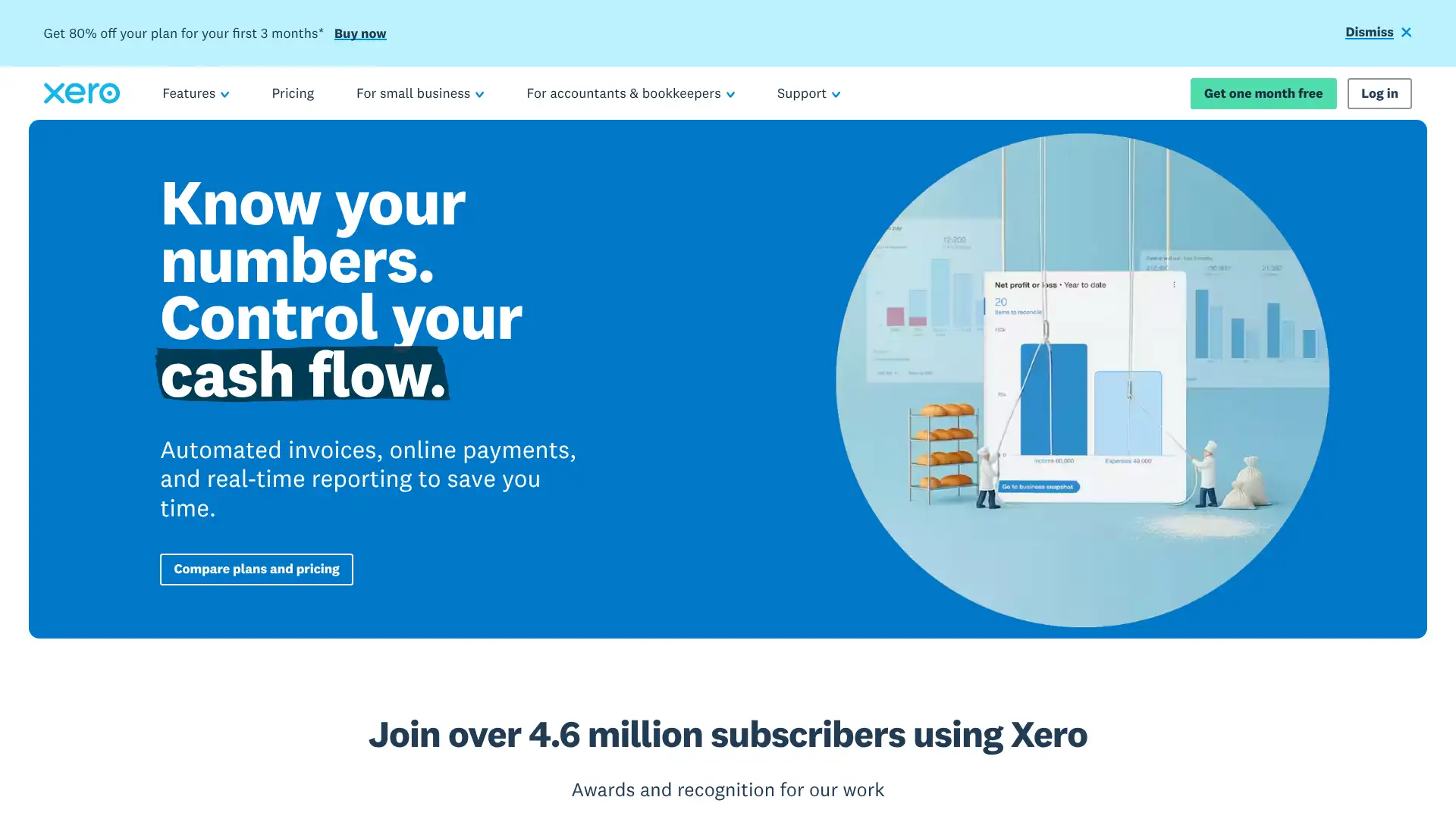
- • Unlimited users on all plans: every employee, accountant, and advisor can log in without incremental cost
- • Hubdoc included: automatically pulls bills and receipts from supplier websites and email inboxes
- • 1,000+ app integrations via the Xero App Store including Gusto, Shopify, Stripe, and Dext
- • Multi-currency accounting with automatic exchange rate updates, available on Established plan
- • JAX AI superagent: proactively surfaces cash flow insights, flags unusual transactions, and suggests categorizations
Xero is the strongest choice for teams of three or more who want clean, modern accounting without paying per seat. The Growing plan at $55/mo is particularly good value for service businesses with moderate transaction volumes. Teams needing US payroll or inventory management should factor in add-on costs carefully, which can raise the effective monthly spend significantly.
FreshBooks
FreshBooks is a cloud accounting platform used by over 30 million people, primarily freelancers, consultants, and small service businesses. It is designed around client invoicing rather than traditional double-entry bookkeeping, though all plans include double-entry accounting reports. Plans are structured by number of billable clients: Lite supports 5, Plus supports 50, and Premium is unlimited. As of March 2026, Lite is $23/mo, Plus is $43/mo, and Premium is $70/mo, with a 10% annual discount. Each additional team member costs $11/mo on top of the base plan.
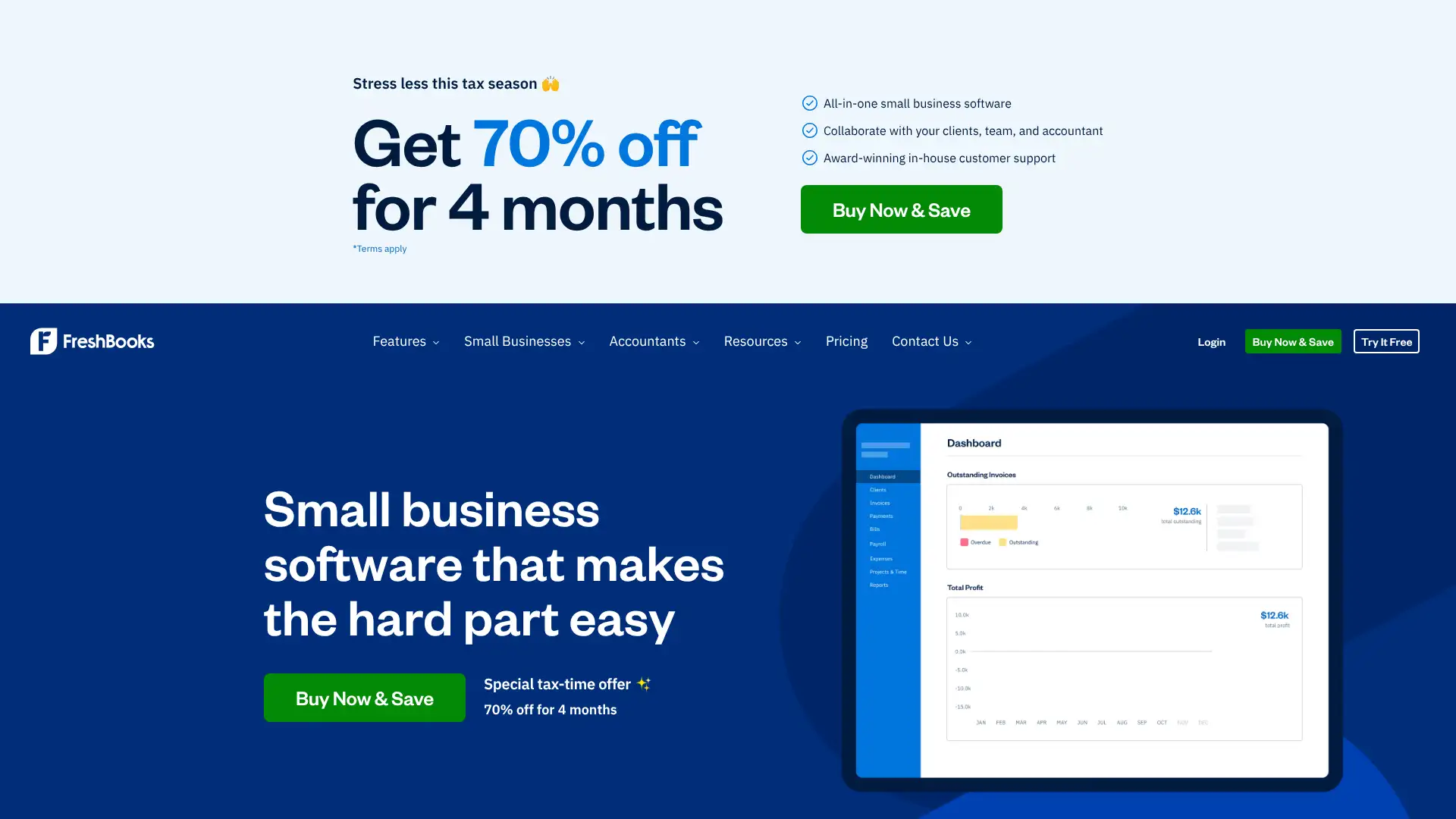
- • Client portal: clients can view, approve, and pay invoices online without needing a FreshBooks account
- • Time tracking built into all plans with direct billing to client invoices and project budgets
- • Automatic mileage tracking via GPS on the iOS and Android apps, included on all plans
- • Recurring invoices and auto-bill available from Plus plan, with credit card charge on file
- • Project management tools: task assignment, team collaboration, and file sharing within project dashboards
FreshBooks is the best accounting tool for solo service providers and small agencies whose primary workflow revolves around client invoicing and project tracking. It becomes expensive quickly as team size grows due to per-user fees. For product-based businesses, businesses with employees, or teams needing strong inventory, QuickBooks or Xero are more practical long-term choices.
Wave
Wave is a cloud-based accounting platform owned by H&R Block since 2019, serving over 2 million small businesses. Its Starter plan is permanently free and includes unlimited invoicing, expense tracking, and basic financial reports. The Pro plan at $16/mo (or $170/year) adds automatic bank transaction imports, receipt scanning via OCR, and auto-categorization. Payroll is an add-on starting at $40/mo base plus $6/active employee. Wave introduced the Pro plan in January 2024, moving automatic bank feeds behind a paywall.
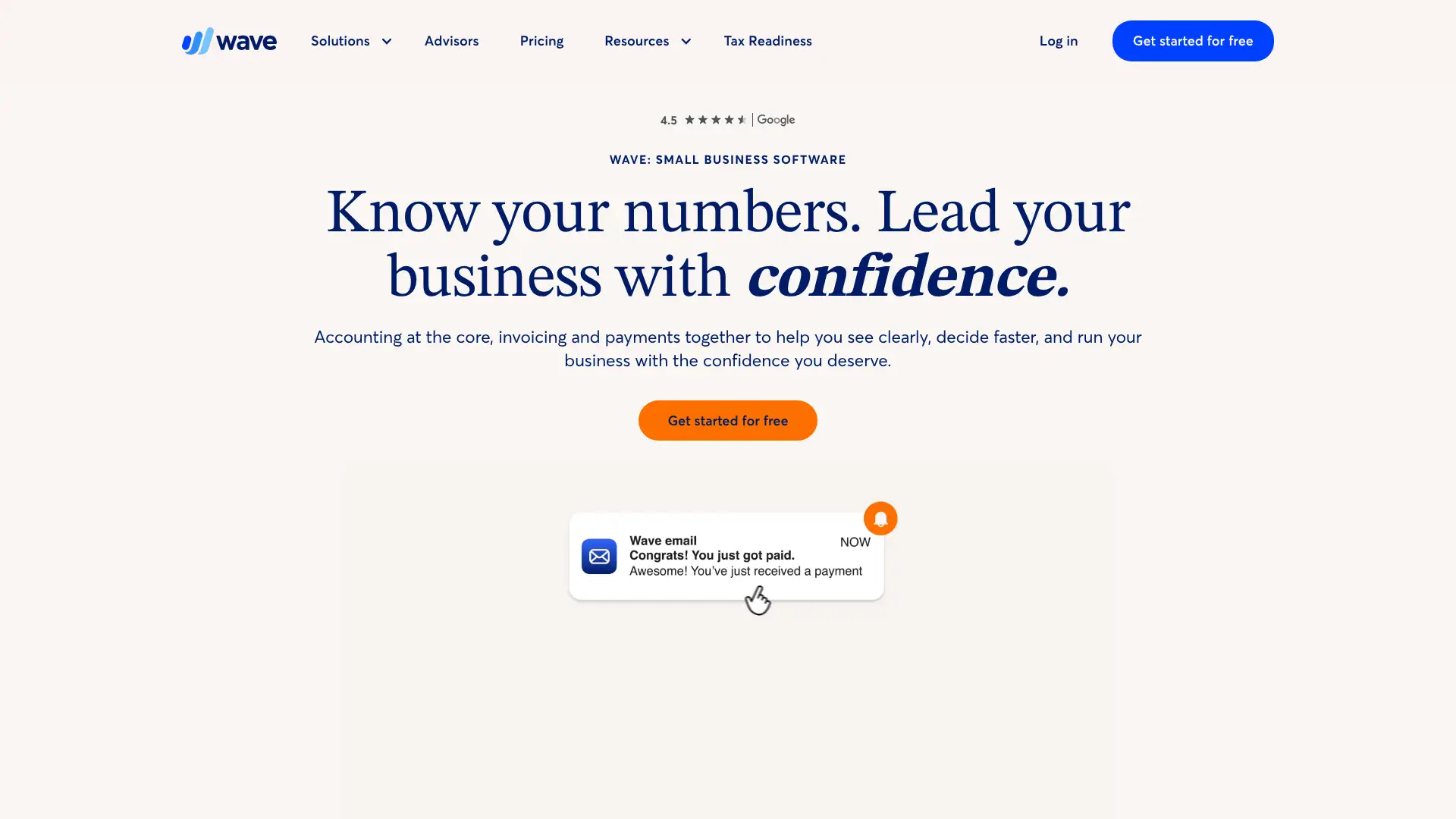
- • Free forever core accounting: unlimited invoices, estimates, vendor bills, and bookkeeping records at $0/mo
- • OCR receipt scanning included in Pro plan with bulk upload of up to 10 receipts at once via mobile or desktop
- • Automatic bank transaction import and auto-categorization on Pro plan eliminates manual entry
- • Wave Advisors bookkeeping service: human bookkeeping support starting at $149/mo for outsourced month-end close
- • PCI Level-1 certified payment processing with 2.9% + $0.60 per credit card transaction (discounted first 10 transactions/mo on Pro)
Wave remains the best free accounting option for micro-businesses, sole proprietors, and freelancers with simple books and fewer than 10 employees. The move of bank feeds to Pro in 2024 is a meaningful limitation for the free tier. Businesses that need automatic transaction syncing should budget $16/mo for Pro, or consider Zoho Books' free plan which includes bank feeds for businesses earning under $50K/year.
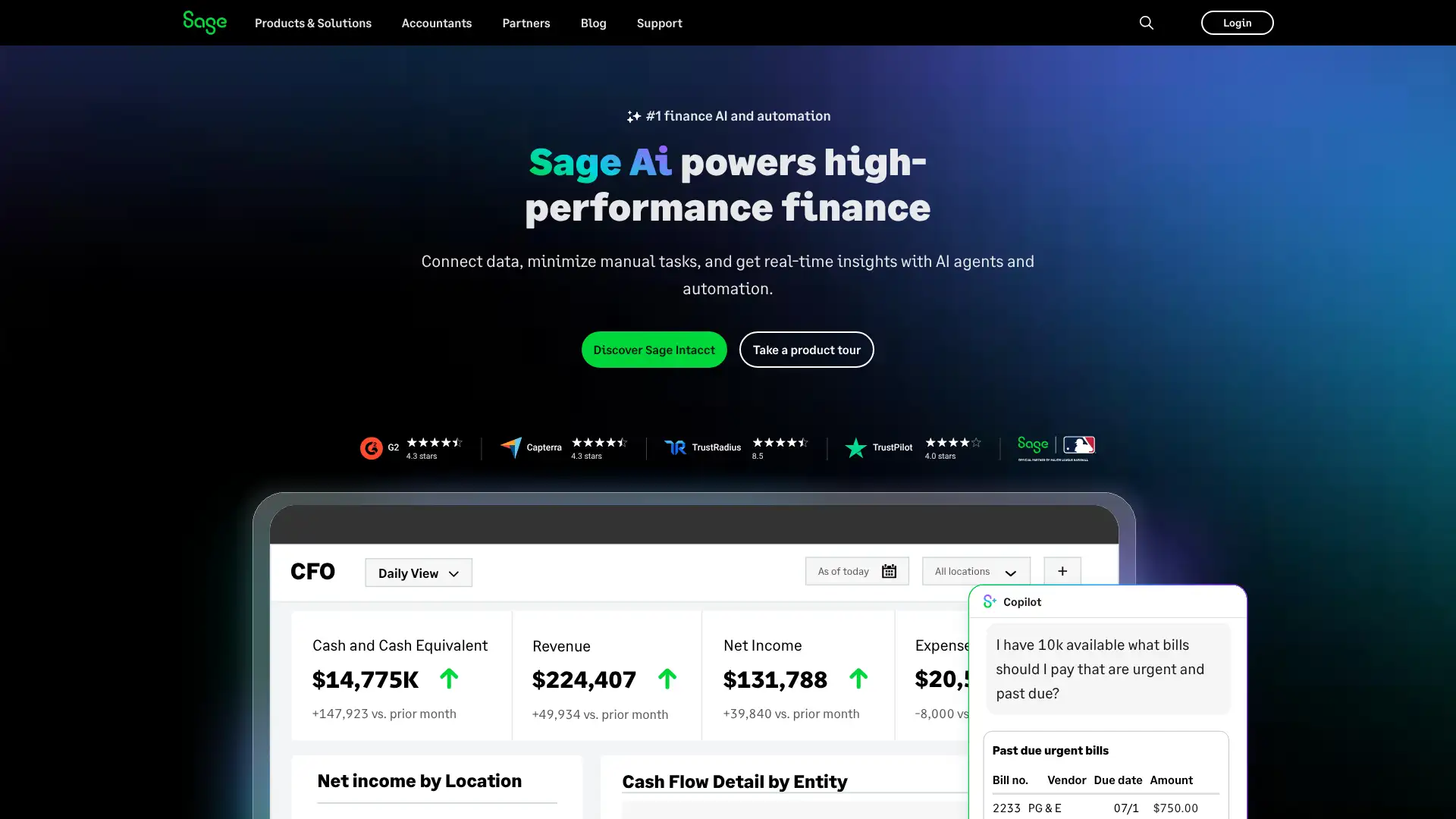
Sage 50
Sage 50 (formerly Peachtree) is a desktop-anchored accounting platform with over 40 years of history and more than 2 million customers. The 2026 edition released November 2025 added 34 new features including AR automation, improved banking connectivity, and SECURE 2.0 Act payroll updates. Plans start at $124.42/mo for Pro (1 user), with Premium supporting up to 5 users and Quantum supporting up to 40. All plans require an annual commitment. The Sage 50 Cloud edition provides remote access from any device.
- • Industry-specific features in Quantum: job costing, construction workflow, manufacturing routing, and distribution tools
- • Sage Drive cloud sync: access and share Sage 50 data remotely without a full server setup on Premium and Quantum
- • Microsoft 365 integration: launch Sage 50 data exports directly into Excel and connect to Outlook for email invoices
- • Inventory management: track stock by item, location, and serial number with real-time valuation across all plan tiers
- • AR automation in 2026 release: automated payment reminders, customer portal sync, and AR status tracking
Sage 50 is best for established US small businesses in industries like construction, manufacturing, or distribution that need deep job costing and prefer a locally installed software model with optional cloud access. Its pricing is high relative to cloud-only competitors, and teams comfortable with entirely cloud-based tools will find better value with Xero or QuickBooks Online.
Zoho Books
Zoho Books is cloud accounting software from Zoho Corporation, a company with 50+ business apps. It offers one of the most generous free plans in the category: businesses earning under $50,000/year can use the free plan indefinitely with 1 user and 1 accountant. Paid plans in the US range from $20/mo (Standard) to $275/mo (Ultimate), with a 14-day free trial on all paid tiers. Zoho Books is particularly strong for businesses already using Zoho CRM, Zoho Inventory, or Zoho People due to native cross-app data flow.
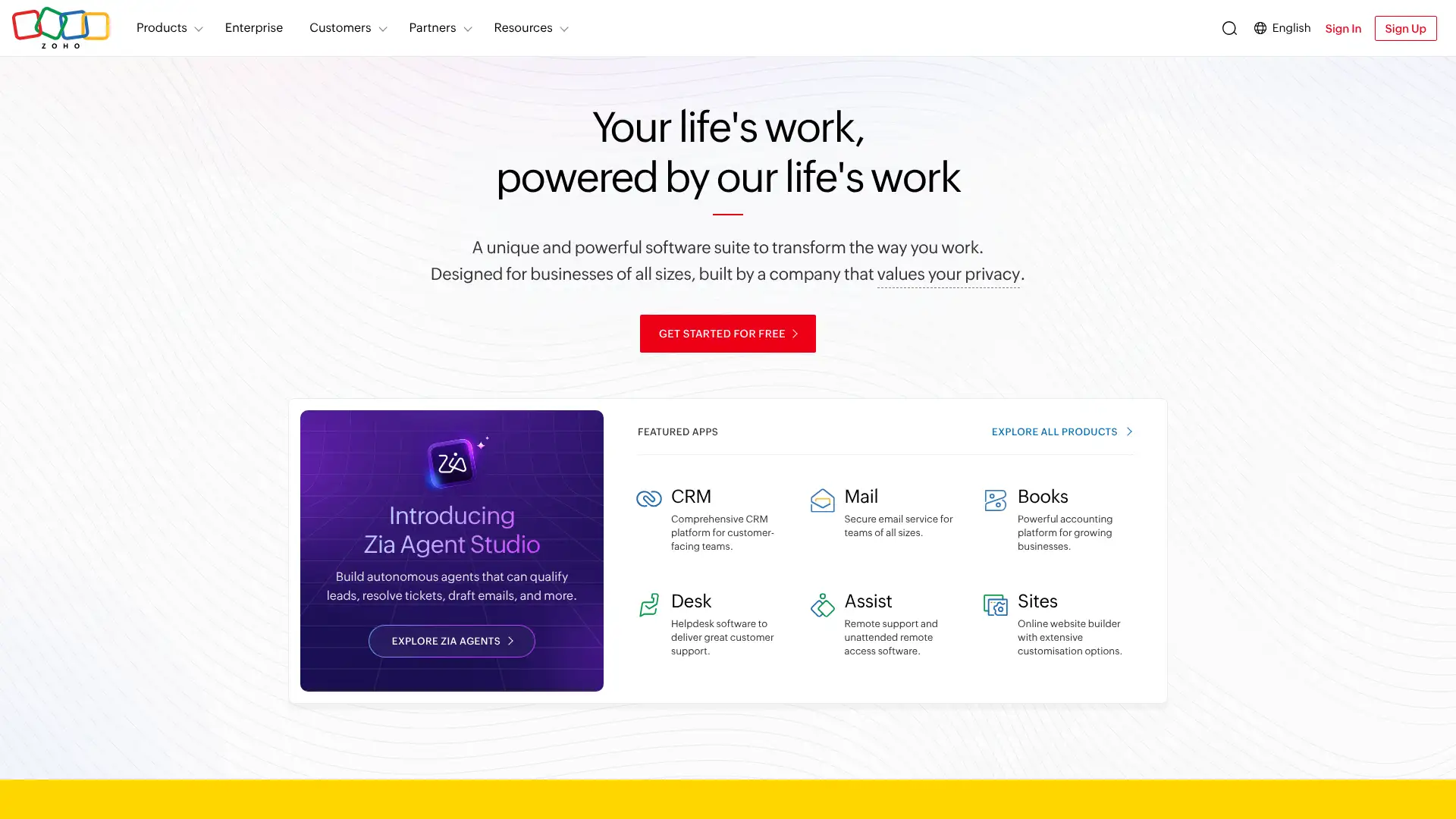
- • Free plan with real bank reconciliation and automated invoice reminders for businesses under $50K revenue per year
- • Native integration with 45+ Zoho apps including CRM, Inventory, Expense, and People for end-to-end business management
- • Client portal: customers can view invoices, make payments, and track statements without requiring a Zoho account
- • Automated workflows on Premium and above allow rule-based actions like auto-assigning tax rates or approving bills under a threshold
- • 1,000+ third-party integrations via Zapier plus direct connections to Stripe, PayPal, Razorpay, and Braintree
Zoho Books is the best accounting option for businesses already embedded in the Zoho ecosystem and for very small businesses that want a genuinely capable free tier. Its six-plan structure scales well, but US businesses will need to budget separately for payroll. Businesses with no existing Zoho tools may find the integration benefit overstated compared to QuickBooks or Xero.
Kashoo
Kashoo is a Vancouver-based cloud accounting platform focused on simplicity for small business owners who handle their own bookkeeping. It offers unlimited users at no extra cost, which sets it apart from competitors charging per seat. Kashoo operates three tiers: a free plan, a $20/mo mid plan (TrulySmall Accounting for basic automation), and a $30/mo full plan with double-entry accounting, inventory, payroll integration via Paychex, and multi-currency support. A 14-day free trial requires no credit card.
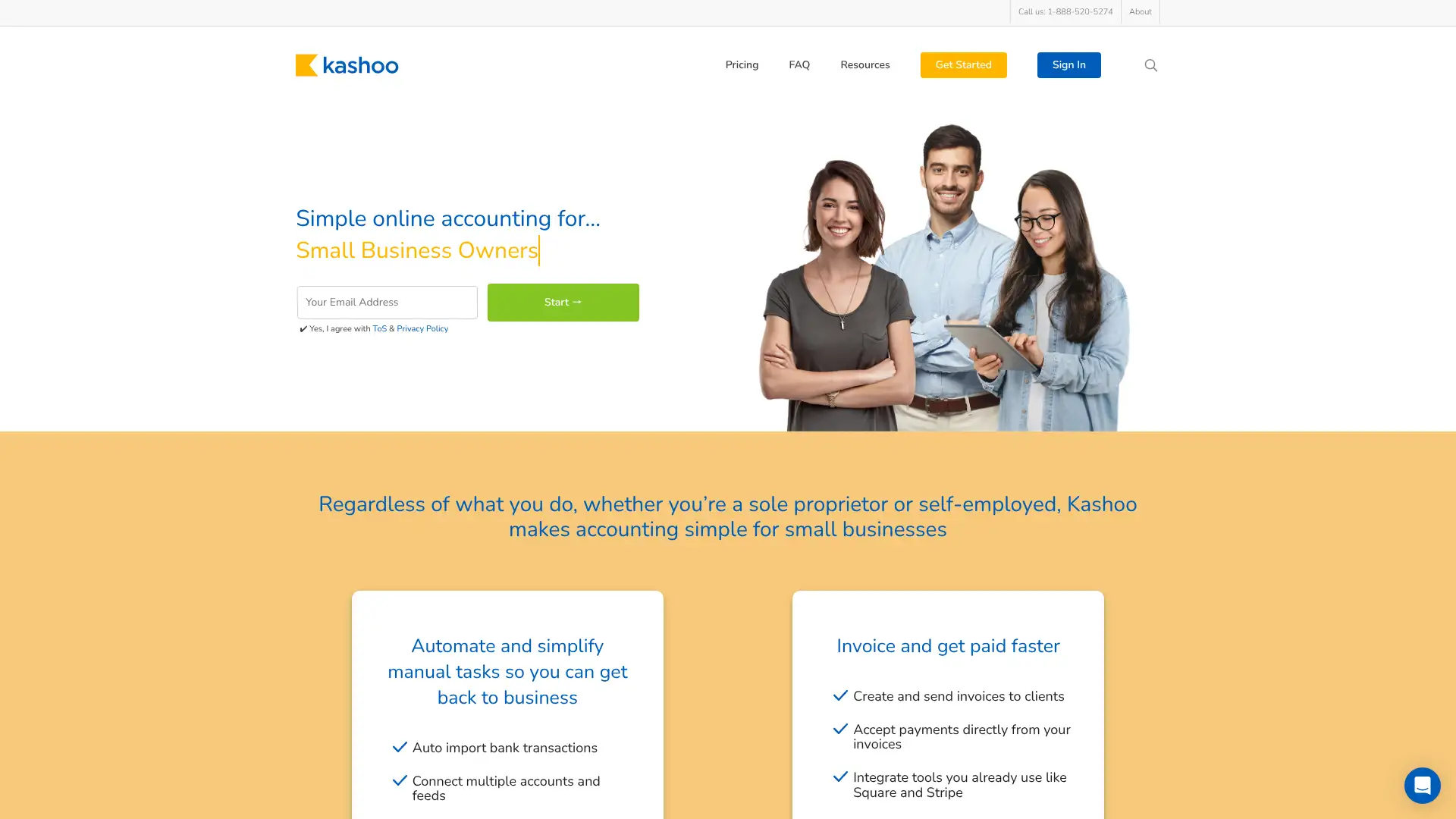
- • Unlimited users on all paid plans with role-based permissions including admin, editor, view-only, and accountant access
- • Real-time bank feeds via 5,000+ supported banks and credit unions for automatic transaction import
- • Square integration: automatically syncs Square POS transactions, sales, fees, and refunds into Kashoo books
- • Stripe payment links embeddable directly in invoices so clients can pay by Visa, Mastercard, or Amex from the invoice
- • iOS mobile app with offline support for adding transactions, capturing receipts, and viewing reports without an internet connection
Kashoo is a solid pick for small Canadian and US businesses that want honest, full double-entry accounting at a flat $30/mo with unlimited users and good phone support. It does not try to be an all-in-one platform, which is both its strength and its ceiling. Teams expecting project tracking, inventory depth, or payroll should look at QuickBooks or Xero.
ZipBooks
ZipBooks is a US-based cloud accounting platform offering a genuinely usable free Starter plan with unlimited invoices, unlimited customers and vendors, and bank reconciliation. Its Smarter plan at $15/mo adds recurring invoices, multiple bank connections, and up to 5 team members. The Sophisticated plan at $35/mo includes unlimited users, advanced tagging, and full reporting. ZipBooks differentiates with a Business Health Score, a proprietary metric that summarizes financial performance across invoicing, expenses, and payment speed into a single actionable number.
- • Business Health Score: a proprietary index combining invoice payment speed, expense control, and revenue trends into a single dashboard metric
- • Stripe, Square, and PayPal payment acceptance directly from invoices on all plans including the free tier
- • Time tracking on Smarter and above, with direct link to billing so tracked hours automatically populate invoice line items
- • Automatic transaction categorization with machine-learning suggestions that improve over time as patterns are established
- • Tag-based expense tracking on Sophisticated plan lets users organize transactions by project, client, or category without needing sub-accounts
ZipBooks earns its place for US freelancers and micro-businesses that want a free accounting platform with reconciliation and a scoring system that makes financial health tangible. The lack of a mobile app is a meaningful gap in 2026. For businesses with more than five people or complex project tracking needs, Sophisticated at $35/mo or a switch to FreshBooks/Xero is worth evaluating.
Akaunting
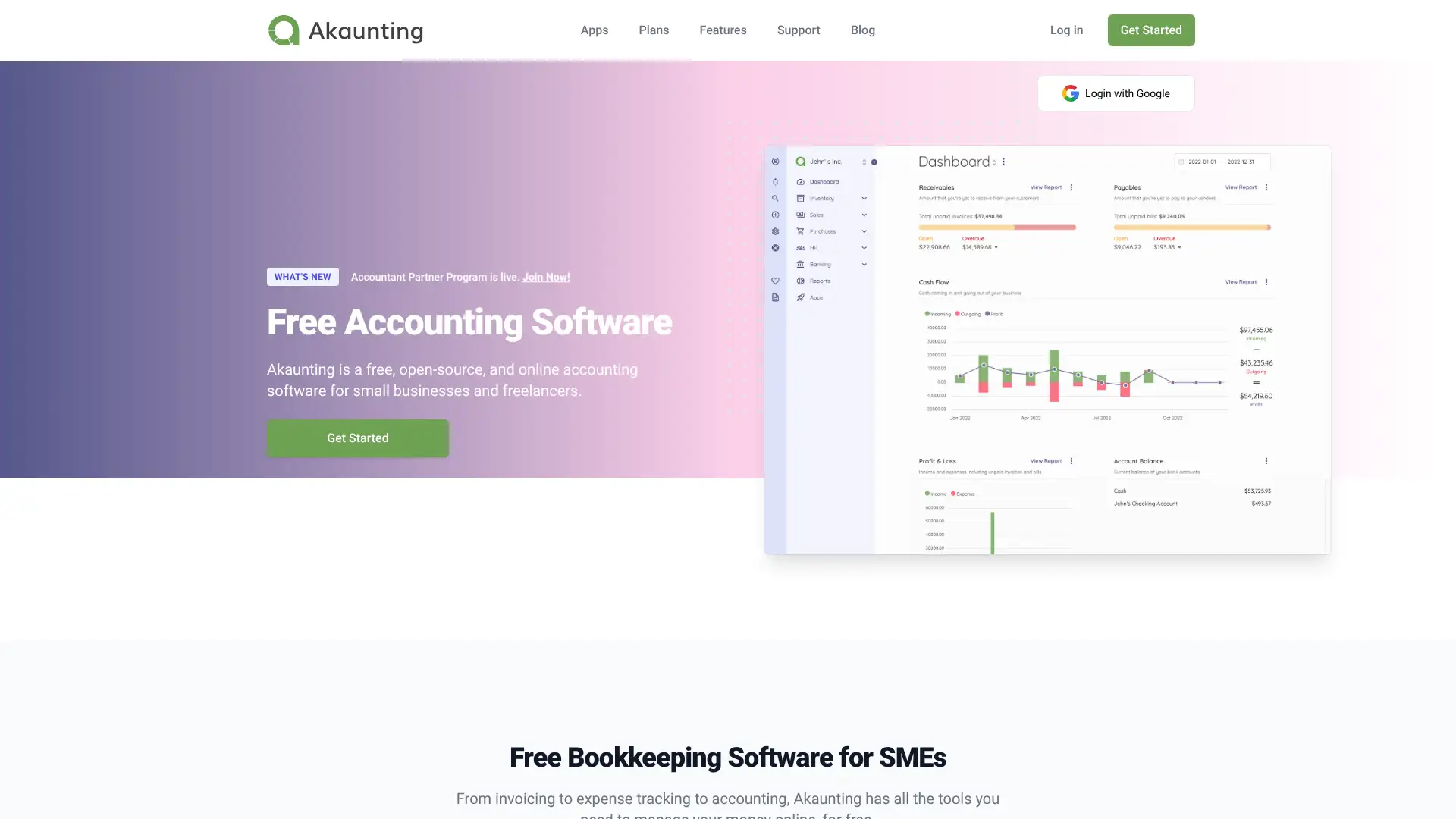
Akaunting is an open-source accounting platform used by over 300,000 businesses across more than 190 countries, with 30% user growth in 2025 driven by adoption in North America, Southeast Asia, and Europe. The self-hosted (on-premise) Standard plan is free and open-source. Cloud plans start at $12/mo (Standard, monthly billing) for 1 user and 1,000 invoices, rising to $36/mo (Premium) for 10 users and $96+/mo (Ultimate) for 50+ users. Apps like Double-Entry, Payroll, and Inventory are sold separately or bundled in plans.
- • Open-source core with MIT-adjacent licensing: full source code available, self-hostable on any Linux/Windows server
- • App marketplace: Double-Entry accounting, Inventory, Payroll, CRM, Projects, and Expense Claims sold as separate modules
- • Multi-company support: manage separate entities under one login, useful for accountants or holding structures
- • REST API built on Laravel with full documentation for custom integrations with any third-party platform
- • 70+ language support covering English, Spanish, French, Arabic, Portuguese, Hindi, and many more
Akaunting is the best open-source accounting platform for internationally distributed small businesses and technically capable teams that want full control over their data and infrastructure at zero licensing cost. For businesses that prefer a fully managed cloud experience without server management, the $12/mo Standard Cloud plan is competitively priced. Teams wanting an out-of-the-box solution without customization work will find Wave or Zoho Books faster to implement.
Manager
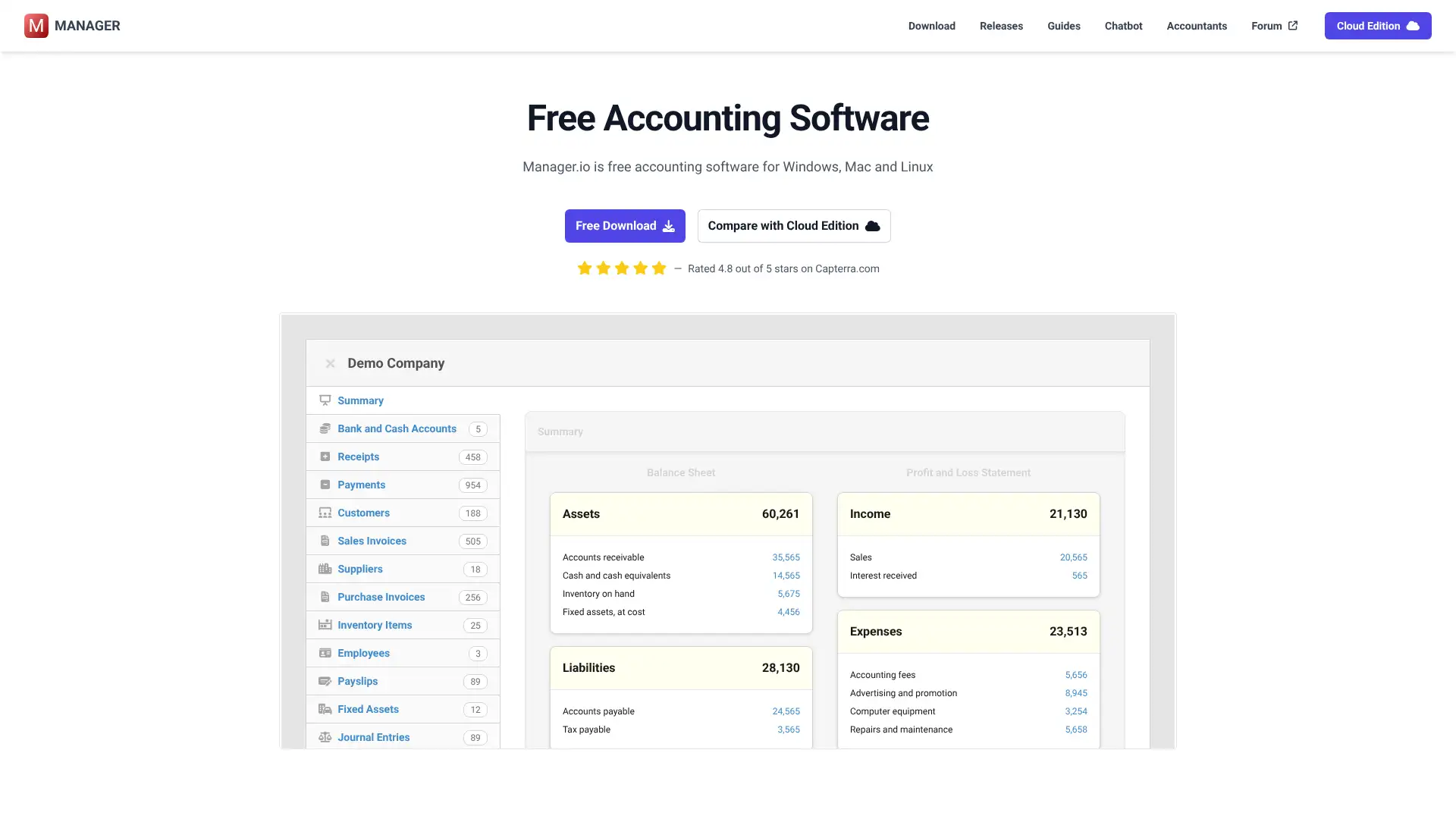
Manager is a free desktop accounting software developed in Sydney, Australia and available for Windows, Mac, and Linux. The desktop edition is permanently free with no usage limits, no time restrictions, no ads, and no credit card required. It supports a modular design with over 20 features that can be enabled individually including payroll, inventory, fixed assets, expense claims, and billable time. The Cloud Edition provides remote multi-user access for approximately $39/mo, and the Server Edition is a one-time purchase of approximately $199 for self-hosting with the first 12 months of updates included.
- • Modular design: enable only the features you need including payroll, inventory, fixed assets, expense claims, and project tracking
- • Double-entry bookkeeping with full chart of accounts, journal entries, general ledger, and trial balance on all editions
- • Universal database format: files created on Windows open on Mac or Linux without conversion, enabling cross-platform use
- • 70+ language support: interface available in Spanish, French, German, Arabic, Chinese, Japanese, Russian, and dozens more
- • Data portability: export all data at any time and continue using the desktop edition for free even after discontinuing the Cloud Edition
Manager is the best fully featured free desktop accounting software available in 2026 for small businesses comfortable working offline or on a local network. The free desktop edition genuinely rivals paid cloud tools for core double-entry functionality. The Cloud Edition pricing is hard to justify given competitors like Xero at $55/mo offer better remote access. Best suited for technically capable owners or accountants who prefer local data control.
GnuCash
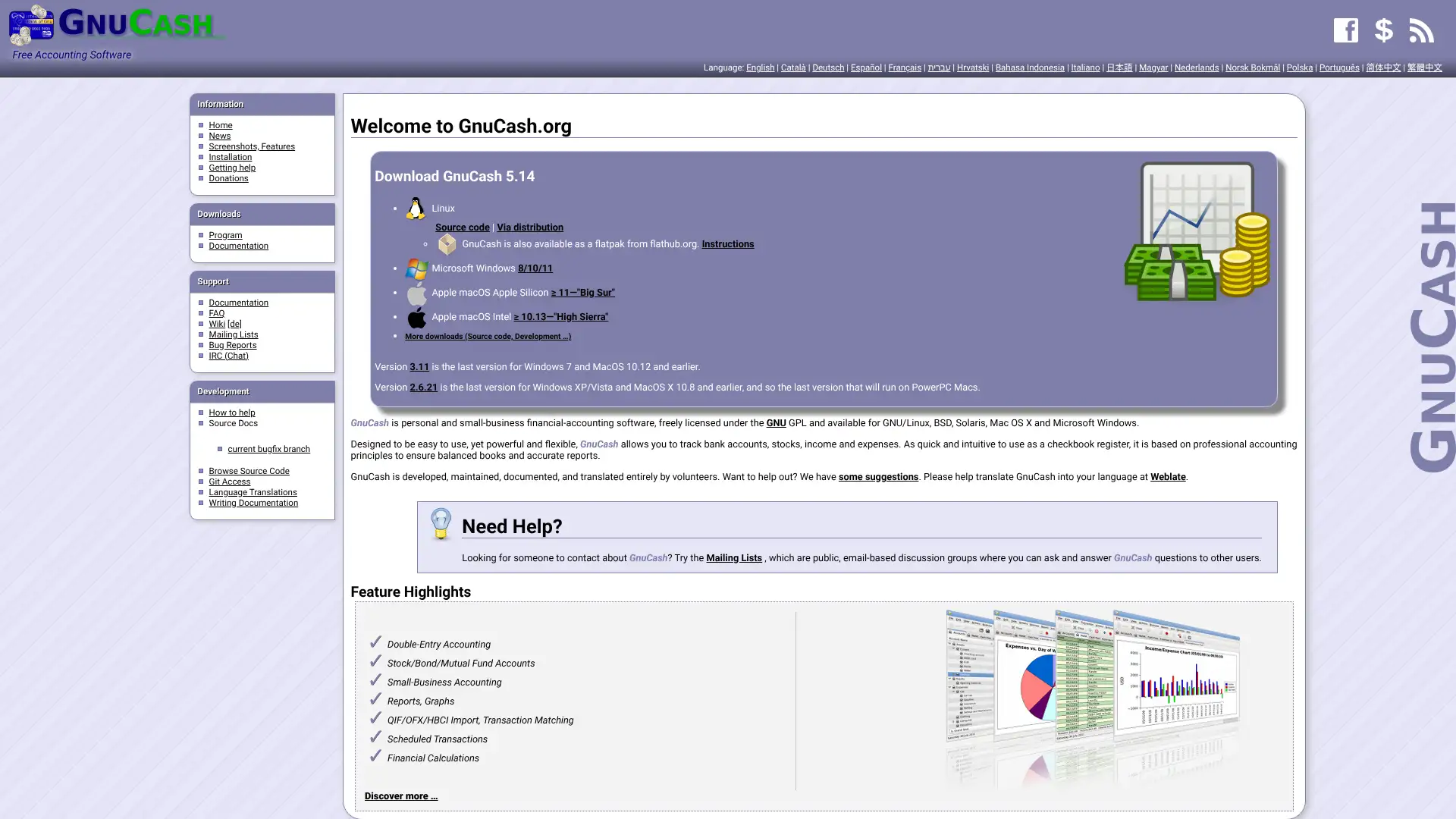
GnuCash is a GNU GPL-licensed open-source accounting program maintained by volunteers since 1998. It runs on Windows, Mac, Linux, BSD, and has an Android companion app. GnuCash uses a double-entry checkbook register interface and supports invoicing, expense tracking, bank reconciliation, stock and investment portfolios, and multi-currency transactions. All features are completely free forever with no paid tier. In March 2026, NerdWallet's review noted GnuCash's interface has not substantially changed in a decade and requires manual data entry for most transaction imports.
- • Double-entry bookkeeping with checkbook-style register, autofill for recurring transactions, and multi-account views
- • Import support for QIF (Quicken) and OFX files from most major US banks, plus CSV import for manual bank statement entry
- • Investment portfolio tracking: update stock prices, track dividends, and integrate portfolio value with overall financial reports
- • Mortgage and loan assistant: guided dialogue creates amortization schedules as scheduled transactions automatically
- • Customizable reports generated as bar charts, pie charts, or scatter plots using built-in SQL query engine
GnuCash is best for technically comfortable individuals, small nonprofits, or solo entrepreneurs who want free double-entry accounting and do not need automatic bank feeds or cloud access. The manual import workflow and dated interface make it a poor fit for most modern small businesses where time savings from automation are critical. Wave or Zoho Books are faster to start and easier to maintain for most users.
Odoo
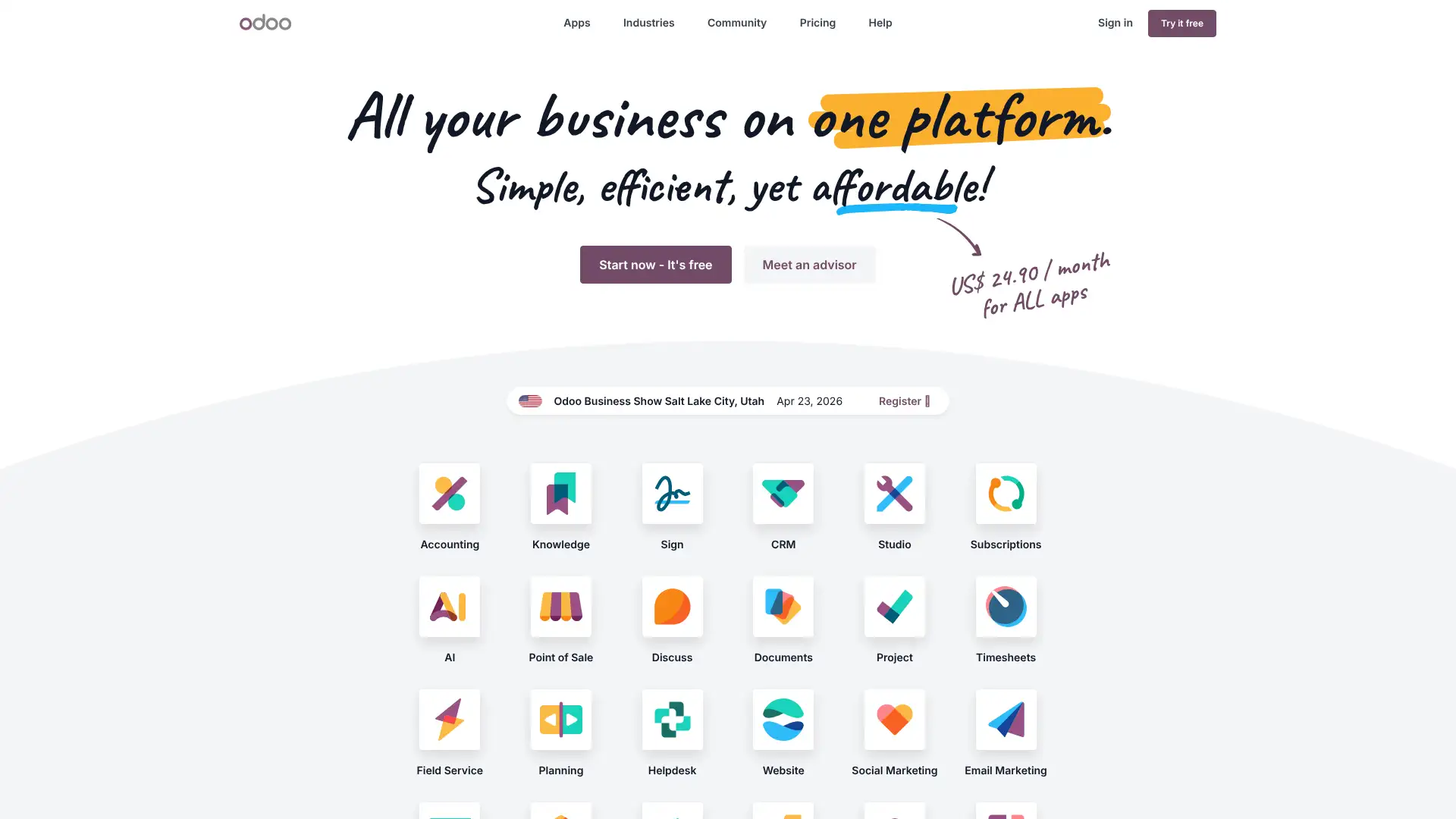
Odoo is a Belgian open-source ERP suite with 30+ integrated modules covering accounting, CRM, inventory, ecommerce, HR, manufacturing, and project management. The Community Edition is free and open-source. The cloud-hosted One App Free plan allows any single app (including Accounting) with unlimited users for free. The Standard cloud plan starts at $24.90/user/mo and includes all modules; Custom is $37.40/user/mo and adds custom fields, external API access, and priority support. Odoo 17 and 18 added AI-powered bill scanning and predictive account coding.
- • Integrated ERP: accounting data flows directly from sales orders, purchase orders, inventory movements, and timesheets without manual entry
- • AI-powered bill scanning on cloud plans: upload PDF invoices and Odoo extracts vendor, amount, date, and tax automatically
- • Multi-company and multi-currency support on all editions including the free Community version
- • Odoo Studio on Custom plan: drag-and-drop interface customization and workflow automation without coding
- • eCommerce module integrates directly with accounting so online sales, refunds, and taxes post to the general ledger automatically
Odoo is the best open-source ERP option for growing small to mid-sized businesses that want an all-in-one platform where accounting is fully connected to operations. The free One App cloud plan is remarkable for getting started with hosted accounting at no cost. Scaling on cloud plans requires careful per-user cost planning, and significant technical or implementation investment is needed to realize Odoo's full potential.
FreeAgent
FreeAgent is a UK-based cloud accounting platform acquired by NatWest Group in 2018. It is free for NatWest, Royal Bank of Scotland, Ulster Bank, and Mettle business account holders, representing a rare banking-bundled accounting deal. Standalone subscriptions cost $27/mo (monthly) or $270/year in the US, with 50% off for the first six months. FreeAgent is compliant with HMRC's Making Tax Digital for VAT and MTD for Income Tax (mandatory from April 2026 in the UK). Nine out of ten users report feeling more confident about their finances after using FreeAgent (Small Business Monitor Survey, 2025).
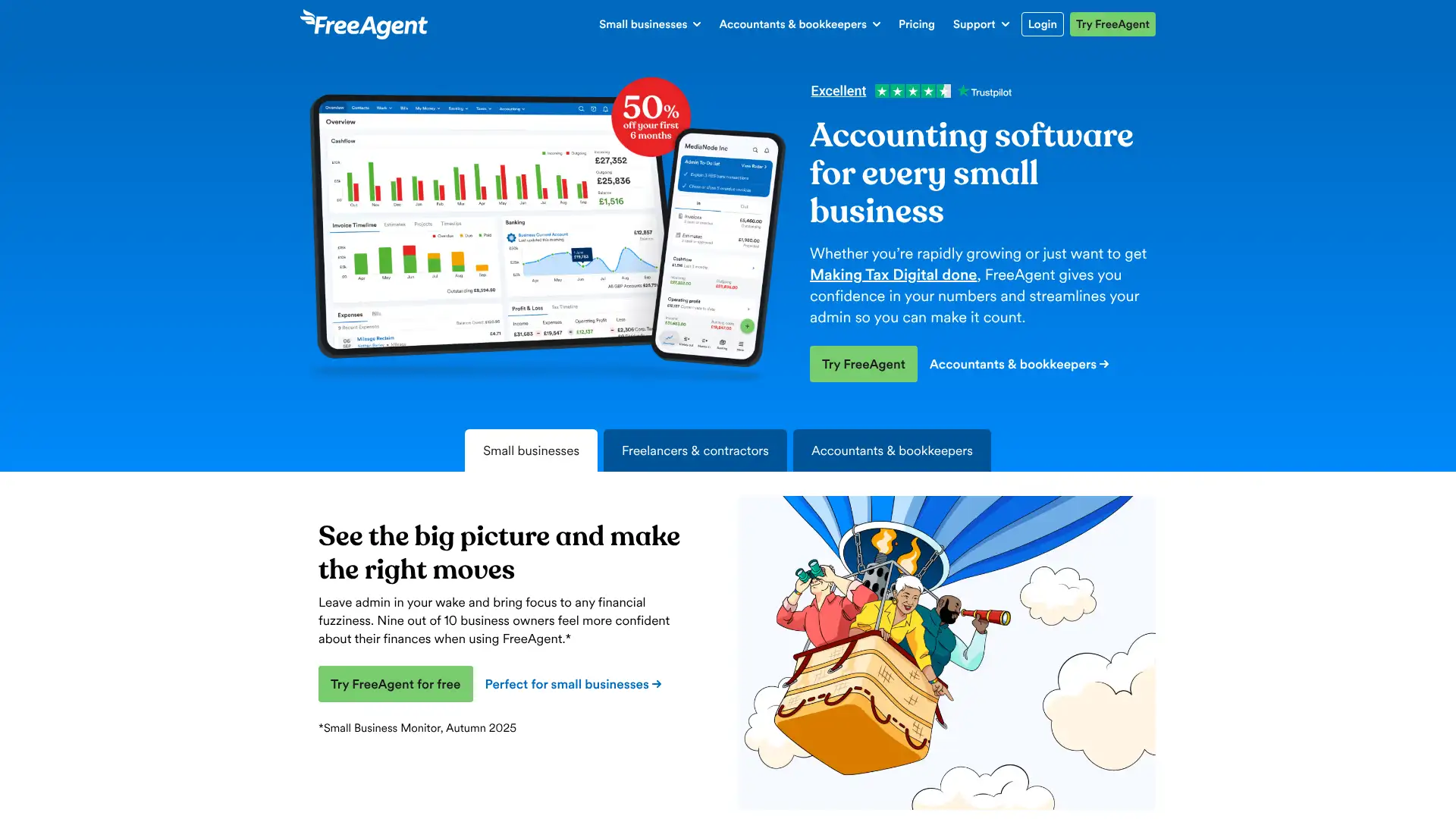
- • Tax Timeline dashboard: shows exactly how much tax is owed and when it is due across VAT, self-assessment, and corporation tax
- • MTD for VAT and MTD for Income Tax: direct HMRC submission from within FreeAgent, no third-party bridge required
- • Open Banking bank feeds: connects to UK high street banks and fintech accounts for automatic transaction import
- • Time tracking built in: log time by project and client, then convert tracked hours into invoice line items in one click
- • Smart Capture receipt scanning add-on: automatic data extraction from receipt images at $6/mo unlimited (add-on)
FreeAgent is the top recommendation for UK sole traders, freelancers, and small limited companies, especially those banking with NatWest or RBS who get it completely free. Its single flat-fee model with no feature gating is refreshing. US-based businesses or product-based companies will find it too UK-centric and feature-limited for their needs.
Clear Books
Clear Books is a UK-based cloud accounting software accredited by the Institute of Certified Bookkeepers and registered with the Financial Conduct Authority (reg. no. 843585). It is tailored specifically for the UK market with full Making Tax Digital compliance built in at no extra cost on all plans, including the free plan for sole traders and landlords. Paid plans are Small at £13.50/mo, Medium at £29/mo, and Large at £36/mo (all billed monthly). Unlimited users are included on the Large plan. CIS accounting and multi-currency are available on Large. A free plan is available for sole traders with basic MTD needs.
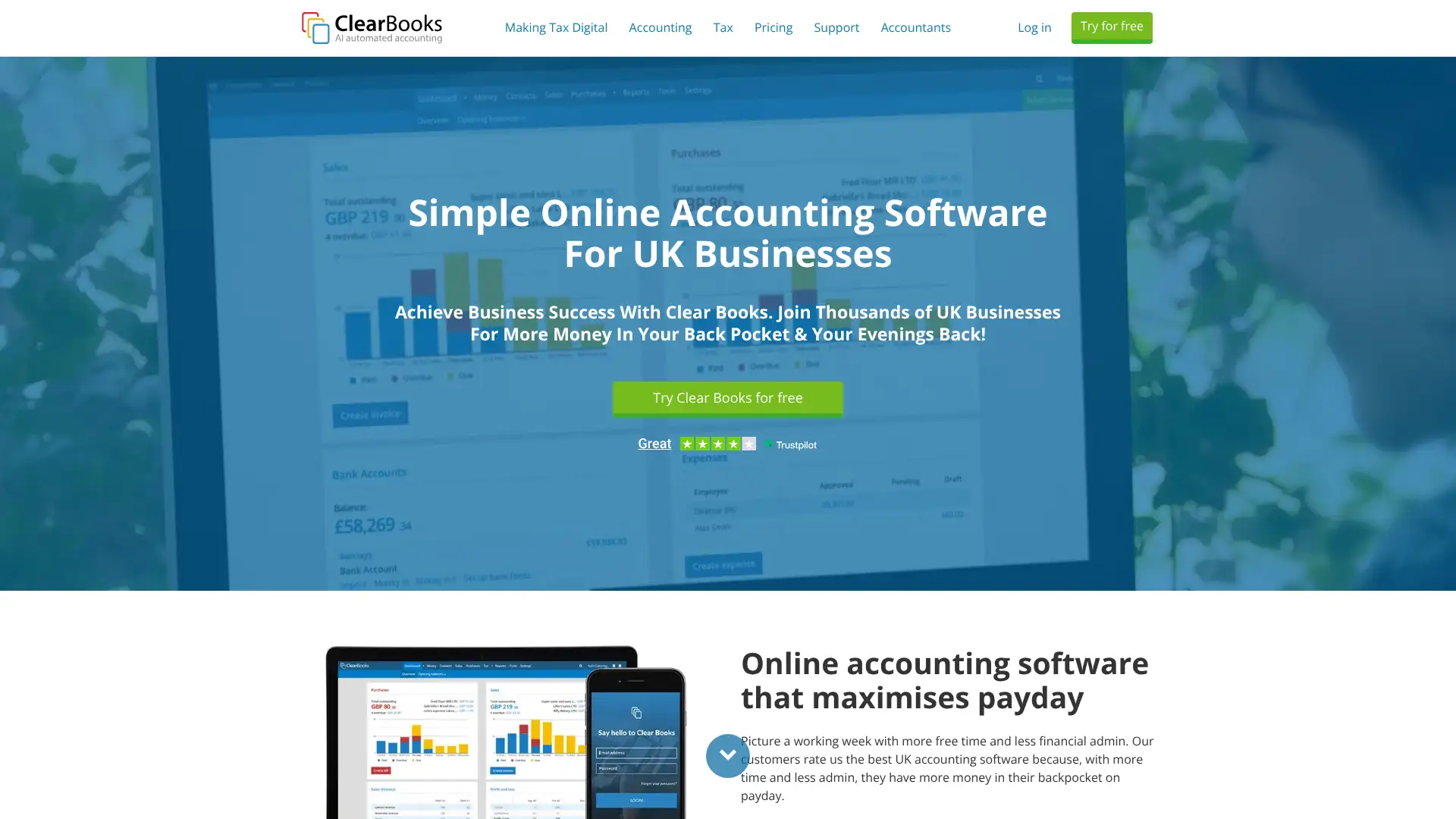
- • MTD for Income Tax and MTD for VAT included on all plans at no additional cost, ready for April 2026 mandation
- • CIS accounting on Large plan: Construction Industry Scheme calculations, CIS deductions, and monthly returns to HMRC
- • AI-powered transaction categorization: single-click bookkeeping automation that reduces manual accounting time
- • Unlimited users on all paid plans at no per-seat charge, unlike most competitors in this price range
- • HMRC-recognized for VAT, CIS, and Income Tax filings with direct digital link submission built in
Clear Books is a strong choice for UK small businesses and sole traders that want affordable MTD-compliant accounting without paying FreeAgent or Xero prices. The £36/mo Large plan is particularly good value for construction firms needing CIS or any team wanting multi-currency and unlimited users. Businesses with complex app integration needs or outside the UK should choose Xero or QuickBooks instead.
Patriot Software
Patriot Software is a US-based cloud accounting and payroll platform serving over 100,000 small businesses, with accounting starting at $20/mo (Basic) and $30/mo (Premium). The software is designed specifically for non-accountants and US compliance. Its tight native integration with Patriot Payroll (from $17/mo base + $4/worker) is a key differentiator: payroll entries automatically post to the accounting ledger without any import step. A 30-day free trial is offered on all plans with 50% off for the first three months.
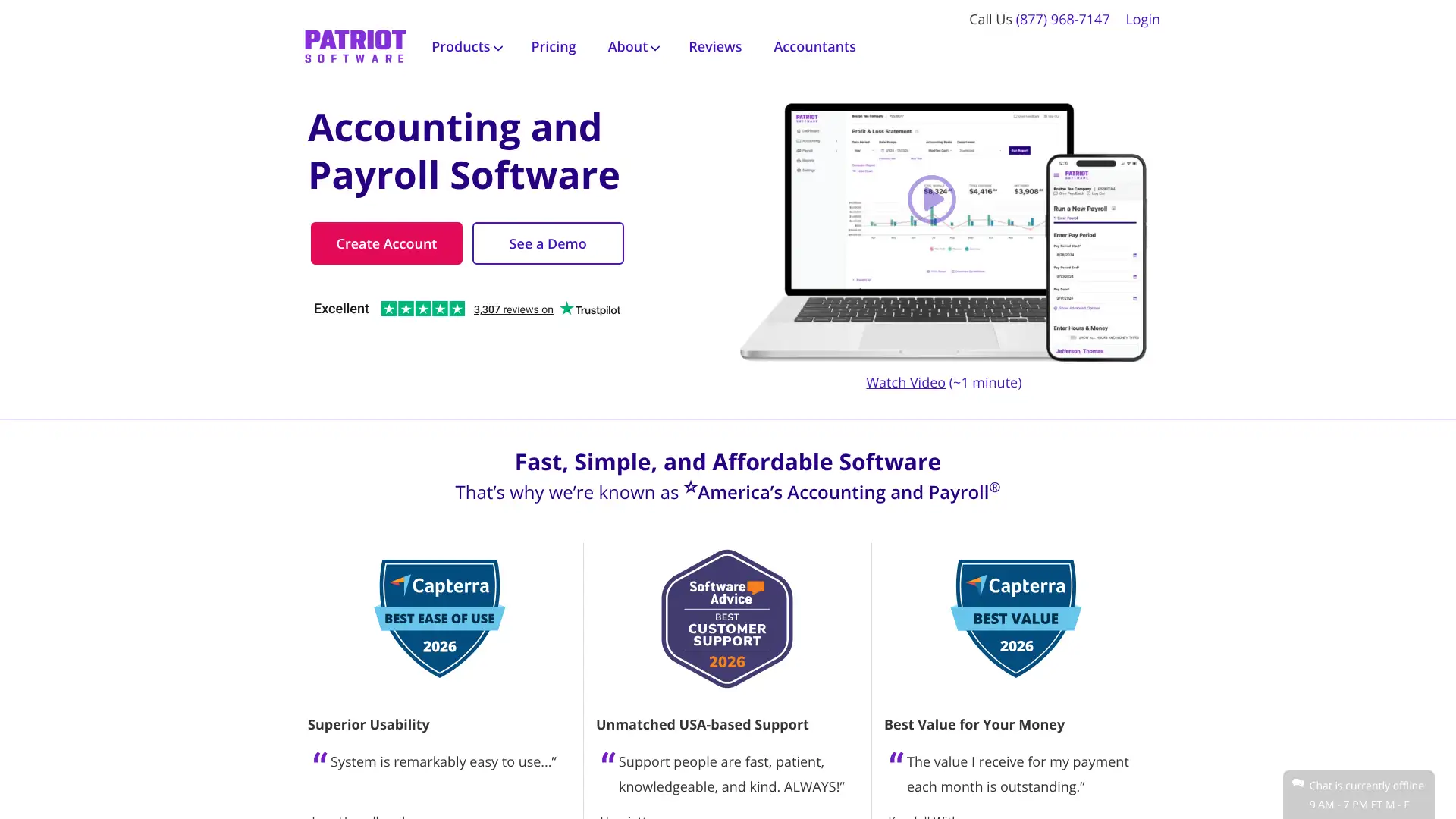
- • Native Patriot Payroll integration: payroll automatically posts journal entries to the accounting ledger in real time
- • Unlimited users on all accounting plans at no per-seat fee, including accountant access
- • Stripe integration enables credit card, Apple Pay, Google Pay, and ACH payments directly from invoices
- • US-only focus: payroll tax filings, 1099 contractor management, and W-2 preparation are built for American compliance
- • USA-based phone and chat support Monday to Friday, 8am to 8pm Eastern Time, included at no extra charge
Patriot Software is the best value accounting platform for US small businesses that also run payroll in-house and want a seamless combined solution under $60/mo for both products. It is deliberately simple, which is ideal for owners without accounting backgrounds. Businesses needing inventory, project tracking, or advanced reporting should move to QuickBooks Plus or Xero Established.
NetSuite
Oracle NetSuite is a cloud ERP used by over 42,000 businesses worldwide including many public companies. It covers financial management, inventory, order management, CRM, ecommerce, and HR in a single database. Pricing is not published and requires a custom quote from Oracle sales. Based on verified third-party research (Vendr, Protelo, Softype), the base platform license starts at approximately $999/mo, per-user licenses run $99 to $199/mo per named user, and total first-year costs for small mid-market deployments (10-25 users) typically range from $30,000 to $75,000 annually including implementation.
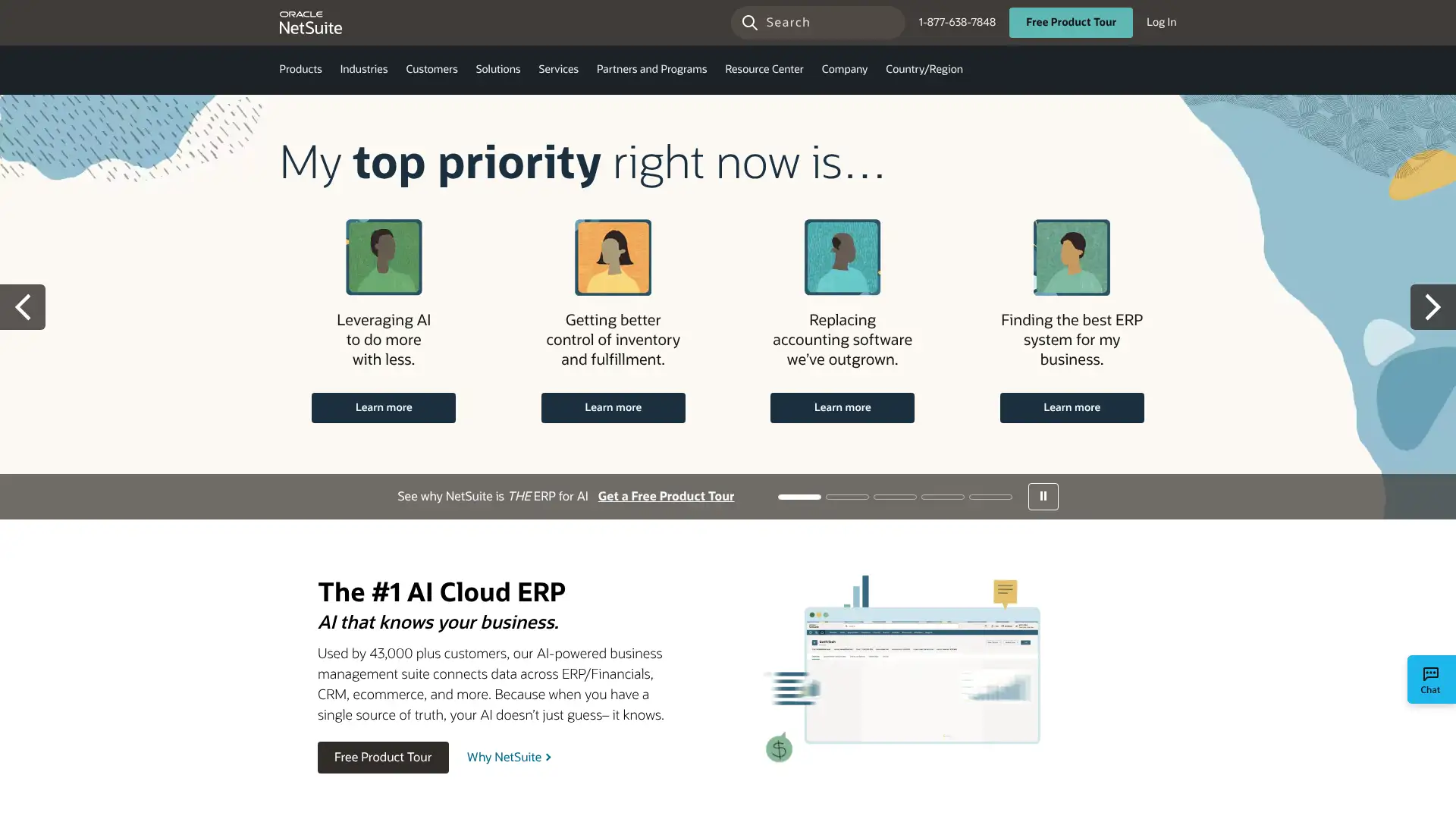
- • Multi-entity consolidation: manage separate subsidiaries, currencies, and tax regimes from one dashboard with automated intercompany eliminations
- • Revenue recognition automation: supports ASC 606, IFRS 15, and ratable revenue schedules without manual journal entries
- • SuiteAnalytics: built-in business intelligence with role-based dashboards, KPI scorecards, and ad-hoc financial reporting
- • NetSuite Ship Central: integrates with shipping carriers to generate labels, track packages, and reconcile freight costs against inventory
- • SuiteFlow workflow automation: no-code drag-and-drop workflow builder for approval chains, task routing, and event-triggered actions
NetSuite is the right choice for mid-market companies with $5M to $250M in revenue that have outgrown QuickBooks and need multi-entity, multi-currency ERP with GAAP-compliant revenue recognition and real-time operational visibility. For small businesses under $5M, the implementation cost and complexity far outweigh the benefits. Start evaluating NetSuite only when you have a dedicated finance team and an implementation budget of at least $50,000.
SAP Business One
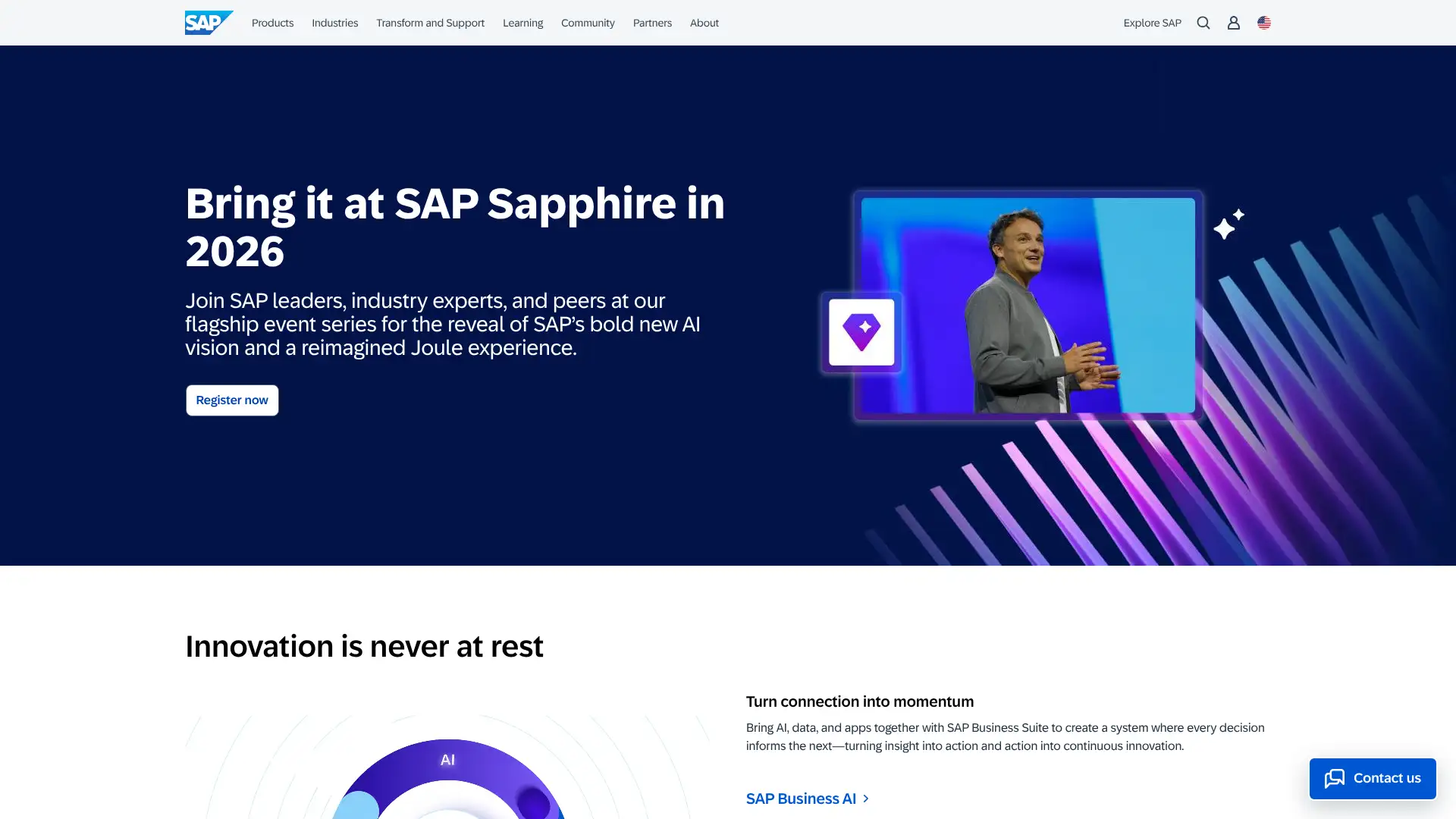
SAP Business One is SAP's ERP solution targeted at small and mid-sized businesses, distinct from the enterprise SAP S/4HANA. It covers financials, CRM, inventory, purchasing, sales, and basic manufacturing in one system. Cloud pricing starts at approximately $99/user/mo for the cloud edition based on third-party research, while on-premise perpetual licenses range from $3,213 to $5,400 per user plus annual maintenance. SAP Business One 10.0 (released late 2024) added enhanced machine learning for expense categorization and improved analytics dashboards.
- • Single integrated database: all modules from accounting and inventory to CRM and manufacturing share one data source with no sync required
- • Crystal Reports built in: over 300 pre-built reports plus a report designer for custom financial and operational outputs
- • Service layer API: REST-based integration framework for connecting e-commerce, WMS, or third-party tools to SAP Business One data
- • Batch and serial number tracking: full traceability from raw material receipt through production to customer delivery
- • Multi-currency and multi-company support built into all editions without additional modules
SAP Business One is best for manufacturing, wholesale distribution, and product-centric SMBs with 10 to 250 employees that want genuine ERP depth and the SAP brand's enterprise credibility. Implementation cost and partner dependency are significant risks. Businesses primarily needing accounting and not deep operations management should look at NetSuite or QuickBooks Online Advanced first.
Brightpearl
Brightpearl is a cloud-native retail operating system (ROS) acquired by Sage in 2022 and rebranded as 'Brightpearl by Sage.' It is purpose-built for retailers and wholesalers managing multiple sales channels including Shopify, Amazon, eBay, and physical stores. It covers order management, inventory, CRM, warehousing, accounting, and logistics in one connected platform. Pricing requires a custom quote and is described as suited for fast-growth and larger merchants. Independent research suggests starting costs around $375/mo though enterprise contracts are the norm.
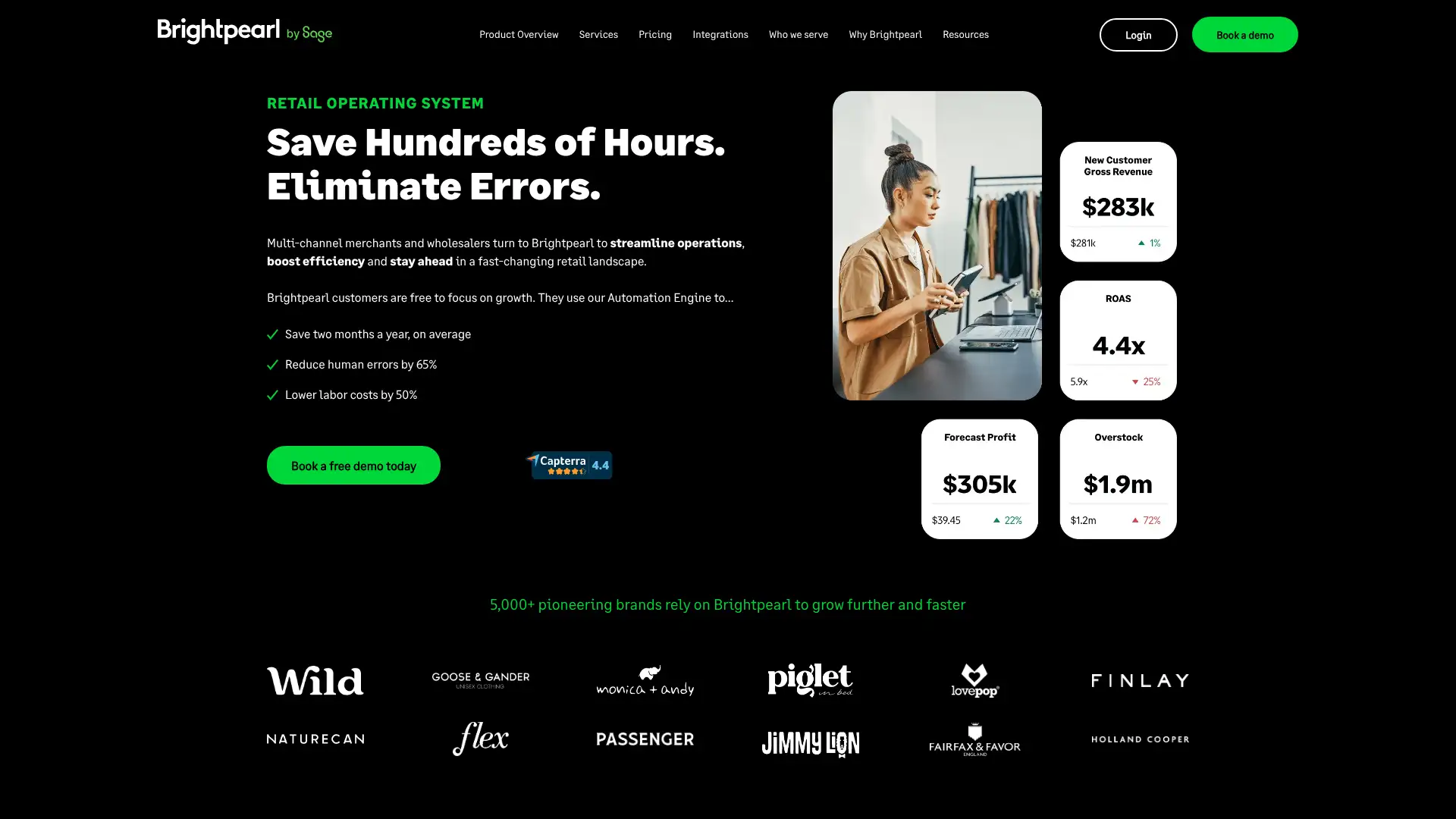
- • Automation Engine: rule-based workflow tool that triggers fulfillment, inventory updates, and accounting posts automatically on order events
- • Plug-and-play integrations with Shopify, Amazon, eBay, Magento, BigCommerce, and 100+ other retail platforms
- • Real-time inventory across all channels: single view of stock across warehouses, stores, and sales channels with automatic reservation
- • Sage Intacct integration: financial data flows from Brightpearl's retail operations into Sage Intacct's accounting for back-office reporting
- • Advanced demand forecasting and inventory planning to reduce overstock and prevent stockouts across complex product catalogs
Brightpearl is the right tool for multichannel retailers doing $1M+ in annual revenue who are drowning in order management complexity across Shopify, Amazon, and wholesale simultaneously. Its automation engine and real-time inventory visibility solve genuine operational problems at scale. Below that revenue threshold, the implementation cost and pricing model will not deliver sufficient ROI.
Tipalti
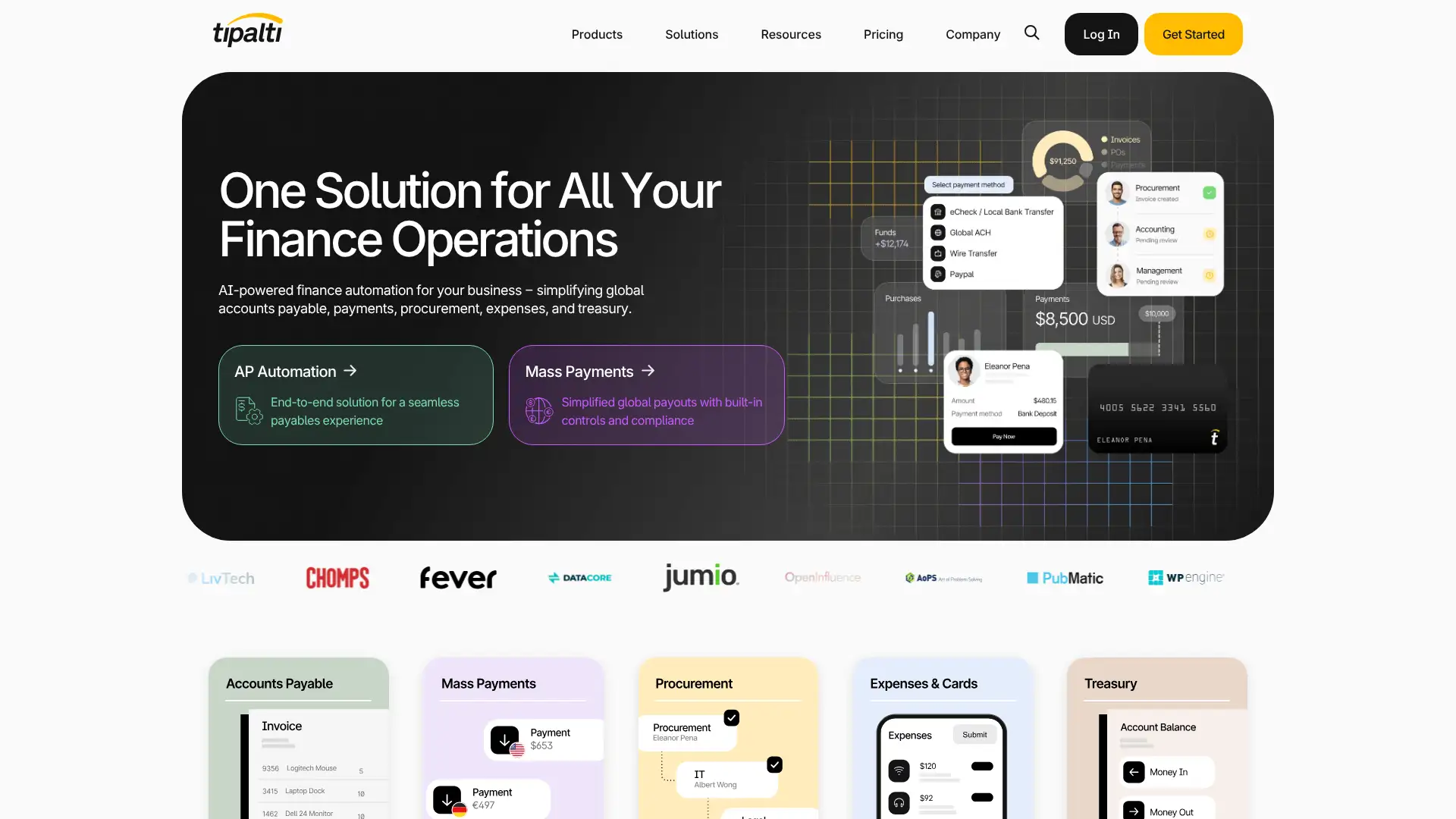
Tipalti is a cloud-based accounts payable automation and mass payout platform used by 4,000+ businesses including Twitch, GoDaddy, and Roblox. It automates the full supplier payment lifecycle: onboarding, tax form collection (W-9, W-8BEN), invoice processing, multi-currency payments, and 1099/1042-S filing. Tipalti supports payouts in 190+ countries via 50+ payment methods including ACH, wire, PayPal, and local bank transfers. Pricing is not published and requires a custom quote; it is positioned for mid-market and enterprise buyers.
- • Automated W-9 and W-8BEN collection: suppliers complete tax forms through a self-service portal, with validation and OFAC screening included
- • 190+ country payout coverage: supports local bank transfers, ACH, wire, PayPal, and prepaid debit across multiple currencies
- • ERP integrations: native two-way sync with NetSuite, QuickBooks, Sage Intacct, and Xero so payment data posts directly to the ledger
- • PO matching and three-way match: automates purchase order, receipt, and invoice comparison to prevent duplicate or fraudulent payments
- • 1099 and 1042-S preparation and e-filing: generates and submits tax forms for US and international contractors automatically at year-end
Tipalti is the clear leader for businesses processing large volumes of international supplier or contractor payments where tax compliance, fraud prevention, and multi-currency accuracy are mission-critical. For businesses paying fewer than 100 vendors monthly or primarily domestic, BILL or Plooto will deliver 80% of the value at a fraction of the cost.
BILL
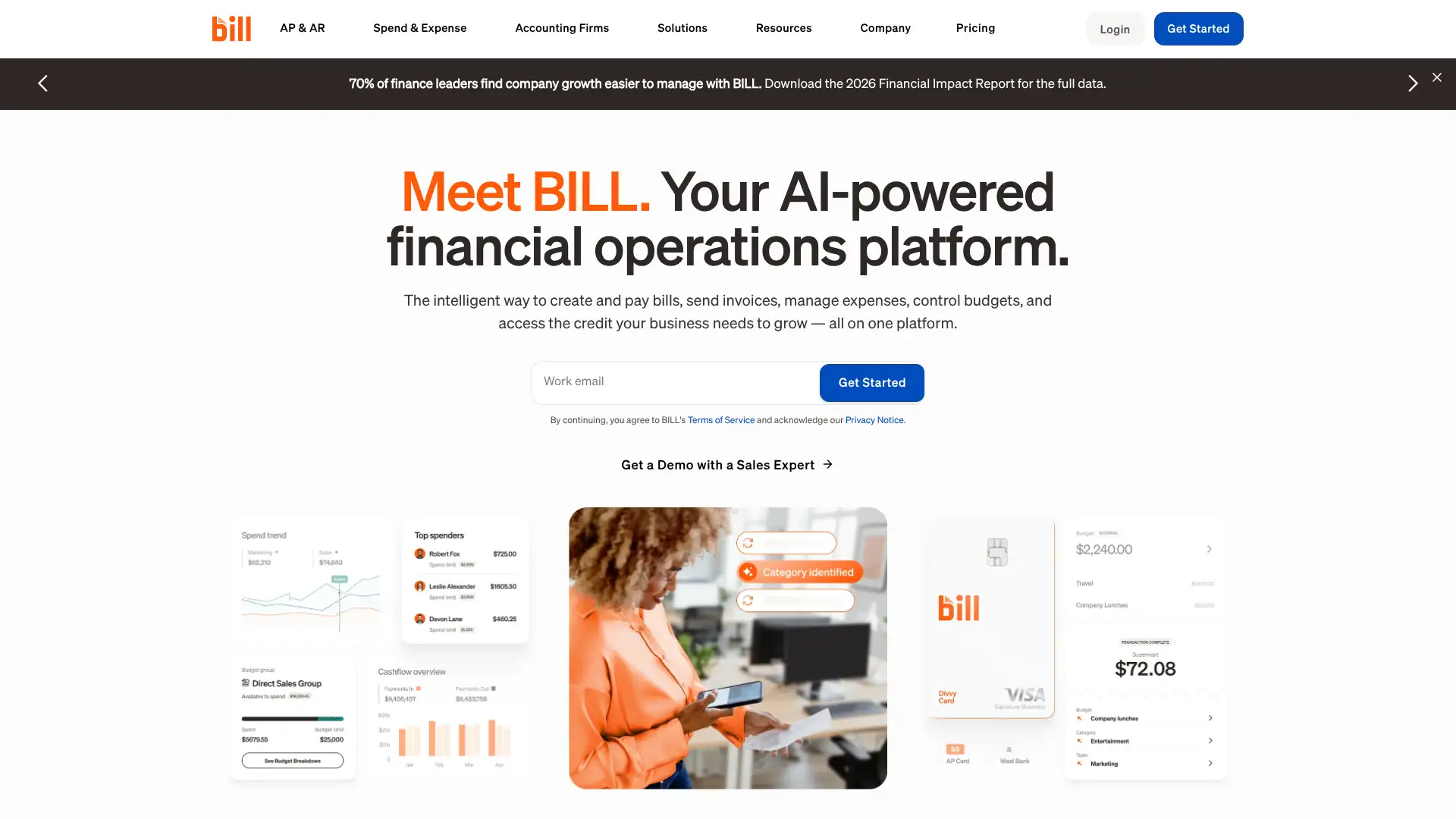
BILL (formerly Bill.com) is a financial operations platform processing over $300 billion in payments annually for 470,000+ businesses. It combines AP automation, AR management, spend and expense tracking, and corporate cards. AP and AR plans start at $45/user/mo (Essentials), $55/user/mo (Team), and $79-89/user/mo (Corporate). Enterprise is custom pricing. A Spend and Expense plan is free and provides corporate cards with real-time spend controls. BILL integrates natively with QuickBooks, Xero, Sage Intacct, and NetSuite.
- • Two-way sync with QuickBooks Online, Xero, Sage Intacct, and NetSuite: bills, invoices, and payments post automatically to the general ledger
- • Multi-level approval workflows: route bills for approval based on dollar amount, vendor category, or department before payment
- • International wire payments in 130+ currencies available on Team and above with competitive FX rates
- • Free Spend and Expense plan: issue virtual and physical corporate cards with per-card spending limits and real-time budget tracking
- • Vendor network: 5M+ US businesses are already on BILL's network, enabling faster ACH payments with no bank detail collection
BILL is the best standalone AP/AR automation platform for US small and mid-sized businesses with 5 to 200 employees who need approval workflows, vendor management, and accounting integration without a full ERP. The free Spend and Expense plan alone is worth signing up for if your business needs corporate card controls. Teams needing only basic bill pay within QuickBooks can avoid the extra subscription.
Bench
Bench is a managed bookkeeping service that pairs proprietary software with human bookkeepers to deliver monthly financial statements. It was founded in Vancouver in 2012 and briefly shut down on December 27, 2024, before being acquired by Employer.com on December 30, 2024. Operations resumed in January 2025 under new ownership. As of March 2026, Bench continues to offer its core bookkeeping and tax services to existing and new clients via bench.co. Its pricing, which was previously $249/mo (annually) for the Essential plan and $399/mo for Premium, may have changed under Employer.com; prospective customers should verify current pricing directly with Bench.
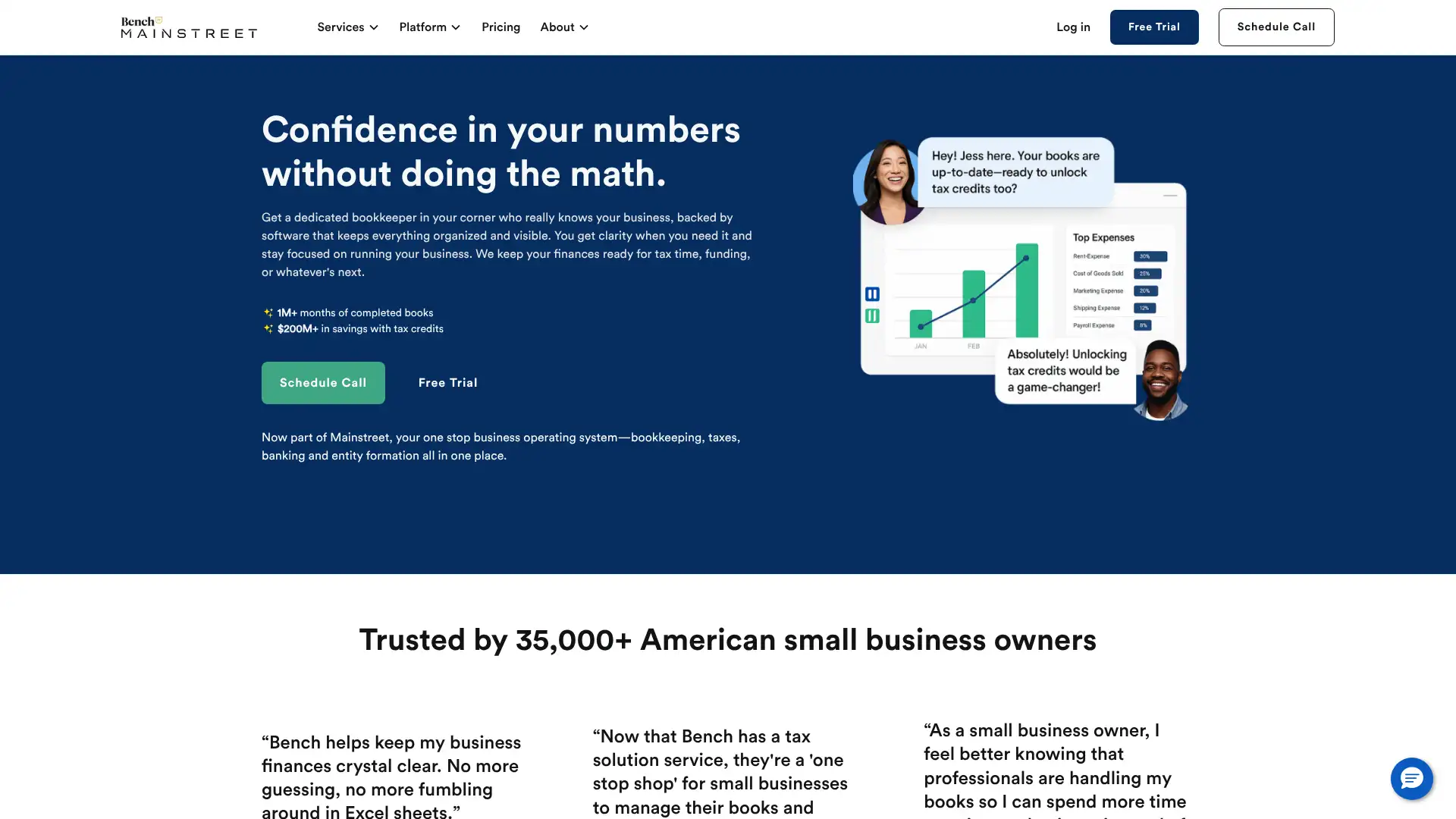
- • Dedicated human bookkeeper: each client is assigned a named bookkeeper with industry-specific experience who handles all monthly reconciliation
- • Proprietary Bench platform: visual financial dashboard showing income trends, expense breakdowns, and cash flow in one interface
- • Tax preparation bundled: federal and state corporate income tax filing is included with Premium and can be added to Essential
- • Bench for Catch-Up: structured service to bring overdue books current, often years behind, for businesses needing historical cleanup
- • Mobile app on iOS for accessing financial statements, messaging your bookkeeper, and viewing account balances on the go
Bench under Employer.com ownership continues to serve thousands of clients, but the December 2024 near-shutdown is a legitimate risk signal for businesses evaluating long-term bookkeeping partnerships. It remains a capable service for straightforward US small businesses wanting monthly books without DIY effort. Businesses that value data portability or startup-specific accounting should consider Pilot instead.
Pilot
Pilot is a tech-enabled bookkeeping service founded in 2017 and headquartered in San Francisco, serving over 1,500 startups including OpenAI and Airtable. It pairs AI-driven automation with a US-based team of accountants who close books monthly and deliver accrual financial statements. Plans scale by monthly expense volume. An Essentials software-only plan starts at $99/mo for AI-categorized cash-basis books. Human-led bookkeeping starts at approximately $259/mo for Essentials (small expense volumes) rising to $599/mo for Core at under $30,000/mo in expenses. Tax preparation and CFO services are available as separate add-ons.
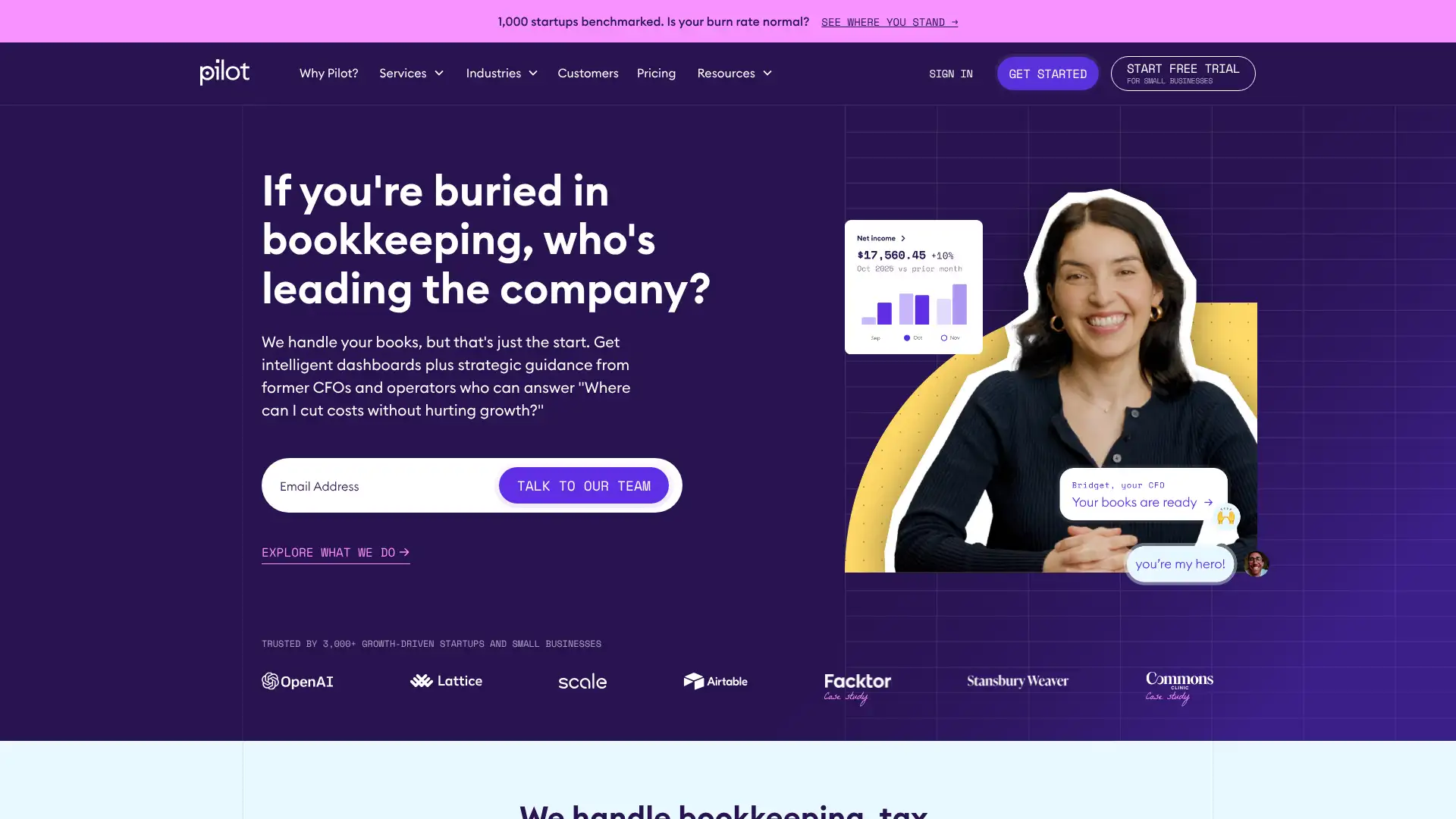
- • Accrual-basis bookkeeping from day one on all human-led plans, unlike most competitors that default to cash-basis
- • Burn rate calculation: monthly cash burn and runway are calculated and included in standard financial statements for investor reporting
- • R&D tax credit service: identifies and documents eligible R&D expenses to maximize IRS R&D credits, potentially saving six figures annually
- • QuickBooks Online exclusive: Pilot manages books inside QBO, ensuring data portability if the client relationship ends
- • CFO advisory add-on: fractional CFO services at $1,750/mo and above for board preparation, fundraising support, and financial modeling
Pilot is the strongest managed bookkeeping service for VC-backed startups and fast-growing tech companies that need accrual books, investor-ready financials, and burn rate visibility from day one. Its expense-scaled pricing model means costs rise quickly as the business grows. For bootstrapped small businesses or those needing only cash-basis records, Bench or inDinero offer equivalent bookkeeping at lower starting prices.
Finally
Finally is a financial operations service founded in 2018 with offices in San Francisco and Miami. It combines AI-powered bookkeeping software with a US-based team of certified accounting experts and offers corporate Visa cards with integrated expense tracking. Services include bookkeeping, tax preparation, payroll, bill pay, and accounts receivable. The platform integrates with QuickBooks Online, Xero, Gusto, Stripe, Square, and Salesforce. Pricing is not prominently published and requires a consultation; research suggests bookkeeping plans start around $200 to $400/mo depending on transaction volume.
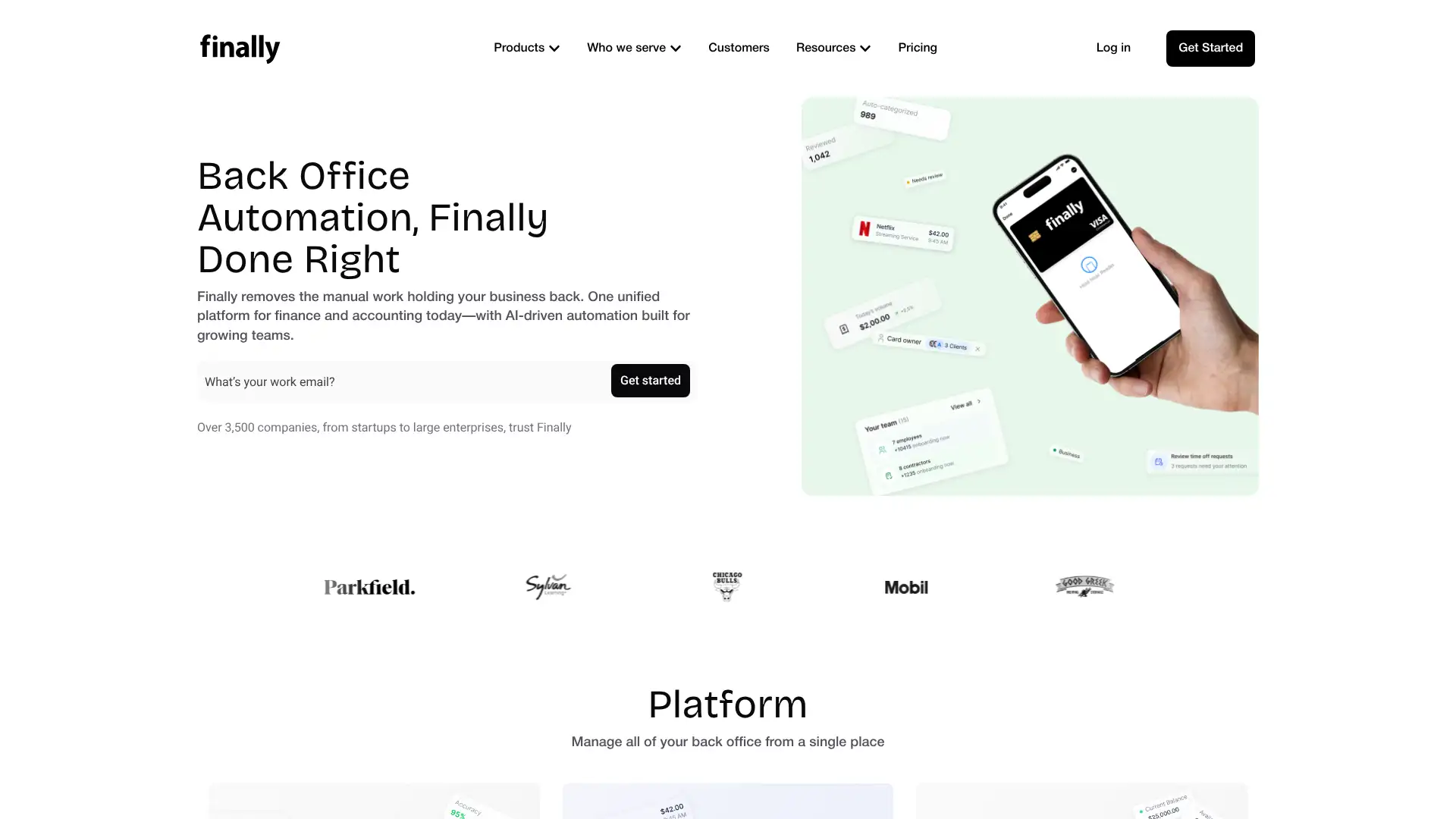
- • Corporate Visa card with auto-categorization: transactions from the Finally card post directly to bookkeeping records without manual entry
- • AI-powered transaction categorization: machine learning automatically categorizes bank and card transactions on import
- • 24/7 real-time dashboard: cash balances, income, expenses, and P&L are visible at any time without waiting for month-end close
- • Integrated payroll through automation tools compatible with Gusto, Square Payroll, and Stripe Payroll
- • Mobile app for iOS and Android with receipt scanning, invoice creation, and payment management on the go
Finally offers a compelling all-in-one promise combining bookkeeping, payroll, and corporate cards, and the real-time dashboard is a genuine differentiator. However, mixed reviews about service completion quality and opaque pricing mean prospective customers should request references from active clients and clarify SLAs before signing. Pilot or Bench offer more predictable managed bookkeeping experiences with more transparent pricing.
inDinero
inDinero is a full-service accounting firm founded in 2009 offering bookkeeping, tax management, payroll, financial forecasting, and fractional CFO services. It serves startups and growing businesses, integrating with QuickBooks Online and NetSuite. Plans include Essential starting at $500/mo (cash-basis bookkeeping), Growth from $990/mo (accrual bookkeeping plus controller support), and Executive at custom pricing for CFO-level advisory. inDinero's approach emphasizes scenario planning, cash flow management, and investor-ready reporting rather than simple bookkeeping alone.

- • Dedicated account manager on every plan who coordinates bookkeeping, taxes, and payroll in a single client relationship
- • NetSuite and QuickBooks Online support: clients can choose their preferred accounting platform, unlike competitors that force QBO only
- • Direct employee reimbursements managed within the service, reducing the AP workload for finance teams
- • Monthly, quarterly, or annual billing options provide cash flow flexibility not offered by most bookkeeping competitors
- • CFO services on Executive plan include investor presentations, fundraising financial modeling, and budget vs. actual variance analysis
inDinero suits growth-stage companies that need more than bookkeeping including controller oversight, payroll coordination, and CFO-level financial strategy under one roof. The Essential plan's $500/mo entry point with only cash-basis accounting is a poor value compared to Pilot's comparable Core plan at lower cost. Businesses strictly needing monthly bookkeeping will find better per-dollar value elsewhere.
OneUp
OneUp is a cloud-based accounting platform that combines invoicing, inventory management, CRM, and purchase order management for small businesses. It differentiates from pure accounting tools by including a built-in CRM pipeline for tracking leads and customer interactions alongside financial records. Pricing starts at $9/mo for 1 user on the Self plan, scaling to $19/mo (Pro, 2 users), $29/mo (Plus, 3 users), $69/mo (Team, 7 users), and $169/mo (Unlimited, unlimited users). A 30-day free trial requires no credit card.
- • Built-in CRM: track leads, customer interactions, pipeline stages, and deal values alongside accounting records without a separate CRM tool
- • Inventory management: real-time stock tracking with automatic reorder alerts, purchase orders, and inventory valuation
- • Automatic bookkeeping: connects to bank accounts and credit cards to auto-import and categorize transactions
- • Multi-currency support with automatic exchange rate updates for businesses with international clients or suppliers
- • VAT compliance: built-in VAT rate configuration and reporting for European and VAT-registered businesses
OneUp is a strong value proposition for small product-based businesses and international small businesses that want accounting, inventory, and CRM in one place for under $30/mo. The $9/mo solo plan is among the most affordable full-featured options available. Teams needing payroll, a large integration ecosystem, or US accountant familiarity will find better-supported options in QuickBooks or Xero.
Plooto
Plooto is a cloud AP and AR automation platform trusted by over 6,000 businesses and accounting firms, including Deloitte-advised clients. It automates domestic and international payment workflows with two-way sync to QuickBooks Online and Xero. Plans for individual businesses include Go at $9/mo (limited to 5 transactions/mo), Grow at $32/mo (unlimited domestic with $0.50/transaction), and Grow Unlimited at $59/mo (unlimited free domestic transactions). International payments cost $9.99 per transaction across all plans. Pricing was updated in December 2024.
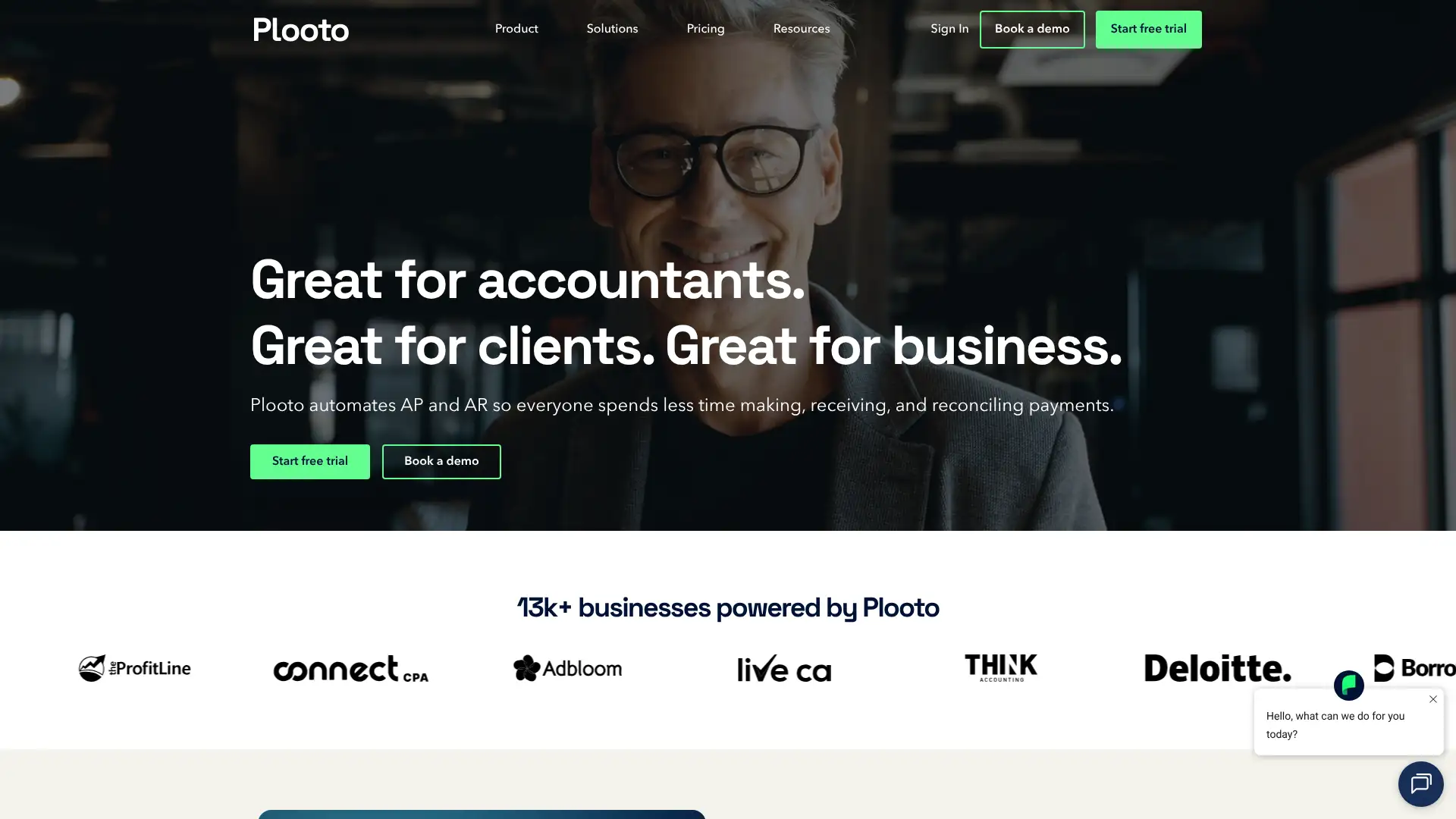
- • Two-way QuickBooks and Xero sync: bills, invoices, and payments reconcile automatically in the accounting ledger after each Plooto payment run
- • Pre-authorized debit (PAD): clients can authorize recurring debit from their bank account on a set schedule, eliminating manual receivable collection
- • International payments in 80+ currencies with no transfer fee on Grow and Grow Unlimited plans (only the $9.99 per-transaction fee applies)
- • Approval workflows: multi-level bill approvals with email and in-app notifications before any payment is executed
- • CRA payment support for Canadian businesses: pay Canada Revenue Agency obligations directly within Plooto at $3 per payment
Plooto is the best AP/AR payment automation tool for Canadian and US small businesses and accounting firms that manage 20 to 500 payments monthly and want automatic QuickBooks or Xero reconciliation. The Grow Unlimited plan at $59/mo is genuinely excellent value for high-volume domestic payment users. Businesses with substantial international payment needs should compare Plooto's per-transaction fees against BILL or Tipalti at volume.
Dext
Dext (formerly Receipt Bank) is a document capture and data extraction platform used by 700,000+ businesses and accounting firms in 100+ countries. It uses OCR and AI to extract data from receipts, invoices, bank statements, and supplier documents, then pushes the data to Xero, QuickBooks, or Sage. In 2025 Dext launched Dext Assist AI for automated query responses and anomaly detection. Business plans start at approximately $34/mo (Plus) and scale to $100/mo (Enterprise). Accountant firm plans with multi-client management are separately priced.
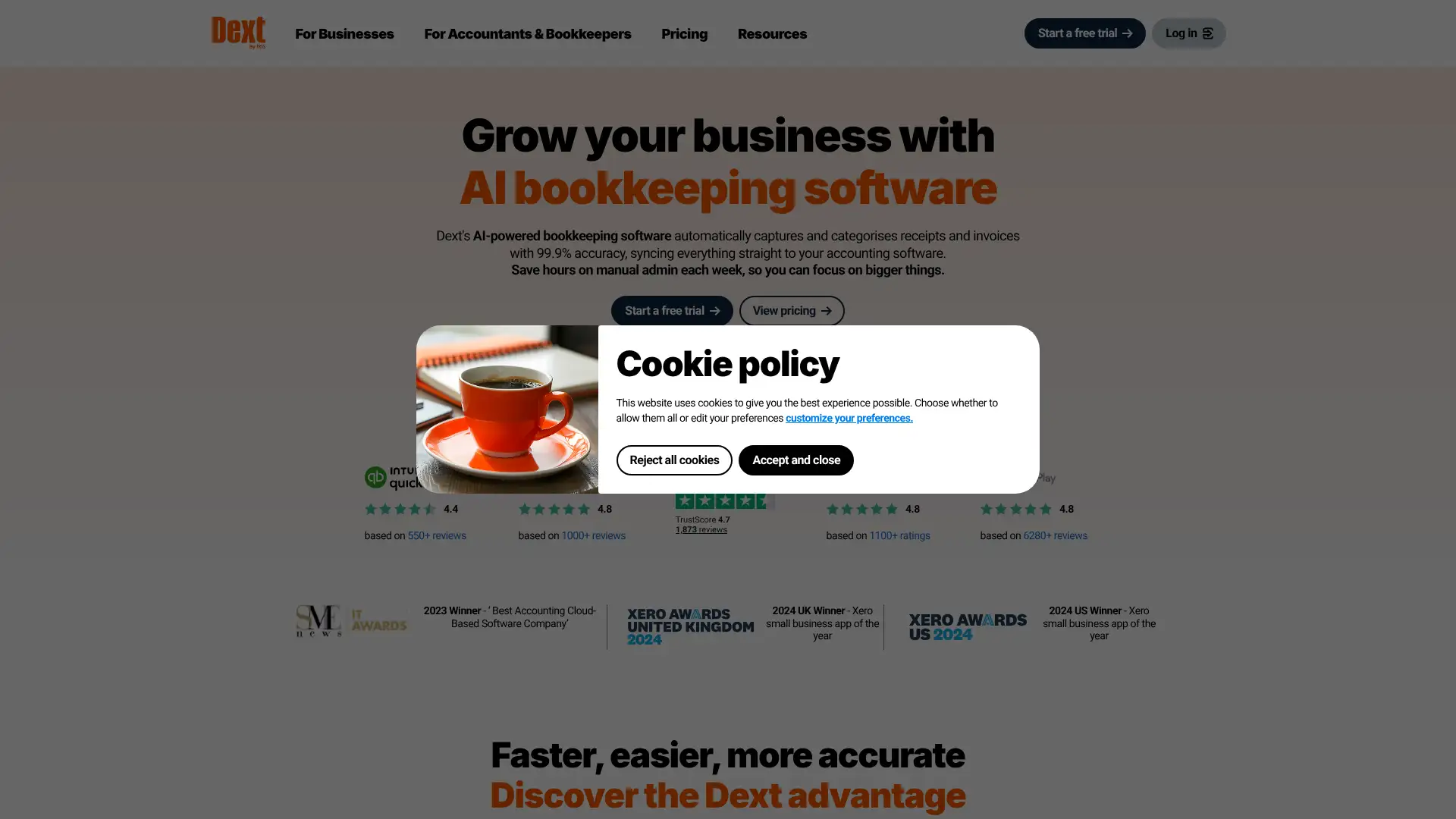
- • OCR data extraction: supplier name, date, total, tax amount, and line items extracted from photos, PDFs, and email attachments with high accuracy
- • Rules engine: set auto-categorization rules by supplier, amount range, or keyword so recurring transactions post to the correct account automatically
- • Bank statement processing: upload PDF bank statements and Dext extracts all transactions, removing manual re-entry from reconciliation
- • Dext Assist AI (2025): answers accounting queries, flags potential errors, and suggests categorizations based on transaction history
- • Accountant dashboard: manage all client accounts from one login with client-level status tracking for document completeness
Dext is the best choice for businesses and accounting firms that process large volumes of supplier invoices and receipts and want the highest accuracy OCR with deep accounting software integration. For Xero users with basic needs, Hubdoc is included for free and may be sufficient. Businesses processing fewer than 50 documents monthly should calculate whether a pay-per-document model like AutoEntry is cheaper.
Hubdoc
Hubdoc is a document collection and data capture tool acquired by Xero in 2018. It is included at no extra cost with most Xero subscriptions (Growing and Established plans), making it the most cost-effective document capture solution for Xero users. Hubdoc automatically fetches statements from supplier websites and financial institutions when connected, captures data from uploaded receipts and bills using OCR, and pushes the extracted data to Xero or QuickBooks. For non-Xero users, Hubdoc costs approximately £10/company/month.
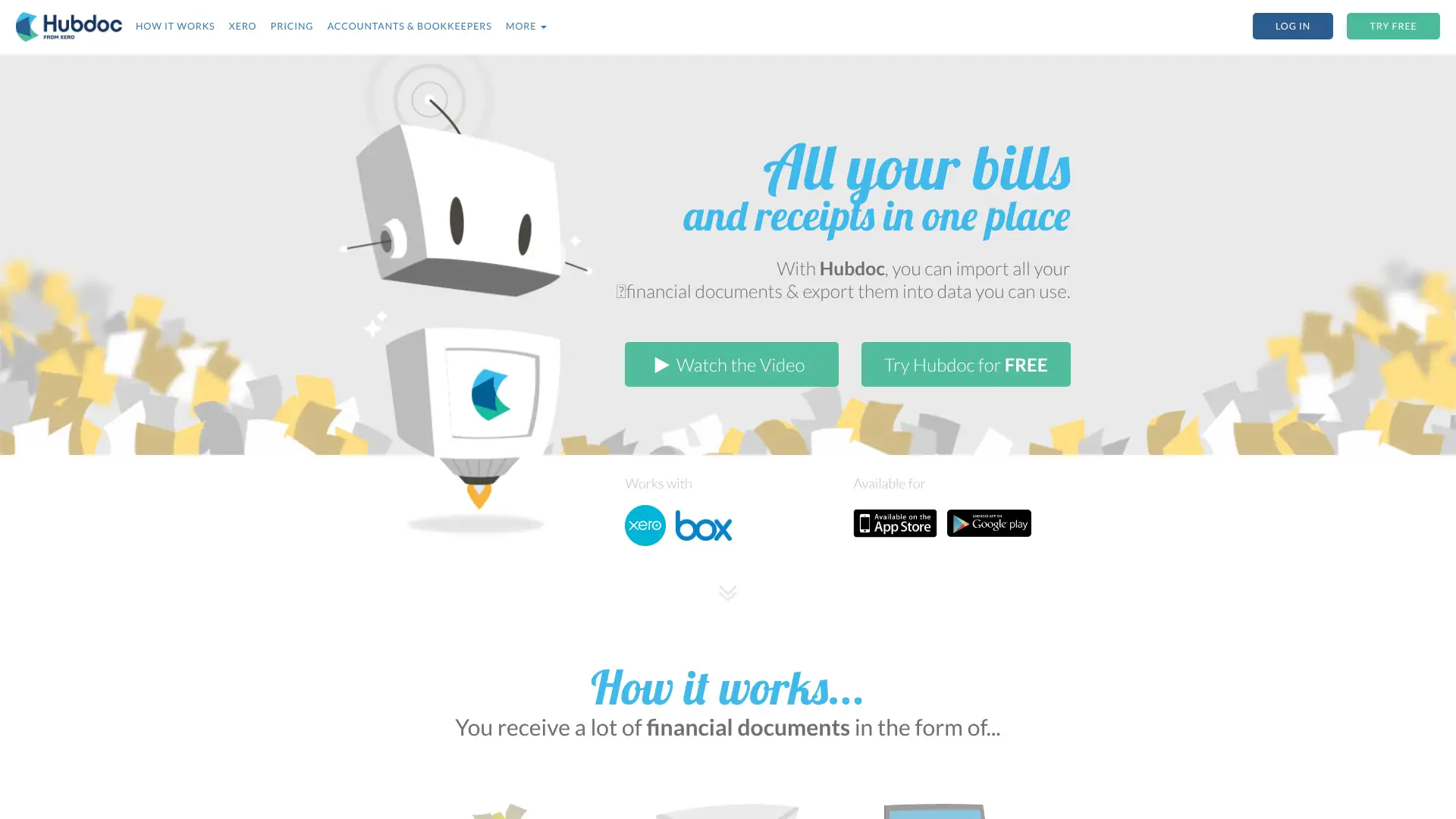
- • Auto-fetch from supplier portals: connects to banks, utilities, and suppliers to automatically download statements and invoices on schedule
- • OCR data extraction: captures vendor name, date, amount, and tax from uploaded documents and maps to Xero or QuickBooks accounts
- • Xero native integration: extracted data creates draft transactions in Xero automatically with source document attached as audit trail
- • Email address per account: suppliers can email invoices directly to a Hubdoc address for automatic processing
- • Mobile app: photograph receipts immediately at point of purchase on iOS or Android for same-day capture
Hubdoc is the right choice for Xero subscribers who want document capture without paying extra, and whose receipt volume is modest enough that basic OCR accuracy is acceptable. For businesses processing more than 50 invoices monthly or needing line-item detail, Dext's accuracy and feature depth justify the additional monthly cost. Hubdoc's 3.5-star Xero App Store rating is a signal that reliability issues should be planned for.
AutoEntry
AutoEntry is a cloud-based data capture platform acquired by Sage that automates data entry from receipts, invoices, expenses, and bank statements using OCR and AI. It integrates with Xero, QuickBooks, Sage, and FreeAgent. AutoEntry uses a credit-based model where users purchase credits in advance, with each document type consuming a different number of credits, providing pay-as-you-go pricing flexibility. It is particularly popular in the UK and Irish accountancy market, with Xero and Xero App Store ratings of approximately 4.7 stars.
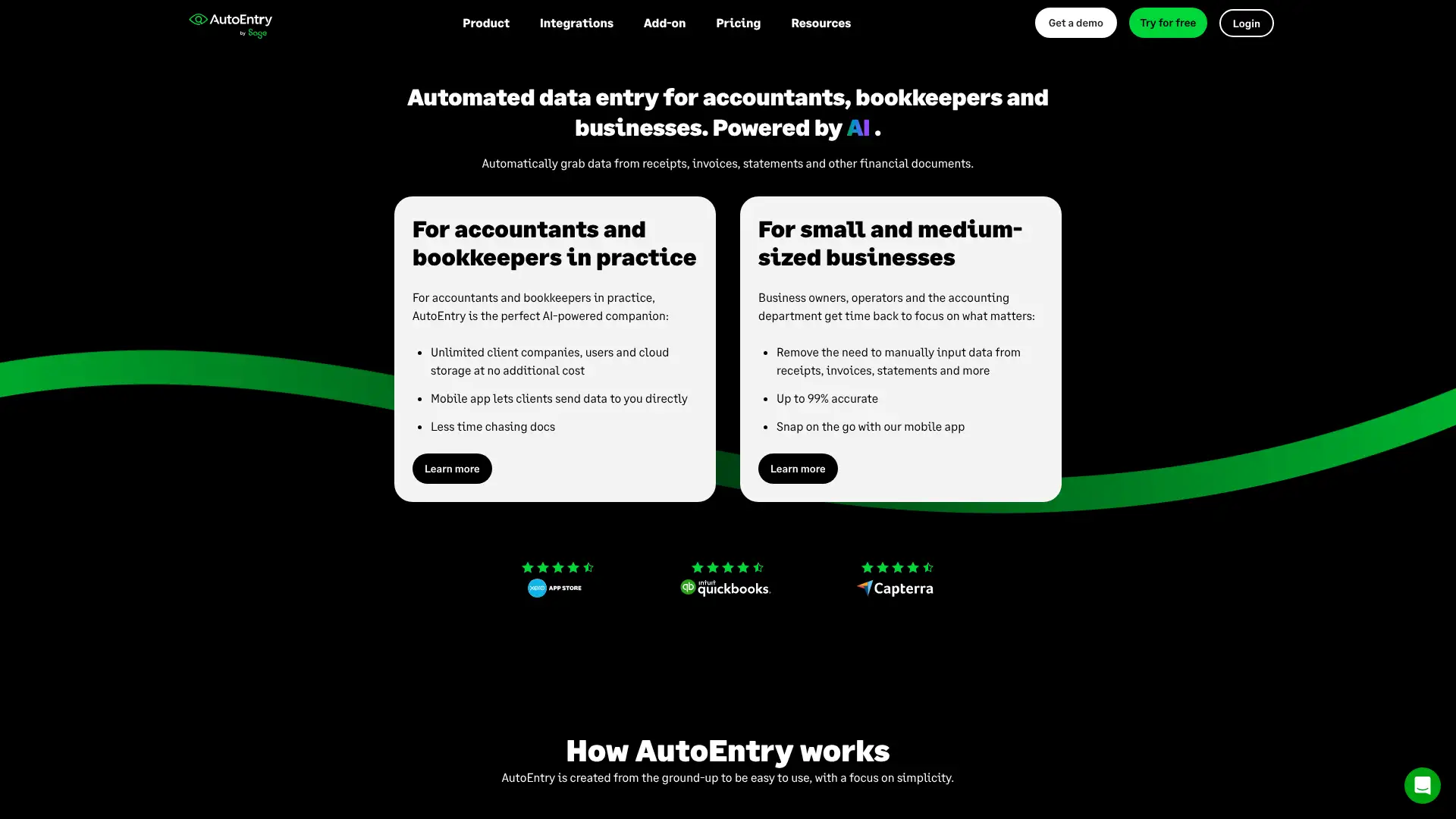
- • Bank statement processing: upload PDF bank statements of any format and AutoEntry extracts every transaction for automatic ledger entry
- • Line-item extraction: invoice line items including product descriptions, quantities, and unit prices captured with higher accuracy than basic OCR
- • Supplier statement reconciliation: match supplier statements against open payables to identify discrepancies before paying
- • Integration with Xero, QuickBooks Online, Sage Business Cloud, FreeAgent, and other UK accounting platforms
- • Auto-publish rules: configure rules by supplier so documents are automatically categorized and pushed to accounting software without manual review
AutoEntry is the better document capture choice for UK and Irish accountancy firms and businesses that need reliable line-item extraction and bank statement processing with pay-per-document flexibility. Its 4.7-star Xero rating versus Hubdoc's 3.5 stars reflects meaningfully better reliability. Xero users with high document volumes should compare per-document costs against Dext's flat monthly rate before choosing.
Aplos
Aplos is a cloud-based accounting and donor management platform built specifically for nonprofits, churches, and faith-based organizations. Over 40,000 organizations in 50+ countries use Aplos. It provides true fund accounting (FASB and GAAP compliant), restricted fund tracking, donor CRM, online giving, grant management, and financial reporting. Plans include Lite at $79/mo, Core at pricing that varies by organization size, and Advanced for large nonprofits with complex needs. A 15-day free trial is available with no credit card required.
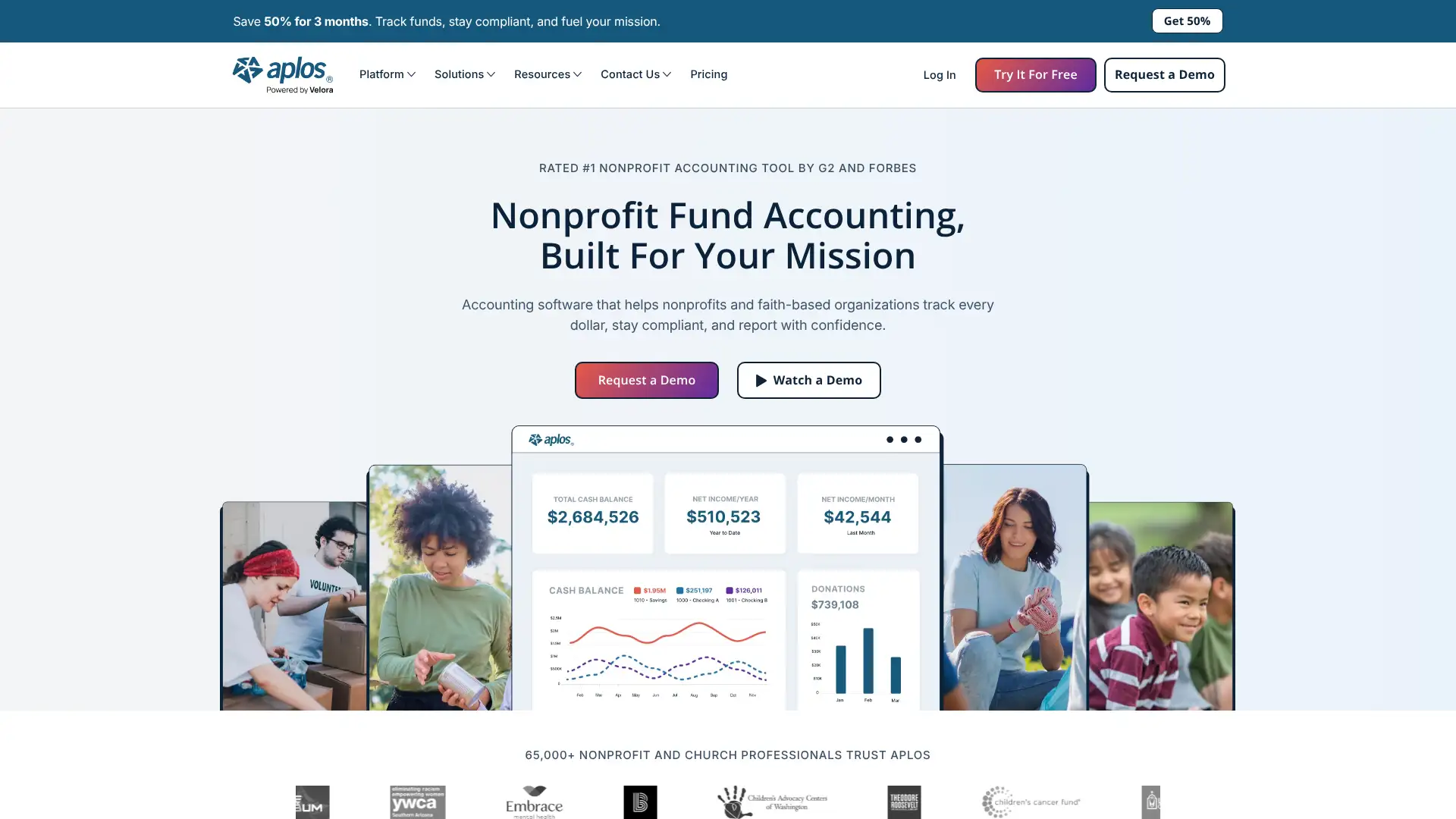
- • True fund accounting: track unrestricted, temporarily restricted, and permanently restricted funds in compliance with FASB ASC 958 for nonprofits
- • Donor CRM: store donor contact details, giving history, pledge tracking, and communications in one database alongside accounting records
- • Online giving forms: customizable donation forms embeddable on any website with automatic accounting entry on each gift received
- • Grant tracking: monitor grant funds, report on spending by grant, and generate funder-ready budget vs. actual reports
- • Contribution statements: generate IRS-compliant annual giving statements for all donors with one click for tax receipt purposes
Aplos is the best accounting software for US nonprofits, churches, and faith-based organizations that need true fund accounting with restricted fund tracking and built-in donor management. It is purpose-built, FASB-compliant, and eliminates the need for a separate CRM. For nonprofits that are very early-stage or very small, Wave or Zoho Books can handle basic bookkeeping at lower cost before upgrading to Aplos as complexity grows.
MoneyManager Ex
MoneyManager Ex (MMEX) is a free, open-source personal finance and small business accounting program available for Windows, macOS, Linux, and Android. It stores data locally in SQLite format and works entirely offline. MMEX covers multiple accounts, income and expense tracking, budget management, recurring transactions, investment tracking, and custom SQL-based reporting. It is translated into 30+ languages. There is no subscription fee, no cloud tier, and no vendor lock-in. Development is maintained by a volunteer community.
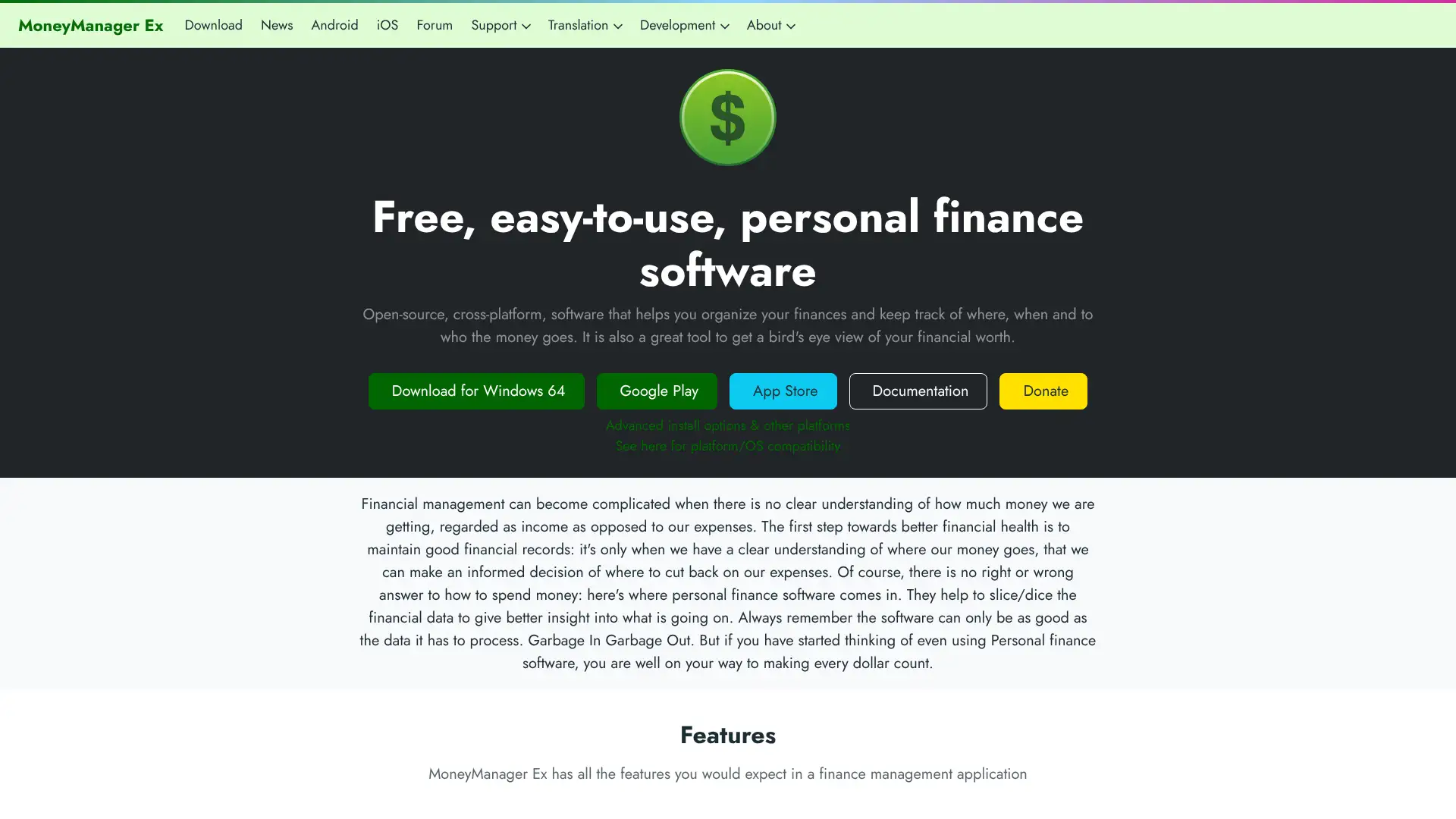
- • Multi-account management: checking, savings, credit cards, investments, and asset accounts in one local database
- • Budget tracking: set category budgets and track actual spending against them with visual progress indicators
- • Recurring transactions: schedule income and expense entries to auto-post on a daily, weekly, monthly, or custom schedule
- • QIF and CSV import: import transaction history from Quicken, most bank export formats, and spreadsheets
- • Custom SQL reporting: create any report using direct SQL queries against the MMEX database for advanced users
MoneyManager Ex is best for self-employed individuals and micro-businesses that primarily need personal finance tracking and expense categorization for tax purposes, rather than proper business accounting. For any business needing invoices, accounts payable, or financial statements compliant with accounting standards, GnuCash or Manager.io are more appropriate free alternatives.
Hurdlr
Hurdlr is a mobile-first financial management app for freelancers, independent contractors, and gig economy workers. It automatically tracks business mileage via GPS, categorizes income and expenses by business, estimates quarterly self-employment taxes in real time, and supports invoicing on the Pro plan. The free plan includes unlimited manual mileage tracking and basic income and expense tracking. Premium costs $9.99/mo or $100/year and adds automatic mileage tracking and bank sync. Pro costs $200/year and adds invoicing, accounting reports, and annual tax filing support.
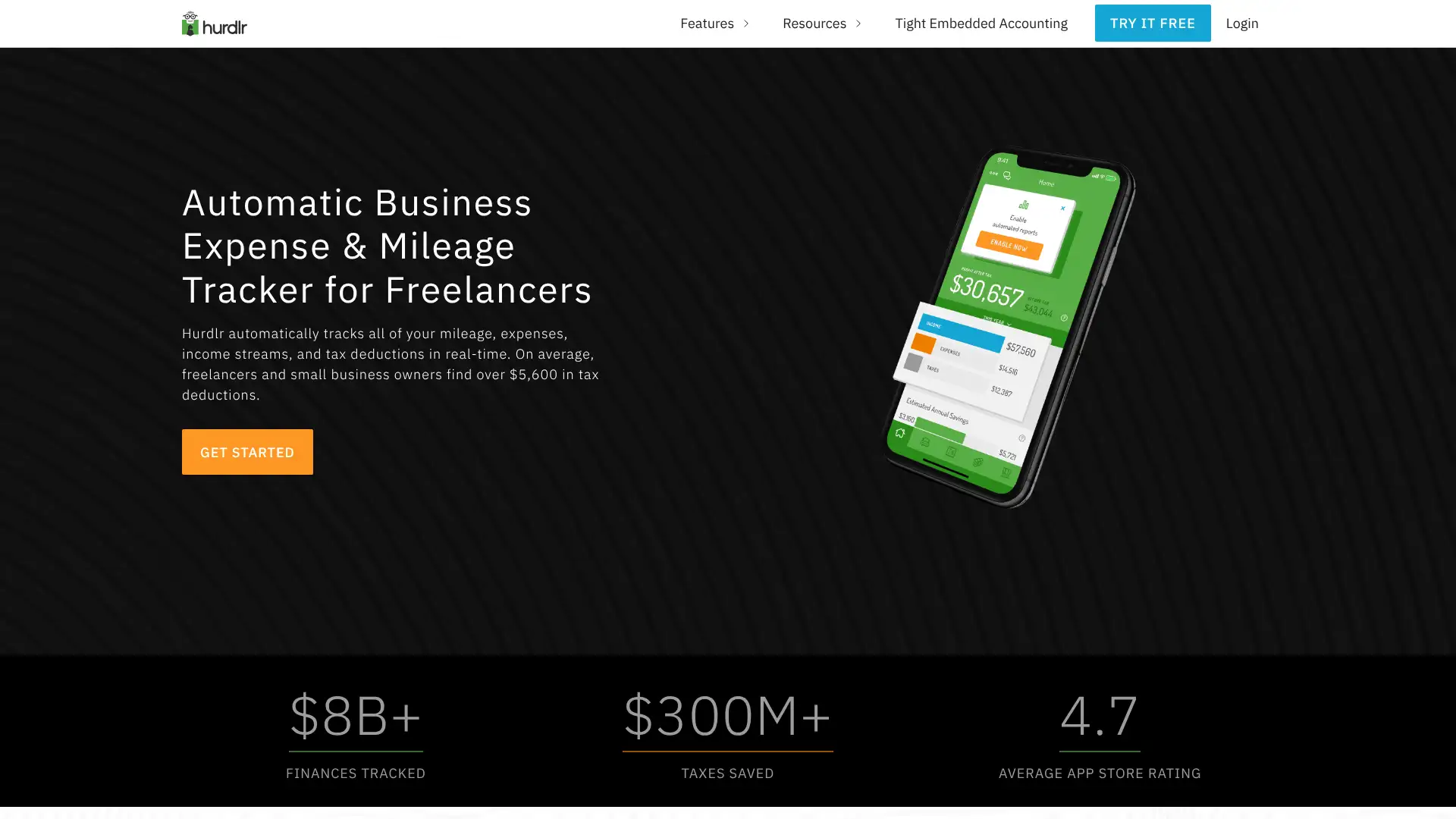
- • Automatic GPS mileage tracking: starts and stops recording trips automatically based on movement without requiring manual activation
- • Multi-business support: separate mileage, income, and expense tracking for multiple freelance businesses or gig platforms under one account
- • Real-time quarterly tax estimation: updates tax liability estimate automatically as income and expenses change throughout the year
- • Tax Engine: calculates self-employment tax, estimated payments, and identifies deductible expenses by IRS category
- • Invoicing on Pro: create and send professional invoices with online payment links and payment status tracking
Hurdlr is the best dedicated tracking app for gig workers, delivery drivers, Uber/Lyft drivers, and freelancers who drive for work and need automated mileage tracking paired with real-time tax estimation. At $100/year for Premium, it is cost-effective for the mileage deduction savings it generates. Freelancers also needing professional invoicing or full accounting should use FreshBooks or QuickBooks Self-Employed, which cover those workflows more comprehensively.
Shoeboxed
Shoeboxed is a receipt management and expense tracking service that lets businesses organize tax-deductible receipts digitally. Its unique differentiator is the Magic Envelope service: users mail physical receipts to Shoeboxed in prepaid envelopes, and the team scans, data-enters, and categorizes them with human verification. Digital upload via app, email forwarding, and web upload are also supported. Plans include Lite at $29.99/mo (50 docs/mo), Classic at $59.99/mo (150 docs/mo), and Business at $99.99/mo (500 docs/mo). Annual billing saves approximately 23%.
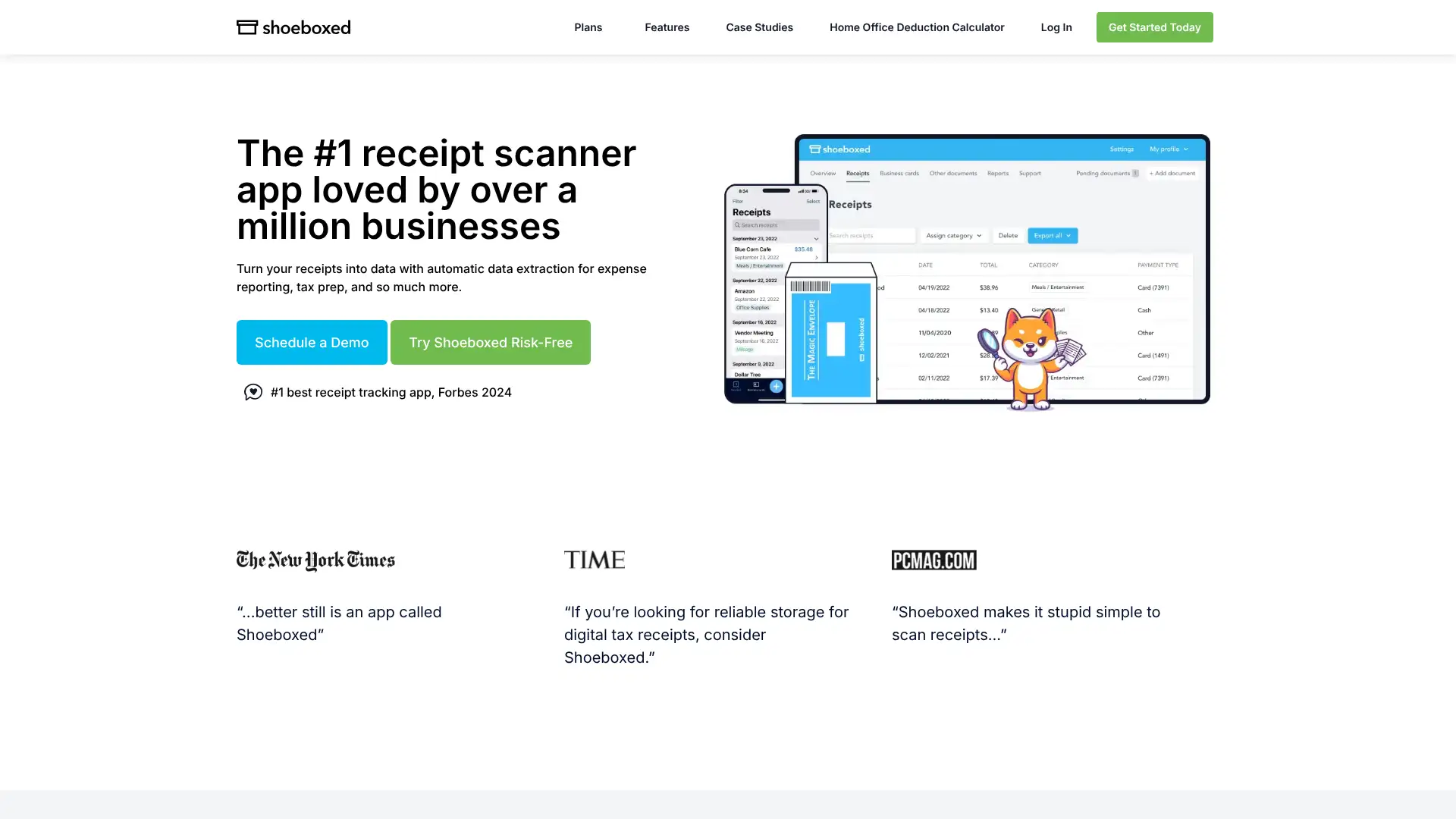
- • Magic Envelope: prepaid envelopes let users mail physical receipts for Shoeboxed's team to scan, data-enter, and categorize with human review
- • IRS-accepted records: Shoeboxed receipts are accepted by the IRS for audit purposes, with date, amount, vendor, and category verified by human reviewers
- • Mileage tracking: log business mileage in the Classic and Business plans with IRS-standard rate calculations for deduction reporting
- • QuickBooks and Wave integrations: export expense data directly to accounting software for reconciliation
- • Business card scanning: scan and digitize business cards to create contacts, available across all plans
Shoeboxed is best for businesses or individuals with large volumes of physical receipts that they cannot or will not scan themselves, and for whom the Magic Envelope mail-in service is a genuine time-saver worth the premium cost. For businesses already operating digitally with email invoices and bank feeds, Dext or Hubdoc offer better value for document capture. The per-plan document limits require careful volume estimation before choosing a tier.
BooksTime
BooksTime is a Massachusetts-based outsourced bookkeeping firm founded in 2016 and ranked #3,777 on the 2025 Inc. 5000 list of fastest-growing companies. It provides dedicated bookkeepers with 10 to 30 years of experience, accrual and cash-basis bookkeeping, tax coordination with CPAs, and white-label outsourcing for accounting firms. BooksTime is woman-founded with 90% women employees. Services are priced below standard market rates by utilizing bookkeepers in lower-cost regions while maintaining US-based client management. Pricing is custom and requires a free consultation to quote.
- • Dedicated bookkeeper: each client works with the same assigned bookkeeper throughout the engagement, not a shared team pool
- • Industry expertise: bookkeepers are matched to clients by industry including nonprofits, law firms, real estate, and startups
- • Accrual-basis bookkeeping: full double-entry records with GAAP-compliant month-end close available on all service levels
- • White label partnership program: outsource client bookkeeping to BooksTime while maintaining your firm's client relationship and branding
- • QBO, Xero, and other major accounting software compatibility: BooksTime works in the client's existing accounting system
BooksTime is a strong choice for small businesses and accounting firms that want dedicated, experienced human bookkeepers at below-market rates without the tech overhead of platforms like Bench or Pilot. Its white-label program is particularly valuable for small accounting practices looking to scale client bookkeeping capacity affordably. The lack of a client-facing dashboard and opaque pricing are the main drawbacks for businesses used to SaaS-style transparency.
Odoo (Accounting module)
Note: Odoo is listed separately from its main entry (entry 12) to reflect that it is often evaluated as a standalone accounting option for businesses not ready for full ERP deployment. The Odoo Accounting module is available as the One App Free plan (one app, unlimited users, hosted by Odoo) at no cost, making it possible to access full double-entry accounting, AI bill scanning, bank reconciliation, invoicing, and multi-currency support at zero cost when used as a standalone app. This entry is retained to explain this free-use case distinctly.
- • Free hosted accounting with unlimited users via the One App Free plan, covering invoicing, bills, bank sync, and reporting
- • AI bill scanning: upload or email supplier invoices and Odoo extracts vendor, amount, date, and account automatically
- • Bank reconciliation with automatic matching of imported bank transactions to outstanding invoices and bills
- • Analytic accounting: tag transactions to cost centers, projects, or departments for multi-dimensional P&L analysis
- • On-ramp to ERP: when operational complexity grows, additional Odoo modules (CRM, inventory, manufacturing) can be activated without migration
Odoo's One App Free plan is one of the best-kept secrets in free accounting software, providing hosted double-entry accounting with unlimited users, AI bill scanning, and bank reconciliation at no cost. It is an excellent choice for international small businesses, technically capable teams, and businesses planning to scale into ERP without switching platforms. Businesses that want simplicity above all should use Wave or ZipBooks instead.