OpenAI GPT Image 2.6 SunburstGPT Image 2.6 FlareGPT Image 2.5 SunburstGPT Image 2.5 FlareGPT Image 2GPT Image 1.5
Meta Muse Image
xAI Grok Imagine
Microsoft MAI-Image-2.7 Flash
Recraft Recraft V4.1 Flash
31 free AI image modelsAll image generators →
 GPT 5 Available
 DeepSeek V4 Available
 Kimi K2.6 Available GPT 5 Mini Available DeepSeek V3.2 Available GPT 5.4 Available GPT 5.4 mini Available GPT 5.6 Luna Available GPT 6 Luna Available
 Gemini 3.1 Available
 Grok 4 Available
 Qwen 3.7 Available
 Llama 3.1 Available
 Phi 4 Available GPT 5 nano by Open AI Available GPT 4.1 by Open AI Available GPT OSS by Open AI Available GPT OSS 20B by Open AI Available Gemini 3 by Google Available
 Claude Haiku 4.5 Available
 GLM 5.2 by Z.ai Available GLM 5.3 Flash by Z.ai Available
 Mistral Nemo Available Mistral Ministral 3 8B Available
 MiMo V2.6 Flash by Xiaomi Available Gemma 4 Available
 MiniMax M3.1 Flash Available
 Nex N2.5-Pro Available
 Granite 4.2 8B by IBM Available GLM 4.7 Flash by Z.ai Available Llama 4 Scout Available Gemma 3 4B Available Mistral Small 3 Available
 Command R7B by Cohere Available
 Nova Lite Available Llama 3.2 1B Available GPT 6 Luna Pro Available GLM 5.3 Available Qwen 3.7 Plus Available MiniMax M2.7 Available Mistral Small 4 Available Qwen 3.5-9B Available GLM 4.6V Available DeepSeek V3.1 Available
 Reka Flash 3 Available DeepSeek V3 Available GPT 4o mini Available Qwen 3.6 by Alibaba Available Qwen 3.8 Available Qwen 3.5 Available Claude Sonnet 4.6 Available GPT Astra by Open AI Available Gemini 3.5 Flash Available Claude Opus 5.5 Available Claude Haiku 5.5 Available Claude Fable 5.1 Available Claude Sonnet 5.5 Available GPT 6.1 Terra Available Mistral Pixtral Large 2502 Available Mistral Large 4 Available Muse Ember Available Muse Glimmer Available Gemini 4 Carbon Available Gemini 3.8 Flash Available
 Seed 2.1 Turbo Available Seed 2.0 Available
Free AI chat models, no sign upSee all chat models →
Chat with AI
OpenAI
Meta
xAI
Ideogram
Microsoft
Recraft
Black Forest Labs
GPT 5 Available DeepSeek V4 Available Kimi K2.6 Available GPT 5 Mini Available DeepSeek V3.2 Available GPT 5.4 Available GPT 5.4 mini Available GPT 5.6 Luna Available GPT 6 Luna Available Gemini 3.1 Available Grok 4 Available Qwen 3.7 Available Llama 3.1 Available Phi 4 Available GPT 5 nano by Open AI Available GPT 4.1 by Open AI Available GPT OSS by Open AI Available GPT OSS 20B by Open AI Available Gemini 3 by Google Available Claude Haiku 4.5 Available GLM 5.2 by Z.ai Available GLM 5.3 Flash by Z.ai Available Mistral Nemo Available Mistral Ministral 3 8B Available MiMo V2.6 Flash by Xiaomi Available Gemma 4 Available MiniMax M3.1 Flash Available Nex N2.5-Pro Available Granite 4.2 8B by IBM Available GLM 4.7 Flash by Z.ai Available Llama 4 Scout Available Gemma 3 4B Available Mistral Small 3 Available Command R7B by Cohere Available Nova Lite Available Llama 3.2 1B Available GPT 6 Luna Pro Available GLM 5.3 Available Qwen 3.7 Plus Available MiniMax M2.7 Available Mistral Small 4 Available Qwen 3.5-9B Available GLM 4.6V Available DeepSeek V3.1 Available Reka Flash 3 Available DeepSeek V3 Available GPT 4o mini Available Qwen 3.6 by Alibaba Available Qwen 3.8 Available Qwen 3.5 Available Claude Sonnet 4.6 Available GPT Astra by Open AI Available Gemini 3.5 Flash Available Claude Opus 5.5 Available Claude Haiku 5.5 Available Claude Fable 5.1 Available Claude Sonnet 5.5 Available GPT 6.1 Terra Available Mistral Pixtral Large 2502 Available Mistral Large 4 Available Muse Ember Available Muse Glimmer Available Gemini 4 Carbon Available Gemini 3.8 Flash Available Seed 2.1 Turbo Available Seed 2.0 Available Free AI chat models, no sign upSee all chat models →
OpenAI GPT Image 2.6 SunburstGPT Image 2.6 FlareGPT Image 2.5 SunburstGPT Image 2.5 FlareGPT Image 2GPT Image 1.5
Meta Muse Image
xAI Grok Imagine
Microsoft MAI-Image-2.7 Flash
Recraft Recraft V4.1 Flash
31 free AI image modelsAll image generators →
Chat settings
Browse the web
Focus mode
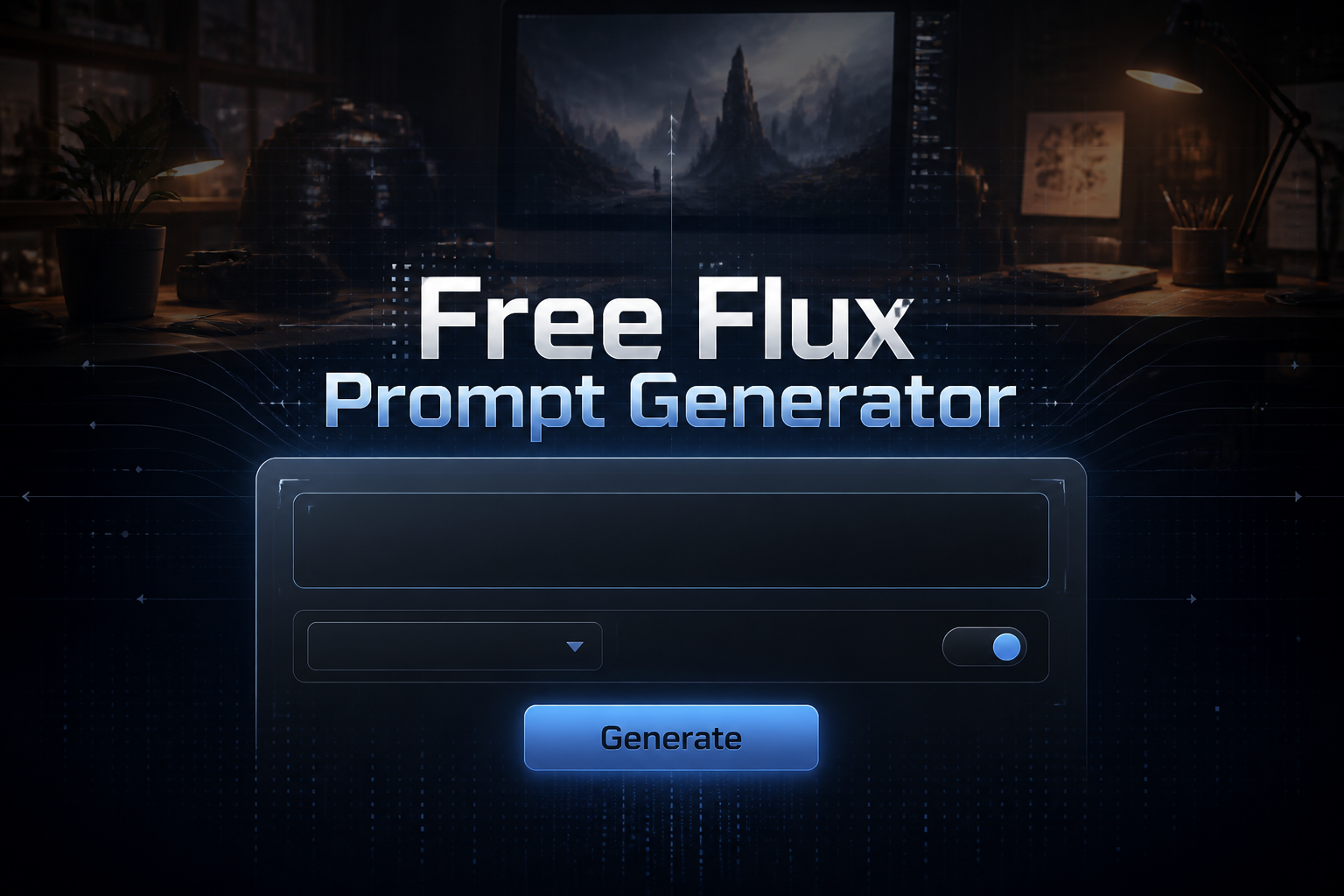
Free Flux AI image prompt generator
Flux Prompt Generator
Write detailed Flux image prompts for free with AIFreeForever's Flux Prompt Generator. It suits artists, designers and content creators.
Pick the Flux model and style to generate your Flux promptsPick the model and style
Flux Model
Image Style
Quality Level
Aspect Ratio
Lighting Style
Quick image styles you can choose from