GPT Image 2.6 Flare Free Image Generator

Use OpenAI's GPT Image 2.6 Flare free on AIFreeForever. It is the Images 2.6 model built for fast iteration: quick drafts, quick edits and many ideas in a short time.

  • 100% Free
  • No Watermark
  • Commercial Use Allowed

What is GPT Image 2.6 Flare?

GPT Image 2.6 Flare is OpenAI's Images 2.6 model for fast iteration. It came out together with GPT Image 2.6 Sunburst, which is made for detailed visual work. Flare makes images from text and edits your pictures, so you can try many ideas quickly.

You can use GPT Image 2.6 Flare for free on AIFreeForever with no login and no sign up. Type your prompt in the chat box at the top, press Enter and get your image. If you are a developer, you can also get an OpenAI API key and use GPT Image 2.6 Flare in your own app.

Generate an image
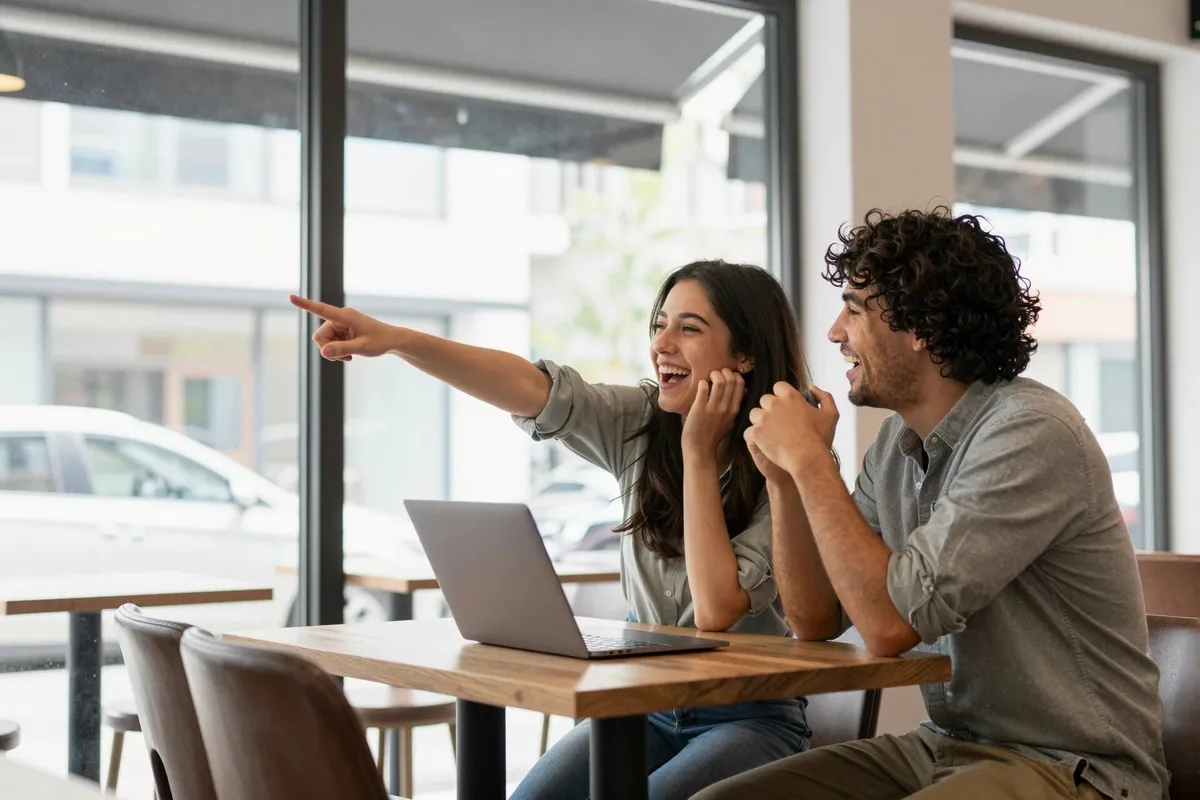
Picture made with GPT Image 2.6 Flare on AIFreeForever

How to use GPT Image 2.6 Flare free in 4 steps

1

Select GPT Image 2.6 Flare

GPT Image 2.6 Flare is already picked in the chat box at the top.
2

Write a prompt or upload pictures

Type what you want to see. To edit, attach up to 3 pictures and say what to change.
3

Pick a size and format

Choose one of 7 sizes and PNG, JPG or WebP. You can also ask for a transparent background.
4

Generate and download

Press Enter. Your image shows in the chat and you can download it for free.
Try it for free

GPT Image 2.6 Flare features

These are the GPT Image 2.6 Flare features you can use for free on AIFreeForever.

Fast drafts and quick changes

Flare is made for fast iteration, so you can try one idea after another.

Text in images

Put titles, labels and short lines of text in your image.

Edit your pictures

Attach a picture, say what to change and get a new version.

Combine up to 3 pictures into one

Attach up to 3 reference pictures and Flare puts them together.

Transparent backgrounds

Ask for a transparent background and download it as PNG or WebP.

No watermarks

Every image you download from AIFreeForever is clean, with no watermark.

GPT Image 2.6 Flare settings explained

The table below shows the GPT Image 2.6 Flare settings on AIFreeForever and the options in the official OpenAI API.

SettingOn AIFreeForeverOfficial API optionsTip

Quality

Set to low by AIFreeForever low, medium, high, xhigh, max or auto Low for drafts, xhigh or max for final images

Complexity

Set to low by AIFreeForever low, medium or high (default high) High for dense text and layouts, low or medium for small edits

Size

7 sizes: 1:1, 4:3, 3:4, 3:2, 2:3, 16:9 and 9:16, up to 1088 pixels wide Named sizes or a custom size Sizes above 2560×1440 are experimental

Background

Normal or transparent auto, transparent or opaque A transparent background needs PNG or WebP

Format

PNG, JPG or WebP PNG, JPEG, WebP, GIF and SVG Pick PNG for logos and icons made with GPT Image 2.6 Flare

Quality sets how much detail the image gets. Complexity sets how much the model plans before it draws. In the API, if the layout is right but small text is blurry, raise the quality, not the complexity.

What you can create with GPT Image 2.6 Flare

Here are some pictures made with GPT Image 2.6 Flare. Each example shows the prompt under the picture. Press "Try the prompt" to use it.

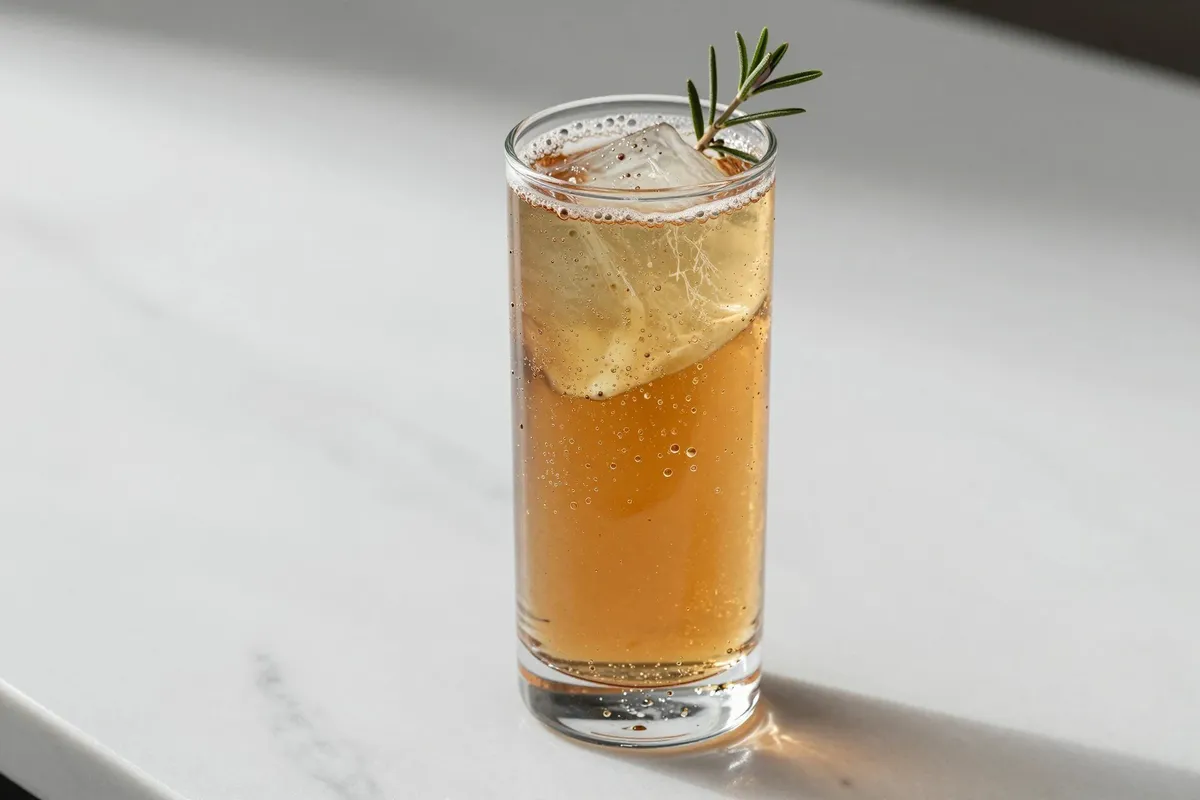
Drink photos

Drink photos made with GPT Image 2.6 Flare: A tall glass of iced amber drink with a rosemary sprig on a white marble counter, hard sunlight and a soft shadow

“A tall glass of iced amber drink with a rosemary sprig on a white marble counter, hard sunlight and a soft shadow”

Try the prompt

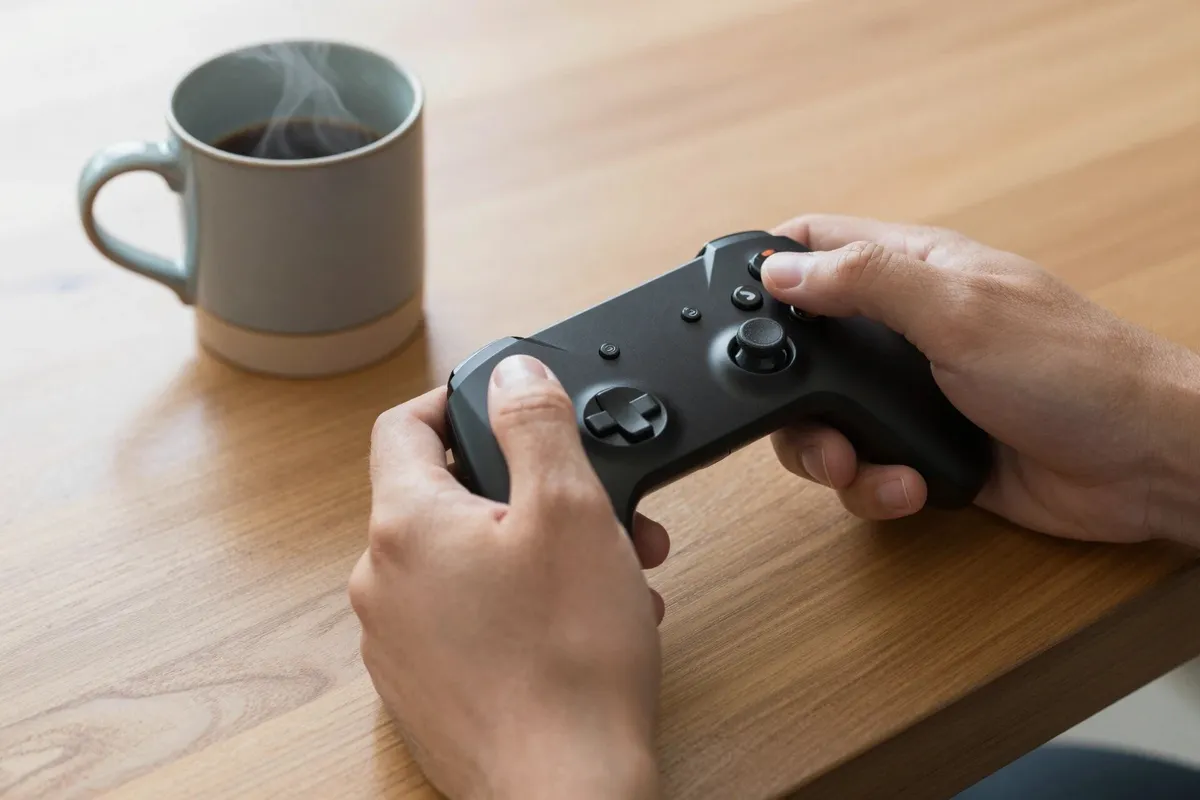
Product photos

Product photos made with GPT Image 2.6 Flare: Close-up of hands holding a black game controller on a wooden table, a steaming mug of coffee beside it

“Close-up of hands holding a black game controller on a wooden table, a steaming mug of coffee beside it”

Try the prompt

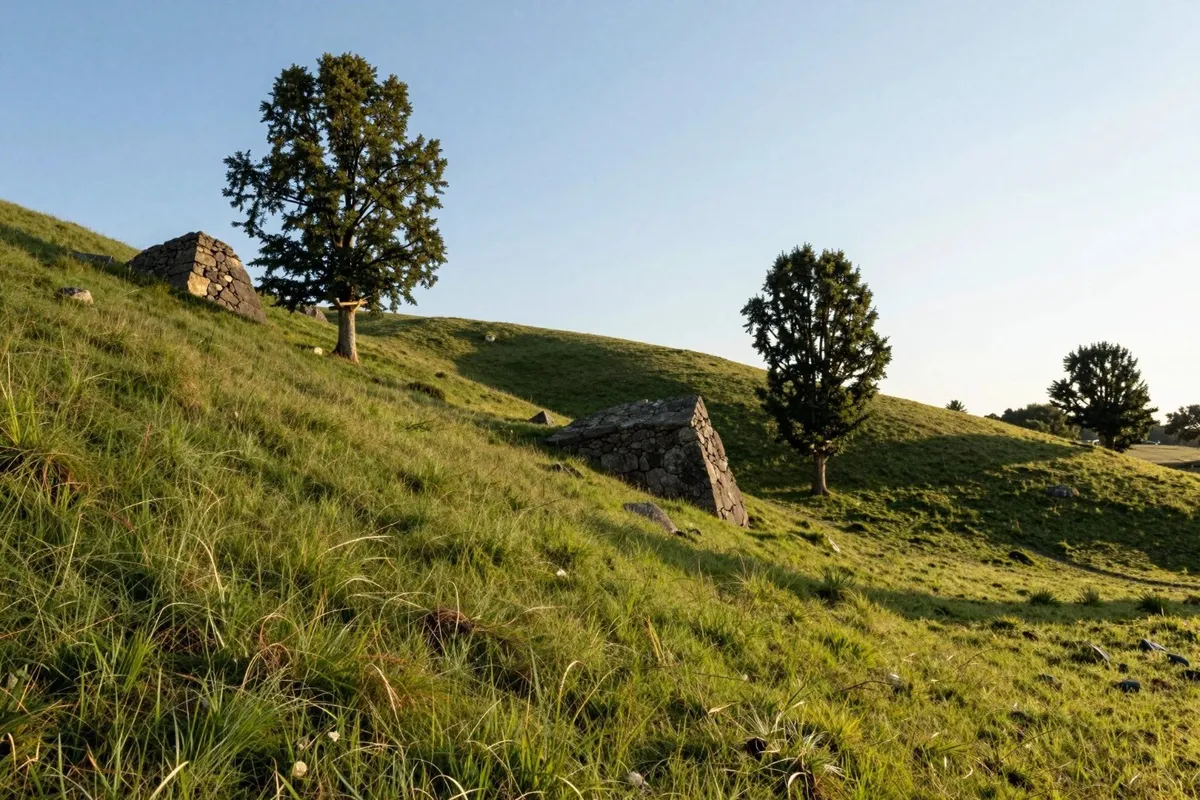
Landscape photos

Landscape photos made with GPT Image 2.6 Flare: A grassy hillside with old stone ruins and a few trees in late afternoon sun, clear blue sky

“A grassy hillside with old stone ruins and a few trees in late afternoon sun, clear blue sky”

Try the prompt

Prompt tips for GPT Image 2.6 Flare

Start short, then add detail

Make a quick first image, then add one detail at a time in your next prompts.

Put exact text in quotes

Write the words in quotes so Flare puts them in the image as you typed them.

When editing, say what must stay the same

For example: "Make the car red. Keep the street and the sky the same."

Make one change per edit in a series

Ask for one change at a time and edit the new image each time.

GPT Image 2.6 Flare vs GPT Image 2.6 Sunburst

GPT Image 2.6 Flare and GPT Image 2.6 Sunburst are both OpenAI Images 2.6 models. You can use both for free on AIFreeForever.

Use GPT Image 2.6 Flare free instead of paying for the API

The OpenAI API bills GPT Image 2.6 Flare by tokens. On AIFreeForever, GPT Image 2.6 Flare is free and you do not need an API key or a billing setup. The table below summarises the price differences between OpenAI's GPT Image 2.6 Flare and the one provided by AIFreeForever's Free AI.

What you payOpenAI APIAIFreeForever's Free AI
Text input$5 per 1M tokensFree
Cached text input$1.25 per 1M tokensFree
Image input$8 per 1M tokensFree
Cached image input$2 per 1M tokensFree
Image output$30 per 1M tokensFree
API key and billingNeededNot needed
AccountOpenAI accountNo login, no sign up

API prices are per 1 million tokens, from the GPT Image 2.6 Flare model pages on OpenAI and fal.

GPT Image 2.6 Flare API (for developers)

If you are a developer, you can use GPT Image 2.6 Flare in your own app with an OpenAI API key.

  • Model ID: gpt-image-2.6-flare
  • Endpoints: v1/images/generations, v1/images/edits
  • Parameters: quality, complexity, size, background and output format
{
  "model": "gpt-image-2.6-flare",
  "prompt": "A serene mountain landscape at sunrise",
  "quality": "high",
  "complexity": "high",
  "size": "1024x1024"
}

GPT-Image-2.6 Flare model page on OpenAI

Try other top AI image models

What users say

Ranked #1 Free AI by Experts

Testimonials From Trusted Users

Real reviews from real people.

Frequently asked questions

What is GPT Image 2.6 Flare?

GPT Image 2.6 Flare is OpenAI's Images 2.6 model for fast iteration. It makes images from text and edits your pictures.

Is GPT Image 2.6 Flare free?

Yes, you can use GPT Image 2.6 Flare for free on AIFreeForever with no login and no sign up. If you prefer the paid version then you have to use the OpenAI API.

What is the difference between GPT Image 2.6 Flare and Sunburst?

Flare is made for speed and fast iteration. Sunburst is made for detail, layout and edit accuracy. Both are OpenAI Images 2.6 models and both are free on AIFreeForever.

What does the complexity setting do?

Complexity sets how much the model plans before it draws. In the OpenAI API it can be low, medium or high, and high helps with dense text and complex layouts. On AIFreeForever it is set to low.

Can GPT Image 2.6 Flare edit my photos?

Yes. Attach your photo in the chat box at the top and say what to change and what must stay the same.

Can GPT Image 2.6 Flare make SVG files and animated GIFs?

The OpenAI API can return SVG and GIF files. On AIFreeForever you can download your GPT Image 2.6 Flare images as PNG, JPG or WebP.

How much does the GPT Image 2.6 Flare API cost?

The API bills by tokens: $5 per 1M text input tokens, $8 per 1M image input tokens and $30 per 1M image output tokens. On AIFreeForever it is free.

Try GPT Image 2.6 Flare free now

Make fast drafts and quick edits with GPT Image 2.6 Flare on AIFreeForever, with no login and no sign up.

Generate an image

Sources