MAI-Image-2.7 Flash Free AI Image Generator

Create product pictures and portraits with MAI-Image-2.7 Flash for free. This quick tool suits marketers needing fast production speed. It is the faster, lower-cost version of Microsoft's MAI Image 2.7.

  • 100% Free
  • No Watermark
  • Commercial Use Allowed

What is MAI-Image-2.7 Flash?

MAI-Image-2.7 Flash is Microsoft AI's faster, lower-cost image model and an optimized version of MAI Image 2.7. Microsoft released both models on November 17, 2026. The Flash model creates pictures from a text description and edits pictures you give it, with a maximum output of 4,194,304 pixels, about 2048x2048.

MAI-Image-2.7 Flash is free to use on AIFreeForever. You can also run it through Microsoft's own MAI Labs, and developers can call it through Microsoft Foundry for about $10 per 1,000 images.

Generate an image
MAI-Image-2.7 Flash free AI image generator on AIFreeForever: a small shop owner photographing products at a packing table
MAI-Image-2.7 FlashUse for free on AIFreeForever
Try MAI-Image-2.7 Flash free
DetailInformation
ModelMAI-Image-2.7 Flash
Made byMicrosoft
InputText description and a photo to edit
OutputPhotorealistic pictures at 1K, about 1 megapixel
FeaturesPhoto edits, transparent backgrounds, text on labels and more
PricingFree

How to use MAI-Image-2.7 Flash for free

1

Describe the picture you want

Type what you want to see in the chat box. The picture appears right in the chat.
2

Edit a photo if you have one

Attach up to 3 pictures and name the one thing to change. The model keeps the rest of the image as it is.
3

Pick your settings

Choose one of seven shapes, a PNG, JPG or WEBP format and a transparent background if you need one.
4

Download your picture

Every image comes with free captions for Instagram, X and Pinterest and ready-made alt text.
Try it for free

Features of MAI-Image-2.7 Flash

MAI-Image-2.7 Flash makes photorealistic pictures, edits photos through chat and writes clean text on labels, posters and packaging.

Precise photo edits

Remove, replace or recolour an object and the rest of the picture stays exactly as it was.

Transparent backgrounds

Product pictures, logos and icons come out ready to drop onto any page or shop listing.

Text on labels and signs

Microsoft built this model for sharp text on posters, packaging and signage.

Up to 2K pictures

At its maximum, each image reaches about 4.2 million pixels, the same as 2048x2048, so it holds up in print and on screen.

MAI-Image-2.7 Flash settings on AIFreeForever

The table below compares what MAI-Image-2.7 Flash offers at fal with what you get in our free image chat. It lists shapes, maximum size and formats. It also covers editing pictures and transparent backgrounds, so you know exactly what to expect before you type your first prompt.

SettingOn AIFreeForeverOfficial API optionsTip

Shape

1:1, 3:4, 4:3, 16:9, 9:16, 3:2 and 2:3 Square, 4:3, 3:2 and 16:9 both ways, or a custom size (each side at least 768 pixels) 9:16 suits stories, 16:9 suits banners.

Size

1K (about 1 megapixel) 1K or 2K, up to 4,194,304 pixels 1K suits web pages and social posts.

Format

PNG, JPG or WEBP JPEG, PNG or WebP PNG or WEBP keeps a transparent background.

Background

Normal or transparent Opaque or transparent Ask for a transparent background for logos and icons.

Reference pictures

Up to 3 Up to 5 for an edit Name the one thing to change.

MAI-Image-2.7 Flash runs on AIFreeForever through fal, at 1K.

What you can create with MAI-Image-2.7 Flash

MAI-Image-2.7 Flash suits online shops, marketers and anyone who edits product photos.

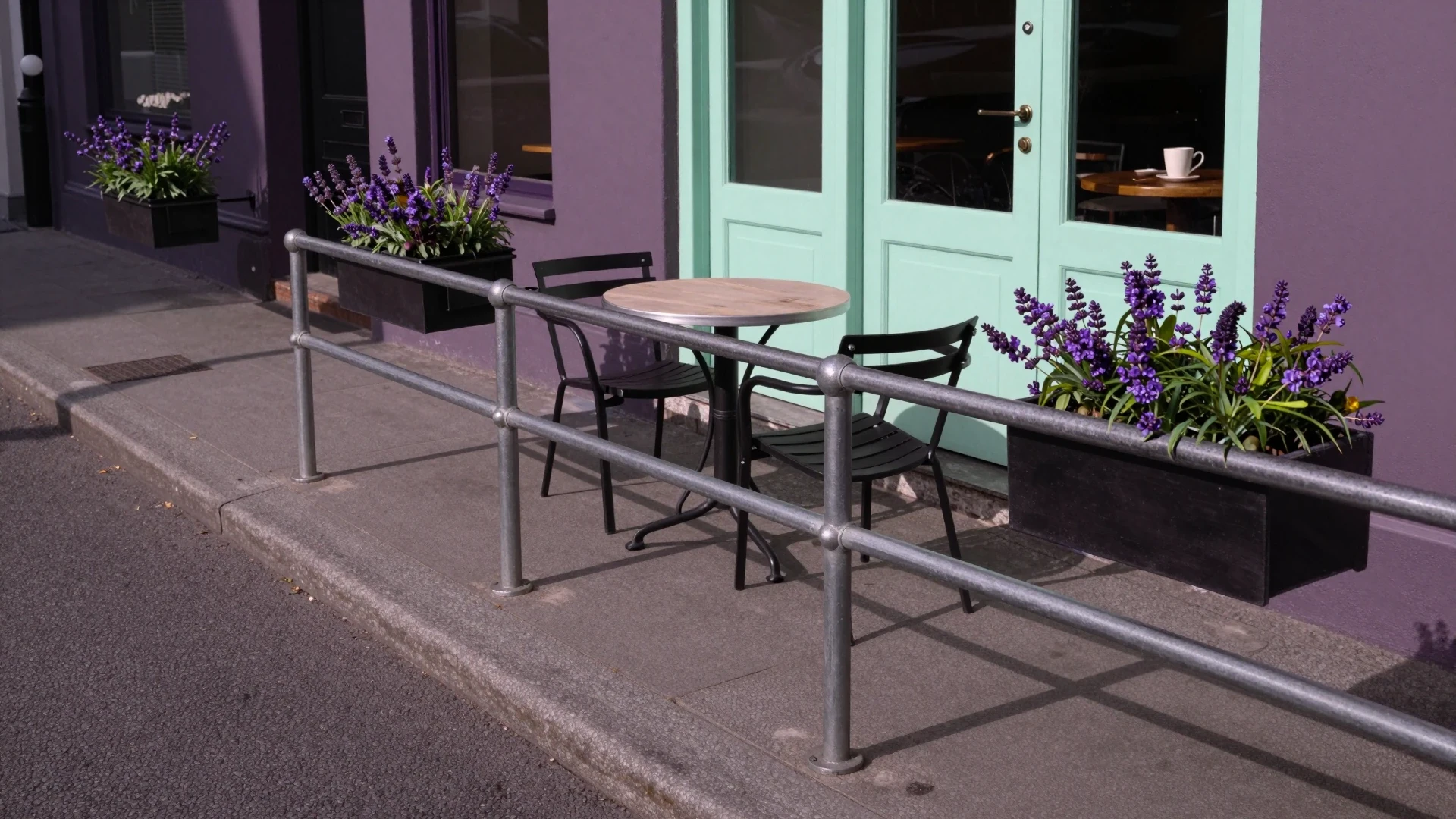
Object swaps and removals, for the free MAI-Image-2.7 Flash AI image generator: a quiet city pavement with an empty railing in morning light

Object swaps and removals

Remove or replace one thing in a picture and the rest of the scene stays exactly as it was.

Product and brand pictures, for the free MAI-Image-2.7 Flash AI image generator: a skincare bottle and a jar on a pale stone slab with soft studio light

Product and brand pictures

Make product shots and marketing visuals that match your shop or brand style.

Portraits, for the free MAI-Image-2.7 Flash AI image generator: a young woman with freckles beside a large window in soft morning light

Portraits

Get natural faces with realistic light and skin texture, ready for profiles or ads.

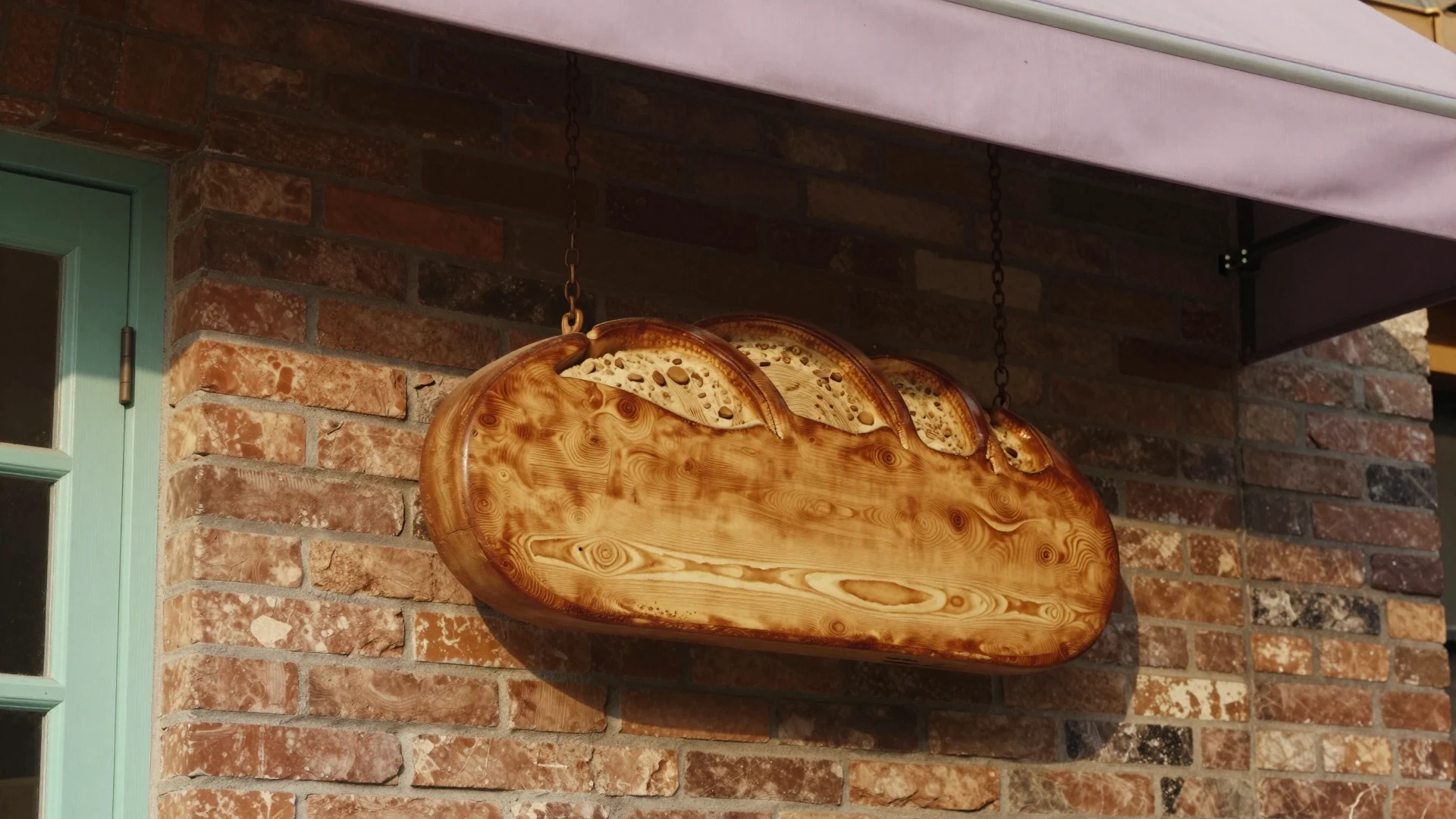
Posters, labels and signs, for the free MAI-Image-2.7 Flash AI image generator: a carved wooden bakery sign shaped like a loaf hanging by two chains on a brick wall

Posters, labels and signs

Add readable text inside the picture for posters, packaging, labels and signage.

Photo clean-up, for the free MAI-Image-2.7 Flash AI image generator: a living room with a dark green sofa and lavender cushions in warm lamp light

Photo clean-up

Fix motion blur and small flaws in an existing photo while the composition stays the same.

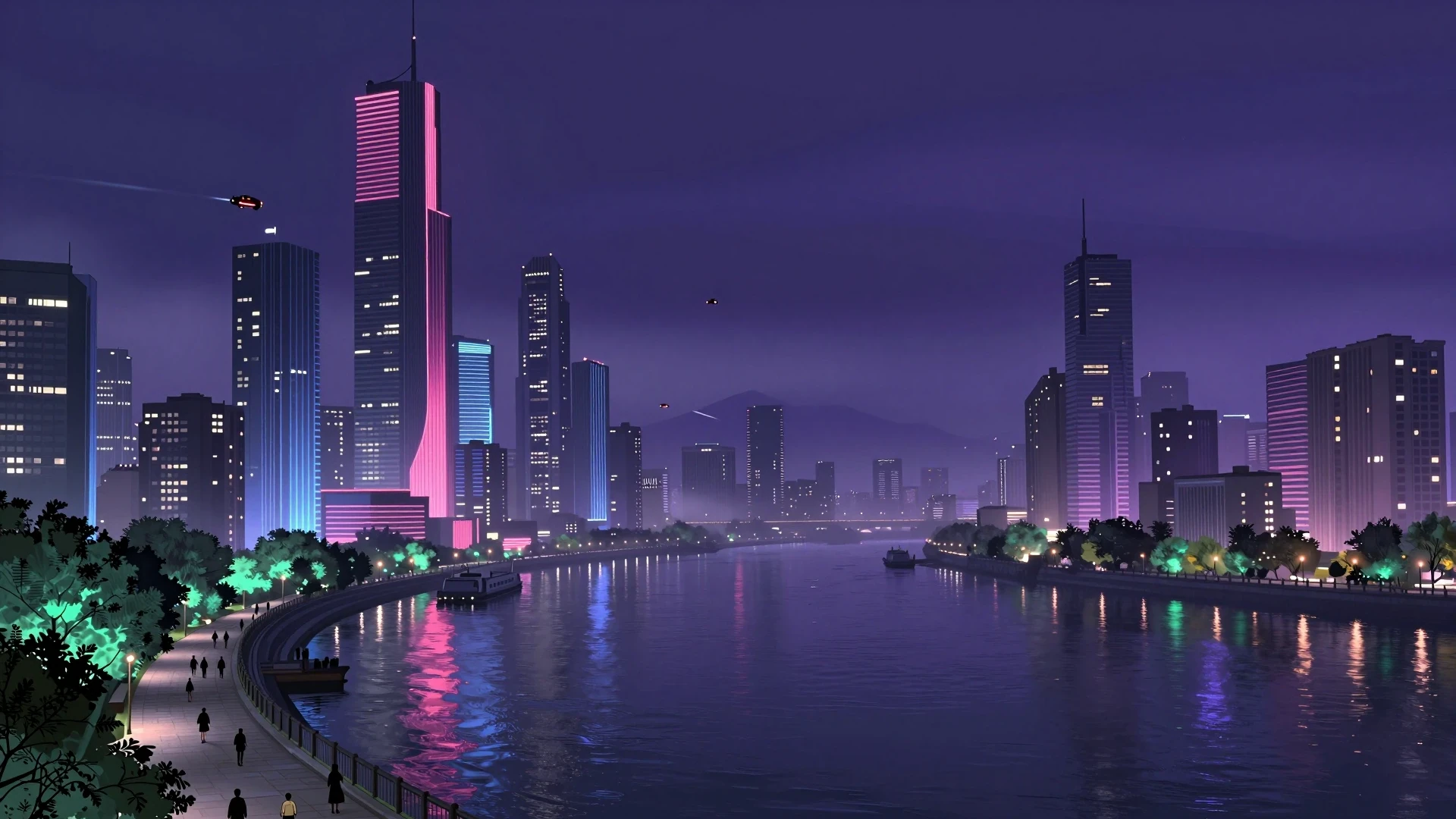
Cinematic landscape generation from the free MAI-Image-2.7 Flash: a futuristic city with neon lights reflecting over a river at night

Cinematic landscape and environment generation

Create stunning scenes for wallpapers or digital art that capture a specific mood and atmosphere.

Best prompts for MAI-Image-2.7 Flash

Copy one of these prompts into the chat box at the top of the page and pick a shape and format when asked.

  • "A white ceramic coffee mug on a plain light grey surface, studio lighting from the left, soft shadow, photorealistic product photo" and choose a transparent background for a clean cut-out.

    Try the prompt
  • "Remove the bicycle from the right side of the picture, keep the pavement and railing exactly as they are" as an edit with your own photo attached.

    Try the prompt
  • "A close-up portrait of a young woman with freckles, sitting beside a large window, soft morning light on her face, warm skin tones, natural photography style".

    Try the prompt
  • "A wooden shop sign for a bakery with the words 'FRESH BREAD' in carved letters, hanging by two chains against a brick wall, warm afternoon light".

    Try the prompt
  • "Change the colour of the sofa in my photo to dark green, keep the fabric texture and the rest of the room unchanged" as an edit with the picture attached.

    Try the prompt
  • A futuristic cityscape over a neon river, moody blue and pink neon glow, cyberpunk digital art, 16:9

    Try the prompt

MAI-Image-2.7 Flash vs Nano Banana 2.1

If you are choosing between MAI-Image-2.7 Flash and Nano Banana 2.1, both run free on AIFreeForever and both are fast versions of a larger model. Each one makes new pictures and edits the ones you attach. The table below compares maker, release date, reference pictures, picture size and official price so you can pick the right model for your task.

MAI-Image-2.7 FlashNano Banana 2.1
MakerMicrosoft AIGoogle DeepMind
ReleasedNovember 17, 2026October 6, 2026
Reference pictures (official API)Up to 5Up to 14
Largest picture (official)4,194,304 pixels (2048x2048)4K
Official priceAbout $10 per 1,000 images (Microsoft Foundry)$0.0336 per 1K image (Gemini API)
On AIFreeForeverFreeFree

MAI-Image-2.7 Flash official pricing vs AIFreeForever

Microsoft prices MAI-Image-2.7 Flash at about $10 per 1,000 images on Microsoft Foundry. On fal, a 1024x1024 picture costs $0.01024 before text input tokens. An edit with one 1024x1024 picture in and out costs $0.0128 before text tokens. On AIFreeForever, MAI-Image-2.7 Flash is free. The table below summarises the price of MAI-Image-2.7 Flash.

WherePrice
Microsoft Foundry (official)About $10 per 1,000 images
fal, text to image$10 per million image output tokens plus $1.75 per million text tokens: $0.01024 for a 1024x1024 picture before text
fal, editPlus $2.50 per million image input tokens: $0.0128 for one 1024x1024 picture in and out before text
AIFreeForever's Free AIFree

If you are a developer in need of this model, Microsoft Foundry, fal, OpenRouter and Vercel offer it. Our chatbot reaches MAI-Image-2.7 Flash through fal, so you can use it for free.

Is MAI-Image-2.7 Flash safe to use?

Yes. MAI Image 2.7 is the model Flash is an optimized version of. Its model card describes layered safety guardrails, with prompt and output filtering to detect and block harmful content. The model was also tested in adversarial safety scenarios before release.

On AIFreeForever, every prompt passes a safety check before it reaches the model. If a picture is blocked, the chat explains why and what to change. Uploaded pictures are held for at most 30 minutes on our own Cloudflare R2 storage and then deleted.

Try other top AI image models

Testimonials from trusted users

Real reviews from real people.

★★★★★
“They do exactly what they say - It really is all free and you do not even have to sign up!”
Lou L.US · Oct 11, 2026
★★★★★
“top very easy and free”
fouad H.DZ · Oct 6, 2026
★★★★★
“Great AI. Thanks so much for developing this free and very functional AI system.”
Julian N.DE · Oct 3, 2026
★★★★★
“Nice service, seems to be free to use, by watching a short ad. Seems to work as it should.”
Mike B.US · Jun 12, 2026
★★★★★
“Make sure you follow the instructions, do the add or the I am not a robot… the site is 100% legit.”
chelleMay 19, 2026
★★★★★
“This website/tool is WONDERFUL! I learned about it from a fellow creator/marketer on Instagram, and went right to IT.”
Christopher J.Apr 28, 2026
★★★★★
“I live in a country where i can't easily get a credit card and it means no way to subscribe for…”
Zamil D.Mar 26, 2026

MAI-Image-2.7 Flash FAQs

Is MAI-Image-2.7 Flash free?

Yes. AIFreeForever runs MAI-Image-2.7 Flash free in its image chat. On Microsoft Foundry the model costs about $10 per 1,000 images.

What is the difference between MAI Image 2.7 and MAI-Image-2.7 Flash?

Flash is an optimized version of MAI Image 2.7, built for speed and lower cost. It runs at about $10 per 1,000 images, while MAI Image 2.7 costs about $35.

Can MAI-Image-2.7 Flash edit photos?

Yes. On AIFreeForever you attach up to 3 pictures in the chat box and describe the change you want. The edit endpoint on fal accepts up to 5 input images.

Does MAI-Image-2.7 Flash make transparent backgrounds?

Yes. Both MAI Image 2.7 models support transparent backgrounds, which is useful for product images, logos, icons and illustrations. In our chat you can pick a transparent background before the picture is made.

Who makes MAI-Image-2.7 Flash?

Microsoft AI released MAI Image 2.7 and MAI-Image-2.7 Flash on November 17, 2026. Flash is a diffusion model for text-to-image and image editing, with a maximum output of 4,194,304 pixels, the equivalent of 2048x2048.

Create portraits with MAI-Image-2.7 Flash for free

Type a prompt in the chat box at the top of the page and MAI-Image-2.7 Flash makes your picture for free. You can also attach a photo and edit one thing in it.

Generate an image