Free Pictionary word lists, no login

Pictionary Word Generator

Generate custom Pictionary word lists, play the game online with friends, or browse 500+ curated words by difficulty and category. Everything you need for Pictionary in one place.

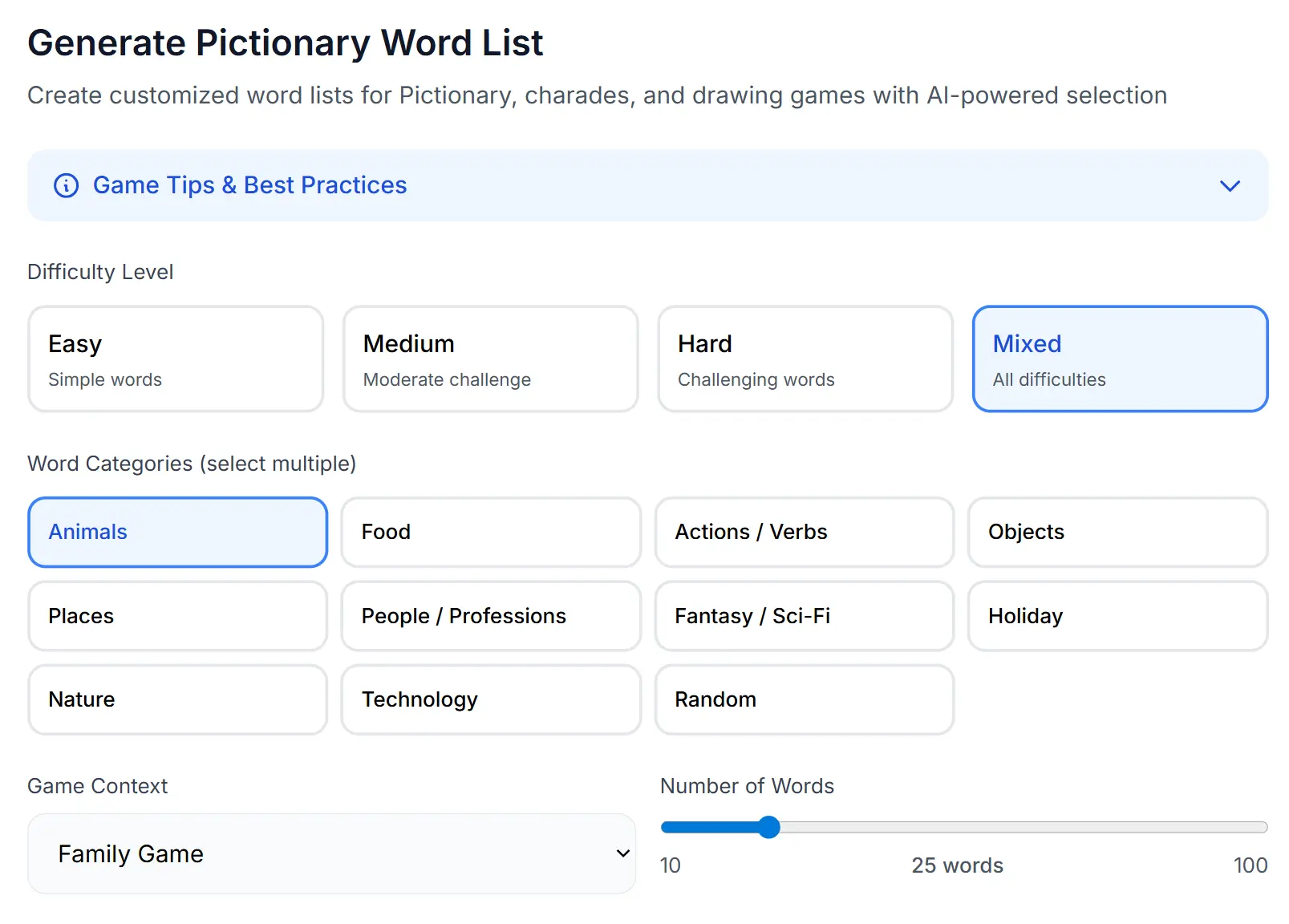
Pick a difficulty and category to generate your Pictionary wordsPick a difficulty and category
Difficulty Level
Word Category
Game Context
Language
Number of Words
Quick categories you can choose from
Generate Pictionary Words or Play the Game Online

Use the settings card and chat box at the top to generate AI-powered word lists. Use the tool below to play Pictionary with friends, draw on the sketchpad, or browse and download from our curated collection of 522 words.

Set up your game, add players, and start drawing. Words are shown as flashcards - only the drawer sees the word.

What is a Pictionary Word Generator?

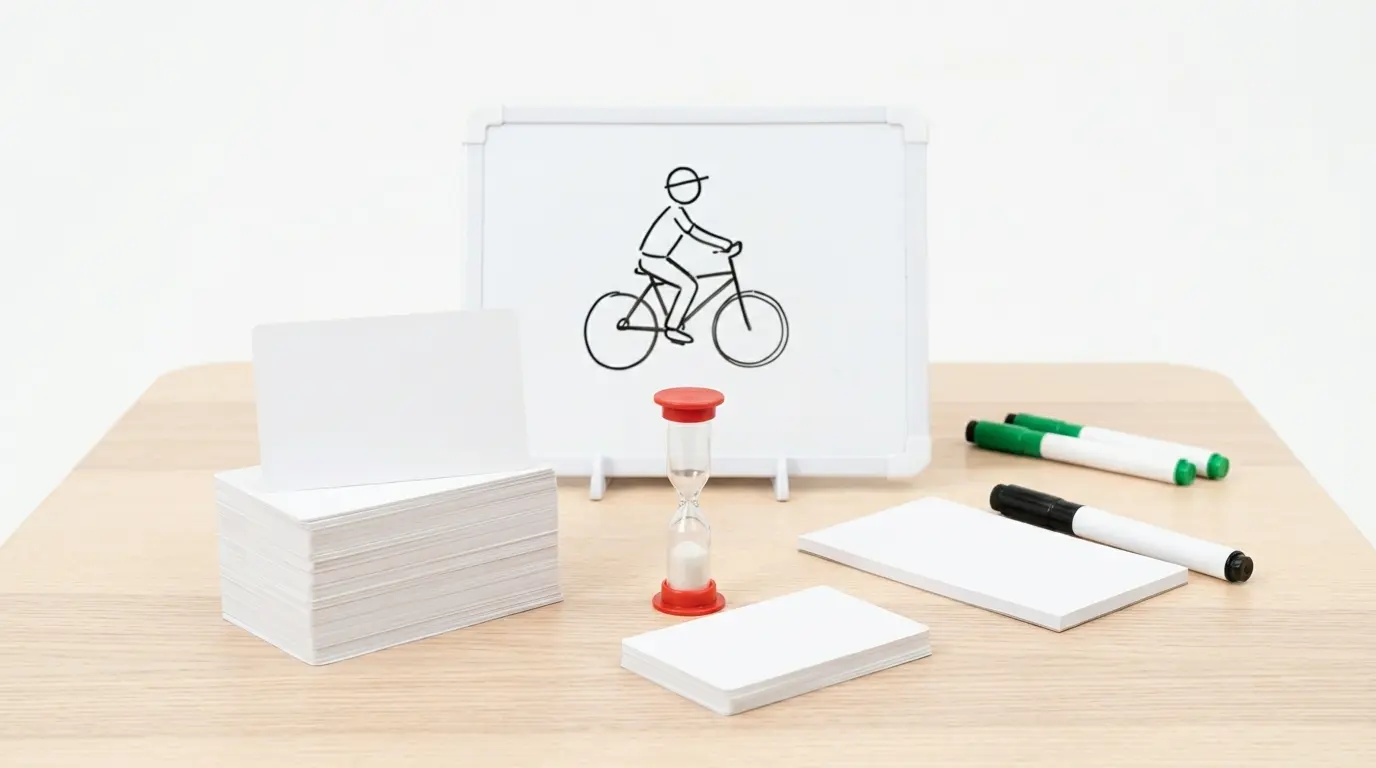
Pictionary Word List Generator - Create custom word lists for drawing games: a whiteboard drawing of a cyclist, word cards, a sand timer and markers

A Pictionary word list generator is a smart tool that automatically creates word prompts for drawing and guessing games like Pictionary, charades, or sketch-based party games.

You can choose difficulty levels and categories to get customized words perfect for your audience.

Whether you're playing with kids, adults, or mixed groups, this tool saves time and gives you a fresh and balanced set of words every round. No more struggling to think of good words on the spot!

Generate Pictionary Word List

Create custom Pictionary word lists tailored to your group in seconds. Choose from 11 categories including Animals, Food, Actions, Objects, Places, People, Fantasy, Holiday, Nature, Technology, and Random.

Set the difficulty to Easy, Medium, Hard, or Mixed, and pick a game context like Family Game, Kids Game, Party Game, Classroom, ESL Learning, or Team-building.

The generator runs on several AI models you can switch between and compare. It produces 10 to 100 unique words per list, and you can download, copy, or generate more as many times as you need.

How to Play Pictionary

Pictionary is a classic drawing and guessing game where one player draws a word while teammates try to guess what it is before time runs out. Here is how a typical round works:

Pictionary round steps from the free Pictionary Word Generator: a small group around a table laughing as one person draws on a sketchpad with a visible sand timer and teammates guessing
  1. 1

    Add players

    Set up two or more players and choose a difficulty level.

  2. 2

    Set the timer

    Pick a time limit per turn (30 to 300 seconds).

  3. 3

    Reveal the word

    The drawer taps the flashcard to see the secret word. Only the drawer should look.

  4. 4

    Draw

    The drawer sketches clues on paper or uses the built-in Sketchpad while teammates guess.

  5. 5

    Score

    If someone guesses correctly, both the drawer and the guesser earn a point. If time runs out, no points are awarded.

  6. 6

    Next turn

    The next player becomes the drawer and a new word is drawn.

The player with the most points at the end wins. Our built-in game mode handles turn order, scoring, and word selection automatically so you can focus on having fun.

Everything You Need for Pictionary in One Tool

This tool combines everything required for a complete Pictionary experience. No extra apps, no paper scraps, no awkward pauses to think of words.

Multiplayer Game Mode

Add multiple players, track scores automatically, manage turns, set custom timers, and reveal words with tap-to-show flashcards. Full game flow from start to finish.

AI Word List Generator

Generate custom word lists by category, difficulty, and game context. Powered by several AI models you can switch between and compare, for fresh, balanced results every time. Download as text or copy to clipboard.

Built-in Sketchpad

Draw directly on screen with multiple colors, adjustable brush sizes, and eraser. Save your drawings as PNG. Play Pictionary without needing paper or a whiteboard.

500+ Word Database

Browse, search, and filter from over 500 curated Pictionary words organized by difficulty. Download the full list as CSV or Excel for offline use.

Pictionary Word Lists Types

Pictionary words come in three levels and many themes. Press Try on a card to set it in the settings card.

Pictionary word list types overview: difficulty levels Easy, Medium, Hard and Mixed, and word categories from Animals to Technology

Easy Words

Perfect for kids or beginners:

  • Dog, Apple, Car, Jump
  • House, Cat, Ball, Run
  • Sun, Tree, Book, Happy

Medium Words

Moderate challenge for mixed groups:

  • Backpack, Vacuum, Pirate
  • Balloon, Guitar, Kitchen
  • Mountain, Thunder, Dancing

Hard Words

Challenging words for experts:

  • Telescope, Parliament, Volcano
  • Imagination, Democracy, Photosynthesis
  • Architecture, Philosophy, Constellation

Theme-Based Lists

Organized by specific categories:

  • Animals: Lion, Penguin, Butterfly
  • Holidays: Christmas, Halloween, Easter
  • Professions: Doctor, Teacher, Chef

How to Use the Pictionary Word List Generator

The settings card above the chat box holds every choice. Follow these five steps to get your first word list.

  1. 1

    Choose a Difficulty Level

    Select Easy, Medium, Hard, or Mixed based on your group's skill level and age range.

  2. 2

    Select Your Categories

    Pick from Animals, Food, Actions, Objects, Places, and more. For variety, pick Random, or pick Custom and type several categories, like "animals and food."

  3. 3

    Set Your Word Count

    Choose between 10-100 words depending on how long you want to play.

  4. 4

    Pick Your Game Context

    Select from Family Game, Kids Game, Party Game, Classroom, or other contexts for appropriate word selection.

  5. 5

    Generate and Use Your List

    Copy, print, or download your custom word list for immediate use in your game.

The Pictionary Game Night Guide for 2026Free PDF with the rules of Pictionary, how to pick a difficulty for your group, word ideas for eleven categories, scoring and timer settings, team and classroom variations, and drawing tips for hard words. Download free PDF

Tips for Using the Pictionary Word Generator

The table below sums up four habits that make every game run smoothly, and why each one works.

Mixing categories tips from the free Pictionary Word Generator: two friends sorting different category card piles and folding lists, planning mixed-difficulty rounds at a kitchen island
Best PracticeWhy It Works

Combine multiple categories

Creates diverse gameplay and prevents predictable patterns. Pick Custom and type the mix, or pick Random.

Use "Mixed" difficulty for groups

Accommodates different skill levels and keeps everyone engaged.

Print lists in advance

Ensures smooth gameplay without technical interruptions.

Refresh with Generate 10 more words

Gets new word sets for multiple rounds or different groups. Press New to change the settings first.

Pictionary Word Formats

Every list comes in a format you can use straight away at the table.

Word-Only List

Simple numbered list perfect for quick games and easy reading during play. Pictionary word lists make game night unforgettable. Level up with custom drawing prompts from our Free Pictionary Prompt Generator.

Category-Grouped

Words organized by categories for themed rounds or educational purposes. Generate one list per category, and each word shows how hard it is: Easy, Medium or Hard.

Downloadable Files

Export as text files for offline use, printing, or sharing with others.

Examples from the Pictionary Word List Generator

Each example shows a difficulty, a category and four words it gave. Copy the words, or press Try to get a new list with the same settings.

Easy - Animals Category:

CatFishBirdElephant

Medium - Actions Category:

SkateboardingClimbingDancingReading

Hard - Fantasy / Sci-Fi Category:

DragonPortalTime MachineAlien Spaceship
friends drawing together from the free Pictionary Word Generator: three people at a coffee table laughing and sketching easy, medium and hard prompts

Which AI Models Power the Pictionary Word Generator?

The Pictionary Word Generator runs on several AI models on AIFreeForever. You can switch between them in the chat box at the top.

Ask for the same settings with two models and compare the word lists they make. Each model picks words in its own way, so a second model is a quick way to get a fresh list for the next round.

Frequently Asked Questions (FAQs)

Simply select your difficulty level, choose a word category, set the number of words you need, pick your game context, and click Generate Word List. The AI will create a custom list instantly.

Start Using the Pictionary Word List Generator Now

Ready to make your next game night unforgettable? Generate your perfect Pictionary word list in seconds and watch as your friends and family have a blast drawing and guessing their way to victory!

Start using the Pictionary Word List Generator now and bring endless fun to your game nights!

Easy to Hard11 categoriesFamily or party10 to 100 words

More Free AI Game and Word Tools