Free AI art prompts for Leonardo AI

Leonardo AI Prompt Generator

Turn your visual idea into a detailed Leonardo prompt. Ideal for artists, designers, and concept creators using AI to produce artwork.

Pick an art style and mood to generate your Leonardo AI promptsPick a style and mood
Art Style
Subject Type
Mood
Color Theme
Camera Angle
Language
Quick art styles you can choose from
Online tool for creating Leonardo AI prompts

AIFreeforever's Leonardo AI prompt generator helps you create detailed prompts for AI art generation. This tool transforms your basic idea into structured prompts that work well with Leonardo.ai platform. You can specify art style, subject type, mood, colors, and camera angles to get better results from your AI image generation.

  • The generator creates prompts that include specific visual details and technical specifications that Leonardo.ai understands well.
  • This helps you get more accurate results that match your creative vision.
  • This AI art prompt generator is completely free with no signup required.

AIFreeForever writes the prompts, not the images, and is not affiliated with or endorsed by Leonardo AI.

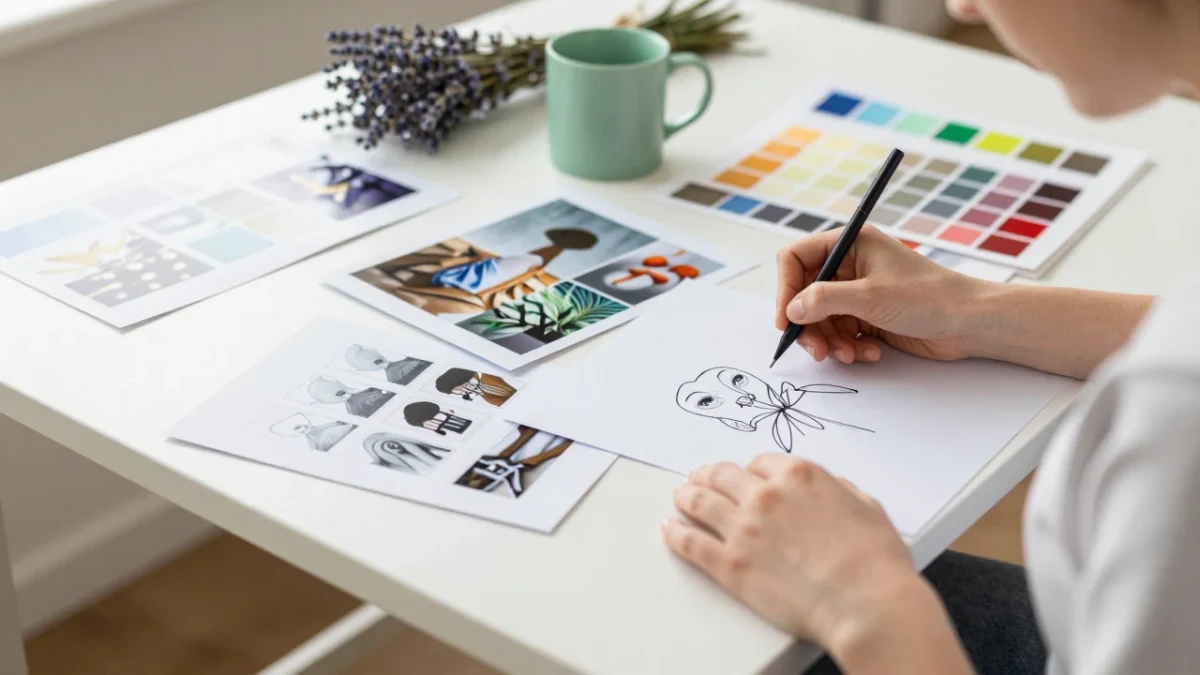
prompt ideation from the free Leonardo AI Prompt Generator: an artist at a sunlit desk sketching and arranging visual references and color swatches
Centered hero graphic for a free Leonardo AI prompt generator showing the title in bold black-shadowed text above a sleek UI panel with a prompt idea field, dropdown, toggle, and Generate button over a polished AI image workspace background.

How to create Leonardo AI prompts

Using this Leonardo AI prompt generator is simple and helps you create better prompts for AI art generation. You can customize different aspects to get more accurate results from Leonardo.ai platform.

  1. 1

    Enter Your Visual Concept

    Describe your artistic vision, scene, character, or environment that you want to create with Leonardo.ai.

  2. 2

    Choose Art Style

    Select Digital Painting, Anime, Realistic, Line Art, Fantasy Illustration, Surreal, or define your own artistic style.

  3. 3

    Select Subject Type

    Pick Character, Creature, Environment, Object, Abstract Scene, Landscape, or specify your own subject category.

  4. 4

    Set Mood and Tone

    Choose Dreamlike, Dark, Whimsical, Epic, Peaceful, Intense, or create your own atmospheric mood.

  5. 5

    Pick Color Theme

    Select Monochrome, Pastel, Neon, Earth Tones, Bold & Bright, or define your own color palette.

  6. 6

    Choose Camera Angle

    Select Close-up, Wide Shot, Overhead, First-Person, Side View, or specify your own composition angle.

  7. 7

    Generate Your Prompt

    Click Generate to create 3 Leonardo.ai prompts, then copy the one you like directly into Leonardo.ai for image generation.

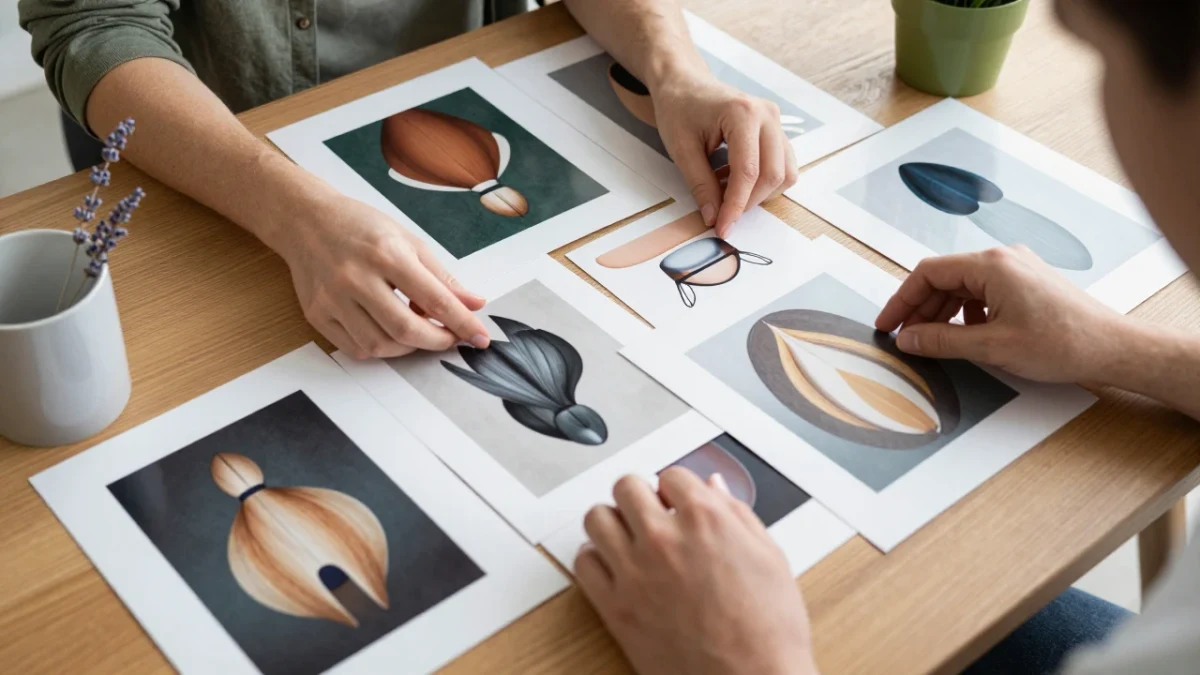
art print review from the free Leonardo AI Prompt Generator: an artist laying out multiple printed AI-generated images on a table and selecting favorites
The Leonardo AI Prompt Guide for 2026Free PDF with the six parts of a strong image prompt, the six art styles and when to use each, mood and colour pairs, the camera angles, ten ready prompts, and a page to plan your own picture. Download free PDF

What is Leonardo AI

Leonardo AI is an artificial intelligence platform that creates images from text descriptions. You write a prompt describing what you want to see, and Leonardo AI generates digital artwork based on your description. The platform is popular among artists, designers, and content creators for making concept art, illustrations, and creative visuals.

Leonardo AI works best when you give it detailed prompts that include specific information about style, colors, mood, and composition. This AI image prompt generator helps you create these detailed descriptions that produce better results from the AI platform.

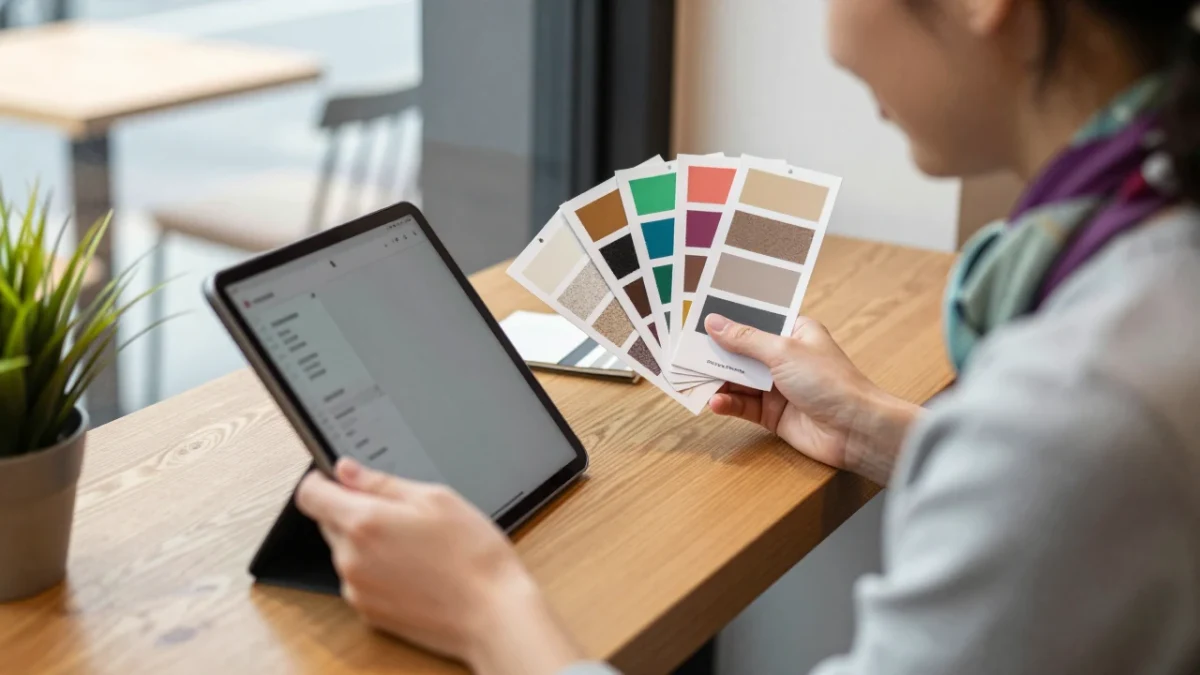
style selection from the free Leonardo AI Prompt Generator: a designer tapping style thumbnails on a tablet while holding printed texture samples

What every prompt from the generator includes

The subject and what it is doing

So the picture has one clear focus.

The art style

From digital painting and anime to line art and realistic.

The mood and atmosphere

Like dreamlike, epic or peaceful.

The colour theme

From monochrome and pastel to neon and earth tones.

The camera angle and framing

Like a close-up, a wide shot or an overhead view.

Leonardo AI art styles you can choose

The art style changes how the whole picture looks. Pick a style below to see what it is good for, then press Try to write three Leonardo AI prompts in that style.

Digital Painting

Digital painting prompts

Smooth, painterly pictures with digital brush effects. A good choice for character art, book covers and fantasy scenes.

Anime

Anime prompts

Japanese animation style with vibrant colours and stylised features. Use it for characters, school scenes and action moments.

Realistic

Realistic prompts

Photorealistic pictures with natural light and textures. Use it for portraits, products and real-world places.

Line Art

Line art prompts

A clean, outlined style with little shading. Use it for colouring pages, tattoos, logos and sketches.

Fantasy

Fantasy prompts

A magical, otherworldly style with rich detail. Use it for dragons, castles, spells and game concept art.

Surreal

Surreal prompts

Dreamlike, impossible scenes that bend reality. Use it for album art, posters and ideas that cannot be photographed.

Leonardo AI prompt examples

These are the kind of prompts the generator writes, one for each common subject. Copy one into Leonardo AI as it is, or press Try to write three more with the same settings.

Character prompt

  • "A lone armoured knight standing at the edge of a glowing forest at dusk, close-up of the worn helmet catching blue light, digital painting with soft brush strokes, dreamlike mood, monochrome blue palette, gentle mist and rim light, highly detailed, sharp focus"

Creature prompt

  • "A small red fox spirit with glowing tails leaping across moonlit rooftops, anime style with clean lines, whimsical mood, pastel pink and lavender sky, wide shot of the sleeping town below, soft glow, vibrant detail"

Environment prompt

  • "An abandoned greenhouse overgrown with giant ferns and hanging vines, sunlight breaking through cracked glass panels, realistic rendering, peaceful mood, earth tones of moss green and warm brown, wide shot from the doorway, natural light, highly detailed"

Object prompt

  • "An ornate brass pocket watch floating above an open book, its gears spilling out as tiny glowing stars, surreal style, dreamlike mood, neon violet and teal accents on a dark background, overhead view, crisp detail, soft shadows"

Tips for writing effective Leonardo AI prompts

These simple tips help you write better prompts that produce more accurate results from Leonardo AI. Following these suggestions will help you get images that match your creative vision more closely. Once your prompt is ready, head to our Illustration Image Generator to instantly bring it to life.

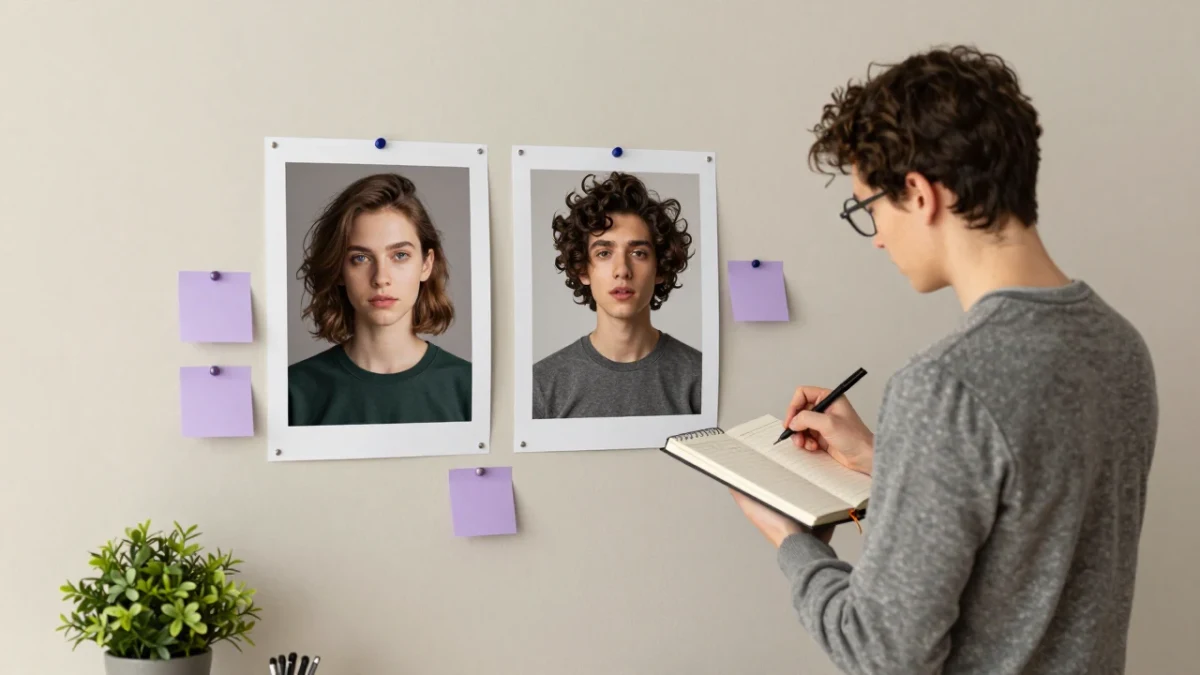
iterative refinement from the free Leonardo AI Prompt Generator: a person comparing two printed AI images pinned on a board and annotating differences in a notebook

Frequently asked questions about Leonardo AI prompts

Here are common questions people ask about creating and using Leonardo AI prompt generators for AI art generation.

Copy the generated prompt and paste it into Leonardo.ai's prompt field. You can adjust the generation settings and model options to get different results from the same prompt.

A strong Leonardo AI picture starts with a clear prompt: the subject, the style, the mood, the colours and the angle. Write three in seconds with the free Leonardo AI Prompt Generator, then make the picture in the tool you use.

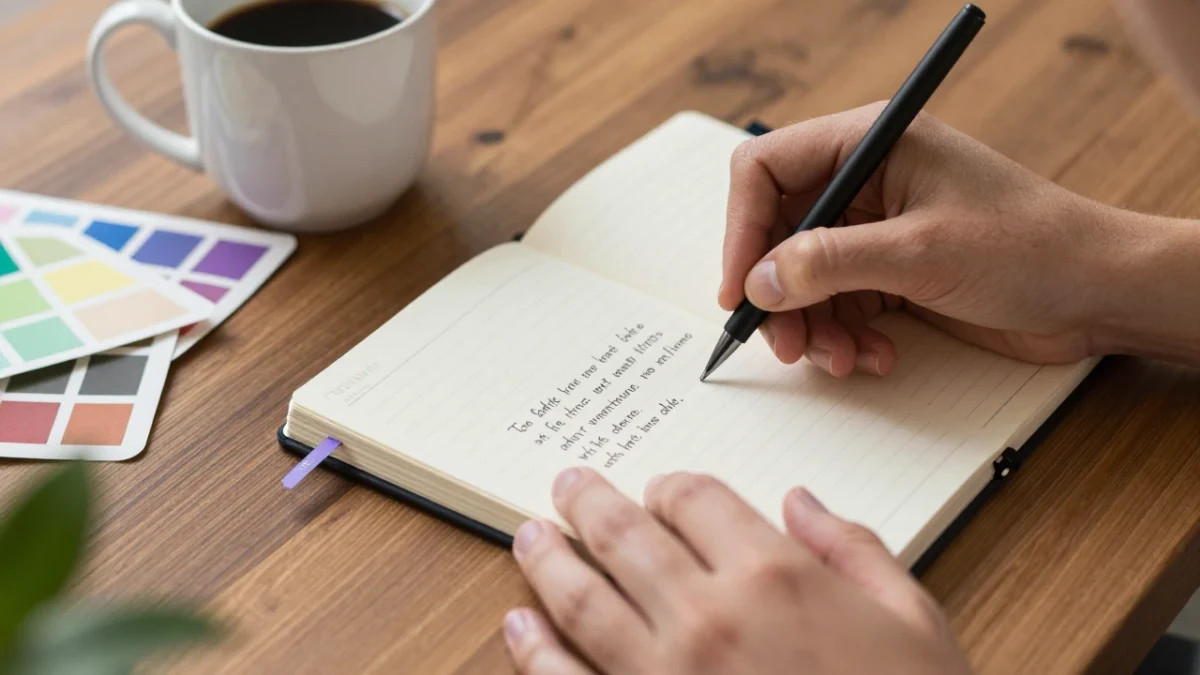
prompt writing outline from the free Leonardo AI Prompt Generator: close-up of hands writing a structured prompt outline in a notebook beside a coffee cup and color samples

Start writing your Leonardo AI prompts today, free on AIFreeForever

Alternative free AI tools like Leonardo AI Prompt Generator