Isometric images show three-dimensional objects on a flat surface using equal angles. The word “isometric” comes from Greek, meaning “equal measure.” These images create depth and dimension without using traditional perspective, making them perfect for technical drawings, game design, and modern graphic art.
Unlike regular perspective drawings where objects get smaller as they move away, isometric images keep all dimensions true to scale. This makes them useful when you need accurate measurements alongside visual appeal. The three main axes meet at 120-degree angles, giving objects that distinctive tilted appearance you’ve seen in video games and infographics.
Engineers and architects started using this technique in the 19th century for technical illustrations. Today, designers love isometric style because it combines the simplicity of flat design with the realism of three dimensions. You can spot these images everywhere from website landing pages to mobile app interfaces to product packaging.
Table of Contents
- What Are Isometric Images?
- Types of Isometric Designs
- Flat Isometric Illustrations
- 3D Realistic Isometric Art
- Line Art Isometric Style
- Pixel Art Isometric Graphics
- Geometric Isometric Patterns
- Architectural Isometric Drawings
- Common Uses for Isometric Images
- How to Generate Isometric Images with AI
- Best Practices for Creating Isometric Art
- Frequently Asked Questions
- Key Takeaways
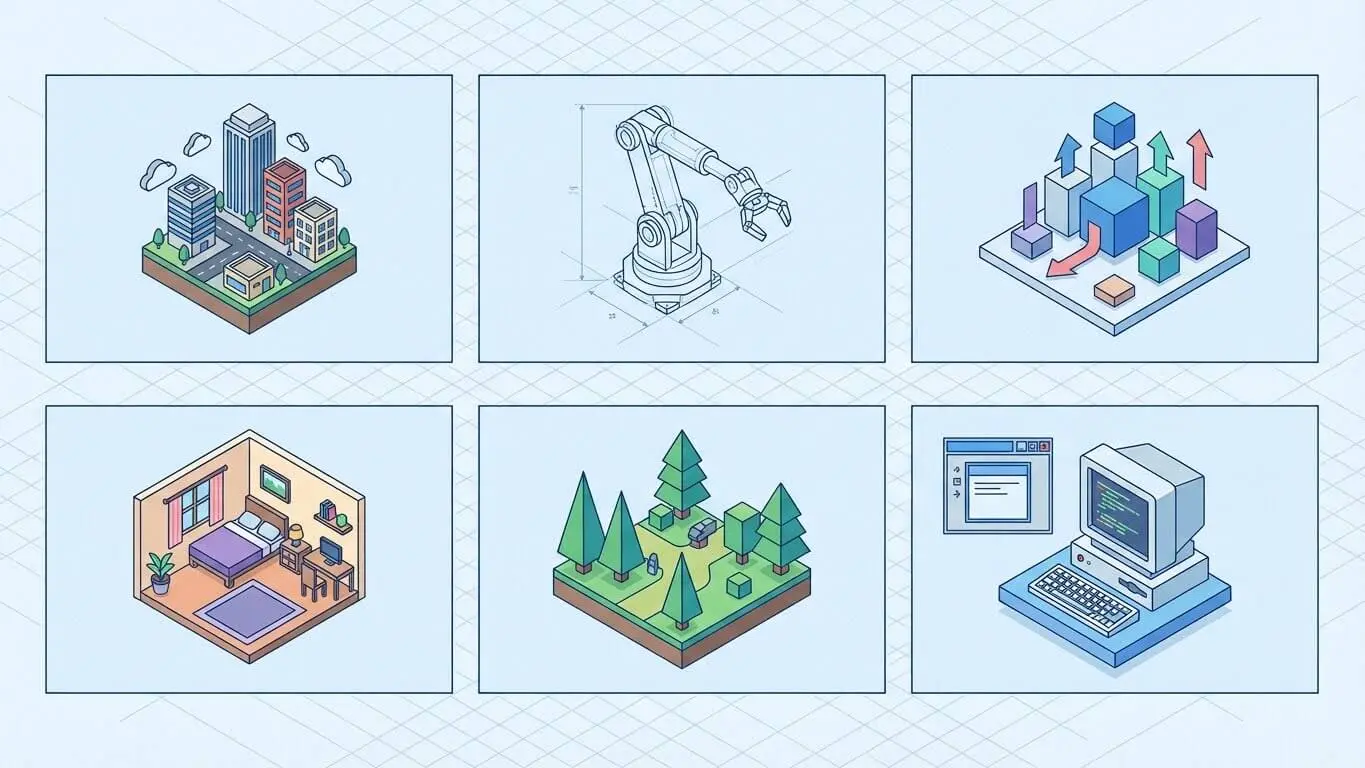
Types of Isometric Designs
Not all isometric images look the same. Different styles serve different purposes, from simple flat graphics to complex 3D renders. Each type has its own strengths depending on what you’re trying to create.
The main types include flat design isometric, realistic 3D isometric, line art, pixel art, and architectural drawings. Some designers mix these styles to create unique looks. The style you pick depends on your project goals, whether you need something minimal and modern or detailed and realistic.
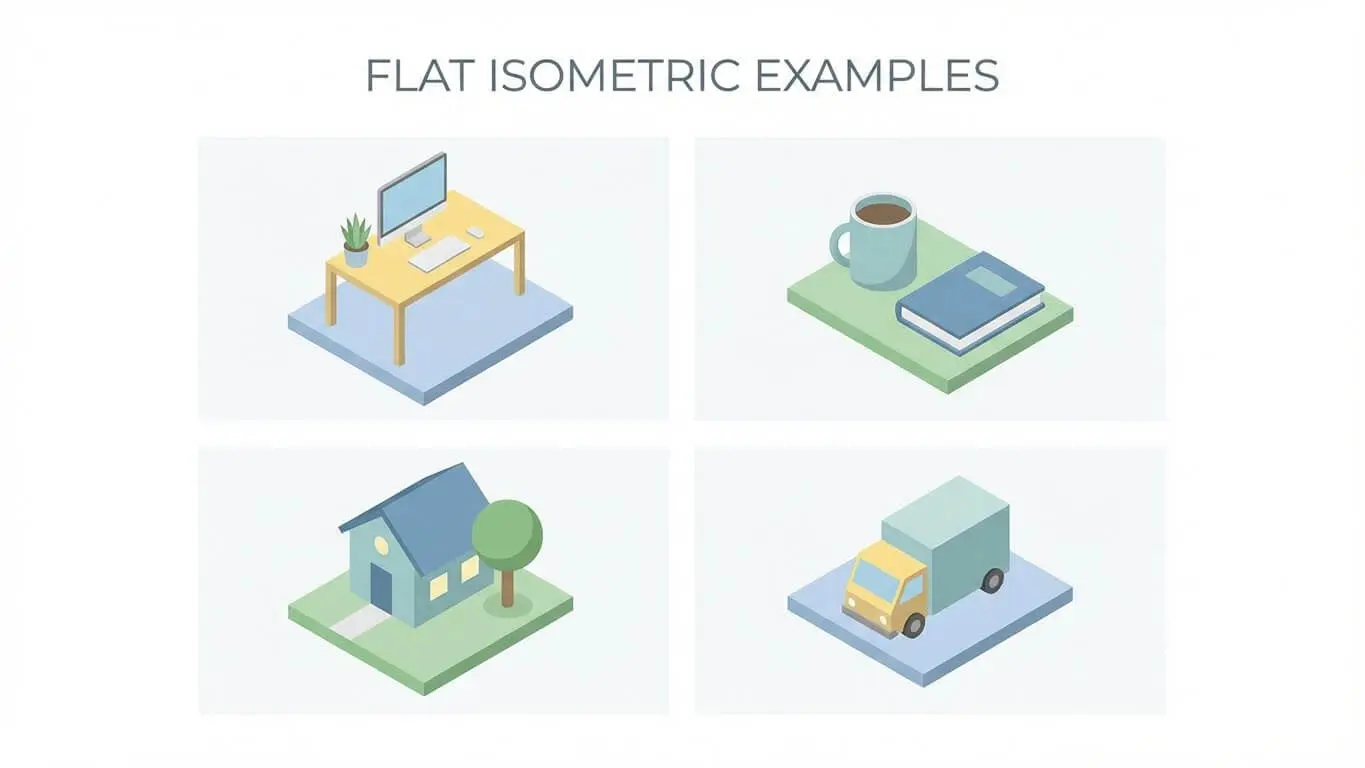
Flat Isometric Illustrations
Flat isometric design strips away complicated details and focuses on clean shapes and solid colors. This style became hugely popular after companies like Google and Apple pushed flat design forward. It keeps things simple while still showing depth.
These illustrations work great for websites and apps because they load fast and look modern. The lack of shadows and gradients makes them easy to scale without losing quality. According to IBM Design, flat isometric style helps communicate complex ideas quickly by removing visual noise.
You’ll often see flat isometric illustrations on landing pages showing product features or explaining services. They’re perfect when you want something that looks professional without being too flashy. The style uses basic geometric shapes combined in clever ways to represent real objects.
3D Realistic Isometric Art
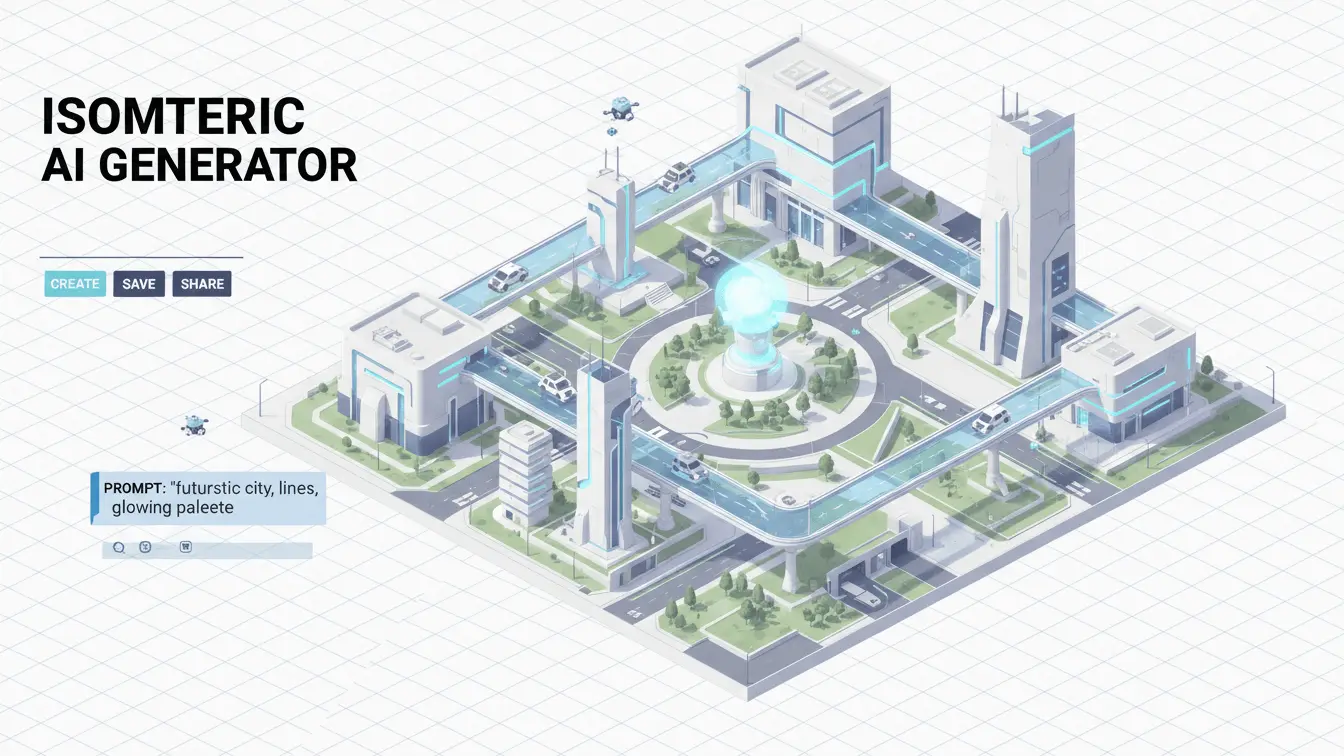
Realistic isometric art takes things up a notch with shadows, gradients, and textures. This style creates images that look almost three-dimensional while maintaining the isometric projection rules. Modern software makes these detailed renders possible for everyday designers.
The realistic approach adds depth through careful lighting and material effects. You might see glass reflections, metal finishes, or soft fabric textures all rendered in the isometric view. This style works well for product visualizations and architectural previews where detail matters.
Recent trends show designers using realistic isometric style with vibrant color combinations like purple and turquoise to create futuristic effects. The added realism helps viewers understand what they’re looking at faster than abstract styles.
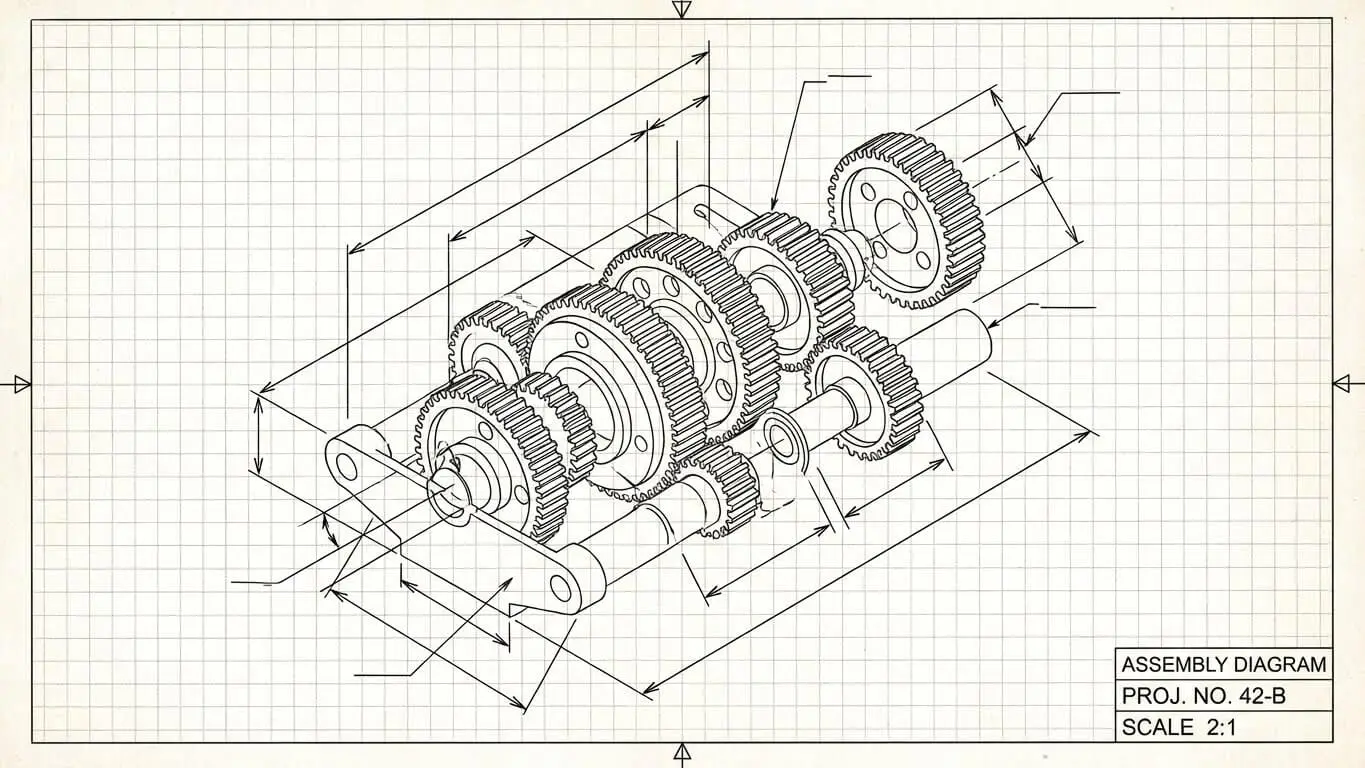
Line Art Isometric Style
Line art isometric strips everything down to outlines and strokes. This minimalist approach creates clean, simple images that are easy to understand at a glance. The style feels technical and precise, similar to blueprint drawings.
Designers often use line art isometric for diagrams, technical documentation, and educational materials. The lack of color or shading keeps attention on the structure and relationships between elements. You can add spot colors to highlight important parts without losing the clean aesthetic.
This style works particularly well when you need to show how things connect or fit together. Assembly instructions, system diagrams, and organizational charts benefit from the clarity that line art provides. The simplicity also makes these images load incredibly fast on websites.
Pixel Art Isometric Graphics
Pixel art isometric brings retro gaming vibes to modern design. This style builds images from tiny square pixels arranged in isometric grids, creating that nostalgic 8-bit or 16-bit look. Game developers love this style for its charm and efficiency.
Creating pixel art isometric requires careful placement of each pixel to maintain the isometric angles. The limited color palettes often used add to the retro appeal. Despite the constraints, skilled artists create surprisingly detailed scenes using this technique.
Modern AI tools now make pixel art isometric creation much easier than manual pixel-by-pixel placement. These generators understand the rules of isometric projection and pixel grid alignment, producing clean results quickly. The style remains popular for indie games, mobile apps, and nostalgic design projects.
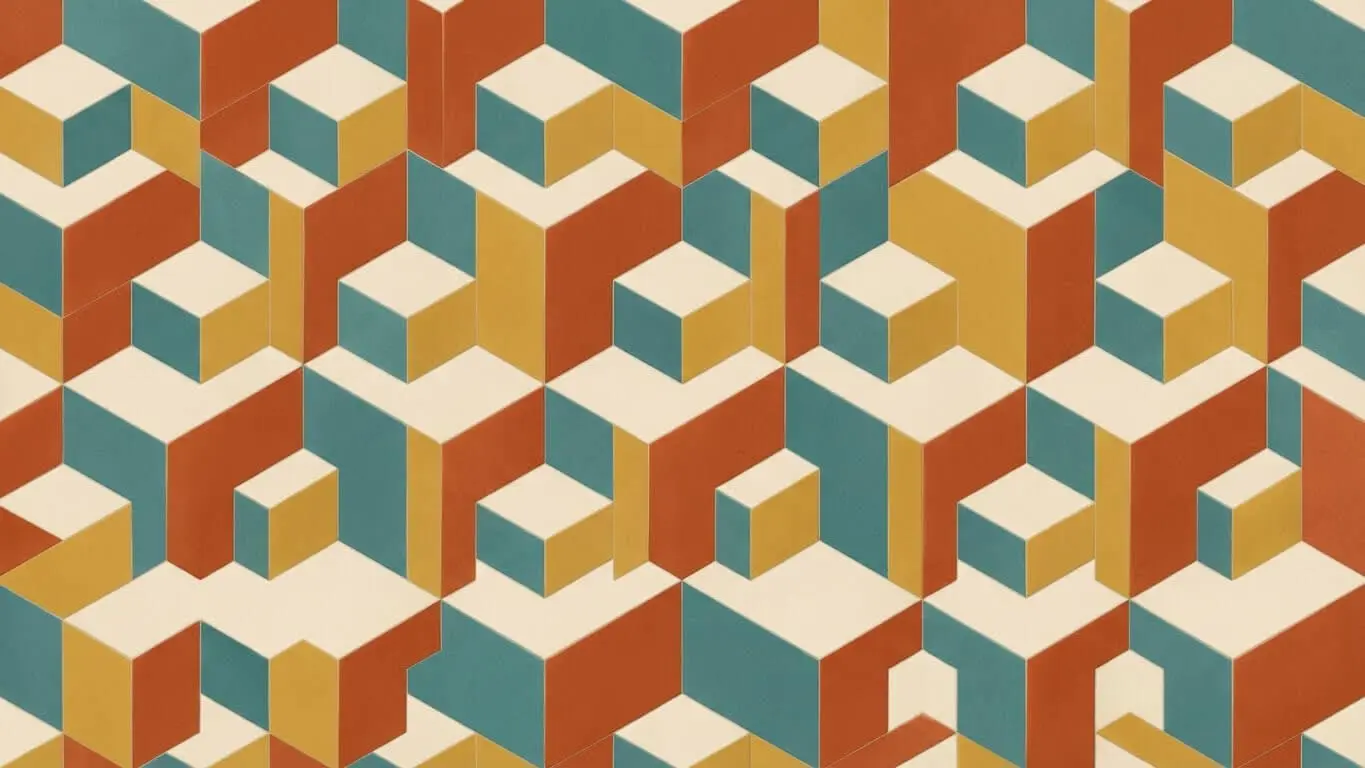
Geometric Isometric Patterns
Geometric isometric patterns combine mathematical precision with artistic flair. These designs use repeating shapes arranged in isometric grids to create mesmerizing visuals. The patterns can range from simple tessellations to complex sacred geometry.
You’ll find these patterns in backgrounds, textiles, and decorative elements. The repeating nature makes them perfect for seamless tiles that can cover any size surface. Geometric pattern design tools help create these intricate arrangements without tedious manual work.
According to design experts, geometric patterns work well for both modern and classic aesthetics. You can adjust colors and complexity to match any brand style. The isometric angle adds extra depth compared to flat geometric patterns.
Architectural Isometric Drawings
Architects use isometric drawings to show buildings and spaces without perspective distortion. These technical drawings maintain accurate measurements while displaying multiple sides of a structure simultaneously. They’re essential tools in the construction and design industries.
Isometric architectural drawings come in several forms. Building facades show front, side, and top views together. Interior layouts reveal room arrangements with furniture placement. Floor plans combine horizontal layouts with vertical elements like walls and windows.
Architectural professionals note that isometric drawings help clients visualize finished spaces better than traditional floor plans. The 3D appearance makes it easier to understand spatial relationships and design choices. These drawings also work well for showing outdoor elements like gardens and patios.
Common Uses for Isometric Images
Isometric images serve many practical purposes across different industries. Their ability to show depth while maintaining accuracy makes them versatile tools for communication and design.
Website Design and Landing Pages
Websites use isometric illustrations to explain features and services in visually engaging ways. These images grab attention better than stock photos while conveying information clearly. Landing pages benefit from the modern, tech-forward feel that isometric design provides.
Hero images in isometric style create memorable first impressions. Product showcases use the style to display multiple features simultaneously. Service explanations become easier to understand when accompanied by isometric diagrams showing how things work.
Infographics and Data Visualization
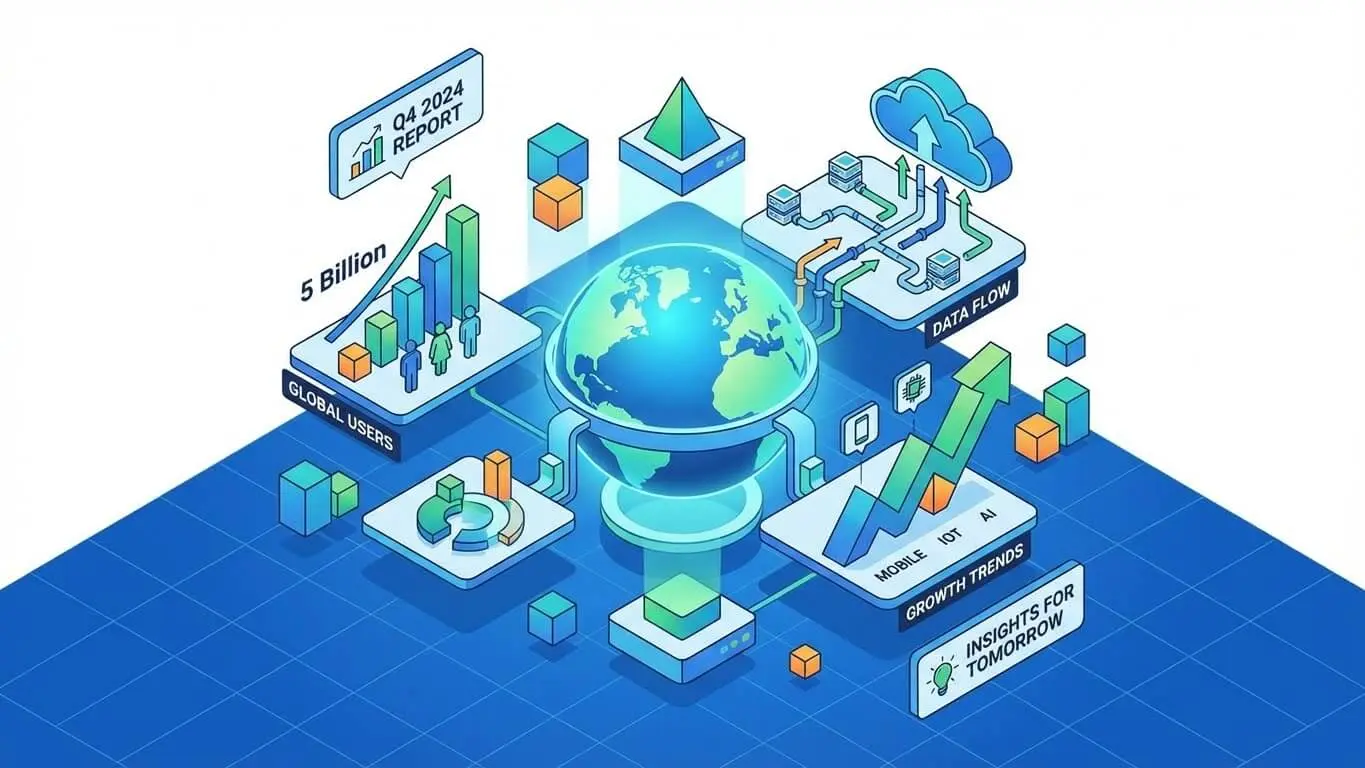
Infographics leverage isometric design to present complex data in digestible formats. The 3D appearance adds visual interest to statistics and comparisons. Charts and graphs gain depth while remaining easy to read.
The key to good isometric infographics is keeping them simple despite the dimensional style. Too many elements create visual clutter that confuses rather than clarifies. Smart designers use isometric selectively to highlight key data points.
Game Design and Development
Video games pioneered the use of isometric graphics, especially in strategy and simulation titles. The viewpoint lets players see more of the game world compared to side-scrolling or top-down perspectives. Classic games like SimCity and Diablo popularized this approach.
Modern indie developers still choose isometric perspectives for their games. The style works well for tile-based worlds and grid-based gameplay. 2D isometric graphics require less processing power than full 3D while providing similar depth perception.
Product Visualization and Marketing
Marketing teams use isometric product illustrations to show items from multiple angles in one image. This approach highlights features that might be hidden in traditional photography. The clean, modern look fits well with tech products and innovative brands.
Product packaging sometimes features isometric illustrations to stand out on crowded shelves. App icons use the style to create recognizable brand symbols. The versatility of isometric design makes it suitable for everything from software to physical goods.
Logo Design and Branding
Logos gain dimension and memorability through isometric design. The 3D appearance helps brands stand out in competitive markets. Tech companies particularly favor this style as it suggests innovation and forward thinking.
Successful isometric logos remain simple enough to work at small sizes while being distinctive enough to be memorable. The style allows creative play with perspective and geometry that flat logos can’t achieve. Color choices become crucial in making isometric logos pop.
How to Generate Isometric Images with AI
AI image generators have revolutionized how we create isometric art. These tools understand isometric projection principles and can produce professional results from simple text descriptions. You don’t need advanced technical skills to get started.
1. AI FREE FOREVER Isometric Generator
The AI FREE FOREVER isometric generator offers the easiest way to create stunning isometric images. This free tool specializes in isometric design and produces high-quality results perfect for any project. Simply describe what you want and the AI handles the complex angle calculations.
The generator understands various isometric styles from flat design to realistic renders. You can specify colors, lighting, and complexity levels to match your needs. The tool works great for beginners who want professional results without learning complicated software.
Users appreciate the speed and quality of results. The AI generates multiple variations so you can choose the best option for your project. Whether you need game assets, website graphics, or marketing materials, this tool delivers consistent isometric perspectives.
How to use it
Step 1: Write a Clear Prompt
Describe your desired image in specific terms. Include the subject, style, colors, and any special details. For example: “flat isometric illustration of a coffee shop, pastel colors, minimal style” works better than just “coffee shop.”
The more specific your description, the better your results. Mention if you want shadows, gradients, or textures. Specify whether you need a simple icon or a complex scene. Good prompts save time by getting closer to your vision on the first try.
Step 2: Choose Your Style
Select from available style options like flat, realistic, line art, or pixel art. Different styles suit different purposes. Website graphics might need flat style while product visualizations benefit from realistic rendering.
Consider your final use when picking a style. Flat isometric works well for fast-loading web graphics. Realistic styles impress in marketing materials but take longer to generate. Line art excels in technical documentation.
Step 3: Adjust Settings
Fine-tune parameters like image size, color scheme, and detail level. Higher resolution images work better for print while smaller sizes suffice for web use. Adjust lighting to create the right mood for your image.
Experiment with different settings to see how they affect results. Color temperature changes the feel from warm and inviting to cool and technical. Detail levels balance visual interest against simplicity.
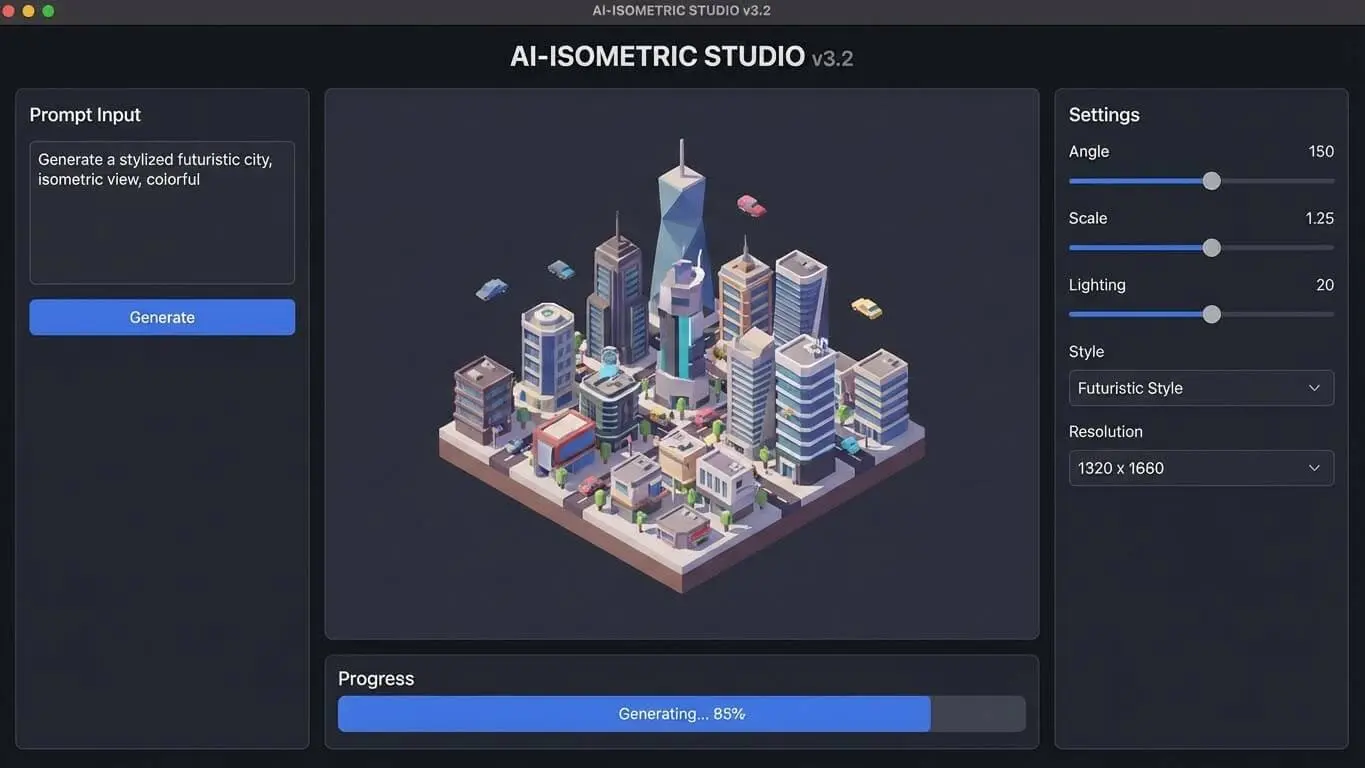
-Step 4: Generate and Refine
Click generate and wait for your AI to create the image. Most tools produce results in seconds. Review the output and make notes about what to adjust. Generate multiple variations to compare options.
If the first result isn’t perfect, refine your prompt based on what you see. Add details you want emphasized or remove elements that don’t fit. The iterative process helps you learn what descriptions work best.
Step 5: Download and Use
Download your finished image in the appropriate format. PNG works well for images with transparency while JPG suits photographs. Vector formats like SVG give you scaling flexibility for logos and icons.
Save your successful prompts for future reference. This builds a library of descriptions that produce good results. You can modify proven prompts for similar projects, saving time on future creations.
Tips for Better AI-Generated Isometric Images
Include style keywords like “isometric projection” or “isometric view” in your prompts. This ensures the AI understands you want that specific perspective. Adding “3D render” or “flat design” further refines the aesthetic.
Specify angles when relevant. Phrases like “viewed from above” or “30-degree angle” help guide the composition. Mention lighting direction to control shadows and highlights effectively.
Reference existing styles or artists for inspiration. Phrases like “in the style of pixel art games” or “material design aesthetic” communicate complex visual ideas quickly. The AI recognizes these references and applies appropriate techniques.
Start simple and add complexity gradually. Begin with basic shapes and compositions, then layer in details. This approach prevents overwhelming the AI with too many conflicting instructions at once.
Best Practices for Creating Isometric Art
Whether using AI or traditional methods, certain principles improve isometric designs. These practices ensure your images look professional and communicate effectively.
Maintain Consistent Angles
All objects in an isometric scene must follow the same angle rules. The standard 30-degree angle from horizontal should apply throughout. Mixing perspectives creates visual confusion and breaks the isometric illusion.
Use grid systems to keep elements aligned properly. Design guidelines recommend snapping anchor points to grid intersections for precision. This creates the engineered aesthetic that makes isometric design effective.
Keep It Simple
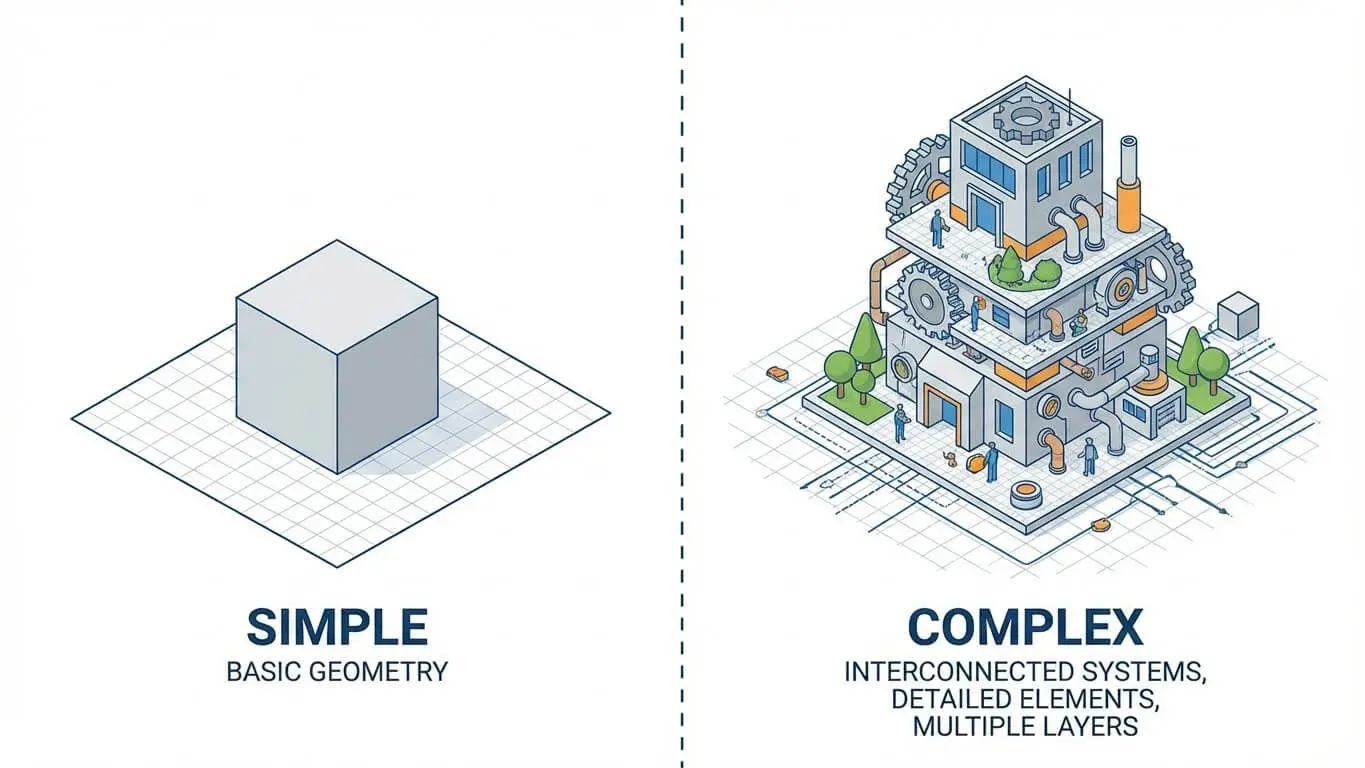
Isometric design shows multiple sides simultaneously, which can quickly become cluttered. Remove unnecessary details that don’t serve your message. Focus on essential elements that communicate your idea clearly.
Limit your color palette to maintain visual harmony. Too many colors compete for attention and dilute your message. Three to five main colors usually suffice for most isometric illustrations.
Use Color Strategically
Color helps separate different planes and surfaces in isometric designs. Darker shades typically represent sides facing away from light sources. Lighter tones highlight top surfaces and areas catching direct light.
Vibrant but subdued colors work best for most applications. Neon or oversaturated colors can overwhelm viewers. Pastel palettes create approachable, friendly designs while bold colors convey energy and excitement.
Consider Your Audience
Technical audiences appreciate precise, detailed isometric drawings with accurate measurements. General audiences prefer simpler, more stylized versions that prioritize visual appeal over technical accuracy.
Match your style to your message. Playful subjects benefit from friendly, rounded shapes and bright colors. Professional or technical topics call for sharp edges and subdued palettes.
Test at Different Sizes
Isometric images should work at various scales. Icons need to remain recognizable when small. Detailed illustrations must maintain clarity when enlarged. Test your designs at intended display sizes before finalizing.
Simplify complex designs for small-scale use. Fine details disappear at icon sizes, so create versions with bolder shapes for those applications. Save detailed versions for larger formats where viewers can appreciate the intricacy.
Frequently Asked Questions
What’s the difference between isometric and perspective drawing?
Isometric drawings keep all dimensions at the same scale regardless of distance from the viewer. Perspective drawings make objects appear smaller as they move away, mimicking how human eyes see the world. Isometric is better for technical accuracy while perspective feels more natural but distorts measurements.
Can I use AI-generated isometric images commercially?
Most AI image generators allow commercial use of created images. Check the specific terms of service for your chosen tool. AI FREE FOREVER and similar platforms typically grant full commercial rights to generated images, making them safe for business projects.
Do I need design skills to create isometric images with AI?
No design experience is necessary to use AI isometric generators. These tools handle the technical aspects of maintaining proper angles and proportions. You just need to describe what you want clearly. The AI does the complex geometric calculations automatically.
What file formats work best for isometric images?
PNG files with transparency work well for isometric graphics you’ll layer or combine with other elements. JPG suits photographic isometric renders. SVG vector formats allow infinite scaling without quality loss, perfect for logos and icons that appear at multiple sizes.
How do isometric patterns differ from regular patterns?
Isometric patterns use the 30-degree angle system to create three-dimensional effects in repeating designs. Regular patterns typically work on flat grids without dimensional illusion. Isometric patterns add depth and visual interest while maintaining seamless repetition.
Which industries use isometric design most?
Tech companies, game developers, architects, and marketing agencies use isometric design extensively. The style fits well with modern digital products and services. Educational materials also benefit from isometric diagrams that explain complex concepts clearly.
Can I mix isometric styles in one project?
Mixing styles in one project usually creates visual inconsistency. Stick to one approach per project for cohesive results. However, you might use different styles across different project sections if they serve distinct purposes, like using flat isometric for icons and realistic isometric for hero images.
How long does it take to generate isometric images with AI?
AI generators typically produce isometric images in seconds to a few minutes. Complex, high-resolution renders take longer than simple illustrations. The time investment is minimal compared to creating the same images manually, which could take hours or days.