Writing content takes forever. You sit there staring at a blank screen, trying to come up with the right words. That’s where AI text generator tools come in. They help you write faster without making it sound like a robot wrote everything.
This Free AI Text Generator is the best free AI text generator we recommend because it gives you professional results without asking for your email or credit card. You type what you need, and it spits out usable content right away. No waiting around. No paywall after two tries. Just straight-up free writing help that works.
The market for AI writing tools hit $1.77 billion in 2025, according to Mordor Intelligence. That’s because 90% of marketers plan to use AI for content this year. People are tired of spending hours on simple writing tasks.

Table of Contents
- What is an AI Text Generator?
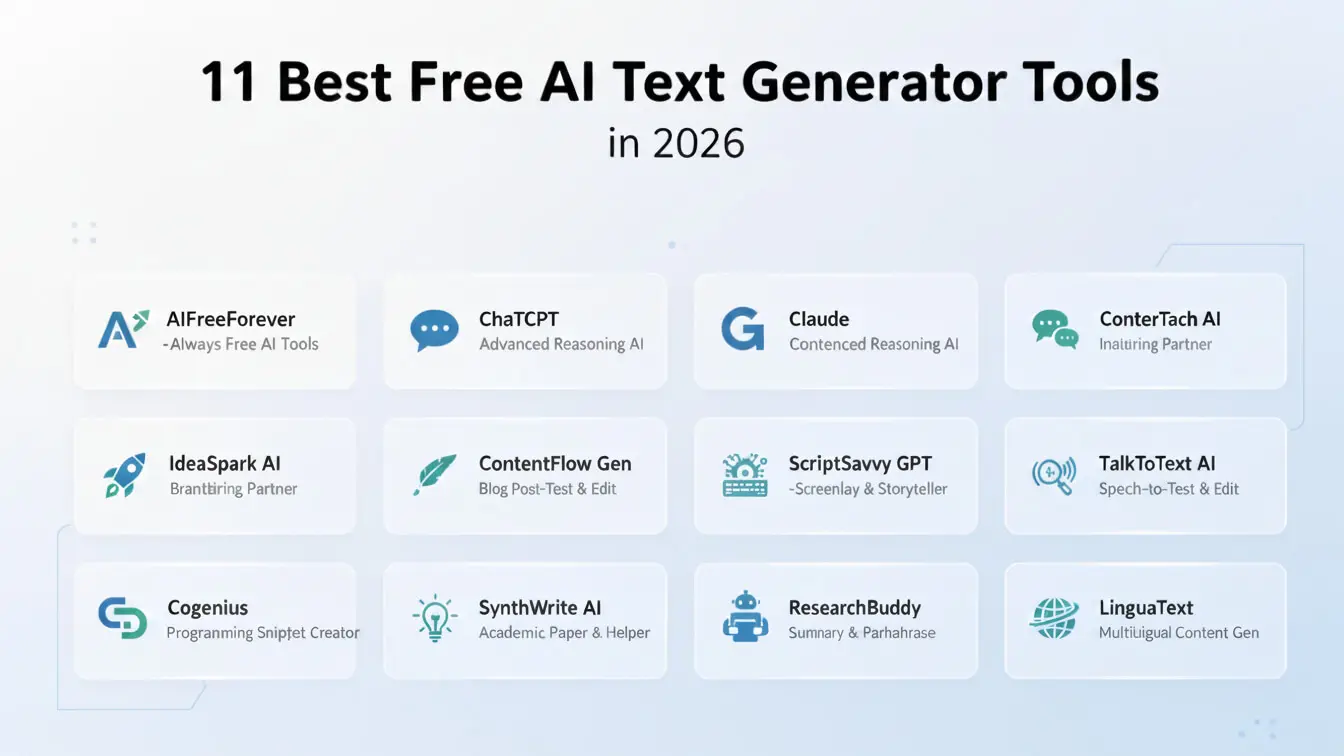
- 11 Best Free AI Text Generator Tools
- How to Pick the Right Tool
- 5 Mistakes People Make with AI Writers
- Where AI Writing is Headed
- Frequently Asked Questions
What is an AI Text Generator?
An AI text generator is software that writes stuff for you. You give it a topic or a few sentences about what you need, and it creates paragraphs, emails, blog posts, or whatever you asked for. These tools use something called natural language processing, which basically means they learned how to write by reading billions of web pages, books, and articles.
Think of it like having a writing assistant who never gets tired and works at lightning speed. The tool doesn’t get writer’s block. It doesn’t need coffee breaks. You feed it instructions, and it produces words.
The technology behind these generators is called a large language model. Companies train these models by showing them tons of text from the internet. The AI learns patterns in how people write sentences, structure arguments, and use words in different contexts. When you ask it to write something, it predicts what words should come next based on all that training.

Here’s the thing though – AI text generators don’t understand what they’re writing. They’re just really good at predicting which words usually follow other words. That’s why you still need to check everything they produce. Sometimes they make up facts or write sentences that sound good but don’t actually make sense.
The best part? Many of these tools now let you adjust the tone. You can tell them to write formally for a business report or casually for a social media post. Some even let you copy your writing style by analyzing samples you give them.
Best Free AI Text Generator Tools
1. AFF – Free AI Text Generator
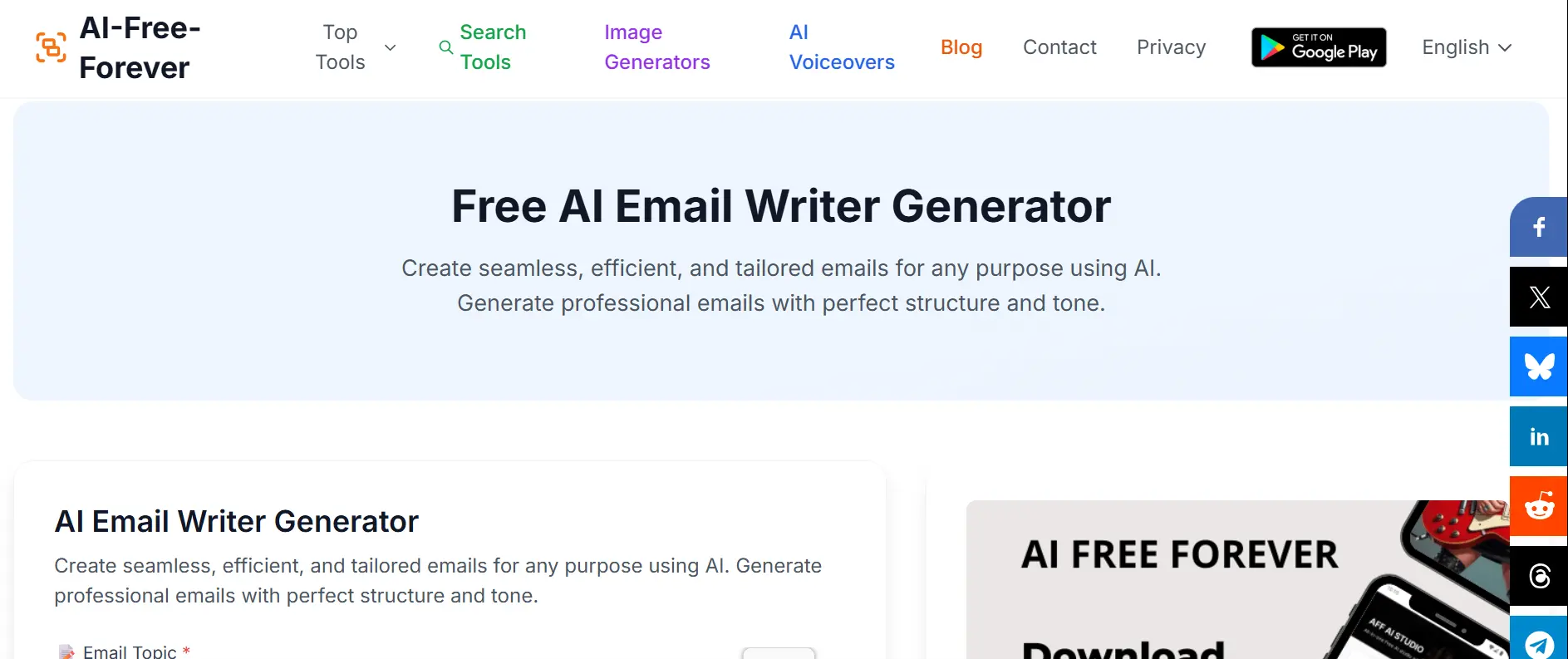
AI FREE FOREVER’s text generator wins because it actually stays free. No trial period that ends after seven days. No limit on how many times you can use it per day. You show up, type your prompt, and get content.
The interface couldn’t be simpler. There’s a box where you explain what you need. You hit generate. The AI writes it. Done. No account required. No email verification. No credit card “just in case you want to upgrade later.”
This tool handles everything from email writing to blog posts. It works great for product descriptions if you run an online store. Students use it for essay outlines. Business owners use it for marketing copy.
The quality matches paid tools. You’re not getting some watered-down version that produces garbage just because you didn’t pay. The sentences flow naturally. The grammar checks out. The content actually answers what you asked for.
Speed matters here too. Some free tools make you wait 30 seconds while they “process” your request. This one gives you results in under five seconds. You can generate content, read it, tweak your prompt, and generate again without wasting your afternoon.
Check out other helpful tools like the AI Answer Generator for quick responses or the Paraphrasing Tool when you need to reword existing content.
2. ChatGPT
ChatGPT from OpenAI changed everything when it launched. The free version gives you access to GPT-4o mini, which handles most writing tasks without problems. You can have actual conversations with it, asking follow-up questions and refining what it writes.
The conversational interface makes it feel less like using a tool and more like working with someone. You can say “make it shorter” or “add more examples” and it knows what you mean. That back-and-forth saves time compared to tools where you have to start over with a new prompt.
ChatGPT handles different types of writing well. It can write formal business emails, casual social media posts, technical documentation, or creative stories. The tone shifts based on what you ask for. Just tell it who the audience is and what style you want.
The free version has some limits. You might hit a cap on how many messages you can send per hour during busy times. The paid version gets you faster responses and access to the newest models, but honestly? The free tier works fine for most people.
3. Google Gemini
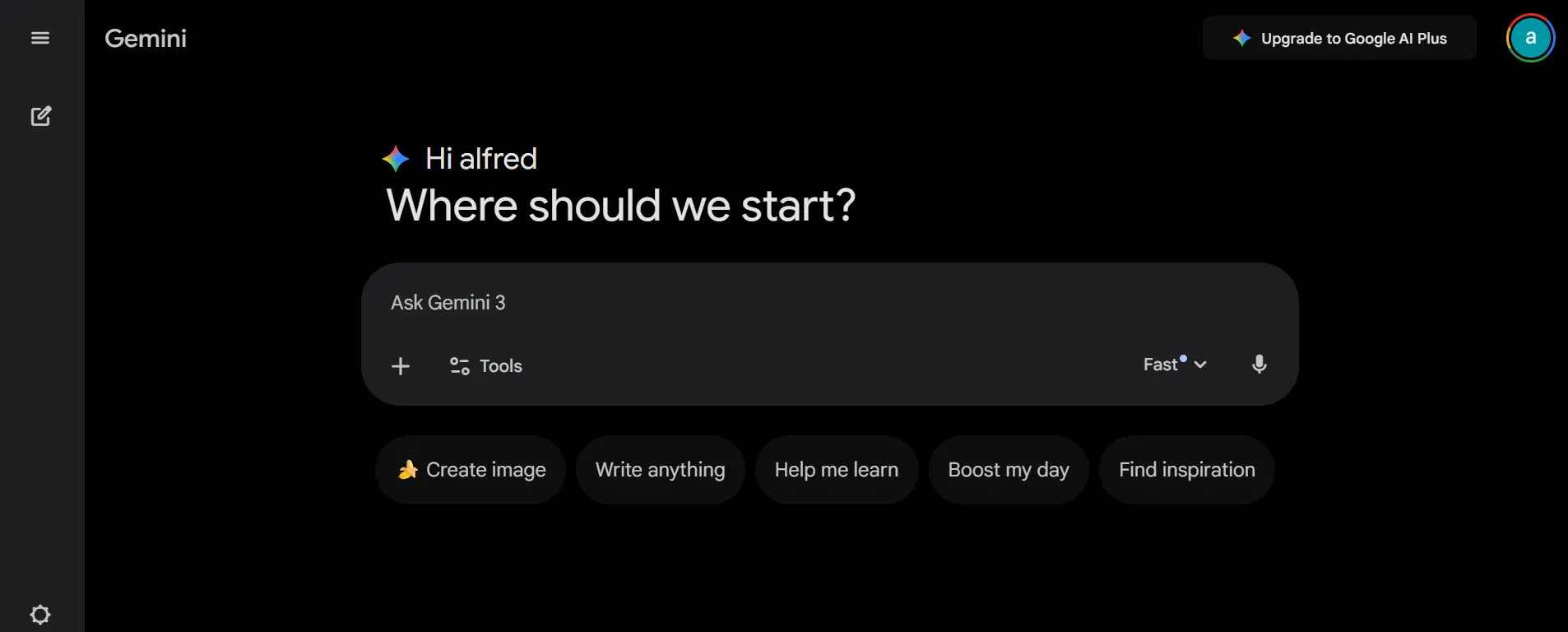
Google Gemini used to be called Bard. It pulls information from Google Search, which helps when you need current facts. Other AI tools only know stuff from their training data, which might be months or years old. Gemini can grab fresh information.
The integration with Google Workspace is smooth. If you use Google Docs, Gmail, or Sheets, Gemini fits right into your workflow. You can draft emails directly in Gmail or create document outlines in Docs without switching tabs.
Gemini handles research-heavy writing better than most free tools. Ask it about recent events, statistics, or trends, and it can pull actual data instead of making things up. That’s huge for anyone writing fact-based content.
One downside – the writing can feel a bit stiff compared to ChatGPT. It’s technically correct but sometimes lacks personality. You’ll probably need to punch it up a bit to make it sound more human.
4. Claude (Free Tier)
Claude from Anthropic focuses on longer, more detailed content. If you need to write something substantial, Claude handles it better than most. It can maintain context across several paragraphs without losing the thread.
The free tier gives you solid daily usage. Not unlimited, but enough to get real work done. The writing quality feels more natural than some competitors. Claude tends to write in a way that sounds like a human actually wrote it.
This tool excels at analysis and explanation. If you need to break down complex topics into simple language, Claude does that well. It’s popular with people who create educational content or need to explain technical stuff to non-technical audiences.
The interface is clean. No clutter. No ads screaming at you to upgrade. Just a simple chat window where you write your prompts and get responses.
5. Rytr
Rytr gives you templates for specific types of content. Need a product description? There’s a template. Cold email? Template. Blog post intro? Template. This makes it faster than starting from scratch with a blank prompt.
The free plan includes 10,000 characters per month. That’s roughly five blog posts or twenty email drafts. Not unlimited, but way more generous than some “free” tools that give you three tries and then lock everything.
Rytr supports over 30 languages. If you need content in Spanish, French, German, or dozens of other languages, this tool handles it. The translations aren’t perfect, but they’re decent starting points.
You can set the tone and creativity level. Want something professional and straightforward? Dial down the creativity. Need something more engaging and casual? Crank it up. This control helps you get closer to what you actually want.
6. Copy.ai
Copy.ai focuses on marketing copy. If you need ad text, landing page headlines, or product descriptions, this tool specializes in that kind of writing. It understands how to write stuff that sells.
The free version gives you 2,000 words per month. That’s enough to test whether you like it without committing money. You get access to most templates, so you can try different types of content.
The workflows feature lets you create multi-step content processes. You can generate a blog outline, expand each section, then create social media posts promoting that blog. All in one flow instead of separate prompts.
Copy.ai works well for e-commerce businesses. The product description generator understands features versus benefits. It knows how to write compelling bullets that make people want to buy.

7. Jasper (Free Trial)
Jasper isn’t technically free forever, but the trial gives you enough time to create a lot of content. It’s one of the most popular AI writers among professional content creators and marketing teams.
The quality consistently ranks high. Jasper produces polished, ready-to-use content that needs less editing than most alternatives. The sentences flow smoothly. The paragraphs connect logically. The tone stays consistent.
Brand voice is a standout feature. You can train Jasper on your existing content so it matches your style. This matters for businesses that need content to sound like it came from their team, not a generic AI.
The template library is huge. Over 50 templates cover everything from Amazon product listings to YouTube video scripts. If you create diverse types of content, Jasper probably has a template for it.
8. QuillBot
QuillBot started as a paraphrasing tool but added text generation. The free version works well for basic content creation, especially if you need help rewriting or improving existing text.
The grammar checker catches mistakes that other tools miss. It’s not just spelling – it finds issues with sentence structure, word choice, and clarity. That’s valuable when you’re editing AI-generated content.
QuillBot integrates with Word and Google Docs through browser extensions. You can use it right where you’re already writing instead of copying and pasting between apps. This speeds up your workflow significantly.
The free tier limits some features, but the core text generation works without restrictions. You can generate content, check grammar, and use the basic paraphrasing tool all day without hitting a paywall.
9. Writesonic
Writesonic includes Chatsonic, which is basically their version of ChatGPT with some extra features. The free tier gives you 10,000 words per month, which is decent for testing it out.
The AI article writer can generate entire blog posts from just a topic. It creates an outline, writes each section, and adds a conclusion. You still need to edit and fact-check, but it saves hours compared to writing from scratch.
Writesonic understands SEO. It can suggest keywords and optimize content for search engines. If you’re creating web content, this feature helps ensure people actually find what you write.
The quality varies depending on what you’re creating. Short-form content like social posts and ads comes out great. Longer articles sometimes need more editing to fix repetitive phrases or logical gaps.

10. Simplified
Simplified combines AI writing with design tools. You can create social media posts with both the text and the graphics in one place. This matters if you’re managing social accounts and need complete posts, not just words.
The free plan is surprisingly generous. You get 2,000 words per month plus access to design features. For small businesses or solo creators, that might be all you need.
Simplified works well for team collaboration. Multiple people can work on content together, which helps if you have someone writing and someone else editing. The approval workflows keep projects organized.
The writing quality is solid but not exceptional. It’s good enough for social media, emails, and quick content. For important long-form stuff, you’ll want to use a more powerful tool.
11. HyperWrite
HyperWrite focuses on making you write faster rather than writing everything for you. It suggests completions as you type, like a smarter autocomplete. This keeps your voice while speeding up the process.
The free version gives you 15 generations per month. Not a ton, but enough to help with projects where you need that extra push to finish something.
HyperWrite has specialized tools for specific tasks. The email responder analyzes incoming emails and drafts replies. The speech writer helps create presentations. Each tool understands what that type of content needs.
The Chrome extension lets you use HyperWrite anywhere you write online. Gmail, Google Docs, social media platforms – it works everywhere. You don’t have to copy and paste or switch between windows.
How to Pick the Right Tool
- Start with what kind of content you create most. If you write mostly marketing stuff, go with Copy.ai or Jasper. Need help with all kinds of writing? ChatGPT or AI FREE FOREVER make more sense. Writing long articles? Claude handles that better.
- Check the free tier limits carefully. Some tools say “free forever” but cap you at 500 words per month. That’s basically useless. Look for tools that give you at least 2,000 words or unlimited usage with quality throttling instead of hard limits.
- Test the writing quality yourself. Don’t just trust marketing claims. Give each tool the same prompt and compare the results. Pay attention to how natural it sounds, whether it actually answers your question, and how much editing you need to do.
- Think about workflow integration. If you live in Google Docs, pick a tool that works there. Use WordPress? Some tools have plugins. The less copying and pasting you do, the faster you’ll work.
- Consider the learning curve. Some tools are dead simple – type a prompt, get content. Others have templates, workflows, and settings that take time to learn. Pick based on how much time you want to invest in learning versus just getting content done.
- Read the terms of service around content ownership. Most tools let you own whatever they generate, but some have restrictions on commercial use in their free tiers. Make sure you’re legally clear to use the content how you need to.
5 Mistakes People Make with AI Writers
1. Trusting Everything the AI Says
AI tools make up facts constantly. They write confidently about things that aren’t true. Studies show that AI content needs human fact-checking because the tools don’t actually know when they’re wrong.
Always verify statistics, dates, names, and quotes. Look up any claim that matters. Use the AI as a starting point, not the final word. This is especially critical for anything in healthcare, legal, financial, or technical fields where wrong information causes real problems.
2. Using Generic Prompts
Vague prompts get vague results. If you type “write a blog post about dogs,” you’ll get boring generic content. Be specific. Say “write 500 words about how to train a rescue dog with separation anxiety, using positive reinforcement methods.”
Include details about tone, audience, and purpose. Tell the AI if you’re writing for experts or beginners. Specify whether you want formal or casual language. The more guidance you give, the better the output.

3. Publishing Without Editing
AI content sounds OK at first glance but usually has problems. Sentences repeat the same ideas. Paragraphs don’t connect smoothly. The conclusion just restates the intro without adding anything new.
Real research from HubSpot found that 86% of marketers edit AI content before publishing. There’s a reason for that. Raw AI output needs human polish to actually be good.
4. Ignoring Your Own Voice
AI writes in a neutral, slightly bland style it can even create avatars for videos. If you just use what it gives you, everything sounds the same as everyone else using AI. Your content has no personality. No unique perspective. No reason for people to care about it instead of the thousands of other AI-written articles on the same topic.
Add your own examples, stories, and opinions. Rewrite boring sentences to be more interesting. Cut the fluff and add specifics. The goal is AI-assisted content, not AI-created content.
5. Expecting Perfection Immediately
First drafts from AI usually aren’t great. They’re starting points. If the first generation disappoints you, refine your prompt and try again. Give the AI feedback about what to fix.
Learning to write good prompts takes practice. You’ll get better at it the more you use these tools. Save prompts that work well so you can reuse them later. Build up a collection of effective templates.

Frequently Asked Questions
Can Google detect AI-generated content?
Yes, but Google doesn’t automatically penalize it. Their official guidance says they care about content quality, not how it was created. AI content that provides value and demonstrates expertise can rank fine. The problem is most AI content is generic and doesn’t help readers, so it performs poorly.
Do free AI text generators produce plagiarism?
Not technically. AI tools generate new text rather than copying existing content. However, they might produce very similar phrasing to source material they were trained on. Always run important content through a plagiarism checker to be safe. Tools like AI Detector can help verify originality.
Can teachers detect if students use AI writing tools?
Sometimes. AI detection tools exist, but they’re not perfect. They catch a lot of AI content but also flag human writing as AI about 20% of the time. Teachers who know student writing styles can often tell when something sounds different. The safest approach is being honest about using AI as a research tool rather than trying to pass off AI writing as your own work.
How accurate is AI-generated content for technical topics?
Not very. AI tools often sound confident while being completely wrong about technical details. They mix up concepts, cite nonexistent studies, and make up statistics. For anything technical, medical, legal, or financial, you must fact-check everything. Use AI to speed up writing, but verify all claims with authoritative sources.

Will AI text generators replace content writers?
Not completely. Research from the World Economic Forum suggests AI will change writing jobs rather than eliminate them. Writers who learn to work with AI will be more productive. The role shifts toward editing, strategy, and adding unique insights rather than just producing first drafts.
Can I use AI-generated content commercially?
Usually yes, but check the specific tool’s terms. Most free AI text generators let you use output commercially. Some have restrictions or require attribution. Read the fine print before using AI content in products you sell or client work you deliver.
What’s the difference between free and paid AI text generators?
Paid versions typically offer unlimited usage, faster generation speeds, access to newer AI models, advanced features like brand voice training, priority support, and integration with more apps. Free versions often have monthly word limits, slower processing, and fewer templates. For most people, free tools work fine until volume becomes an issue.
How can I make AI-generated content sound more human?
Add personal examples, cut repetitive phrases, vary sentence length, include conversational elements like questions or direct address, remove overused AI phrases like “delve into” or “it’s worth noting,” inject specific details rather than generic statements, and edit for personality. Think of AI output as a rough draft that needs your voice added to it.
Do AI text generators work in languages other than English?
Many do. Tools like Rytr, ChatGPT, and Google Gemini support dozens of languages. Quality varies significantly by language though. English usually gets the best results because the training data is largest. Other major languages like Spanish, French, German, and Chinese work well. Lesser-spoken languages might produce lower quality output.
Can AI text generators help with SEO?
Yes, but indirectly. They can help you create content faster, which lets you publish more frequently. Some tools like Writesonic include SEO optimization features. However, AI content needs to actually help readers and demonstrate expertise to rank well. Just churning out AI articles won’t magically improve your search rankings without quality and value.