AI video is no longer a niche category. In the past year, the field has moved from short demo clips to tools that can handle stronger motion, better prompt following, image-to-video workflows, and more polished outputs. Official product pages now highlight everything from cinematic camera movement to multi-shot storytelling, native audio, and 1080p generation.
That speed creates a new problem: model fatigue. Creators now have more strong options than ever, but the model landscape is fragmented. One tool is great for realism, another for short-form clips, another for open-source experimentation. This list looks at 10 of the hottest AI video models on the market today, then explains why many users now prefer a single hub such as Piclumen instead of jumping between separate apps.
The 10 AI video models worth watching
| Model | Best known for | Official highlight |
| Runway Gen-4.5 | cinematic quality | better quality without sacrificing speed |
| Google Veo 3.1 / Veo 2 | realism and control | state-of-the-art video generation and broader control features |
| OpenAI Sora | text/image-to-video creativity | hyperreal motion and sound |
| Kling AI | creator-facing video generation | broad AI video creation toolkit |
| Luma Ray 3 | cinematic motion | text, image, or clip-based generation in Dream Machine |
| Adobe Firefly Video Model | brand-safe workflows | video generation inside Firefly’s multimodal app |
| MiniMax Hailuo 2.3 | motion and visual stability | improved realism, control, and speed over Hailuo 02 |
| Seedance 2.0 | multimodal generation | text, image, audio, and video inputs in one model |
| HunyuanVideo 1.5 | open lightweight generation | top-tier quality with 8.3B parameters |
| Wan 2.1 | open video foundation model | open suite for video generation and editing |
What makes these models stand out
Runway Gen-4.5
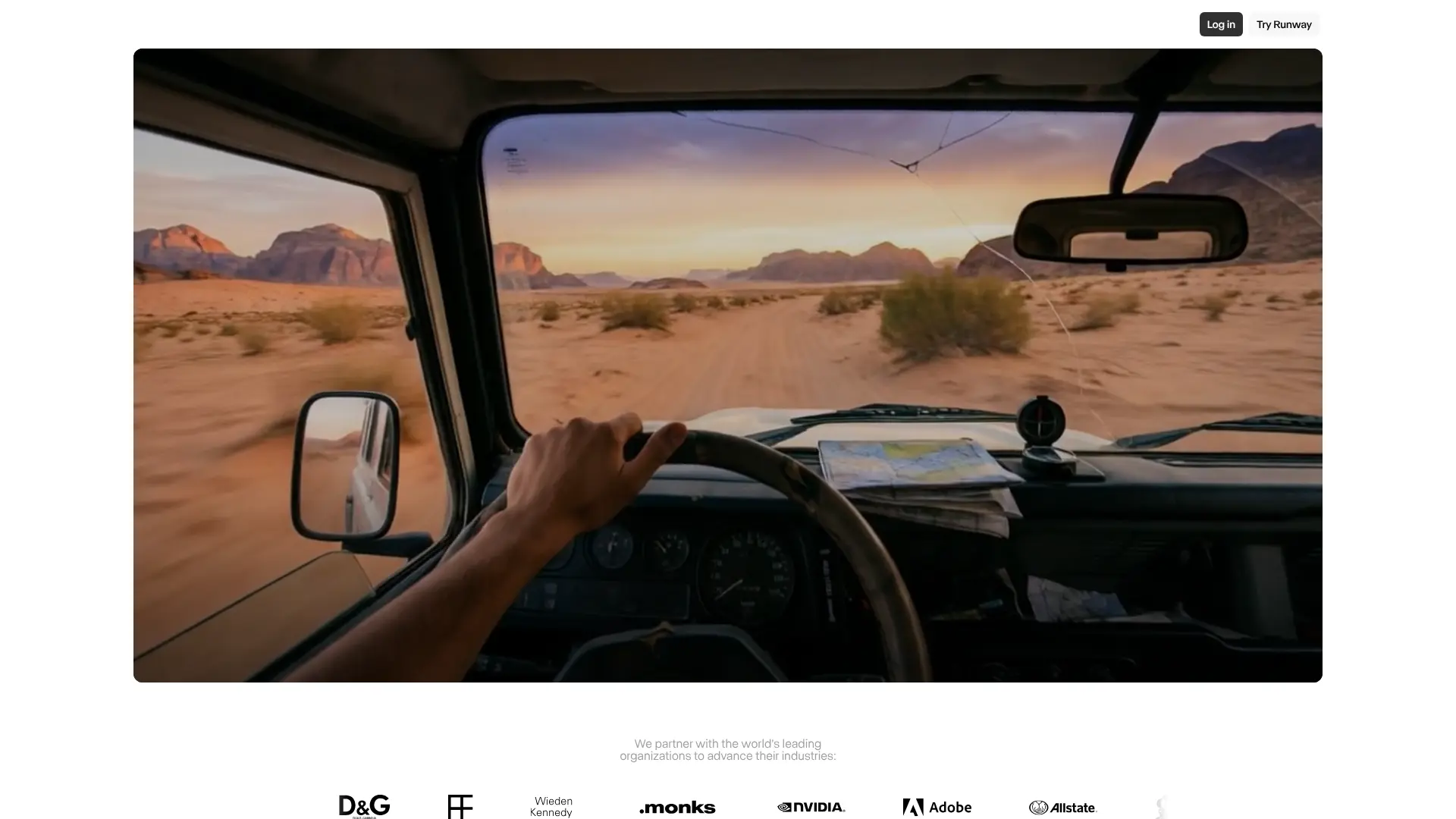
Runway’s latest model is positioned as a quality jump over Gen-4 while keeping the same fast, efficient workflow. The company says Gen-4.5 brings “breakthrough quality” and keeps existing control modes such as image-to-video and keyframes in the same ecosystem.
Google Veo
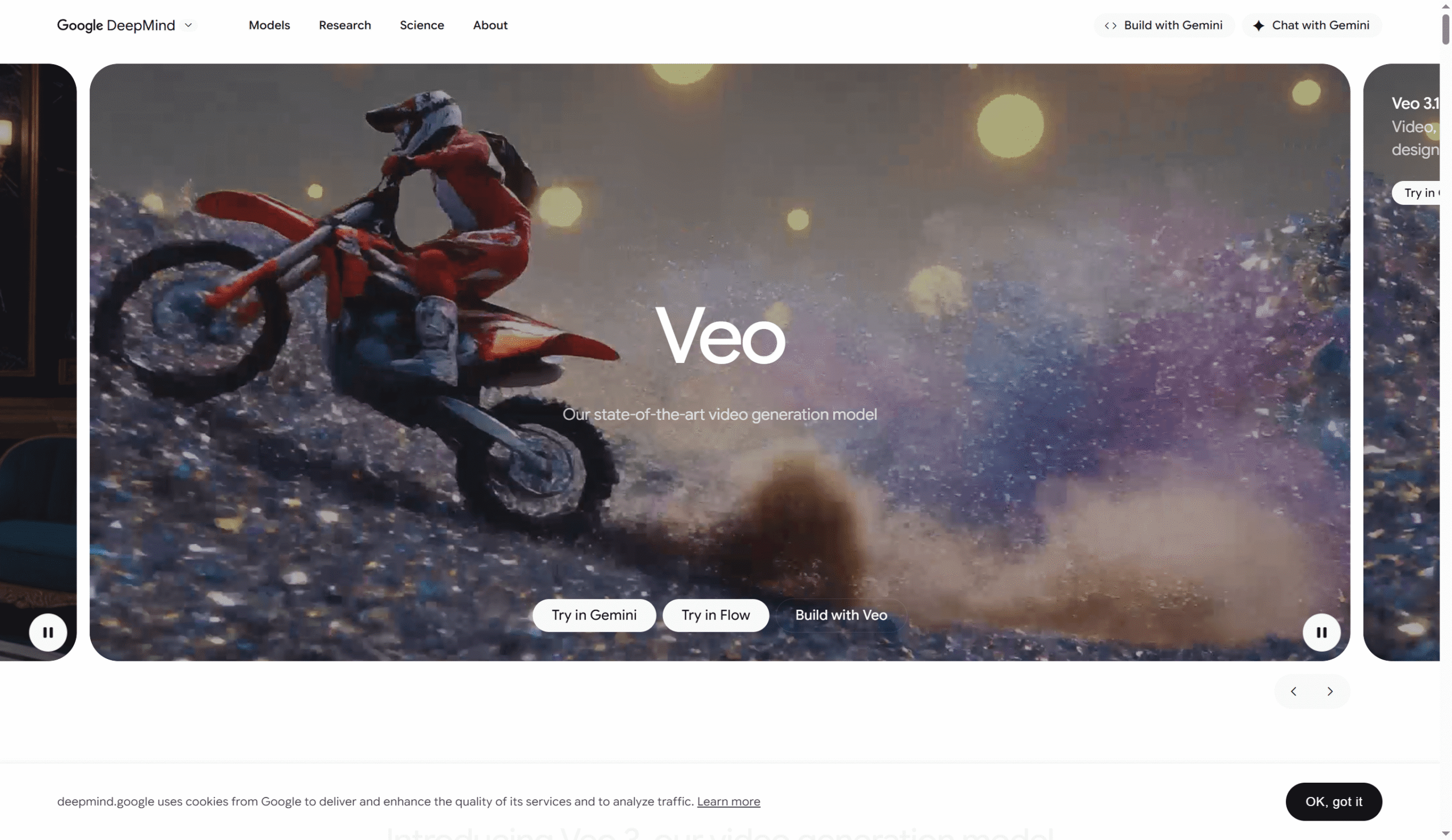
Google’s official pages now present Veo as its flagship video generation line, with Veo 3.1 at the top-level model page and Veo 2 still documented in Vertex AI. Official documentation for Veo 2 lists text-to-video, image-to-video, prompt rewriting, reference-image workflows, 720p output, and 5–8 second clips.
OpenAI Sora

Sora remains one of the most recognized names in AI video. OpenAI describes it as a system that turns prompts or images into videos with hyperreal motion and sound, while its research page frames the model as part of a broader effort to simulate the physical world in motion.
Kling AI

Kling has stayed near the center of AI video conversations because it is built for creators rather than just API users. Its official tool page presents video generation as part of a broader creation suite, which helps explain why it keeps showing up in creator workflows and model comparisons.
Luma Ray 3

Luma’s current Ray page positions Ray 3 and Ray 2 inside Dream Machine for text-, image-, and clip-based video generation. That makes Ray 3 one of the more relevant models for users who want stylized motion and cinematic framing rather than only short social clips.
Adobe Firefly Video Model
Adobe’s angle is different. Firefly is less about chasing every benchmark and more about fitting into a creative workflow. Adobe’s official materials highlight image, audio, and video generation in one place, while its Firefly Video Model messaging stresses control over style, camera angle, and commercially safer creation.
MiniMax Hailuo 2.3
MiniMax’s official update says Hailuo 2.3 improves realism, stability, facial expressions, stylization, and motion response on top of Hailuo 02. Earlier Hailuo 02 materials also emphasized native 1080p generation and strong cost efficiency, which helps explain why this model family has gained traction so quickly.
Seedance 2.0
ByteDance’s Seedance 2.0 is one of the clearest examples of the category moving toward multimodal video systems. Its official page says it supports text, image, audio, and video inputs in one unified architecture, with broad reference and editing capabilities.
HunyuanVideo 1.5
Tencent’s HunyuanVideo 1.5 matters because it pushes the open-model side of the market. Official model cards describe it as a lightweight model with 8.3B parameters that can still deliver top-tier quality and run on consumer-grade GPUs, which lowers the barrier for developers and advanced creators.
Wan 2.1
Alibaba’s Wan 2.1 is another important open option. The official GitHub repository describes it as a comprehensive open suite of video foundation models, while Alibaba Cloud’s own write-up notes both Wan2.1 releases and follow-on video creation and editing work.
Why many creators now prefer an all-in-one model hub
The biggest issue with this market is not a lack of good models. It is workflow sprawl. If you want to compare realism, motion, stylization, and prompt response across several models, you often need to open multiple websites, learn multiple interfaces, and manage separate credits or exports.
That is where a model hub becomes more useful than another single-model app. Piclumen’s official site says it “brings together today’s best AI video models in one place,” and its public model listings show options such as Sora 2, Veo 3.1, Kling, Hailuo, Seedance, and Wan on the same platform. For users who want to test popular models side by side, that is a practical reason to start there rather than on a standalone tool.
A simple way to use Piclumen
The core workflow is straightforward. Piclumen’s official video page says users can make videos from text or images, and its step list is built around selecting a model, creating the video, exporting or sharing it, and then downloading the final result. The main site also says users can type an idea or upload a picture, choose a preferred model, and generate from there.
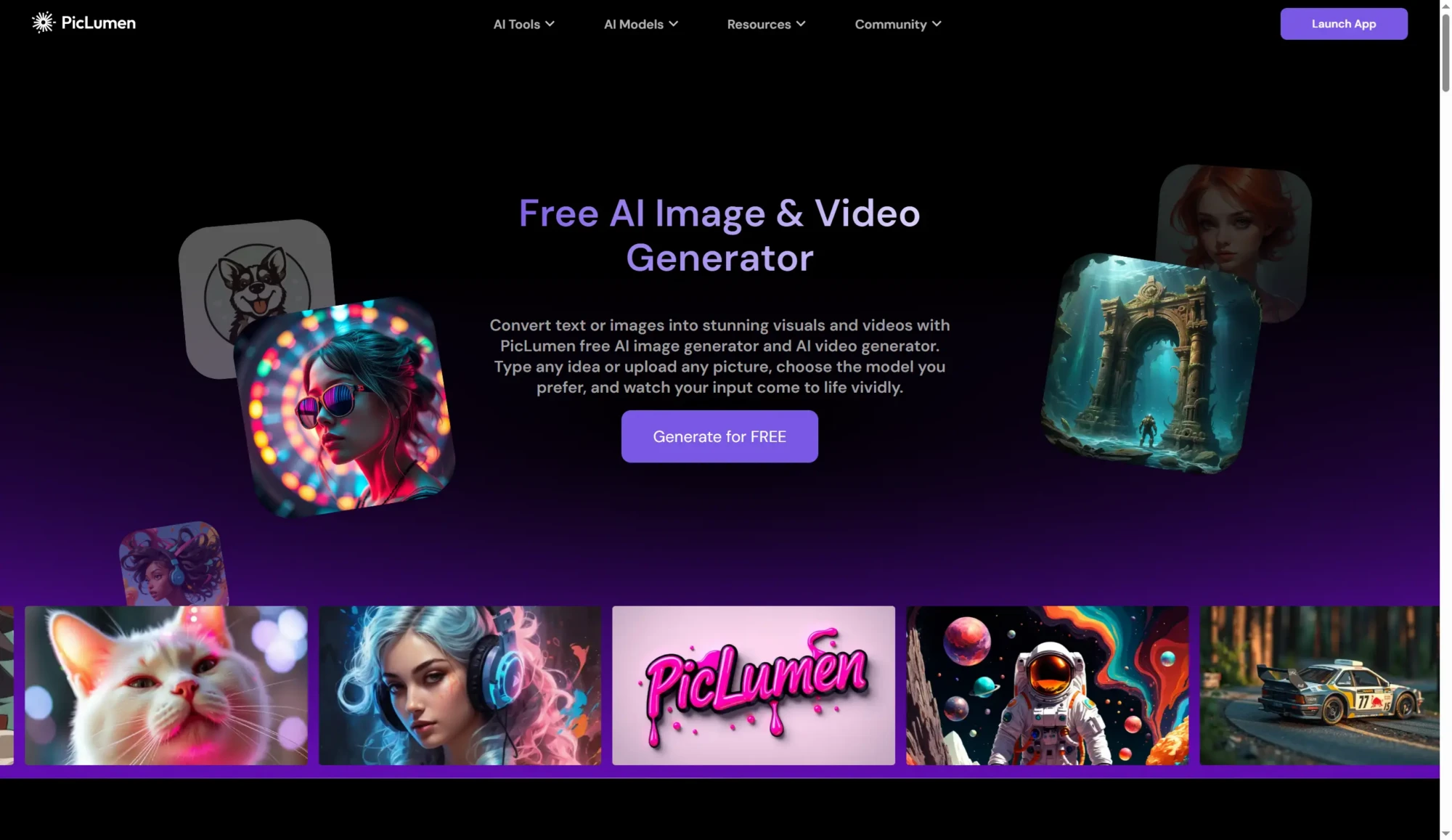
In practice, that looks like this:
Open the workspace and pick a model
Start in the Piclumen video workspace and choose the model you want to test. This is the main advantage of using a hub instead of a single-model app.
Add a prompt or upload an image
Piclumen supports text-to-video and image-to-video workflows. Its official pages also mention multilingual support across the platform and a built-in Prompt Enhancer, which can help users refine prompts with one click.
Adjust ratio, resolution, and duration
Different models and use cases need different outputs. This matters if you are testing shorts, ads, product visuals, or simple concept scenes. Piclumen’s model pages and creator-facing flows are built around this type of guided setup.
Generate, then export or remix
Once the video is ready, Piclumen’s official flow includes export and share steps. The platform also has a built-in community layer where users can publish work, explore others’ creations, and connect with other creators.
For readers who want to test several of today’s popular models without building a new workflow for each one, Piclumen is a sensible place to begin. If you want a direct tool link, its ai video generator page is the most relevant entry point.
Which model is best right now?
There is no universal winner.
If you care most about cinematic control, Runway and Luma remain strong picks. If realism and big-model momentum matter more, Veo, Sora, Kling, Hailuo, and Seedance all deserve attention. If you want something open and developer-friendly, HunyuanVideo and Wan are harder to ignore.
The more practical answer is this: the best model is often the one that fits the clip you are making. That is why model hubs are becoming more attractive. They let you compare the market without rebuilding your process every time.
FAQ
What is the difference between an AI video platform and an AI video model?
A platform is the product or interface you use. A model is the underlying generation system. Runway, Adobe Firefly, and Piclumen are platforms. Gen-4.5, Firefly Video Model, and Seedance 2.0 are model names or model families.
Which AI video model is best for beginners?
Beginners usually benefit more from an easy workflow than from a single “best” model. A hub that lets you switch models in one place is often easier than learning multiple separate tools. Piclumen explicitly positions itself around bringing top models together in one workspace.
Are open-source AI video models now good enough?
They are far more serious than they were a year ago. HunyuanVideo 1.5 and Wan 2.1 are both presented in official materials as strong open video model options, and both have helped lower the barrier for experimentation outside closed platforms.
Why use a hub instead of one model website?
Because the market is fragmented. A hub saves time when you want to compare different model strengths, reuse the same prompt or image idea, and keep export or remix steps in one place. Piclumen’s official messaging is built around exactly that kind of consolidation.