AI background removal isolates the foreground subject of an image (a person, a product, an object) from its surrounding pixels and outputs a clean cutout with a transparent alpha channel. The underlying models perform pixel-level segmentation, classifying every pixel as either foreground or background, then generating a mask that defines the boundary. The output is typically a PNG with transparency, ready to composite onto a new background or drop into a product listing, a marketing asset, or a design file.
The practical applications are broad: e-commerce product photography, passport and ID processing, social media content, real estate listing cleanup, automated catalog preparation, and feeding segmented images into downstream generative pipelines for AI image generators or virtual staging tools.
Overview comparison of the top background removers in 2026
| Tool | Type | Per-Image Cost | License | Edge Quality (Hair/Fur) | Batch/API | Best For |
|---|---|---|---|---|---|---|
| BiRefNet | Open-source | $0 (self-host) | MIT | Excellent | Python / HF | Highest-quality free cutouts |
| rembg | Open-source | $0 (self-host) | MIT | Good to Excellent | CLI / Python / Docker | Batch scripting, pipelines |
| remove.bg | Paid API | $0.09–$0.23 | Proprietary | Excellent | REST API | No-setup API integration |
| PhotoRoom | Paid API | $0.02–$0.10 | Proprietary | Very Good | REST API | E-commerce at scale |
| Clipdrop | Paid API | ~$0.002–$0.09 | Proprietary | Very Good | REST API | Bundled creative tools |
| Bria | Paid API | $0.08 | Proprietary (licensed data) | Good | REST API | IP indemnification |
| 851-Labs | Open-source | $0 (self-host) | Open | Good | API wrapper | Quick open-source cutouts |
| MODNet | Open-source | $0 (self-host) | Open | Good (portraits) | Python | Lightweight portrait matting |
1. BiRefNet
BiRefNet (Bilateral Reference Network) is the strongest open-source background removal model available. Published in CAAI AIR 2024, the architecture uses a bilateral reference mechanism that cross-checks fine local detail against global context across multiple refinement passes. The result is sharper edges on difficult subjects (hair, fur, semi-transparent fabrics, bicycle spokes) than any other free model.
BiRefNet ships under the MIT license, which means unrestricted commercial use. Six model variants cover different accuracy/speed tradeoffs:
- General Use (Light) — the default, fastest option for standard workflows
- General Use (Heavy) — slower, better on complex scenes
- General Use (Dynamic) — trained on resolutions from 256×256 to 2304×2304, adaptive to input size
- Portrait — optimized for human subjects
- Matting — trimap-free alpha matting for compositing
- General Use (Light 2K) — trained at 2560×1440 for high-resolution source images
On an RTX 4090, BiRefNet processes a 1024×1024 image at 17 FPS in FP16 mode, using roughly 3.5 GB of VRAM. On CPU, processing drops to several seconds per image, which is fine for batch jobs but impractical for real-time use.
2. rembg
rembg is the most widely deployed open-source background removal tool, functioning as a Python library, CLI tool, HTTP server, and Docker container. The latest release (June 2026) supports Python 3.11 through 3.14 and runs on ONNX Runtime, which means it works on CPU, NVIDIA GPU (CUDA), and AMD GPU (ROCm).
rembg supports multiple backend models:
- u2net — the original general-purpose model, ~170 MB
- u2netp — a lightweight version of u2net
- u2net_human_seg — optimized for human segmentation
- u2net_cloth_seg — clothing parsing (upper body, lower body, full body)
- silueta — same architecture as u2net, compressed to 43 MB
- isnet — IS-Net for cleaner boundaries on cluttered backgrounds
- birefnet-general — BiRefNet’s general model, accessible through rembg’s interface
- bria-rmbg — Bria’s non-commercial background removal model
The standard workflow is a single command:
pip install "rembg[cli]"
rembg i input.jpg output.png
For batch processing, rembg accepts a directory:
rembg p input_folder/ output_folder/
rembg runs on CPU by default. GPU acceleration requires onnxruntime-gpu plus CUDA and cuDNN. For most product photography workflows, the CPU path is fast enough (sub-second per image on a modern desktop). Alpha matting (-a flag) improves edge quality on difficult subjects like hair but adds processing time.
The primary limitation is that rembg’s default u2net model downsamples internally and then upsamples the mask, which softens fine edges. Switching to the BiRefNet backend via rembg i -m birefnet-general input.jpg output.png eliminates this problem.
3. 851-Labs Background Remover
851-Labs Background Remover is a popular open-source background remover, packaged as a simple API-style tool. The model runs on a standard GPU and handles one-click cutouts with minimal configuration. Processing a single image takes roughly one second on an RTX 4090.
The appeal is simplicity: a single endpoint, no model selection, no parameters. Upload an image, get a cutout. For teams that want the fastest path from “zero” to “working background removal” without digging into model variants, 851-Labs is the lowest-friction option.
Edge quality is good but not class-leading. On hair and translucent elements, BiRefNet produces noticeably cleaner masks. For product photography with clean edges (electronics, bottles, clothing on mannequins), the difference is marginal.
4. MODNet
MODNet is a lightweight trimap-free portrait matting model that runs efficiently on mid-range hardware. The architecture targets real-time human segmentation, making it a good fit for video conferencing backgrounds, live streaming overlays, and portrait-specific workflows.
MODNet handles standard portrait scenarios well but struggles with complex hair on busy backgrounds and produces less accurate masks on non-human subjects compared to BiRefNet or rembg’s u2net.
5. rembg-enhance
rembg-enhance extends the base rembg with improved alpha matting, producing smoother transitions on hair and fur edges. The model is free and open-source. For teams already using rembg who need better edge blending without switching to BiRefNet, rembg-enhance is a direct upgrade.
6. remove.bg
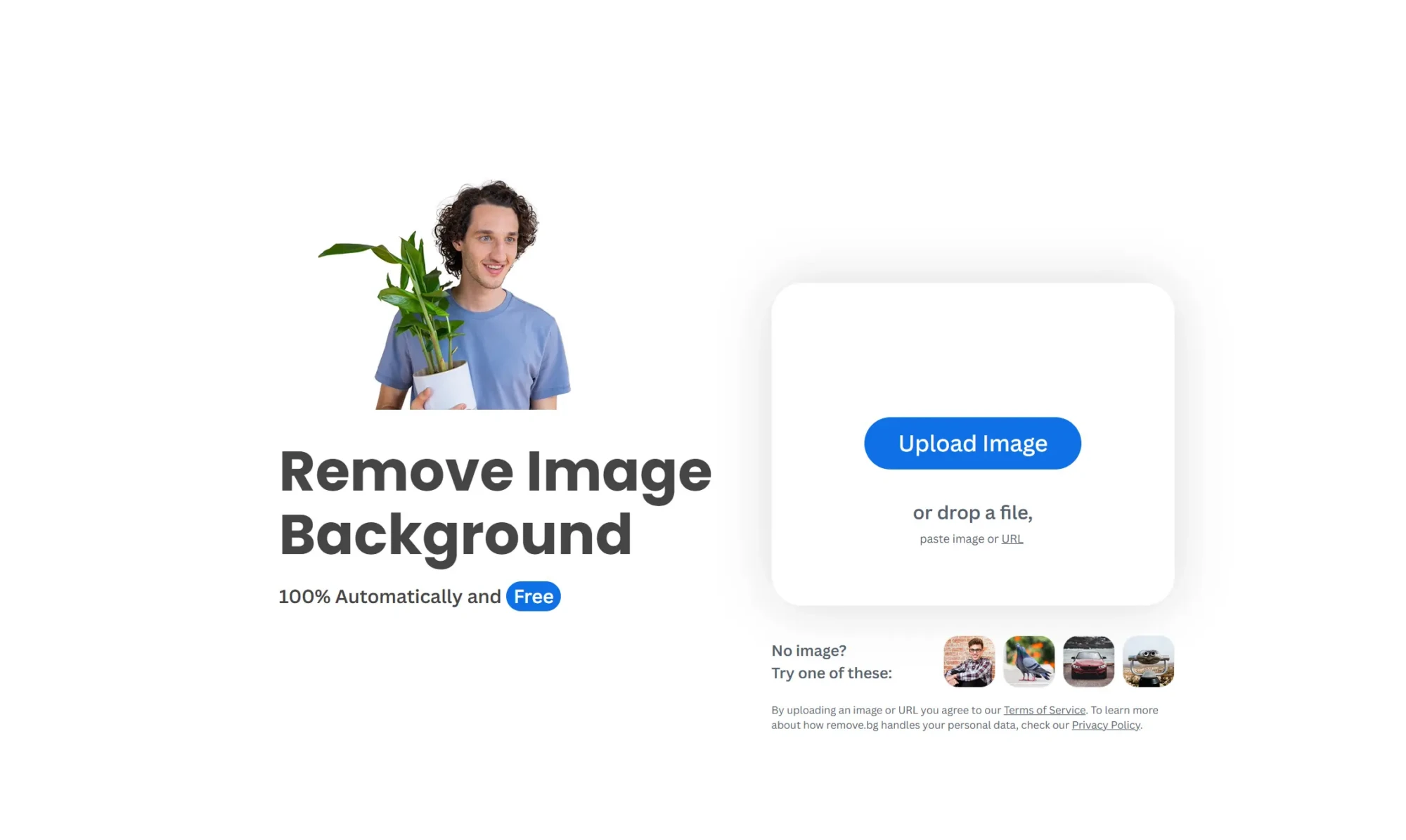
remove.bg is the most established commercial background removal API. The edge detection, particularly on hair, fur, and semi-transparent fabrics, remains among the best available from any tool (free or paid). The API accepts PNG, JPG, and WebP, and returns a cutout in 1 to 5 seconds depending on file size and resolution.
Pricing uses a credit-based model where one credit equals one image:
| Plan | Monthly Cost | Credits | Per-Image Cost |
|---|---|---|---|
| Free | $0 | 50 previews (0.25 MP) | $0 |
| Pay-as-you-go | €3 | 1 credit | ~$3.00 |
| Lite | ~$9/mo | 40 credits | ~$0.23 |
| Pro | ~$39/mo | 200 credits | ~$0.20 |
| Volume+ | ~$89/mo | 500 credits | ~$0.18 |
The free tier provides unlimited removals at 0.25 megapixel (preview-quality) resolution. Full-resolution HD output requires a paid plan.
The G2 user feedback pattern is consistent: quality scores are high, and pricing complaints are the primary source of negative reviews. Specific friction points include credits being consumed on failed or low-quality outputs, credit rollover limited to five months on subscription plans, and the cost escalation for teams processing thousands of images per month. At 10,000 images per month, you are paying roughly $2,000 on remove.bg versus near-zero on self-hosted BiRefNet.
remove.bg offers SDKs for Python, Ruby, Node.js, PHP, and Java, plus a Photoshop plugin and desktop apps for Windows, macOS, and Linux.
7. PhotoRoom
PhotoRoom is built specifically for e-commerce product photography. The Remove Background API costs $0.02 per image on the Basic plan ($20/month for 1,000 images). The Image Editing API (which includes background replacement, AI shadows, and product staging) costs $0.10 per image on the Plus plan.
| Plan | Monthly Cost | Images | Per-Image Cost |
|---|---|---|---|
| Free trial | $0 | 10 production calls | $0 |
| Basic (BG removal only) | $20/mo | 1,000 | $0.02 |
| Plus (full editing suite) | $100/mo | 1,000 | $0.10 |
| Enterprise | Custom | 200K+/year minimum | Custom |
8. Clipdrop
Clipdrop provides background removal alongside cleanup, upscaling, relighting, uncropping, and Stable Diffusion image generation. The API charges approximately $0.002 per background removal at the lowest tier, making it one of the cheapest per-call options. The consumer app offers a free tier (15 images/month with watermark) and Pro at $9/month for unlimited HD processing.
Clipdrop was founded by InitML, acquired by Stability AI in February 2023, then sold to Jasper in February 2024. Two ownership changes in two years means the long-term API stability, pricing structure, and support roadmap carry real uncertainty for teams building production integrations.
9. Bria Remove-Background
Every Bria model is trained exclusively on licensed data from Getty, Depositphotos, Envato, and Freepik. The background removal API costs $0.08 per image on the self-service pay-as-you-go plan. A 100-call free trial is available.
| Plan | Per-Image Cost | IP Coverage |
|---|---|---|
| Trial | Free (100 calls) | Standard |
| Self-Service API | $0.08 | Capped-liability indemnification |
| Enterprise | Custom | Full IP & privacy indemnity |
Price comparison between free and paid background removals
| Tool | Per-Image Cost | Monthly Cost (5,000 images) |
|---|---|---|
| BiRefNet (self-hosted, RTX 4090) | ~$0.0001 | ~$0.50 (GPU time) |
| rembg (self-hosted, CPU) | $0 | $0 (runs on existing hardware) |
| PhotoRoom Basic | $0.02 | $100 |
| Bria | $0.08 | $400 |
| Clipdrop | ~$0.002–$0.09 | $10–$450 |
| remove.bg (Pro) | ~$0.20 | $1,000 |
open-source background removers
Several additional open-source models serve narrower use cases:
- lucataco/remove-bg — another popular open-source background remover with broad adoption; produces clean cutouts on standard product photography and portraits, with similar quality to 851-Labs
- codeplugtech/background_remover — a straightforward open background remover, functionally similar to 851-Labs but with lower adoption
- zylim0702/remove_bg — handles both human and object segmentation, though with less refinement on edges
- cjwbw/rmgb — a wrapper around Bria’s non-commercial background removal model; free for personal and research use, not for commercial deployment
- zsxkib/ic-light-background — not strictly a background remover but a relighting model that can remove and replace backgrounds with controlled lighting direction; useful for product photography where you want to simulate studio lighting after the cutout
- Robust Video Matting (arielreplicate) — extracts foreground from video sequences, designed for temporal consistency across frames
- lucataco/rembg-video — applies rembg to video frame-by-frame, suitable for short clips
- tahercoolguy/video_background_remover_appender — removes and replaces video backgrounds, though still at an early stage with limited adoption