
You’ve spent twenty minutes trying every variation of your dream gamertag, and Xbox keeps hitting you with that frustrating message: “That gamertag is unavailable.” Sound familiar? You’re not alone. Millions of Xbox players face this exact problem when trying to create their perfect gaming identity.
The gamertag crisis has gotten worse over the years. With over 120 million active Xbox users globally, finding an available name feels like searching for a needle in a haystack. But here’s what most people don’t realize: many of those “taken” gamertags aren’t actually being used.
This guide breaks down exactly why your gamertag shows as taken, the real reasons behind Xbox’s naming system, and proven methods to secure the username you actually want. You’ll discover workarounds that work, tools that help, and strategies Microsoft doesn’t openly advertise.
Table of Contents
- Why Your Xbox Gamertag Shows as Taken
- How the 2019 Gamertag System Changed Everything
- The Inactive Account Problem
- 7 Proven Methods to Get Your Desired Gamertag
- Using Gamertag Generators Effectively
- Special Characters and What Actually Works
- Common Mistakes That Waste Your Time
- Frequently Asked Questions
Why Your Xbox Gamertag Shows as Taken (Even When It Shouldn’t Be)
The “gamertag already taken” message doesn’t always mean someone’s actively using that name right now. Xbox’s system reserves gamertags for several reasons that aren’t immediately obvious to users.
Reserved and Protected Names
Microsoft maintains a blacklist of protected terms that can’t be used as gamertags. These include brand names, celebrity names, offensive terms, and names that could confuse users about official Xbox services. You won’t see an error message saying “this is protected” — it just shows as taken.
Dormant Accounts Still Hold Names
Here’s the frustrating part: an account created in 2008 that hasn’t signed in since 2010 still reserves that gamertag. Microsoft doesn’t automatically release names from inactive accounts, which means millions of creative usernames sit locked behind abandoned profiles.
According to Statista’s gaming industry data, approximately 30-40% of Xbox accounts show no activity in the past year, yet they maintain their gamertag reservations indefinitely.
The Suffix System Creates Confusion
When Xbox revamped their system, they introduced numeric suffixes (like #1234). Someone might have the base name “Phoenix” with the suffix #7821, making the exact combination “Phoenix#7821” taken but leaving other variations technically available.
How the 2019 Gamertag System Changed Everything
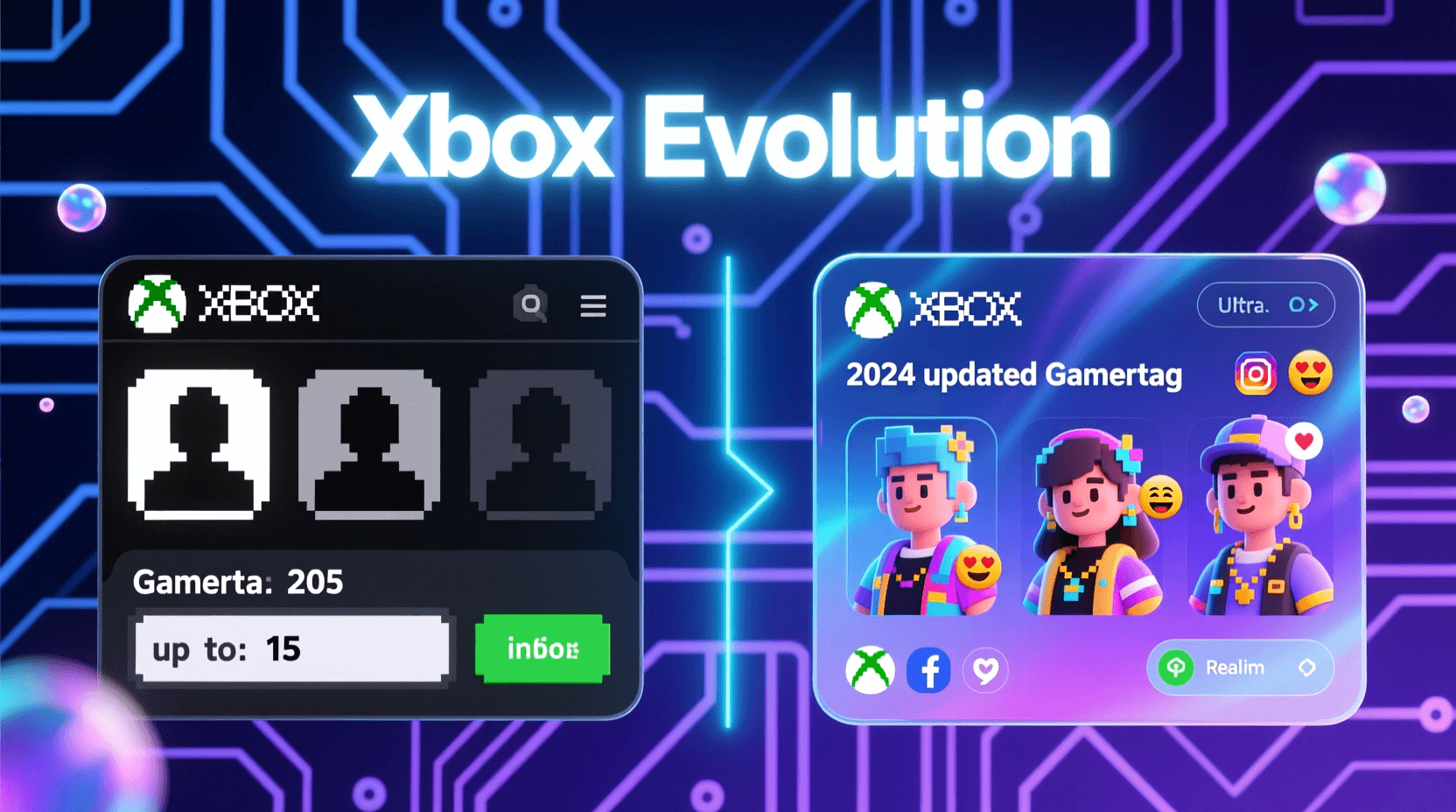
Before 2019, Xbox gamertags followed strict rules: 15 characters maximum, alphanumeric only, no duplicates allowed. Microsoft overhauled this system to solve the scarcity problem, but it created new complications.
What Changed in the New System
The updated gamertag framework allows:
- Up to 12 characters instead of 15
- Unicode characters including emojis and special symbols
- Duplicate names with unique numeric suffixes
- Spaces in gamertags (finally)
If you claim a name that already exists, Xbox automatically adds a suffix like #1234 to make it unique. Your display name shows without the suffix in most places, but the full identifier includes it.
Why This Didn’t Solve the Problem
Despite Microsoft’s intentions, the suffix system introduced its own headaches. Players don’t want to be “ShadowWolf#8472” — they want to be THE ShadowWolf. The psychological value of having the base name without numbers matters to most gamers.
Plus, the system still shows base names as “taken” even when you could technically claim them with a suffix. The error message doesn’t clarify this option, leaving users confused about what’s actually available.
The Inactive Account Problem (And Why Microsoft Won’t Fix It)
You’d think Microsoft would release gamertags from accounts that haven’t logged in for five years. They don’t, and there’s a business reason behind it.
Microsoft’s Position on Inactive Names
Xbox has stated they won’t forcibly release gamertags from inactive accounts because users might return years later expecting their identity intact. They prioritize account continuity over name availability.
There’s also a technical reason: Microsoft’s backend systems would need massive overhauls to track inactivity periods, send notifications, and manage reclaimed names at scale. For a platform with 120 million users, that’s a significant engineering challenge.
What This Means for You
That perfect single-word gamertag you want? It’s probably locked behind an account created in 2007 that last signed in during the Xbox 360 era. Microsoft won’t remove it, and there’s no official appeals process to claim inactive names.
Your best options involve working within the system’s constraints rather than fighting against them. That’s what the next section covers.
7 Proven Methods to Get Your Desired Gamertag
1. Try the Name at Different Times
Xbox’s availability checker sometimes has glitches. A name showing as taken at 2 PM might appear available at 7 AM the next day. This isn’t reliable, but players have reported success checking availability during off-peak hours (early morning or late night in your timezone).
2. Accept the Suffix and Own It
Instead of fighting against numbers, make them part of your identity. If you want “Viper” but it’s taken, “Viper#2026” or “Viper#1337” can actually look intentional rather than like a consolation prize. Many players don’t even notice the suffix in everyday gameplay.
3. Modify Your Desired Name Strategically
Small changes can make a big difference:
- Add a single letter: “Phantom” becomes “Phantomm” or “xPhantom”
- Replace letters with similar characters: “Thunder” becomes “Thvnder”
- Use underscores or spaces: “NightRider” becomes “Night Rider”
- Add a relevant prefix: “GamingPhantom” or “ProPhantom”
The key is making modifications that still feel like YOUR name rather than a random compromise.
4. Leverage Special Characters Xbox Now Allows
The 2019 update opened up character options most people don’t explore. You can use:
- Accented letters (é, ñ, ü)
- Non-Latin alphabets (Japanese, Korean, Cyrillic)
- Mathematical symbols (≠, ≈, ∞)
A name like “Phœnix” or “Phøenix” might be available when “Phoenix” isn’t. Just make sure it’s still pronounceable if you want friends to find you easily.
5. Combine Two Shorter Words
Single words are almost always taken. Two-word combinations open up exponentially more options. Instead of “Shadow,” try “Shadow Echo” or “Midnight Shadow.” The 12-character limit allows some decent combinations.
6. Use a Generator for Inspiration
Sometimes you’re too close to the problem. Gamertag generators can spark ideas you wouldn’t think of on your own. They combine words in unexpected ways that might actually be available.
You can also try related tools like the random gamertag generator or Xbox name generator for different approaches to finding available names.
7. Check if the Name Exists on Xbox.com
Sometimes a gamertag shows as taken in the Xbox app but isn’t actually registered. Search for the exact name on Xbox.com’s people search. If no profile appears, there might be a database issue, and contacting Xbox support could help.
Using Gamertag Generators Effectively (Not Just Random Outputs)
Gamertag generators get a bad reputation for producing terrible suggestions like “UnicornDestroyer4782.” But when used strategically, they’re valuable brainstorming tools.
How to Get Useful Results
Don’t just click “generate” and accept whatever pops up. Instead:
- Input specific keywords related to your gaming style or personality
- Set length preferences to match Xbox’s 12-character limit
- Generate 20-30 options and pull elements from different suggestions
- Combine parts from multiple generated names to create something unique
The Xbox username generator lets you customize inputs for more relevant results. You’re looking for inspiration, not necessarily the final product.
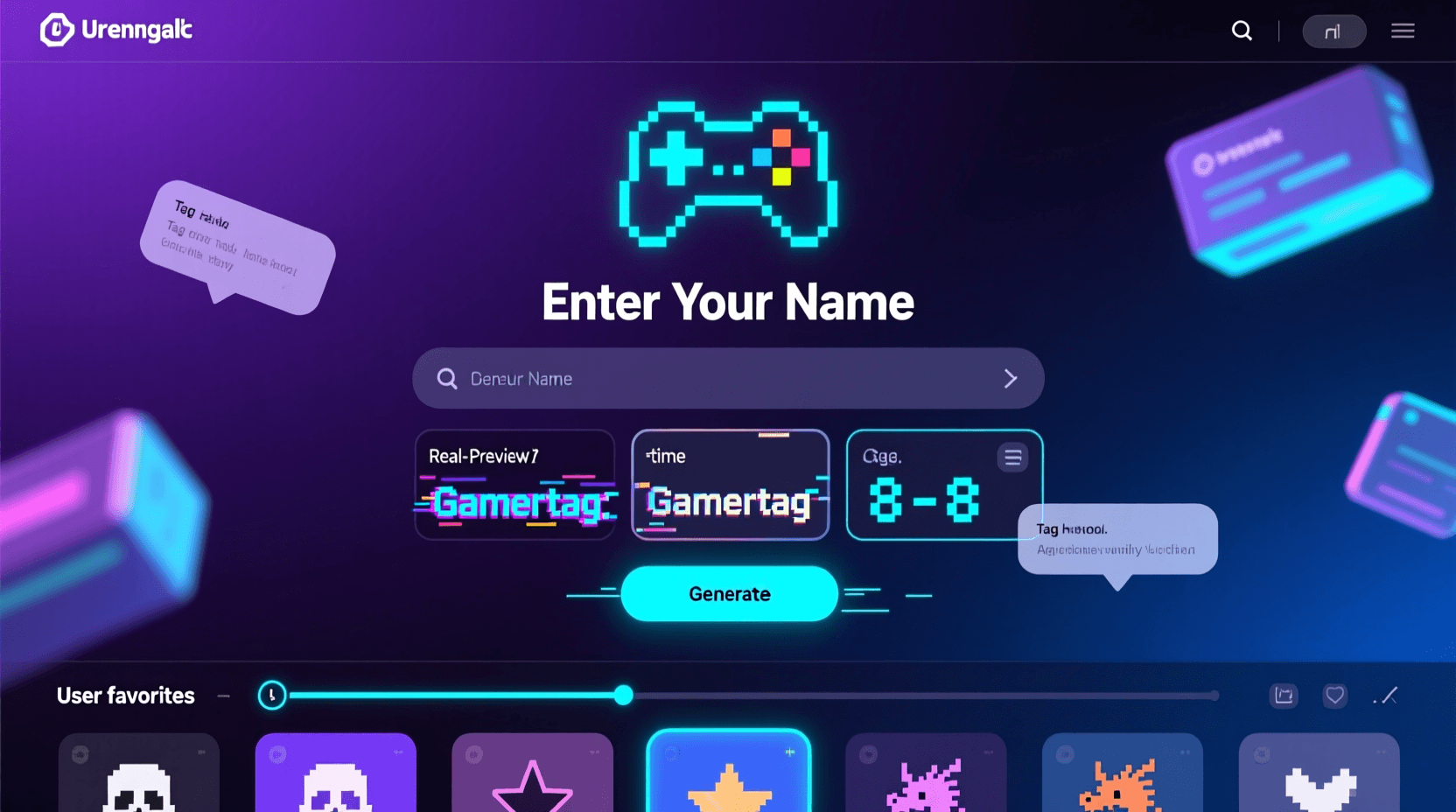
Mixing Generator Results with Your Own Ideas
Take the structure from a generated name and swap in your preferred words. If the generator suggests “StormRider,” but you prefer lunar themes, adapt it to “MoonRider” or “LunarRider.” This combines algorithmic variety with personal meaning.
Special Characters and What Actually Works in 2026
Xbox’s character support has expanded, but not everything works as you’d expect. Here’s what the system actually accepts.
Allowed Special Characters
- Spaces (game-changer for readability)
- Underscores
- Accented Latin characters (à, é, ñ, etc.)
- Some Unicode symbols and emojis (limited set)
Still Blocked
- Most punctuation marks (!, @, #, $, %, etc.)
- Brackets and parentheses
- Slashes and backslashes
- Most mathematical operators
Xbox’s character validator isn’t fully documented, so some experimentation is required. The system will tell you immediately if a character isn’t supported.
International Characters Open New Possibilities
If you’re comfortable with non-English characters, using Japanese katakana, Korean hangul, or Cyrillic letters dramatically increases availability. A name like “Волк” (Russian for “wolf”) is far more likely to be available than any English equivalent.
Just consider whether you want friends who don’t read those scripts to be able to find and message you easily.
5 Time-Wasting Mistakes When Trying to Claim a Gamertag
Mistake #1: Trying Tiny Variations of the Same Base Name
Spending an hour testing “Shadow,” “Shadows,” “Shadowy,” “Shadowz,” and “xShadowx” is inefficient. If the base word is taken, minor variations usually are too. Jump to creative combinations instead of exhausting single-word options.
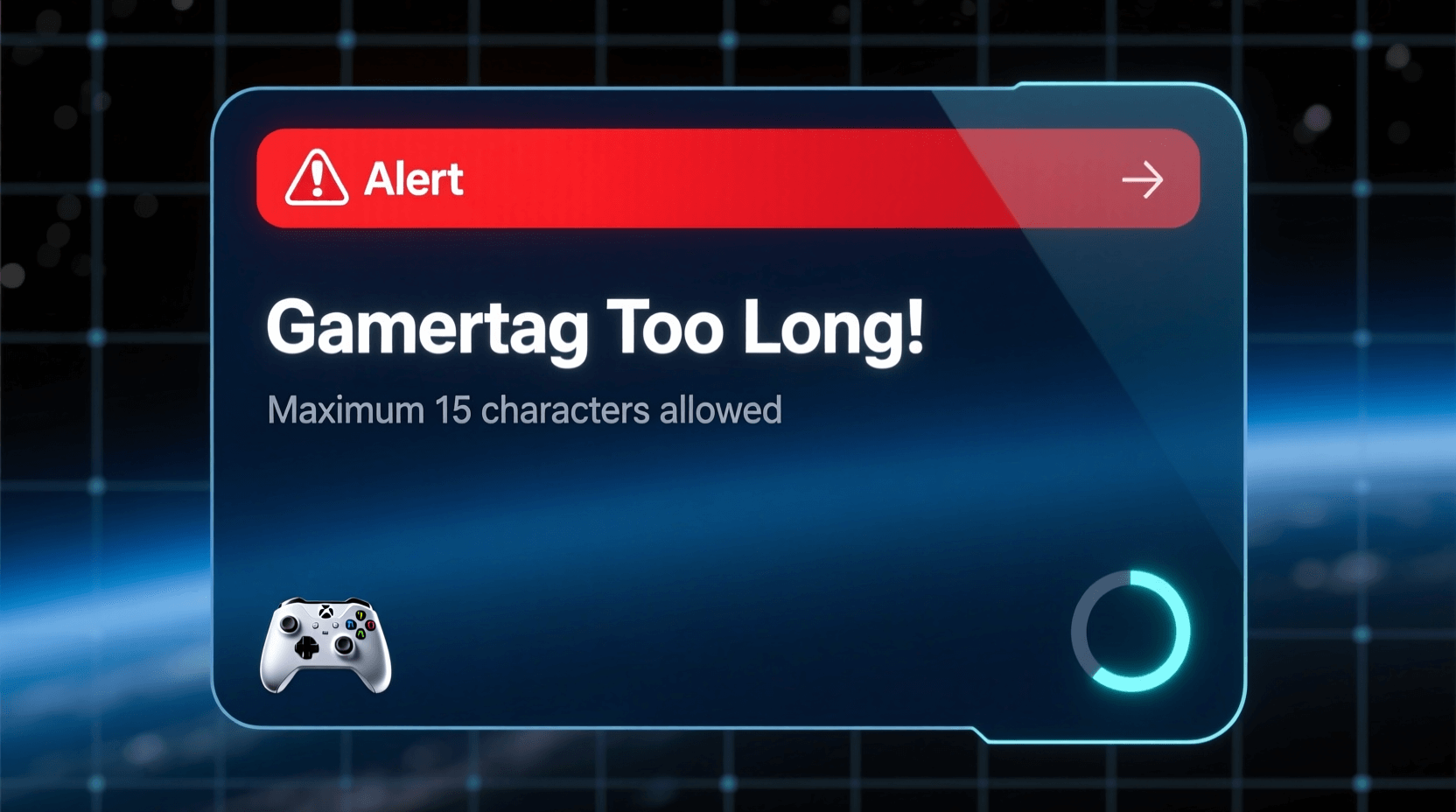
Mistake #2: Ignoring the 12-Character Limit
Coming up with the perfect 15-character gamertag only to discover it won’t fit is frustrating. Xbox reduced the limit to 12 characters in 2019. Check your character count before getting attached to a name.
Mistake #3: Not Checking How It Looks in Different Contexts
Your gamertag appears in friend lists, leaderboards, chat boxes, and game overlays. What looks cool in the creation screen might be hard to read at small sizes or in motion during gameplay. Test readability before committing.
Mistake #4: Picking Names You’ll Regret in Six Months
That reference to the trending meme or your current favorite game might feel dated quickly. Gamertag changes cost money ($9.99 after your first free change), so choose something with staying power. Classic words, personal nicknames, and timeless concepts age better than pop culture references.
Mistake #5: Forgetting About Cross-Platform Visibility
If you play cross-platform games, your Xbox gamertag appears to PlayStation and PC players too. Names with inside Xbox jokes or references might seem random to players on other systems. Consider picking something that represents you across gaming platforms.
What Xbox Should Do (But Probably Won’t)
The gamertag scarcity problem has straightforward solutions that Microsoft chooses not to implement. Here’s what would help:
Reclaim Names from Truly Inactive Accounts
Accounts with zero logins for 5+ years and no paid subscriptions could release their gamertags back into the pool. Xbox could send email warnings before reclamation, giving owners time to log in if they care. This would free millions of dormant names.
Expand the Character Limit
Reducing from 15 to 12 characters made scarcity worse. Increasing to 16 or 20 characters would exponentially expand available combinations without breaking existing systems.
Make Suffixes Optional but Visible
Let users choose whether they want a numeric suffix or a unique base name. Those willing to accept “Phoenix#8421” could claim it, while others could keep searching for completely unique options. The current system forces suffixes on duplicate names without giving users a choice.
Create a Gamertag Marketplace
Steam allows users to change names freely. Epic Games does too. Xbox could implement something similar — perhaps allowing unlimited changes for Game Pass Ultimate members. This would reduce the attachment to specific names and make the pool more fluid.
None of these changes seem likely in 2026, so working within the current system remains your best bet.
The Reality of Gamertag Availability in 2026
Finding the perfect available gamertag requires lowering expectations slightly. The days of claiming single-word gamertags ended years ago unless you were an early Xbox Live adopter.
But that doesn’t mean settling for garbage. With creative modifications, strategic use of allowed characters, and openness to unexpected combinations, you can land on something that feels authentically yours.
The gamertag doesn’t make the player. Your reputation, skill, and presence in games matter more than whether you have the exact name you first imagined. That said, having a gamertag you actually like makes the gaming experience more enjoyable.
Try the methods outlined here systematically rather than randomly testing variations. Use generators as brainstorming tools, embrace the suffix system when necessary, and remember that slight modifications can preserve the essence of your desired name.
The Xbox gamertag system has flaws, but understanding how it works gives you better odds of getting something close to what you want. And if all else fails, there’s always that $9.99 change option after you’ve had more time to think about it.
Frequently Asked Questions
Can I buy a gamertag from another user?
No. Microsoft doesn’t support gamertag transfers between users, and attempting to buy account access violates Xbox’s Terms of Service. Any third-party service claiming to sell gamertags is either a scam or offering something that breaks Microsoft’s rules.
How do I know if a gamertag is from an inactive account?
Search the exact gamertag on Xbox.com or through the Xbox app’s people search. If a profile appears but shows no recent activity, achievements, or game history, it’s likely inactive. However, this doesn’t help you claim it — Microsoft won’t release names from inactive accounts.
Can I use the same gamertag as someone else?
Yes, with the suffix system introduced in 2019. If “Phoenix” is taken, you can claim “Phoenix#7421” (the number is auto-assigned). Your display name will show as just “Phoenix” in most contexts, though the full identifier includes the suffix.
What characters are allowed in Xbox gamertags?
Xbox gamertags can include letters, numbers, spaces, underscores, and certain accented characters. The system blocks most special symbols, punctuation marks, and emoji (despite some Unicode support). The gamertag creation screen will immediately flag unsupported characters.
How long do I have to wait to change my gamertag again?
There’s no waiting period between gamertag changes. You can change it as often as you want, but after your first free change, each subsequent change costs $9.99. This fee applies regardless of whether you changed it yesterday or three years ago.
Will changing my gamertag affect my games and achievements?
No. Your game saves, achievements, friends list, and Xbox Live account remain intact when you change your gamertag. Only your display name changes — everything else persists under your Microsoft account.
Can I get banned for using a gamertag generator?
Absolutely not. Using online tools to brainstorm gamertag ideas is completely legitimate. These generators just suggest name combinations — they don’t interact with Xbox’s systems in any way that could trigger a ban.
Why does Xbox say a name is taken when I can’t find the account?
This happens for several reasons: the name might be on Microsoft’s protected/reserved list, it could be tied to an account that hasn’t completed setup, or there might be a database sync issue. If you’re certain the name should be available, contacting Xbox Support is your only recourse.
Can I remove the number suffix from my gamertag?
Only by choosing a completely unique base name. If you claimed a duplicate name that required a suffix, you’re stuck with it unless you change to a different gamertag entirely. The suffix becomes part of your permanent identifier for that specific name.
Are there any free gamertag checkers?
The Xbox app and Xbox.com are the only official free ways to check gamertag availability. Any third-party checker pulls data from the same Xbox API, so they won’t show you different results. The official sources are most reliable and updated in real-time.