Finding that perfect Microsoft gamertag can be surprisingly difficult. You want something unique, available, and representative of your gaming style. An Xbox name tool takes the guesswork out of the process by generating creative suggestions instantly.
This roundup covers 20 free online tools that create Xbox gamertag ideas—from AI-powered generators to simple randomizers. You’ll find options for every gaming personality, whether you prefer intimidating names, funny tags, or something completely original.
Table of Contents
- What Makes a Good Xbox Gamertag?
- 20 Best Xbox Gamertag Generators
- Picking the Right Generator for Your Style
- Microsoft Gamertag Rules You Should Know
- FAQ
What Makes a Good Xbox Gamertag?
Before diving into the tools, let’s talk about what separates forgettable names from legendary ones. According to Microsoft’s official guidelines, gamertags can include up to 12 characters (or 15 if you’re using a generated suffix).
Strong gamertags typically share a few qualities:
- Memorability – Easy to spell and pronounce so teammates can call you out quickly
- Originality – Stands apart from the millions of existing Xbox accounts
- Relevance – Reflects your personality, favorite games, or playstyle
- Availability – Actually claimable on Xbox Live without random number suffixes
The challenge? With over 100 million Xbox Live accounts worldwide, most simple names are already taken. That’s precisely why gamertag generators have become essential for new players and those looking for a fresh start.
20 Best Xbox Gamertag Generators (Free)
1. AI Free Forever Xbox Gamertag Generator
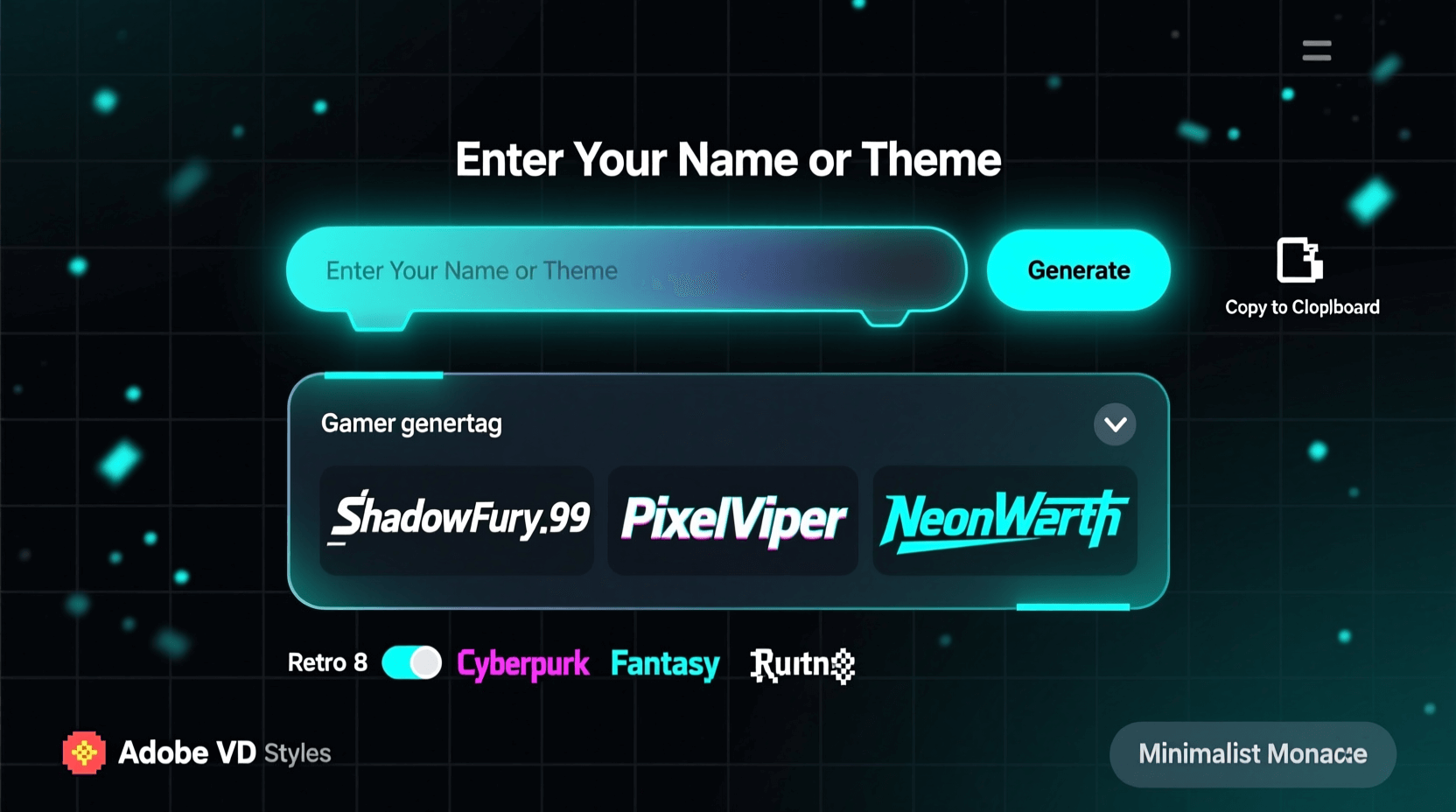
The Xbox Gamertag Generator from AI Free Forever uses artificial intelligence to create personalized suggestions based on your preferences. Enter keywords related to your gaming style, favorite genres, or personality traits, and the tool produces multiple unique options.
What sets this apart is the AI’s ability to combine words creatively rather than just mashing random terms together. You can generate unlimited names without signing up, and the results tend to be more original than basic randomizers.
Best for: Players who want customized, meaningful gamertag suggestions
2. SpinXO
SpinXO has been a go-to username generator for years. The Xbox-specific section lets you input hobbies, important words, favorite numbers, and other details. It then combines these elements into dozens of potential gamertags.
The interface feels a bit dated in 2026, but the core functionality remains solid. Each generated name shows availability across multiple platforms, saving you time checking manually.
Best for: Gamers who want names based on specific personal interests
3. Jimpix
Jimpix takes a different approach by combining random words from customizable categories. Select “gaming,” “action,” or “fantasy” themes, adjust the word count, and generate combinations you’d never think of yourself.
The randomness occasionally produces genuinely hilarious results. Some may need tweaking to fit Xbox’s character limits, but it’s excellent for sparking creativity.
Best for: Finding unexpected word combinations and unusual tags
4. AI Free Forever Random Gamertag Generator
Sometimes you just need instant inspiration without fiddling with settings. The Random Gamertag Generator delivers exactly that—one click, multiple creative suggestions.
This tool works well when you’re open to anything and want to browse through possibilities quickly. Generate as many batches as needed until something clicks.
Best for: Quick brainstorming sessions and random inspiration
5. NameMC (Gamertag Section)
Originally built for Minecraft usernames, NameMC expanded to include Xbox gamertag searches. While it doesn’t generate names directly, its availability checker and similar username suggestions help refine ideas you already have.
Enter a name you like, and NameMC shows variations that might still be available. It’s a useful companion tool alongside actual generators.
Best for: Checking availability and finding variations of existing ideas

6. Fantasy Name Generators
Fantasy Name Generators offers dozens of themed generators, including several perfect for Xbox gamertags. The “gamer name” category provides options ranging from aggressive to quirky, while fantasy-themed sections create tags ideal for RPG fans.
The site is completely free with no registration required. Bookmark specific generators that match your preferred naming style.
Best for: RPG enthusiasts and players wanting thematic names
7. AI Free Forever Xbox Name Generator
Slightly different from the gamertag-specific tool, the Xbox Name Generator focuses on creating names that sound natural and professional. The AI considers phonetics and word flow, producing suggestions that roll off the tongue.
Particularly useful if you stream or create content—a pronounceable name helps viewers remember you.
Best for: Streamers, content creators, and competitive players
8. Cool Generator
Cool Generator’s gamertag section offers preset themes like “badass,” “cool,” “funny,” and “cute.” Select your vibe, hit generate, and browse through categorized results.
The themed approach saves time by filtering out suggestions that don’t match your personality. Each category typically produces 10-20 options per generation.
Best for: Players with a specific aesthetic or tone in mind
9. Rum and Monkey
One of the internet’s oldest name generators, Rum and Monkey includes gaming-related options among its hundreds of generators. The interface is simple, the results are creative, and the tool has generated millions of names over the years.
Don’t expect fancy AI features, but do expect reliable, quirky suggestions that have stood the test of time.
Best for: Classic randomized names without complexity
10. AI Free Forever Xbox Username Generator
The Xbox Username Generator specializes in clean, professional-sounding options. If you’re tired of numbers and underscores cluttering your identity, this tool focuses on actual words and meaningful combinations.
Input your preferences and receive suggestions that look polished on leaderboards and in competitive matches.
Best for: Professional-looking gamertags for esports and competitive play

11. NickFinder
NickFinder generates stylized nicknames with special characters and fonts. While Xbox has limitations on special characters, you can still draw inspiration from the creative letter combinations and word choices.
The tool also shows how many people use similar names, giving you insight into originality.
Best for: Visual inspiration and creative letter styling ideas
12. BestRandoms
BestRandoms offers a straightforward gamertag generator with adjustable length settings. Set your preferred character count (keeping Xbox’s limits in mind), choose a generation style, and produce results that fit technical requirements.
No fluff, no sign-ups—just functional name generation that respects platform constraints.
Best for: Precise control over gamertag length and structure
13. AI Free Forever Gamertag Generator
The general Gamertag Generator works across all platforms, including Xbox, PlayStation, and PC. Use it when you want consistency across multiple gaming accounts or need a universally appealing name.
The cross-platform focus means suggestions tend to be more versatile and adaptable.
Best for: Multi-platform gamers wanting consistent identity
14. Plarium
Game developer Plarium provides a free gamertag generator on their website. Select from categories like “warrior,” “gamer,” and “streamer” to receive themed suggestions tailored to different player types.
The results lean toward action-oriented names, making it ideal for FPS and battle royale players.
Best for: Aggressive, action-focused gamertag styles
15. LingoJam
LingoJam lets you transform regular text into stylized versions, which can inspire creative gamertag variations. While not a generator in the traditional sense, it helps you see familiar words from new angles.
Type potential names and view dozens of stylized interpretations to spark ideas.
Best for: Transforming existing ideas into fresh variations

16. AI Free Forever Twitch Name Generator
Many Xbox gamers also stream on Twitch, making the Twitch Name Generator relevant for creating unified branding. Names that work on Twitch typically translate well to Xbox, especially for content creators.
The focus on memorable, stream-friendly names produces polished results suitable for building an audience.
Best for: Streamers wanting matching Xbox and Twitch identities
17. Masterpiece Generator
Masterpiece Generator creates gamertags using literary and creative writing techniques. The results often have a storytelling quality, producing names that feel like they belong to characters in games themselves.
Perfect for narrative-focused gamers who want tags with depth and meaning.
Best for: Story-driven gamers wanting names with character
18. AI Free Forever Streamer Name Generator
The Streamer Name Generator creates catchy, marketable names designed for online visibility. These suggestions work beautifully as Xbox gamertags, especially if you plan to build a gaming brand.
The AI considers factors like searchability and memorability that pure gamertag generators might overlook.
Best for: Building a gaming brand across platforms
19. Username Generator by Hootsuite
Hootsuite’s social media username generator includes gaming-relevant options. Enter keywords and receive suggestions optimized for availability across major platforms, including Xbox Live.
The business-oriented approach produces professional results that age well.
Best for: Clean, professional names with broad appeal
20. AI Free Forever Username Generator
Rounding out the list, the general Username Generator provides AI-powered suggestions for any platform. Specify gaming as your use case, and the tool adjusts its output accordingly.
The flexibility makes it useful when you want to explore beyond Xbox-specific naming conventions.
Best for: Versatile suggestions adaptable to any gaming context
========= IMAGE: Xbox gamertag on profile screen =========
Picking the Right Generator for Your Style
With 20 options available, how do you decide which tool to use? Consider these factors:
If you want personalization: AI-powered tools like the Xbox Gamertag Generator or SpinXO let you input preferences for customized results.
If you want speed: Random generators like Jimpix or the Random Gamertag Generator produce instant results without configuration.
If you’re a content creator: Tools focused on branding and memorability—like the Streamer Name Generator—help build recognizable identities.
If you play specific genres: Fantasy Name Generators and themed tools create names matching your favorite game styles.
Most gamers try several generators before settling on a winner. Bookmark three or four that match your preferences and generate batches from each until something resonates.
Microsoft Gamertag Rules You Should Know
Before finalizing your new identity, review Xbox Community Standards to avoid enforcement issues:
- Maximum 12 characters for classic gamertags (15 with auto-generated suffixes)
- No profanity, hate speech, or offensive references
- No impersonation of Xbox employees, game characters, or public figures
- Spaces count as characters
- Special characters are limited—stick to letters and numbers
Microsoft enforces these rules through both automated systems and player reports. A gamertag that violates community standards may result in forced name changes or account restrictions.
When using any generator, double-check that results comply with these guidelines before claiming your new identity.
Frequently Asked Questions
Can I change my Xbox gamertag after creating it?
Yes. Microsoft allows one free gamertag change per account. Additional changes cost $9.99 USD. Premium gamertags (returning classic names) may cost more depending on demand.
Why do some gamertags have numbers after them?
When a desired gamertag is unavailable, Xbox offers to add a suffix (like #1234) to make it unique. These suffixes are hidden in most games but appear in some contexts. Generating truly original names avoids this issue.
Are Xbox gamertag generators safe to use?
Reputable generators like those listed here are safe. Avoid tools that request your Xbox login credentials—legitimate generators never need account access to suggest names.
How long should my gamertag be?
Xbox allows up to 12 characters. Shorter names (6-10 characters) tend to be more memorable and easier to type when friends search for you.
Can I use special characters in my Xbox gamertag?
Limited special characters are allowed, but most symbols aren’t supported. Stick to letters, numbers, and spaces for maximum compatibility.
What if every name I like is taken?
Try combining words differently, adding meaningful numbers (birth year, lucky number), or using slight spelling variations. The Xbox Gamertag Generator can help create original combinations more likely to be available.
Do gamertag generators check Xbox availability?
Most don’t check in real-time. After generating ideas, verify availability directly on Xbox or at Xbox’s official account page.
Final Thoughts
Your Xbox gamertag follows you through every victory, defeat, and memorable gaming moment. Spending a few minutes with a quality generator beats settling for a random name you’ll regret later.
Start with the AI-powered Xbox Gamertag Generator for personalized suggestions, then explore other tools until you find your perfect gaming identity. The right name is waiting—you just need the right tool to discover it.