Table of Contents
- What Are Vibe Coding Apps?
- Why Use AI Coding Tools in 2026?
- 15 Best Vibe Coding Apps
- How to Choose the Right Coding Assistant
- Future Trends in AI Coding
- Frequently Asked Questions
- Key Takeaways
What Are Vibe Coding Apps?
Vibe coding apps are AI-powered development tools that help you write, test, and deploy code faster. Unlike traditional code editors, these apps use machine learning to understand what you’re trying to build and offer smart suggestions along the way. Think of them as having a coding partner who never gets tired and knows almost every programming language. You describe what you want in plain English, and the AI generates working code for you. You can then modify, test, and refine it until it’s exactly what you need. These tools have become incredibly popular because they remove many of the frustrating barriers that beginners face. According to Stack Overflow, over 70% of developers now use AI coding assistants at least occasionally in their workflow.
Why Use AI Coding Tools in 2026?
The benefits of using AI-powered coding apps go beyond just speed. Here’s what makes them valuable:
- Learn while you build: These tools explain the code they generate, helping you pick up programming concepts naturally
- Reduce errors: AI catches common mistakes before they become bugs in your project
- Work across languages: Most platforms support multiple programming languages, so you’re not locked into just one
- Faster prototyping: You can test ideas and build prototypes in hours instead of days
- Better collaboration: Many tools include features that make it easier to work with team members
GitHub’s research shows that developers using AI assistants complete tasks up to 55% faster than those who don’t. That’s a massive productivity boost that translates to more projects completed and fewer late nights debugging. 
15 Best Vibe Coding Apps in 2026
Here are the top coding assistants you should know about this year. Each one brings something unique to the table, whether it’s specialized AI models, better collaboration features, or simpler interfaces for beginners.
1. Lovable
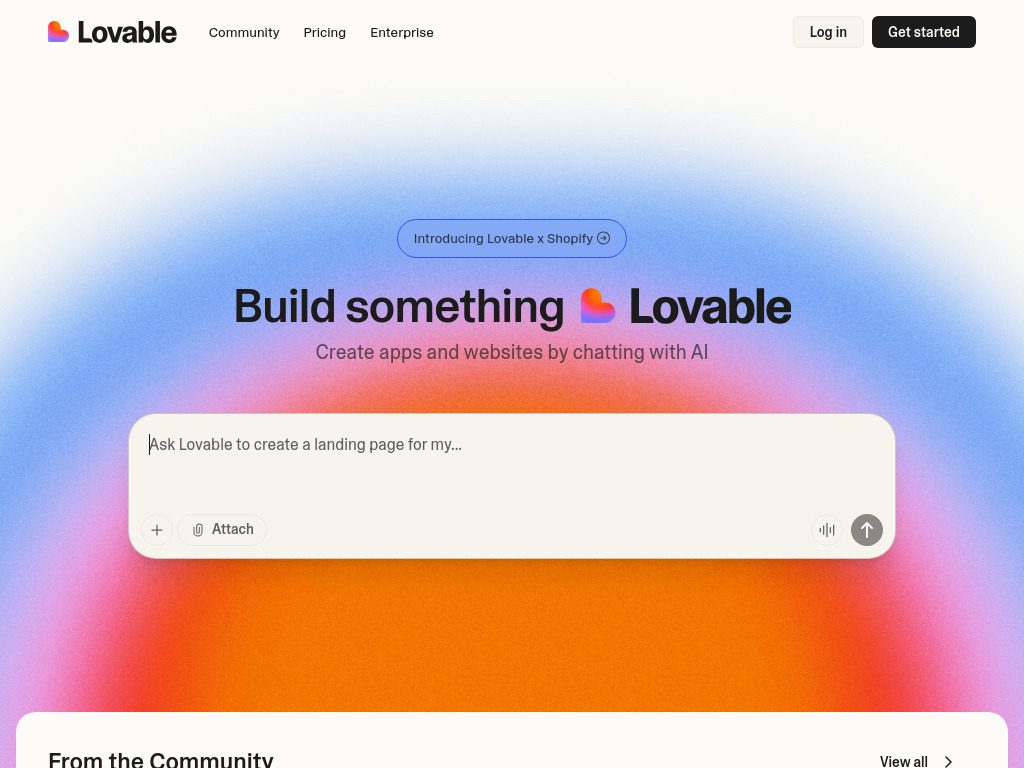
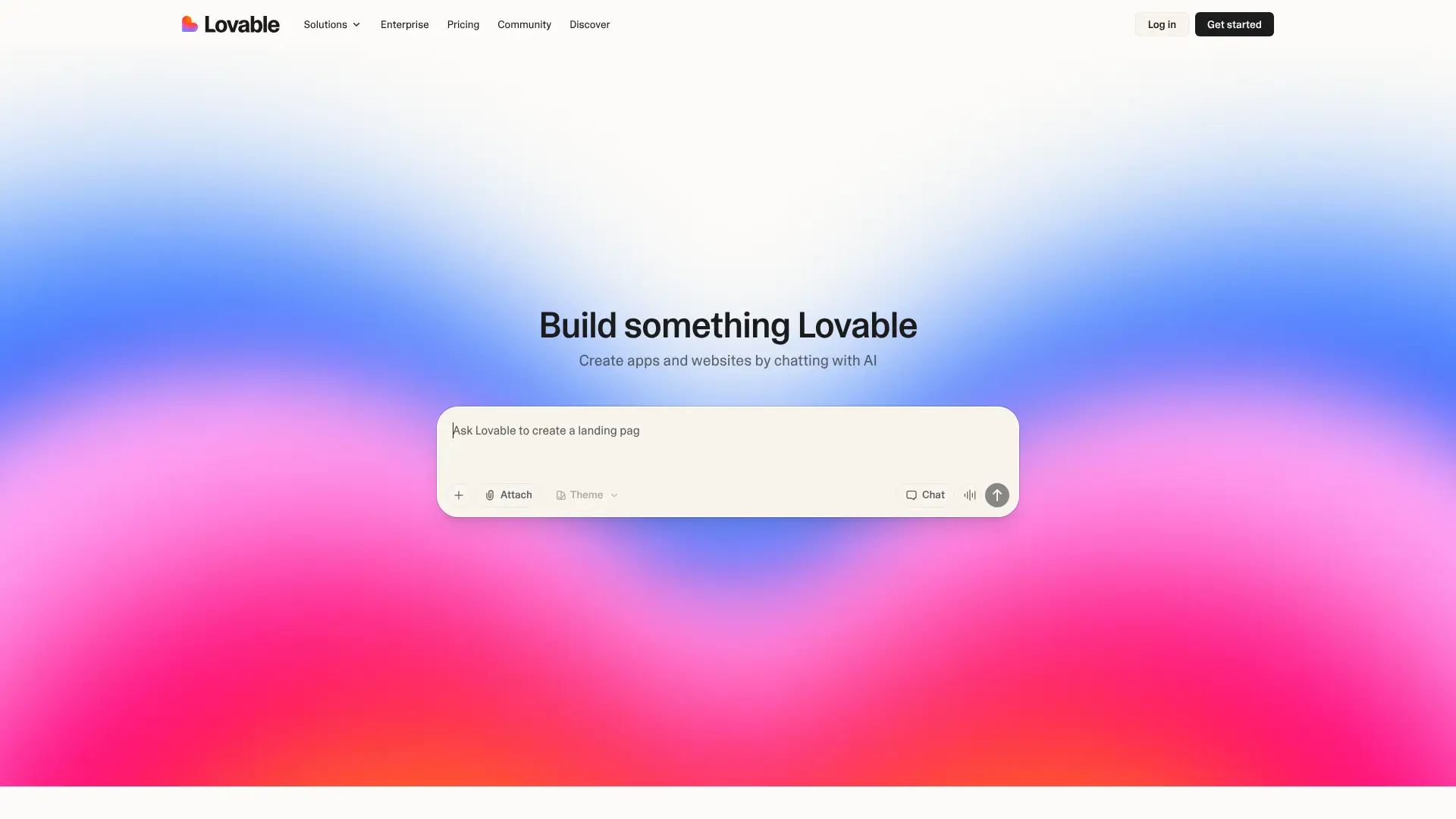 Lovable has quickly become one of the most talked-about coding platforms in 2026. What sets it apart is its focus on full-stack web applications with an incredibly intuitive interface. The platform excels at building entire applications from natural language descriptions. You can describe a web app you want to create—like “a task manager with team collaboration features”—and Lovable generates a working prototype with both frontend and backend code.Key features:
- Real-time preview as you code
- Built-in deployment to production environments
- Collaborative editing for teams
- Supports React, Vue, and Svelte frameworks
- AI-powered debugging assistant
The pricing starts at $20 per month for individuals, with team plans available. Many developers appreciate that Lovable includes hosting in the subscription, which eliminates the need for separate deployment services.
2. Base44
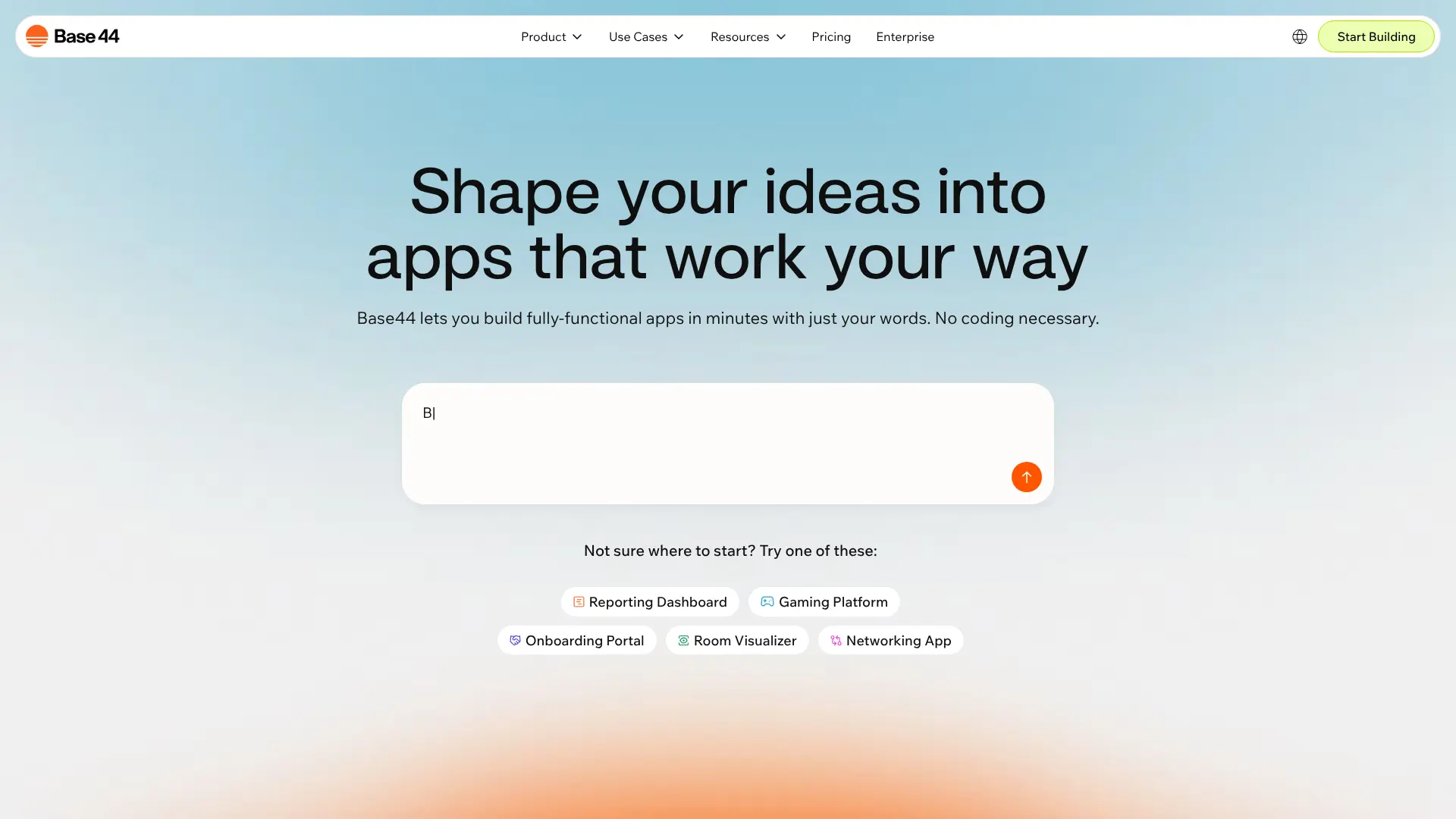 Base44 focuses on rapid application development with a strong emphasis on database-driven apps. If you’re building anything that needs to store and manage data—like inventory systems, booking platforms, or customer management tools—Base44 makes the process straightforward. What makes Base44 different is its visual database designer combined with AI code generation. You sketch out your data structure visually, and the platform generates all the necessary backend code, API endpoints, and even basic admin interfaces. Key features:
- Visual database schema builder
- Automatic API generation
- Built-in authentication and authorization
- Real-time data synchronization
- Export to multiple backend frameworks
Base44 offers a free tier for small projects and paid plans starting at $15 monthly. The platform has gained traction among startup founders who need to validate ideas quickly without hiring a full development team.
3. Bolt
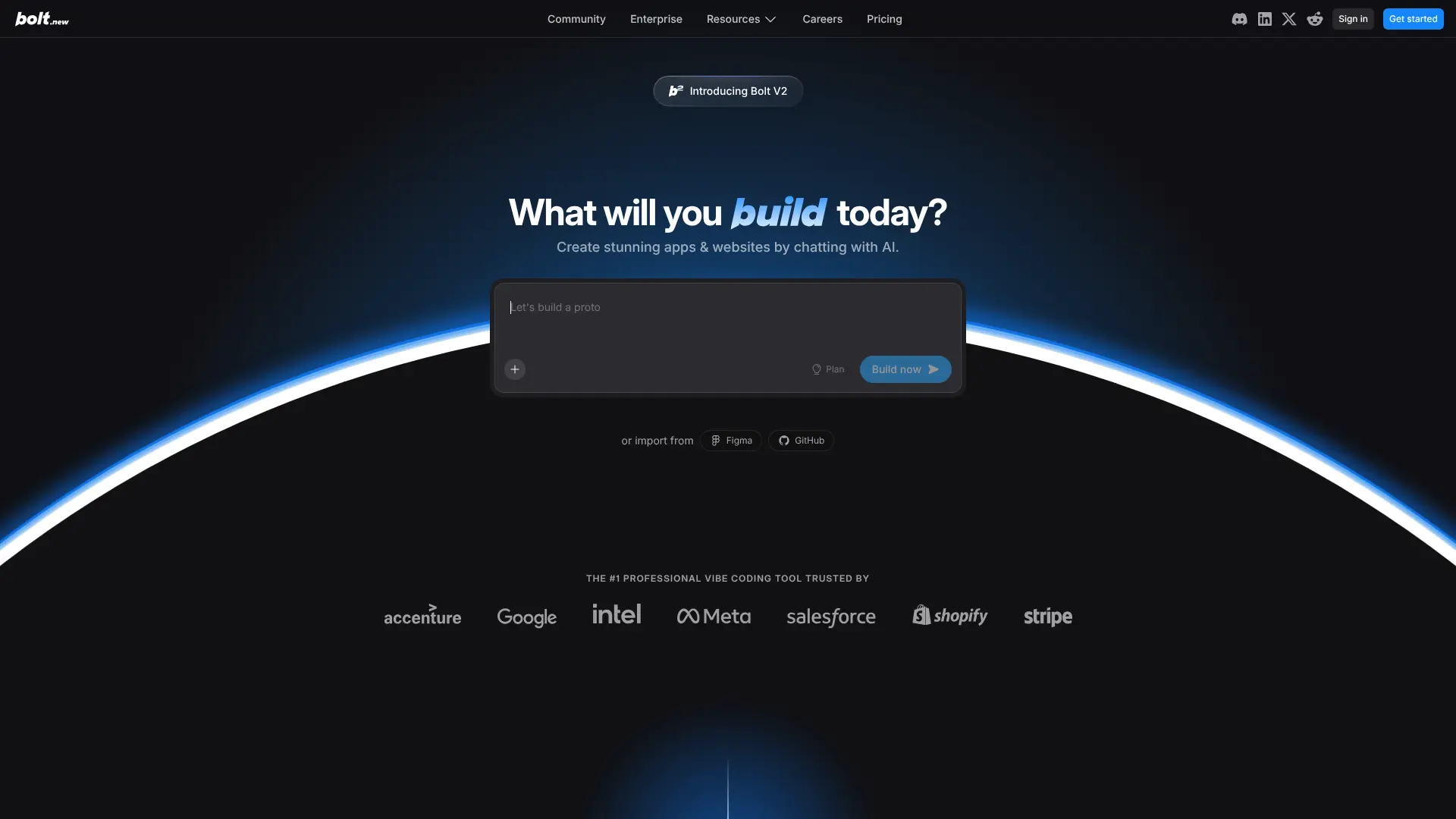 Bolt by StackBlitz brings browser-based development to a new level. You can build and run full-stack applications entirely in your browser without installing anything on your computer.The platform shines when working on web applications and JavaScript projects. According to InfoWorld, Bolt has processed over 5 million AI-generated applications since its launch, making it one of the most-used platforms for quick prototyping. Key features:
- Runs completely in the browser
- Instant project setup—no configuration needed
- Hot reload for immediate feedback
- GitHub integration for version control
- Share live previews with a single link
Bolt is free for public projects, with private projects requiring a subscription starting at $8 monthly. Students and open-source developers get free access to premium features.
4. v0 by Vercel
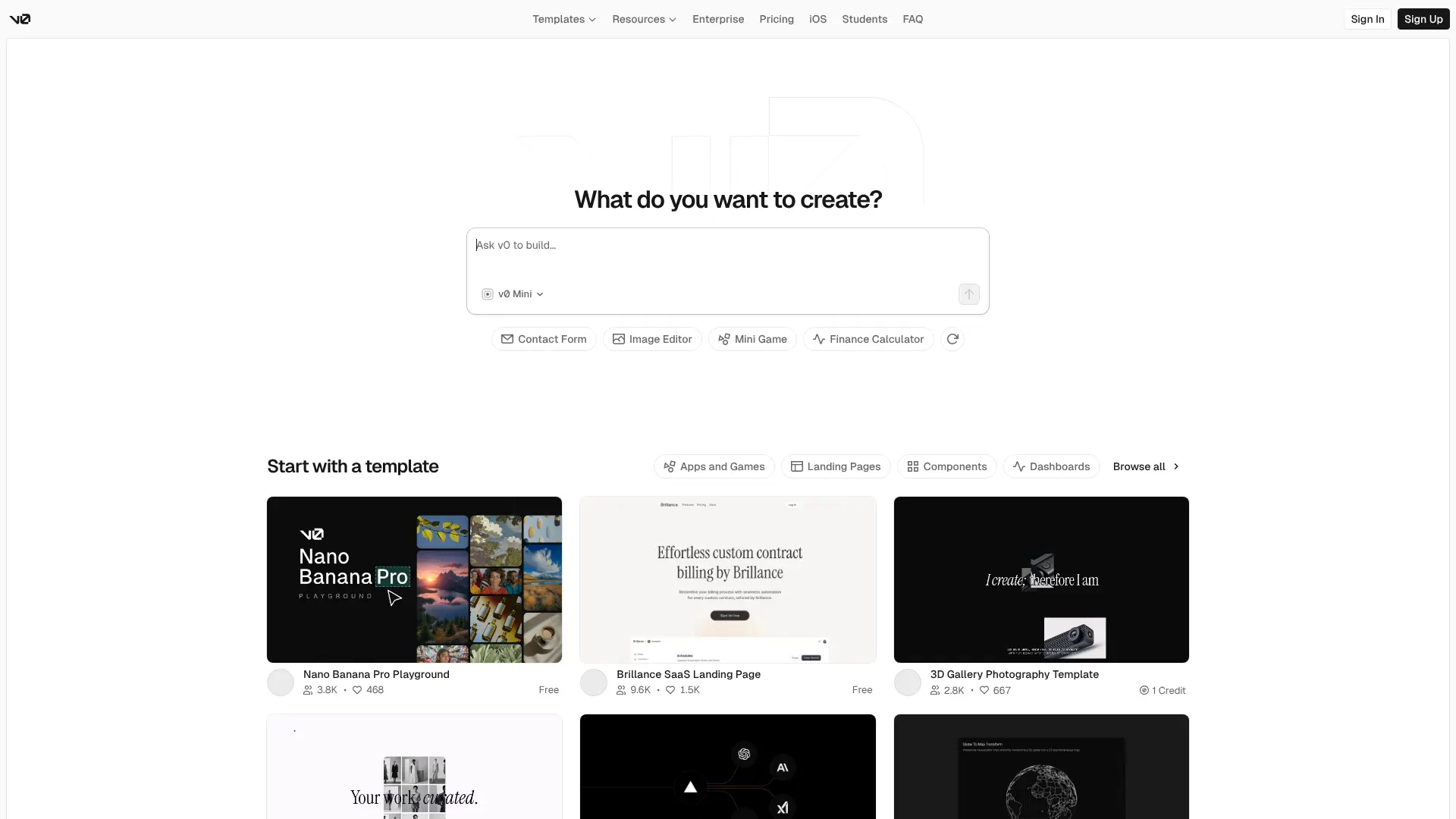 v0 is Vercel’s answer to AI-assisted frontend development. It specializes in creating beautiful, responsive user interfaces using React and Tailwind CSS. Where v0 really delivers is in translating design ideas into production-ready components. You can upload a screenshot of a design you like, and v0 generates clean, maintainable code that matches it closely. Key features:
- Converts designs to React components
- Built-in Tailwind CSS integration
- Responsive design by default
- Accessibility features included
- One-click deploy to Vercel
v0 operates on a credit system, with monthly subscriptions starting at $10. Each credit lets you generate a certain number of components, making it cost-effective for freelancers who bill by project.
5. Cursor
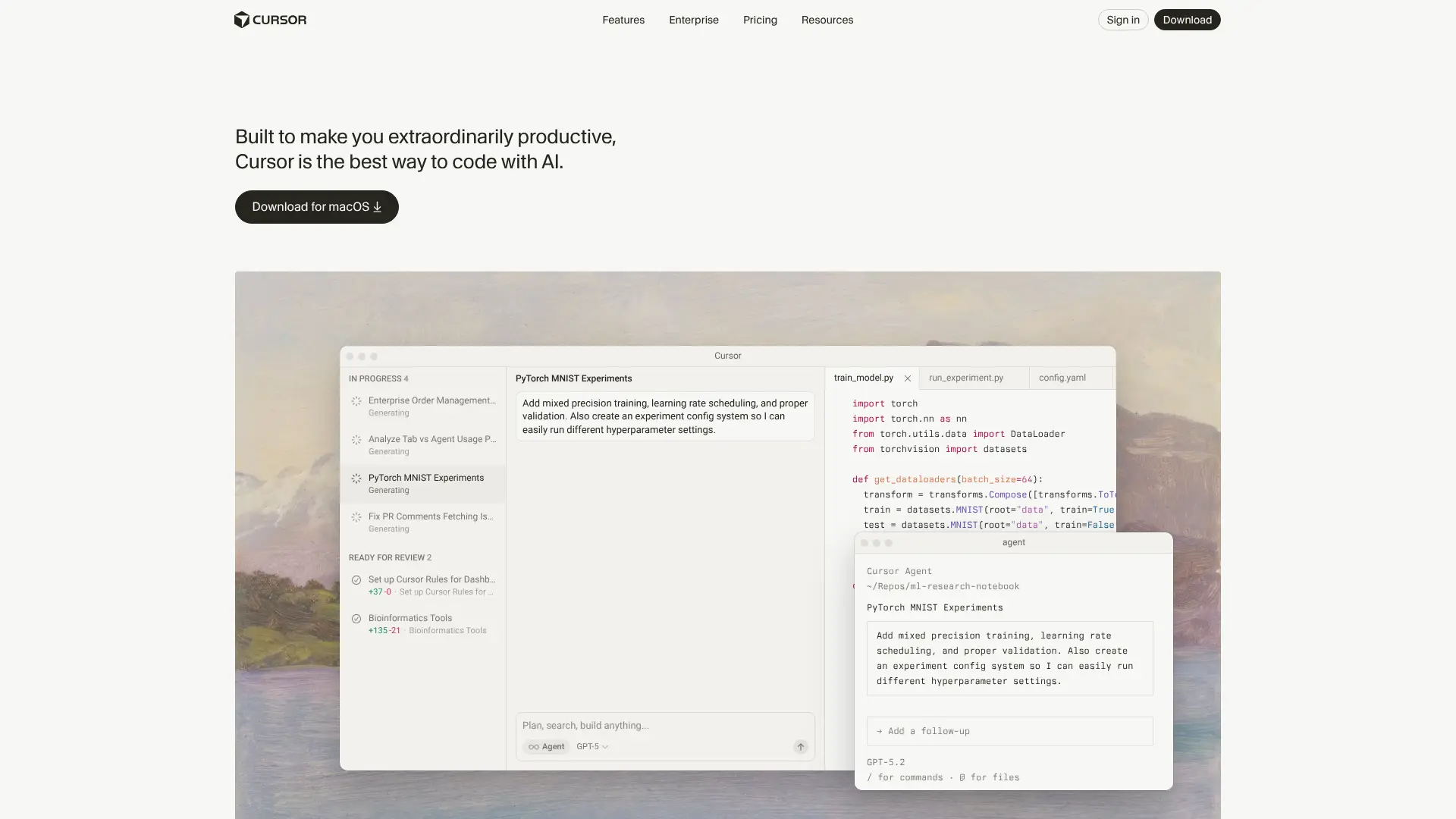 Cursor is a code editor built from the ground up with AI at its core. Think of it as VS Code but with an AI assistant that actually comprehends your entire codebase. Cursor can answer questions about your code, suggest changes across multiple files, and even refactor entire sections while maintaining consistency. Wired magazine notes that Cursor has become particularly popular among developers working on large, complex projects. Key features:
- Context from your entire project
- Multi-file editing and refactoring
- Natural language commands
- Compatible with VS Code extensions
- Privacy-focused with local processing options
Cursor offers a free tier with limited AI requests and a Pro plan at $20 monthly for unlimited usage. The editor itself is free, with only the AI features requiring payment.
6. Replit
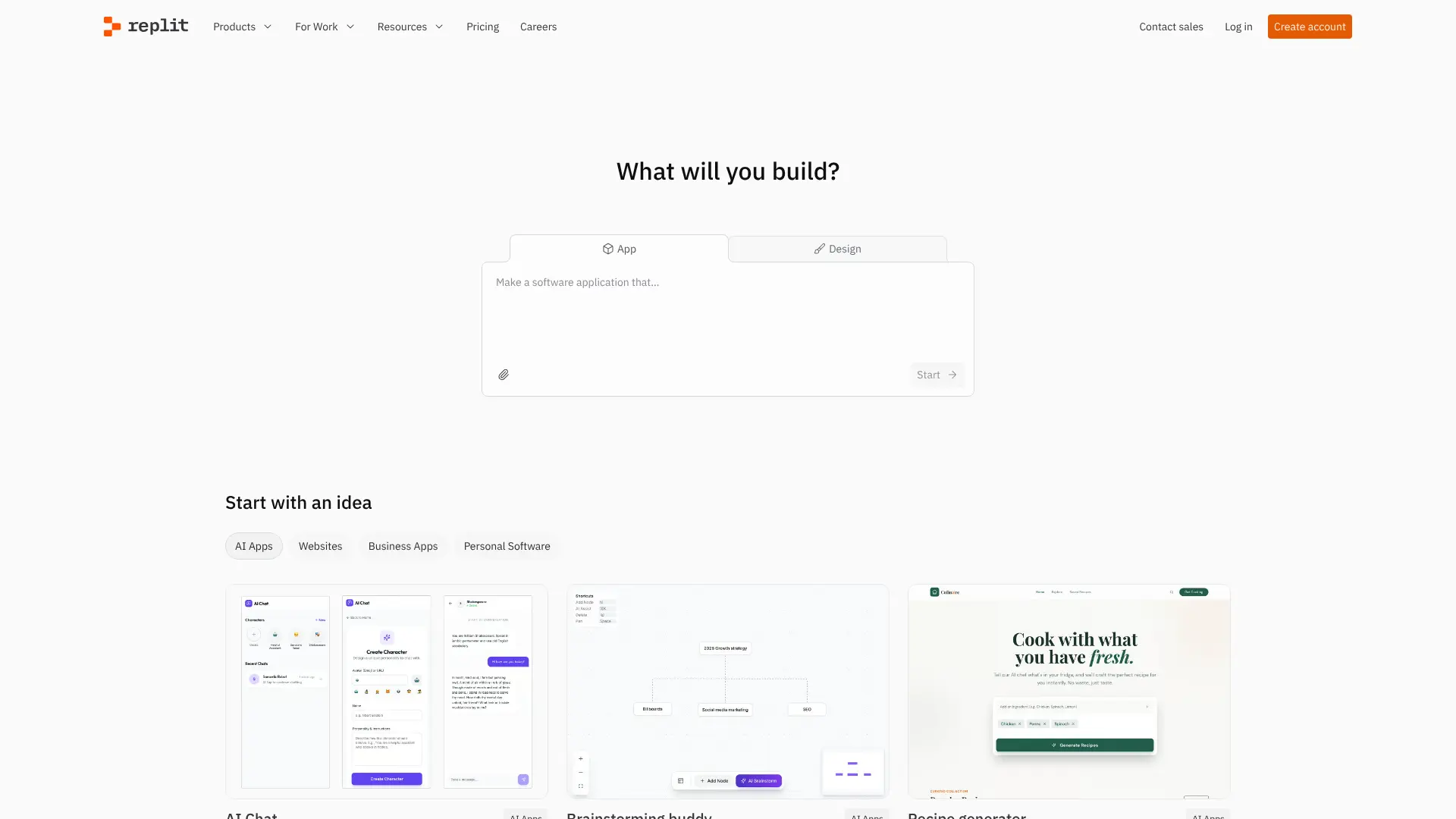 Replit has been around longer than most platforms on this list, but its 2025 AI updates have made it more powerful than ever. It’s an online IDE that supports over 50 programming languages. What makes Replit special is its collaborative features and educational focus. Teachers use it to run coding classes, and developers use it to pair program with colleagues across the world. The AI assistant, called Ghostwriter, can write code, explain concepts, and debug problems in real time. Key features:
- Over 50 programming languages supported
- Multiplayer coding with video chat
- Built-in package manager
- Always-on hosting for projects
- Mobile app for coding on the go
Replit has a generous free tier, with paid plans starting at $7 monthly for additional computing power and AI features. Educational accounts get significant discounts.
7. GetMocha
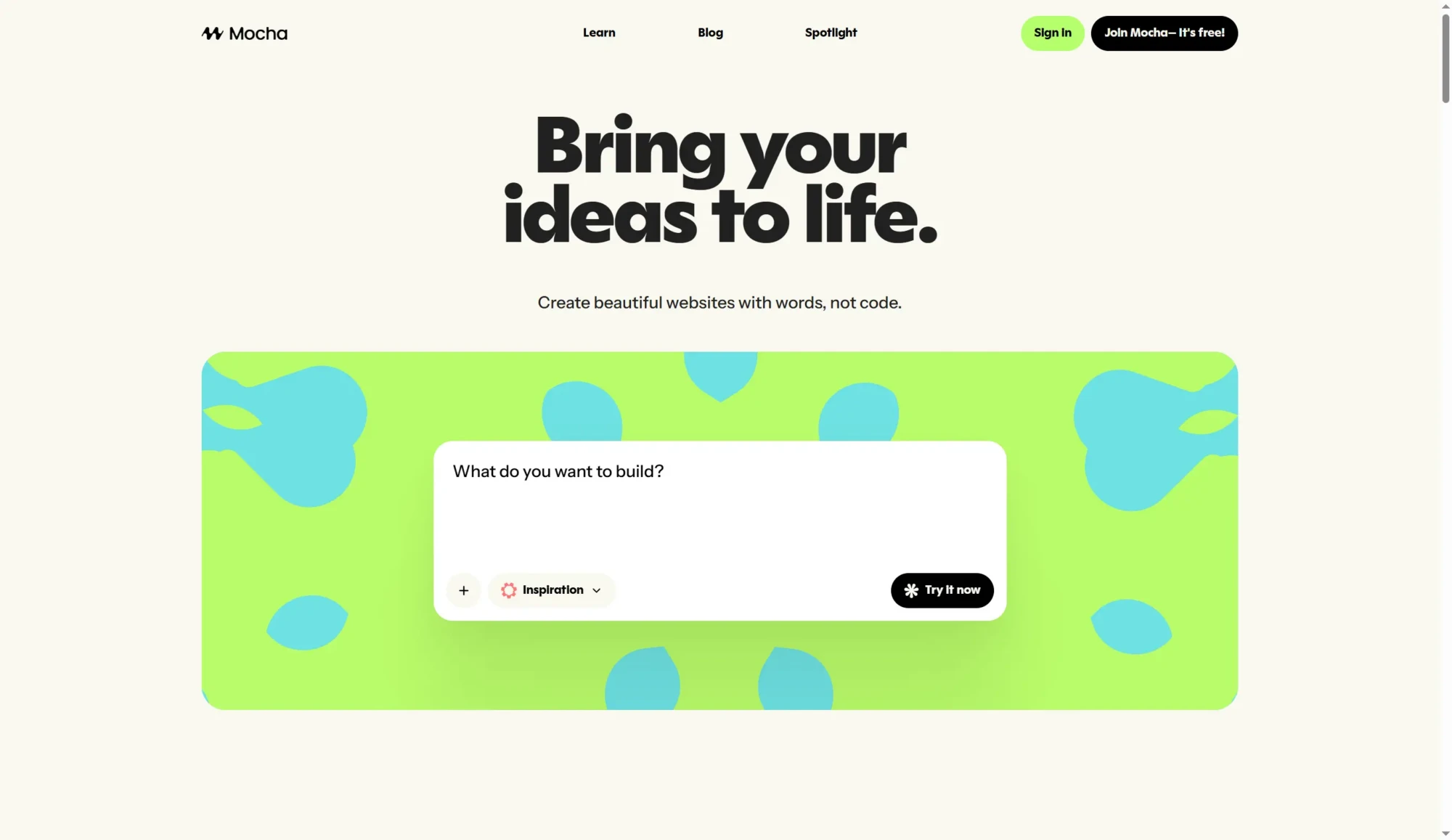
GetMocha targets developers who want to build internal tools and business applications quickly. It combines low-code visual builders with AI code generation for maximum flexibility. The platform excels at creating dashboards, admin panels, and workflow automation tools. You can drag and drop UI components, then ask the AI to add custom logic where needed. Key features:
- Visual interface builder
- Pre-built components for common tasks
- Database integration with popular services
- Custom code when you need it
- User management and permissions
GetMocha pricing starts at $25 monthly for small teams, with enterprise options available. The platform offers a 14-day free trial to test all features.
8. Same.new
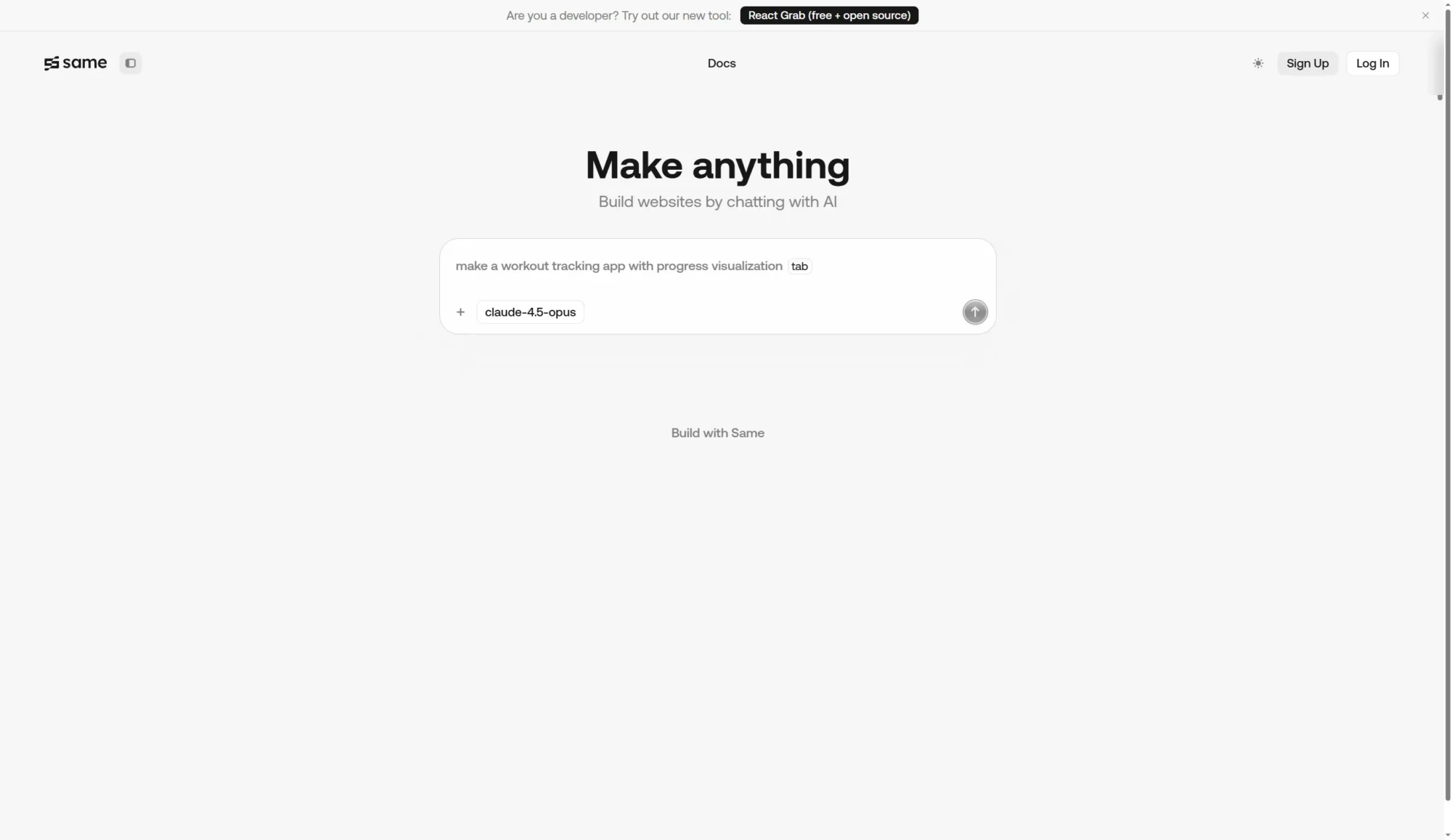
Same.new is designed for developers who need to create similar projects repeatedly—like landing pages, blog templates, or SaaS dashboards. The concept is simple but powerful: you create a template once, and then the AI helps you customize it for different clients or use cases. This saves enormous amounts of time for freelancers and agencies handling multiple similar projects.
Key features:
- Template creation and management
- AI-powered customization
- Brand consistency tools
- Bulk project generation
- Export to various formats
Same.new offers project-based pricing starting at $10 per project, making it affordable for freelancers. Volume discounts are available for agencies.
9. ZenCoder
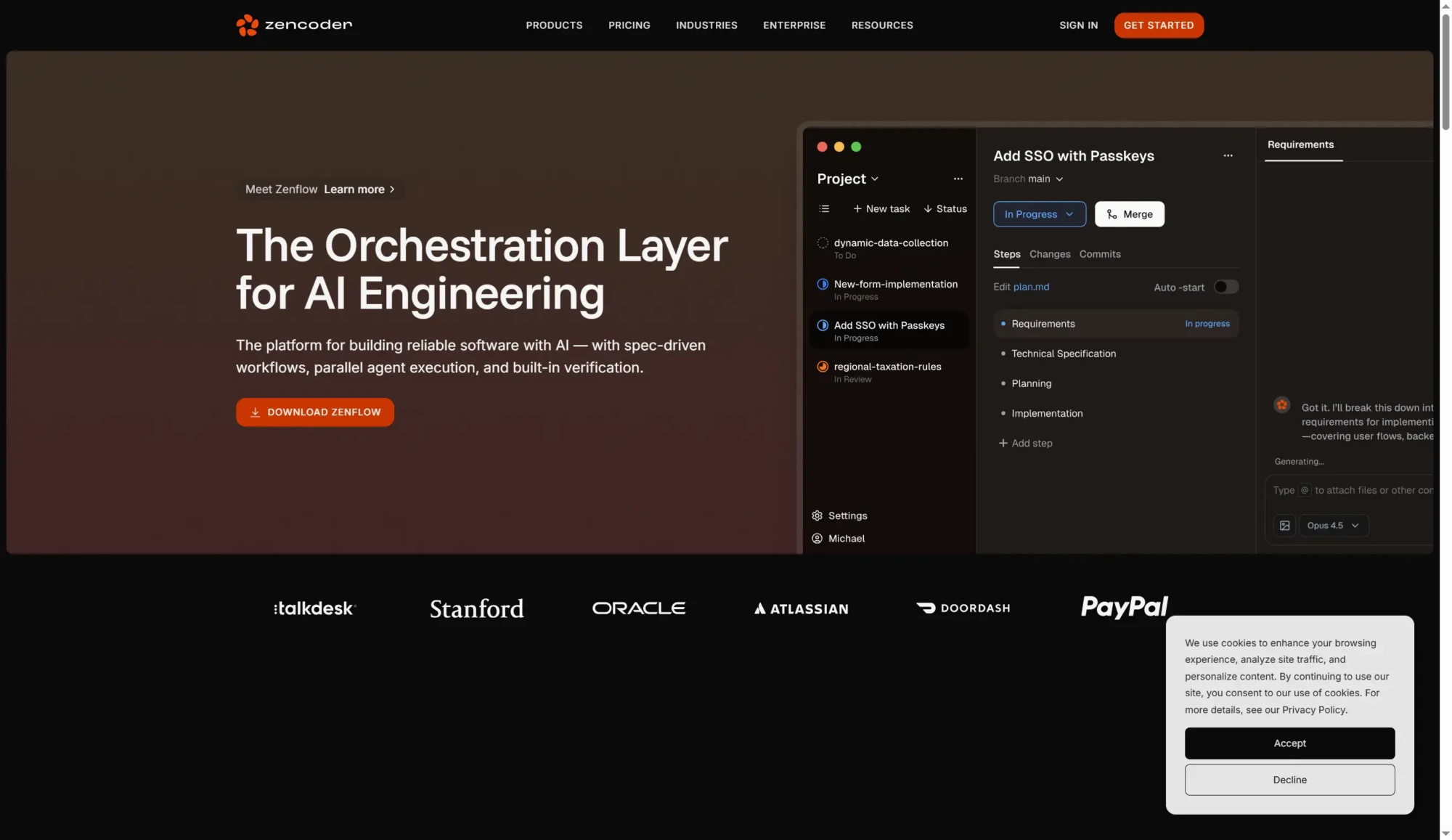
ZenCoder focuses on code quality and best practices. While other tools prioritize speed, ZenCoder ensures the code you generate follows industry standards and is maintainable long-term. This platform is particularly useful for teams that need to maintain consistent code quality across multiple developers. The AI reviews code for security issues, performance problems, and style violations. Key features:
- Code quality analysis
- Security vulnerability scanning
- Performance optimization suggestions
- Style guide enforcement
- Technical debt tracking
ZenCoder pricing is team-based, starting at $30 monthly for up to 5 developers. Enterprise plans include custom style guides and priority support.
10. KiloCode
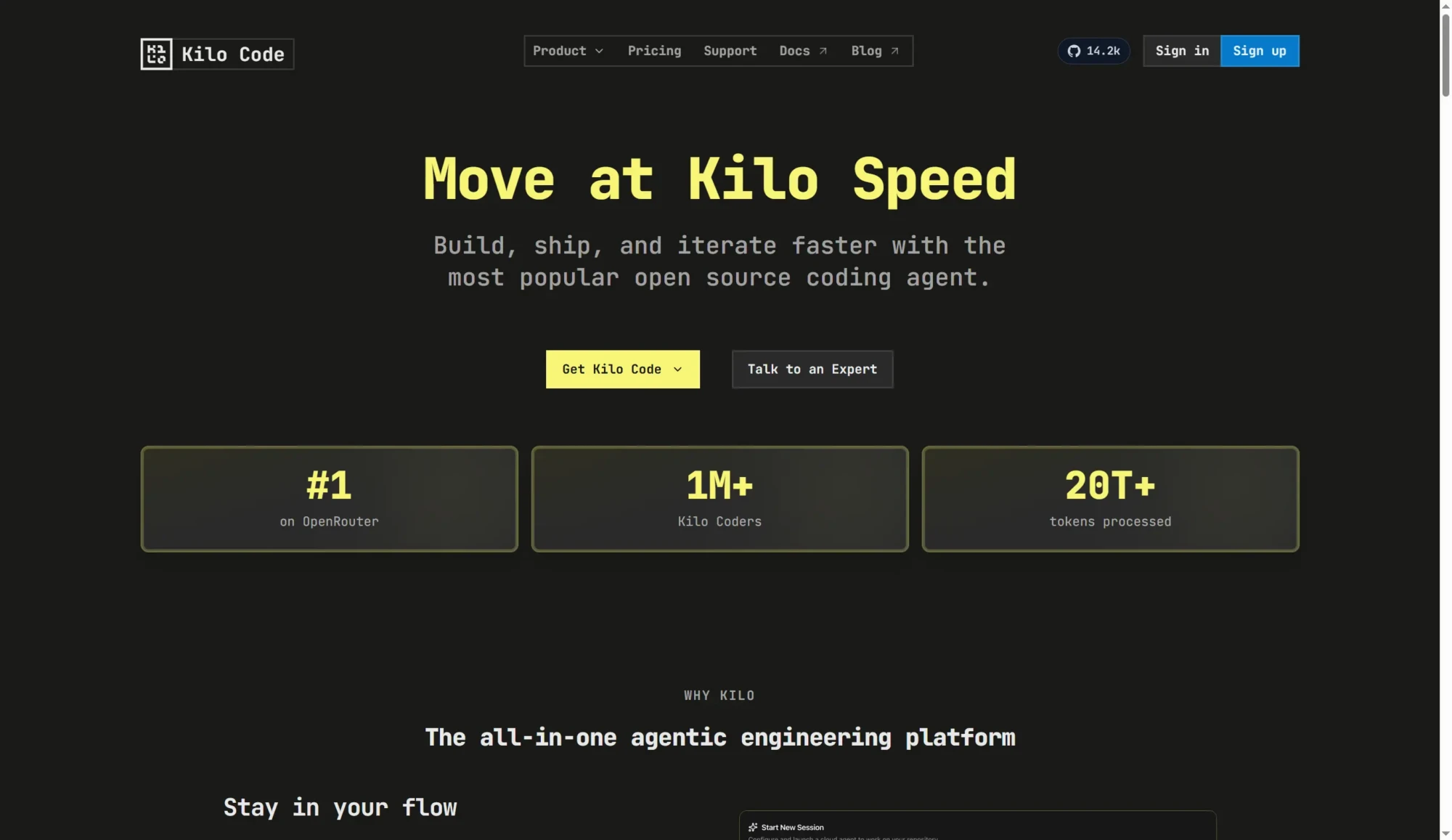
KiloCode specializes in microservices and API development. If you’re building backend services that need to scale, this platform provides excellent tools for generating and managing APIs. The AI can design entire API architectures based on your requirements, generate OpenAPI documentation automatically, and even create test suites for your endpoints. Key features:
- Microservices architecture generator
- Automatic API documentation
- Test generation for endpoints
- Load testing tools
- Container deployment
KiloCode offers a free tier for development and testing, with production plans starting at $40 monthly based on API usage.
11. HeyBoss
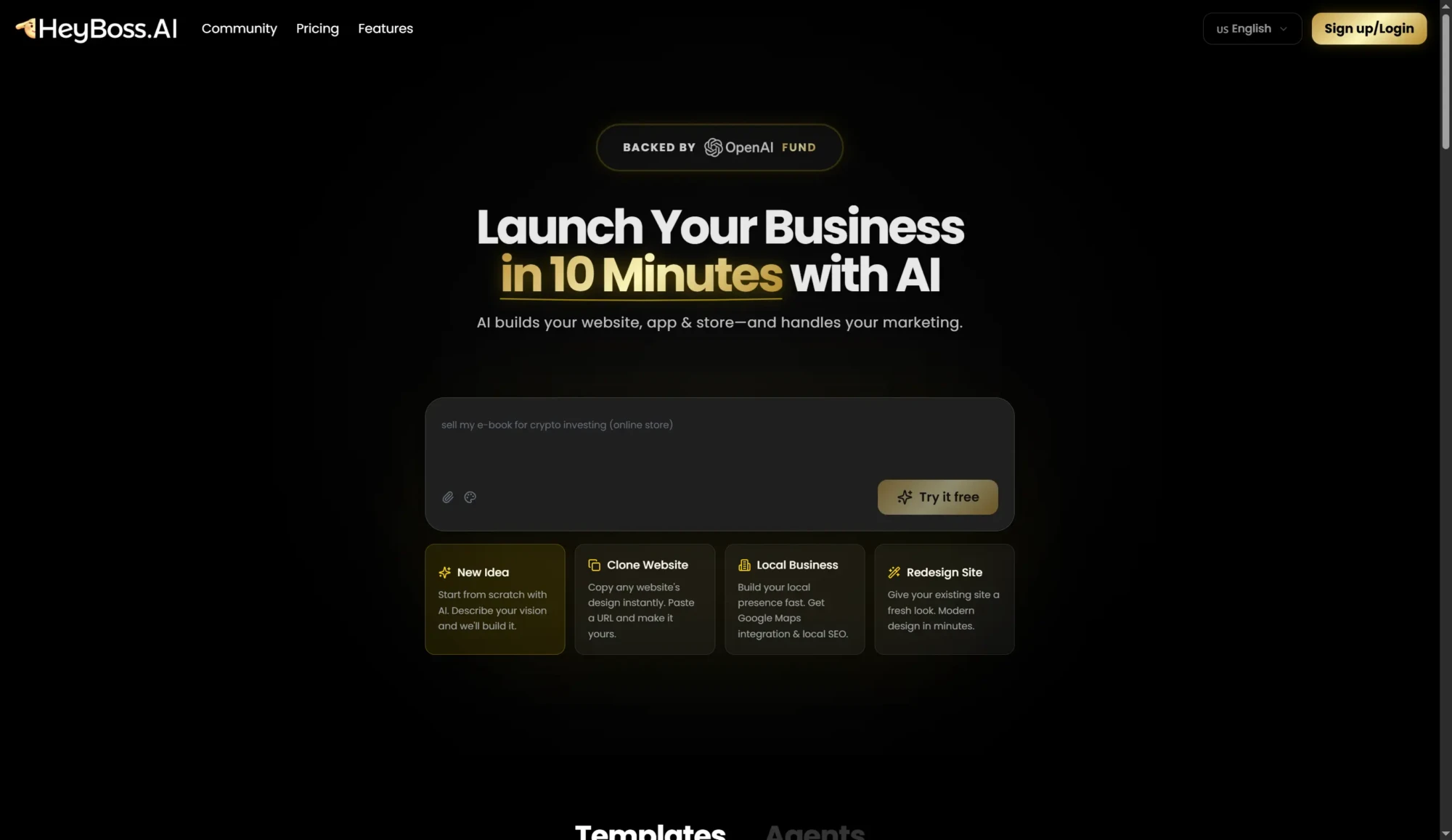
HeyBoss takes a conversational approach to coding. Instead of writing code directly, you chat with the AI about what you want to build, and it handles the implementation details. You can even add your AI generated images. This makes HeyBoss particularly accessible for people who are new to programming or who want to focus on business logic rather than syntax. TechCrunch reports that conversational coding platforms have seen significant adoption among non-technical founders. Key features:
- Conversational interface
- Explains decisions and trade-offs
- Iterative development process
- Learning resources built in
- Export to standard frameworks
HeyBoss operates on a subscription model at $15 monthly, with a generous free tier for personal projects.
12. Claude Code
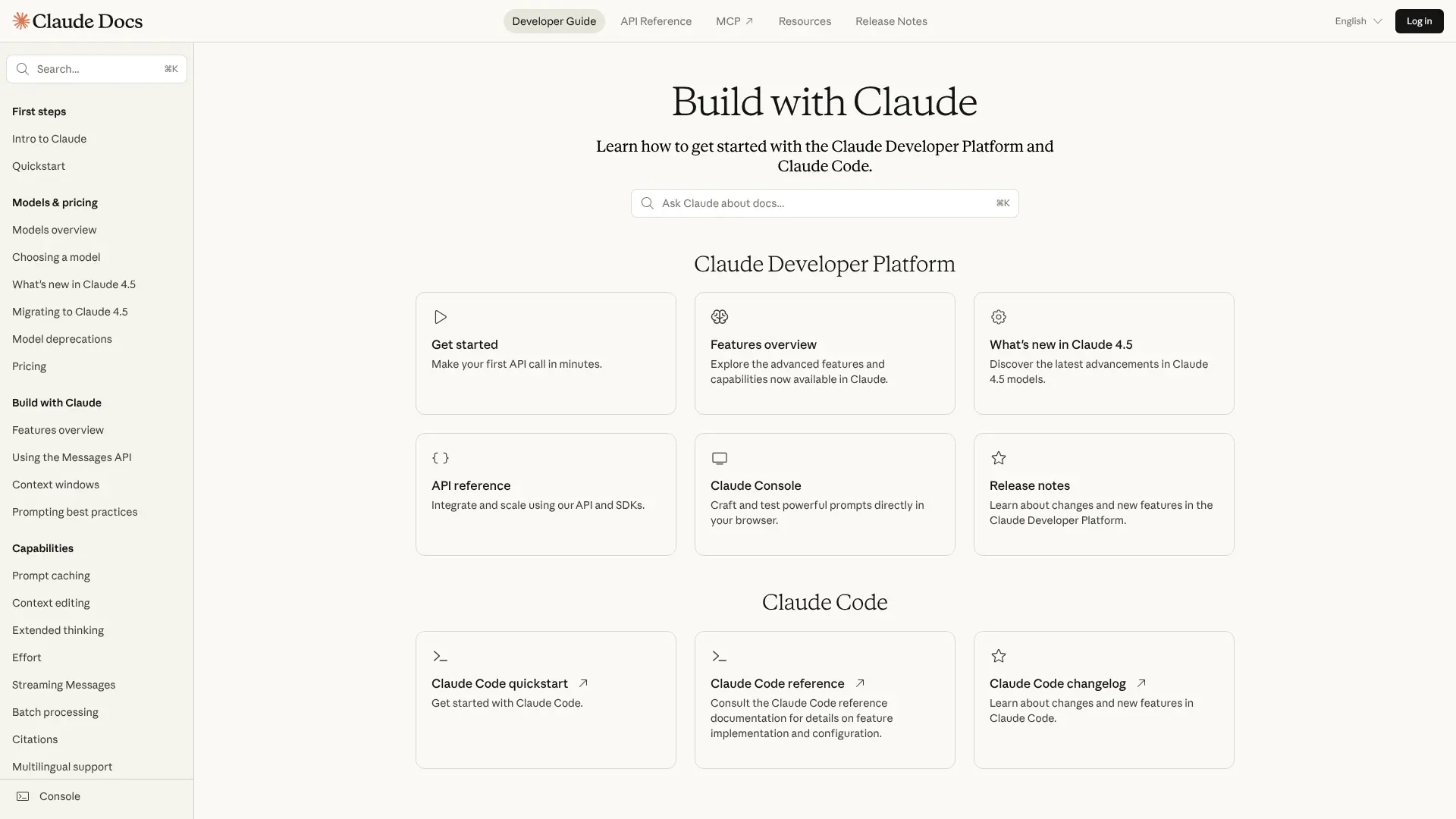 Claude Code brings Anthropic’s powerful Claude AI to the command line. It’s designed for developers who prefer terminal-based workflows and want AI assistance without leaving their development environment. Claude Code integrates with your existing tools and respects your workflow preferences. It can read your project files, suggest improvements, and even execute commands when you approve them. Key features:
- Terminal-based interface
- Context-aware suggestions
- Multi-step task execution
- Git integration
- Privacy-focused design
Claude Code is available through Claude Pro subscriptions at $20 monthly, with API access for higher volumes.
13. GitHub Copilot
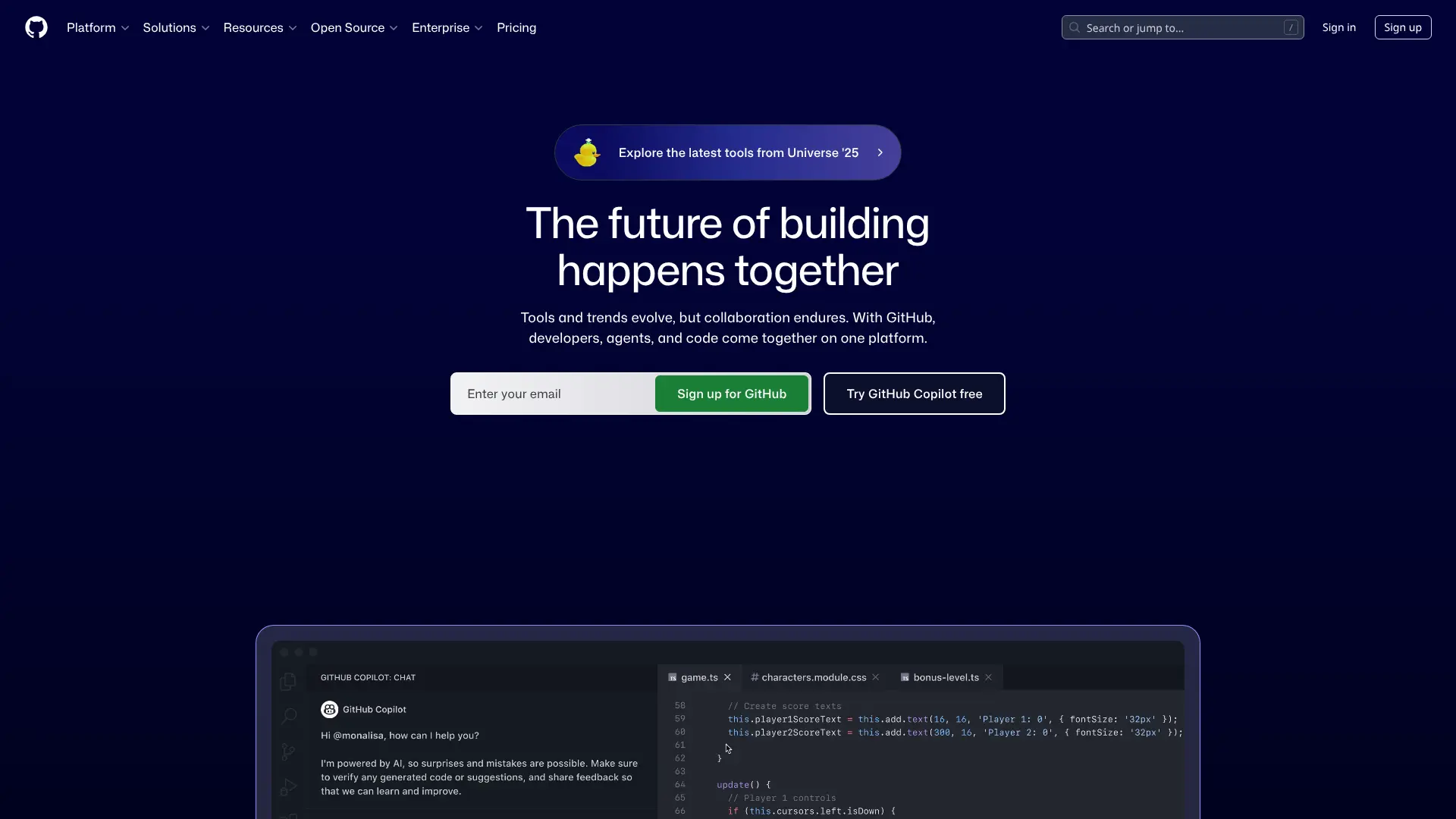 GitHub Copilot pioneered AI pair programming and remains one of the most widely used coding assistants. It works inside your editor, suggesting code as you type. With over 1.3 million paid subscribers, according to GitHub, Copilot has proven its value across millions of projects. The 2024 update added support for multiple AI models, giving users more choices. Key features:
- Inline code suggestions
- Chat interface for questions
- Pull request summaries
- Security vulnerability detection
- Support for all popular languages
GitHub Copilot costs $10 monthly for individuals or $19 for the business tier. Students and open-source maintainers get free access.
14. Tabnine
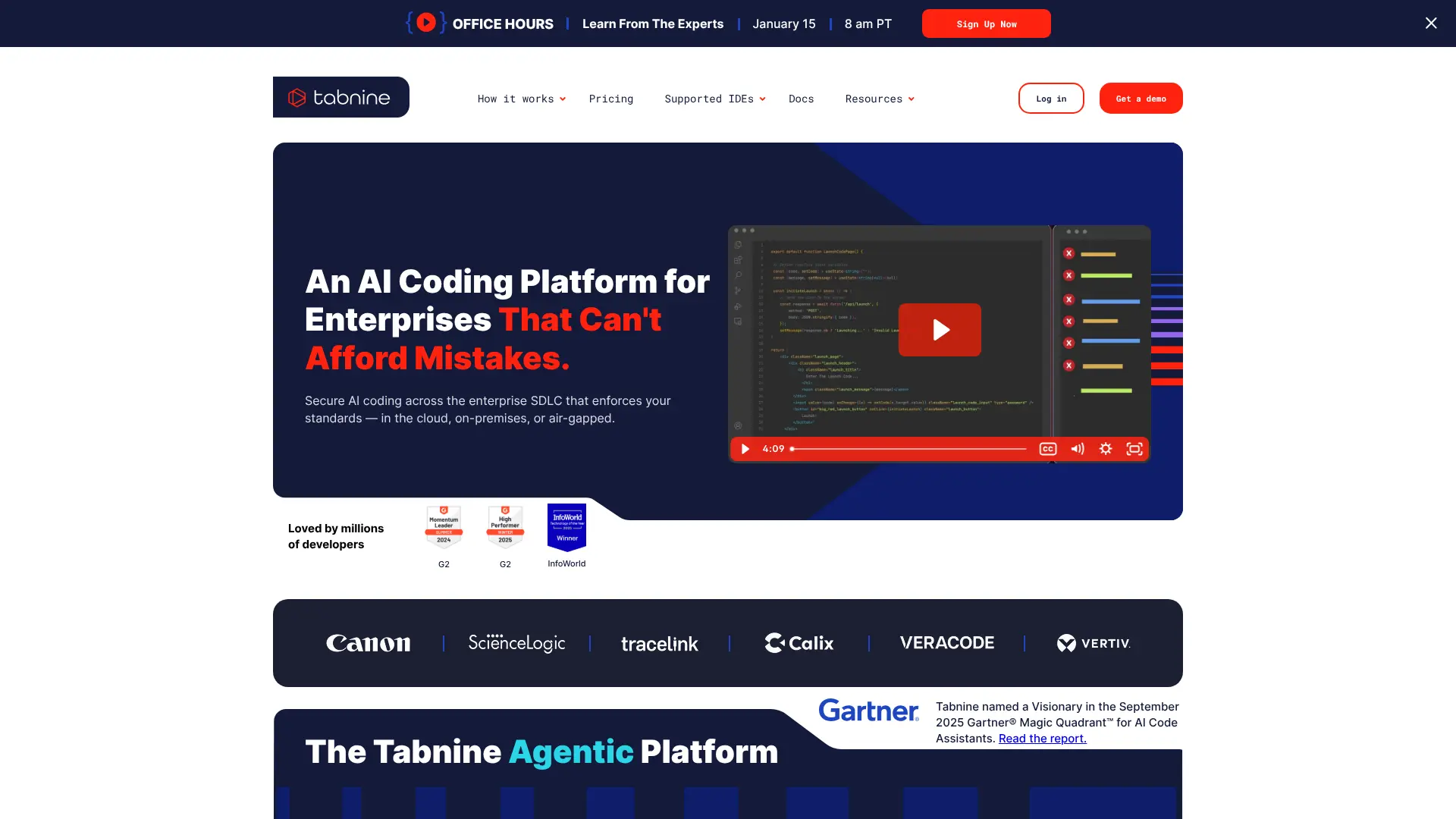 Tabnine prioritizes privacy and customization. Unlike cloud-based assistants, Tabnine can run entirely on your machine, ensuring your code never leaves your computer. This makes it popular with companies handling sensitive codebases or working under strict compliance requirements. You can also train Tabnine on your company’s codebase to get suggestions that match your team’s style. Key features:
- Local and cloud processing options
- Custom model training
- Team learning from shared code
- Compliance-friendly deployment
- Works offline
Tabnine offers a free tier with basic suggestions. The Pro plan costs $12 monthly, and enterprise options start at $39 per developer monthly.
15. Amazon CodeWhisperer
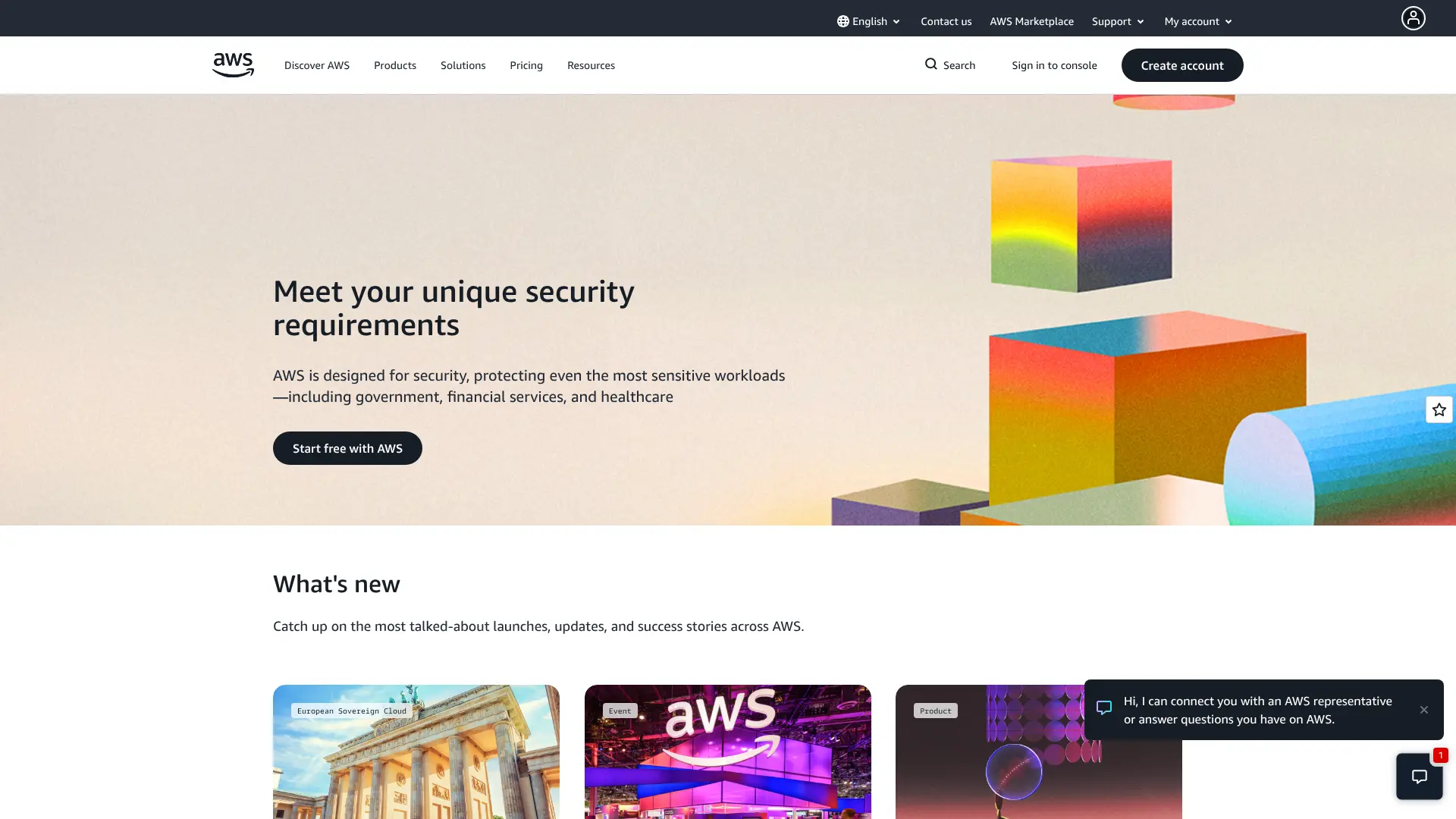 Amazon CodeWhisperer integrates tightly with AWS services, making it the obvious choice if you’re building cloud applications on Amazon’s platform. The tool suggests code optimized for AWS services and can generate infrastructure-as-code templates. It also includes security scanning specifically tuned for cloud applications. Key features:
- AWS-optimized suggestions
- Infrastructure code generation
- Security scanning for cloud apps
- Reference tracking for open-source code
- IDE integration
CodeWhisperer is free for individual developers. Team and enterprise pricing varies based on usage and AWS account status.
How to Choose the Right Coding Assistant
With so many options available, picking the right tool depends on your specific needs. Here are some factors to consider:
Your Experience Level
Beginners should look for platforms with conversational interfaces and strong learning resources. Tools like HeyBoss and Replit excel at explaining concepts as you build. Experienced developers might prefer editor-integrated tools like Cursor or GitHub Copilot that stay out of the way until needed.
Project Type
Different tools specialize in different kinds of projects. Building web apps? Lovable or Bolt might be your choice. Working on APIs? KiloCode has you covered. Creating internal tools? GetMocha is designed for that exact use case.
Team Collaboration
If you’re working with others, prioritize platforms with strong collaboration features. Replit and Lovable both support real-time multiplayer coding. GitHub Copilot integrates well with existing team workflows on GitHub.
Budget Considerations
Most platforms offer free tiers suitable for learning and small projects. Professional developers typically find the $10-20 monthly subscriptions worthwhile for the time saved. Teams should calculate cost per developer and compare against productivity gains.
Privacy and Security
If you work with sensitive code, consider where your data is processed. Tabnine offers local processing, while Claude Code emphasizes privacy. Check each platform’s terms regarding code ownership and data retention.
Frequently Asked Questions
Are AI coding tools suitable for beginners?
Yes, many AI coding platforms are excellent for learning. Tools like Replit and HeyBoss include educational features that explain code as it’s generated. However, you should still learn programming fundamentals rather than relying entirely on AI. Think of these tools as helpful tutors, not replacements for learning.
Will AI coding assistants replace human developers?
No. AI tools handle repetitive coding tasks and help with implementation, but they can’t replace the creative problem-solving, architecture decisions, and user empathy that human developers bring. They’re productivity multipliers, not replacements. Forbes notes that companies using AI coding tools are hiring more developers, not fewer, because they can tackle more ambitious projects.
How much do these tools cost?
Pricing varies widely. Many platforms offer free tiers for personal projects. Professional subscriptions typically range from $8 to $40 monthly. Enterprise pricing depends on team size and usage. Most tools offer free trials, so you can test before committing.
Can I use multiple coding assistants together?
Yes, and many developers do exactly that. You might use GitHub Copilot for day-to-day coding, v0 for frontend work, and KiloCode for API development. Each tool has its strengths, and combining them strategically can boost productivity even further.
Do I own the code generated by AI?
Generally yes, but check each platform’s terms of service. Most tools grant you full ownership of generated code. Some platforms retain limited rights for training purposes, while others like Tabnine ensure your code remains entirely private.
How accurate is AI-generated code?
Accuracy has improved significantly. Modern AI coding assistants generate working code most of the time, especially for common tasks. However, you should always review and test generated code. Complex or unusual requirements may need human refinement. The accuracy improves as models train on more data and user feedback.
Can these tools work with my existing projects?
Yes. Most AI coding assistants can analyze existing codebases and make suggestions that fit your project’s style and structure. Tools like Cursor and GitHub Copilot are specifically designed to enhance existing workflows rather than replace them.
What programming languages are supported?
Major platforms support popular languages like JavaScript, Python, Java, C++, Ruby, Go, and many others. Some tools specialize in web technologies, while others like Replit support 50+ languages. Check specific platform documentation for complete language lists.