Content recycling isn’t just smart marketing; it’s essential survival in 2026’s attention economy. When you repurpose content for Twitter, you’re not being lazy—you’re being strategic. Different platforms attract different audiences, and what resonates in long-form blog format often hits even harder when broken into bite-sized, shareable tweets.
What you’ll discover in this piece: seven practical methods for transforming your existing blog posts into Twitter threads that actually get engagement, plus the tools and techniques that make the process painless.
Table of Contents
- Why Twitter Threads Outperform Single Tweets
- 1. The Key Takeaways Breakdown
- 2. The Step-by-Step Tutorial Thread
- 3. The Statistics and Data Thread
- 4. The Story Arc Thread
- 5. The Myth-Busting Thread
- 6. The Quote Compilation Thread
- 7. The Problem-Solution Thread
- Tools That Speed Up Blog-to-Thread Conversion
- 5 Mistakes That Kill Your Thread Engagement
- Frequently Asked Questions

Why Twitter Threads Outperform Single Tweets
Twitter’s algorithm in 2026 heavily favors threads over standalone tweets. According to Buffer’s social media research, threads generate 63% more impressions and 54% more engagement compared to single tweets with similar content.
The reason is simple: threads keep users on the platform longer. When someone clicks into your thread and scrolls through ten connected tweets, Twitter rewards that dwell time by showing your content to more people. It’s a win-win—your audience gets digestible content, and you get algorithmic boost.
But here’s what makes repurposing blog content particularly effective: you’re not starting from scratch. The hard work—research, structure, insights—already exists. You’re simply reformatting for a different consumption style.
1. The Key Takeaways Breakdown
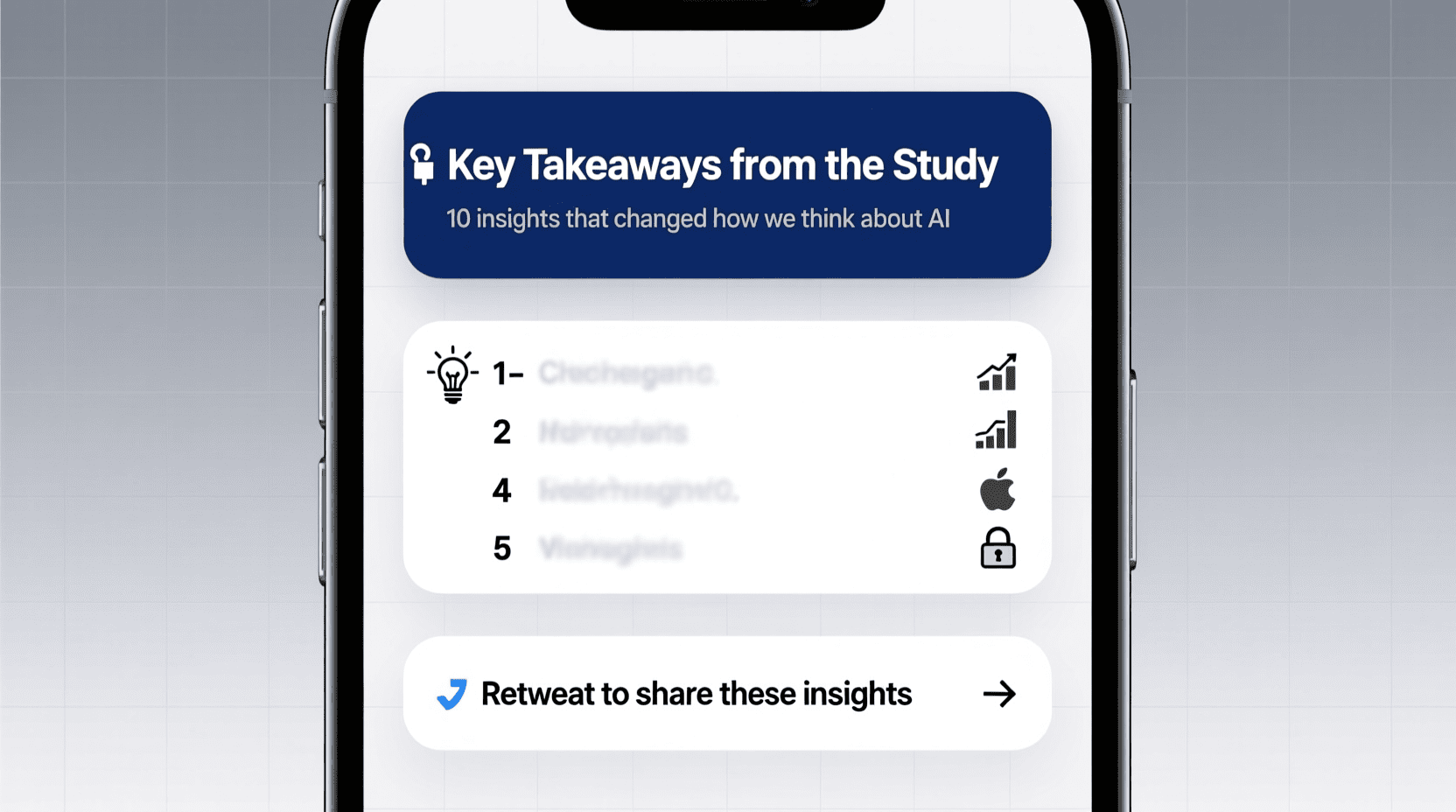
This approach works beautifully for comprehensive guides, research summaries, and how-to articles. Pull the five to eight most valuable insights from your blog post and dedicate one tweet to each.
How to execute this:
Start with a hook tweet that promises value. Something like “I analyzed 50 successful landing pages. Here are 7 patterns that appeared in every single one:” Then deliver each insight as its own tweet, adding context or a quick example where helpful.
Your final tweet should tie everything together and include a link to the full blog post for readers who want deeper information. This creates a natural funnel from social engagement to website traffic.
Example structure for a blog post about productivity:
- Tweet 1: Hook with a surprising statistic or bold claim
- Tweets 2-7: One takeaway per tweet with supporting detail
- Tweet 8: Summary and call-to-action with blog link
If writing threads manually feels time-consuming, a Twitter thread generator can help structure your thoughts into the right format quickly.
2. The Step-by-Step Tutorial Thread
Tutorial-style blog posts translate exceptionally well into threads. Each step becomes its own tweet, creating a natural progression that readers can follow—or bookmark for later reference.
The structure here is straightforward. Your opening tweet explains what skill or outcome readers will gain. Then each subsequent tweet walks through one step of the process. Keep instructions tight—if a step needs more than 280 characters, consider whether it should be split into two tweets.
What makes tutorial threads particularly shareable is their utility. People save them, quote-tweet them to their followers, and return to them when they’re ready to implement. This extended shelf life means your content keeps working long after the initial post.
A cooking blog post, for instance, becomes “How to make restaurant-quality pasta at home (thread):” followed by each technique as its own tweet. A marketing blog post becomes “How to audit your Google Ads account in 30 minutes:” with actionable steps anyone can follow.
3. The Statistics and Data Thread
Data-driven blog posts are goldmines for Twitter content. Numbers catch attention in a feed full of opinions, and well-presented statistics get saved and shared at significantly higher rates.
When repurposing data-heavy content, each compelling statistic deserves its own tweet. Add brief context about why the number matters—don’t assume readers will draw the same conclusions you did. A stat like “73% of consumers prefer video content” becomes more impactful when you add “which explains why brands posting video see 2.5x higher engagement.”
Visual data performs even better. If your blog post included charts or infographics, attach those images to relevant tweets in your thread. Twitter users scroll quickly, and visuals stop thumbs mid-motion.
Pro tip: always cite your sources in the thread itself, not just in the linked blog post. This builds credibility directly on the platform where people are consuming your content.
4. The Story Arc Thread
Some blog posts tell stories—case studies, personal experiences, lessons learned from failure, behind-the-scenes narratives. These translate into threads that feel less like content marketing and more like genuine sharing.
Story threads follow classic narrative structure: setup, conflict, resolution. Your opening tweet establishes the situation. Middle tweets build tension or describe the journey. Closing tweets reveal the outcome and lessons learned.
What separates mediocre story threads from viral ones is specificity. Vague statements like “I struggled with marketing” don’t resonate. Specific details like “I spent $4,000 on Facebook ads in March 2024 and got exactly zero customers” make readers lean in.
Case study blog posts adapt particularly well to this format. Walk through what you or your client faced, what you tried, what worked, and what the results looked like. Include real numbers wherever possible—they make the story tangible.
5. The Myth-Busting Thread
Contrarian content performs exceptionally well on Twitter. If your blog post challenges conventional wisdom, debunks common misconceptions, or offers an unpopular take backed by evidence, you’ve got thread material that practically writes itself.
Structure myth-busting threads with a pattern: state the myth, explain why people believe it, then reveal the truth with supporting evidence. Each myth can be one to three tweets depending on complexity.
Opening with “5 [topic] myths that are costing you money:” or “Everything you think you know about [topic] is wrong (thread):” grabs attention because it challenges readers’ existing beliefs. People engage with content that makes them reconsider their assumptions.
Just ensure your counter-arguments are solid. Nothing damages credibility faster than a “myth-busting” thread that cherry-picks data or misrepresents mainstream positions. If you’re going to be contrarian, bring the receipts.
6. The Quote Compilation Thread
Did your blog post include expert quotes, interview snippets, or noteworthy citations from books and research papers? Those quotes can anchor an entire thread—and often perform better than the surrounding context.
Compile the strongest quotes from your piece. Present each as its own tweet, adding a brief sentence of your own commentary or analysis. This format positions you as a curator of valuable perspectives rather than just a self-promoter.
Quote threads work especially well for book summaries, expert roundup posts, and interview-based articles. Readers appreciate having key insights distilled without needing to consume longer content.
Attribution matters here. Tag original sources when they’re on Twitter—this often leads to retweets from the people you quoted, significantly expanding your reach to their audiences.
7. The Problem-Solution Thread
Many blog posts follow a problem-solution structure: here’s a challenge, here’s how to fix it. This format maps directly onto threads that address specific pain points your audience experiences.
Start by clearly articulating the problem in your hook tweet. Make readers nod in recognition—they should see themselves in the situation you’re describing. Then walk through your solution methodically, with each tweet covering one aspect of the fix.
The key is making solutions actionable within the thread itself. Don’t just say “improve your headlines”—give an example of a weak headline and a stronger alternative. Don’t just recommend “better email subject lines”—provide a formula readers can apply immediately.
Close by acknowledging that the thread covers essentials while your full blog post goes deeper. This gives genuinely interested readers a reason to click through without making the thread feel incomplete on its own.
Tools That Speed Up Blog-to-Thread Conversion
Manually converting blog posts into threads is tedious. Fortunately, several tools can accelerate the process significantly.
AI-powered thread generators analyze your blog content and suggest thread structures automatically. Our free Twitter thread generator can take key points from your article and format them into thread-ready tweets with appropriate character counts.
Content summarization tools help extract the essential points from longer articles. When you have a 3,000-word guide, these tools identify which information works best for the condensed thread format.
For crafting compelling hooks, an AI title generator can produce multiple options for your opening tweet—often the most critical element of thread success.
If your threads need punchy one-liners or memorable phrases, a catchphrase generator provides options you might not have considered.
And when you’re repurposing content across multiple platforms (not just Twitter), having access to various social media AI tools streamlines the entire workflow.
5 Mistakes That Kill Your Thread Engagement
- Making every tweet a standalone statement. Threads should flow. Use transitions like “But here’s the thing:” or “The result?” to create momentum that pulls readers forward.
- Burying the value. Twitter users decide within seconds whether to keep reading. If your hook doesn’t immediately communicate what they’ll gain, they’re gone. Front-load your strongest material.
- Ignoring thread formatting conventions. Number your tweets (1/, 2/, etc.) or use consistent markers so readers know where they are in the sequence. Threads without clear structure frustrate audiences.
- Overloading tweets with links. One call-to-action link at the end performs better than multiple links scattered throughout. Too many links signals promotional intent and reduces engagement.
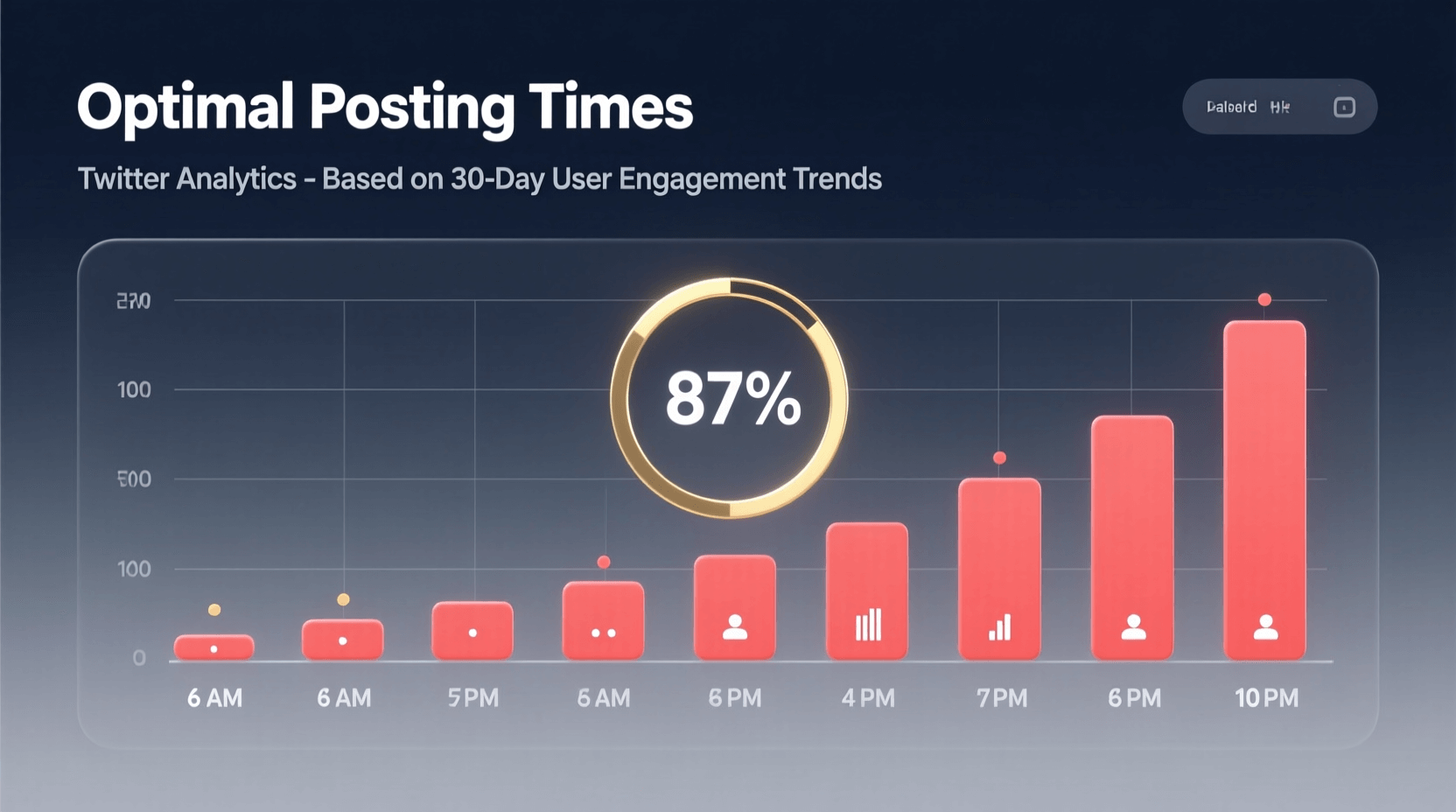
- Posting at random times. Thread performance depends heavily on initial engagement. Research shows threads posted during peak audience hours (typically mid-morning or early evening in your audience’s timezone) accumulate engagement faster, triggering additional algorithmic distribution.
Frequently Asked Questions
How long should a Twitter thread be when repurposing blog content?
Aim for 5-12 tweets for most repurposed content. Shorter threads may not provide enough value to encourage saves and shares, while threads exceeding 15 tweets risk losing readers before your call-to-action. Match length to the complexity of your source material.
Should I include the blog link in the first tweet or the last?
Place your blog link in the final tweet. Threads that open with links see lower engagement because readers suspect the thread is just a promotional vehicle. Deliver value throughout the thread, then offer the link as a resource for those wanting more depth.
Can I repurpose the same blog post into multiple different threads?
Absolutely. A single comprehensive blog post might yield a statistics thread, a key takeaways thread, and a myth-busting thread—each highlighting different aspects of the content. Space these threads out by at least two to three weeks to avoid audience fatigue.
How do I maintain my blog’s voice when adapting to Twitter’s format?
Read your thread aloud before posting. If it sounds stiff or overly formal, conversationalize the language. Twitter rewards authenticity. Replace phrases like “It is important to note that” with “Here’s the thing:” Keep your personality intact while adapting to the platform’s informal tone.
What types of blog posts should I NOT turn into threads?
News commentary with short shelf lives, highly technical content requiring visual aids you can’t include, and posts that depend on nuance that gets lost in compression. Also avoid threadifying content that’s already been heavily shared on Twitter—your audience may have seen it elsewhere.
How often should I post repurposed content threads?
Balance original threads with repurposed content at roughly a 1:1 ratio. Posting exclusively repurposed material can make your account feel automated. Mix blog-to-thread conversions with original observations, engagement with others’ content, and real-time commentary on industry developments.
Final Thoughts
Your blog archive is a content goldmine waiting to be excavated. Every substantial post you’ve written contains multiple threads worth of material—you just need to extract and reformat it.
Start with your highest-performing blog posts. These already proved their value to one audience; they’ll likely resonate with your Twitter followers too. Run through the seven methods above and identify which format suits each piece of content best.
Then make content recycling part of your regular workflow. For every new blog post you publish, schedule time to create at least one corresponding thread. You’ll double your content output without doubling your creative effort—and your ideas will finally reach the audiences they deserve.