Online learning has changed how we gain new skills and knowledge. While Coursera is a popular choice, it’s not always the best fit for everyone. Maybe the subscription costs are too high, or you want more specialized courses. Whatever your reason, you’re in the right place. This guide covers 12 excellent free alternatives to Coursera that offer quality courses, certificates, and learning experiences. Whether you’re a student, professional, or just someone who loves learning, these platforms can help you reach your goals without breaking the bank.
Table of Contents
- What Is Coursera and Why Look for Alternatives?
- 1. Khan Academy – Free Learning for Everyone
- 2. MIT OpenCourseWare – World-Class Education Free
- 3. edX – University Courses from Harvard and MIT
- 4. Udemy – Thousands of Affordable Courses
- 5. Alison – 100% Free Certificates and Diplomas
- 6. FutureLearn – Social Learning from Top Universities
- 7. Skillshare – Creative Skills and Projects
- 8. LinkedIn Learning – Professional Career Development
- 9. Codecademy – Learn to Code Interactively
- 10. Pluralsight – Tech Skills for IT Professionals
- 11. DataCamp – Data Science and Analytics Training
- 12. Google Digital Garage – Free Digital Marketing Skills
- How to Choose the Right Platform for You
- Free vs Paid: What You Need to Know
- Are These Certificates Worth It?
- Frequently Asked Questions
- Key Takeaways
What Is Coursera?
Coursera is an online learning platform that works with top universities and companies to offer courses. Founded in 2012 by Stanford professors, it has over 100 million users worldwide. The platform covers everything from business and technology to arts and personal development.
Why Look for Alternatives
Coursera isn’t free anymore, most courses require a subscription that ranges from $49 to $79 per month. While you can audit some courses for free, you won’t get certificates or access to graded assignments. Plus, the subscription model can get expensive if you’re taking multiple courses.
Why People Search for Coursera Alternatives
- Cost: Monthly fees add up quickly, especially for students or people on a budget
- Course variety: Some platforms offer more specialized or niche topics
- Learning style: Different platforms use different teaching methods that might work better for you
- Certification options: Some alternatives offer free certificates while Coursera charges for them
- Flexibility: Other platforms might offer better payment options or lifetime access to courses
There are plenty of great alternatives out there.Let’s explore the 12 best platforms that can help you learn without breaking the bank.
1. Khan Academy – Free Learning for Everyone
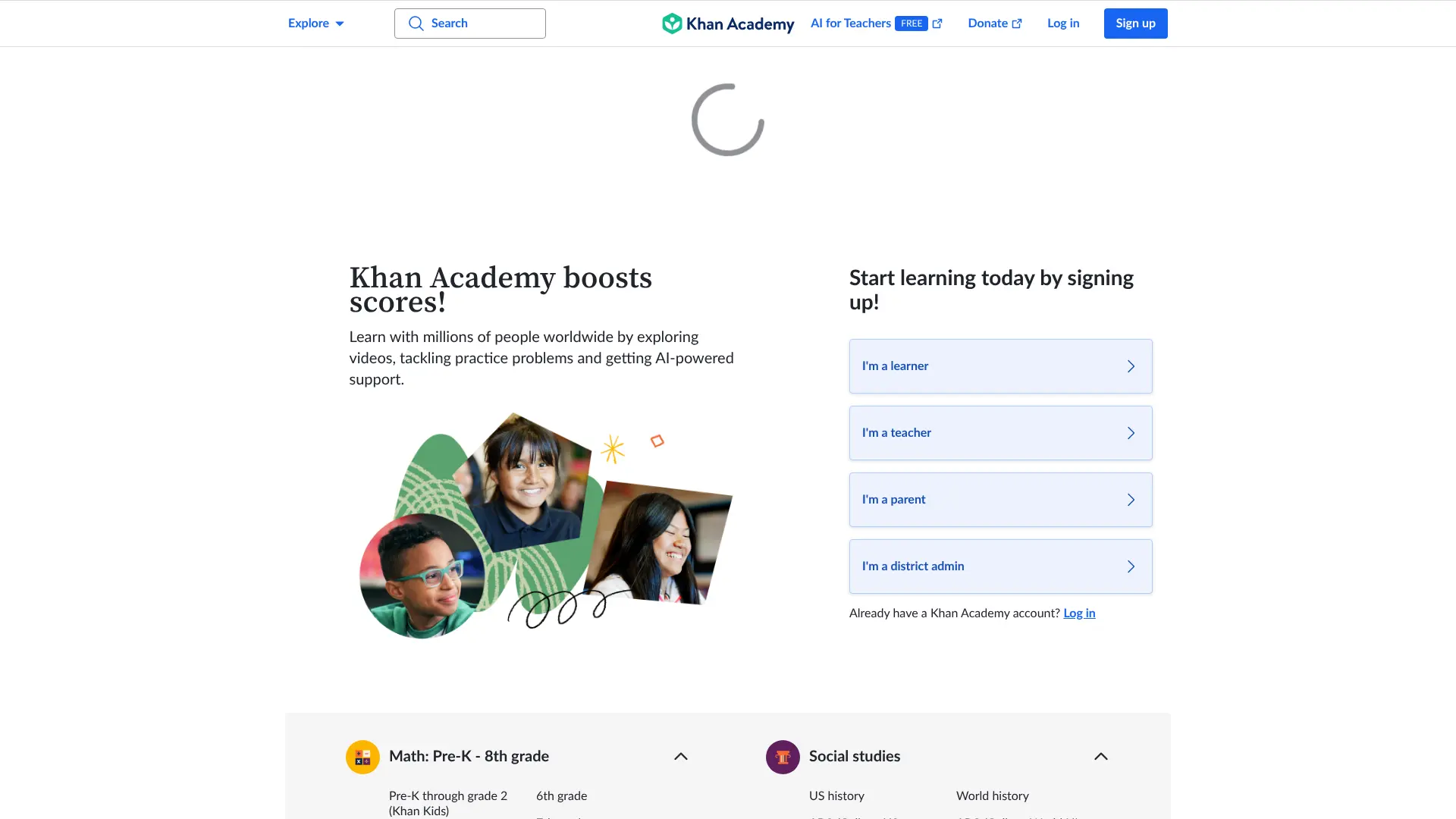 Khan Academy has been a household name in online education since 2008. Founded by Salman Khan to help his cousin with math tutoring, it has grown into one of the most trusted free learning platforms in the world. Website: https://www.khanacademy.org/
What Khan Academy Offers
This nonprofit platform focuses on K-12 education, but it also has great resources for college prep and adult learners. Everything is 100% free – no subscriptions, no ads, no catches.
Key Features
- Completely Free: All content is free forever, funded by donations
- Self-Paced Learning: Learn at your own speed without deadlines
- Practice Exercises: Thousands of problems to test your knowledge
- Personalized Dashboard: Track your progress and see where you need help
- Video Lessons: Short, easy-to-follow videos on every topic
Best Subjects on Khan Academy
- Math (from basic arithmetic to calculus)
- Science (biology, chemistry, physics)
- Economics and finance
- History and civics
- Test prep (SAT, GMAT, MCAT)
Pros and Cons
Pros:
- Totally free with no hidden costs
- Great for building strong foundations
- Perfect for students of all ages
- High-quality, well-structured content
Cons:
- No certificates offered
- Limited to academic subjects
- Not ideal for professional skills training
Khan Academy is perfect if you’re a student or parent looking for reliable homework help or if you want to strengthen your basics in math, science, or other core subjects. According to education research, Khan Academy’s teaching methods have helped millions of learners worldwide.
3. MIT OpenCourseWare – World-Class Education Free
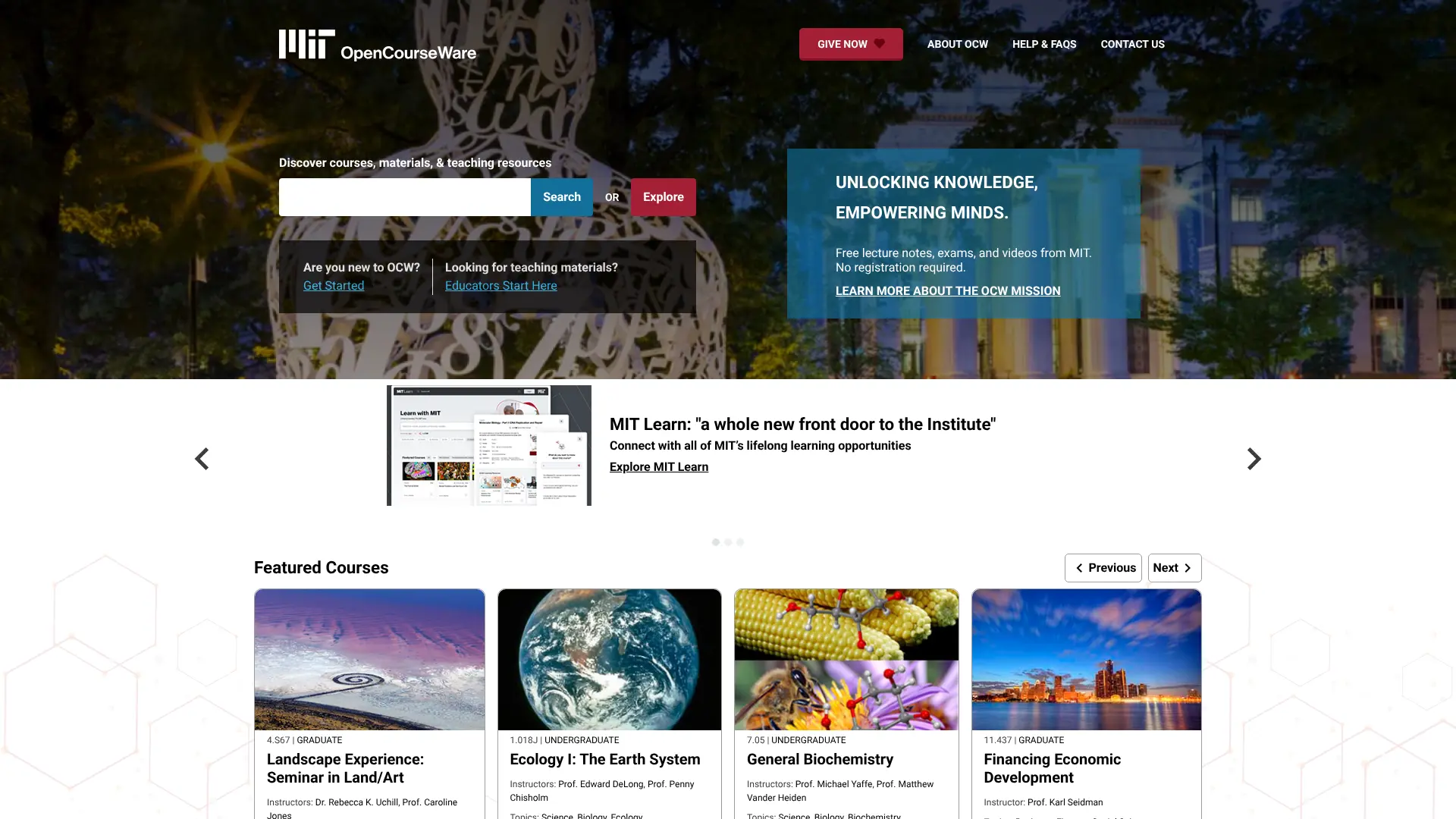 Imagine getting access to actual MIT courses without paying the $50,000+ yearly tuition. That’s exactly what MIT OpenCourseWare offers. Website: https://ocw.mit.edu/
What Is MIT OpenCourseWare?
Launched in 2001, MIT OpenCourseWare (OCW) is a free publication of nearly all MIT course content. We’re talking about more than 2,500 courses across every field you can imagine – from engineering to humanities.
Key Features
- Completely Free: No registration required, no fees ever
- Real MIT Content: Actual course materials from MIT classes
- Comprehensive Materials: Lecture notes, assignments, exams, and videos
- Wide Range of Topics: Engineering, science, business, arts, and more
- Undergraduate and Graduate Level: Content for all learning levels
Popular Courses
- Introduction to Computer Science and Programming in Python
- Introduction to Algorithms
- Artificial Intelligence
- Linear Algebra
- Circuits and Electronics
Pros and Cons
Pros:
- Access to MIT’s world-class curriculum for free
- No need to sign up or create an account
- Covers almost every academic subject
- Perfect for self-motivated learners
Cons:
- No certificates or degrees offered
- No instructor interaction
- Materials can be very challenging
- You’re on your own for learning
MIT OpenCourseWare is ideal for serious learners who want to challenge themselves with university-level content. While you won’t get a certificate, you’ll gain knowledge from one of the world’s top universities. 
4. edX – University Courses from Harvard and MIT
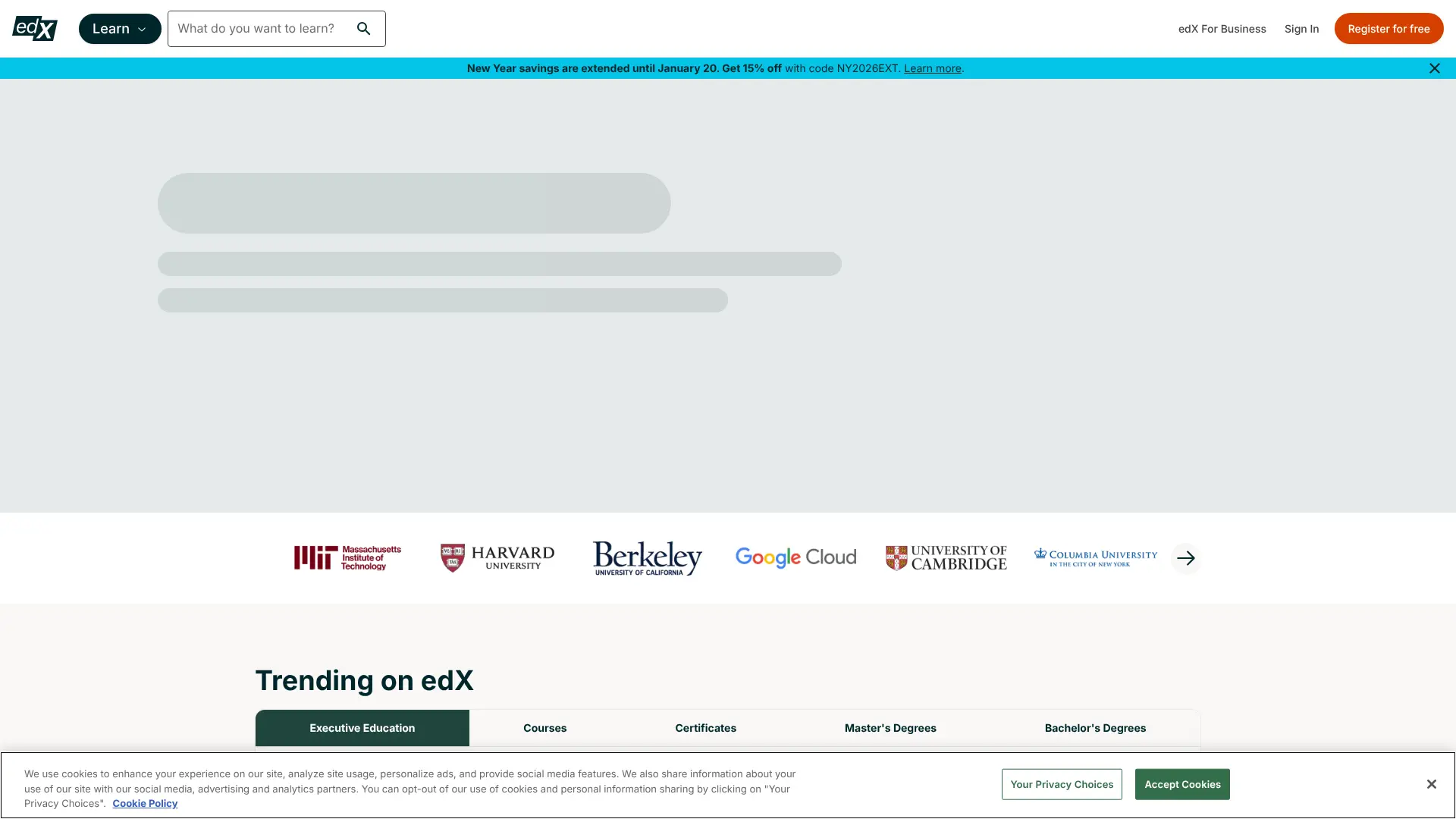 Founded by Harvard and MIT in 2012, edX brings together courses from over 100 universities and institutions worldwide. It’s like having access to multiple top universities in one place. Website: https://www.edx.org/
What edX Offers
edX has a unique approach – you can audit most courses for free, meaning you can watch all the videos and read materials without paying. If you want a certificate, you’ll need to pay, but the fees are much lower than Coursera. Prices typically range from $50 to $200 for certificates.
Key Features
- Free Course Access: Audit thousands of courses at no cost
- University Partners: Content from Harvard, MIT, Berkeley, and more
- MicroMasters Programs: Earn credentials that count toward degrees
- Professional Certificates: Industry-recognized credentials
- Full Degree Programs: Complete bachelor’s and master’s degrees online
Popular Course Categories
- Computer Science and AI
- Business and Management
- Data Science
- Engineering
- Humanities and Social Sciences
Pros and Cons
Pros:
- Free access to high-quality university courses
- More affordable certificates than Coursera
- Credits can transfer to actual degree programs
- Strong focus on academic rigor
Cons:
- Certificates aren’t free
- Course deadlines can be strict
- Some courses are quite challenging
edX is perfect if you want university-level education with the option to earn affordable certificates. It’s especially good for serious learners who want credentials that employers recognize.
5. Udemy – Thousands of Affordable Courses
Udemy takes a different approach than other platforms. Instead of subscriptions, you buy individual courses – and they go on sale frequently. We’re talking about courses that normally cost $199 dropping to $19.99 or less. Website: https://www.udemy.com/
What Udemy Offers
With over 210,000 courses, Udemy is like the Amazon of online learning. You can find courses on literally anything – from web development to cooking to dog training. 
Key Features
- Pay Once, Own Forever: Lifetime access to courses you buy
- Frequent Sales: Courses often drop to under $20
- 500+ Free Courses: Many courses are completely free
- 30-Day Money-Back: Get a refund if you’re not satisfied
- Learn Offline: Download courses to watch without internet
Popular Course Topics
- Programming and Web Development
- Business and Entrepreneurship
- Design and Photography
- Marketing and Sales
- Personal Development
Pros and Cons
Pros:
- Huge variety of courses on every topic imaginable
- Very affordable during sales
- Lifetime access to purchased courses
- Many free courses available
- Certificate of completion included
Cons:
- Course quality varies widely
- Certificates aren’t as prestigious as university ones
- No interactive elements like projects
Udemy works best when you know exactly what skill you want to learn. Wait for a sale, grab the course for $20, and you’ve got lifetime access. It’s perfect for practical skills like learning a programming language or how to use specific software.
6. Alison – 100% Free Certificates and Diplomas
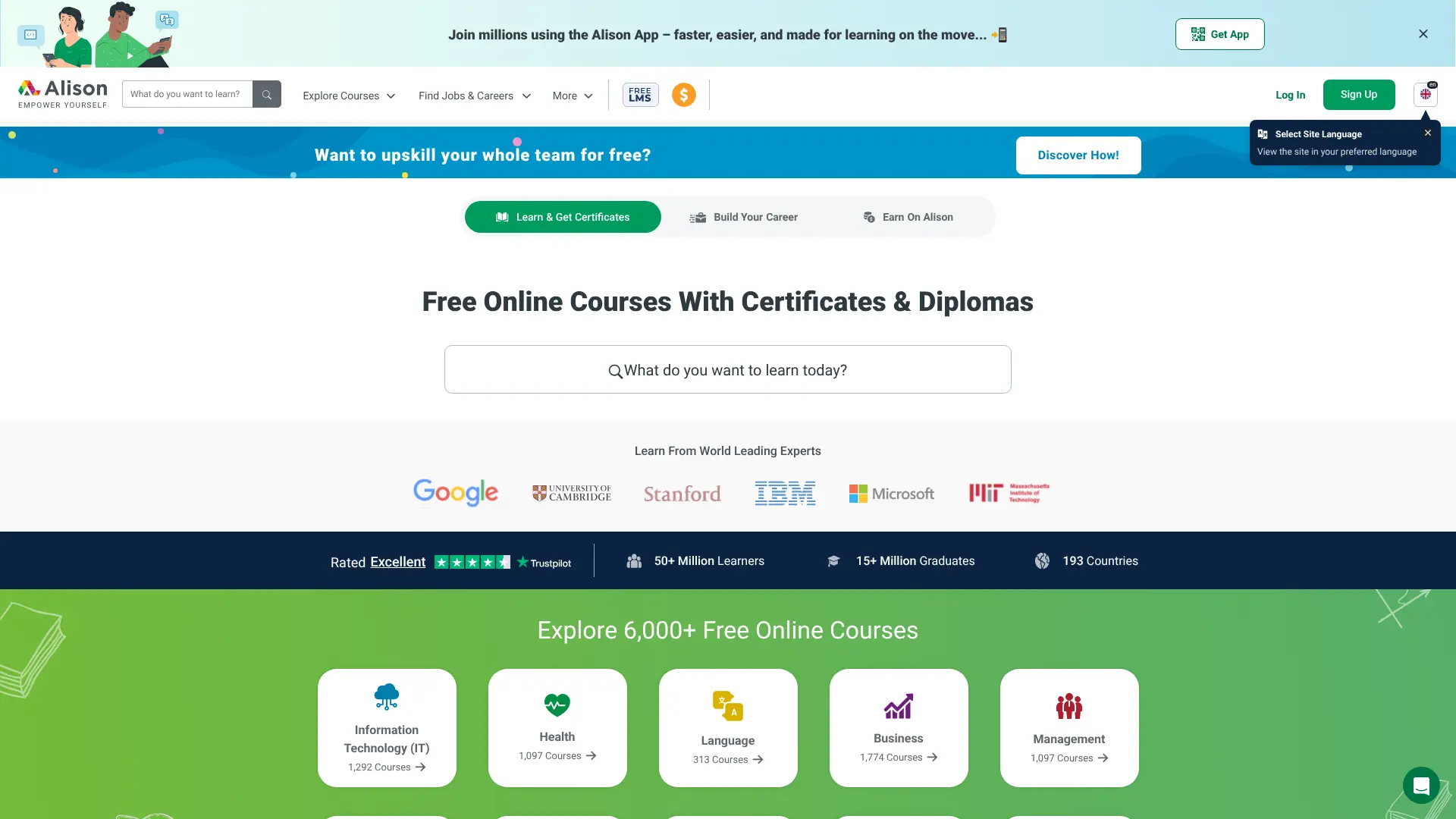 Here’s something special about Alison – it’s one of the few platforms that offers completely free certificates. No tricks, no hidden fees, genuinely free. Website: https://alison.com/
What Alison Offers
Founded in 2007, Alison has over 4,000 courses focused on practical skills for the workplace. The platform offers both certificates (short courses) and diplomas (longer, more comprehensive programs). 
Key Features
- Truly Free Certificates: Get certified without paying anything
- Workplace Skills Focus: Courses designed for job readiness
- Flexible Learning: Study at your own pace
- Mobile App Available: Learn on your phone or tablet
- Multiple Languages: Courses available in several languages
Popular Course Categories
- IT and Software
- Business Skills
- Health and Safety
- Language Learning
- Personal Development
Pros and Cons
Pros:
- Completely free certificates and diplomas
- Focus on practical, job-ready skills
- Over 15 million learners worldwide
- Great for professional development
Cons:
- Ads on the free version (can pay to remove)
- Less prestigious than university certificates
- Some courses require work experience
Alison is perfect if you need a certificate for your resume but don’t want to pay for it. While the certificates aren’t from big-name universities, they show you’ve completed training in specific skills.
7. FutureLearn – Social Learning from Top Universities
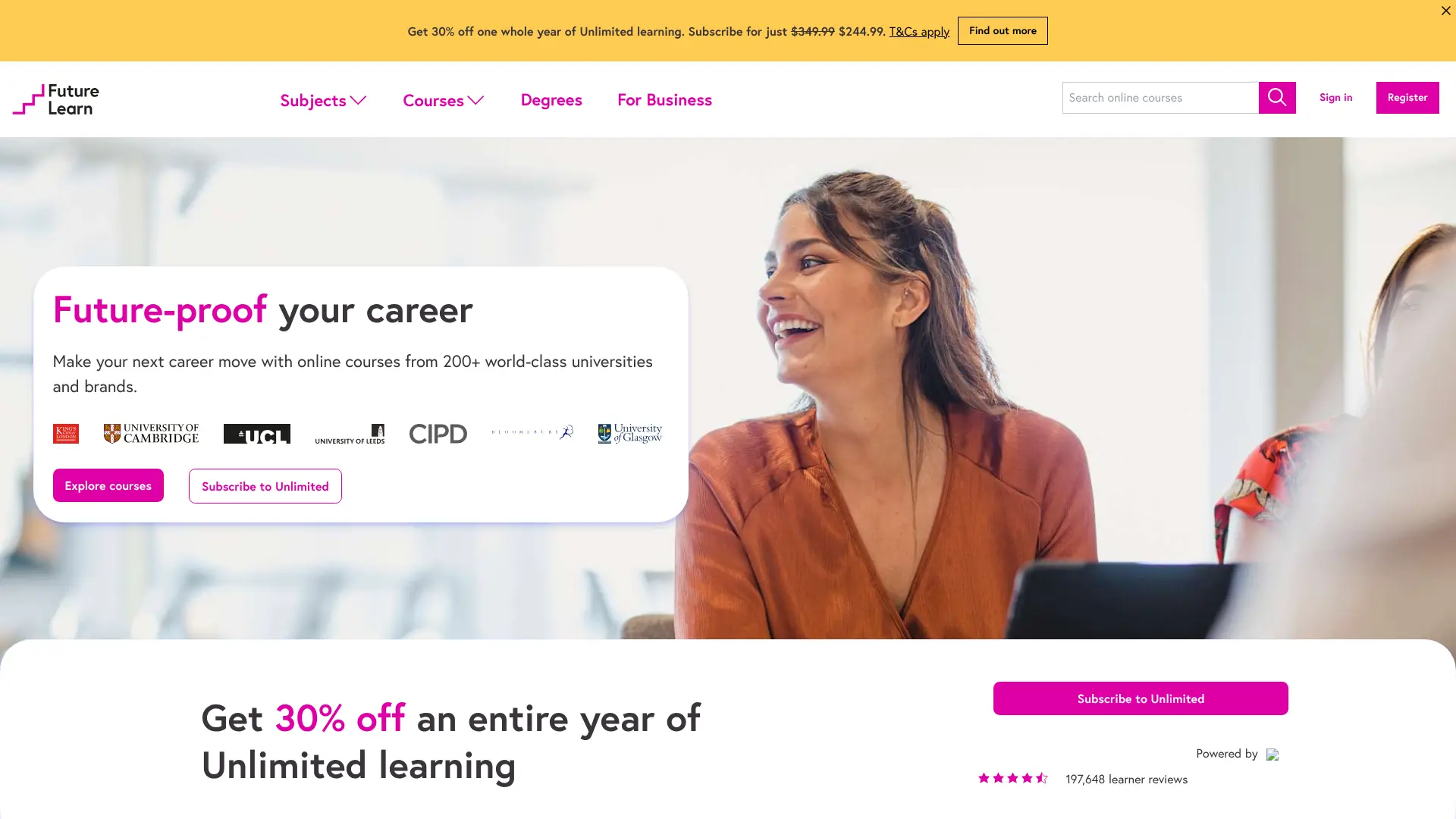 FutureLearn brings something different to online learning – a social element. This UK-based platform emphasizes learning together with other students through discussions and collaborative activities. Website: https://www.futurelearn.com/
What FutureLearn Offers
Partnering with universities and institutions worldwide, FutureLearn offers courses where interaction and discussion are key. You can access courses for free during a set period, with options to upgrade for extended access and certificates.
Key Features
- Social Learning: Learn with and from other students
- Short Courses: Most courses are 2-6 weeks long
- Free Access Period: Try courses before paying for certificates
- Mobile Friendly: Learn on any device
- Discussion Forums: Active community engagement
Popular Topics
- Healthcare and Medicine
- Digital Skills
- Leadership and Management
- Teaching
- History and Culture
Pros and Cons
Pros:
- Strong social learning component
- Courses from respected UK universities
- Bite-sized learning that fits busy schedules
- Active discussion and peer interaction
Cons:
- Limited free access period
- Certificates require payment
- Smaller course catalog than some competitors
FutureLearn is great if you learn better through discussion and interaction with others. The social learning approach makes complex topics easier to grasp through peer support.
8. Skillshare – Creative Skills and Projects
If you’re into creative skills, Skillshare is your place. This platform focuses on hands-on creative learning with a community of makers, artists, and designers. Website: https://www.skillshare.com/
What Skillshare Offers
Skillshare has over 40,000 classes taught by industry professionals and creative experts. Classes are shorter and more project-based than traditional courses, usually ranging from 20 to 60 minutes. 
Key Features
- Free Trial: Try Skillshare free for one month
- Project-Based Learning: Learn by doing real projects
- Short Classes: Bite-sized lessons that fit your schedule
- Creative Focus: Emphasis on creative and practical skills
- Community Feedback: Share your work and get feedback
Popular Class Categories
- Graphic Design
- Illustration
- Photography
- Video Editing
- Writing
- Business and Marketing
Pros and Cons
Pros:
- Perfect for creative professionals
- Affordable subscription ($13.99/month)
- Project-based approach builds portfolio pieces
- Engaging and supportive community
Cons:
- Subscription required for full access
- No formal certificates
- Limited courses outside creative fields
Skillshare is ideal for creative people who want to learn new techniques and build their portfolios. The project-based approach means you’ll finish each class with something to show for it.
9. LinkedIn Learning – Professional Career Development
Formerly known as Lynda.com, LinkedIn Learning integrates directly with your LinkedIn profile. This makes it perfect for career-focused learning that potential employers can see. Website: https://learning.linkedin.com/
What LinkedIn Learning Offers
With courses taught by industry experts, LinkedIn Learning focuses on business, technology, and creative skills. The platform offers a one-month free trial, then costs $39.99 per month. 
Key Features
- LinkedIn Integration: Certificates show on your LinkedIn profile
- One Month Free Trial: Test it before paying
- Expert Instructors: Learn from industry professionals
- Video-Based Learning: High-quality video lessons
- Learning Paths: Structured paths for career goals
Popular Topics
- Business Strategy
- Software Development
- Data Analysis
- Leadership Skills
- Creative Design
Pros and Cons
Pros:
- Certificates display on LinkedIn profile
- High-quality, professionally produced content
- Great for career advancement
- Supports 20+ languages for subtitles
Cons:
- Monthly subscription required
- Only one month free trial
- Not as affordable as some alternatives
LinkedIn Learning is best for professionals who want to advance their careers. The ability to showcase completed courses on your LinkedIn profile adds real value, especially when job hunting. If you’re looking to build your professional toolkit, check out more career development tools.
10. Codecademy – Learn to Code Interactively
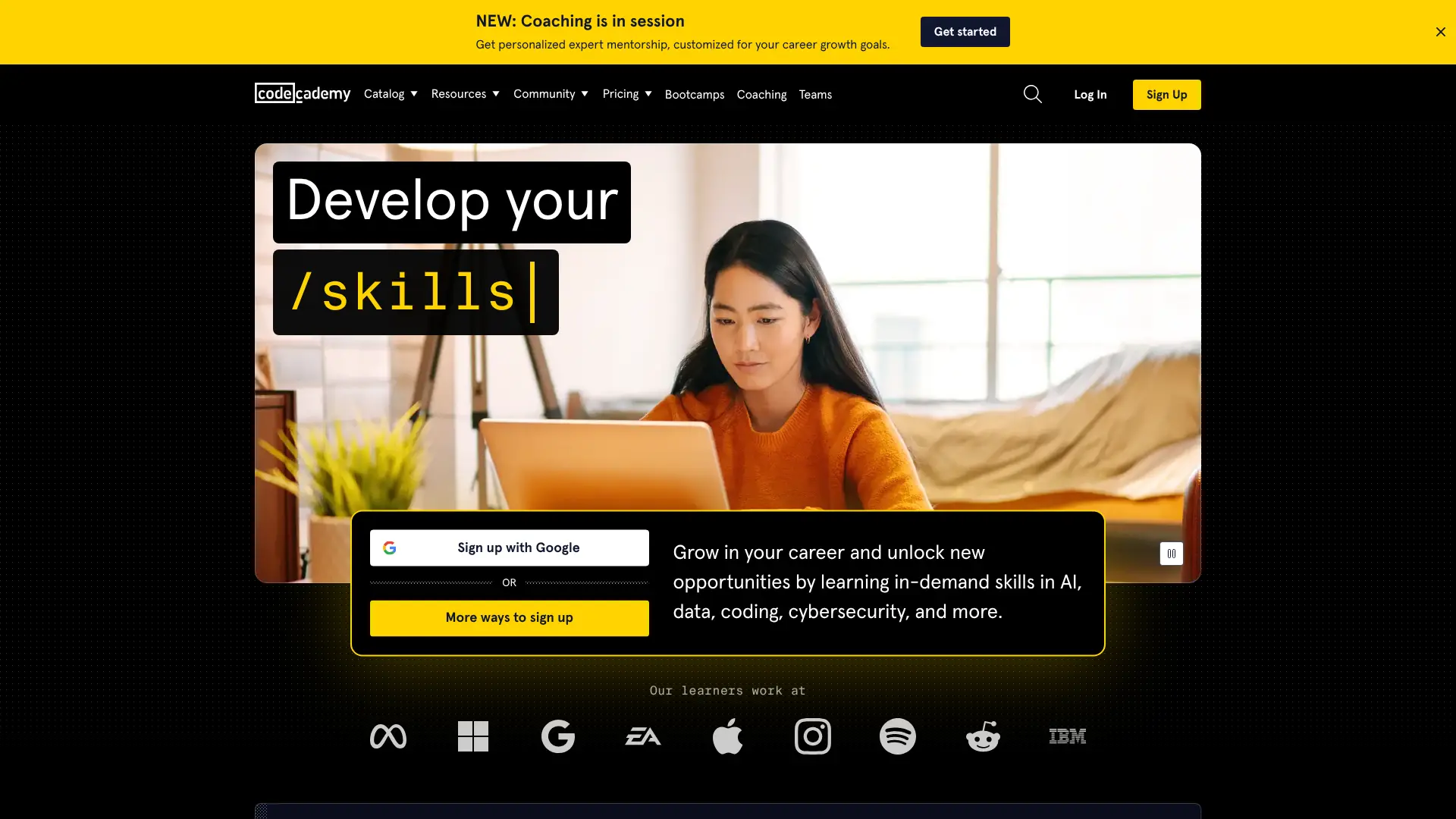 Want to learn coding? Codecademy makes it simple with interactive lessons where you write code directly in your browser. Website: https://www.codecademy.com/
What Codecademy Offers
Codecademy specializes in programming languages and technical skills. The platform offers courses in 14 different programming languages, from Python and JavaScript to more specialized languages like R and SQL. 
Key Features
- Interactive Learning: Write code directly in the browser
- Free Basic Courses: Learn fundamentals for free
- Instant Feedback: Know immediately if your code is correct
- Career Paths: Complete programs for specific tech careers
- Projects and Quizzes: Practice what you learn
Languages and Topics
- Python
- JavaScript
- HTML & CSS
- SQL
- Java
- C++
- Data Science
- Web Development
Pros and Cons
Pros:
- Best platform for beginners learning to code
- Interactive environment makes learning easier
- Many free courses available
- Clear progression from basics to advanced
Cons:
- Pro version needed for certificates ($29.99/month)
- Limited to programming and technical skills
- Not as comprehensive as university courses
Codecademy is perfect for anyone wanting to break into tech. The hands-on approach means you’re actually coding from day one, not just watching videos. You can also use AI code generators alongside your learning to practice more.
11. Pluralsight – Tech Skills for IT Professionals
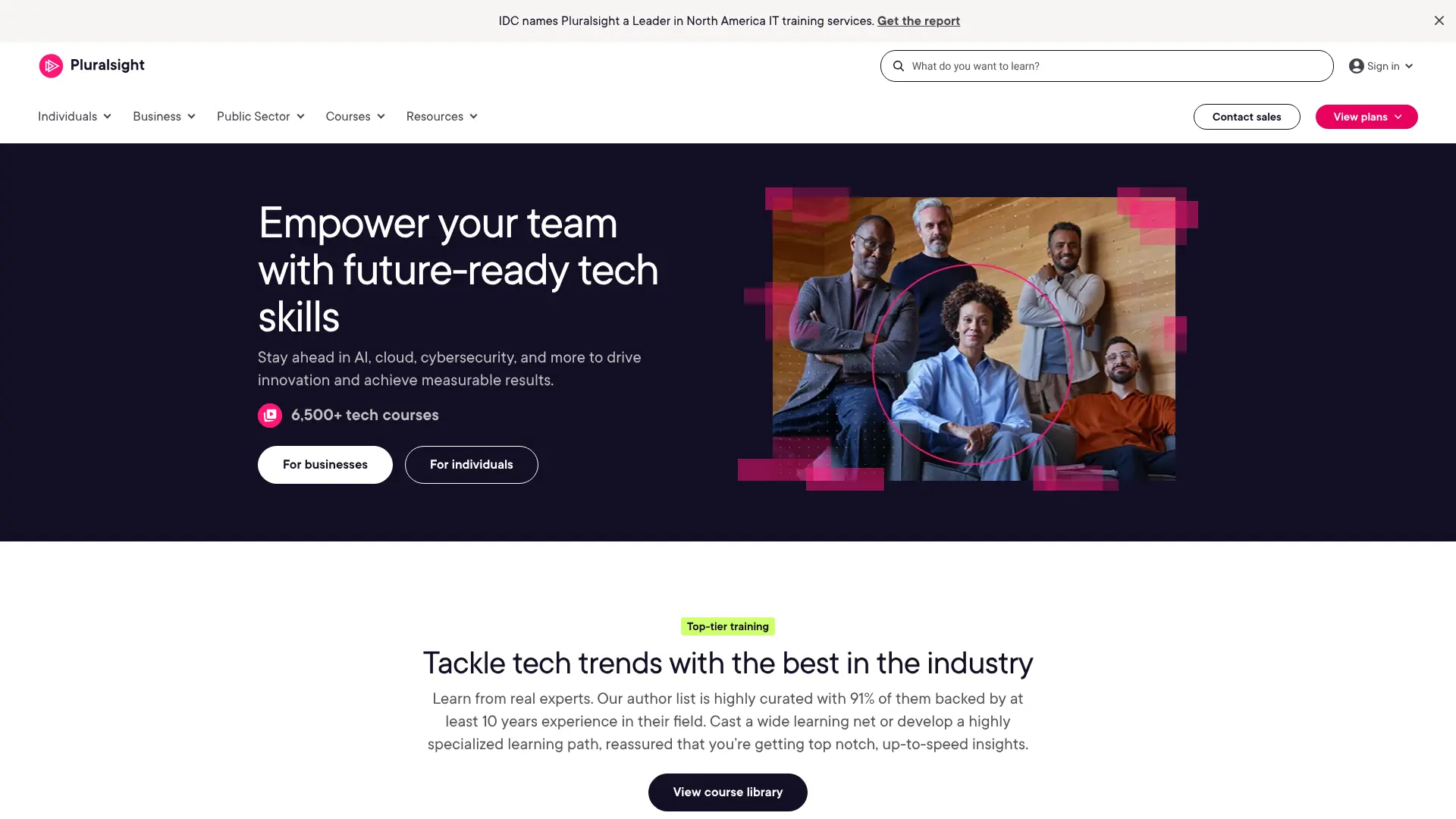 Pluralsight is the go-to platform for IT professionals who need to stay current with technology. It offers in-depth technical training with a focus on software development, IT operations, and cybersecurity. Website: https://www.pluralsight.com/
What Pluralsight Offers
With over 7,000 courses, Pluralsight covers almost every tech skill you can think of. The platform uses a subscription model with a 10-day free trial offering up to 200 minutes of viewing.
Key Features
- 10-Day Free Trial: Test the platform before committing
- Skill Assessments: Test your current skill level
- Learning Paths: Structured paths for specific tech roles
- Hands-On Labs: Practice in real environments
- Offline Viewing: Download courses for offline learning

Popular Topics
- Cloud Computing (AWS, Azure, Google Cloud)
- Software Development
- Cybersecurity
- Data Professional
- IT Operations
Pros and Cons
Pros:
- Excellent for tech professionals
- Up-to-date content on latest technologies
- Hands-on practice environments
- Skill assessments help track progress
Cons:
- Expensive subscription ($29-$45/month)
- Limited free trial (200 minutes only)
- Focused only on tech skills
Pluralsight is worth it if you’re in IT or software development and need to keep your skills sharp. The content is high-quality and always current, which matters in fast-moving tech fields.
11. DataCamp – Data Science and Analytics Training
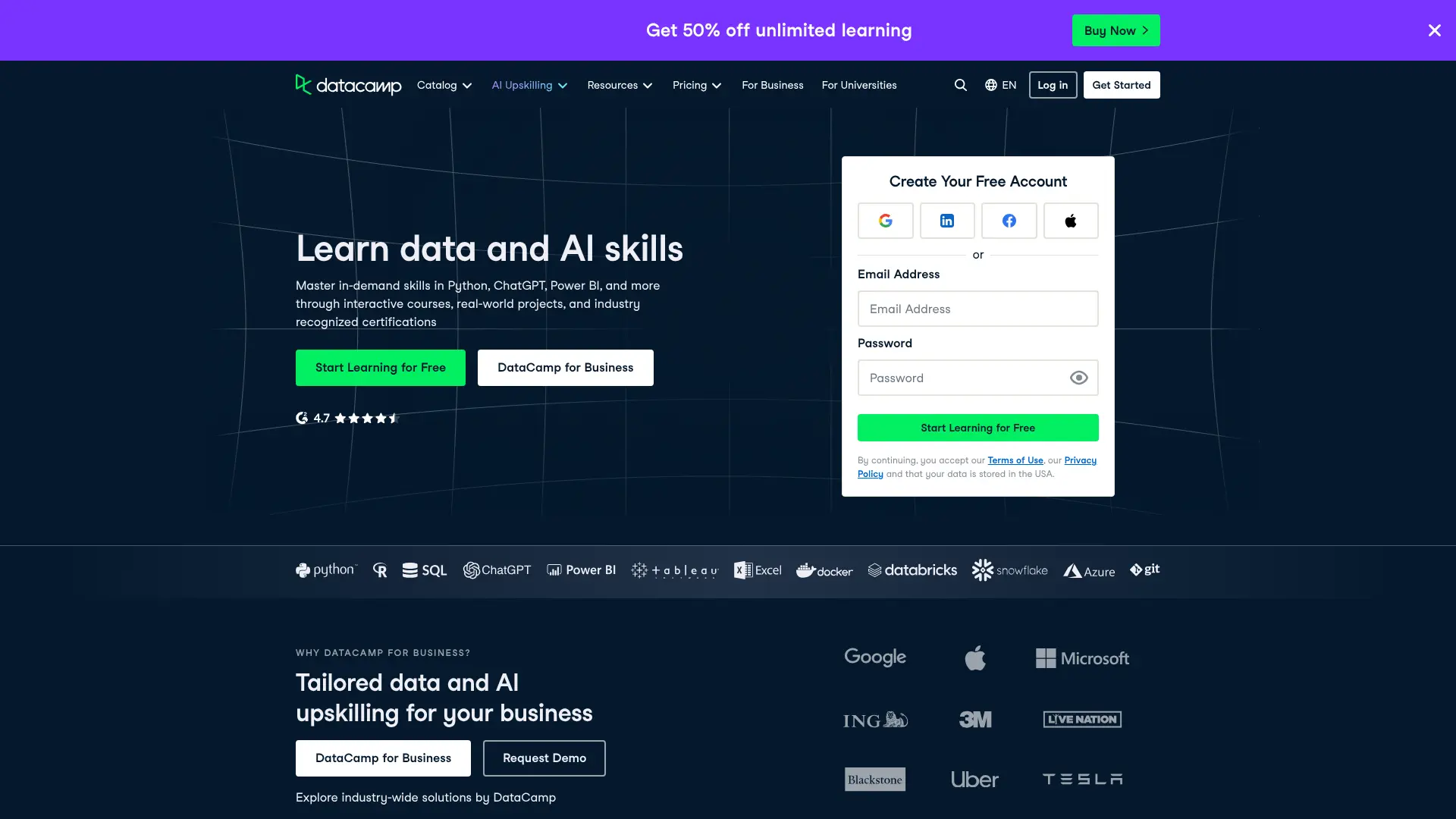 If data science is your goal, DataCamp is built specifically for you. This platform focuses entirely on data science, machine learning, and analytics skills. Website: https://www.datacamp.com/
What DataCamp Offers
DataCamp uses an interactive learning approach where you write code and analyze data right in your browser. The platform offers courses from fundamentals to advanced topics in data science.
Key Features
- Interactive Coding: Learn by doing, not just watching
- Career Tracks: Complete paths for specific data roles
- Skill Tracks: Focus on specific tools or techniques
- AI-Powered Learning: Get personalized recommendations
- Real-World Projects: Work with actual datasets
What You Can Learn
- Python for Data Science
- R Programming
- SQL for Data Analysis
- Machine Learning
- Data Visualization
- Statistics
Pros and Cons
Pros:
- Best platform for data science learning
- Interactive, hands-on approach
- Clear career paths for data roles
- Free beginner courses available
Cons:
- Premium subscription needed for full access
- Only focuses on data science
- Can be challenging for complete beginners
DataCamp is ideal if you’re serious about a career in data science. The hands-on approach ensures you learn practical skills that employers actually need.
12. Google Digital Garage – Free Digital Marketing Skills
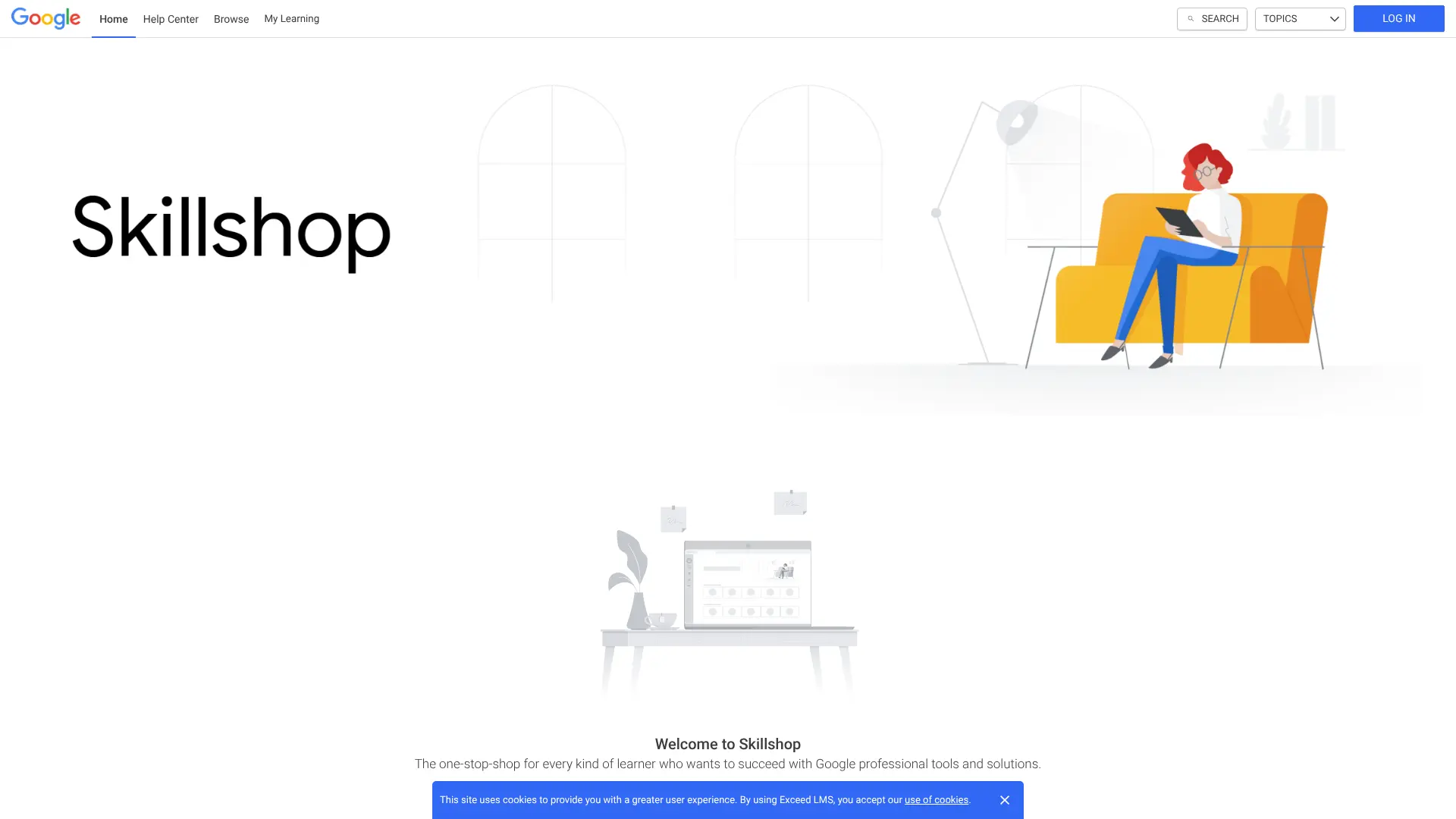 Last but definitely not least, Google Digital Garage brings you free training directly from one of the world’s biggest tech companies. This platform focuses on digital marketing, data, and career development skills. Website: https://skillshop.exceedlms.com/student/catalog/list?category_ids=7879-google-digital-garage
What Google Digital Garage Offers
Founded by Google in 2015, this nonprofit program provides over 100 free courses designed by Google experts. The best part? Everything is completely free, including certificates.
Key Features
- 100% Free Certificates: Get certified by Google at no cost
- Expert-Designed Content: Courses created by Google professionals
- Flexible Learning: Study at your own pace on any device
- Three Core Areas: Digital marketing, data and tech, career development
- Industry Recognition: Google certification adds real value to your resume
Popular Courses
- Fundamentals of Digital Marketing (most popular)
- Machine Learning Crash Course
- IT Support Fundamentals
- SEO and Search Engine Marketing
- Google Analytics for Beginners
- Social Media Marketing
What Makes It Special
The Fundamentals of Digital Marketing course is particularly valuable. It covers everything from SEO to social media, email marketing to analytics. According to business reports, participants who complete Google Digital Garage courses see measurable results – with some reporting 27% increased sales and 32% higher customer numbers.
Pros and Cons
Pros:
- Completely free including certificates
- Backed by Google’s reputation and expertise
- Practical skills you can use immediately
- Great for small business owners and marketers
- Integrates with Google’s business tools (Analytics, Ads)
Cons:
- Focused mainly on digital marketing and Google tools
- Less comprehensive than some university courses
- Limited advanced content
Google Digital Garage is perfect for anyone wanting to learn digital marketing or understand how to grow a business online. The certificate from Google carries weight with employers, and the skills are immediately applicable. If you need help creating marketing content, you can also use AI content generators to speed up your workflow. 
How to Choose the Right Platform for You
With so many options, how do you pick the right one? Here’s a simple guide based on your goals:
If You’re a Student or Building Foundations
- Choose Khan Academy for basic subjects
- Try MIT OpenCourseWare for university-level content
- Use edX if you want university certificates
If You’re Learning for Career Advancement
- Pick LinkedIn Learning for professional skills
- Choose Alison for free workplace certificates
- Try edX for university-backed credentials
- Use Google Digital Garage for digital marketing
If You’re in Tech or Want to Code
- Start with Codecademy if you’re a beginner
- Use Pluralsight if you’re already in IT
- Choose DataCamp for data science specifically
If You’re Creative or Want Practical Skills
- Go with Skillshare for creative projects
- Try Udemy for specific skills at low cost
- Check out FutureLearn for social learning
If You’re on a Tight Budget
- Khan Academy – Free forever
- MIT OpenCourseWare – Free, no registration needed
- Alison – Free courses and certificates
- Google Digital Garage – Free courses and Google certificates
- edX – Free to audit, pay only for certificates
If You Want to Start Your Own Business
- Google Digital Garage for digital marketing fundamentals
- edX for business management courses
- LinkedIn Learning for entrepreneurship skills
Free vs Paid: What You Need to Know
Most platforms offer both free and paid options. Here’s what you typically get with each:
Free Access Usually Includes
- Video lectures and course materials
- Some practice exercises
- Basic progress tracking
- Community forums
Paid Access Usually Adds
- Certificates of completion
- Graded assignments
- Project feedback
- Offline access
- No ads
- Extended access to materials
The key question: Do you need a certificate? If you’re learning for personal growth, free access is often enough. If you need credentials for your resume, paying for certificates might be worth it.
 Are These Certificates Worth It?
This is a big question. The honest answer: it depends on the certificate and your goals.
Certificates That Hold More Weight
- University Certificates from edX or Coursera: Backed by recognized institutions
- Professional Certifications: Like those from LinkedIn Learning or Pluralsight
- Specialized Tech Certifications: Especially in coding or data science
What Employers Actually Think
According to recent surveys, employers value online certificates more than ever, especially when they:
- Come from recognized institutions
- Show practical skills they need
- Are recent (within 1-2 years)
- Are combined with real project work
Making Your Certificates Count
To get the most value from online certificates:
- Build a portfolio: Create projects that showcase what you learned
- Update your LinkedIn: Add certificates to your profile
- Talk about them: Mention specific skills in job interviews
- Keep learning: One certificate isn’t enough – show continuous growth
Need help building your professional presence? Try the AI resume builder to showcase your new skills effectively.
Frequently Asked Questions
Which platform is completely free with certificates?
Alison offers completely free courses and certificates. Khan Academy is also 100% free, but doesn’t offer certificates. edX allows you to audit courses for free, but certificates cost money.
Is Coursera better than these alternatives?
Not necessarily. Coursera has great content, but it’s expensive. Alternatives like edX offer similar university content at lower prices. For specific skills, platforms like Codecademy or Skillshare might work better.
Can I get a job with certificates from these platforms?
Yes, many people do. Certificates help, especially from recognized platforms like edX or LinkedIn Learning. But employers care more about your actual skills and portfolio than just certificates.
Which platform is best for beginners?
Khan Academy for academic subjects, Codecademy for coding, and Skillshare for creative skills. These platforms start from zero and explain everything clearly.
Do I need to pay for certificates?
It depends on the platform. Alison offers free certificates. Khan Academy doesn’t offer them at all. Most other platforms charge for certificates but let you take courses for free.
How long does it take to complete a course?
It varies widely. Skillshare classes can be 20-60 minutes. Coursera-style platforms usually take 4-8 weeks. Self-paced platforms like Udemy or Khan Academy let you finish as fast as you want.
Can I learn at my own pace?
Most platforms allow self-paced learning. Khan Academy, MIT OpenCourseWare, Udemy, and Alison all let you learn whenever you want. Some edX and Coursera courses have deadlines.
Are online certificates respected by employers?
Yes, increasingly so. Certificates from recognized universities (via edX) or professional platforms (like LinkedIn Learning) are well-regarded. What matters most is that you can actually do the skills you learned.
What’s the cheapest way to learn online?
The cheapest options are completely free platforms: AI FREE FOREVER for tools, Khan Academy for subjects, MIT OpenCourseWare for university content, and Alison for certificates. For paid content, wait for Udemy sales or use free trials.
Can I use multiple platforms at once?
Absolutely! Many learners use free platforms like Khan Academy for basics, then move to specialized platforms. You might use edX for theory, Codecademy for coding practice, and AI FREE FOREVER for homework help.