Video to video AI tools helps you restyle videos, transfer motion between clips, enhance resolution, and apply effects that once required expensive VFX teams. You might want to turn a smartphone recording into a cinematic masterpiece or transfer dance moves onto a digital character, video to video AI makes it possible in minutes.
Lets check out the best video to video ai tools in the marke selected by their unique capabilities for video style transfer, motion control, upscaling, and creative video transformation. You’ll find detailed breakdowns of features, pricing, and real use cases to help you pick the right tool for your projects.
Table of Contents
- What Is Video to Video AI?
- How Does Video to Video AI Work?
- Video to Video AI Tools
- Top Use Cases for Video to Video AI
- How to Choose the Right V2V Tool
- Frequently Asked Questions
Lets talk about Video to Video AI?
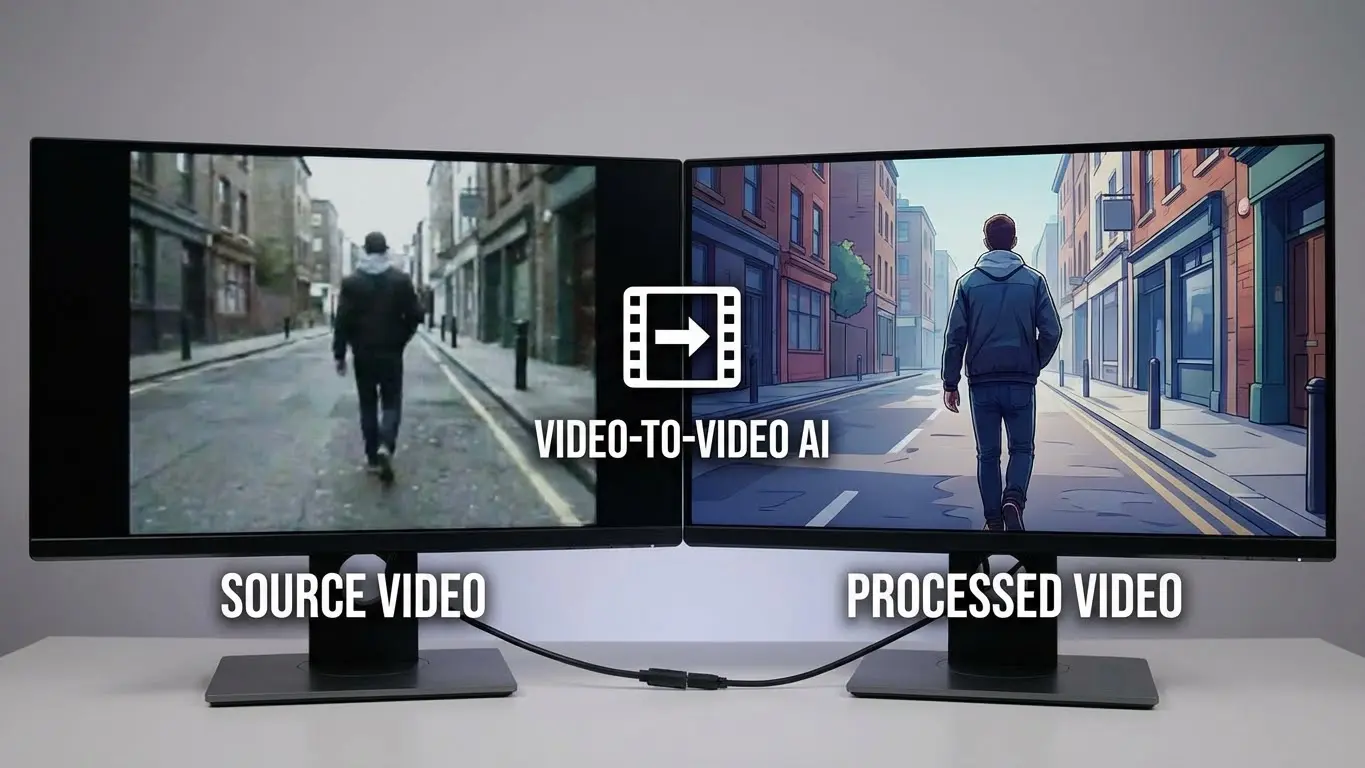
Video to video AI refers to artificial intelligence tools that transform existing video footage into new visual content. Unlike text-to-video generators that create clips from scratch, V2V tools take your existing recordings and modify them while preserving motion, timing, and composition.
The technology behind video to video AI uses diffusion models trained on millions of video frames. When you upload a source video, the AI analyzes motion patterns, object positions, and temporal consistency. It then generates new frames that maintain these elements while applying your requested changes.
How Does Video to Video AI Work?
Video to video transformation follows a multi-step process that balances creative changes with motion preservation. First, the AI encodes your source video into a compressed representation that captures both visual appearance and motion dynamics.
The transformation happens in this latent space, where the model can modify visual elements without destroying temporal coherence. A text prompt or reference image guides the changes, telling the AI what style, mood, or appearance you want in the output.
The best results come from stable input footage with clear subjects and controlled camera movement. Fast action, multiple moving subjects, and shaky recordings can challenge even the most advanced V2V models.
Best Video to Video AI Tools
1. Sora 2 Remix
Best for: Creative video remixing with targeted adjustments
Official Website: sora.com
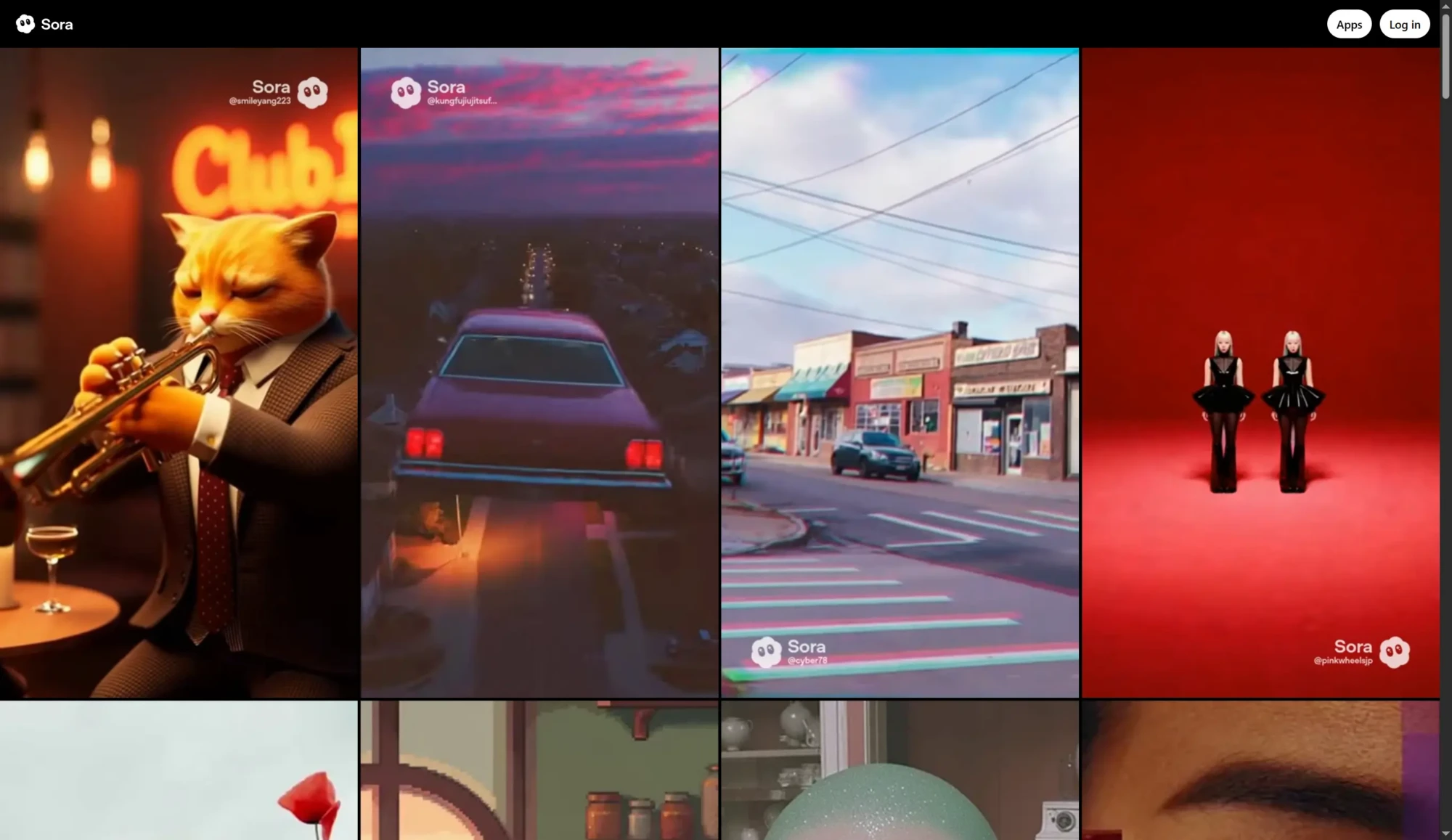
OpenAI’s Sora 2 includes a powerful Remix feature that lets you take existing videos and make targeted changes without regenerating everything from scratch. You provide a completed video along with a new prompt describing what you want to change, and the system reuses the original’s structure while applying your modifications.
The Remix tool works best when you make single, focused changes. Smaller edits preserve more of the original fidelity and reduce artifacts. You can adjust mood, color palette, staging, or add elements while keeping the visual style, subject consistency, and camera framing stable.
Sora 2 also offers Blend functionality, which transitions elements from one video to another. This creates hybrid videos that capture characteristics from both sources. The dynamic weight system lets you control how much each video influences different parts of the final result.
Key Features:
- Targeted video modifications through text prompts
- Blend tool for combining two video sources
- Loop creation for seamless repetition
- Storyboard mode for frame-by-frame control
- Synchronized audio generation with video
Pricing: Included with ChatGPT Plus ($20/month) and ChatGPT Pro ($200/month) subscriptions. Pro users get priority processing and higher daily limits.
2. Runway Gen-4 V2V
Best for: Professional video transformation with precise control
Official Website: runwayml.com
Runway has been a leader in AI video tools, and their video to video capabilities on Gen-4 deliver professional-grade transformations. The platform lets you change video styles using text prompts or input images as style references while maintaining the motion and structure of your original footage.
The Structure transformation slider gives you control over how closely the output matches your input. Lower values keep the original video’s structure intact, while higher values allow more abstract interpretations. This flexibility makes Runway suitable for everything from subtle color grading to complete visual overhauls.
Runway’s Aleph system takes V2V editing further by allowing post-generation modifications through text prompts. You can tell it to add rain to a scene, change lighting to golden hour, or swap objects without regenerating the entire video. This iterative approach makes Runway competitive for professional editing workflows.
Key Features:
- Video to video with adjustable structure preservation
- Aleph in-video editing through natural language
- Act-Two motion capture from smartphone video
- 4K upscaling for final outputs
- Built-in editing tools for trimming and adjustments
Pricing: Free plan offers 125 one-time credits. Standard plan at $15/month includes 625 monthly credits and Gen-4 access. Pro and Unlimited plans available for higher volume needs.
3. Luma Modify Video
Best for: Transforming real footage into stylized content
Official Website: lumalabs.ai
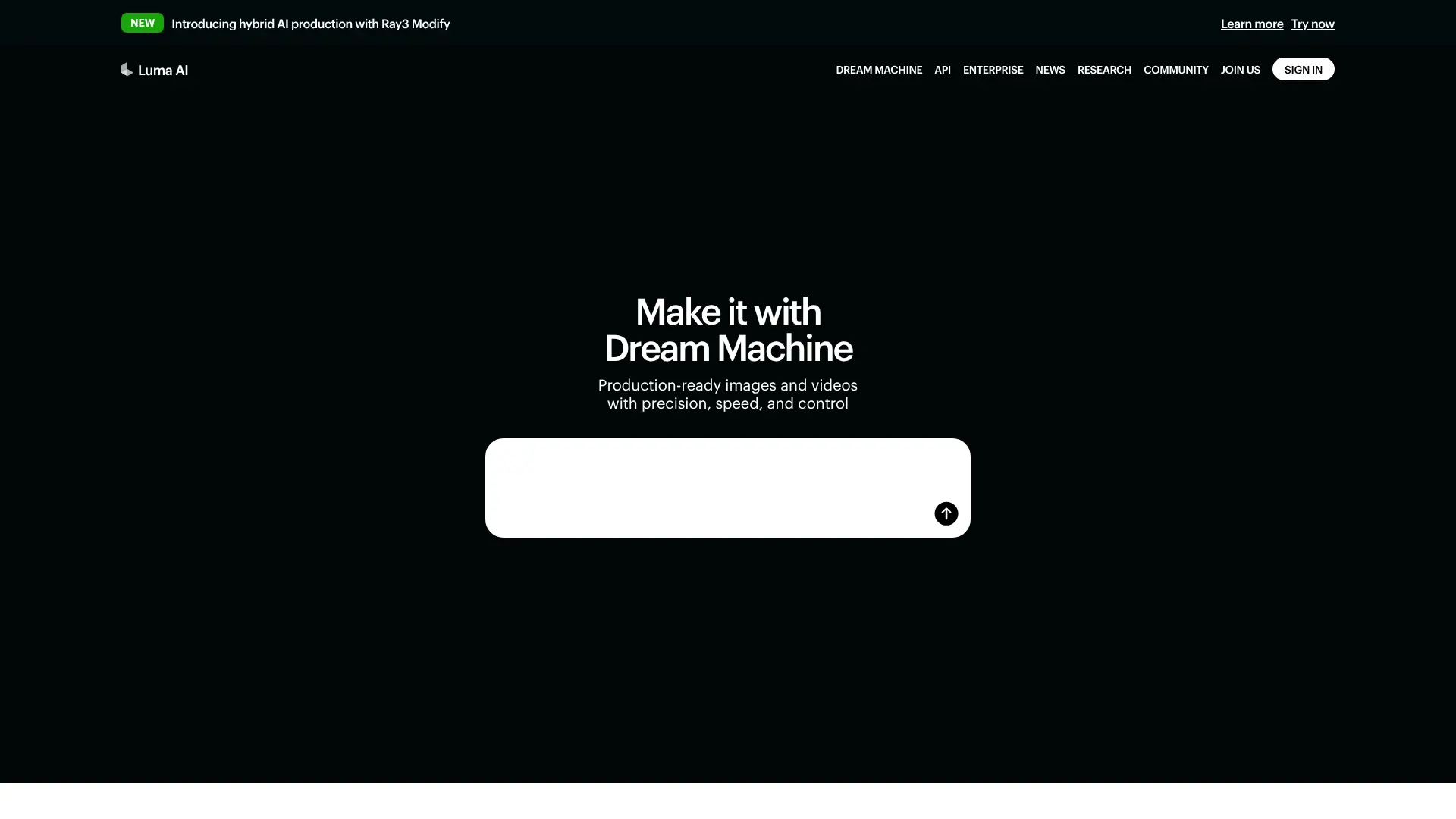
Luma’s Modify Video tool transforms any footage into new scenes by changing visuals, characters, and actions without losing original motion or camera dynamics. You can take live-action recordings, animations, or phone videos and completely restyle them while preserving what made the original shot work.
The tool excels at motion preservation. In comparative evaluations, Luma Modify Video outperformed competitors at retaining motion, facial animation, and temporal consistency. Facial expressions and lip sync transfer naturally, making it useful for character replacement and virtual production work.
Luma offers preset styles for quick transformations and custom prompts for specific creative visions. The strength slider controls how much the AI changes your footage, from subtle adjustments to complete reimagining.
Key Features:
- Style transfer with motion preservation
- Character replacement while keeping expressions
- World swapping for virtual set creation
- Preset styles for quick results
- Up to 10-second video transformations
Pricing: Available with all paid Dream Machine subscriptions starting at $23.99/month for the Standard plan.
4. Luma Reframe
Best for: Aspect ratio conversion and content extension
Official Website: lumalabs.ai/reframe
Luma Reframe solves a common creator problem: adapting videos for different platforms. The tool uses AI to resize, zoom, or extend footage into new aspect ratios while keeping subjects focused and compositions balanced.
Unlike simple cropping, Reframe generates new visual content to fill extended areas. If you need to convert a horizontal YouTube video into a vertical TikTok format, the AI intelligently extends the scene rather than just cutting off the sides. This works with both Luma-generated content and external uploads.
The tool supports six aspect ratios and handles videos up to 30 seconds or 100MB. For tight crops that lost important details, Reframe can recover missing edges and rebalance framing without needing a complete re-render.
Key Features:
- Intelligent aspect ratio conversion (16:9, 9:16, 1:1, 4:5, 4:3, 21:9)
- AI-powered outpainting for images and videos
- Subject-focused auto-reframing
- Works with external uploads, not just Luma content
- Crop recovery for tight framings
Pricing: Included with Luma Dream Machine subscriptions.
5. Kling Motion Control
Best for: Precise motion transfer and character animation
Official Website: app.klingai.com
Kling 2.6 Motion Control represents a significant advancement in AI-driven performance capture. The feature maps movements from a reference video onto a character defined by a static image, preserving facial expressions, gestures, body language, and timing with remarkable accuracy.
The model understands human body physics and cinematic camera movement. You upload a reference image of your character and a motion reference video (3-30 seconds), and Kling transfers the performance while maintaining character identity. This eliminates the need for expensive mocap suits or specialized gear.
Recent updates improved hand articulation, which has traditionally been a weak point for AI video. Finger movements and gestures now transfer with better fidelity. The system also supports voice control, generating synchronized speech, dialogue, and sound effects that match visual content.
Key Features:
- Full-body motion transfer from reference videos
- Improved hand and finger articulation
- Facial expression preservation with lip sync
- Voice control for synchronized audio
- Background replacement through text prompts
Pricing: Available through Kling AI platform with credit-based pricing. API access ranges from $0.07-$0.14 per second of generated video depending on speed and quality settings.
6. Pika Effects
Best for: Creative video effects and viral content
Official Website: pika.art
Pika AI focuses on creative, playful video transformations through its Pikaffects system. These specialized effects let you apply physics-defying transformations to video elements, such as making objects inflate, melt, explode, squash, or even turn into cake.
The platform excels at image-to-video conversion with smooth motion and visually pleasing results. Pika 2.2 extended video generation to 10 seconds at 1080p resolution and added Pikaframes for keyframe transitions between start and end frames.
Pikaswaps lets you replace objects or characters in videos using text prompts or reference images. Pikadditions adds new elements to existing footage, matching color and lighting automatically. These tools make Pika popular for social media content, viral edits, and experimental visual effects.
Key Features:
- Pikaffects creative transformations (inflate, melt, explode, cake-ify)
- Pikaswaps object and character replacement
- Pikadditions for inserting new elements
- Pikaframes keyframe transitions
- 10-second 1080p video generation
Pricing: Free plan available. Paid plans start around $8/month with credits for effect usage.
7. Topaz Video AI
Best for: Professional video upscaling and restoration
Official Website: topazlabs.com/topaz-video
Topaz Video AI specializes in enhancement rather than creative transformation. The software uses deep learning trained on millions of video frames to upscale resolution, reduce noise, sharpen details, and create smooth slow motion through frame interpolation.
The platform offers multiple AI models optimized for different tasks. Proteus handles general enhancement, Rhea focuses on 4K upscaling, Iris and Artemis improve facial details, and Apollo/Chronos handle frame interpolation for slow motion or frame rate conversion up to 16x.
For AI-generated video content, Topaz provides dedicated upscalers for Sora 2, Veo 3, and Midjourney outputs. The December 2025 Realism Update introduced Starlight Precise 2, trained specifically on human faces for the most natural-looking results.
Key Features:
- Upscaling from 720p/1080p to 4K or 8K
- AI denoising and detail recovery
- Frame interpolation up to 16x for slow motion
- Video stabilization and deblurring
- Dedicated models for AI-generated content
Pricing: Subscription starts at $25/month or $299/year. Includes desktop application and cloud rendering options.
8. DaVinci Resolve AI
Best for: Professional video editing with integrated AI tools
Official Website: blackmagicdesign.com
DaVinci Resolve 20 introduced over 100 new features, with AI tools designed to assist every stage of video production. The DaVinci Neural Engine powers intelligent features like facial recognition, object detection, smart reframing, speed warp retiming, super scale upscaling, and automatic color matching.
AI IntelliScript creates timelines automatically from written scripts by matching transcribed audio to your footage. AI Multicam SmartSwitch assembles multi-camera timelines by detecting speakers and selecting appropriate angles. AI Audio Assistant analyzes audio tracks and creates professional mixes automatically.
The Magic Mask feature needs only a single brush stroke to locate and track people, features, or objects throughout a video. Smart Reframe automatically repurposes footage for different aspect ratios by recognizing action and panning within scenes.
Key Features:
- AI IntelliScript for automatic timeline creation
- AI Multicam SmartSwitch for speaker detection
- Magic Mask intelligent object tracking
- Super Scale AI upscaling
- Speed Warp motion-aware retiming
Pricing: Free version includes most AI tools. DaVinci Resolve Studio costs $295 one-time purchase with lifetime updates.
9. Kapwing AI
Best for: Browser-based video editing and repurposing
Official Website: kapwing.com
Kapwing provides cloud-based video editing with AI features designed for content creators and marketing teams. The platform combines multiple AI generation models into one interface, allowing instant creation of videos that follow current trends and cinematic styles.
Text-based editing lets you modify videos by editing the transcript directly. Delete words to remove that section automatically. AI tools handle background removal, eye contact correction, and B-roll insertion in seconds.
The December 2025 update introduced Smart Music recommendations based on video sentiment, character consistency across AI-generated scenes, and a unified credit system for all AI features. The image-to-video generator creates hyper-realistic content suitable for marketing, virtual influencers, and product demonstrations.
Key Features:
- Text-based video editing through transcripts
- AI background removal and eye contact correction
- Smart Music sentiment-based recommendations
- Multi-platform aspect ratio optimization
- Real-time team collaboration
Pricing: Free plan with watermarks and 720p exports. Pro at $16/month offers 4K quality and AI features. Business at $50/month adds advanced collaboration.
10. Descript
Best for: Text-based video editing and content creation
Official Website: descript.com
Descript pioneered text-based video editing, letting you edit footage by editing the transcript. Delete a sentence from the text, and it disappears from the video. The platform now includes Underlord, an AI co-editor that handles tedious tasks while you focus on creative decisions.
The AI automatically removes filler words like “um,” “uh,” and “like” with a single click. Studio Sound enhancement transforms recordings from basic setups into professional-quality audio. Eye Contact AI adjusts your gaze to appear as if you’re looking at the camera even when reading a script.
Regenerate uses voice cloning to fix mistakes without re-recording. Type the corrected word, and Descript generates new audio in your voice while adjusting mouth movements to match. The platform also includes AI avatars, translation to 20+ languages, and automated design tools.
Key Features:
- Text-based editing through transcripts
- Underlord AI assistant for automated edits
- Studio Sound audio enhancement
- Regenerate voice cloning for corrections
- Eye Contact AI gaze adjustment
Pricing: Free plan with basic features. Hobbyist at $24/month, Creator at $35/month, Business at $65/month.
11. InVideo AI
Best for: AI-powered video generation and editing
Official Website: invideo.io
InVideo AI transformed into a leading AI video platform through partnerships with OpenAI (Sora 2) and Google (VEO 3.1). The platform offers integrated access to multiple cutting-edge video generation models, letting you create complete videos from text prompts or edit existing footage with natural language commands.
The Magic Box interface accepts simple commands to change scenes, adjust voiceovers, swap accents, or modify any video parameter. Built on GPT-4.1 and OpenAI’s image generation models, InVideo handles script writing, visual selection, voiceover creation, and editing automatically.
Version 4.0 added AI Twins (custom avatars), UGC-style video creation, and virtual product try-ons. The platform supports 50+ languages for voiceovers and draws from 16 million royalty-free stock assets.
Key Features:
- Integrated Sora 2 and VEO 3.1 access
- Magic Box natural language editing
- AI script generation and voiceovers
- 16 million stock asset library
- 50+ language support
Pricing: Free plan with watermarks. Plus at $28/month, Max at $50/month. Generative plan for advanced AI features.
12. HeyGen Edit
Best for: AI avatar video creation and editing
Official Website: heygen.com
HeyGen specializes in AI avatar videos, creating realistic digital spokespersons from text scripts. The Avatar IV engine produces photorealistic facial movements with true-to-life timing, including head tilts, natural pauses, and micro-expressions generated from audio analysis.
Video Agent, launched in September 2025, acts as a creative operating system. Give it a prompt, and it handles scripting, visual selection, voiceovers, avatar animation, editing, and delivery. A 60-second product explainer that might take a freelance team two days generates in under 15 minutes.
The platform includes 230+ stock avatars and lets you create custom Digital Twins from short calibration videos. Voice design supports customizable prompts beyond basic demographics, and the October 2025 update added integrations with Sora 2 and Veo 3.1 for cinematic B-roll generation.
Key Features:
- Avatar IV realistic digital twins
- Video Agent automated production
- 230+ stock avatars with custom options
- 175+ language and dialect support
- Sora 2 and Veo 3.1 integration
Pricing: Free plan available. Creator at $29/month, Business and Enterprise tiers for teams.
13. Filmora AI
Best for: Accessible video editing with AI assistance
Official Website: filmora.wondershare.com
Wondershare Filmora positions itself as an accessible alternative to complex professional software while offering comprehensive AI tools. The platform combines traditional timeline editing with features like AI Smart Cutout, AI Audio Denoise, and AI Background Remover.
Motion Tracking attaches text, graphics, or effects to moving objects so they follow naturally throughout the video. AI Color Palette matches tones across clips, and the built-in LUT library provides cinematic color grading options.
Filmora works across desktop and mobile platforms, syncing projects between devices. The effect and transition library includes hundreds of ready-to-use options, making it suitable for creators who want more control than browser tools but less complexity than professional suites.
Key Features:
- AI Smart Cutout and background removal
- Motion Tracking for graphics and effects
- AI Audio Denoise and enhancement
- Cross-platform editing (desktop and mobile)
- Extensive effects and transitions library
Pricing: Free trial available. Subscription plans vary by region, typically around $49.99/year.
14. Synthesia Edit
Best for: Corporate training and explainer videos
Official Website: synthesia.io
Synthesia focuses on AI avatar videos for business communication, particularly training content, explainers, and corporate presentations. The platform converts text scripts into professional videos featuring realistic AI presenters without cameras, studios, or on-screen talent.
The editing interface works like a presentation tool. You write scripts, select avatars and backgrounds, add screen recordings or graphics, and Synthesia generates the final video. Updates allow easy script changes and regeneration without starting over.
The platform supports 120+ languages and offers custom avatar creation for brand consistency. Built-in templates and brand kit features help teams maintain visual standards across all video content.
Key Features:
- AI presenters from text scripts
- 120+ language support
- Custom avatar creation
- Brand kit and templates
- Easy script updates and regeneration
Pricing: Starter at $29/month for 10 minutes of video. Creator at $89/month. Enterprise pricing available.
15. Adobe Premiere Pro AI
Best for: Professional editing with AI enhancement
Official Website: adobe.com/products/premiere
Adobe Premiere Pro integrates AI through Adobe Sensei to enhance traditional editing workflows. Morph Cut creates seamless transitions in talking head videos by blending clips after removing pauses or filler words, making cuts invisible.
Auto Reframe intelligently tracks subjects when converting between aspect ratios, keeping the action centered without manual keyframing. Scene Edit Detection identifies cuts in existing footage and adds markers automatically, speeding up work with found content.
Speech to Text provides accurate transcription for subtitle generation and transcript-based editing. The platform continues to add generative AI features, including integration with Adobe Firefly for visual asset creation.
Key Features:
- Morph Cut seamless transitions
- Auto Reframe intelligent cropping
- Scene Edit Detection
- Speech to Text transcription
- Adobe Firefly integration
Pricing: $22.99/month standalone or included in Creative Cloud All Apps at $59.99/month.
Top Use Cases for Video to Video AI
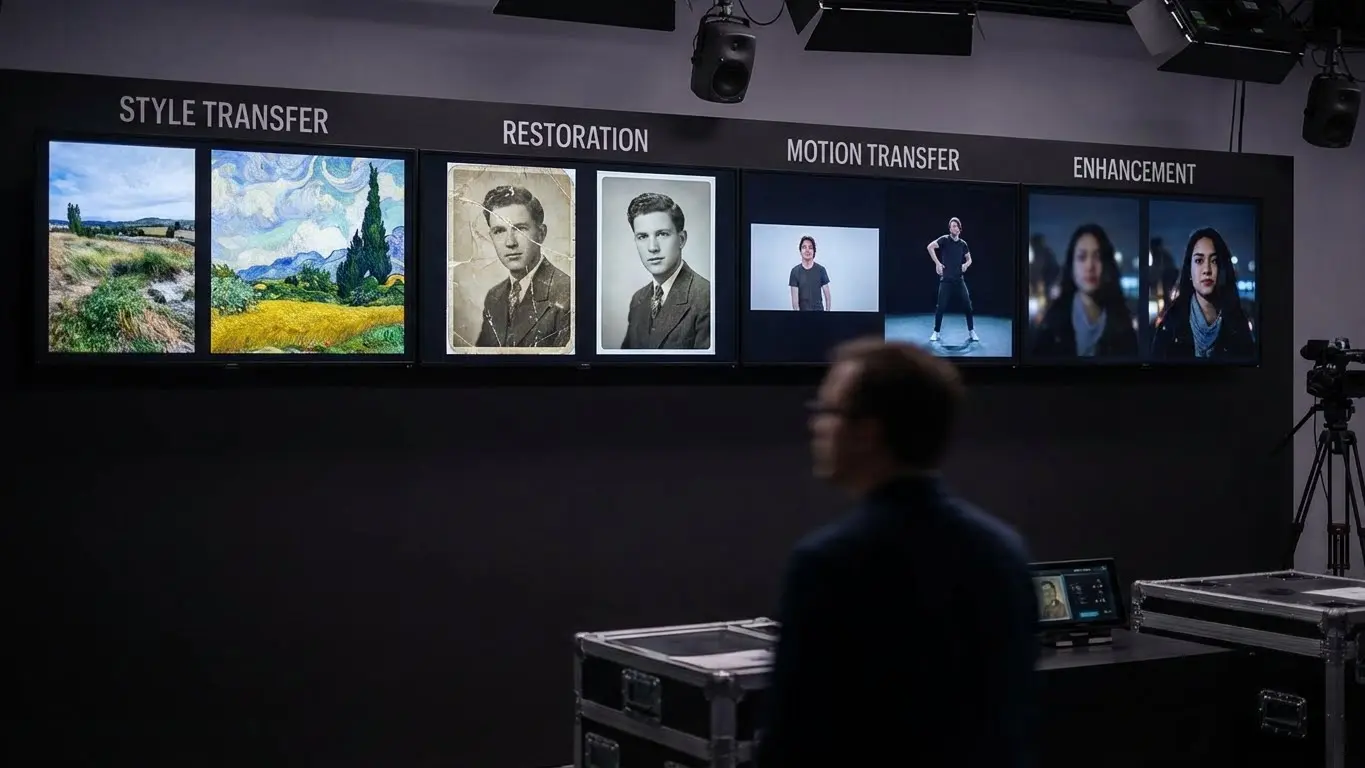
Content Repurposing
Video to video AI excels at adapting existing content for new platforms and audiences. A single horizontal YouTube video can become multiple vertical clips for TikTok, Instagram Reels, and YouTube Shorts. AI handles the reframing, keeping subjects centered and compositions balanced across different aspect ratios.
Marketing teams use V2V tools to localize videos for different regions without reshooting. Avatar replacement lets you swap presenters, translate voiceovers, and adjust cultural references while keeping the original footage structure intact.
Style Transfer Videos
Creative professionals use style transfer to give footage distinctive visual treatments. Real footage transforms into anime, watercolor paintings, cyberpunk aesthetics, or vintage film looks while maintaining motion and timing.
Music video producers, advertisers, and social media creators leverage style transfer for unique content that stands out in crowded feeds. The technology also enables rapid prototyping, letting teams visualize concepts before committing to expensive production.
Old Video Restoration
AI upscaling and enhancement tools breathe new life into archival footage. Family videos from VHS cameras, historical documentaries, and vintage films can be restored to modern standards through noise reduction, detail recovery, and resolution enhancement.
Professional restoration services use tools like Topaz Video AI and DaVinci Resolve to prepare archival content for streaming platforms and theatrical re-releases. Frame interpolation creates smooth motion from choppy old recordings.
Motion Retargeting and Dance Transfer
Motion control features let creators transfer performances between different characters. A dancer’s movements can drive an animated character, avatar, or completely restyled version of themselves. This powers virtual influencer content, music videos, and character animation without traditional mocap setups.
Marketing teams create localized content by transferring the same performance to different character images representing various demographics, all from a single recording session.
Video Enhancement and Upscaling
AI upscaling turns low-resolution source material into crisp high-definition content. Webcam recordings become broadcast quality. AI-generated videos from tools like Midjourney Video gain the sharpness needed for professional use.
Frame interpolation creates smooth slow-motion from standard footage, generates higher frame rates for gaming content, or matches different cameras in multi-source projects.
How to Choose the Right V2V Tool
The right video to video AI tool depends on your primary use case, technical requirements, and budget. Here’s how to match tools to needs:
For creative transformation and style transfer: Luma Modify Video, Runway Gen-4 V2V, and Sora 2 Remix offer the best balance of quality and control. Pika Effects works well for viral, playful content.
For motion transfer and character animation: Kling Motion Control leads with full-body performance capture. HeyGen and Synthesia focus on avatar-based approaches for business content.
For enhancement and upscaling: Topaz Video AI provides the most comprehensive toolkit for professional restoration. DaVinci Resolve offers similar capabilities within a complete editing environment.
For quick content creation: Kapwing, InVideo AI, and Descript make video editing accessible through browser interfaces and natural language commands.
For professional production: DaVinci Resolve and Adobe Premiere Pro integrate AI tools into established workflows with full manual control when needed.
Consider output quality requirements, processing time, and whether you need local or cloud processing. High-end tools like Topaz require powerful local hardware, while browser-based options like Kapwing work from any device.
Frequently Asked Questions
How do I make AI videos from existing footage?
Upload your video to a V2V tool like Runway, Luma, or Sora. Add a text prompt describing the transformation you want. Adjust settings like structure preservation or style strength. Generate the output and download once processing completes. Most tools handle videos up to 30 seconds, with some supporting longer clips through extension features.
What is the best free AI video generator?
DaVinci Resolve offers the most powerful free option with comprehensive AI tools for editing, color grading, and enhancement. Kapwing and Pika provide free tiers for browser-based generation with some limitations. For text-to-video specifically, InVideo and Descript offer free plans with watermarks.
How can I create AI videos for free with sound?
Sora 2 generates synchronized audio with video for ChatGPT subscribers. Kling 2.6 includes voice control for speech and sound effects. Free options include combining generated video with AI voiceover tools like ElevenLabs or using InVideo’s free tier which includes AI narration.
Can AI upscale video to 4K quality?
Yes. Topaz Video AI, Runway, and DaVinci Resolve all support upscaling to 4K or higher. Results depend on source quality. AI can add plausible detail but works better when enhancing already decent footage rather than trying to salvage extremely low-resolution sources.
What is video style transfer?
Style transfer changes the visual appearance of video while preserving motion and structure. Your footage keeps its original camera movement and action but looks like anime, oil paintings, vintage film, or any other visual style. Tools like Luma Modify and Runway V2V excel at this.
How does motion transfer work in AI video?
Motion transfer maps movements from a reference video onto a target character. The AI analyzes body positions, facial expressions, and gestures in the reference, then applies those same movements to a different person or avatar. Kling Motion Control and HeyGen use this for performance-driven content creation.
Is video to video AI different from text to video?
Yes. Text to video creates entirely new footage from written descriptions. Video to video transforms existing footage while preserving elements like motion, timing, and composition. V2V tools give you more control over the final result since you provide the movement and structure.
What video formats do V2V tools accept?
Most tools accept MP4, MOV, and WebM formats. Resolution limits vary by platform, typically 720p to 4K input. File size limits range from 100MB to several gigabytes depending on the service. Check each tool’s documentation for specific requirements.
How long does video to video processing take?
Processing time depends on video length, transformation complexity, and service load. Simple enhancements may complete in seconds. Complex style transfers on longer clips can take several minutes to hours. Premium plans often include priority processing for faster results.
Can I use V2V AI for commercial projects?
Most paid plans include commercial usage rights. Free tiers often restrict commercial use or require attribution. Check each platform’s terms of service. For client work, choose platforms with clear commercial licensing like Runway, Topaz, or enterprise-tier subscriptions.