
Pinterest isn’t just a place to save recipes and home ideas anymore. With 578 million monthly active users in 2025, it’s a search engine that sends actual visitors to your site. Users are three times more likely to click through to your website from Pinterest than from other platforms. That’s not social media fluff. That’s targeted traffic landing on your pages.
Most people treat Pinterest like a digital scrapbook. Smart marketers treat it like Google with pictures. When you optimize your pins the right way, they keep working for months. A pin you create today could still bring clicks next year.
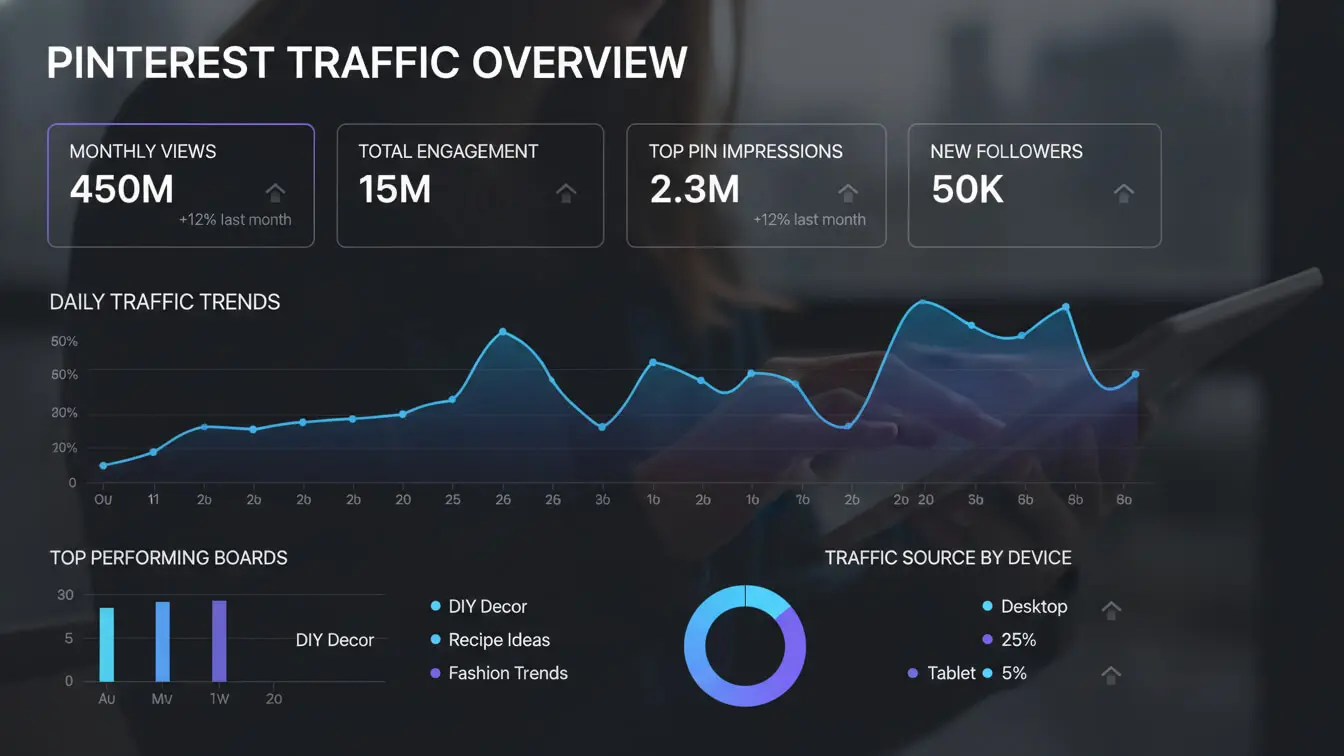
Table of Contents
- What Is Pinterest SEO and Why It Works
- Finding Keywords That Actually Get Searches
- Setting Up Your Profile to Rank Higher
- Creating Pins That Show Up in Search Results
- Building Boards That Boost Your Visibility
- Planning Content People Want to Click
- Tracking What Brings Traffic to Your Site
- Frequently Asked Questions
By the end of this guide, you’ll know exactly how to get your pins ranked, your boards discovered, and your website clicks climbing. No guesswork. Just tactics that work.
What Is Pinterest SEO and Why It Works
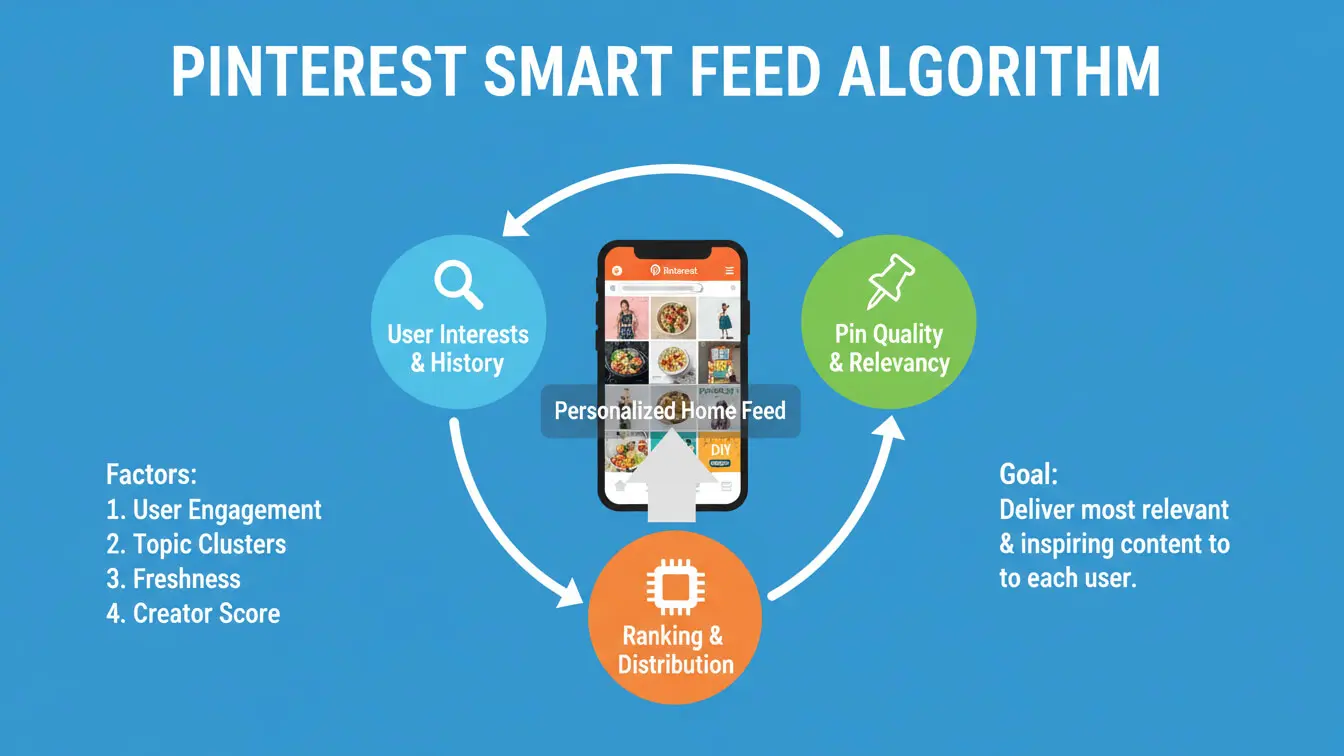
Pinterest SEO means making your content show up when people search on Pinterest. Simple as that. The platform runs on a Smart Feed algorithm that ranks content based on relevance, not post timing.
Here’s what makes Pinterest different from Instagram or Facebook: it’s built for discovery. 96% of searches don’t include brand names. People search for solutions, ideas, and products they haven’t found yet. Your pins can be the answer.
The Smart Feed considers several factors when ranking your pins:
- Pin quality and relevance to the search query
- Engagement history (saves, clicks, comments)
- Freshness of the content
- Domain authority of the linked website
- Pinner activity and preferences
Unlike Instagram where posts disappear from feeds in hours, pins have staying power. A well-optimized pin from 2022 could still drive clicks in 2025. That’s compound growth. The more quality pins you publish, the more traffic flows over time.
Pinterest also ranks in Google Image Search. When you optimize for Pinterest, you’re potentially getting discovered on Google too. Two search engines for the price of one.
Why Pinterest SEO Beats Regular Social Media
Social media posts have a shelf life measured in hours. Pinterest pins work for months. The platform functions as both a search engine and a visual bookmarking tool. Users save content to come back to later, which creates multiple touchpoints with your brand.
According to research from 2024, pins linked to eCommerce stores convert better than paid ads on many platforms. Why? Pinterest is search-first. You’re not interrupting anyone’s scrolling. You’re answering their active searches.
Finding Keywords That Actually Get Searches
Bad keywords tank your traffic. Good keywords build it. Pinterest keyword research isn’t about guessing what might work. It’s about finding what people actually type into the search bar.
Using Pinterest’s Built-In Keyword Tools
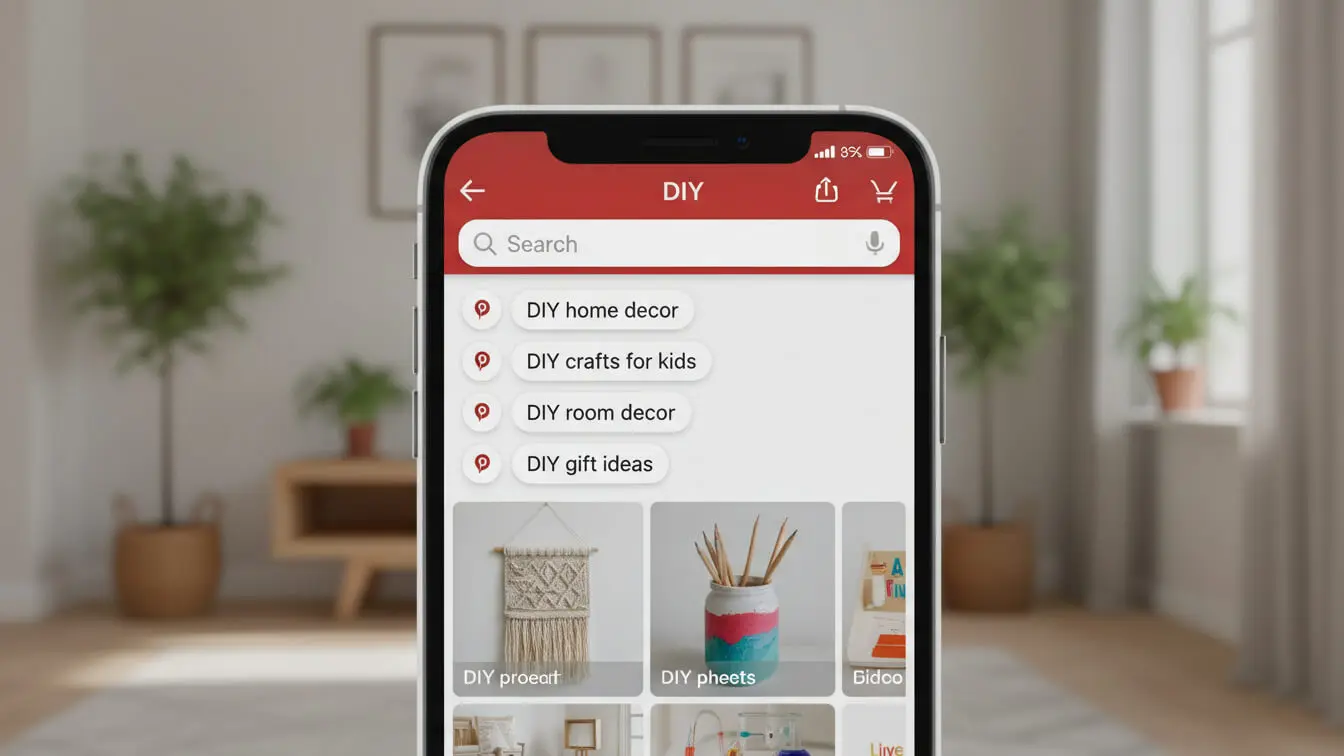
Start with the Pinterest search bar itself. Type a broad term related to your niche. Watch what appears in the dropdown suggestions. Those auto-complete options? They’re actual searches people make frequently.
For example, type “meal prep” and Pinterest suggests: “meal prep ideas for the week,” “meal prep for beginners,” “meal prep containers.” Each suggestion reveals what users want.
After you search, look for the keyword ribbons below the search bar. These are trending searches related to your topic. Click one, and you’ll see more refined suggestions. This is free keyword research from Pinterest itself.
Free Keyword Research Tools Worth Using
Several tools pull data directly from Pinterest’s search system:
| Tool | Best Feature | Cost |
|---|---|---|
| Tailwind Keyword Finder | Shows trending keywords by category | Free tier available |
| Keyword Tool | Generates long-tail keywords from autocomplete | Free basic version |
| KeySearch Pinterest Tool | Difficulty scores for each keyword | Free with limitations |
| PinClicks | Access to 11+ million interest keywords | Paid subscription |
Pinterest Trends is the official tool from Pinterest. It shows search volume changes over time for specific keywords. Access it at trends.pinterest.com. You can filter by country and timeframe to spot rising searches before they peak.
Short-Tail vs Long-Tail Keywords
Short-tail keywords are 1-2 words like “pasta recipes” or “fitness tips.” They get tons of searches but massive competition. Long-tail keywords are 3+ words like “easy vegetarian pasta recipes for beginners.” Less competition, more specific intent.
Smart strategy? Mix both. Use short-tail keywords in your board titles for broad discovery. Pack long-tail keywords into pin descriptions for targeted traffic.
Understanding Search Intent
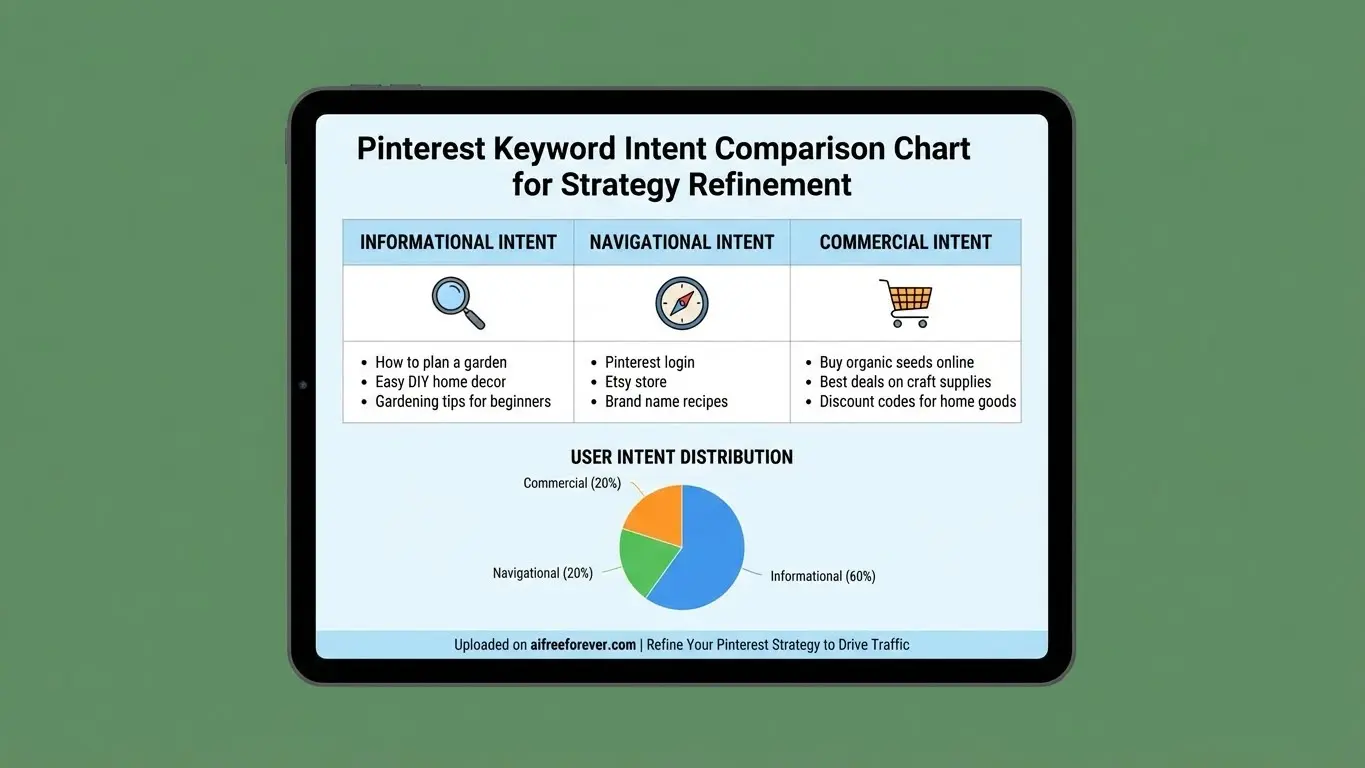
A study from 2023 revealed something crucial: search intent matters more than you think. People search on Pinterest with different goals:
- Informational searches: looking for how-to guides, tutorials, explanations
- Inspirational searches: browsing ideas without immediate action plans
- Commercial searches: researching products before purchase
- Transactional searches: ready to buy right now
If you want clicks to your website, target keywords with commercial or transactional intent. Inspirational keywords get saves but few clicks. Someone searching “living room ideas” wants to browse. Someone searching “best sectional sofas under $1000” wants to buy.
Setting Up Your Profile to Rank Higher
Your Pinterest profile isn’t just a bio. It’s prime real estate for keywords and credibility signals. Pinterest reads your profile to understand what you’re about and who should see your content.
Convert to a Business Account
Personal accounts are fine for collecting inspiration. Business accounts unlock analytics, Pinterest Trends access, and advertising options. Converting takes two minutes and costs nothing.
Business accounts also get access to Rich Pins, which automatically pull metadata from your website and add extra info to your pins. Recipe Rich Pins show ingredients and cooking times. Product Rich Pins display pricing and availability.
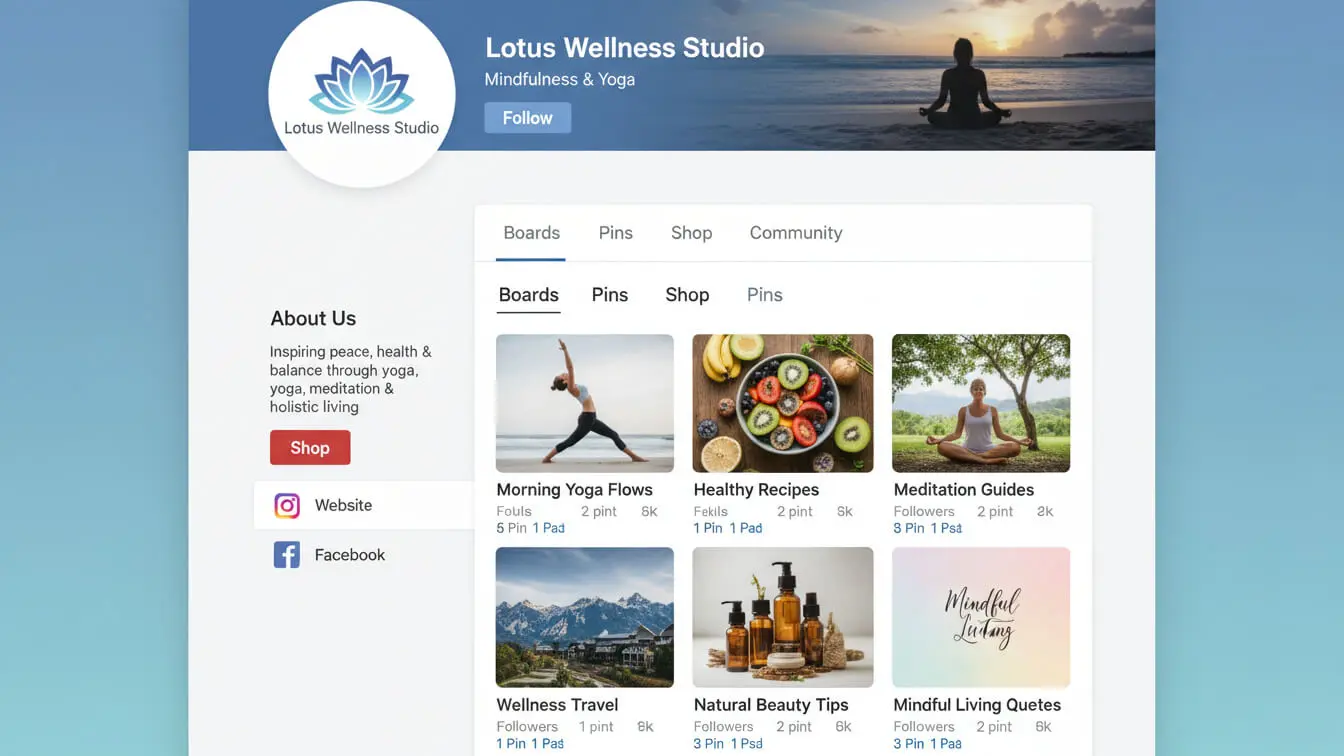
Keyword-Optimize Your Profile
Your username should include your main keyword if possible. Not keyword stuffing. Just clear positioning. “Sarah’s Home Decor Tips” beats “Sarah’s Awesome Page.”
Your bio gets 160 characters. Use them wisely:
- Start with what you do, not fluffy intros
- Include 2-3 relevant keywords naturally
- Add your location if you serve a local market
- End with a clear value statement
Example: “DIY home renovations on a budget. Kitchen makeovers, bathroom remodels, and space-saving storage ideas for small homes in Toronto.”
That bio hits keywords (DIY home renovations, kitchen makeovers, bathroom remodels) and location (Toronto) while explaining exactly what someone will find.
Claim Your Website
Claiming your website domain adds a verified checkmark and lets you track which pins drive the most traffic back to your site. It also protects your brand. Once claimed, only you can publish pins from your domain.
To claim your site, go to Settings, then Claimed Accounts. Add your website URL and verify ownership through a meta tag or HTML file upload.
Enable Rich Pins
Rich Pins pull data directly from your website’s metadata. They make your pins look more professional and provide useful info without cluttering the description.
There are four types: article, product, recipe, and app. Most bloggers and businesses use article Rich Pins. To enable them, add the right meta tags to your site (your theme or SEO plugin probably handles this), then apply for Rich Pins through Pinterest’s Rich Pins Validator.
Creating Pins That Show Up in Search Results
Pins are your actual content on Pinterest. Get these wrong and nobody finds you. Get them right and traffic flows.
Pin Design Best Practices
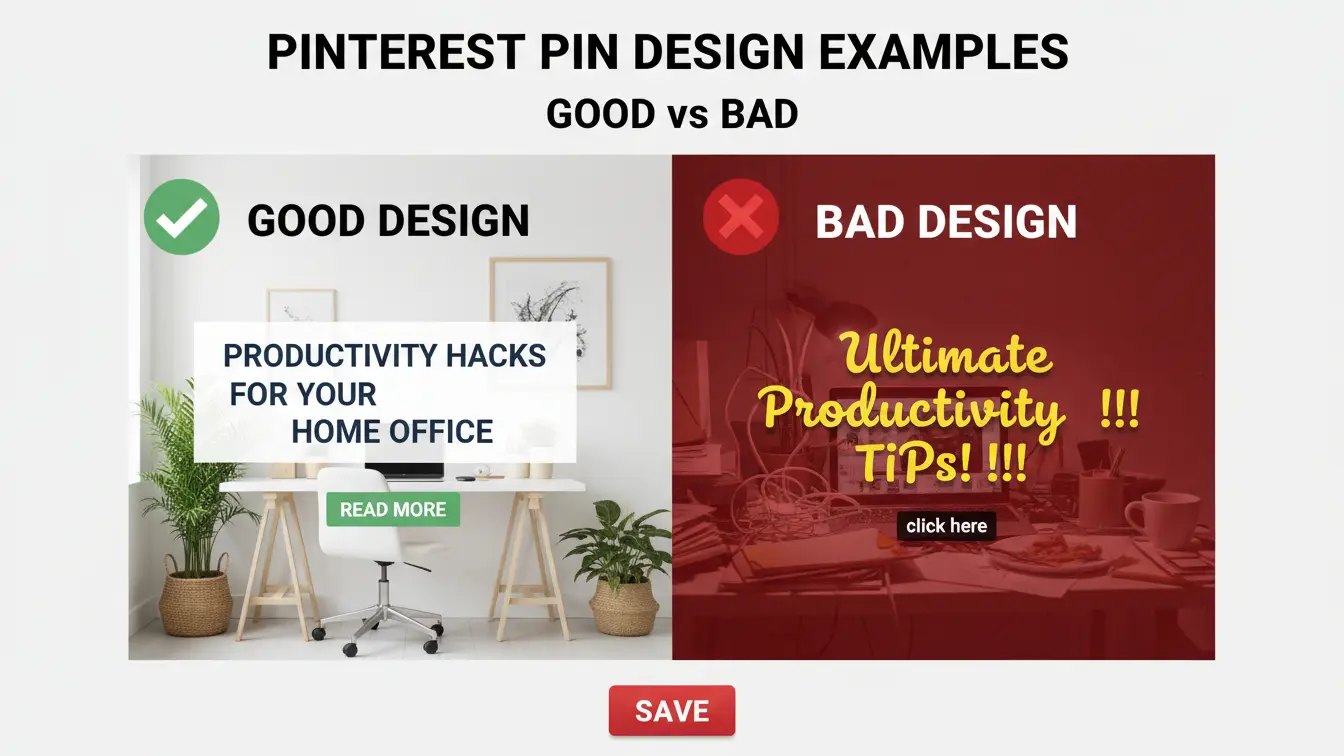
Pinterest recommends vertical images with a 2:3 aspect ratio (1000 x 1500 pixels). Pins this size take up more screen space in feeds, which means more visibility.
Your pin should be readable on mobile since 88% of Pinterest traffic comes from mobile devices. Use large, bold text overlays. Avoid tiny fonts and cluttered designs.
- Keep text overlay under 20% of the image
- Use high-contrast colors so text pops
- Include faces when relevant (they grab attention)
- Add your logo or website URL subtly in the corner
- Test different designs for the same content
Writing Pin Titles That Rank
Pin titles get 100 characters. Keep them between 40-100 characters. Front-load your main keyword. Write for humans, not robots.
Bad title: “Check Out This Amazing Recipe You’ll Love”
Good title: “Easy Chicken Teriyaki Recipe (20-Minute Dinner)”
The good title puts the keyword first (easy chicken teriyaki recipe), adds a benefit (20-minute), and promises a solution (dinner). Clear, direct, optimized.
Crafting Pin Descriptions That Convert
Pin descriptions can run up to 500 characters. Use that space. Describe what the pin delivers, sprinkle in secondary keywords naturally, and end with a call to action.
Structure your description like this:
First sentence: Hook with the main benefit
Middle sentences: Include 2-3 relevant keywords while explaining the content
Last sentence: Clear action step
Example: “Looking for budget-friendly kitchen storage ideas? This guide shows 15 clever ways to organize small kitchen spaces without spending hundreds. From magnetic spice racks to pull-out pantry shelves, discover easy DIY solutions that maximize every inch. Click to see the full list and transform your cramped kitchen into an organized cooking space.”
That description hits keywords (kitchen storage ideas, organize small kitchen spaces, DIY solutions) while staying readable and actionable.
Should You Use Hashtags on Pinterest?
Yes, but don’t go crazy. Pinterest confirmed in 2024 that hashtags help with discovery. Stick to 3-5 relevant hashtags at the end of your description. More than that looks spammy and dilutes your keyword focus.
Use broad hashtags mixed with specific ones: #HomeDecor (broad) + #SmallSpaceStorage (specific). Skip trending hashtags unless they’re genuinely relevant to your content.

Linking Strategy
Every pin should link somewhere useful. Preferably your website. Pinterest prioritizes pins with links to claimed domains, so don’t link to random sites or aggregators.
If you’re pinning to multiple boards, use the same destination URL. Pinterest notices patterns. Consistent linking signals that you’re a reliable source, not a spammer.
Building Boards That Boost Your Visibility
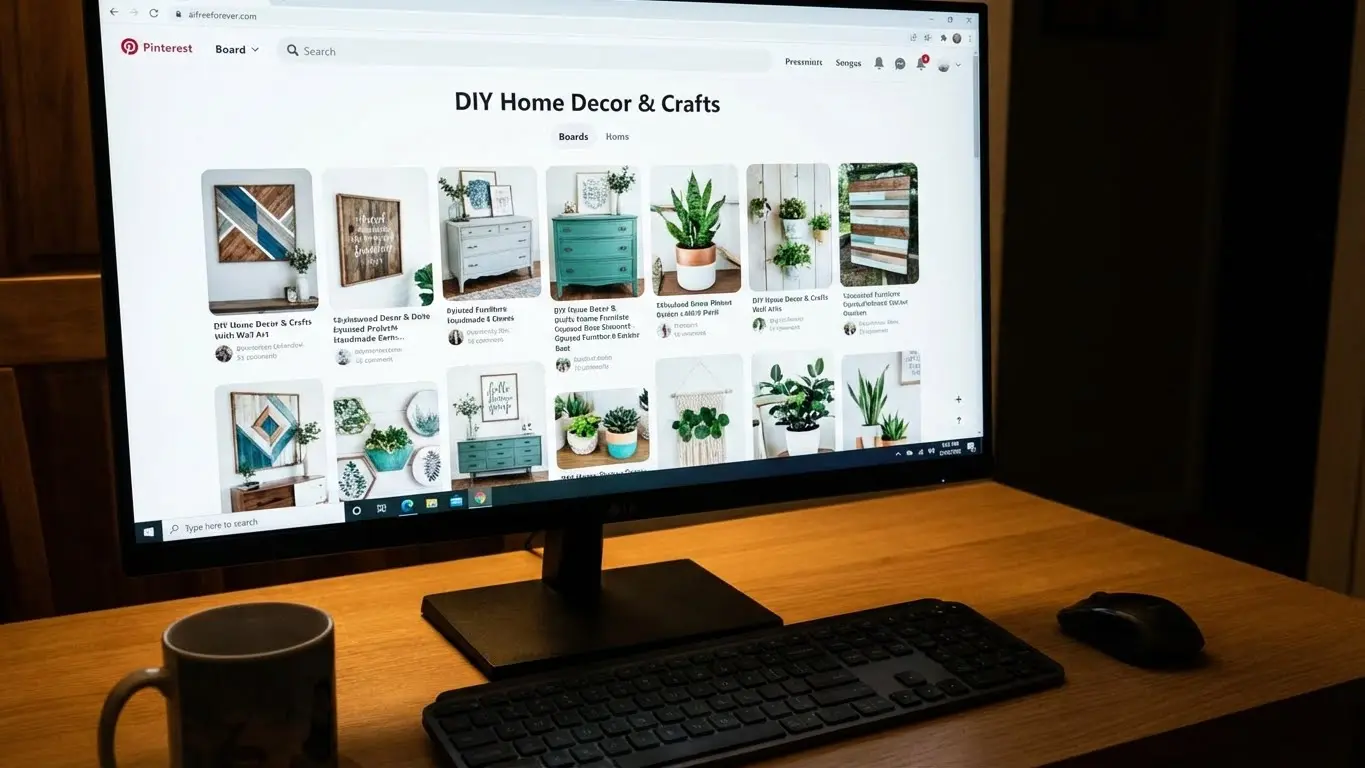
Boards organize your pins and act as SEO real estate themselves. They show up in Pinterest search results, so optimize them like you would a webpage.
Board Titles and Descriptions
Board titles get 180 characters. Use your main keyword plus a descriptor. “Healthy Dinner Recipes” is okay. “Healthy Dinner Recipes for Busy Families” is better because it targets a more specific search.
Board descriptions allow up to 500 characters. Explain what someone will find, include variations of your target keyword, and mention related topics. This helps Pinterest understand which searches to show your board for.
Example board title: “Budget Home Office Ideas”
Example board description: “Affordable home office setup ideas for small spaces. Discover desk organization hacks, DIY workspace makeovers, and budget-friendly furniture finds under $200. Perfect for remote workers creating productive work-from-home spaces without breaking the bank.”
How Many Boards Should You Create?
Quality beats quantity. Start with 5-10 highly specific boards rather than 50 generic ones. Each board should focus on a distinct keyword or topic.
Bad board setup: “Recipes” (too broad)
Good board setup: “30-Minute Weeknight Dinners,” “Meal Prep for Weight Loss,” “One-Pot Pasta Recipes”
Specific boards rank better because Pinterest can match them to specific searches. They also attract more engaged followers who actually care about that narrow topic.
Board Covers Matter
Board covers are the thumbnails people see when browsing your profile. Make them cohesive and branded. Use consistent fonts, colors, and styling across all boards so your profile looks professional, not random.
Square images work best for board covers (600 x 600 pixels minimum). Include the board name in the image so it’s clear what each board contains.
Collaborative Boards and Group Boards
Group boards let multiple users pin to the same board. They used to be huge for reach. Not so much anymore. Pinterest now prioritizes fresh content from the board owner over random pins from contributors.
Join a few relevant group boards if they’re active and well-maintained. But don’t rely on them for traffic. Your own boards matter more.
Planning Content People Want to Click
Random pinning doesn’t build traffic. Strategic content does. You need to match what you create with what Pinterest users actively search for.
Content That Performs Best on Pinterest
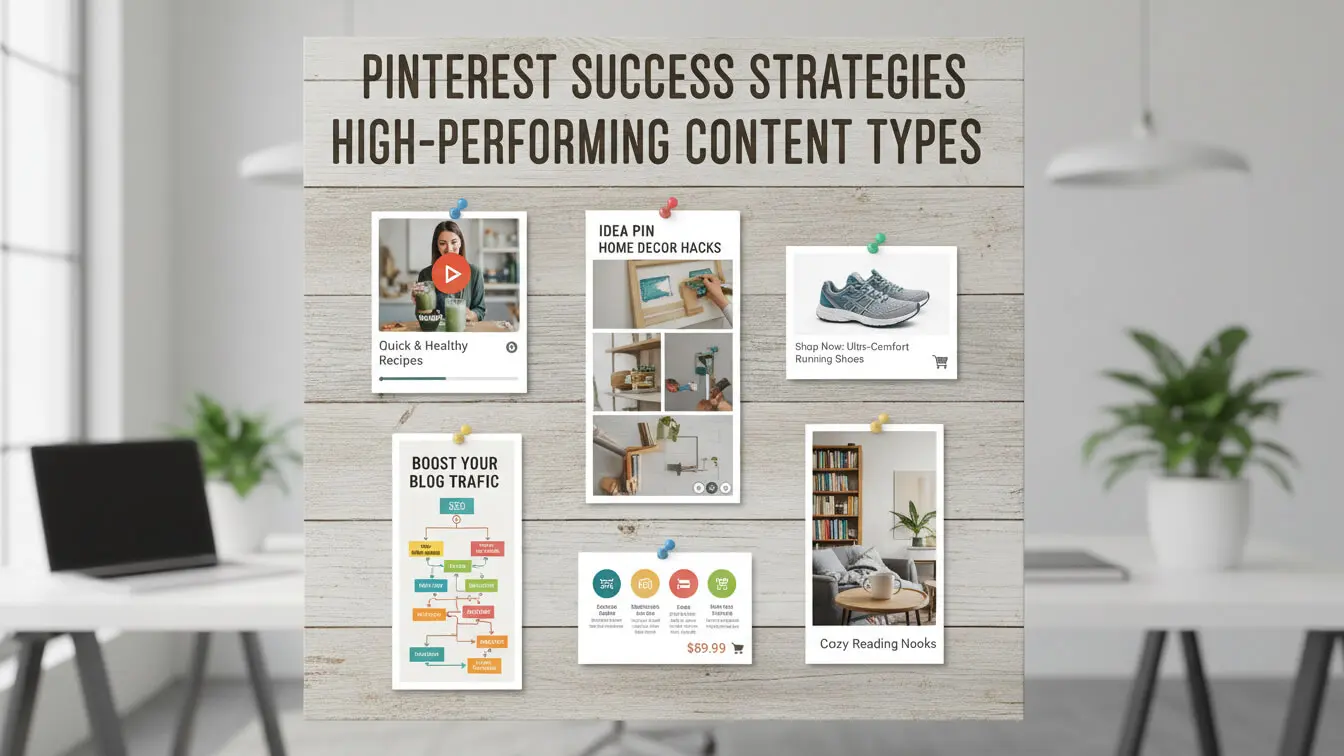
Certain content types consistently drive more clicks and engagement:
- Step-by-step tutorials with clear visuals
- Listicles (15 Ways to…, 10 Best…)
- Before-and-after transformations
- Seasonal and holiday-specific ideas
- Product roundups with direct links
- Infographics with actionable data
- Quick-win tips and hacks
Notice the pattern? All these formats promise clear value fast. Pinterest users want solutions, not entertainment. They’re planning, shopping, and improving their lives.
Timing Your Content for Maximum Impact
Pinterest users plan ahead. People search 3-6 months before events and holidays. If you’re posting Christmas content in December, you’re too late. Post it in September.
Same goes for seasonal content. Summer recipes should go up in early spring. Back-to-school organization ideas need to publish in June. Plan your content calendar with this lead time in mind.
Creating Multiple Pins for One Blog Post
Don’t just pin once and move on. Create 10-15 different pin designs for the same URL and pin them to different relevant boards over time.
Each design should test different angles, headlines, and visual styles. Some will flop. Some will take off. You can’t predict which, so you test multiple versions.
This also pleases the Pinterest algorithm, which wants fresh content. New pins to the same URL count as fresh content, even though the destination stays the same.
Fresh Content vs. Evergreen Content
Pinterest loves fresh pins. But that doesn’t mean you need new blog posts daily. “Fresh” on Pinterest means new pin designs, not new articles.
Evergreen content (advice that stays relevant for years) works perfectly on Pinterest. A post about organizing closets doesn’t expire. Keep creating new pins for your best evergreen posts. They’ll keep driving traffic months or years after you published them.
How Often Should You Pin?
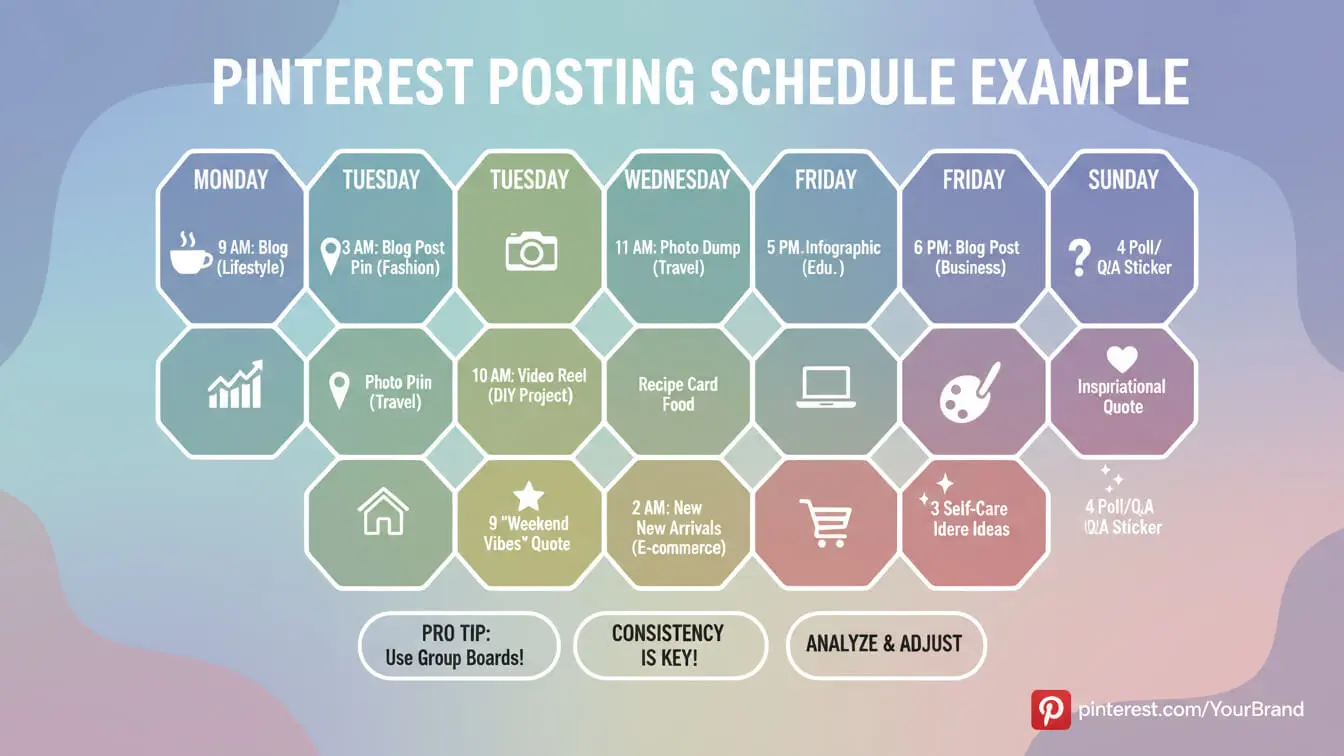
Consistency matters more than volume. Publishing 2-3 new pins per day beats dumping 30 pins in one sitting. Spread your activity throughout the week.
Aim for 15-25 pins per day maximum. Above that and Pinterest might flag you as spammy. Use a scheduling tool like Tailwind or Pinterest’s native scheduler to automate posting and maintain consistency without babysitting your account.
Tracking What Brings Traffic to Your Site
You can’t improve what you don’t measure. Pinterest Analytics and Google Analytics show exactly which pins drive traffic and which waste your time.
Key Pinterest Metrics to Watch
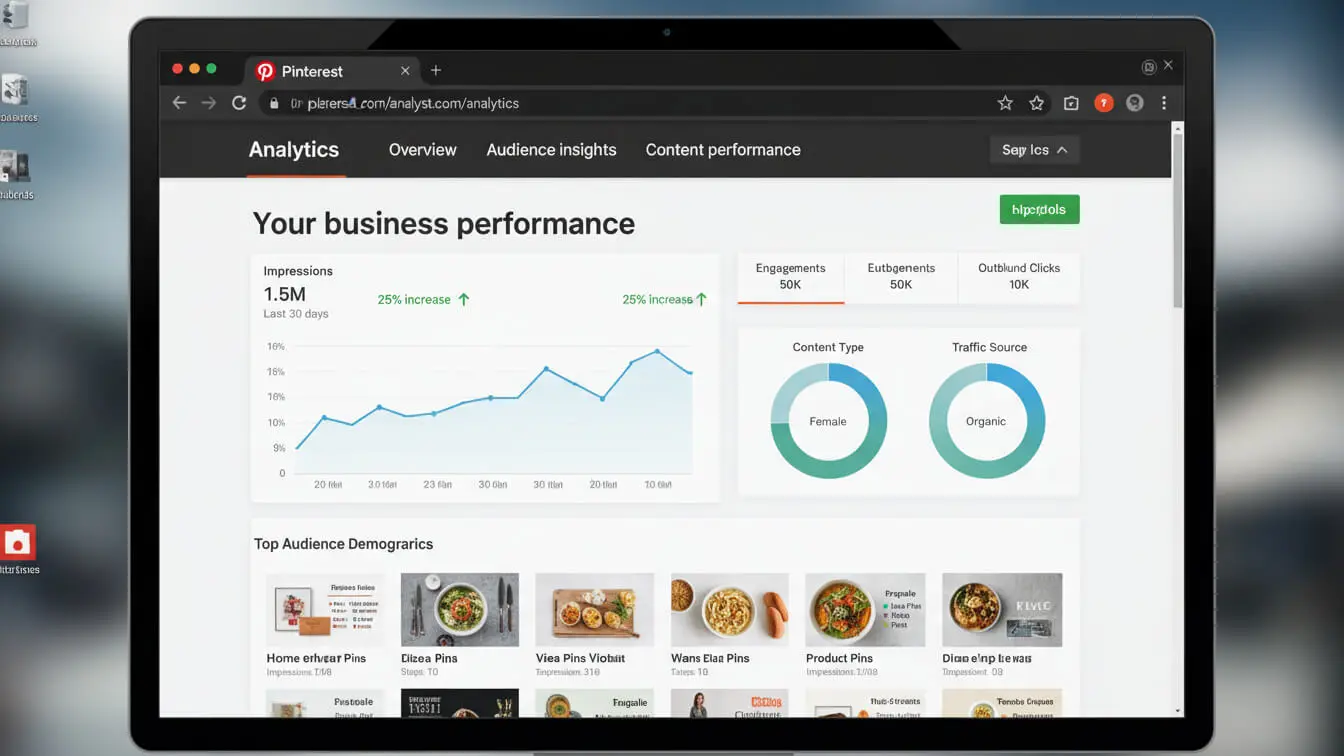
Pinterest Analytics (available for business accounts) tracks three main metrics:
| Metric | What It Means | Why It Matters |
|---|---|---|
| Impressions | Times your pin appeared on screens | Measures visibility and reach |
| Saves (Repins) | Times users saved your pin | Signals value to Pinterest algorithm |
| Outbound Clicks | Clicks to your website from pins | Actual traffic you’re generating |
Focus on outbound clicks. That’s the metric that matters for website traffic. High impressions and saves are nice, but clicks pay your bills.
Using Google Analytics to Track Pinterest Traffic
Pinterest Analytics shows what happens on Pinterest. Google Analytics shows what happens after users click through to your site. Check bounce rate, time on page, and conversions from Pinterest traffic.
Look for: Which pins send visitors who actually read your content? Which board topics drive the most engaged traffic? What time of day do Pinterest clicks convert best?
If Pinterest traffic bounces fast, your pins might promise something your content doesn’t deliver. Match your pin copy to your actual content.
Testing and Refining Your Strategy
Every 30 days, review your top-performing pins. What do they have in common? Similar colors? Specific keyword patterns? Certain content topics?
Double down on what works. If tutorial pins outperform product roundups, create more tutorials. If blue pins get more clicks than red pins, use more blue. Let the data guide your strategy, not your assumptions.
What to Do When Pins Stop Performing
Pins have lifecycles. Some peak quickly and fade. Others build slow and steady. Don’t delete underperforming pins. Pinterest confirmed that removing pins won’t improve your account and those pins might resurge later.
Instead, create new versions with different angles. Update the underlying blog post to make it more current and valuable. Pinterest rewards content that gets refreshed with new information.
Advanced Pinterest SEO Tactics
Once you master the basics, these advanced moves separate serious traffic builders from casual pinners.
Video Pins and Idea Pins
Video content gets priority in Pinterest’s algorithm. Idea Pins (Pinterest’s version of Stories that don’t disappear) get even more boost. Create 2-3 Idea Pins weekly if you want maximum reach.
Video pins should be 15-60 seconds, vertical format, with captions (most people watch without sound). The first 3 seconds decide whether someone keeps watching, so hook them immediately.
Pinterest SEO for E-Commerce
Running an online store? Pinterest drives buyers, not just browsers. A Shopify study from 2024 found that pins linked to e-commerce stores convert better than paid ads on many platforms.
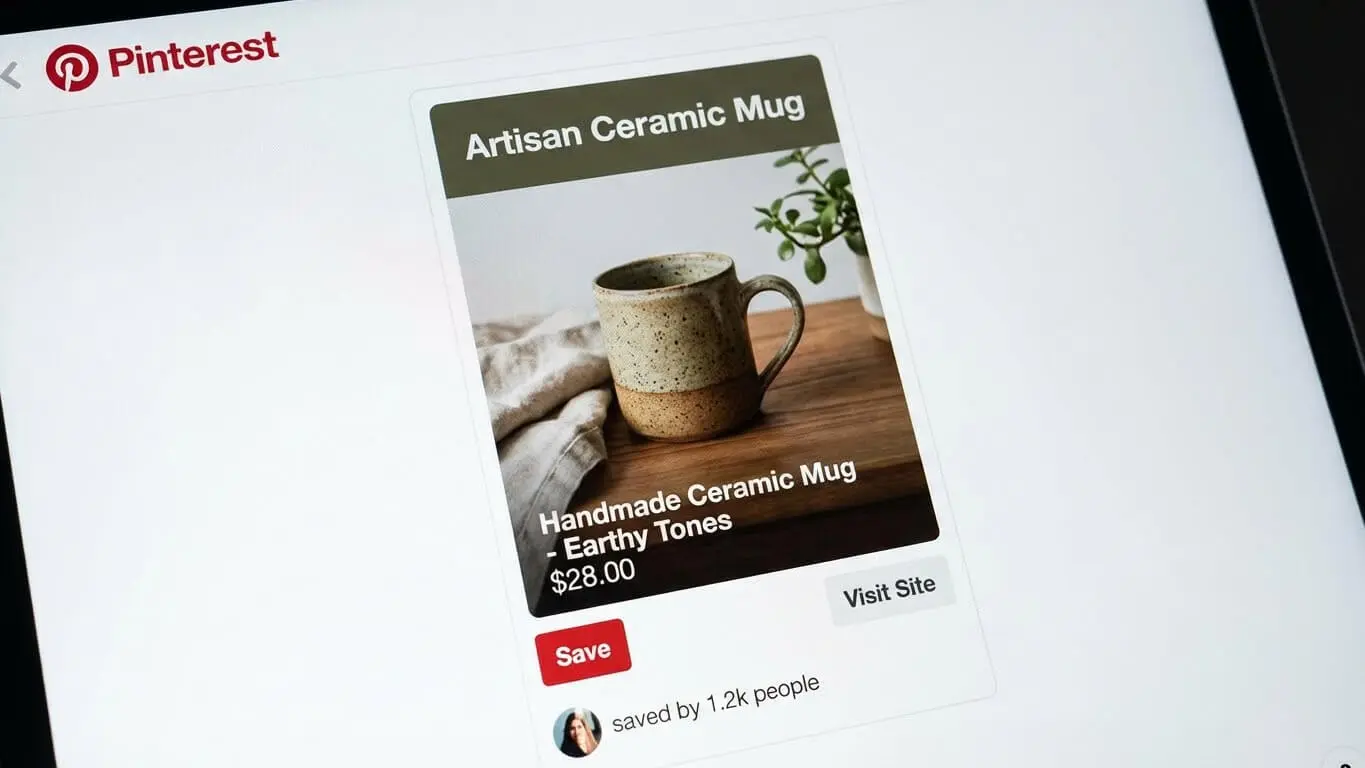
Enable Product Pins (a type of Rich Pin) so your pins automatically show current pricing, availability, and where to buy. This removes friction from the purchase path.
Create shopping guides and gift roundups that link to multiple products. Pinterest users love curated collections. A pin titled “10 Kitchen Gadgets Under $30” drives more sales than 10 individual product pins.
Cross-Promoting Pinterest Content
Don’t let your Pinterest strategy exist in isolation. Embed pins in blog posts. Share top-performing pins in email newsletters. This creates a virtuous cycle: blog traffic discovers your pins, pins drive more blog traffic.
Add the Pinterest Save button to your website so readers can easily pin your images. Every save signals to Pinterest that your content has value.
Leveraging Pinterest Trends
Pinterest publishes annual trend predictions with 80% accuracy for five years running. Check the Pinterest Predicts report each year to spot upcoming trends before they explode.
Create content around rising trends early. You’ll capture searches as the trend grows, building momentum before competition floods in.
Common Pinterest SEO Mistakes to Avoid
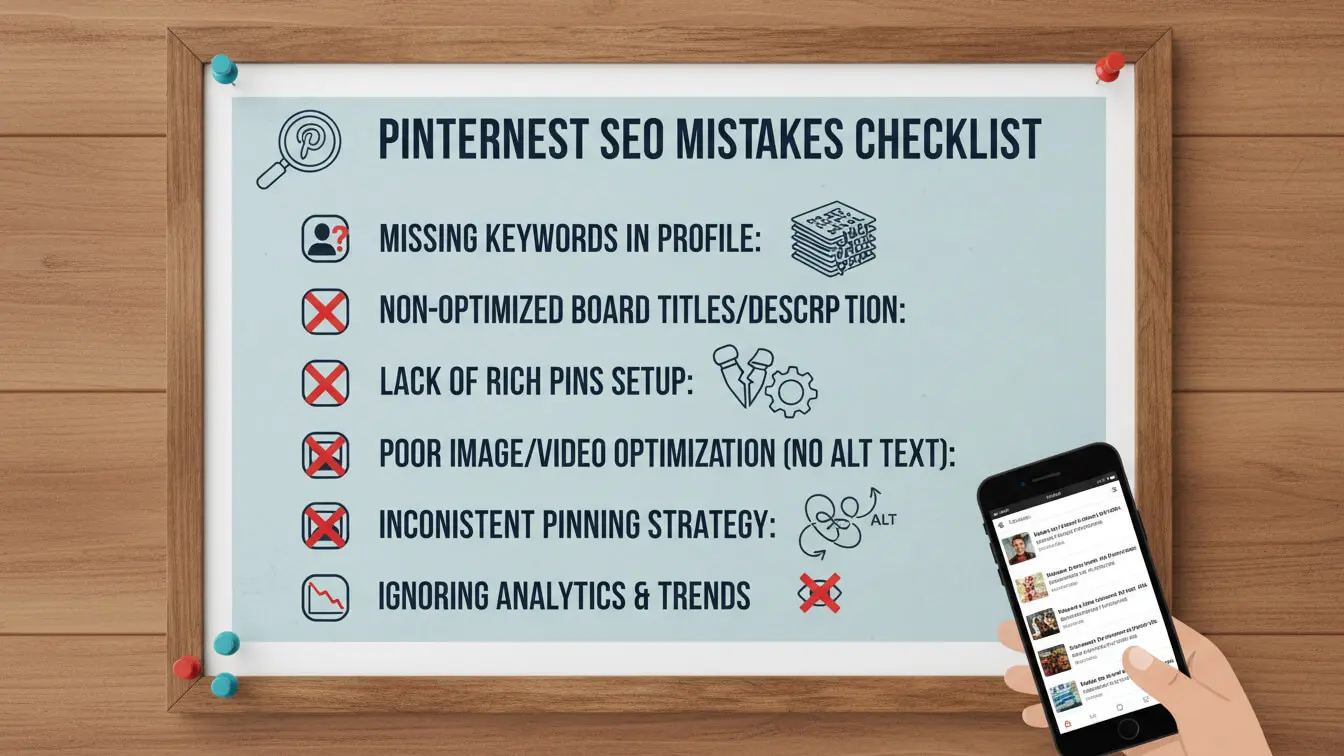
Even experienced marketers make these errors. Skip them and you’re ahead of most people on the platform.
Keyword Stuffing
Cramming keywords into every sentence makes descriptions unreadable and can trigger spam filters. Write for humans first. Optimize for search second.
Ignoring Mobile Optimization
Remember that 88% mobile traffic stat? If your pin designs don’t work on phone screens, you’re losing most of your audience. Test every pin on mobile before publishing.
Linking to Low-Quality Landing Pages
Pinterest cares about user experience. If you send traffic to slow-loading pages, thin content, or link farms, Pinterest will stop showing your pins. The destination matters as much as the pin.
Inconsistent Posting
Posting 50 pins one week then nothing for three weeks confuses the algorithm. It needs consistent signals about what you do and who to show your content to. Set up a schedule and stick to it.
Copying Competitor Strategies Without Testing
What works for one account might not work for yours. Your audience, niche, and content are different. Test everything. Use competitor research for inspiration, not imitation.
Tools That Make Pinterest SEO Easier
You don’t need to do everything manually. These tools save hours and improve results:
- Tailwind: Scheduling, analytics, and content suggestions. Official Pinterest partner.
- Canva: Design tool with Pinterest templates. Free tier works fine.
- PinClicks: Deep keyword research with 11+ million interest keywords.
- Keyword Tool: Generates long-tail keywords from Pinterest autocomplete.
- Pinterest Trends: Official trend data and search volume changes.
- AI Image Prompt Generator: Create detailed prompts for AI-generated pin graphics.
Most of these offer free tiers or trials. Test them to see which fits your workflow.
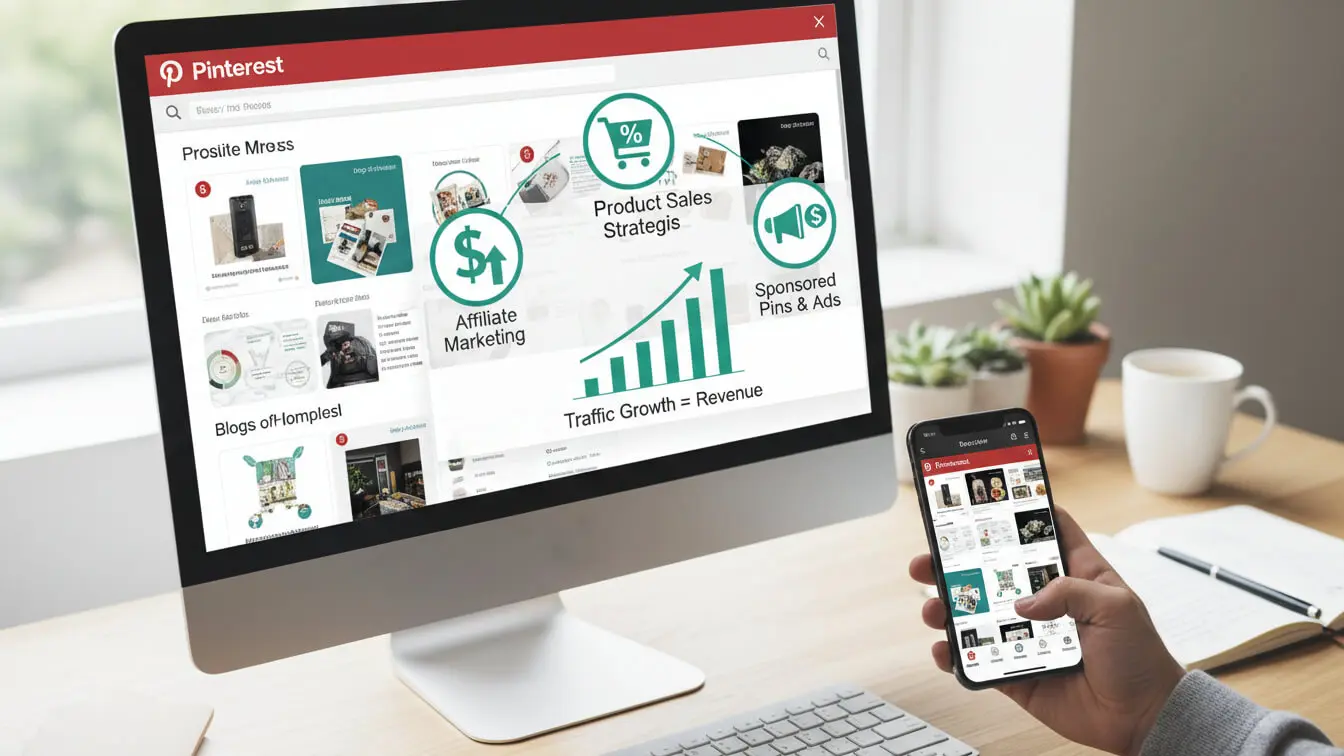
Turning Pinterest Traffic Into Revenue
Traffic is useless if it doesn’t convert. Here’s how to monetize the visitors Pinterest sends you.
Display Advertising
Once you hit decent traffic numbers (50,000+ monthly pageviews), ad networks like Mediavine or AdThrive pay well. Pinterest traffic tends to have good engagement metrics, which advertisers like.
Affiliate Marketing
Pinterest users are buyers. They search with purchase intent. Product reviews, comparison posts, and roundups with affiliate links convert well. Just disclose your affiliate relationships clearly.
Selling Your Own Products
Digital products (templates, courses, e-books) sell exceptionally well through Pinterest. Create pins that showcase results and benefits, not just features. Link directly to your sales page.
Building an Email List
Every Pinterest visitor is a potential subscriber. Create lead magnets (free guides, checklists, templates) related to your pin topics. Grow your email list and you own that relationship, regardless of algorithm changes.
Frequently Asked Questions
How long does it take to see traffic from Pinterest SEO?
Most accounts see initial traction within 3-4 months of consistent pinning. Traffic compounds over time. Month 6 usually outperforms month 3, and year 2 crushes year 1. Pinterest SEO is a marathon, not a sprint.
Do I need a website to use Pinterest for business?
Technically no, but practically yes. Without a website, you’re building an audience on rented land. A website gives you control and lets you capture email addresses, sell products, and run ads. Pinterest drives the traffic. Your website converts it.
Should I delete old pins that aren’t performing?
No. Pinterest confirmed that removing pins won’t help your account. Underperforming pins don’t drag down your profile. Keep them. They might rank later as trends shift or as your domain authority grows.
Can I use the same pin image on multiple boards?
Yes. Pinterest encourages saving pins to multiple relevant boards. Just make sure each board is actually relevant to the pin. Random pinning to unrelated boards can look spammy.
How many keywords should I use in a pin description?
Aim for 3-5 relevant keywords worked naturally into your description. Don’t force it. If the description reads awkwardly, pull back. Readability beats keyword density every time.
Does Pinterest work for B2B businesses?
Yes, if your content matches what Pinterest users search for. Business topics like productivity, leadership, marketing, and professional development all have audiences on Pinterest. B2B just requires different content angles than B2C.
What’s the ideal pin size?
Vertical pins at 1000 x 1500 pixels (2:3 ratio) perform best. Square pins work but get less screen space. Avoid wide horizontal pins. They’re too small in feeds to catch attention.
Should I pin competitor content to my boards?
Occasionally, yes. Boards with only your own content can look self-promotional. Curating high-quality pins from others (including competitors) makes your boards more valuable. Balance is key. Aim for 80% your content, 20% curated content.
How do I optimize for Pinterest Lens visual search?
Pinterest Lens lets users photograph items and search for similar products or ideas. To rank in Lens results, use clear product photos on white backgrounds, detailed descriptions, and product-specific keywords. Enable Product Pins if you sell physical items.
Can I schedule pins to post at specific times?
Yes. Pinterest’s native scheduler is free for business accounts. Third-party tools like Tailwind offer more features and automation. Test posting times to see when your audience is most active, then schedule accordingly.
Key Takeaways
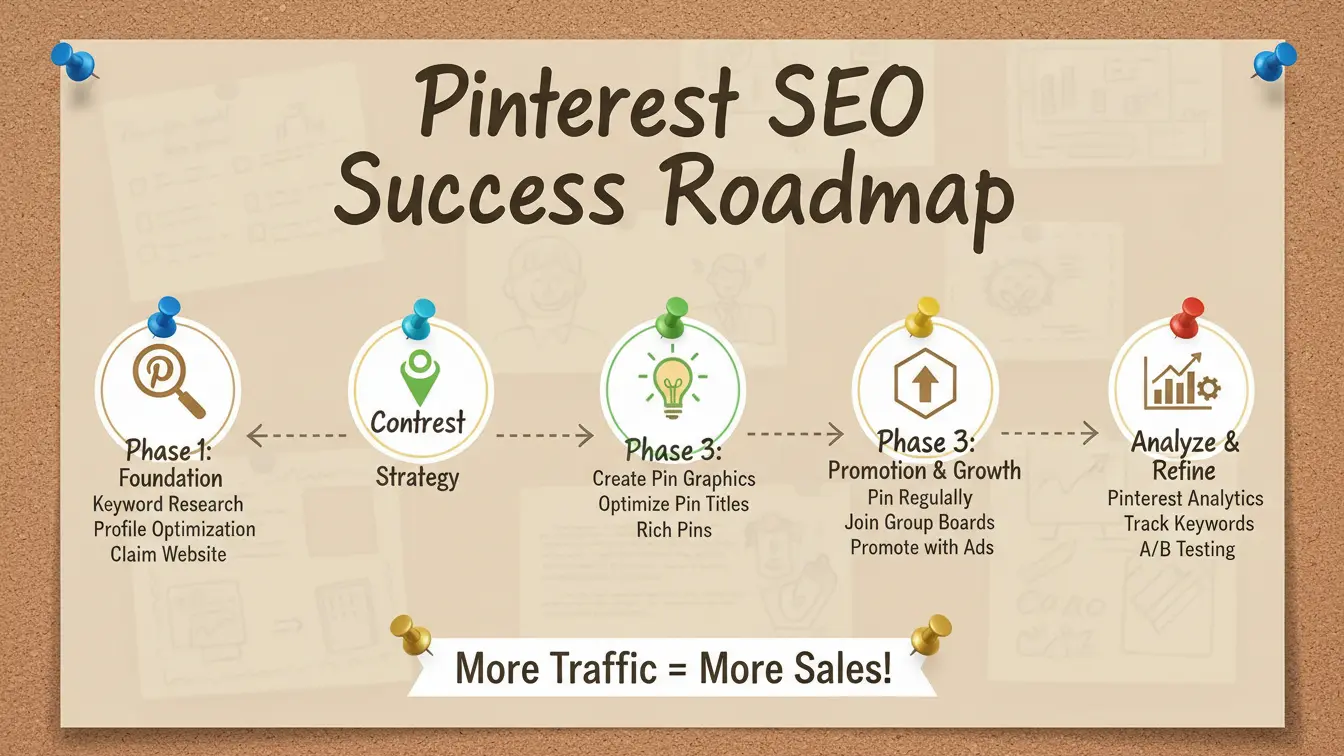
Pinterest SEO works because the platform functions as a search engine, not a social network. Optimize your profile, boards, and pins with strategic keywords. Create multiple pin designs for your best content. Post consistently over time. Track which pins drive actual website clicks, not just impressions.
The traffic you build on Pinterest compounds. Pins you create today keep working for months or years. That’s why Pinterest beats most social platforms for long-term organic traffic.
Start with 5-10 focused boards, create 15-25 pins per week, and refine your strategy based on analytics every 30 days. Give it 3-6 months. The traffic will come.
For more tools to boost your content strategy, check out our AI Keyword Generator to find more search terms, or use our AI Image Prompt Generator to create compelling pin graphics faster.
Pinterest isn’t dying. It’s not even slowing down. With 578 million monthly active users searching for solutions you can provide, it’s one of the most underused traffic sources on the internet. Stop treating it like social media. Treat it like the search engine it is. Your website traffic will thank you.


