AI image generators have changed the way we create visual content in 2026. These smart tools can turn simple text into amazing pictures in just seconds. You no longer need to be a professional designer or artist to make high-quality images.
Whether you want to create social media graphics, blog images, or unique artwork, AI image generators make it easy and fast. In 2026, these tools have gotten even better. They understand your descriptions more clearly and create images that look more realistic than ever before.
From free options to professional tools, there’s an AI image generator for everyone. This guide will walk you through the best options available and help you pick the right one for your needs.
Table of Contents
- What Are AI Image Generators?
- How Do AI Image Generators Work?
- The Best AI Image Generators in 2025
- 1. Midjourney
- 2. DALL-E 3
- 3. Freepik AI Image Generator
- 4. Ideogram
- 5. Adobe Firefly
- 6. Stable Diffusion
- 7. Flux
- 8. Leonardo AI
- 9. Google Imagen 3
- Best Free AI Image Generators
- How to Choose the Right AI Image Generator
- Tips for Getting Better Results
- Frequently Asked Questions
- Key Takeaways
What Are AI Image Generators?
AI image generators are software tools that create pictures from text descriptions. You simply type what you want to see, and the AI makes it happen. These tools use artificial intelligence to understand your words and turn them into visual images.
Think of it like having a personal artist who works instantly. Instead of waiting hours or days for someone to draw or design something, you get results in seconds. AI art generators can create anything from realistic photos to cartoon characters, fantasy scenes, or abstract artwork.
The best part is that you don’t need any design skills. Anyone can use these tools to bring their ideas to life. Content creators use them for social media posts, businesses use them for marketing materials, and hobbyists use them just for fun.
How Do AI Image Generators Work?
AI image generators use machine learning models trained on millions of images from the internet. These models learn patterns, styles, and relationships between words and visual elements. When you type a description, the AI processes your text and generates an image that matches what you asked for.
Most modern AI image generators use something called diffusion models. These models start with random noise and slowly refine it into a clear image based on your prompt. The more detailed your description, the better the results you’ll get.
The technology has improved dramatically over the past few years. Early AI image generators produced blurry or strange-looking results, but today’s tools create images that often look indistinguishable from human-made content.
The Best AI Image Generators in 2025
The AI image generation space has exploded with options in 2025. Here are the top tools that stand out for their quality, features, and ease of use.
1. Midjourney
Website: https://www.midjourney.com
Best for: Artistic and cinematic images
Midjourney consistently ranks as the top AI image generator for creating stunning, artistic visuals. It generates beautiful and cinematic images that are typically indistinguishable from real-life photos. Artists, designers, and content creators love Midjourney because it produces images with rich textures and professional quality.
In 2025, Midjourney launched Version 7, which brings faster generation speeds, improved realism, and personalized outputs. The platform also introduced its first video generation model, allowing users to animate their static images into short clips up to 21 seconds long.
You can access Midjourney through Discord or their web interface. The tool gives you four image options for each prompt, letting you pick your favorite and refine it further. Advanced features like style reference and character consistency make it powerful for creative projects.
Pricing: Basic plan starts at $10/month for about 200 images per month. Standard plan is $30/month, and Pro plan is $60/month.
Best for: Professional creators who need high-quality, artistic images for cinematic projects, concept art, or commercial use.
2. DALL-E 3
Website: https://openai.com/dall-e-3
Best for: Detailed and accurate image generation
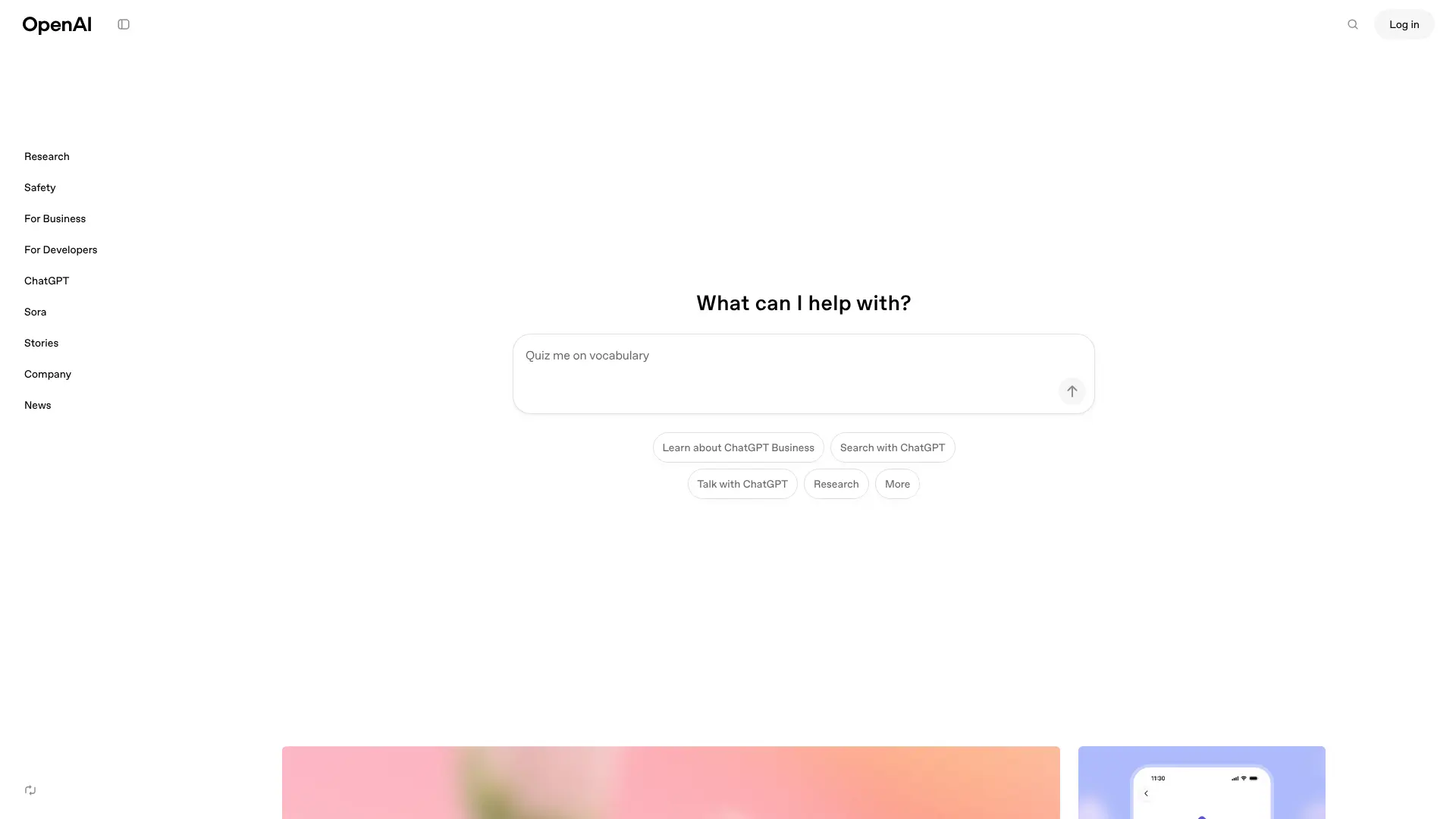
DALL-E 3, created by OpenAI, is known for its ability to understand complex prompts and generate highly detailed images. It’s integrated directly into ChatGPT, making it super convenient if you’re already using that platform.
DALL-E 3 excels at accurate text rendering, easy editing, and understanding of numbers and position. One of its standout features is the ability to upload an image and ask the AI to recreate it in different artistic styles. The tool has strong ethical safeguards built in, which prevents it from generating harmful or inappropriate content.
You can edit images directly by describing what you want changed, and it will update just that element without recreating the entire image.
Pricing: Included with ChatGPT Plus subscription at $20/month. Free users get limited access.
Best for: Users who want precise control and are already in the ChatGPT ecosystem. Great for creating photorealistic images and concept designs.
3. Freepik AI Image Generator
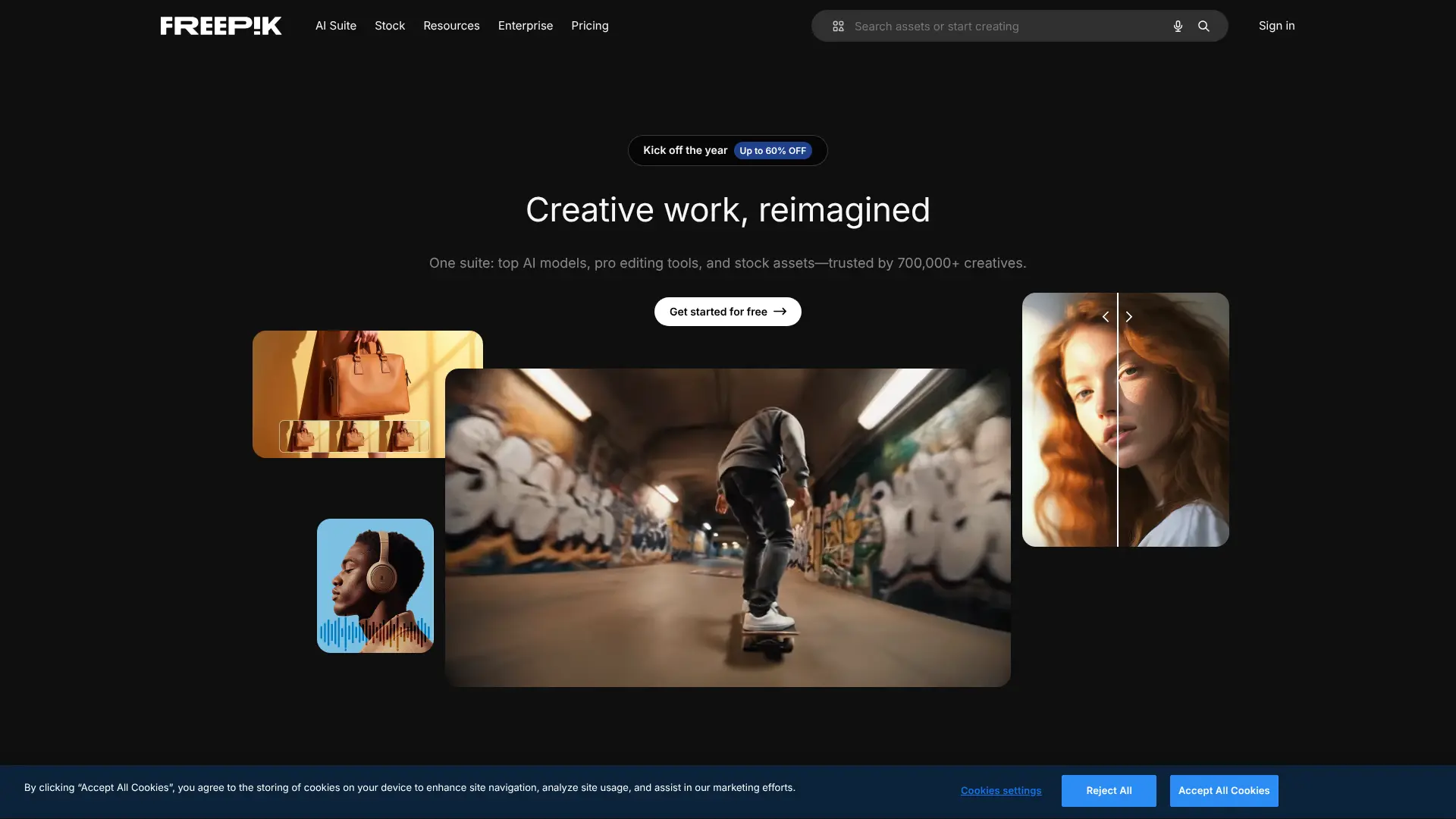
Website: https://www.freepik.com/ai/image-generator
Best for: Access to multiple AI models in one place
Freepik AI has become a powerhouse in 2025 by offering access to the latest models from Flux, Ideogram, and Google’s Imagen all in one subscription. This means you pay for one subscription and stay up to date with multiple AI image generation technologies.
The platform has evolved from a basic tool to a comprehensive AI image generator with layers of features that help you create exactly what you’re imagining. You can easily switch between different AI models to see which one produces the best results for your specific needs.
Freepik also includes editing tools, making it easy to refine your images after generation. The interface is user-friendly, and they regularly update with new features and improvements.
Pricing: Free tier available with limited credits. Premium plans start around $10/month.
Best for: Users who want flexibility and access to multiple cutting-edge AI models without juggling different subscriptions. Perfect for digital painting and various art styles.
4. Ideogram
Website: https://ideogram.ai
Best for: Images with text and graphic design
Ideogram stands out for one major reason: it’s the best at rendering text accurately in AI-generated images. While most AI image generators struggle with text, producing garbled or nonsensical words, Ideogram gets it right consistently.
The Canvas editor lets you refine or completely rework images with extended text prompts, perfect for fixing text alignment or adjusting graphic design elements. The platform also offers Batch Generation, which creates multiple images at once.
In 2025, Ideogram launched version 3.0 with sharper photorealism and a style reference system. You can upload up to three reference images to guide the look and feel of your generated images. This makes it perfect for maintaining brand consistency.
Pricing: Free tier available. Premium plans start at $8/month.
Best for: Graphic designers, marketers creating posters, social media graphics, and anyone who needs text in their images. Also great for logo design work.
5. Adobe Firefly
Website: https://www.adobe.com/products/firefly.html
Best for: Integration with Adobe Creative Suite
Adobe Firefly is Adobe’s answer to AI image generation, and it’s built directly into Creative Cloud apps like Photoshop and Illustrator. If you already use Adobe products, Firefly fits seamlessly into your workflow. The tool lets you generate images and immediately edit them in Photoshop or use them in other Adobe apps.
Firefly offers context-aware tools that automatically match styles, colors, and lighting from your existing projects. This makes it perfect for maintaining visual consistency across projects.
Adobe trained Firefly on Adobe Stock and public domain content, which means you don’t have to worry about copyright issues. The tool is commercially safe, making it ideal for business use and client projects.
Pricing: Free web version available with limited credits. Starts at $4.99/month for Creative Cloud users.
Best for: Design professionals who live in the Adobe ecosystem. Excellent for commercial projects and architectural visualization.
6. Stable Diffusion
Website: https://stability.ai
Best for: Customization and local installation
Stable Diffusion is unique because it’s open-source, meaning you can download it, run it on your own computer, and even modify it to suit your needs. This gives you complete control over the image generation process.
The platform is known for excellent prompt adherence, meaning it follows your instructions closely. You can train it on your own custom images, making it perfect for specialized use cases. Many other AI image generators actually use Stable Diffusion as their underlying technology.
The downside is that it requires more technical knowledge to set up and use effectively. You’ll need a decent computer with a good graphics card to run it locally, or you can use cloud-based services that provide access to Stable Diffusion.
Pricing: Free and open-source. Cloud services like DreamStudio charge per credit.
Best for: Tech-savvy users who want full control and privacy. Great for developers and those who need abstract art or experimental designs.
7. Flux
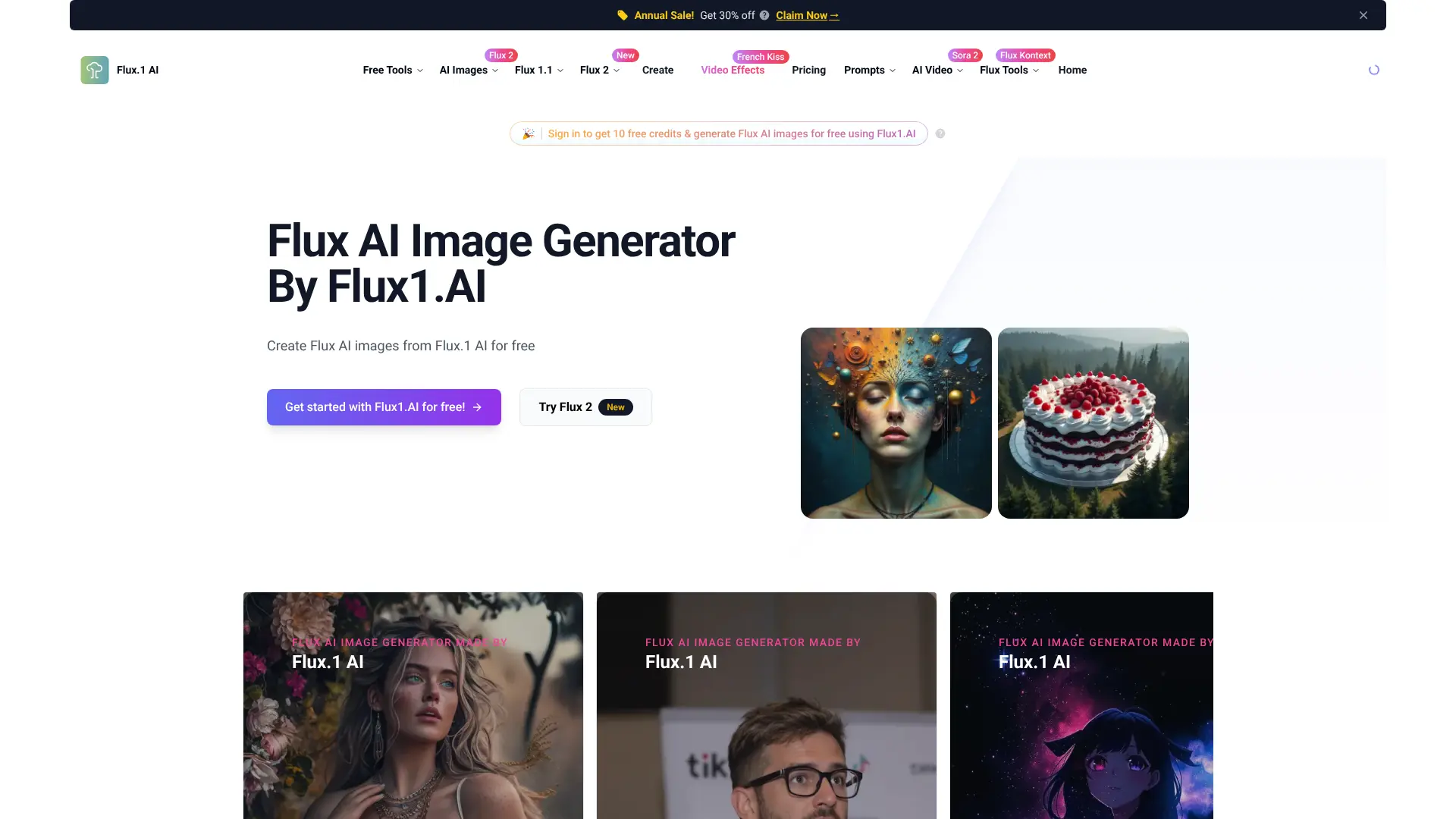
Website: https://flux1.ai
Best for: Ultra-realistic portraits and fast generation
Flux is a newer AI image generator that has quickly gained popularity for its photorealistic results, especially when creating human portraits. Flux specializes in ultra-realistic human portraits with high-quality images and fast generation speeds.
The platform offers a clean interface that’s easy to navigate, even for beginners. It includes preset visual styles that make it simple to achieve specific looks without complex prompting. The speed is impressive too, generating images much faster than many competitors.
Flux works particularly well for social media content, marketing materials, and any project where you need realistic-looking people or scenes. Many content creators prefer it for documentary-style images that look natural and unpolished.
Pricing: Available through various platforms like Freepik. Pricing varies by platform.
Best for: Social media managers, content creators, and marketers who need realistic, human-focused imagery. Perfect for portrait photography style images.
8. Leonardo AI
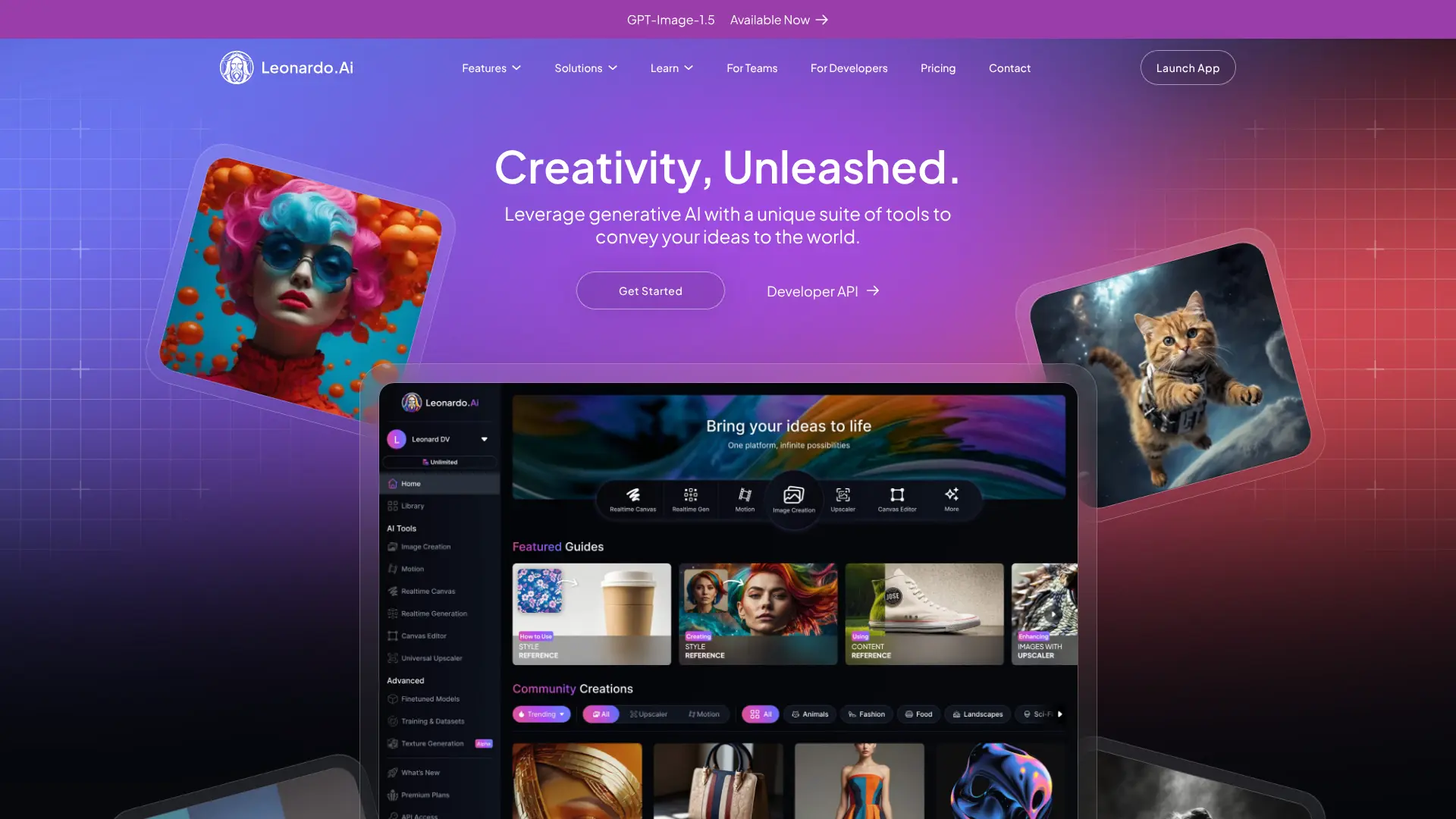
Website: https://leonardo.ai
Best for: Fantasy art and game design
Leonardo AI has become a favorite among artists and designers who create fantasy artwork, game assets, and sci-fi imagery. The platform was acquired by Canva in 2024, which has expanded its capabilities and reach.
The tool offers excellent control over your creations with features like transparent backgrounds, custom aspect ratios, and advanced editing options. The Dream Lab feature uses the Phoenix model to create high-quality custom images based on detailed prompts.
Leonardo AI strikes a good balance between affordability and functionality. The free plan offers 150 daily tokens for image creation, which is generous compared to many competitors. This makes it accessible for casual users while still providing pro features.
Pricing: Free plan with 150 daily tokens. Premium plans available for power users.
Best for: Game developers, fantasy artists, and creators who need fantasy or sci-fi themed imagery.
9. Google Imagen 3
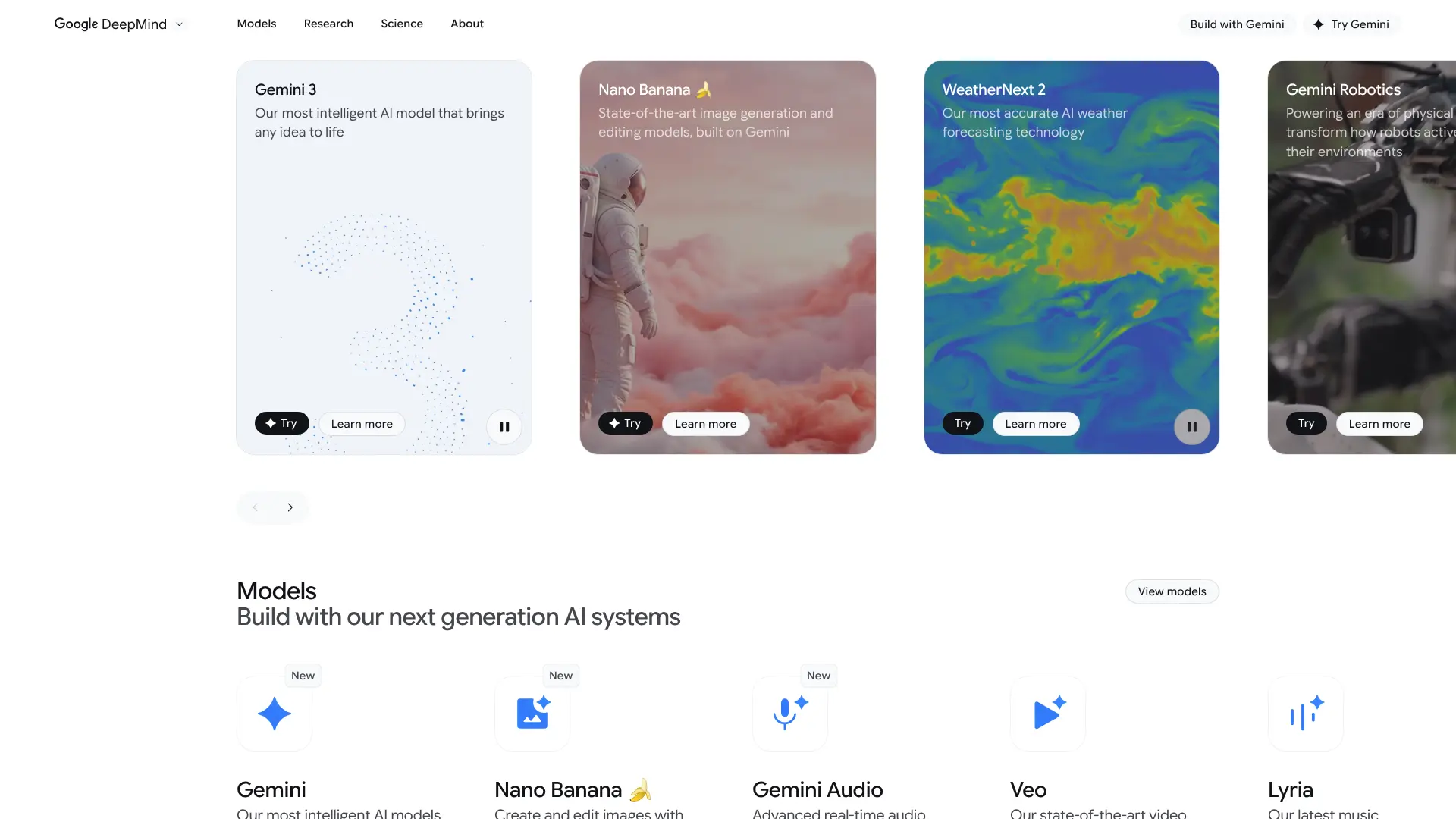
Website: https://deepmind.google/technologies/imagen-3/
Best for: Photorealism and Google ecosystem integration
Google Imagen 3 represents Google’s latest push into AI image generation. Imagen 4 really nails photorealism with stunning, award-winning quality and intricate texture details. The model is accessible through Google’s Gemini AI assistant.
One of the biggest advantages is the integration with Google’s ecosystem. You can create an image in Gemini and immediately add it to a Google Doc, Gmail, or Google Slides with one click. This seamless workflow is perfect for users who live in Google Workspace.
The image quality is consistently excellent, with a focus on clean, web-friendly illustrations and realistic photos. It handles lighting and surface textures particularly well, making it useful for product visuals and professional presentations.
Pricing: Free tier available through Gemini. Gemini Advanced at $19.99/month unlocks higher quality and faster generation.
Best for: Google Workspace users who want quick access to quality AI images. Great for business presentations and product photography mockups.
Free AI Image Generators
Not everyone wants to pay for an AI image generator, especially if you’re just experimenting or have occasional needs. Here are the best free options available in 2025.
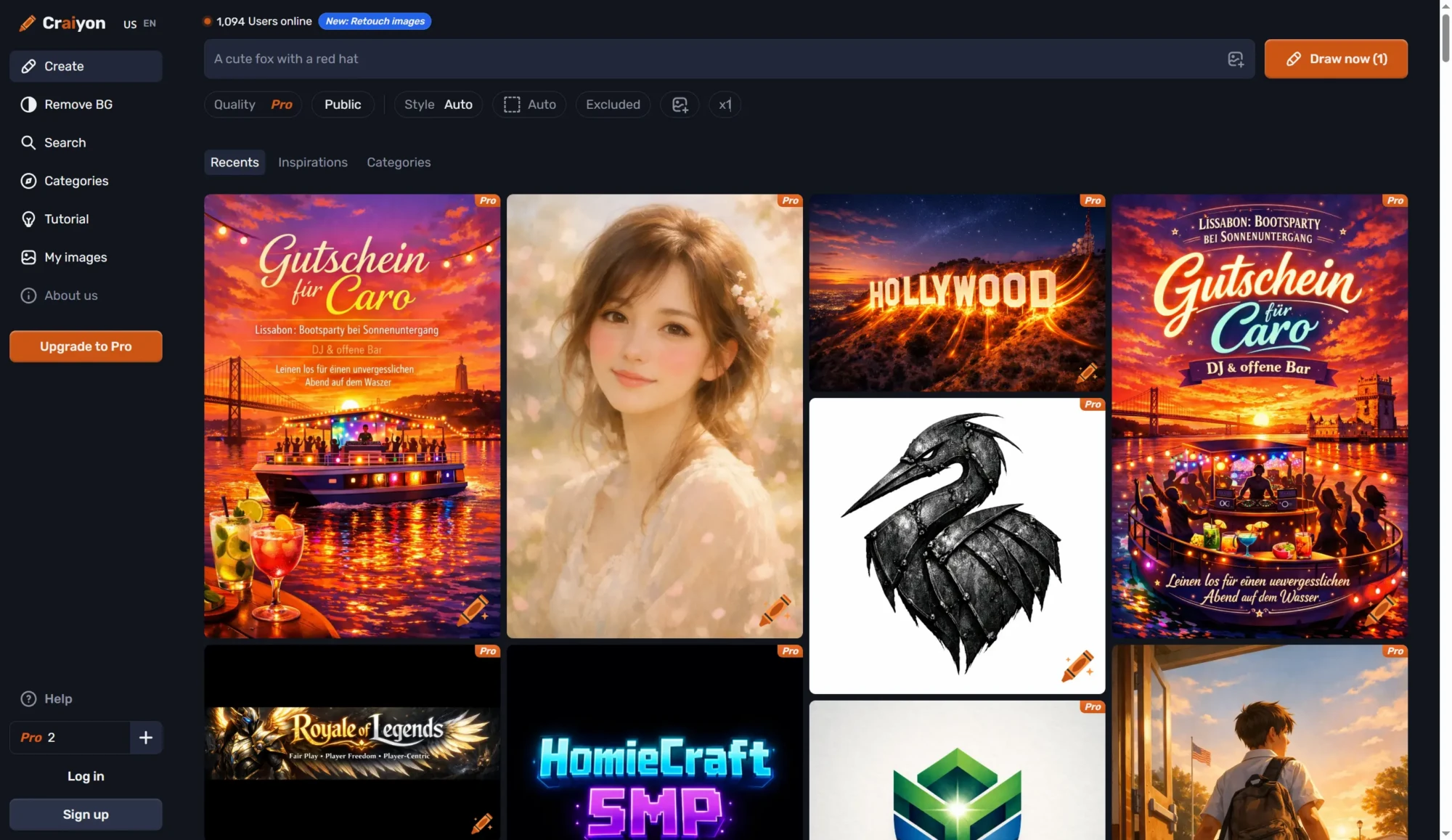
Craiyon (formerly DALL-E mini)
Website: https://www.craiyon.com
Craiyon offers completely free, unlimited image generation. There’s no catch, no credit limit, and no required subscription. You can create as many images as you want, though you’ll see ads and the generation might be slower during busy times.
The quality isn’t as high as premium tools, but it’s perfect for casual use, brainstorming, or trying out ideas. You get control over negative prompts (things you don’t want in the image) and can choose different aspect ratios.
Best for: Beginners, hobbyists, and anyone who wants to experiment without spending money. Great for cartoon and illustration styles.
Bing Image Creator
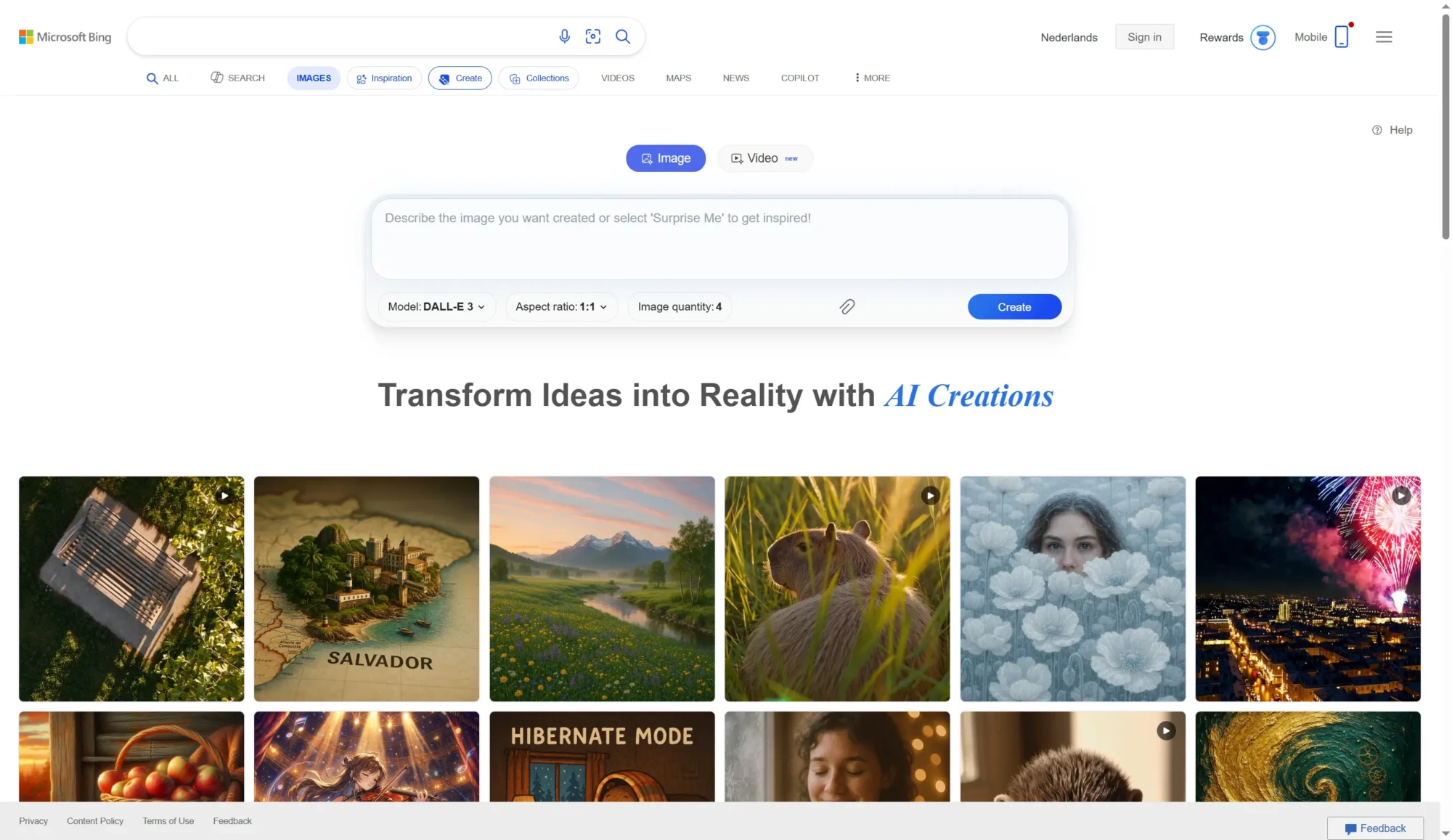
Website: https://www.bing.com/create
Microsoft’s Bing Image Creator uses DALL-E technology and is completely free. You just need a Microsoft account to use it. The tool generates four images per prompt and works directly in your browser with no downloads needed.
The quality is surprisingly good for a free tool, and it’s fast too. It’s integrated into Bing search and Microsoft Edge, making it convenient if you’re already using Microsoft products.
Best for: Quick image creation for personal projects, social media, and anyone in the Microsoft ecosystem.
Leonardo AI (Free Tier)
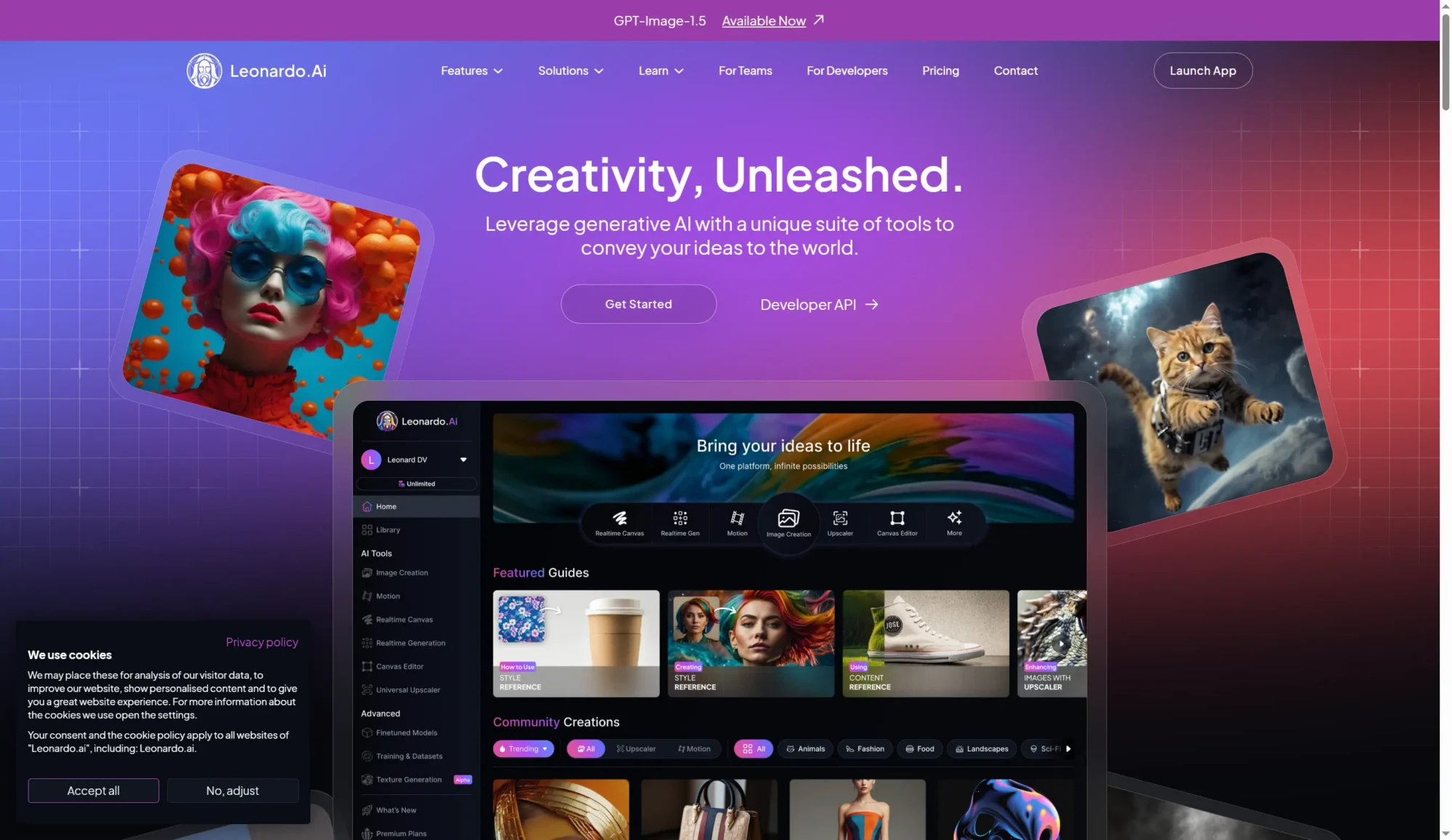
Website: https://leonardo.ai
Leonardo AI offers a generous free plan with 150 daily tokens. This gives you plenty of images to work with each day without paying anything. The quality is excellent, especially for fantasy and creative artwork.
The free tier includes access to most features, though you might have some limitations on the most advanced options. It’s one of the most generous free plans available.
Best for: Regular users who want quality results without paying, especially for creative and artistic projects.
Google Gemini
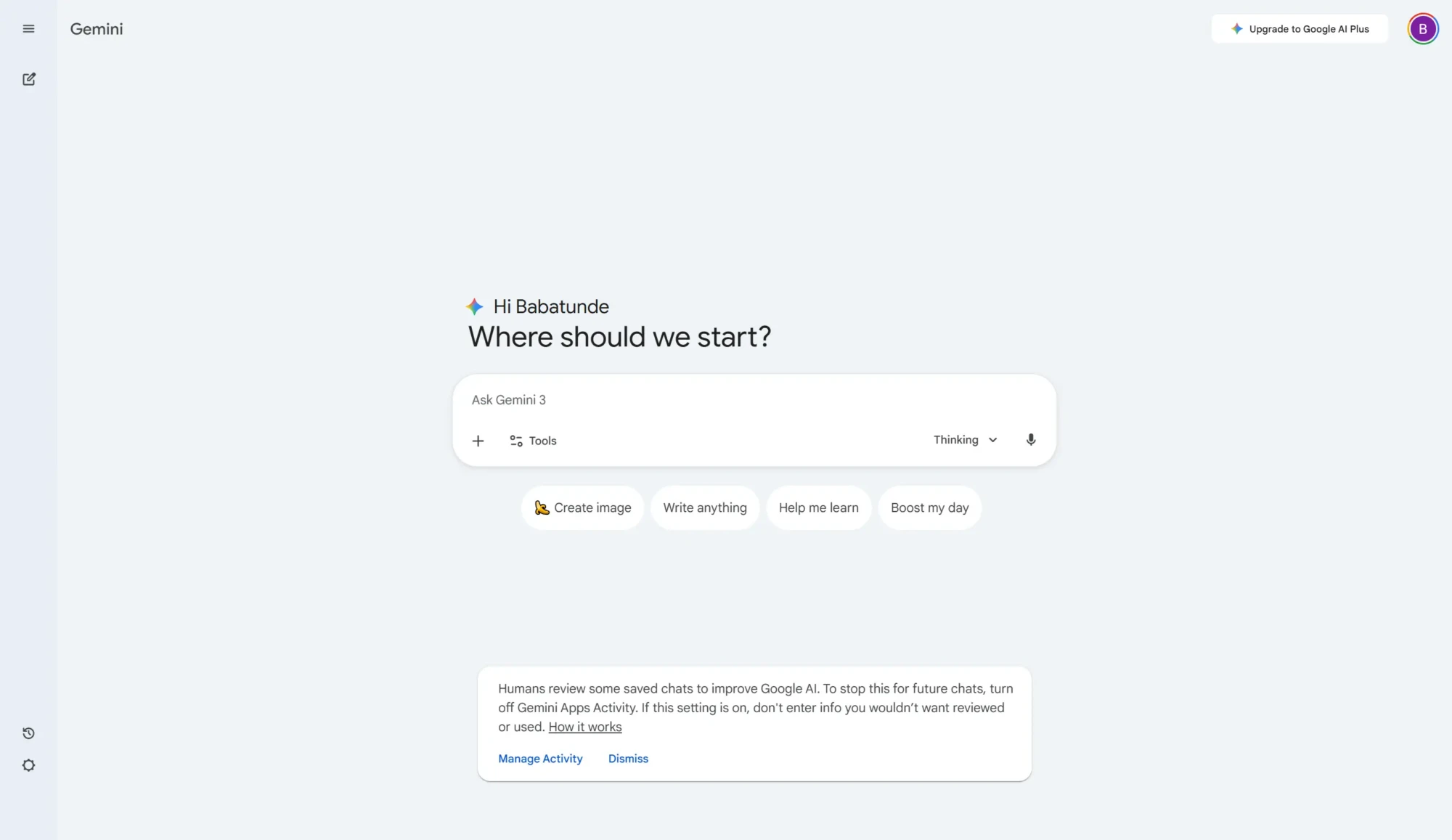
Website: https://gemini.google.com
Google Gemini provides free AI image generation if you have a Google account. The quality is high, and the integration with Google Workspace makes it practical for everyday use. You can easily add generated images to Docs, Slides, or Gmail.
The free tier has some limitations on daily usage, but for most casual users, it’s more than enough.
Best for: Google users who want quality images integrated into their workflow. Excellent for realistic style generations.
How to Choose the Right AI Image Generator
With so many options available, picking the right AI image generator depends on your specific needs. Here’s what to consider when making your choice.
Image Quality and Style
Different AI generators excel at different styles. Midjourney is best for artistic and cinematic images, while Flux specializes in photorealistic portraits. Think about what type of images you need most often.
If you’re creating anime art, look for generators known for that style. For business presentations, you might want something that creates clean, professional graphics. Match the tool’s strengths to your needs.
Ease of Use
Some AI image generators are more user-friendly than others. Tools with simple, clean interfaces that don’t overwhelm first-time users are ideal for beginners. If you’re not tech-savvy, avoid tools that require technical setup or complex prompting.
Look for platforms with intuitive interfaces and helpful tutorials. Many tools now offer guided experiences that help you write better prompts.
Pricing and Credits
Consider how many images you need to generate each month. Some tools charge per image, while others offer unlimited generation with a monthly subscription. Calculate what makes more sense for your usage.
Don’t forget to check what’s included in free tiers. Some “free” tools are so limited they’re not practical for regular use, while others like Craiyon offer genuinely unlimited free generation.
Commercial Use Rights
If you’re creating images for business purposes, make sure the tool allows commercial use. Most paid plans include commercial rights, but free tiers often don’t. Read the terms carefully before using images for client work or selling products.
Adobe Firefly is particularly good for commercial use because it’s trained on licensed content. This reduces copyright concerns significantly.
Integration with Other Tools
Think about your existing workflow. If you use Adobe products, Firefly makes sense. If you’re a Google user, Gemini’s integration might save you time. If you need images for Etsy, look for generators that create images in the styles you need.
Customization and Control
Some users want simple point-and-click generation, while others need fine-grained control over every detail. Consider whether you need features like style reference, character consistency, or the ability to edit specific parts of an image.
Advanced users might prefer Stable Diffusion for maximum control, while casual users will be happy with simpler tools like Craiyon or Bing Image Creator.
Tips for Getting Better Results from AI Image Generators
Getting great results from AI image generators isn’t just about picking the right tool. How you write your prompts makes a huge difference in output quality.
Be Specific and Descriptive
The more details you provide, the better your results will be. Instead of “a cat,” try “a fluffy orange tabby cat sitting on a windowsill during sunset, with warm golden light.”
Include details about lighting, mood, composition, colors, and style. Mention if you want a watercolor effect, oil painting style, or 3D render.
Use Reference Styles
Many AI generators understand artistic styles and movements. You can reference famous artists, art movements, or even specific films. For example, “in the style of Studio Ghibli” or “film noir lighting.”
Try different style combinations to find what works best. A cyberpunk scene with impressionism style can create unique results.
Iterate and Refine
Don’t expect perfection on the first try. Generate multiple versions, see what works, and refine your prompt based on the results. Most tools let you generate several images at once, so take advantage of that.
If something isn’t quite right, identify what’s wrong and adjust your prompt. Add negative prompts to exclude unwanted elements.
Learn from Others
Many AI image generator communities share their prompts. Look at what others are creating and how they’re describing it. Platforms like Midjourney have public galleries where you can see prompts that created specific images.
Study prompts that generate results you like and adapt them for your own needs.
Consider Composition and Aspect Ratio
Think about how you’ll use the image. Social media posts need specific aspect ratios. Instagram favors square or vertical images, while YouTube thumbnails are horizontal.
Choose the right aspect ratio before generating to avoid awkward cropping later. Most tools offer common ratios like 16:9, 4:3, 1:1, and 9:16.
Use Technical Photography Terms
If you want realistic photos, include camera and lens details in your prompt. Terms like “shot on 35mm film,” “shallow depth of field,” or “golden hour lighting” help the AI understand the look you’re after.
For macro photography or landscape photography styles, mention specific techniques or equipment.
Frequently Asked Questions
Are AI-generated images free to use commercially?
It depends on the tool and your subscription level. Most paid plans include commercial use rights, but free tiers often don’t. Always check the specific terms of service for the platform you’re using. Adobe Firefly and Midjourney Pro plans explicitly allow commercial use.
Can AI image generators replace human designers?
AI image generators are powerful tools, but they work best as assistants rather than replacements. They’re excellent for quick mockups, inspiration, and generating base images that designers can refine. However, they lack the strategic thinking, brand understanding, and creative problem-solving that human designers provide.
Do I need artistic skills to use AI image generators?
No artistic skills are required. Anyone can use these tools by simply describing what they want to see. However, understanding basic design principles like composition, color theory, and lighting will help you write better prompts and get better results.
How accurate are AI image generators with text in images?
Most AI image generators struggle with text, often producing garbled or incorrect words. However, Ideogram specializes in text rendering and handles it much better than competitors. If your images need readable text, Ideogram is your best choice.
Can I edit AI-generated images after creation?
Yes, most modern AI image generators offer editing features. Some let you modify specific parts of an image using text prompts, while others provide traditional editing tools. Tools like Adobe Firefly integrate seamlessly with Photoshop for advanced editing.
What’s the difference between free and paid AI image generators?
Free tools typically offer lower resolution, watermarks, slower generation, and limited daily credits. Paid plans provide higher quality images, faster generation, commercial use rights, priority access, and advanced features like batch generation and style consistency.
How long does it take to generate an image?
Most AI image generators create images in 10-60 seconds. Some tools like Flux are particularly fast, while others like GPT-4o may take longer due to their more complex processing. Generation speed also depends on server load and your subscription level.
Can AI image generators create consistent characters across multiple images?
Yes, advanced tools like Midjourney and Leonardo AI offer character consistency features. You can generate a character once, then use that as a reference to create the same character in different poses, settings, or situations. This is particularly useful for storytelling and branding.
Are there copyright concerns with AI-generated images?
This is a developing area of law. Most AI generators train on publicly available images, which raises questions about copyright. Tools like Adobe Firefly address this by training only on licensed content. For commercial use, choose platforms with clear legal protections and commercial licenses.
What file formats do AI image generators support?
Most AI image generators output PNG files, which offer high quality with trans