
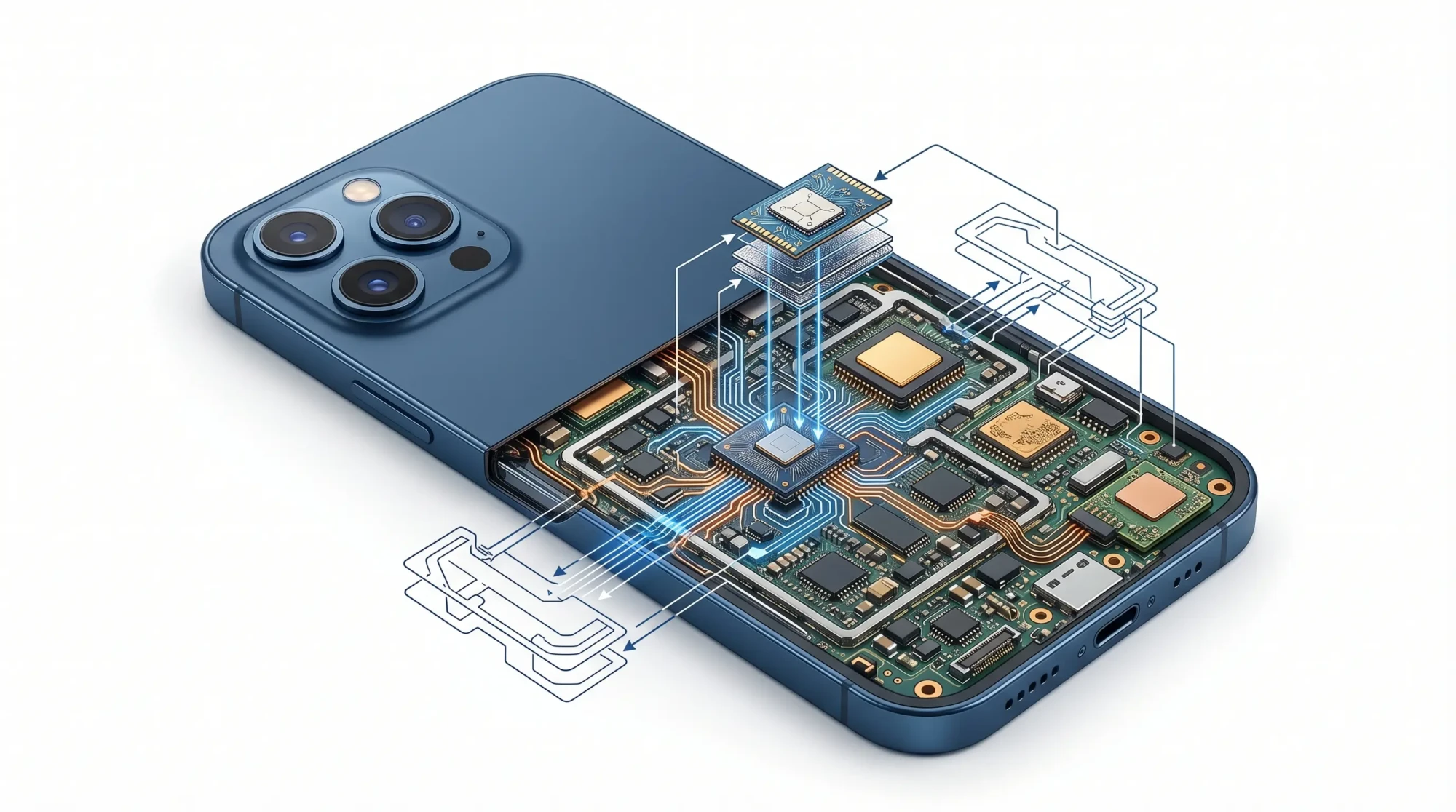
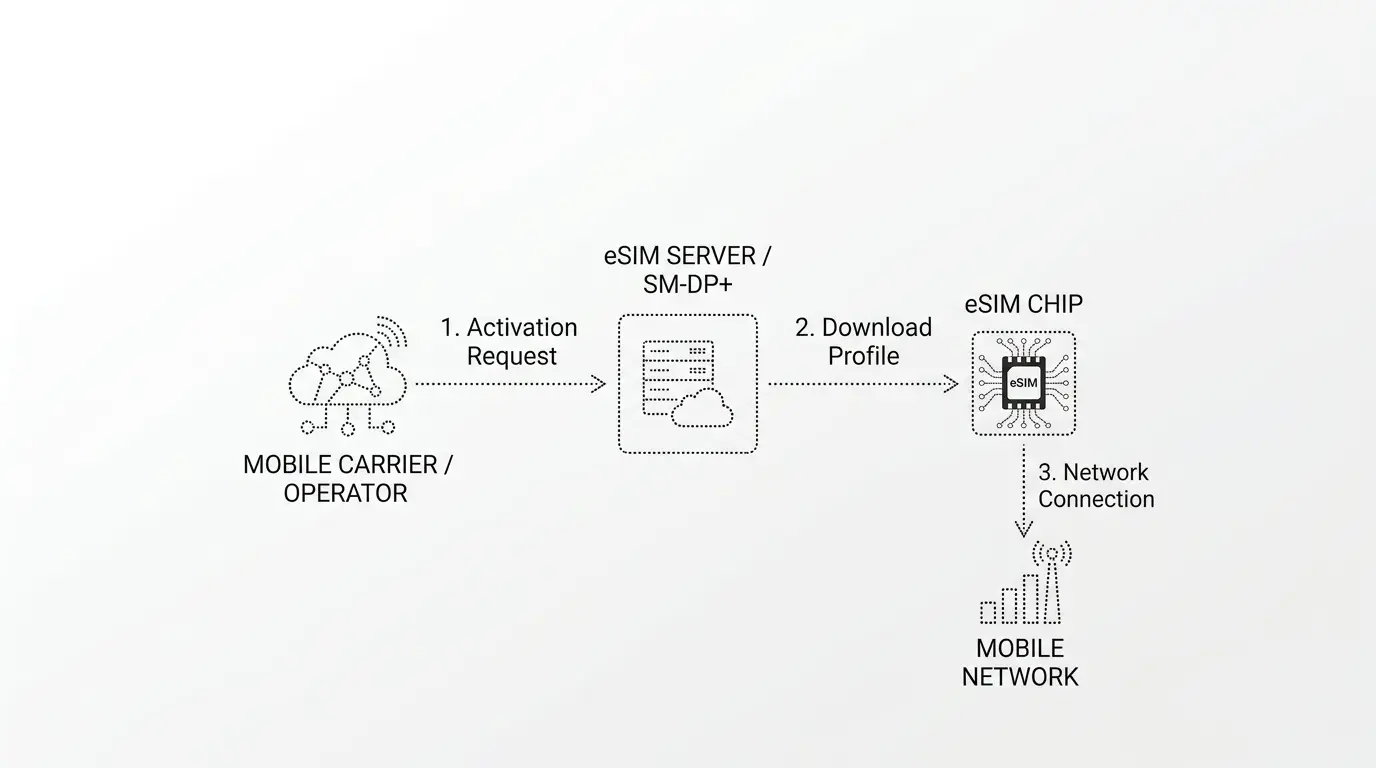
An eSIM is a digital SIM card built directly into your iPhone. The “e” stands for embedded, not electronic as many people assume. For an eSIM, there is no plastic card involved which makes it an eco friendly choice. Compared to a plastic SIM, the chip is permanently soldered inside the device during manufacturing, and your carrier information is downloaded onto it wirelessly.
According to the GSMA, the global body that sets mobile industry standards, eSIM is now supported by over 500 mobile operators worldwide and is the new global standard for consumer devices.
How eSIM Works on iPhone
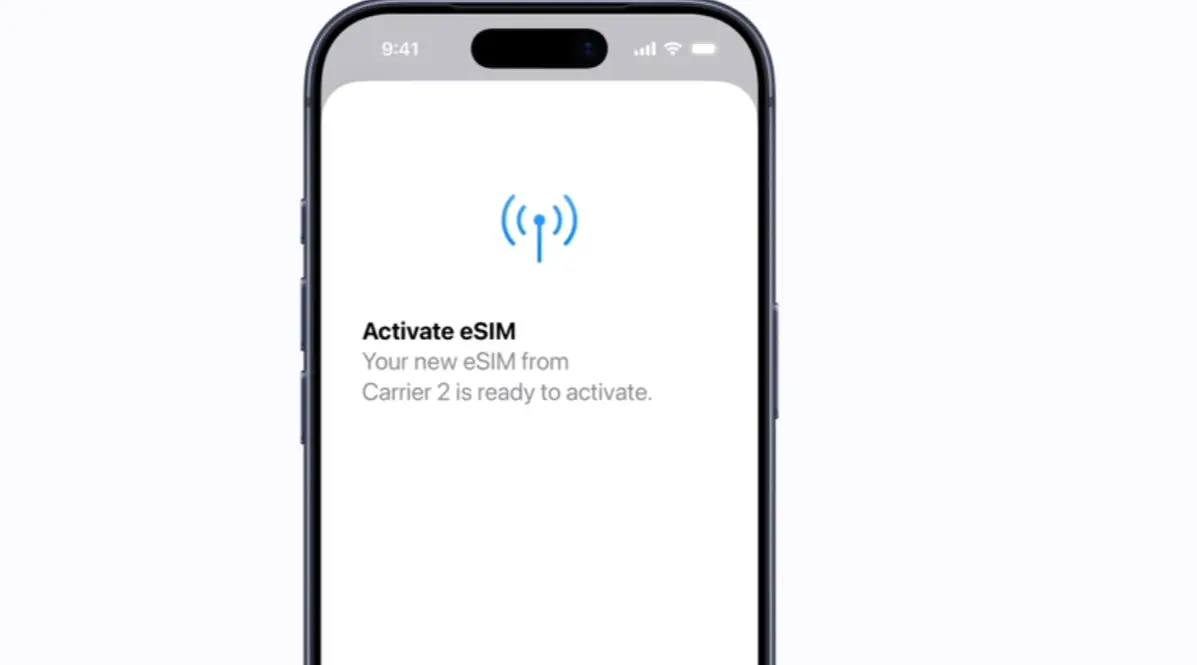
Your carrier creates a profile tied to your line, you install it through Settings, and your iPhone connects to the network a minute or two later. Most carriers send a QR code by email or display one inside their app. Scan it and the profile loads automatically.
eSIM vs SIM Card vs Virtual SIM
People mix these three up all the time, but they work differently.
A physical SIM is the removable chip you slot into a tray, an eSIM does the same job from a chip already inside the phone.
A virtual SIM is something else entirely: it’s an app that routes calls and texts over the internet and gives you a number without a real carrier behind it, so think of it as software sitting on top of your existing connection.
Which iPhones Support eSIM
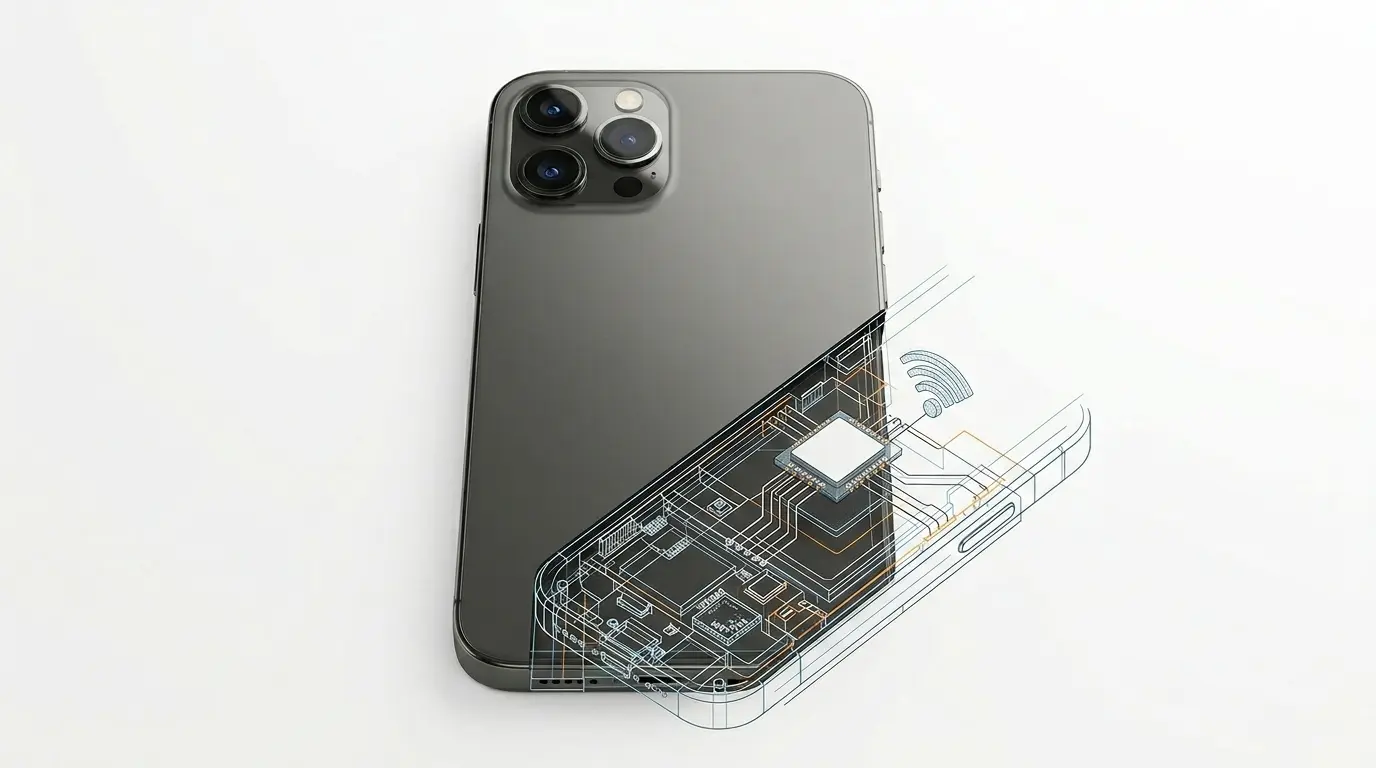
Every iPhone from the XR and XS onwards supports eSIM, which covers the 11, 12, 13, 14, 15, 16 and 17 ranges along with the second-generation SE and later.
Full iPhone eSIM Compatibility List
- iPhone XR, XS, XS Max
- iPhone 11, 11 Pro, 11 Pro Max
- iPhone SE (2nd gen and later)
- iPhone 12, 13, 14, 15, 16, 17 (all models)
From the iPhone 13 onwards you can run two eSIM profiles at the same time, which covers the dual-line setups people typically want for mixing work and personal numbers on one device.
eSIM Only iPhones in the US
Apple removed the SIM tray from American iPhones starting with the iPhone 14 back in 2022, a change confirmed in Apple’s own newsroom announcement at launch and later documented across Apple’s official support pages on eSIM. Every US-sold 14, 15, 16 and 17 ships eSIM only, with no tray to open at all. The same model bought outside the US still comes with both options: a tray for a physical card and eSIM support alongside it.
How to Check If Your iPhone Has eSIM
Open Settings, tap Cellular, and look for Add eSIM or Set Up Cellular. If either option appears, your iPhone supports eSIM. You can also dial *#06# as a second check, which pulls up the EID number and confirms the hardware is there.
How to Activate eSIM on iPhone
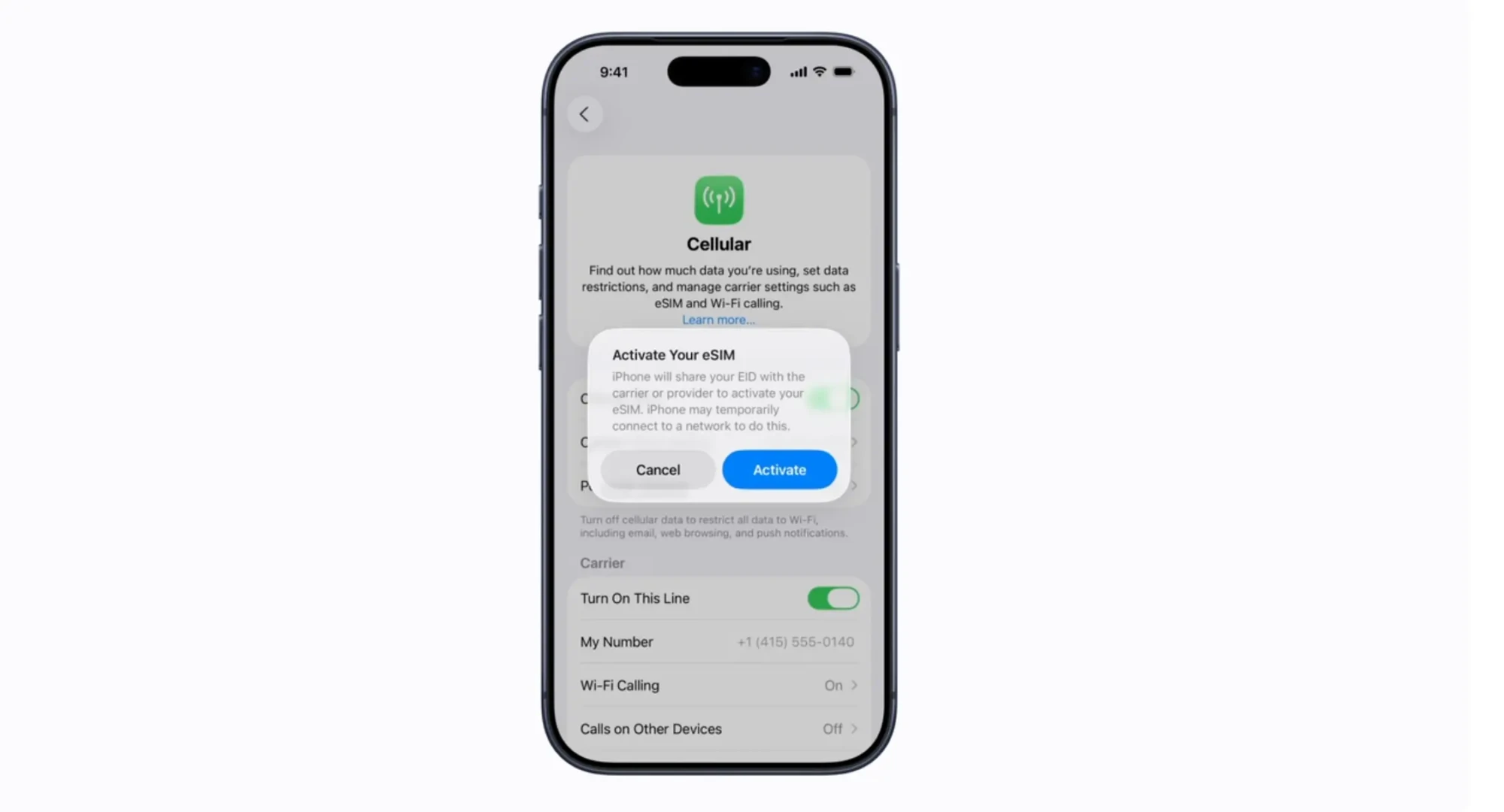
Apple offers four activation methods, and the one you end up using depends on how your carrier prefers to send the details across.
Activate by QR Code
Most carriers default to QR code activation, either emailing the code or showing it on a confirmation page after you sign up. Open Settings, tap Cellular, pick Add eSIM, choose Use QR Code, and point the camera at the code. The profile loads itself from there, usually in under two minutes.
eSIM Quick Transfer Between iPhones
Quick Transfer moves your line from an old iPhone to a new one without involving the carrier at all. On the new phone, tap Transfer From Another iPhone under Add eSIM, keep both devices close together with Bluetooth on, and confirm the prompt when it appears. Apple’s official support page covers every edge case if something gets stuck.
Activate Through Your Carrier App
Verizon, AT&T, T-Mobile, Vodafone and most of the larger networks build eSIM setup directly into their app. Sign in, find the eSIM option, and let the app push the profile onto your phone without any QR code involved.
Enter eSIM Details Manually
Some smaller carriers send an SM-DP+ address and an activation code instead of a QR. Pick the manual option after Add eSIM and type the details in exactly as they appear, because one wrong character will stop activation from completing.
Benefits of eSIM on iPhone
No Physical Card Needed
You can’t lose something that doesn’t exist, which means no cutting a micro SIM down to nano size, no adapters that never quite fit right, and no paperclip hunt at 2am when you’ve just landed somewhere.
Dual SIM on One iPhone
Running two lines on one phone is probably the single most useful thing eSIM enables, whether that’s a work number alongside your personal one, a home line with a local one for trips abroad, or a main number plus a throwaway for sign-ups and online forms. You can also receive SMS online with eSIM Plus using a temporary number, which helps when you’d rather not hand over your real one just to verify a random account.
Better Security
eSIM closes off the easiest version of a SIM swap attack, since there’s no card to physically lift out and moving the profile requires carrier-level authentication. The US Federal Trade Commission lists SIM swap fraud among the more common ways criminals hijack bank accounts and email, and while eSIM doesn’t eliminate the risk entirely, it removes the simplest route in.
Eco Friendly
No plastic, no blister pack, no shipping van driving around with envelopes. The GSMA estimates widespread eSIM adoption takes hundreds of millions of plastic cards out of production every year.
eSIM for Travel
eSIM vs Roaming Costs
Home carrier roaming tends to run $5 to $15 a day, while a travel eSIM covering the same country costs $3 to $10 for a full week of data. Anything longer than a weekend trip and the maths stops being close.
Data Only vs Calls and Texts Plans
Most travel eSIMs sell data only, which works for almost everyone because WhatsApp, iMessage and FaceTime all run over the connection anyway. Only pick a plan with voice included if you specifically need a local number that actually rings.
How to Set Up a Travel eSIM Before You Fly
Buy the plan before you leave home and install it while you’ve still got your own Wi-Fi, giving it a clear label in Settings like “Spain Trip” so you don’t get confused later. Once you land, flip your data line over to the travel eSIM and leave your home line running for calls and texts.
Best eSIM Plans for iPhone
Airalo, Holafly, Nomad and Saily cover most travellers in 2026. Airalo has the widest country list, Holafly sells strong unlimited-data plans, and the other two compete on sharper pricing for specific regions. Prices shift constantly, so it’s worth comparing before you buy rather than defaulting to whichever name you remember first.
eSIM FAQ
Does eSIM Affect Battery Life
Not enough to notice. Running two active lines at once pulls slightly more power because the phone keeps both connections alive, but the difference is small enough that most people never spot it in daily use.
Can You Use eSIM and Physical SIM Together
Yes, as long as your iPhone was sold outside the US. You can pair one physical SIM with one eSIM, or on the iPhone 13 and newer, run two eSIMs together.
What Happens to eSIM After iPhone Reset
iOS asks whether to keep or wipe the eSIM when you erase the phone. If you wipe it, your carrier has to reissue activation, so it’s worth checking with them before resetting anything important.
Transferring eSIM to a New iPhone
Quick Transfer handles this during initial setup, and if that doesn’t work your carrier can issue a fresh QR code to move the line across. Either way it takes a few minutes at most.
What Comes After eSIM
iSIM
iSIM, short for Integrated SIM, shrinks the technology a step further by moving the SIM off its own dedicated chip and onto the phone’s main processor. Counterpoint’s research puts iSIM at roughly 98% smaller than eSIM, with lower power draw and tighter security on top.Over 9 billion eSIM-capable devices will ship between 2024 and 2030, with iSIM emerging as a dominant technology post-2028.
Physical SIM Cards Are Disappearing
In developed markets, yes. Apple pulled the tray from US iPhones, Samsung and Google are heading the same way, and most analysts expect physical SIM to be a rare sight by the end of the decade. Other regions will take longer because eSIM infrastructure still needs time to catch up there.
Final Thoughts
eSIM already runs most new iPhones, setup takes a few minutes, and the travel savings alone often pay for the switch on a single trip. Security genuinely beats what a plastic card offers, and for the average iPhone owner in 2026, switching over is about as low-risk an upgrade as they come.


