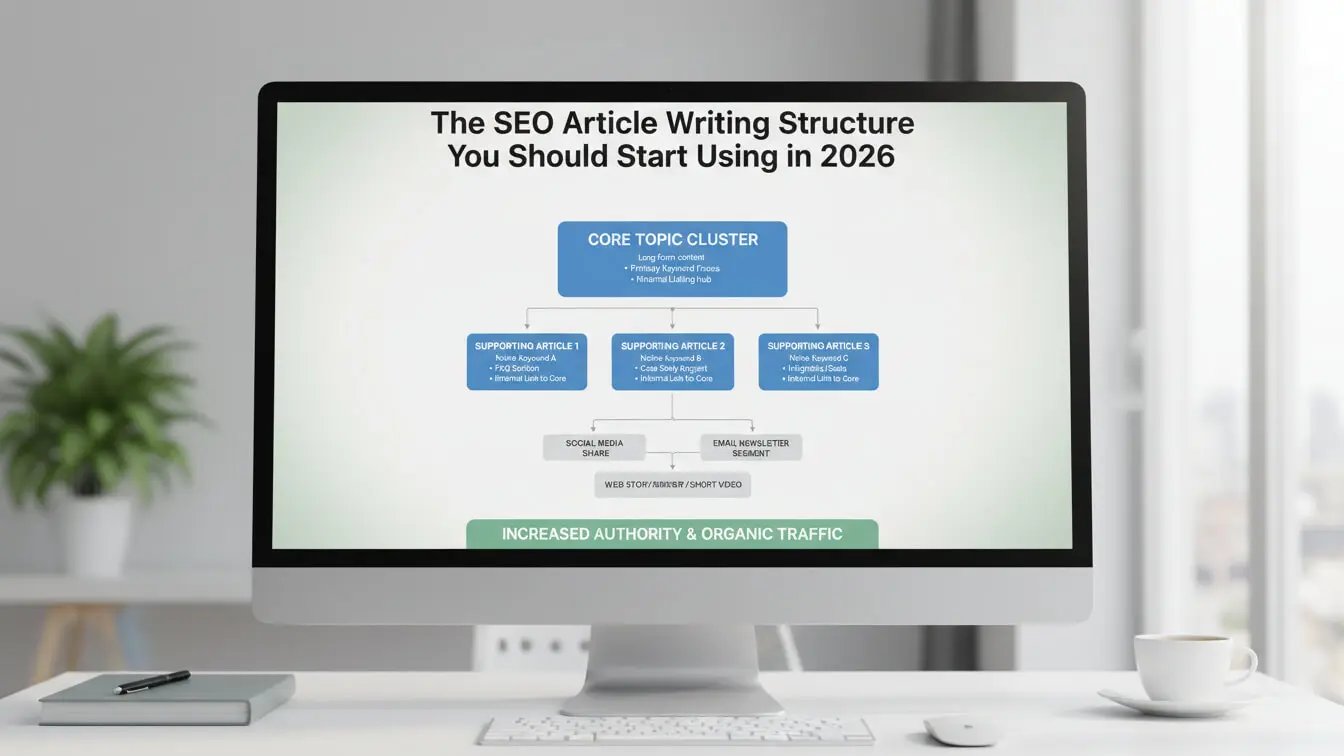
Most blog posts fail because writers skip the structure that search engines actually reward. Consistent publication of content that satisfies readers remains the top factor in Google’s algorithm, but satisfaction requires a specific outline most bloggers ignore.
This guide shows you the exact article structure that ranks. No guessing. No theories. Just the format that works when you need traffic that converts.
What Makes an Article Structure SEO-Friendly?
An SEO article structure is how you organize content so search engines understand it and readers finish it. A content outline organizes ideas into a framework with intro, main points, and conclusion. The right structure signals to Google that your page deserves rankings.
Think of article structure like building plans. Without plans, you get a messy house. Without structure, you get a blog post that wanders.
An SEO article needs three layers:
- First, the technical layer—headings, tags, metadata.
- Second, the content layer—intro, body, wrap-up.
- Third, the engagement layer—how you keep people reading past the first paragraph.
Key ranking factors include content relevance, user experience, and backlinks. Structure affects all three. Good structure makes content relevant, experience smooth, and links natural.
Why 90% of Blog Content Fails
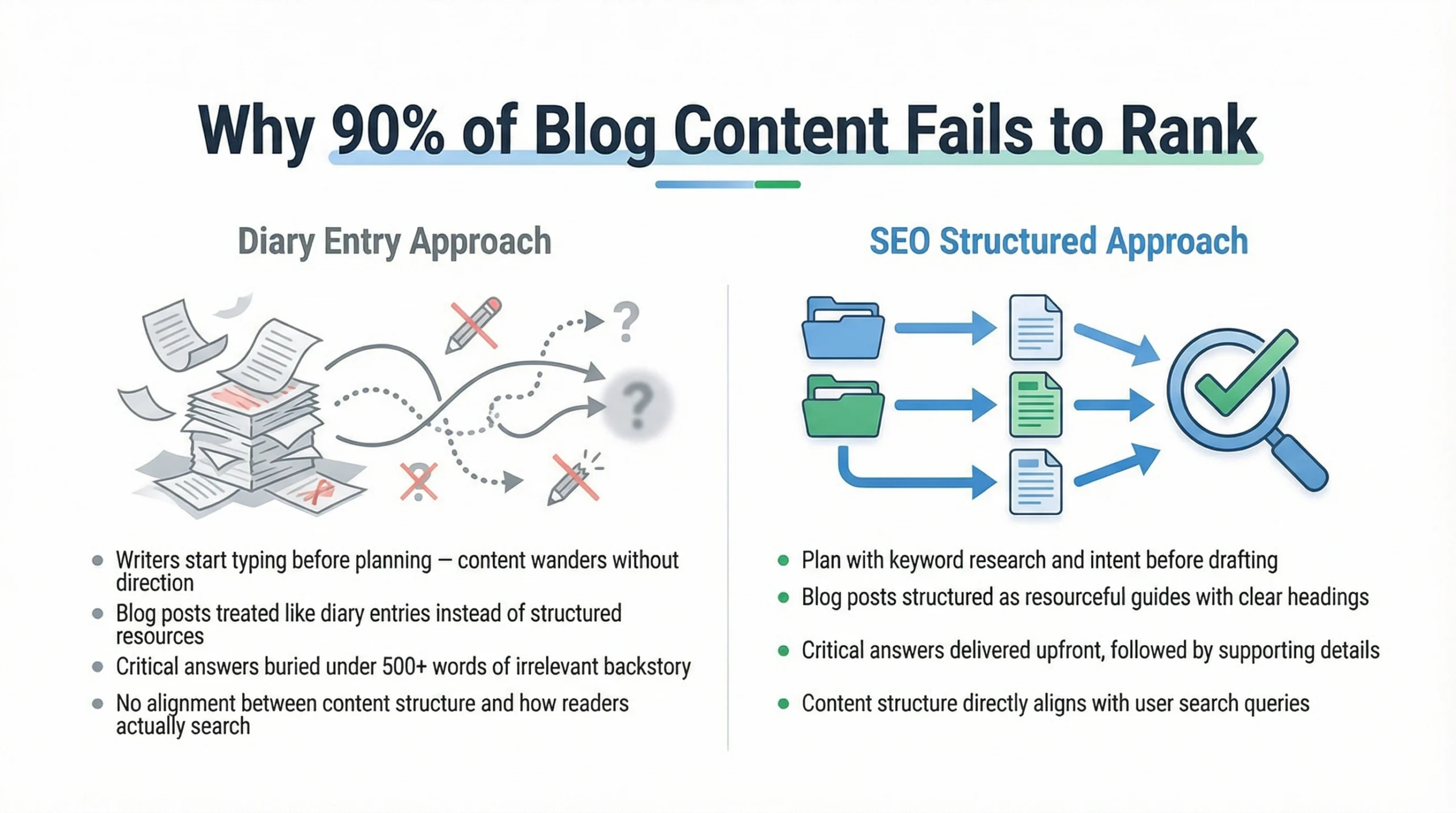
Most articles fail to rankbecause writers start typing before planning. They write whatever comes to mind, then wonder why nobody reads it. You need to organize information the way readers search for it, not the way you think about it. Don’t bury the answers to the search query. If someone searches “how to fix a leaky faucet,” they want the fix immediately, not 500 words about water conservation first.
Article Research First
Before writing one word, you need research. Not surface-level browsing. Deep research that shows you what works. Research involves gathering data from the web, insights, and expert opinions to ensure content is authoritative. Start with keyword research, then move to competitor analysis, then find content gaps.
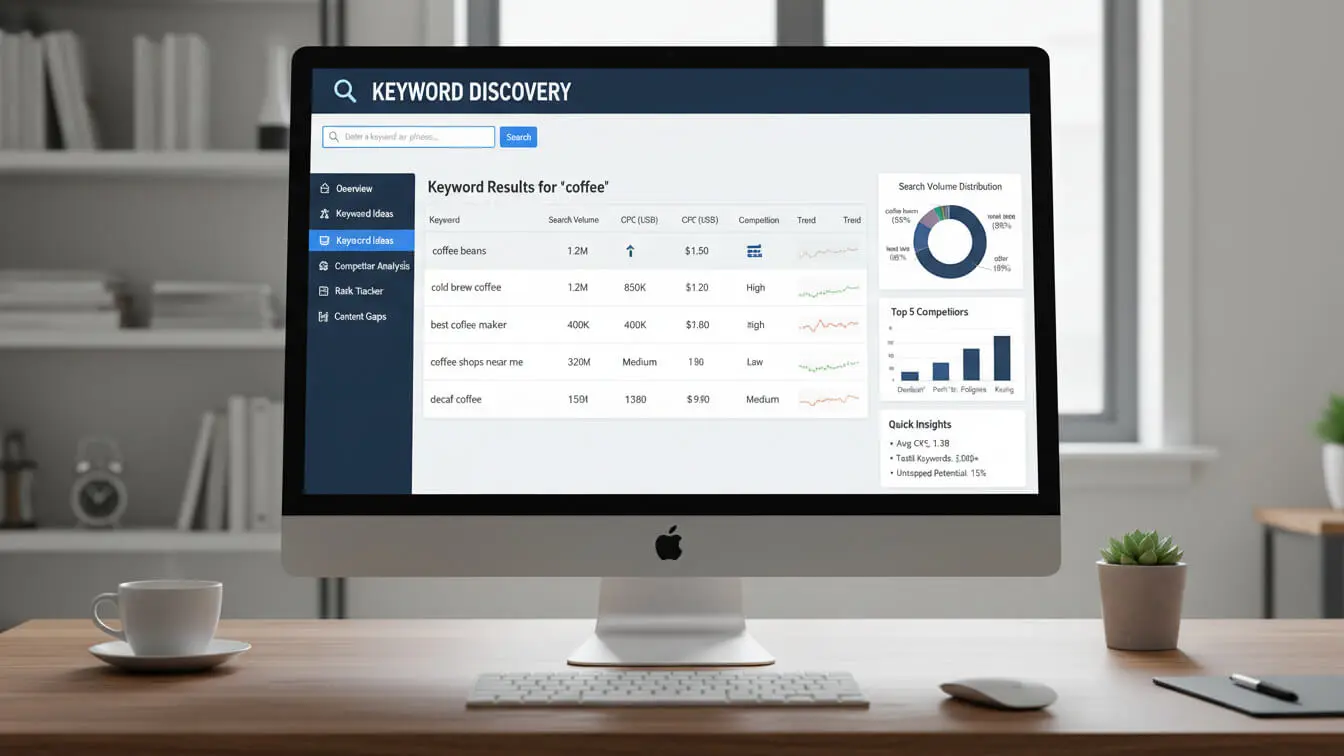
Finding Keywords before writing
Keywords tell you what people want. Use tools like AI Free Forever’s Keyword Generator to find search terms your audience uses.
Look for three types of keywords:
- Head terms – Short, broad keywords like “SEO tips”
- Body terms – Medium phrases like “blog writing SEO tips”
- Long-tail terms – Specific phrases like “SEO article structure for beginners”
Keyword research isn’t just for SEOs—it helps identify demand for different topics. Search volume shows you if people actually want what you’re planning to write.
Analyze Top-Ranking Content
Open the top 10 results for your target keyword. Study them like you’re stealing trade secrets. What do they all cover? What’s missing? How long are they? Don’t copy these articles. Beat them. Find what they skip. Add depth where they stay shallow. Update data they let go stale.
SEMRush’s Outline Builder shows ranking pieces broken down in an accessible format. Check tools like this to see competitor structure at a glance.
Map Search Intents
Every search has intent behind it. Search intent is the goal behind the search query. Four types exist:
- Informational – User wants to learn something
- Navigational – User wants a specific website
- Transactional – User wants to buy
- Commercial – User compares options before buying
Match your structure to intent. Informational searches need detailed guides. Transactional searches need product comparisons and clear next steps.
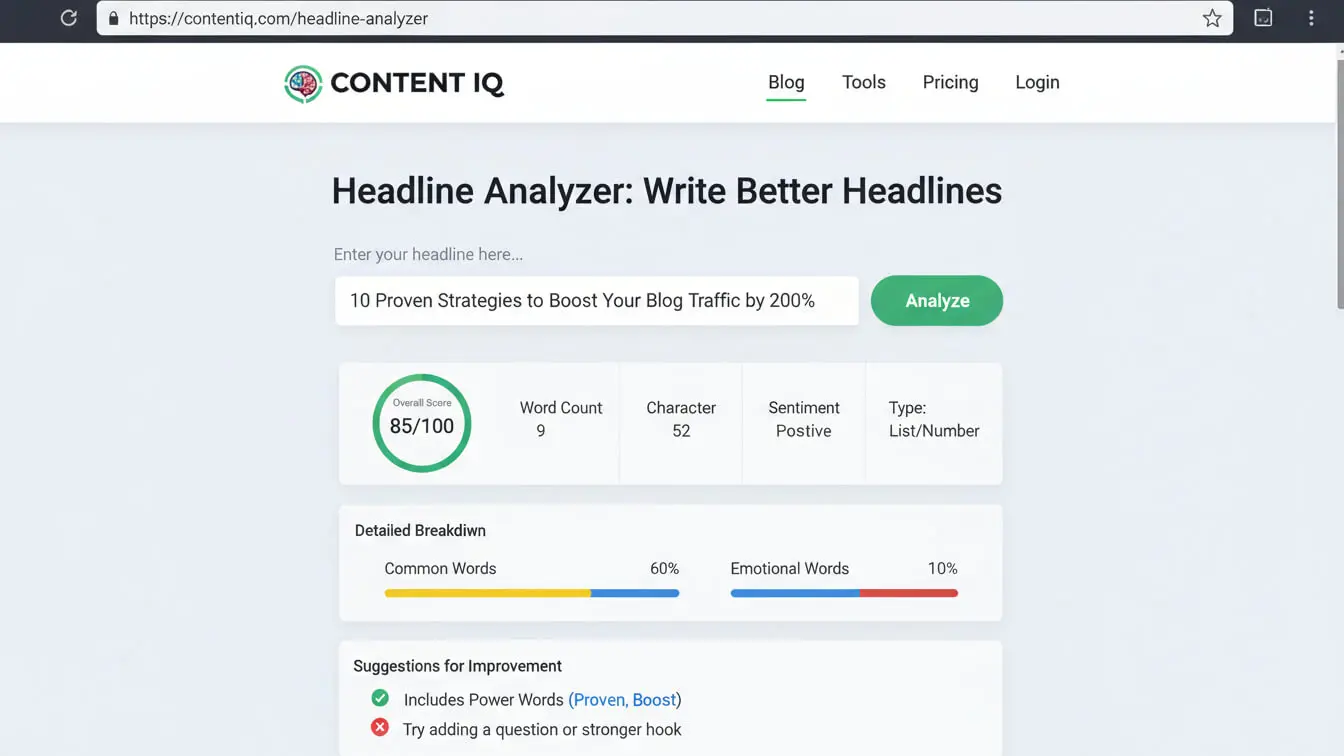
Create Headlines Pull Clicks
Your headline does one job: make people click. Everything else is secondary.
Strong headlines promise value, create curiosity, or spark emotion. Weak headlines state facts nobody cares about.
The 8-Word Maximum Rule
Keep headlines under 8 words. Shorter = punchier. Long headlines lose impact halfway through.
Examples of tight headlines:
- “Fix Broken Links in 5 Minutes”
- “Stop Wasting Money on Bad SEO”
- “Write Headlines That Triple Your Traffic”
Notice the pattern? Action verb + specific benefit + time or result.
Numbers Beat Everything
Headlines with numbers get more clicks. Research from Semrush shows odd numbers perform better than even ones.
Use numbers for:
- Lists (“7 Ways to…”)
- Steps (“5 Steps to…”)
- Time frames (“30-Day Plan for…”)
- Statistics (“Boost Traffic by 300%”)
Keywords in Headlines
Put your main keyword in the headline. Not stuffed awkwardly—naturally. If it sounds weird, rewrite the whole headline.
Bad: “SEO Article Outline for SEO Content Structure”
Good: “The Article Outline That Fixes Your SEO”
Introduction Framework for SEO Articles
You have 8 seconds to hook readers. Nielsen Norman Group research shows most users decide to stay or bounce in under 10 seconds.
Your intro needs to answer three questions immediately:
- What is this about?
- Why should I care?
- What will I get from reading?
The Problem-Agitate-Solution Pattern
Start with the problem your reader has. Make it specific. Generic problems don’t grab attention.
Then agitate it. Show why the problem matters. What happens if they don’t fix it?
Finally, hint at the solution. Don’t give everything away—save that for the body. Just promise relief.
Stats That Build Trust
One solid stat in your intro builds credibility fast. Recent data gives visitors relevant and accurate information which makes for positive reader experience.
Example: “Articles with proper structure get 2.3x more organic traffic than randomly organized posts, according to Backlinko’s analysis of 1 million articles.”
Table of Contents Placement
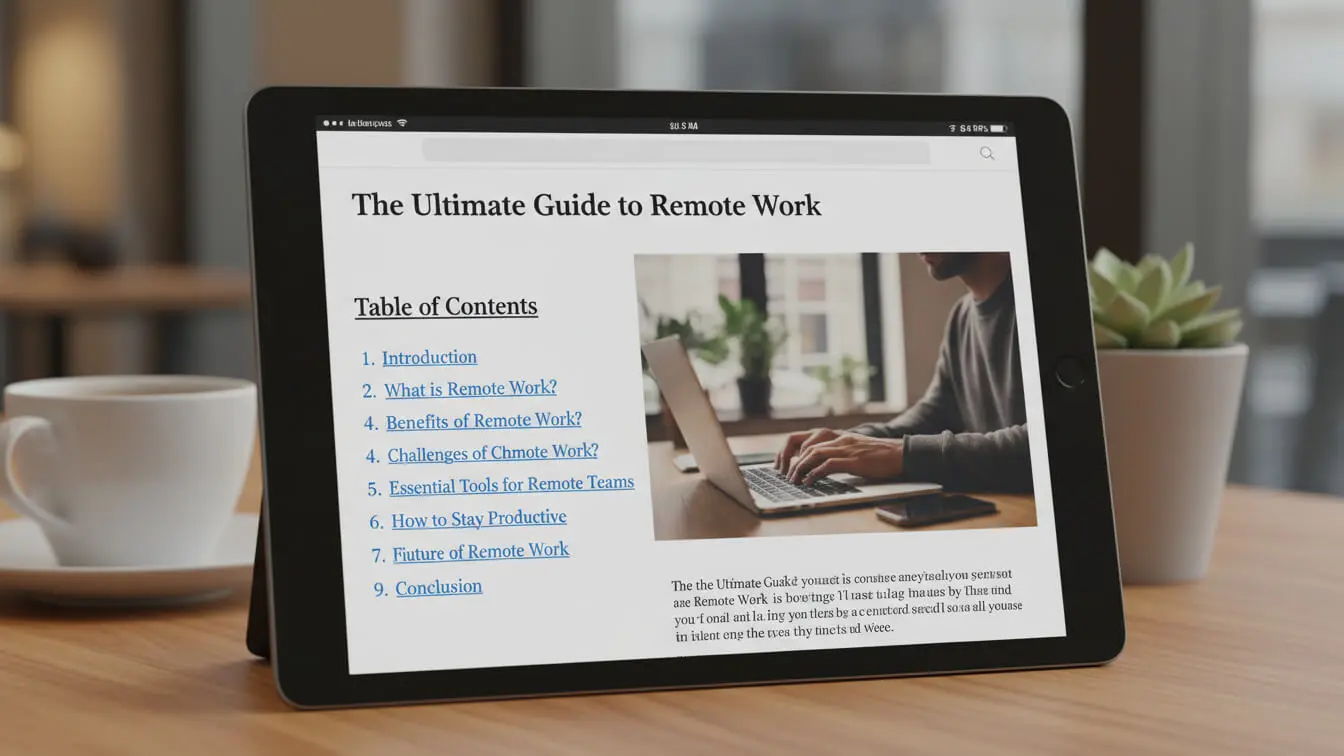
Drop a table of contents right after your intro. It serves two purposes. First, it shows readers what’s coming. Second, it creates jump links that Google loves.
Keep the TOC simple. List your H2 headings as clickable links. That’s it. No fancy formatting needed.
How to structure the artcle body
The body carries your content. Structure it wrong, and readers bounce. Structure it right, and they scroll to the end.
Headings break articles into sections with clear hierarchical structure using H1, H2s, H3s, and H4s. This hierarchy helps both readers and search engines understand your content.
H2 Sections as Main Topics
Each H2 covers one main topic. Don’t mix topics in a single section. If you’re explaining keyword research, don’t jump to link building halfway through.
Keep sections between 300-500 words. Shorter sections feel incomplete. Longer sections overwhelm.
Start each section with a clear topic sentence. Tell readers what this section delivers. No mystery.
H3 Subtopics That Add Depth
Under each H2, use H3s for subtopics. These break big ideas into smaller chunks.
For example, under an H2 about “Keyword Research,” you might have:
- H3: Finding Low-Competition Keywords
- H3: Analyzing Search Volume
- H3: Matching Keywords to Intent
Each H3 should support the H2 above it. Keep the hierarchy logical.
Paragraph Length Rules
Short paragraphs win online. Eye-tracking studies show readers scan in F-patterns, hitting the first few words of each paragraph.
Keep paragraphs to 2-3 sentences max. One-sentence paragraphs work great for emphasis.
Like this one.
Mix paragraph lengths to create rhythm. All short paragraphs feel choppy. All long paragraphs feel dense. Alternate.
Lists Break Up Text Walls
Lists make content scannable. Use them when explaining:
- Steps in a process
- Multiple examples
- Features or benefits
- Tools or resources
But don’t overuse lists. If every section is a list, your article feels like a lazy outline.
Keyword Placement Without Spam
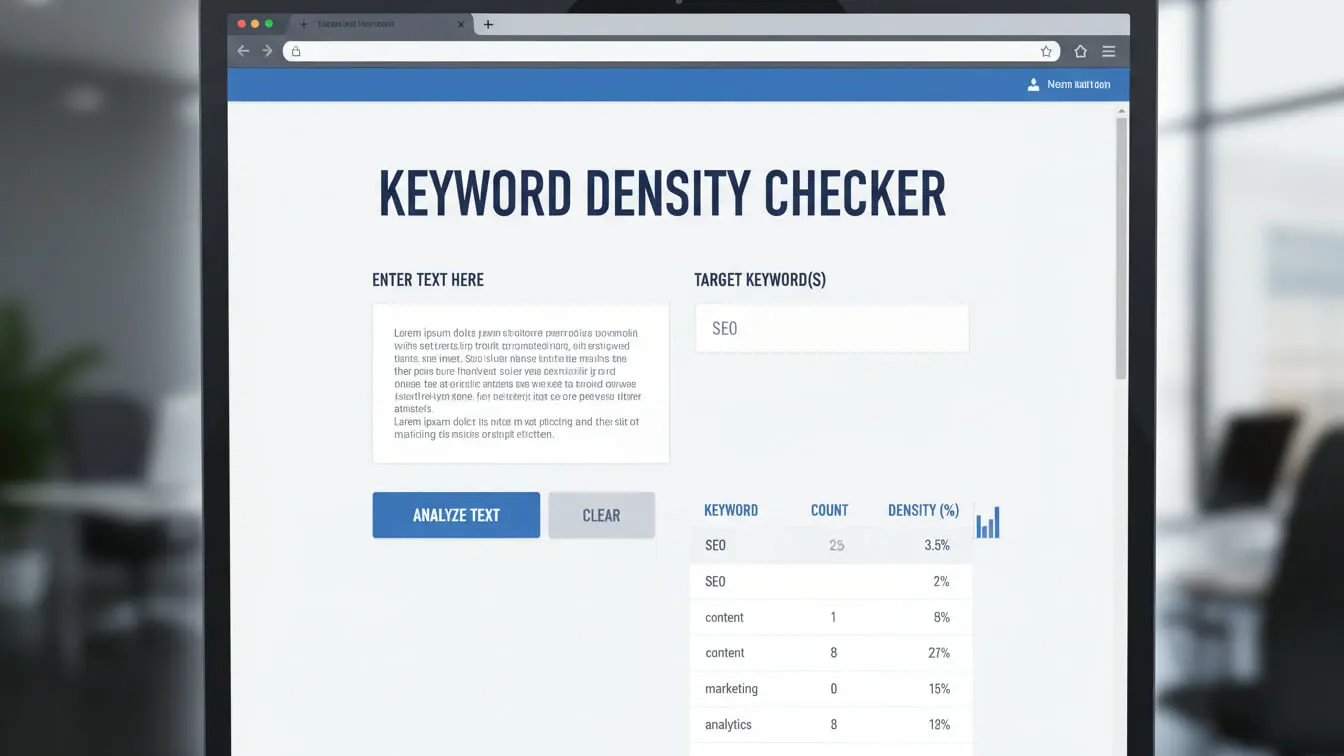
Keywords need to appear naturally. Google’s algorithm spots keyword stuffing instantly and punishes it.
Keyword density should stay between 0.5-2%. That means in a 2,000-word article, use your main keyword 10-40 times total.
The First 250 Words Rule
Place your main keyword in the first 250 words. Google weighs content at the top of articles heavier than content at the bottom.
Work it in naturally. Don’t force it into the first sentence if it sounds awkward.
Heading Keyword Distribution
Put your main keyword in at least one H2. Secondary keywords go in other H2s and H3s.
Never stuff multiple keywords into one heading. It looks spammy and reads terribly.
Semantic Keywords Add Context
Use related terms throughout your content. If your main keyword is “SEO article structure,” related terms include:
- Blog writing format
- Content organization
- Post outline
- Article template
These semantic keywords help Google understand your topic better. Search engines understand context semantically, not just through keyword density.
Internal Linking Strategy
Internal links connect your content. They tell Google how pages relate and guide readers to more information.
Internal linking improves website crawlability and helps users find related content. Strategic placement boosts rankings for linked pages.
Anchor Text Best Practices
Use descriptive anchor text. Don’t link words like “click here” or “this article.” Link the actual topic.
Bad: “Check out this guide for more tips.”
Good: “Our essay writing guide covers structure in depth.”
Keep anchor text between 2-6 words. Short enough to scan, long enough to describe.
How Many Internal Links to Include
Add 3-5 internal links per 1,000 words. More than that feels spammy. Fewer than that misses opportunities.
Link to:
- Related tools on your site
- Related blog posts
- Category pages that group similar content
- Resource pages with comprehensive information
Link Placement Should Feel Natural
Don’t dump all links in one paragraph. Spread them throughout your article.
Link when you mention a topic you’ve covered elsewhere. If you mention headline creation, link to your headline guide. If you mention keyword tools, link there.
Visual Elements That Boost Rankings
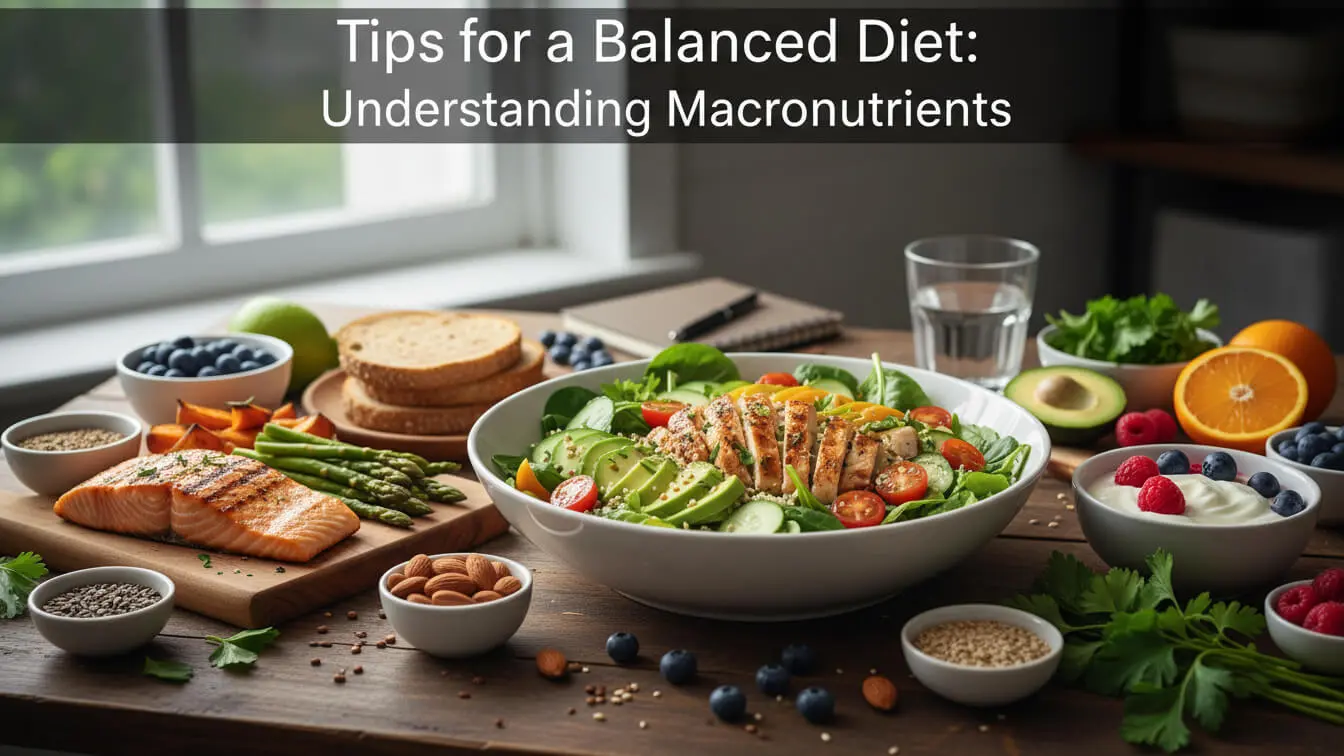
Text alone bores readers. Search engines value visuals for certain keywords—images and videos appear in search results. Visual content keeps people on your page longer.
Images Every 300-400 Words
Add an image every 300-400 words. This breaks up text and gives readers’ eyes a rest.
Use:
- Screenshots showing processes
- Charts displaying data
- Infographics summarizing key points
- Custom graphics illustrating concepts
Alt Text for Every Image
Alt text determines whether images appear in SERPs and how highly they rank. Write descriptive alt text with your keywords included naturally.
Bad alt text: “image1.jpg”
Good alt text: “SEO article structure showing H2 and H3 hierarchy”
Videos Increase Engagement
Embed relevant videos when possible. Wistia’s research shows pages with video have 2.6x higher engagement rates.
Create your own videos or embed related content from YouTube. Either works.
Tables and Charts for Data
Present data in tables or charts, not paragraphs. Compare features? Use a table. Show trends? Use a chart.
Example structure comparison:
| Element | Traditional Structure | SEO-Optimized Structure |
|---|---|---|
| Intro Length | 200-300 words | 100-150 words |
| H2 Sections | 3-4 | 6-8 |
| Internal Links | 0-2 | 3-5 |
| Images | 1-2 | 5-7 |
SEO Article Final Checklist
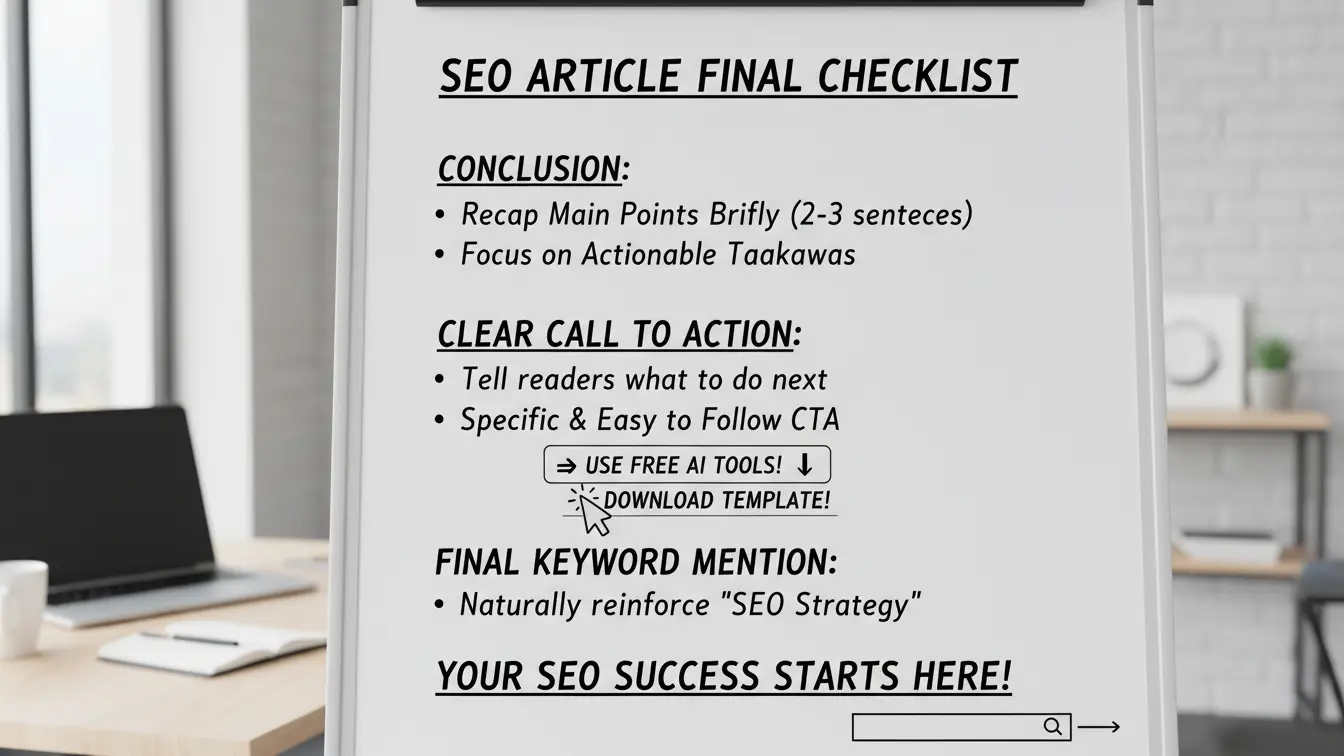
Your conclusion ties everything together. Don’t just repeat what you said. Give readers next steps.
Recap Main Points Briefly
Summarize your key points in 2-3 sentences. Hit the highlights, not every detail.
Focus on actionable takeaways. What should readers do with this information?
Clear Call to Action
Tell readers what to do next. Use one of our free AI tools to start implementing these strategies? Download a template? Read another guide?
Make the CTA specific and easy to follow.
Final Keyword Mention
Work your main keyword into the conclusion naturally. This reinforces topical relevance for search engines.
Frequently Asked Questions
How long should an SEO article be?
Aim for 2,000-2,500 words for comprehensive topics. Length matters less than value provided to readers. Cover your topic completely, whether that takes 1,500 or 3,000 words. Don’t pad content just to hit a number.
How many keywords should I target per article?
Focus on one primary keyword and 2-4 secondary keywords. Each secondary keyword should appear 2-7 times throughout the content. More keywords than that dilutes your focus and confuses search engines about your main topic.
Should I write the outline before the article?
Always. Outlining improves writing efficiency, ensures you include SEO requirements, and helps you outsource content at scale. Writing without an outline leads to rambling content that misses key points and requires heavy editing later.
How often should I update old articles?
Update content at least quarterly to ensure higher rankings. Google favors fresh content with current data. Review your articles every 3-4 months. Update statistics, add new examples, and refresh outdated screenshots.
Do I need to use tools like AI FREE FOREVER?
Tools speed up your process. AI prompt generators, keyword research tools, and headline generators from AI FREE FOREVER help you create better content faster. You can do everything manually, but tools save hours of work.
What’s the biggest mistake in article structure?
Burying important information. Content should satisfy search intent and provide information seekers need immediately. Start with the answer, then expand with details. Readers searching for solutions don’t want to wade through backstory first.
How many internal links are too many?
More than 8-10 internal links in a 2,000-word article starts looking spammy. Strategic internal linking helps users find related content and improves crawlability. Focus on quality over quantity—link only to genuinely relevant pages.
Should every article have a table of contents?
Articles over 1,500 words benefit from TOCs. They create jump links in search results and help readers navigate longer content. Skip TOCs for short posts under 1,000 words—they’re unnecessary for quick reads.
Need help creating structured content faster? Try AI FREE FOREVER’s long-form blog tool to generate outlines that follow these exact principles. Or use our title generator to craft headlines that pull clicks from search results.
The structure is yours. Now write articles that actually rank.