A year ago, most AI music video generators felt more like experiments than actual production tools. That has changed quickly. Today, creators can go from a rough concept to a fully rendered visual in minutes, not weeks, and the quality gap between AI-assisted output and traditional workflows is shrinking with every update.
The real challenge now is not whether to use these platforms, but which one to pick. The number of options in music video creation has grown fast, and each tool brings a different mix of features, limitations, and pricing. What follows is a practical breakdown of the top contenders and the details that actually set them apart.
Top AI Music Video Generators at a Glance
Before getting into individual breakdowns, a side-by-side comparison helps narrow the field. The AI video generator market is expanding fast, and the table below covers the five platforms worth evaluating right now, each serving a slightly different creative need.
| Platform | Best For | Audio Sync | Starting Price | Export Resolution |
| Freebeat | Full music video creation with minimal input | Yes, auto-sync | Free tier available | Up to 1080p |
| Kaiber | Stylized, abstract visuals | Yes, beat-reactive | $5/month (limited) | Up to 1080p |
| Neural Frames | Audio-reactive visuals tied to musical structure | Yes, deep audio analysis | Credit-based (~$9) | Up to 1080p |
| Runway | General-purpose video generation with fine control | Limited | Free tier + paid plans from $12/month | Up to 4K |
| Pika | Quick, lightweight clips from text or image prompts | Basic | Free tier available | Up to 1080p |
A few things stand out immediately. Kaiber and Neural Frames lean heavily into audio-reactive generation, making them strong picks for electronic and beat-driven genres. Runway offers the most flexibility as a general AI video generator, though its music-specific features are thinner. Pika and Freebeat both provide free entry points, which matters for creators testing the waters before committing to a subscription. The sections ahead break each one down in detail.
Best AI platforms for making music videos in 2026
Each platform listed above brings a different set of strengths to the table. The differences become clearer once you look past the marketing pages and focus on what each tool actually delivers in practice. The breakdowns below cover audio sync capability, output quality, pricing models, and the types of creators each platform serves best.
Freebeat
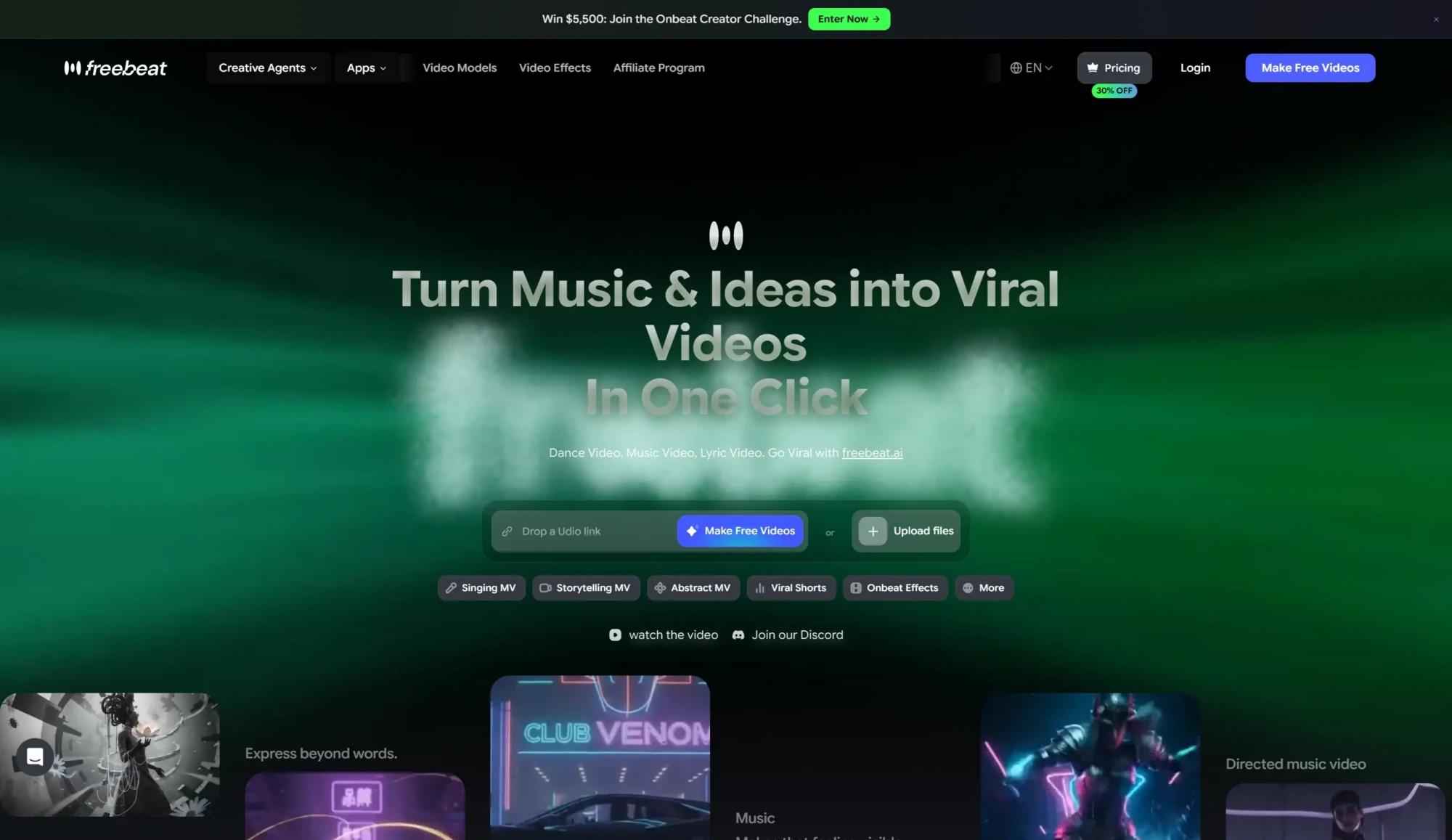
Freebeat music video maker takes a different approach by consolidating the entire music video creation process into a single workflow. Upload a track, and the platform handles visual generation, scene transitions, and audio synchronization with minimal manual input. The auto-sync feature maps visuals to the song’s structure automatically, which reduces the time between idea and finished product significantly.
A free tier is available, and exports reach up to 1080p. For creators who want a complete music video without juggling multiple tools or spending hours on manual adjustments, Freebeat offers the most streamlined path.
The tradeoff is creative granularity. Artists who want precise control over every frame or transition may find the automated pipeline limiting compared to more hands-on platforms like Runway. However, for speed and simplicity, it remains one of the most accessible options in the AI music video generator space.
Kaiber
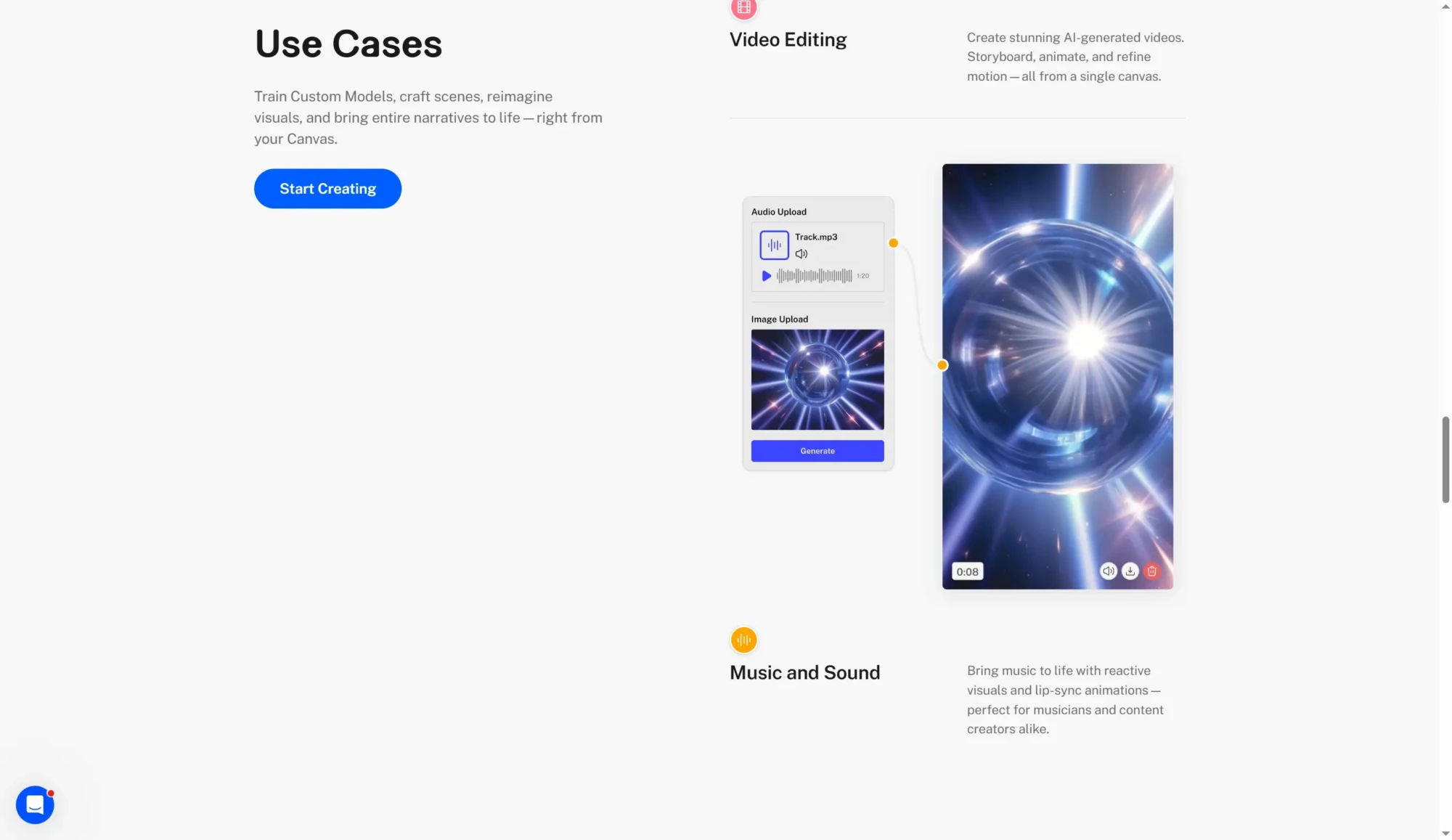
Kaiber has built its reputation around two core modes: Flipbook and Transform. Flipbook generates frame-by-frame animations from text prompts, giving outputs a stylized, almost hand-drawn quality. Transform, on the other hand, takes existing footage or images and re-renders them through AI filters, which is useful for creators who want to rework existing content into something visually distinct.
Where Kaiber stands out most is its audio-reactive generation. Upload a track, and the platform adjusts visual intensity, color shifts, and motion in response to the beat. This makes it a natural fit for electronic, hip-hop, and any genre where rhythm drives the visual narrative.
Pricing runs on a credit-based system starting at $5 per month, though that tier is limited in render length and resolution. Exports reach up to 1080p, which covers most social media and streaming needs.
The main tradeoff is creative control. While Kaiber handles stylized, abstract visuals well, it offers less precision than tools built for general-purpose video editing.
Neural Frames
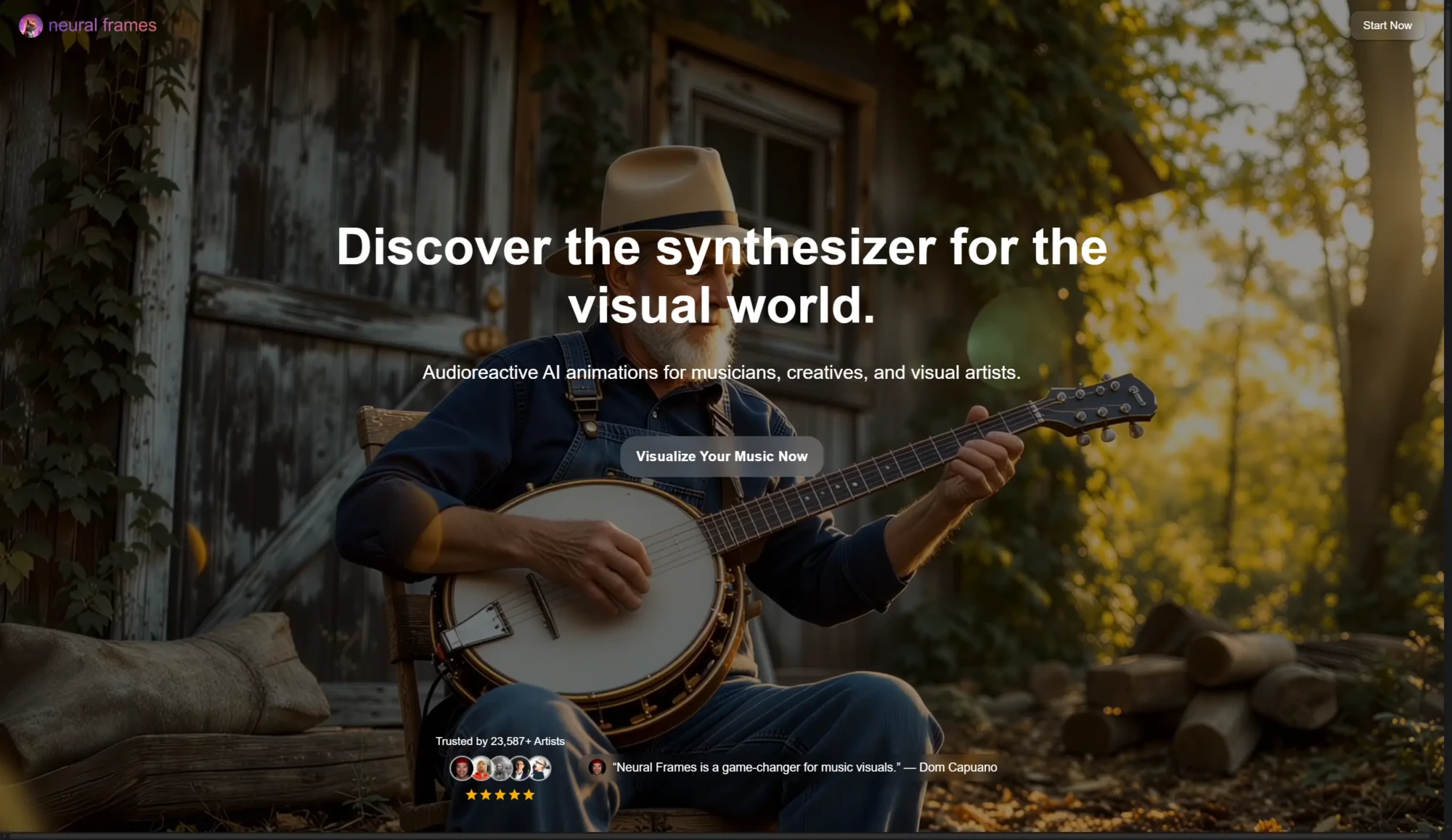
Neural Frames was purpose-built for music video creation, and that specialization shows. Its beat sync engine analyzes the underlying structure of a track, not just volume peaks, and maps visual transitions to rhythmic patterns with a level of accuracy that broader AI video generation platforms typically do not match.
The platform also supports lyric video generation, overlaying text that follows the cadence of vocals. For artists who need both a music visualizer and a lyric display in one output, this combination is hard to find elsewhere.
Neural Frames uses a subscription model starting around $9, with credits allocated based on render length and complexity. Output quality reaches 1080p.
The limitation worth noting is flexibility. Because the tool is so tightly focused on audio synchronization, it is less suited for non-music video projects or creators who want broader editing capabilities.
Runway
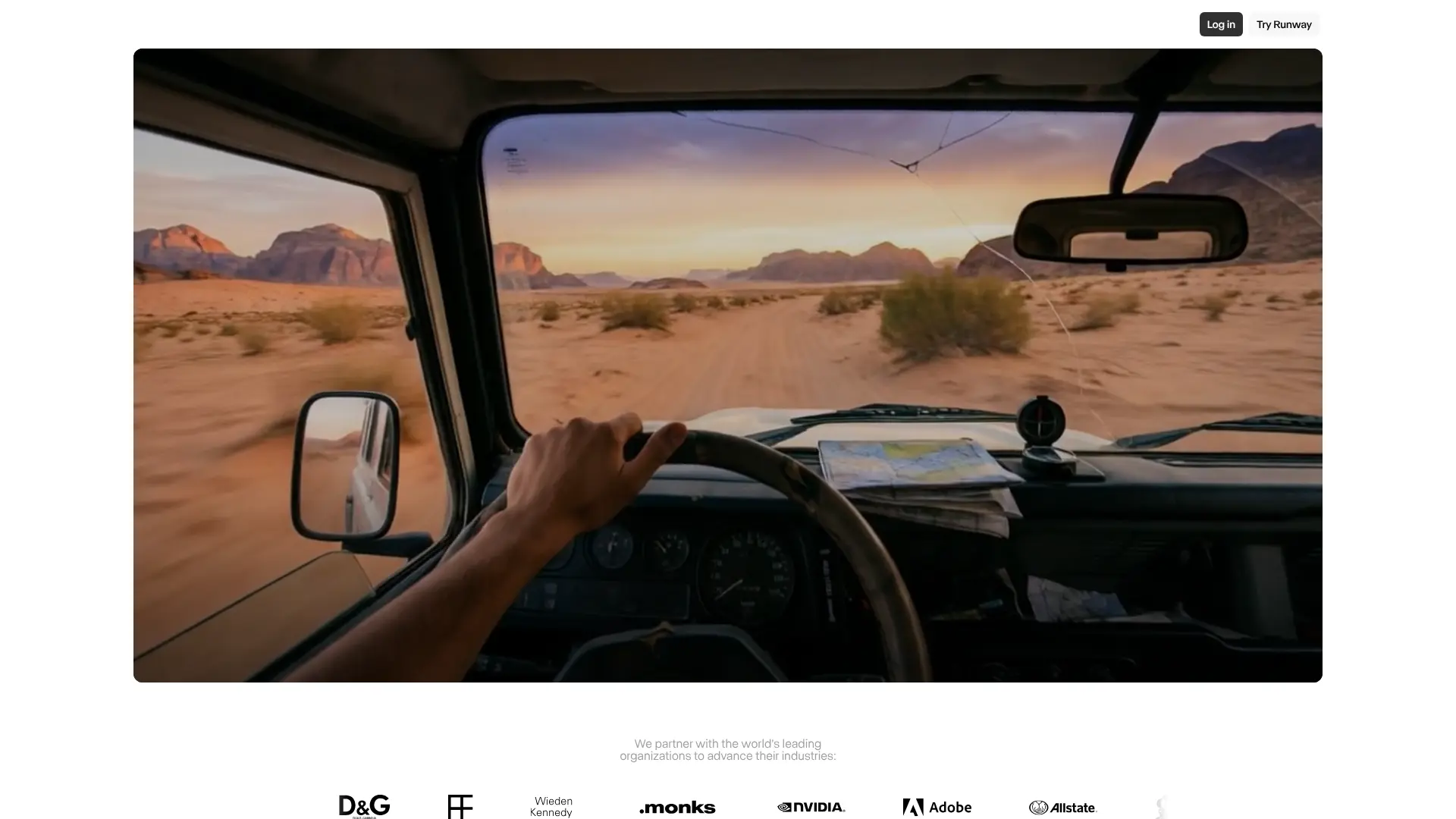
Runway occupies a different position in this space entirely. Its Gen-2 and Gen-3 models are designed for general AI video generation, offering a wide range of creative controls including motion brushes, inpainting, and style transfers. The output quality can reach up to 4K, putting it a step above most competitors in raw resolution.
For music video creators, Runway’s strength lies in its versatility. Text-to-video generation, image-to-video animation, and fine-grained editing tools make it possible to produce professional-grade results with more creative direction than fully automated platforms allow. Compared to other AI video generation platforms, Runway offers one of the broadest feature sets available.
The tradeoff is price and learning curve. Runway’s free tier is limited, and paid plans start at $12 per month with usage caps that can add up quickly on longer projects. Audio-reactive features are minimal compared to Kaiber or Neural Frames, so creators looking for tight beat sync may need to handle that in post-production.
Pika
Pika has gained traction for a simple reason: speed. Its text-to-video pipeline turns short prompts into usable clips quickly, making it one of the fastest tools for rapid iteration. Creators who need to test multiple visual concepts before committing to a direction will find this workflow appealing.
A free tier is available, which makes Pika accessible to independent artists and smaller creators exploring AI-assisted video for the first time. The interface stays lightweight and approachable, avoiding the complexity that can slow down less technical users.
The limitations are real, though. Resolution tops out at 1080p, and output length per generation is short. Audio synchronization support is basic at best, so Pika works better as a concept tool or a source for short clips that get assembled in a separate editor. For full-length music videos with tight audio-reactive visuals, it is not the strongest option on its own.
AI Music Video Tool Use Cases
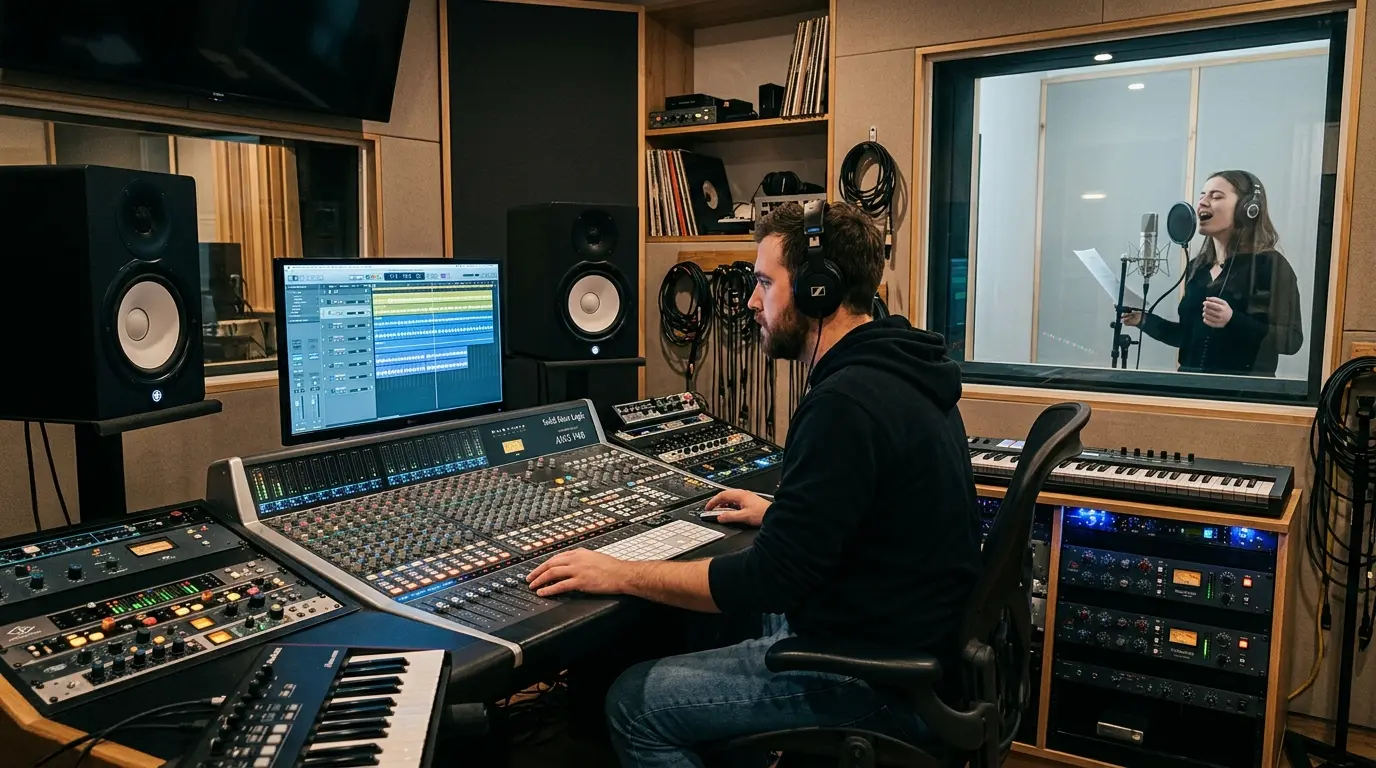
Four creator profiles drive most AI music video decisions: budget-conscious indie artists, high-volume content creators, cinematic-focused producers, and labels managing multiple releases. Each group needs different things from a tool.
Indie artists on a budget benefit most from free tiers and strong audio-reactive defaults. Pika offers a no-cost starting point for quick visual experiments, while Neural Frames pairs affordable credit-based pricing with deep beat synchronization that suits artists who want polished output without heavy editing.
Content creators producing at volume should prioritize speed and template variety. Kaiber’s Flipbook and Transform modes allow rapid iteration across visual styles, making it easier to keep up with frequent release schedules.
Professional producers after cinematic quality will find Runway’s 4K output and granular editing controls the closest match. The added precision comes with a steeper learning curve, but the creative ceiling is noticeably higher.
Marketers and labels managing multiple releases need strong export options, branding flexibility, and the ability to handle batch output efficiently. Platforms with customizable workflows and varied export formats fit this profile best.
These groupings are a starting point, not rigid rules. Many creators will find that their needs fall between categories, making it worth testing a free tier before locking into a paid plan.
How to pick the right AI music video tool
No single AI music video generator covers every creative scenario equally well. The right choice depends on the role audio plays in the final output, how much manual control a creator wants, and whether speed or visual fidelity matters more for a given project.
For music-specific work, audio sync capability deserves extra weight in the decision. Platforms that treat the track as a core input, not an afterthought, produce noticeably tighter results.
Most of these tools offer free tiers or trials, which makes hands-on testing the most reliable way to evaluate fit. A few test renders will reveal more about music video creation workflows than any feature comparison alone.