Creating videos used to take hours of filming, editing, and post-production work. Now, AI video generators can turn your ideas into professional-looking videos in minutes. While OpenAI’s Sora 2 has grabbed headlines with its realistic video generation capabilities, it’s not the only player in town.
In this guide, we’ll walk you through the 8 best Sora AI alternatives that can transform your video creation process. From free tools to enterprise solutions, we’ve got options for every budget and skill level.
Table of Contents
- What is Sora AI and Why Look for Alternatives?
- AI FREE FOREVER – Free AI Video Generation
- Runway Gen-4 – Best for Character Consistency
- Kling AI – Best Value for Money
- Google Veo 3.1 – Best Free Alternative
- HeyGen – Best for AI Avatar Videos
- Pika Labs – Best for Creative Effects
- Luma AI – Best for 3D Scene Generation
- Synthesia – Best for Business Videos
- Quick Comparison Table
- How to Choose the Right AI Video Generator
- Frequently Asked Questions
- Key Takeaways
What is Sora AI and Why Look for Alternatives?
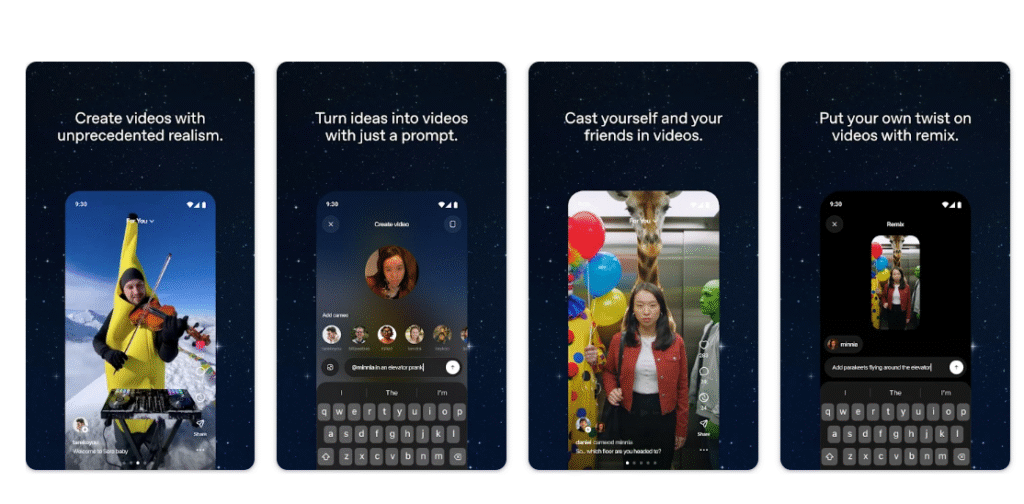
Sora AI is OpenAI’s text-to-video model that creates realistic video clips from text descriptions. Sora 2, released in September 2025, brought major improvements including synchronized audio, better physics simulation, and the ability to create multi-shot narratives. The model can generate videos up to 20 seconds long with impressive realism. However, Sora comes with several limitations that push users to explore alternatives. First, access is restricted – you need an invite or a ChatGPT Plus/Pro subscription, and it’s only available in select countries.
Second, the pricing can add up quickly. OpenAI now charges $4 for 10 additional video generations, and plans to reduce free generations as demand grows. Third, the platform has faced copyright controversies regarding its training data. These issues have created demand for alternatives that offer better accessibility, more affordable pricing, or different feature sets. Let’s explore the top options available right now.
1. AI FREE FOREVER – Free AI Video Generator
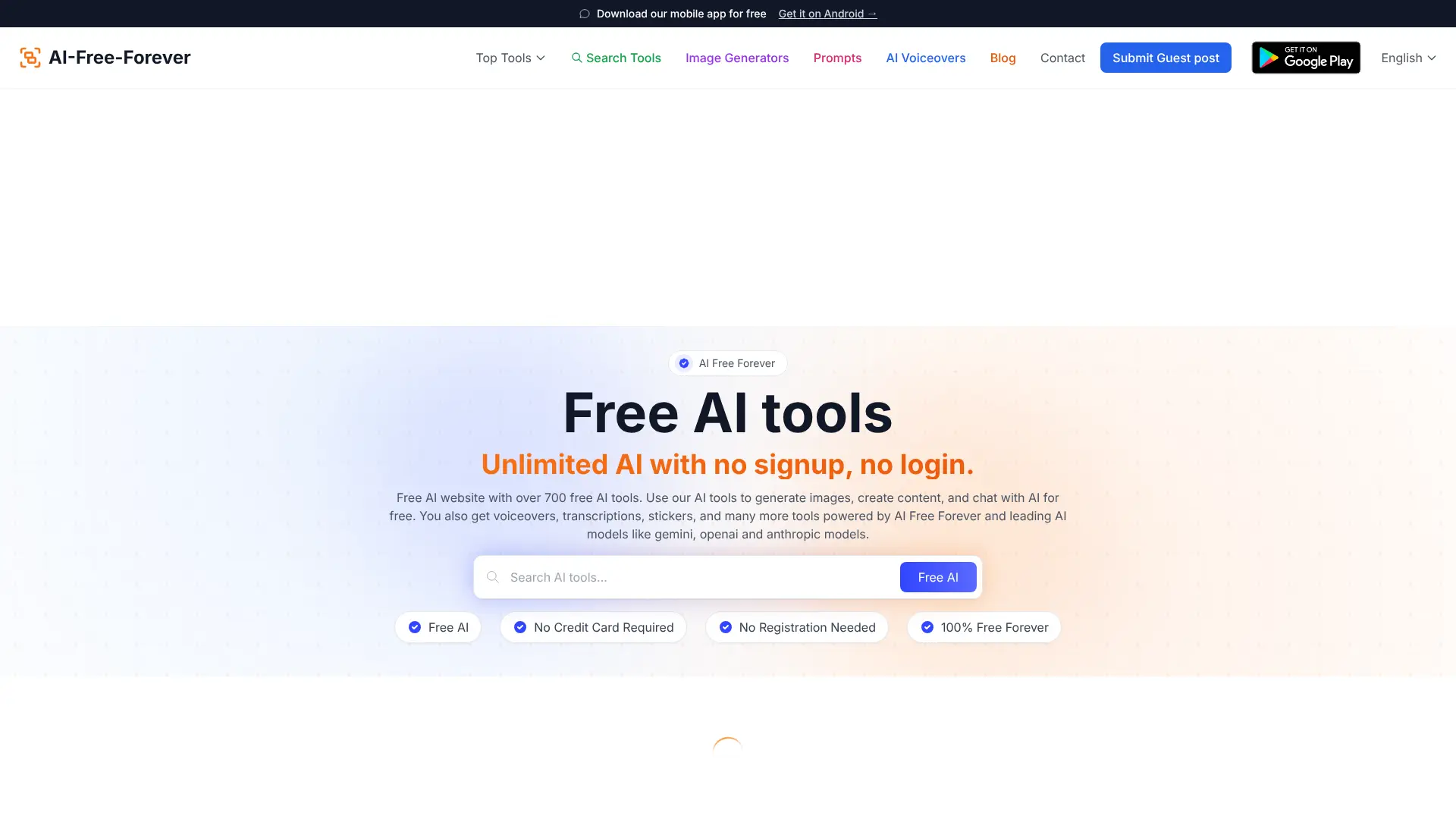
Looking for a completely free way to create AI videos? AI FREE FOREVER is your go-to platform. Unlike Sora and other premium tools, AI FREE FOREVER provides unlimited access to AI video generation without any subscription fees or credit systems.
Why Choose AI FREE FOREVER?
AI FREE FOREVER stands out because it removes the barriers that make other AI video tools hard to access. You don’t need to sign up for expensive subscriptions, buy credit packages, or wait for invite codes. The platform offers:
- 100% Free Access: No hidden costs, no credit limits, no surprise charges
- Multiple AI Tools: Beyond video generation, access over 200 free AI tools including AI art generators, video prompt generators, and text-to-speech tools
- No Technical Skills Required: Simple interface that anyone can use
- Regular Updates: New features and tools added constantly
Whether you’re creating content for social media, testing video ideas, or producing marketing materials on a tight budget, AI FREE FOREVER delivers professional results without the premium price tag. Check out their video prompt generator to get started with perfect prompts for any AI video tool.
Best For: Budget-conscious creators, students, small businesses, and anyone wanting to experiment with AI video generation without financial commitment.
2. Runway Gen-4 – Best for Character Consistency
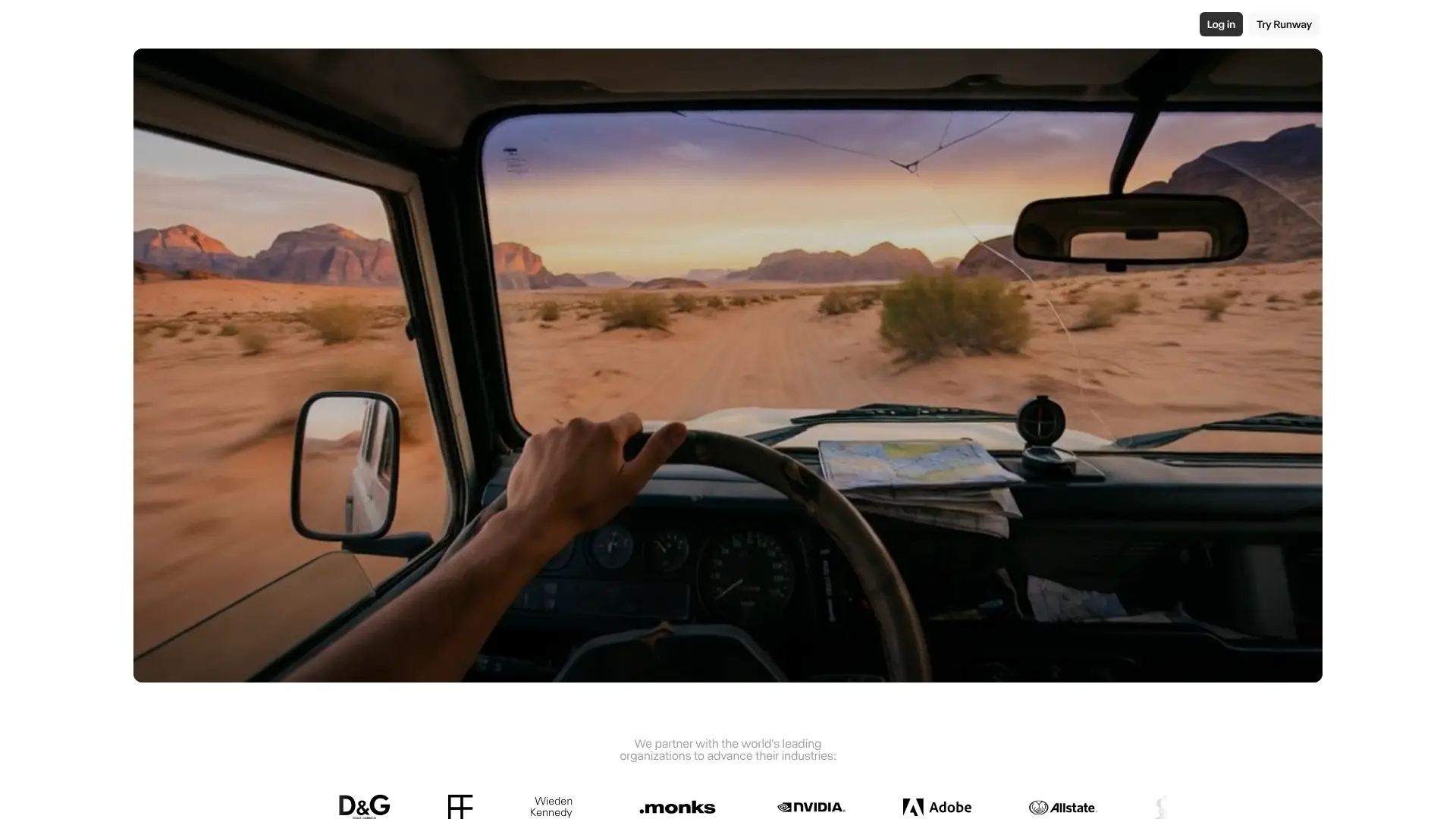
Runway has been a pioneer in AI video generation, and Gen-4 represents their most advanced model yet. Released in March 2025, Gen-4 solves one of AI video’s biggest problems: maintaining consistent characters, objects, and scenes across multiple shots.
What Makes Runway Gen-4 Special?
According to VentureBeat, Gen-4’s character consistency feature is a game-changer for AI filmmaking. Previous AI video generators treated each frame separately, causing characters to look different between cuts. Gen-4 maintains a “persistent memory” of visual elements, keeping characters, lighting, and objects consistent throughout your video.
Key Features:
- Character Consistency: Upload a reference image and Gen-4 keeps that character looking the same across different scenes and angles
- Advanced Physics: Realistic motion and interactions that follow real-world physics laws
- Multi-Shot Capabilities: Create narrative sequences with multiple connected shots
- Style Control: Generate videos in various styles from photorealistic to animated
- Gen-4 Turbo: 7x faster generation speed compared to previous versions
Pricing:
Runway offers several pricing tiers. The Standard plan starts at $15/month with 625 credits. The Pro plan costs $35/month with 2,250 credits. For unlimited access, the Unlimited plan is $95/month. A free plan provides 125 credits to test the platform.
Who Should Use Runway Gen-4?
Gen-4 is perfect for filmmakers, content creators, and marketers who need consistent characters across multiple scenes. If you’re creating narrative content, product demonstrations, or any video requiring visual continuity, Runway delivers professional results. TechCrunch reports that major studios including Lionsgate are using Runway’s technology to reduce VFX costs by millions of dollars. Best For: Professional video creators, filmmakers, advertising agencies, and content producers who need consistent characters and high-quality output.
Website:https://runwayml.com/
3. Kling AI – Best Value for Money
Developed by Chinese tech company Kuaishou, Kling AI has quickly become one of the most popular Sora alternatives thanks to its impressive quality-to-price ratio. The platform generates videos up to 2 minutes long at 1080p resolution with 30fps.
What Sets Kling AI Apart?
Kling AI uses a 3D Spatiotemporal Joint Attention Mechanism that creates smooth, realistic motion. The platform excels at complex movements and scene transitions, often matching or exceeding more expensive competitors in video quality.
Core Features:
- Extended Video Length: Create videos up to 2 minutes long (3 minutes with extension feature)
- Multiple Input Methods: Text-to-video, image-to-video, and multi-image generation
- Advanced Motion Control: Motion brush tool for precise movement control
- Lip Sync Capabilities: AI-powered lip syncing for talking characters
- Free Daily Credits: 66 free credits every day for testing
Pricing Structure:
Kling AI operates on a credit-based system. The free plan provides 66 daily credits. The Standard plan costs $10/month for 660 credits. The Pro plan is $37/month with 3,000 credits, and the Premier plan offers 7,000 credits for $92/month. A 10-second professional-quality video typically costs 70 credits.
Performance and Quality:
Multiple AI video generator comparisons rank Kling AI among the top performers for realistic motion and detailed animations. The platform handles character animations and smooth lip-syncing better than many competitors, making it ideal for character-focused content. Best For: Content creators who need high-quality videos without breaking the bank, social media marketers, and anyone wanting professional results at an affordable price.
4. Google Veo 3.1 – Best Free Alternative
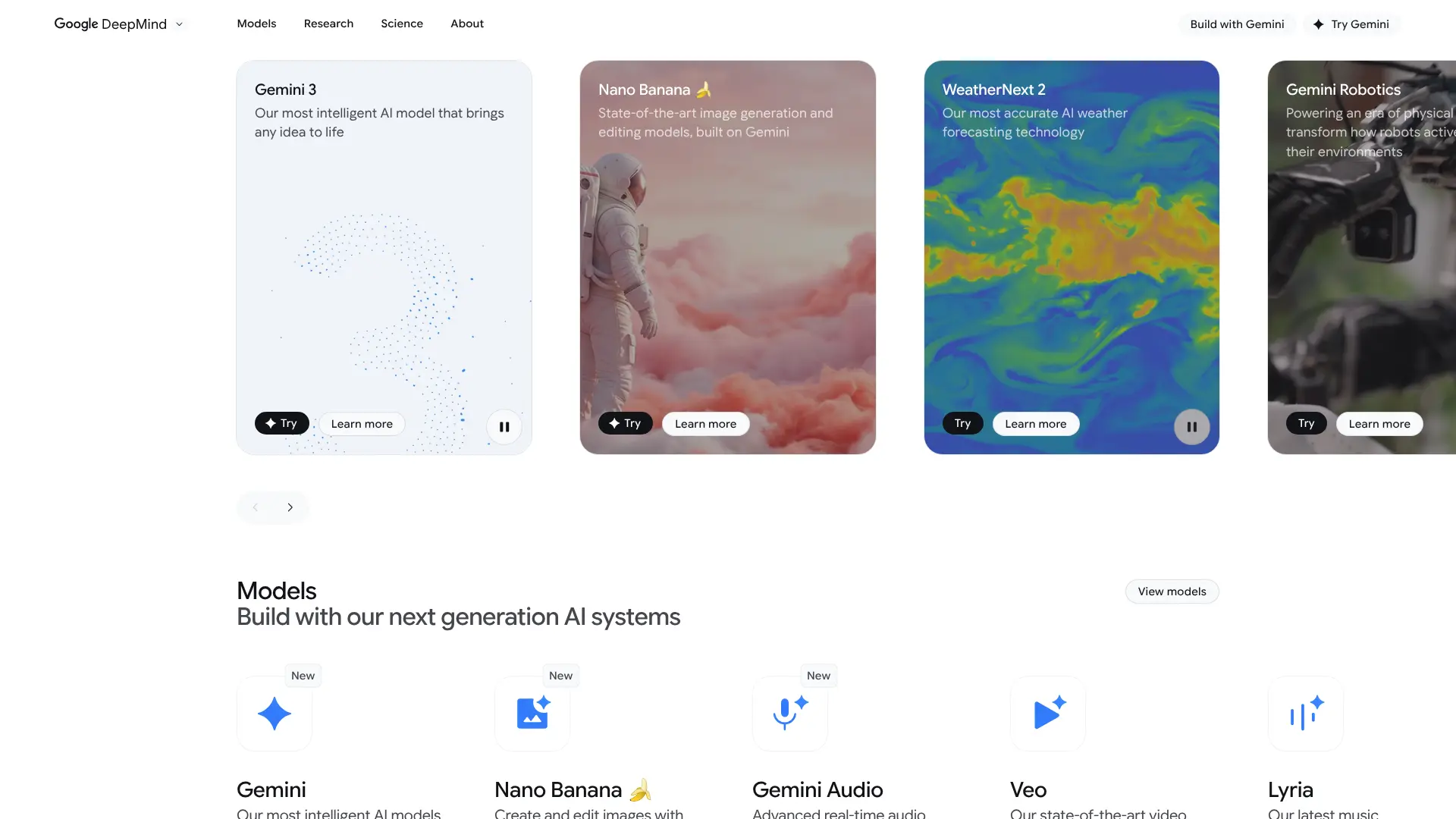
Google’s Veo 3.1 might be the best free Sora alternative available right now. Launched in 2025 and integrated into Google’s Gemini app, Veo 3.1 offers stunning video quality without requiring payment or invite codes.
Why Veo 3.1 Stands Out:
Veo 3.1 generates videos with exceptional natural lighting, realistic camera movements, and emotional depth. The model excels at creating cinematic shots with proper depth of field and atmospheric effects. Generation speed is impressive too – about 1 minute 8 seconds for an 8-second clip.
Notable Features:
- Free Access: Available through Google’s Gemini app at no cost
- High Resolution: Generates 1080p videos with rich detail
- Cinematic Quality: Realistic lighting, camera movements, and scene composition
- Audio Generation: Synchronized sound effects and music
- Fast Rendering: Quick generation times compared to competitors
- Canva Integration: Now available in Canva Pro for easy editing
Real-World Performance:
Video editors and content creators praise Veo 3.1 for its quality-to-speed ratio. The model handles dialogue and emotional expressions particularly well, making characters feel alive and natural. This makes it perfect for projects requiring realistic human interactions or expressive performances.
Limitations:
While Veo 3.1 is free and powerful, it doesn’t offer frame-by-frame editing yet. You also can’t edit generated clips directly within the tool, though the Canva integration helps bridge this gap. Best For: Budget-conscious creators, social media content producers, and anyone wanting high-quality AI video generation without paying subscription fees.
5. HeyGen – Best for AI Avatar Videos
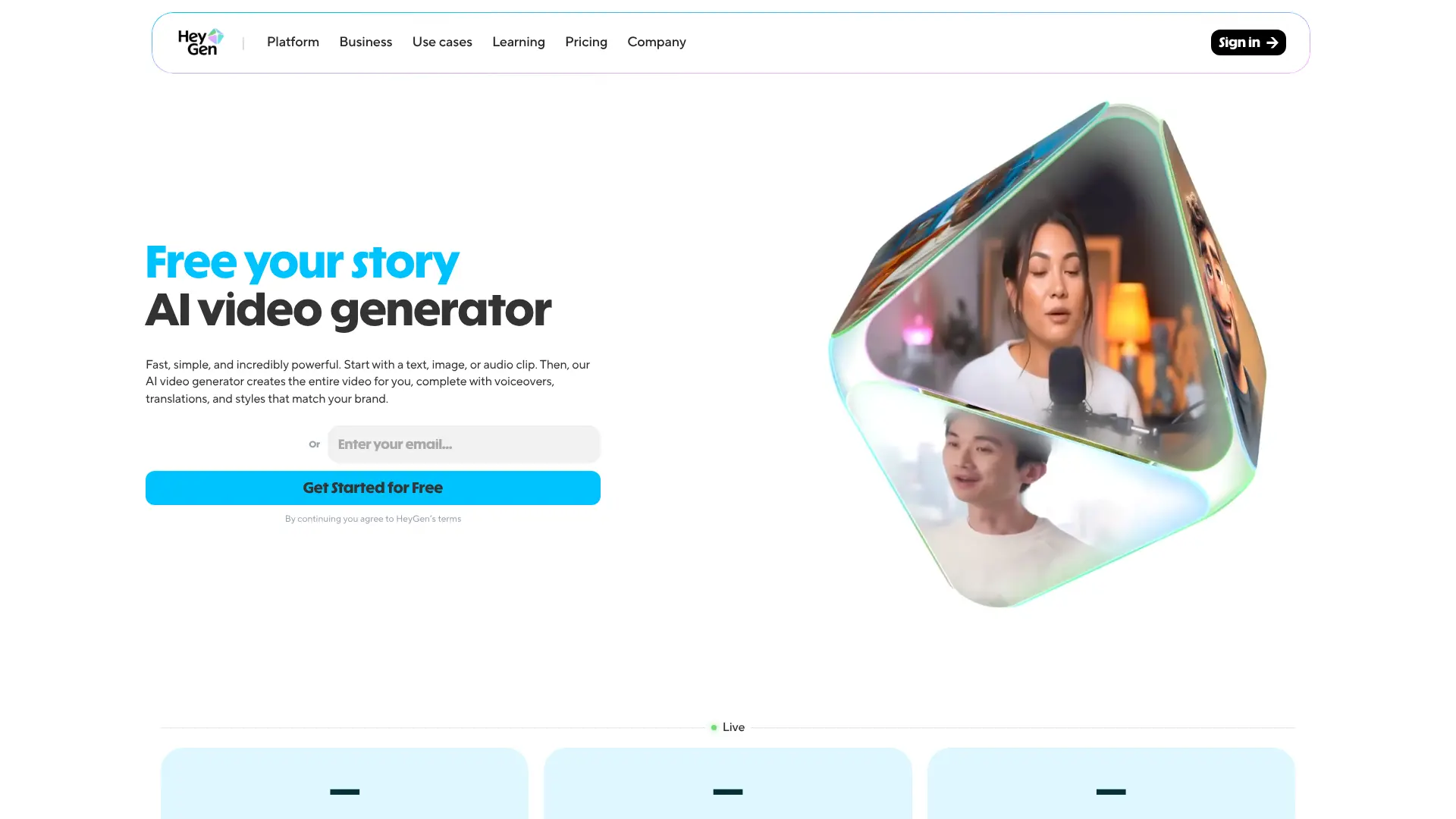
HeyGen takes a different approach to AI video generation by focusing on AI avatars – digital presenters who can deliver your message without you ever appearing on camera. Launched in 2020, HeyGen has become the go-to platform for businesses creating training videos, product demos, and marketing content.
What Makes HeyGen Unique?
HeyGen specializes in creating ultra-realistic AI avatars that can speak in 175+ languages with perfect lip sync. The platform’s Avatar IV model represents the most lifelike AI avatar technology available, turning single photos into fully animated, talking video presenters.
Key Capabilities:
- Avatar Creation: Create custom avatars from photos or choose from 500+ stock avatars
- Voice Cloning: Clone your voice or use 100+ realistic AI voices
- Video Translation: Translate videos into 175+ languages with synced lip movements
- Text-to-Video: Turn scripts into complete videos with avatars presenting
- No Camera Needed: Create professional videos without filming equipment
Use Cases:
HeyGen excels at creating explainer videos, training materials, sales pitches, and social media content. Companies use it to create localized content for global markets without reshooting videos in multiple languages. Research shows that AI avatars can reduce video production costs by 80%.
Pricing:
HeyGen offers a free plan with 3 short videos per month. Paid plans start at $24/month for the Creator plan. The Business plan costs $72/month, and enterprise pricing is available for larger teams. Best For: Businesses creating training content, marketers needing multilingual videos, educators, and anyone who wants professional presenter-style videos without being on camera.
6. Pika Labs – Best for Creative Effects
Pika Labs brings a creative twist to AI video generation with its focus on effects, modifications, and artistic control. The platform’s Pika 2.1 update introduced 1080p HD generation and the innovative Pikadditions feature.
What Makes Pika Special?
Pika stands out for its creative effects tools called Pikaffects. These allow you to modify videos in ways other platforms can’t match – from adding realistic explosions to changing materials and textures. The platform focuses on giving creators artistic control rather than just generating videos from scratch.
Website: https://pika.art/
Standout Features:
- Pikaffects: Apply creative effects like crush, inflate, melt, and explode to videos
- Pikadditions: Seamlessly add people or objects into existing videos
- HD Generation: Create 1080p videos with detailed visuals
- Ingredients System: Add specific elements to guide video generation
- Templates: Pre-built structures for common video types
Who Uses Pika Labs?
Major brands including Fenty and Balenciaga have used Pika Labs for product videos and marketing content. The platform’s creative effects make it popular with social media creators who want eye-catching, shareable content.
Pricing:
Pika offers a free plan with limited features. The Standard plan costs $10/month, providing good value for regular creators. Pro plans with additional features are available at higher tiers. Best For: Creative professionals, social media content creators, product marketers, and anyone wanting to add special effects to AI-generated videos.
7. Luma AI – Best for 3D Scene Generation
Luma AI brings 3D capabilities to AI video generation, allowing creators to generate videos with realistic depth and spatial awareness. While other tools focus on 2D generation, Luma specializes in creating videos that feel dimensional and immersive.
Key Features:
- 3D-Aware Generation: Videos with realistic depth and spatial relationships
- Camera Control: Precise control over camera angles and movements
- High-Quality Output: Polished, professional-looking results
- Quick Generation: Fast processing times for most projects
Website: https://lumalabs.ai/
Pricing:
Luma AI offers a free tier with limited generations. The Standard plan provides more credits at competitive pricing. The Unlimited plan costs $94.99/month for commercial users who need high-volume generation. Best For: 3D artists, product visualizers, architectural presentations, and creators needing dimensionally-aware video content.
8. Synthesia – Best for Business Videos
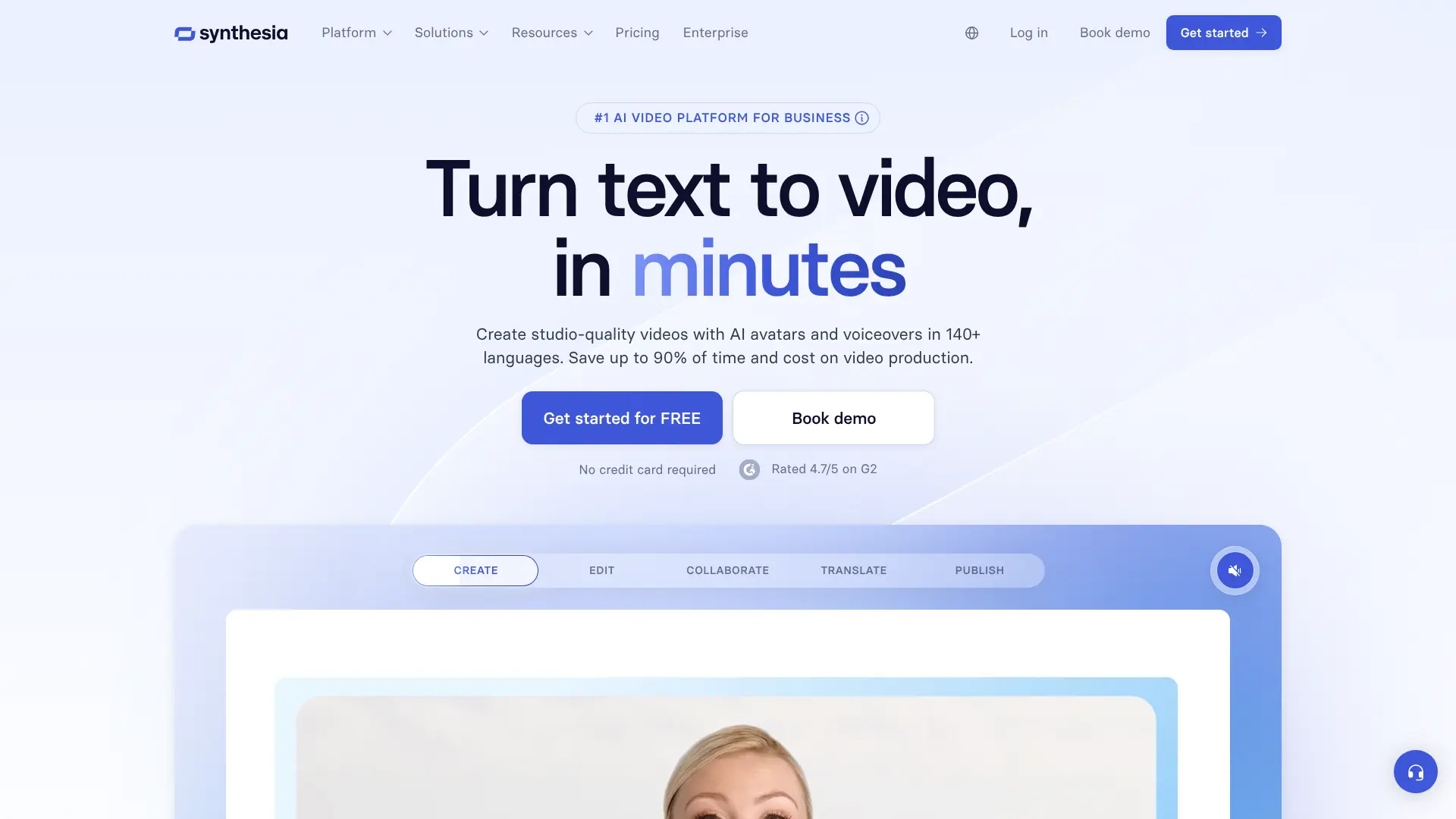
Synthesia positions itself as the enterprise solution for AI video generation. With over 90% of Fortune 100 companies using the platform, Synthesia focuses on business applications like training, onboarding, and corporate communications.
Enterprise Features:
- 140+ Languages: Create videos in nearly any language
- Brand Kits: Maintain consistent branding across all videos
- Team Workflows: Collaboration tools for larger teams
- LMS Integration: Export videos compatible with learning management systems
- AI Presenters: Professional avatars for corporate content
Website: https://www.synthesia.io/
Why Businesses Choose Synthesia:
Synthesia reports that companies use the platform to replace traditional video production for internal communications, reducing costs and production time significantly. The platform turns scripts and documents into presenter-led videos without cameras or studios.
Pricing:
Synthesia’s pricing is geared toward businesses rather than individual creators. Plans include features for team collaboration, brand management, and enterprise-level support. Best For: Large corporations, training departments, HR teams, and businesses creating high volumes of internal communication videos.
Best AI video creators
| Platform | Starting Price | Best Feature | Video Length | Best For |
|---|---|---|---|---|
| AI FREE FOREVER | FREE | Unlimited free access | Varies | Budget-conscious creators |
| Runway Gen-4 | $15/month | Character consistency | 5-10 seconds | Professional filmmakers |
| Kling AI | $10/month | Best value/quality ratio | Up to 2 minutes | Content creators |
| Google Veo 3.1 | FREE | Cinematic quality | 8+ seconds | Free high-quality videos |
| HeyGen | $24/month | AI avatars & voices | Varies | Business presentations |
| Pika Labs | $10/month | Creative effects | Varies | Social media creators |
| Luma AI | Free tier | 3D generation | Varies | 3D content creators |
| Synthesia | Enterprise | Business features | Varies | Large corporations |
How to Choose the Right AI Video Generator
Picking the right AI video generator depends on your specific needs, budget, and use case. Here’s how to make the best choice:
Consider Your Budget
If you’re just starting out or have limited funds, begin with free options like AI FREE FOREVER or Google Veo 3.1. These platforms let you experiment without financial commitment. Once you know what you need, you can upgrade to paid tools like Kling AI or Runway Gen-4 for advanced features.
Think About Your Content Type
Different platforms excel at different content types. For narrative storytelling with consistent characters, choose Runway Gen-4. For business presentations and training videos, HeyGen offers the best avatar technology. Social media creators benefit most from Pika Labs’ creative effects, while Kling AI provides the best all-around value.
Check Language Requirements
Need multilingual content? HeyGen supports 175+ languages with automatic translation and lip sync. This makes it perfect for global businesses or creators targeting international audiences.
Evaluate Video Length Needs
Most AI video generators limit video length. Sora creates 20-second clips, while Kling AI can generate videos up to 2 minutes (or 3 minutes with extensions). Consider how long your typical video needs to be when choosing a platform.
Test Before Committing
Take advantage of free trials and free tiers. Most platforms offer ways to test their capabilities before paying. This helps you find the tool that matches your workflow and produces the quality you need.
Look at Generation Speed
If you’re producing high volumes of content, generation speed matters. Google Veo 3.1 and Runway Gen-4 Turbo offer faster processing times, letting you create more videos in less time.
Frequently Asked Questions
Is Sora AI available to everyone?
No, Sora AI requires either an invite code or a ChatGPT Plus/Pro subscription. It’s currently only available in select countries including the US, Canada, Japan, Korea, Thailand, Taiwan, and Vietnam. The Android app launched in November 2025, expanding access slightly.
Are there completely free AI video generators?
Yes! AI FREE FOREVER and Google Veo 3.1 offer free access to AI video generation. Kling AI also provides 66 free credits daily. While these free options may have some limitations, they’re perfect for testing or creating content on a budget.
Which AI video generator has the best quality?
Quality depends on your needs. Runway Gen-4 leads in character consistency and narrative videos. Google Veo 3.1 produces the most cinematic results with natural lighting. Kling AI offers the best quality-to-price ratio. For business presentations, HeyGen’s avatars look most professional.
How long does it take to generate an AI video?
Generation times vary by platform and video complexity. Simple videos might take 1-3 minutes on faster platforms like Google Veo 3.1. More complex videos with multiple scenes can take 5-10 minutes. Free tier users often experience longer wait times due to server demand.
Can I use AI-generated videos for commercial purposes?
Most paid plans allow commercial use, but check each platform’s terms of service. Free tiers often restrict commercial usage. Platforms like HeyGen and Synthesia specifically cater to business users with commercial licenses included in their plans.
Do AI video generators include audio?
Many modern AI video generators include synchronized audio. Sora 2, Google Veo 3.1, and HeyGen all generate videos with sound effects, music, or voiceovers. Some platforms let you add custom audio or use AI voice cloning for personalized narration.
What’s the maximum video length for AI generators?
Video length limits vary significantly. Sora creates 20-second clips. Kling AI can generate up to 2 minutes (or 3 with extensions). Runway Gen-4 produces 5-10 second clips. For longer content, you’ll need to stitch multiple generations together using AI video editing tools.
Can AI video generators maintain character consistency?
Character consistency was a major challenge until recently. Runway Gen-4 now excels at keeping characters, objects, and scenes consistent across multiple shots. This breakthrough makes it possible to create longer narrative content with AI-generated video.
Are AI video generators replacing traditional filmmaking?
AI video generators complement rather than replace traditional filmmaking. They’re excellent for concept visualization, B-roll footage, product demos, and quick social media content. However, professional film productions still require human creativity, direction, and artistic vision. Studies estimate that by 2026, over 100,000 U.S. entertainment jobs may be disrupted by AI, but the technology creates new opportunities in AI-assisted production.
What’s the difference between text-to-video and image-to-video?
Text-to-video generators create videos from written descriptions. You type what you want to see, and the AI generates it. Image-to-video tools animate existing images, adding motion and life to static pictures. Many platforms like Kling AI and HeyGen support both methods, giving you flexibility in how you create content.