
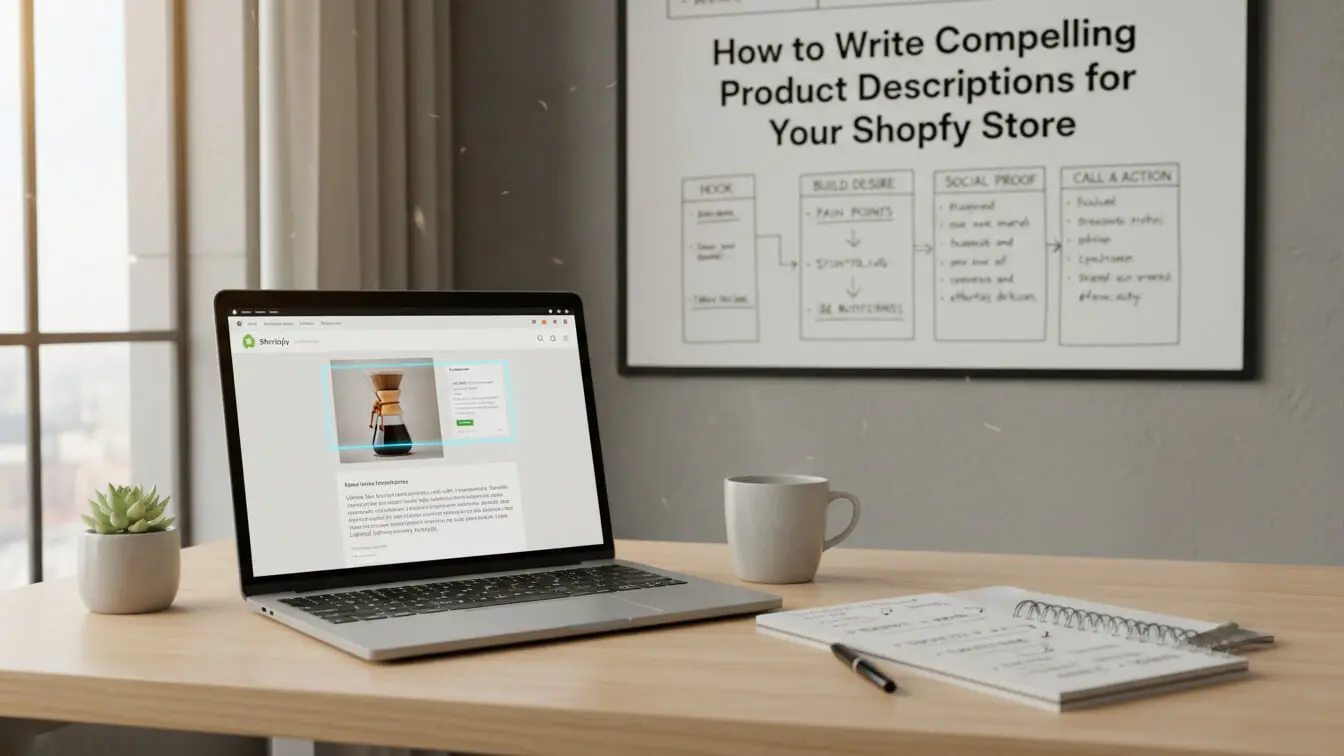
Your Shopify store gets traffic, but sales aren’t matching the visitor count. The problem isn’t your products,it’s how you describe them. Product copy that converts is built on psychology, not flowery language. When Salsify surveyed shoppers, 87% said clear product descriptions heavily influence their buying decisions.
Writing product descriptions is about translating features into benefits that speak directly to customer pain points. Stores that nail this see conversion rates jump 10% or more, according to research by Stellar Content. That’s extra sales without spending a cent on ads.
This guide walks through tested product description copywriting methods that drive conversions. You’ll learn how to research your audience, structure copy for skimmers, smuggle in keywords naturally, and write in a voice that sells. By the end, you’ll have a framework that turns product pages into revenue machines.
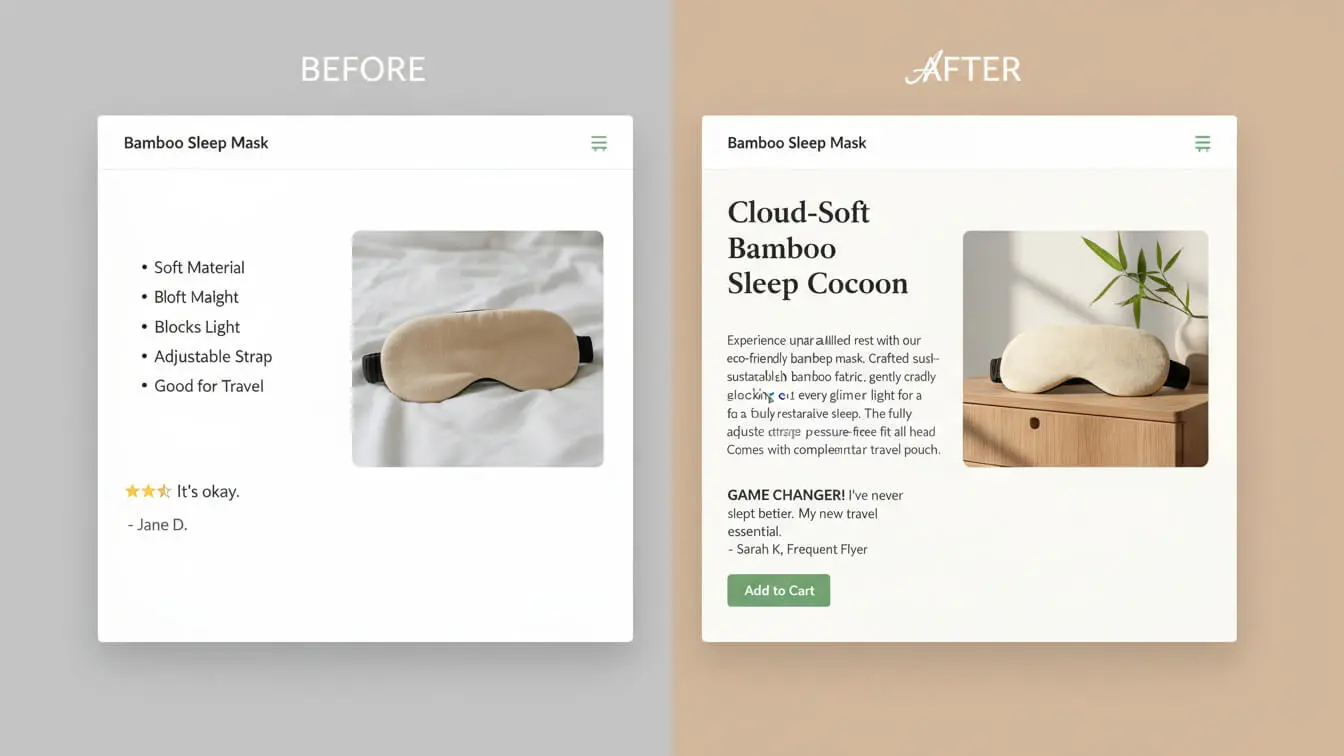
Table of Contents
- What Makes Product Descriptions Work
- Research Your Buyers First
- Write Benefits, Not Feature Lists
- Use Words That Trigger the Senses
- Structure Copy for Fast Readers
- Smuggle Keywords Without Sounding Robotic
- Add Trust Signals That Actually Work
- Craft CTAs That Push Buyers Forward
- Test and Fix What Doesn’t Convert
- Mistakes That Kill Conversions
- Free Tools to Speed Up Your Writing
- FAQ
- Key Takeaways
What Makes Product Descriptions Work
A product description isn’t an instruction manual. It’s a sales pitch that happens when you’re not in the room. Good ecommerce product descriptions answer three questions: What is it? What does it do for me? Why should I trust you?
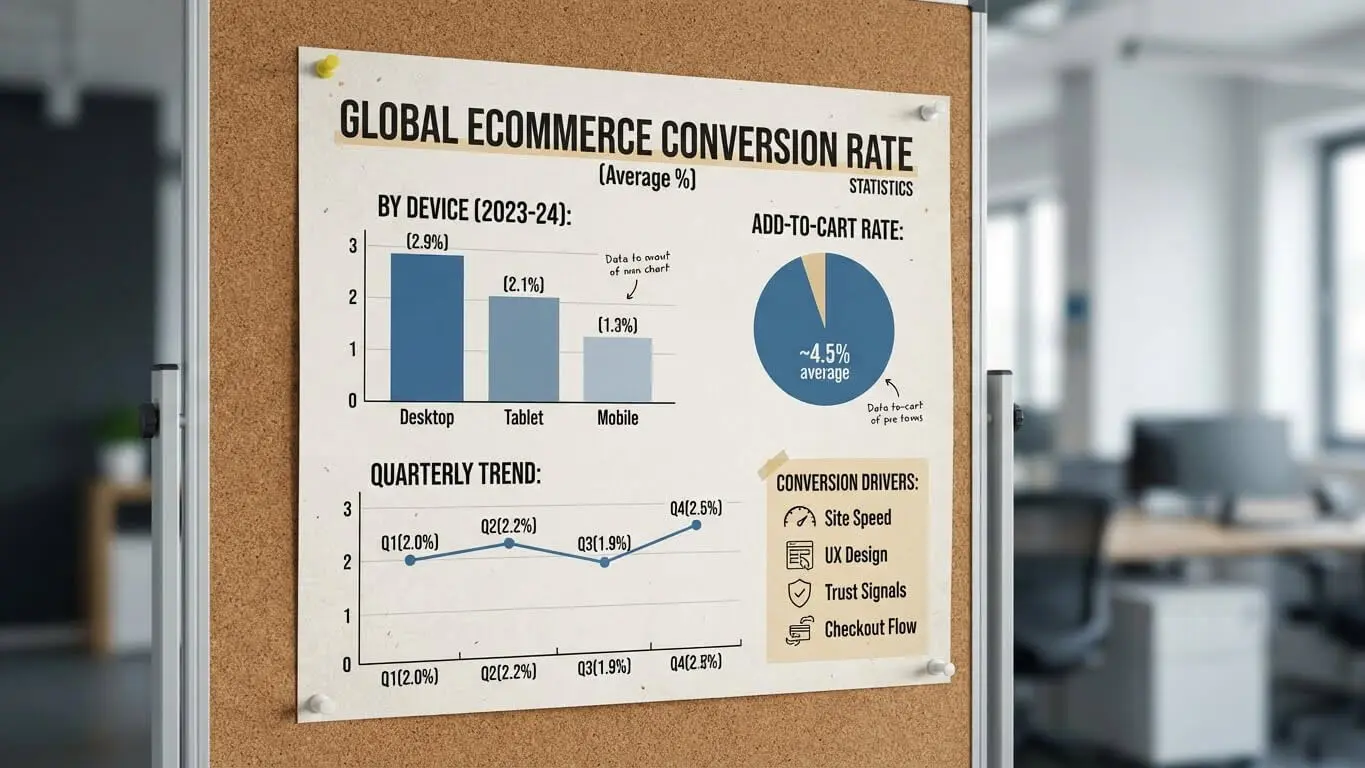
The average ecommerce conversion rate sits between 2% and 4% globally, according to Speed Commerce data. Food and beverage stores convert highest at 4.9%, while home and furniture lag at 1.4%. Product copy is one of the biggest levers that move these numbers.
When shoppers can’t touch or test your product, words bridge that gap. They need to see themselves using it, feel the texture, taste the outcome. Weak descriptions equal lost sales—no matter how good your product actually is.
Inform First, Persuade Second
Start with clarity. Shoppers arrive at your page looking for specific details: size, material, compatibility, shipping time. Hide those details and they bounce. A VWO study found that over 80% of buyers rank product information above reviews when making purchase decisions.
Once you’ve answered the practical questions, layer in persuasion. This is where you highlight what changes in their life after buying. Not “water-resistant fabric”—but “stays dry during morning commutes.” The shift from feature to outcome is where conversions happen.
Length Depends on Price Point
Cheap impulse buys need 125-150 words. Complex or expensive products need 350-400 words to justify the investment. David Shreni, who designs mobile experiences at Walmart, recommends 150 words per $50 of product value, capping at 450 words. This gives buyers enough detail without overwhelming them.
Research Your Buyers First
Writing conversion-focused product copy starts offline. You can’t sell to everyone, so stop trying. Define exactly who buys your stuff, what keeps them up at night, and how they talk about those problems.
Build a Simple Buyer Persona
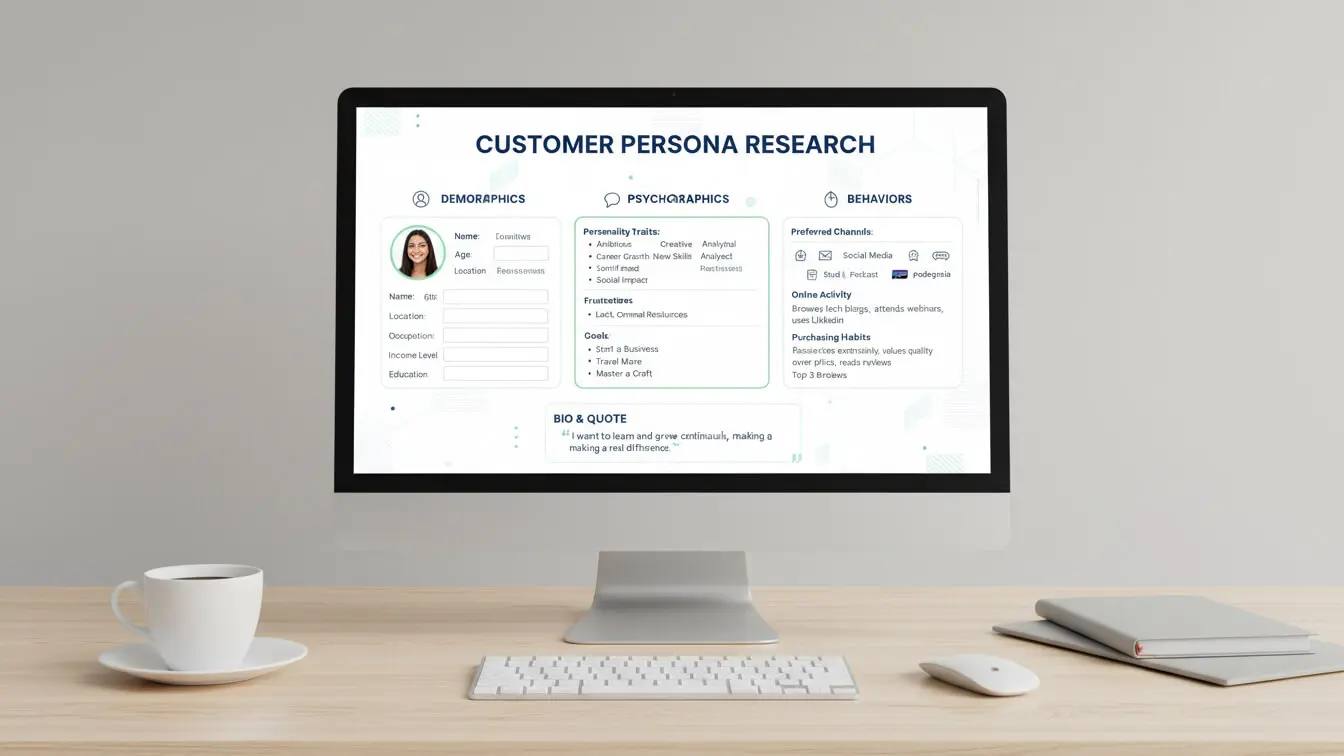
A buyer persona isn’t a corporate PDF. It’s notes on who shows up to buy. Age range, income bracket, biggest frustrations, words they use in reviews. If you sell yoga mats, your buyer might be a 32-year-old office worker who complains about knee pain during workouts. Now you know to highlight cushioning, not eco-friendly bamboo.
Pull this data from real sources. Read Amazon reviews for similar products. Check Google Analytics under Acquisition > Search Engine Optimization > Queries to see what phrases bring people to your site. Survey past customers with one question: “What problem were you trying to solve when you bought this?”
Use Their Exact Words in Your Copy
Joanna Wiebe from Copy Hackers mines Amazon reviews to lift entire phrases for product copy. She increased leads by 20% for one client just by mirroring customer language. When your copy echoes what’s already in a shopper’s head, they feel understood. That trust shortens the path to checkout.
Write Benefits, Not Feature Lists
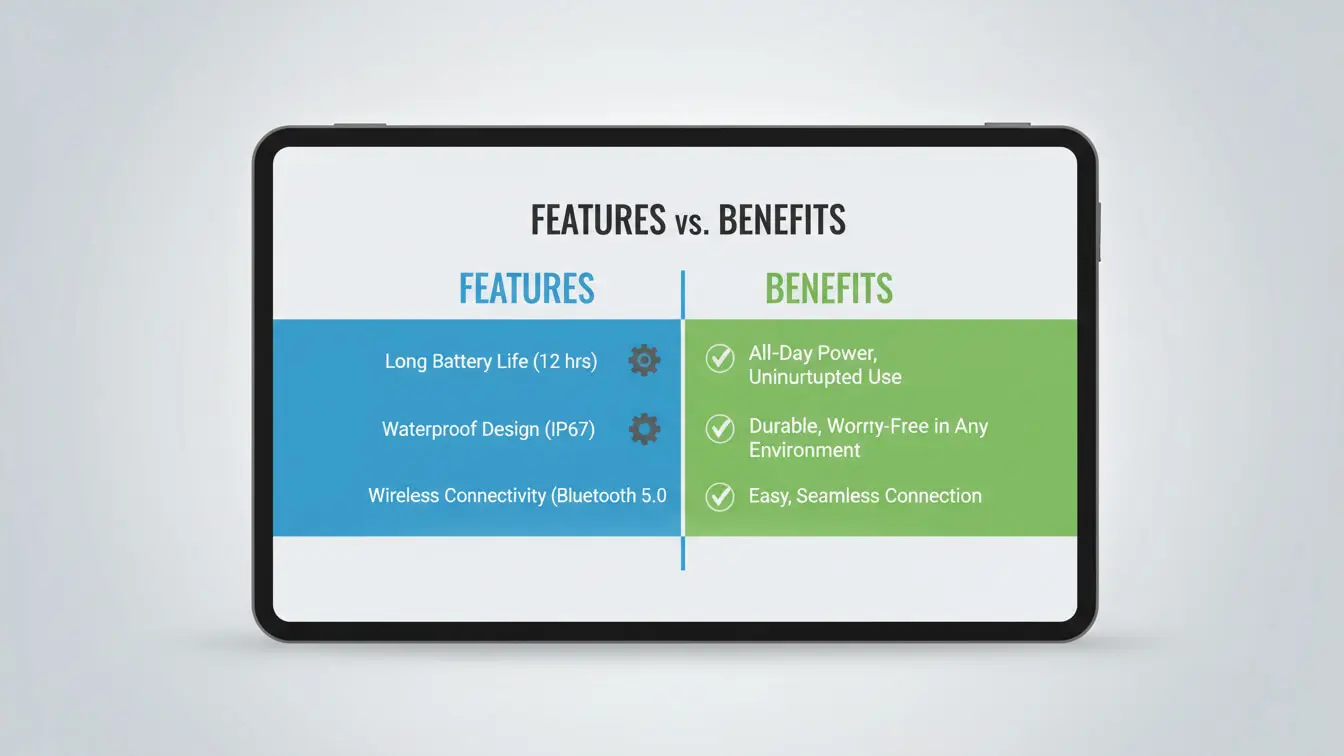
Nobody buys a drill because they want a drill. They buy it to hang shelves. Features describe what a product is; benefits explain what it does for the buyer. Most stores get stuck on features and wonder why conversions tank.
Take a laptop. “16GB RAM” is a feature. “Runs three video calls while editing slides without freezing” is the benefit. The second one sells because it solves a real problem. Copywriter Collective calls this the “so what?” test. After every feature you write, ask “so what?”—the answer is your benefit.
Structure: Feature + Benefit in One Line
Pair features with outcomes. Instead of listing “water-resistant nylon,” write “water-resistant nylon keeps your gear dry during sudden downpours.” The feature proves your claim; the benefit gives a reason to care.
Taylor Stitch nails this with their jacket descriptions. They mention “mid-weight fabric” immediately followed by “works for unpredictable weather and packs light for travel.” You see the feature and instantly understand its value in your life.
Address Emotional Triggers
People buy on emotion and justify with logic later. Rare Beauty doesn’t say “liquid lipstick with hyaluronic acid.” They say “air-whipped formula that hugs lips without weighing you down.” The sensory language triggers an emotional response before the ingredient list even matters.
Use Words That Trigger the Senses
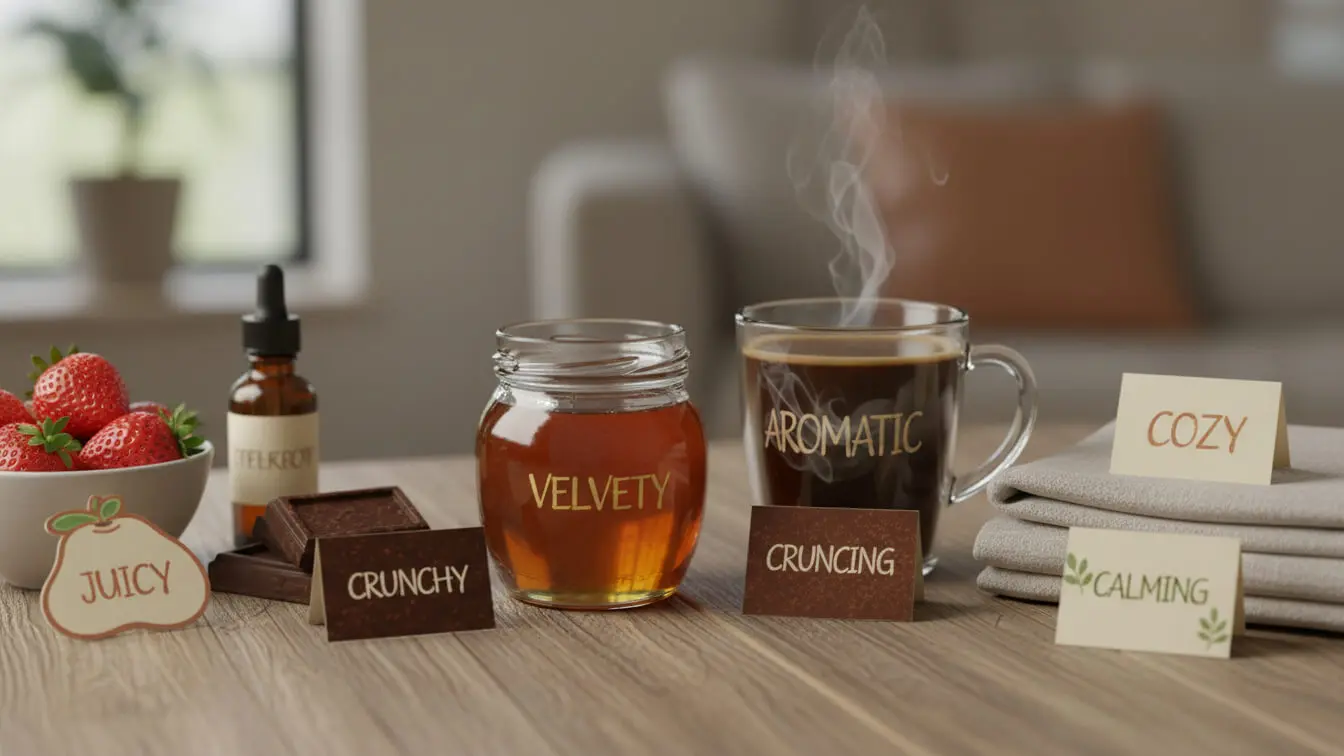
Online shopping eliminates touch, smell, taste, and sound. Your copy has to recreate those experiences with words. Sensory language activates parts of the brain that process actual physical experiences, making descriptions feel real even through a screen.
Aura Bora describes their Blackberry Black Pepper sparkling water as taking you “back to late end-of-summer nights.” That’s not a flavor note—it’s a memory trigger that makes you feel the product before you’ve tasted it. This approach, highlighted in Shopify’s conversion copywriting guide, connects emotionally faster than nutritional facts ever could.
Pick the Right Sense for Your Product
Food and drinks need taste and smell words: crisp, tangy, buttery, smoky. Clothing needs touch: soft, breathable, stretchy, cozy. Tech products need action verbs: responsive, instant, smooth, seamless. Match the sensory category to what matters most in the buying decision.
Avoid Generic Adjectives
Words like “great,” “nice,” and “quality” don’t paint pictures. Replace them with specifics. “Soft” becomes “fleece-lined.” “Durable” becomes “survives three years of daily use.” Specific sensory details outperform vague claims every time.
Structure Copy for Fast Readers
Most shoppers skim. Copywriting research shows 47% of readers only scan content rather than reading word-for-word. If your product description is a dense paragraph, you’ve lost them. Structure matters as much as the words themselves.
Lead with the Most Important Info
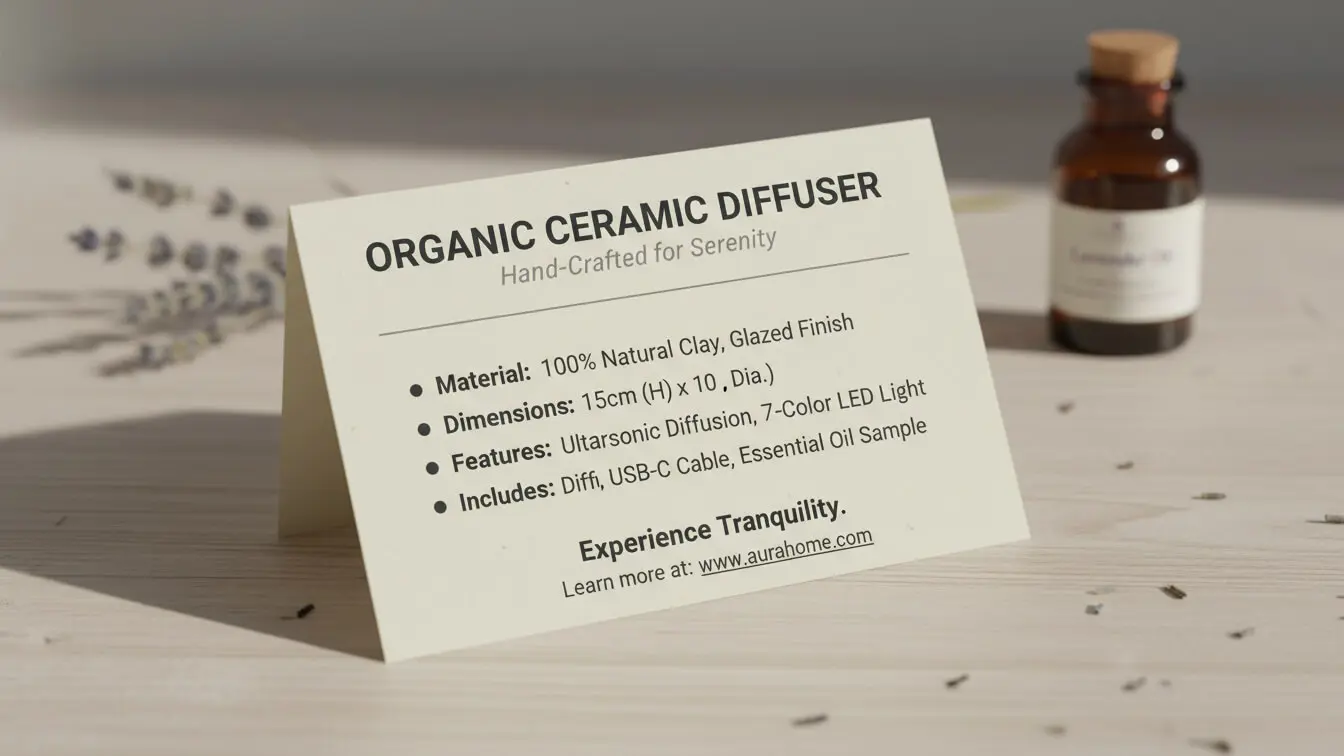
Put the main benefit in the first sentence. Bury it after specs and nobody will see it. Beefcake Swimwear opens with “one-piece swimsuits for any body, anywhere.” That single line addresses comfort anxiety and signals inclusivity before you’ve scrolled an inch.
Break Up Text with Bullets and Headers
After your opening hook, use short bullets for quick-scan features. The Oodie does this well with their weighted blankets: “Sleep Better,” “Extra Large For Extra Snuggles,” “Soft & Cuddly.” Each bullet is 2-3 words max and leads with a benefit.
Headers work if you need to organize longer descriptions. A tech product might use: “What It Does,” “Who It’s For,” “What’s in the Box.” Shoppers can jump to the section they care about without wading through fluff.
Keep Paragraphs Tight on Mobile
Over 70% of ecommerce traffic happens on phones. A paragraph that looks fine on desktop turns into a wall of text on mobile. Cap paragraphs at 3 lines on mobile—roughly 45 words. White space makes copy breathable and easier to process.
Smuggle Keywords Without Sounding Robotic
SEO matters, but keyword-stuffed copy tanks conversions. Google’s smart enough to understand synonyms and context. Your job is to include target keywords naturally while still writing for humans. Get this balance right and your product pages rank without sounding like spam.
Find the Right Keywords
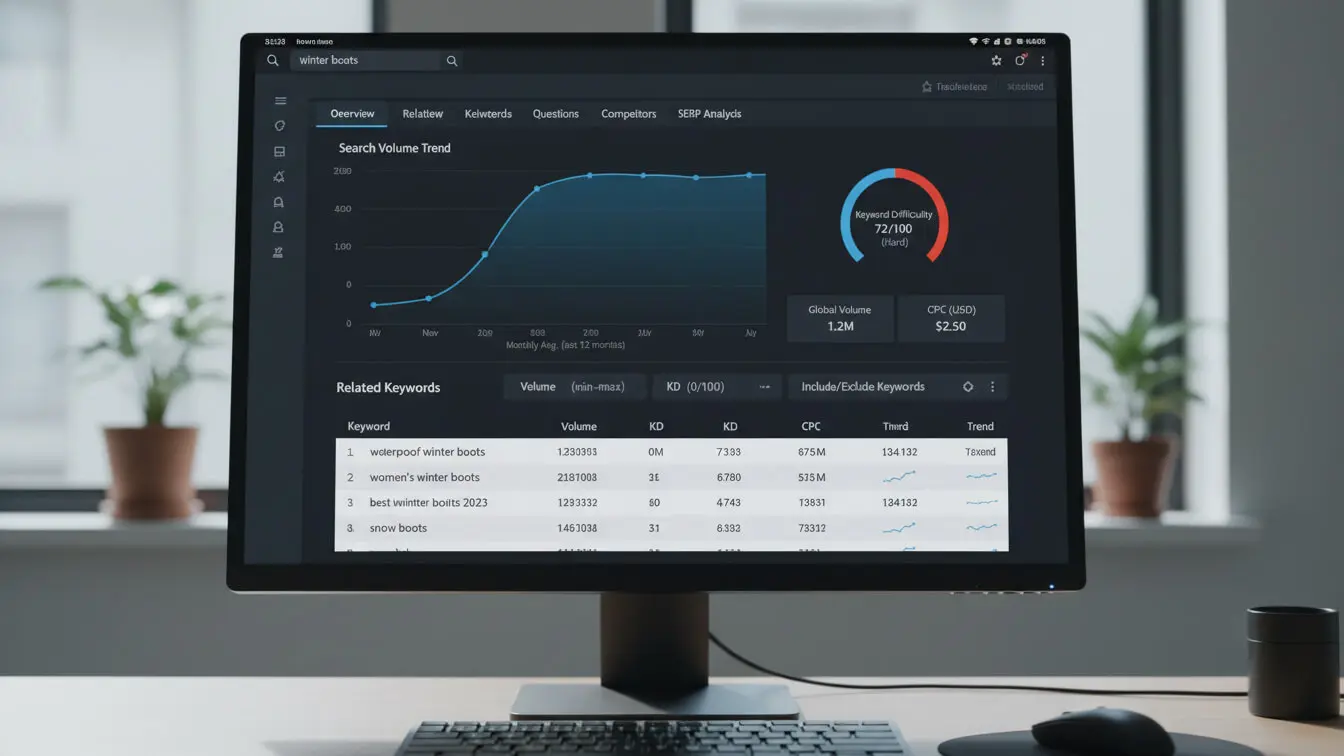
Start by typing your product into Google and watching autocomplete suggestions. If you sell walking shoes, type “walking shoes for” and see what fills in: plantar fasciitis, flat feet, standing all day. Those phrases tell you exactly what buyers search for.
Free tools like Ubersuggest and Ahrefs show search volume and competitor keywords. Focus on 2-3 primary keywords and 5-7 related phrases. Don’t chase keywords with zero search volume—they won’t bring traffic.
Blend Keywords into Natural Copy
Drop your exact-match keyword once in the first 250 words. Work it into a quote or fact: “Our accountant calls it ‘conversion-focused product copy’ hell.” Use it once in an H2 or H3 heading. Sprinkle it once every 5 paragraphs. Everywhere else, use synonyms.
For “ecommerce product descriptions,” swap in “product copy,” “item descriptions,” or “selling product descriptions” in other sections. This variety keeps copy readable while covering keyword variations Google recognizes.
Optimize Meta Fields and URLs
Your product title tag should include the main keyword within 60 characters. Meta description gets 155 characters to summarize and include a keyword naturally. URLs should be clean: /product-name-keyword, not /p=12345?id=abc. These small tweaks compound over time.
Add Trust Signals That Actually Work
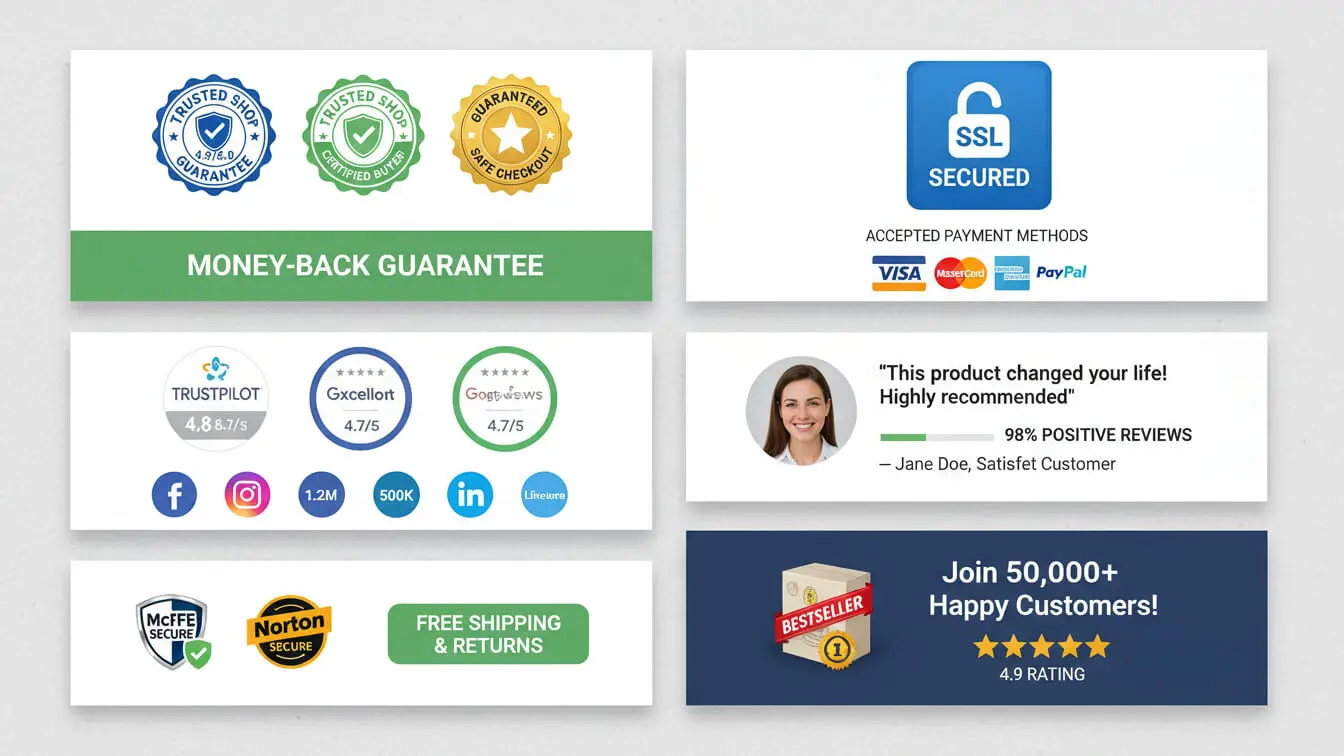
Shoppers don’t know you. Without trust, conversion-focused product copy falls flat. Social proof—reviews, testimonials, certifications, data—builds credibility before the sale. According to Nielsen Norman Group research, trust signals can lift conversions by 15% or more.
Embed Short Reviews in Descriptions
Pull 1-2 sentence snippets from real customer reviews and weave them into product copy. Not fake ones—actual quotes from verified buyers. “This jacket kept me warm during a Chicago blizzard” carries more weight than “high-quality insulation.”
Display Certifications Clearly
If your product is organic, non-GMO, FDA-approved, or certified by an industry body, show it. Food and beverage stores especially need this. A study badge or certification logo next to the product image immediately signals quality without you having to explain it.
Use Specific Numbers
Vague claims like “thousands sold” don’t cut it. “12,847 sold this month” does. Exact numbers feel researched and real. Same with stats: “95% of users saw results in 3 weeks” beats “most people see results quickly.”
Craft CTAs That Push Buyers Forward
The call to action is where you either close the sale or lose it. Generic “Buy Now” buttons work, but specific, benefit-driven CTAs convert better. Your CTA should remove final hesitation and make the next step feel obvious.

Make CTAs Action-Oriented
Skip passive language. “Add to Cart” is fine. “Get Yours Now” is better. “Start Sleeping Better Tonight” ties the action to the outcome. Woot uses “I Want One” for their product pages—it’s conversational and removes friction by matching how people actually think about buying.
Add Urgency Without Lying
Real scarcity works. “Only 3 left in stock” or “Sale ends Friday” push fence-sitters to act. Fake urgency (“Limited time!” when it’s always available) erodes trust. If you have genuine inventory limits or time-bound offers, highlight them near the CTA.
Remove Risk with Guarantees
Money-back guarantees, free returns, no-questions-asked policies—mention these right before or on the CTA button. “Order risk-free with 30-day returns” lowers the perceived cost of trying. The easier you make it to back out, the more comfortable buyers feel going forward.
Test and Fix What Doesn’t Convert
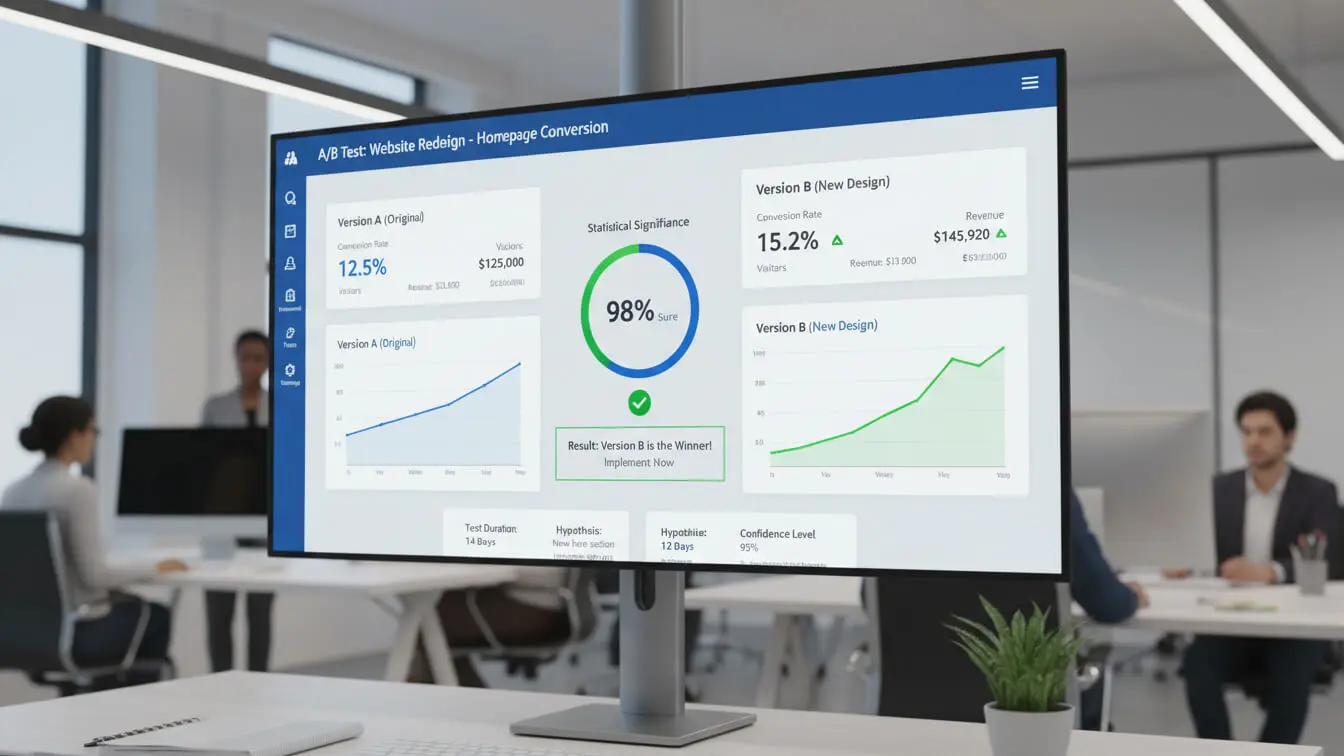
You won’t nail product copy on the first try. The stores that win are the ones that test variations and double down on what works. A/B testing product descriptions can uncover 10-20% conversion lifts from small tweaks, according to OptiMonk data.
Test One Element at a Time
Don’t change the headline, bullets, and CTA all at once. You won’t know what moved the needle. Test headline variations first. Run that for 2 weeks or until you hit statistical significance. Then test bullets. Then test CTA copy. Sequential testing gives you clear winners.
Track Metrics That Matter
Conversion rate is the main number, but also watch bounce rate, time on page, and add-to-cart rate. If people stay long but don’t buy, your copy might be informative but not persuasive. If they bounce fast, your headline or opening line isn’t hooking them.
Use Heatmaps to See Blind Spots
Tools like Hotjar or Crazy Egg show where users scroll, click, and stall. If nobody scrolls past the first paragraph, your opening isn’t compelling. If they’re clicking non-clickable text, they’re confused. Fix the friction points heatmaps reveal.
Mistakes That Kill Conversions
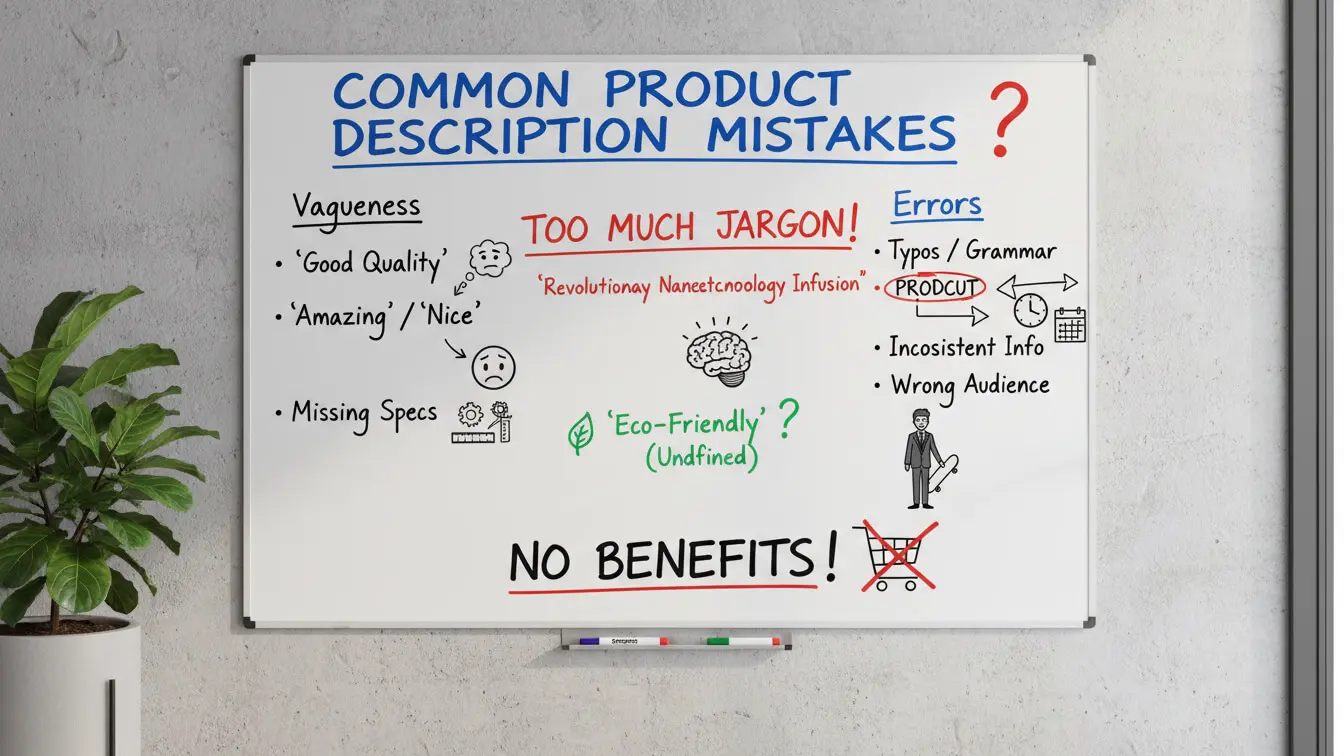
Even decent product copy can fail if you trip over avoidable mistakes. These errors pop up constantly on Shopify stores and cost sales daily.
Writing for Yourself Instead of Buyers
You’re not the customer. Founders love explaining manufacturing processes and technical specs. Shoppers want to know if the product solves their problem. If you can’t explain why someone should care in 10 seconds, rewrite it.
Ignoring Mobile Formatting
Copy that looks great on a 27-inch monitor might be unreadable on a phone. Test every product description on mobile before publishing. Long paragraphs, tiny fonts, and cramped spacing kill mobile conversions.
Overusing Buzzwords and Fluff
Words like “innovative,” “premium,” and “cutting-edge” mean nothing. They’re filler that takes up space without adding value. Replace vague adjectives with concrete details. “Premium leather” becomes “full-grain Italian leather that softens with age.”
Forgetting to Proofread
Typos and grammar mistakes destroy credibility. Run every description through Grammarly or Hemingway Editor. A single misspelled word can make shoppers question your professionalism and click away.
Free Tools to Speed Up Your Writing
You don’t need to start from scratch every time. These free and low-cost tools help you research, write, and optimize product descriptions faster.
AI Product Description Generators
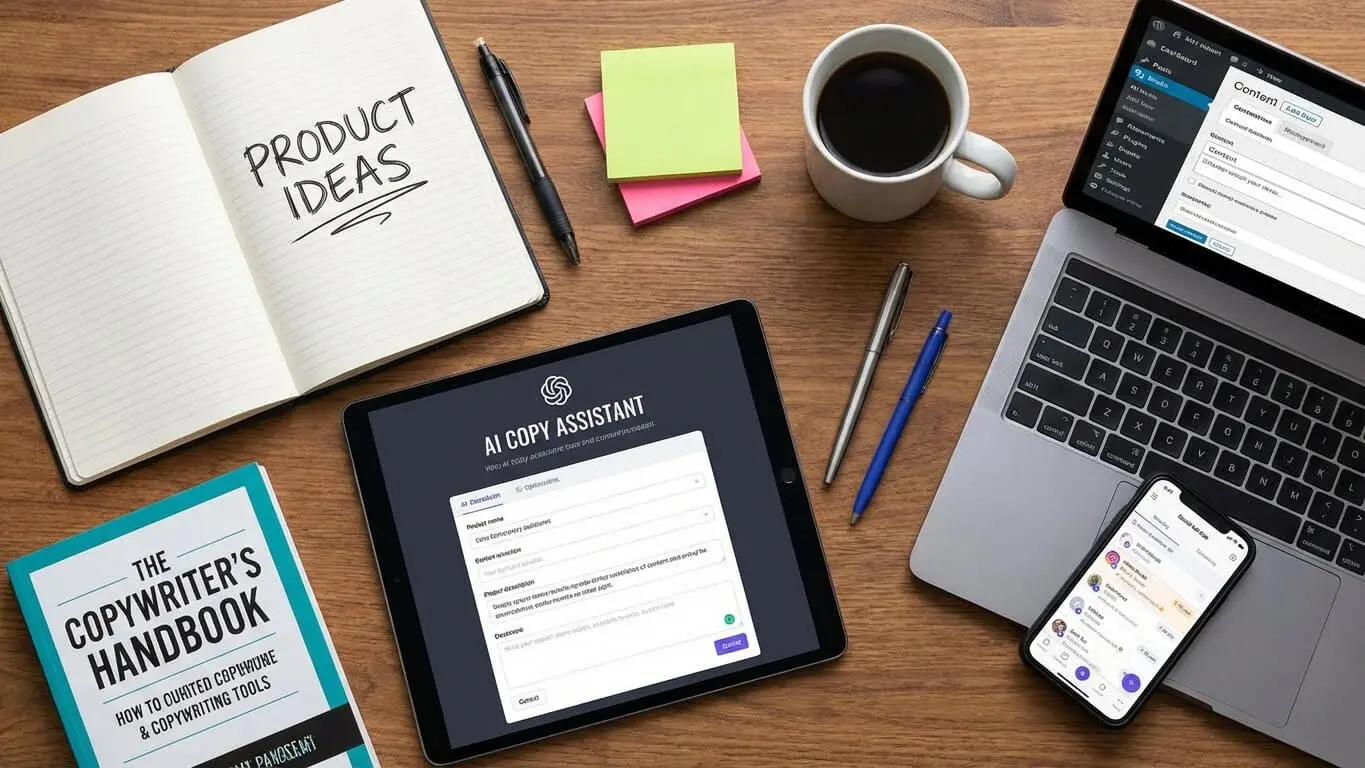
This Shopify Product Description Generator creates draft descriptions in seconds. Feed it your product details and target audience, and it spits out conversion-optimized copy you can edit. Research from Linear Loop shows AI-generated descriptions can boost conversions up to 23.7% when paired with human editing.
Keyword Research Tools
This Keyword Generator pulls relevant keywords for any niche. Plug in your product category and get a list of high-volume search terms to weave into your copy naturally.
Other Useful Writing Tools
- Grammarly – Catches spelling, grammar, and tone issues before you publish
- Hemingway Editor – Highlights complex sentences and suggests simpler alternatives
- Answer the Public – Shows questions people ask about your product category
- Google Trends – Tracks keyword popularity over time to spot seasonal shifts
- This Paraphrasing Tool – Rewrite clunky sentences while keeping the meaning intact
FAQ
How long should a Shopify product description be?
Simple products need 125-150 words. Complex or expensive items need 350-400 words. Mobile shoppers skim, so prioritize the first 100 words. Include essential details early and expand with benefits and specifications after.
What’s the difference between features and benefits?
Features describe what a product is or has. Benefits explain what it does for the customer. “Waterproof fabric” is a feature. “Keeps you dry during rainstorms” is the benefit. Always pair features with benefits to show value.
Should I use AI to write product descriptions?
AI tools like AI FREE FOREVER’s generator speed up drafting, but always edit for brand voice and accuracy. AI-generated copy converts well when you humanize it with sensory details and customer language.
How do I find the right keywords for product descriptions?
Type your product into Google and check autocomplete suggestions. Use free tools like Ubersuggest or Ahrefs to see search volume. Pull keywords from competitor pages and customer reviews. Focus on phrases buyers actually search for, not what you think sounds professional.
Can good product copy really improve conversion rates?
Yes. Stores that improve product descriptions see 10-20% conversion lifts on average, according to multiple studies. The Salsify survey found 87% of shoppers say product information influences their buying decision. Better copy equals more sales.
What’s the best way to test product descriptions?
Run A/B tests on one element at a time—headline, bullets, or CTA. Use tools like Google Optimize or Optimizely. Track conversion rate, time on page, and bounce rate. Let tests run for at least 2 weeks or until you hit statistical significance before declaring a winner.
How often should I update product descriptions?
Review descriptions quarterly. Update them when products change, new features launch, or customer feedback reveals new pain points. Refresh underperforming pages first—sort by conversion rate and rewrite the bottom 20%.
Do I need different descriptions for each product variant?
Yes, if the variants have different use cases or benefits. A red jacket and blue jacket don’t need separate descriptions, but a 5-pound kettlebell and 25-pound kettlebell do. Tailor copy to match what matters for that specific variant.
Key Takeaways
- Product descriptions that convert answer what it is, what it does, and why to trust you within the first 100 words
- Research your buyers first—use their exact language from reviews and surveys in your copy to build instant connection
- Write benefits, not features—pair every spec with an outcome that matters to the customer’s daily life
- Sensory language makes products feel real online—use specific words that trigger touch, taste, smell, sight, or sound
- Structure copy for skimmers with bullets, short paragraphs, and front-loaded value to capture mobile shoppers
- Smuggle SEO keywords naturally into the first 250 words, headers, and every 5 paragraphs—avoid robotic repetition
- Add trust signals like reviews, certifications, and specific data points to remove buyer hesitation
- Craft CTAs that state the outcome, add urgency, and remove risk with guarantees to push buyers forward
- Test one element at a time using A/B tools and track conversion rate, bounce rate, and time on page for insights
- Avoid mistakes like writing for yourself, ignoring mobile format, overusing buzzwords, and skipping proofreading
- Use AI FREE FOREVER’s tools to speed up drafting and keyword research—then edit for brand voice
- Stores that optimize product descriptions see 10-20% conversion lifts on average without increasing ad spend
Product descriptions are the quiet sales force working 24/7 on your Shopify store. Get them right and conversions climb without extra traffic. Start by researching your audience, writing benefits over features, and testing what works. Small copy tweaks compound into major revenue gains over time. Use the tools and frameworks in this guide to turn your product pages into conversion machines.


