
Most Android app ideas never make it past the prototype stage. Not because the idea was bad, but because the gap between a working demo and a production-ready app is bigger than most teams expect. This guide covers the practical steps to go from concept to a launched Android app using React Native — from choosing the framework to shipping your first real update.
Why React Native Makes Sense for Android App Development
Building an Android app used to mean committing to Kotlin or Java, learning Android Studio inside out, and accepting that any iOS version would require a separate codebase and a second team. That equation has changed.
React Native lets you write one codebase in JavaScript and ship to both Android and iOS. For teams building their first Android app — or rebuilding an existing one — that tradeoff matters. You get to market faster without maintaining two parallel projects.
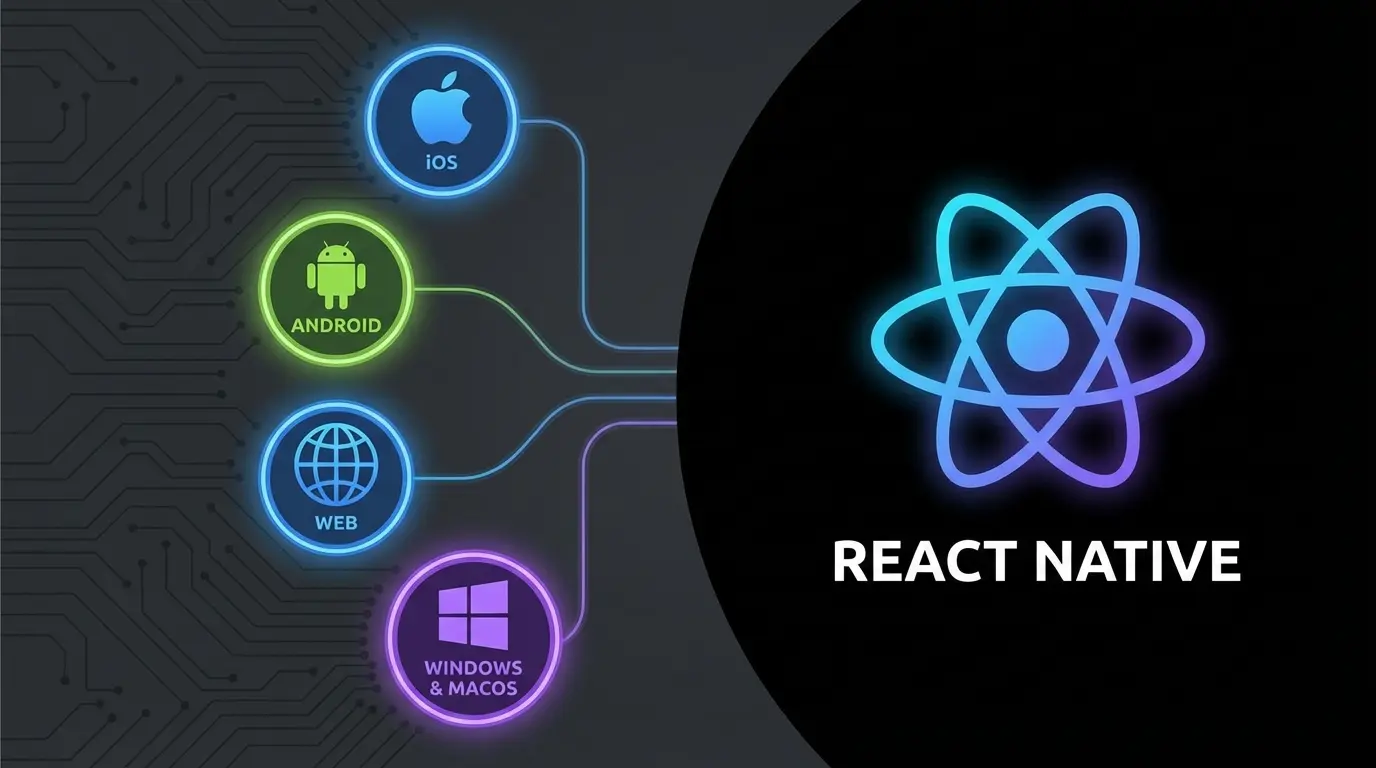
Using React Native for building mobile apps
React Native is not a shortcut. It is a different engineering approach. You write components in JavaScript, and the framework renders them as actual native views — not web views wrapped in an app shell. The buttons, scroll behavior, and navigation all feel native because they are native at the rendering level.
The practical benefit is speed. One team writes shared logic. Platform-specific behavior gets handled through native modules when needed. The professional engineering practices behind react native apps show how modular architecture, reusable components, and optimized rendering pipelines allow teams to build production-grade Android apps without doubling their headcount or timeline.
This also means faster iteration after launch. When you need to adjust a screen, fix a workflow, or add a feature, you change it once. Both platforms get the update.
When React Native Is the Wrong Choice
React Native works well for most app categories — content apps, e-commerce, productivity tools, social platforms, dashboards. It struggles with apps that require heavy GPU processing, complex custom animations at 120fps, or deep integration with low-level Android hardware APIs.
If you are building a 3D game or a camera app that needs real-time frame manipulation, native development is still the better path. For everything else, React Native handles it without compromise.
How expensive is React Native
Building separate native apps for Android and iOS typically costs 1.5 to 2 times more than a single React Native project that covers both. The savings come from shared code, a single QA process, and one deployment pipeline instead of two.
For startups and mid-stage companies, this is often the deciding factor. You get Android and iOS coverage for roughly the cost of one native app.
Tips for building apps with React Native
The most common failure point is not technical. It is skipping the planning stage. Teams go from idea straight to coding, then hit structural problems three months in that force a partial rewrite.
Spending two weeks on planning saves two months of rework later.
Define What the App Actually Does

Start with the core workflow. Not a feature list — a workflow. What does the user open the app to do, and what is the shortest path to that outcome? Everything else is secondary.
Write this down as a single sentence. If it takes a paragraph to explain, the scope is too wide for a first version. Cut until it fits one sentence. That sentence becomes your version 1.0.
Choose Your Architecture Early
React Native gives you flexibility in how you structure your app, which also means you can structure it badly. Decide on your state management approach before writing features. Redux, Zustand, or React Context all work — pick one and stay consistent.
Plan your navigation structure. React Navigation is the standard library. Map out every screen and how users move between them. This prevents the spaghetti navigation that makes apps feel confusing.
Decide how you handle API communication. Will you use REST or GraphQL? Where does caching live? How do you handle offline states? These decisions are easier to make on paper than to refactor in production.
Set Up Your Backend and API Layer
Your Android app is a client. It needs a backend. Whether you use Firebase, a custom Node.js API, or a third-party BaaS, plan the data layer before building screens.
Define your data models. Decide on authentication flow — email and password, social login, or both. Map out which API endpoints each screen needs. This prevents the common trap of building beautiful screens that have no idea where their data comes from.
Plan Monetization Before Launch, Not After
If this app needs to make money, build the billing logic into the architecture from day one. Adding subscriptions or in-app purchases as an afterthought creates messy code and a worse user experience.
The Google Play Billing Library handles subscriptions, one-time purchases, and consumables for Android. React Native has well-maintained wrappers for this. Set up your product IDs, pricing tiers, and upgrade flows during the planning phase.
Freemium models work well on Android. Give users a useful free tier, then offer a clear upgrade path with features that justify the price. The billing integration should feel invisible to the user — tap to upgrade, confirm, done.
How to grow your React Native Android App
Planning is done. Architecture is set. Now you build. But how you build determines whether the app survives contact with real users.
Build in Vertical Slices, Not Horizontal Layers
Do not build all your screens first, then connect the API, then add navigation. Build one complete feature at a time — screen, logic, API connection, error handling, and tests — then move to the next feature.
This approach gives you a working app at every stage of development. You can test with real users after week two instead of waiting until everything is done. Early feedback prevents expensive mistakes.
Performance Matters More Than You Think

Android users are less forgiving than iOS users when it comes to app performance. The device landscape is wider — your app needs to run well on a flagship Samsung and a budget Xiaomi.
Keep your JavaScript bundle small. Use lazy loading for screens that are not immediately visible. Optimize list rendering with FlatList instead of mapping arrays. Avoid unnecessary re-renders by memoizing components properly.
Test on a low-end Android device throughout development. If it runs smoothly on a three-year-old phone, it will fly on everything else.
Handle Security Properly
Android apps handle sensitive data. User credentials, payment information, personal content — all of it needs protection.
Store tokens in encrypted storage, not AsyncStorage. Use HTTPS for every API call. Implement certificate pinning if your app handles financial data. Follow Google Play’s data safety requirements and be transparent about what data you collect and why.
A security incident in your first month will kill your app faster than any competitor.
Shipping to Google Play
The Google Play review process is faster than Apple’s App Store, but it still has requirements. Your app needs a privacy policy. Your store listing needs screenshots, a description, and proper categorization. Your app bundle needs to be signed correctly.
Set up your Google Play Console account before you finish development. Upload internal test builds early and often. Use the internal testing track to share builds with your team, then move to closed beta with a small user group before going public.
What Happens After Launch

Launch is not the finish line. It is the starting point.
Track the metrics that actually matter. Session duration tells you if users find value. Crash rate tells you if the app is stable. Day-7 retention tells you if users come back. Subscription conversion rate tells you if your monetization works.
Set up crash reporting with tools like Sentry or Crashlytics from day one. Monitor API response times. Watch your error logs. The first two weeks after launch will teach you more about your app than the entire development phase.
React Native supports over-the-air updates through CodePush, which means you can push JavaScript-level fixes without going through the Play Store review cycle. Use this for bug fixes and minor improvements. Use full Play Store releases for native-level changes and major features.
Growing Beyond Launch
Retention beats acquisition. It costs less to keep a user than to find a new one. Focus on making the experience better for existing users before spending on marketing.
Use push notifications carefully — tied to meaningful events, not spam. Build personalization into the experience so the app gets more useful over time. Ship updates regularly so users see the app improving.
Because you built with React Native, adding an iOS version is straightforward. Your Android launch validates the product. Your iOS launch expands the market. One codebase serves both.