If you want the best Graphic Design Tools in 2026, start with Canva for all-purpose design, Figma for product and UI work, and Adobe for pro editing. Canva wins for speed and templates, Figma wins for collaboration and handoff, and Adobe wins when you need deeper creative control across desktop, web, and mobile.
- Canva You get a free plan plus Pro, Business, and Enterprise tiers, and the feature set covers drag-and-drop design, huge template and asset libraries, resizing, collaboration, and AI tools.
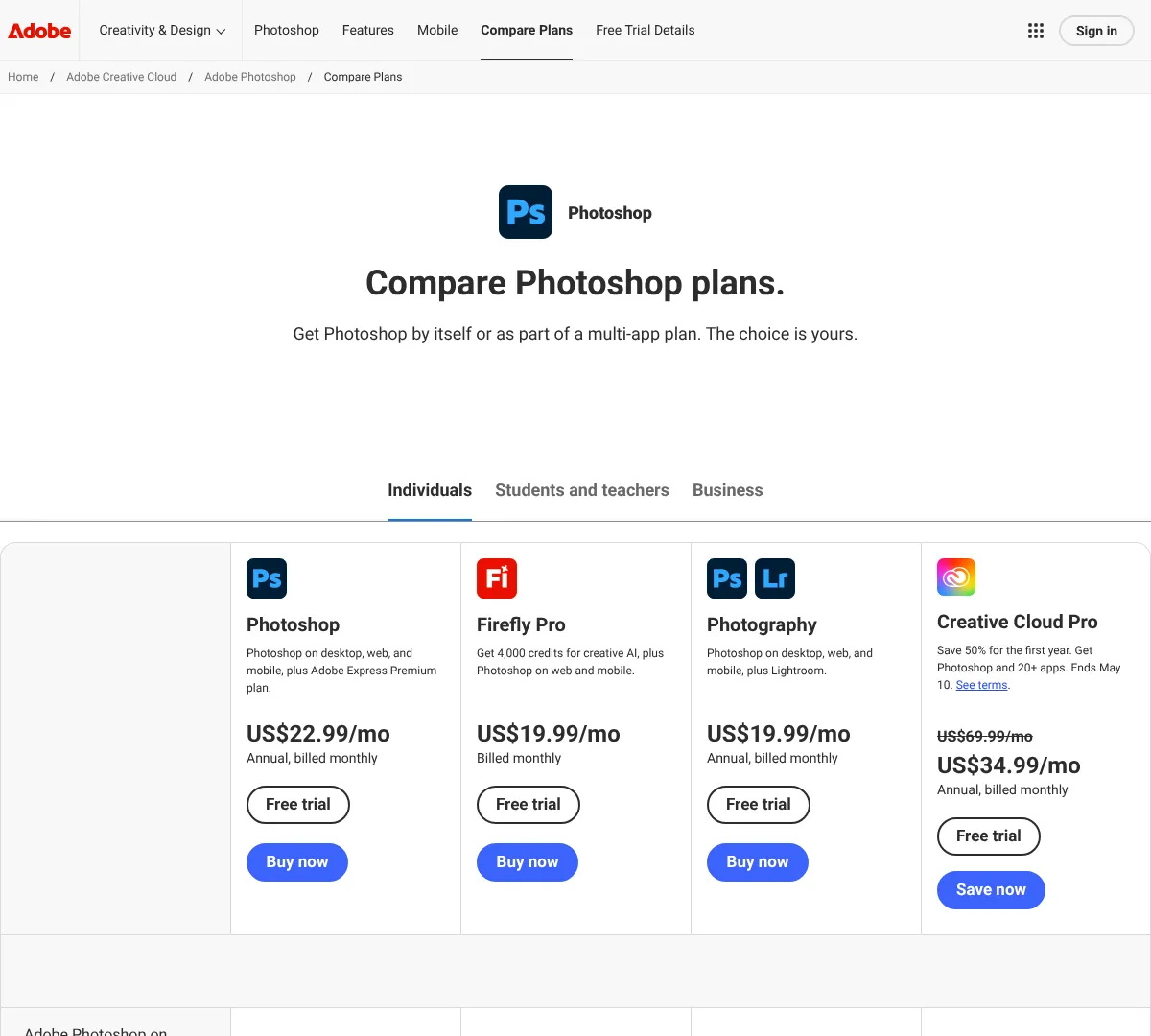
- Adobe The Photoshop plans give you desktop, web, and mobile editing, Adobe Express Premium, cloud storage, generative credits, and Firefly creative AI features.
- Figma It gives you a free Starter tier and scalable paid seats, plus unlimited files, team libraries, advanced Dev Mode, shared assets, and SCIM management.
How this list was compiled
This list focuses on tools with real pricing, a useful free or starter option, and enough features to cover everyday graphic design work. It favors tools that handle templates, editing, collaboration, exports, and team workflows instead of narrow one-job apps. When several tools fit, the picks lean toward the strongest mix of professional features, team options, and clear plan structure.
Canva
01
Canva is built for fast, everyday design work. You can make social posts, presentations, marketing graphics, and print files with a drag-and-drop editor and a huge template library. It also gives you team features, brand kits, scheduling, and AI tools as you move up the plans. If you want something simple that still scales, this is one of the easiest picks.
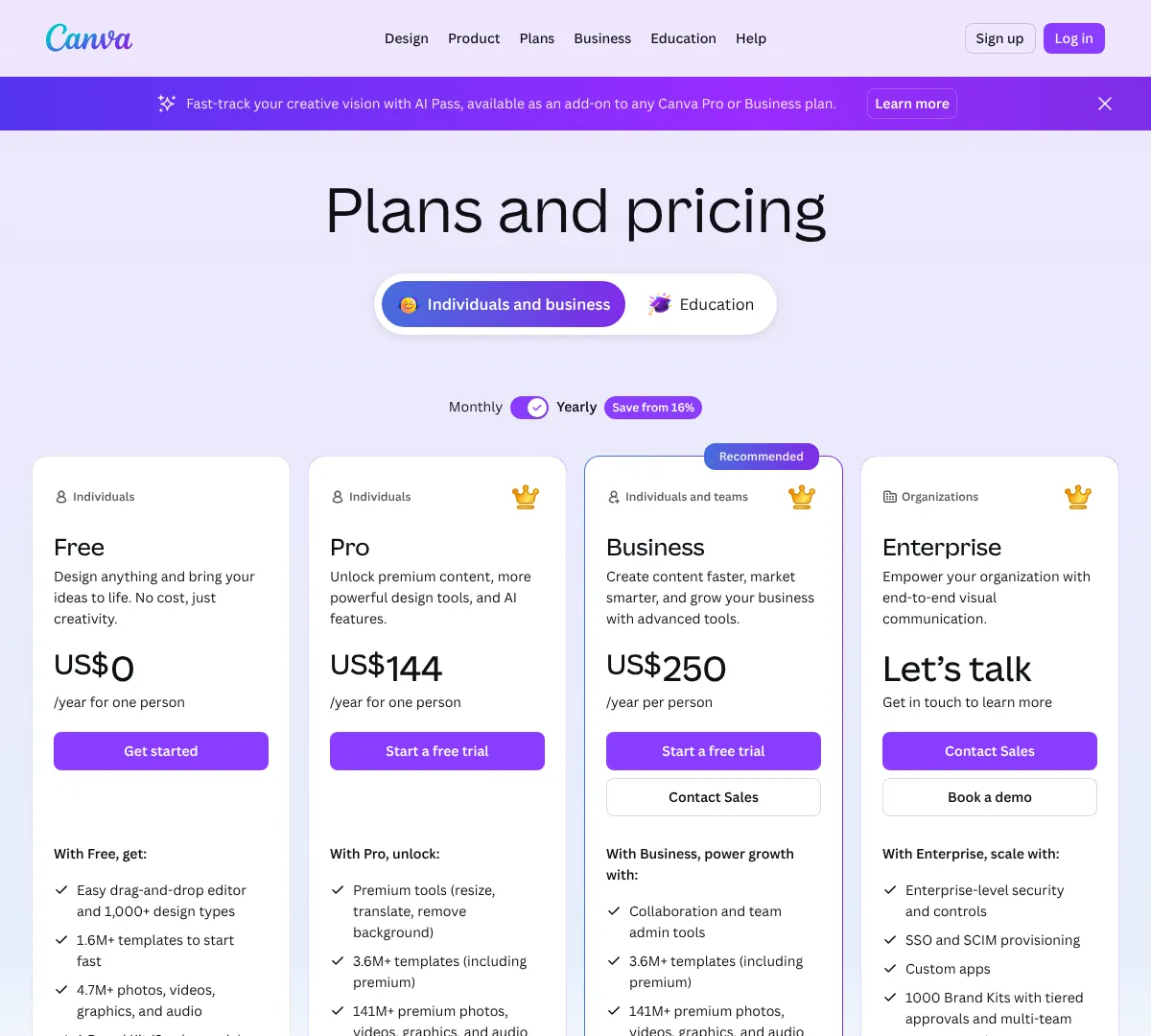
- •Templates: 1.6M+ on Free and 3.6M+ on paid plans
- •Editor: Drag-and-drop design with custom dimensions and bulk creation
- •Assets: Millions of photos, videos, graphics, fonts, and audio
- •Branding: Brand kits, approvals, and team admin tools
- •Exports: PDF, JPG, PNG, and print-ready CMYK files
- •AI and automation: Ad creation, Magic Formulas, and AI allowance
- ✓Easy to learn fast
- ✓Huge template and asset library
- ✓Strong collaboration and team controls
- ✕Advanced features sit behind paid plans
- ✕Can feel template-heavy if you want full custom design
- ✕AI use is capped by allowance
If you want similar tools, these are the most direct options.
Vismevisme.co
VistaCreatesupport.create.vista.com
Snappasnappa.com
Figma
02
Figma is built for design teams that need to work together in real time. It covers UI design, prototyping, drawing, slides, sites, and handoff, so it works well for product teams and designers who move between layouts and systems. The paid plans add unlimited files, shared libraries, and admin controls, while the free plan still gives you a lot to start with. It is strongest when collaboration matters more than local-only editing.
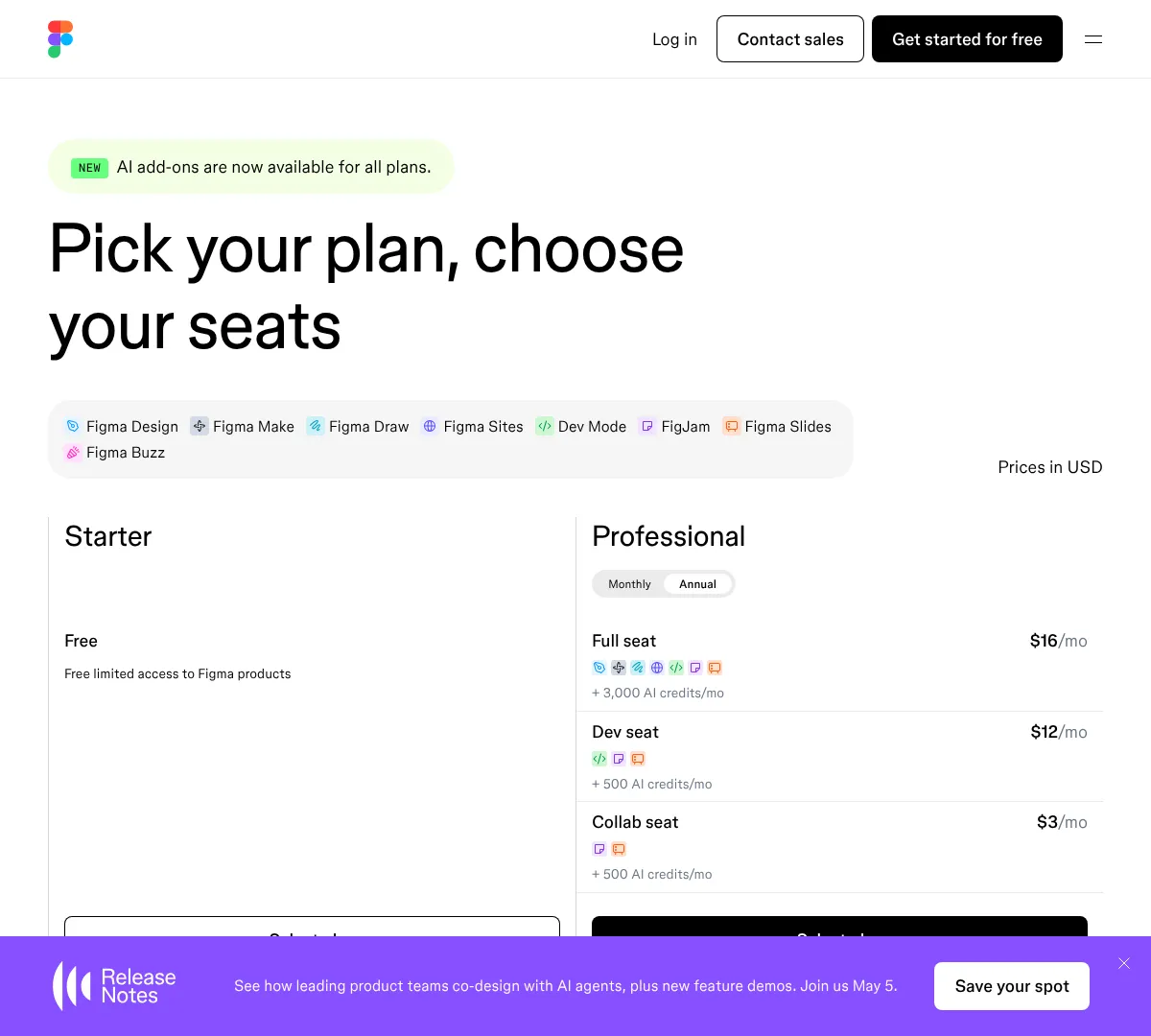
- •Unlimited drafts on the free plan
- •Team-wide design libraries
- •Advanced Dev Mode inspection and handoff
- •Shared libraries, fonts, and centralized admin tools
- •Custom team workspaces and SCIM seat management
- •Multiple product modes including Design, FigJam, Slides, and Buzz
- ✓Excellent real-time collaboration
- ✓Strong design system and handoff workflow
- ✓Flexible seat types for different roles
- ✕Pricing can add up for larger teams
- ✕Not ideal if you want offline-first work
- ✕Some features are split across seat types
Adobe
03
Adobe Photoshop is the heavyweight option for image editing and creative work. The plans cover desktop, web, and mobile, and they bundle in Adobe Express Premium, cloud storage, and generative credits. It is a strong fit if you need more than basic design, especially for retouching, compositing, and AI-assisted edits. Team plans add business features for shared work and admin control.
- •Desktop, web, and mobile editing
- •Adobe Express Premium included on some plans
- •Cloud storage from 100GB to 1TB
- •Generative credits for AI features
- •Firefly creative AI access
- •Team features on business plans
- ✓Deep photo editing tools
- ✓Strong AI and generative features
- ✓Works across desktop, web, and mobile
- ✕Costs more than simpler design apps
- ✕Plan structure can be confusing
- ✕Best value depends on the Adobe bundle you need
Adobe
04
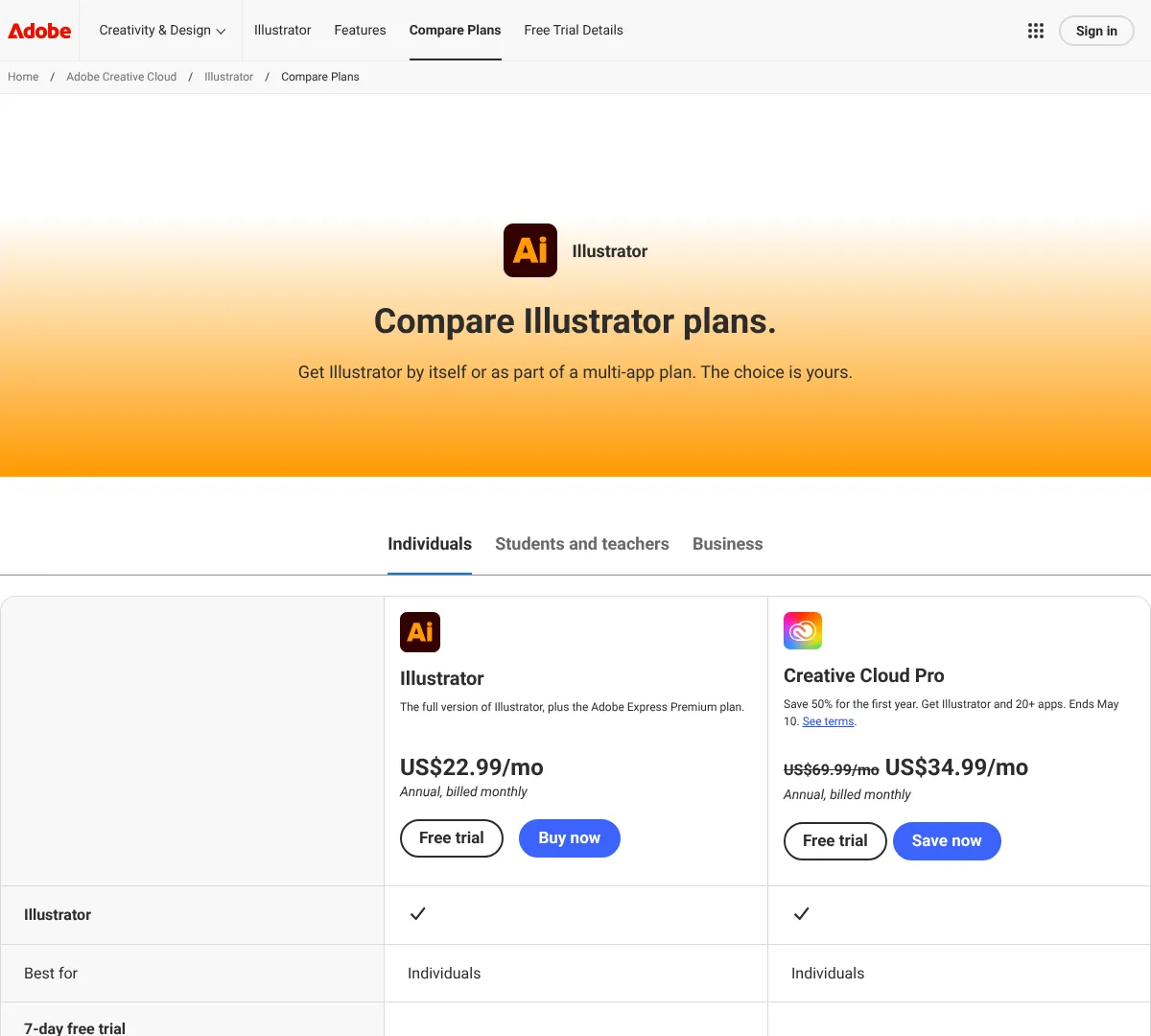
Adobe Illustrator is built for vector work like logos, icons, and scalable graphics. The plans include cloud storage and generative credits, and the team options are aimed at business use. It is a strong option when you need precise shapes, clean scaling, and a familiar pro workflow. If you make a lot of brand assets or illustrations, this is one of the main tools to know.
- •Vector design for logos and icons
- •Adobe Express Premium access
- •100GB cloud storage
- •25 monthly generative credits
- •Fonts, images, tutorials, and more
- •Team options for business workflows
- ✓Industry-standard vector tool
- ✓Great for logos and scalable artwork
- ✓Strong Adobe ecosystem
- ✕Price is high for casual users
- ✕Steeper learning curve than simple editors
- ✕Best for vector-first workflows
Sketch
05
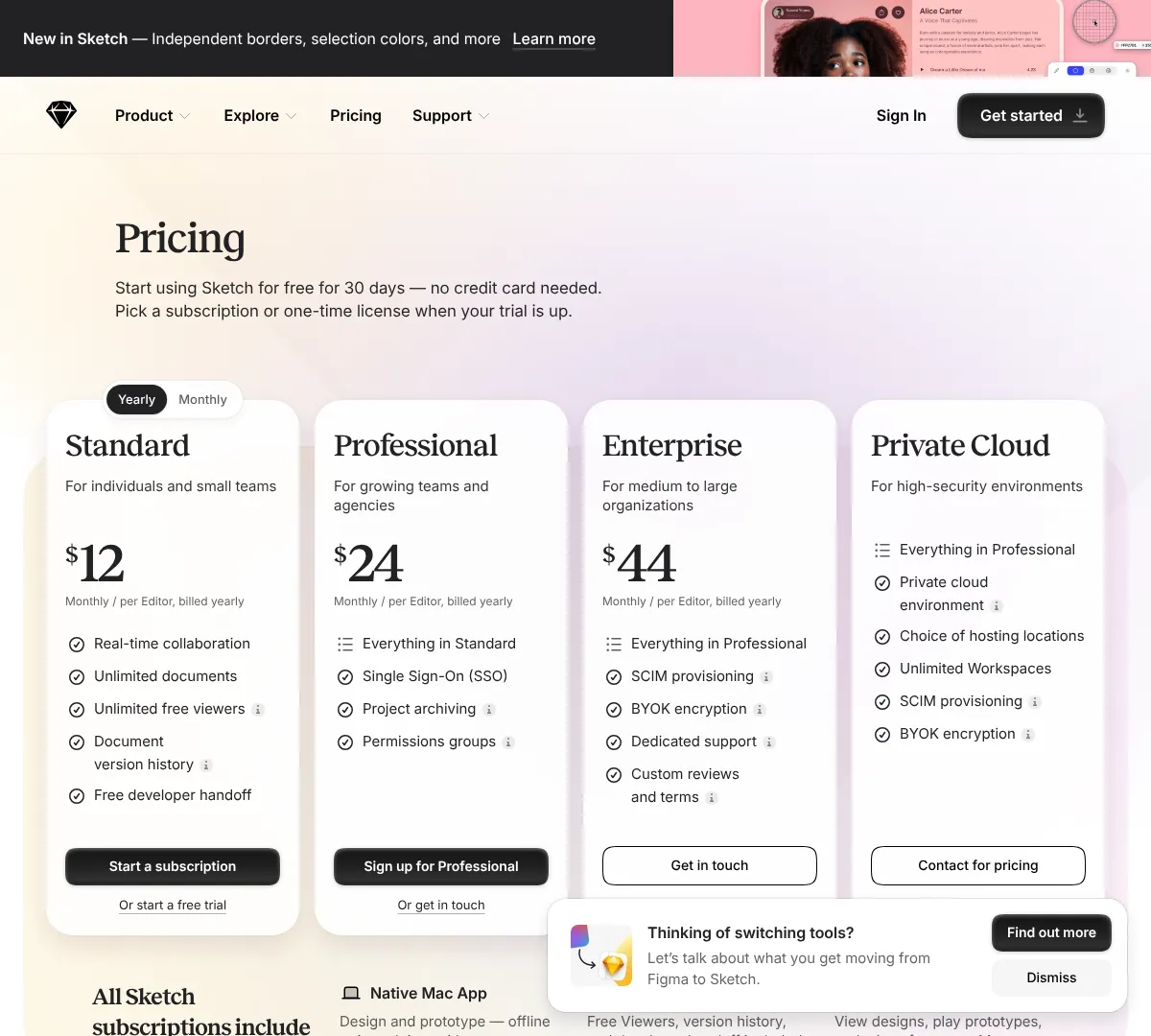
Sketch is a design and prototyping tool built for Mac workflows. It gives you collaboration, unlimited documents, version history, developer handoff, and workspace controls on higher plans. It also includes a native Mac app, web app, and iPhone and iPad support for viewing and mirroring. If you work on Apple devices and want a clean design workflow, Sketch still fits well.
- •Real-time collaboration
- •Unlimited documents on paid plans
- •Free developer handoff
- •Single Sign-On and SCIM on higher plans
- •Project archiving and permissions groups
- •Native Mac app with web and iOS support
- ✓Strong Mac-native workflow
- ✓Good collaboration and handoff tools
- ✓Flexible for teams and agencies
- ✕Not built around a free perpetual plan
- ✕Mac-first setup limits some teams
- ✕Advanced controls sit in higher tiers
Affinity
06
Affinity combines design, photo editing, and page layout in one app. It is built for detailed creative work without making you jump between multiple tools. The free option covers the core app, and Canva Pro unlocks the full suite via Canva Teams. If you want a serious creative tool with a simple pricing angle, it stands out fast.
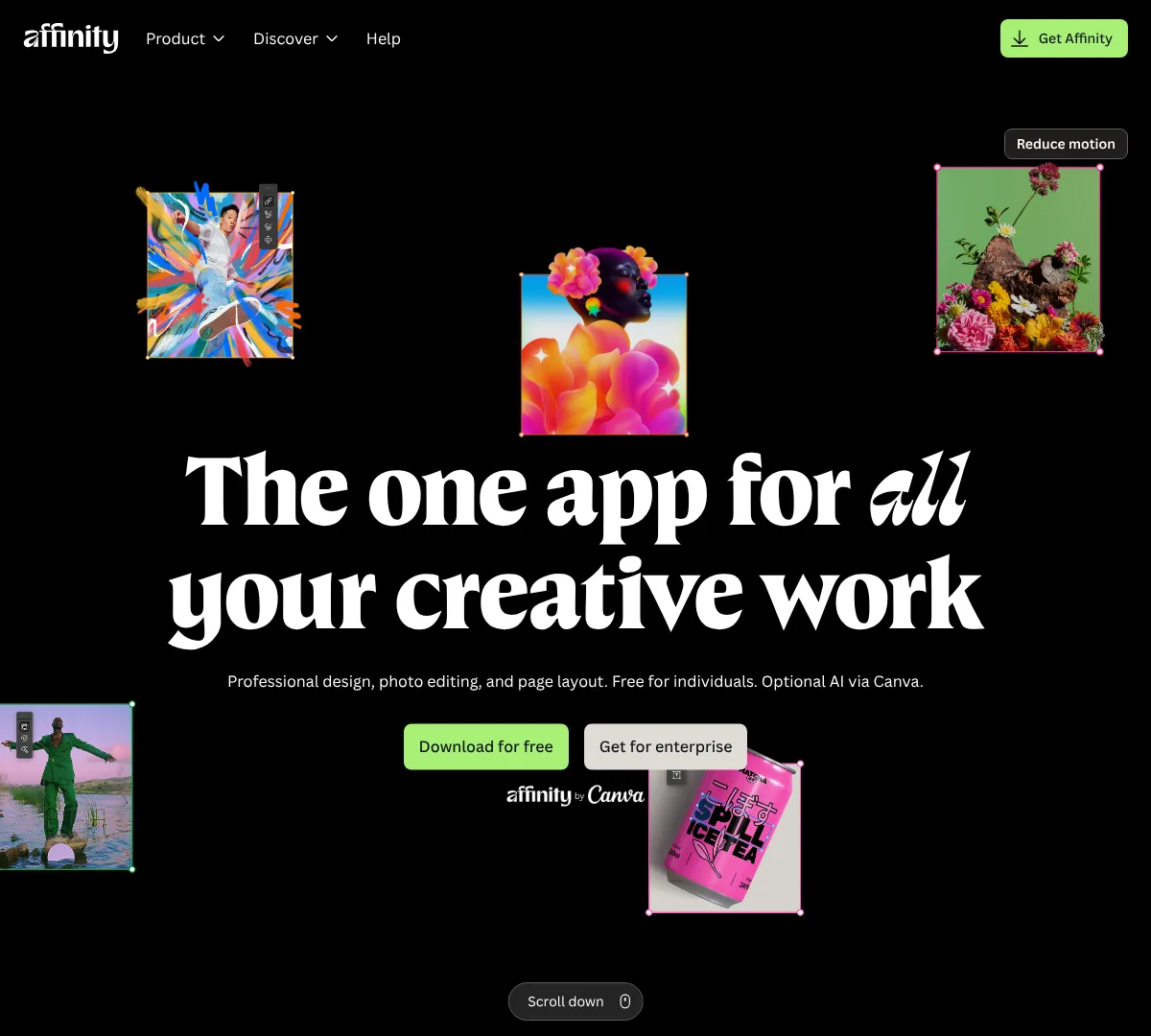
- •Design, photo editing, and page layout in one app
- •Live preview on edits and effects
- •Non-destructive editing workflow
- •Advanced vector tools and image trace
- •Typography and page layout controls
- •Import PSDs, AIs, IDMLs, DWGs, and more
- ✓Combines multiple creative tasks in one place
- ✓Strong editing precision
- ✓Free for individuals
- ✕Pricing structure is tied to Canva for the paid path
- ✕Less known than bigger mainstream tools
- ✕Best for users who want a pro workflow
If you want other pro editing tools, these are the closest matches.
Adobeadobe.com
Kritakrita.org
Pixelmator Proapple.com
Coreldraw
07
CorelDRAW covers beginner, advanced, and pro design needs in one product family. It includes web-based design in Go, desktop tools in Standard, and a full suite with illustration, layout, photo editing, and typography. The lineup also supports subscriptions and one-time purchases, which is useful if you do not want a pure subscription model. It is a good fit for people who want broad compatibility and lots of file support.
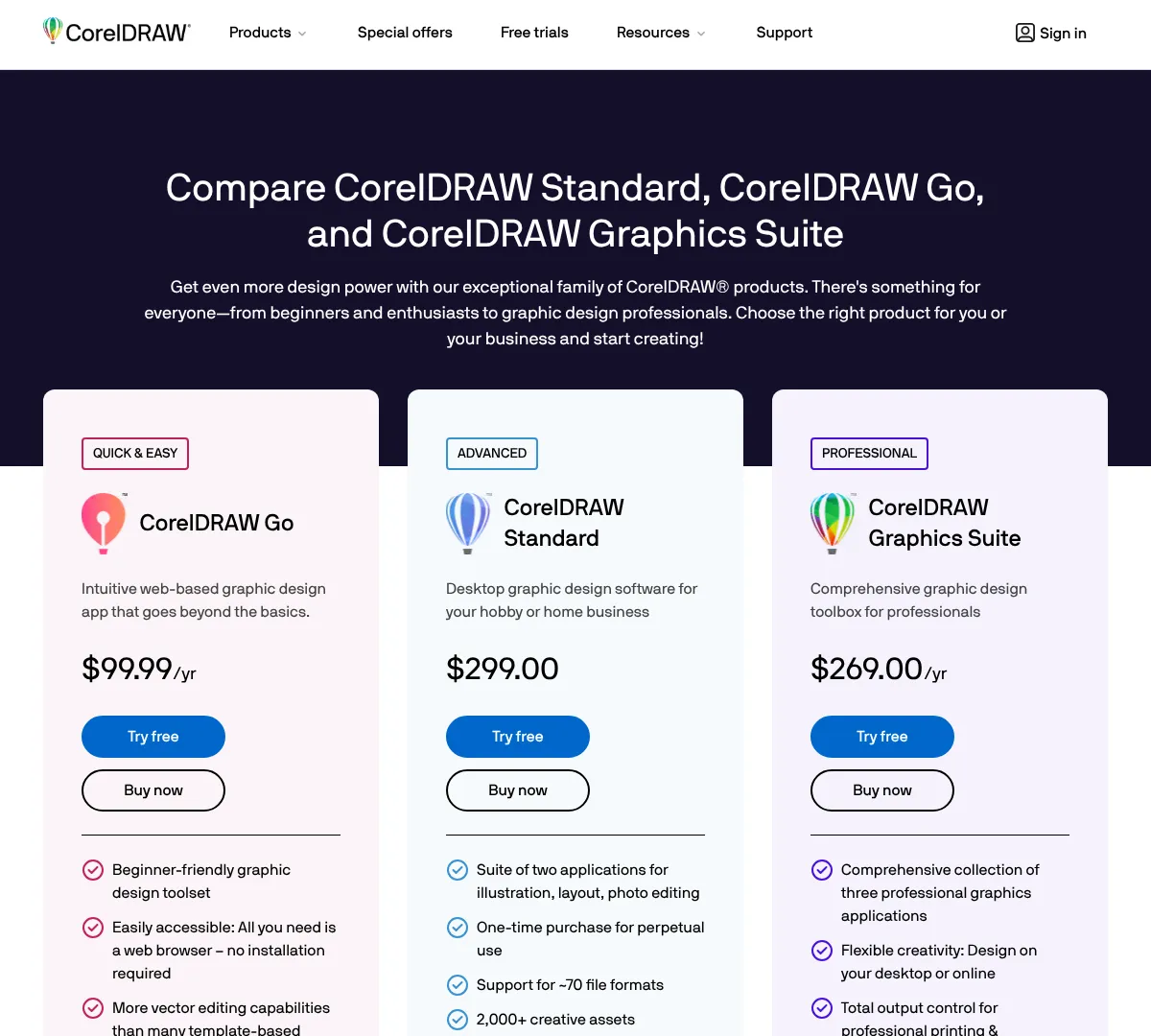
- •Vector illustration and page layout
- •Photo editing and pixel-based design
- •Cross-platform access on Windows, Mac, iPad, and web
- •Cloud sharing and collaboration
- •AI background removal and generative art tools
- •CAD and technical file support
- ✓Flexible purchase options
- ✓Good for print and technical work
- ✓Broad file compatibility
- ✕Can feel split across multiple product lines
- ✕Not the simplest app for beginners
- ✕Some advanced needs require the full suite
Gimp
08
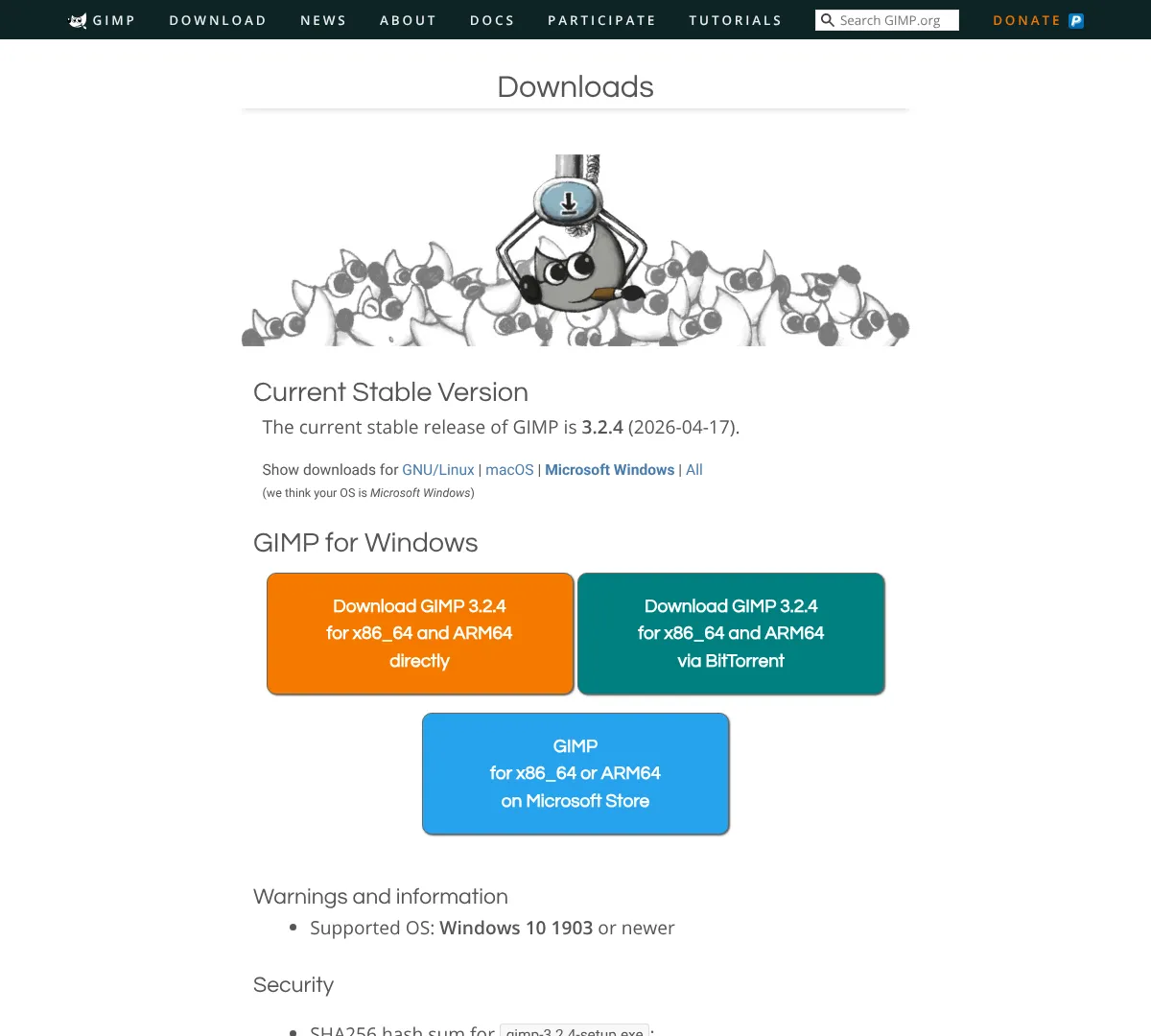
GIMP is free and open-source image editing software. It works well for photo manipulation, original artwork, and graphic design tasks when you do not want to pay for a subscription. You can extend it with plugins and scripts, which helps it adapt to different workflows. It is a strong budget-friendly option for users who do not mind a more hands-on setup.
- •High-quality photo manipulation
- •Original artwork creation
- •Graphic design elements
- •Extensibility through plugins and scripts
- ✓Completely free
- ✓Flexible and customizable
- ✓Good for image editing and artwork
- ✕Less polished than paid apps
- ✕Can take time to learn
- ✕Plugin setup may feel technical
Inkscape
09
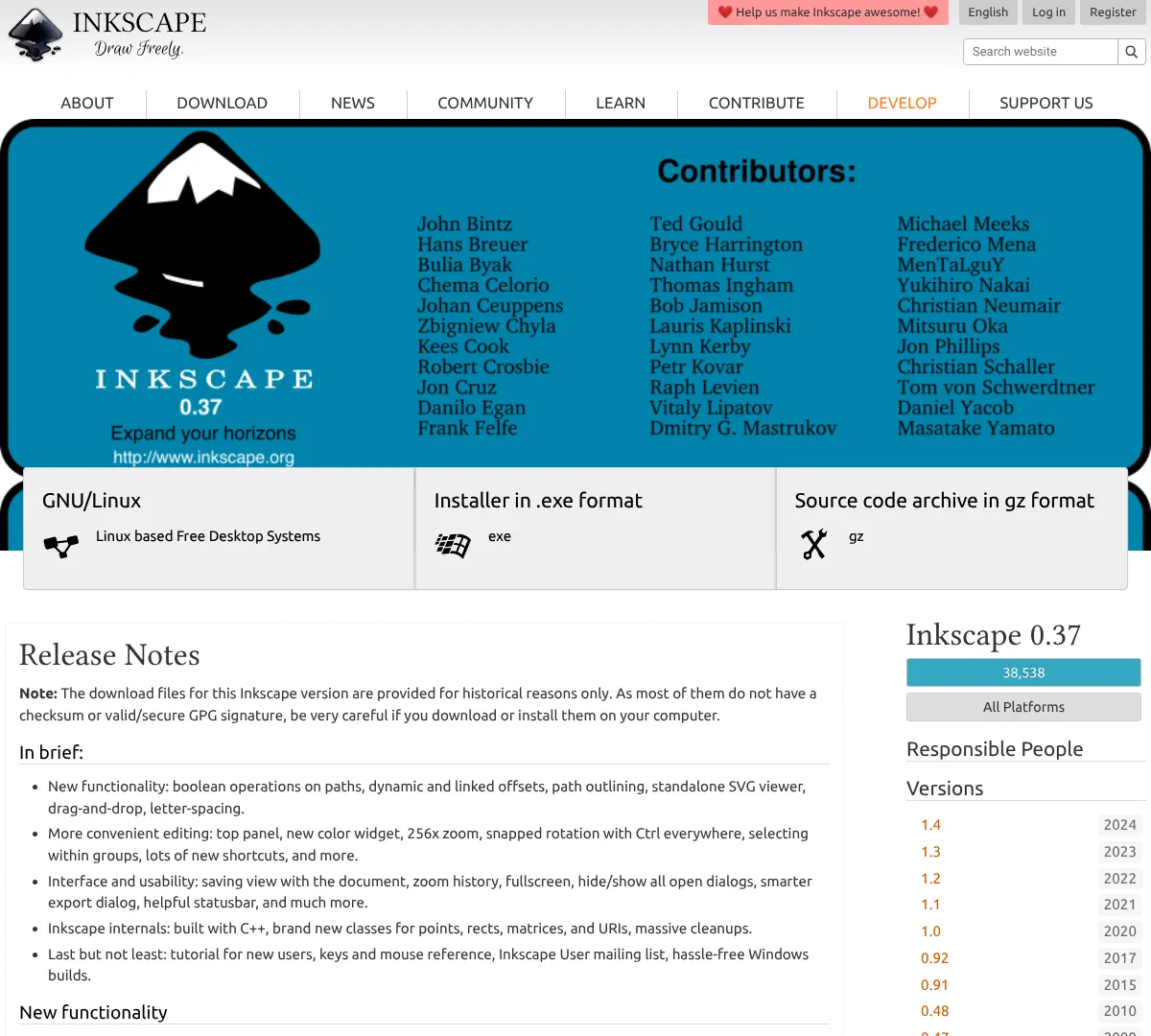
Inkscape is free and open-source vector software. It is built for drawing, path editing, typography, and SVG-based design work. The tool is a strong fit for logos, icons, diagrams, and vector illustrations when you want a no-cost option with real control. It is especially useful if you care about editable paths and open formats.
- •Vector illustration and drawing tools
- •Node editing and path operations
- •Text tools and typography
- •Bitmap to vector conversion
- •Extensions and customization
- •SVG-focused workflow
- ✓Free and open-source
- ✓Strong vector editing
- ✓Good for SVG workflows
- ✕Interface can feel less modern
- ✕Learning curve is steeper than template tools
- ✕Advanced workflows may need extra setup
Photopea
10
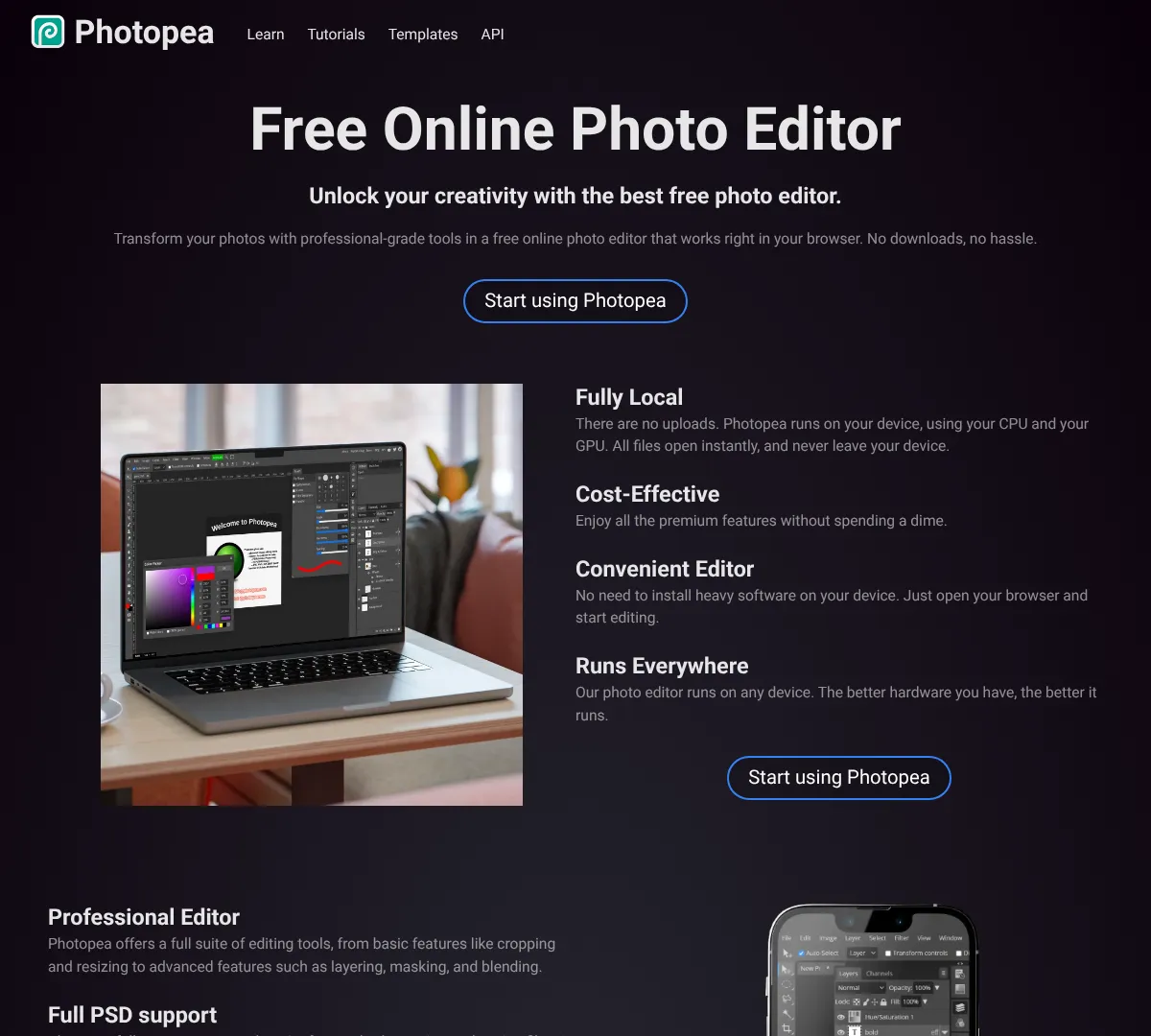
Photopea is an online editor that handles layered image editing in the browser. It supports PSD files, a wide range of formats, RAW files, and tools like layering, masking, and blending. That makes it a great quick-access option when you need something close to a desktop editor without installing software. It is useful for both design edits and file compatibility work.
- •Full PSD support
- •40+ file format compatibility
- •Layering, masking, and blending tools
- •AI background removal and content replacement
- •Vector graphics capabilities
- •Runs in the browser with no download
- ✓Works right in the browser
- ✓Excellent file compatibility
- ✓Good low-cost premium option
- ✕Ads on the free plan
- ✕Not built as a full desktop app
- ✕Best for editing, not full design systems
Pixlr
11
Pixlr gives you an online editor with a free plan and affordable paid tiers. The paid plans add ad-free use, unlimited saves, more AI credits, private mode for AI generations, and a bigger font and template library. It also works across web, desktop, and mobile, which makes it easy to jump in from almost anywhere. It is a good choice if you want a lighter editor than Adobe but still want AI features.
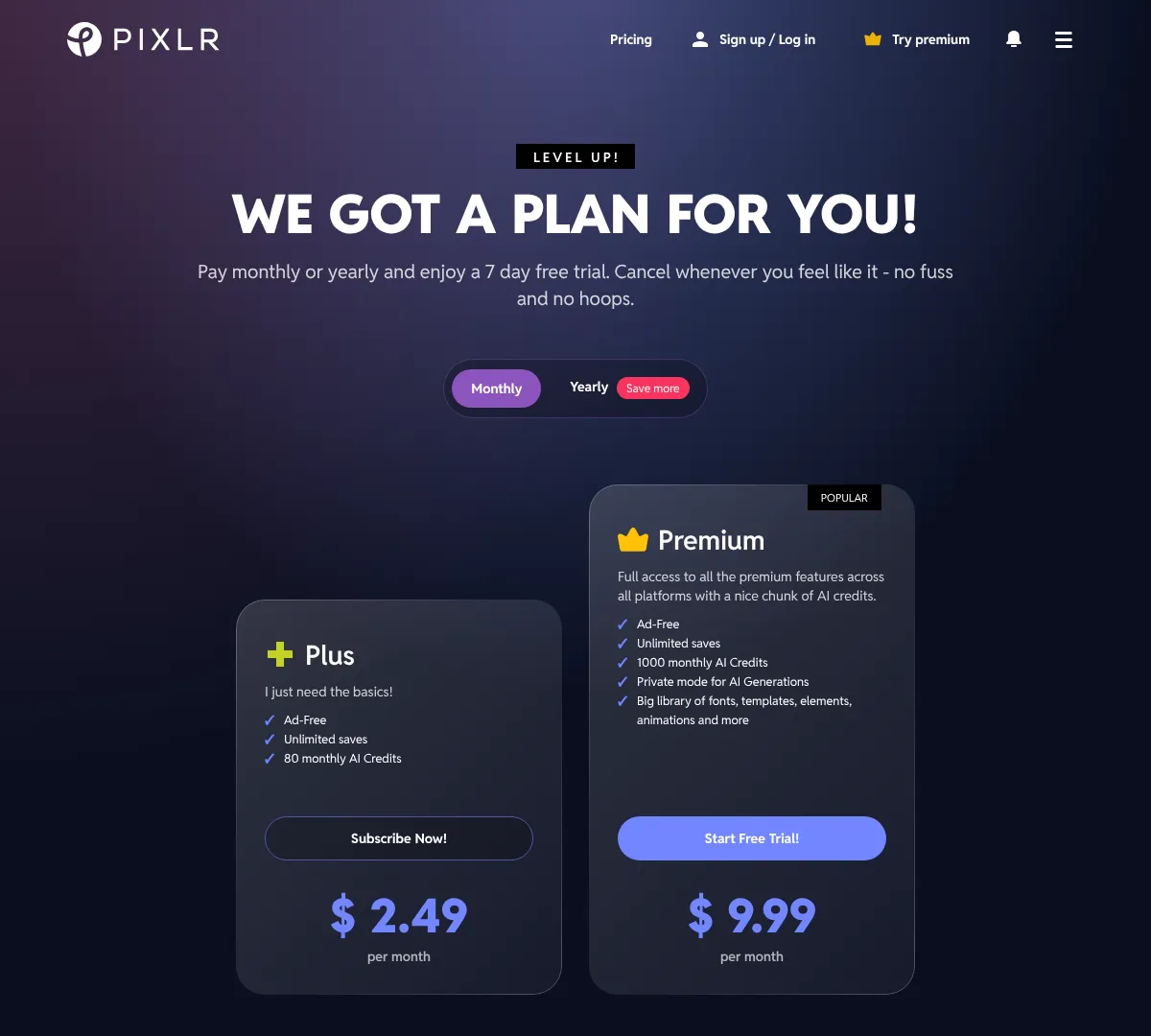
- •Ad-free editing on paid plans
- •Unlimited saves
- •AI credits for generative tools
- •Private mode for AI generations on Premium
- •Large library of fonts, templates, elements, and animations
- •Cross-platform access
- ✓Very affordable entry point
- ✓Good AI feature set for the price
- ✓Runs on web and mobile
- ✕Some useful features sit in Premium
- ✕AI usage is credit-based
- ✕Enterprise needs direct contact
Fotor
12
Fotor mixes photo editing, collage making, and graphic design in one app. The free plan gives you basic editing and limited AI access, while the paid plans add more credits, premium templates, brand kits, and batch editing. It is a good fit for creators who want design and AI features in the same workflow. If you do social content, headshots, or quick marketing graphics, it covers a lot of ground.
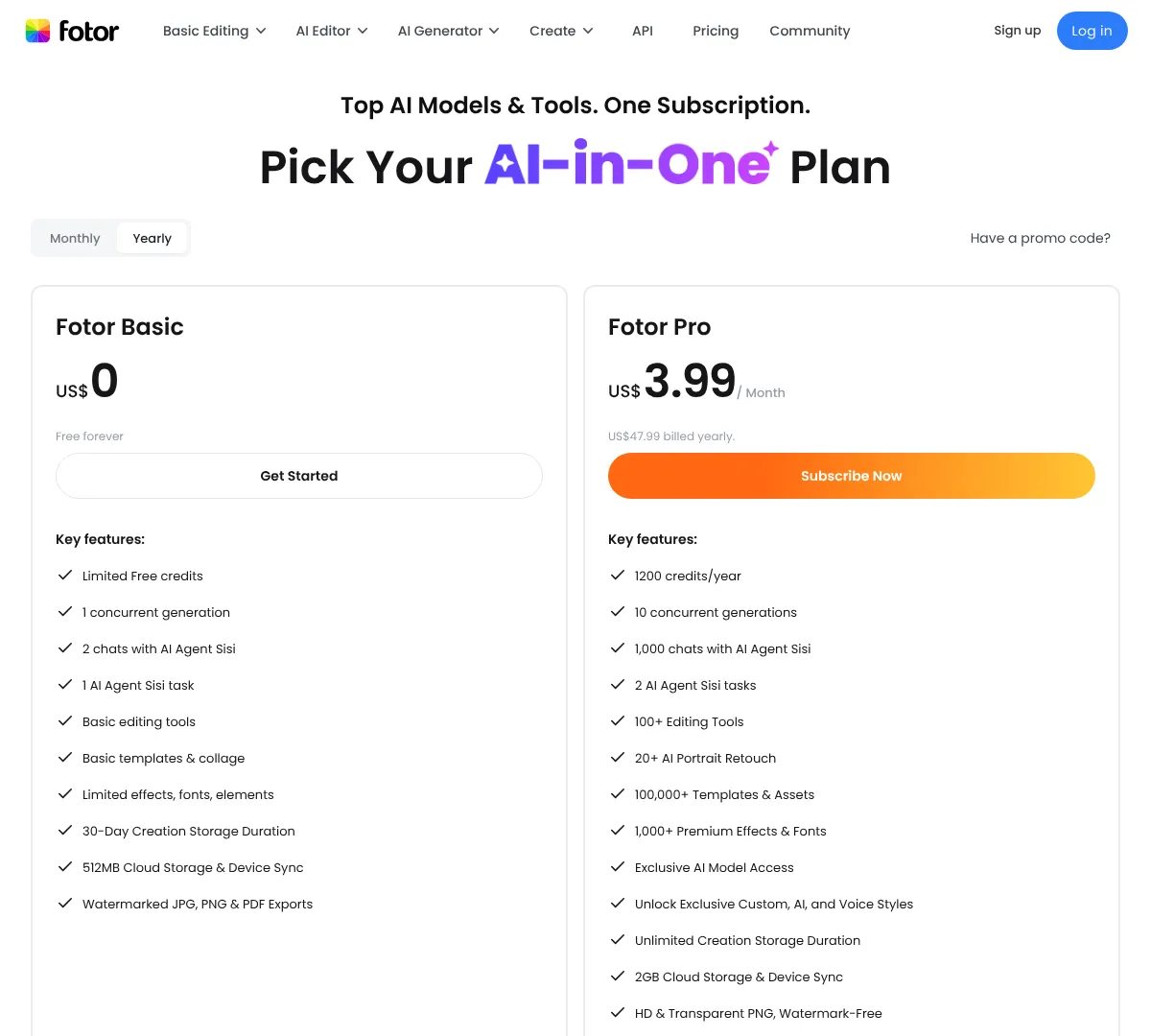
- •Basic editing tools on Free
- •100+ editing tools on paid plans
- •100,000+ templates and assets
- •AI portrait retouching
- •Batch editing and brand kits
- •Cloud storage and device sync
- ✓Good mix of editing and design
- ✓Strong AI feature set
- ✓Useful template library
- ✕Some plan details are credit-based
- ✕Free plan is limited
- ✕Best features sit in paid tiers
Snappa
13
Snappa is made for quick graphics without a learning curve. It gives you templates, stock photos, custom dimensions, background removal, uploads, and social integrations. The Pro and Team plans add unlimited downloads and collaboration. It is a good fit if you want to get in, make the design, and move on fast.
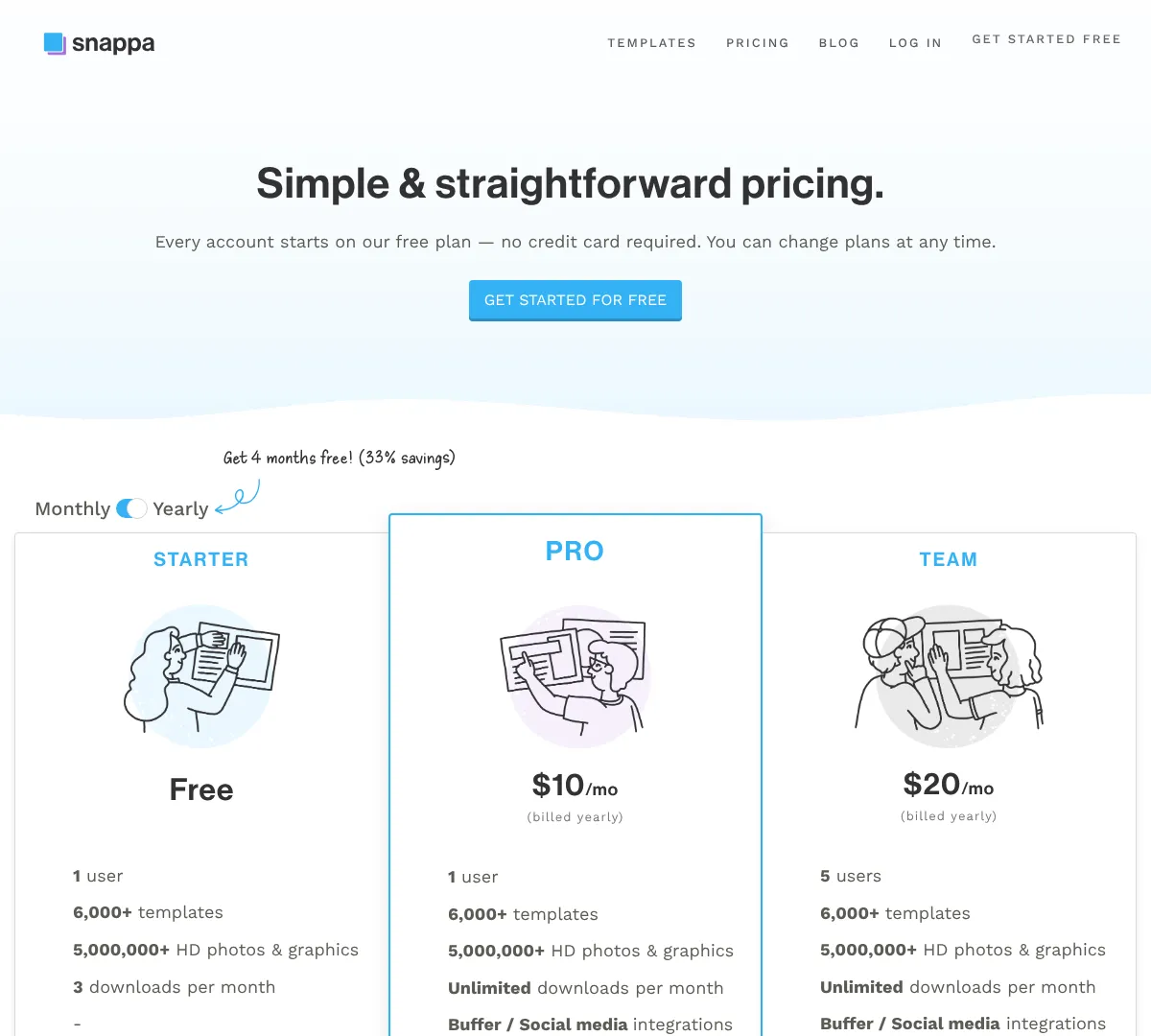
- •6,000+ templates
- •5,000,000+ HD photos and graphics
- •Unlimited downloads on paid plans
- •Buffer and social media integrations
- •Custom font uploads
- •Remove image backgrounds
- ✓Fast and simple to use
- ✓Good stock asset library
- ✓Useful for social media workflows
- ✕Less powerful than pro suites
- ✕Free plan is limited
- ✕Team collaboration sits in the team tier
If you want easy design tools like this, these are the closest matches.
Canvacanva.com
Designwizarddesignwizard.com
Support
14
VistaCreate is an online design tool for social media, blogs, marketing, and ads. The free Starter plan gives you thousands of templates and basic editing tools, while Pro opens a huge asset library, AI tools, and team features. It is a strong option if you want a simple design workflow with more stock content and branding control. The free trial also makes it easy to test the paid tier first.
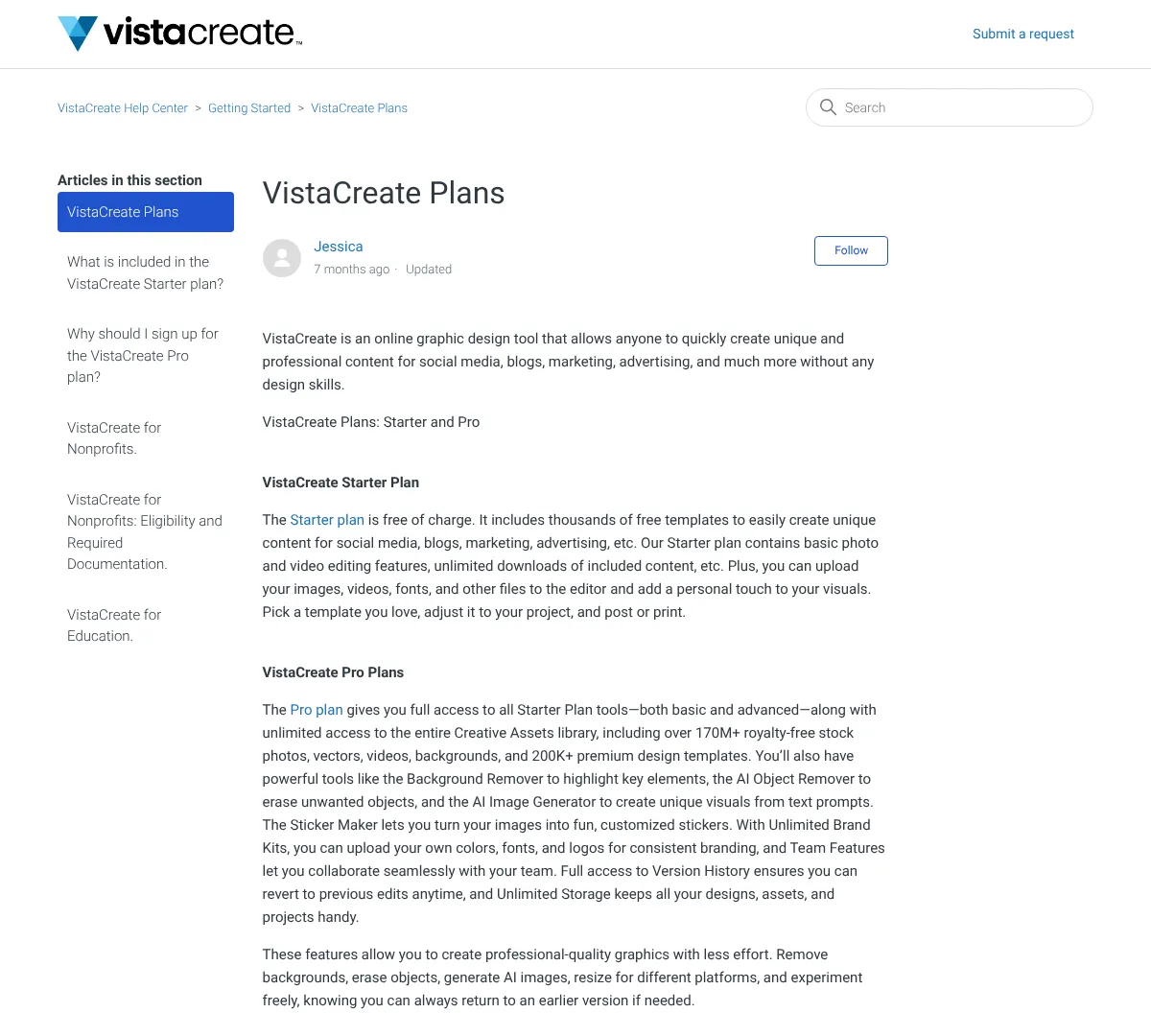
- •Thousands of free templates
- •Basic photo and video editing tools
- •Unlimited downloads of included content
- •Upload your own images, videos, fonts, and files
- •Over 170 million stock photos, vectors, videos, and backgrounds
- •Background remover, AI object remover, and AI image generator
- ✓Easy for social content
- ✓Big asset library on Pro
- ✓Useful branding and team tools
- ✕Starter plan is basic
- ✕Best tools sit in Pro
- ✕Not built for advanced pro illustration
Designwizard
15
Design Wizard gives you a simple way to make graphics, videos, and social assets. It includes templates, uploads, resizing, social sharing, and export options in a straightforward setup. The Pro tier adds more storage, unlimited downloads, and support. It is a practical choice if you want a low-friction tool that covers everyday design basics.
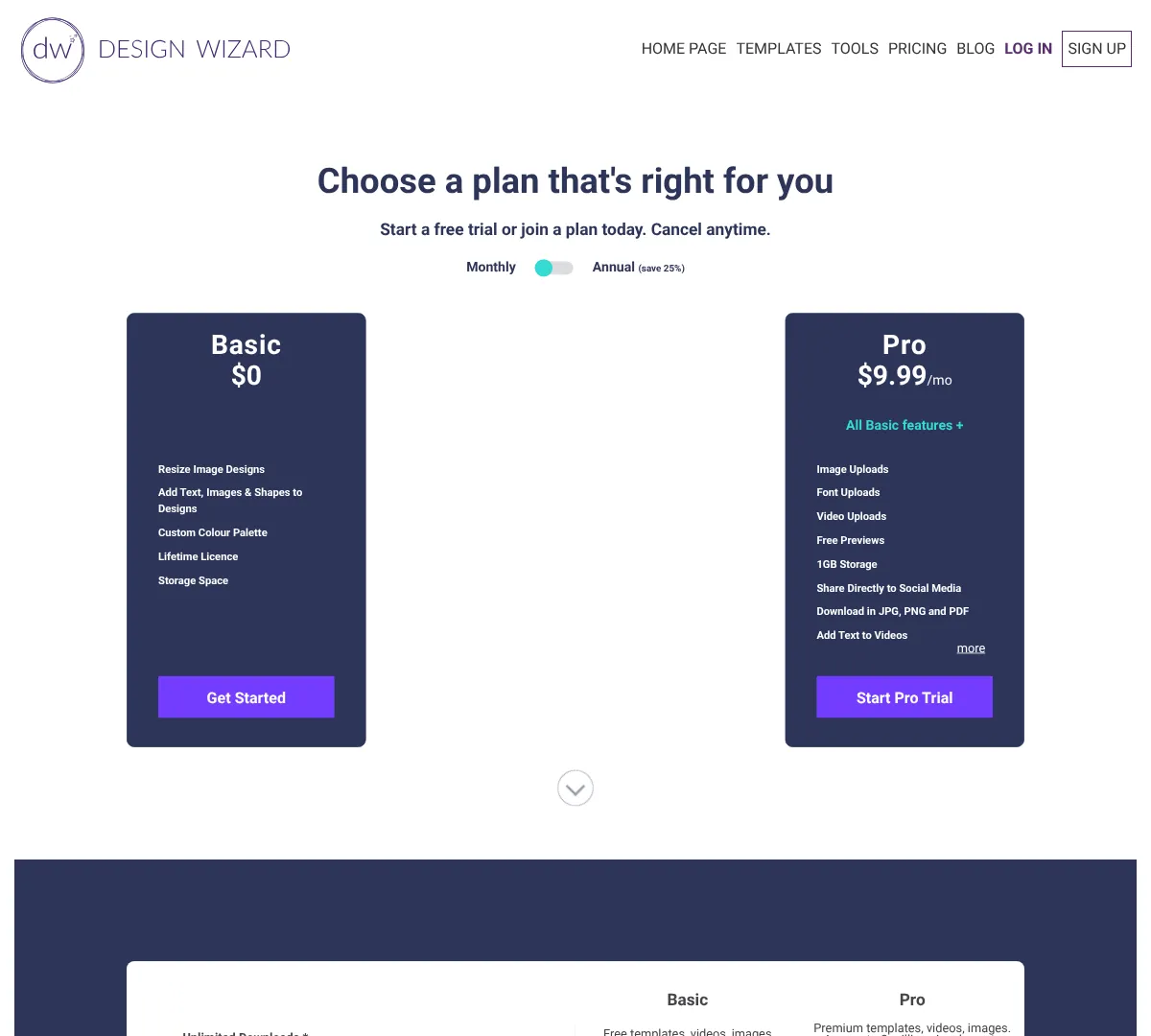
- •Resize image designs
- •Add text, images, and shapes
- •Custom colour palette
- •Image, font, and video uploads
- •Download in JPG, PNG, and PDF
- •Animated text templates and MP4 downloads
- ✓Low-cost paid plan
- ✓Simple for everyday designs
- ✓Covers image and video basics
- ✕Not as feature-rich as bigger tools
- ✕Template depth is smaller than some rivals
- ✕Best for basic marketing work
If you want similar easy design tools, these are the common picks.
Getstencil
16
Stencil is built for quick visual content creation. It gives you templates, photo and icon libraries, font uploads, watermarks, and simple saving and collection tools. The paid plans raise limits or remove them entirely, which is useful if you create a lot of social images. It is best for people who want speed and ease rather than a full design suite.

- •7-day money-back guarantee
- •Access to over 5 million photos
- •Over 3 million icons and graphics
- •Over 1,350 templates
- •Over 7,600 Google Fonts
- •Font uploads and logo/watermark tools
- ✓Very quick for social content
- ✓Large asset library on paid plans
- ✓Simple pricing
- ✕Free plan has tight limits
- ✕Less suited for complex design work
- ✕Team workflows are limited
Easil
17
Easil focuses on templates, brand control, and team workflows. It gives you design tools, layering, folders, brand kits, approvals, and more advanced print and team controls as you move up the plans. The free plan includes a trial, so it is easy to see how the workflow feels before paying. It fits teams that want branded content without a complicated enterprise setup.
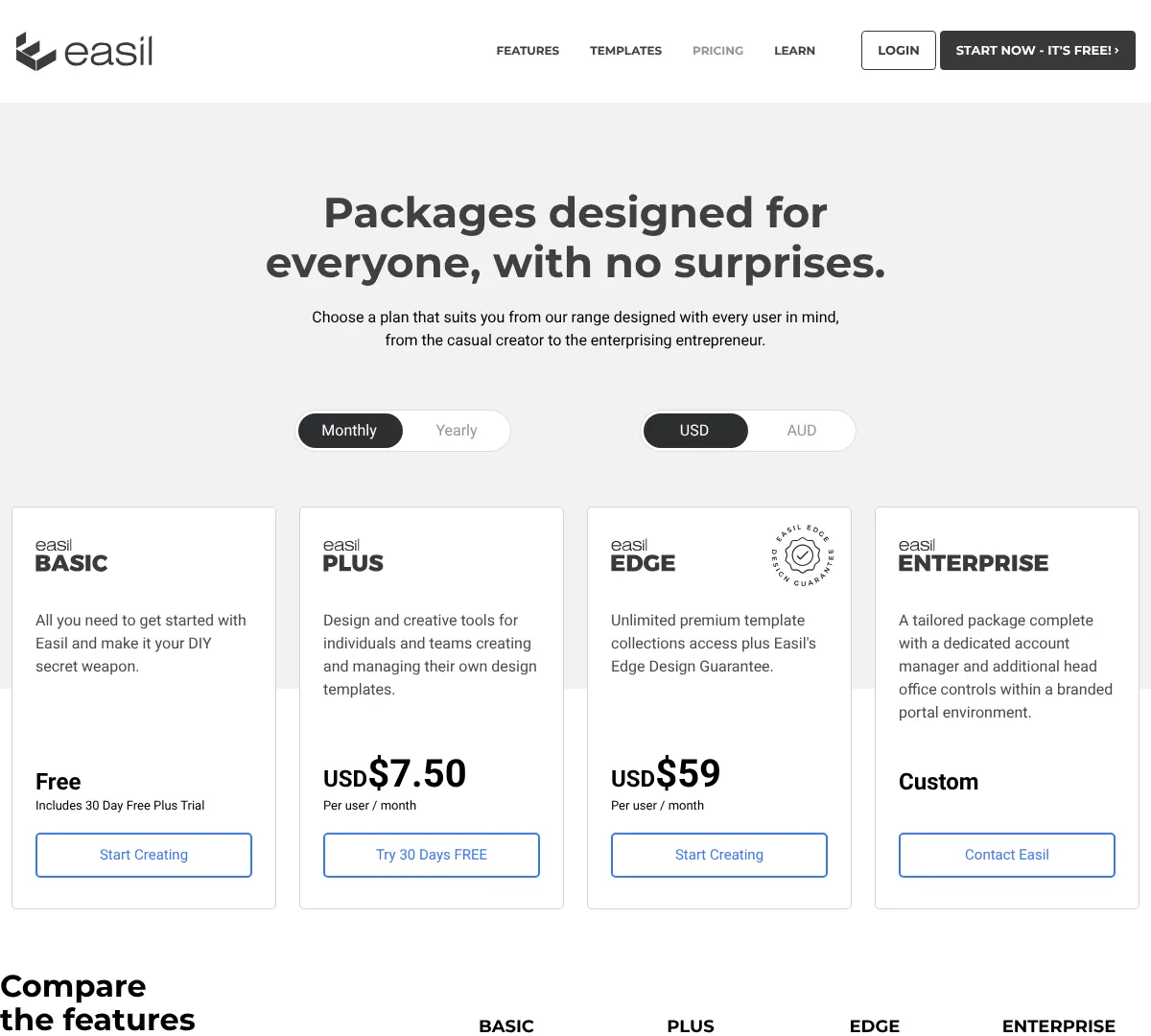
- •2,500+ to 30,000+ professionally designed templates by plan
- •1 million+ graphic elements and stock images
- •Brand kits with colors, fonts, logos, and images
- •Layer and folder organization
- •Design approval workflows and team sharing
- •Print and portal controls on higher tiers
- ✓Good for branded content
- ✓Strong team and template workflow
- ✓Affordable entry plan
- ✕Some advanced controls need higher tiers
- ✕Less known than mainstream rivals
- ✕Enterprise features are sales-led
If you want other brand-focused tools, these are the best comparisons.
Venngagevenngage.com
Piktochartpiktochart.com
Placeit
18
Placeit is known for mockups, logos, videos, and other ready-made design assets. It focuses on unlimited access and commercial use rights, which makes it useful for e-commerce, merch, and branding work. The monthly and yearly plans are simple, and the free tier is limited. If you need lots of mockups fast, this is a strong fit.
- •Over 95,000 mockups, logos, video templates, and design assets
- •Unlimited downloads with no caps or limits
- •Commercial usage rights
- •Logo creation tools and branded kits
- •Mockups for apparel, devices, packaging, and more
- •Weekly template updates
- ✓Huge mockup library
- ✓Simple subscription model
- ✓Useful for product visuals
- ✕Limited free access
- ✕Less suited for custom illustration
- ✕Best value comes from using it often
If you want similar visual asset tools, these are the closest choices.
Adobe
19
Adobe Express is made for fast content creation. It includes templates, stock assets, fonts, basic editing tools, planning, and scheduling, plus team and enterprise options. The free plan is usable on its own, and the paid plans add more assets, storage, and business controls. It is a strong choice when you want Adobe-style tools without using Photoshop or Illustrator for everything.
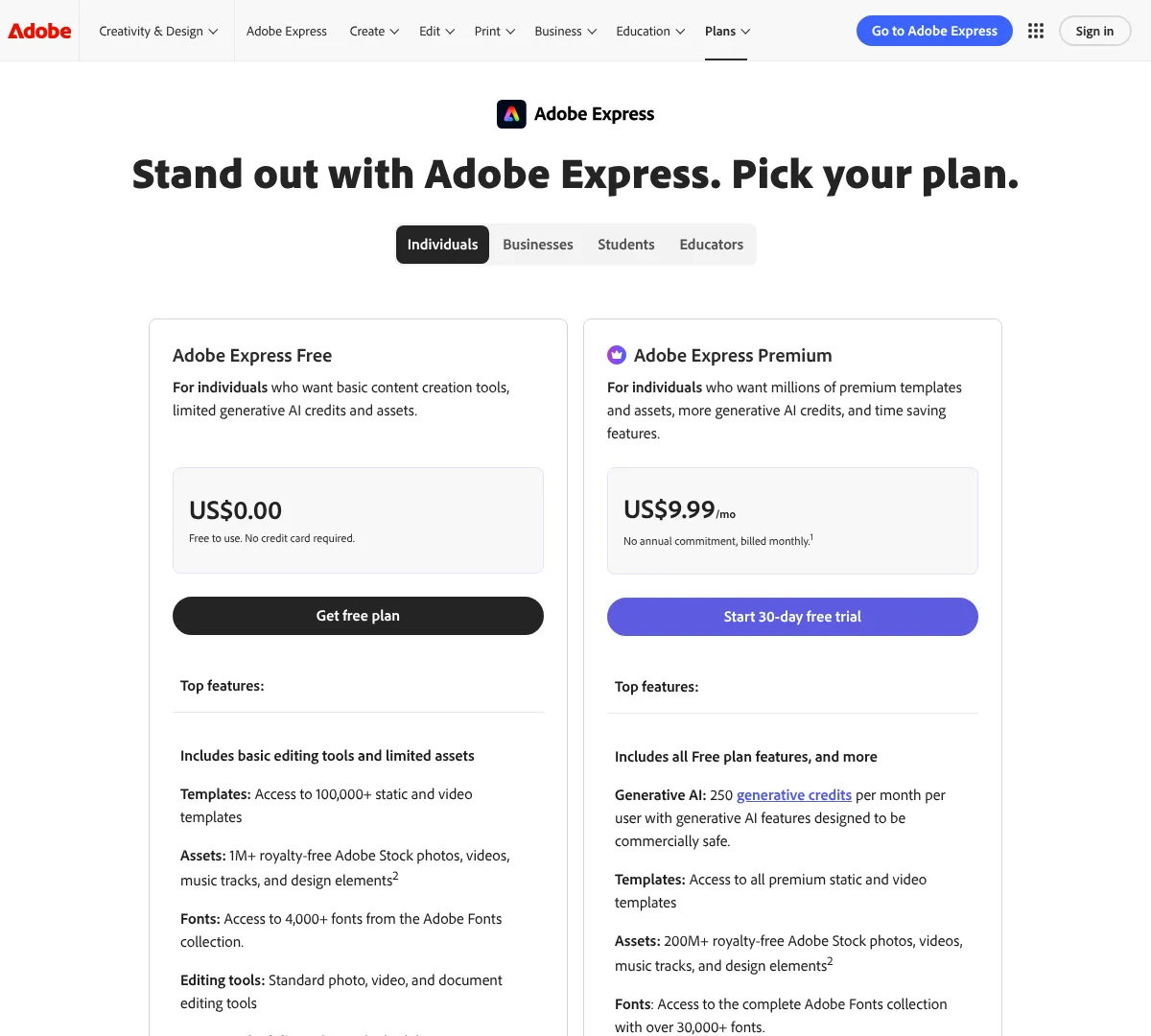
- •100,000+ static and video templates
- •1M+ royalty-free Adobe Stock assets
- •4,000+ Adobe Fonts
- •Photo, video, and document editing tools
- •Post planning and scheduling
- •5GB storage and 10 days version history
- ✓Easy for quick content
- ✓Strong template and asset library
- ✓Good fit for social and marketing work
- ✕Less powerful than Photoshop or Illustrator
- ✕Team plan needs at least two seats
- ✕Free plan has limited assets
If you want similar quick design tools, these are the closest alternatives.
Piktochart
20
Piktochart is focused on visual content like infographics, reports, charts, and presentations. The free plan is good for trying it out, while the paid tiers add more AI credits, downloads, branding, and collaboration. It is a strong fit for people who need polished visuals for data-heavy content rather than general graphic design. If your work leans toward communication and reporting, it makes a lot of sense.
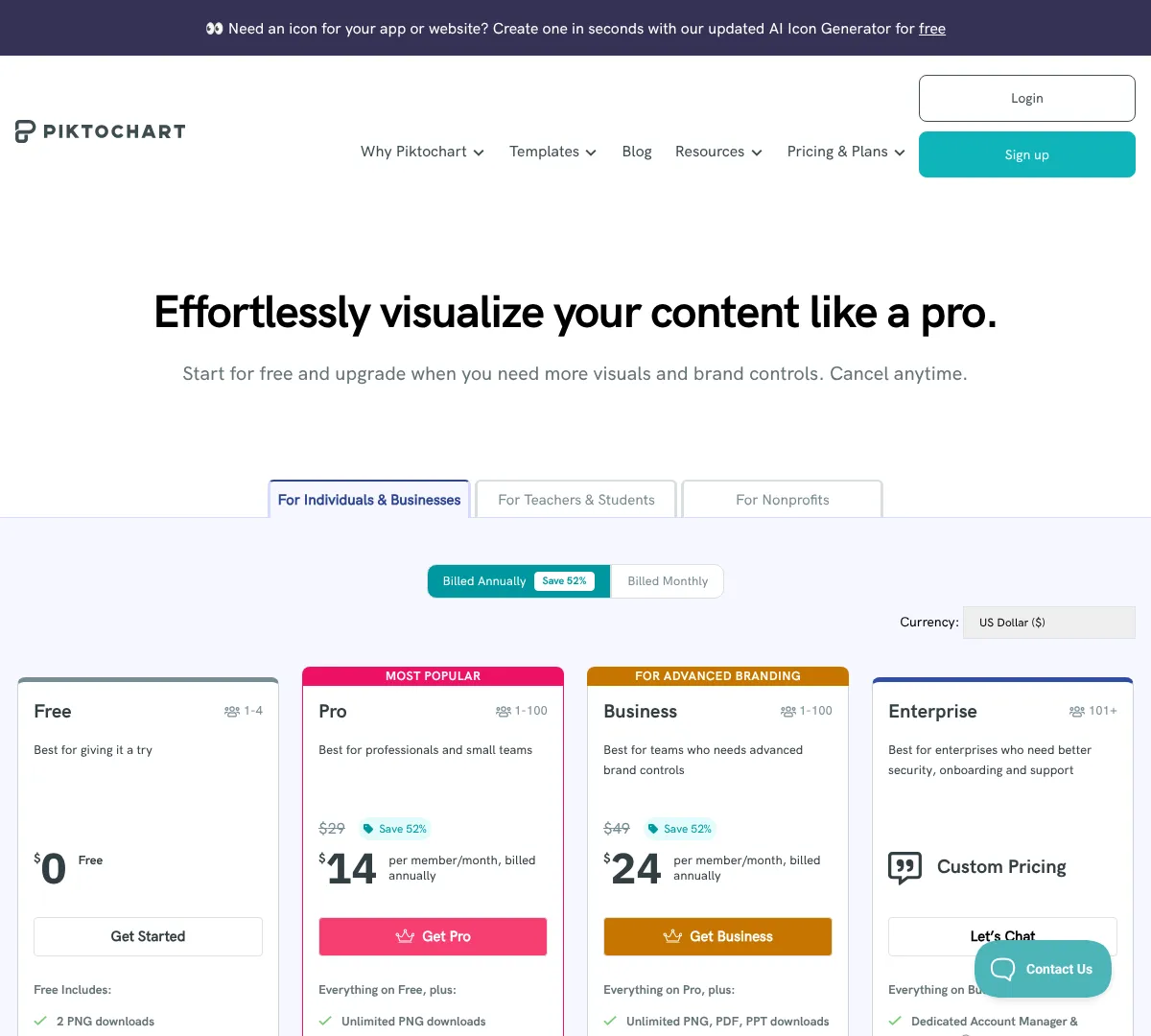
- •Unlimited visual projects
- •PNG downloads
- •AI credits
- •All templates and formats
- •Branding features on Business
- •Collaborative team workspace
- ✓Good for infographics
- ✓Useful for reports and presentations
- ✓Clear business and education pricing
- ✕Less suited to pure illustration work
- ✕Free plan is limited
- ✕Per-member pricing can grow quickly
Infogram
21
Infogram is built for charts, maps, reports, and interactive visual content. The plan set moves from a personal Basic option to team and enterprise tiers with collaboration, analytics, and security. It also includes live data connections, brand controls, and export options on higher plans. If you want graphics that look more like data stories than static art, this is a strong option.
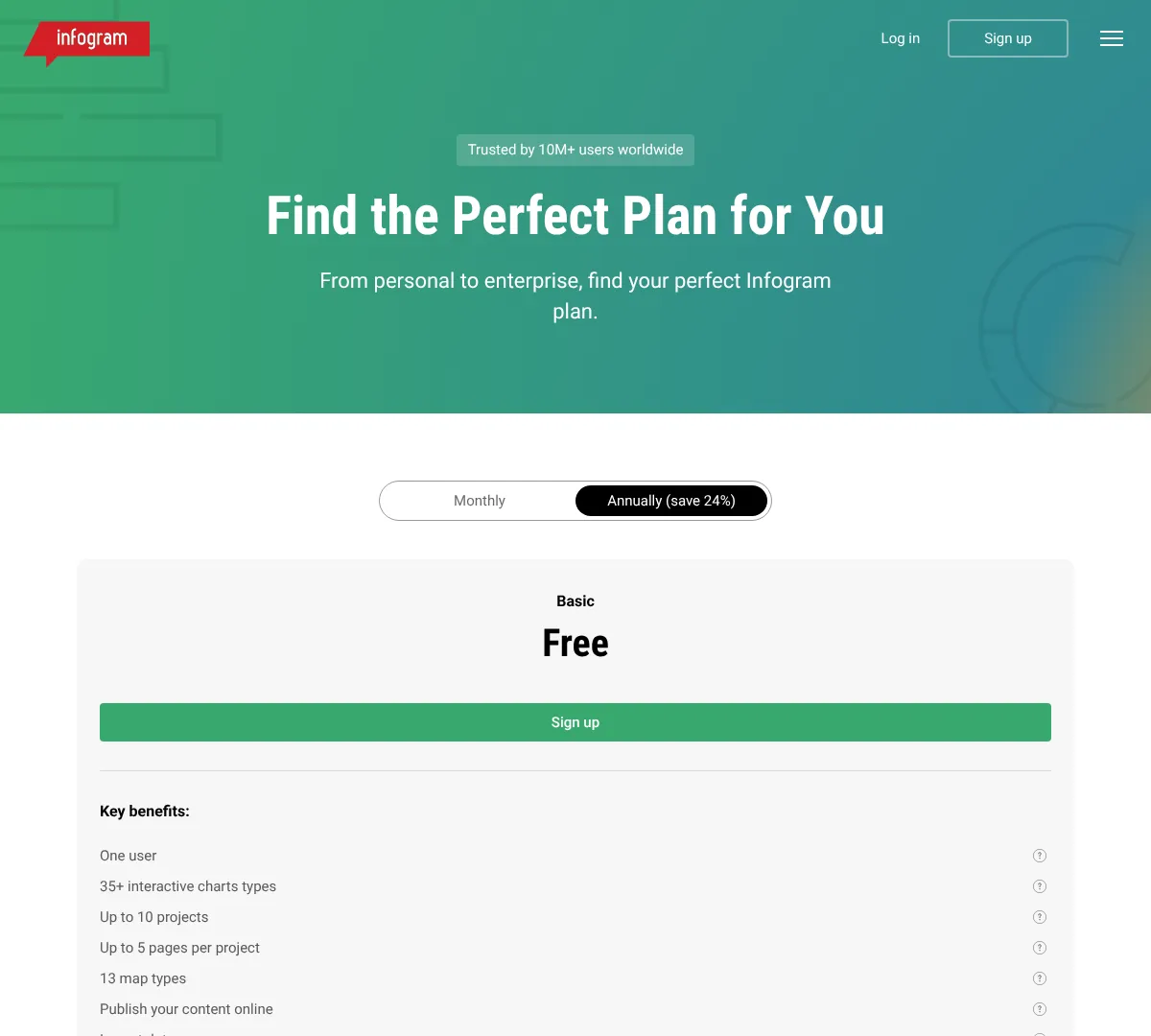
- •35+ interactive chart types
- •13 map types
- •100+ premium templates on Pro
- •Data connections and live data
- •Brand logo, fonts, and color palette on Business
- •Real-time collaboration and analytics on Team
- ✓Great for interactive visuals
- ✓Strong data and map options
- ✓Useful for teams and organizations
- ✕Not a simple logo or illustration tool
- ✕Best features are on higher tiers
- ✕Annual billing is the main path
If you want similar data-visual tools, these are the main alternatives.
Venngage
22
Venngage is built for infographics, reports, and business visuals. The free plan gives you a starting point with designs, icons, and uploads, while paid plans add exports, brand kits, folders, team sharing, and stronger support. It works well for teams that want polished business content without heavy design software. If your priority is communication design, it is a solid choice.
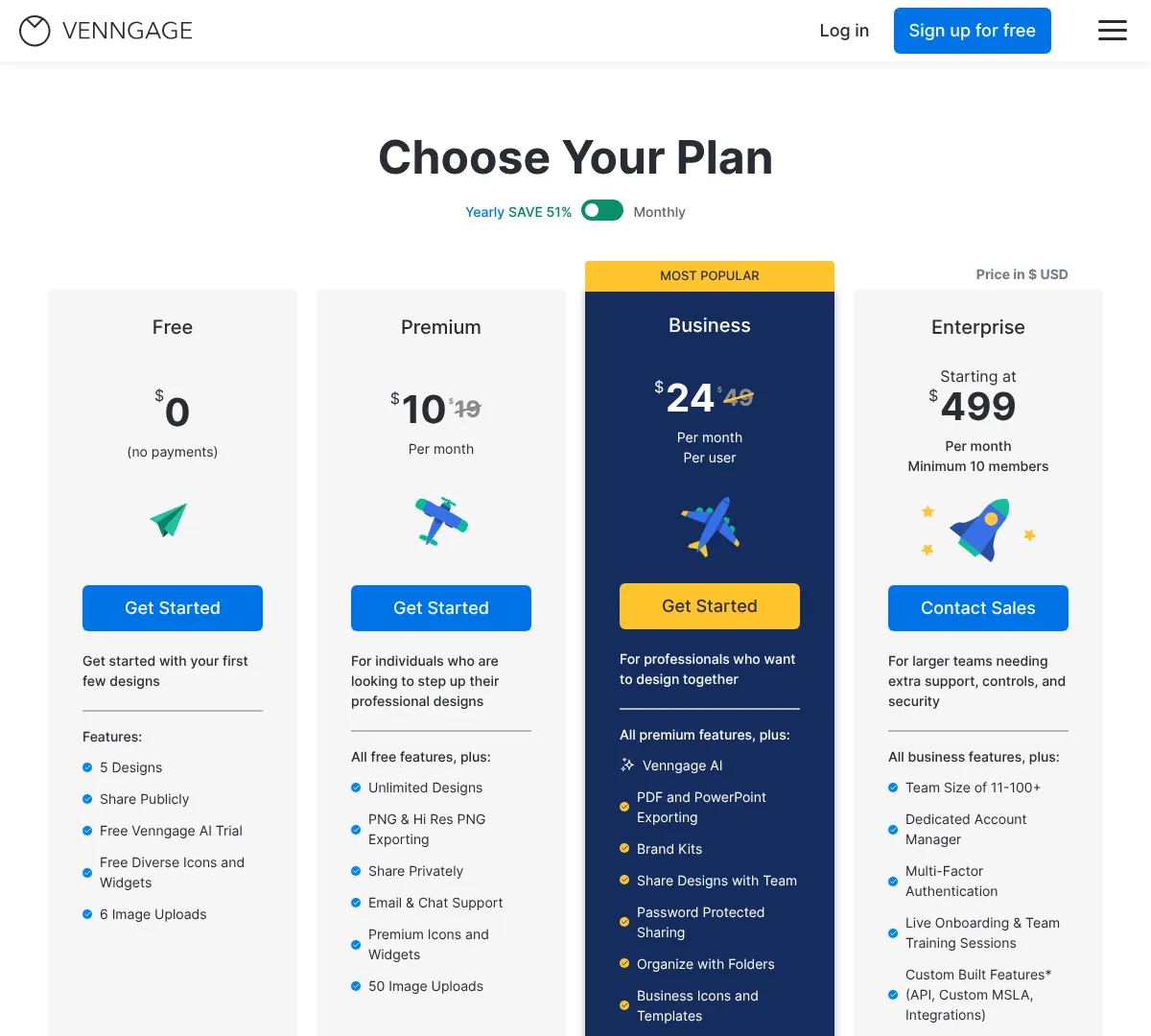
- •Unlimited designs on paid plans
- •PNG and high-resolution PNG export
- •Private sharing
- •Email and chat support
- •Premium icons and widgets
- •50 image uploads
- ✓Good for infographics and reports
- ✓Simple team sharing
- ✓Useful brand and export features
- ✕Free plan is limited
- ✕Less suited to advanced illustration
- ✕Enterprise-style needs require custom plans
If you want similar visual communication tools, these are the closest picks.
Infograminfogram.com
Visme
23
Visme is built for presentations, infographics, reports, surveys, social graphics, and more. It goes beyond one format and works well when you need a single tool for different kinds of visual content. The paid plans add unlimited projects, more storage, premium assets, brand kits, and analytics. It is a strong option for people and teams that create a lot of mixed-format content.
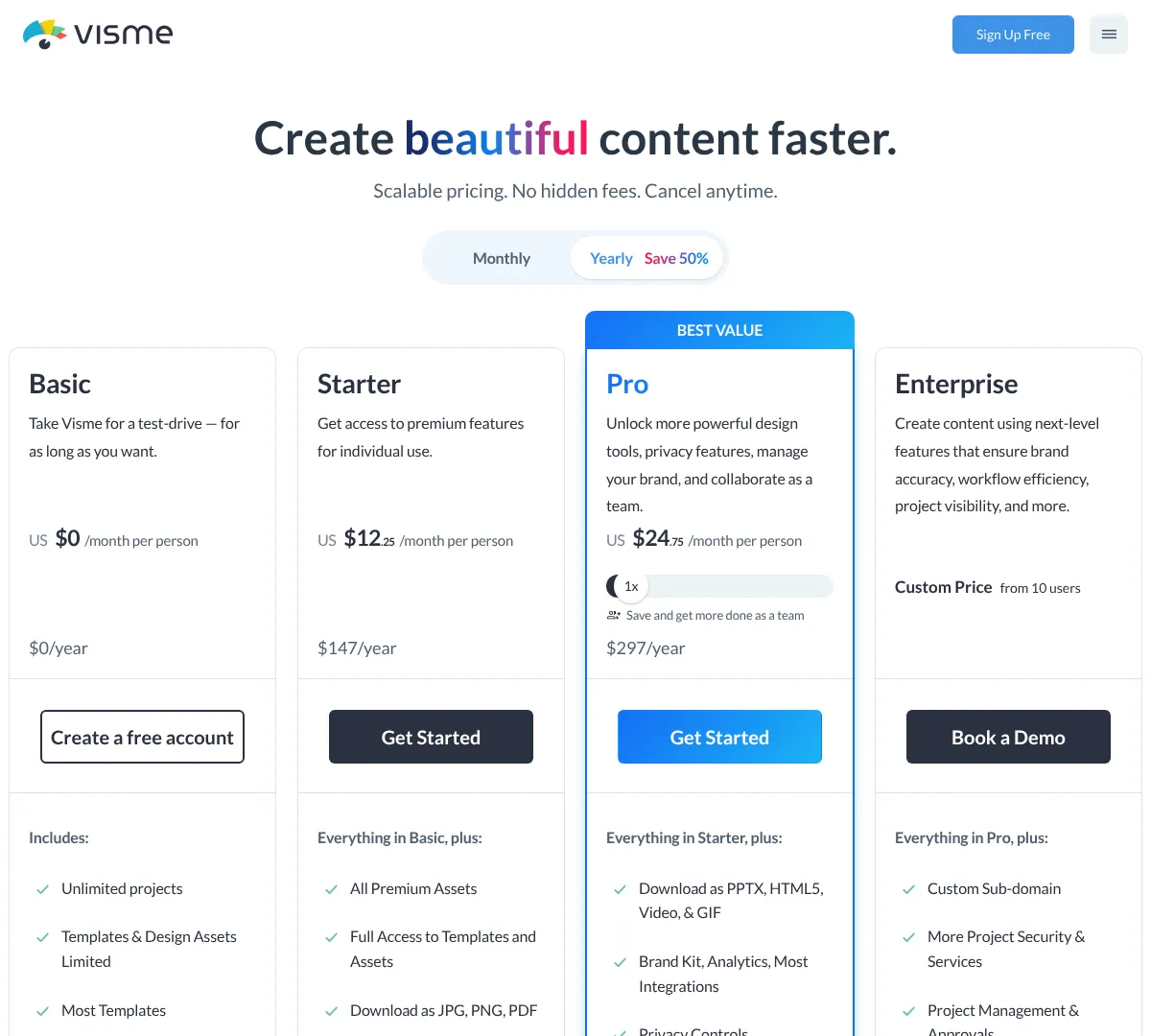
- •Unlimited projects on paid plans
- •Premium templates and assets
- •Brand kit with custom fonts and colors
- •Project analytics
- •Wide range of content formats
- •Increased storage on paid tiers
- ✓Very flexible content types
- ✓Good for business and education
- ✓Strong brand and analytics features
- ✕Can be more than you need for simple graphics
- ✕Higher tiers are better for serious use
- ✕Free plan has limits
If you want similar all-in-one design tools, these are the usual alternatives.
Miro
24
Miro is made for visual collaboration, brainstorming, and planning. The free plan gives you unlimited members but only a few editable boards, while paid plans increase the number of boards, visitors, exports, and facilitation tools. It also adds prototypes, AI workflows, insights, portfolios, and enterprise security options. It is best when your design process starts with ideas, maps, and shared planning.
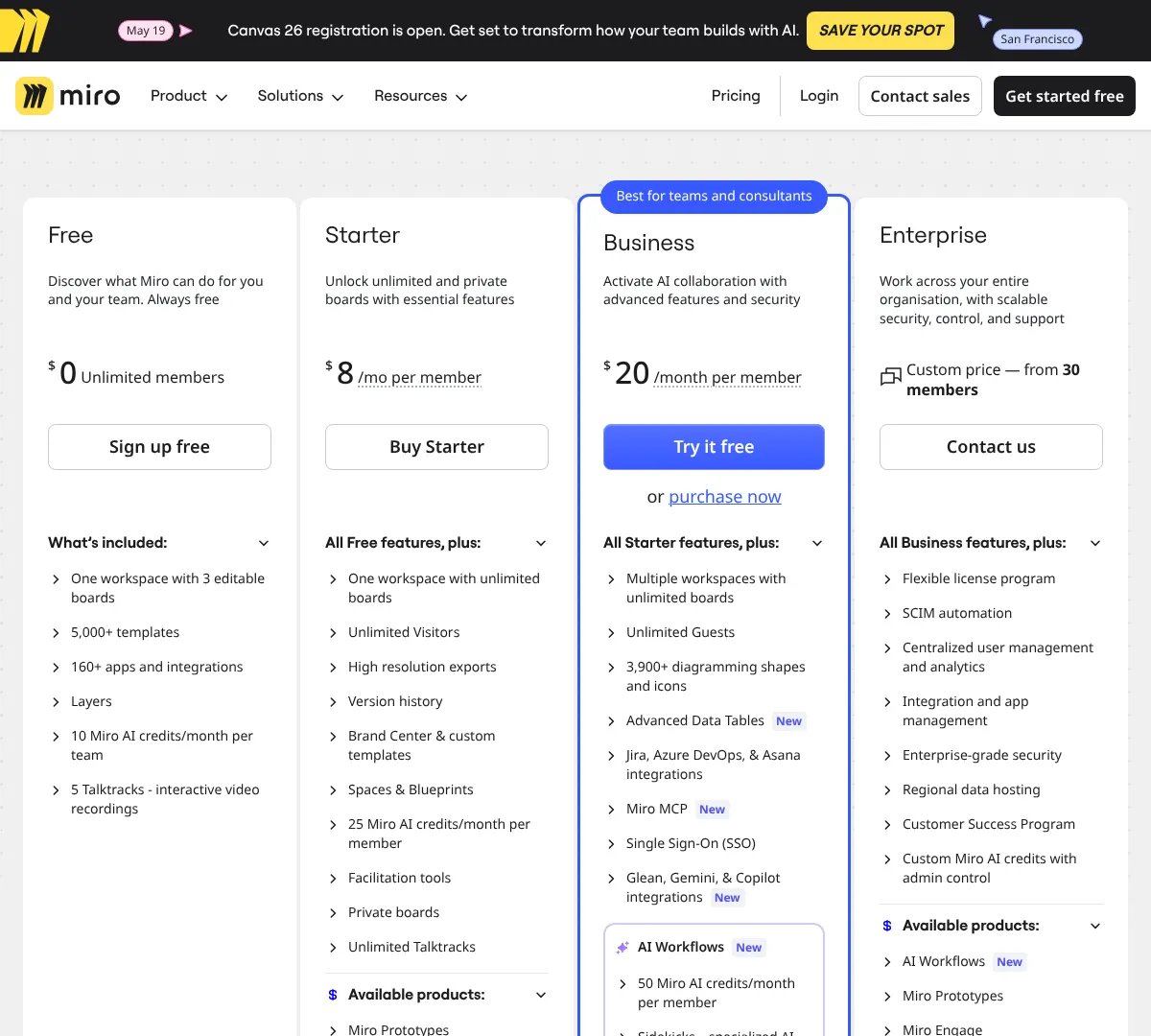
- •Unlimited members on Free
- •3 editable boards on Free
- •5,000+ templates
- •160+ integrations
- •AI prototypes and AI workflows
- •Enterprise security add-ons
- ✓Great for brainstorming and planning
- ✓Strong collaboration features
- ✓Lots of integrations
- ✕Not a traditional graphic editor
- ✕Free plan has few editable boards
- ✕Best fit is collaboration, not final art
If you want similar visual planning tools, these are the best comparisons.
Whimsicalwhimsical.com
Figmafigma.com
Lucidchartlucidchart.com
Whimsical
25
Whimsical is built for simple collaboration, boards, and visual thinking. The plan structure is easy to follow, with limits on boards, file sizes, guests, and AI actions increasing as you move up. It supports version history, private teams, timers, voting, and security controls on higher plans. It is a good fit if you want a clean, lightweight tool for organized visual work.
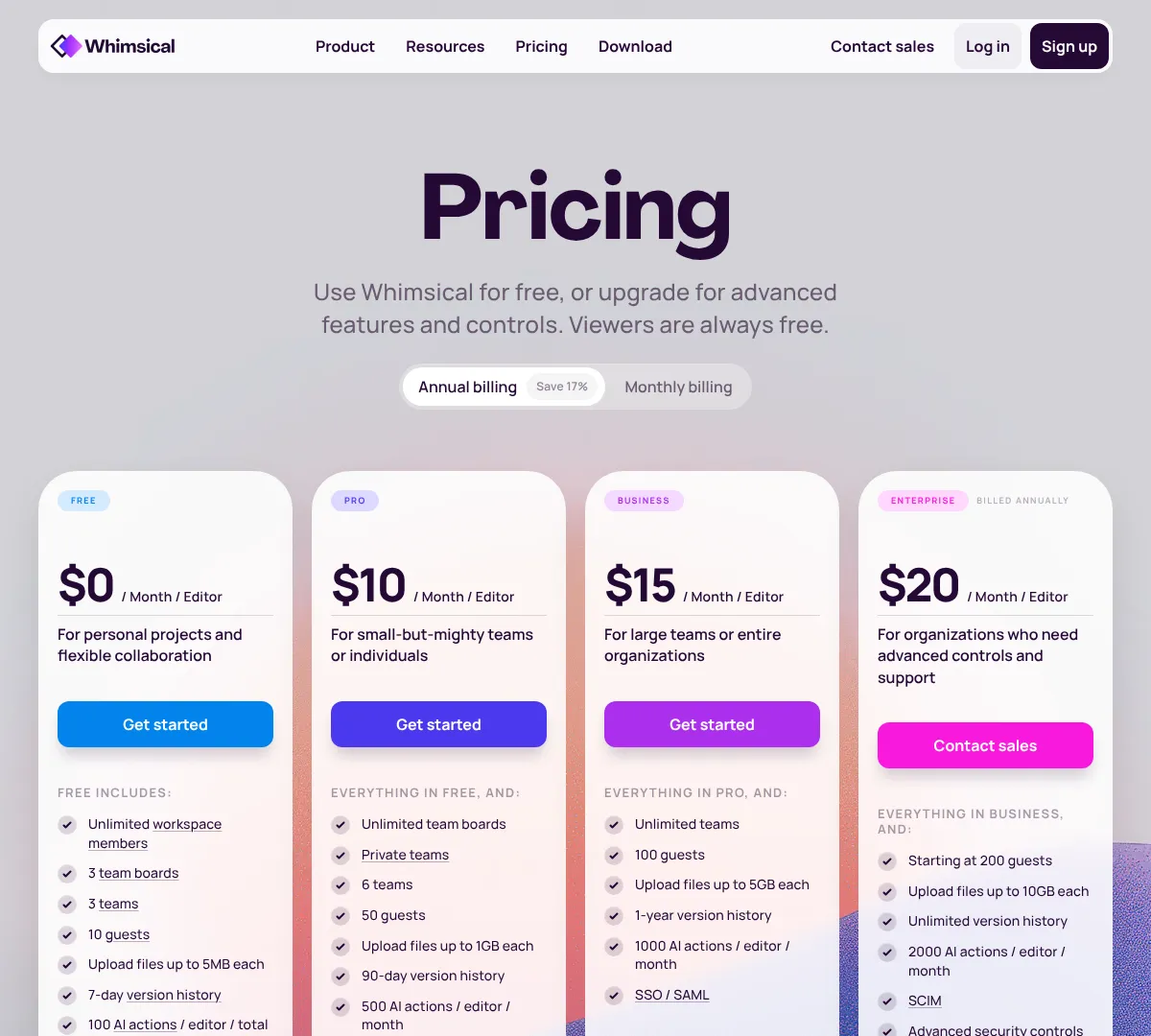
- •Unlimited private files on Free
- •Unlimited shared boards on Pro
- •Custom themes and templates
- •Timer and voting
- •90-day to unlimited version history
- •SAML SSO and advanced security on higher tiers
- ✓Very easy to use
- ✓Good for lightweight collaboration
- ✓Clear plan structure
- ✕Not built for deep illustration
- ✕Advanced controls cost more
- ✕File limits matter on lower tiers
Lucidchart
26
Lucidchart is built for diagrams, flowcharts, and structured visual planning. The free plan gives you a few editable documents and basic tools, while paid plans expand documents, shapes, templates, storage, and integrations. Team plans add revision history and developer tools, and enterprise adds custom pricing and broader integrations. It is a good fit for process visuals, system maps, and business diagrams.
- •Flowchart and diagram creation
- •Premium templates
- •Presentation Mode
- •Visio import and export
- •Developer tools and version control
- •Integrations with business apps
- ✓Strong for structured diagrams
- ✓Useful integrations
- ✓Good team workflow features
- ✕Not a general art tool
- ✕Free plan is limited
- ✕Better for diagrams than marketing graphics
Draw
27
draw.io is free online diagram software for flowcharts, network diagrams, UML, ER diagrams, BPMN, and more. It supports importing common diagram files and is widely used for simple, flexible diagram work. The pricing model is basically free, with integration-based options for Atlassian setups. If you want a no-cost diagramming tool, it is an easy pick.
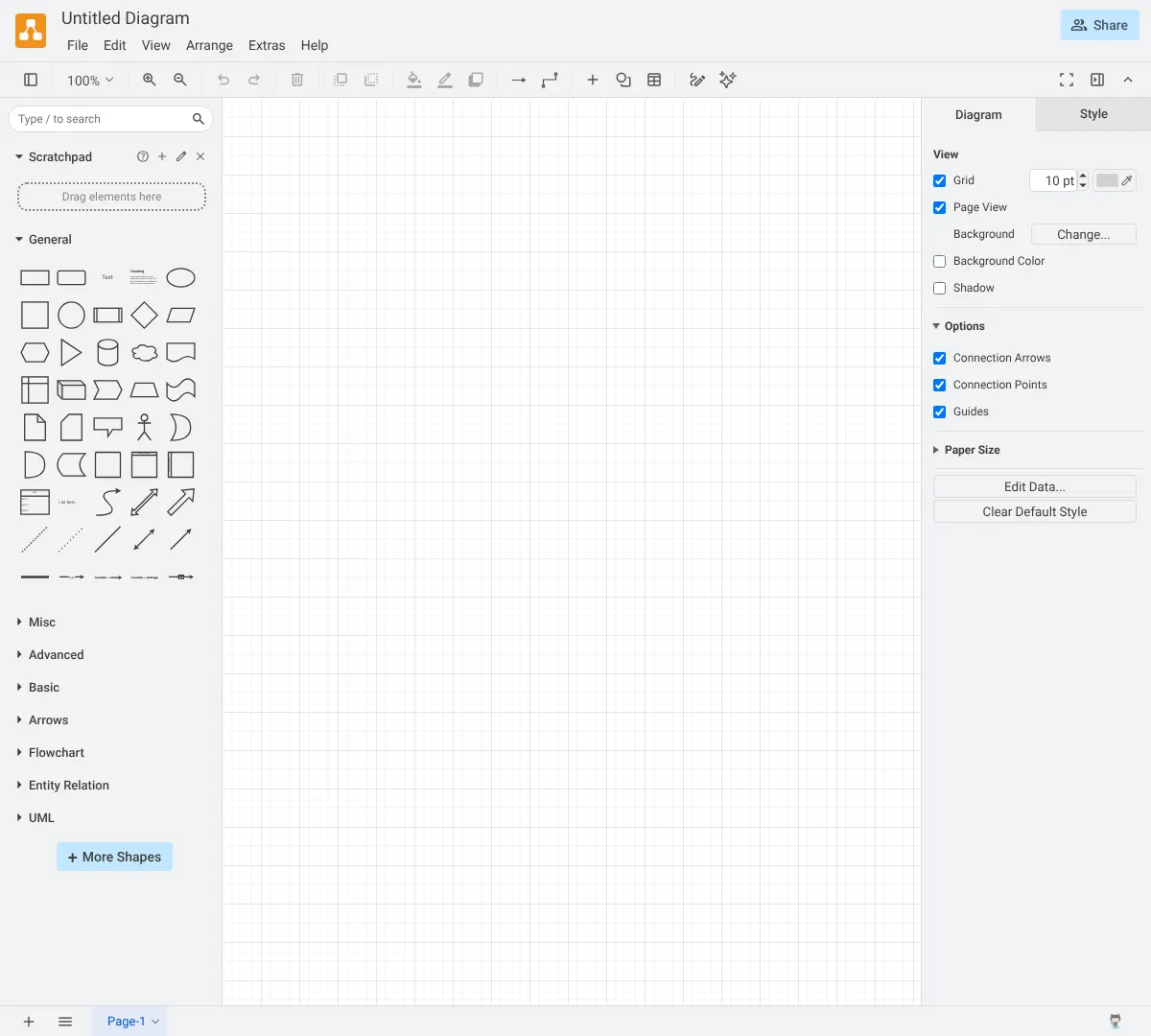
- •Unlimited diagrams
- •All shape libraries
- •Cloud storage integrations
- •Export to multiple formats
- •Confluence and Jira integration
- •Team templates and admin controls
- ✓Free and flexible
- ✓Great for technical diagrams
- ✓Works with common imports and exports
- ✕Less polished than premium apps
- ✕Some integrations are separate
- ✕Best for diagrams, not general design
If you want similar diagram tools, these are the closest matches.
Createlycreately.com
Miromiro.com
Creately
28
Creately mixes diagramming, collaboration, databases, and project tools in one platform. It offers free and paid plans with bigger storage, more items, version history, collaboration, integrations, and security controls as you go up. It is strong for teams that need a visual workspace for planning, process mapping, and structured content. If you want diagrams plus lightweight project management, it is a practical choice.

- •Unlimited canvases and workspaces
- •Version history up to forever by plan
- •Advanced diagramming and shape libraries
- •Real-time collaboration and comments
- •2-way data sync and databases
- •Project management toolkits
- ✓Good all-in-one workspace
- ✓Useful for diagrams and planning
- ✓Strong collaboration features
- ✕Pricing jumps at higher tiers
- ✕Can be more than you need for simple diagrams
- ✕Best value depends on team use
If you want similar visual workspace tools, these are the main alternatives.
Draw.iodraw.io
Fund
29
Blender Fund is a membership program that supports Blender development. It is not a design editor, but it helps fund software development, bug fixes, workshops, and website maintenance. The supporter tier is low-cost, and the corporate option is built for organizations that want to help at a larger scale. If you use Blender or want to support open-source creative tools, this is the main membership path.

- •Software development funding
- •Bug fixes and stability enhancements
- •Workshops at Blender HQ
- •Maintenance of blender.org websites
- ✓Supports open-source development
- ✓Low monthly entry point
- ✓Good for organizations that use Blender
- ✕Not a design tool
- ✕Best for supporters, not creators
- ✕Corporate membership needs direct contact
Coreldraw
30
CorelDRAW Go is a browser-based graphic design tool with vector editing, text tools, AI image generation, templates, masking, and photo editing. It is built for people who want more control than basic template apps without jumping into a huge desktop suite. The tool includes 1,000 AI image credits per month and works for a wide range of everyday creative projects. It is a strong fit for quick, practical design work in the browser.
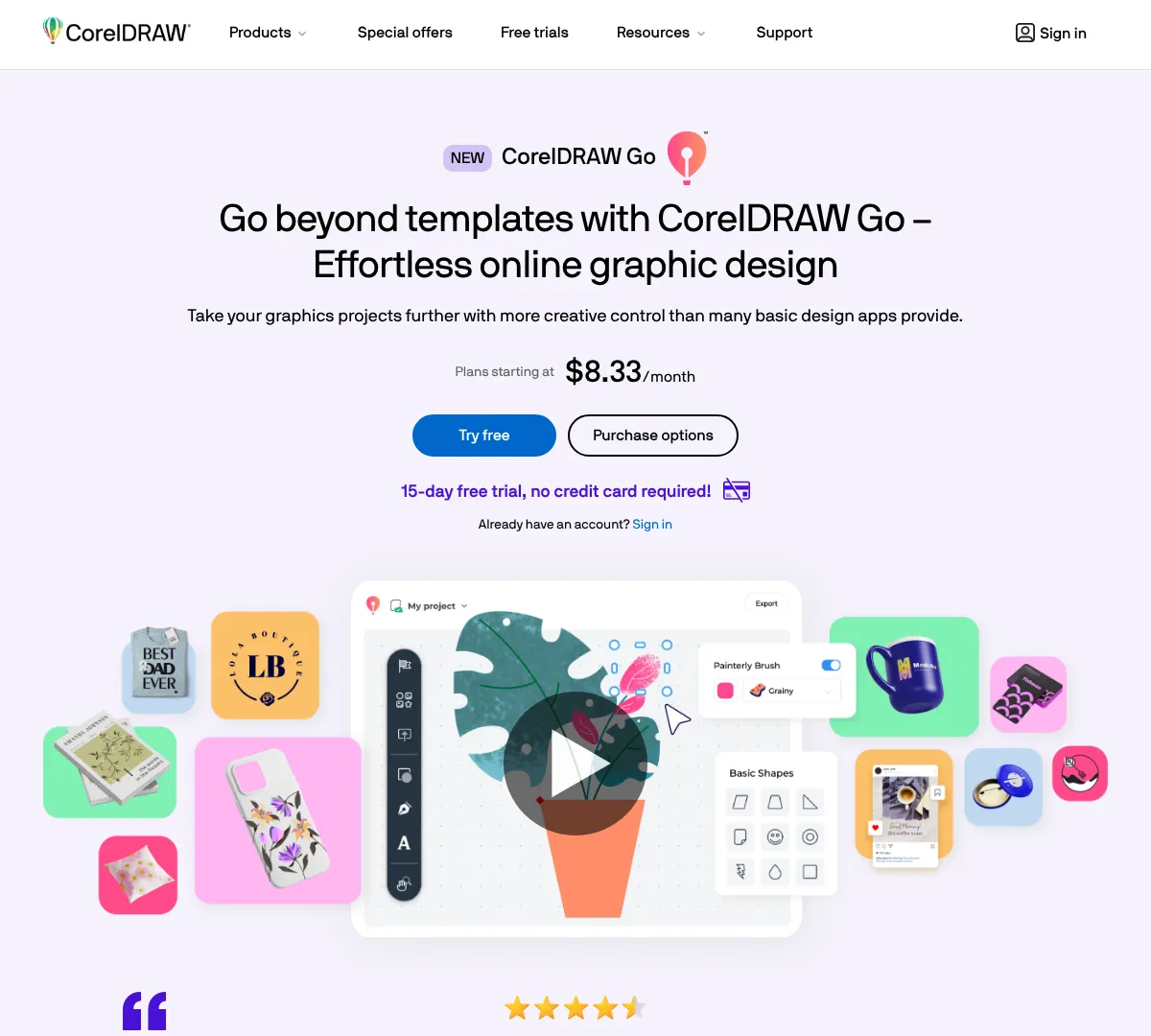
- •Intuitive vector drawing tools
- •Realistic brushes and textures
- •Advanced text and typography options
- •AI-powered image generation with 1,000 credits/month
- •Fully editable templates
- •Millions of design assets
- ✓Browser-based and easy to access
- ✓More control than basic template tools
- ✓Good mix of AI and editing features
- ✕No free plan in the pricing list
- ✕Best for lighter design work
- ✕Team pricing is per user
If you want similar browser-based design tools, these are the main options.
Linearity
31
Linearity is made for designers who work across Mac, iPad, and iPhone. The free plan gives you templates, sharing, tutorials, Magic Eraser, and Auto Trace, while Pro unlocks unlimited files, exports, and artboards. The Org plan adds premium support, onboarding, and account management. It is a solid choice if you want a mobile-friendly creative workflow with vector control.
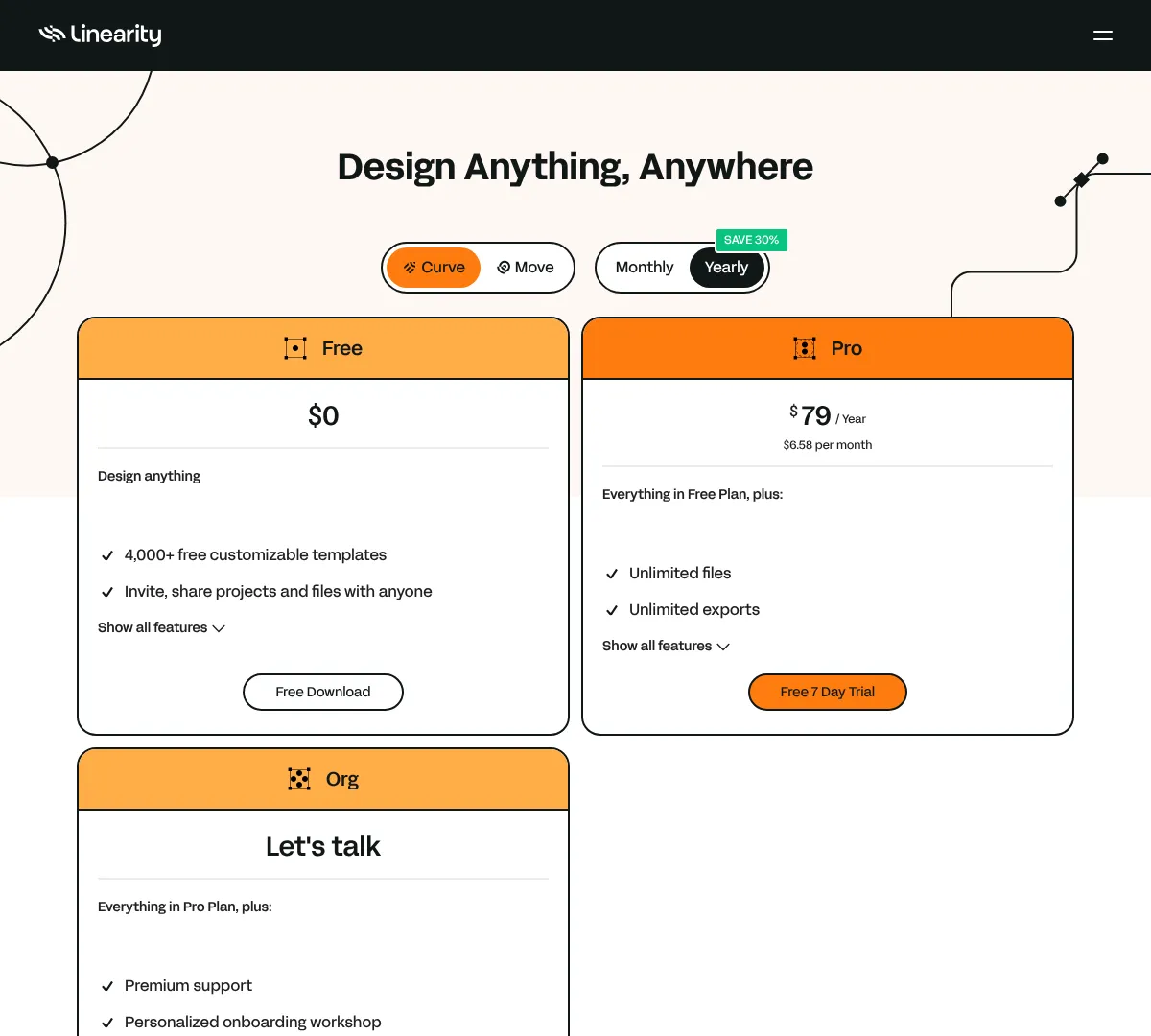
- •4,000+ customizable templates
- •Cross-device sync across Mac, iPad, and iPhone
- •Magic Eraser and Auto Trace
- •Unlimited files and exports on Pro
- •Unlimited artboards on Pro
- •Premium support and onboarding on Org
- ✓Good Apple device workflow
- ✓Strong vector and trace tools
- ✓Useful free plan
- ✕Best experience is Apple-focused
- ✕Pro price is annual only
- ✕Org pricing needs a sales conversation
Icons8
32
Lunacy is desktop graphic design software with editable icons, illustrations, photos, generators, and AI tools. The free plan is useful for beginners, while the Pro plan unlocks editable vector assets, AI upscaling, background removal, and better cloud storage. Enterprise adds private cloud and advanced controls for larger teams. It is a useful choice if you want a desktop app with lots of built-in visual assets.
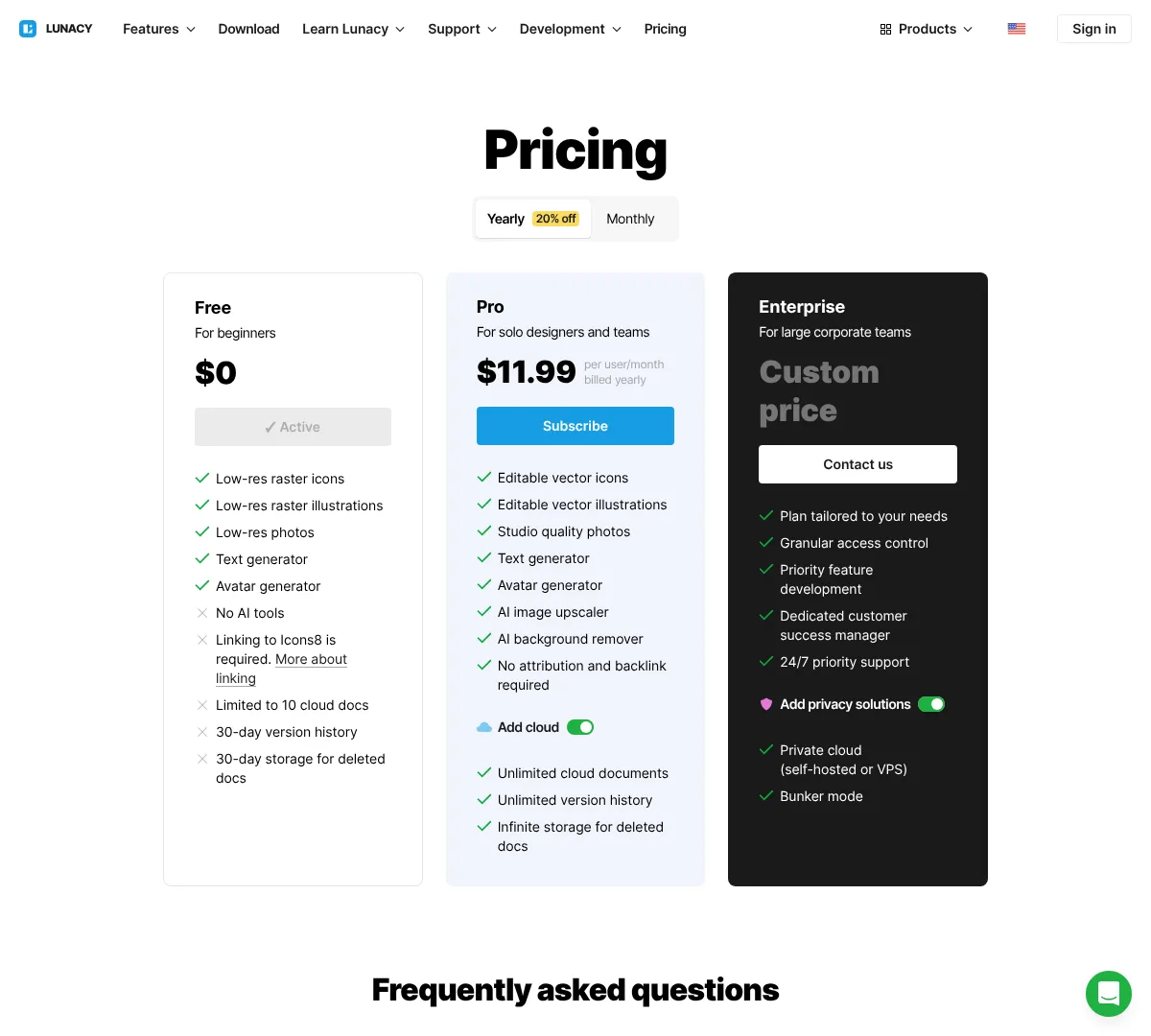
- •Editable vector icons and illustrations
- •Studio quality photos
- •Text generator and avatar generator
- •AI image upscaler and background remover
- •Unlimited cloud documents on Pro
- •Unlimited version history on Pro
- ✓Good asset library
- ✓Useful AI tools
- ✓Desktop apps for major operating systems
- ✕Free plan is limited
- ✕Enterprise needs direct contact
- ✕Best features are in Pro
Krita
33
Krita is a free digital painting tool with a shop that also supports the project through merch and training materials. It is built for painting, comics, animation learning, and creative training resources. The pricing page mostly highlights paid extras, but the core app remains available for free. It is one of the strongest choices if your graphic design work leans toward illustration and painting rather than layout.
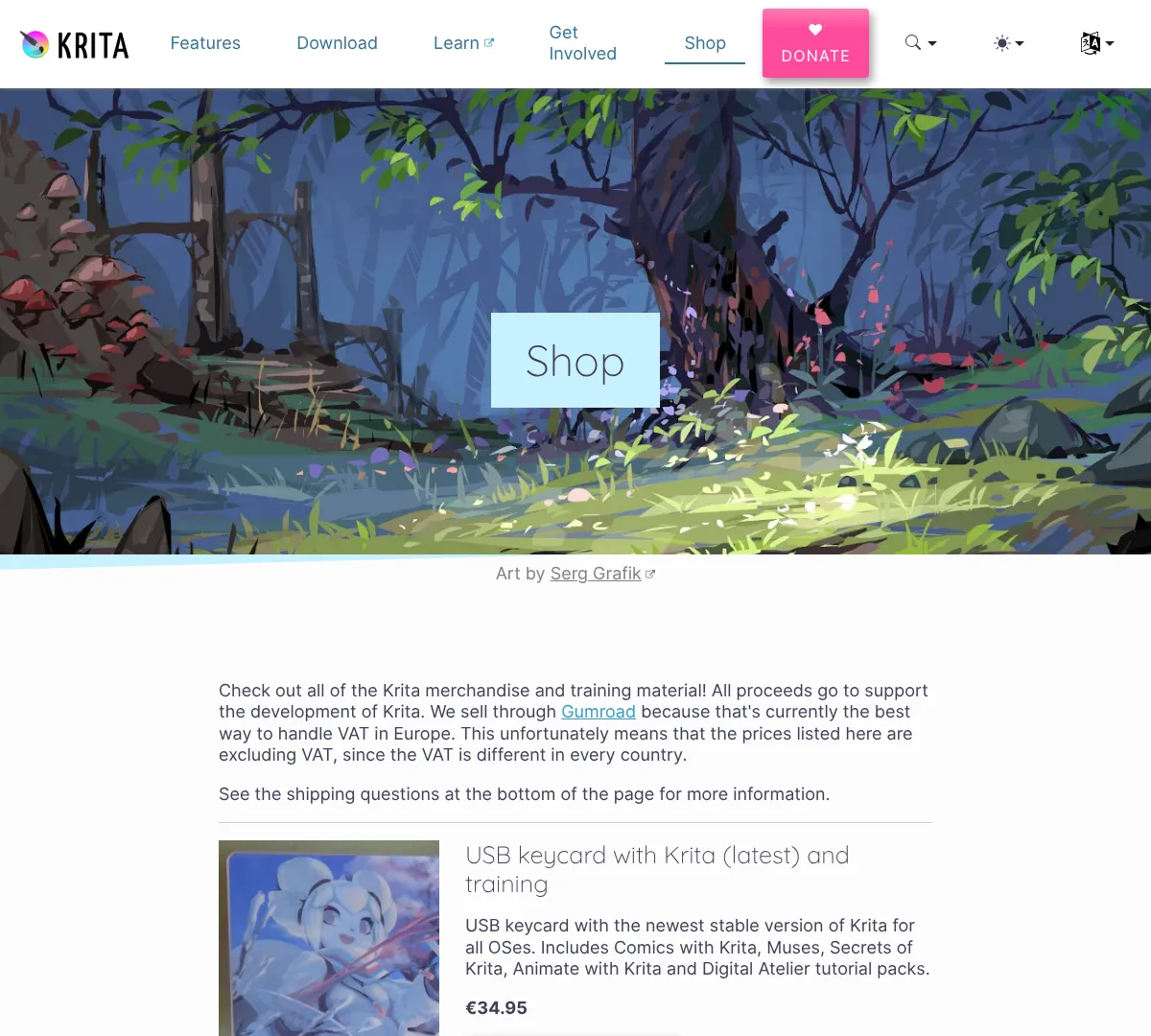
- •Free version available
- •Brush and painting workflow
- •Training materials and bundles
- •Animation learning resources
- •Comic creation support
- •Open creative workflow
- ✓Great for painting and illustration
- ✓Free to use
- ✓Strong training ecosystem
- ✕Not the best tool for layout-heavy work
- ✕More focused on drawing than brand design
- ✕Shop items are mostly extras
Procreate
34
Procreate is a drawing app for iPad built for sketching, painting, and illustration. It includes hundreds of brushes, layers, animation assist, time-lapse recording, and support for 3D file formats. The one-time pricing is simple, and it is strongly tied to the Apple Pencil and iPad experience. If you want a mobile drawing studio on iPad, it is one of the top choices.
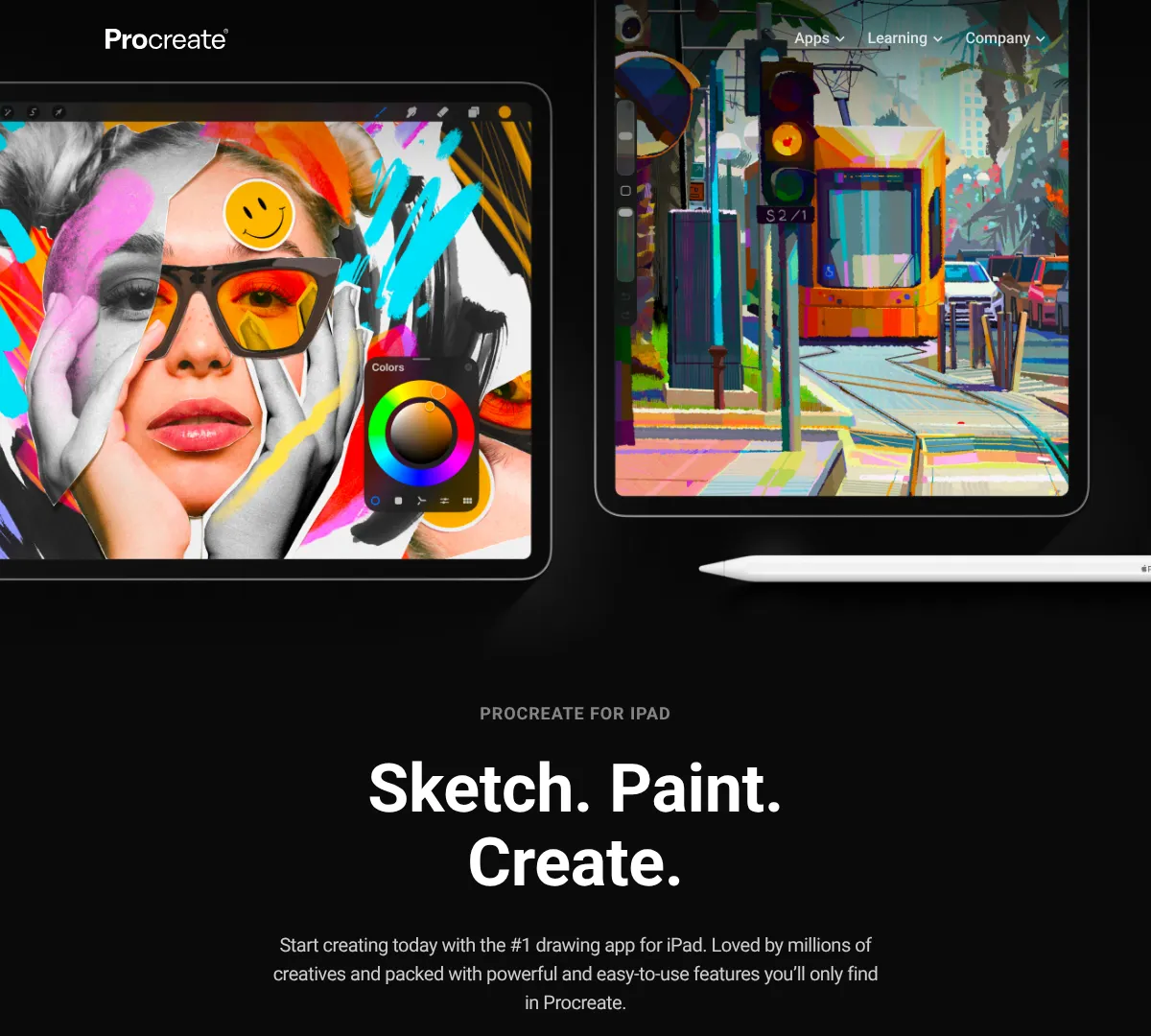
- •Over 300 handcrafted brushes
- •Unlimited layers
- •Animation assist
- •Time-lapse recording
- •PSD import and export
- •Lifetime updates
- ✓Simple one-time pricing
- ✓Excellent iPad experience
- ✓Strong brush and drawing tools
- ✕iPad-first workflow
- ✕Not built for desktop users
- ✕Best for drawing, not full layout work
Apple
35
Pixelmator Pro is a Mac and iPad graphics editor built around Apple devices. It includes AI features, non-destructive editing, vector support, templates, and deep Photos integration. You can buy it once or get it through Apple Creator Studio, which also bundles other creative apps. If you work inside the Apple ecosystem, this is a very polished editing choice.
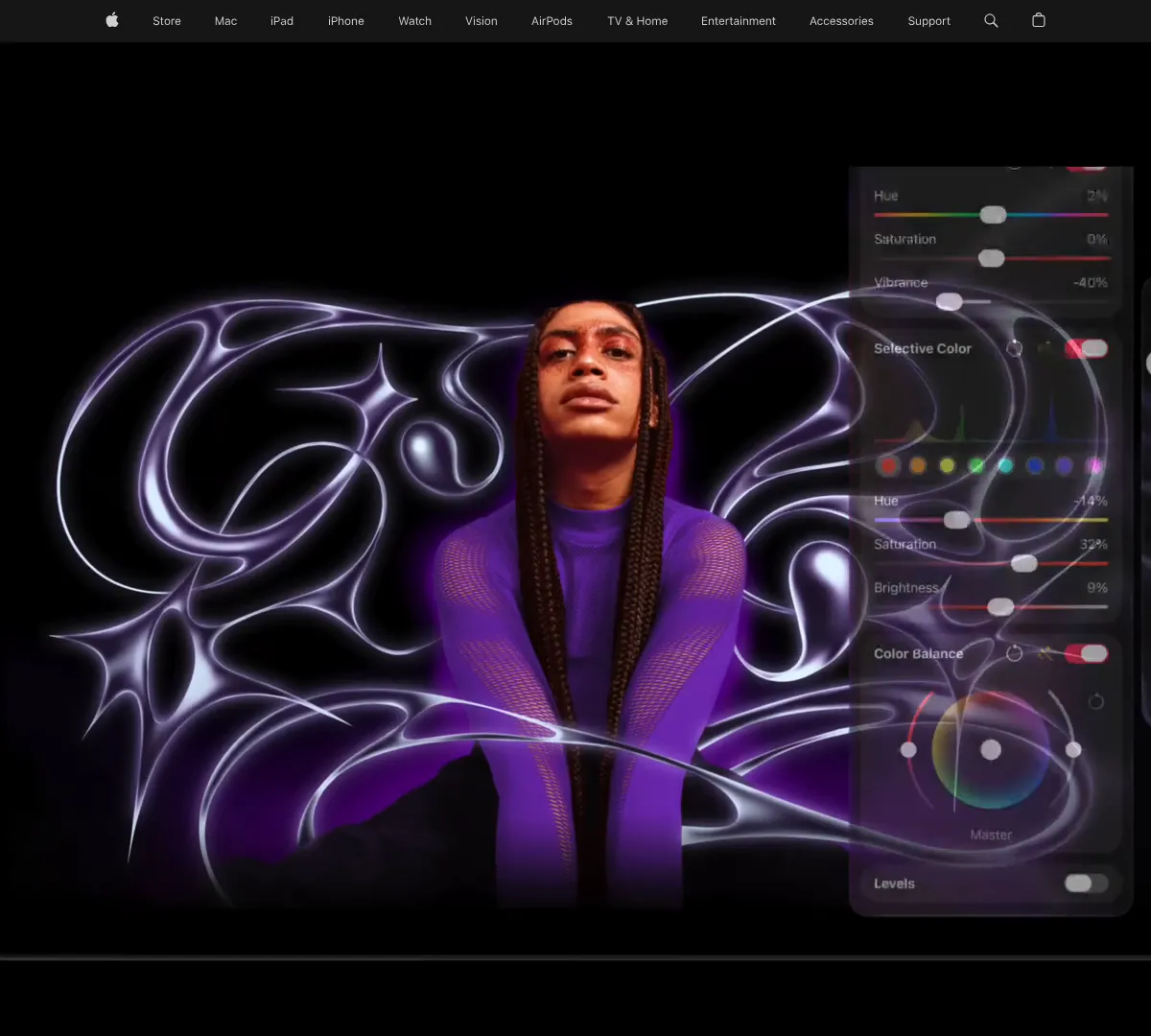
- •Advanced image editing tools
- •AI-powered background removal and upscaling
- •Non-destructive RAW editing
- •Vector graphics support
- •Over 200 customizable templates
- •Apple ecosystem integration with iCloud and Photos
- ✓Polished Apple-native workflow
- ✓Strong AI editing tools
- ✓One-time purchase is available
- ✕Best on Apple devices
- ✕Some features are tied to Apple Creator Studio
- ✕Not ideal if you need cross-platform teamwork
Frequently asked questions
What are the tools of graphic design?
What are the 7 main types of graphic design?
What are the equipment used in graphic design?
What are the top 10 skills graphic designers need?
What are the best graphic design tools free?
What are the best graphic design tools for beginners?
(function(){if(window.__cfuryDirTabs)return;window.__cfuryDirTabs=1;document.addEventListener(‘click’,function(e){var b=e.target.closest(‘.cfury-dir-tab-btn’);if(!b)return;var card=b.getAttribute(‘data-card’);var tab=b.getAttribute(‘data-tab’);document.querySelectorAll(‘.cfury-dir-tab-btn[data-card=”‘+card+'”]’).forEach(function(x){x.classList.remove(‘is-active’);});b.classList.add(‘is-active’);document.querySelectorAll(‘.cfury-dir-tab-panel[data-card=”‘+card+'”]’).forEach(function(p){if(p.getAttribute(‘data-panel’)===tab)p.classList.add(‘is-active’);else p.classList.remove(‘is-active’);});});})();