
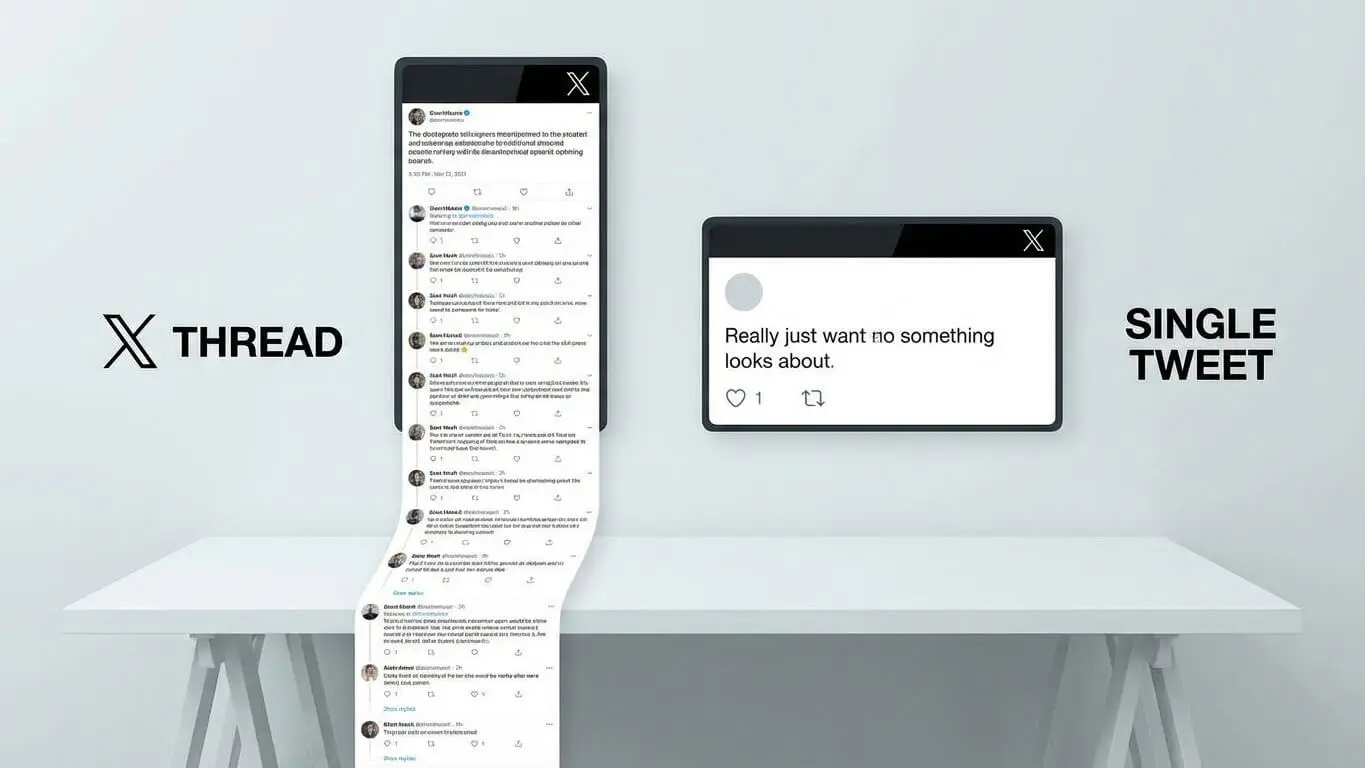
Twitter threads perform better than single tweets with links. One study found that threads get 63% more views than regular tweets with links. This explains how the platform works. When you connect tweets together you create informative threads which leads to more engagement.
The difference between threads that succeed and threads that fail is structure. A 2024 study shows that threads get 73.6% more engagement than single posts. While most people work within 280 characters, you can build longer content that keeps readers interested. This guide shows you how to create threads that people share.

What Twitter Threads Do That Single Tweets Can’t
Twitter threads are not just longer posts. They are built to hold attention. Try AI FREE FOREVER’s Twitter Thread Generator to see how top creators work faster. A single tweet disappears quickly, but a thread stays in timelines for hours.
Twitter shows threads to more people. The algorithm sees connected tweets as good content. When someone clicks to see your first tweet, Twitter counts that as deep engagement. 2024 data shows that X accounts get 2,121 views per post on average, but threads often get over 10,000 views because each tweet builds on the last.
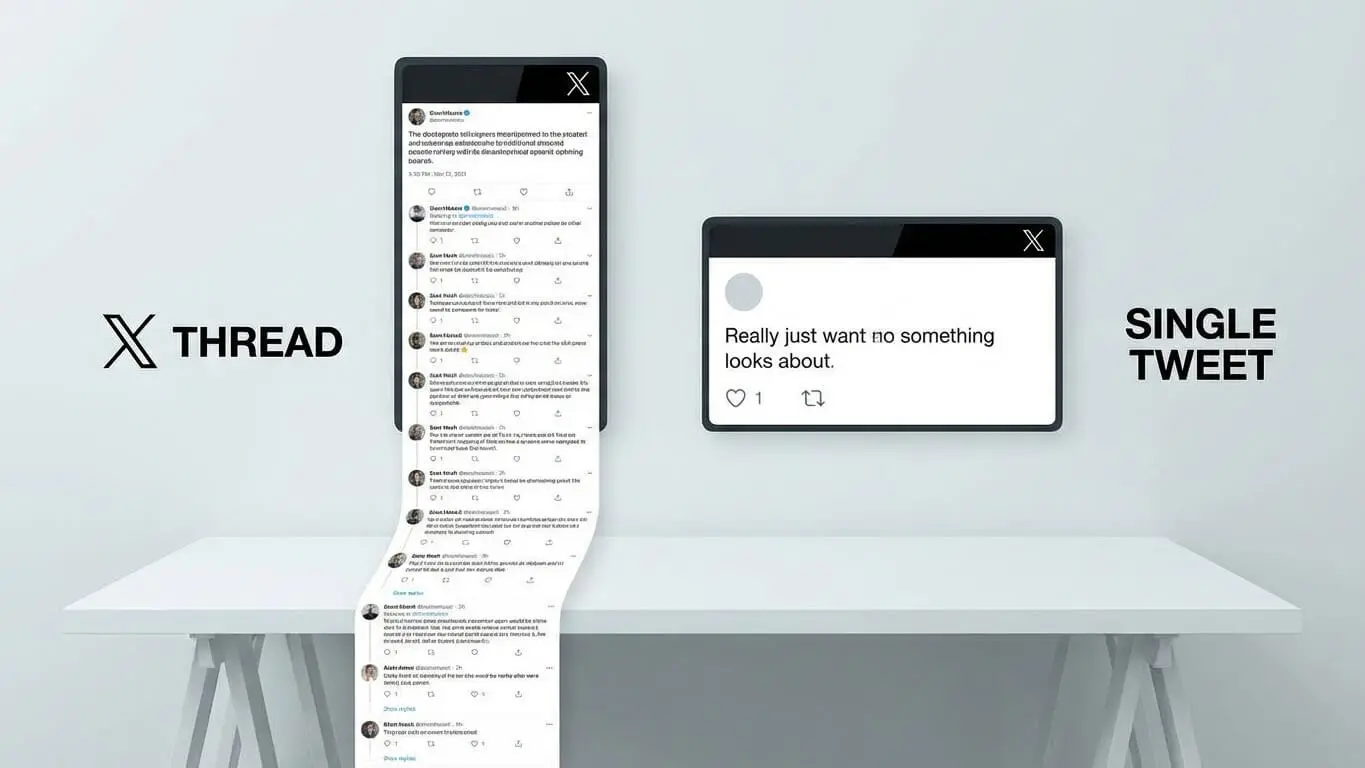
Threads do three things that regular tweets cannot. First, they show you are an expert. Seven tweets of useful information prove you know your topic better than one line can. Second, threads get bookmarked. People save them to read later because they cannot finish them in one go. Third, threads let people join the conversation at different points. Someone might skip your first tweet but reply to your third tweet.
Threads also avoid Twitter’s link penalty. If you put a link in one tweet, fewer people see it. But if you put that link at the end of a thread, Buffer proved you get 35% more clicks. The algorithm shows your first tweet widely, hooks readers, and by the time they see your link, they already want to click it.
7 Thread Formats That Grab Attention Fast
You do not need to invent a new format every time. These seven formats have already gotten millions of views for creators. Pick one, add your content, and watch people share it.
1. The Advice Bomb
Use this when you learned something through experience. Start with “I wasted three years doing X wrong. Here is what actually works:” then list 5-7 clear lessons. Each tweet explains one mistake and the fix. Real creators say these threads get the most saves and bookmarks because people want to reference them later.
2. The Numbers List
People trust specific numbers. “7 tricks” works better than “some tricks” every time. Format: “Seven ways to [get a result] that took me [time] to learn.” Number each tweet clearly like 1/7, 2/7, and so on. Readers know exactly how long the thread is and they stay because they can see the end.
3. The Story Arc
Start with a problem or big win. “Two months ago I was broke. Today I closed a $50K deal. This thread explains every step:” then tell the story in order. Stories make people feel something. Facts alone do not do that.
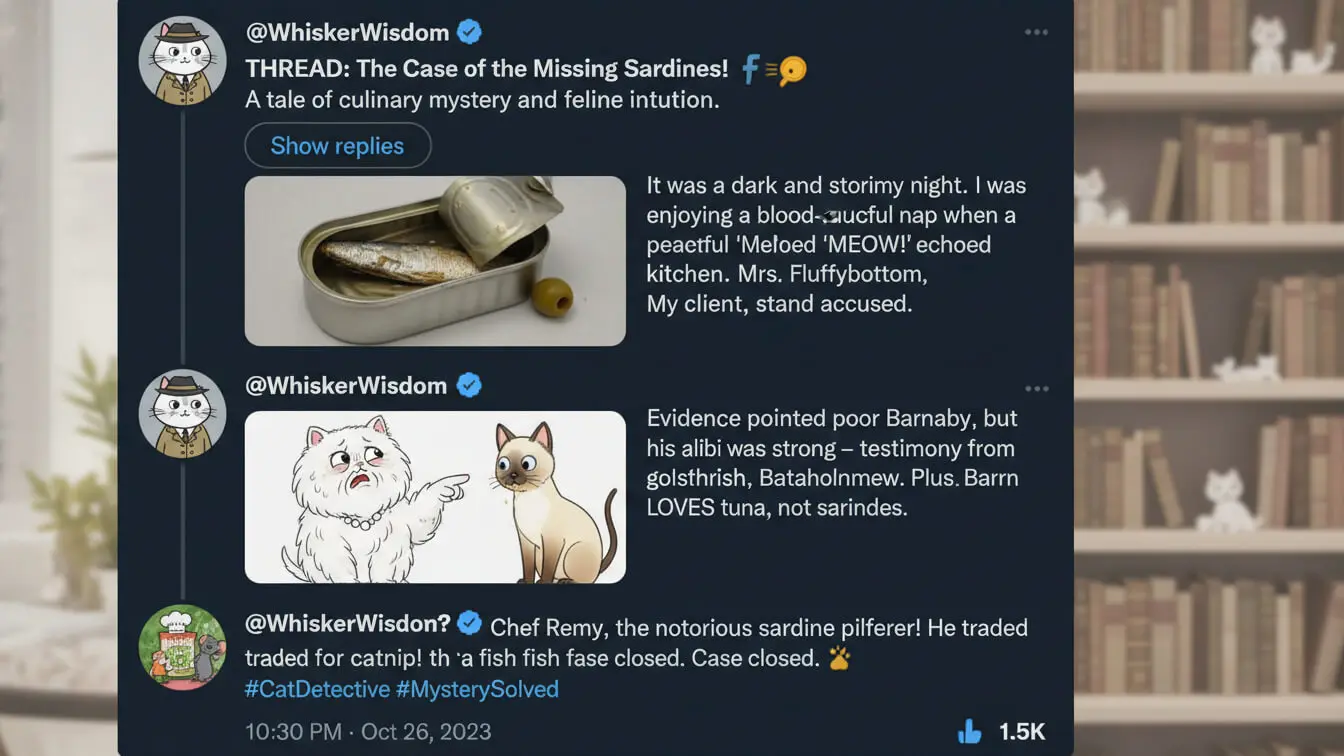
4. The Tool Roundup
Share 5-10 tools with short notes on why each one helps. Start with “Tools I wish I knew about three years ago:” and add the links. Tool threads naturally get replies as readers share their own favorites, which pushes your thread to more feeds.
5. The Myth Buster
Start with “Everyone thinks X. The truth will shock you:” then break down common myths in your field. Controversial ideas spread faster than safe ones. As long as you back up your claims with proof, you will spark debate that gets you more views.
6. The Behind-The-Scenes
Show how you work. “Here is exactly how I grew from 500 to 5,000 followers in 90 days:” add screenshots, numbers, and exact steps. Being honest builds trust faster than polished marketing talk.
7. The Q&A Compilation
Collect questions you get often and answer them in a thread. “You asked, I am answering. Here are the 8 questions I get most about [topic]:” Each tweet answers one question with detail. This format writes itself from your DMs.
Hook Writing Rules Nobody Teaches
Your first tweet makes or breaks your thread. Research on viral hooks shows 94% of threads fail because the opener bores people. You have three seconds before someone scrolls past. That is not much time.
The best hooks have two parts: a bold claim and a curiosity gap. Try this formula: “[Controversial statement]. Here is what [expert] does not tell you:” or “[Big number] people waste money on [thing]. I was one of them. Thread on the better way:” The bold claim stops the scroll. The promise of insider info keeps them reading.
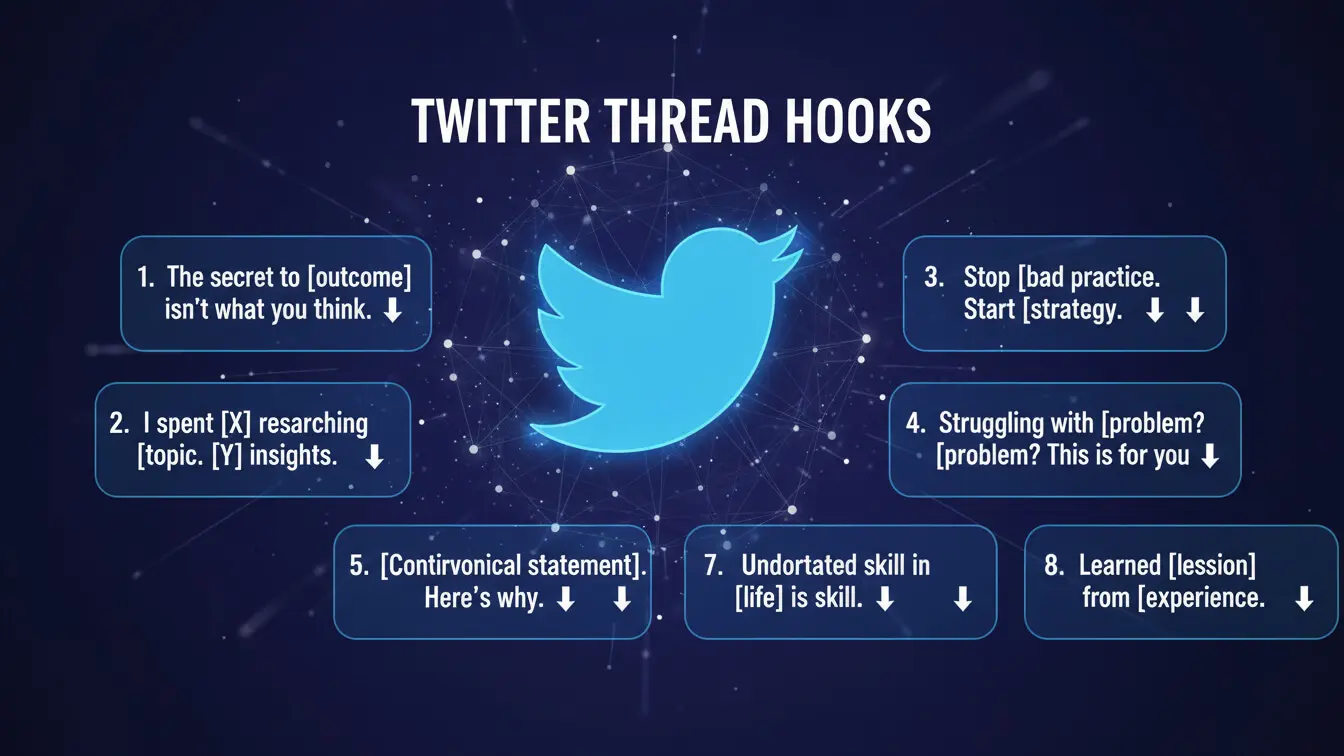
Avoid these hook mistakes that make you look new. First, never open with “Thread time!” or “Here is a thread on…” That wastes space. Second, skip vague claims like “This changed my life” without details. Third, do not ask permission. “Want to learn about X?” sounds weak. State your value with confidence.
Strong hooks often use numbers because specificity builds trust. “I tested 47 headlines. These 5 crushed everything else:” works better than “I learned about headlines.” The number 47 shows real testing. The number 5 shows you filtered the noise. That is valuable.
Another strong combo: present tense plus strong verb. “Most creators burn cash on courses that teach nothing. This free resource taught me more in 3 days than $2,000 in courses:” The word “burn” creates a feeling. Present tense makes it feel current.
Break Your Content Without Killing Flow
Each tweet must stand alone but also push readers forward. That is tricky. Professional thread writers use the 1-3-1 format. One statement, three proof points, one transition.
Here is how that looks. Tweet 2 might say: “Most people think X. They are wrong. Here is proof: (bullet) Study from [source] showed Y (bullet) I tested this with 50 clients and Z happened (bullet) Even [expert name] admits this. But here is the part nobody talks about…” That last line hooks them into tweet 3.
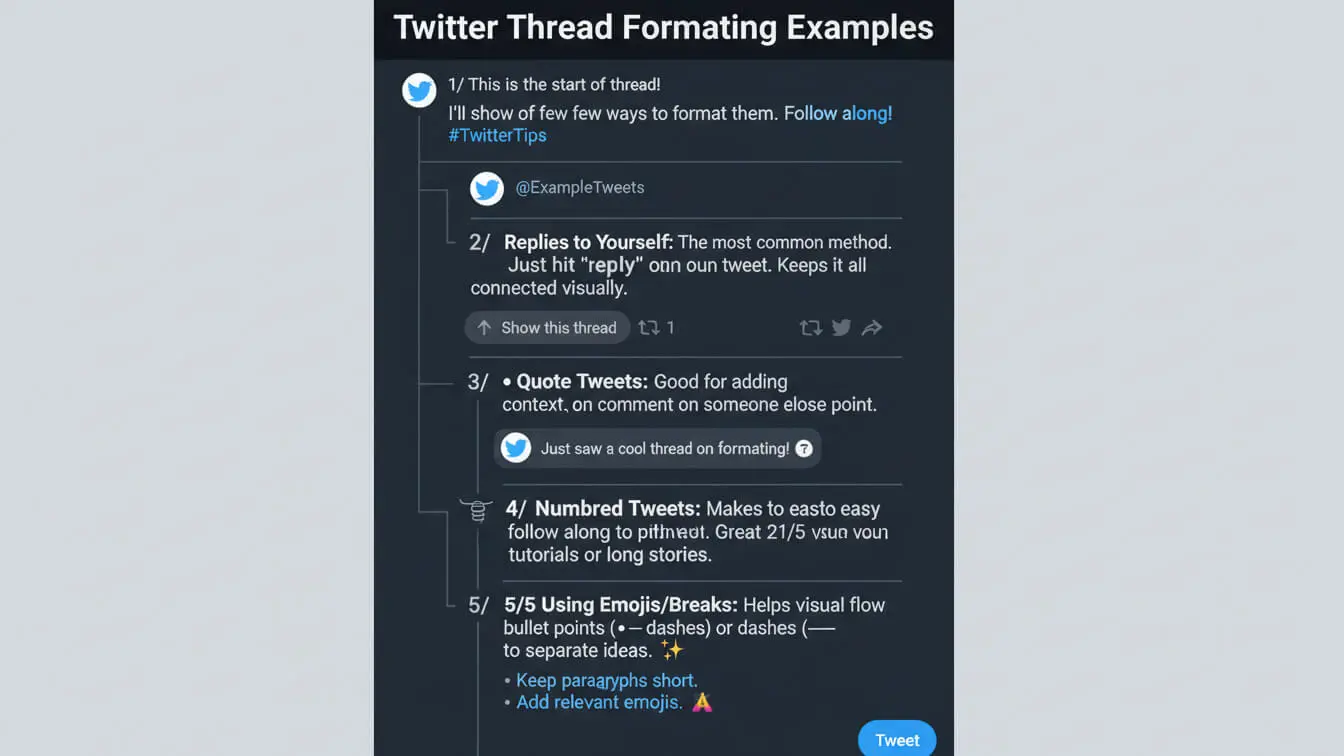
White space helps a lot. Putting 280 characters of text in every tweet makes readers tired. Use line breaks often. Add a one-sentence tweet after a heavy one. Studies show readers like text they can scan with space better than walls of words.
Number your tweets to show progress. “3/8” tells readers they are almost halfway. This simple trick cuts drop-offs because people finish what they start. Some creators number every tweet. Others number every other one. Try both and see which works better.
End each tweet with a small cliffhanger. “The next part gets weird…” or “But I made one mistake that nearly killed everything:” or “Here is where it gets interesting…” These small hooks keep people moving. Top creators call this making your thread like a slide. Once someone starts, they cannot stop until the end.
Timing Tricks That Triple Your Reach
Post when nobody is online and your thread dies. 2024 platform data shows posting between 6-8 AM on Mondays gets the most engagement for most accounts. But your audience might be different.
Check your own analytics. Twitter shows when your followers are active. Post your thread 30 minutes before your peak time. Early engagers can boost it before the crowd arrives. This momentum helps the algorithm push it more.
Some creators use the “multiple launch” trick. Post the thread once, then quote-tweet it later with a new angle. “I wrote this thread on X this morning. The response has been wild – especially point 4:” This gives you a second chance at views. Do not use this more than twice per thread.
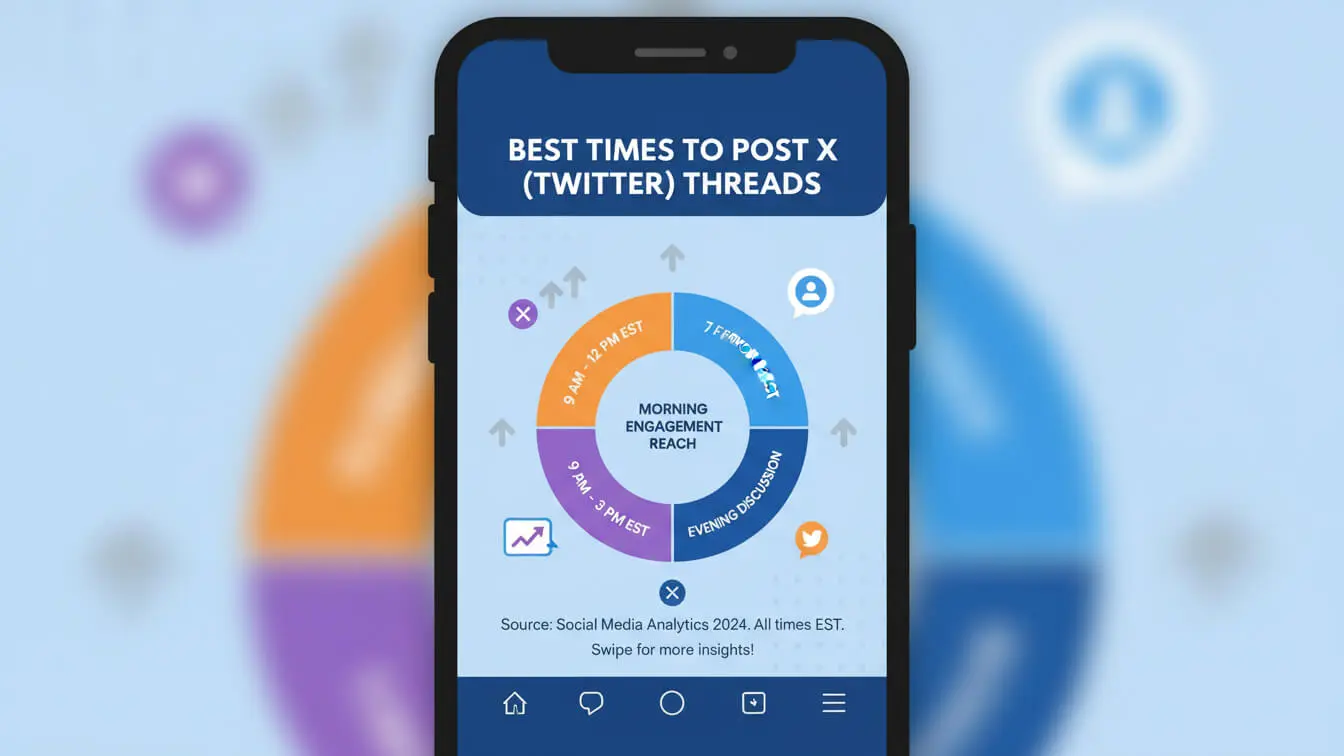
Weekend threads behave differently than weekday threads. Weekend readers have more time to read deeply and share. But weekday morning threads catch people scrolling on their commute. Buffer’s research says you should test both and track what works for your topic.
Think about time zones if your audience is global. A creator with US and European followers might post twice. Once at 8 AM EST and again at 3 PM EST to catch European evenings. Yes, that means writing two threads or reworking one. The extra reach is often worth it.
Tools That Speed Up Thread Creation
Writing threads in Twitter’s composer is hard. You cannot see the whole thread. You cannot save drafts easily. You cannot schedule posts. Smart creators use tools that fix these problems.AI FREE FOREVER offers a free thread generator that does the hard work.
Typefully lets you write whole threads in one view. You can save templates and schedule posts. The free version does most of what you need. Buffer’s thread feature works with their scheduler. Write, preview, and queue threads next to regular tweets. Other tools do similar things at different prices.

Chirr App turns long text into threads automatically. Write your full piece, paste it in, and Chirr splits it into tweet-sized chunks. This works well if you think in paragraphs instead of tweets. The tool suggests where to break based on length and flow.
For generating content, AI text tools can outline threads and suggest hooks. Give them your topic and key points, then edit the output to sound like you. Do not copy AI content exactly. Readers can spot fake writing. Use AI as a starting point only.
Hypefury does writing, scheduling, and growth. It auto-retweets your best threads, helps you build collections, and tracks performance across accounts. The analytics show which threads got you more followers versus which got more views. This data helps you improve.
Common Mistakes That Kill Engagement
Most threads fail because of simple errors. First: making a thread when you do not need one. If your message fits in one tweet, post one tweet. Do not force threads just because they are popular. Readers hate fake length.
Second mistake: hiding your value. Every reader asks “What is in this for me?” in the first three seconds. If your hook does not answer that clearly, you lose them. “Here is how to X” beats “Let me tell you about X” because one gives value right away.
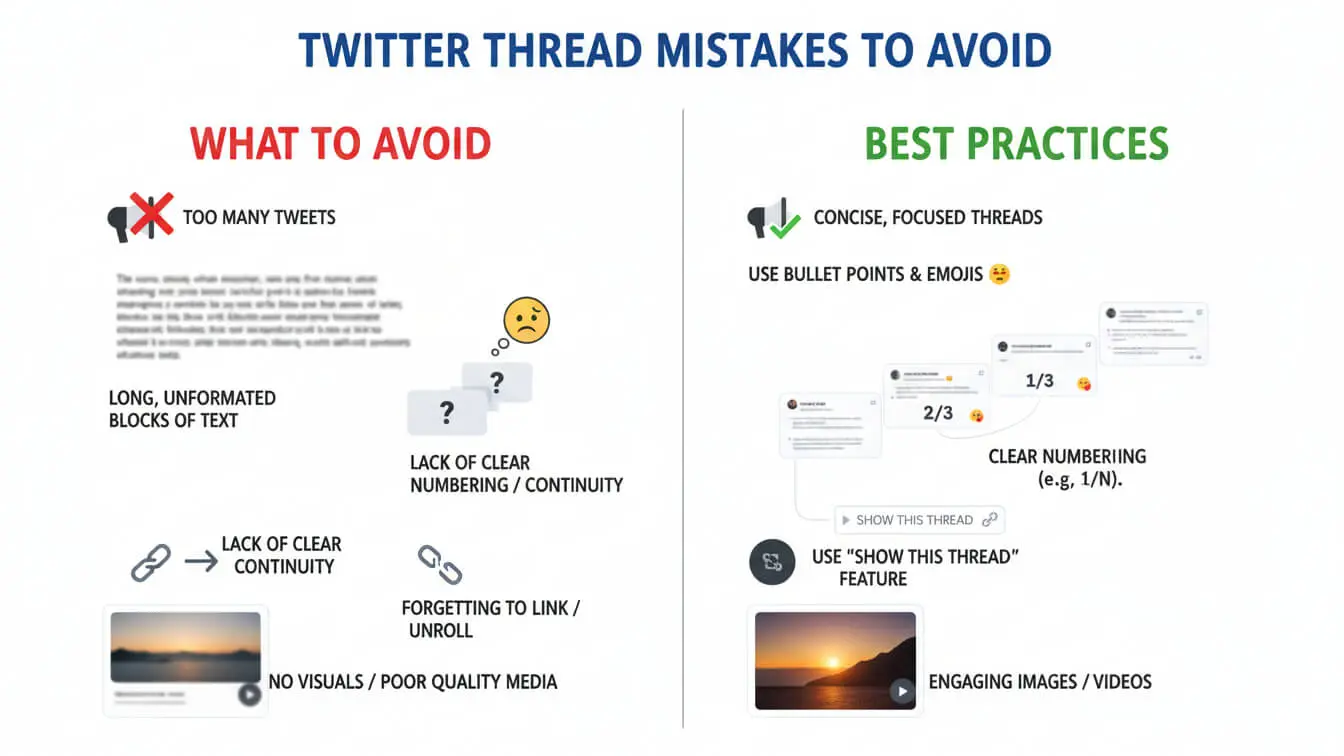
Third mistake: changing your voice between tweets. Writing tweet one like a robot, tweet three like a friend, and tweet five like a professor confuses people. Pick one voice and keep it. Your thread should sound like one person with one clear thought.
Over-formatting looks messy. Some creators use too many emojis and put three in every tweet. Others use ALL CAPS too much. Others break every line. All of these make you look desperate. Best practice is one emoji per tweet maximum. Only add line breaks where they feel natural.
Another trap: the endless thread. Seven to ten tweets is the sweet spot. Past fifteen tweets and people stop reading. Readers want value, not a book. If you cannot make your point in ten tweets, your idea is not clear enough. Edit hard.
Finally: the ghost thread. You post a thread then disappear. Engagement does not end when you hit “Tweet all.” Successful creators stay to reply to comments and answer questions. This tells Twitter’s algorithm your thread matters. That gets you more views.
FAQ
How long should a Twitter thread be?
Seven to ten tweets is best. Tests by many creators show threads this length have the highest read-through rates. Shorter threads do not give enough value. Longer threads lose readers before they see your final tweet.
Should I include images in every tweet?
Images boost engagement by 35% according to Twitter’s own data. But do not put an image in every tweet. That clutters your thread. Use images smartly. Put one in your hook tweet to stop scrollers. Add one mid-thread to show a key point. Use one in your final tweet. Quality beats quantity.
When should I post my call-to-action?
Always end with your CTA. Some creators add a small CTA in their hook (“Follow for more threads like this”) but your main ask belongs at the end. After nine tweets of value, you have earned the right to ask for follows, shares, or clicks. Leading creators often pin their CTA tweet to the top after posting.
Do hashtags help thread visibility?
One or two hashtags in your opening tweet can help, especially for niche topics. But stuffing hashtags looks like spam and kills engagement. Most successful threads rely on good content and early engagement, not hashtags.
How often should I post threads?
Quality beats frequency. One great thread per week beats seven okay threads. Track your follower growth and engagement to find your rhythm. Some accounts post daily threads. Others post one thread monthly that creates months of conversation. Test different schedules but never sacrifice quality.
Can I repurpose blog content into threads?
Yes. Buffer’s case study showed turning blogs into threads got 63% more views than sharing blog links. Take your best blog posts, pull out the main ideas, rewrite them in Twitter style, and make them threads. Make sure each tweet gives value on its own.
Should I delete threads that flop?
Never delete. Threads that fail today might find readers months later through search or shares. Some creators say old threads go viral when news makes them relevant again. Keep everything you post. Your thread history proves you are an expert.
How do I handle negative replies?
Reply professionally to real criticism and ignore trolls. Good arguments often boost engagement as others add their thoughts. Defending your view politely can make your thread more visible. But do not feed trolls. That ruins your thread and wastes your time.
What’s the best way to promote my thread after posting?
Quote-tweet your thread with a new angle 2-4 hours later. Tag relevant accounts who might like it (but do not spam). Share it in Twitter communities or Spaces. Pin it if it is your best work. Email your list with the link. You can also post it on LinkedIn with credit to the original thread.
Do premium X features help threads perform better?
Premium users get longer tweets (4,000 characters). This can shrink a thread into fewer tweets. But studies show standard 280-character threads often work better because short tweets are easier to scan. Premium check marks might add trust but they cannot fix bad content.


