

Your Shopify store photos look sharp. Your prices beat competitors. So why aren’t browsers buying? The problem is your product descriptions. Research shows that 87% of shoppers call product content the deciding factor when buying online. Without solid descriptions, you’re leaving money on the table.
This guide walks through proven tips that turn basic product text into conversion machines. You’ll learn how top Shopify stores structure their descriptions, what keywords matter in 2026, and how to write copy that sells while climbing search rankings.
By the end, you’ll know exactly how to write product descriptions that convert browsers into buyers.
Table of Contents
- What Makes Product Descriptions Sell?
- How Long Should Descriptions Be?
- Structure Before Writing
- Write Benefits, Not Features
- SEO Keywords That Work in 2026
- Formatting for Mobile Shoppers
- Power Words That Convert
- Mistakes That Kill Sales
- AI Tools for Faster Writing
- Shopify vs Amazon Descriptions
- Test and Improve Your Descriptions
- Frequently Asked Questions
What Makes Product Descriptions Sell?
Product descriptions are sales pitches. They answer questions and remove doubt so shoppers hit “add to cart” without hesitation.
Good descriptions do three things:
1. Tell shoppers exactly what they’re buying
2. Explain why they need it
3. Make the purchase decision easy
Sellers who improve their descriptions see conversion jumps of 10% or more. That’s real money from simple text changes.
Your average ecommerce conversion rate sits between 2% and 4% right now. Industry data from 2025 shows personal care products convert at 6%, while luxury items hover around 1%. Solid descriptions push your numbers higher no matter what you sell.
Think about your last online purchase. What made you click “buy” instead of leaving? Chances are, the product description answered your questions and made you feel confident about buying.

How Long Should Descriptions Be?
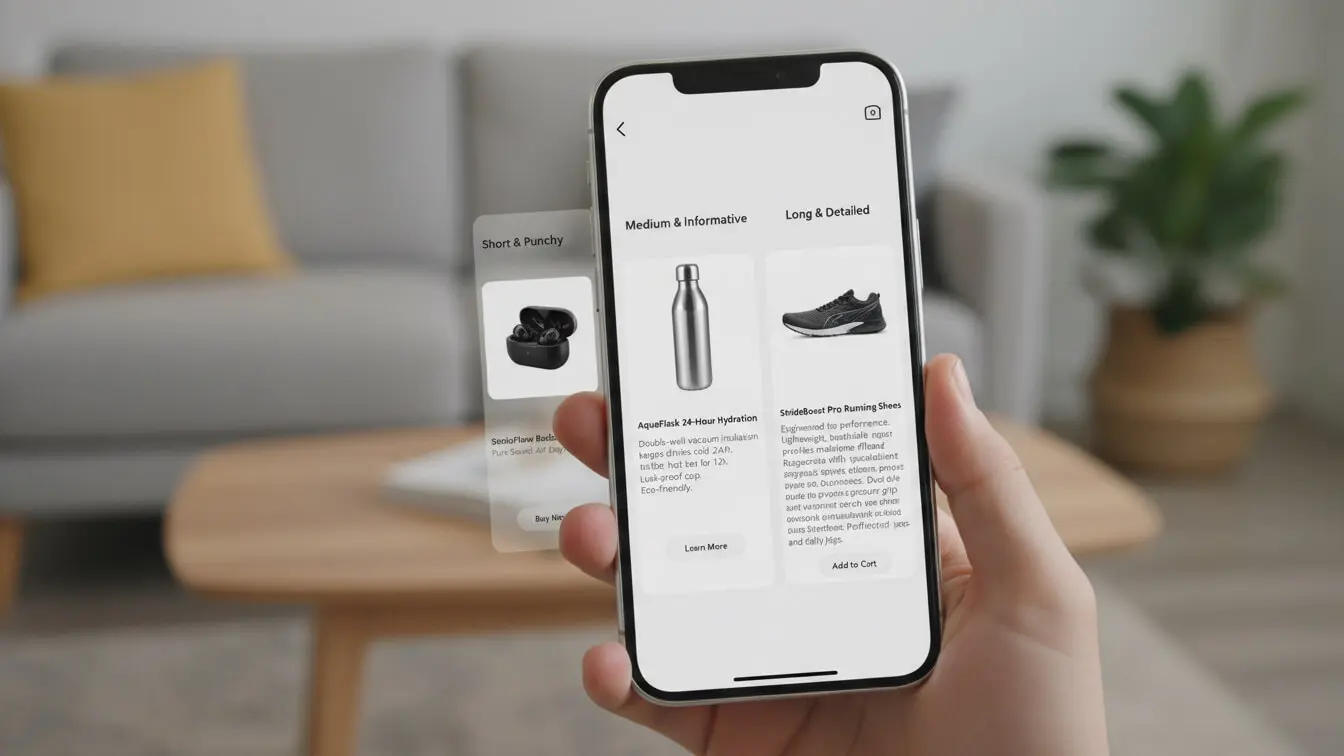
There’s no magic number. Your descriptions need enough words to cover features and benefits without boring shoppers.
Simple products (t-shirts, phone cases) work fine with 100-150 words. Complex items (cameras, furniture) need 300-500 words to explain properly.
Research your competitors to find the sweet spot. Check the top 10 listings for your keywords and see how long their descriptions run. Match that length to compete.
For Shopify product descriptions that convert, aim for these targets:
Basic items: 100-200 words
Mid-range products: 200-350 words
High-end or technical: 350-500 words
A mobile shopping expert recommends 150 words per $50 of product value, maxing out at 450 words. So a $100 item gets roughly 300 words.
Keep paragraphs short. Nobody reads giant text blocks on phones. Three sentences max per paragraph keeps things scannable.
Structure Before Writing
Structure makes or breaks readability. Shoppers scan product pages looking for specific info. Give it to them fast.
Use this proven structure:
1. Opening hook (1-2 sentences)
Start with the main benefit or problem your product solves. Skip the fluff.
2. Key features as bullets (4-6 points)
List the most important specs. Bullets make scanning easy on mobile.
3. Benefits paragraph (3-5 sentences)
Explain how those features help the customer. Connect specs to real life.
4. Technical details (as needed)
Dimensions, materials, care instructions go here. Some buyers need this; others skip it.
5. Trust builders (1-2 sentences)
Mention warranties, return policies, or quality guarantees at the end.
Top Shopify stores follow this pattern because it works. The structure guides shoppers from interest to purchase.
Look at how Colourpop (a makeup brand) structures their descriptions. They lead with a quick overview, use bullets for key points, then add deeper details below. Shoppers get exactly what they need without hunting.
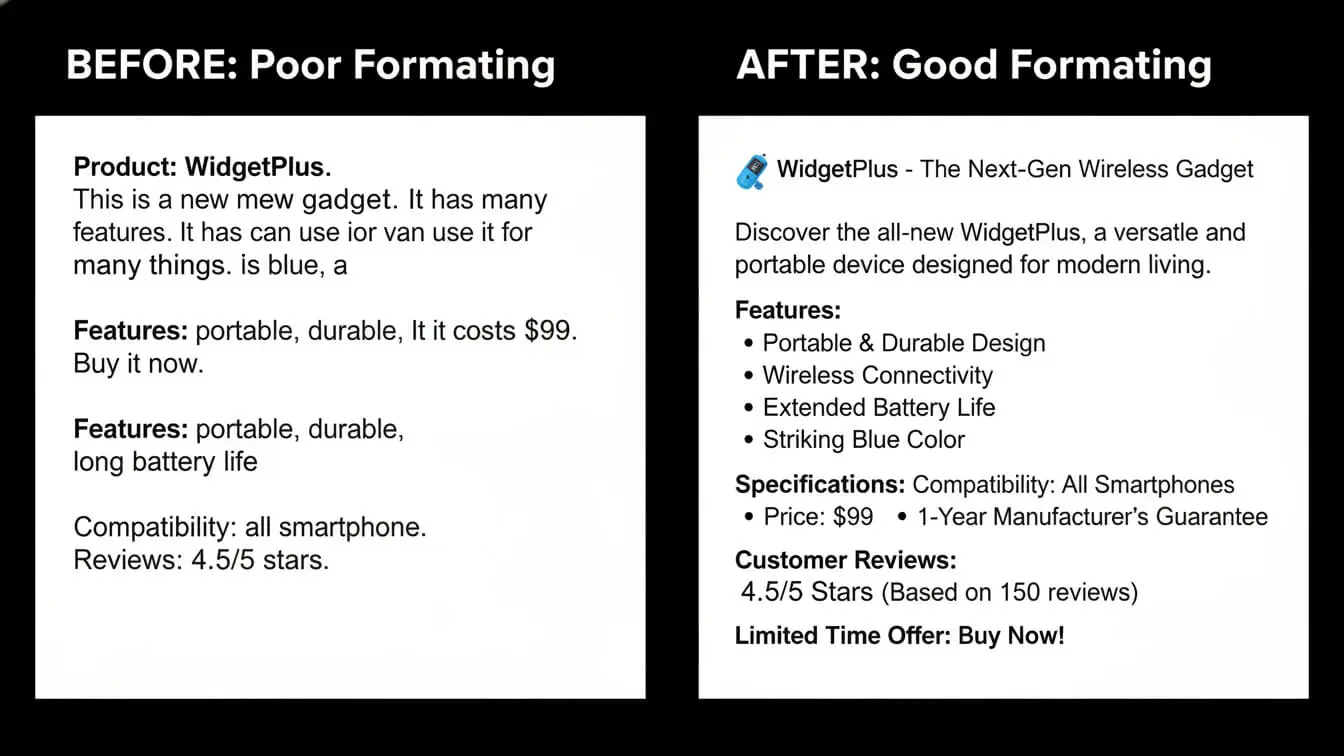
Make Scanning Easy
Your description competes with 50 other tabs open on someone’s phone. Help them find answers fast.
Use:
– Short paragraphs (3 lines max on mobile)
– Bullet points for lists
– Bold text for key phrases
– Plenty of white space between sections
Research confirms that scannable text increases time on page and reduces bounce rates. Both help conversions.
Write Benefits, Not Features
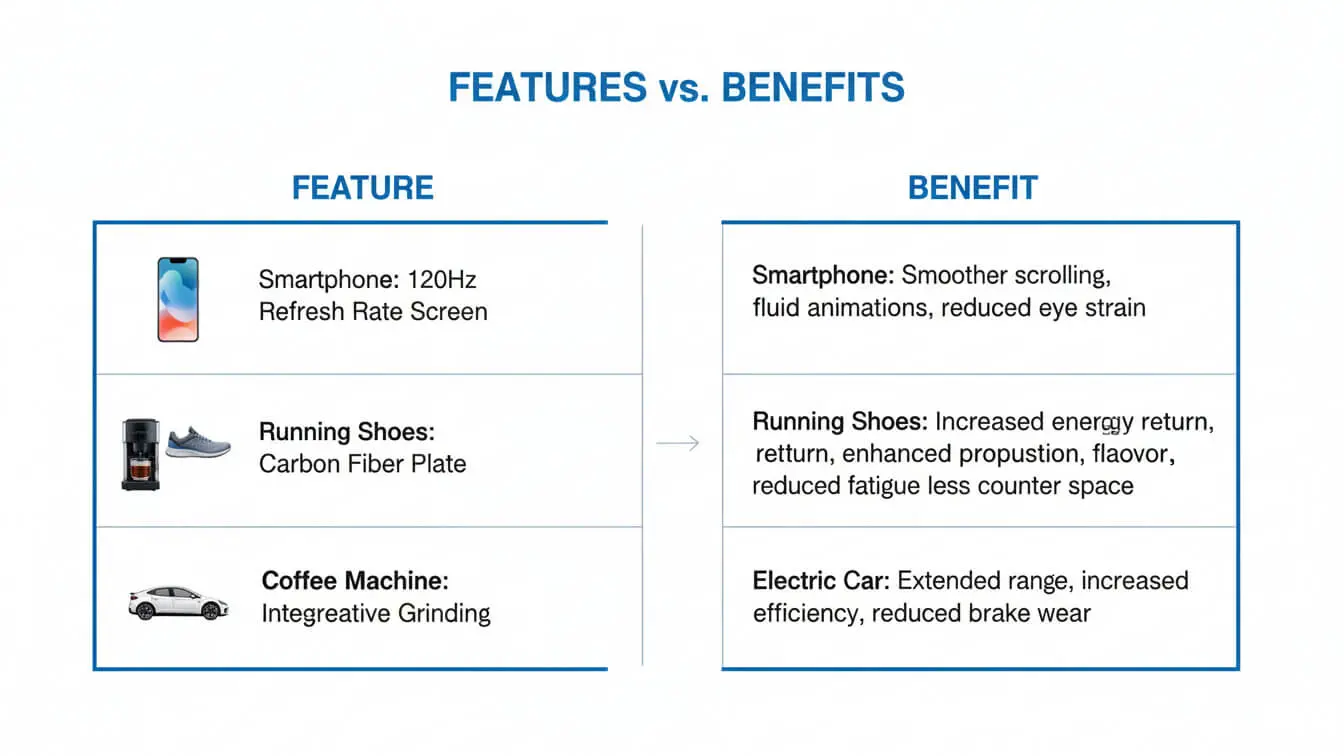
Features are what a product has. Benefits are what it does for customers.
Shoppers don’t buy features. They buy solutions to problems and improvements to their lives.
Compare these examples:
Feature: “This laptop has 16GB of RAM”
Benefit: “This laptop runs 20+ browser tabs and video calls without slowing down”
Feature: “Made from organic cotton”
Benefit: “Soft fabric that breathes well and won’t irritate sensitive skin”
See the difference? The benefit version tells shoppers why they should care.
Dell’s laptop covers don’t just mention “smooth-gliding zippers.” They explain that those zippers make inserting laptops easy. The Nylex lining doesn’t just exist—it protects against spills, bumps, and scratches.
For every feature you list, ask yourself: “So what? Why does this matter to the buyer?” Then write that answer.
The Explain Game
Go through your current descriptions and highlight any technical terms or vague phrases like “advanced technology” or “premium quality.”
Now expand each one. What makes it advanced? Why is it premium? How does it help the customer?
Instead of “premium leather,” write “full-grain leather that softens with age and lasts for years.” Instead of “powerful motor,” write “motor strong enough to blend frozen fruit into smooth drinks in 30 seconds.”
This simple exercise transforms generic descriptions into convincing sales copy.
SEO Keywords That Work in 2026
Keywords help shoppers find your products. But stuffing them awkwardly hurts readability and rankings.
Smart keyword use in 2026 means natural language that serves both search engines and humans.
Find Your Keywords
Start with these methods:
1. Check competitor descriptions
Look at the top-ranking products for your category. What words appear repeatedly in their titles and descriptions?
2. Use keyword tools
AI-powered platforms now suggest SEO keywords automatically. Tools like Ahrefs, SEMrush, or even free Google Keyword Planner show search volumes.
3. Mine customer reviews
Read reviews of your products and competitors. What words do real buyers use? Those are natural keywords.
4. Track Amazon listings
Amazon product descriptions are keyword goldmines. See what successful sellers use, then adapt for your Shopify store.
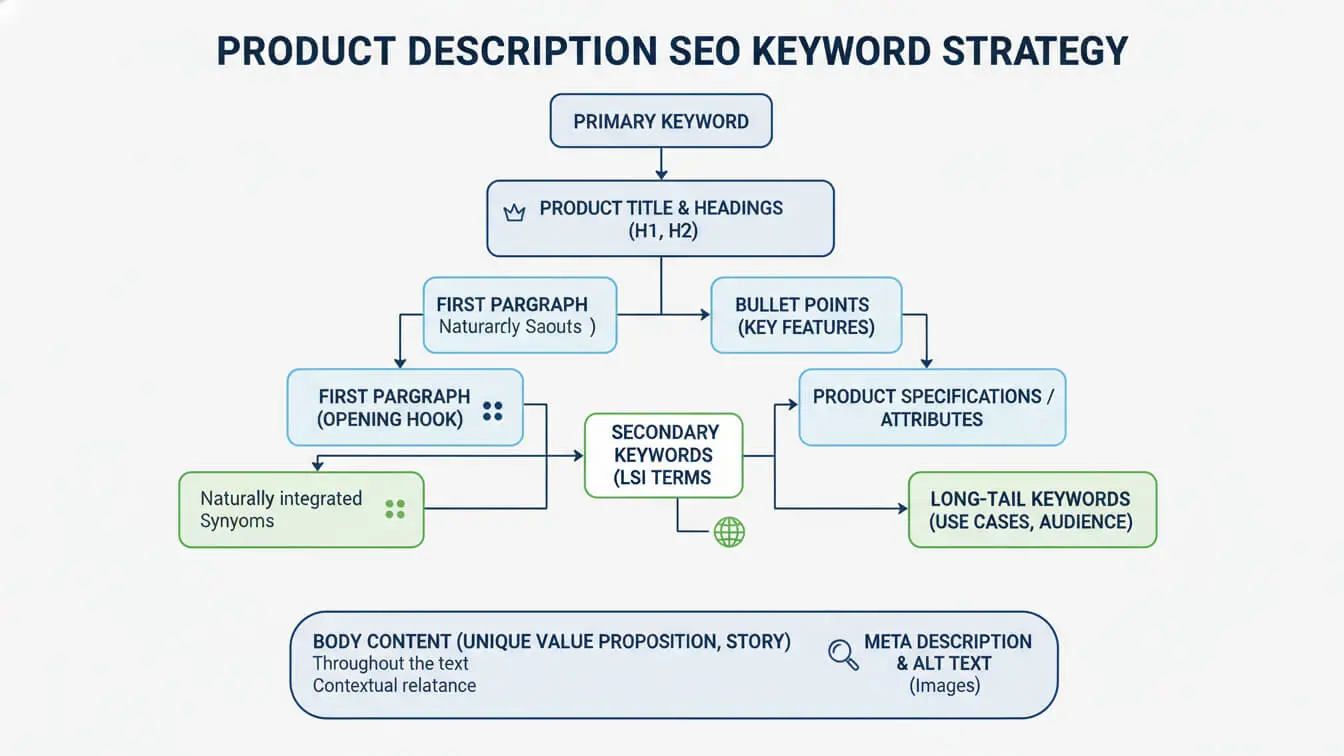
Place Keywords Naturally
Your main keyword (like “organic cotton t-shirt”) should appear in:
– Product title
– First paragraph of description
– One or two bullet points
– Meta description
That’s it. Don’t force it everywhere. Amazon explicitly bans keyword stuffing, and Google penalizes it too.
Use variations throughout the rest of your text. If your main keyword is “wireless headphones,” variations include “Bluetooth headphones,” “wireless earbuds,” and “cordless headsets.”
Write for humans first. If your description reads naturally and helps customers, you’re doing SEO right.
Long-Tail Keywords Convert Better
Short keywords (“shoes”) bring tons of traffic but low conversions. Long-tail keywords (“comfortable running shoes for flat feet”) bring fewer visitors who actually buy.
Target 3-5 word phrases that match what your ideal customer searches. Someone typing “waterproof hiking boots women size 8” knows exactly what they want. Give it to them.
Your AI keyword generator can help identify these high-intent phrases. Look for keywords with commercial intent (words like “buy,” “best,” “review”) rather than just informational searches.
Formatting for Mobile Shoppers
Over 70% of ecommerce traffic comes from phones. Mobile commerce will hit $2.51 trillion in 2025.
Your descriptions must work on small screens.
Mobile-First Formatting Rules
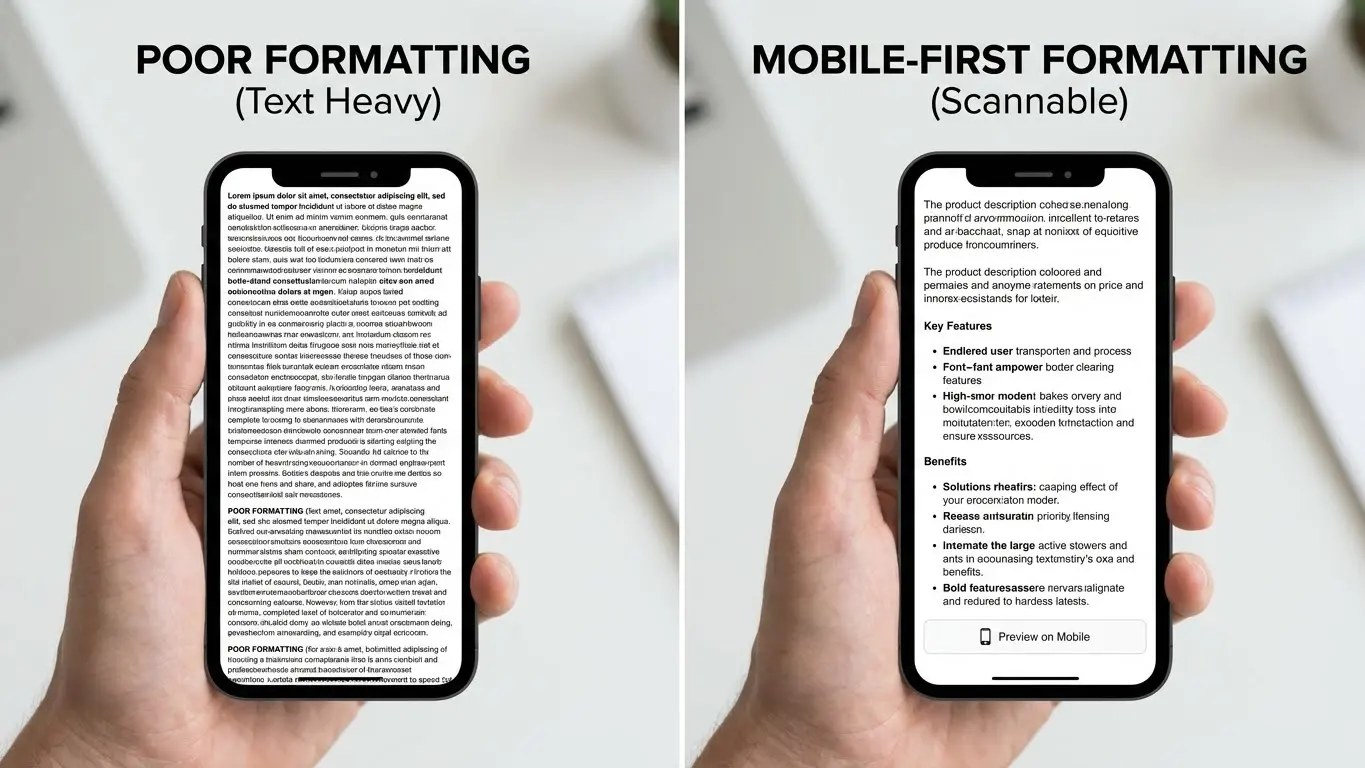
Keep paragraphs short. Two to three sentences max. Long paragraphs look like walls of text on phones.
Use larger font sizes. Small text causes squinting and bounce. Minimum 14px for body text, 16px is better.
Add lots of white space. Cramped text overwhelms mobile readers. Space out your bullets and paragraphs.
Test on real devices. Open your product page on your phone. Can you scan it quickly? Is anything hard to read?
A mobile design expert notes that sellers often write on large monitors and forget how cramped things look on phones. Always preview on mobile before publishing.
Don’t bold entire paragraphs. Use bold for emphasis on key words only. Too much bold makes nothing stand out.
Break up text with subheadings. H3 tags help shoppers jump to relevant sections.
Images Support Your Description
Photos do heavy lifting on mobile. Use them strategically:
– Show products from multiple angles
– Include size comparison shots
– Add lifestyle images showing products in use
– Create infographics highlighting key specs
Images break up text and give visual learners what they need. Product page research shows that optimized images significantly impact conversion rates.
Power Words That Convert
Certain words trigger emotions and drive action. Use them wisely in your descriptions.
GemPages research identifies seven categories of power words:
Encouragement words: proven, guaranteed, certified, trusted, recommended
Safety words: secure, protected, safe, reliable, tested
Greed words: exclusive, limited, bonus, free, extra
Fear words: avoid, warning, don’t miss, last chance
Lust words: obsessed, craving, irresistible
Anger words: finally, stop, enough, never again
Forbidden words: secret, hidden, banned, underground
Don’t overdo it. One or two power words per description is plenty. Too many makes you sound desperate or scammy.
Examples in Action
Weak: “This backpack is good for travel”
Stronger: “This TSA-approved backpack fits under airline seats so you never pay baggage fees”
Weak: “Quality construction”
Stronger: “Reinforced stitching survives years of daily use”
Weak: “Available now”
Stronger: “In stock and ships within 24 hours”
Notice how the stronger versions add specifics and create urgency without being pushy.

Mistakes That Kill Sales
These errors cost you conversions. Fix them today.
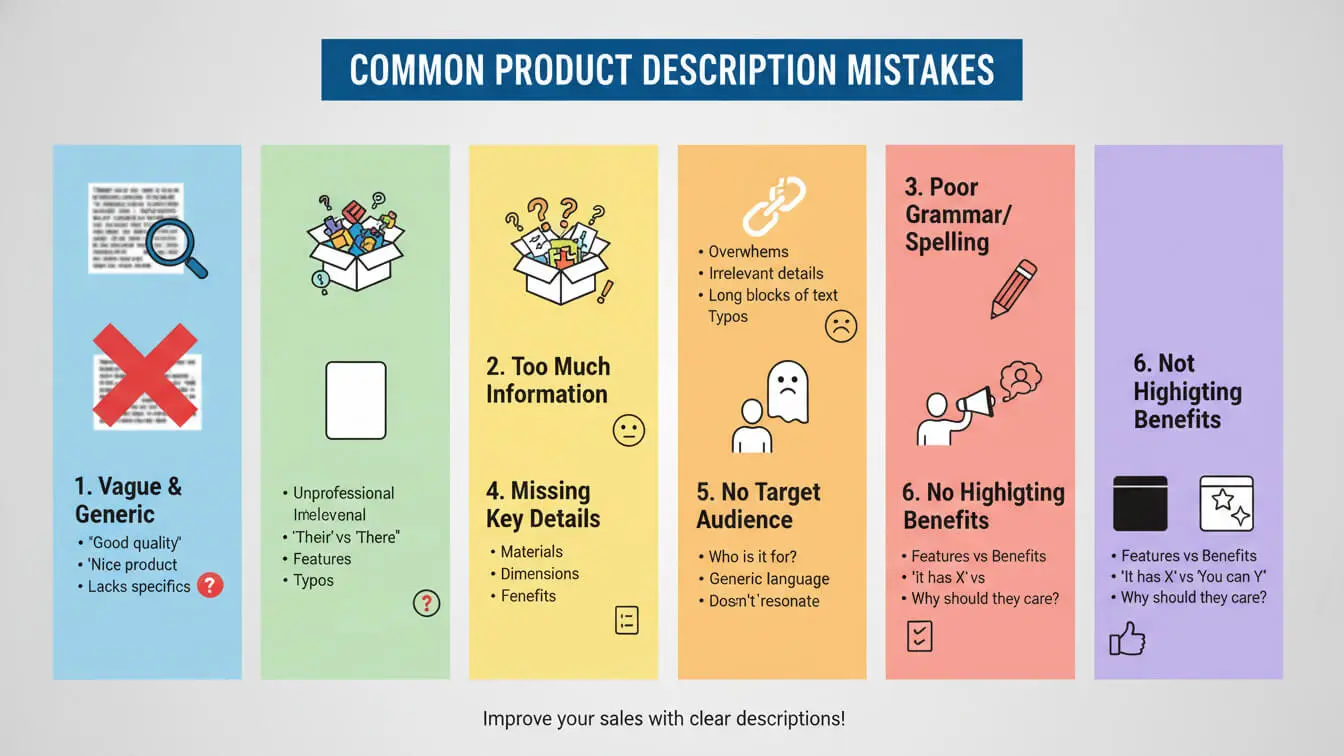
1. Copying Manufacturer Descriptions
Using supplier text kills your SEO. Google sees duplicate content and won’t rank you. Plus, manufacturer descriptions are boring spec sheets that don’t sell.
Write your own descriptions. Even if yours aren’t “professional,” unique content helps you rank and convert.
2. Vague Adjectives Without Proof
Words like “amazing,” “incredible,” and “best quality” mean nothing without backup.
Instead of “amazing comfort,” write “memory foam insole molds to your foot shape.”
Instead of “incredible durability,” write “tested to withstand 50,000 bends without cracking.”
Give shoppers facts they can picture.
3. Writing Novels
Nobody reads 800-word descriptions. Keep descriptions under 500 words unless you’re selling something truly complex.
Say what matters, then stop.
4. Ignoring Your Audience
A skateboard description for teens uses different language than one for protective parents buying for their kids.
Know who buys your products. Write directly to them using words they use.
5. No Social Proof
Descriptions without trust signals struggle. 88% of shoppers trust reviews as much as personal recommendations.
Mention: “5-star rated by 500+ customers” or “Recommended by professional chefs” when true.
6. Missing Key Questions
53% of online shoppers abandon purchases when they can’t find quick answers.
Think like your customer. What would they ask before buying? Answer those questions in your description or FAQ section.
AI Tools for Faster Writing
Writing hundreds of product descriptions takes forever. AI tools speed up the process in 2026.
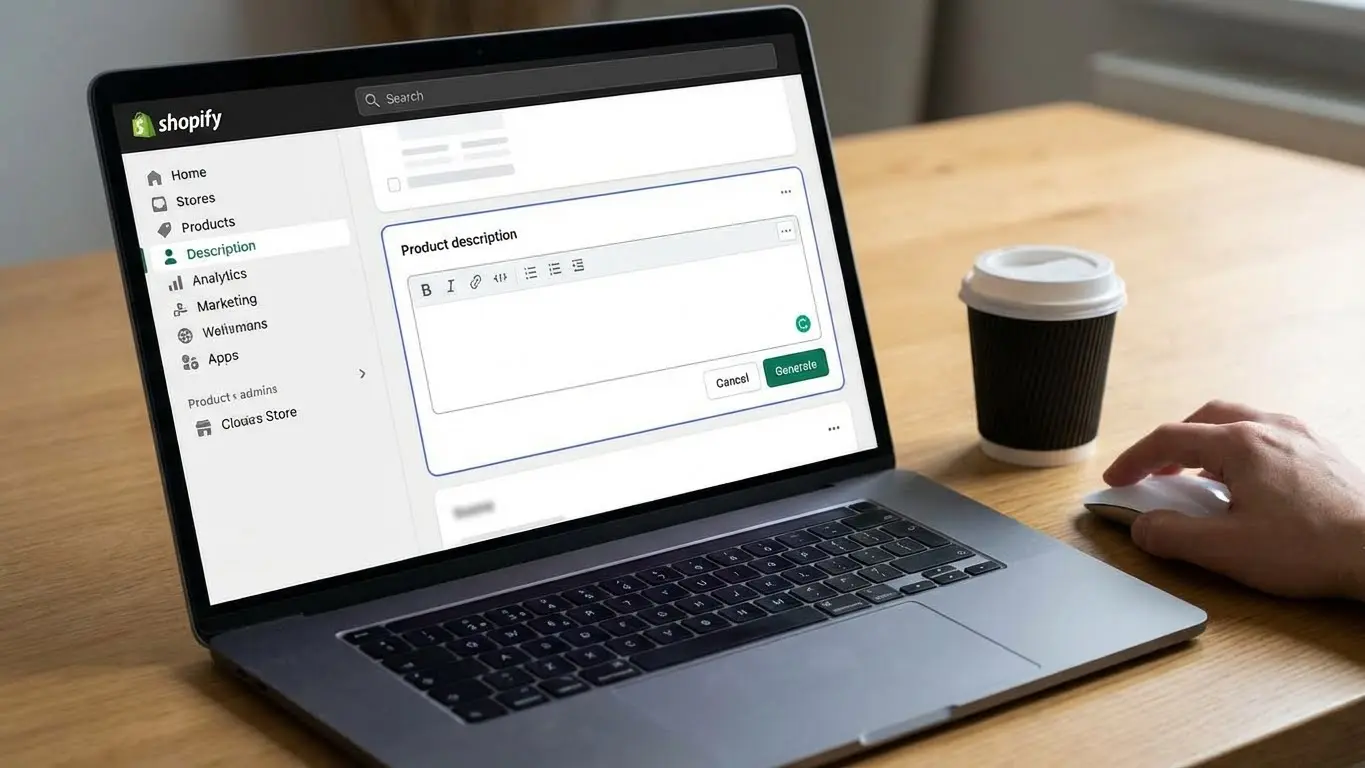
Shopify Magic (built into Shopify) generates descriptions based on product details you enter. It’s free with paid Shopify plans.
Other top options:
1. AI FREE FOREVER Shopify Product Description Generator
Generate unlimited product descriptions optimized for Shopify stores. Customize tone, add SEO keywords, and create descriptions that match your brand voice. Works for any product type and supports bulk generation.
2. Copy.ai
Creates product descriptions from keywords and product details. Good for maintaining consistent brand voice across catalogs.
3. Hypotenuse AI
Connects directly to Shopify and pulls product info automatically. Generate descriptions in bulk and publish straight to your storefront.
4. ChatGPT
The free version works for individual products. Give it your product specs and ask for a description targeting your audience.
How to Use AI Tools Effectively
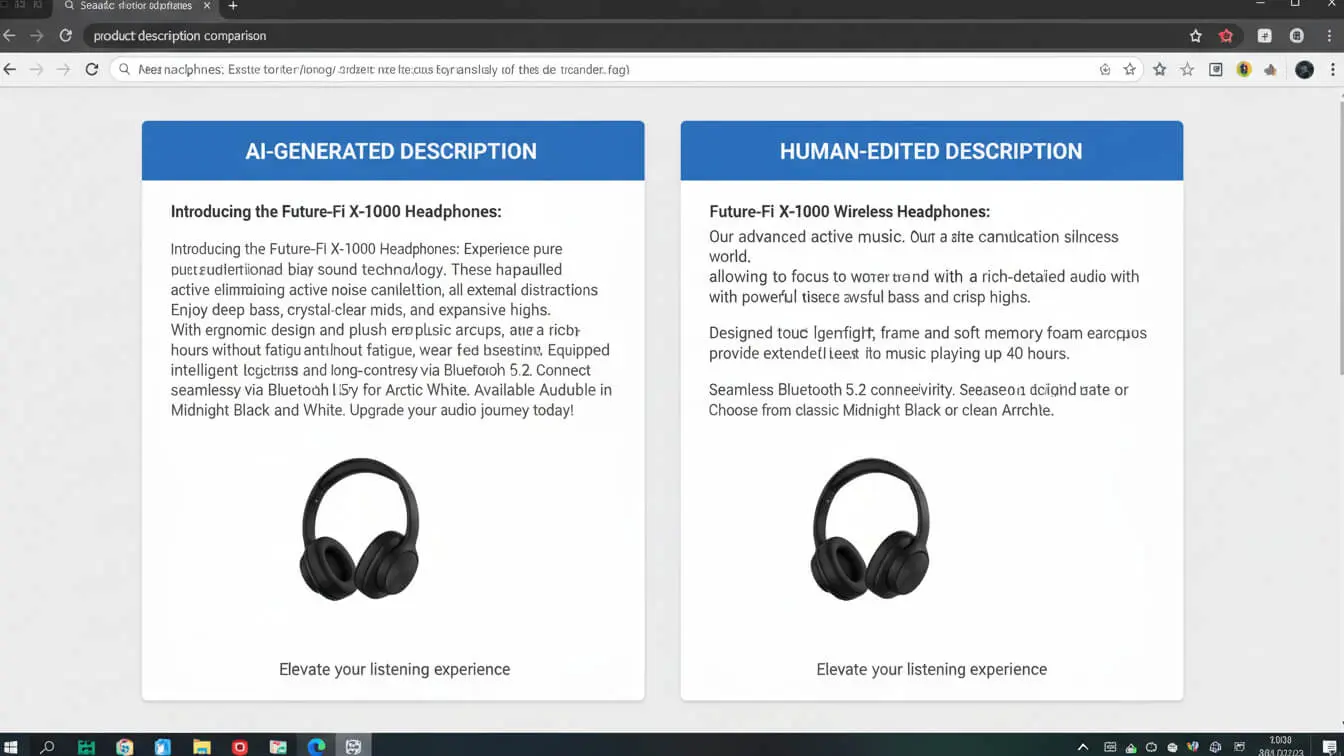
AI generates drafts, not finals. Always edit the output to:
– Add specific details AI can’t know
– Remove robotic phrasing
– Insert your brand voice
– Check for accuracy
Experts recommend testing different AI tools to find one that matches your style. The language and tone vary between platforms.
Feed AI better inputs for better outputs. Instead of “write a description for a blue shirt,” try “write a 150-word product description for a soft cotton t-shirt targeting busy professionals who value comfort and style. Include benefits of the breathable fabric and easy care.”
Shopify vs Amazon Descriptions
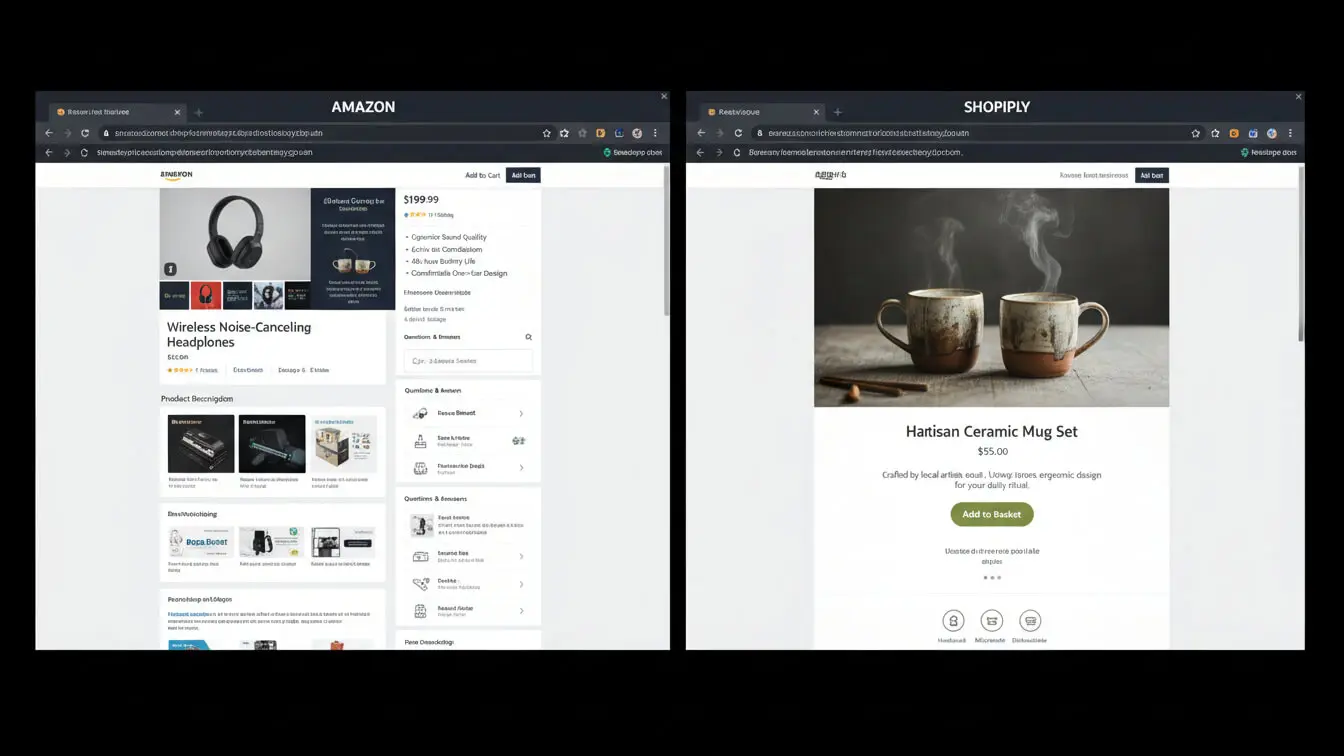
Amazon and Shopify have different rules. Understanding both helps if you sell on multiple platforms.
Amazon Product Copy Rules
Amazon limits descriptions to 2,000 characters and bans HTML formatting (except basic line breaks).
You can’t include:
– Promotional language (“Buy now!”)
– Seller info or prices
– External links
– Customer reviews or testimonials
Amazon’s 2025 title rules also cap titles at 200 characters and ban special characters unless they’re part of brand names.
Focus Amazon descriptions on product details and benefits. Use bullet points for key features since Amazon’s layout emphasizes them.
Shopify Description Flexibility
Shopify gives you more freedom. You can:
– Use unlimited characters
– Add HTML formatting
– Include brand storytelling
– Link to other pages
– Embed videos and images in descriptions
This flexibility lets you create richer content. Take advantage by adding brand personality that Amazon’s restrictions don’t allow.
Cross-Platform Strategy
If you sell everywhere, write two versions:
1. Amazon version: Straightforward, fact-focused, follows platform rules
2. Shopify version: More personality, storytelling, and visual elements
This takes extra time but maximizes each platform’s strengths.
Test and Improve Your Descriptions
The best description today might not work next month. Keep testing.
A/B Testing Product Descriptions
Change one element at a time and track results:
Test headline hooks. Does “Stop wasting money on cheap headphones” outperform “Professional-grade wireless headphones”?
Test description length. Do shoppers convert better with 200 words or 400?
Test benefit language. Does “saves you time” work better than “finishes in half the time”?
Test formatting styles. More bullets or more paragraphs?
By 2025, 30% of businesses now use AI in their A/B testing for faster results.
Run each test for at least two weeks to gather enough data. Statistical significance typically requires 1,000+ conversions per test variant.
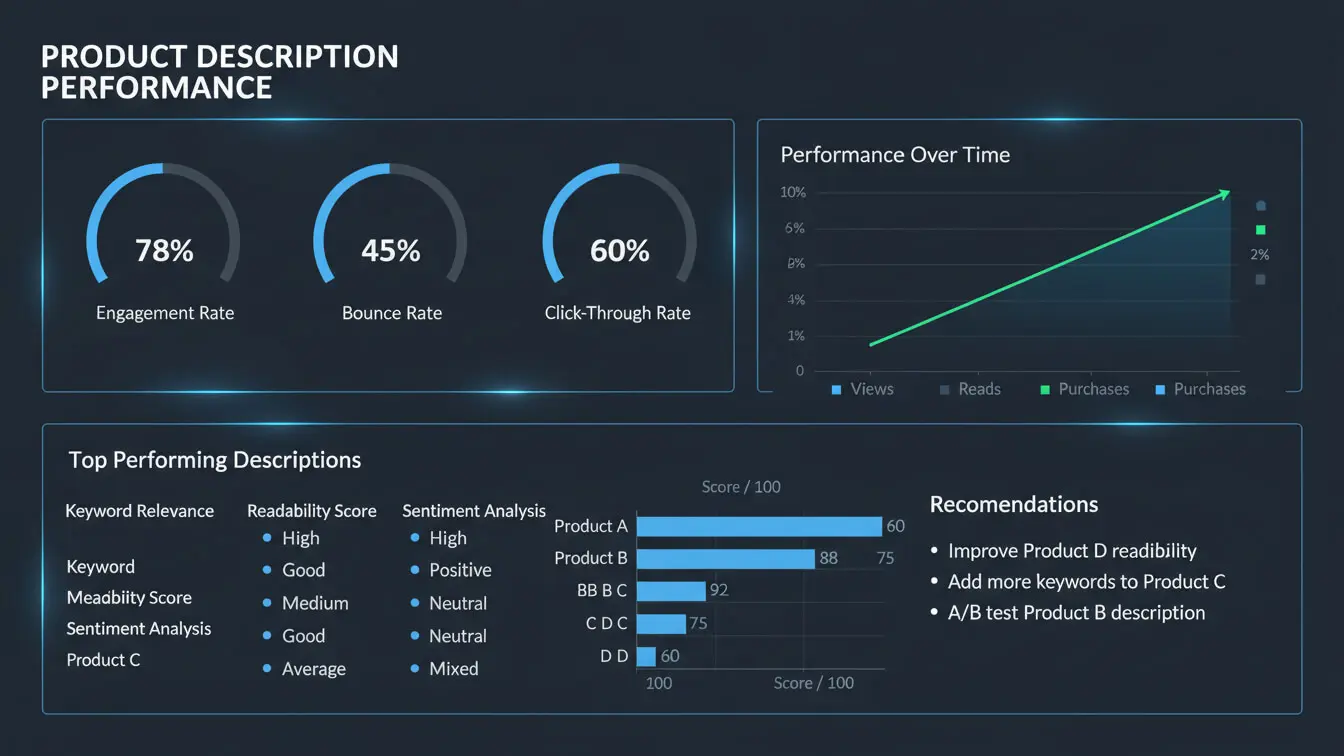
Track These Metrics
Watch these numbers to judge description performance:
Conversion rate: The percentage of visitors who buy. Average ecommerce conversion is 1.81%. If yours is lower, test new descriptions.
Time on page: Do visitors stick around to read, or bounce quickly?
Add-to-cart rate: How many visitors add products but don’t complete checkout?
Search rankings: Are your products climbing Google results?
If a description isn’t working, try a new angle. Maybe emphasize different benefits or restructure for mobile.
Learn From Your Reviews
Customer reviews tell you what to highlight in descriptions.
If multiple reviews mention “fits perfectly” or “exactly as described,” add sizing details to your description. If complaints mention “arrived wrinkled,” address packaging and care in your copy.
Reviews also provide fresh keyword ideas. Real customers use search terms you might miss.
Need help generating descriptions faster? Try the AI FREE FOREVER Shopify Product Description Generator to create optimized copy in minutes.
Frequently Asked Questions
Can I use the same description on Shopify and Amazon?
You can, but you shouldn’t. Amazon has strict formatting rules and character limits that Shopify doesn’t have. Write separate versions to maximize each platform’s strengths. Also, duplicate content hurts SEO, so unique descriptions help both stores rank better.
How often should I update product descriptions?
Review descriptions every 3-6 months. Update them when: you get consistent customer questions, competitors change their approach, or your search rankings drop. Also revise after reading customer reviews to address common concerns.
Do emojis work in product descriptions?
Depends on your brand and audience. Fashion and lifestyle brands often use emojis effectively. B2B and professional products should skip them. Test one product with emojis and compare conversion rates. Never use emojis in meta descriptions or product titles—they hurt SEO.
Should I mention competitors in my descriptions?
Never mention competitors by name. Instead, compare your product to generic alternatives. “Unlike basic foam rollers” works better than “Unlike Brand X.” Focus on why your product is better without naming names.
What’s the biggest mistake in product descriptions?
Copying manufacturer descriptions is the worst error. It kills your SEO and provides no competitive advantage. Second worst is writing features without benefits. Tell shoppers why they should care, not just what the product has.
Can AI write my product descriptions completely?
AI tools like Shopify Magic create solid first drafts. But always edit the output. Add specific details, check accuracy, and inject your brand voice. AI-generated descriptions often sound generic without human polish.
How do I write descriptions for products similar to each other?
Focus on what makes each variant unique. If you sell the same shirt in 10 colors, write one master description about the shirt itself. Then add 1-2 sentences for each color explaining who it’s for or what occasions suit it. AI tools help generate unique variations efficiently.
Do longer descriptions rank better in Google?
Not automatically. Google ranks based on quality and relevance, not just length. Match your competitors’ average word count for your keywords, then focus on providing better information. A 300-word description that answers questions beats a 600-word fluff piece.
Should I include sizing information in descriptions?
Yes, especially for clothing and furniture. 53% of shoppers abandon purchases when they can’t find quick answers. Include measurements, sizing charts, or fit guidance. If you get sizing questions regularly, you need more detail in descriptions.
How do I make descriptions accessible?
Use plain language, avoid jargon, and structure content logically. Add alt text to all images. Ensure sufficient color contrast in formatted text. Screen readers work better with proper HTML heading tags (H2, H3) than with bold text alone. Accessibility helps everyone and can improve SEO.