Remember the days when enlarging a photo meant watching it dissolve into a pixelated mess? Those days are over. AI image upscalers have completely transformed how we enhance and restore images, using sophisticated machine learning models to intelligently add detail where there was none. Whether you’re a photographer looking to breathe new life into old photos, a designer needing print-ready resolution, or someone wanting to restore family memories, AI upscaling technology has become remarkably accessible. In this comprehensive guide, we’ll explore 35 of the best AI image upscalers and upscaling models available in 2026 from free open-source solutions to professional-grade paid tools.
What Are AI Image Upscalers?
 AI image upscalers are tools that use artificial intelligence and machine learning to increase the resolution of images while maintaining or even improving quality. Unlike traditional upscaling methods that simply stretch pixels, AI upscalers analyze the content of an image and intelligently generate new pixels based on patterns learned from millions of high-quality images. These tools employ deep learning models like ESRGAN (Enhanced Super-Resolution Generative Adversarial Networks), diffusion models, and transformer architectures to predict and add realistic details, reduce noise, sharpen edges, and restore textures that would otherwise be lost in low-resolution images.
Why You Need AI Image Upscaling
Restore Old and Damaged Photos
AI upscalers can breathe new life into cherished family photos, vintage images, and historical photographs. They remove artifacts, reduce noise, enhance faded details, and even restore damaged facial features with remarkable accuracy.
Prepare Images for Print
Need to print a digital image at large sizes? AI upscaling can transform a small web image into a high-resolution file suitable for posters, canvases, or professional prints without the typical quality loss.
Enhance AI-Generated Art
If you work with AI art generators like Midjourney, DALL-E, or Stable Diffusion, upscalers help you take those creations to the next level by increasing resolution, refining details, and preparing them for commercial use.
Improve Video Quality
Several AI upscaling tools work with video frames, allowing you to enhance old footage, upscale gaming content, or improve the quality of streaming videos for professional production.
Save Time and Money
Instead of hiring a professional retoucher or photographer for reshoots, AI upscaling offers a cost-effective solution that delivers professional results in seconds rather than hours.
What are the best AI Image upscalers?
This best AI image upscalers includes a balanced mix of free AI image upscaling tools (like Real-ESRGAN, Waifu2x, and Upscale.media), open-source models (such as SwinIR, GFPGAN, and ESRGAN often used as the backbone of commercial products), and premium paid solutions (like Topaz Gigapixel AI, Adobe Super Resolution, and Magnific AI). Each AI upscaller mentioned below links directly to the original creator or company’s official website. The list spans individual researchers, startups, and global enterprises (Google, Tencent, Adobe, etc.), reflecting the full spectrum of today’s AI upscaling ecosystem.
1. Fermat Research – Magic Image Refiner
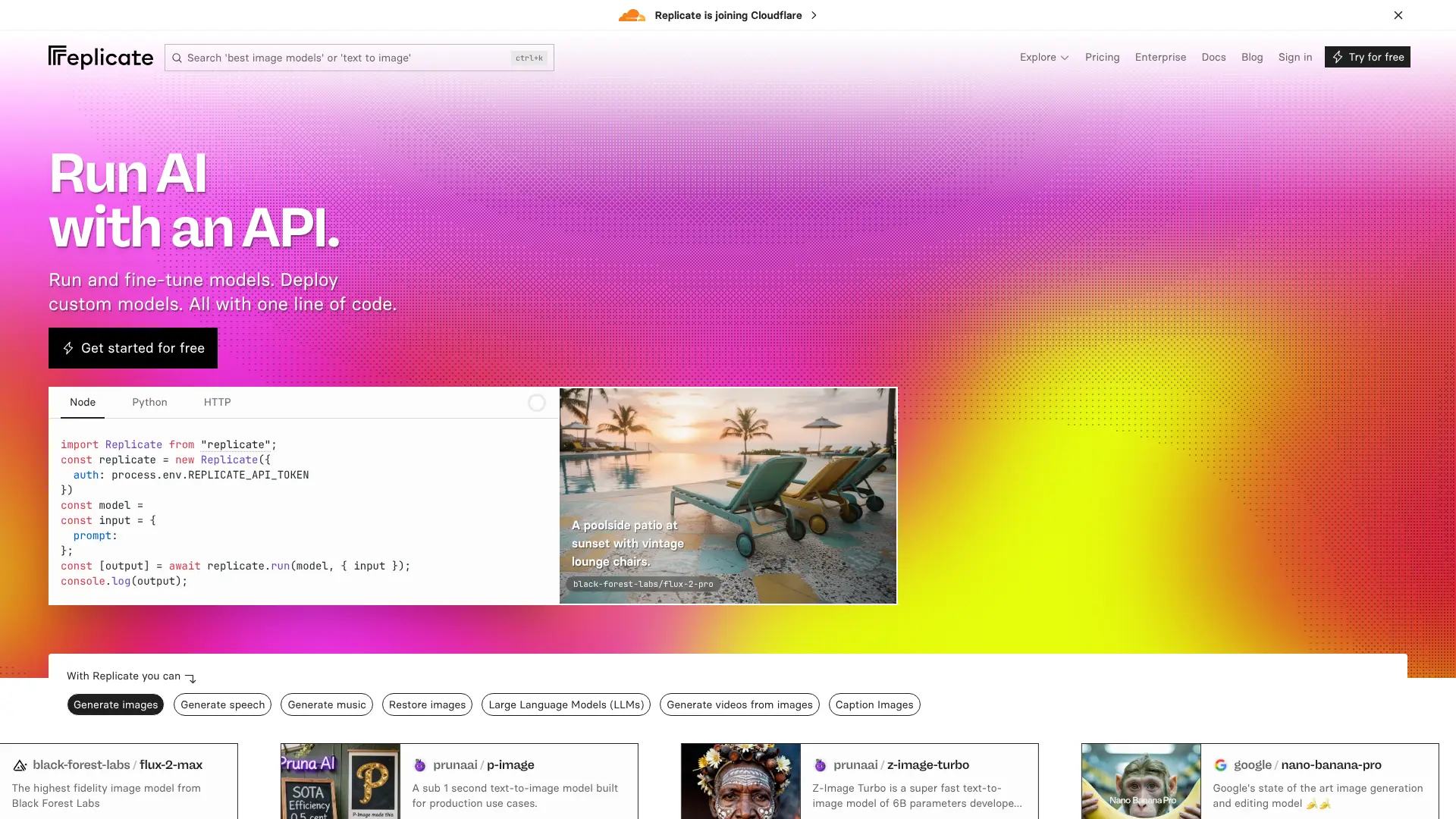
A better alternative to SDXL refiners providing exceptional quality and detail. This versatile tool can be used for upscaling, refining images, or inpainting. Produces great results much faster than comparable models with adjustable creativity and resemblance parameters.
Key Features:
- Upscales to 1024×1024 or 2048×2048
- Adjustable creativity and resemblance controls
- Supports inpainting and refinement
- Available via Replicate API (~$0.0084 per run)
Visit Fermat Research on Replicate
2. Fermat Research – High-Resolution ControlNet Tile
An efficient ControlNet 1.1 tile implementation for high-quality upscales. Encourages creative hallucination while maintaining structure. Part of Fermat.app’s open-source offerings, optimized for detailed artistic outputs and stylized content.
Key Features:
- High-quality upscaling with creative detail generation
- Tile-aware generation for large images
- Best for AI art refinement and stylized photography
- Available via Replicate API (~$0.061 per run)
Visit Fermat Research on Replicate
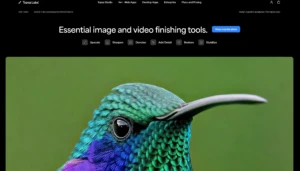
3. Topaz Labs – Gigapixel AI
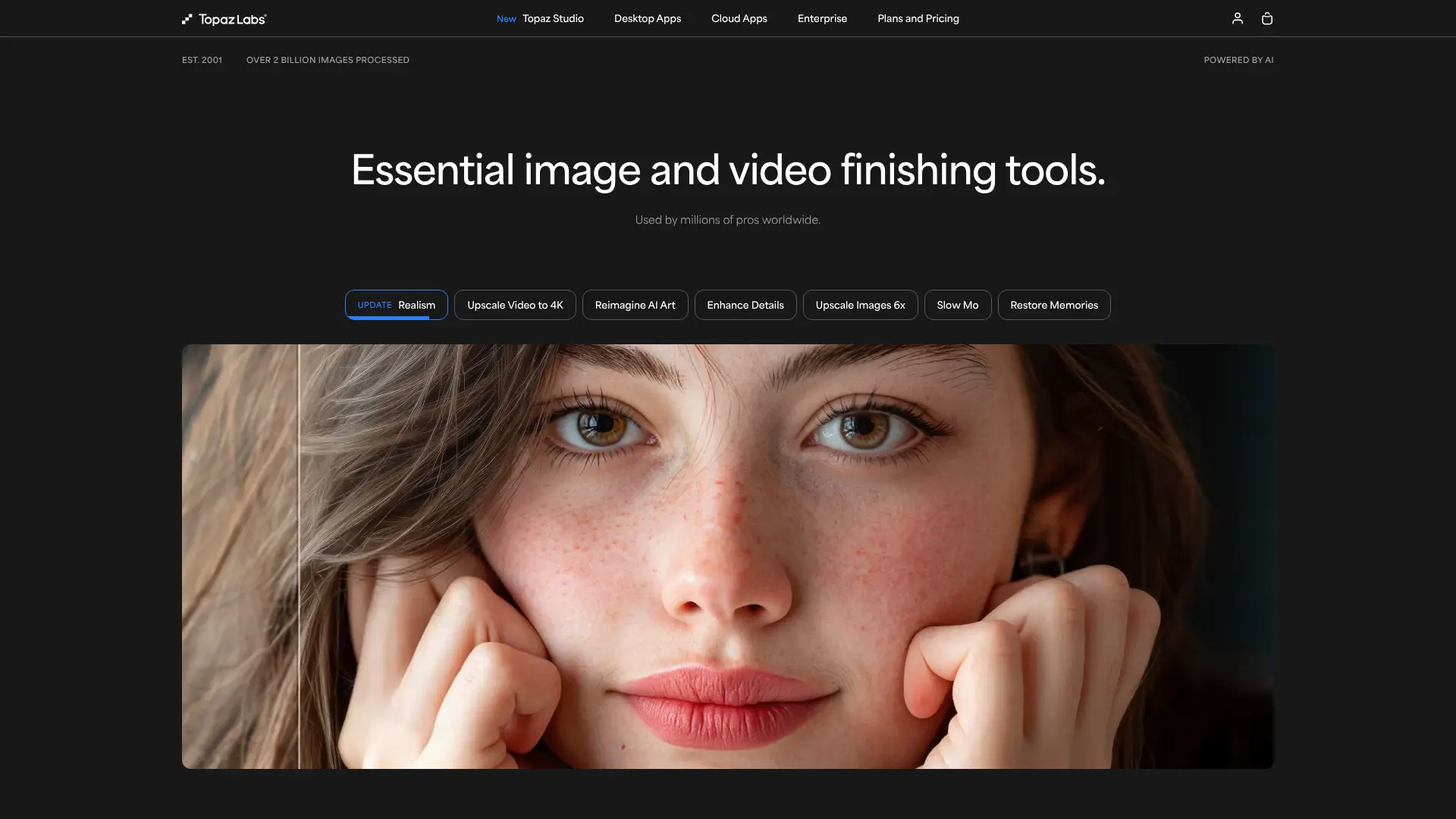
Industry-standard desktop software for photographers and creatives. Uses proprietary AI to upscale photos up to 600% (16x enlargement) with exceptional detail preservation. Version 8+ includes generative AI-based Redefine model for enhanced detail recovery.
Key Features:
- Up to 16x enlargement with generative AI
- Specialized models for faces, art, and photos
- Standalone app + Photoshop/Lightroom plugins
- One-time purchase ($99) or subscription options
4. Adobe – Super Resolution
Built directly into Lightroom and Photoshop, this one-click tool doubles image resolution while maintaining natural detail—perfect for photographers in the Creative Cloud ecosystem.
Key Features:
- Seamless integration with Adobe apps
- Non-destructive, preserves metadata
- Optimized for RAW and JPEG workflows
5. Recraft
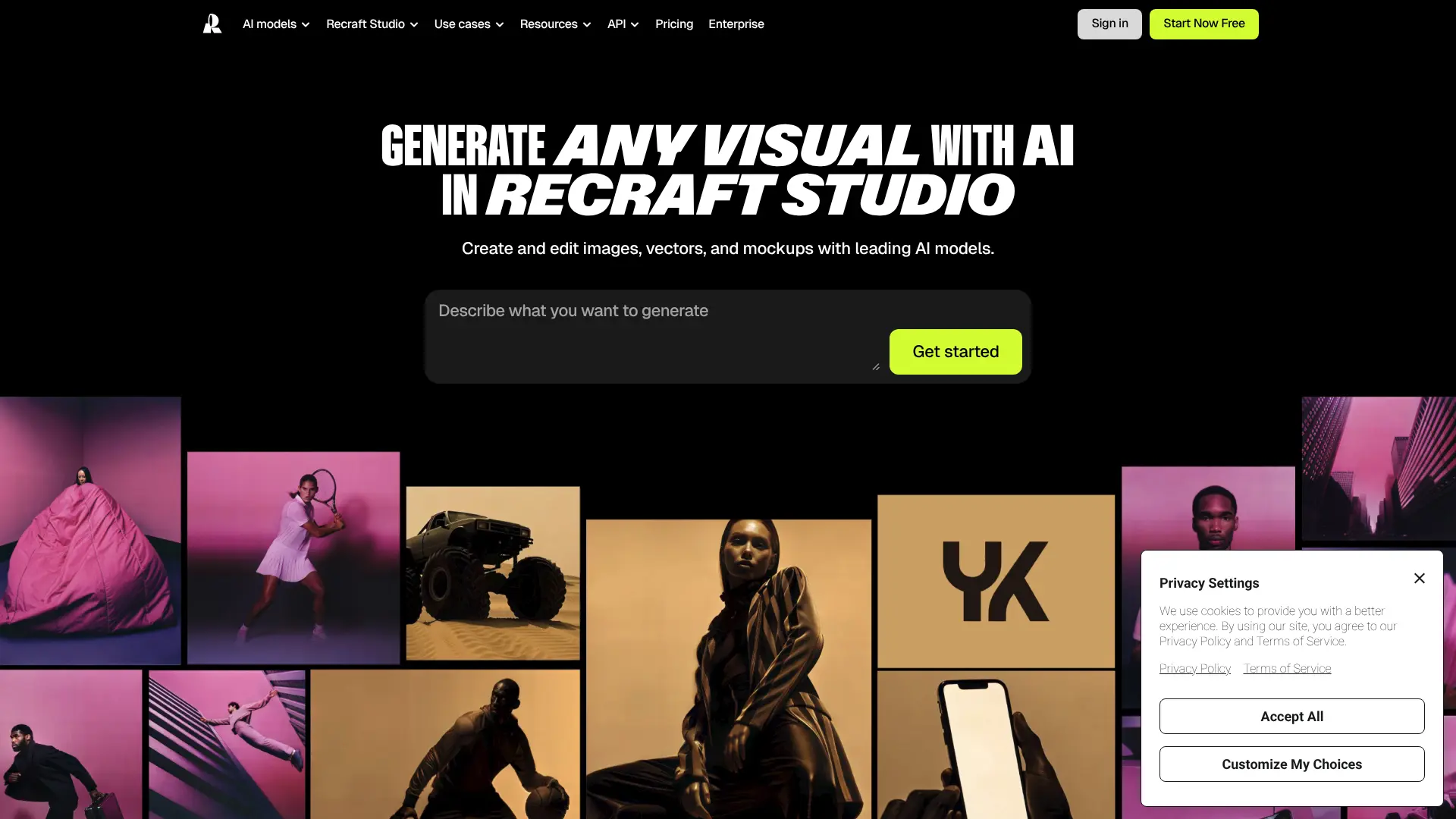
An AI design suite that includes intelligent upscaling with style retention. Outputs remain editable, making it great for vector-like workflows and brand assets.
Key Features:
- Upscales while preserving visual style
- Editable output layers
- Web app + developer API
Visit Recraft https://www.recraft.ai/
6. Magnific AI
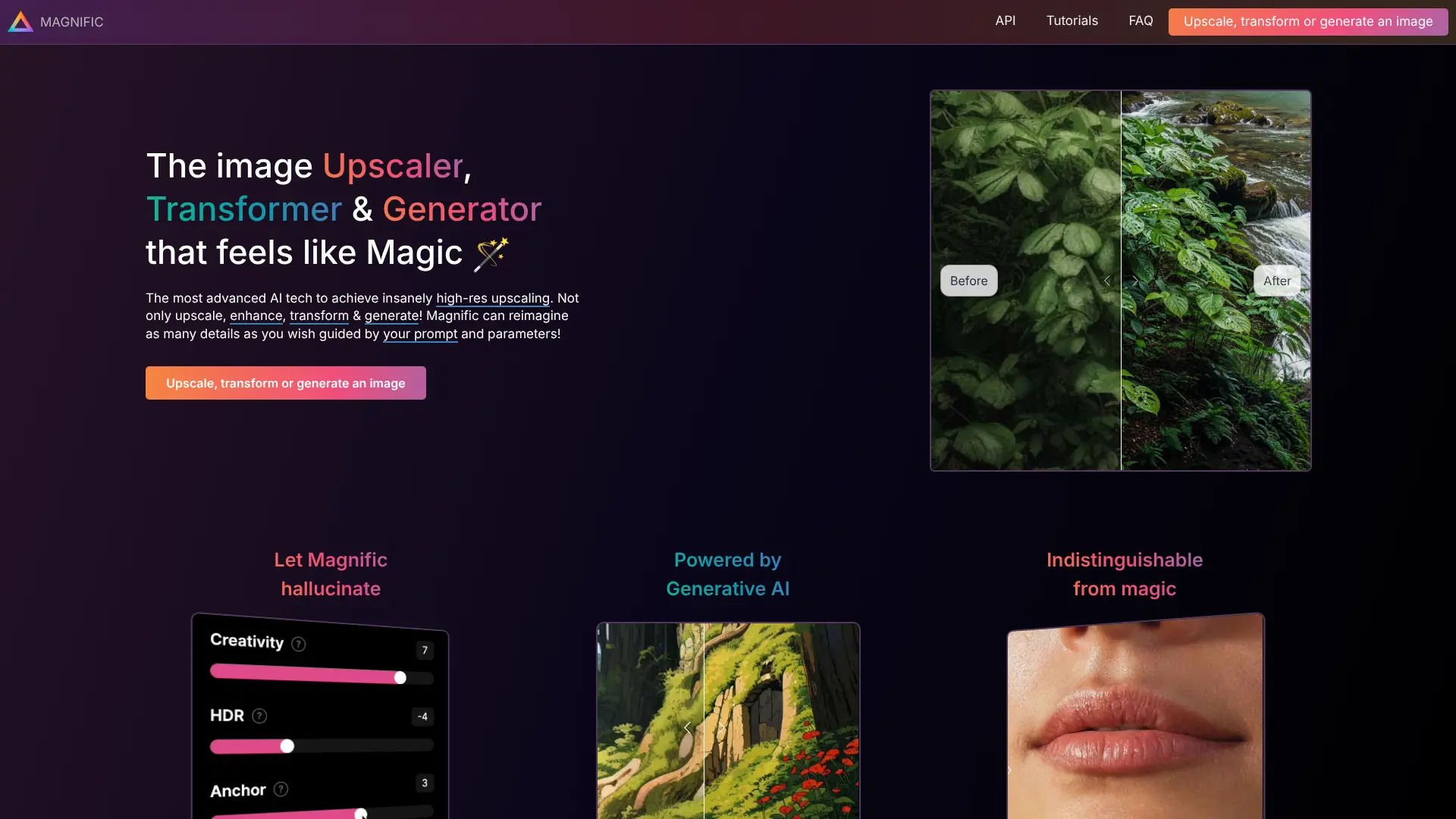
A favorite among digital artists for “creative upscaling”—it doesn’t just enlarge but intelligently adds plausible high-res details to concept art and AI-generated images.
Key Features:
- Enhances texture, depth, and micro-details
- Adjustable enhancement strength
- Web-based with fast GPU backend
Visit Magnific AI https://magnific.ai/
7. Let’s Enhance
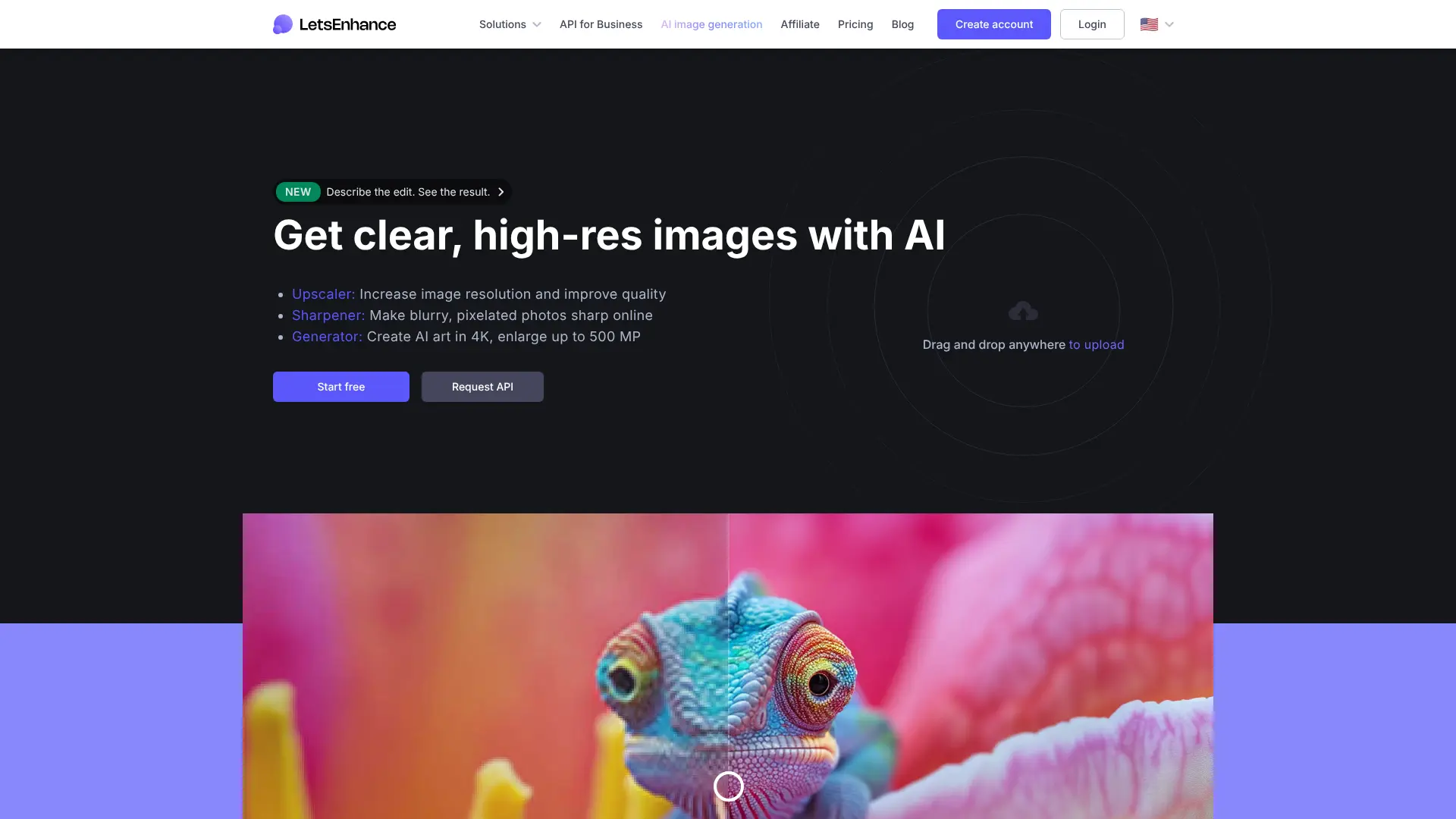
A mature, user-friendly platform offering smart upscaling for e-commerce, photography, and design—with specialized models for different content types.
Key Features:
- Up to 16x upscaling (plan-dependent)
- Modes: Photo, Art, Text, E-commerce
- API and batch processing available
Visit Let’s Enhance https://letsenhance.io/
8. Icons8 – Smart Upscaler
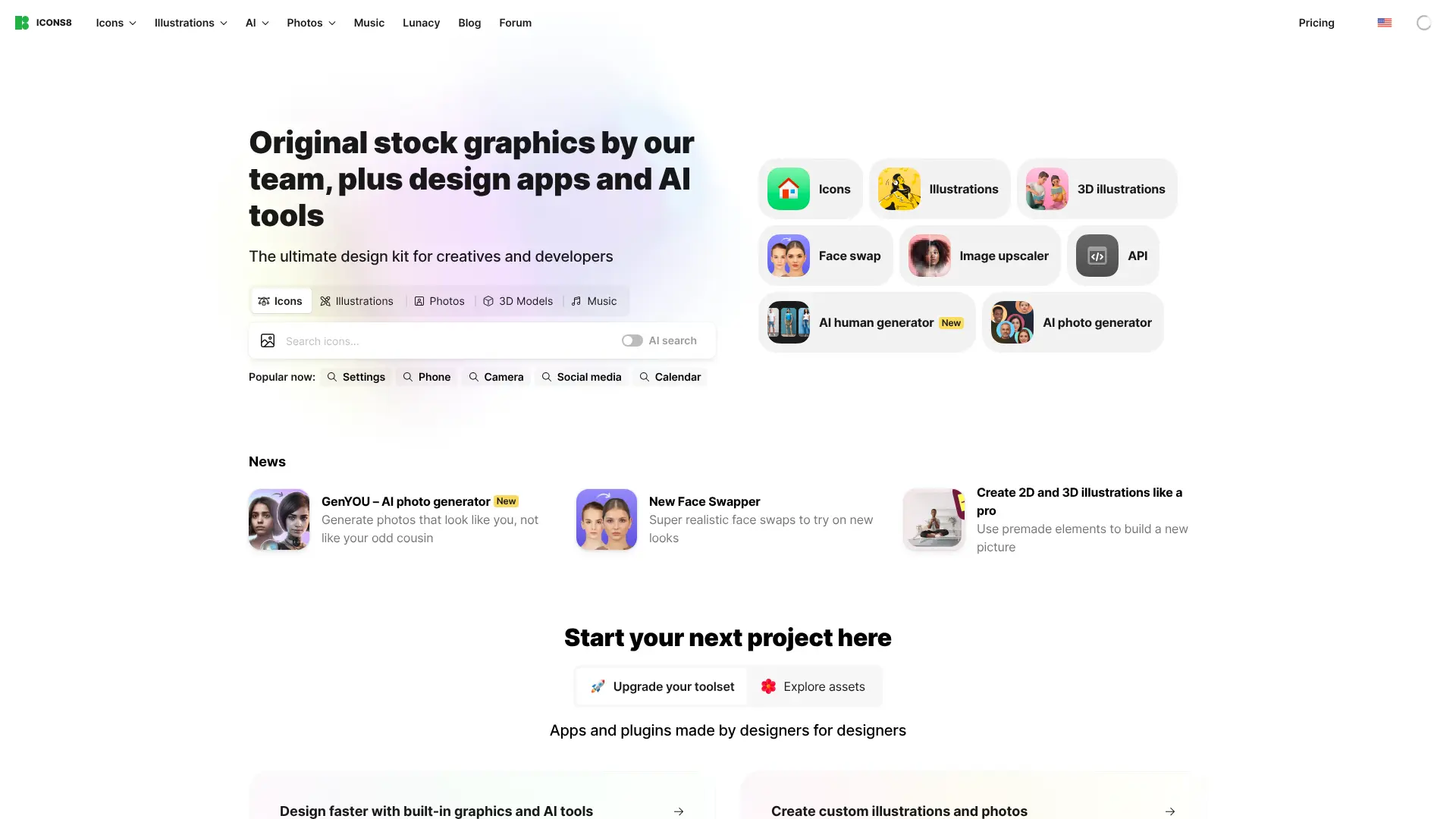
A simple, free browser-based tool that delivers quick 4x upscaling without sign-up—great for social media, blogs, or casual use.
Key Features:
- 100% free, no watermark
- No account required
- Part of Icons8’s design toolkit
9. VanceAI
Offers multiple AI enhancement models tailored to specific content, including faces, anime, and text-heavy images—with both online and desktop options.
Key Features:
- 4x–8x upscaling
- Content-specific enhancement modes
- Desktop app for Windows/macOS
Visit VanceAI https://vanceai.com/image-upscaler/
10. Upscale.media
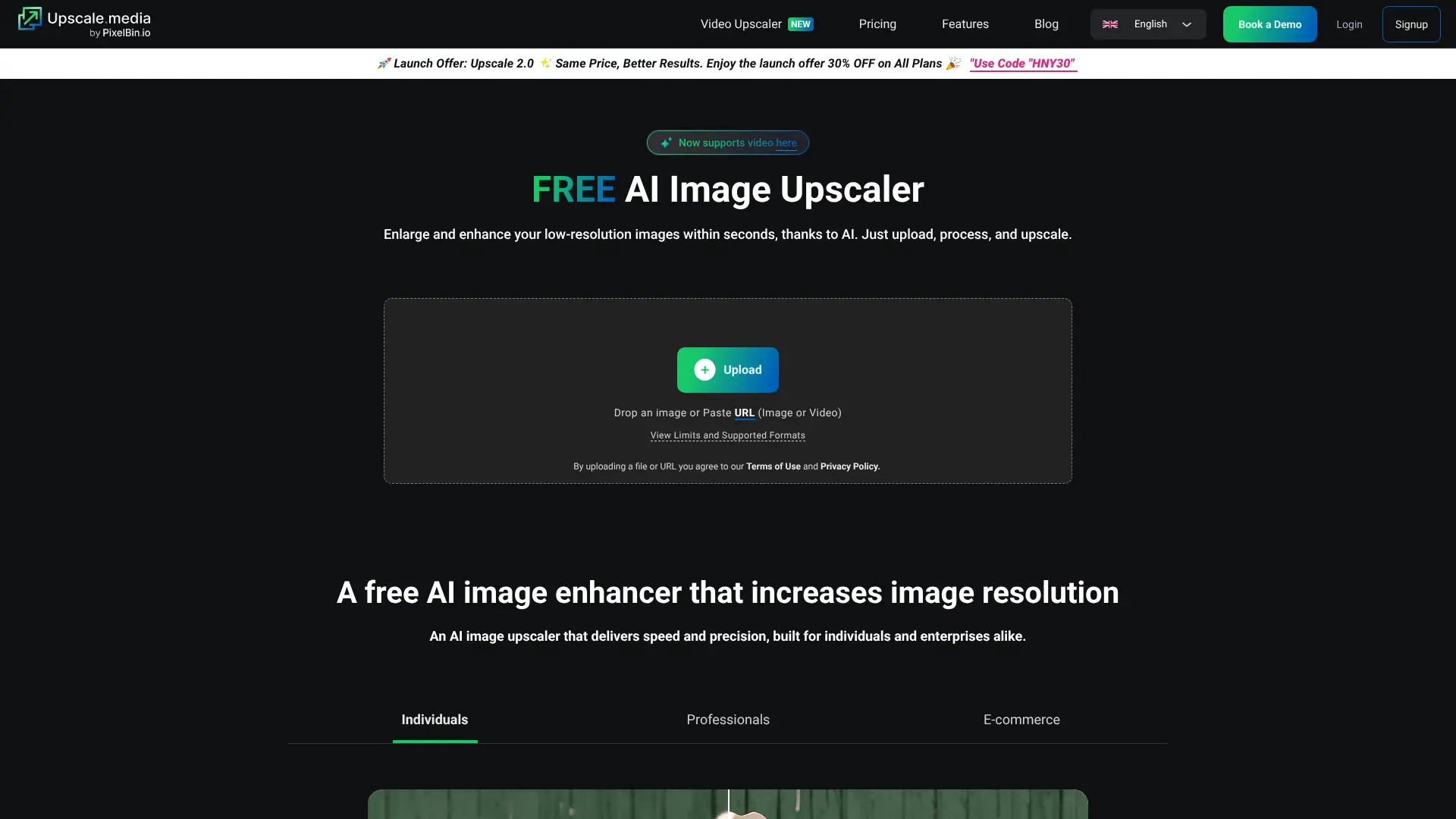
A completely free, privacy-focused upscaler that delivers clean 4x results in seconds—no registration, no ads, no watermarks.
Key Features:
- Free 4x upscaling
- Auto-deletes images after processing
- Works on mobile and desktop
Visit Upscale.media
11. Bigjpg
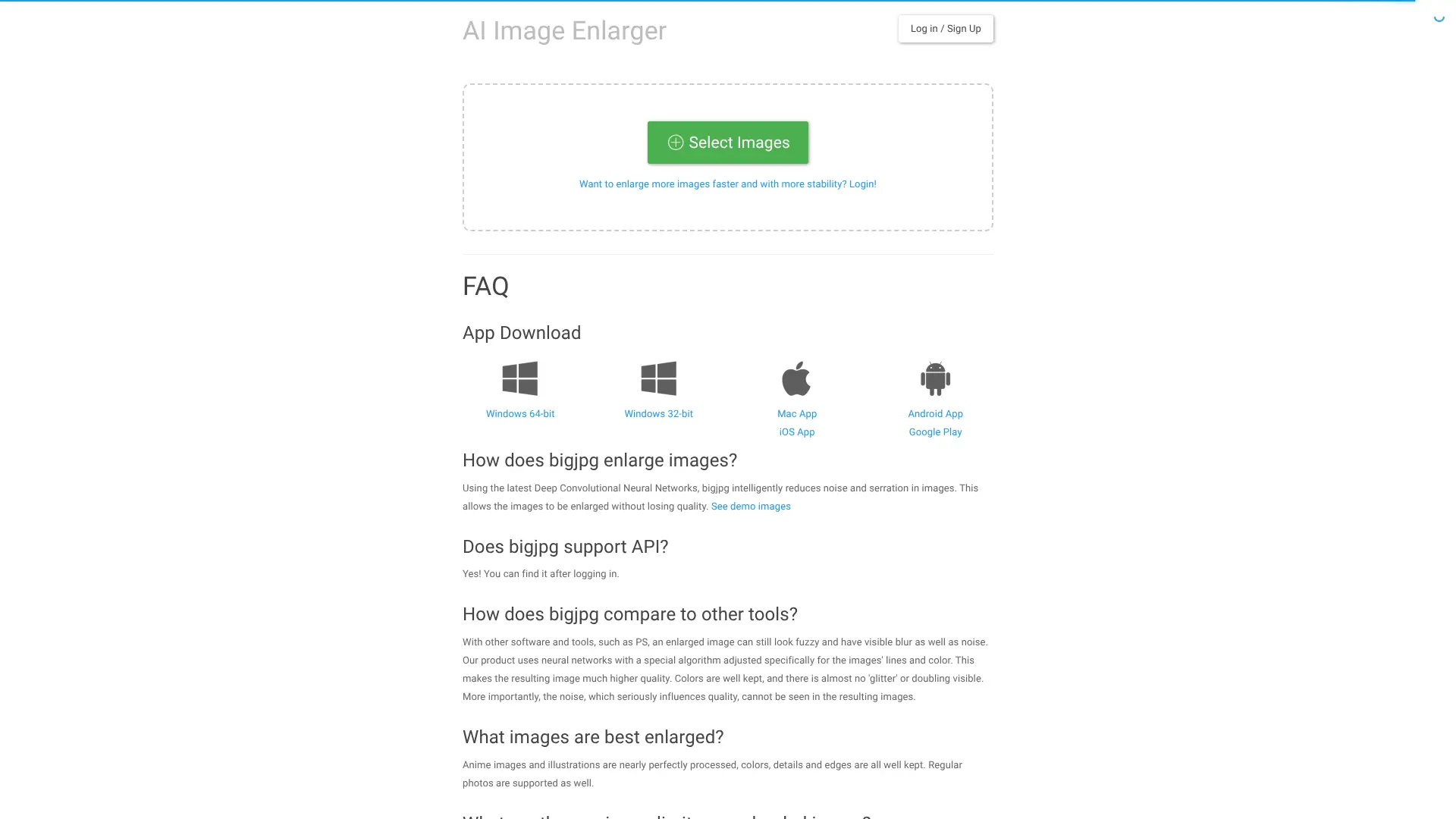
Specializes in upscaling anime, illustrations, and manga with minimal artifact generation. Popular in creative communities for its clean line preservation.
Key Features:
- Optimized for anime/art
- Free tier (low-res); paid for HD
- Simple drag-and-drop interface
12. Remini
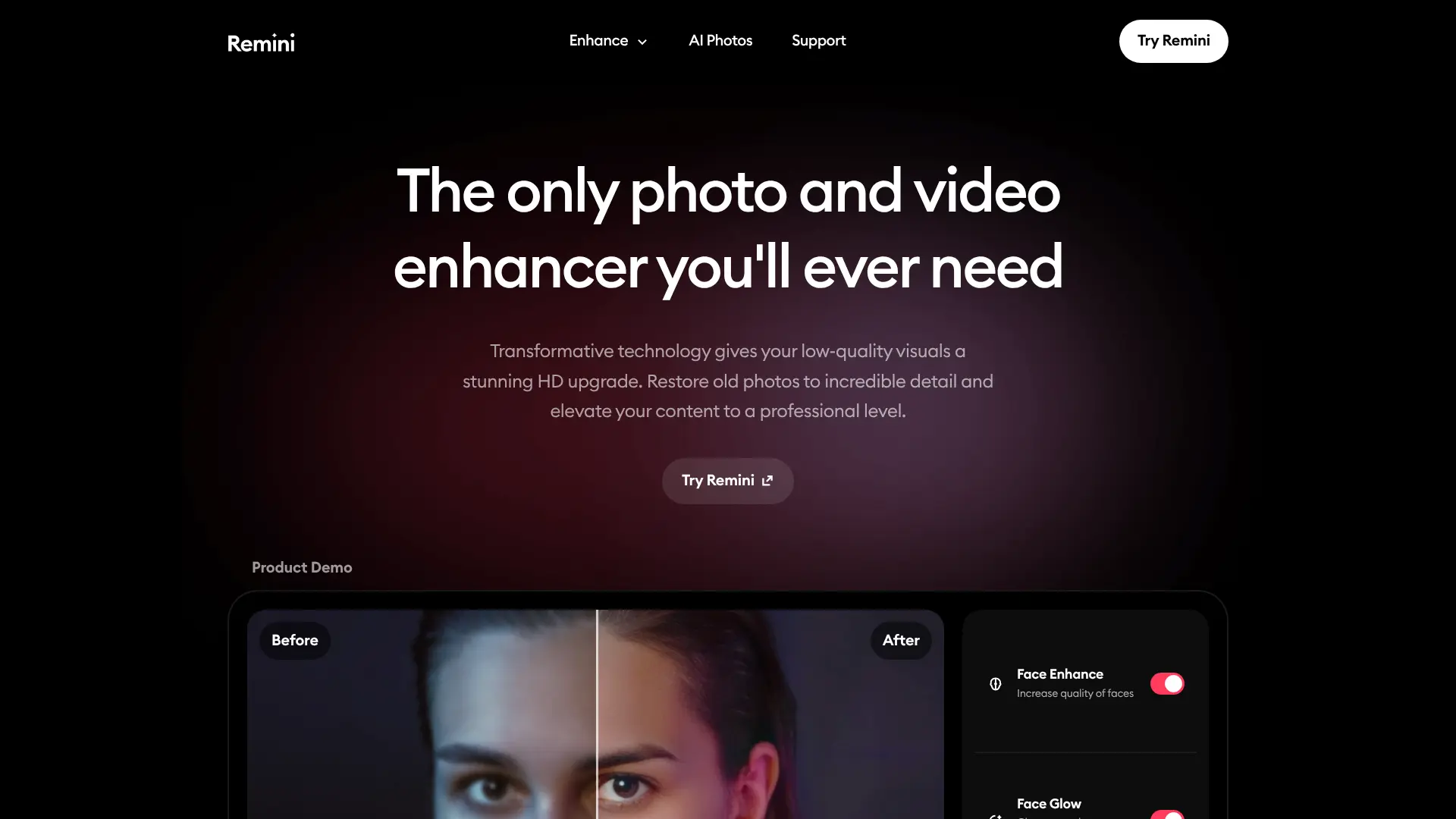
Famous for transforming blurry, old, or low-quality photos into sharp, detailed portraits—especially effective on faces.
Key Features:
- AI face reconstruction
- Mobile-first (iOS/Android)
- Free with optional Pro upgrade
Visit Remini https://remini.ai/
13. Photoroom – AI Image Upscaler
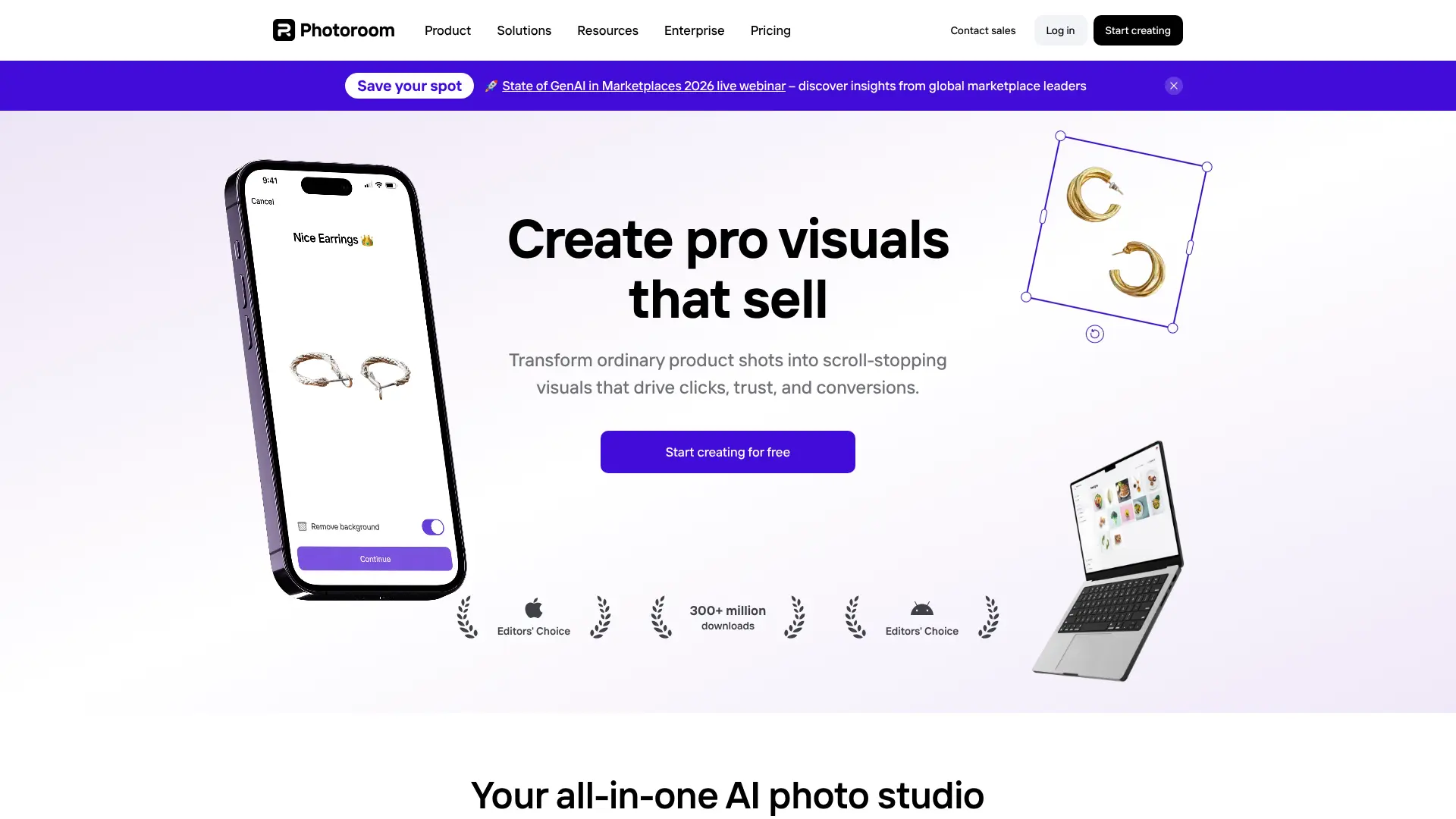
Built for e-commerce and product creators, this tool enhances phone-captured product images into professional-quality visuals.
Key Features:
- One-click upscaling
- Integrated with background removal
- Web and mobile apps
Visit Photoroom
14. Fotor – AI Image Upscaler
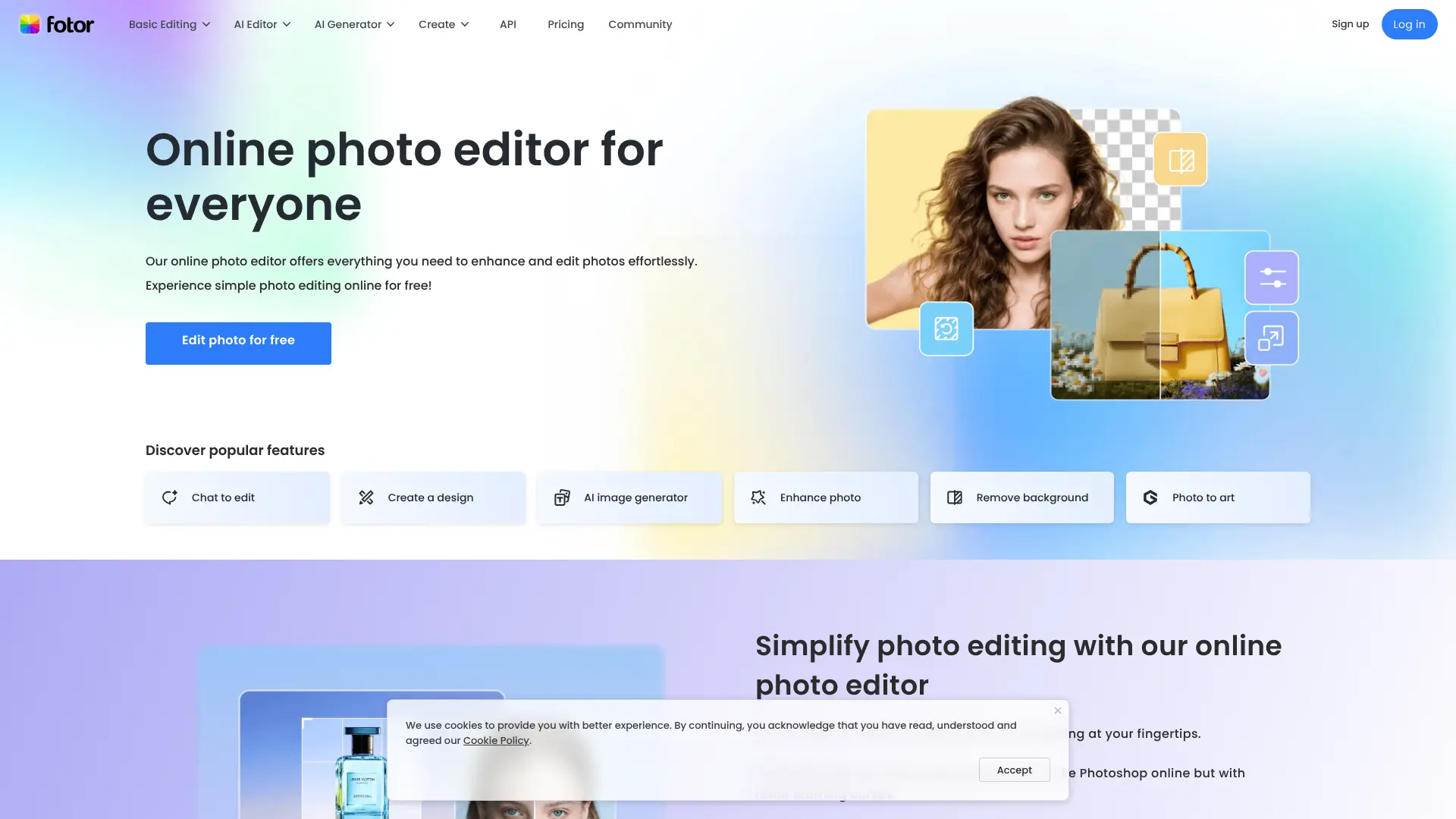
Part of Fotor’s all-in-one photo editor, this upscaler enhances resolution while letting users adjust color, lighting, and composition in one place.
Key Features:
- 4x upscaling with enhancements
- Free and paid plans
- Available on web, iOS, and Android
Visit Fotor
15. Media.io – AI Image Upscaler
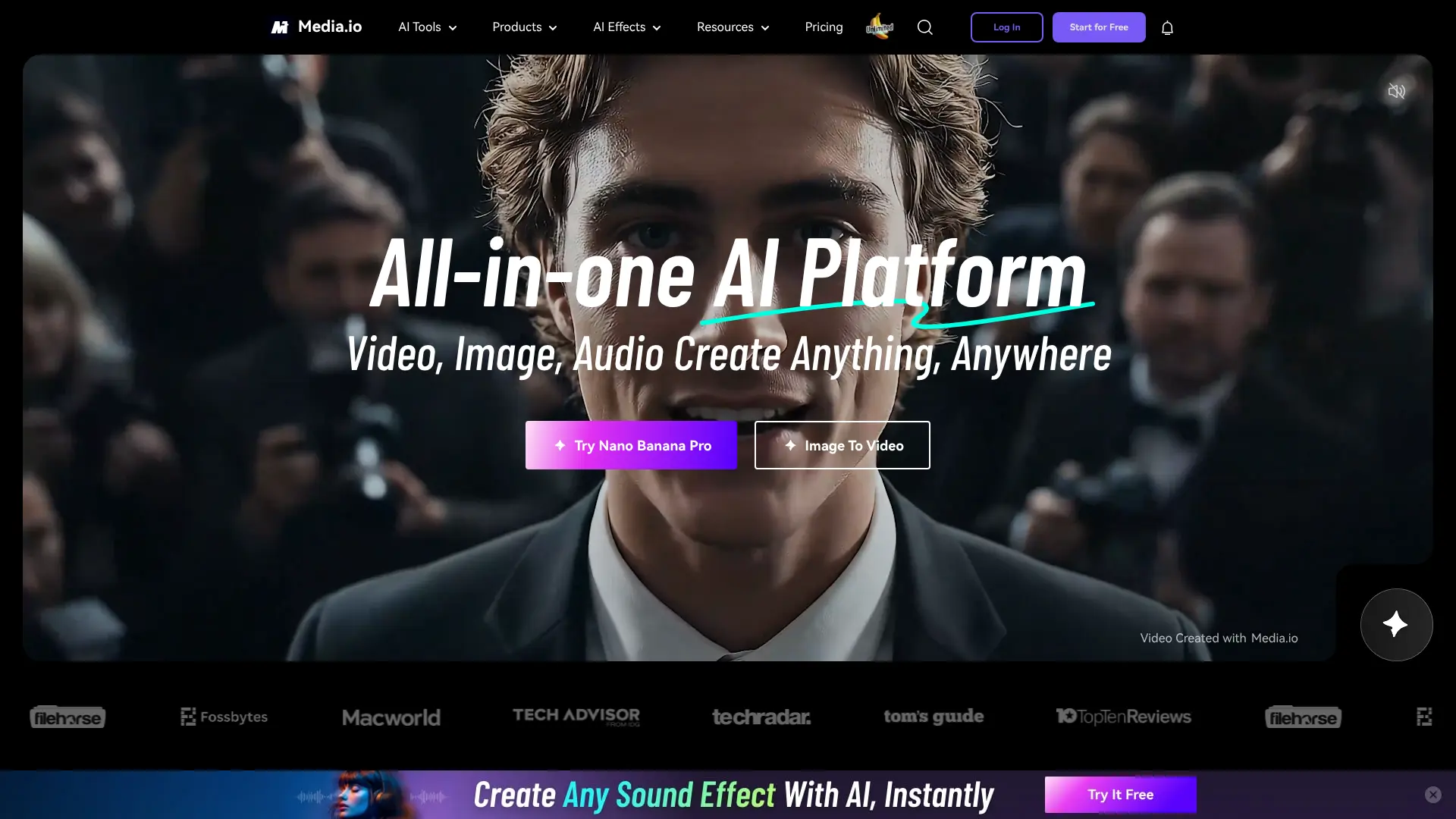
From Wondershare, this browser-based tool supports photos, text, and anime with smart noise reduction and detail recovery.
Key Features:
- Multiple enhancement modes
- No software install required
- Free daily credits
Visit Media.io
16. Cutout.Pro – AI Image Enhancer
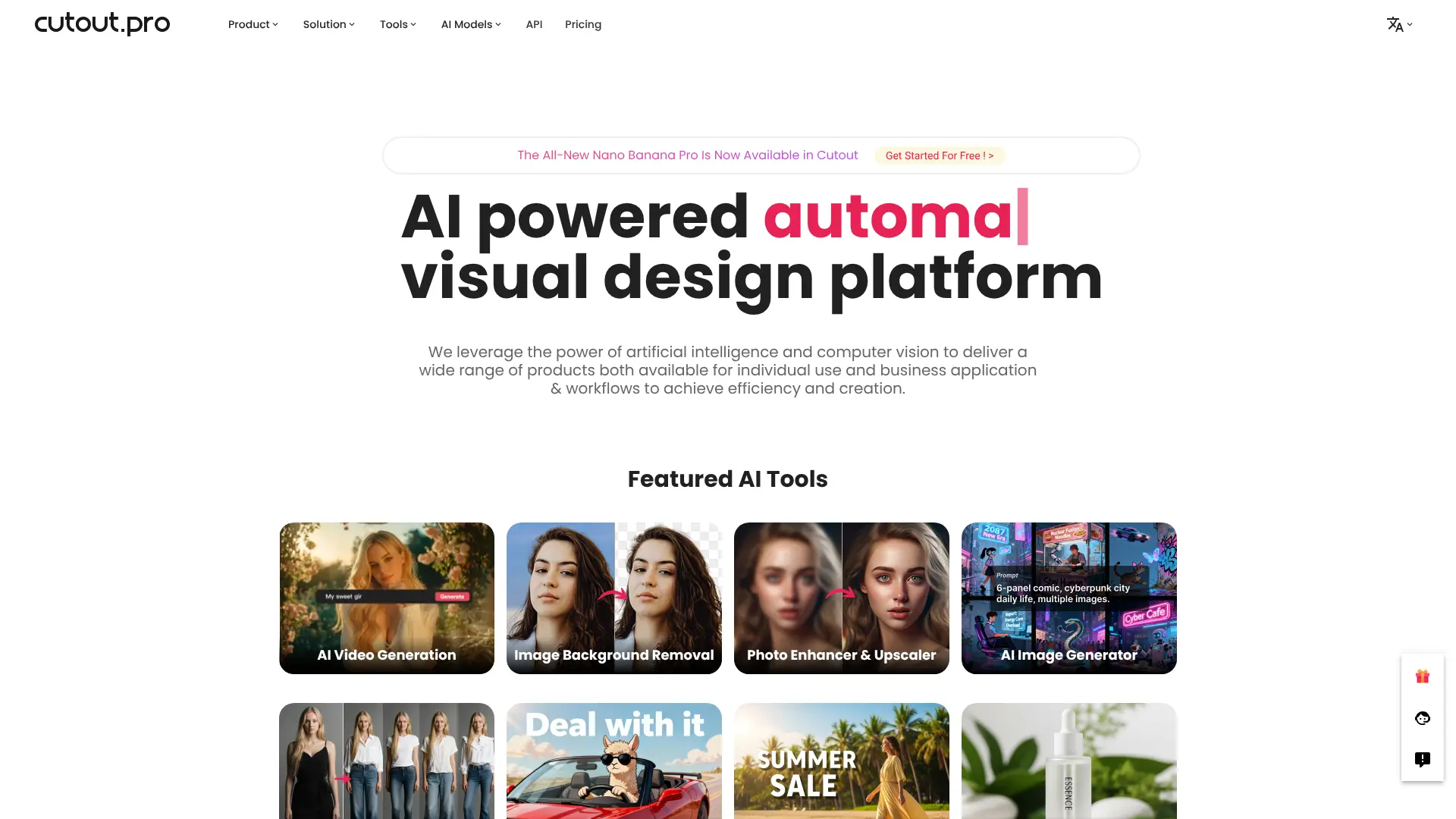
Offers bulk upscaling with face recovery, background removal, and video enhancement—used by agencies and online stores.
Key Features:
- Batch processing
- API for automation
- Strong face and detail restoration
Visit Cutout.Pro https://www.cutout.pro/ai-image-enhancer
17. Pixelied – AI Image Upscaler
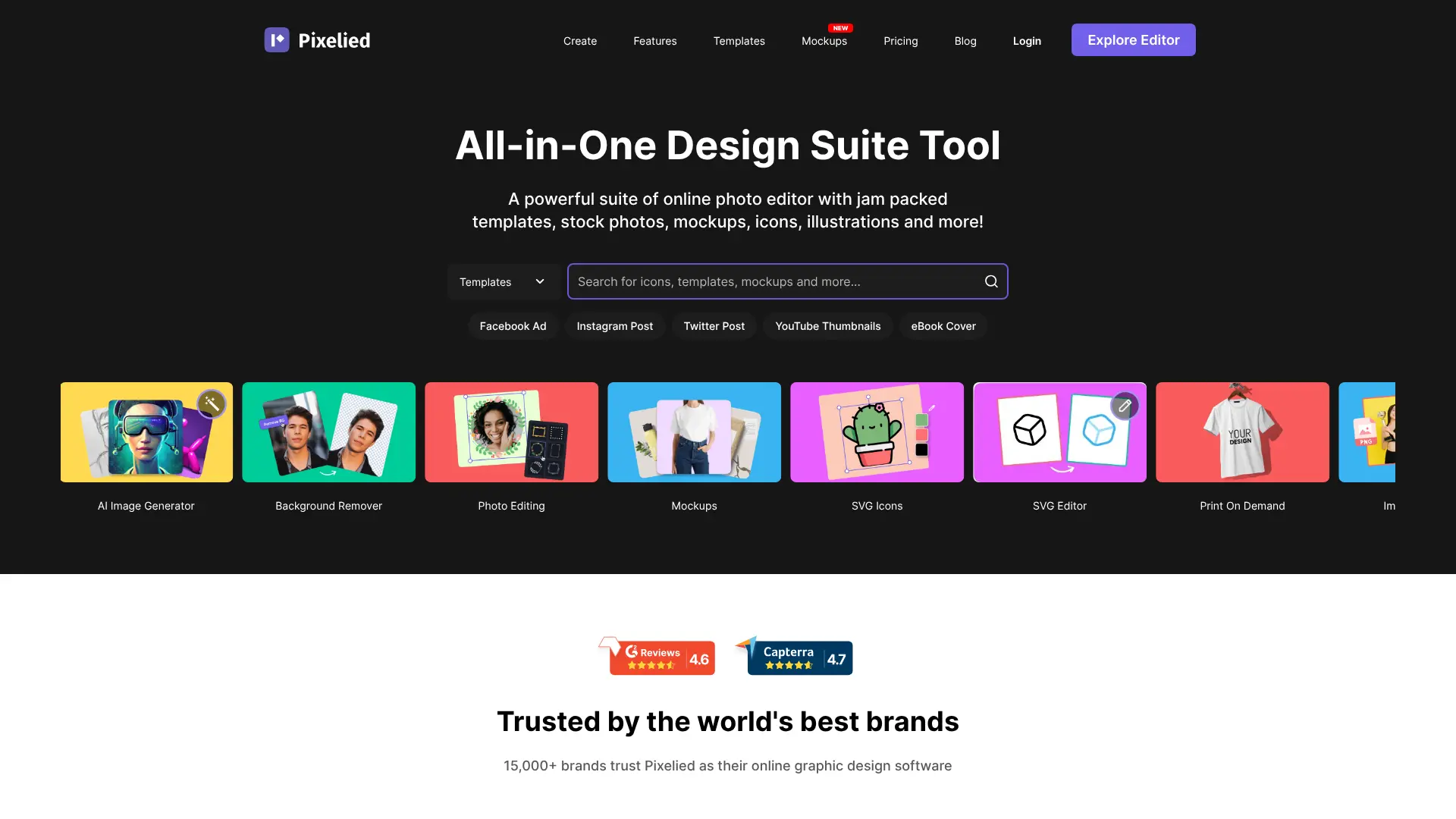
A design-friendly upscaler embedded in an online graphic editor—ideal for marketers creating social media or ad visuals.
Key Features:
- 4x upscaling with noise reduction
- Integrated with templates and assets
- Free plan available
Visit Pixelied https://pixelied.com/tools/ai-image-upscaler
18. HitPaw Photo Enhancer
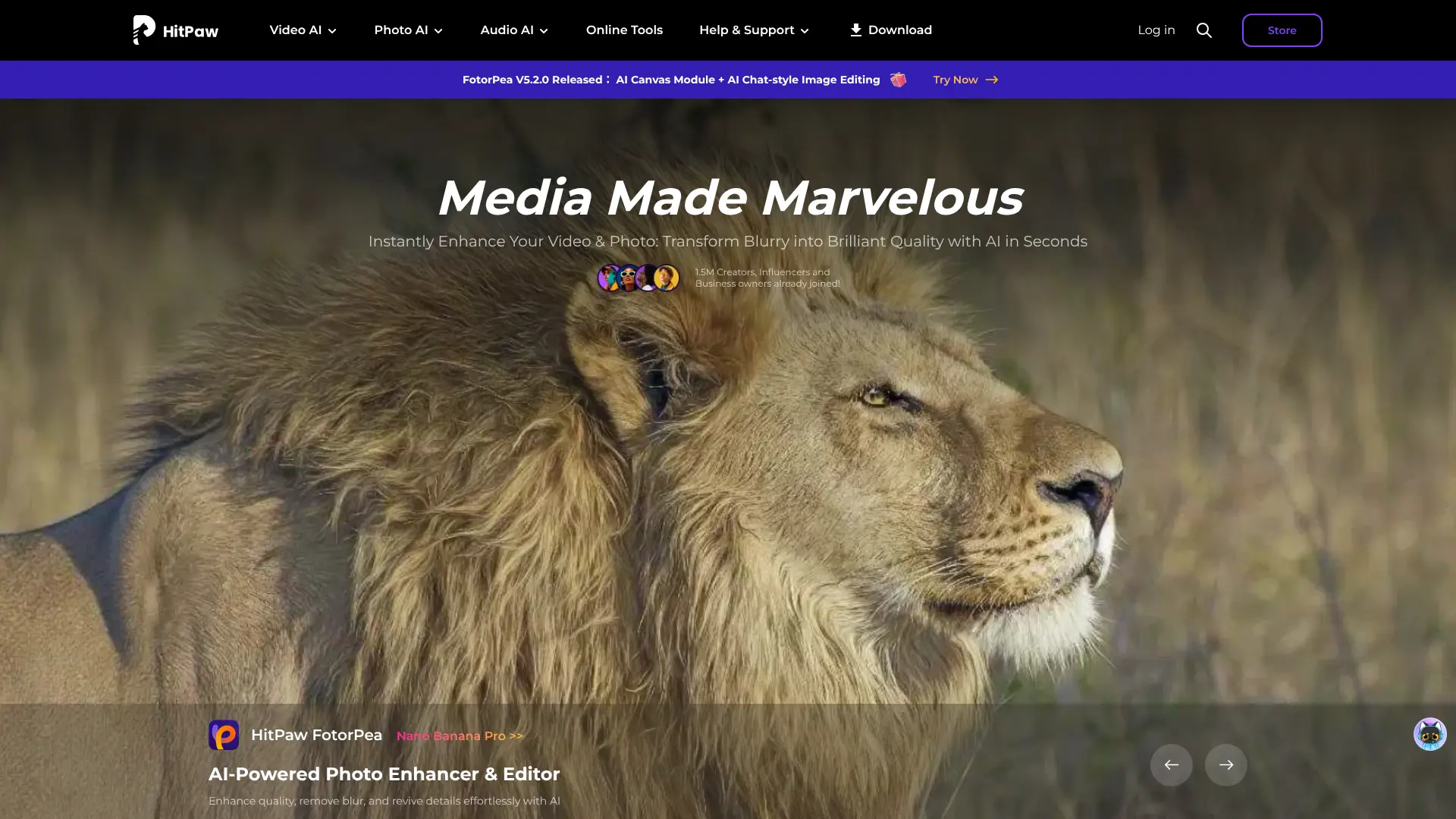
Desktop software with multiple AI models for photos, anime, and old images—great for offline use and batch jobs.
Key Features:
- General, Face, Anime, and Colorize modes
- One-time purchase option
- Windows & macOS support
19. AVCLabs Photo Enhancer AI
Offers extreme upscaling (up to 40x) with AI noise reduction—useful for restoring old prints or low-res scans.
Key Features:
- Up to 40x enlargement
- AI face recovery for aged photos
- Desktop application
20. Img.Upscaler
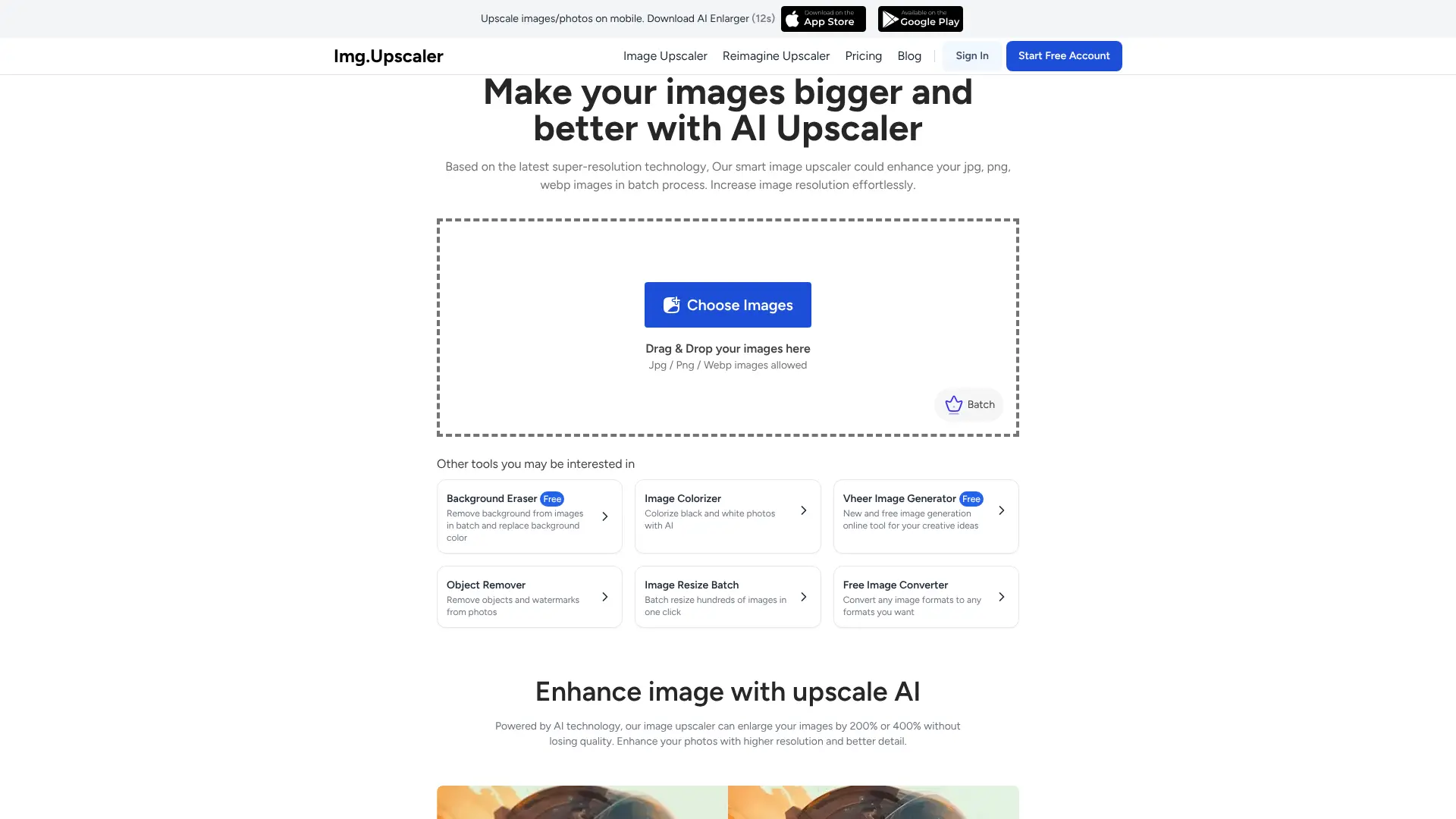
Privacy-conscious upscaler that auto-deletes images after processing—ideal for sensitive or commercial use.
Key Features:
- 4x upscaling in seconds
- Free credits daily
- GDPR-compliant data handling
Visit Img.Upscaler https://imgupscaler.com/
21. PhotoAiD – AI Upscaler
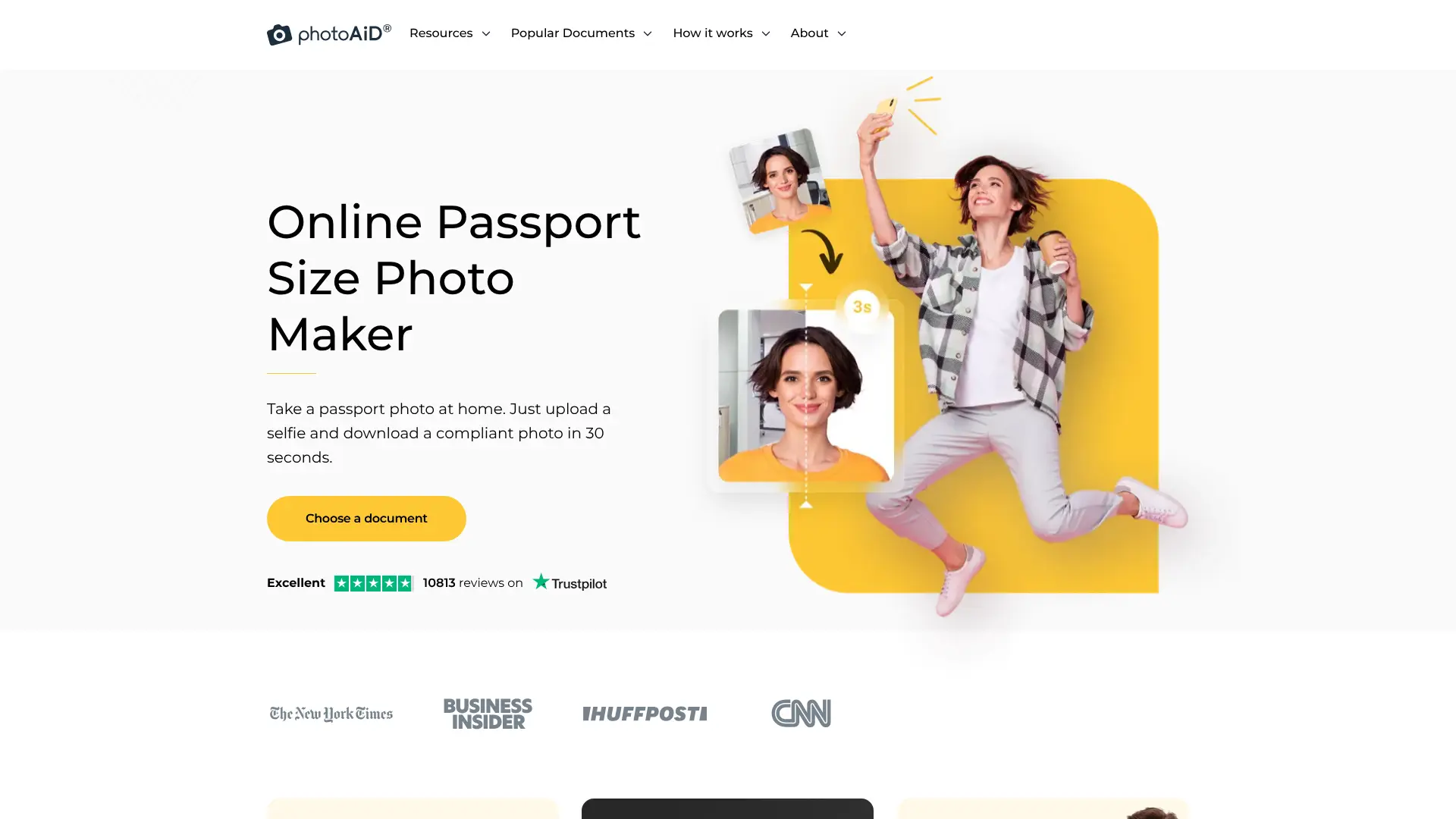
Specialized for ID, passport, and official document photos—ensures compliance while enhancing resolution.
Key Features:
- Optimized for government photo standards
- Auto-crop and background adjustment
- Used by embassies and visa services
Visit PhotoAiD https://photoaid.com/ai-image-upscaler
22. Stockphotos.com – AI Image Upscaler
Free and premium AI-powered upscaler with multiple models for different enhancement needs. Supports up to 8x upscaling with specialized models for faces, details, and balanced results.
Key Features:
- Up to 8x upscaling
- Multiple AI models (DetailPro, FacePro, Balanced)
- Free tier (3 upscales) and premium packs available
23. Luminar Neo – Upscale AI
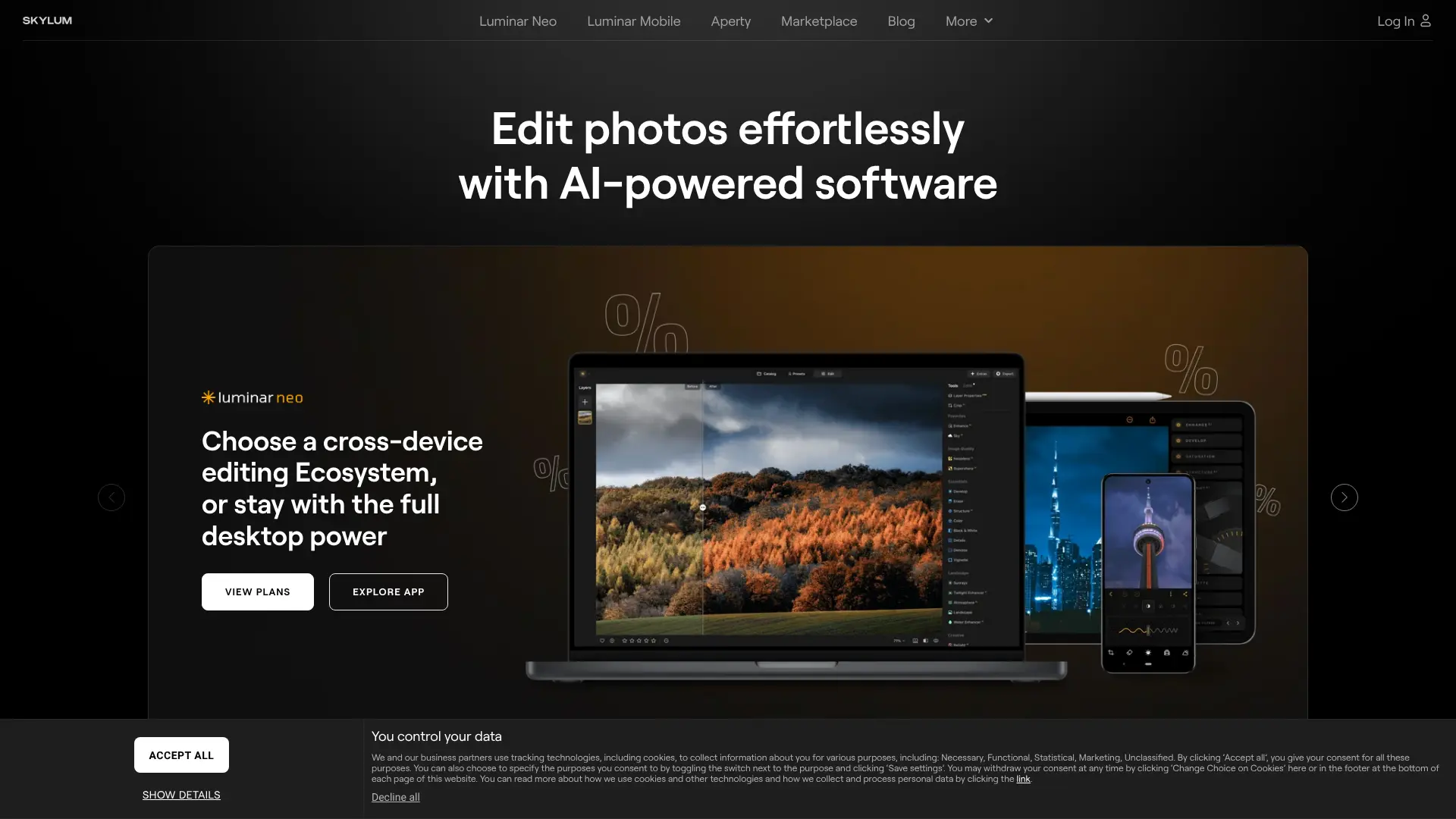
Skylum’s professional photo editor includes a dedicated upscaling module with edge-aware sharpening.
Key Features:
- Integrated into full photo workflow
- Preserves textures and reduces noise
- One-time or subscription pricing
Visit Skylum https://skylum.com/luminar-ai
24. Canva – Magic Studio Upscaler
Available to Canva Pro users, this tool enhances low-res images directly within design projects.
Key Features:
- Built into Canva’s editor
- No export/import needed
- Pro and Teams plans only
25. Runway ML – Gen-3 Super-Resolution
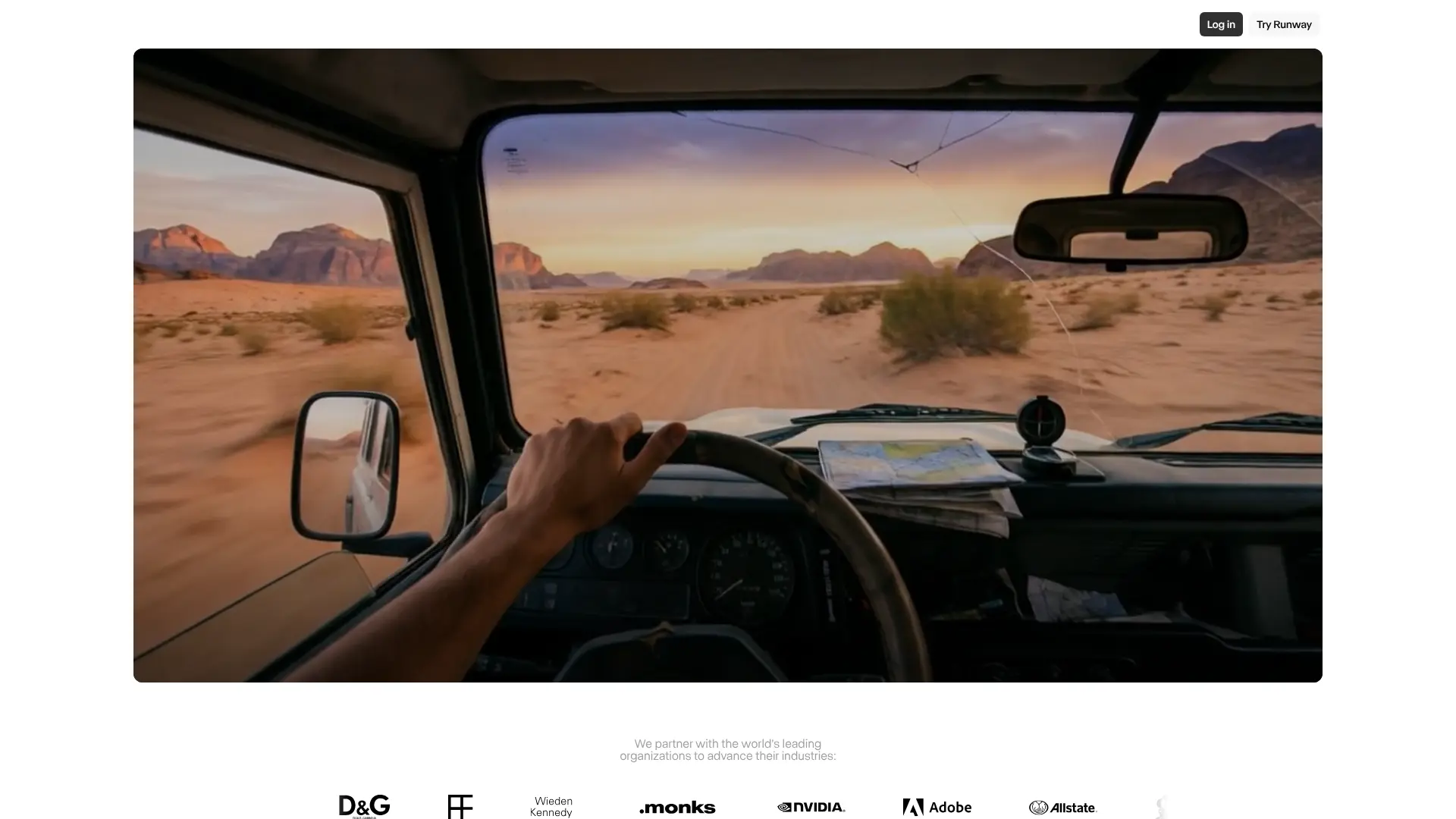
Professional-grade upscaling for video and image used in film, VFX, and digital art production.
Key Features:
- Frame-coherent video upscaling
- Cloud GPU rendering
- API for studios
26. Leonardo.Ai – AI Upscaler
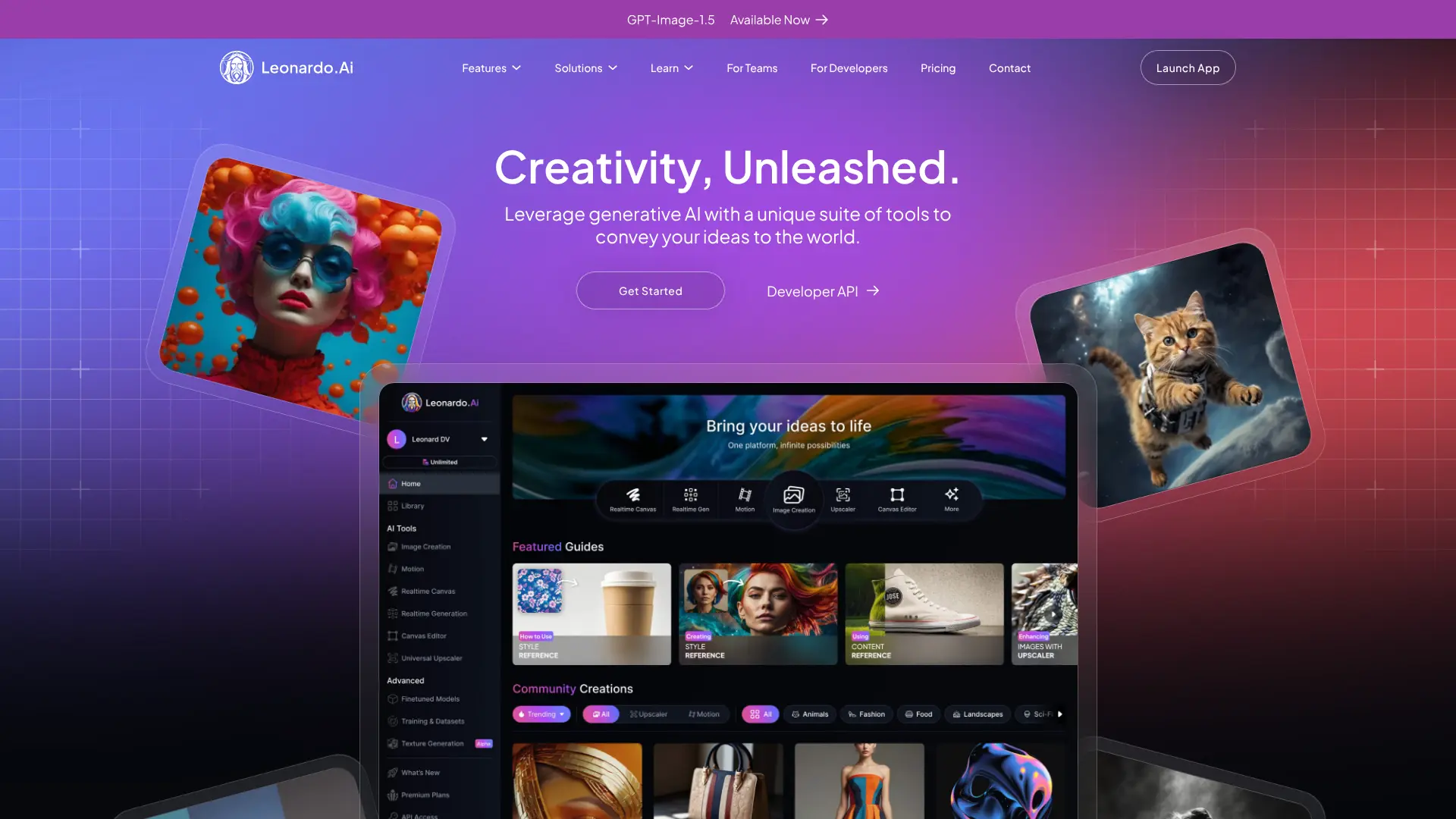
Enhances AI-generated art up to 1536×1536+ with style-consistent detail recovery—free tokens for all users.
Key Features:
- Optimized for generative art
- Free daily upscaling credits
- High-res downloads included
27. TensorPix
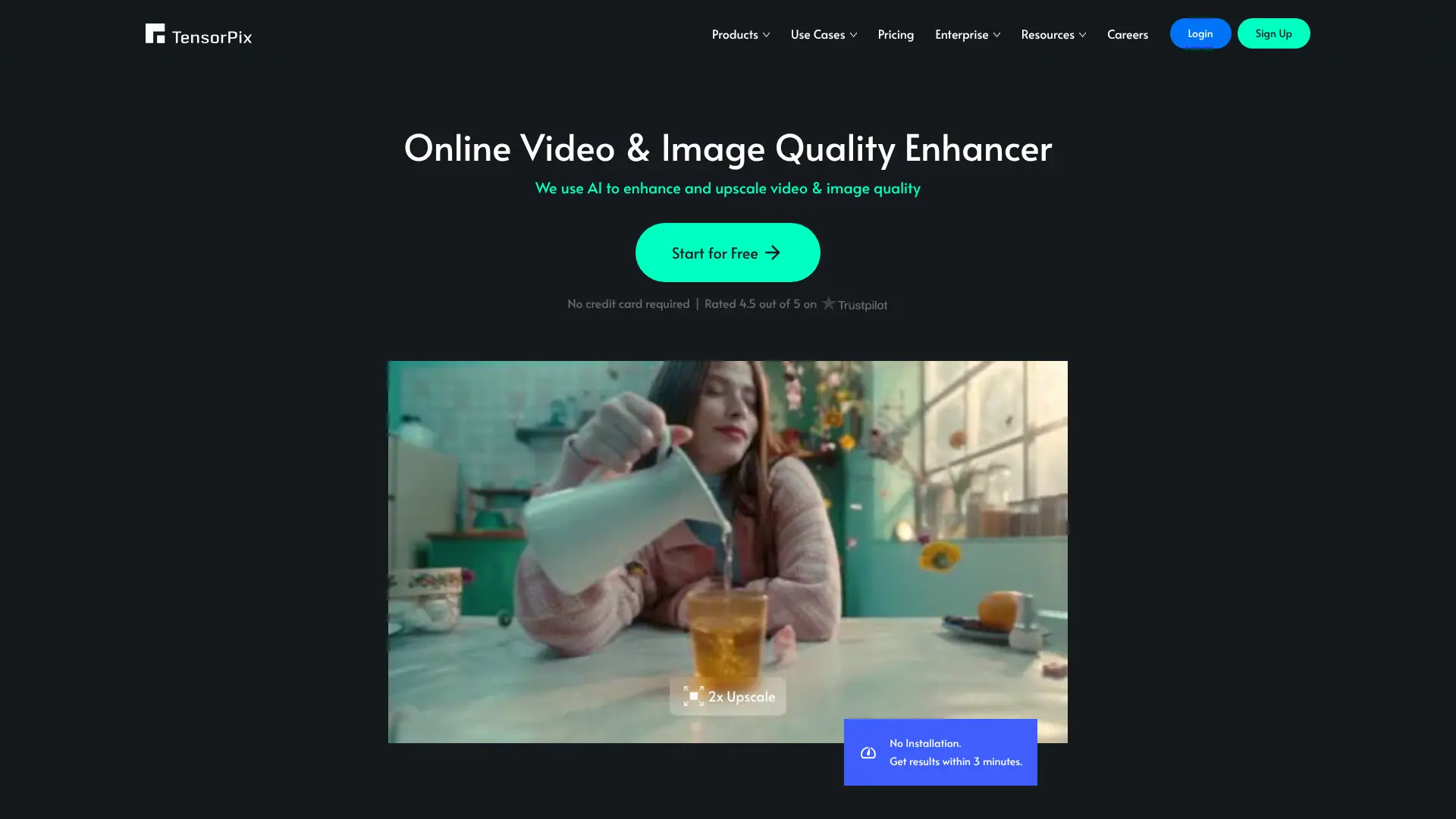
Enterprise-focused upscaling for broadcast, medical imaging, and archival—offers custom model training.
Key Features:
- On-premise or cloud deployment
- Supports 4K/8K pipelines
- B2B pricing
28. FLUX.1 Upscaler – Black Forest Labs
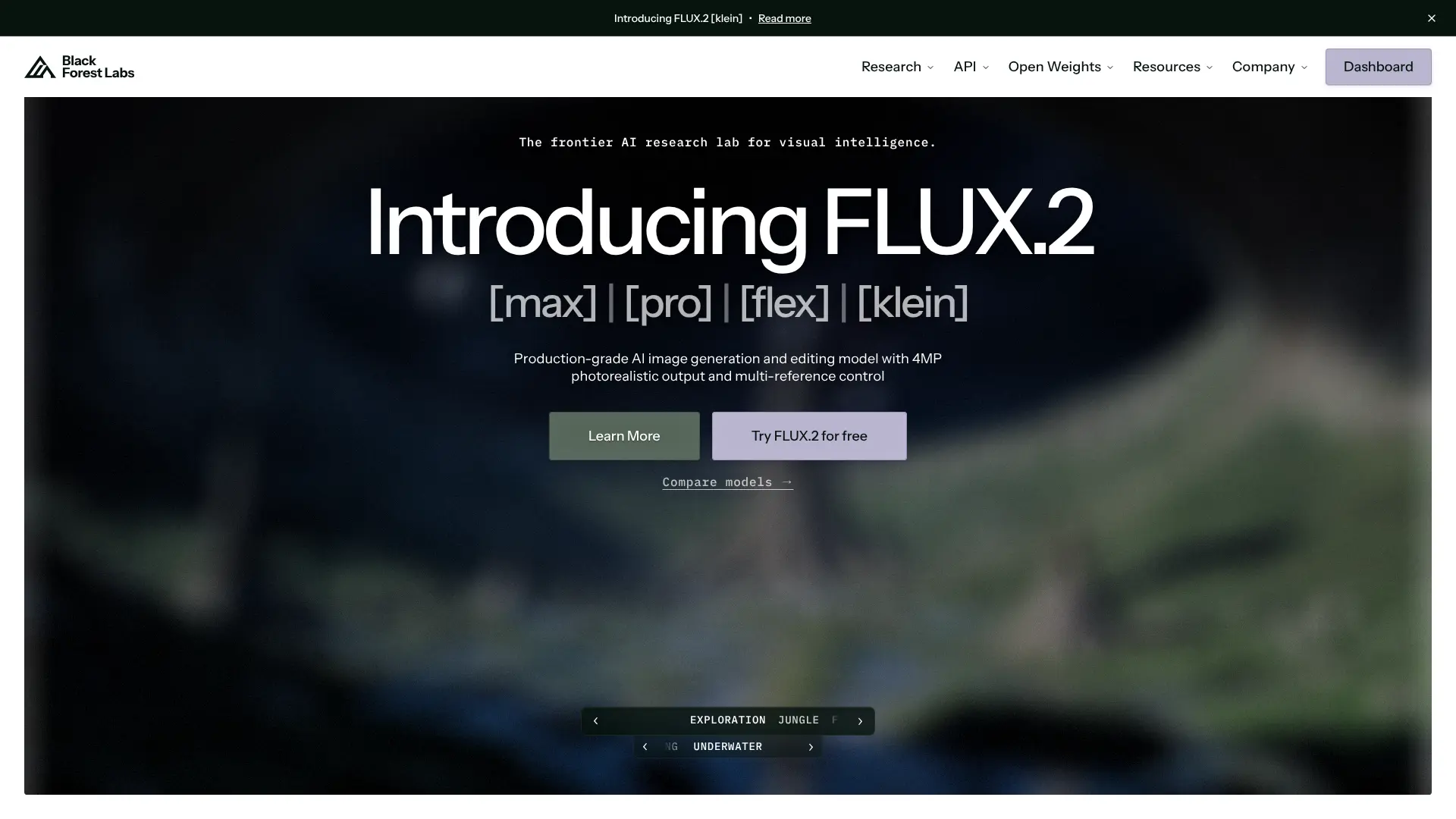
Powered by the FLUX.1 model, this upscaler delivers state-of-the-art detail synthesis for high-end generative workflows in 2025.
Key Features:
- Unmatched texture and coherence
- 1024px → 2048px+ enhancement
- Available via select platforms and API
29. DeepAI – Image Upscaler API
A developer-friendly API for integrating 2x–4x upscaling into apps—simple REST interface with pay-per-use pricing.
Key Features:
- REST API, no frontend
- Good for MVPs and prototypes
- Transparent per-call pricing
30. Snapy.ai – AI Upscale
Automates upscaling for social media creators—part of an all-in-one video/image enhancement suite.
Key Features:
- Upscaling + auto-editing
- Free credits for new users
- Optimized for TikTok/Reels content
Visit Snapy.ai
31. Pixelcut – AI Image Enhancer
Mobile-first tool popular with small businesses for enhancing product photos from smartphones.
Key Features:
- Mobile app (iOS/Android)
- One-tap upscaling
- Free with watermark; Pro removes it
32. Google – Imagen Upscaler (via Vertex AI)

Enterprise-grade super-resolution accessible through Google Cloud—designed for scalable media pipelines.
Key Features:
- High-fidelity, customizable models
- Integrated with Vertex AI
- For businesses with Google Cloud access
33. Real-ESRGAN – Public Implementations (e.g., Upscale.wiki)
While the original GitHub is research-focused, several user-friendly public deployments (like Upscale.wiki) offer free access to Real-ESRGAN with GFPGAN face enhancement.
Key Features:
- Free 4x upscaling
- Optional face restoration
- No sign-up required
Try Real-ESRGAN via Upscale.wiki
How to Choose the Right AI Upscaler
With so many options available, selecting the right upscaler depends on your specific needs:
For Professionals and Commercial Use
Topaz Labs products remain the gold standard, offering the best quality, local processing for confidentiality, and commercial licensing. They’re worth the investment if you regularly work with images or videos professionally.
For AI Art and Digital Content
Recraft AI, Ideogram, and Stable Diffusion-based tools like Ultimate SD Upscale excel at enhancing AI-generated content. They understand the unique characteristics of synthetic images and can add appropriate details.
For Face Restoration
GFPGAN and CodeFormer are specifically designed for facial enhancement. If you’re working with portraits, old family photos, or need to improve faces, these specialized tools will give you better results than general-purpose upscalers.
For Budget-Conscious Users
Real-ESRGAN, Clarity Upscaler, and SwinIR offer excellent results completely free. They’re perfect for personal projects, learning, or occasional use without the financial commitment of paid tools.
For Video Content
Topaz Video AI is unmatched for professional video work, while the free Video Upscaler (RealESRGAN-based) and Sima Video Upscaler Lite offer decent alternatives for more casual needs.
Conclusion
AI upscaling technology has democratized access to professional-quality image enhancement. Whether you choose a free open-source solution or invest in premium software, you now have powerful tools at your fingertips that were impossible just a few years ago. The best approach? Start with free tools like Real-ESRGAN or Clarity Upscaler to understand what’s possible. If you find yourself using them regularly or need that extra quality edge, consider upgrading to professional solutions like Topaz Labs or Recraft AI. Lastly, the “best” upscaler isn’t necessarily the most expensive or popular—it’s the one that fits your workflow, produces results you’re happy with, and meets your budget. Experiment with several options from this list to find your perfect match.