The best AI photo editors combine speed, accuracy, and creative control. They handle complex tasks like inpainting, outpainting, style transfer, and object removal without requiring deep technical knowledge. This guide covers the top 20 AI photo editors available today, along with how AI photo editing works and the most popular use cases.These AI tools learn by looking at millions of pictures, so they get really good at jobs like erasing things you don’t want, swapping backgrounds, or making your photo look like a painting. You just tell the AI what you want by typing a few words or painting over an area, and then the AI does all the hard math and pixel work for you. For instance, you can type ‘make this person look like they’re in space’ and the AI will create a starry background. Or you can brush over a trash can in your photo and type ‘remove this’ and it’ll disappear like magic.
Table of Contents
- What Is AI Photo Editing?
- How Do AI Photo Editors Work?
- Key Features of AI Photo Editors
- 20 Best AI Photo Editors in 2025
- Top Use Cases for AI Photo Editors
- AI Photo Editor Comparison Table
- How to Choose the Right AI Photo Editor
- Frequently Asked Questions
What Is AI Photo Editing?
AI photo editing is when you use artificial intelligence powered tools to change and improve your pictures and photos. AI tools can look at your photos and fix them for you, and they do this much faster than old-school editors. Old photo editors make you do all the work by hand, so you have to click and select everything yourself. But AI editors are different because they actually understand what’s in your picture. In addition, an ai photo editor can spot people, trees, skies, buildings, and other stuff without you telling them where to look. For example, if you have a photo of your friend at the beach, the AI knows the sand is separate from the water and your friend is separate from both. This means you can remove the background, change the sky, or fix your friend’s smile in seconds instead of hours. There are different types of AI photo editors out there. Some only do one thing really well, like cutting out backgrounds or making faces look better. For example, there are apps that just remove photo bombers from your selfies. Other tools give you lots of different AI tricks all in one place, so you can remove objects, change colors, and fix lighting all in the same program. The best ones can even create brand new pictures from your words and edit your existing photos too.
How Do AI Photo Editors Work?
AI photo editors rely on deep learning models, particularly diffusion models and transformer architectures. These systems learn from vast datasets of images to understand visual concepts and relationships.
Diffusion Models
Most modern AI photo editors use diffusion models. These work by gradually adding noise to images during training, then learning to reverse the process. When editing, the model starts with a noisy version of the image and progressively refines it based on user instructions. This approach produces high-quality, coherent results.
ControlNet and Conditioning
ControlNet technology allows AI editors to preserve specific aspects of an image while modifying others. It extracts structural information like edges, depth, and poses from the original image. The AI then uses this information as a guide, so edits maintain the original composition and layout.
Text-to-Image Understanding
Advanced AI editors combine language models with image generation. They interpret natural language descriptions and translate them into visual changes. Users can type instructions like “change the background to a sunset beach” or “make her hair blonde” and the AI executes the edit.
Inpainting and Outpainting
Inpainting fills in selected areas of an image with AI-generated content that matches the surrounding context. Outpainting extends images beyond their original borders by generating new content that blends with the existing image. Both techniques use the same underlying diffusion model technology.
Features of AI Photo Editors
The best AI photo editors share several core capabilities that set them apart from traditional editing software. Understanding these features helps you choose the right tool for your needs.
Object Removal
AI-powered object removal identifies unwanted elements in photos and replaces them with contextually appropriate content. The AI analyzes surrounding pixels, textures, and patterns to generate a seamless fill. This works for removing people, text, watermarks, power lines, and other distractions.
Background Replacement
Background replacement tools automatically detect the main subject in an image and separate it from the background. Users can then replace the original background with a solid color, custom image, or AI-generated scene. Advanced tools handle complex edges like hair and transparent objects.
Style Transfer
Style transfer applies the artistic characteristics of one image to another. AI editors can transform photos into paintings, apply specific artist styles, or convert images between different visual aesthetics. The best tools preserve the original content structure while changing the artistic style.
Image Enhancement
AI enhancement tools improve image quality through upscaling, noise reduction, sharpening, and color correction. These features can restore old or damaged photos, increase resolution without losing detail, and automatically adjust lighting and exposure for better results.
Color Correction and Relighting
Advanced AI editors can analyze and modify lighting in photos after they are taken. Relighting tools create a 3D depth map of the image and adjust light sources virtually. Color correction features automatically balance white levels, enhance specific colors, and apply professional color grading.
Top AI Photo Editors
This list covers the top AI photo editing tools available today, ranging from professional-grade solutions to free options for casual users.
1. FLUX Kontext Pro
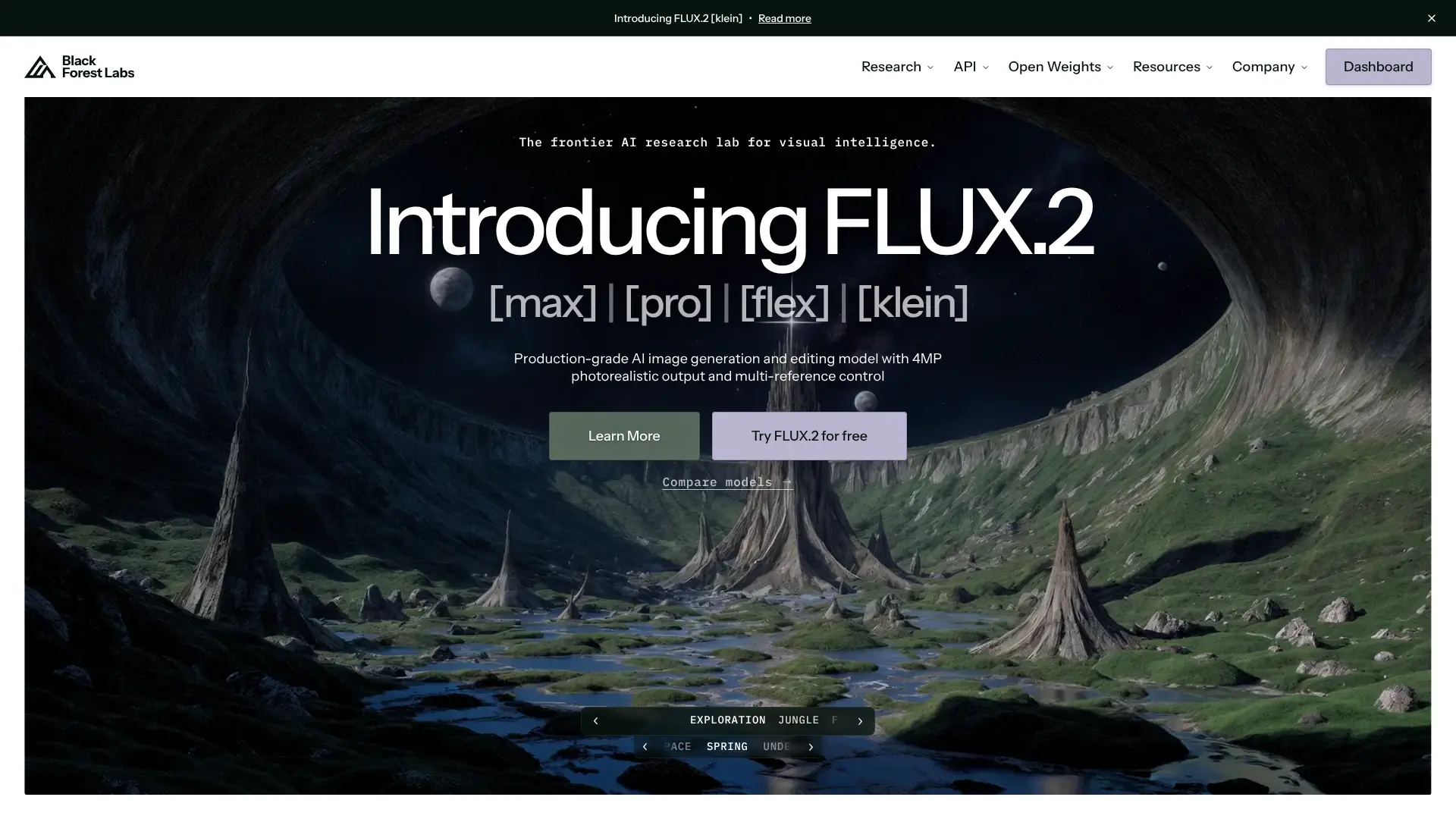 FLUX Kontext Pro from Black Forest Labs leads the market for instruction-based image editing. This 12-billion parameter multimodal flow transformer delivers surgical precision when modifying images through natural language commands. Users simply describe what they want to change, and the model executes edits while preserving everything else. The model processes 1024×1024 images in 3 to 5 seconds, making it roughly 8 times faster than competing tools like GPT-Image. FLUX Kontext Pro excels at character consistency, allowing users to maintain facial features and identity across multiple edits and different scenes. It also handles text editing within images, preserving original fonts and styles while changing the actual text content. Key capabilities include object modification, background replacement, style transfer, and iterative editing. The model understands context deeply, so it knows what to preserve and what to change based on your prompt. FLUX Kontext Pro is available through various API providers including fal.ai at approximately $0.04 per image.
2. FLUX Kontext Dev
 FLUX Kontext Dev is the open-weights version of the Kontext family, offering similar capabilities with more flexibility for developers and researchers. This lighter version maintains strong performance for in-context image editing while being more accessible for integration into custom workflows. The dev version supports the same natural language editing approach as Pro, allowing targeted modifications without affecting untouched areas. It performs well for tasks like changing colors, swapping objects, adjusting styles, and maintaining character consistency across scenes. Developers can access it through platforms like Runware and integrate it into their applications without proprietary restrictions.
3. Qwen Image Edit 2511
Qwen Image Edit 2511 from Alibaba represents a major advancement in AI photo editing consistency. Built on the Qwen-Image 20B architecture using Multi-Modal Diffusion Transformer technology, this model specifically addresses the common problem of identity drift during edits. The 2511 version significantly improves multi-person consistency in group photos. Earlier AI editors struggled with maintaining individual identities when editing scenes with multiple people. Qwen Image Edit 2511 reduces identity swaps, facial drift, and pose confusion, making it reliable for team photos, event shots, and portraits. Additional features include built-in community LoRA styles for quick aesthetic changes, enhanced industrial and product design capabilities, and improved geometric reasoning for structural edits. The model supports both appearance editing for specific elements and semantic editing for global style changes. Users can access it through Qwen Chat or various API providers like WaveSpeedAI.
4. Qwen Image Edit Plus
Qwen Image Edit Plus builds on the standard Qwen Image Edit foundation with higher fidelity output and improved detail retention. This version targets professional workflows where clean edges and stable results on complex scenes matter most. The Plus variant handles textures and fine details better than the base model, producing results suitable for commercial use. It works well for product photography cleanup, portrait refinement, and situations requiring precise control over the final output. The model integrates with diffusers library for Python developers who want to incorporate it into their pipelines.
5. Nano Banana Pro Edit
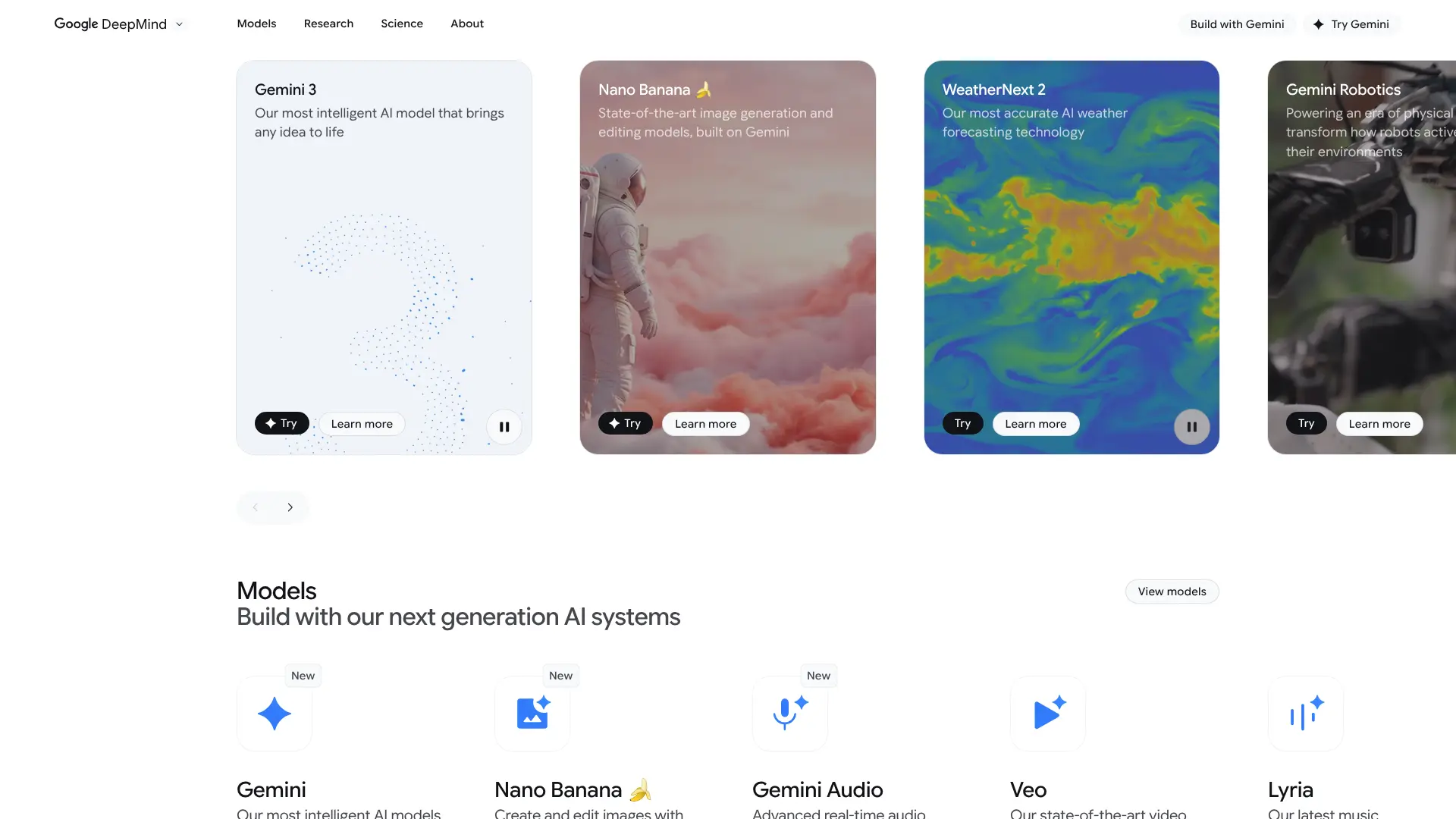 Nano Banana Pro Edit from Google DeepMind focuses on photoreal image editing with accurate text rendering. Also known as Gemini 2.5 Flash Image, this model emerged from Google’s image generation research and competes directly with other top-tier editing solutions. The model excels at composition-preserving transformations, keeping the overall structure and layout intact while making requested changes. It handles product photography well, making it popular for ecommerce applications. Nano Banana Pro Edit also supports bilingual prompt processing, understanding both English and other languages for international users.
6. Seedream 4 Edit
 Seedream 4 Edit from ByteDance integrates image generation and editing into a unified architecture. This approach allows seamless transitions between creating new images and modifying existing ones within the same workflow. The model supports up to 4K resolution output with fast inference times, generating 2K images in approximately 1.8 seconds. Seedream 4 Edit handles complex multimodal tasks including knowledge-based generation, visual reasoning, and reference consistency. Users can upload up to six reference images for precise editing and generate up to nine images simultaneously for batch processing. Text editing capabilities stand out, allowing changes to text within images while maintaining fonts, colors, and alignment. This makes Seedream 4 Edit particularly useful for poster design, marketing materials, and branded content where typography matters.
7. Reve Edit
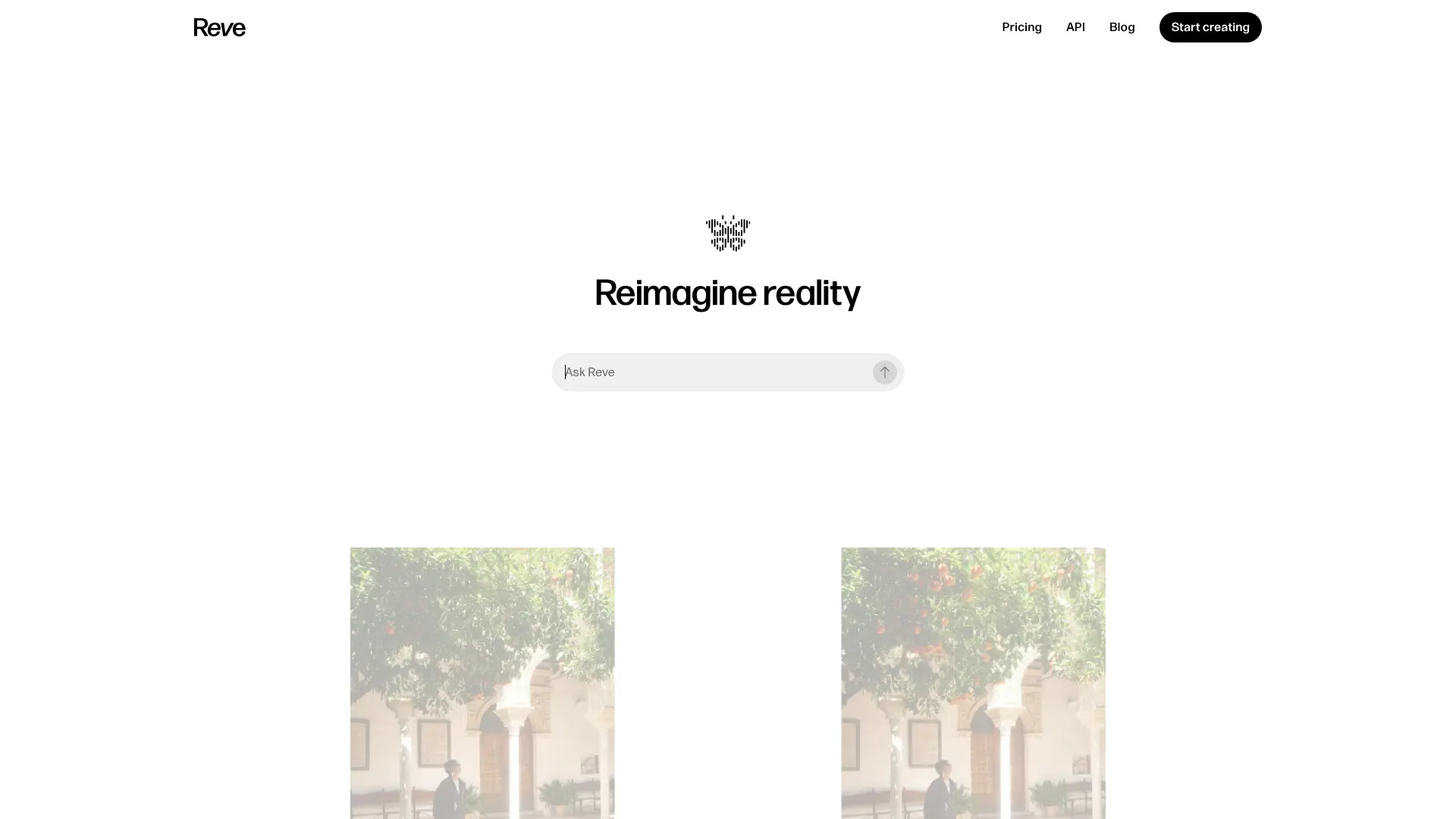 Reve Edit combines natural language editing with a drag-and-drop interface for flexible image manipulation. Developed by Reve AI, this tool understands image context and supports multi-round editing iterations while preserving character features and composition consistency. The platform offers both text-to-image generation and image editing capabilities. Users can remix multiple images together, apply style transfers, and make localized edits through simple descriptions. Reve Edit supports 27 artistic styles ranging from photorealistic to anime, watercolor, and cyberpunk aesthetics. Reve Fast, the optimized version, delivers near-instant edits for quick workflows. The tool is accessible through web browsers and mobile devices, with free options available alongside premium subscriptions for commercial use.
8. Adobe Firefly Generative Fill
Adobe Firefly Generative Fill brings AI editing directly into Photoshop and the standalone Firefly web application. As part of Adobe’s creative suite, it integrates with professional workflows while maintaining commercial safety through training on licensed content. Generative Fill allows users to select areas and describe additions, removals, or modifications through text prompts. The latest Firefly Image 3 model produces results up to 4 times faster than previous versions while delivering improved photorealistic quality. Reference Image features let users guide the style and composition of generated content. Adobe also offers Generative Expand for outpainting, extending image borders intelligently. The system attaches Content Credentials to generated content, providing transparency about AI involvement. Firefly supports over 100 languages for prompts and costs 1 credit per generation on standard plans.
9. DALL-E 3 Edit
 DALL-E 3 from OpenAI powers image editing through ChatGPT and the OpenAI API. While primarily known for text-to-image generation, DALL-E 3 supports image editing through iterative prompting and the GPT-4 vision capabilities. Users can upload images and request specific modifications through conversation. The model understands complex instructions and maintains context across multiple editing rounds. DALL-E 3 excels at creative and artistic modifications, though it applies content policies that restrict certain types of edits. Integration with ChatGPT makes it accessible for users who prefer conversational interfaces over traditional editing tools. The API enables developers to build custom applications with DALL-E 3 editing capabilities.
10. Stable Diffusion Inpainting
Stable Diffusion Inpainting provides open-source AI editing capabilities for users who want local control over their tools. The inpainting model was trained specifically for filling masked areas with contextually appropriate content. Available through various interfaces like Automatic1111 and ComfyUI, Stable Diffusion Inpainting offers extensive customization. Users can adjust parameters like denoising strength, sampling methods, and guidance scale to fine-tune results. The model supports both SD 1.5 and SDXL versions for different quality and speed tradeoffs. The open-source nature means no usage fees or API costs for local deployment. However, it requires more technical knowledge and hardware resources compared to cloud-based alternatives. Stable Diffusion Inpainting works well for batch processing and integration into custom pipelines.
11. ControlNet
 ControlNet adds precise structural control to diffusion model editing. Developed by Lvmin Zhang, this neural network architecture lets users guide image generation while preserving specific visual elements from reference images. ControlNet extracts different types of information from source images including edges (Canny), depth maps, human poses (OpenPose), line art, and segmentation masks. The AI then uses this structural information while applying edits, maintaining composition and layout integrity. For photo editing, ControlNet enables high denoising strength without losing global consistency. Users can regenerate faces, change clothing, or modify backgrounds while keeping poses and proportions intact. ControlNet models are available for both SD 1.5 and SDXL, with specialized versions for inpainting tasks.
12. IP-Adapter
IP-Adapter enables image prompt capabilities for Stable Diffusion models. Instead of describing desired changes in text, users provide reference images that guide the style, composition, or subject of edits. The adapter works by extracting features from reference images and injecting them into the generation process. This allows style transfer, character consistency, and compositional guidance without extensive prompt engineering. IP-Adapter combines with ControlNet for even more precise control. Applications include maintaining brand aesthetics across multiple images, transferring artistic styles, and creating variations that match reference materials. IP-Adapter models are available in different strengths for subtle or strong influence from reference images.
13. InstantID
 InstantID specializes in identity preservation for AI image editing. This tool maintains facial features and likeness when placing subjects in new contexts, styles, or scenes. The model requires only a single reference face image to capture identity features. It then transfers these features while allowing changes to pose, expression, clothing, and environment. InstantID works well for creating character variations, personalized avatars, and identity-consistent content series. Compared to fine-tuning approaches like LoRA, InstantID provides immediate results without training time. This makes it practical for quick identity-preserving edits and one-off projects.
14. PhotoMaker
 PhotoMaker generates customized images of specific individuals while supporting multiple subjects simultaneously. The model stacks identity features from reference photos and embeds them into the generation process. Users can provide several reference images of a person to improve identity capture accuracy. PhotoMaker then generates new images in different styles, poses, or contexts while maintaining the subject’s likeness. It handles both single-person and multi-person compositions. The tool supports various output styles from photorealistic to artistic interpretations. PhotoMaker integrates with Stable Diffusion pipelines and works alongside other control methods for comprehensive editing capabilities.
15. Fooocus
Fooocus combines the simplicity of Midjourney with the customization of Stable Diffusion in an offline, open-source package. The application handles complex configurations automatically, letting users focus on prompts and images rather than technical parameters. For photo editing, Fooocus offers inpainting, outpainting, and image prompting through its own optimized algorithms. The built-in GPT-2 prompt processing engine improves results regardless of prompt length or complexity. Users can achieve professional outputs with minimal prompt engineering. Additional features include face swapping through InsightFace integration, multiple style presets, upscaling, and batch processing. Fooocus runs locally with a minimum of 4GB GPU memory, making it accessible on consumer hardware. The software requires no ongoing costs and supports SDXL models from sources like Civitai.
16. ComfyUI Workflows
 ComfyUI provides a node-based interface for building custom AI image editing pipelines. While not a single tool, ComfyUI enables users to combine multiple models and techniques into specialized workflows. Popular ComfyUI workflows for photo editing include FLUX Kontext integration, Qwen Image Edit pipelines, face restoration with CodeFormer, and multi-model upscaling chains. The visual node system makes it possible to create complex editing processes without coding. Workflows can combine ControlNet, IP-Adapter, inpainting, and other techniques in sequences. Users share workflows as JSON files that others can import and modify. This flexibility makes ComfyUI popular among advanced users who need specific editing capabilities not available in standalone tools.
17. Canva Magic Edit
 Canva Magic Edit brings AI photo editing to the popular design platform. Powered by Leonardo AI, Magic Edit allows users to brush over areas and describe changes through text prompts. The tool integrates with Canva’s broader design ecosystem, making it convenient for users already creating content on the platform. Magic Edit handles object addition, replacement, and removal with automatic context matching. Magic Eraser removes unwanted elements with one click, while Magic Grab isolates and repositions individual elements. Canva Magic Edit is available on web, iOS, and Android through Canva Pro subscriptions starting at $120 annually. The platform also offers background removal, image upscaling, and automated portrait retouching as part of Magic Studio.
18. Remove.bg
 Remove.bg specializes in AI-powered background removal with industry-leading accuracy. Now owned by Canva, the tool processes images in seconds and handles complex edges including hair, fur, and transparent objects. The service offers both free and paid tiers. Free users get unlimited low-resolution previews and one high-resolution download. Subscription plans start at $9 per month for 40 credits, with bulk pricing available for high-volume users. Remove.bg includes an AI background generator that creates custom backdrops without requiring text prompts. Integrations with Photoshop, Figma, and Zapier enable workflow automation. The API supports bulk processing up to 500 images per minute for enterprise applications.
19. Clipdrop
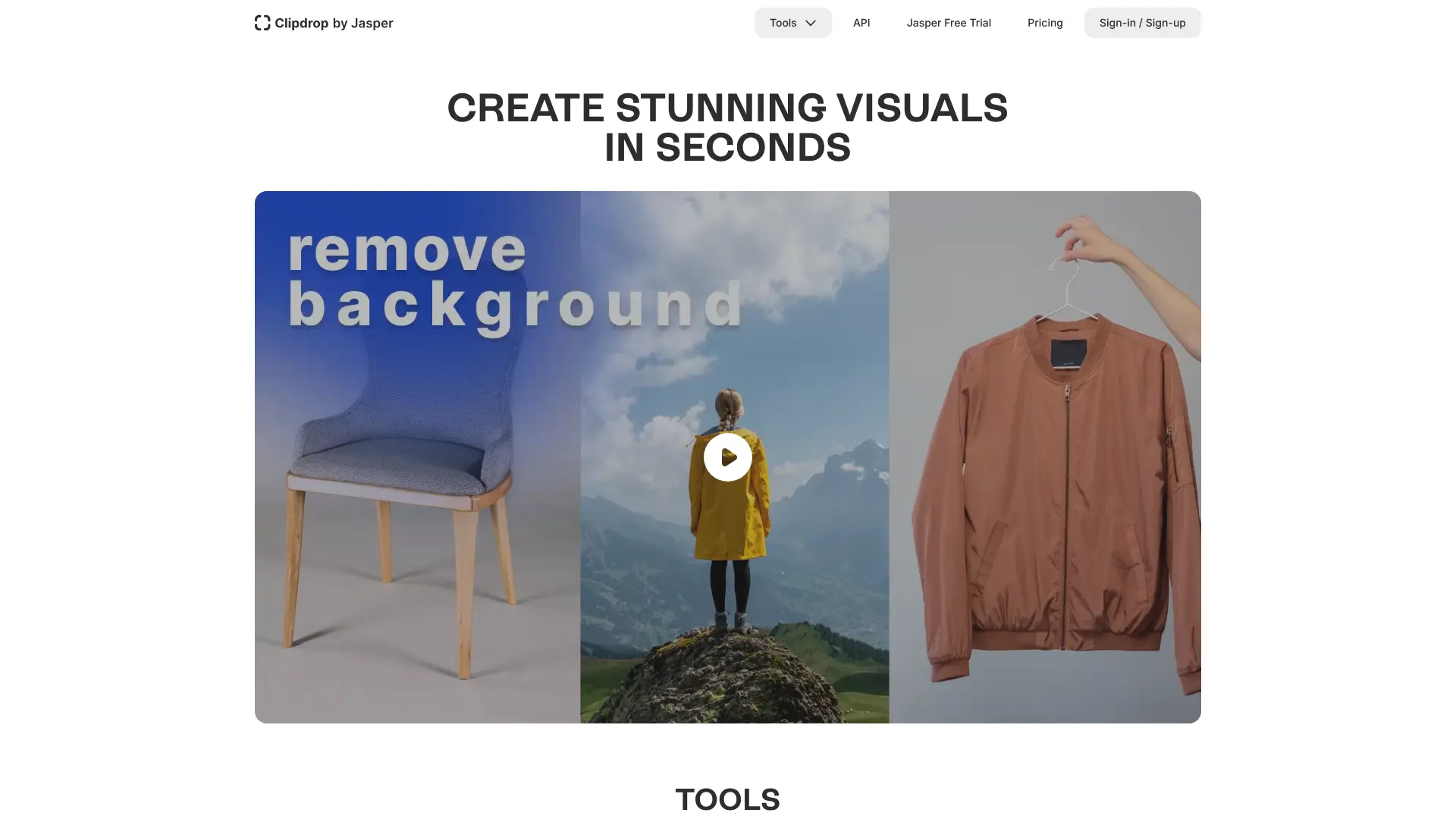 Clipdrop provides a suite of specialized AI editing tools focused on solving specific visual problems quickly. Now part of Jasper.ai following acquisition from Stability AI, Clipdrop offers cleanup, relighting, upscaling, and background manipulation. The Cleanup tool removes objects and imperfections while intelligently filling backgrounds. Relight adjusts lighting in photos using a 3D interface that lets users reposition virtual light sources. Uncrop extends image borders through outpainting, and the upscaler increases resolution up to 4x while preserving details. Clipdrop operates through web browsers with companion mobile apps for iOS and Android. Most operations complete in under 10 seconds. Free tier includes watermarked outputs, while Pro subscription at $9 per month provides full-resolution downloads and commercial usage rights.
20. Luminar Neo
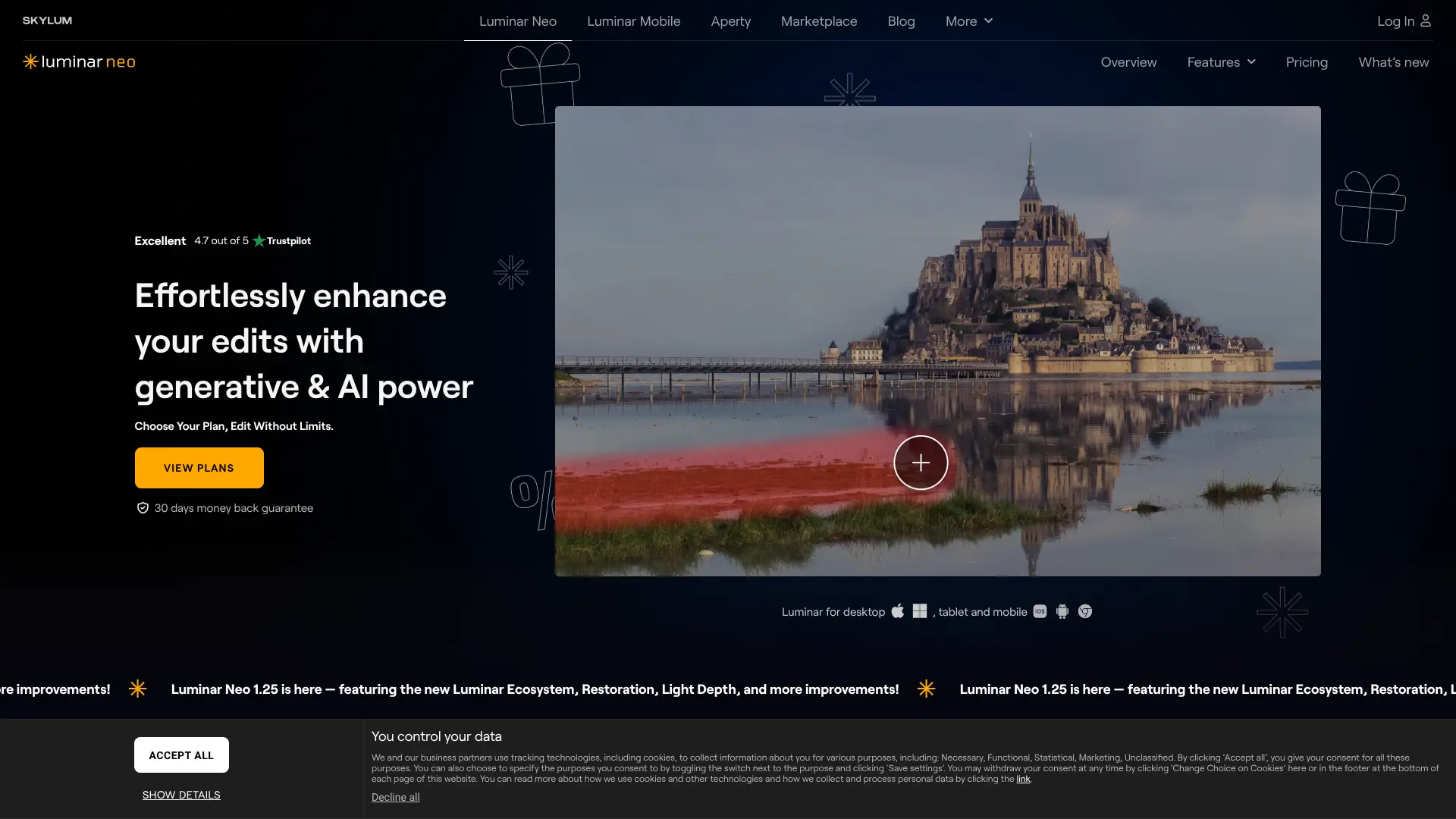
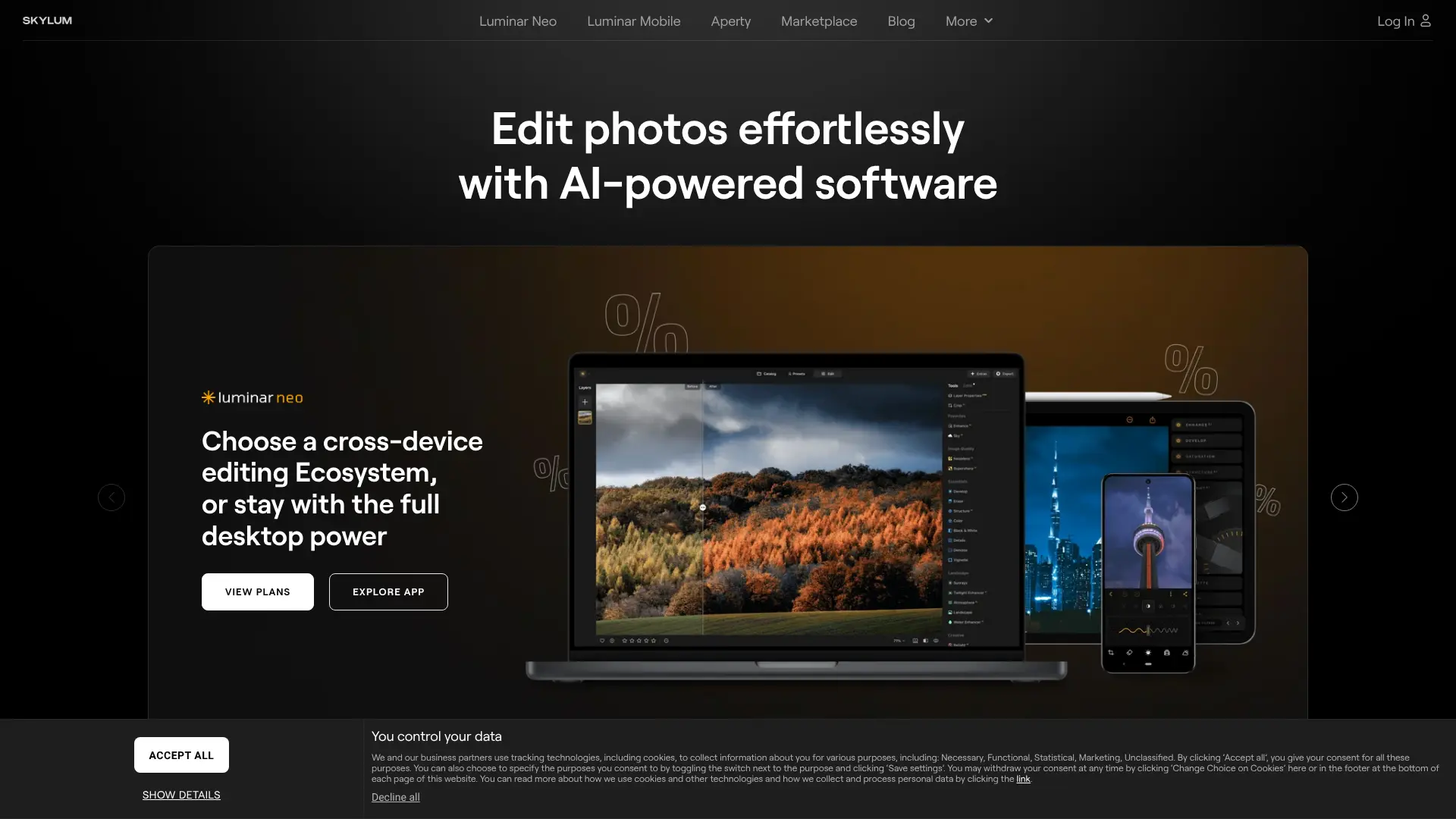 Luminar Neo from Skylum delivers AI-powered photo editing as a standalone desktop application. The software combines over 20 AI tools for landscape enhancement, portrait retouching, and creative effects. Sky AI automatically replaces skies with realistic results including proper reflections. Relight AI creates 3D depth maps to adjust lighting based on scene depth. Portrait Bokeh AI simulates shallow depth of field without expensive lenses. GenErase, GenExpand, and GenSwap provide generative editing capabilities. The 2025 updates added cross-device editing between mobile and desktop, cloud synchronization, photo restoration tools, and an AI Assistant that responds to natural language editing requests. Luminar Neo works as a standalone application or plugin for Lightroom and Photoshop. Pricing includes both subscription and lifetime purchase options.
Top Use Cases for AI Photo Editors
AI photo editors serve diverse applications across personal and professional contexts. Understanding these use cases helps identify which tools best match your needs.
Photo Retouching
AI retouching tools automatically enhance portraits by smoothing skin, whitening teeth, removing blemishes, and adjusting lighting. Professional photographers use these features to speed up post-processing workflows. Tools like Luminar Neo and Canva offer one-click enhancements while preserving natural appearance.
Product Photography Enhancement
Ecommerce sellers rely on AI editors to create clean, professional product images. Background removal places products on white or custom backgrounds. Object removal eliminates distractions. Color correction ensures accurate product representation. Batch processing handles large catalogs efficiently.
Real Estate Photo Editing
Real estate photographers use AI tools to enhance property listings. Sky replacement transforms overcast shots into blue-sky scenes. Object removal clears clutter from rooms. Virtual staging adds furniture to empty spaces. These edits help properties present better without expensive reshoots.
Fashion Image Editing
Fashion brands use AI editors for catalog production and creative campaigns. Virtual try-on features show clothing on different body types. Background replacement creates varied lifestyle contexts. Style transfer applies consistent aesthetics across collections.
Portrait Enhancement
Portrait photographers benefit from AI face enhancement, skin retouching, and lighting adjustment. InstantID and PhotoMaker maintain identity while allowing creative variations. These tools reduce editing time while producing professional results.
Old Photo Restoration
AI restoration tools repair damaged, faded, or low-quality vintage photos. They remove scratches, restore missing areas, add color to black-and-white images, and increase resolution. Luminar Neo and specialized restoration tools make family photo preservation accessible.
Background Removal for Ecommerce
Clean product backgrounds are essential for online marketplaces. Remove.bg and similar tools isolate products instantly, handling complex edges like jewelry, glass, and hair accessories. API integration enables automated processing for large inventories.
Style Transformation
Artists and content creators use style transfer to apply artistic effects, convert photos to illustrations, or create consistent visual themes. IP-Adapter and style-focused tools enable these transformations while preserving subject matter.
Object Removal
Removing unwanted elements from photos is one of the most common editing tasks. AI inpainting fills removed areas with contextually appropriate content. Applications range from removing photobombers to eliminating distracting background elements.
Image Colorization
AI colorization adds realistic color to black-and-white photos. The algorithms analyze image content to apply appropriate colors to skin, clothing, landscapes, and objects. This brings historical photos to life and enhances archival materials.
Lighting Correction
AI relighting tools adjust illumination in photos after capture. They can brighten shadows, reduce harsh highlights, and simulate different lighting conditions. Clipdrop Relight and Luminar Neo Relight AI offer accessible interfaces for these adjustments.
Batch Editing
Professional workflows often require consistent edits across hundreds of images. AI tools with batch processing apply the same enhancements, background changes, or corrections automatically. This saves hours compared to manual editing.
AI Photo Editor Comparison Table
| Tool | Best For | Key Strength | Pricing |
|---|---|---|---|
| FLUX Kontext Pro | Professional editing | Instruction-based precision | $0.04 per image via API |
| FLUX Kontext Dev | Developer integration | Open weights flexibility | Free (self-hosted) |
| Qwen Image Edit 2511 | Group photo editing | Multi-person consistency | Free via Qwen Chat |
| Qwen Image Edit Plus | High-fidelity output | Detail preservation | API pricing varies |
| Nano Banana Pro Edit | Product photography | Text rendering accuracy | API pricing varies |
| Seedream 4 Edit | Marketing materials | Typography control | Free trials available |
| Reve Edit | Creative remix | Multi-image combination | Free tier available |
| Adobe Firefly Generative Fill | Photoshop users | Creative suite integration | 1 credit per generation |
| DALL-E 3 Edit | Conversational editing | ChatGPT integration | ChatGPT Plus subscription |
| Stable Diffusion Inpainting | Local processing | Full customization | Free (open source) |
| ControlNet | Structural preservation | Pose and edge control | Free (open source) |
| IP-Adapter | Style matching | Reference image guidance | Free (open source) |
| InstantID | Face preservation | Single-image identity capture | Free (open source) |
| PhotoMaker | Character consistency | Multi-reference stacking | Free (open source) |
| Fooocus | Simplified local editing | Automatic optimization | Free (open source) |
| ComfyUI Workflows | Custom pipelines | Node-based flexibility | Free (open source) |
| Canva Magic Edit | Design platform users | Ecosystem integration | $120/year (Canva Pro) |
| Remove.bg | Background removal | Edge accuracy | Free tier, $9/month Pro |
| Clipdrop | Quick specific edits | Specialized tool suite | Free tier, $9/month Pro |
| Luminar Neo | Desktop photo editing | Comprehensive AI tools | Subscription or lifetime |
How to Choose the Right AI Photo Editor
Selecting the best AI photo editor depends on your specific needs, technical comfort level, and budget. Consider these factors when making your choice.
Consider Your Primary Use Case
Different tools excel at different tasks. If you primarily need background removal, Remove.bg offers the best combination of speed and accuracy. For comprehensive portrait editing, Luminar Neo provides the most complete desktop solution. Professional instruction-based editing works best with FLUX Kontext Pro or Qwen Image Edit 2511.
Evaluate Technical Requirements
Cloud-based tools like Canva Magic Edit, Remove.bg, and Clipdrop require no installation or special hardware. Local tools like Fooocus, Stable Diffusion, and ComfyUI need capable GPUs but offer more control and no ongoing costs. Consider whether you prefer convenience or customization.
Assess Integration Needs
If you already use specific software, integration matters. Adobe Firefly works seamlessly within Photoshop and Creative Cloud. Canva Magic Edit integrates with the Canva design platform. API-based tools like FLUX Kontext and Qwen Image Edit connect with custom applications.
Compare Pricing Models
Pricing structures vary significantly. Some tools charge per image through credits or API calls. Others offer unlimited use through subscriptions. Open-source options are free but require hardware investment. Calculate costs based on your expected usage volume.
Test Before Committing
Most AI photo editors offer free trials or free tiers. Test multiple options with your actual images before committing to paid plans. Quality, speed, and ease of use vary between tools even for similar tasks.
Frequently Asked Questions
What Is the Best AI Photo Editor?
The best AI photo editor depends on your needs. FLUX Kontext Pro offers the most precise instruction-based editing for professionals. Canva Magic Edit provides the easiest experience for beginners. Luminar Neo delivers the most comprehensive desktop solution. For free options, Fooocus and Stable Diffusion provide powerful capabilities without cost.
What Is the Best AI Photo Editor App?
For mobile AI photo editing, Canva offers robust Magic Edit features through its iOS and Android apps. Clipdrop provides mobile apps with background removal, cleanup, and relighting tools. Luminar Mobile syncs with Luminar Neo desktop for cross-device workflows. Remove.bg offers a dedicated mobile app for quick background removal.
Are AI Photo Editors Free?
Many AI photo editors offer free tiers or are completely free. Fooocus, Stable Diffusion, ControlNet, and ComfyUI are free open-source tools. Canva, Remove.bg, and Clipdrop offer limited free usage. Qwen Image Edit is accessible free through Qwen Chat. Free options may have watermarks, resolution limits, or usage caps.
Can AI Photo Editors Replace Photoshop?
AI photo editors excel at specific tasks but do not fully replace comprehensive tools like Photoshop. They automate certain processes faster than manual editing and handle tasks like background removal, object removal, and style transfer effectively. However, Photoshop offers broader capabilities including layer management, precise selections, and extensive manual controls that AI tools cannot match.
How Do AI Photo Editors Handle Privacy?
Cloud-based AI photo editors process images on remote servers, which raises privacy considerations for sensitive content. Most services state they do not use uploaded images for training, but policies vary. Local tools like Fooocus and Stable Diffusion process everything on your own hardware, keeping images private. Review terms of service before uploading confidential images.
What Image Formats Do AI Photo Editors Support?
Most AI photo editors support common formats including JPEG, PNG, and WebP. Some support RAW files from cameras. Output formats typically include PNG for transparency support and JPEG for smaller file sizes. High-end tools may support TIFF and other professional formats.
How Long Does AI Photo Editing Take?
Processing time varies by tool and complexity. Background removal tools like Remove.bg complete in 2 to 5 seconds. Comprehensive edits with FLUX Kontext Pro take 3 to 5 seconds per image. Local processing with Stable Diffusion depends on hardware but typically ranges from 10 seconds to several minutes per edit.
Can I Use AI-Edited Photos Commercially?
Commercial usage rights depend on the specific tool and subscription level. Adobe Firefly, FLUX Kontext, and most paid services grant commercial rights. Free tiers may restrict commercial use or require attribution. Open-source tools generally allow commercial use of outputs. Always verify licensing terms before using edited images commercially.
Summary
AI photo editors have made professional image editing accessible to everyone. The 20 tools covered in this guide range from specialized solutions for single tasks to comprehensive platforms for complete editing workflows. For the best results, match your tool choice to your specific needs. Use FLUX Kontext Pro or Qwen Image Edit 2511 for precise, instruction-based editing. Choose Canva Magic Edit or Clipdrop for quick, simple edits without technical complexity. Select Fooocus or Stable Diffusion for free, customizable local processing. Pick Luminar Neo for comprehensive desktop photo editing with extensive AI features. AI photo editing technology continues advancing rapidly. New models and tools emerge regularly with improved quality, speed, and capabilities. Stay informed about developments to take advantage of the latest features for your creative and professional projects.