
For most people today, artificial intelligence has become an integral part of everyday life, it helps business owners and individuals with tasks such as writing emails, organizing travel, and researching topics of interest. As AI continues to simplify these everyday activities, there is a growing need for users to be more aware of how they protect their personal information when using these tools.
In this article, we highlight five quick ways to safeguard yourself from potential data privacy risks when using AI tools.
What your Data means for AI Tools
Many AI systems operate using user input, including text, images, sound files, and other types of files. When you submit an input to an AI system, it uses that information as the basis for creating a response and, in some cases, to improve or enhance its performance over time through learning.
As a result of how input is processed and stored, some AI systems don’t immediately erase user inputs once they’re received. Therefore, when using an AI system, it’s best to view your communication as a collaborative exchange rather than as a personal journal or diary. For instance, the Meta AI chatbot collects 32 out of 35 possible data types about users, which includes things like financial information, biometric and ethnic data, even political beliefs. This information is used for advertising or is shared with data brokers.
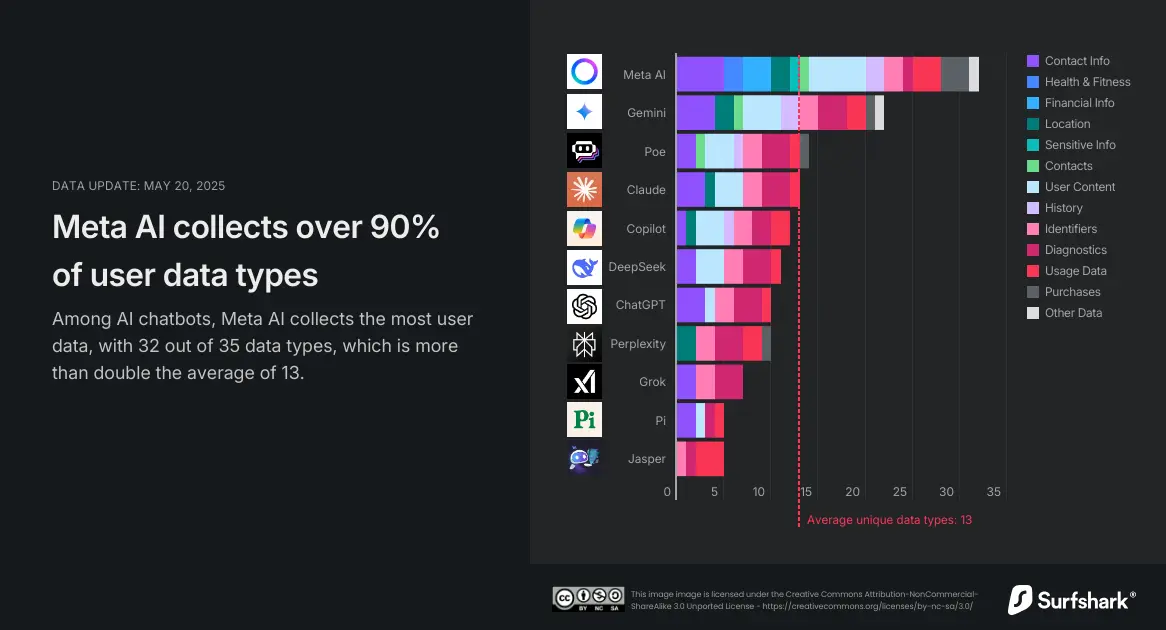
AI Chatbots and the types of data they gather.
1. Think Before You Share Personal Information
A general rule of thumb is to assume that anything you would feel uncomfortable sharing publicly shouldn’t be used in an AI prompt.
For example, don’t include:
- Full names
- Specific locations
- Phone numbers
- Passwords
- Banking or payment information
In most situations, general information will be sufficient for AI to provide accurate and helpful responses. You don’t need to share all of your background information for an AI tool to be useful.
2. Check Privacy Settings and Think About Your Setup
It’s not exciting, but it’s worth a quick look. Many AI platforms explain how conversations are stored and whether your inputs are saved or linked to your account.
Some tools keep chat history by default, while others let you turn it off or delete past conversations, giving you more control over how much of your activity remains associated with you.
It’s also worth considering how AI fits into your everyday online habits. Small amounts of activity can add up across apps and accounts, and being more mindful and considering tools like VPNs or privacy-based browsers can help reduce that footprint over time. If you’re interested, you can always read more about those options.
3. Be Careful with Work and School Content
AI can be a valuable assistant for work or school, but this is an area where caution is particularly important. Internal documents, client information, and unpublished assignments may not be intended to leave your organization or classroom.
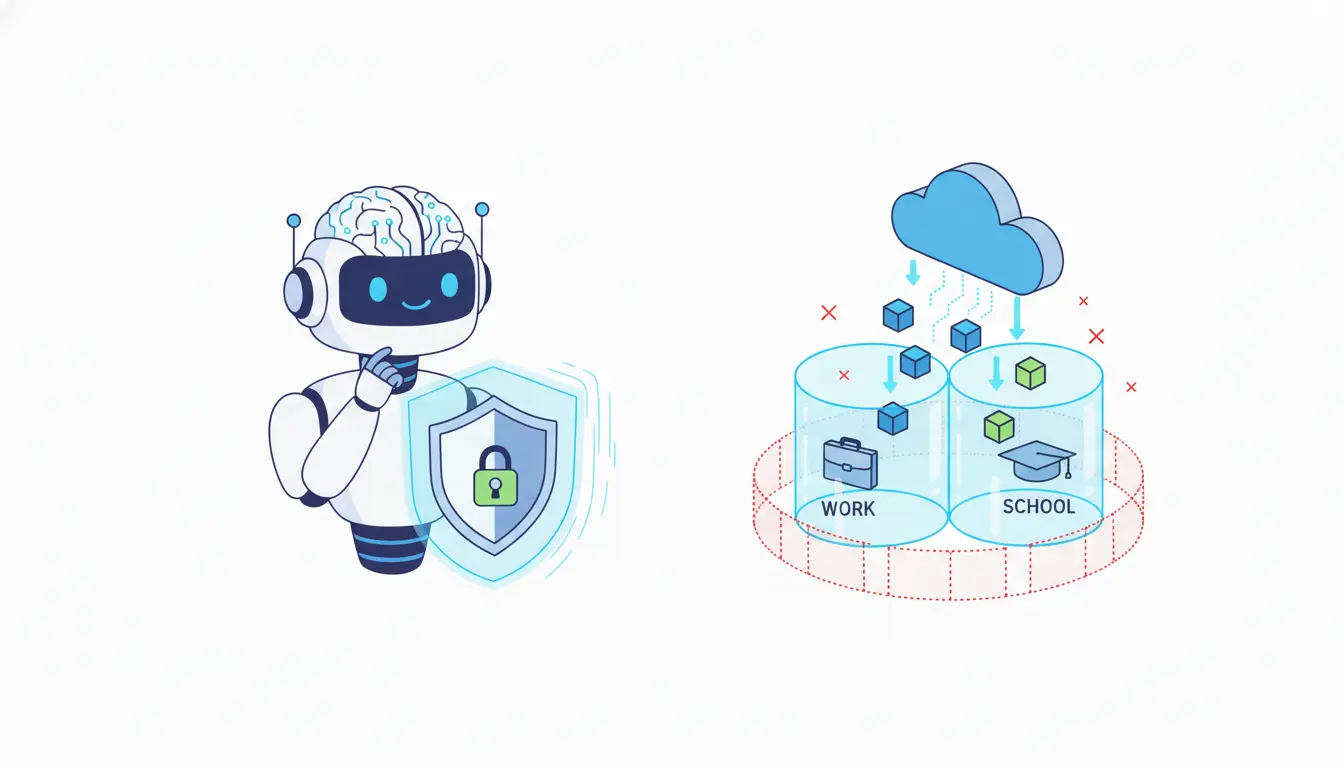
Before uploading or copying and pasting a large amount of content, ask yourself if you have permission to share that type of content outside its original environment. If you’re unsure, you’ll likely be safer if you summarize or rephrase, rather than copying and pasting the content verbatim.
4. Use Strong, Unique Passwords
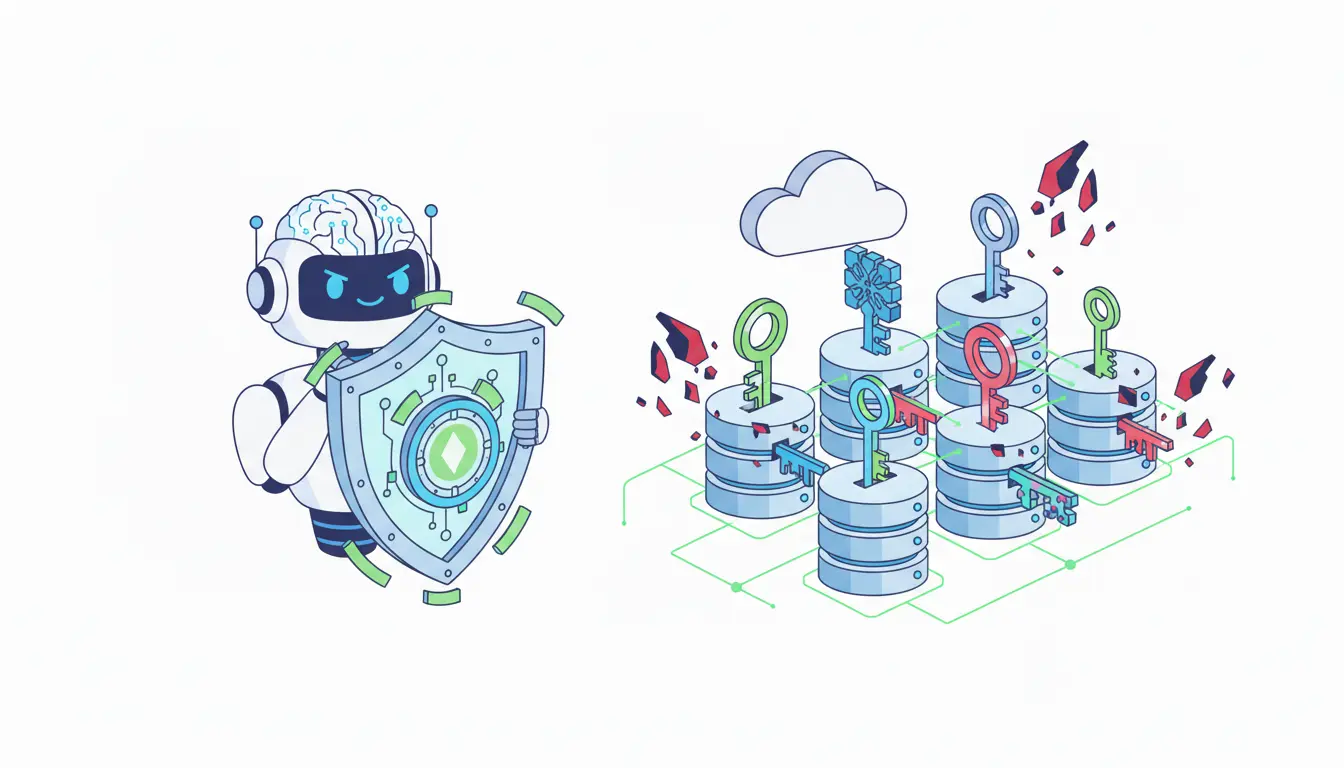
This isn’t a new concept, but it’s still very relevant. If you’re using an AI platform that requires an account, be sure to use a secure password that’s unique to that account and not reused on any other platform. When the same password is used across multiple sites, one issue can easily turn into many. If the site you’re using offers two-factor authentication, enabling it is a low-effort way to add extra protection to your account.
5. Watch Out for Fake AI Tools
As the popularity of AI increases, so does the number of fake applications and websites designed to collect user data. Many of these fake products appear legitimate and promise great features, which is why it’s essential to watch out for fake AI tools that seem too good to be true.
To stay safer, use well-respected services and download apps only from official app stores. If an application requests excessive permissions or personal information right after installation, it’s best not to use it.
Use AI as a Tool, Not a Vault
AI can assist in many areas, but it is not designed to store sensitive or personal information. Being mindful about what you share takes very little time and effort. With good judgment about the information you provide, you can enjoy the benefits of AI without increasing the risk of your data being compromised.


