Your LinkedIn photo is often the first thing people see. A pro headshot can cost a lot, but free AI tools now give you a clean, work-ready picture in minutes. Below are 30 no-cost apps and sites that crop, light and polish your photo so you look sharp on LinkedIn, Zoom or any site that asks for a headshot.
What Are Professional Headshots?
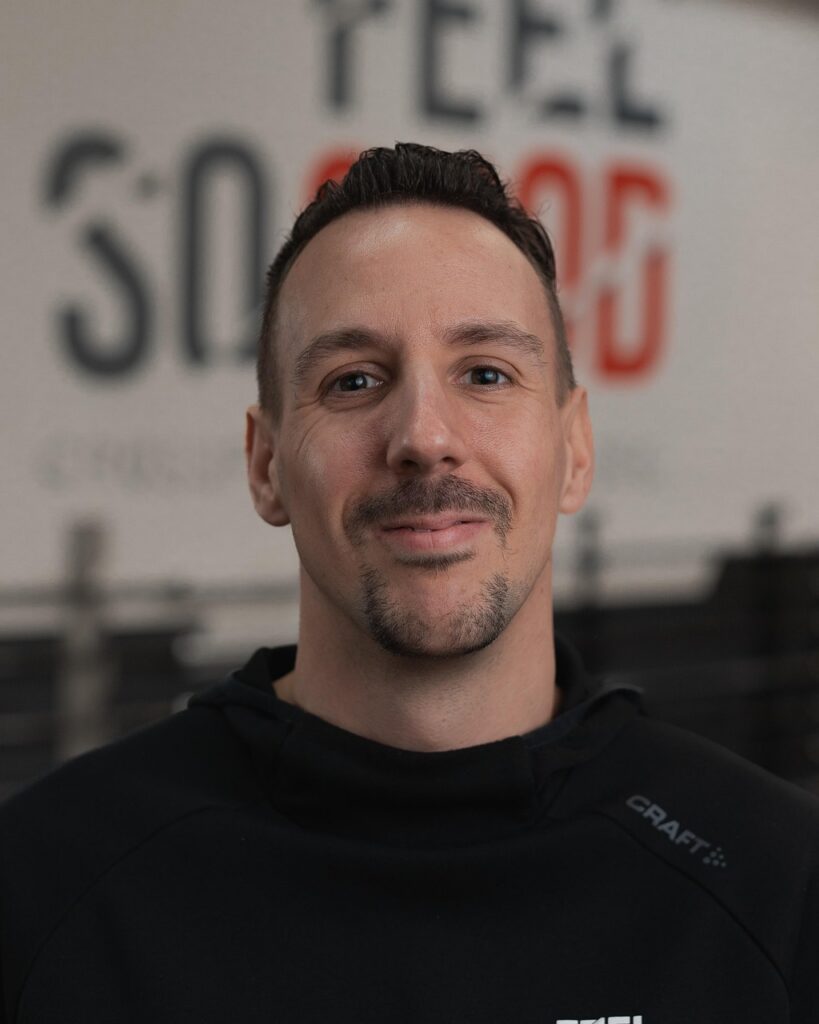
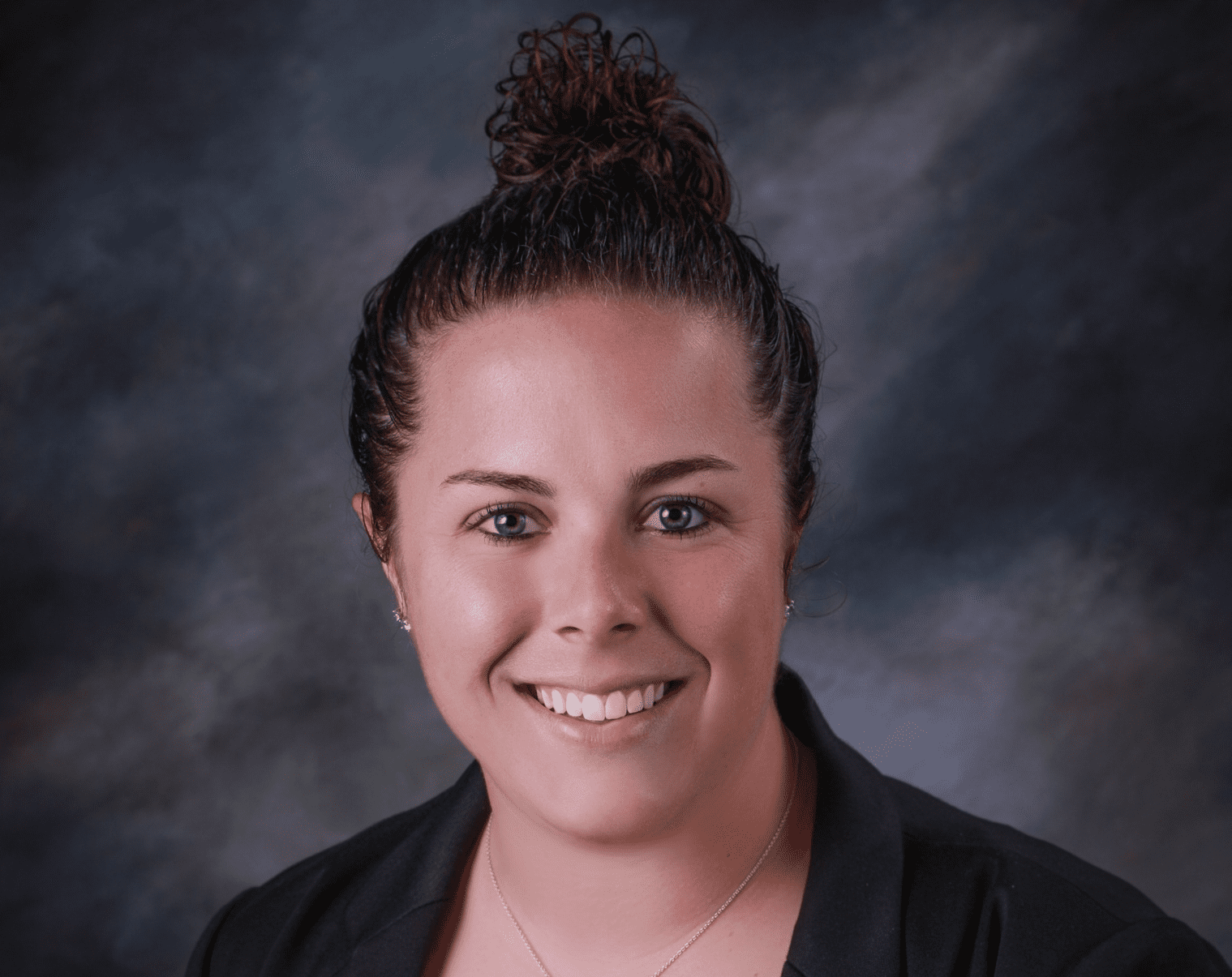
A professional headshot is a high-quality photograph that shows you from the shoulders up, typically with good lighting, a clean background, and professional styling. Unlike casual selfies or vacation photos, headshots are specifically designed to present you in a polished, approachable way for business contexts.
Why Do You Need a Professional Headshot?
First Impressions Matter Your headshot is often the very first thing potential employers, clients, or collaborators see. On LinkedIn alone, profiles with photos receive 21 times more profile views and 9 times more connection requests than those without.
Builds Trust and Credibility A professional photo signals that you take your career seriously. It humanizes your online presence and makes you more approachable and memorable to others in your industry.
Consistency Across Platforms Whether it’s LinkedIn, your company website, email signatures, or conference materials, having a quality headshot ensures you present a consistent, professional image everywhere you appear online.
Career Advancement From job applications to networking events, a strong headshot can be the difference between being overlooked and being remembered. It’s a small investment (especially when it’s free!) that can open doors.
Whether you’re updating your LinkedIn, building your personal brand, or just need a sharp photo for job applications, there’s something in this list that’ll work for you—without costing a cent.
In this article, I’ve rounded up 30 free AI tools that can transform your casual photos into professional headshots that actually look good.
Best FREE AI Headshot Tools (Free and Paid)
- Fotor AI Headshot Generator
- ProfilePicture.AI
- Remini AI Photo Enhancer
- Picsart AI Headshot Generator
- PhotoDirector
- BeFunky Photo Editor
- Canva AI Photo Editor
- Snappr Photo Analyzer
- Artguru AI Headshot
- HeadshotPro
- StudioShot
- PhotoAI
- Aragon AI
- Try It On AI
- Secta AI Labs
- Pixlr AI Tools
- Remove.bg
- Photoleap
- Retouch4me
- Portrait+ by Linerock
- FaceApp
- Facetune by Lightricks
- Evoto AI
- LightX Photo Editor
- Cutout.Pro
- Profile Picture Maker
- AI Photo Enhancer by VanceAI
- PortraitPro
- Phot.AI
- Snapheadshots
1. Fotor AI Headshot Generator
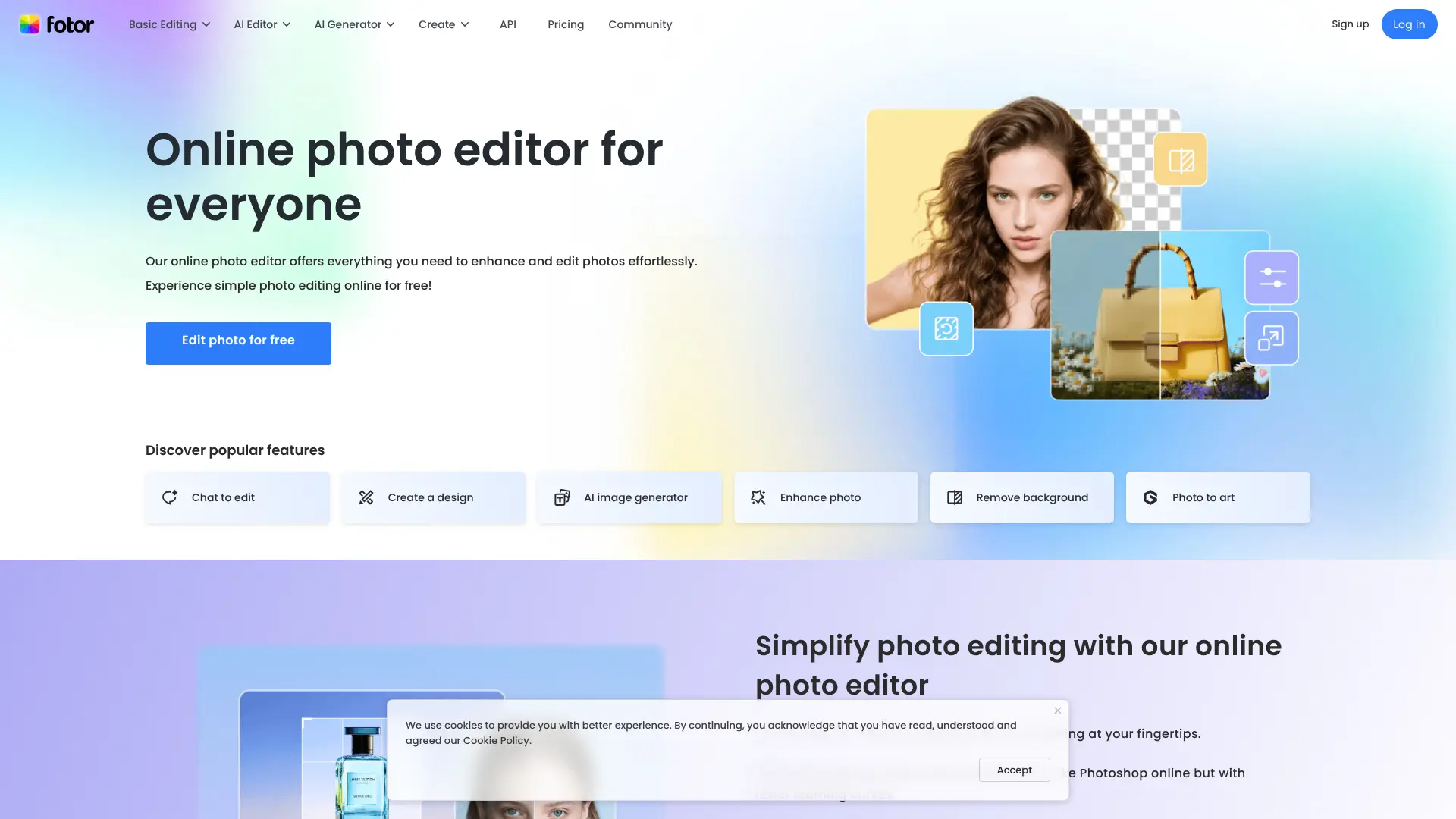
Fotor offers a powerful AI headshot generator that transforms casual photos into professional headshots. The platform uses advanced AI algorithms to enhance facial features, adjust lighting, and create studio-quality results. Website: fotor.com/features/ai-headshot-generator
Key Features:
- One-click AI enhancement
- Multiple professional backgrounds
- Automatic lighting correction
- Batch processing capability
- Face retouching tools
- Portrait mode optimization
Best For: Professionals who need quick, high-quality headshots without technical editing skills. Free Tier: Offers limited free credits for generating headshots with basic editing features.
2. ProfilePicture.AI
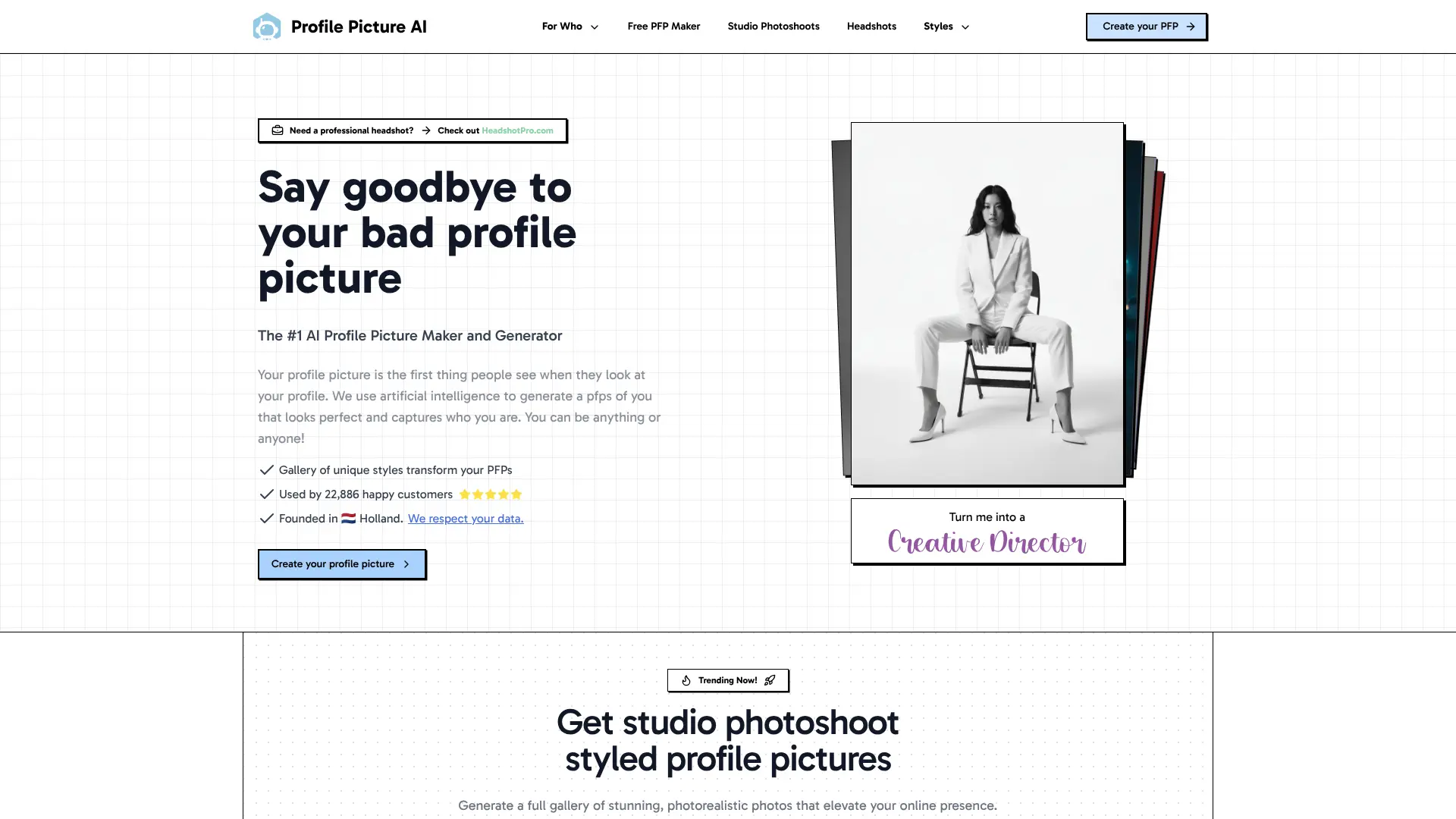
ProfilePicture.AI specializes in creating LinkedIn-optimized profile photos using artificial intelligence. Upload a selfie and the AI generates multiple professional variations.
Website: profilepicture.ai
Key Features:
- AI-powered background replacement
- Professional attire suggestions
- Facial expression optimization
- Multiple style options
- Quick generation time (under 2 minutes)
- LinkedIn-specific optimization
Best For: LinkedIn users wanting multiple professional photo options to choose from. Free Tier: Limited free generations per month with basic features.
3. Remini AI Photo Enhancer
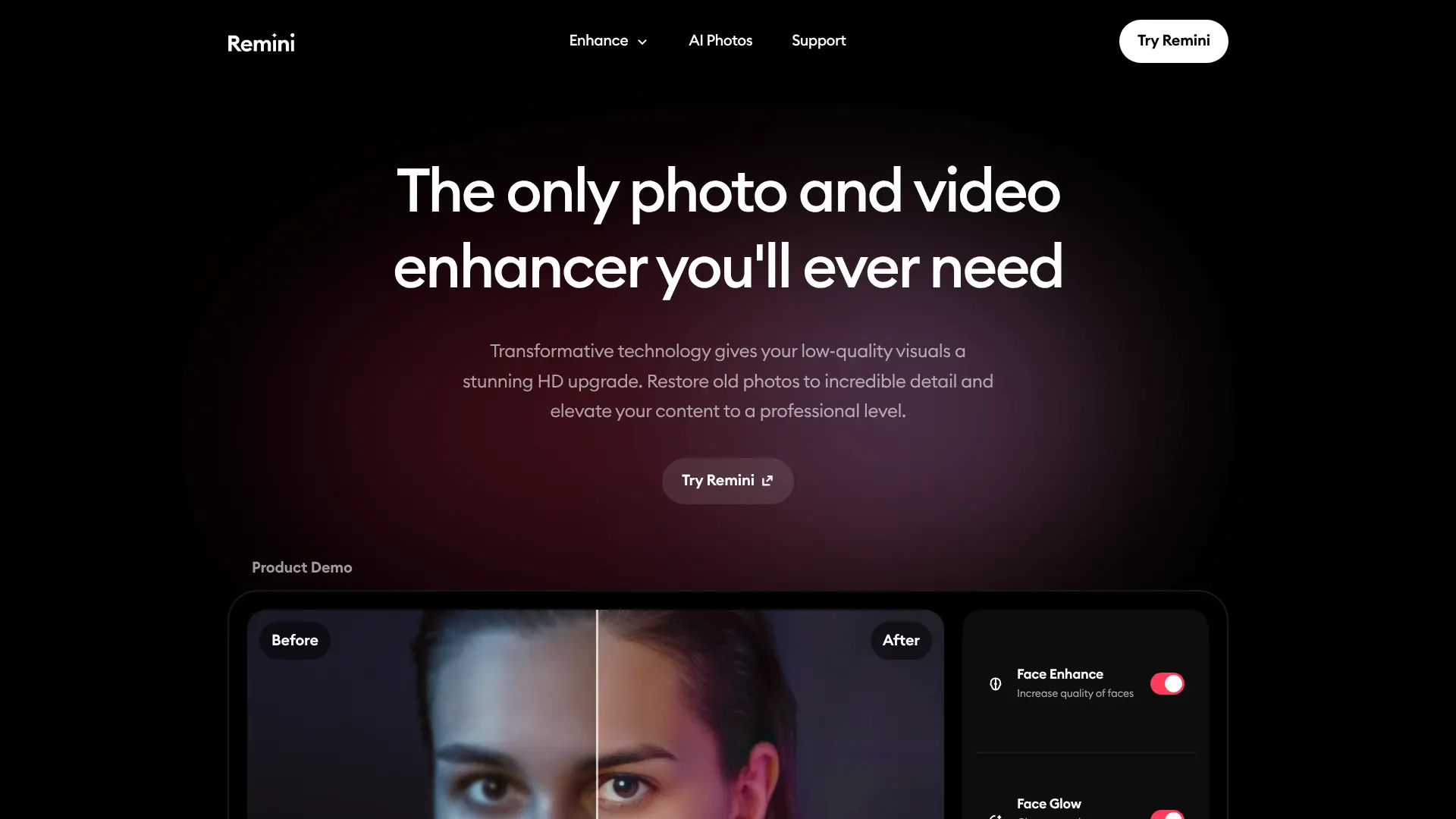
Remini uses AI to dramatically improve photo quality, making it perfect for enhancing existing headshots or transforming low-resolution images into professional photos. Website: remini.ai
Key Features:
- Photo resolution enhancement up to 4K
- Face detail restoration
- Noise reduction
- Blur correction
- Color enhancement
- Old photo restoration
Best For: Professionals with older or low-quality photos that need enhancement. Free Tier: Daily free credits for photo enhancements.
4. Picsart AI Headshot Generator
Picsart combines creative editing tools with AI headshot generation, offering a comprehensive platform for professional photo creation.
Website:picsart.com/ai-headshot-generator
Key Features:
- AI-powered portrait generation
- Background removal and replacement
- Smart object removal
- Professional filters
- Skin smoothing
- Color grading tools
Best For: Creative professionals who want more control over their headshot editing. Free Tier: Basic AI tools available with limited exports.
5. PhotoDirector
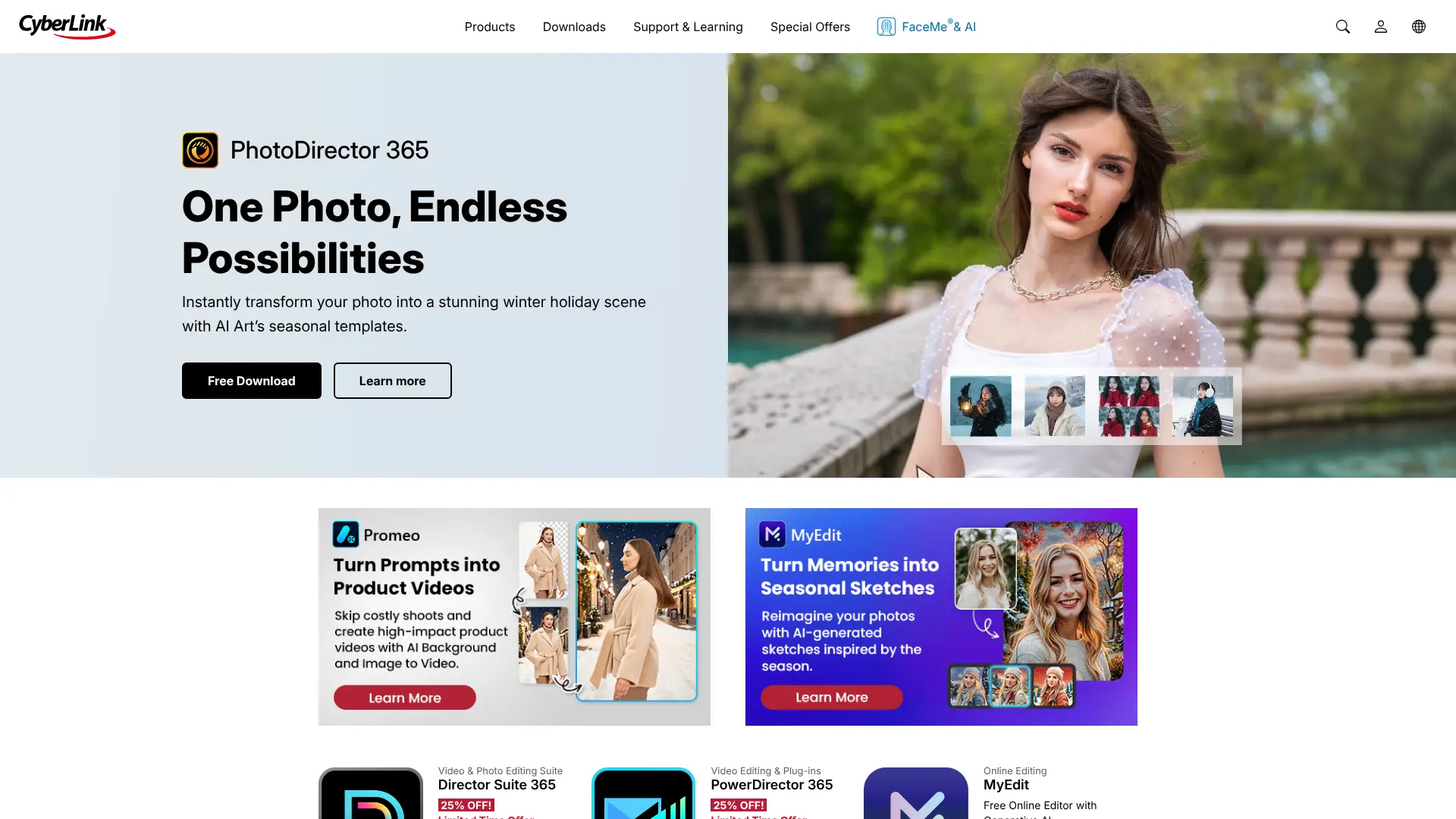
PhotoDirector by CyberLink offers AI-driven photo editing with specialized tools for creating professional headshots and portraits.
Website:cyberlink.com/products/photodirector
Key Features:
- AI face reshaping
- Skin tone correction
- Eye enhancement
- Teeth whitening
- Background blur
- Professional templates
Best For: Users who want detailed control over facial feature editing. Free Tier: Free version available with watermark on exports.
6. BeFunky Photo Editor
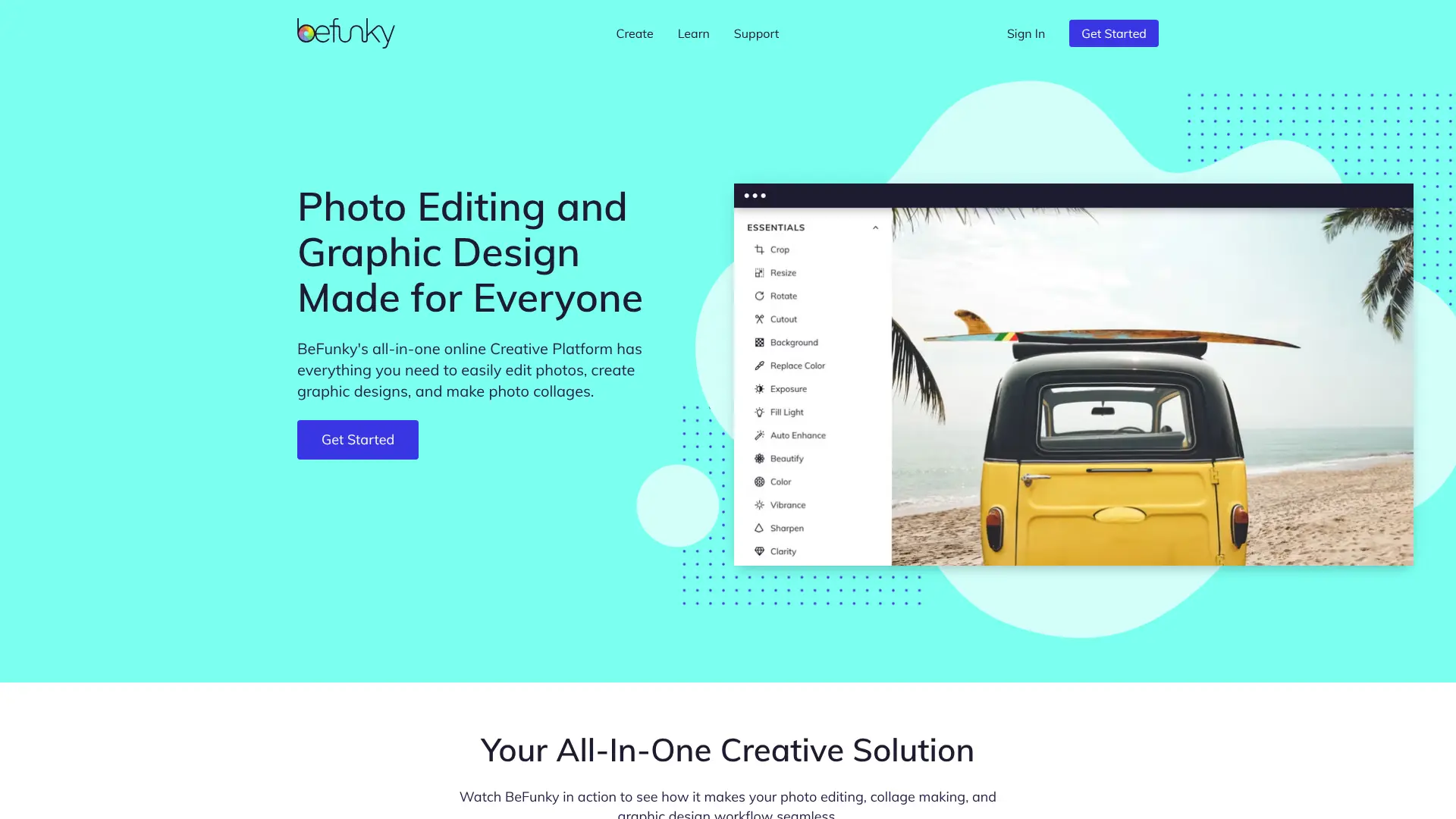
BeFunky provides user-friendly AI tools for creating professional headshots with minimal effort. Its intuitive interface makes professional editing accessible to everyone. Website: befunky.com
Key Features:
- One-touch photo enhancement
- Portrait retouching suite
- Background remover
- Blemish removal
- Wrinkle reducer
- Professional presets
Best For: Beginners who want professional results with simple tools. Free Tier: Basic editing features available for free.
7. Canva AI Photo Editor
Canva’s AI photo editing tools integrate seamlessly with their design platform, making it easy to create and customize professional headshots.
Website:canva.com/photo-editor
Key Features:
- Magic Edit AI tools
- Background remover
- Photo enhancer
- Portrait touch-up
- Professional frames
- Easy sharing options
Best For: Users already familiar with Canva who want integrated photo editing. Free Tier: Limited AI features available on free plan.
8. Snappr Photo Analyzer
Snappr offers an AI-powered photo analyzer that provides feedback on your headshots and suggests improvements for professional use.
Website:snappr.com/photo-analyzer
Key Features:
- Photo quality analysis
- LinkedIn optimization tips
- Composition feedback
- Lighting analysis
- Background assessment
- Professional scoring
Best For: Professionals who want data-driven feedback on their photos. Free Tier: Free photo analysis tool available online.
9. Artguru AI Headshot
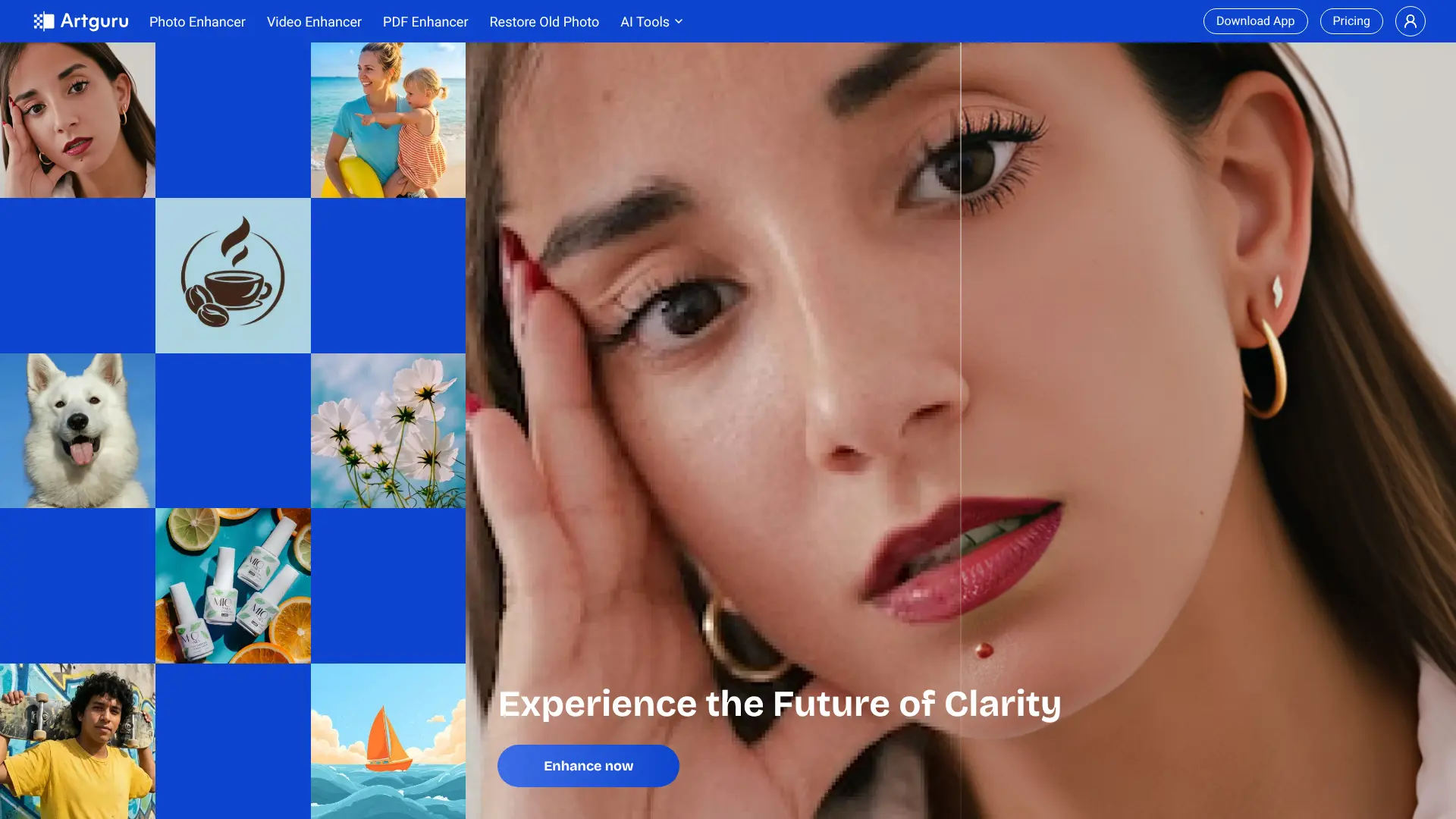
Artguru specializes in AI-generated professional portraits with various style options and customization features. Website: artguru.ai/ai-headshot-generator
Key Features:
- Text-to-image headshot generation
- Photo-to-professional conversion
- Multiple style presets
- Background customization
- Batch generation
- High-resolution exports
Best For: Users wanting AI-generated headshots from scratch or existing photos. Free Tier: Free credits provided for new users.
10. HeadshotPro
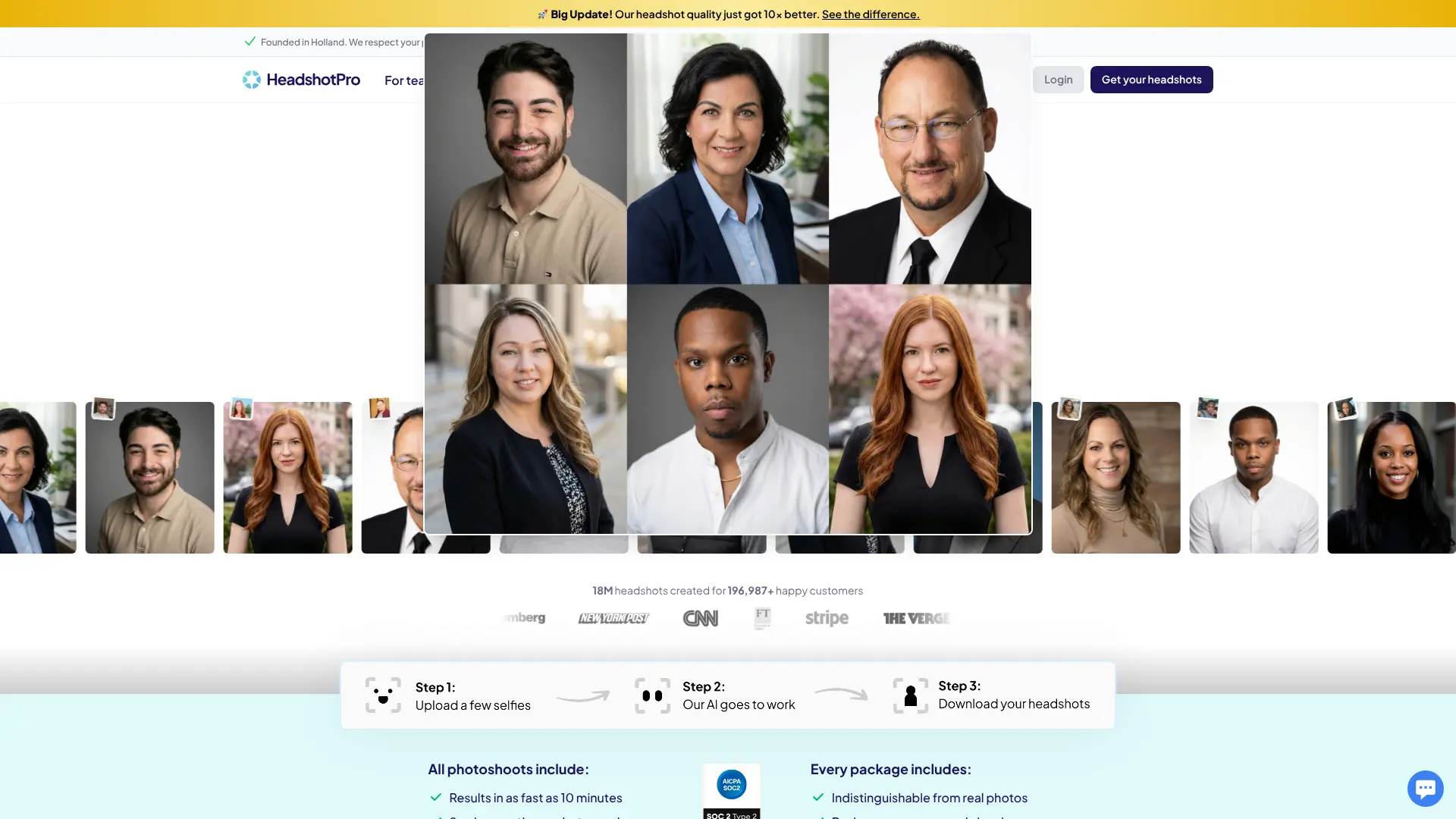
HeadshotPro uses advanced AI to generate hyper-realistic professional headshots from casual photos in minutes.
Website:headshotpro.com
Key Features:
- Professional attire options
- Studio-quality backgrounds
- Natural lighting simulation
- Multiple pose variations
- Industry-specific styles
- Fast processing
Best For: Professionals needing corporate-style headshots quickly. Free Tier: Trial credits available for first-time users.
11. StudioShot
StudioShot creates professional studio-quality headshots using AI, eliminating the need for expensive photography sessions.
Website:studioshot.app
Key Features:
- Virtual studio backgrounds
- Professional lighting presets
- Outfit customization
- Multi-angle generation
- Brand color matching
- Team photo consistency
Best For: Teams and businesses needing consistent professional headshots. Free Tier: Limited free samples available.
12. PhotoAI
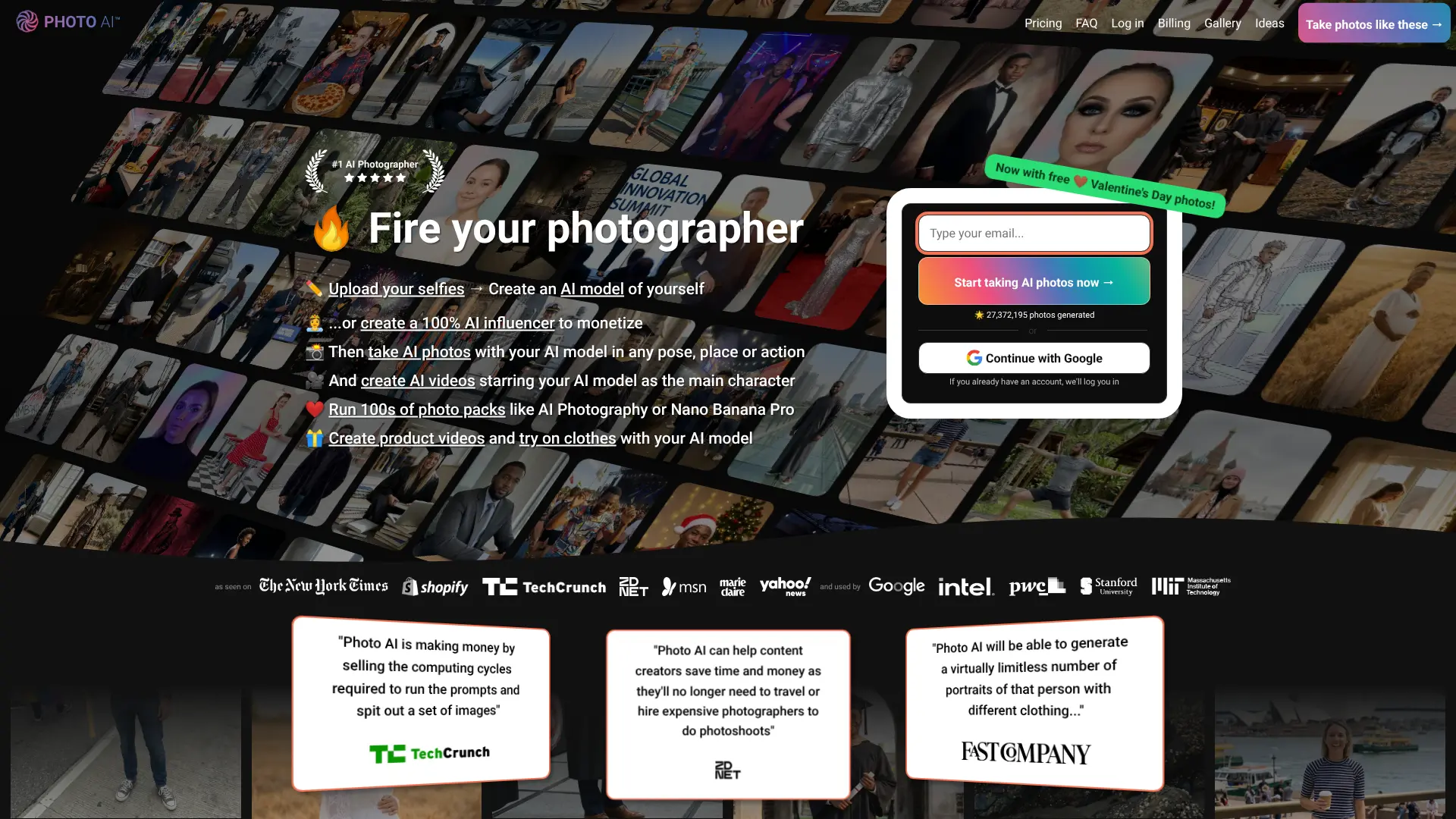
PhotoAI offers comprehensive AI-powered photo editing specifically designed for professional portraits and headshots. Website: photoai.com
Key Features:
- AI portrait generation
- Style transfer
- Professional retouching
- Background enhancement
- Batch processing
- Custom model training
Best For: Professionals wanting personalized AI models for consistent results. Free Tier: Free trial with limited generations.
13. Aragon AI
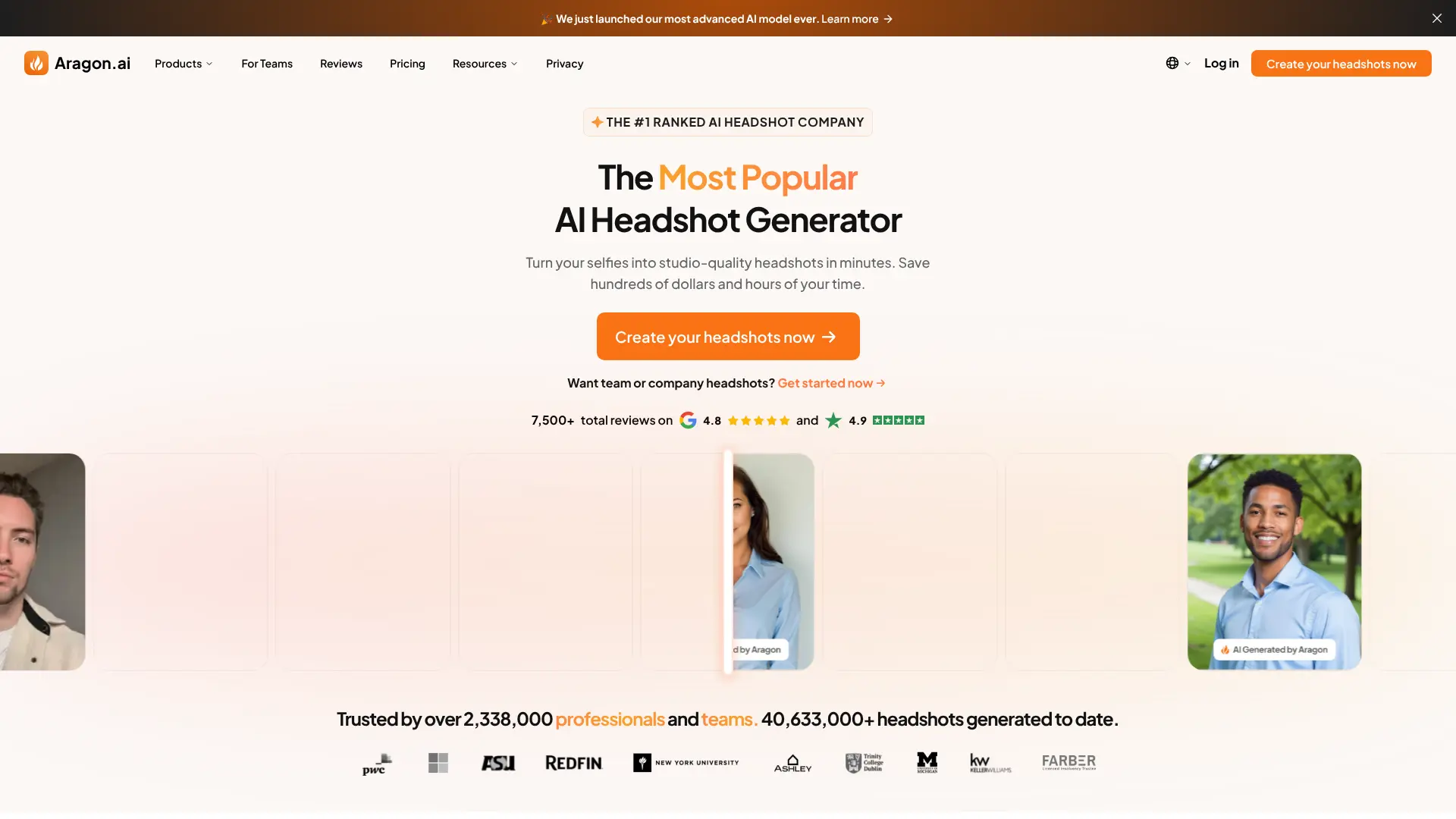
Aragon AI creates professional headshots with a focus on realism and natural appearance, perfect for LinkedIn and corporate use. Website: aragon.ai
Key Features:
- Realistic facial features
- Professional backgrounds
- Natural lighting
- Multiple outfit options
- Gender-neutral styling
- Quick turnaround time
Best For: Professionals prioritizing natural-looking AI-generated photos. Free Tier: Sample generations available for free.
14. Try It On AI
Try It On AI allows you to visualize different professional attire and backgrounds without additional photoshoots.
Website:tryiton.com
Key Features:
- Virtual wardrobe options
- Professional attire simulation
- Background swapping
- Realistic fabric rendering
- Color coordination
- Industry-specific outfits
Best For: Professionals wanting to test different looks before committing. Free Tier: Limited free outfit changes available.
15. Secta AI Labs
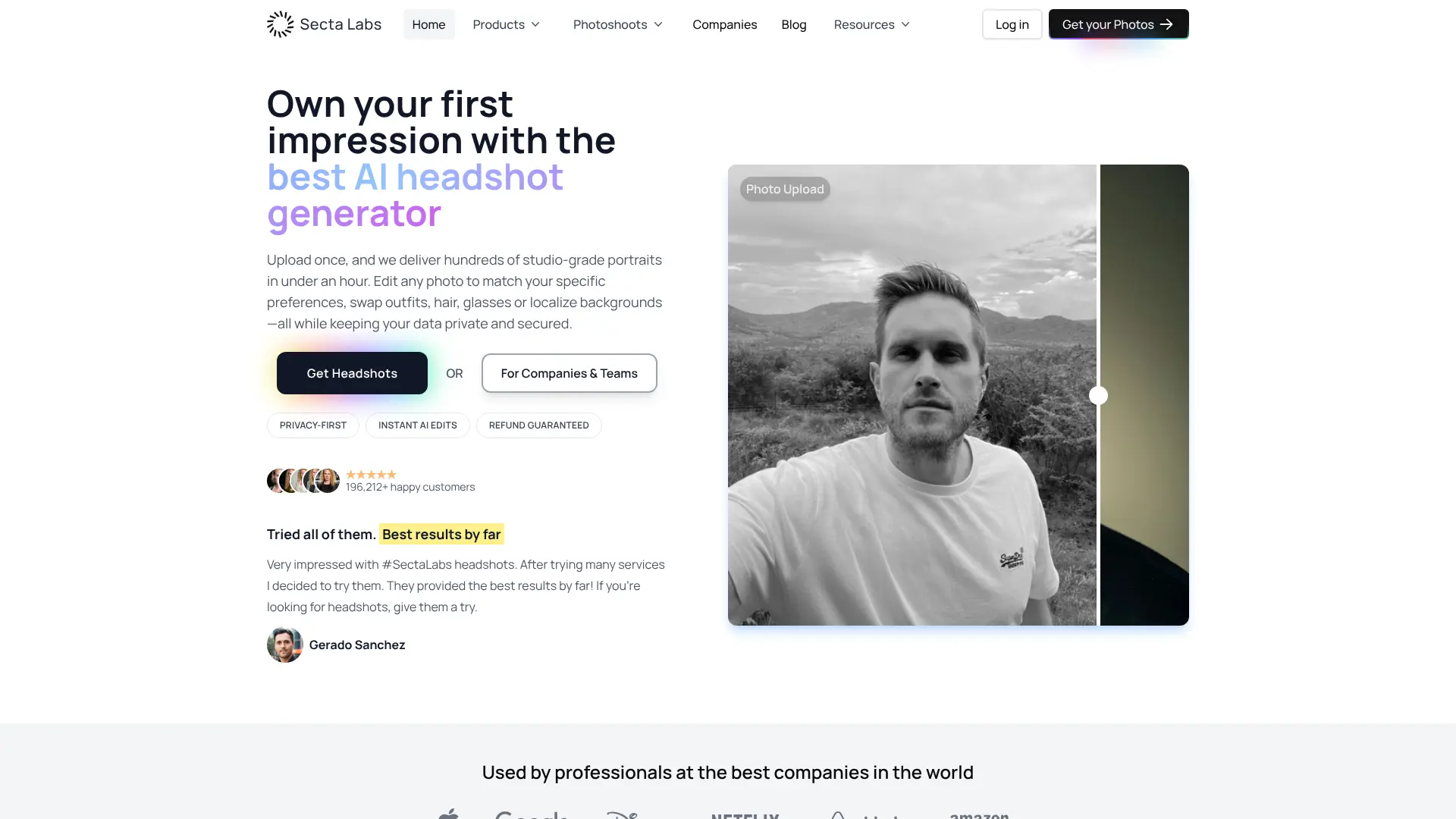
Secta AI Labs provides professional-grade AI headshot generation with a focus on business and corporate photography.
Website:secta.ai
Key Features:
- Corporate photography styles
- Team photo matching
- Brand guideline adherence
- High-resolution output
- Professional poses
- Quick bulk generation
Best For: Corporate teams needing standardized professional photos. Free Tier: Free trial available with limited features.
16. Pixlr AI Tools
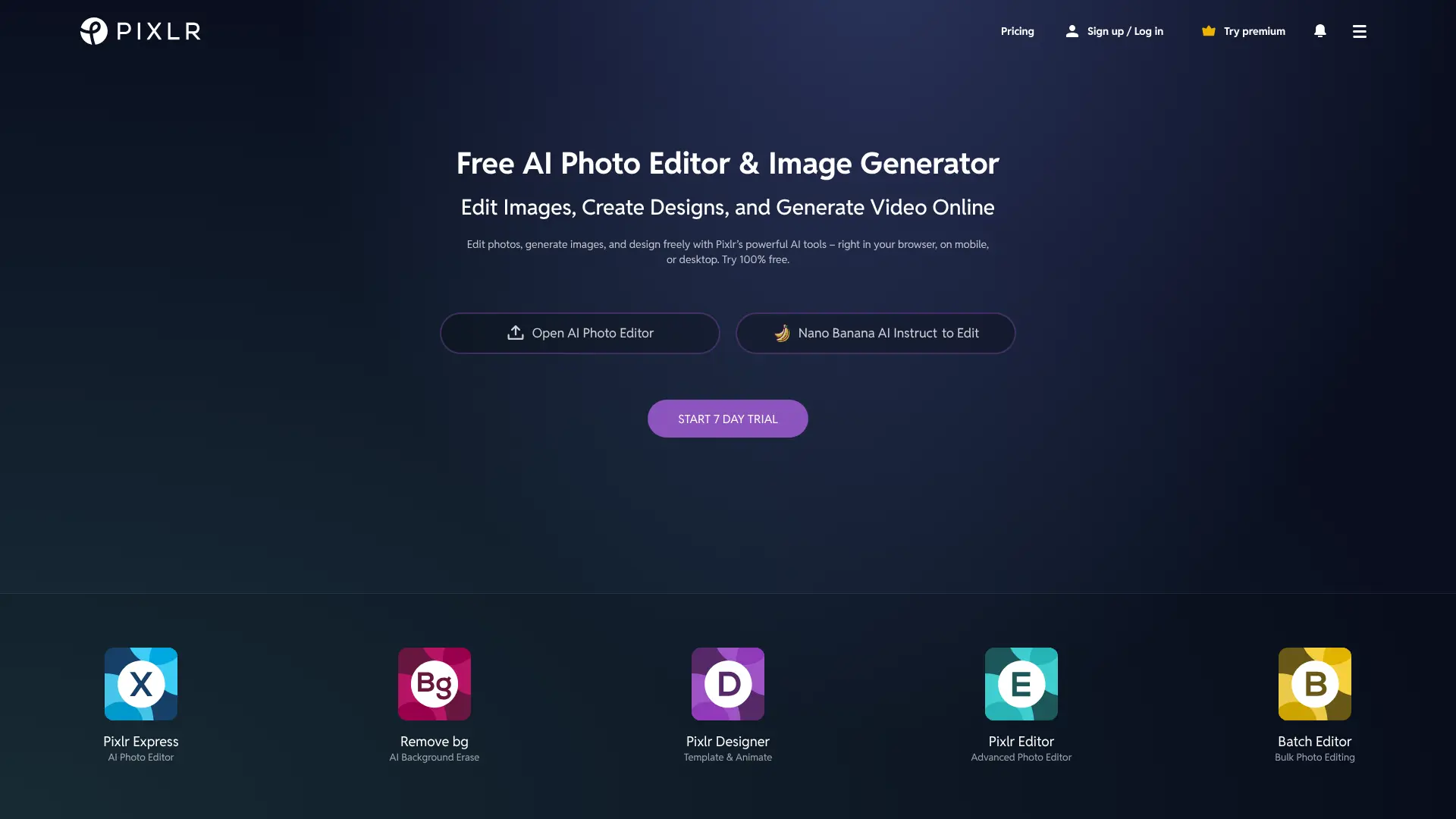
Pixlr offers a suite of AI-powered tools for photo editing and enhancement, including specialized portrait features. Website: pixlr.com
Key Features:
- AI cutout tool
- Smart resize
- One-click enhance
- Portrait retouching
- Background blur
- Filters and effects
Best For: Users wanting a full-featured online photo editor with AI tools. Free Tier: Comprehensive free version with ads.
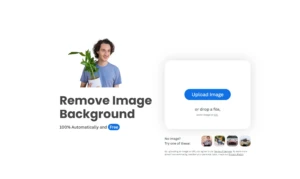
17. Remove.bg
Remove.bg specializes in AI-powered background removal, essential for creating clean professional headshots.
Website:remove.bg
Key Features:
- Instant background removal
- High-quality cutouts
- Batch processing
- API integration
- Professional background templates
- Edge refinement
Best For: Creating professional headshots with clean or custom backgrounds. Free Tier: Free for standard resolution images.
18. Photoleap
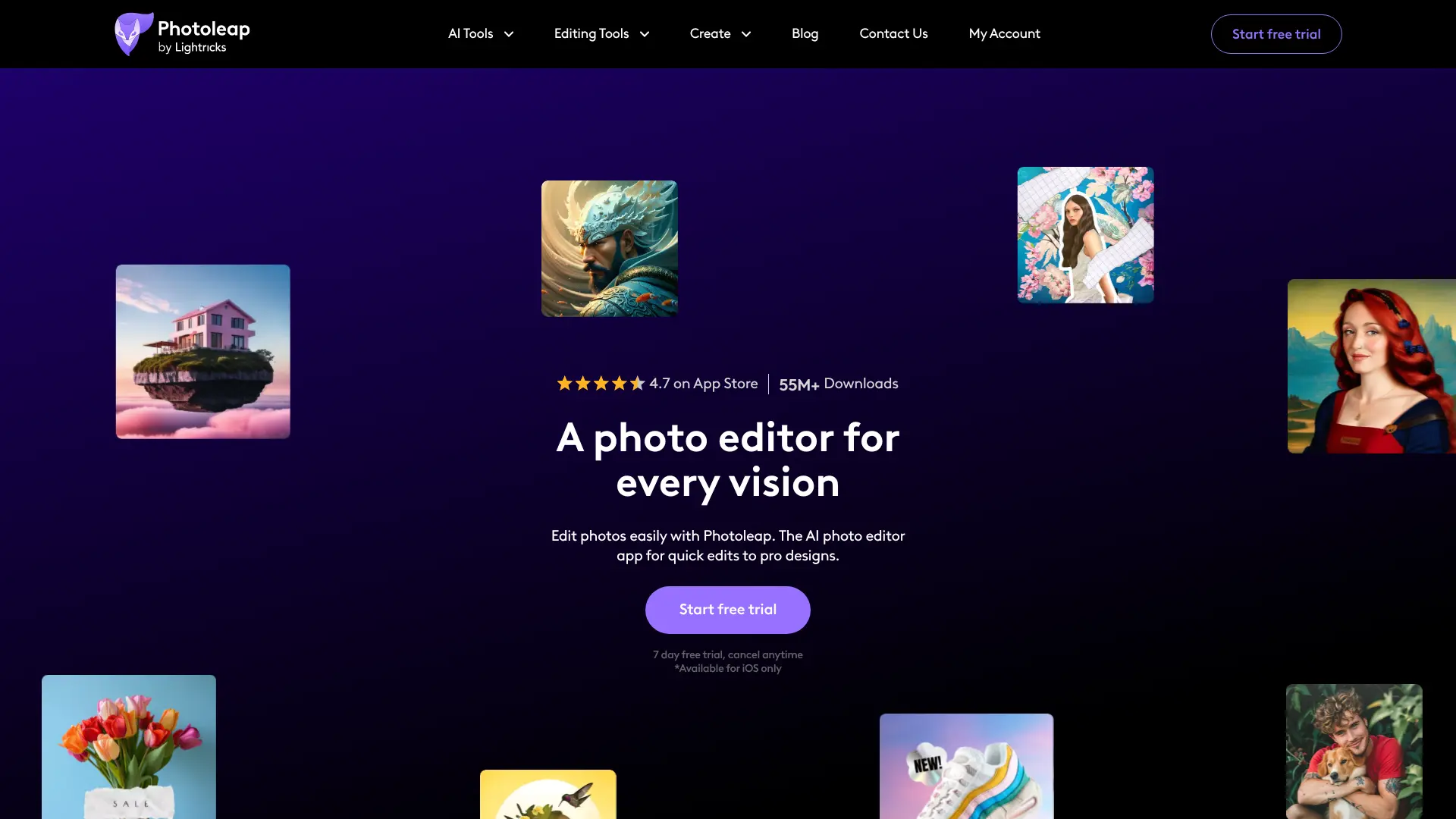
Photoleap by Lightricks offers advanced AI tools for transforming ordinary photos into professional headshots on mobile devices. Website: photoleapapp.com
Key Features:
- AI scene transformation
- Portrait enhancement
- Professional filters
- Background replacement
- Layer editing
- Mobile-optimized workflow
Best For: Mobile users needing professional editing on the go. Free Tier: Basic features available with in-app purchases.
19. Retouch4me
Retouch4me provides AI-powered retouching tools specifically designed for portrait photography professionals.
Website: retouch4me.com
Key Features:
- Skin retouching
- Eye enhancement
- Face sculpting
- Color correction
- Professional-grade results
- Batch processing
Best For: Advanced users wanting professional-level retouching control. Free Tier: Trial version with limited features.
20. Portrait+ by Linerock
Portrait+ offers simple yet effective AI tools for enhancing facial features and creating professional portraits.
Website: portraitplus.app
Key Features:
- Facial feature enhancement
- Skin smoothing
- Makeup application
- Hair editing
- Background blur
- One-tap improvements
Best For: Quick mobile editing for professional-looking results. Free Tier: Free with limited daily edits.
21. FaceApp
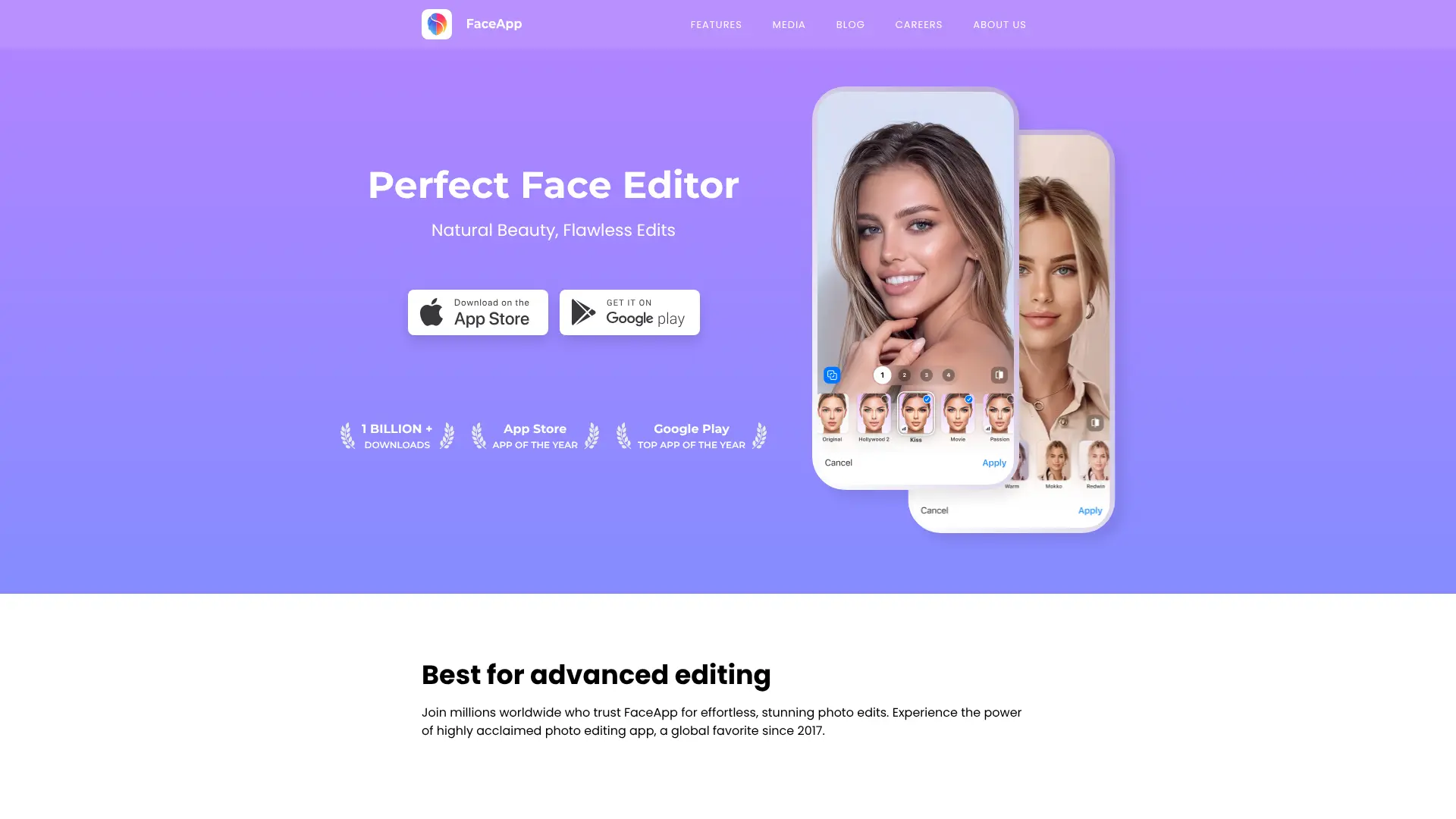
FaceApp uses AI to transform faces with various filters and enhancements, including professional portrait options.
Website: faceapp.com
Key Features:
- Face transformation filters
- Professional lighting effects
- Background changes
- Style transfer
- Age and gender filters
- Expression editing
Best For: Experimenting with different professional looks and styles. Free Tier: Basic filters available for free.
22. Facetune by Lightricks
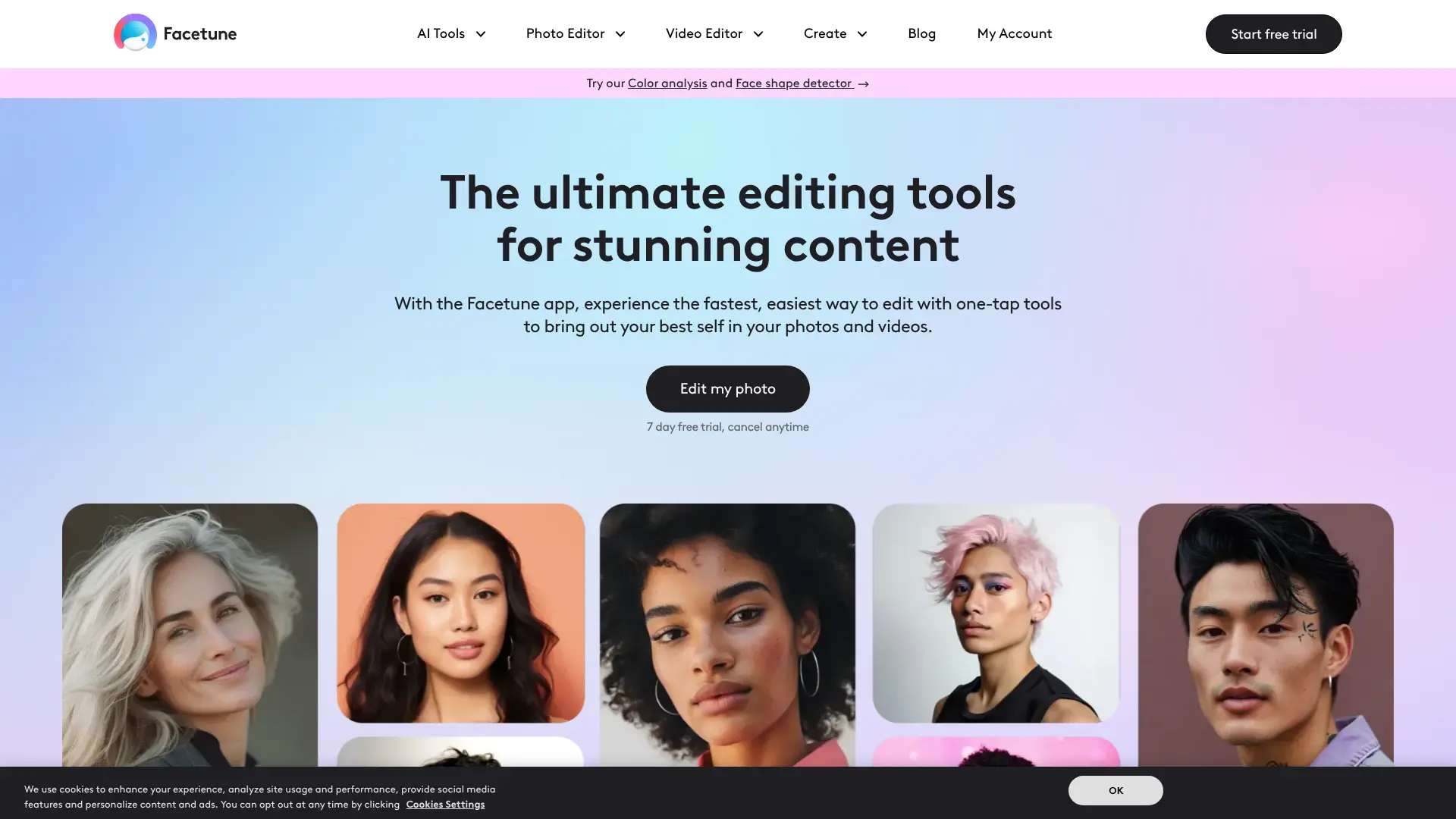
Facetune is a leading portrait editing app with AI-powered tools for creating flawless professional headshots.
Website: facetuneapp.com
Key Features:
- Advanced face retouching
- Skin smoothing
- Teeth whitening
- Makeup tools
- Background editor
- Professional presets
Best For: Detail-oriented users wanting comprehensive portrait editing. Free Tier: Limited features in free version.
23. Evoto AI
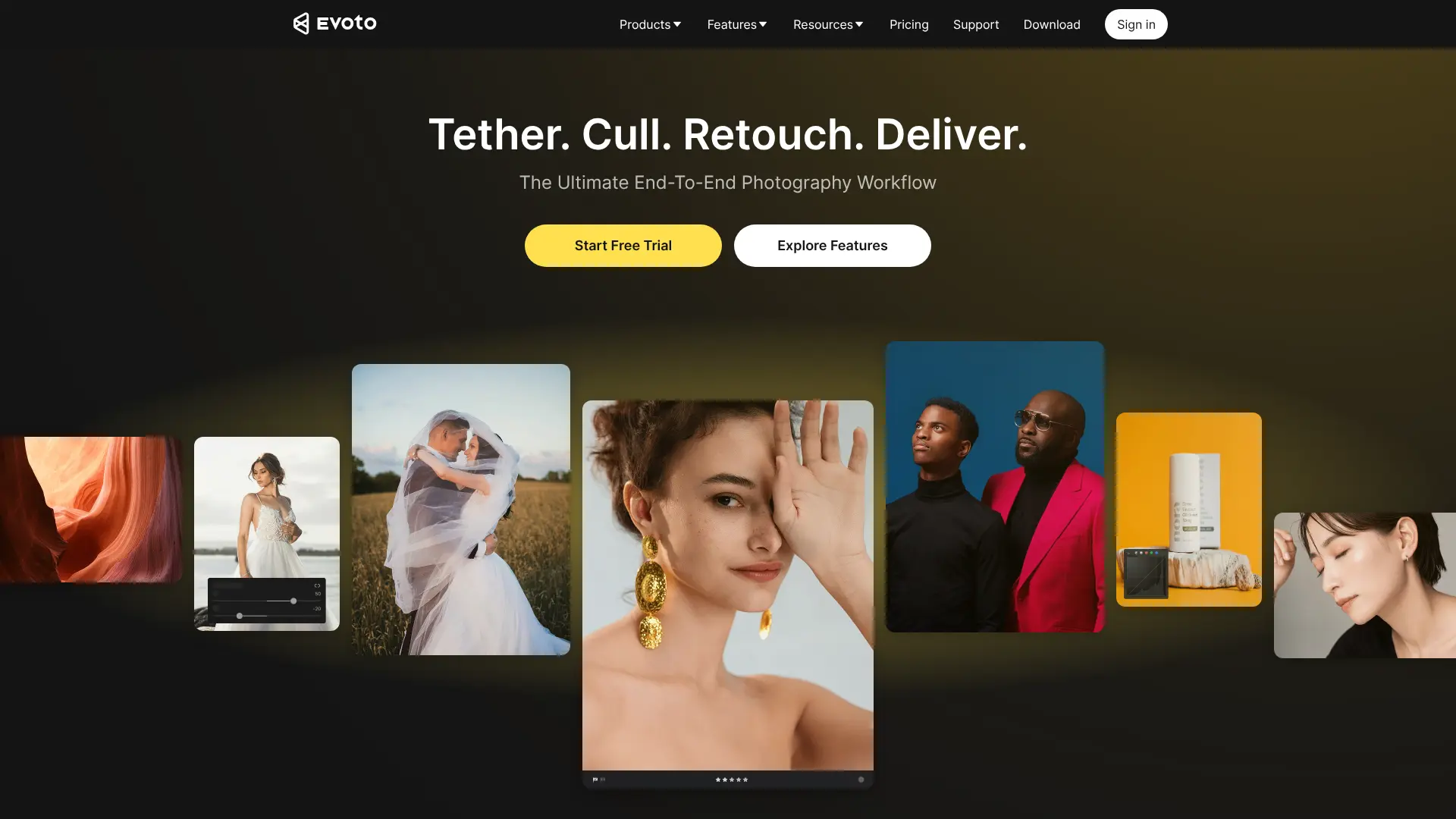
Evoto AI provides professional photo retouching with AI assistance, perfect for creating polished headshots.
Website: evoto.ai
Key Features:
- AI-assisted retouching
- Batch processing
- Skin tone correction
- Professional presets
- Non-destructive editing
- High-resolution exports
Best For: Photographers and professionals needing efficient batch editing. Free Tier: Trial period with limited exports.
24. LightX Photo Editor
LightX offers AI-powered editing tools with a focus on portrait enhancement and professional photo creation.
Website: lightx.app
Key Features:
- AI background remover
- Portrait enhancer
- Object removal
- Professional filters
- Blur tools
- Custom backgrounds
Best For: Users wanting versatile editing tools with professional features. Free Tier: Basic features available for free online.
25. Cutout.Pro
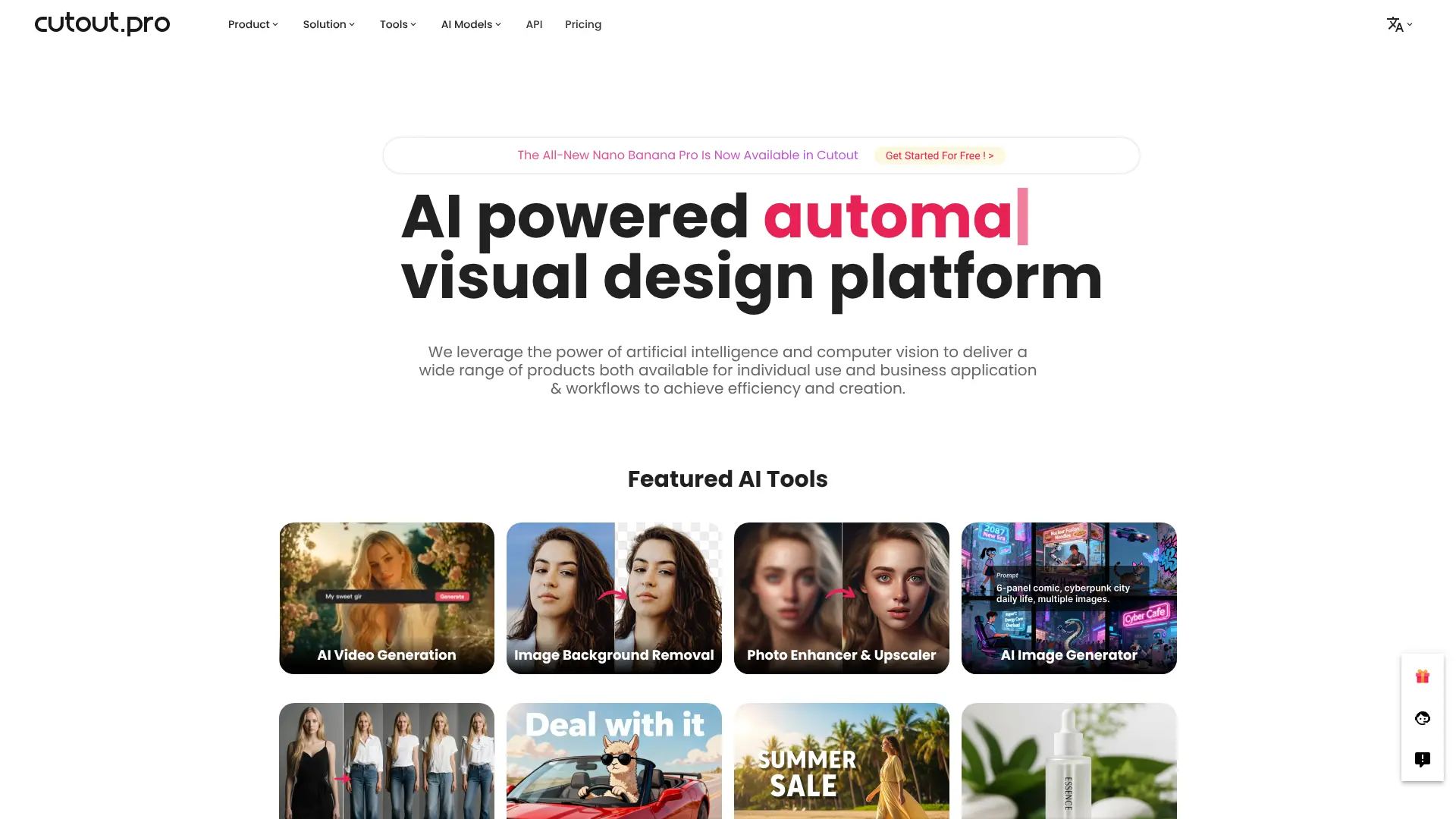
Cutout.Pro provides AI-driven photo editing with specialized tools for professional portrait creation. Website:
Key Features:
- AI background removal
- Photo enhancer
- Face cutout
- ID photo maker
- Passport photo tool
- Batch processing
Best For: Creating official and professional ID-style photos. Free Tier: Limited free credits per month.
26. Profile Picture Maker
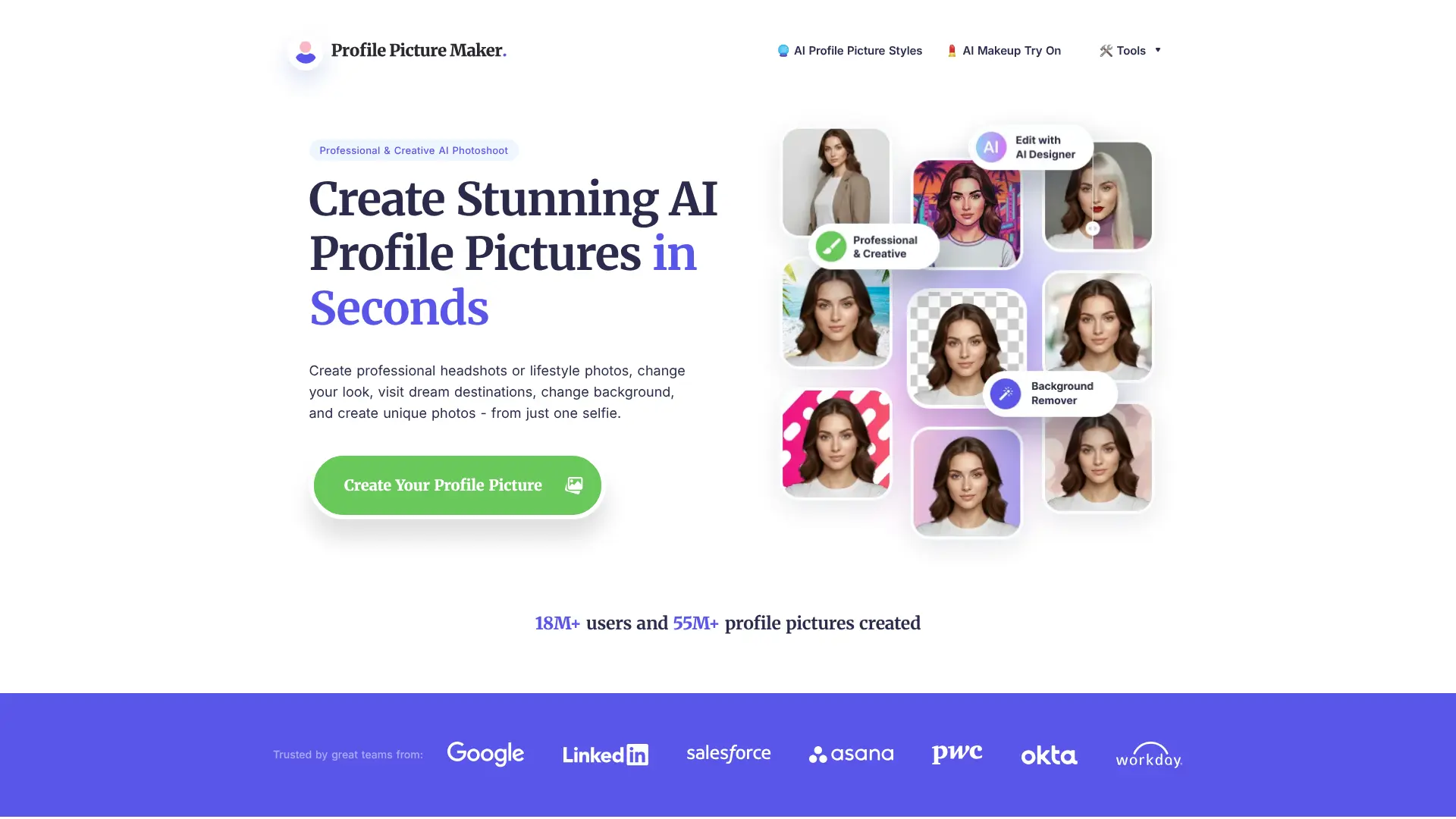
Profile Picture Maker focuses specifically on creating optimized profile photos for social media and professional platforms.
Website: pfpmaker.com
Key Features:
- Platform-specific sizing
- Professional backgrounds
- Color enhancement
- Face centering
- Quick generation
- Multiple format exports
Best For: Quick profile picture optimization across multiple platforms. Free Tier: Completely free online tool.
27. AI Photo Enhancer by VanceAI
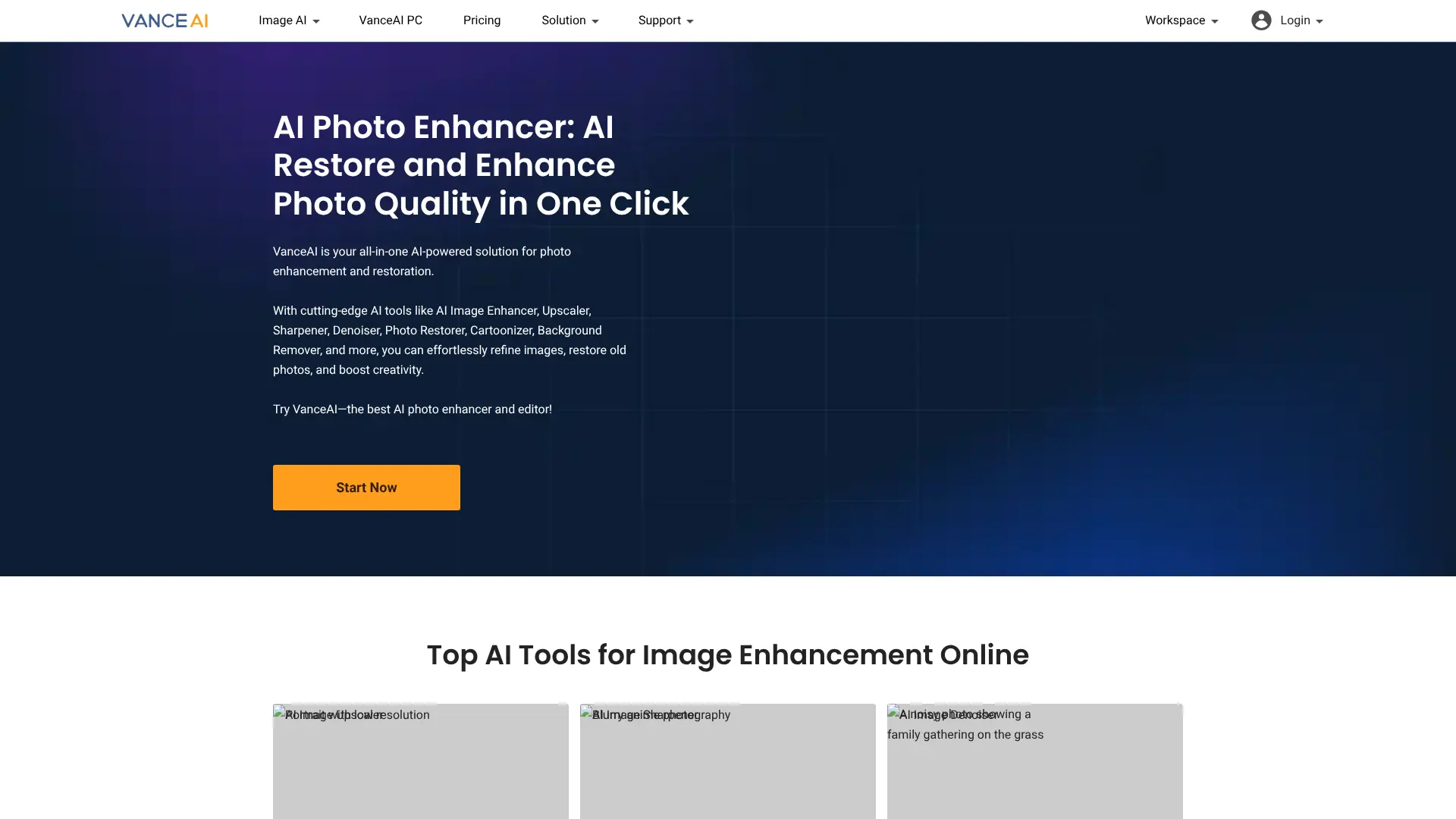
VanceAI provides powerful AI enhancement tools that can transform low-quality photos into professional headshots.
Website: vanceai.com
Key Features:
- AI upscaling
- Photo restoration
- Portrait enhancement
- Noise reduction
- Color correction
- Sharpening tools
Best For: Enhancing existing photos to professional quality. Free Tier: Free trial with limited processing credits.
28. PortraitPro
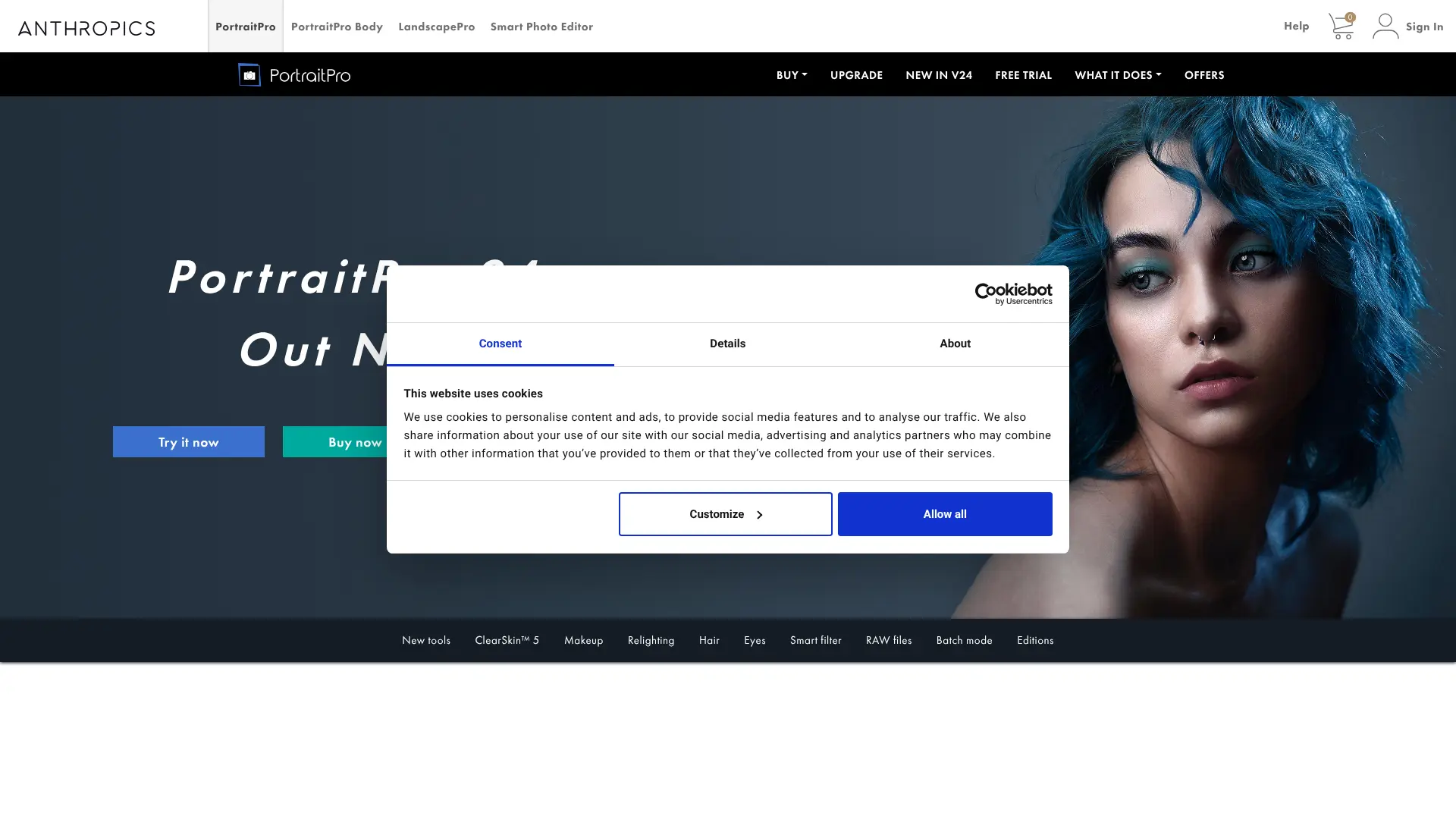
PortraitPro offers AI-powered portrait retouching with precise control over facial features and skin texture.
Website: portraitpro.com
Key Features:
- Intelligent face sculpting
- Skin retouching
- Hair enhancement
- Eye brightening
- Professional presets
- Before/after comparison
Best For: Advanced users wanting studio-quality retouching results. Free Tier: Trial version available with watermark.
29. Phot.AI
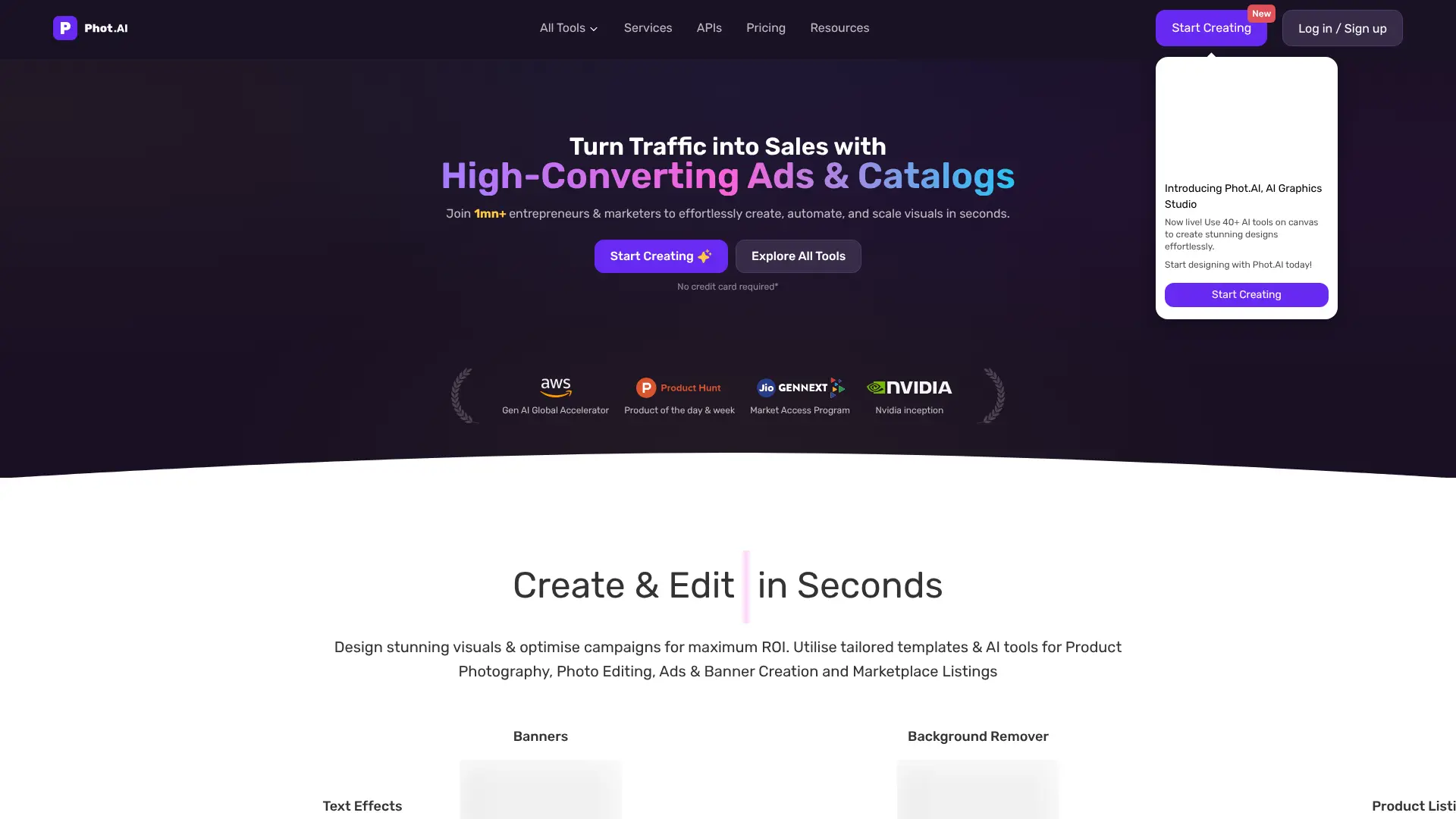
Phot.AI combines multiple AI tools for comprehensive photo editing and professional headshot creation.
Website: phot.ai
Key Features:
- All-in-one AI editor
- Background generation
- Object removal
- Portrait enhancement
- Style transfer
- API access
Best For: Users wanting a comprehensive AI editing suite. Free Tier: Limited free credits monthly.
30. Snapheadshots
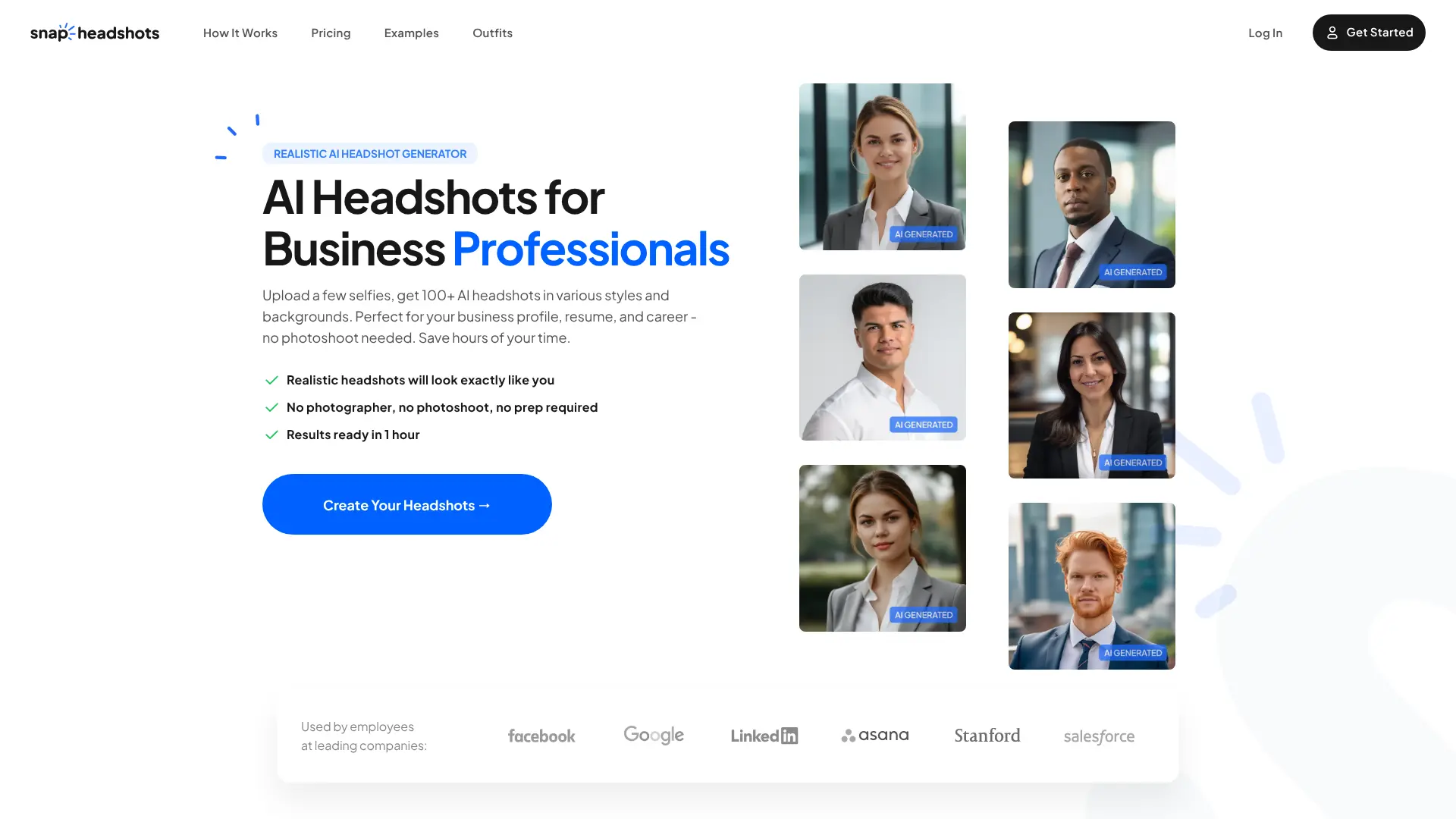
Snapheadshots specializes in creating professional headshots quickly and efficiently using AI technology.
Website: snapheadshots.com
Key Features:
- Fast generation time
- Professional backgrounds
- Natural lighting
- Multiple style options
- High-resolution output
- Easy-to-use interface
Best For: Professionals needing quality headshots with minimal time investment. Free Tier: Free sample generations available.
Conclusion
The rise of AI technology has democratized access to professional-quality headshots. Whether you’re updating your LinkedIn profile, building your personal brand, or need photos for your website, these 30 free AI headshot tools offer powerful solutions without the hefty price tag of traditional photography. From simple enhancement tools to complete AI-generated headshots, there’s an option for every need and skill level. Start experimenting with these tools today and discover which one works best for your professional image needs. Pro Tip: For best results, start with a well-lit, clear photo of yourself. Even AI tools work better with quality source material. Good lighting, a neutral expression, and a clean background will help these tools generate the most professional-looking results.