Content creation has changed forever. If you’re still spending hours editing videos, writing captions, or designing graphics from scratch, you’re working way too hard. Adobe’s 2025 Creators’ Toolkit Report shows that 86% of creators worldwide now use AI tools, and 76% say these tools are helping them grow their audience and business. But here’s the thing: most creators aren’t using just one tool. They’re combining different AI platforms to handle writing, design, video editing, and more.
The right stack can cut your production time in half while boosting quality. The wrong choices? They’ll drain your wallet and frustrate you. This guide breaks down the 17 best AI tools that actually work for creators in 2025. We’re talking about real platforms that people use every day to make money online, not fancy demos that look good in promotional videos. 
What Are the best AI Tools for Content Creators?
Listed below are the best AI tools for content creators including those that use artificial intelligence to automate or speed up creative tasks. Instead of spending hours on repetitive work, you let the AI handle the heavy lifting while you focus on the creative direction.
- 1. AI FREE FOREVER – Best Free All-in-One Solution
- 2. ChatGPT – Best Conversational AI Assistant
- 3. Canva AI – Best Design Tool with AI Features
- 4. Jasper – Best AI Writing for Marketing Content
- 5. Midjourney – Best AI Image Generation
- 6. Runway – Best AI Video Generation and Editing
- 7. HeyGen – Best AI Avatar Video Creator
- 8. Descript – Best Text-Based Video Editing
- 9. Grammarly – Best AI Writing Assistant
- 10. Leonardo AI – Best for Custom AI Art
- 11. Synthesia – Best AI Training Video Platform
- 12. VEED.io – Best Browser-Based Video Editor
- 13. Copy.ai – Best for Marketing Teams
- 14. Pictory – Best for Converting Text to Video
- 15. Writesonic – Best Budget-Friendly Writing Tool
- 16. Frase – Best for SEO Content Research
- 17. Filmora – Best Affordable Video Editor
These tools can:
- Write blog posts, social media captions, and scripts
- Generate images from text descriptions
- Edit videos automatically with cuts, captions, and effects
- Create voiceovers and music
- Design graphics, thumbnails, and marketing materials
- Translate content into multiple languages
- Optimize content for search engines
The global AI content creation market reached $2.15 billion in 2024 and is expected to grow to over $10 billion by 2033. That’s massive growth, and it’s happening because these tools actually deliver results. According to CoSchedule’s 2025 AI Marketing Report, 64% of marketers say AI-generated content performs as well as or better than manually created content. Even better, creators using AI complete projects 43% faster than traditional methods. Let’s explore each tool one after the other.
1. AI FREE FOREVER
 Let’s start with the tool that won’t cost you a penny. AI FREE FOREVER gives you access to multiple AI features without subscription fees or credit card requirements. Website: https://aifreeforever.com/ This platform stands out because it combines several tools in one place. You can generate text with their AI Answer Generator, create images with various AI Image Generators, and even use specialized tools like the AI Story Generator for creative writing. What makes AI FREE FOREVER different from paid alternatives? It’s completely free. No hidden costs, no “free trial then charge you” schemes. Perfect for beginners who want to test AI tools before committing to paid subscriptions. The platform includes tools for:
- Content writing with AI Content Generators
- Social media with Free Social Media AI Tools
- Business needs with AI Business Tools
- YouTube creators with YouTube AI Tools
- Image generation with styles ranging from Photorealistic to Anime
If you’re just starting with AI content creation or working on a tight budget, this should be your first stop.
2. ChatGPT
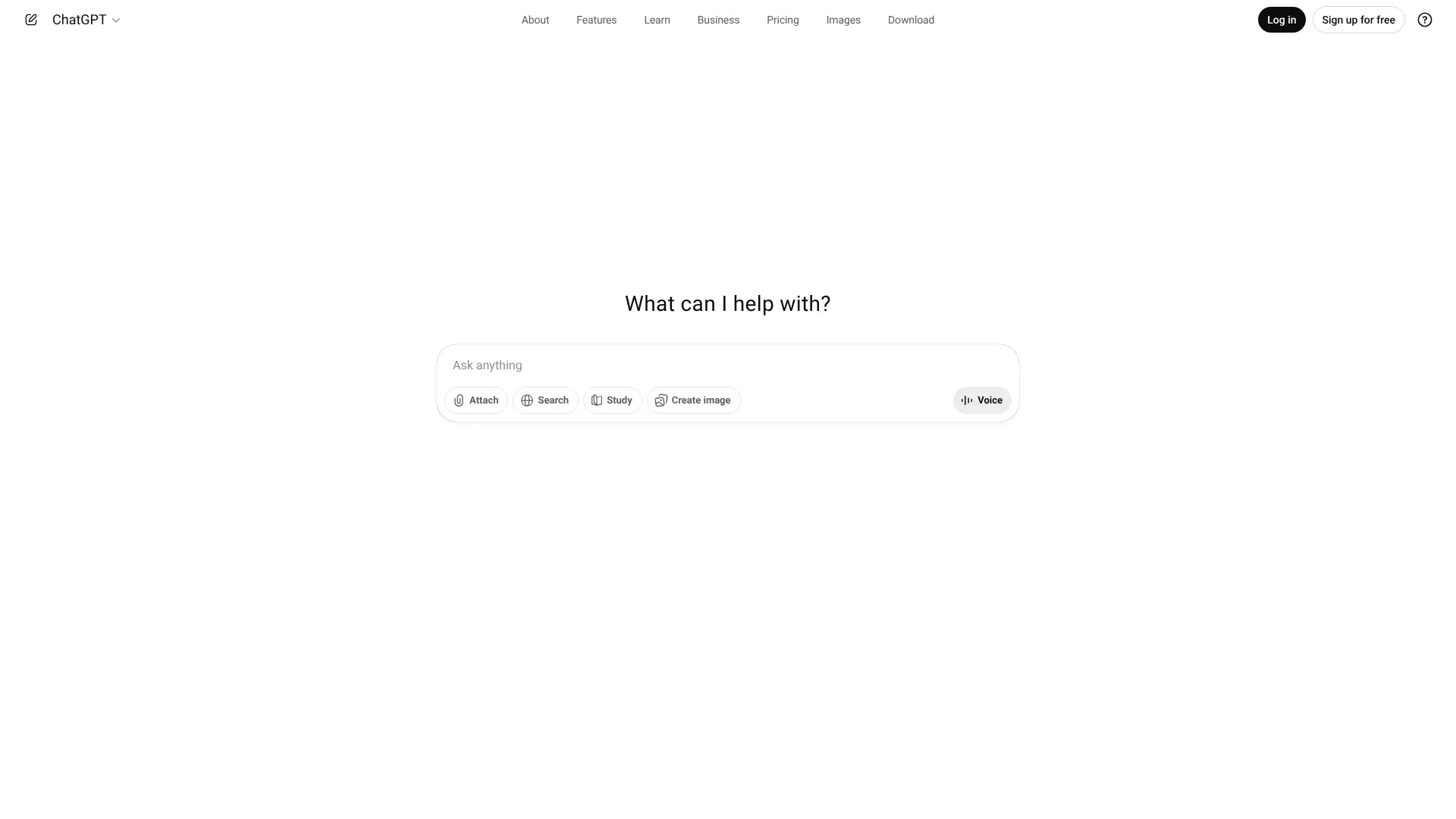 ChatGPT has become the go-to AI assistant for millions of creators. It’s not just hype – this tool actually delivers when you need to brainstorm ideas, write drafts, or solve problems. Website: https://chatgpt.com/
The free version uses GPT-4o mini, which handles most tasks well. The paid version ($20/month) gets you access to GPT-4o, which produces better writing and can analyze images and generate pictures.Creators use ChatGPT for:
- Writing video scripts and blog outlines
- Generating social media content and captions
- Brainstorming content ideas
- Research and summarizing information
- Editing and improving existing content
- Translating content into different languages
The memory feature is particularly useful. ChatGPT remembers your preferences across conversations, so you don’t have to repeat yourself every time. If you’re working on a series of related content pieces, it keeps track of your style and requirements. What sets ChatGPT apart is versatility. It’s not locked into one specific task. Need help with coding? It can do that. Want to analyze data? No problem. This flexibility makes it valuable for creators who wear multiple hats. However, ChatGPT sometimes produces generic content. You’ll need to give it specific instructions and examples to get unique results. Think of it as a very smart assistant that needs clear direction.
3. Canva AI
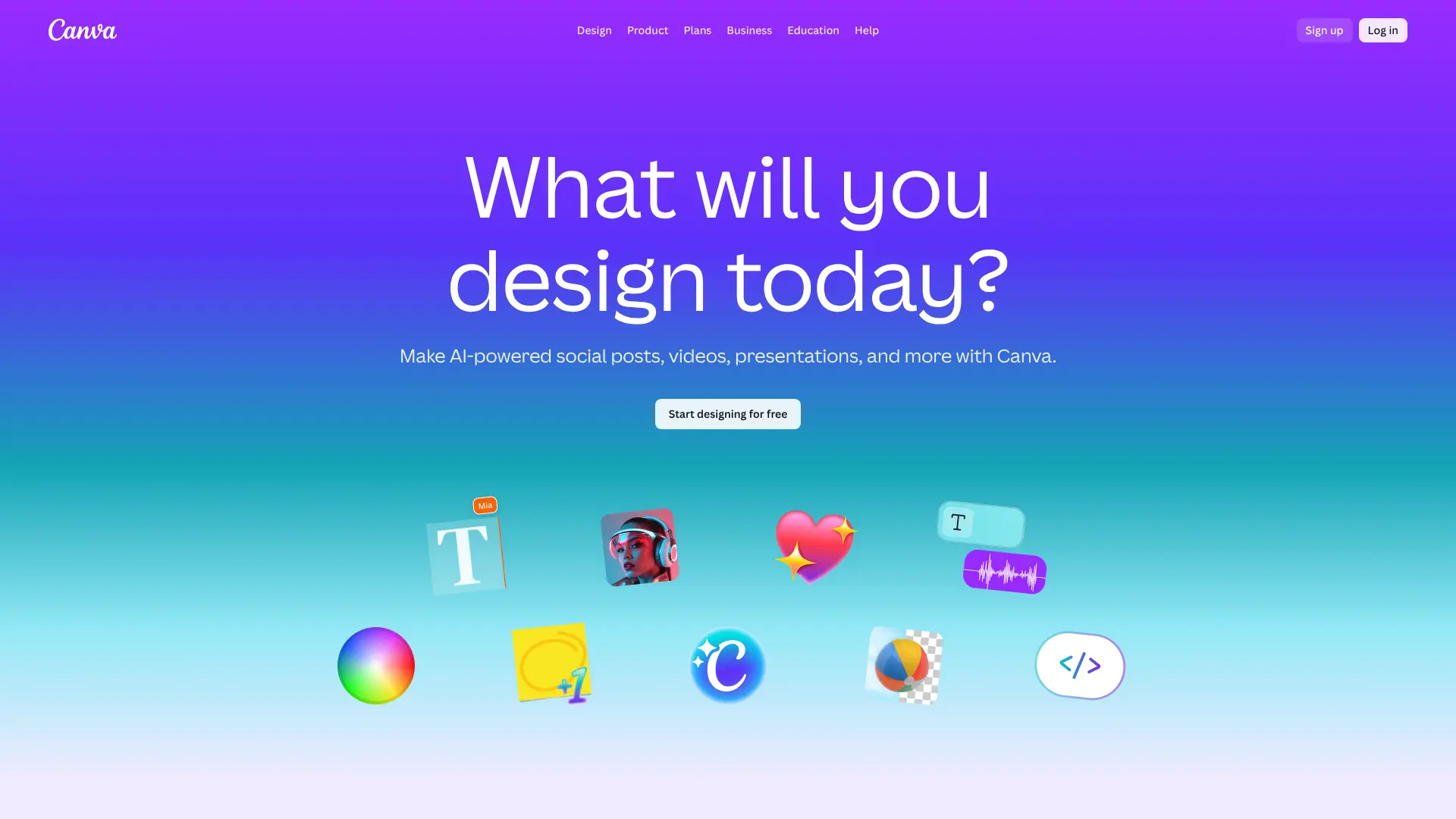 Canva transformed from a simple design tool into an AI powerhouse. The AI features now built into the platform make professional design accessible to everyone, even if you’ve never taken a design class. Website: https://www.canva.com/
Canva AI includes several powerful features:
- Magic Design: Upload an image or describe what you need, and Canva creates multiple design variations instantly
-
AI Character Generator: Creates original characters and avatars that can be used in illustrations, presentations, and storytelling projects
- Magic Write: Generates text content for your designs, from social media captions to presentation talking points
- Background Remover: Strips backgrounds from images in seconds
- Magic Expand: Extends images beyond their original borders
- Text to Image: Creates custom illustrations based on your descriptions
The free plan gives you 50 AI credits, which is enough to test the features. Each design generation or image edit costs one credit. For serious creators, Canva Pro at $120/year unlocks unlimited designs, 100 monthly AI credits, and access to millions of premium stock photos. Canva works great for creators who need visual content fast. Whether you’re making YouTube thumbnails, Instagram posts, presentations, or marketing materials, the templates and AI features speed up the process dramatically. The real advantage? Everything stays in one place. You can design, write, generate images, and export all within Canva’s interface. No switching between multiple apps or waiting for files to download.
4. Jasper
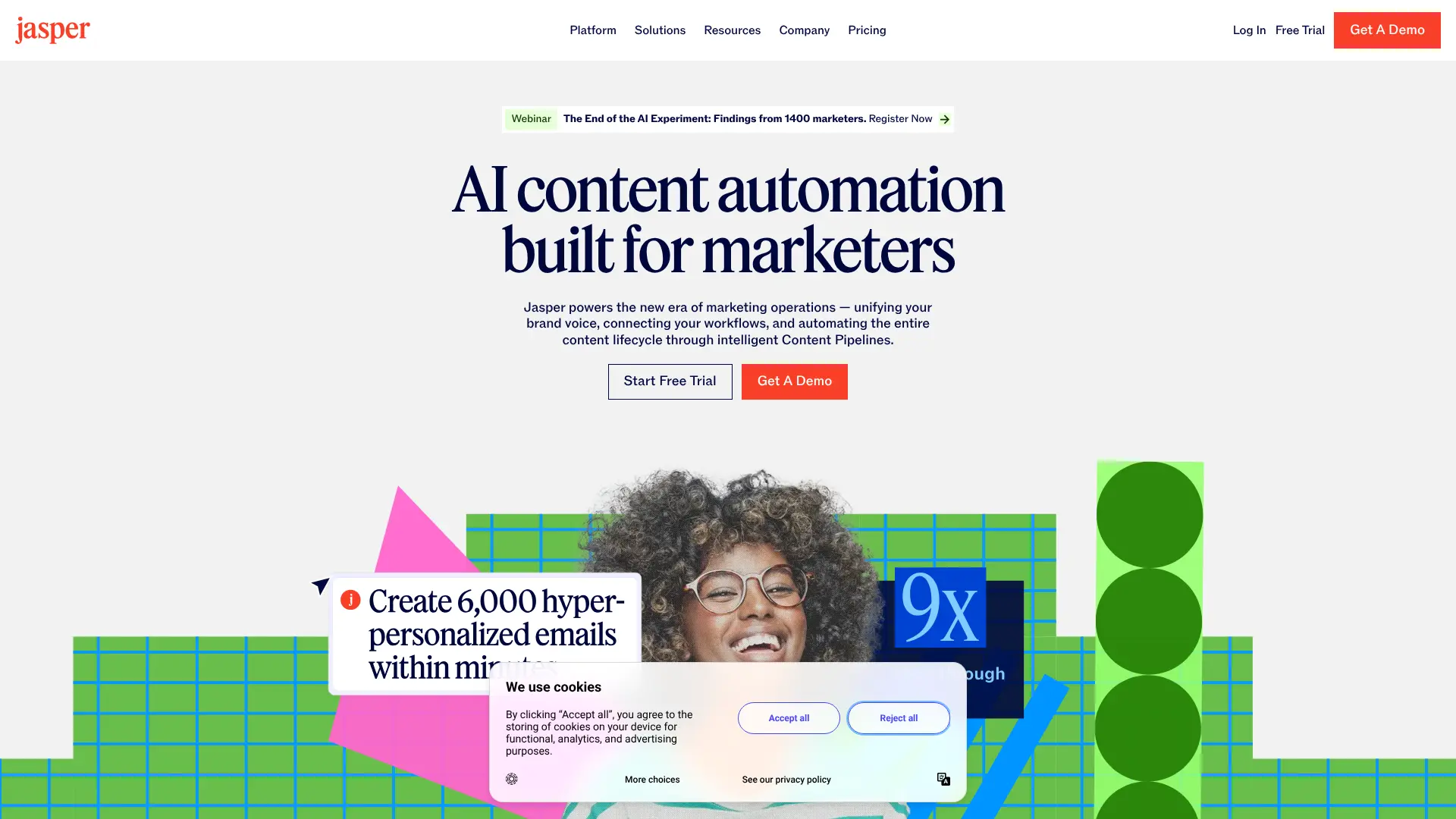 Jasper targets businesses and professional marketers who need high-quality marketing copy at scale. It’s pricier than other writing tools, starting at $59/month, but it delivers polished content that actually converts. Website: https://www.jasper.ai/
The platform excels at:
- SEO blog posts optimized for search rankings
- Email marketing campaigns and newsletters
- Social media posts across multiple platforms
- Ad copy for Google, Facebook, and other platforms
- Product descriptions for e-commerce
Jasper learns your brand voice by analyzing your existing content. Once trained, it maintains consistency across everything it writes. This brand voice memory sets it apart from generic AI writing tools that produce cookie-cutter content. The platform includes over 50 templates for different content types. Need a Facebook ad? Pick the template, fill in details about your product, and Jasper generates multiple variations. Testing different versions becomes simple. One major advantage: Jasper prioritizes data privacy. Your content isn’t used to train their AI models, and you retain full ownership of everything generated. For businesses handling sensitive information, this matters. The downside? Cost. Solo creators and small businesses might find the pricing steep. But for marketing teams producing dozens of pieces daily, Jasper pays for itself quickly.
5. Midjourney
Midjourney creates stunning AI-generated images that look like they came from a professional photographer or artist. It’s the most popular AI image generator among content creators, and for good reason. Website: https://www.midjourney.com/
The platform runs through Discord, which feels unusual at first but works smoothly once you get used to it. You type commands in chat, and Midjourney generates images within seconds. Plans start at $10/month for the Basic plan, which gives you about 200 image generations. The Standard plan at $30/month offers unlimited generations in relaxed mode, which works great for most creators. Midjourney shines at:
- Artistic and stylized images
- Fantasy and sci-fi scenes
- Product mockups and concepts
- Social media graphics and thumbnails
- Blog post featured images
The quality consistently impresses. Images from Midjourney often look more polished and artistic than results from other AI generators. It handles complex prompts well and understands artistic styles. However, Midjourney struggles with text in images and sometimes produces anatomically incorrect people (especially hands and faces). For photorealistic portraits, other tools might work better. Content creators love Midjourney because it produces unique visuals that stand out. Instead of generic stock photos, you get custom images that match your exact vision.
6. Runway
 Runway combines AI video generation with professional editing tools. It’s become popular among YouTubers, marketers, and filmmakers who want to add AI-powered features to their workflow. Website: https://runwayml.com/
The platform’s Gen-4 model creates impressive video from text prompts or static images. You can describe a scene, and Runway generates video footage that matches your description. While not perfect, the results continue improving with each update. Key features include:
- Text-to-video generation
- Image-to-video animation
- Video editing with AI-powered tools
- Background removal and replacement
- Motion tracking and effects
The free plan gives you 125 credits to test features. The Standard plan at $15/month includes 625 monthly credits, which covers moderate video creation needs. Creators use Runway for:
- B-roll footage for videos
- Social media content and reels
- Product demonstrations
- Creative transitions and effects
- Concept visualization
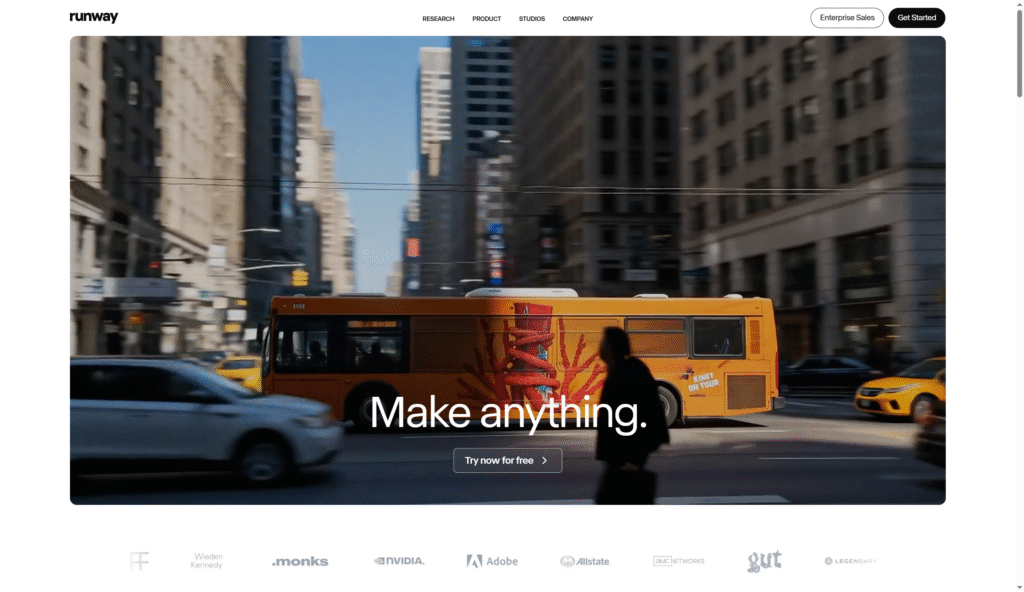 Runway works particularly well for brand storytelling and social content. The AI helps create professional-looking videos without expensive equipment or extensive editing knowledge. The learning curve is moderate. While simpler than traditional video editing software, Runway still requires some experimentation to get good results. But once you learn the basics, it speeds up video production significantly.
7. HeyGen
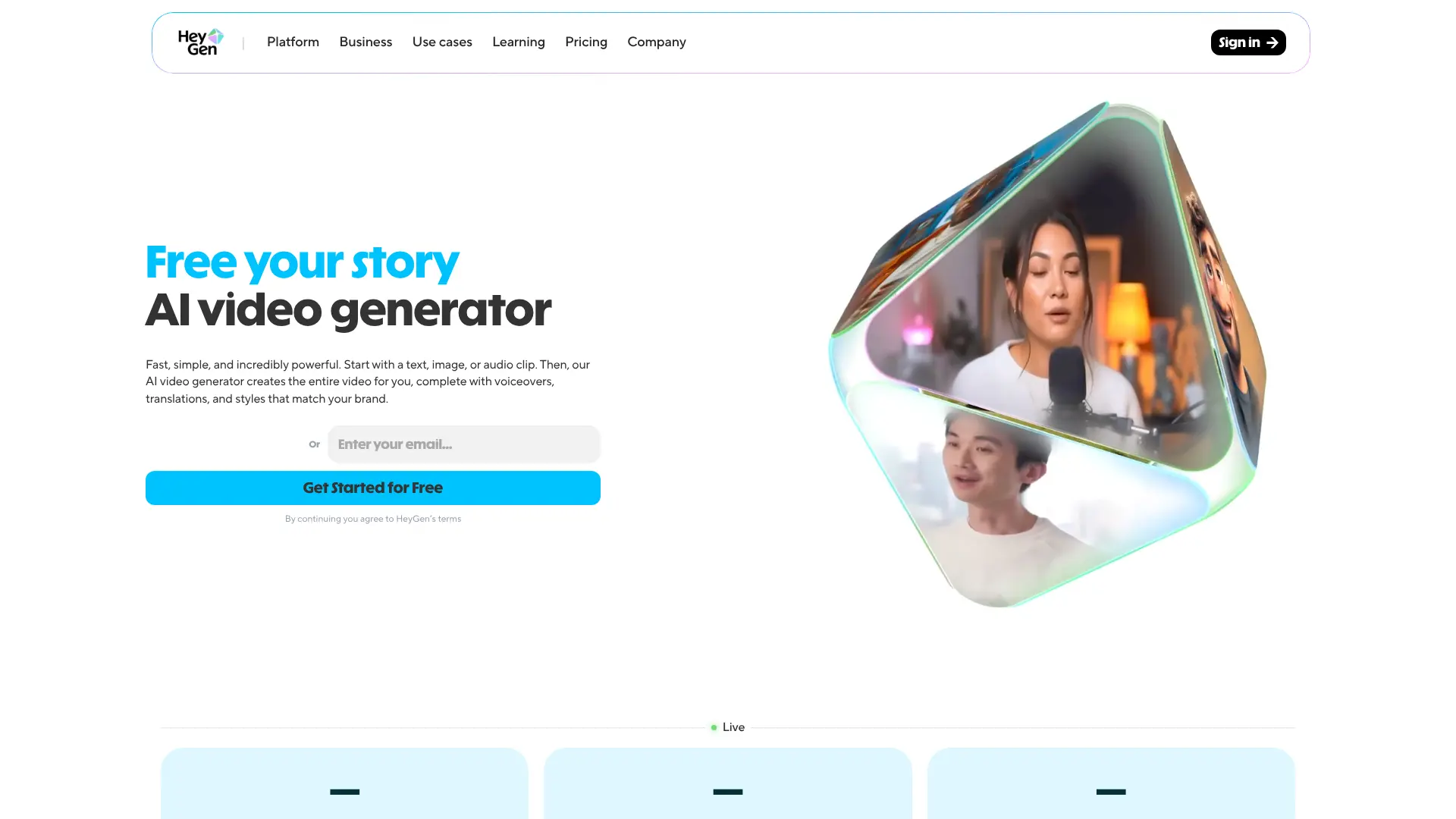 HeyGen creates videos featuring realistic AI avatars that speak your script. If you need training videos, product demos, or educational content but don’t want to appear on camera, this tool solves that problem. Website: https://www.heygen.com/
The platform offers dozens of avatars representing different ages, ethnicities, and professional styles. Pick one, paste your script, choose a voice, and HeyGen generates a video where the avatar delivers your message. The free plan includes three 3-minute videos at 720p quality. The Creator plan at $29/month offers unlimited videos up to 30 minutes each with 1080p export. HeyGen excels at:
- Training and onboarding videos
- Product explanations and tutorials
- Social media content
- Sales presentations
- Educational content
The avatars look surprisingly realistic. While viewers can tell they’re AI-generated, the quality has improved dramatically. Lip-syncing and facial expressions match the audio naturally. One unique feature: you can create a custom avatar that looks like you. Upload footage of yourself speaking, and HeyGen trains an avatar that mimics your appearance. This lets you generate videos in your likeness without recording every time. HeyGen works great for creators who produce lots of similar videos. Once you set up your template and avatar, creating new content becomes fast and easy.
8. Descript
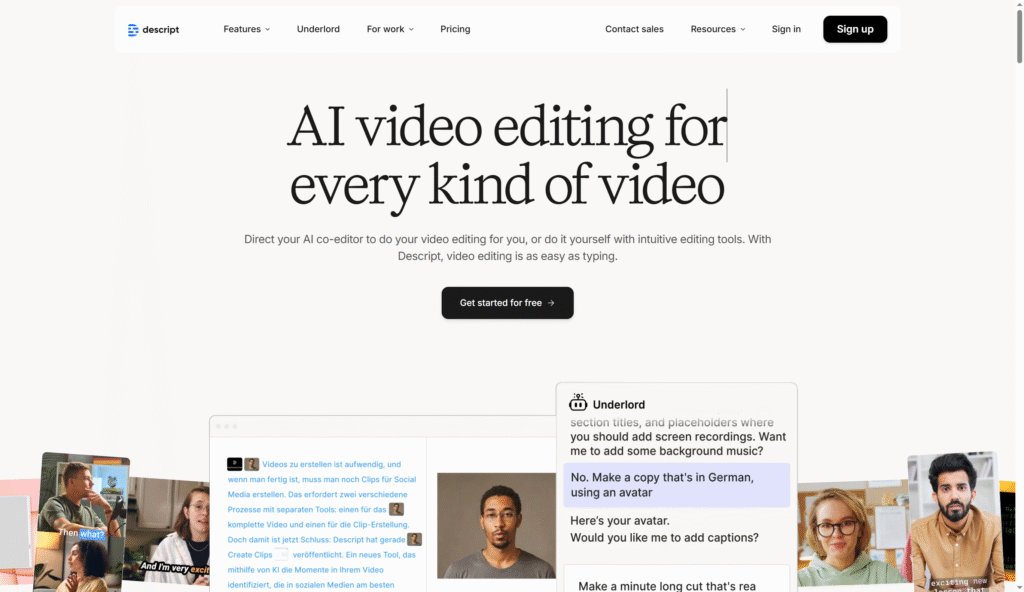
 Descript changed video editing by making it work like editing a document. Instead of dragging clips on a timeline, you edit the transcript. Delete a sentence, and the video cuts automatically. Website: https://www.descript.com/
The platform automatically transcribes your video when you import it. The transcription is incredibly accurate, even picking up different speakers and handling accents well. From there, you can:
- Edit video by editing text
- Remove filler words automatically
- Fix audio issues and reduce background noise
- Add captions and subtitles
- Create AI voiceovers
- Generate video clips from long recordings
 The free plan includes one hour of transcription per month. The Creator plan at $24/month offers 10 hours of transcription plus premium features like Studio Sound for audio enhancement. Descript works brilliantly for:
- Podcast editing
- YouTube videos
- Interview content
- Educational videos
- Screen recordings and tutorials
The text-based editing approach saves massive amounts of time. Instead of scrubbing through video to find mistakes, you just search the transcript. Need to remove an “um”? Delete it from the text. Overdub, Descript’s AI voice feature, lets you create voiceovers in your own voice. Record a few minutes of audio to train your voice model, then type what you want to say. The AI generates audio that sounds like you speaking.
9. Grammarly
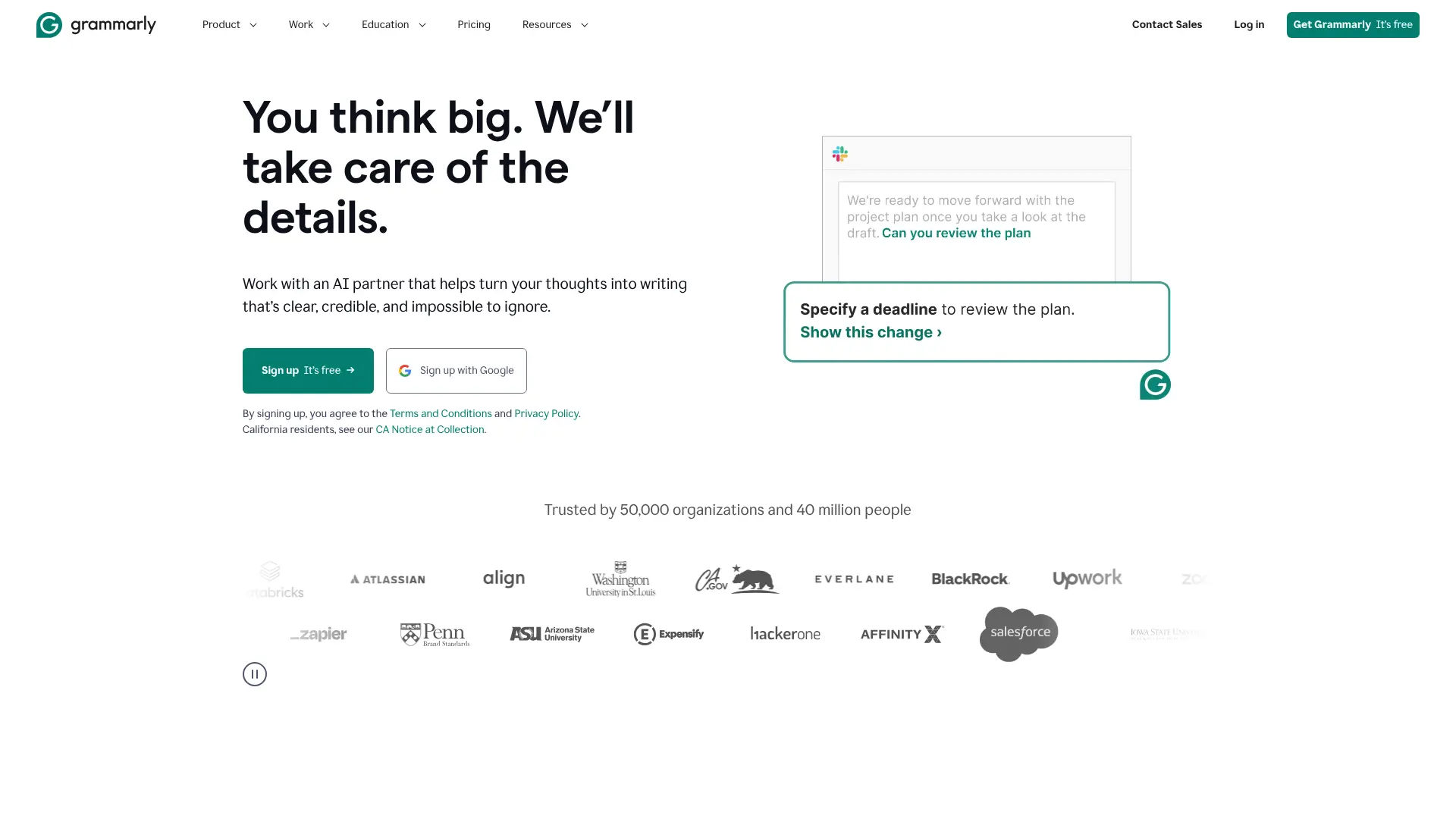 Grammarly has been around longer than most AI writing tools, but it continues evolving with new features. It’s the writing assistant that catches mistakes before you publish. Website: https://www.grammarly.com/
The tool works everywhere you write – emails, social media, documents, browsers. It catches grammar mistakes, suggests better word choices, and helps improve clarity. The free version handles basic grammar and spelling. Grammarly Premium at $12/month adds:
- Advanced grammar suggestions
- Tone detection and adjustments
- Clarity improvements
- Vocabulary enhancement
- Plagiarism detection
What makes Grammarly useful is context awareness. It doesn’t just flag errors – it explains why something’s wrong and suggests improvements that make sense for what you’re writing. Creators rely on Grammarly for:
- Polishing blog posts and articles
- Improving email communications
- Editing social media posts
- Refining video scripts
- Catching embarrassing typos
The browser extension is particularly handy. It works on Gmail, Twitter, LinkedIn, and most websites where you type. You get real-time suggestions as you write. Grammarly recently added AI writing features that generate and rewrite content. While not as powerful as dedicated AI writers like Jasper, it’s convenient for quick rewrites and expansions.
10. Leonardo AI
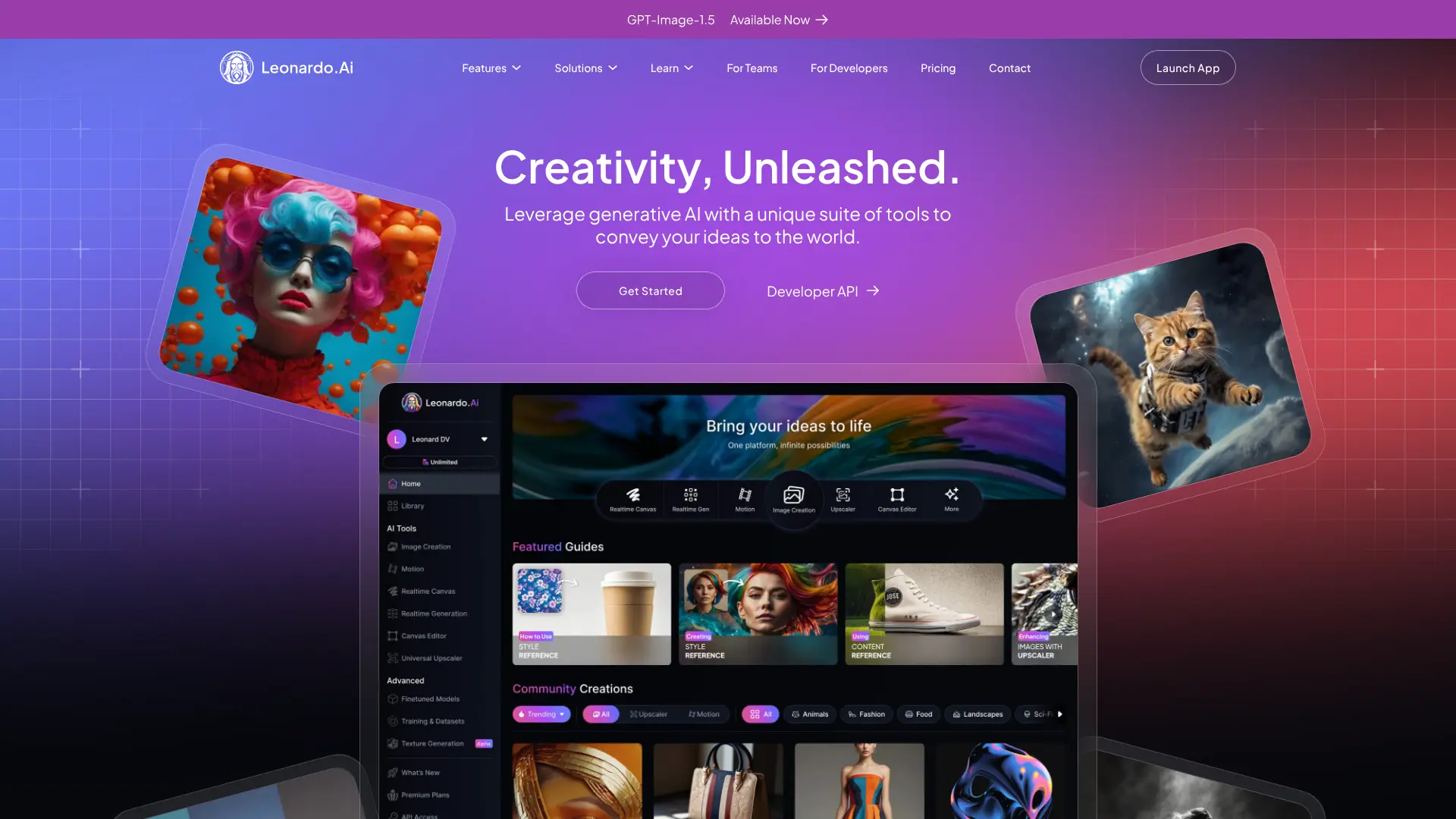 Leonardo AI offers more control over image generation than most competitors. It’s designed for creators who want specific styles and consistent results across multiple images. Website: https://leonardo.ai/
The platform includes multiple AI models – Flux for photorealistic images and Phoenix for creative, colorful artwork. You can switch between models depending on your needs. What sets Leonardo apart is the LoRA (Low Rank Adapter) feature. You can train the AI on your specific style by uploading 10-15 sample images. Once trained, it generates new images that match your aesthetic consistently. Leonardo excels at:
- Character design and concept art
- Marketing visuals and graphics
- Product mockups
- Social media content
- Brand-consistent imagery
The free plan provides enough credits to create about 20 images daily. Paid plans start at reasonable prices and offer more credits plus faster generation. Flow State Mode is particularly useful. It generates an infinite scroll of image variations from your prompt, giving you tons of options to choose from. Much better than generating one image at a time. The AI upscaling feature adds detail and texture to images, improving quality without starting over. Great for turning quick concepts into polished final pieces.
11. Synthesia
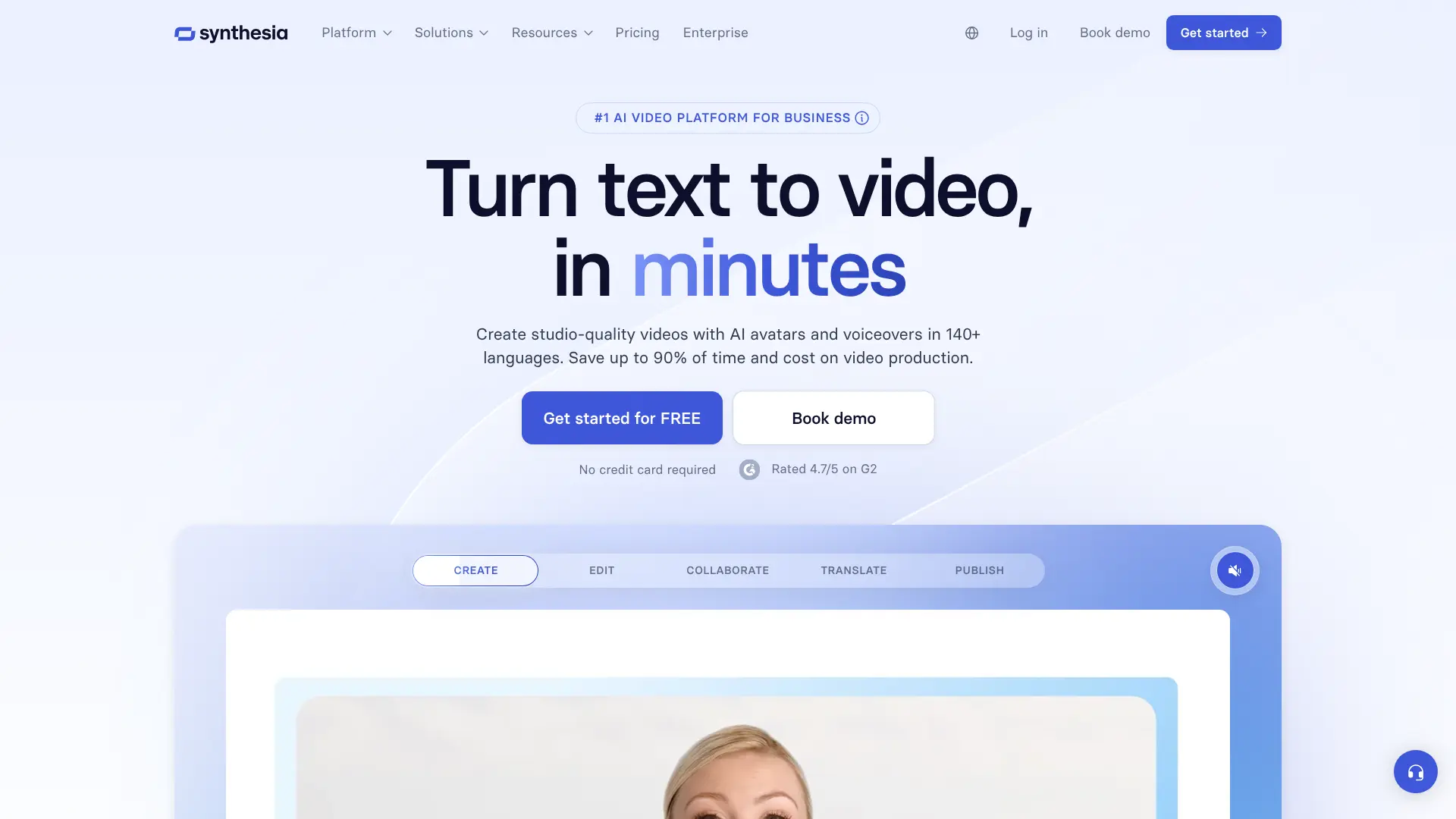 Synthesia specializes in corporate training videos and professional video communications. It’s built for businesses that need consistent, professional videos without hiring actors or production crews. Website: https://www.synthesia.io/
The platform has raised over $330 million in funding and is valued at $2.1 billion, making it one of the most well-funded AI video companies. That investment shows in the polish and features.Synthesia offers:
- 150+ realistic AI avatars
- 120+ languages and accents
- Customizable video templates
- Screen recording integration
- Brand kit for consistent styling
Pricing starts at $29/month for the Starter plan, which includes 10 minutes of video generation. The Creator plan at $89/month offers more minutes and features. Companies use Synthesia for:
- Employee training and onboarding
- Product tutorials
- Sales presentations
- Internal communications
- Customer education
The avatars look professional and polished. While viewers can tell they’re AI-generated, the quality works perfectly for business communications where content matters more than Hollywood-level realism. Synthesia’s strength is scalability. Once you create a template, producing variations becomes fast and cheap. Update a training video in multiple languages? Just change the script and regenerate.
12. VEED.io
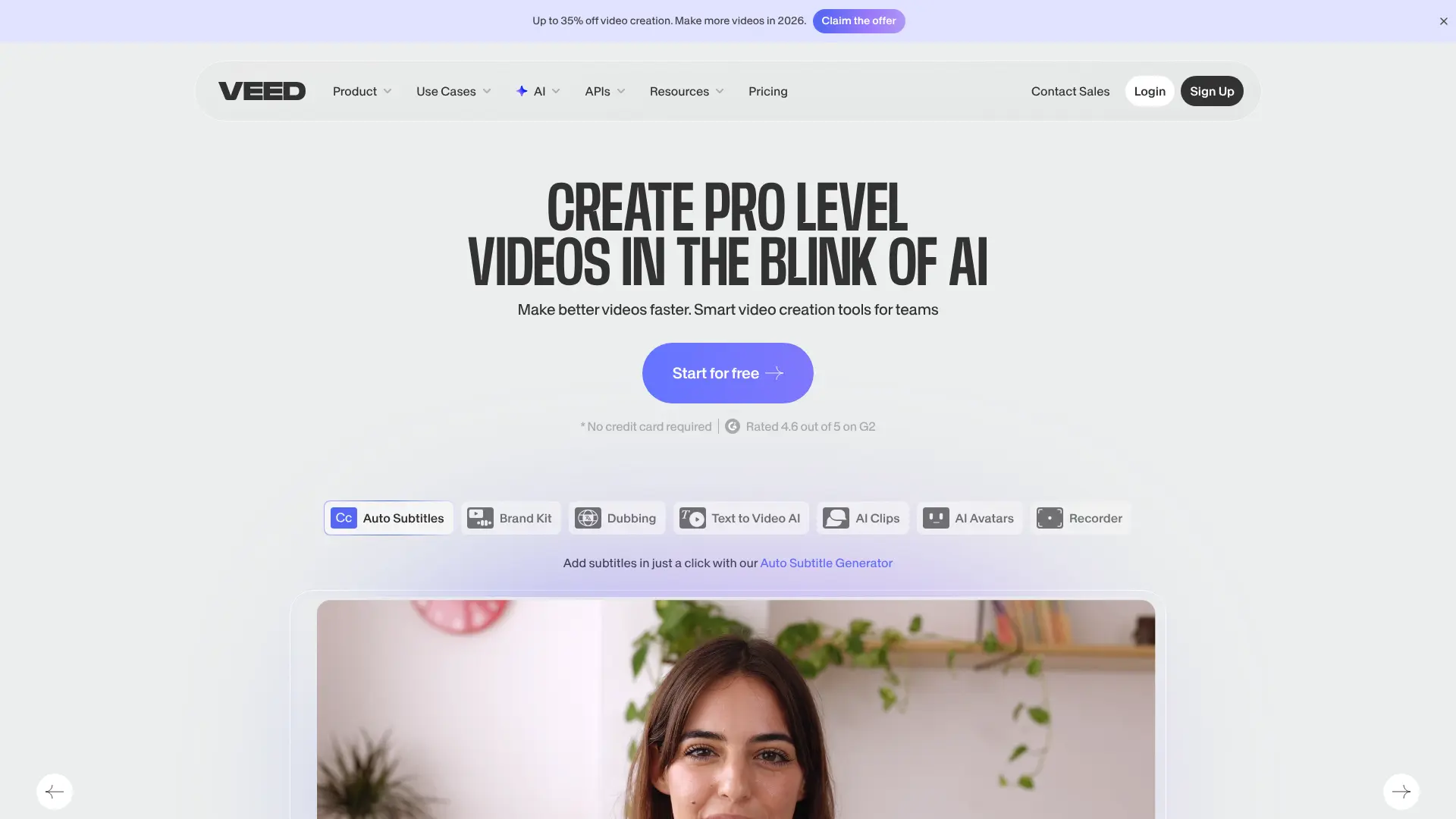 VEED.io runs entirely in your browser, making it accessible from any computer without downloads or installations. It’s powerful enough for serious editing but simple enough for beginners. Website: https://www.veed.io/
The platform combines traditional video editing with AI features:
- Automatic transcription and subtitles
- Background removal
- Eye contact correction
- Translation into multiple languages
- Audio cleanup and enhancement
 VEED’s automatic transcription is remarkably accurate. It handles accents well and correctly identifies when speakers change. The generated subtitles include styling options to match your brand or platform requirements. The free plan includes basic features with a VEED watermark. Pro plans start at $24/month and remove watermarks while adding premium features. Creators use VEED for:
- Social media videos
- YouTube content
- Marketing videos
- Tutorials and courses
- Quick edits and repurposing
The eye contact feature is clever. It adjusts your gaze so you appear to be looking directly at the camera, even if you were reading from a script. Perfect for talking head videos and presentations. VEED includes safe zones for social media videos, showing where platform interfaces will cover your content. This prevents important elements from getting hidden by Instagram buttons or TikTok UI.
13. Copy.ai
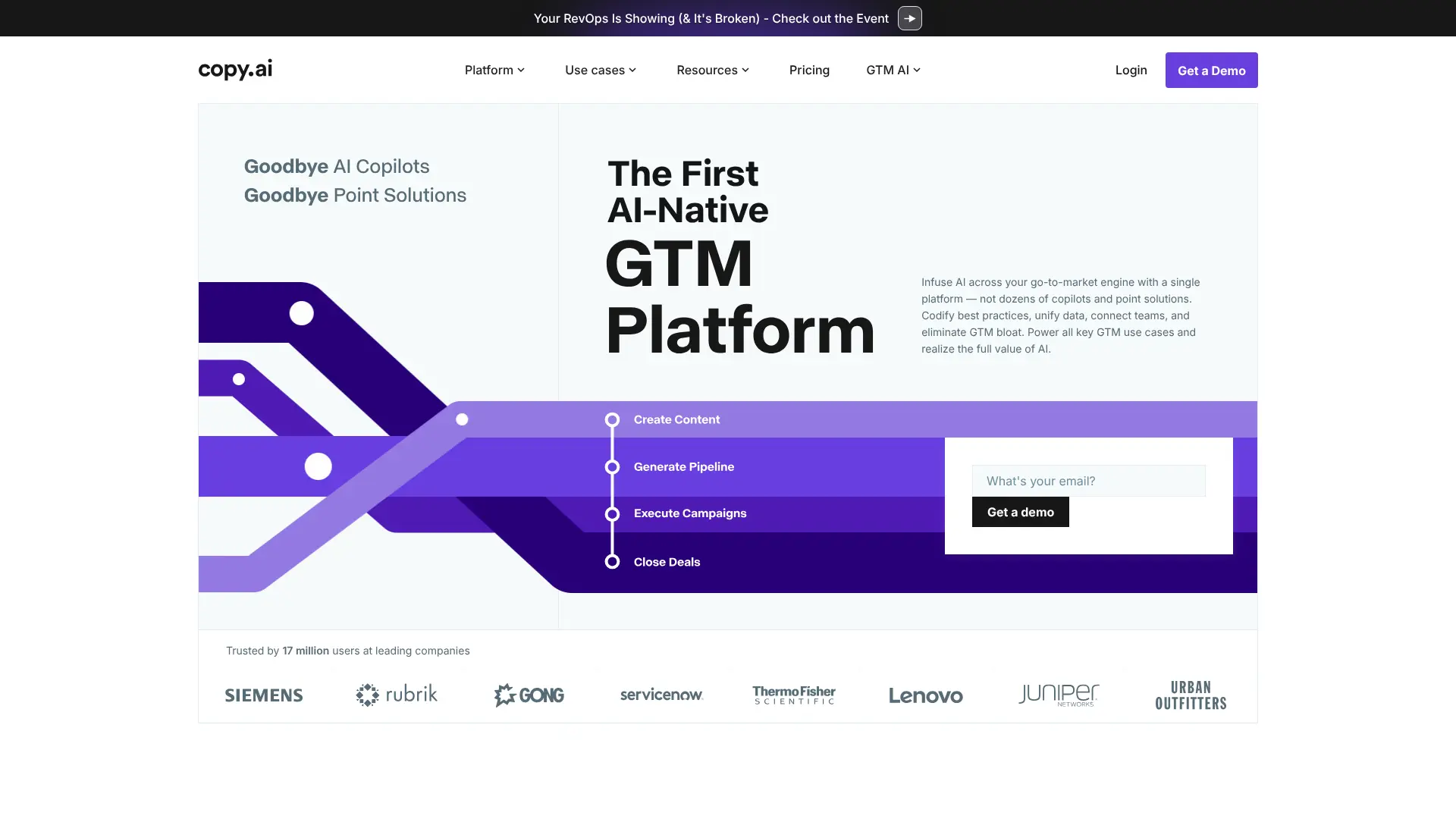 Copy.ai started as a simple copywriting tool but evolved into a complete go-to-market platform. It’s trusted by 17 million users, including major companies like Siemens and Lenovo. Website: https://www.copy.ai/
The platform now includes:
- Content generation across formats
- Sales workflow automation
- Campaign execution tools
- Multiple AI model integration
- Team collaboration features
Copy.ai works with multiple AI models including OpenAI, Anthropic, Gemini, and Perplexity. This means you’re not locked into one system – you can pick the best model for each task. The free plan includes 2,000 words per month. Pro plans start at $49/month and offer unlimited words plus advanced features. Marketing teams use Copy.ai for:
- Email campaigns and sequences
- Social media content
- Ad copy testing
- Blog posts and articles
- Product descriptions
The workflow automation features help marketing teams execute campaigns faster. You can create templates for common tasks and generate variations quickly. Copy.ai’s strength is speed. When you need lots of content variations for testing, it produces options fast. The quality is solid, though you’ll want to review and customize the output.
14. Pictory
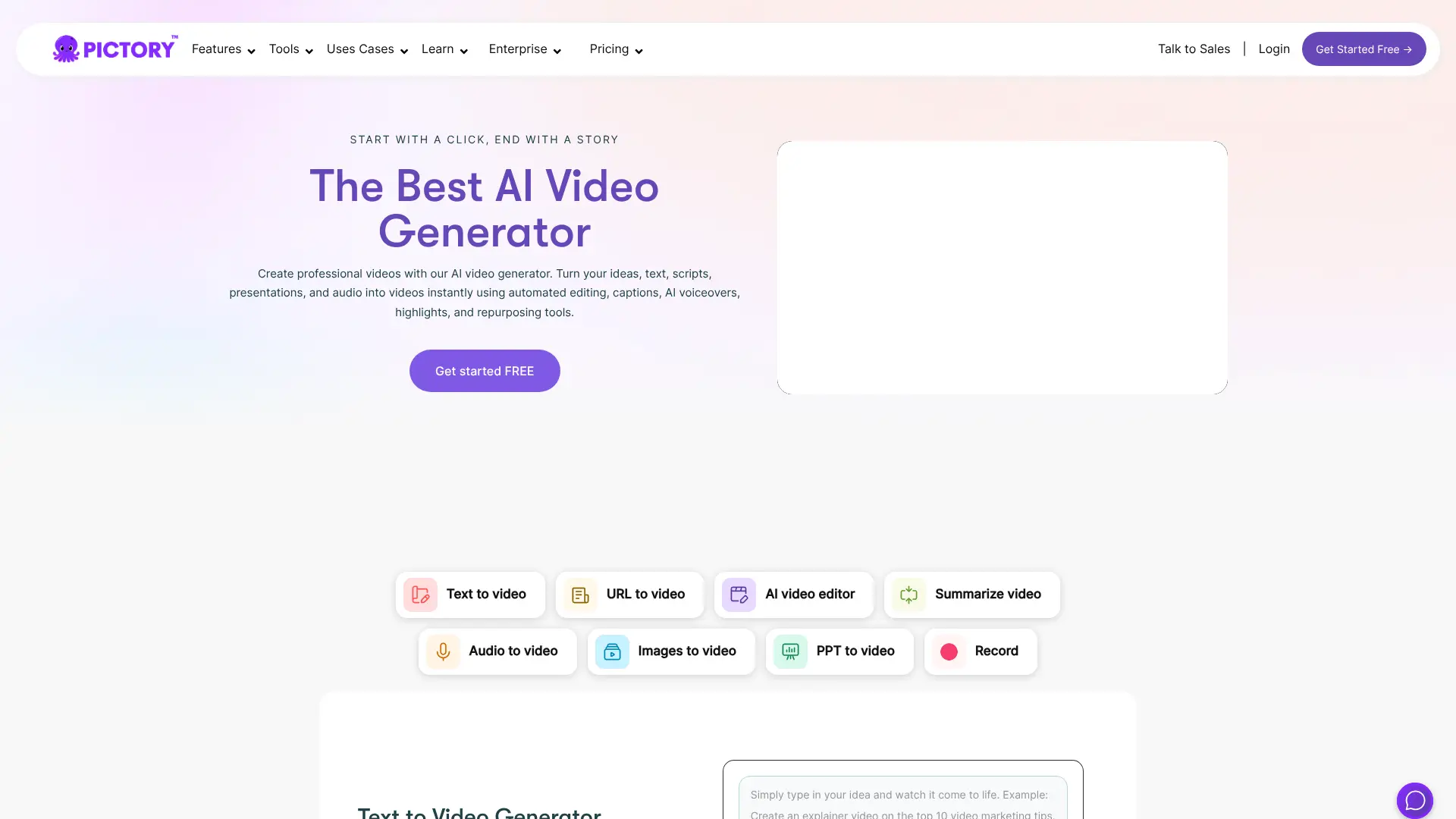 Pictory turns written content into engaging videos. If you have blog posts, articles, or scripts, Pictory can transform them into video content automatically. Website: https://pictory.ai/ The platform analyzes your text, pulls relevant stock footage and images, and creates a video complete with voiceover and music. The process takes minutes instead of hours. Pictory includes:
- Text-to-video conversion
- Automatic scene selection
- AI voiceover generation
- Subtitle creation
- Video highlights from long content
The Standard plan starts at $23/month, allowing 30 videos monthly with 10 hours of transcription. The Premium plan at $47/month doubles those limits and adds brand kit features. Creators use Pictory for:
- Repurposing blog posts into social videos
- Creating promotional content
- Making video summaries of articles
- Producing video newsletters
- Generating YouTube shorts from long videos
The highlight extraction feature is particularly useful. Upload a long video, and Pictory identifies the most engaging moments, then creates short clips ready for social media. Pictory works great when you need to maximize content reach. One blog post can become multiple video clips for different platforms, all generated automatically.
15. Writesonic
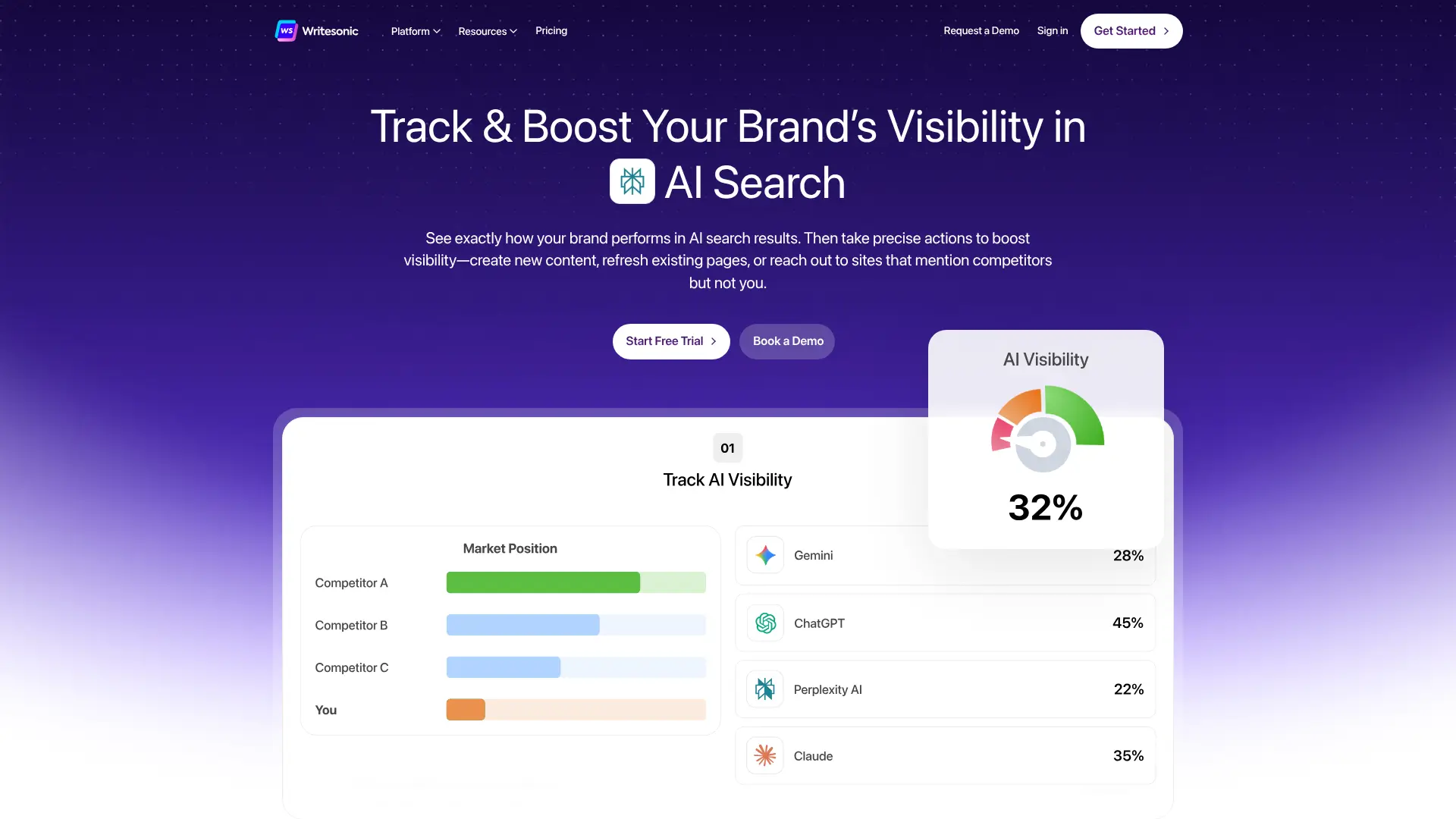 Writesonic offers solid AI writing features at a lower price than competitors. It’s built for marketers and content creators who need SEO-optimized content without breaking the bank. Website: https://writesonic.com/
The platform provides access to both GPT-3.5 and GPT-4. You can use the faster GPT-3.5 for bulk content and switch to GPT-4 when you need higher quality. Key features include:
- AI Article Writer (up to 5,000 words)
- 80+ content templates
- SEO optimization tools
- Chatsonic (AI chatbot)
- Chrome extension for everywhere writing
The free plan includes 10,000 words per month. Unlimited plans start at $20/month for unlimited words with GPT-3.5, making it one of the most affordable options. Writesonic excels at:
- Blog posts and articles
- Product descriptions
- Ad copy
- Social media posts
- Email marketing
The integration with Gmail and Google Docs through the Chrome extension makes writing smoother. You can generate content directly in these apps without switching tabs. Chatsonic, their ChatGPT alternative, includes internet access for current information. This helps when writing about recent events or trending topics.
16. Frase
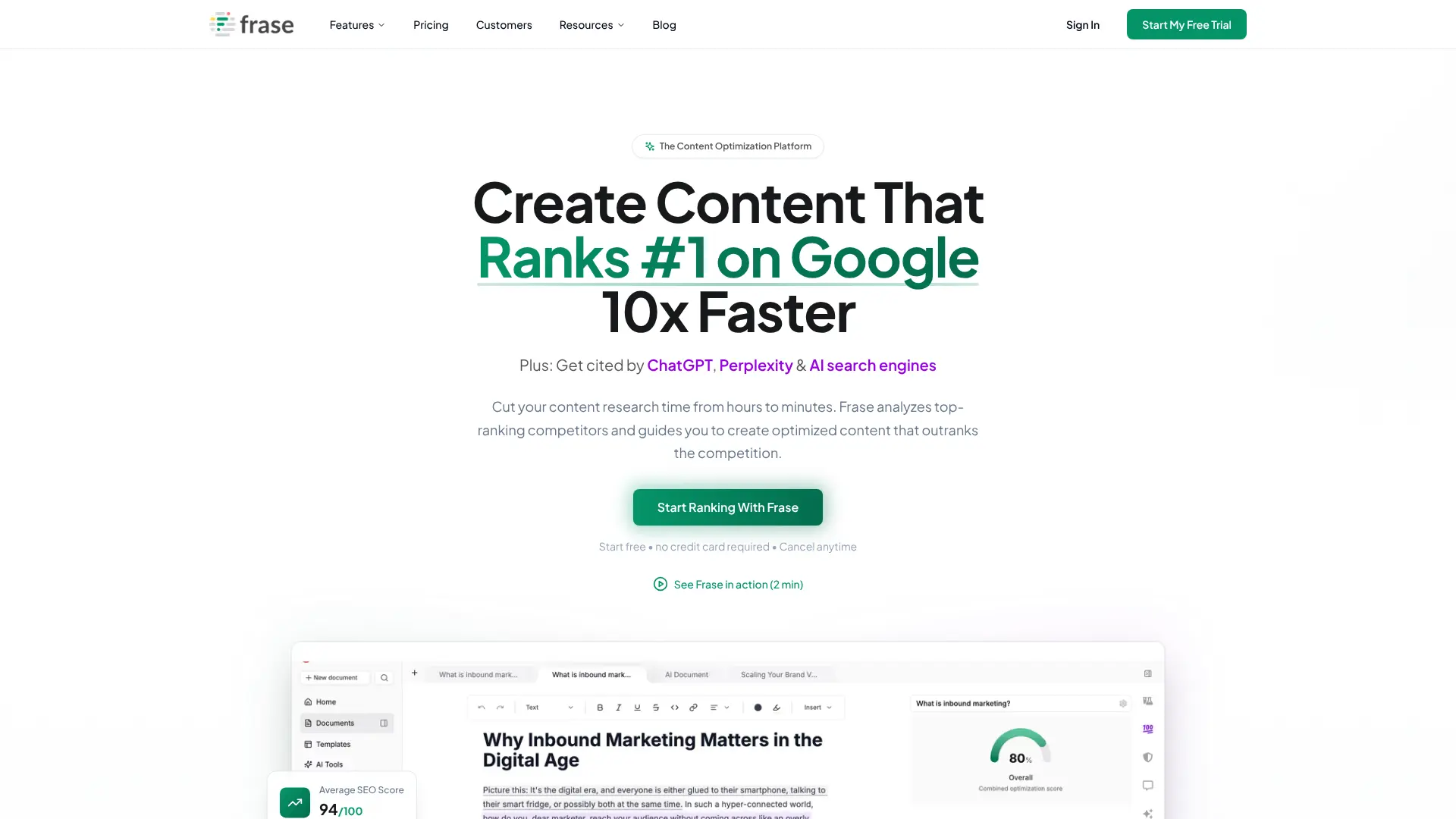 Frase approaches content creation through competitive intelligence. It analyzes what’s already ranking for your target keywords and helps you create something better.
Website: https://www.frase.io/
The platform researches your topic, examines top-ranking pages, and creates detailed content briefs. You get a roadmap showing what to include for the best chance of ranking. Frase includes:
- Topic research and analysis
- Content brief generation
- AI writing tools
- SEO optimization scoring
- Competitor content analysis
Plans start at $15/month for the Solo plan, which includes 10,000 AI words and 30 documents. The Basic plan at $45/month increases those limits significantly. Content creators use Frase for:
- Planning blog content
- Improving existing articles
- Competitor analysis
- Keyword research
- Content optimization
What makes Frase valuable is the research it provides. Instead of guessing what to write about, you see exactly what topics and questions top-ranking content covers. The platform organizes insights into actionable outlines. You get headers, questions to answer, and terms to include – everything needed to write comprehensive content. Frase works particularly well when paired with another AI writer like Jasper. Use Frase for research and strategy, then generate content with your preferred writing tool.
17. Filmora
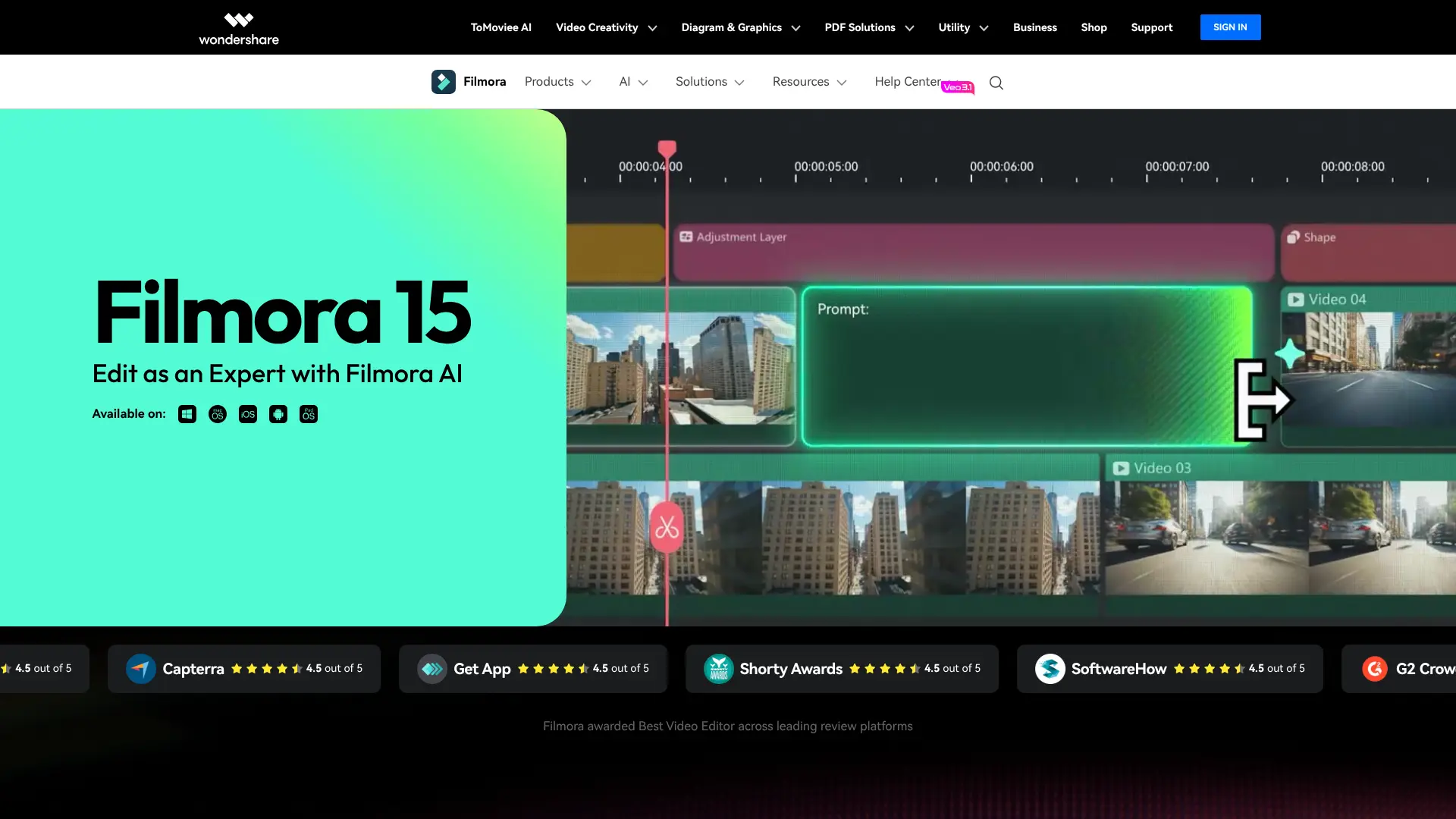 Filmora by Wondershare combines traditional video editing with AI features at a price point that doesn’t hurt. It’s designed for creators who want professional results without the professional learning curve. Website: https://filmora.wondershare.com/
The software includes AI tools like:
- Smart scene detection
- Automatic beat synchronization
- Motion tracking
- Background noise removal
- Auto-reframing for different aspect ratios
Beat Detection is particularly useful for creating dynamic videos. Add a music track, and Filmora automatically marks each beat on the timeline. Your cuts can land perfectly on the rhythm. Motion Tracking lets you attach elements to moving objects in your video. Want text to follow someone as they walk? Motion tracking handles it automatically. Pricing includes a one-time license option or annual subscription at $49.99/year. Both unlock advanced effects, transitions, and all editing features. Creators choose Filmora for:
- YouTube videos
- Social media content
- Video podcasts
- Marketing videos
- Personal projects