AI presentation generators are smart software tools that use artificial intelligence to help you build professional slide decks in minutes instead of hours. These tools take your ideas, topics, or documents and turn them into complete presentations with text, AI images, and layouts. The technology works by using large language models (similar to ChatGPT) combined with design systems. You simply type what you want to present, and the AI creates a full deck of slides automatically. Some tools can even convert your existing documents, PDFs, or website links into polished presentations. According to research by McKinsey, professionals spend an average of 2.5 hours creating a single presentation. AI presentation generators cut this time to under 10 minutes, which means you save about 93% of your time.
Table of Contents
- Why Use AI Tools for Creating Presentations
- 16 Best AI Presentation Generators in 2025
- How to Choose the Right AI Presentation Tool
- Tips for Getting Better Results from AI Presentation Makers
- What’s Next for AI Presentation Technology
- Frequently Asked Questions
- Key Takeaways
Why Use AI Tools for Creating Presentations
Creating presentations the old way means staring at blank slides, hunting for the right images, and spending hours on formatting. AI presentation generators solve these problems and offer several clear benefits.
Save Massive Amounts of Time
Time is the biggest advantage. Instead of spending hours building slides from scratch, AI tools generate complete presentations in 60 seconds to 10 minutes. You can use the extra time to practice your delivery or focus on other important work. A study by Forrester found that teams using AI productivity tools reported a 40% reduction in time spent on routine tasks, including presentation creation.
Get Professional Designs Without Being a Designer
Not everyone has design skills, but everyone needs good-looking presentations. AI tools come with hundreds of professional templates and automatically handle layout, spacing, colors, and fonts. Your slides will look polished without you needing to know anything about design principles.
Beat Writer’s Block and Generate Ideas
Starting is often the hardest part. AI presentation makers help you overcome blank page syndrome by generating outlines, suggesting content, and even writing speaker notes. If you’re stuck on what to say, the AI can help you brainstorm and structure your thoughts.
Maintain Brand Consistency Across Your Company
For businesses, keeping presentations on-brand is important. Many AI tools let you upload your company colors, fonts, and logos. Once set up, every presentation automatically follows your brand guidelines, which means no more mismatched slides from different team members.
Easy Editing and Collaboration
AI-generated presentations aren’t final drafts. You can edit everything the AI creates. Most tools let you change text, swap images, adjust layouts, and collaborate with team members in real-time. The AI gives you a strong starting point that you can customize to your needs.
16 Best AI Presentation Generators in 2025
After testing dozens of AI presentation tools, we’ve found the best options for different needs. Here are 16 top-rated generators that can help you create professional presentations quickly.
1. Manus AI Slides
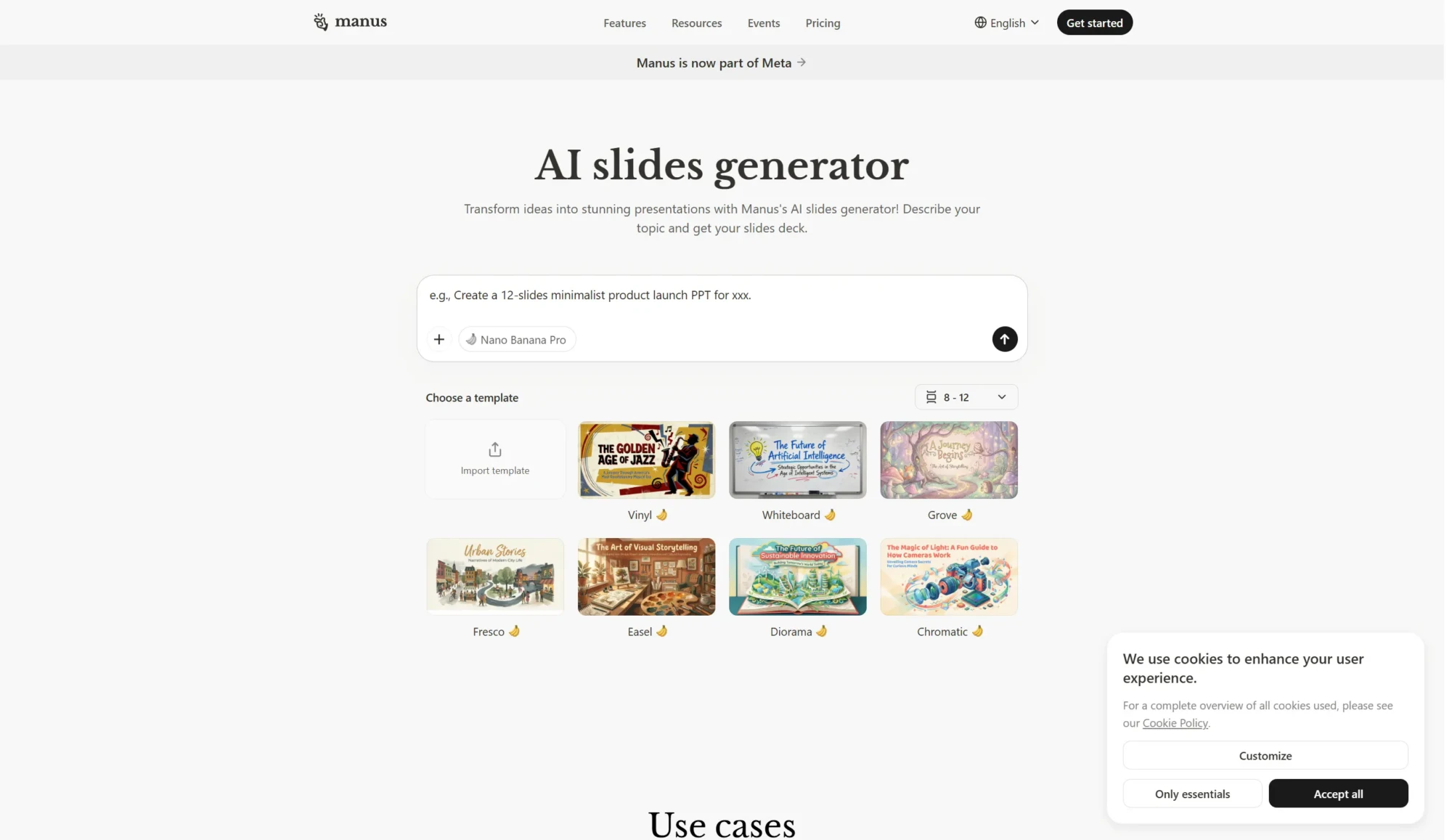
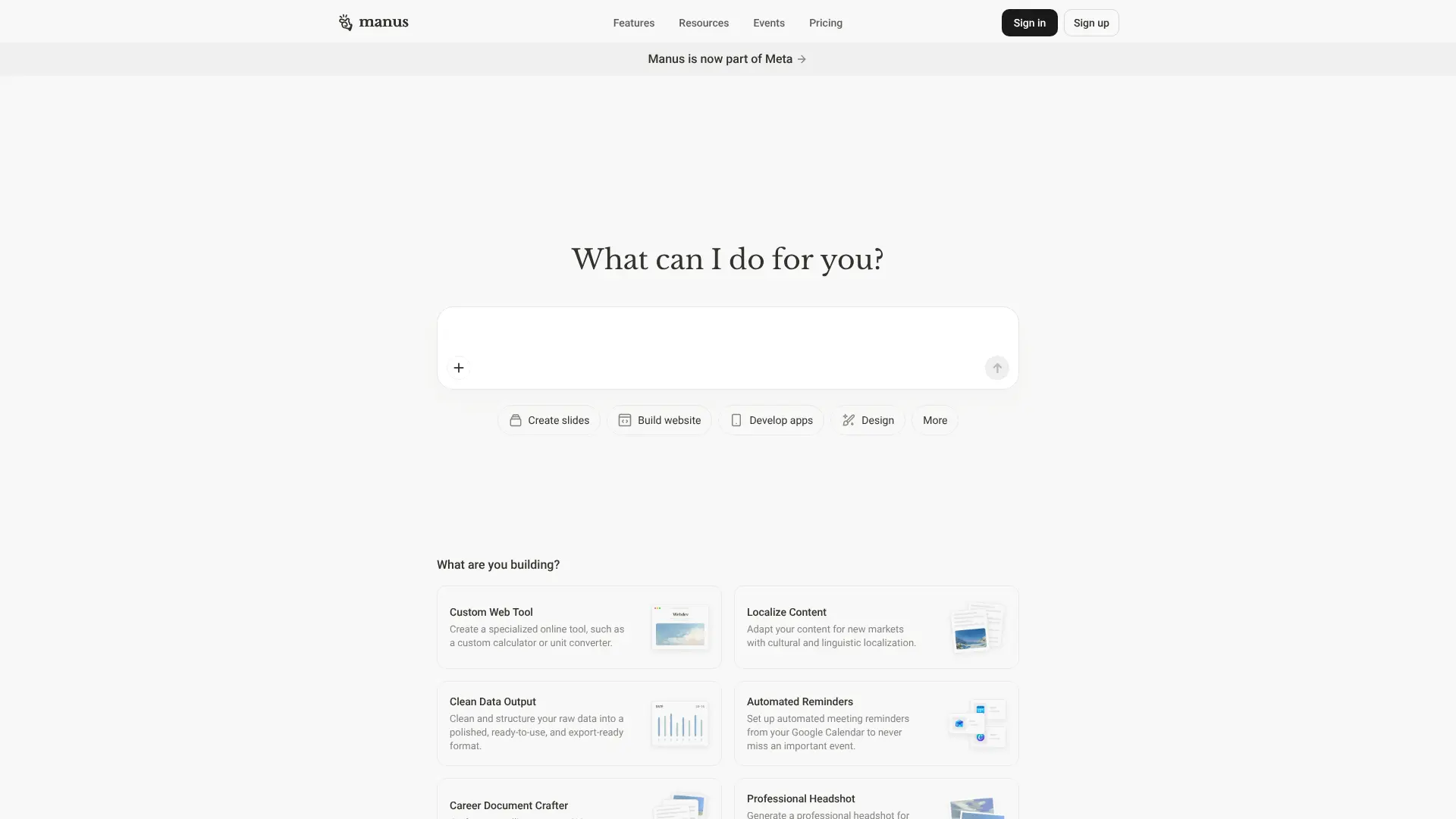 Manus AI Slides is a powerful presentation tool that launched in May 2025 and quickly became one of the most impressive options available. This tool stands out because it can turn even vague prompts into research-driven, professional presentations. What makes Manus special is its use of Claude 3.7 Sonnet, one of the most advanced AI models available. This means Manus can handle complex topics, extract context from documents, and create slide layouts that actually make sense. You can feed it a simple topic, upload PDFs or Word documents, or paste web links, and it will generate a complete presentation in minutes. According to a detailed review by a strategic consultant, Manus created a 16-slide presentation on AI trends with better depth and accuracy than tools like Gamma, Tome, and ChatGPT-based methods. The presentation included proper structure, relevant images, and strategic content worthy of a top consulting firm. Key Features:
- Generates presentations from brief prompts, documents, or website links
- Creates 10-20 slides with logical flow from introduction to conclusion
- Includes AI-generated images and data visualizations
- Exports to PowerPoint, Google Slides, and PDF formats
- Free daily credits available for new users
Best For: Business professionals, consultants, researchers, and anyone who needs detailed, accurate presentations with minimal input. Pricing: Free tier with 1,000 credits plus 300 daily refresh credits. Paid plans available for heavy users. Website: Visit Manus AI Slides
2. SlidesAI
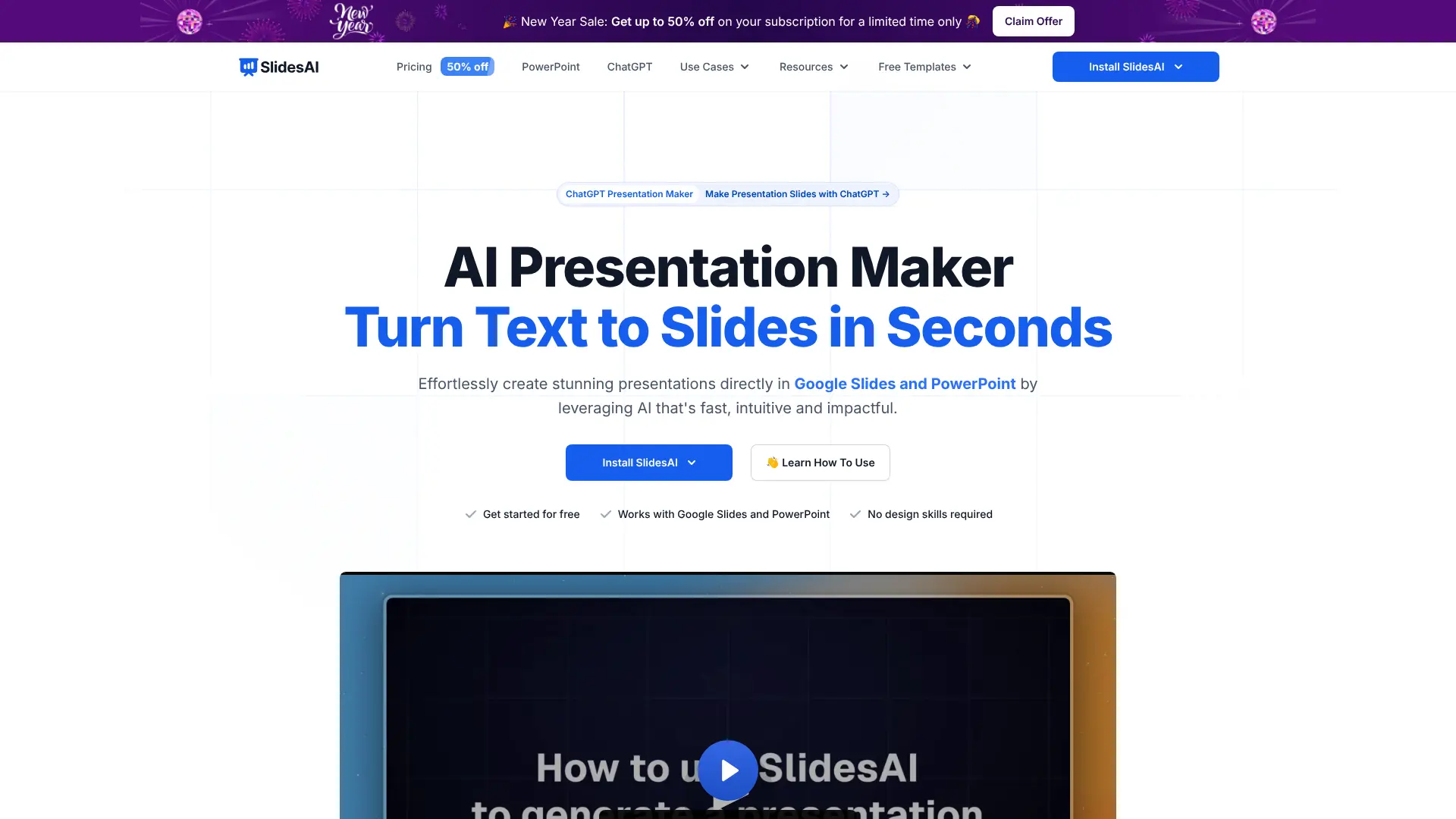 SlidesAI is an AI-powered presentation maker designed for people who already work inside Google Slides and Microsoft PowerPoint. Instead of forcing users to switch to a new platform, it fits directly into the tools they already use and helps turn text, notes, or documents into clean, well-structured slide decks in seconds. The tool is built around speed and ease of use. You paste in your content, and SlidesAI takes care of the structure, acting as an AI-powered PowerPoint generator that turns rough ideas into clear, presentation-ready slides. Headings, bullet points, and layout are handled automatically, which is ideal for business professionals, educators, and teams who want polished decks without spending hours on formatting or design choices. SlidesAI also works well with long or complex material. It can break down dense content and summarize it into slide-friendly points, making it useful for reports, lesson notes, research summaries, or meeting presentations. Because everything happens inside Google Slides and PowerPoint, users can edit, collaborate, and present right away without exporting files or learning new software. Key Features:
- Instant presentation creation from text, notes, or documents
- AI summarization and structuring of long or complex content
- Native Google Slides integration for real-time editing and collaboration
- Built-in support for Microsoft PowerPoint
- Multiple modern design templates for business and education
- Supports over 100 languages for global and multilingual teams
Best For: Professionals, educators, students, and teams who frequently create presentations and prefer working directly inside Google Slides or PowerPoint. Pricing: Free plan with limited usage and capped credits. Pro plan at around $8.33/month with higher limits and document uploads. Premium plan at around $16.67/month with unlimited presentations. Team plans and institution or enterprise plans available with custom pricing. Website: Visit SlidesAI
3. Gamma
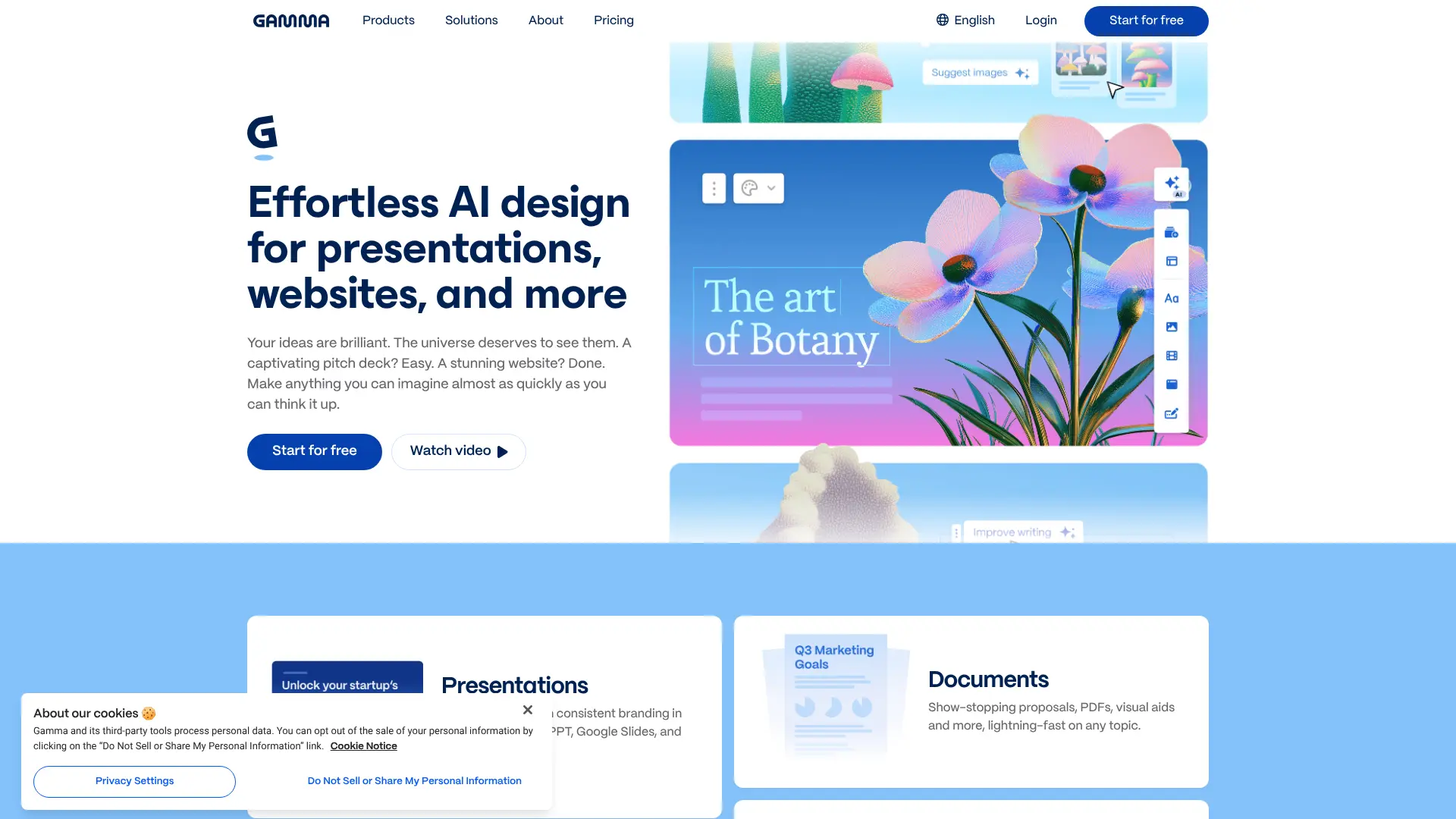
Gamma consistently ranks as the number one AI presentation maker in multiple expert reviews. This tool excels at combining text generation, formatting, design, and image creation from simple prompts, which makes it incredibly powerful for creating complete presentations. What sets Gamma apart is its ability to generate an outline first, which you can customize before creating the full presentation. You can adjust how much text appears on each slide, choose your image source (automatic, web images, or AI-generated), and even add specific prompts for image styles. The advanced settings let you set target audiences, tone, and card aspect ratios. According to independent testing by AI tools experts, Gamma was “well ahead of all the other presentation maker AI tools” because it could generate whole presentations based on just one prompt, while other tools promised more than they delivered. Key Features:
- Generates presentations, landing pages, and documents
- Offers 400 free AI credits to start
- Advanced customization with tone, audience, and style controls
- AI-generated images that match your color scheme
- Integration with Zapier for automated workflows
Best For: Professionals and teams who need versatile, high-quality presentations with both strong content and beautiful design. Pricing: Free plan with 400 credits. Paid plans start at $8/month. Website: Visit Gamma
4. Plus AI
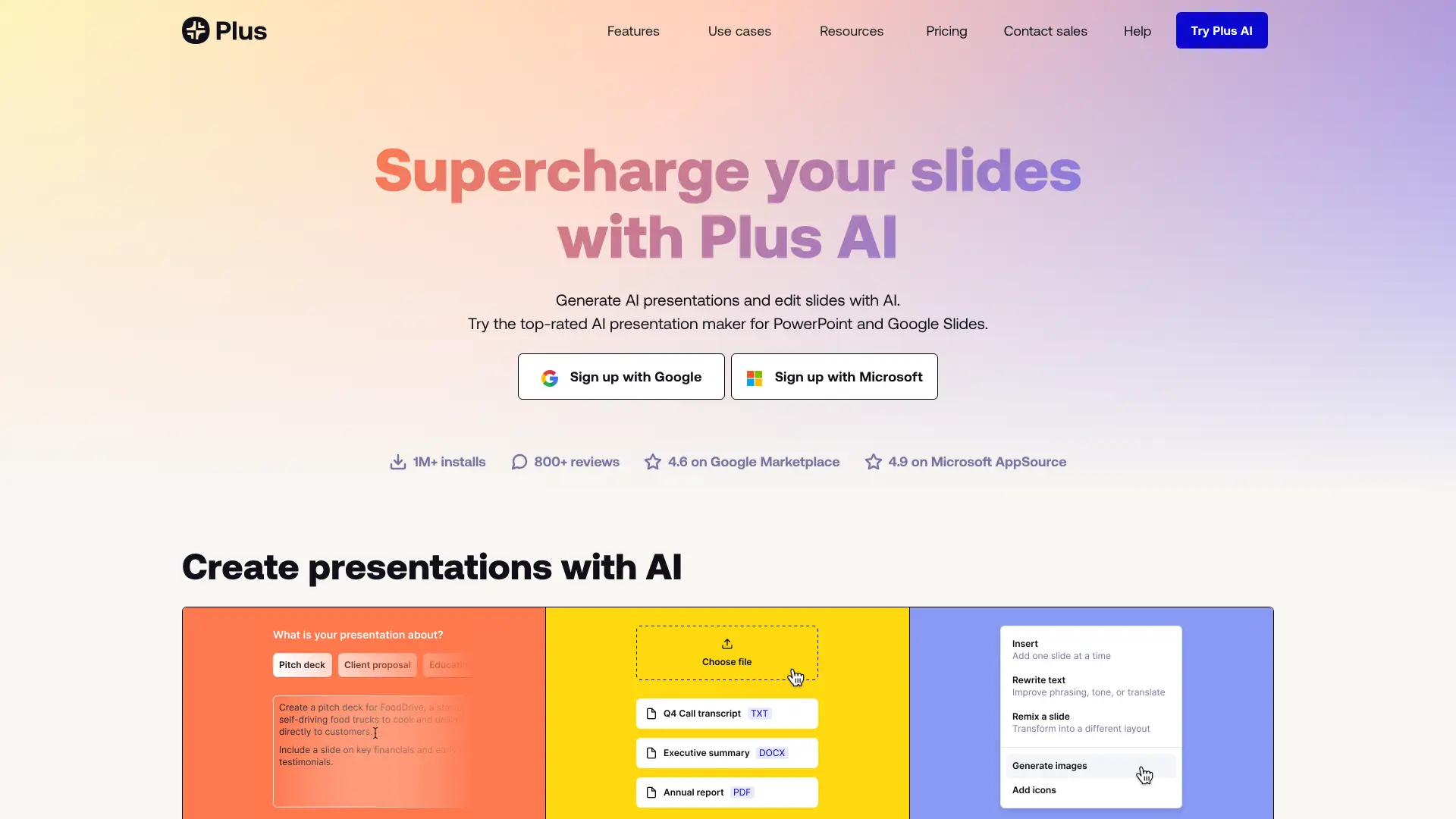 Plus AI takes a different approach by working directly inside PowerPoint and Google Slides as an add-in. This means you don’t need to learn new software or worry about compatibility issues. You can generate and edit presentations right in the tools you already use every day. The tool is specifically designed for professional users who make slides regularly. Plus AI is the top-rated PowerPoint AI on the Microsoft AppSource marketplace and offers hundreds of professionally designed slide templates. You can create presentations from prompts, upload documents to convert them into slides, or use AI to rewrite and reformat existing slides. According to comparative analysis, Plus AI creates the highest-quality presentations because of its advanced AI design system that understands different slide layouts better than other tools. Key Features:
- Native integration with PowerPoint and Google Slides
- Hundreds of slide templates and layouts
- Rewrite, remix, and reformat existing slides with AI
- Create AI charts and images directly in your slides
- SOC 2 Type II certified for enterprise security
Best For: Business professionals, consultants, and teams who use PowerPoint or Google Slides and want to enhance their workflow with AI. Pricing: Free 7-day trial. Paid plans start at $10/month. Website: Visit Plus AI
5. Decktopus AI
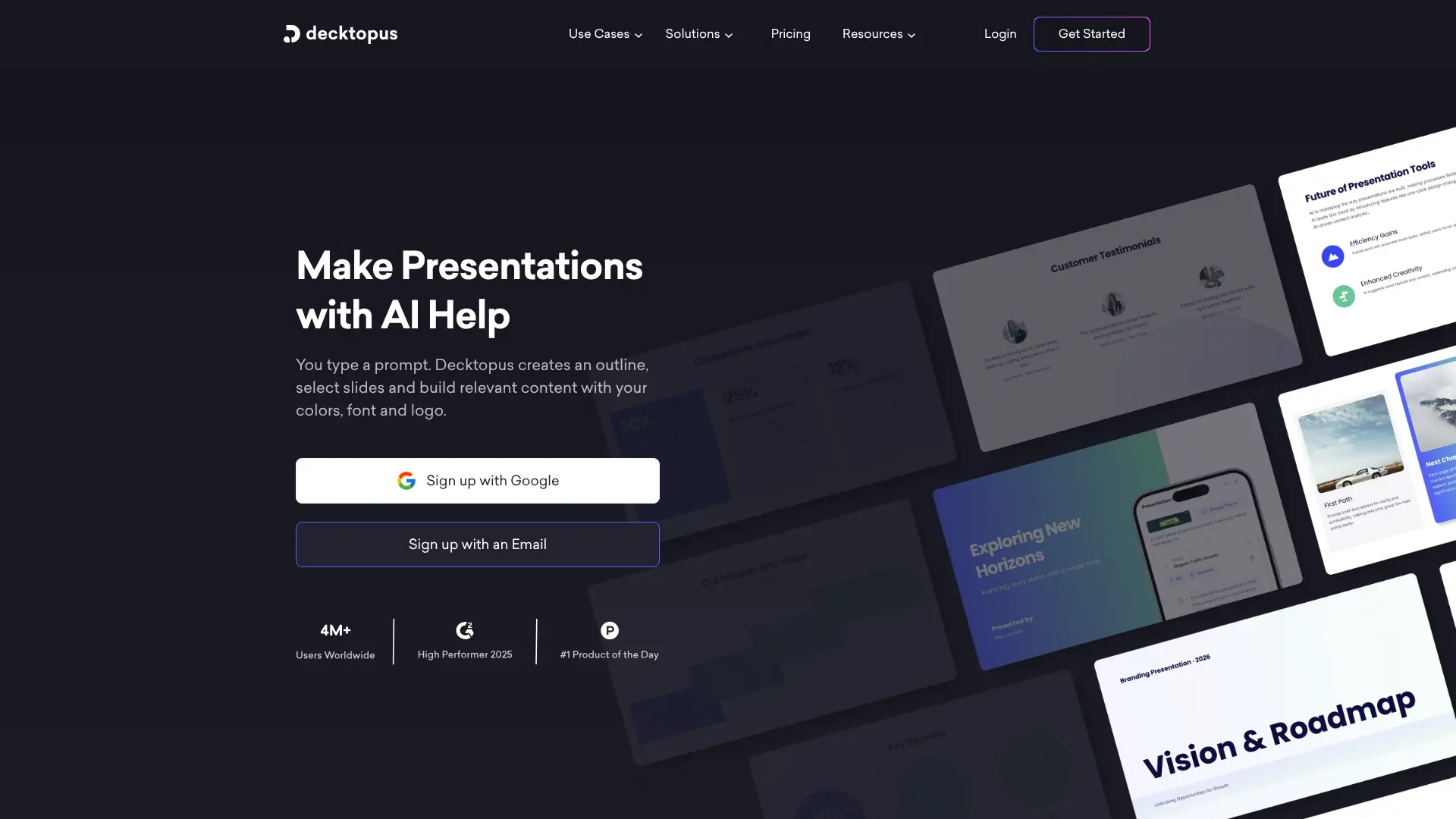
Decktopus AI is one of the most popular AI presentation generators, used by over 1 million people including teams at Nike, Cisco, and L’Oréal. The tool is known for its speed and ease of use – you can create a professional presentation in under 10 minutes. What makes Decktopus special is its built-in AI assistant called Deckto (which looks like an octopus). This assistant helps you at every step, from generating initial content to finding the perfect images and icons. The tool also includes features like AI-generated speaker notes, Q&A session ideas, and the ability to convert PDFs into dynamic presentations. A recent review from 2025 tested Decktopus by creating a presentation on “Future of Remote Work” and found that it generated relevant content and appropriate images in minutes, requiring only slight tweaks to match the brand voice. Key Features:
- AI-powered content generation with speaker notes
- Magic Button for instant icon and image suggestions
- Audience-specific customization
- Convert PDFs to presentations automatically
- Real-time collaboration and feedback forms
Best For: Startups, teachers, business professionals, and anyone who needs modern presentations quickly. Pricing: Free plan available. Paid plans start at $8/month. Website: Visit Decktopus AI https://www.decktopus.com/
6. Presentations.AI
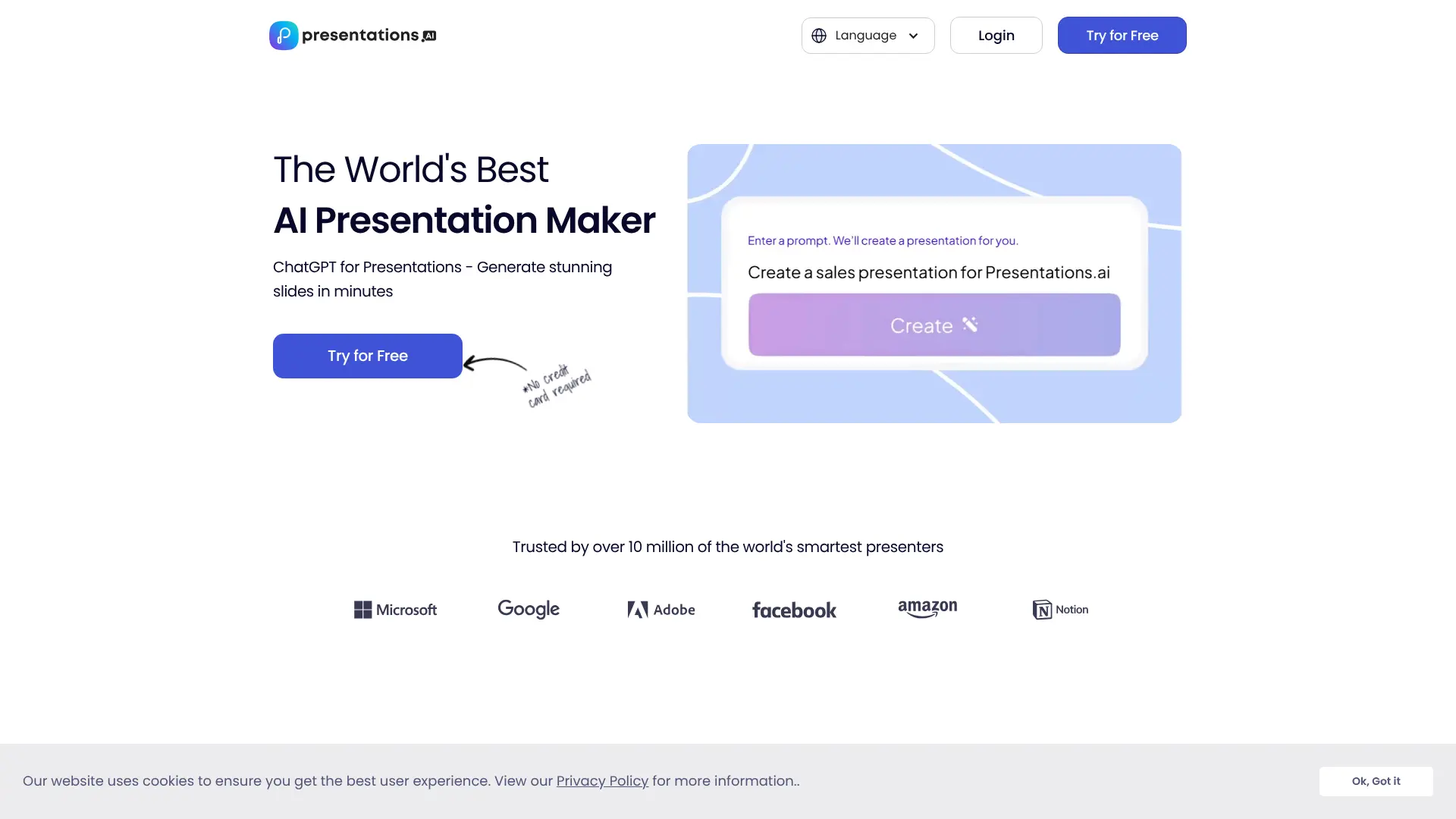 Presentations.AI positions itself as one of the best AI presentation makers on the market, focusing on creating stunning PowerPoint presentations without requiring any design skills. The platform uses an AI-driven design assistant that automatically suggests designs tailored to your unique style and content. What sets this tool apart is its automatic design suggestions and templates that adapt to your content changes while preserving design integrity. You can efficiently export presentations to PowerPoint format, making it easy to continue editing in familiar software if needed. User testimonials highlight the tool’s effectiveness. One user shared: “I thought your product was very good at creating a presentation based on my prompt and short brief of a technical topic ‘ITIL for Cloud’. The subject content generated for the scenarios was particularly interesting in how it was structured and the layout with use of animation was particularly surprising.” Key Features:
- AI-driven design assistant with automatic suggestions
- Smart templates that adapt to content changes
- Export to PowerPoint with full compatibility
- Automatic brand alignment for consistent presentations
- Real-time sync and comprehensive access control
- Analytics on engagement and performance
Best For: Business professionals who need quick, professional presentations with automatic design and easy PowerPoint export. Pricing: Free trial available. Contact for pricing details. Website: Visit Presentations.AI https://www.presentations.ai/
7. Beautiful.ai
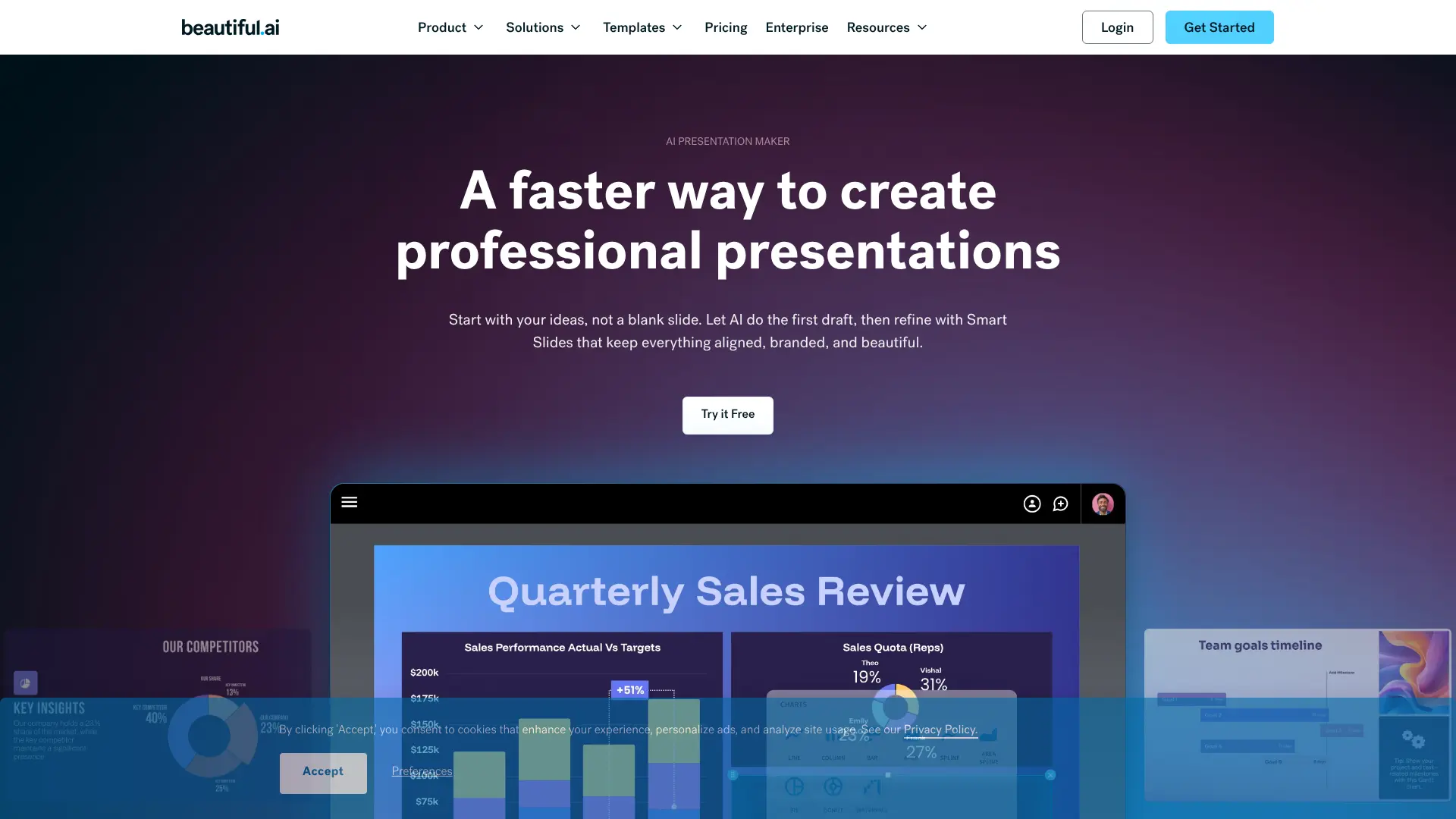
Beautiful.ai combines artificial intelligence with smart design automation to create presentations that look professional without manual formatting. The platform uses Smart Slides technology, which automatically handles design, layout, and spacing as you add or edit content. The tool is designed to save time while maintaining high quality. According to user testimonials, teams have “reduced time by 75%” and can now “focus on core message, story, and content—not the design.” Another user reported being “80% more efficient using Beautiful.ai” compared to PowerPoint. Beautiful.ai offers a 14-day free trial with unlimited access to all features, including AI content generation, layout editing, theme customization, and presentation sharing. The platform also includes collaboration tools for marketing, sales, and digital teams to refine slides together. Key Features:
- Smart Slides that auto-adjust layout and spacing
- Voice narration for enhanced presentations
- Integration with PowerPoint, Google Slides, Slack, and more
- Export to PPT, PPTX, PDF, and JPEG formats
- Real-time collaboration features
- Offline presentation capability with desktop player
Best For: Business executives, marketing teams, and professionals who need consistently polished presentations without design expertise. Pricing: Free 14-day trial. Paid plans vary based on team size and features. Website: Visit Beautiful.ai https://www.beautiful.ai/
8. Slidesgo AI
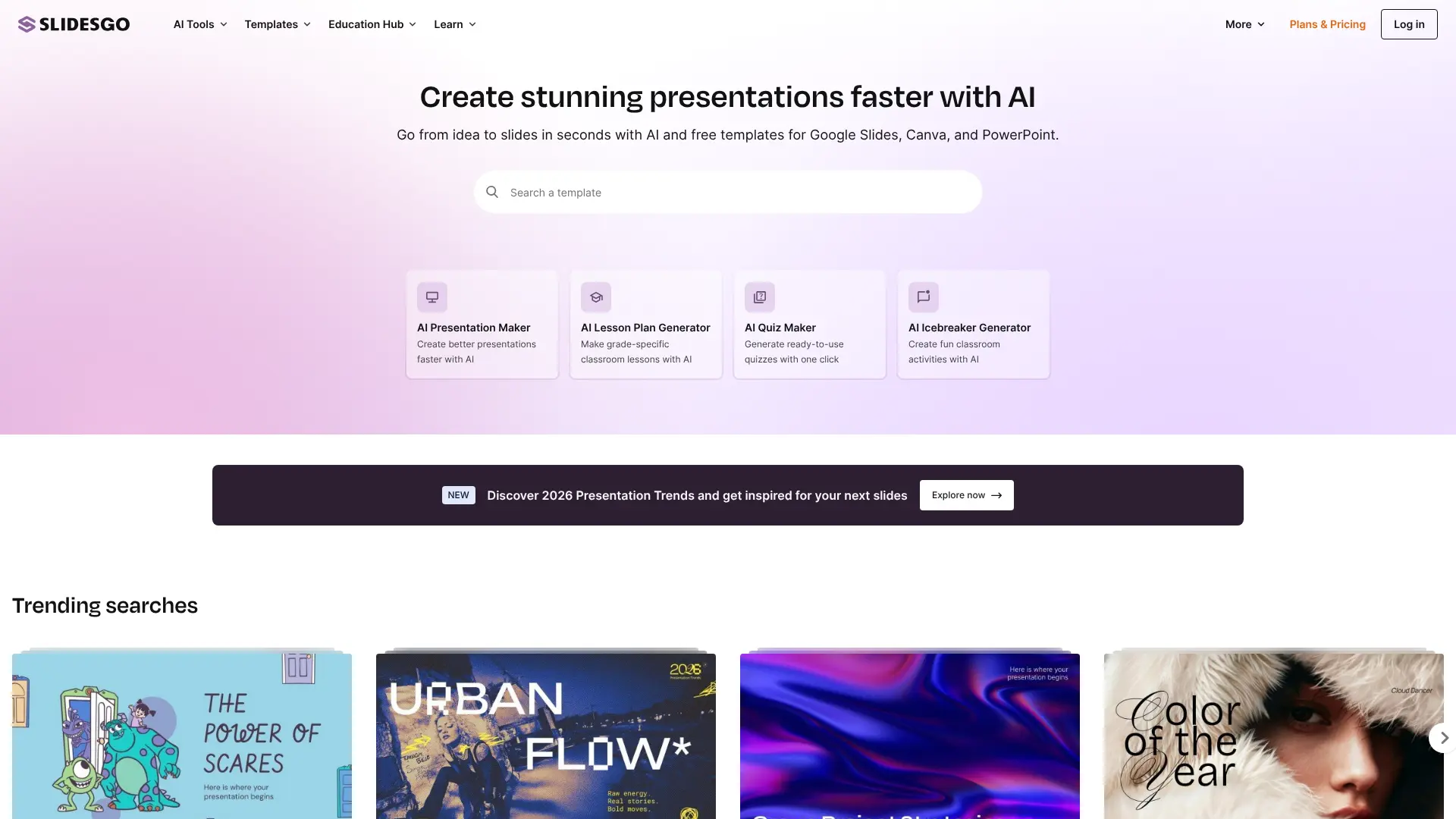
Slidesgo AI is a powerful text-to-presentation maker that transforms your ideas into stunning presentations instantly. The tool is backed by a team of expert designers and offers over 150 free presentation templates, with hundreds more across both free and premium collections. What makes Slidesgo AI special is its ready-to-use multipurpose designs built for maximum impact. You can create up to 3 free presentations every month to test the service. New templates are added every week, so there’s always fresh design inspiration available. The AI handles structure and visuals automatically, so you can focus on your content. Once your presentation is ready, you can download it in PPTX format, which works with PowerPoint, Google Slides, and Figma. The tool is particularly helpful for educators and students who need professional presentations quickly. Key Features:
- AI generates professional presentations from topic descriptions
- 150+ free templates with weekly additions
- Download in editable PPTX format
- Compatible with PowerPoint, Google Slides, and Figma
- Professional structure and visual design automatically included
Best For: Teachers, students, and professionals who need beautiful, easy-to-create presentations with extensive template options. Pricing: 3 free presentations per month. Premium subscription available for unlimited access. Website: Visit Slidesgo AI https://slidesgo.com/ai/presentation-maker
9. Piktochart AI
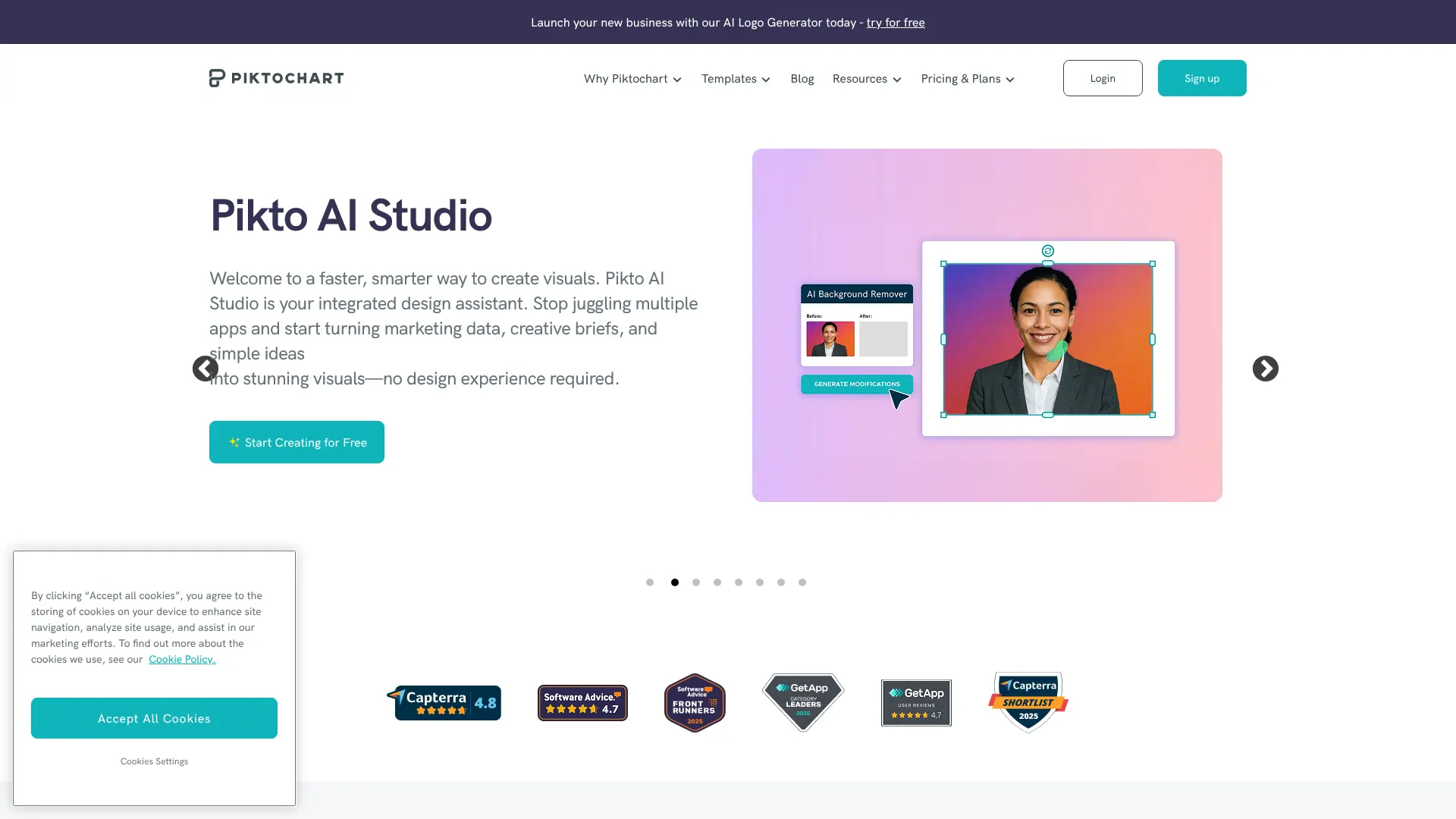 Piktochart AI is an infographic and visual content creation specialist that converts documents and text into designed slides in just 10 seconds. The tool is best suited for businesses that need quick turnaround on professional presentations and marketing materials. According to testing, a simple prompt generates dozens of templates suitable for all types of slide decks, whether you need to pitch to investors or report on fiscal earnings. The AI can take text descriptions or upload documents and turn them into polished visuals almost instantly. Piktochart AI particularly excels when you need to turn complex data into stories that grab attention. The platform’s smart algorithms study your content and suggest eye-catching designs that make information more readable and interesting. The drag-and-drop editor makes customization easy. Key Features:
- Converts documents to slides in 10 seconds
- Specializes in infographic-style presentations
- AI graph generator for data visualization
- Drag-and-drop editor for easy customization
- Supports PDF, DOCX, and TXT file uploads
Best For: Marketers, data analysts, and businesses that need to present complex information visually. Pricing: Free plan available. Paid plans start at $14/month. Website: Visit Piktochart AI https://piktochart.com/
10. STORYD
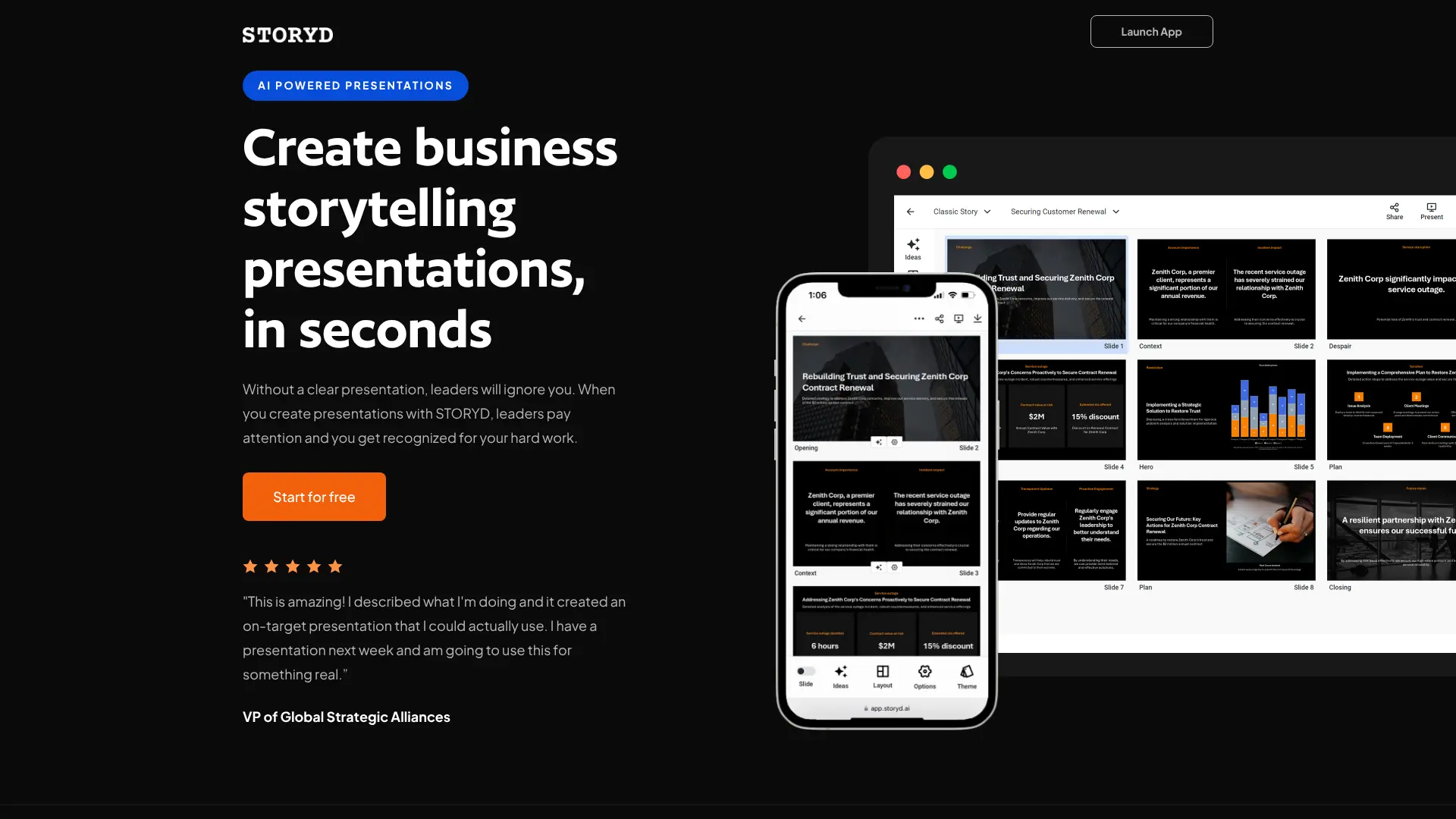
STORYD focuses on business storytelling and promises to create professional presentations in 60 seconds. The tool is designed specifically for marketers, consultants, and entrepreneurs who need to turn data into persuasive narratives quickly. What makes STORYD unique is its use of storytelling frameworks. When you create a presentation, you can choose from different story structures like “Persuasive Sales” or “Classic Story” that guide how your content flows. Each slide follows specific steps designed to leverage your audience’s pattern recognition and make your message more impactful. According to Zapier’s review, STORYD helps you apply proven frameworks to your presentations, making them more engaging because they follow familiar patterns that audiences naturally understand. Free users receive five credits to test the tool. The presentation generation takes about a minute, and the output is clean and professional. However, some reviewers noted that the tool offers fewer visual features like images and icons compared to competitors. Key Features:
- Business-focused with storytelling frameworks
- Generates presentations in approximately 60 seconds
- Pre-written templates for different business scenarios
- AI-powered content generation and brainstorming
- Customizable themes, fonts, and colors
Best For: Business professionals, consultants, and marketers who need data-driven storytelling presentations. Pricing: Free plan with 5 presentations. Pro plan at $24/month for unlimited presentations. Website: Visit STORYD https://www.storyd.ai/
11. Slidebean
 Slidebean takes a specialized approach by focusing specifically on pitch decks for startups. The platform is designed to help entrepreneurs create investor-ready presentations that actually get funded. The tool offers more than 120 pitch deck templates built specifically for startup fundraising. These templates follow what investors expect to see in presentations. The AI pitch deck generator can even build complete presentations from your company’s website URL, breaking down company information into structured slides automatically. According to reviews from startup founders, Slidebean is particularly valuable for creating professional pitch decks without design skills. One CEO shared: “Raised $1.2M using Slidebean’s template. The structure was perfect.” However, the free version has very limited functionality. Users report that while it creates presentations, you must upgrade to a paid plan to actually share your slide deck. Some also noted that the free version layouts were plain and image choices weren’t always relevant. Key Features:
- 120+ templates specifically for pitch decks
- AI generator creates presentations from website URLs
- Financial modeling and planning tools
- Expert assistance available for design and financial advice
- Analytics to track investor engagement
Best For: Startup founders and entrepreneurs creating investor pitch decks. Pricing: Free plan with limited features. Paid plans start at $96/year. Website: Visit Slidebean https://slidebean.com/
12. SlidesGPT
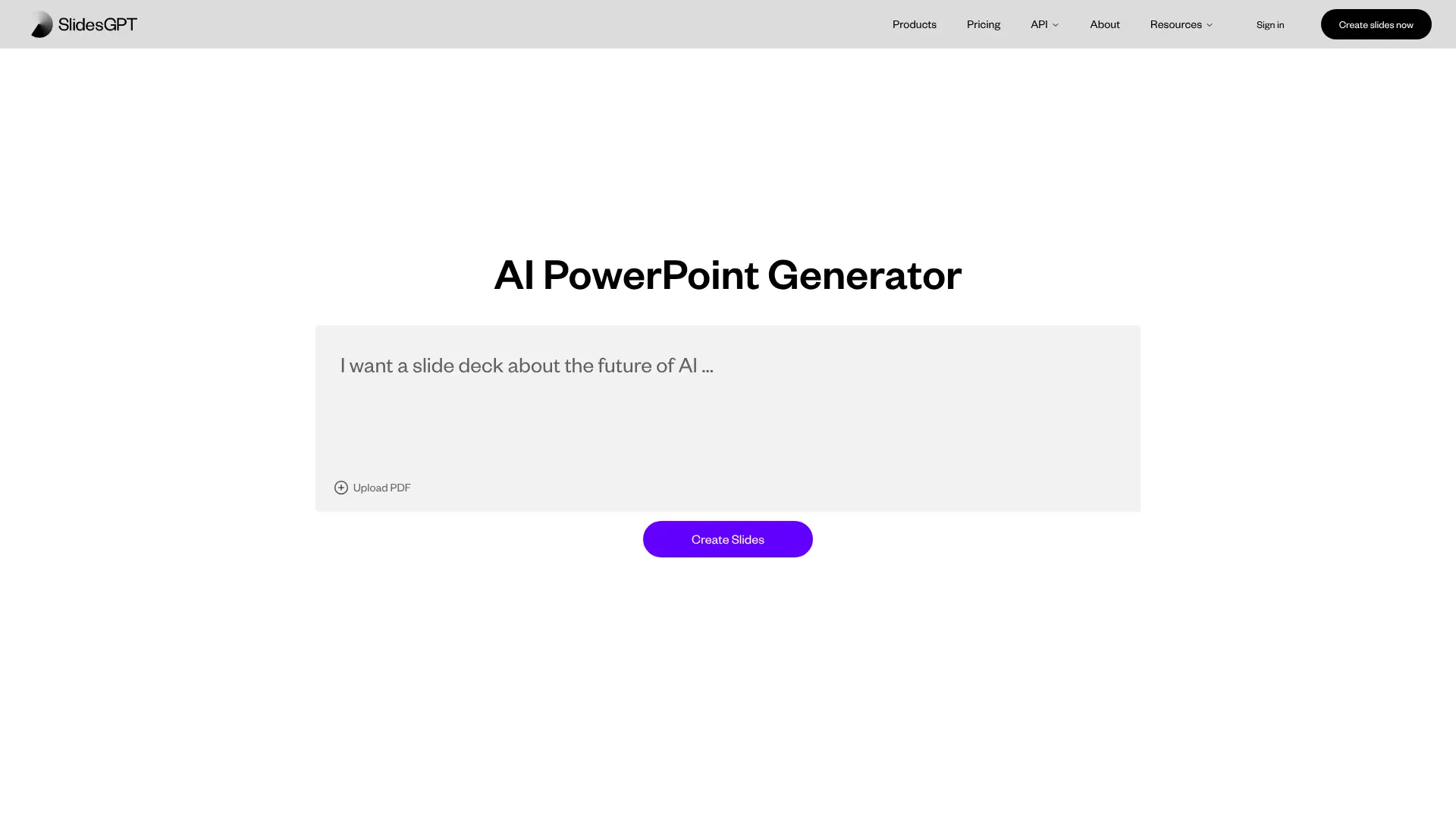 SlidesGPT is the number one rated PowerPoint maker in the ChatGPT store, trusted by over 4 million users in 2025. This tool is used by everyone from students and teachers to consultants and employees at Fortune 500 companies. The tool makes creating PowerPoint presentations incredibly simple. You just type a prompt, and SlidesGPT generates slides within seconds. The presentations come complete with content, and you can view them for free. One user testimonial highlighted: “There was a problem with an image that didn’t match the theme, but the fact that the tool generated 9 slides from a complex text left me speechless.” SlidesGPT can handle complex topics and create multi-slide presentations from detailed prompts. For example, you can ask it to create “Coaching material for college students: A comprehensive guide on recent advancements in AI and their impact on education” and it will generate a complete, structured presentation. Key Features:
- Integrated with ChatGPT store for easy access
- Generates presentations from simple prompts
- Creates slides with content in seconds
- Supports complex and technical topics
- Applies your brand colors and identity
Best For: ChatGPT users who want quick, AI-generated presentations without learning new tools. Pricing: Pricing information available through ChatGPT Plus subscription. Website: Visit SlidesGPT https://slidesgpt.com/
13. Autoppt
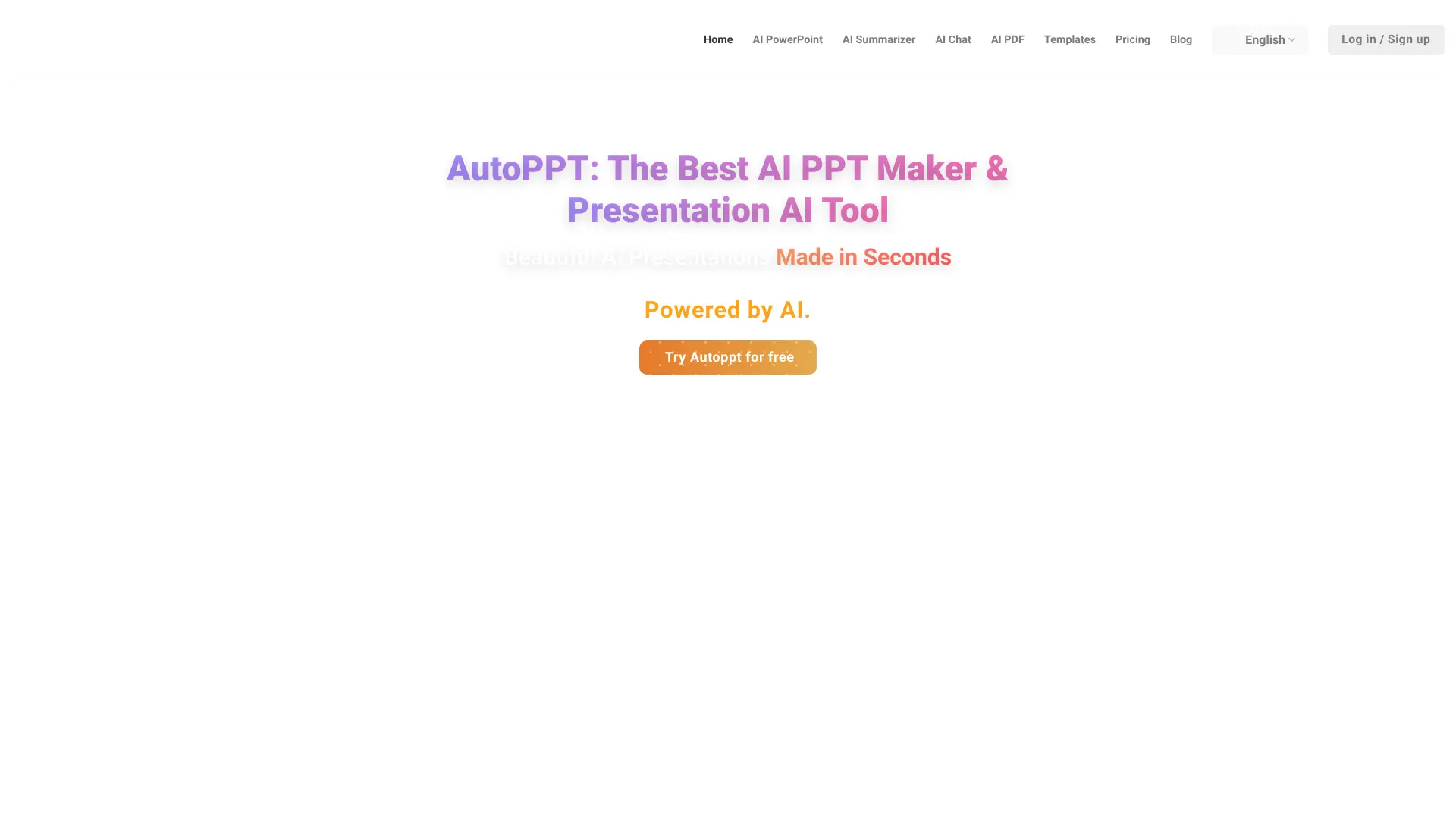
Autoppt positions itself as the most advanced AI presentation creator available, claiming to save over 90% of your time creating presentations. The tool can generate entire presentations from a simple prompt and offers a rich selection of beautiful PowerPoint templates. One of Autoppt’s standout features is its ability to convert various file formats into presentations. You can upload PDF, Word, Excel, or even JPG files, and the AI will transform them into professional slide decks. The tool supports over 100 languages, so you can create presentations in your preferred language. User testimonials are enthusiastic about the tool. One user shared: “Autoppt makes creating presentations fast and easy! The AI quickly generates professional slides, and the new document upload feature saves even more time. Highly recommend for anyone needing a quick, polished presentation.” Key Features:
- Upload documents (PDF, Word, Txt, Excel, PPT, JPG) to generate slides
- Wide variety of design styles and themed templates
- Online editing, modification, and presentation tools
- Supports 100+ languages
- Switch templates effortlessly after generation
- Export and download presentations directly
Best For: Professionals who need to convert existing documents into presentations quickly. Pricing: Free trial available. Pro subscription for advanced features including PDF uploads and AI-powered generation. Website: Visit Autoppt https://autoppt.com/
14. Visme AI Presentation Maker
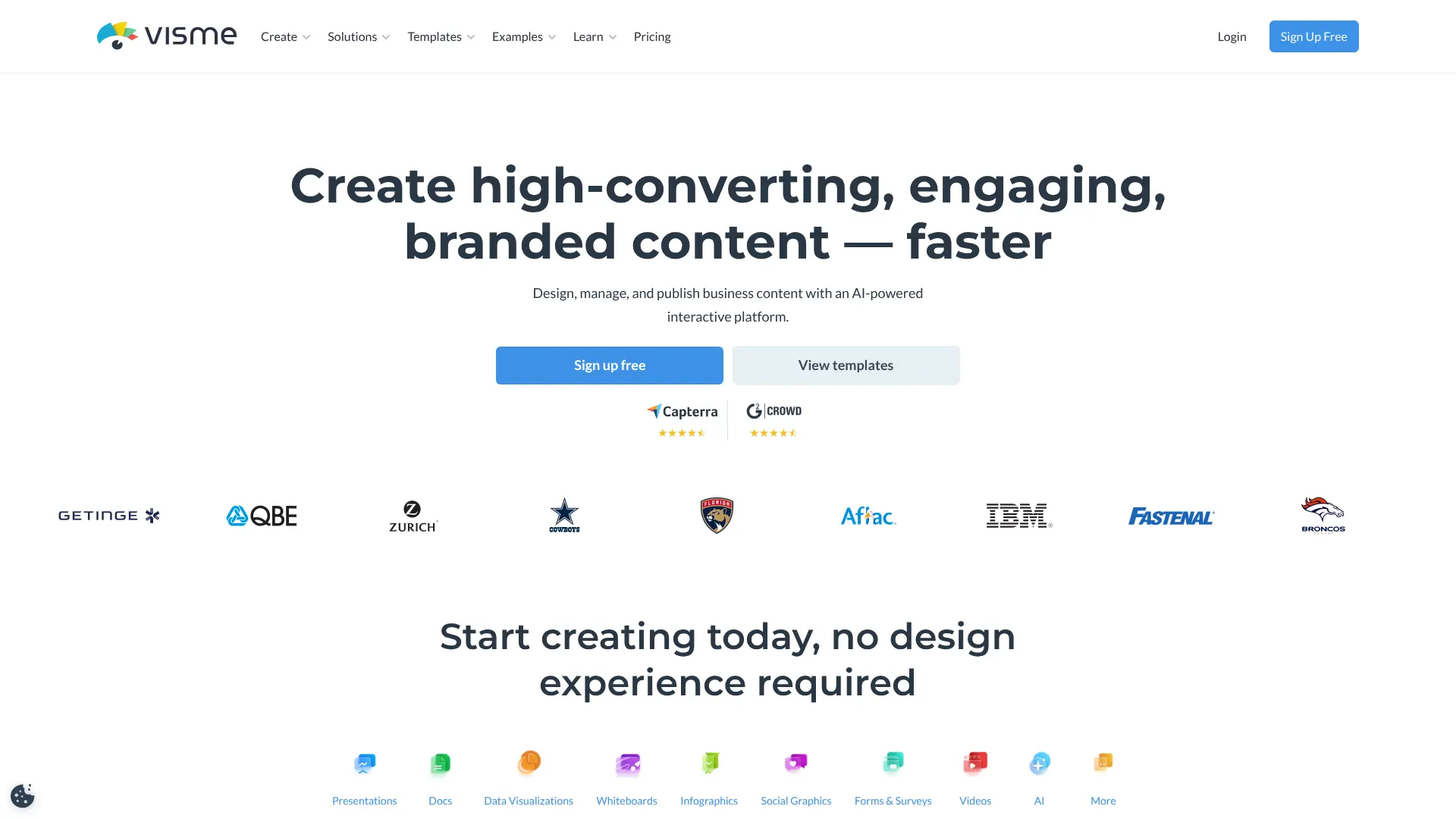 Visme AI is part of a leading visual communication platform used by over 34 million people and top brands. The AI presentation maker is available inside Visme’s template library and can generate beautiful presentations in minutes from detailed prompts. The tool is particularly good at creating presentations for any purpose. You can choose a style that fits your subject, and the AI will generate text, images, and icons automatically. The more accurate your prompt, the better the results you’ll get. According to Visme’s platform, the AI helps you overcome the hardest part of any project – starting. The tool generates a good first draft that’s ready to use with minimal customization. You can also provide a document or website URL for the AI to source content from. Key Features:
- Generate presentations from prompts or source documents
- Library of royalty-free photos, videos, and graphics
- AI chatbot for follow-up questions and refinement
- Multiple design styles and professional templates
- Seamless access across all devices
Best For: Marketing teams, educators, and businesses that need versatile visual communication tools beyond just presentations. Pricing: Free plan available. Paid plans start at $12.25/month. Website: Visit Visme AI https://www.visme.co/ai-presentation-maker
15. SlideModel AI
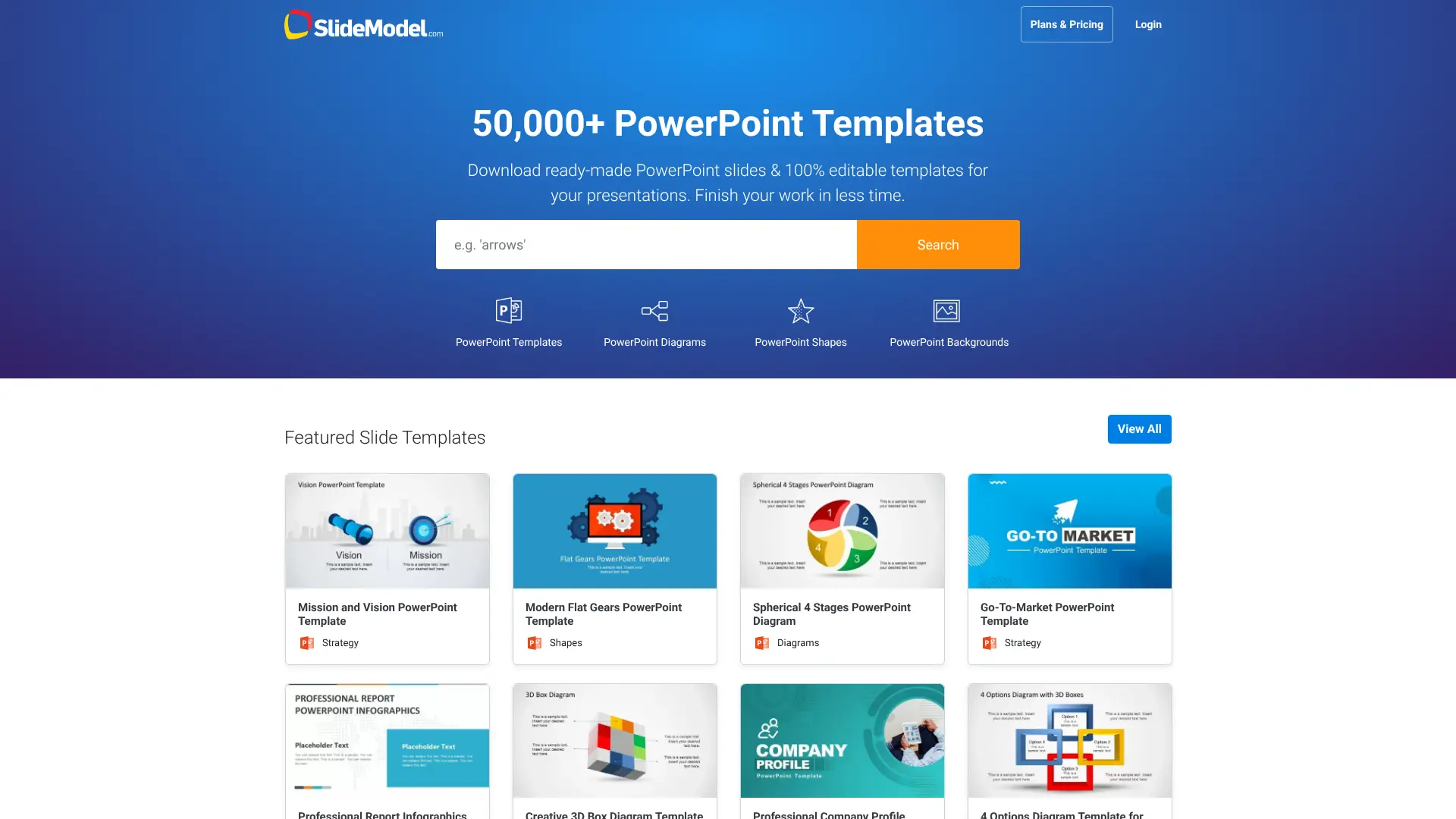
SlideModel AI combines generative AI with a library of over 50,000 templates to help you prepare presentation drafts quickly. The tool is designed to save time for business professionals, consultants, educators, and anyone who regularly creates presentations. What makes SlideModel special is how it works. You enter a presentation topic, and the AI suggests an outline for your presentation. You can review and adjust this outline before generating the final presentation. Once generated, you can easily modify layouts and text to suit your needs, then download the presentation for use in PowerPoint. According to the platform, users can “persuade your boss to say ‘Yes!’ by presenting awesome reports with stunning graphics” and “experience the ease of presentation creation” with their AI-powered tool. Key Features:
- Access to 50,000+ professional templates
- AI suggests and generates presentation outlines
- Download in fully editable PPTX format
- Compatible with Microsoft PowerPoint
- Suitable for various use cases from business to education
Best For: Business executives, consultants, project managers, and educators who want extensive template options combined with AI assistance. Pricing: Free version available. Premium features require paid subscription. Website: Visit SlideModel AI https://slidemodel.com/ai-presentation-maker
16. Mentimeter AI Builder
Mentimeter AI Builder takes a different approach by focusing on interactive presentations. The tool instantly drafts presentations that are not just visual but also fully customizable and engaging for your audience. While other tools focus mainly on creating static slides, Mentimeter specializes in creating presentations that involve your audience. You can add polls, quizzes, and interactive elements that make your presentations more engaging. The AI builder generates these interactive elements along with your content. This makes Mentimeter particularly valuable for teachers, trainers, and speakers who need audience participation. You simply add a prompt, and the AI slide maker drafts an interactive presentation in seconds. Key Features:
- Generates interactive presentations with audience participation
- Creates polls, quizzes, and Q&A sessions automatically
- Fully customizable presentations
- Real-time audience engagement features
- Free AI builder available
Best For: Educators, trainers, speakers, and anyone who needs interactive, engaging presentations with audience participation. Pricing: Free basic plan. Paid plans for advanced interactive features. Website: Visit Mentimeter AI https://www.mentimeter.com/features/ai-builder
How to Choose the Right AI Presentation Tool
With so many AI presentation generators available, picking the right one can feel overwhelming. Here are the key factors to consider when making your choice.
What Type of Presentations Do You Create
Different tools excel at different types of presentations. If you’re creating investor pitch decks, Slidebean specializes in this. For educational content with interactive elements, Mentimeter is your best bet. Business storytelling presentations work great with STORYD, while general-purpose presentations are well-served by Gamma or Plus AI. Think about your most common presentation needs. Are you making sales decks, training materials, project reports, or creative pitches? Match the tool to your primary use case.
How Much Design Control Do You Need
Some AI tools give you complete design freedom with drag-and-drop editors and thousands of customization options. Others keep things simple with fewer choices but faster results. If you love tweaking every detail, choose tools like Visme or Piktochart. If you want something done quickly with minimal fuss, try Manus or Presentations.AI.
What Software Do You Already Use
Integration matters. If you live in PowerPoint or Google Slides, Plus AI works directly inside these programs, which means no learning curve and no compatibility issues. If you prefer web-based tools, most other options work in your browser and let you export to PowerPoint or PDF when done.
How Much Are You Willing to Spend
Free options like Slidesgo AI offer solid features without any cost. Other tools provide free trials or limited free plans. Professional users who create presentations regularly might benefit from paid plans starting around $10-20 per month, which unlock unlimited credits and advanced features. Consider your budget and how often you’ll use the tool. For occasional use, free plans work fine. For daily or weekly presentation creation, a paid plan usually offers better value.
Do You Need Team Collaboration Features
If you work with others on presentations, look for tools that offer real-time collaboration, commenting, and shared workspaces. Beautiful.ai, Gamma, and Decktopus all include team features. Solo users can ignore this factor and focus on other capabilities.
What About Brand Consistency
Businesses need presentations that match their brand guidelines. Many tools let you upload logos, set brand colors, and save custom templates. Enterprise plans from Plus AI and Beautiful.ai offer even more control over branding. If you’re a freelancer or student, this probably doesn’t matter much.
Tips for Getting Better Results from AI Presentation Makers
AI presentation generators work great, but you’ll get much better results if you know how to use them properly. Here are proven strategies to improve your AI-generated presentations.
Write Detailed, Specific Prompts
The quality of your output depends heavily on the quality of your input. Instead of writing “Create a presentation about marketing,” try something like: “Create a 10-slide presentation about social media marketing strategies for small restaurants, focusing on Instagram and TikTok, with examples and practical tips for busy restaurant owners.” Include these elements in your prompts:
- Number of slides you want
- Specific topic with clear boundaries
- Target audience description
- Key points you want to cover
- Tone and style preferences
According to presentation AI experts, detailed prompts can produce results that are 50-70% better than vague instructions.
Start with the AI, Then Add Your Personal Touch
Don’t expect AI to create a perfect, finished presentation. Think of AI-generated slides as a strong first draft. Use the AI to handle the time-consuming parts (structure, initial content, design), then spend your time adding personal examples, adjusting language to match your voice, and fine-tuning details.
Review and Edit the Content Carefully
AI can make mistakes or include generic information. Always review every slide for accuracy. Check that statistics are correct, examples make sense, and the flow is logical. Replace AI-generated images with your own photos or more relevant graphics when possible.
Use Multiple Tools for Different Parts
You don’t have to stick with just one tool. Many professionals use AI to generate the initial outline and content, then export to PowerPoint or Google Slides for final edits using Plus AI’s formatting features. Or use Piktochart for data-heavy slides and combine them with slides from Gamma for other sections.
Save Your Best Prompts for Reuse
When you create a prompt that generates great results, save it. Many tools like Plus AI let you save frequently used prompts. This is especially helpful if you create similar presentations regularly, like weekly team updates or monthly client reports.
Upload Reference Materials When Available
Most AI presentation tools let you upload documents, PDFs, or provide website links. Use this feature! If you have a research paper, report, or outline, upload it. The AI will create much more accurate and relevant content when it has reference material to work from.
Choose the Right Template or Style First
Most tools offer multiple design styles or themes. Browse these before generating your presentation. Choosing a template that fits your topic and audience before you start will save time and produce better results than trying to change styles after generation.
Frequently Asked Questions
Can AI really create a complete presentation by itself?
Yes, AI presentation generators can create complete presentations with text, images, and layouts from just a simple description. However, the best results come when you review and edit the AI’s output to add your personal insights and ensure accuracy. Think of AI as creating a strong first draft that you refine.
Are AI-generated presentations any good?
Modern AI presentation tools create professional-quality slides that work well for most purposes. Testing by experts shows tools like Gamma, Manus, and Plus AI produce presentations comparable to what a professional designer might create. The quality depends on how detailed your instructions are and which tool you choose for your specific needs.
Do I need design skills to use AI presentation generators?
No design skills are required. That’s the whole point of these tools. The AI handles all design decisions including layout, color schemes, fonts, and spacing. You just provide the content and ideas. Anyone can create professional-looking presentations, even if you’ve never studied design.
How long does it take to create a presentation with AI?
Most AI tools generate a complete presentation in 60 seconds to 10 minutes. The exact time depends on how complex your topic is and how many slides you need. Tools like Manus and Gamma are particularly fast. You’ll need additional time to review and customize the output.
Can I edit the presentations after AI creates them?
Yes, all AI presentation tools let you edit everything after generation. You can change text, swap images, adjust layouts, add or remove slides, and modify colors. Many tools also let you export to PowerPoint or Google Slides for even more editing options.
Do AI presentation tools work with PowerPoint and Google Slides?
Most AI tools export to PowerPoint (PPTX) format, which also works in Google Slides. Some tools like Plus AI and Microsoft Copilot work directly inside PowerPoint and Google Slides as add-ins, which means no export step is needed.
Are there free AI presentation generators?
Yes, several options are available for free. Slidesgo AI offers free presentations with some limitations. Gamma, and many others offer free plans with some limitations or free trials. Free plans typically give you a certain number of presentations per month or limited features.
Will AI presentations look generic or unique?
AI-generated presentations can look generic if you don’t customize them, but most tools offer enough templates and customization options to make your presentations stand out. The key is choosing a good template, adding your own images when possible, and adjusting colors to match your brand or style.
Can AI presentation tools help with pitch decks for investors?
Yes, several tools specialize in pitch decks. Slidebean is specifically designed for startup pitch decks and has helped founders raise millions in funding. The AI understands what investors expect to see and structures your pitch accordingly. However, you should still customize the content with your specific business details.
How accurate is the content AI generates for presentations?
AI-generated content is generally accurate for common topics but can make mistakes or include outdated information. Always fact-check important claims, statistics, and technical details. The AI works best when you provide reference materials or detailed prompts that guide its content creation.
Can I use AI presentations for business, school, or commercial projects?
Yes, presentations created with AI tools are yours to use for any purpose, including commercial projects, business meetings, and school assignments. However, check each tool’s specific terms of service. Some free plans may include watermarks that you’ll need to remove by upgrading.
Will my presentation look the same as everyone else’s?
Not if you customize it. While AI tools use templates, they offer dozens or hundreds of different designs. Choose a template that fits your needs, adjust the colors and fonts, replace generic images with your own, and add personal examples. With a bit of customization, your presentation will be unique.
If you need help with other creative projects, check out our free AI tools page for more resources. You can also explore our AI art generator to create custom images for your presentations, or try our presentation deck AI tool for additional assistance with slide creation. “`