Learning Python has become one of the most practical decisions you can make for your programming career. With its clean syntax and versatility across web development, data science, automation, and machine learning, Python opens doors to countless opportunities.
You don’t need expensive bootcamps or formal degrees to become proficient in Python. Multiple free and paid platforms now offer comprehensive Python courses that cover everything from basic syntax to hands-on coding practice, community support, and certification. Whether you prefer interactive exercises, video tutorials, or project-based learning, there’s a platform designed for your needs.
In this guide, we’ve tested and evaluated the top 15 websites that genuinely deliver results for Python learners at every level.
Table of Contents
- Python.org – The Official Documentation
- Codecademy – Interactive Browser-Based Learning
- Coursera – University-Level Python Courses
- Udemy – Comprehensive Video Courses
- DataCamp – Data Science Focus
- W3Schools – Quick Reference and Tutorials
- Educative – Text-Based Interactive Platform
- LearnPython.org – Free Interactive Tutorial
- FreeCodeCamp – Completely Free Comprehensive Curriculum
- Real Python – In-Depth Written Tutorials
- LeetCode – Algorithmic Problem Solving
- SoloLearn – Mobile-Friendly Bite-Sized Lessons
- YouTube Channels – Free Video Learning
- Microsoft Learn – Corporate Training Resources
- GUVI – Multilingual Python Courses
- How to Choose the Right Platform
- Frequently Asked Questions
Python.org
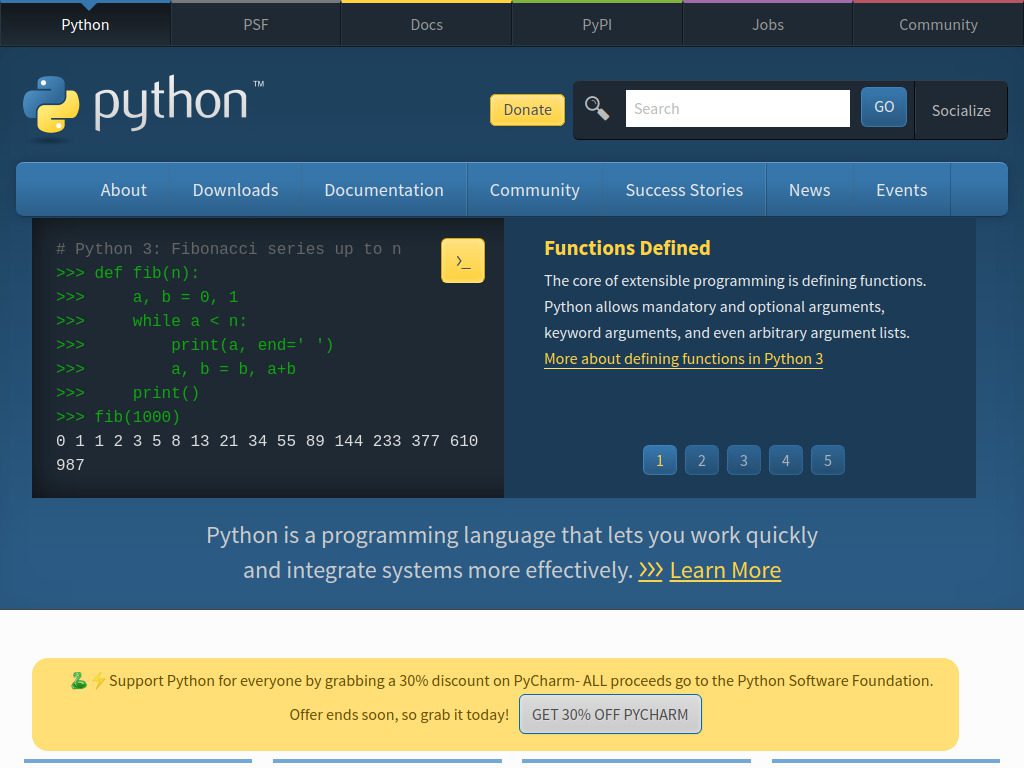
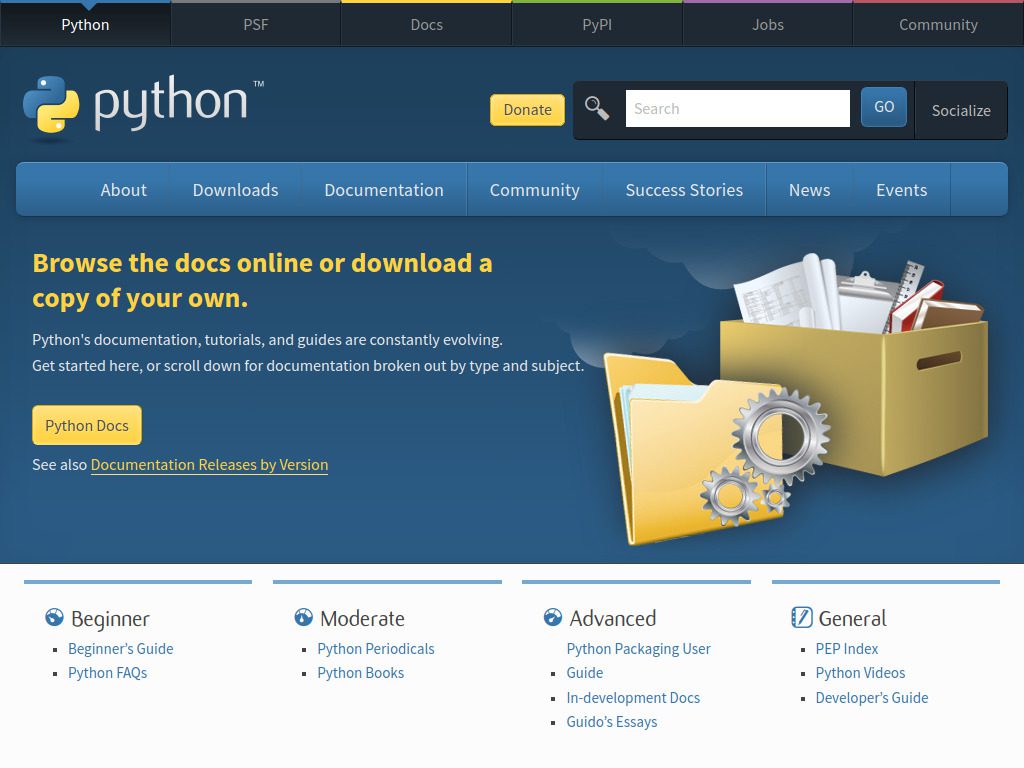
The official Python website provides documentation for Python’s standard library, along with tutorials and guides available online. This is where your Python journey should begin, regardless of which other platforms you choose.
Best for: Beginners who want authoritative information and reference material
What makes it valuable:
The Python Beginner’s Guide on Python.org is a comprehensive place to start learning Python programming basics and serves as an excellent reference for experienced developers who want to dive into specific Python libraries and modules. You get direct access to the official language documentation with beginner-friendly tutorials and reliable resources to revisit for troubleshooting advanced topics.
The official Python tutorial introduces many of Python’s most noteworthy features and gives you a good idea of the language’s flavor and style, enabling you to read and write Python modules and programs after completion.
Learning approach: Documentation-based with written examples and explanations
Cost: Completely free
Website: python.org
Codecademy
Codecademy revolutionized online programming education by making coding interactive and accessible directly in your browser. No software installation required.
Best for: Complete beginners who learn by doing
What makes it stand out:
Codecademy’s Learn Python 3 course is interactive with several guided exercises that let you practice what you’ve learned directly within Python, using a structured approach ideal for beginner programmers who learn best by doing. The platform covers foundational Python syntax and concepts with an interactive, browser-based coding environment where you progress at your own pace.
The hands-on approach means you’re writing actual code from lesson one. Each concept includes immediate practice exercises, and you see your code execute in real-time. This immediate feedback loop helps concepts stick faster than passive video watching.
Course offerings: Basic Python, data structures, web development with Python, machine learning fundamentals
Learning approach: Interactive exercises with instant feedback
Cost: Free tier available; Pro membership $19.99/month
Website: codecademy.com
Coursera
Coursera partners with universities and companies to offer professional-quality courses taught by experienced instructors. Their Python offerings include some of the most well-regarded beginner courses available.
Best for: Learners who value structured curriculum and official certifications
Standout feature:
The Python for Everybody course by Dr. Charles Severance on Coursera is beginner-friendly, starting with the basics and moving up to more complex data-handling techniques, making it ideal for those interested in data analysis or automation. The course includes video lectures, quizzes, and hands-on assignments that help reinforce what you’ve learned.
Dr. Chuck Severance is simply one of the best programming instructors alive, with explanations so clear that complex concepts feel obvious. Many learners report breakthrough moments during the web scraping modules where you build programs that interact with real websites and APIs.
Popular courses:
- Python for Everybody Specialization
- Google IT Automation with Python
- Applied Data Science with Python
- IBM Data Science Professional Certificate
Learning approach: Video lectures, quizzes, and hands-on projects
Cost: $49/month; financial aid available; 7-day free trial
Website: coursera.org
Udemy
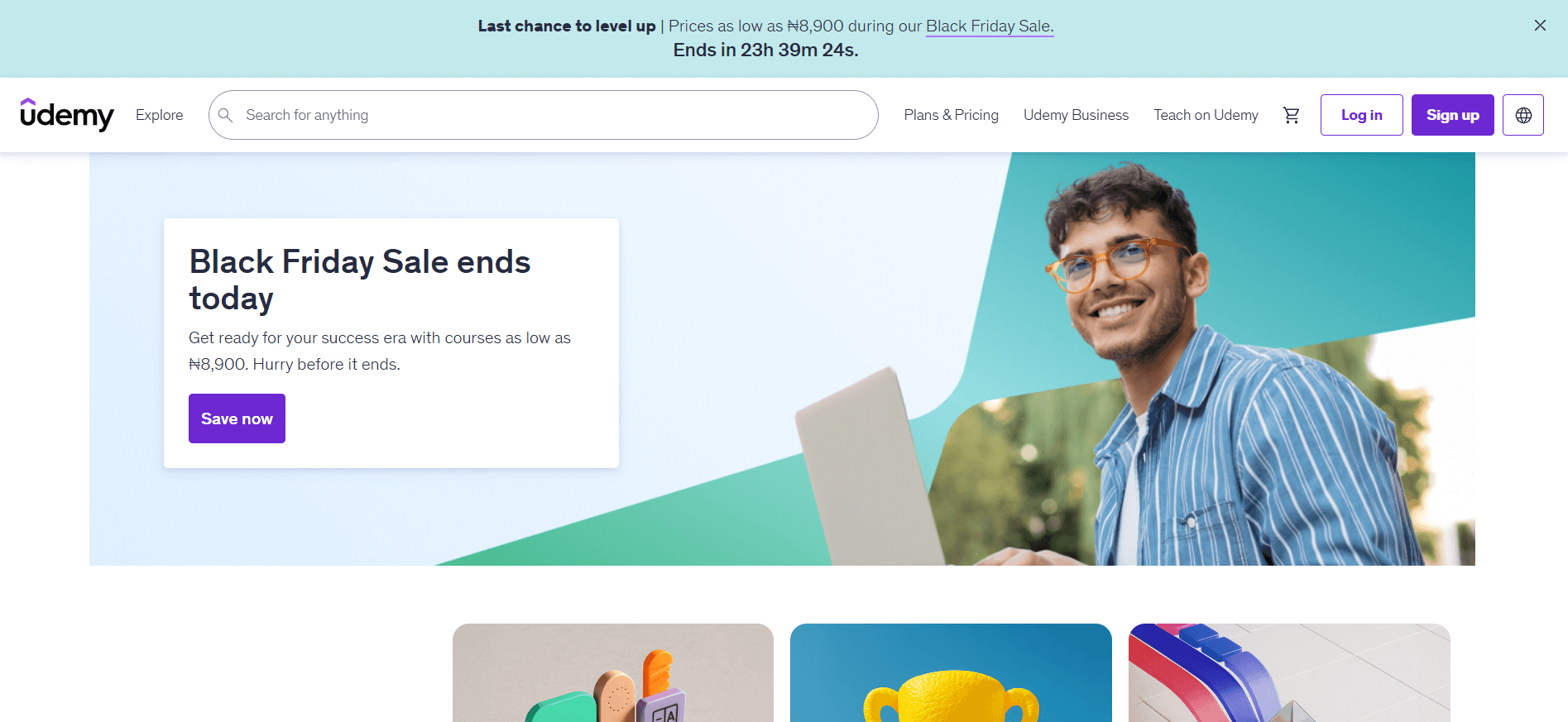
Udemy hosts thousands of Python courses created by independent instructors. While quality varies, the top-rated courses offer exceptional value and lifetime access.
Best for: Self-paced learners who prefer video instruction
Top-rated courses:
The 100 Days of Code: The Complete Python Pro Bootcamp for 2025 by Dr. Angela Yu is highly rated. This comprehensive bootcamp takes you from zero to advanced Python through daily coding challenges and projects.
Another popular option is Jose Portilla’s Complete Python Bootcamp, which has taught over a million students. These courses typically include 30-50 hours of video content, downloadable resources, and lifetime access.
What makes Udemy unique:
Courses are frequently on sale for $10-15 (down from list prices of $100+). Once purchased, you own the course forever and receive all future updates. The Q&A sections allow direct interaction with instructors and fellow students.
Learning approach: Video lectures with coding exercises and projects
Cost: Individual courses $10-200; frequent sales bring prices down to $10-15
Website: udemy.com
DataCamP
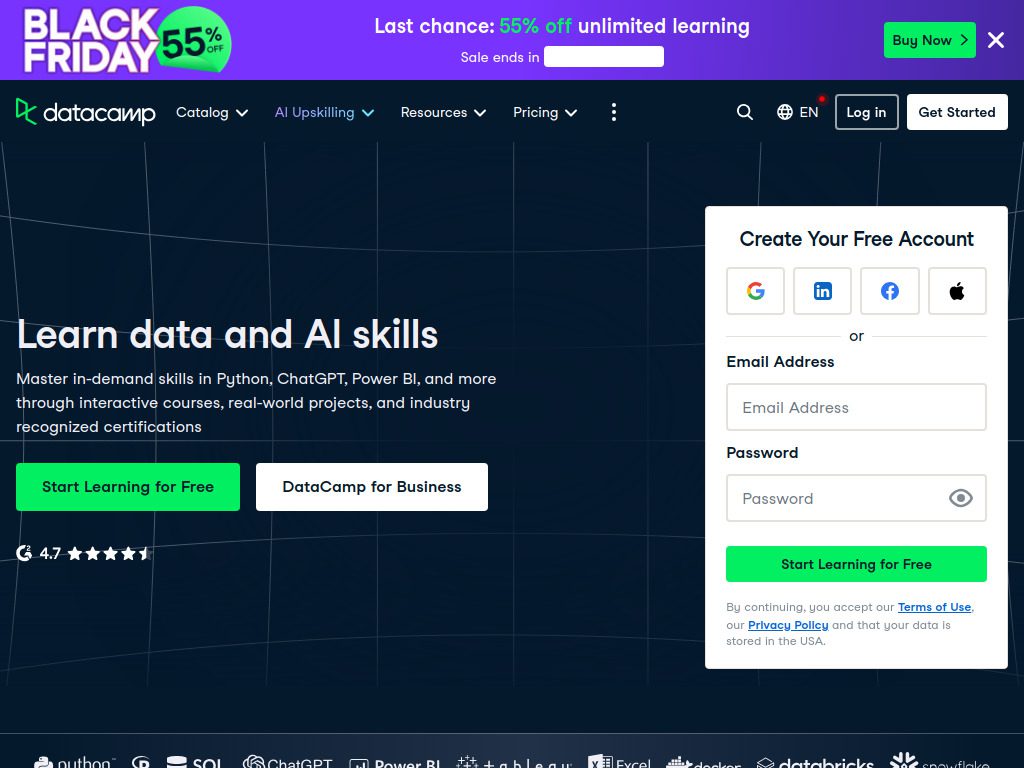
DataCamp specializes in teaching programming for data science. If your Python goals involve working with data, this platform is purpose-built for you.
Best for: Aspiring data scientists and analysts
What sets it apart:
DataCamp’s Python Programming track focuses on code optimization, function writing, and software engineering best practices, with learners delving into efficient code execution and mastering unit tests while using popular Python packages like pandas and NumPy.
Every lesson includes hands-on coding exercises with real datasets. You learn by manipulating actual data, creating visualizations, and building predictive models. The platform teaches Python specifically in the context of data work, which means you’re always learning applicable skills.
Course tracks:
- Python Fundamentals
- Data Analyst with Python
- Data Scientist with Python
- Machine Learning Scientist with Python
Learning approach: Interactive coding exercises with immediate feedback
Cost: Plans start from $12/month; limited free tier
Website: datacamp.com
W3Schools
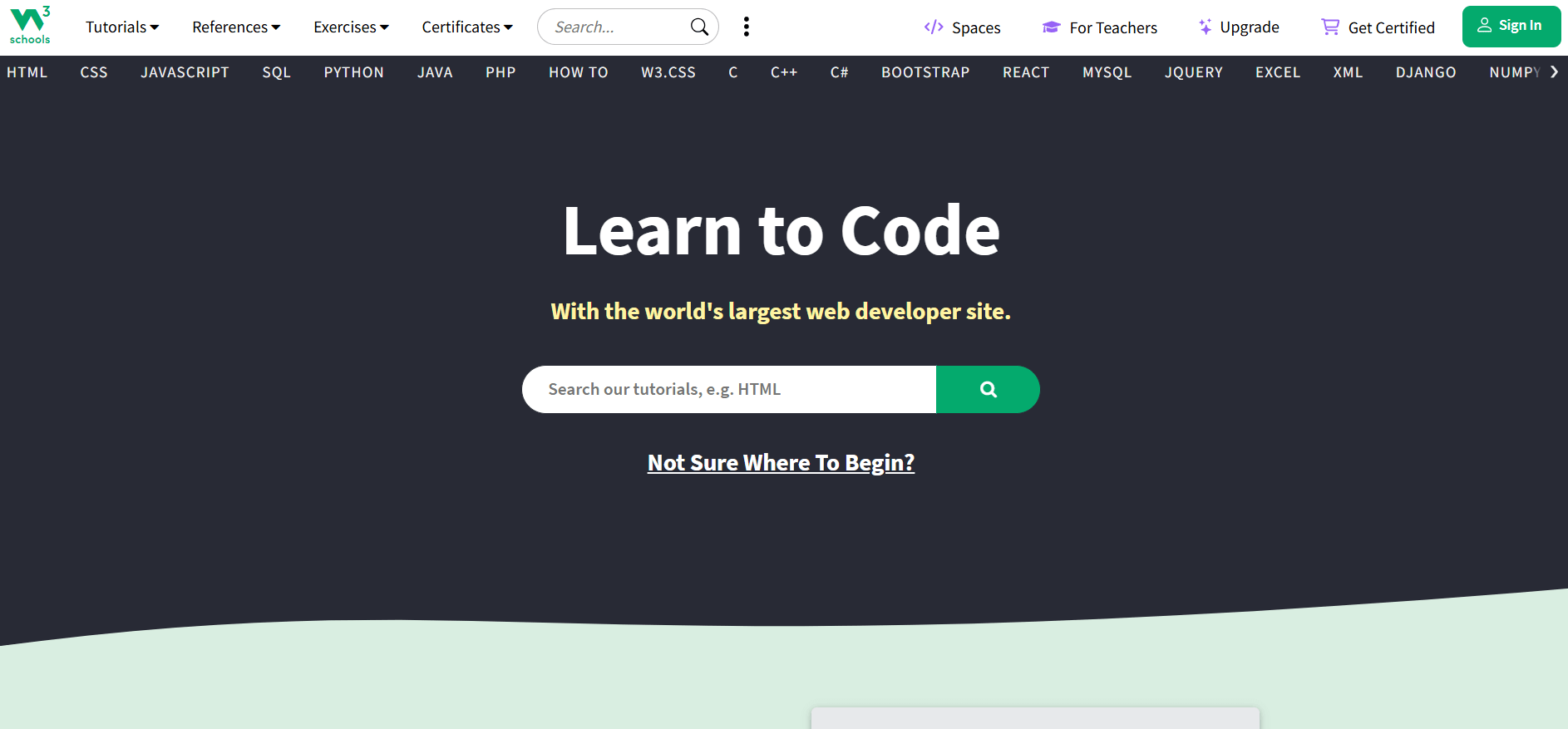
W3Schools has been teaching web technologies for decades. Their Python tutorial offers clear, concise explanations with plenty of examples you can run directly in your browser.
Best for: Quick lookups and structured reference material
Why developers love it:
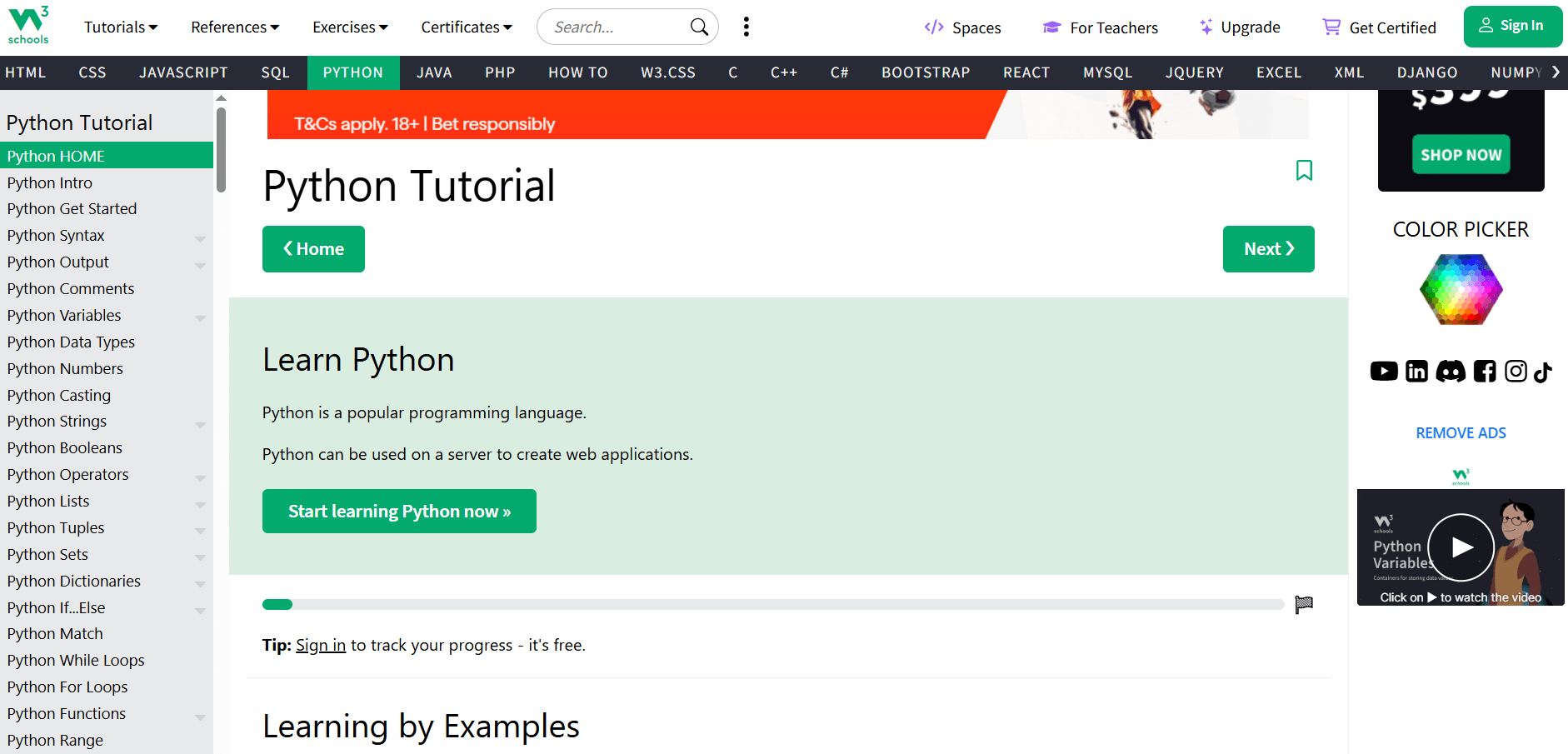
The tutorial structure makes finding specific topics easy. Need to remember how list comprehensions work? It’s three clicks away with working examples. Each concept includes a “Try it Yourself” editor where you can modify and run code instantly.
The reference sections cover built-in functions, string methods, list operations, and more with practical examples for each. When you’re stuck on syntax or need a quick refresher, W3Schools delivers fast answers.
Additional features: Python quiz, certification exam, mobile app
Learning approach: Written tutorials with interactive code examples
Cost: Free; optional certification $95
Website: w3schools.com/python
Educative
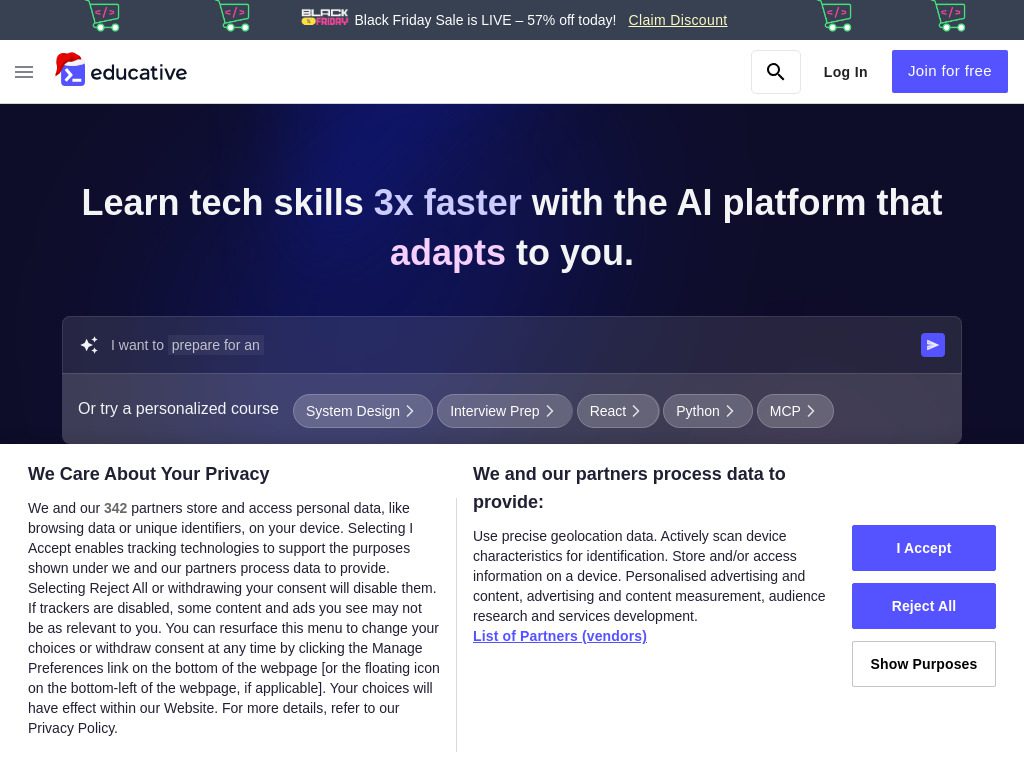
Educative is a text-based interactive platform that allows you to learn and code from your browser without downloading software or setting up your development environment—which solves one of the biggest barriers for beginners.
Best for: Learners who prefer reading to watching videos
Standout features:
This is the most interactive Python course available, with every concept including immediate coding practice in the browser, and interactive debugging exercises that let you step through code execution line-by-line—incredibly helpful for understanding loops and conditionals.
The platform uses a unique approach: read a concept explanation, then immediately practice it in an embedded code editor. No context switching between watching videos and writing code. Everything happens in one place.
Popular courses:
- Learn Python from Scratch
- Python Data Structures
- Ace the Python Coding Interview
- Machine Learning with Python
Learning approach: Text-based lessons with embedded coding environments
Cost: $225/year (often 50% off); limited free content
Website: educative.io
LearnPython.org
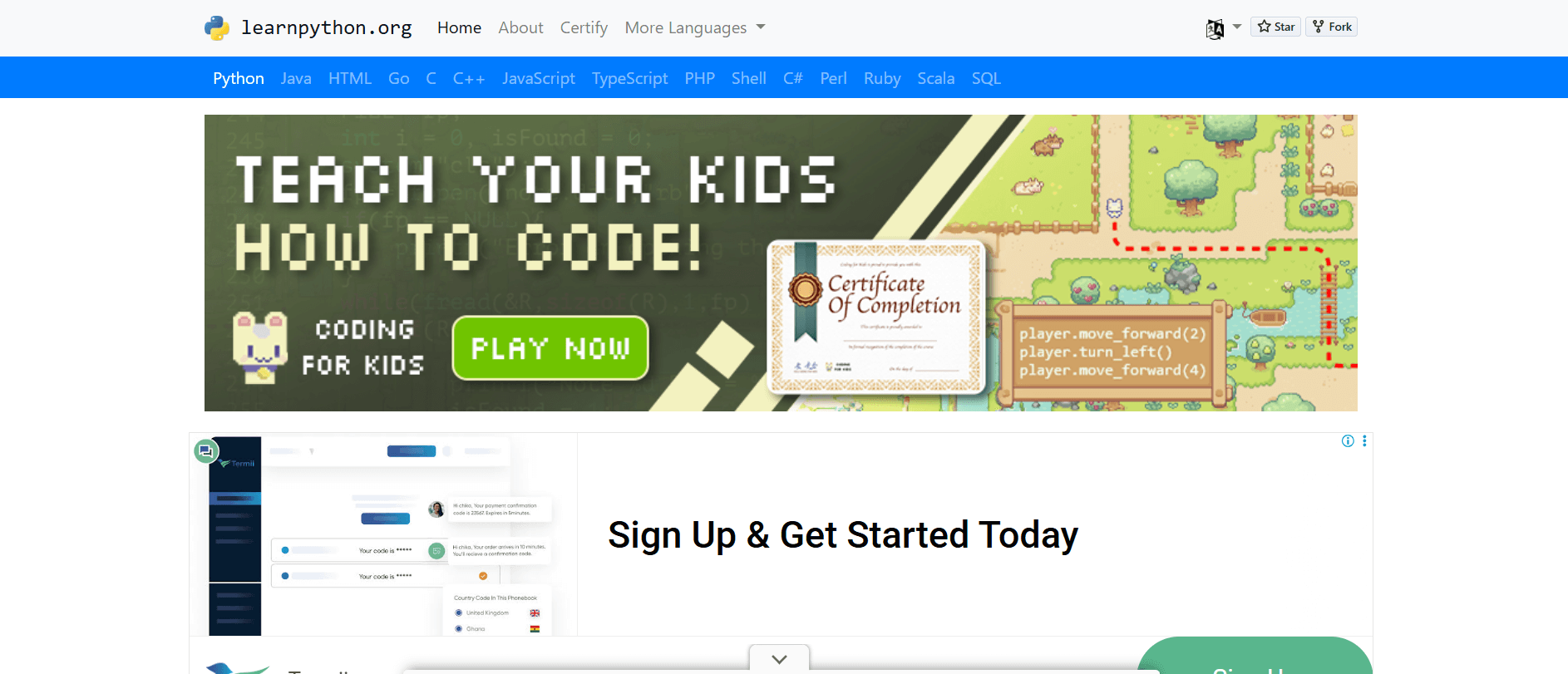
LearnPython.org is a free interactive Python tutorial for people who want to learn Python fast. It strips away everything but the essentials.
Best for: Complete beginners who want a no-frills introduction
What makes it effective:
Each lesson presents a concept with a brief explanation, followed by an interactive coding exercise. You can’t move forward until you complete each exercise correctly. This forces active learning rather than passive reading.
The tutorial covers basics like variables and strings, then progresses through loops, functions, classes, and more advanced topics. The entire course can be completed in a few focused days.
Topics covered: Basic operators, strings, lists, loops, functions, classes, dictionaries, modules
Learning approach: Short lessons with immediate coding exercises
Cost: Completely free
Website: learnpython.org
FreeCodeCamp
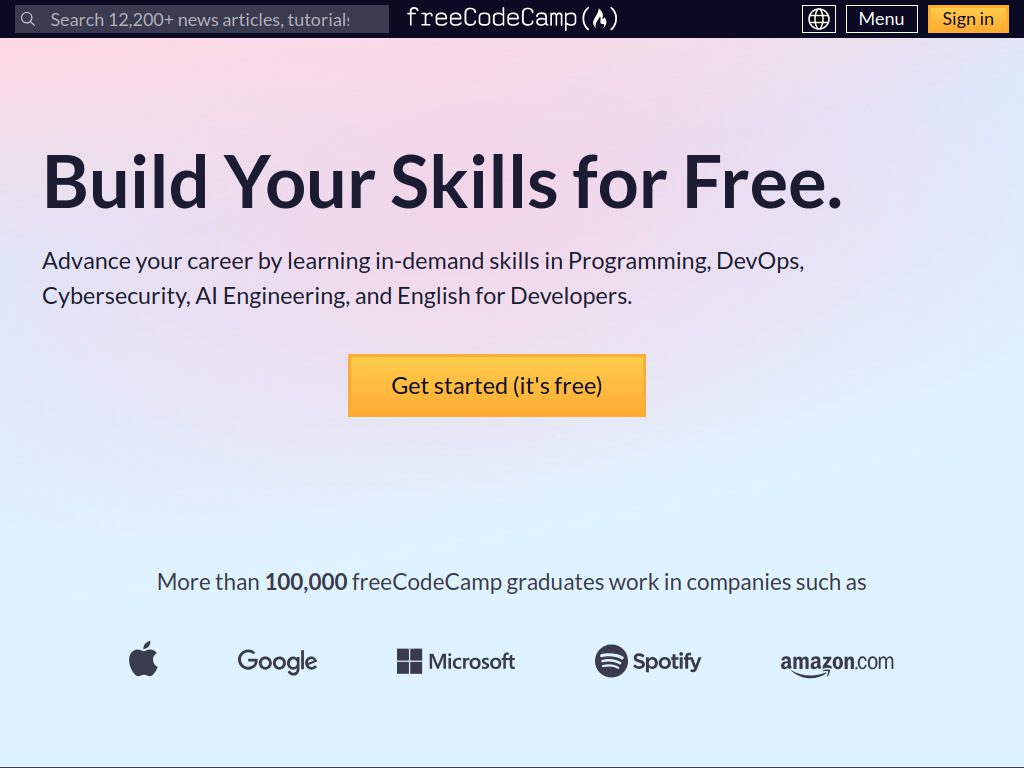
FreeCodeCamp built its reputation on web development but now offers extensive Python content. Everything remains completely free with no ads or paywalls.
Best for: Budget-conscious learners who want comprehensive training
What you get:
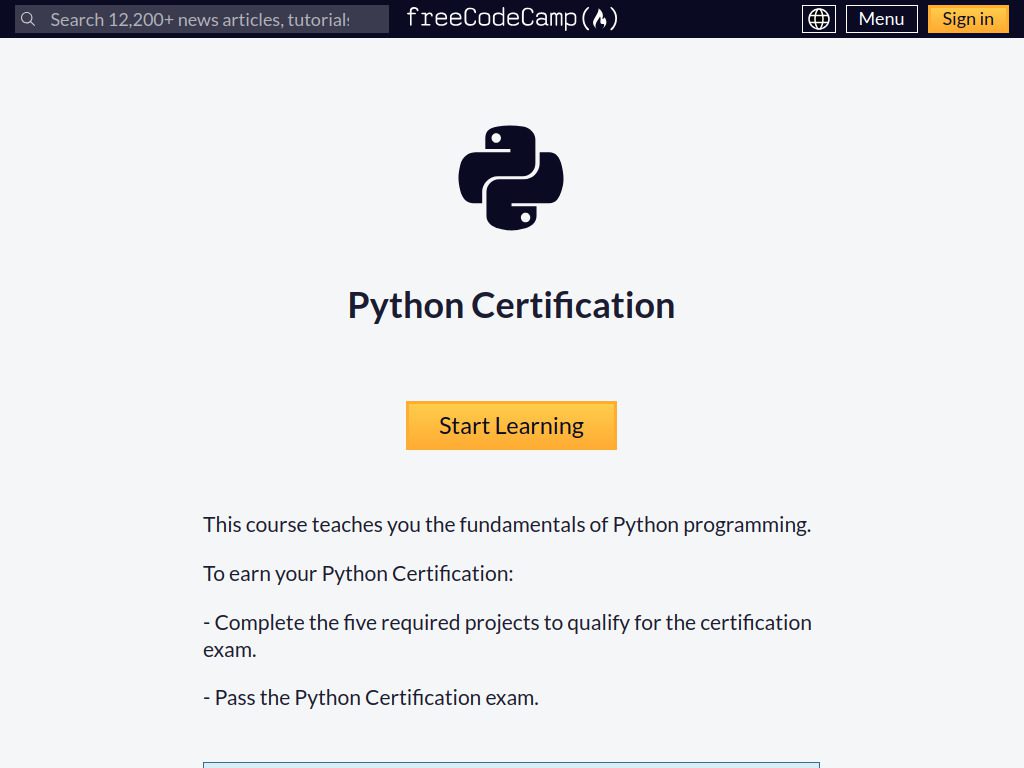
The Scientific Computing with Python certification includes 300 hours of coursework. You’ll build real projects including a budget app, polygon area calculator, probability calculator, and more. These projects form a portfolio you can show potential employers.
Beyond structured curriculum, FreeCodeCamp’s YouTube channel features full-length Python courses. Programming with Mosh’s Python tutorial starts with Python basics then dives deep into three hands-on projects: automating tasks with Python, creating a machine learning application, and building a website using Django.
Certifications available:
- Scientific Computing with Python
- Data Analysis with Python
- Machine Learning with Python
Learning approach: Video tutorials and project-based learning
Cost: Completely free, forever
Website: freecodecamp.org
Real Python
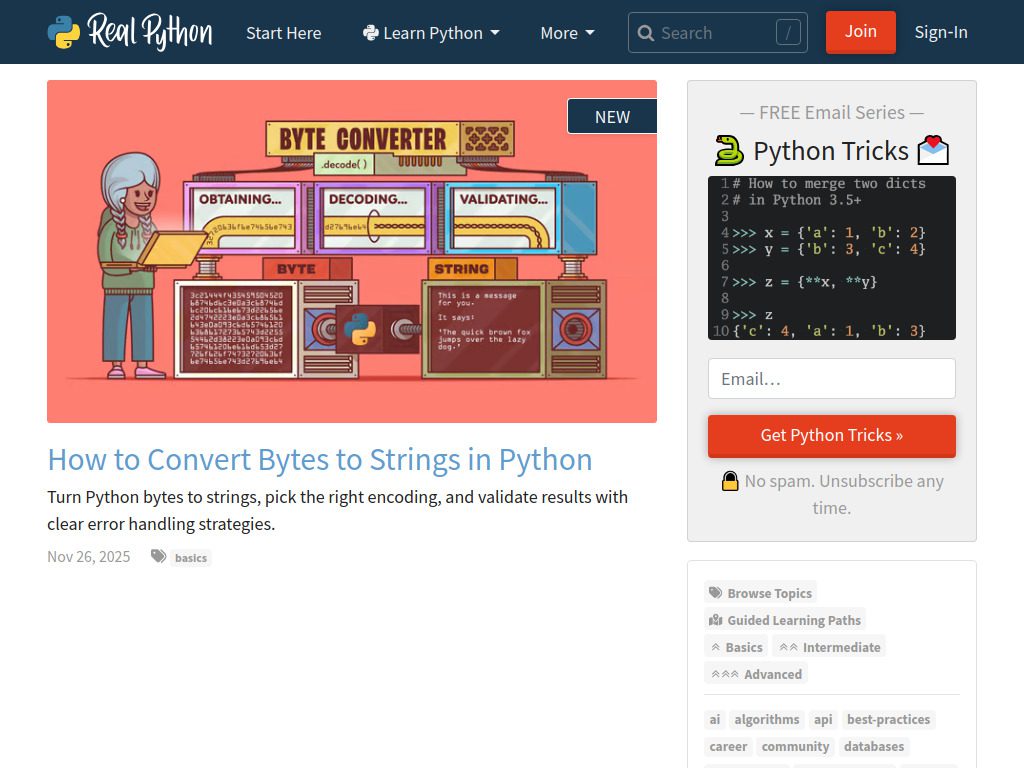
Real Python publishes some of the most thorough written tutorials available. Their content goes beyond surface-level explanations to show you how things actually work.
Best for: Intermediate to advanced learners who want deep understanding
What makes it valuable:
Each tutorial is exhaustively researched and includes working code examples. Topics range from beginner fundamentals to advanced subjects like decorators, metaclasses, and concurrency. The writing assumes you want to truly understand concepts, not just copy code.
The site includes both free and premium content. Free members get access to hundreds of tutorials and articles. Premium members receive video courses, quizzes, and downloadable resources.
Content types: Written tutorials, video courses, podcasts, quizzes
Popular topics: Web development, data science, DevOps, testing, best practices
Learning approach: Written tutorials with code examples and video courses
Cost: Free tier; premium $60/year
Website: realpython.com
LeetCode
LeetCode isn’t a traditional learning platform. Instead, it’s a problem-solving arena where you tackle coding challenges that mirror technical interview questions.
Best for: Preparing for technical interviews and mastering algorithms
Why use it:
LeetCode offers various coding challenges that will improve your problem-solving skills and understanding of algorithms, making it ideal for mastering algorithms and data structures in Python and helping prepare you for technical interviews.
The platform categorizes problems by difficulty (easy, medium, hard) and topic (arrays, strings, trees, dynamic programming, etc.). Each problem includes a description, examples, constraints, and a code editor where you can write and test solutions.
Most problems can be solved in multiple programming languages, including Python. After submitting your solution, you can view how it compares to others in terms of speed and memory usage. The discussion forums show alternative approaches and optimizations.
Problem categories: Arrays, strings, linked lists, trees, graphs, dynamic programming, and more
Learning approach: Hands-on problem solving with community discussions
Cost: Free tier; premium $35/month
Website: leetcode.com
SoloLearn
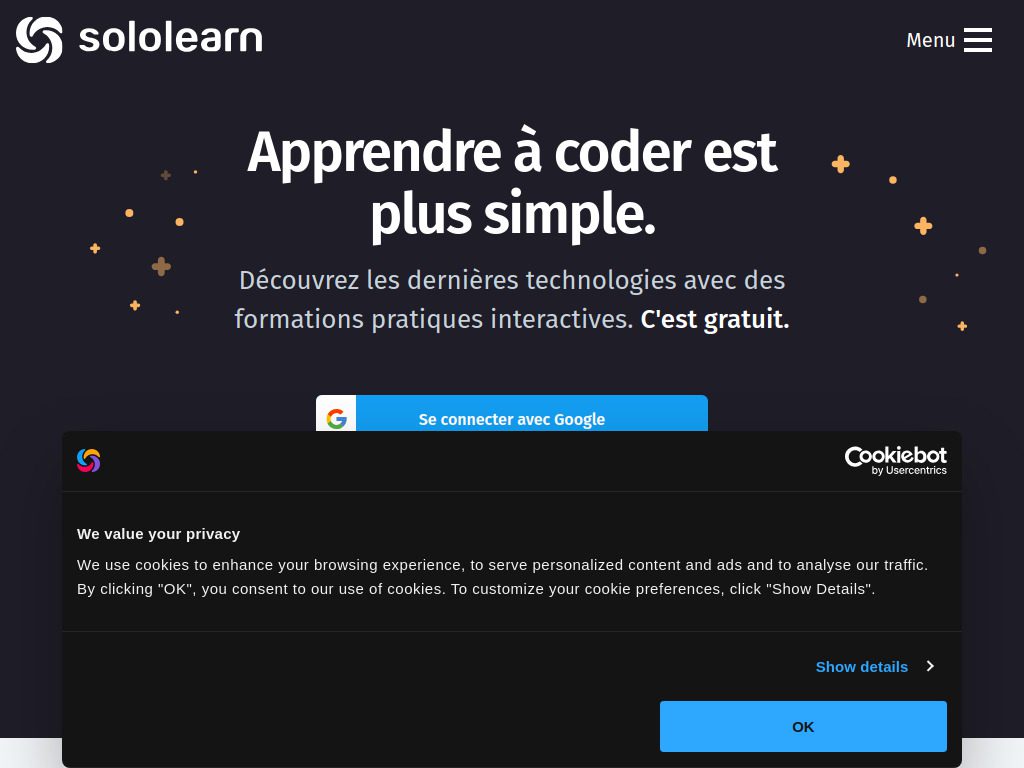
SoloLearn brings Python education to your phone with a gamified learning experience that makes coding feel like playing a game.
Best for: Learning on the go during commutes or breaks
What makes it unique:
The mobile app design means lessons fit into five-minute chunks. You can practice coding on your phone during lunch breaks or while waiting in line. The gamification includes XP points, achievements, and leaderboards that create motivation through competition.
The Python course covers basics through intermediate topics. Quizzes after each lesson reinforce concepts, and the code playground lets you experiment with Python directly on your device. The community feature allows you to challenge other learners and discuss problems.
Course structure: Short lessons, quizzes, code challenges, community discussions
Learning approach: Gamified mobile lessons with interactive exercises
Cost: Free tier; Pro subscription $6.99/month
Website: sololearn.com
YouTube Channels
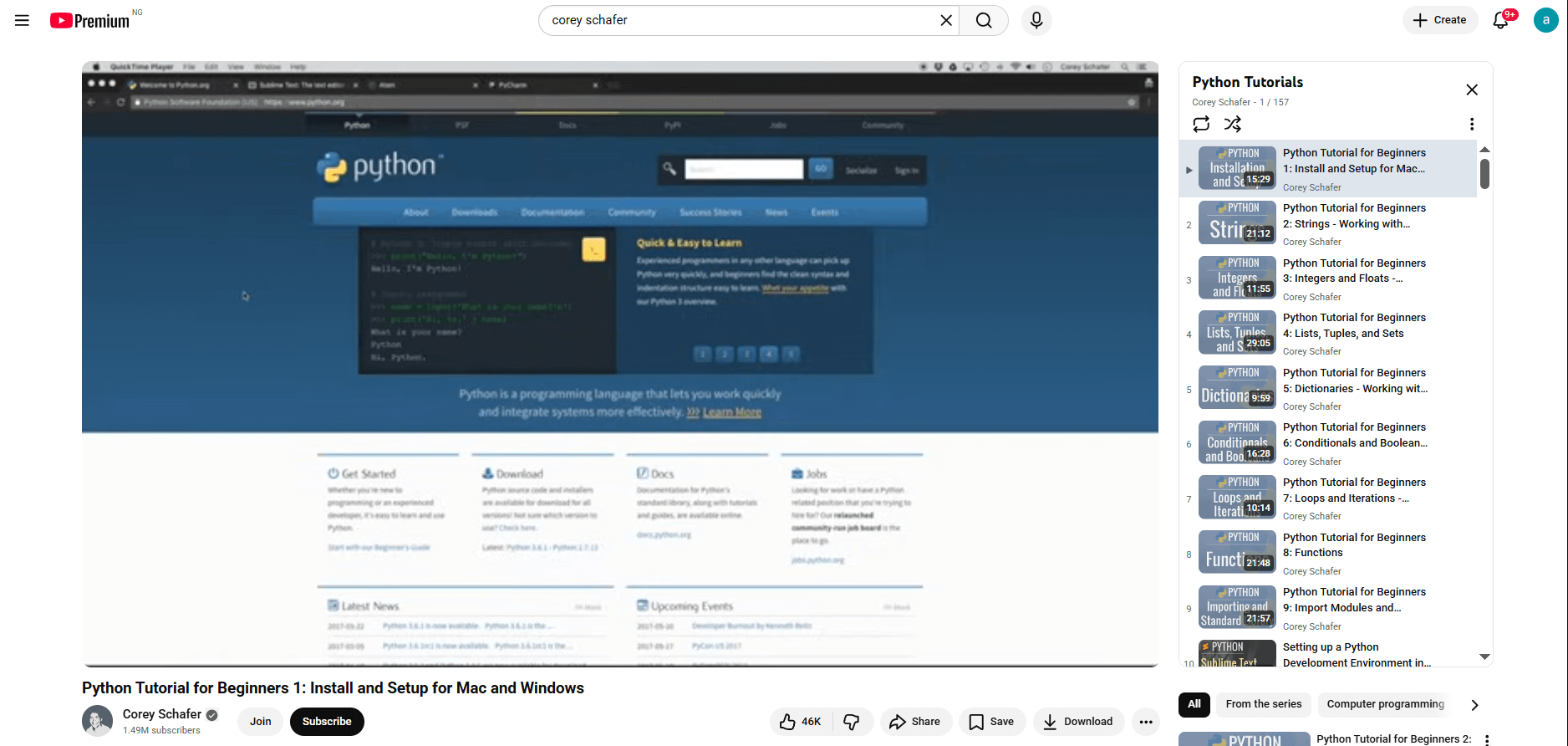
YouTube hosts countless Python tutorials ranging from single-topic videos to complete courses. These channels consistently deliver quality content.
Best for: Visual learners who prefer video instruction
Top Python YouTube channels:
1. Corey Schafer
Corey Schafer’s YouTube channel is one of the best free resources to learn Python through video tutorials, covering everything from basic Python syntax to more complex subjects like web development, database integration, and data visualization with clear, thorough, and easy-to-understand presentations. His tutorials are well-organized, making it easy to find content by topic, and are invaluable for visual learners.
2. Programming with Mosh
Mosh’s free Python tutorial starts with Python basics and then dives deep into three hands-on projects: automating tasks with Python, creating a machine learning application, and building a website using Django, with clear explanations and plenty of practical examples.
3. Tech With Tim
Tim creates beginner-friendly Python tutorials covering game development, web scraping, machine learning, and more. His project-based approach shows how to build real applications.
4. Dave Gray
Dave Gray’s free 9-hour Python video tutorial takes a methodical approach to teaching Python with modern instruction released in 2023, starting from core fundamentals and progressing to advanced concepts like closures and recursion. The course includes practical exercises and reaches its peak with a hands-on Flask web application project.
Learning approach: Video tutorials with code-along exercises
Cost: Completely free
Microsoft Lear
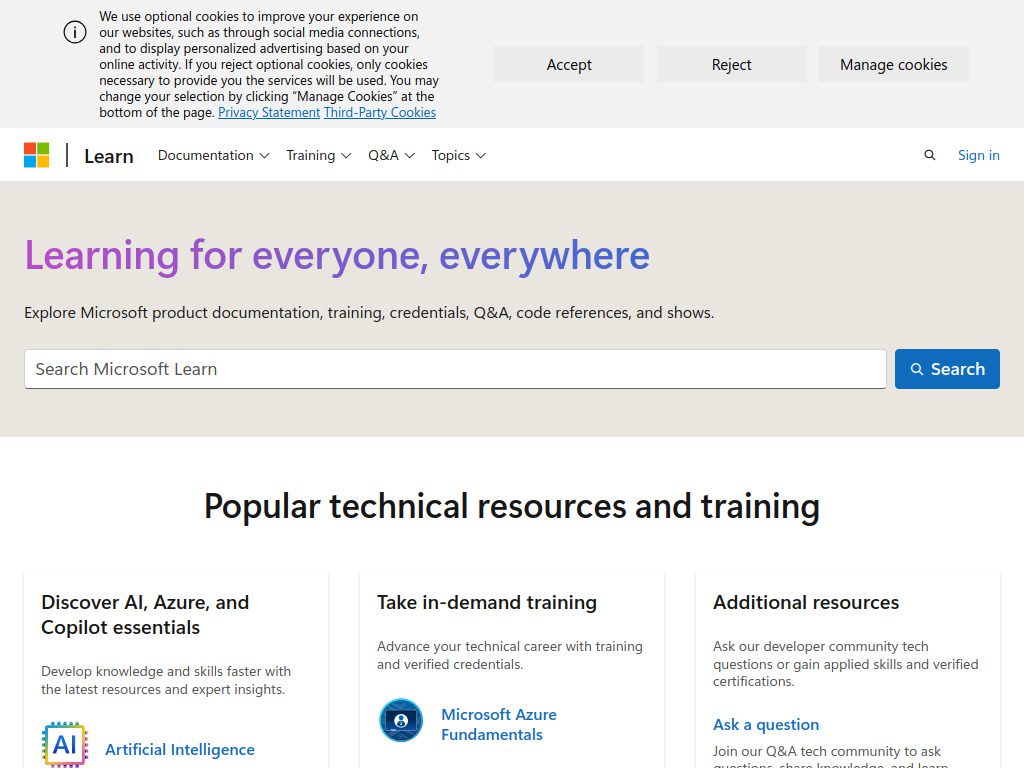
Microsoft Learn offers free training paths designed by Microsoft’s education team. The content emphasizes practical skills for building real-world applications.
Best for: Learning Python for professional development or certification
What it offers:
The learning paths include modules on Python fundamentals, web development with Django and Flask, data analysis, and machine learning. Each module contains lessons, hands-on exercises in a browser-based environment, and knowledge checks.
Microsoft’s Python content integrates well with Azure services, making it valuable if you’re interested in cloud computing. The platform also offers preparation materials for Microsoft certification exams.
Learning paths:
- Take your first steps with Python
- Build AI solutions with Azure OpenAI
- Create machine learning models
- Automate administrative tasks with Python
Learning approach: Structured modules with hands-on labs
Cost: Completely free
Website: learn.microsoft.com
GUVI
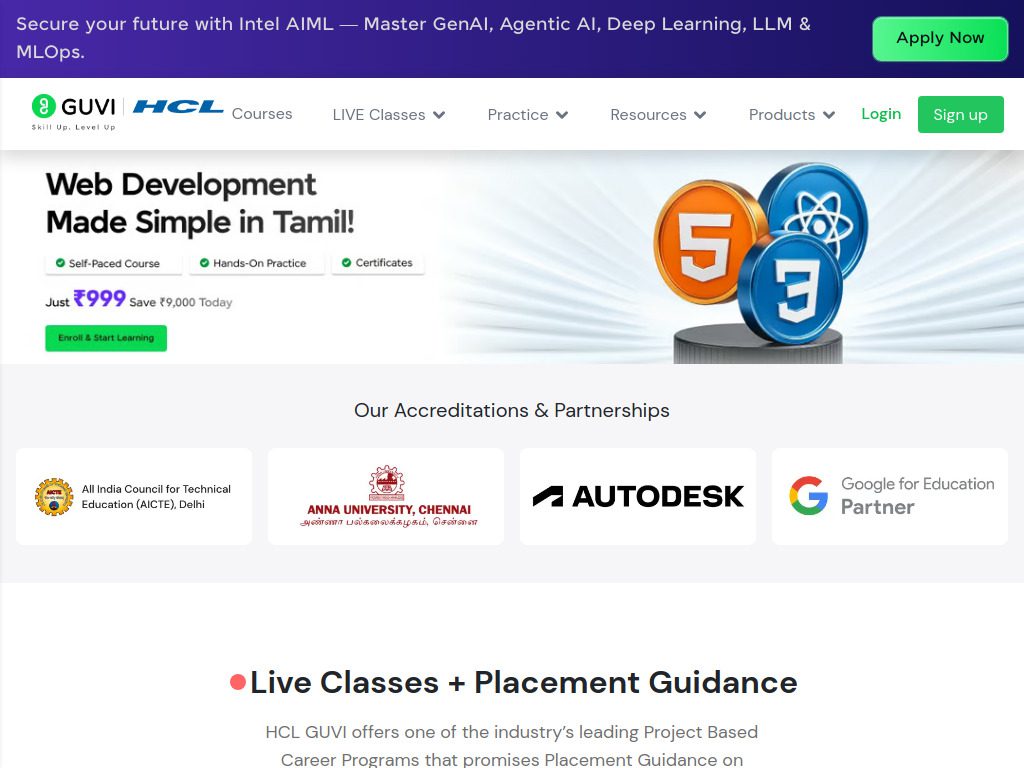
GUVI is an innovative ed-tech platform focused on providing personalized programming and technology courses, with a strong emphasis on Python programming that guides learners from basic syntax to advanced programming techniques.
Best for: Non-English speakers and learners who prefer regional languages
Unique features:
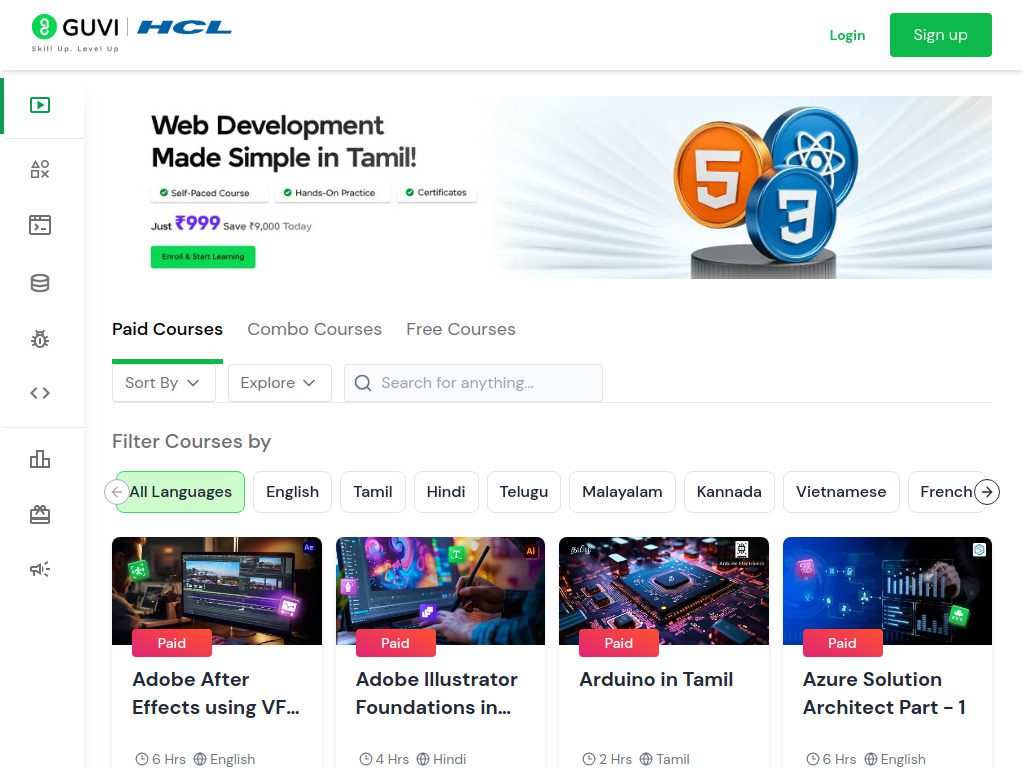
GUVI offers beginner to advanced courses in Python covering all aspects including data handling and visualization, with self-paced online learning through recorded content, practical exercises, and interactive gamified platforms like Codekata, Webkata, and IDE.
The platform is available in multiple languages, including English, Hindi, Tamil, Marathi, and up to 10 regional languages. This accessibility makes Python learning possible for millions who face language barriers on other platforms.
Additional benefits: Industry-recognized certifications affiliated with IIT-M, dedicated support forum, community of learners
Learning approach: Self-paced video lessons with gamified practice
Cost: Freemium (free course, fee for certification)
Website: guvi.in
How to Choose the Right Platform for You
With so many options available, picking the right platform depends on your learning style, goals, and constraints. Here’s a framework to help you decide.
Consider your learning style
If you learn by doing: Codecademy, Educative, or LearnPython.org offer immediate hands-on practice without videos to watch.
If you prefer video instruction: Udemy, Coursera, YouTube channels, or FreeCodeCamp provide structured video courses with demonstrations.
If you like reading: Real Python, Python.org documentation, and W3Schools deliver comprehensive written explanations.
If you want gamification: SoloLearn and GUVI turn learning into an engaging game with points and challenges.
Match your current skill level
Complete beginners: Start with Codecademy, LearnPython.org, or FreeCodeCamp. These platforms assume zero prior knowledge and build from the ground up.
Some programming experience: Python.org’s official tutorial, Coursera’s university courses, or Udemy bootcamps help you transition from other languages.
Intermediate learners: Real Python, DataCamp, or Educative offer deeper dives into specific topics and advanced concepts.
Advanced developers: LeetCode for algorithm practice, Real Python for specialized topics, or advanced courses on any platform.
Define your goals
Data science career: DataCamp is purpose-built for this path, with dedicated tracks covering pandas, NumPy, machine learning, and visualization.
Web development: Look for courses covering Django or Flask. Coursera, Udemy, and FreeCodeCamp all offer strong web development content.
Technical interviews: LeetCode is essential for interview preparation. Supplement with algorithm-focused courses on any platform.
General programming skills: Any comprehensive platform works. Choose based on learning style and budget.
Budget considerations
Free options: Python.org, LearnPython.org, FreeCodeCamp, W3Schools, YouTube channels, Microsoft Learn
Low cost ($10-20/month): Codecademy, DataCamp, Udemy (during sales)
Investment ($50+/month): Coursera, premium memberships on multiple platforms
You don’t need to stick with one platform. Many successful learners combine free resources for basics with paid courses for specialized topics. Start with free options to build fundamentals, then invest in paid platforms when you’ve identified specific areas where you need deeper knowledge.
Building an effective learning strategy
Choosing the right platform is just the first step. How you approach learning makes the difference between finishing courses and actually gaining skills.
Start with fundamentals on one platform
Pick one beginner-friendly resource and complete it fully before jumping around. Platform-hopping prevents you from building the consistent practice that solidifies concepts. Spend two to four weeks on basics: variables, data types, control flow, functions, and basic data structures.
Code every single day
Even 15 minutes of daily coding beats weekend binges. Your brain needs regular exposure to form the neural pathways that make programming intuitive. Set a small, achievable goal like “write one function each day” or “solve one problem on LeetCode.”
Build projects immediately
Tutorial hell is real. You can watch hundreds of hours of videos and still not know how to build anything. Start creating small projects after learning basics. Build a calculator, create a to-do list app, automate a boring task, or scrape a website. Projects reveal what you don’t know and force you to problem-solve.
Use multiple resources strategically
After mastering basics on your primary platform, use others for specific purposes. Watch YouTube videos to clarify confusing concepts. Use W3Schools for quick syntax lookups. Practice algorithms on LeetCode. Read Real Python articles for deep dives into specific topics. Each platform serves different needs.
Join communities
Learning alone is harder than learning with others. Reddit’s Python subreddit (/r/Python) is a vibrant community where you can learn from questions, share your projects, and get feedback. Discord servers, Stack Overflow, and platform-specific forums all provide places to ask questions and connect with other learners.
Frequently Asked Questions
How long does it take to learn Python?
You can learn Python basics in two to three months with consistent daily practice. Reaching job-ready proficiency typically takes six to twelve months of regular coding. Your timeline depends on prior programming experience, daily practice time, and learning goals. Someone aiming for basic automation skills will reach their goal faster than someone pursuing machine learning roles.
Should I start with Python 2 or Python 3?
Always learn Python 3. Python 2 reached end-of-life in 2020 and no longer receives updates. All modern projects use Python 3, which includes significant improvements over Python 2. Every resource in this guide teaches Python 3.
Do I need to pay for courses to learn Python effectively?
No. Free resources like FreeCodeCamp, Python.org, YouTube channels, and LearnPython.org provide comprehensive education. Paid platforms offer advantages like structured curriculum, certifications, and premium support, but aren’t necessary for learning. Many professional developers learned entirely from free resources.
Which Python platform is best for complete beginners?
Codecademy, LearnPython.org, or FreeCodeCamp work well for absolute beginners. These platforms assume no prior knowledge and use interactive exercises that provide immediate feedback. Choose Codecademy if you prefer a polished interface, LearnPython.org for no-frills simplicity, or FreeCodeCamp for comprehensive free certification.
Can I learn Python on my phone?
Yes. SoloLearn is specifically designed for mobile learning with bite-sized lessons and coding exercises that work on smartphones. However, you’ll eventually need a computer for building real projects and working with professional development tools.
How do I know when I’m ready for advanced topics?
You’re ready for advanced topics when you can build simple programs without constantly referencing tutorials. If you can create a basic application that accepts user input, processes data, and produces output, you have sufficient fundamentals to explore specialized areas like web development, data science, or machine learning.
Should I learn Python frameworks while learning the language?
Master Python fundamentals first. Understanding variables, functions, classes, and basic data structures makes learning frameworks much easier. Jumping to Django or Flask too early creates confusion because you’re learning the framework and the language simultaneously. Spend your first month on pure Python before exploring frameworks.
What’s the best way to practice Python after completing tutorials?
Build projects that solve problems you actually have. Automate a repetitive task, create a tool you’d use, or contribute to open-source projects. LeetCode helps with algorithmic thinking, but real projects teach you to combine concepts and debug complex issues. GitHub hosts thousands of beginner-friendly projects where you can contribute.
Are Python certifications worth getting?
Certifications demonstrate commitment but matter less than portfolio projects for most programming jobs. Focus on building a GitHub portfolio with working projects. That said, certifications from recognized platforms like Coursera or Microsoft can help when you’re just starting and have no other credentials.
How do I choose between data science and web development paths?
Try both briefly before committing. Spend a week learning pandas and creating simple data visualizations. Then spend a week building a basic web app with Flask. Your enjoyment and natural aptitude will become clear. Data science involves more statistics and analysis, while web development focuses on building interfaces and handling user interactions.
Your Python learning path starts now
Python opens doors to careers in web development, data science, automation, machine learning, and more. The 15 platforms covered here provide everything you need to go from complete beginner to job-ready developer.
The most important step? Starting today. Pick one platform that matches your learning style, commit to 30 days of consistent practice, and see where it takes you. You don’t need to choose perfectly—you need to start coding.
Remember that every expert developer started exactly where you are now. They succeeded not because they found the perfect course, but because they showed up every day and wrote code. Your Python journey begins with a single line of code. What will you build?