
AI meeting transcription has matured into a key component for various settings, including corporate enterprises, government bodies, the media industry, academic institutions, and even judicial courts. These tools don’t just convert speech to text—they identify speakers, extract action items, generate summaries, and even answer questions about past conversations.
We’ve tested and researched the top AI transcription platforms to help you find the right tool for recording conference calls, automating meeting notes, and getting those hours back in your week. Whether you’re running sales calls, conducting interviews, or managing a remote team, these tools will transform how you document and follow up on meetings.
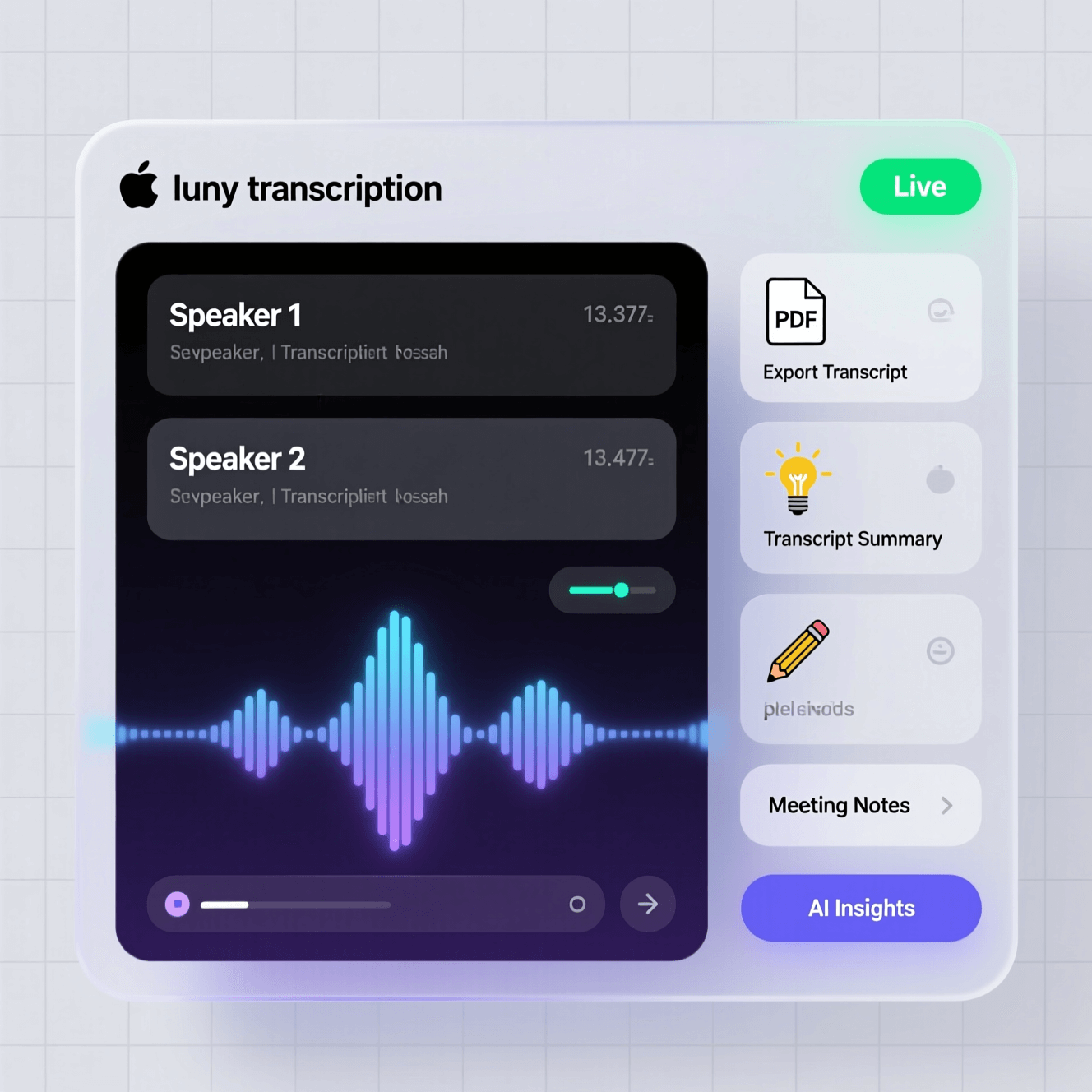
Table of Contents
- What Is AI Meeting Transcription and Why Does It Matter?
- Must-Have Features in Meeting Transcription Tools
- 15 Best AI Meeting Transcription Tools
- Tips for Better Meeting Transcription Accuracy
- How to Choose the Right Tool for Your Team
- Frequently Asked Questions
What Is AI Meeting Transcription and Why Does It Matter?
AI meeting transcription uses machine learning and natural language processing to automatically convert spoken words from meetings into written text. But modern tools go way beyond simple speech-to-text conversion.
This process leverages a confluence of subfields within AI, including machine learning, natural language processing, automatic speech recognition, and even large language models. The result? You get transcripts that understand context, identify different speakers, and even grasp the intent behind what people are saying.
Think about how much time your team spends in meetings each week. Now imagine if every single one of those meetings was automatically documented, searchable, and summarized. In Microsoft’s 2024 Work Trend Index Annual Report, 90% of surveyed users said AI helps them save time and 85% said it allows them to focus on their most important work.
The benefits stack up quickly. Sales teams can focus on building relationships instead of frantically typing notes. Product managers can review exact customer feedback months later. Remote workers across time zones can catch up on meetings they couldn’t attend. And compliance-focused industries can maintain accurate records without hiring dedicated note-takers.
How Accurate Are AI Transcription Tools in 2025?
Accuracy has come a long way. In 2025, top AI transcription tools like Votars, Otter.ai, and Rev AI boast accuracy rates above 95–99% in clean audio environments. Some integrated platforms perform even better—Zoom leads with 99.05% accuracy while Webex comes in at 98.71%.
But here’s the catch: those numbers assume good audio quality, minimal background noise, and clear speakers. Real-world conditions often differ. The tools that stand out in 2025 are the ones that maintain high accuracy even when audio conditions aren’t perfect—handling multiple speakers, accents, technical jargon, and those inevitable moments when someone’s barking dog interrupts.
Must-Have Features in Meeting Transcription Tools
Not all transcription tools are built the same. When you’re evaluating options, here are the features that actually make a difference in your daily workflow.
Automatic Speech Recognition
Advanced transcription tools are often deemed as high-accuracy ASR engines based on deep learning models. Such models translate raw audio waveforms into structured word tokens while accounting for acoustic variability and ambient noise. This is the foundation—if the basic transcription isn’t accurate, nothing else matters.
Speaker Diarization
Speaker diarization means the tool can tell who’s talking when. Most tools can identify and separate speakers within a conversation without prior settings or training. This feature is beneficial in multi-participant settings like board meetings or legal depositions. Instead of getting a wall of text, you get a conversation format that’s actually readable.
Real-Time Transcription
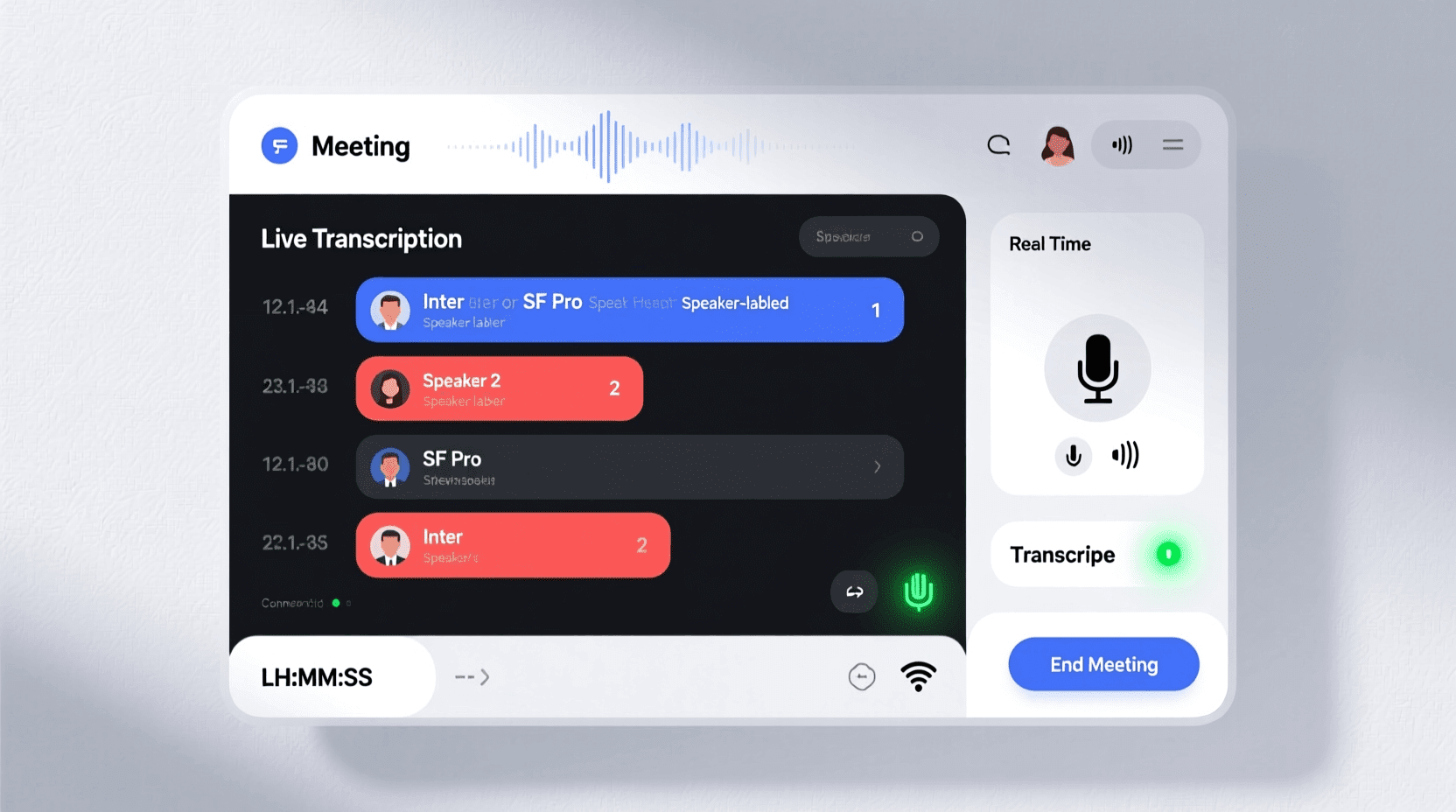
Some tools transcribe as people speak, letting you follow along during the meeting. This helps with accessibility and means you can search for something that was just mentioned without waiting for the meeting to end.
Smart Summaries and Action Items
The best tools don’t just transcribe—they understand. They pull out key decisions, extract action items with owners, and generate concise summaries. This turns a 60-minute meeting into a 2-minute read that tells you everything you need to know.
Integration Capabilities
Your transcription tool should fit into your existing workflow. Look for integrations with video conferencing platforms (Zoom, Teams, Google Meet), project management tools (Asana, Monday, Jira), CRMs (Salesforce, HubSpot), and collaboration apps (Slack, Notion).
Multi-Language Support
If your team works across borders, language support matters. Some tools handle 50+ languages and can even auto-detect which language is being spoken.
15 Best AI Meeting Transcription Tools
We’ve organized these tools based on what they do best. Some excel at sales calls, others shine for team collaboration, and a few are built specifically for complex multi-speaker scenarios.
1. Happy Scribe
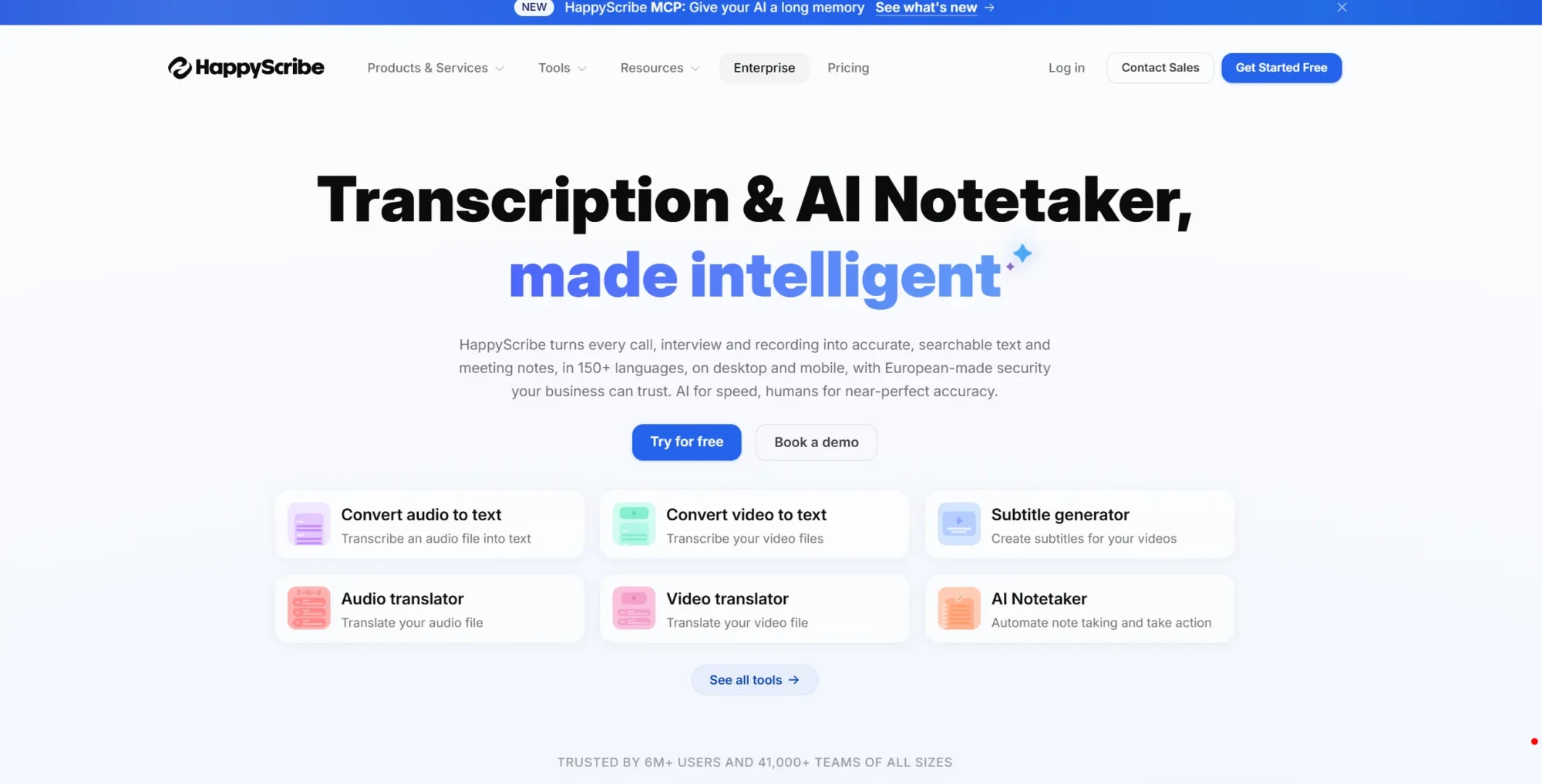
Happy Scribe is a powerful transcription and subtitling platform designed for users who need highly accurate text from audio and video in multiple languages. Unlike many AI-only tools, it combines automated transcription with optional human-made transcripts, making it a strong choice when precision is critical.
What sets Happy Scribe apart is its focus on multilingual support and content localization. It can generate transcripts, subtitles, and translations in dozens of languages, making it especially useful for media teams, researchers, and content creators working across global audiences. Users can also edit transcripts in a clean interactive editor, sync subtitles with video, and export in multiple formats.
Key Features:
- Automatic transcription and subtitling for audio and video
- Support for 60+ languages and dialects
- Interactive transcript editor with timestamps
- AI-generated captions and subtitle synchronization
- Optional human transcription for higher accuracy needs
- Export formats including SRT, TXT, DOCX, and more
Pricing: Free plan available. Subscription plans start from around $8.50/month depending on transcription volume and features.
Best For: Content creators, media teams, and researchers who need accurate multilingual transcription and professional-grade subtitles.
2. Otter.ai
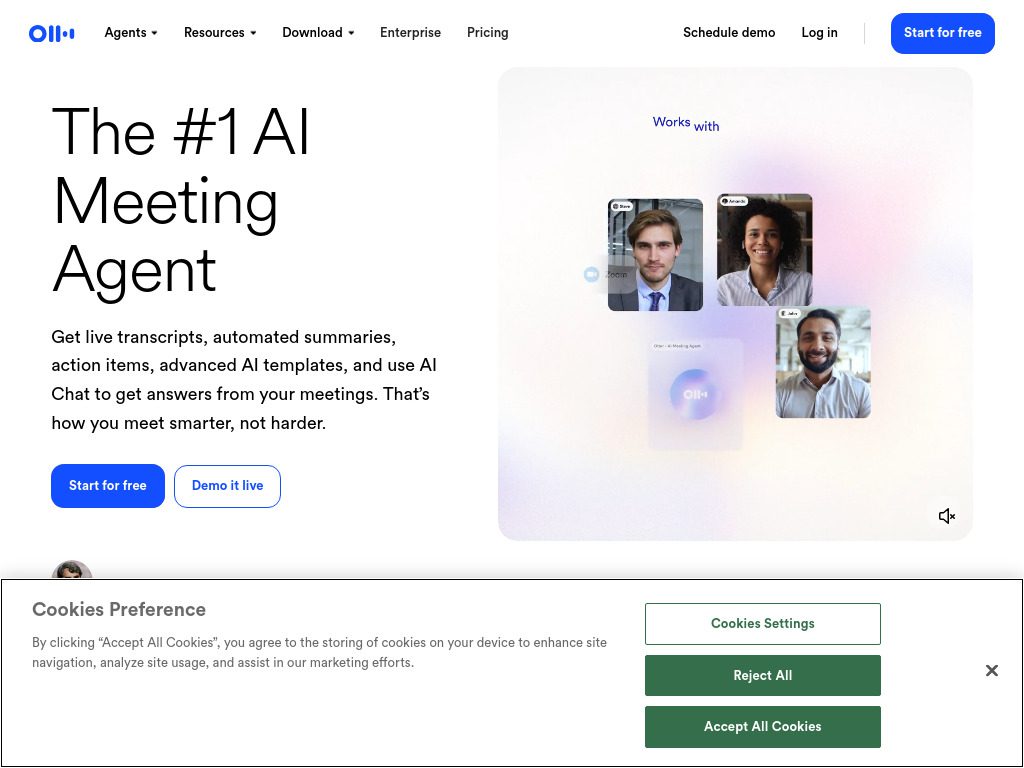
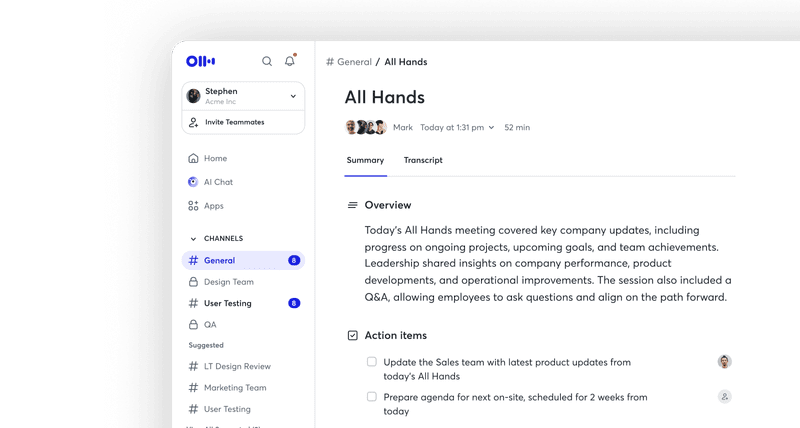
Otter.ai – OtterPilot is the Smart AI Meeting Assistant that automatically converts meetings, interviews, or recordings into searchable text with real-time transcription and AI-powered meeting insights. What makes Otter stand out is how it turns transcripts into a collaborative workspace.
You can comment on specific parts of the transcript, share clips with teammates, and use Otter’s AI Chat to ask questions about any past meeting. Users report up to 95% accuracy so the detail oriented never miss a detail. The platform also tracks action items automatically and can join your scheduled meetings without you lifting a finger.
Key Features:
- Real-time transcription across Zoom, Teams, and Google Meet
- AI-powered summaries and action item extraction
- Searchable conversation database
- Integration with major productivity apps
- Speaker identification and channels for async collaboration
Pricing: Free plan includes 300 monthly transcription minutes. Pro plan starts at $16.99/month for individuals.
Best For: Teams that want to build a searchable knowledge base from all their meetings and prefer collaborative features.
3. Fireflies.ai
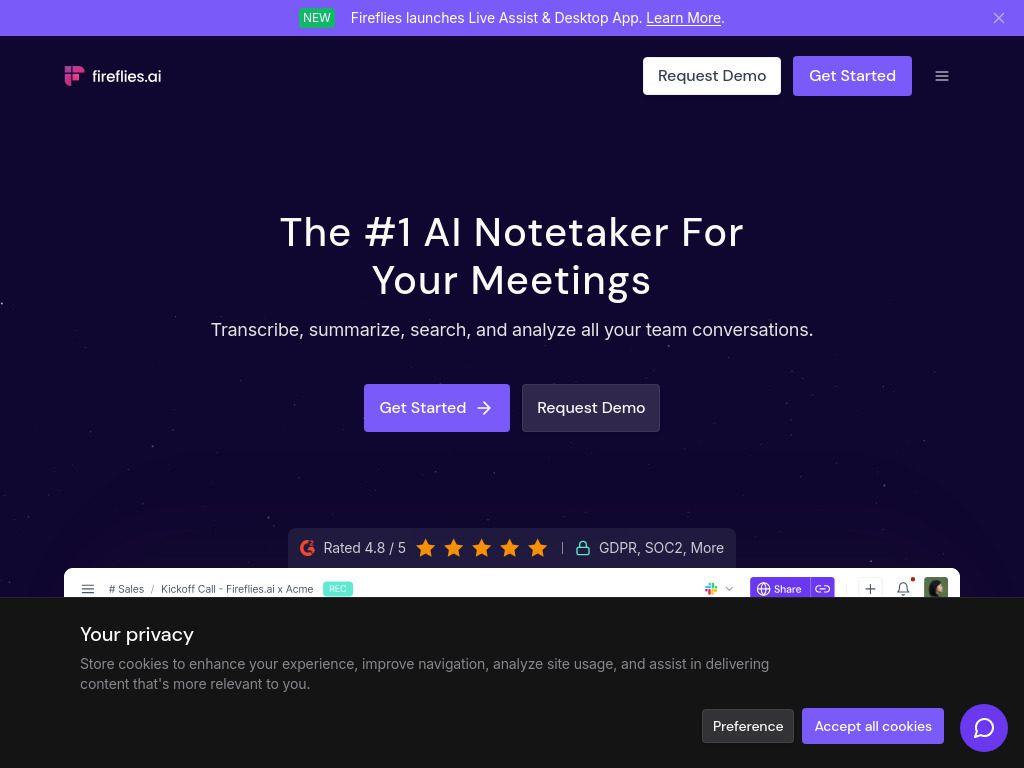
Fireflies.ai excels in recognizing action items and summarizing transcripts. Built with sales teams in mind, it automatically logs meeting insights to your CRM and tracks conversation metrics like talk-time ratio and sentiment.
Initially built on Mozilla DeepSpeech, Fireflies.ai now leverages OpenAI Whisper combined with proprietary NLP layers for workflow automation. It can attend meetings on your behalf, capture every word, and push relevant data directly into Salesforce, HubSpot, or whatever CRM you’re using.
Key Features:
- Advanced conversation analytics (sentiment, objections, competitor mentions)
- Automatic CRM sync and data enrichment
- Topic tracking and keyword alerts
- Custom vocabulary for industry-specific terms
- AskFred AI assistant to query past meetings
Pricing: Free plan available. Pro starts at $10/user/month. Business and Enterprise plans for larger teams.
Best For: Sales organizations that need conversation intelligence and automatic CRM updates.
4. Notta
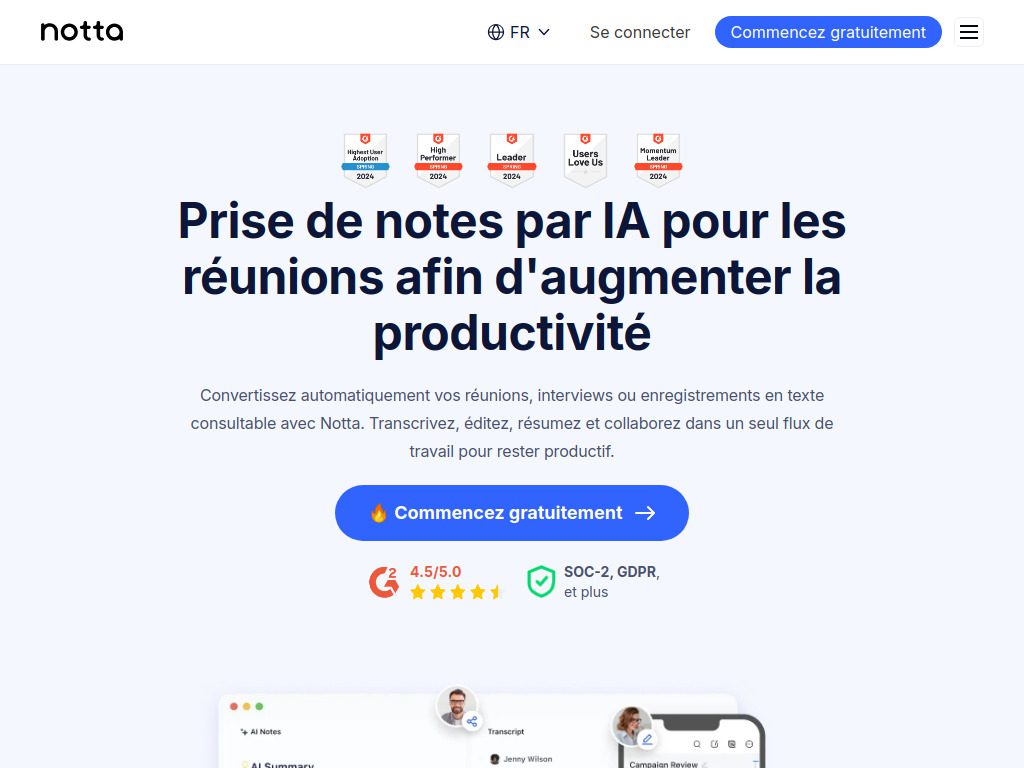
Notta supports an impressive 58 different languages for transcription and takes an average of 5 minutes to transcribe an hour-long recording. If you work with international clients or need transcripts fast, Notta delivers.
The platform shines with its clean interface and straightforward workflow. Record a meeting, get your transcript almost instantly, and export it to whatever format you need—Word, PDF, SRT for subtitles, or push it directly to Notion.
Key Features:
- Support for 58 languages with auto-detection
- Lightning-fast transcription processing
- Screen recording with transcript sync
- AI-generated meeting summaries with one click
- Zapier integration for custom workflows
Pricing: Free plan with 120 minutes monthly. Premium starts at $14.99/month.
Best For: International teams and users who need fast, multilingual transcription with flexible export options.
5. Tactiq
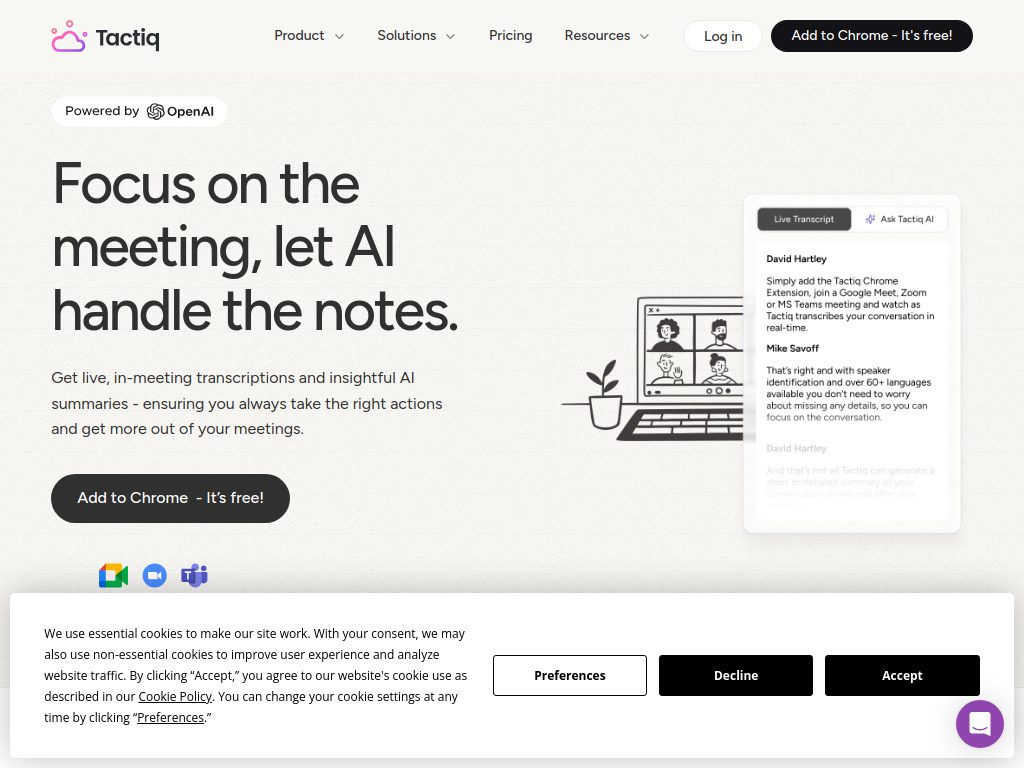
Tactiq provides live, in-meeting transcriptions and insightful AI summaries without requiring a bot to join meetings. It works as a Chrome extension, which means setup takes about 30 seconds and there’s no awkward “Fireflies Notetaker has joined the meeting” announcement.
The bot-free approach makes Tactiq perfect for sensitive conversations where you don’t want clients or external participants seeing an AI assistant in the attendee list. Tactiq supports over 60 languages and integrates with your favorite productivity tools.
Key Features:
- No meeting bot required—transcribes directly in browser
- Works with Google Meet, Zoom, and Microsoft Teams
- AI prompts to generate follow-up emails, action items, summaries
- Speaker identification
- Export to Google Docs, Notion, Slack
Pricing: Free plan available. Pro plan at $8/month offers unlimited transcripts.
Best For: Individual contributors and small teams who want a lightweight solution without meeting bots.
BONUS TOOL
Fathom
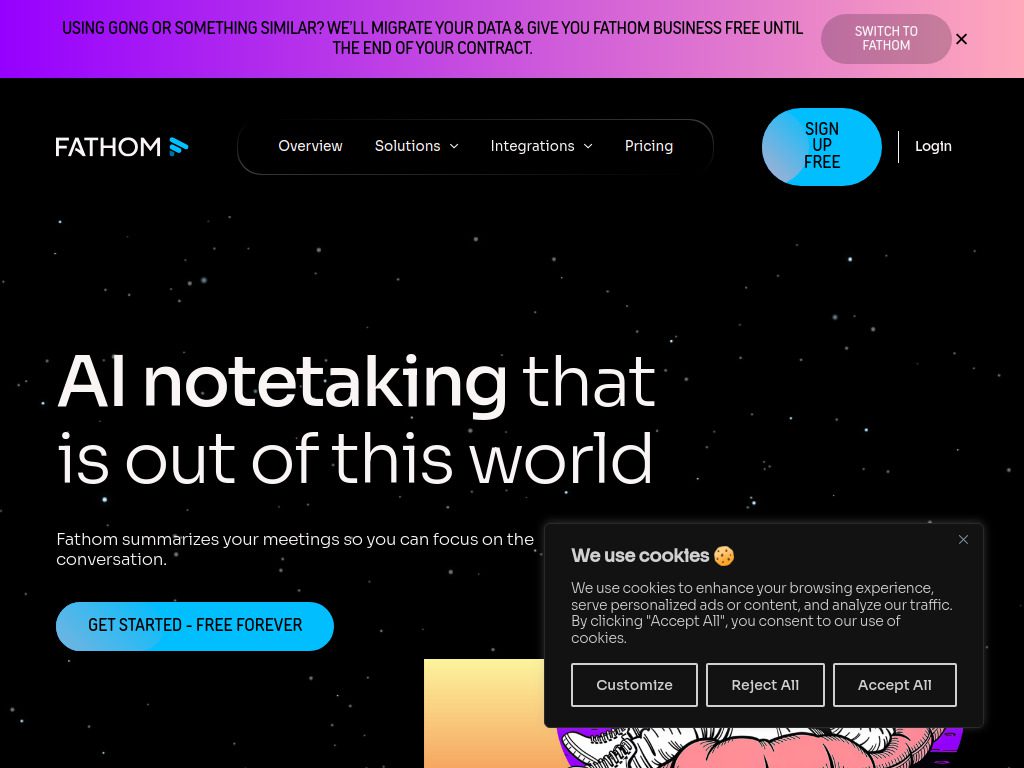
Fathom is in a really sweet spot. If you’re unsure whether an AI meeting assistant will help you improve productivity, be sure to take this one for a test ride. The free version is genuinely useful—not a stripped-down teaser that forces you to upgrade.
Fathom offers unlimited transcription even on the free tier. It automatically records your Zoom, Google Meet, and Teams calls, generates summaries, and highlights important moments. The interface is clean and doesn’t overwhelm you with features you’ll never use.
Key Features:
- Unlimited free transcription for individuals
- Auto-generated highlights and summaries
- Share specific clips instead of full recordings
- CRM integration (HubSpot, Salesforce)
- Multi-language support
Pricing: Free for individuals. Team plans start at $15/user/month.
Best For: Solopreneurs, freelancers, and anyone wanting to test AI transcription before committing to paid plans.
6. Avoma
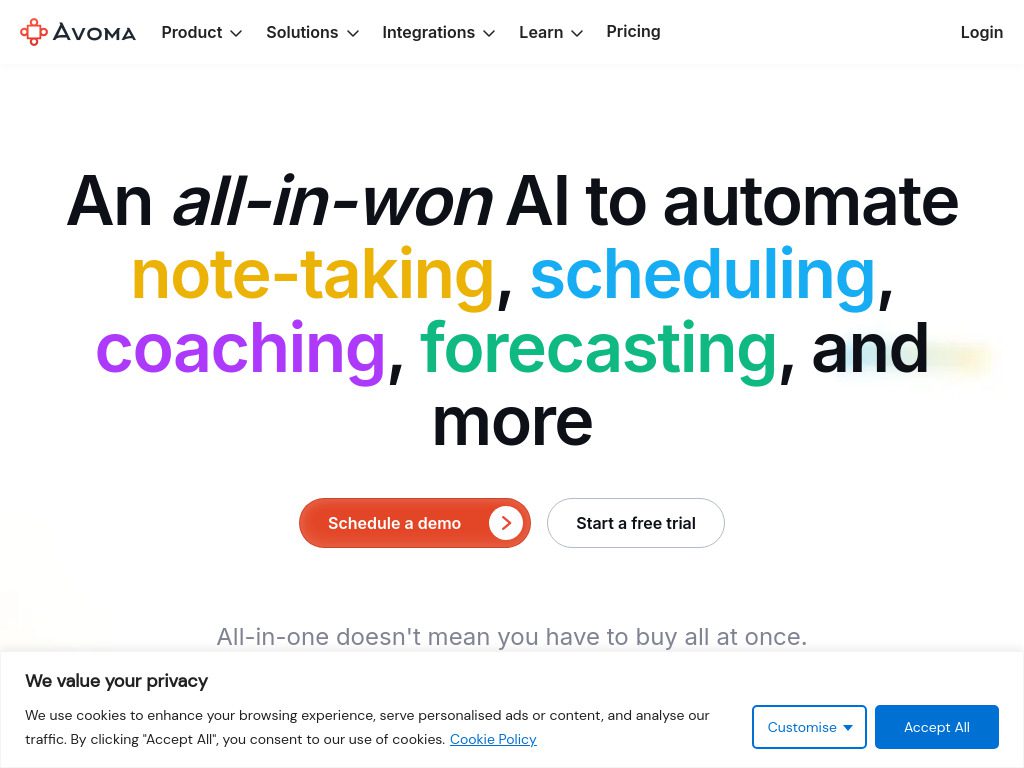
Avoma knows that transcriptions aren’t enough if you’re on a mission to improve sales calls, UX interviews, or internal meetings. This is why it offers a range of tools that let you dig deep into every meeting with the power of AI.
Avoma covers the entire meeting lifecycle—before, during, and after. Schedule meetings with agenda templates, collaborate live during calls with notes synced to the transcript, and analyze patterns across all your conversations afterward. A dashboard where you can track the total conversations everyone’s having, including the median amount of meetings per user helps managers understand team dynamics.
Key Features:
- Meeting scheduling with collaborative agendas
- Live bookmarking and comments during calls
- Filler word tracking to improve communication
- Conversation intelligence for coaching
- Deal intelligence and pipeline analysis
Pricing: Starter plan at $19/user/month. Plus and Business plans available for advanced features.
Best For: Revenue organizations that need end-to-end meeting management and conversation analytics.
7. Granola – Best for Meeting Preparation and Context
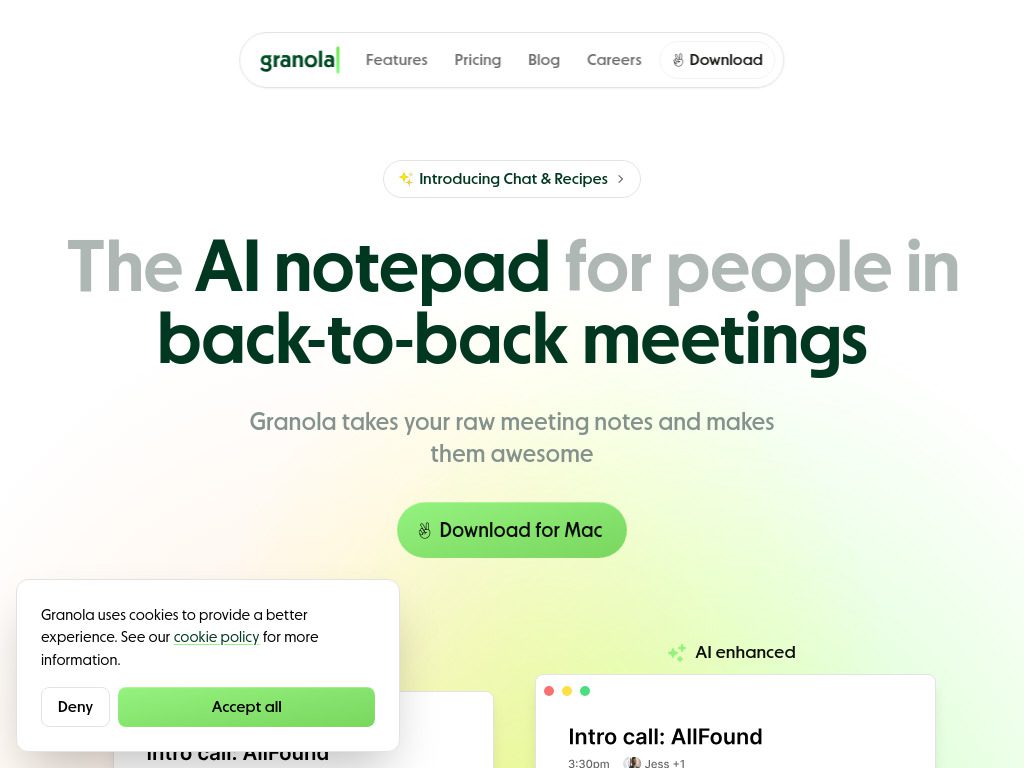
Granola pricing includes a free plan with 25 meeting transcripts and paid plans starting at $18/month with unlimited meeting transcripts. What makes Granola different is how it combines your manual notes with AI transcription.
You can jot down notes during the meeting, and Granola enhances them with AI-generated context from the transcript. It works across multiple platforms and even handles phone calls and in-person meetings when you use the app.
Key Features:
- Hybrid note-taking (your notes + AI transcription)
- Works across Zoom, Meet, Teams, and more
- GPT-4 powered enhancements
- Templates for different meeting types
- Native Mac and Windows apps
Pricing: Free for 25 meetings. Unlimited at $18/month.
Best For: People who like taking their own notes but want AI to fill in gaps and add structure.
8. Sonix
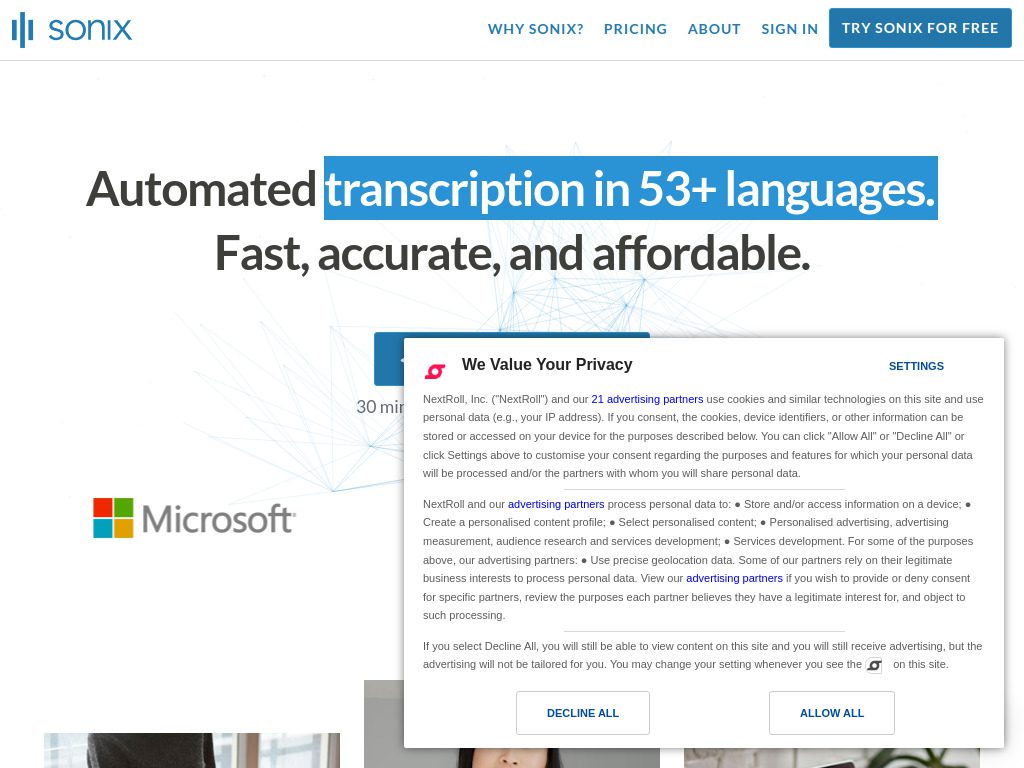
Sonix – With support for over 53 languages, Sonix enables businesses to transcribe and translate multilingual content with ease. Beyond basic transcription, Sonix offers powerful editing tools and automated workflows designed for podcasters, journalists, and video producers.
The platform lets you edit transcripts like a document, and those edits sync back to the audio or video. You can export subtitles, create audiograms, and even translate transcripts into other languages while maintaining timing accuracy.
Key Features:
- Advanced transcript editor with audio/video sync
- Automated subtitle and caption generation
- Multi-language translation built-in
- Custom vocabulary and brand terms
- API for workflow automation
Pricing: Pay-as-you-go starting at $10/hour or subscription plans from $22/month.
Best For: Content creators, media companies, and anyone producing video or audio content that needs subtitles.
9. Microsoft Teams with Copilot
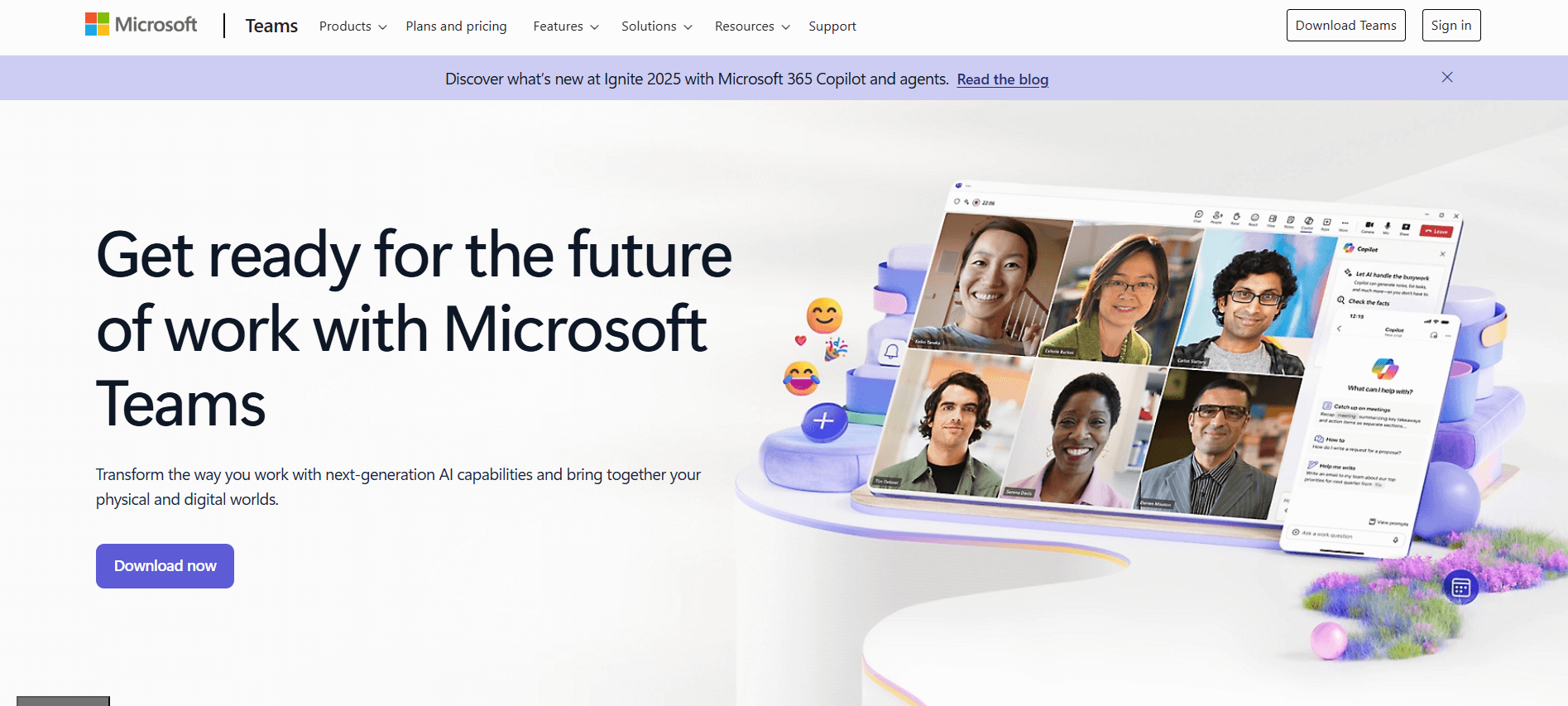
If your organization runs on Microsoft 365, Microsoft Teams with Copilot integrates transcription directly into your existing workflow. The key difference is how Copilot combines meeting context with your entire company data to answer questions and help your team stay aligned.
Copilot can answer questions during meetings, summarize what you missed if you join late, and even draft follow-up emails based on meeting content. Since it’s native to Teams, there’s nothing to install or integrate—it just works.
Key Features:
- Native integration with Microsoft 365 ecosystem
- Access to company data for contextual answers
- Meeting recap with action items
- Real-time transcription and captions
- Enterprise-grade security and compliance
Pricing: Requires Microsoft 365 Business subscription plus Copilot add-on ($30/user/month).
Best For: Enterprises already invested in Microsoft ecosystem who want integrated AI across all tools.
10. Zoom AI Companion
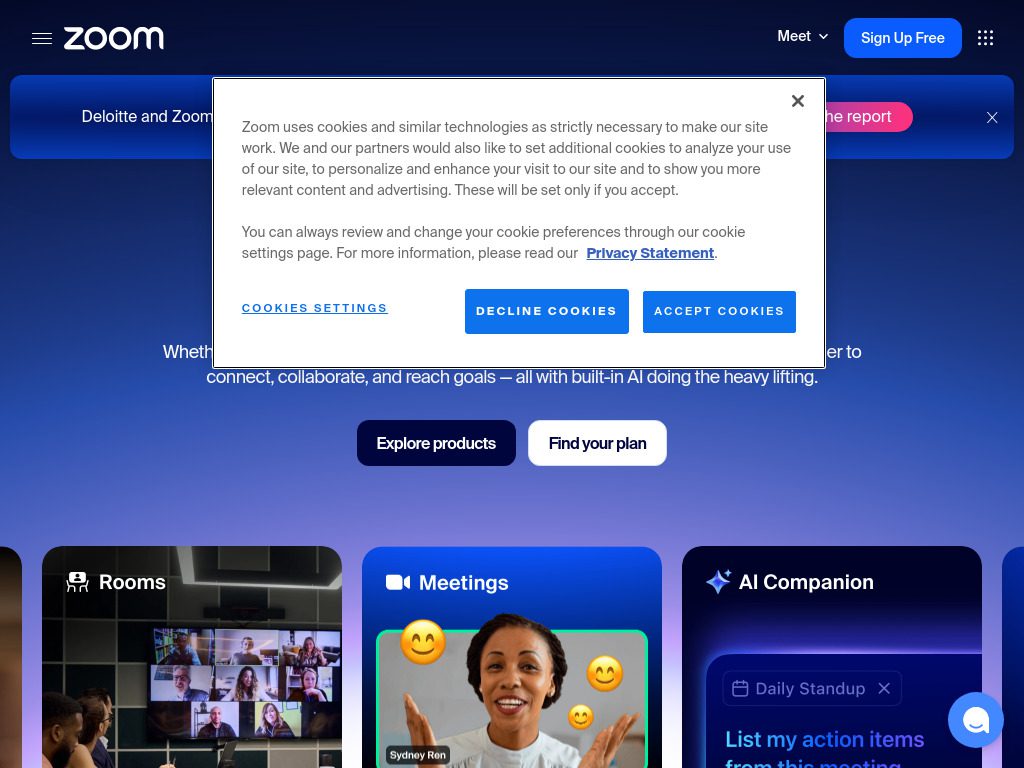
If Zoom is your primary meeting platform, AI Companion is already included in your Pro, Business, or Enterprise plan at no extra cost. Zoom leads with 99.05% accuracy for integrated AI tools.
AI Companion automatically generates meeting summaries, captures action items, and can even compose messages in Zoom Team Chat based on meeting discussions. The catch is that it only works within the Zoom ecosystem, but if that’s where your team lives, it’s hard to beat the value.
Key Features:
- Included with Zoom paid plans (no extra cost)
- Meeting summaries and smart recordings
- Action item extraction
- Chat composer for follow-ups
- Integration with Zoom Workspace
Pricing: Included with Zoom Pro ($14.99/month), Business, and Enterprise plans.
Best For: Organizations standardized on Zoom who want transcription without additional subscriptions.
11. MeetGeek
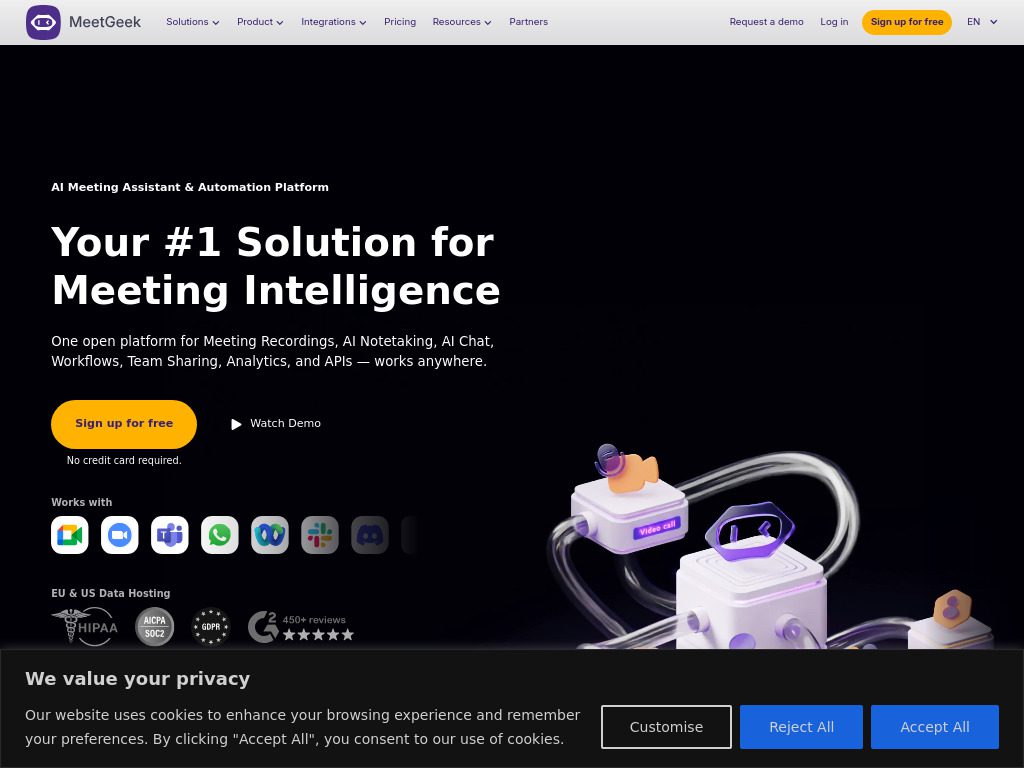
MeetGeek is an AI-powered transcription app that specializes in meeting transcriptions and summaries. The app’s advanced algorithms analyze your meeting content, identifying key topics, action items, and decisions made during the discussion.
MeetGeek automatically joins your meetings, records them, and delivers structured summaries within minutes of the call ending. You can customize summary templates to match your team’s communication style.
Key Features:
- Automatic meeting joining and recording
- Customizable summary templates
- Key topic and decision extraction
- Integration with video conferencing platforms
- Team collaboration on transcripts
Pricing: Free plan available. Paid plans start at $15/month.
Best For: Teams that want automated, structured meeting summaries without manual work.

12. Krisp
Krisp stands out as one of the best transcription software options in 2025, offering a seamless way to convert speech to text with impressive accuracy while removing background noise.
Krisp’s killer feature is its real-time noise cancellation. It eliminates background sounds before transcription even starts, which means better accuracy even if you’re working from a noisy coffee shop or your kids are playing in the next room.
Key Features:
- AI-powered noise and echo cancellation
- Unlimited transcription even on free plan
- Works with any conferencing app
- Meeting notes and action items
- Supports 50+ languages
Pricing: Free plan with unlimited transcription. Pro plan at $12/month adds advanced features.
Best For: Remote workers dealing with noisy environments who need clean audio and accurate transcripts.
13. Airgram
Airgram uses ChatGPT and GPT-4 to generate real-time transcriptions and automatically extract action items and key topics, summarize discussions, and write follow-up messages.
Airgram is designed for client-facing meetings where professionalism matters. It can send automated follow-ups based on meeting content, making it easier to maintain relationships and track commitments made during calls.
Key Features:
- GPT-4 powered transcription and summaries
- Automated follow-up email generation
- Integration with collaboration and CRM apps
- Client-friendly interface
- Meeting agenda templates
Pricing: Free for up to 5 meetings/month. Plus plan at $18/user/month.
Best For: Consultants, agencies, and service providers managing client relationships.
14. Jamie
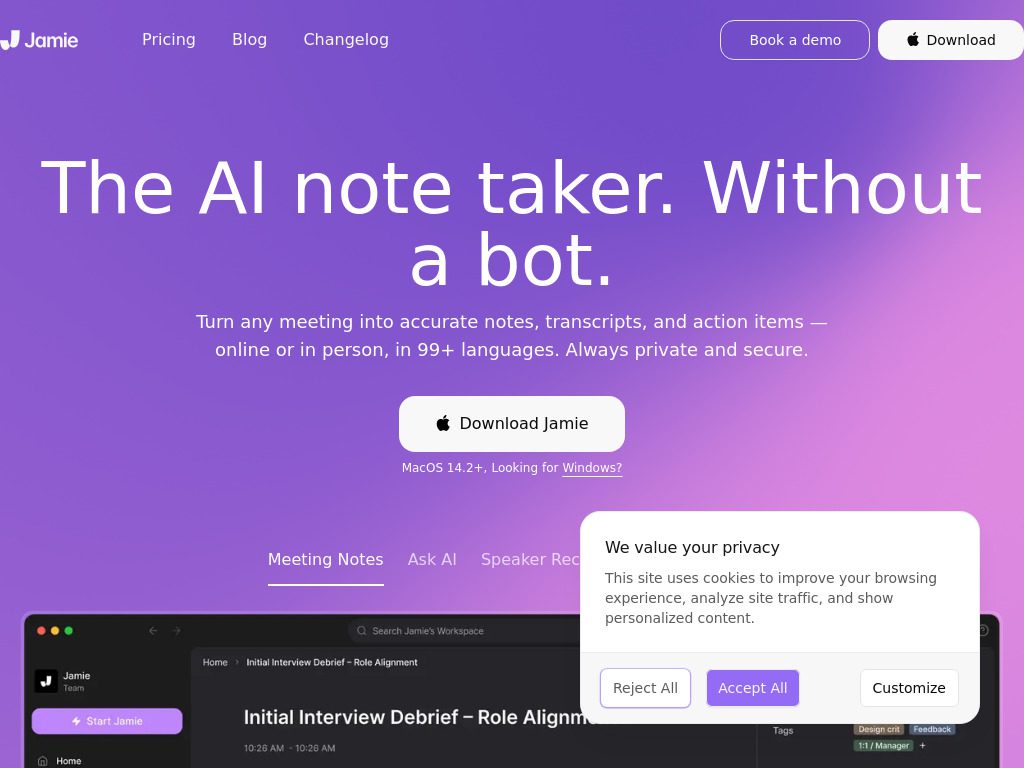
Jamie creates the best AI meeting notes and action items across any meeting platform and even offline with a privacy-first approach and no meeting bot needed.
Privacy is Jamie’s headline feature. It processes audio locally on your device instead of sending it to cloud servers, which makes it suitable for confidential discussions. It works across all meeting platforms and can even transcribe in-person meetings.
Key Features:
- Local processing for maximum privacy
- No bots joining your meetings
- Works online and offline
- Cross-platform support (any meeting app)
- Automatic action item extraction
Pricing: Available for macOS and Windows. Pricing on request.
Best For: Legal, healthcare, and other privacy-sensitive industries requiring confidential meeting documentation.

15. AI Free Forever Transcription Tool
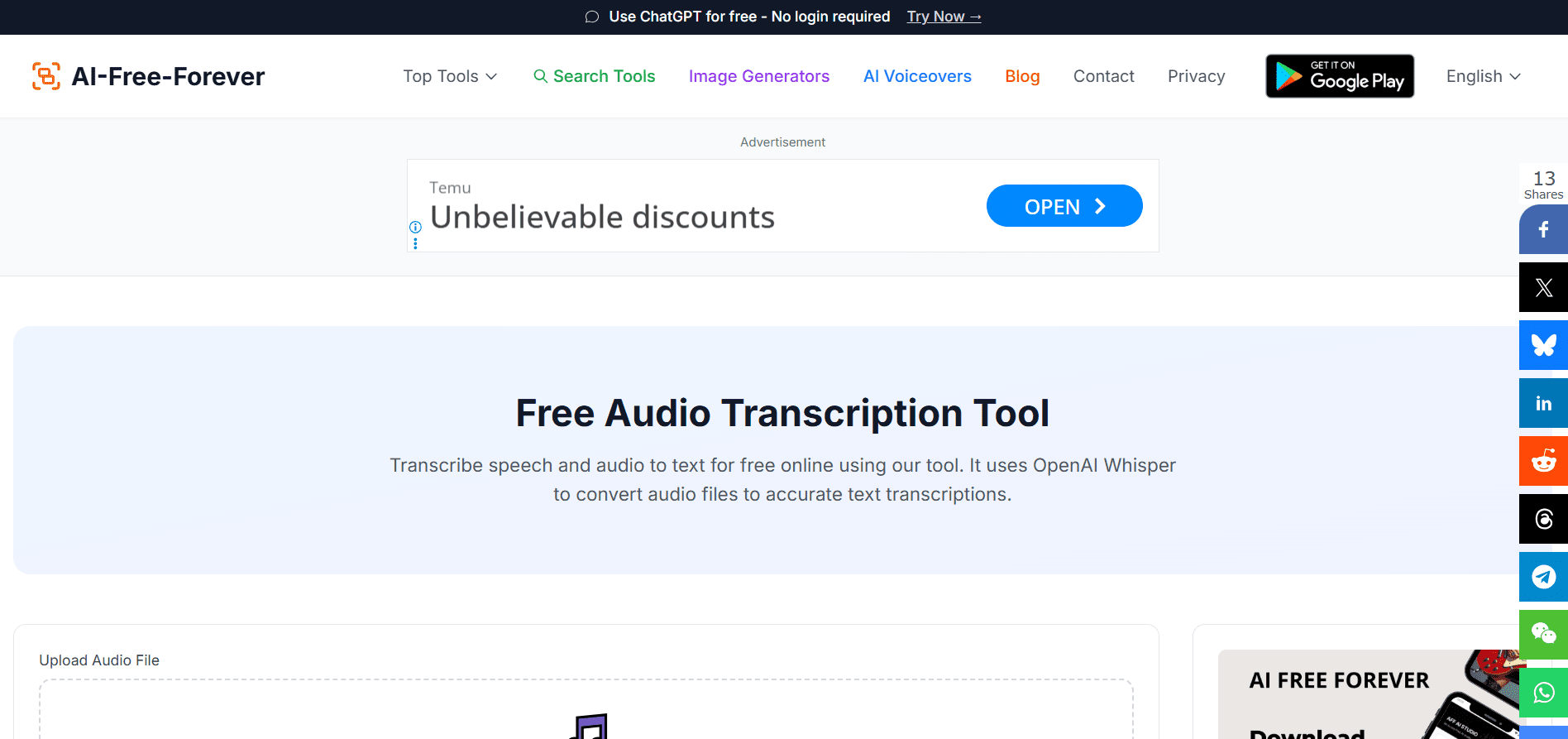
For straightforward audio transcription without meetings, AI Free Forever’s transcription tool offers a simple, free way to convert audio files to text. Upload your recording, wait a few minutes, and download your transcript.
While it doesn’t have the meeting-specific features of dedicated platforms, it’s perfect for transcribing interviews, lectures, podcasts, or any standalone audio. The tool is completely free and doesn’t require an account.
Key Features:
- Completely free to use
- No registration required
- Supports multiple audio formats
- Fast processing time
- Simple, straightforward interface
Pricing: Free
Best For: Anyone needing basic audio-to-text conversion without meetings or specialized features.
Tips for Better Meeting Transcription Accuracy
Even the best AI tools need a little help to deliver perfect transcripts. Here’s how to get the most accurate results from whatever tool you choose.
Invest in Audio Quality
Good microphones make a massive difference. Consider offering your team a stipend for high-quality audio equipment, like microphones and pop filters, for improved recording accuracy. You don’t need studio-quality gear, but a decent USB microphone beats laptop speakers every time.
Control Your Environment
Background noise is transcription’s biggest enemy. Close windows, turn off fans, and find a quiet space when possible. Fellow works better in quiet settings with clear audio, such as a dedicated conference room with minimal background noise. If you can’t control your environment, tools like Krisp with noise cancellation become essential.
Speak Clearly and Deliberately
Encourage your team to speak at a moderate pace and take pauses between sentences. It’s also important to avoid filler words like “um,” “er,” and “like,” which increase transcription errors and affect the quality of meeting minutes.
This doesn’t mean you need to sound robotic. Just be conscious that the AI is listening and brief pauses between thoughts help it parse your speech more accurately.
Add Custom Vocabulary
Most advanced tools let you add industry-specific terms, product names, and company jargon to improve accuracy. Spend 10 minutes setting this up—it pays off immediately when your transcripts stop turning “Kubernetes” into “coupon notices.”
Use Speaker Labels
If your tool supports it, identify participants at the start of the meeting. This helps with speaker diarization and makes transcripts much more readable.
Test Before Important Meetings
Don’t use a new tool for the first time during your biggest client pitch. Run a test meeting with your team to make sure everything works, permissions are set correctly, and you understand how to access the transcript afterward.
How to Choose the Right Tool for Your Team
With 15 solid options, how do you pick? Here’s a decision framework based on your priorities.
Consider Your Primary Use Case
Sales teams need conversation intelligence and CRM integration—Fireflies or Avoma make sense. Content creators need editing tools and subtitle generation—Sonix delivers. Individual users on a budget should start with Fathom or Otter’s free tier. Teams prioritizing privacy should look at Jamie or Tactiq.
Check Platform Compatibility
If your organization lives in Zoom, AI Companion is already included. Microsoft shops get Copilot integrated with Teams. Cross-platform teams need tools like Otter, Fireflies, or Granola that work everywhere.
Evaluate Integration Needs
Where does meeting data need to flow? If your sales team lives in Salesforce, CRM integration isn’t optional. If your product team documents everything in Notion, that integration becomes critical. Make sure your tool connects to your existing workflow.
Think About Budget
Several tools offer genuinely useful free tiers. Otter, Fathom, Fireflies, and Krisp all provide free options that individuals and small teams can use productively. Paid plans typically start around $10-20/user/month, with enterprise pricing for larger organizations.
Consider Bot vs. Bot-Free
Most tools send a bot to join your meeting, which works fine for internal calls. But if you’re meeting with clients or external stakeholders, having “Fireflies Notetaker” appear in the participant list can be awkward. Bot-free options like Tactiq, Jamie, or Krisp transcribe without announcing their presence.

Test Multiple Options
Most tools offer free trials or free tiers. Try 2-3 options with real meetings to see which interface feels natural and which transcripts are most accurate for your team’s speaking patterns and terminology.
Frequently Asked Questions
Can AI transcription handle multiple speakers accurately?
Yes, modern AI transcription tools use speaker diarization to identify and separate different voices. Most tools can identify and separate speakers within a conversation without prior settings or training, which is beneficial in multi-participant settings. Accuracy improves when speakers take turns and don’t talk over each other.
Do meeting transcription tools work in noisy environments?
Some tools handle noise better than others. Krisp specifically includes noise cancellation to improve transcription accuracy in challenging environments. Generally, cleaner audio produces better transcripts, but 2025’s tools are much more robust than earlier versions when dealing with background sounds.
Are AI meeting transcripts secure and private?
Security varies by tool. Enterprise-grade options like Fireflies, Microsoft Copilot, and Zoom offer SOC 2 compliance, GDPR adherence, and enterprise security features. Privacy-focused tools like Jamie process audio locally rather than sending it to cloud servers. Always review a tool’s security documentation if you’re handling sensitive information.
Can transcription tools understand technical jargon and industry terms?
Most advanced tools allow you to add custom vocabulary and industry-specific terms. This dramatically improves accuracy for specialized fields like healthcare, legal, or technology. Some tools also offer domain-specific models trained on particular industries.
How long does it take to get a transcript after a meeting?
Real-time tools like Otter, Tactiq, and Microsoft Copilot provide transcripts during the meeting. Other tools process recordings after the fact—Notta takes an average of 5 minutes to transcribe an hour-long recording. Most platforms deliver transcripts within 5-10 minutes of meeting completion.
Can I edit transcripts after they’re generated?
Yes, all major platforms allow editing. Some offer inline editing where you can correct mistakes directly in the transcript. Others, like Sonix, provide advanced editing interfaces that sync changes back to audio timestamps.
Do these tools work for in-person meetings?
Some do. Tools with mobile apps like Otter, Notta, Fireflies, and Jamie can record and transcribe in-person meetings. You simply place your phone in the middle of the table and let it capture the conversation. Results depend on room acoustics and speaker proximity to the device.
What’s the difference between automated and human transcription?
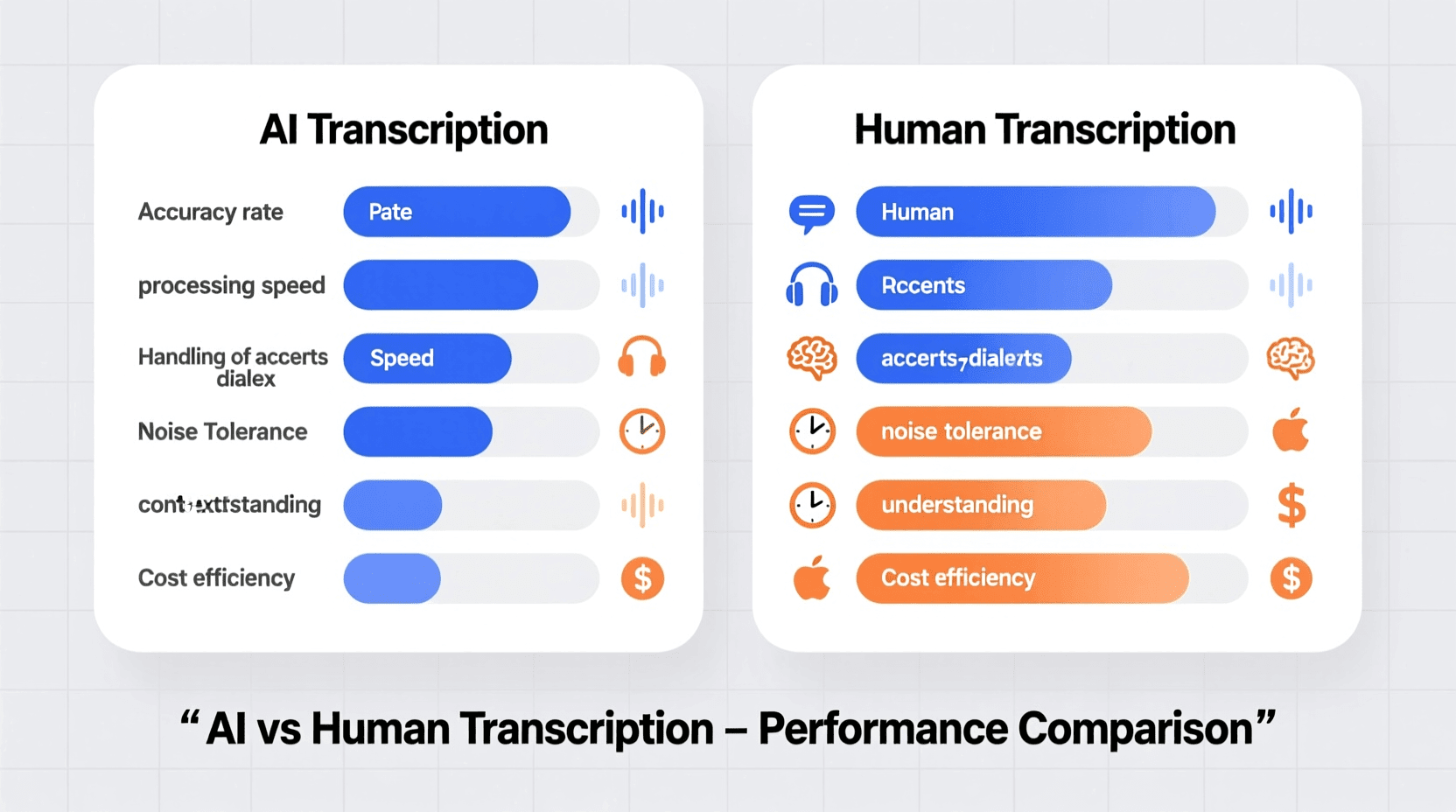
Rev offers 99% accuracy with human transcription, which is best for professional-quality transcripts, especially when dealing with complicated terminology, multiple speakers, or unclear audio. AI transcription is faster and cheaper but may require editing. For most business meetings, AI accuracy of 95%+ is sufficient.
Can transcription tools identify action items automatically?
Yes, most modern tools extract action items automatically. They use natural language processing to identify commitments, deadlines, and task assignments. Some tools can even assign tasks directly to team members and integrate with project management platforms.
What happens if someone drops off the call or has connection issues?
The transcription continues for whoever remains on the call. If someone drops and rejoins, most tools handle it smoothly, though there may be a gap in the transcript during their absence. Some platforms can merge multiple audio sources if needed.
Do I need special permissions to record and transcribe meetings?
Legal requirements vary by location. In the United States, some states require all parties to consent to recording (two-party consent), while others only require one party to know (one-party consent). Most tools automatically announce when recording starts, and it’s always best practice to inform participants at the beginning of any recorded meeting.
Can transcription tools translate conversations into other languages?
Some tools offer translation in addition to transcription. Sonix offers AI-powered translation, allowing users to quickly convert transcripts into multiple languages. This is useful for international teams or when sharing meetings with stakeholders who speak different languages.
How much storage space do meeting recordings and transcripts require?
Storage needs vary by tool. Some platforms host everything in the cloud with storage limits based on your plan tier. Others allow you to download recordings and transcripts, putting storage responsibility on your end. An hour-long meeting video typically requires 500MB-2GB depending on quality, while transcripts are much smaller (usually under 1MB).
Can these tools integrate with my existing workflow and tools?
Integration capabilities are a major differentiator. Top tools integrate with CRMs (Salesforce, HubSpot), project management platforms (Asana, Monday, Jira), note-taking apps (Notion, Evernote, OneNote), and communication tools (Slack, Microsoft Teams). Check each tool’s integration page to confirm it works with your stack.
What’s the difference between recording a meeting and transcribing it?
Recording captures audio or video of the meeting for later playback. Transcription converts that spoken content into searchable text. Most AI meeting tools do both automatically—they record the meeting and simultaneously create a text transcript. The transcript is often more valuable because you can search it, share specific sections, and review it in a fraction of the time it takes to watch the full recording.
Finding the right AI transcription tool transforms how your team handles meetings. You’ll spend less time taking notes, more time actually listening, and everyone will have access to accurate records of what was discussed and decided. Whether you need something simple and free like Fathom, a sales-focused platform like Fireflies, or a privacy-first solution like Jamie, there’s a tool on this list that fits your needs.
Start with a free trial, test it with a few real meetings, and see how much time it saves. Most teams that adopt meeting transcription tools wonder how they ever managed without them.


