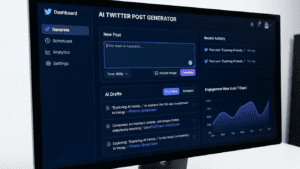
Twitter remains one of the fastest-moving social platforms in 2026, with over 600 million monthly active users scrolling through their feeds daily. For brands trying to cut through the noise, consistency matters just as much as creativity. A Twitter post generator can help you produce engaging content without spending hours staring at a blank screen.
Here’s what you’ll discover in this piece: practical strategies for using AI-powered tweet tools to expand your reach, build audience trust, and develop a brand voice that actually resonates.
Table of Contents
- What Is a Twitter Post Generator?
- 1. Build a Content Calendar in Minutes
- 2. Create Multiple Tweet Variations for A/B Testing
- 3. Repurpose Long-Form Content Into Bite-Sized Tweets
- 4. Craft Product Launch Announcements
- 5. Generate Engagement-Focused Questions
- 6. Develop Twitter Thread Ideas
- 7. Write Promotional Tweets Without Sounding Salesy
- 8. Create Event and Live Coverage Content
- 9. Build Industry Thought Leadership
- 10. Scale Customer Response Templates
- 5 Pitfalls to Sidestep When Using AI Tweet Tools
- FAQ
What Is a Twitter Post Generator?
A Twitter post generator is an AI-powered tool that creates tweet drafts based on your input. You provide a topic, tone, or specific keywords, and the tool produces ready-to-post content. Some generators focus on single tweets while others help with complete thread creation.
These tools analyze successful tweet patterns, character limits, and engagement metrics to produce content optimized for the platform. The best ones let you adjust the output for different brand voices—whether you need something professional, playful, or provocative.
According to HubSpot’s 2026 State of Marketing report, 67% of marketers now use AI tools for at least part of their social media content creation. The time savings are significant: what once took 45 minutes per post can now happen in under five.
1. Build a Content Calendar in Minutes
Most brands struggle with posting consistency. Research from Sprout Social shows that brands posting 3-5 times daily on Twitter see 25% higher engagement than those posting sporadically.
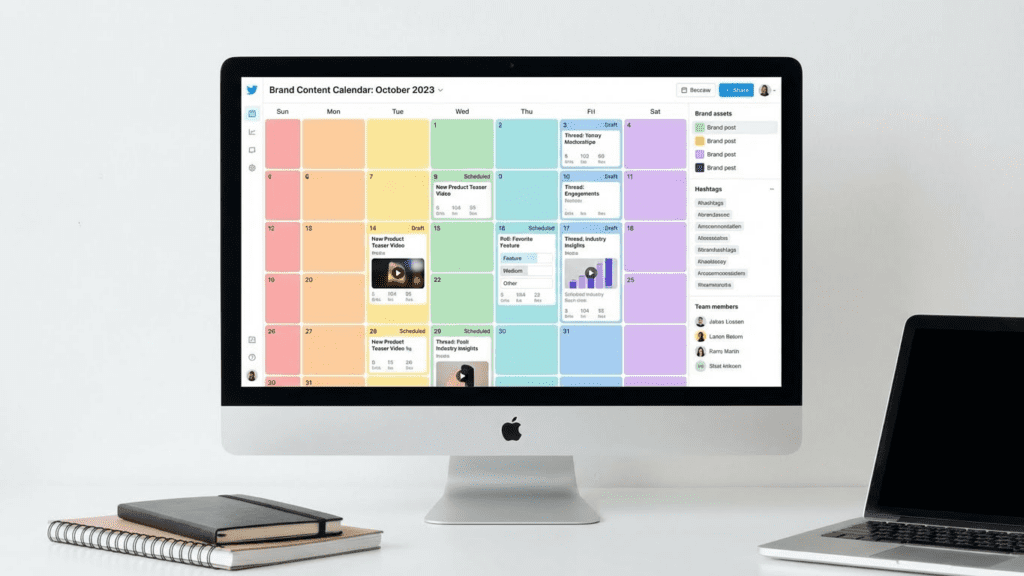
A tweet generator lets you batch-create content for an entire week in one sitting. Feed it your monthly themes, upcoming promotions, and evergreen topics. Within an hour, you’ll have dozens of tweet drafts ready for scheduling.
How to do it: Start with your core content pillars—maybe product education, industry news, customer stories, and behind-the-scenes glimpses. Generate 5-7 tweets per category. Review each for brand alignment, then load them into your scheduling tool.
This approach works especially well when combined with a content topics generator to spark fresh angles you might not have considered.
2. Create Multiple Tweet Variations for A/B Testing
The same message lands differently depending on how you frame it. A question hook versus a bold statement. An emoji-heavy approach versus a text-only format. Without testing, you’re guessing at what your audience prefers.
Tweet generators excel at producing variations quickly. Input your core message once and request 5-10 different versions. Each will emphasize different angles, use varied sentence structures, and appeal to distinct emotional triggers.
One software brand tested this approach over 90 days. They found that their question-format tweets earned 34% more replies than declarative statements, while tweets with statistics drove 28% more retweets. These insights only emerged because they had enough variations to test properly.
Pro tip: Don’t just vary the words—vary the structure entirely. Test tweets that start with the benefit versus tweets that start with the problem. Test those that use “you” versus “we.” The differences in performance might surprise you.
3. Repurpose Long-Form Content Into Bite-Sized Tweets
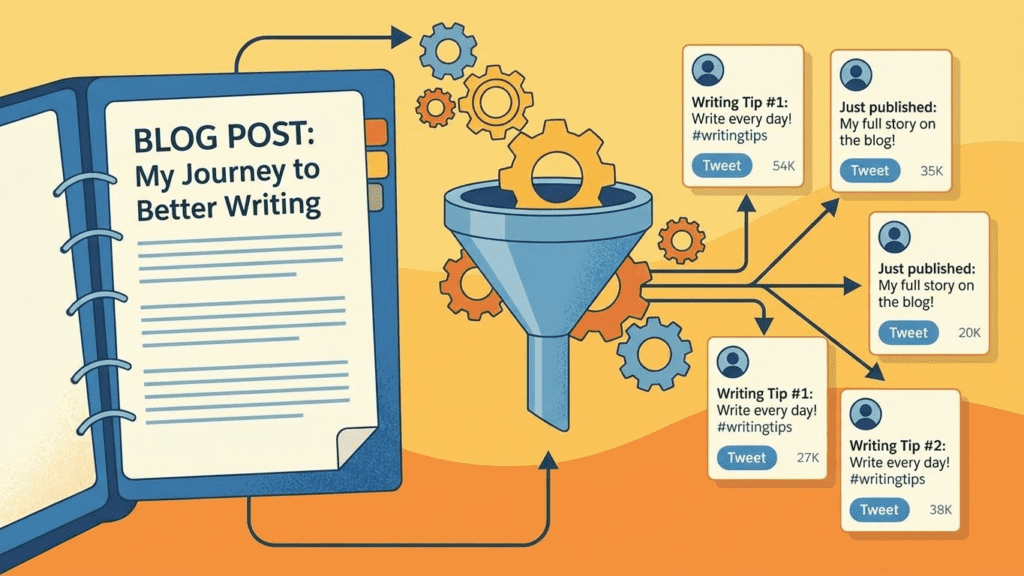
Your blog posts, podcasts, and videos contain dozens of tweetable moments. But extracting them manually eats up time you don’t have. A Twitter post generator can scan your long-form content and pull out the most compelling points.
Take a 2,000-word blog article. Feed key sections into your generator and ask for Twitter-friendly versions of each main point. Suddenly that single piece of content becomes 15-20 tweets spread across the next few weeks.
This multiplier effect matters for ROI. You already invested in creating the original content—squeezing more distribution from it makes financial sense. Brands using this repurposing strategy report up to 3x more traffic per piece of content.
Need help generating the original long-form content? Check out the AI content generators available for various formats.
4. Craft Product Launch Announcements
Product launches require multiple touchpoints. You need teaser tweets, announcement posts, feature highlights, FAQ responses, and follow-up content. Creating all of this fresh each time exhausts even experienced marketers.
A tweet generator streamlines the entire launch sequence. Input your product details—features, benefits, pricing, availability—and generate content for each launch phase. Build excitement with countdown tweets. Drop feature spotlights. Address common questions before they flood your mentions.
Launch tweet sequence example:
- Teaser (7 days before): Hint at something coming without revealing details
- Sneak peek (3 days before): Share one compelling feature
- Announcement day: Multiple tweets throughout the day covering different angles
- Day 2-3: Customer reactions, early reviews, behind-the-scenes of creation
- Week 1: Feature deep-dives, use cases, customer stories
Each of these needs fresh copy. A generator handles the volume while you focus on strategy and engagement.
5. Generate Engagement-Focused Questions
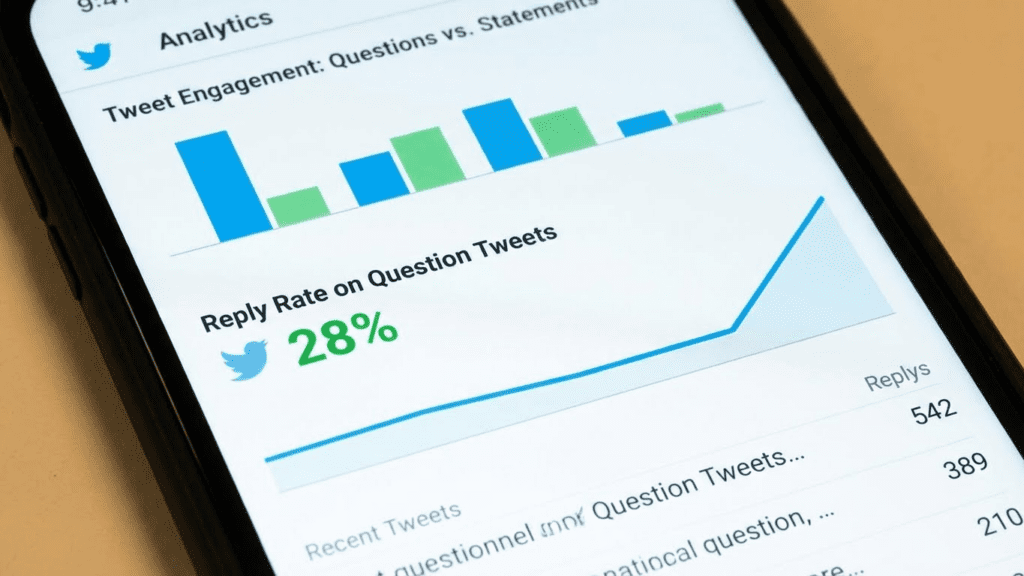
Questions drive conversation. They invite responses, boost reply rates, and signal to the algorithm that your content sparks interaction. But coming up with fresh questions week after week gets tedious.
Use your tweet generator specifically for audience questions. Feed it your industry, your audience’s pain points, and recent trending topics. The output gives you a pool of conversation starters ready to deploy.
What makes questions work on Twitter:
- They’re genuinely curious, not rhetorical
- They relate to experiences your audience actually has
- They’re easy to answer without much thought
- They don’t have obvious “right” answers that make people afraid to respond
Questions like “What’s the first thing you do when you get to work?” outperform complex industry debates because the barrier to response is low. Your generator can produce dozens of these low-barrier questions in minutes.
6. Develop Twitter Thread Ideas
Threads have become Twitter’s long-form content format. A well-crafted thread can earn thousands of bookmarks and position your brand as a thought leader. But planning a coherent 10-15 tweet thread requires more than just stringing random thoughts together.
Start with a topic and use your generator to outline the thread structure. What’s the hook? What are the 7-10 key points? How does it end with a clear takeaway or call-to-action?
The Twitter thread generator specifically helps with this format. It understands that the first tweet needs to hook attention, middle tweets need to deliver value, and the final tweet needs to drive action.
Brands using threads effectively often see 2-3x the engagement of standalone tweets. The format rewards depth, and generators help you achieve that depth consistently.
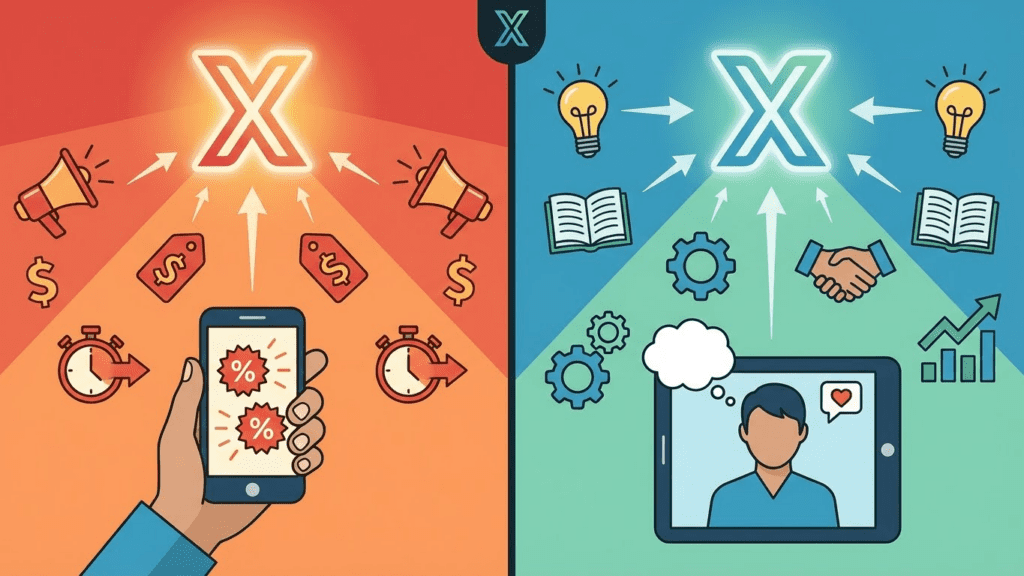
7. Write Promotional Tweets Without Sounding Salesy
Nobody follows brands to see ads. Yet you still need to promote products, services, and offers. The balance is tricky: too soft and the message gets lost, too hard and people tune out.
AI generators trained on engagement data understand this balance. They can take your promotional message and reframe it around customer benefits, social proof, or curiosity hooks rather than direct pitches.
Instead of: “Buy our new productivity app—only $9.99/month!”
A generator might produce: “Three users this week told us they’re leaving work an hour earlier because of our app. Curious what changed? [link]”
The second version promotes the same product but leads with outcome rather than offer. This subtle shift dramatically affects engagement rates. According to Social Insider, benefit-led promotional tweets see 47% higher click-through rates than offer-led ones.
You might also use a slogan creator to develop memorable taglines that weave into your promotional content.
8. Create Event and Live Coverage Content
Live tweeting during events builds real-time engagement. Conferences, webinars, product demos, industry happenings—all offer opportunities to join the conversation. But the pace of live events makes on-the-fly content creation stressful.
Prepare in advance using a tweet generator. Before the event, generate tweets around expected topics, common audience questions, and likely discussion points. During the event, you’re adapting pre-made content rather than creating from scratch under pressure.
For recurring events—weekly webinars, monthly AMAs, annual conferences—build a library of reusable templates. The generator creates the base versions; you customize details for each specific occurrence.
This preparation pays off. Brands that tweet during live events see 8x higher engagement than their normal posting, according to Twitter’s own research. Having content ready means you capture more of that opportunity.
9. Build Industry Thought Leadership
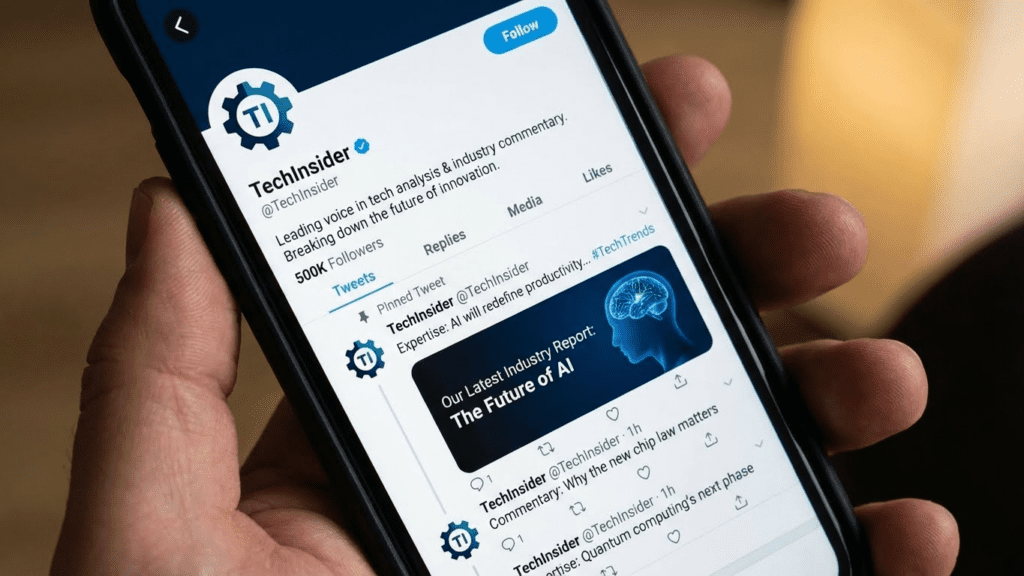
Thought leadership on Twitter requires consistent, valuable perspectives on industry developments. You need to comment on news, share insights, predict trends, and demonstrate expertise—all while maintaining your regular posting schedule.
A tweet generator helps translate your ideas into polished public commentary. Share a rough take on an industry development, and the generator refines it into a tweet-ready format. Your expertise drives the content; AI handles the packaging.
Combine this with monitoring industry keywords. When news breaks, quickly generate several response options. Pick the one that best captures your perspective, make any necessary tweaks, and publish while the topic is still trending.
This rapid response capability matters. Twitter’s real-time nature rewards speed. Getting into a conversation early means more visibility than joining hours later with a perfectly polished take.
For additional content across platforms, explore LinkedIn post generators to extend your thought leadership beyond Twitter.
10. Scale Customer Response Templates
Responding to customer mentions, questions, and feedback takes significant time. Each response should feel personal while staying on-brand. Templates help, but using the exact same response repeatedly makes your brand feel robotic.
Tweet generators create variation within consistency. Provide your core response types—thank yous, FAQ answers, complaint acknowledgments, feature explanations—and generate 20+ variations of each. Your team selects the most appropriate version for each interaction, maintaining the personal touch at scale.
This matters more as your following grows. A brand with 10,000 followers might handle individual responses manually. At 100,000 followers, you need systems. At a million, efficiency determines whether you can respond at all.
Keep your brand voice consistent across all customer touchpoints by using an AI bio generator to ensure your profile reflects the same personality as your responses.
5 Pitfalls to Sidestep When Using AI Tweet Tools
AI generators accelerate your workflow, but misuse creates problems. Here’s what trips brands up:
Publishing without review. Generated content needs human oversight. Check for factual accuracy, brand alignment, and cultural sensitivity before anything goes live. One poorly considered tweet damages trust built over years.
Losing your brand voice. Generators produce generic output by default. Train them with examples of your actual brand voice—past tweets that performed well, tone guidelines, specific phrases you use. Without this guidance, everything sounds the same.
Over-relying on automation. Scheduled AI content keeps your feed active. But Twitter rewards genuine interaction. Real conversations, spontaneous responses, and human moments should still dominate your presence.
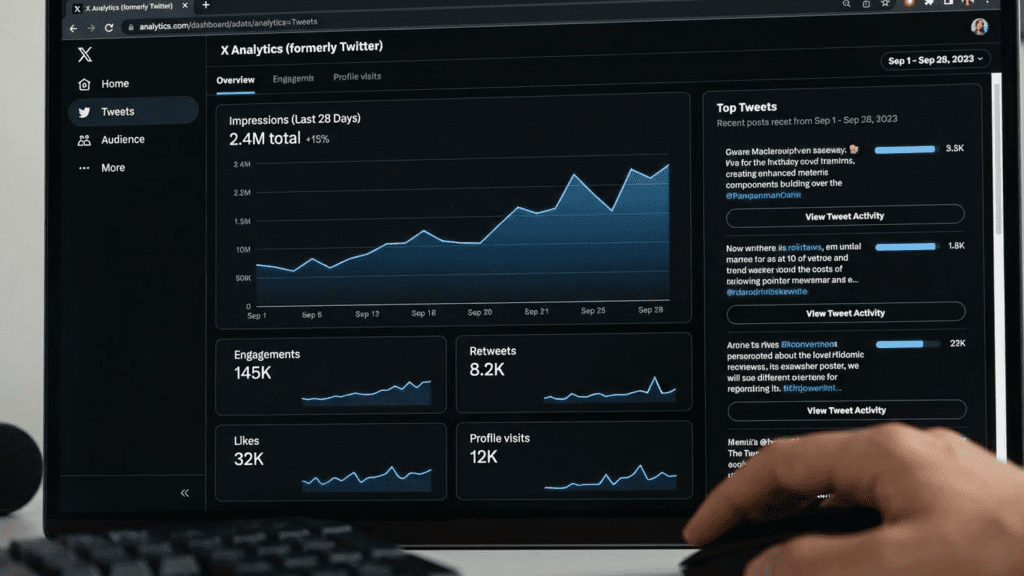
Ignoring engagement data. Your generator doesn’t know what works for your specific audience. Review performance metrics regularly and feed winning patterns back into your content strategy. The tool improves when you tell it what’s succeeding.
Forgetting platform updates. Twitter evolves constantly—new features, algorithm changes, character limits, formatting options. Ensure your generated content takes advantage of current platform capabilities.
Frequently Asked Questions
Are tweets from AI generators safe from detection?
Twitter doesn’t penalize AI-assisted content. The concern is authenticity, not detection. Content that sounds robotic or generic underperforms regardless of how it was created. Focus on quality and brand alignment rather than hiding AI involvement.
How many AI-generated tweets should I post daily?
There’s no magic number. Match your posting frequency to your audience’s preferences and your capacity for genuine engagement. A brand posting 10 AI-generated tweets with no responses to comments performs worse than one posting 3 tweets and actually engaging with replies.
Can I use a tweet generator for multiple brand accounts?
Yes, but maintain distinct voice profiles for each. What works for a B2B software company differs from a consumer lifestyle brand. Configure your generator separately for each account to avoid blending tones inappropriately.
Do tweet generators help with hashtag selection?
Many include hashtag suggestions based on topic and trending data. However, hashtag effectiveness varies by industry and audience. Test different approaches—some brands see better results with no hashtags at all.
How do I maintain authenticity while using AI tools?
Use AI for the first draft, not the final word. Inject personal touches, respond to trends in real-time, and ensure someone from your team reviews content before publishing. The tool handles volume; you provide the soul.
What’s the cost of most tweet generators?
Options range from free tools with limited features to enterprise solutions costing hundreds monthly. Many brands start with free AI tools to test the concept before investing in premium options.
Should I disclose that my tweets are AI-assisted?
Transparency builds trust, but mandatory disclosure requirements vary by context. For general brand content, disclosure isn’t typically expected. For sponsored content or specific claims, follow platform and regulatory guidelines.
Final Thoughts
A Twitter post generator won’t replace your brand’s unique perspective, but it removes the friction of translating ideas into platform-ready content. The brands winning on Twitter in 2026 aren’t choosing between AI efficiency and human authenticity—they’re combining both.
Start with one or two of these strategies. Build your content library. Test variations. Pay attention to what resonates with your specific audience. Over time, you’ll develop a workflow that maximizes the generator’s strengths while preserving everything that makes your brand distinct.
Explore additional social media AI tools to extend your content strategy across platforms.