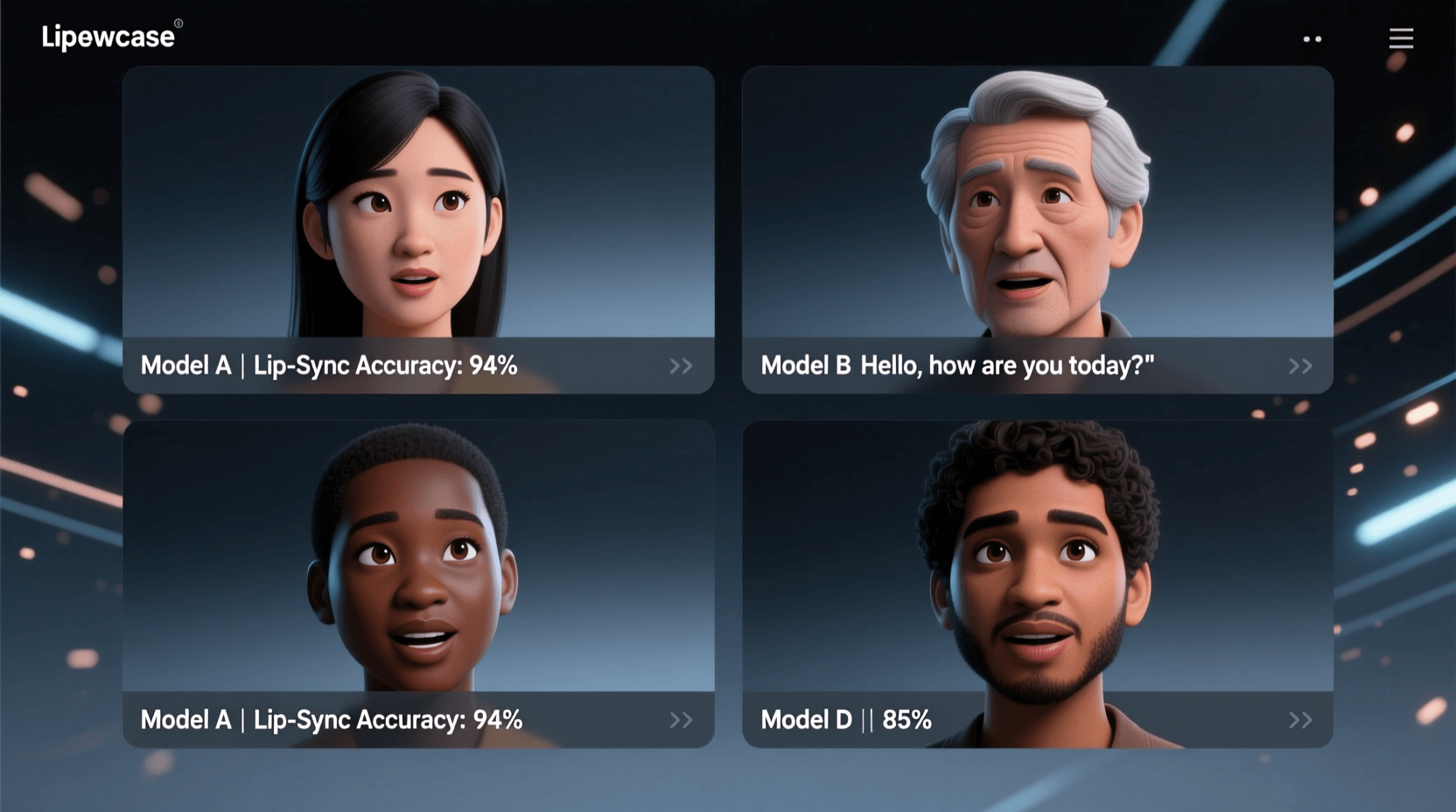
Creating talking avatars, dubbing videos, or adding dialogue to AI-generated characters used to require expensive studios and specialized skills. Now, AI lip sync tools handle the heavy lifting automatically. You generate a video with Sora, VEO, Kling, or any other video model, upload it to a lip sync platform, add your audio, and within minutes you have realistic talking footage. The technology has improved dramatically in 2025. Modern lip sync tools now handle complex scenarios like multiple speakers, side profiles, and even animated characters. Recent testing shows that accuracy rates have jumped significantly, with top platforms achieving near-perfect synchronization across over 100 languages. This guide breaks down the 10 best AI lip sync tools specifically chosen for their compatibility with modern video generation models. Whether you’re working with Google VEO’s 4K outputs, OpenAI’s Sora 2 cinematic clips, or Kling’s fast-turnaround videos, these platforms will help you add speech without reshoots or expensive voice actors. 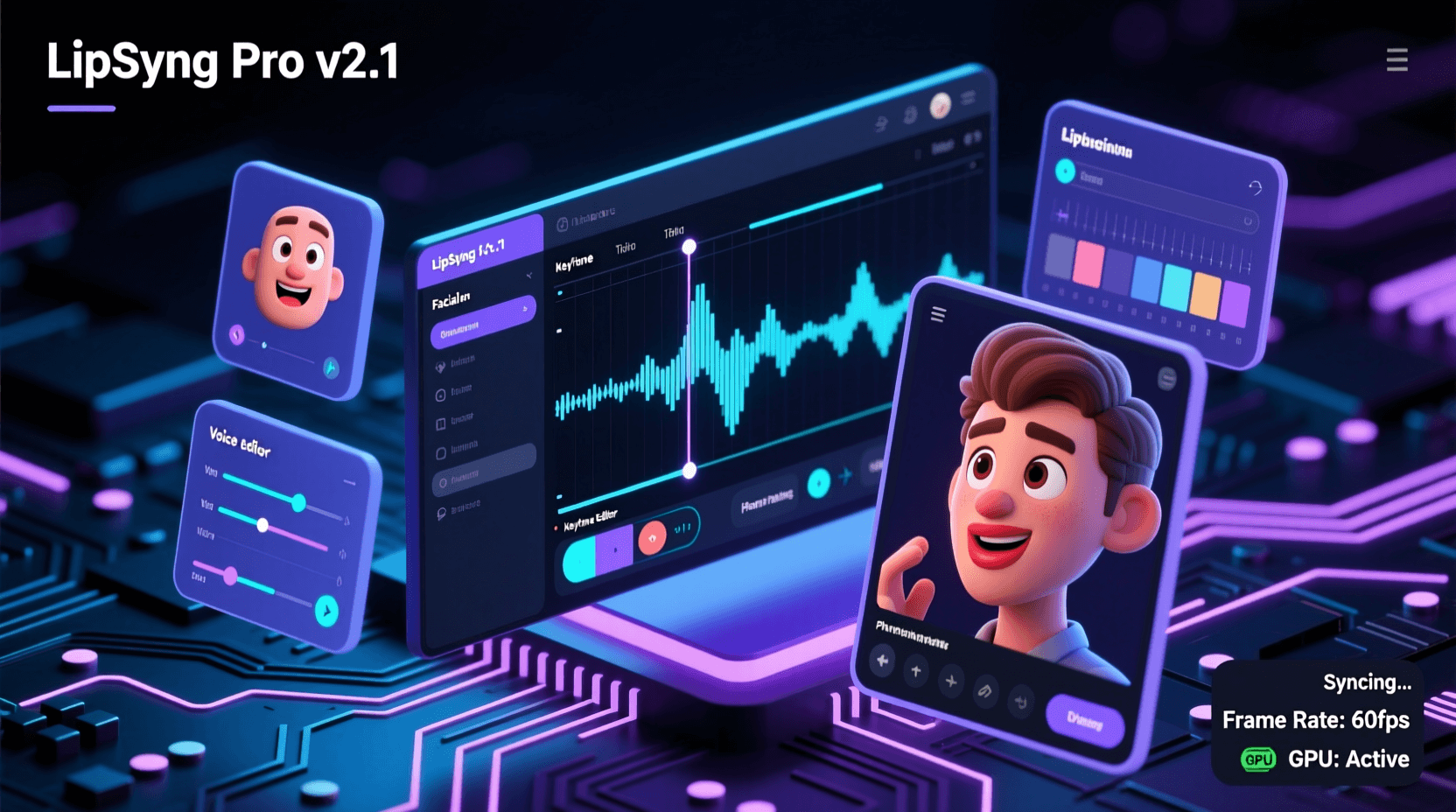
Table of Contents
- What Is AI Lip Sync Technology
- Why Video Generation Models Need Lip Sync Tools
- 10 Best AI Lip Sync Tools
- How to Choose the Right Tool
- Workflow Tips for Video Models
- Frequently Asked Questions
What Is AI Lip Sync Technology
AI lip sync uses machine learning to match mouth movements with audio automatically. The process analyzes your audio file to identify phonemes (individual speech sounds), then animates facial features to match what’s being said. What used to take hours of manual keyframing now happens in minutes. The technology relies on deep neural networks trained on thousands of hours of video footage. According to industry testing, modern systems can detect subtle differences between similar sounds, properly animate teeth and tongue movements, and maintain facial expressions throughout speech. Most platforms work with two input methods: uploading existing audio recordings or using text-to-speech engines. If you’ve generated a silent video from VEO or Sora, you can either record your own voice or type dialogue that gets converted to speech before syncing. Some tools offer voice cloning, letting you create consistent voices across multiple videos without recording each time. The technical quality varies between tools. Professional-grade platforms track micro-movements like jaw tension and lip corners, while simpler tools focus on basic open-close mouth patterns. For videos destined for social media, basic syncing often works fine. Corporate presentations or film projects usually need the precision of advanced systems. 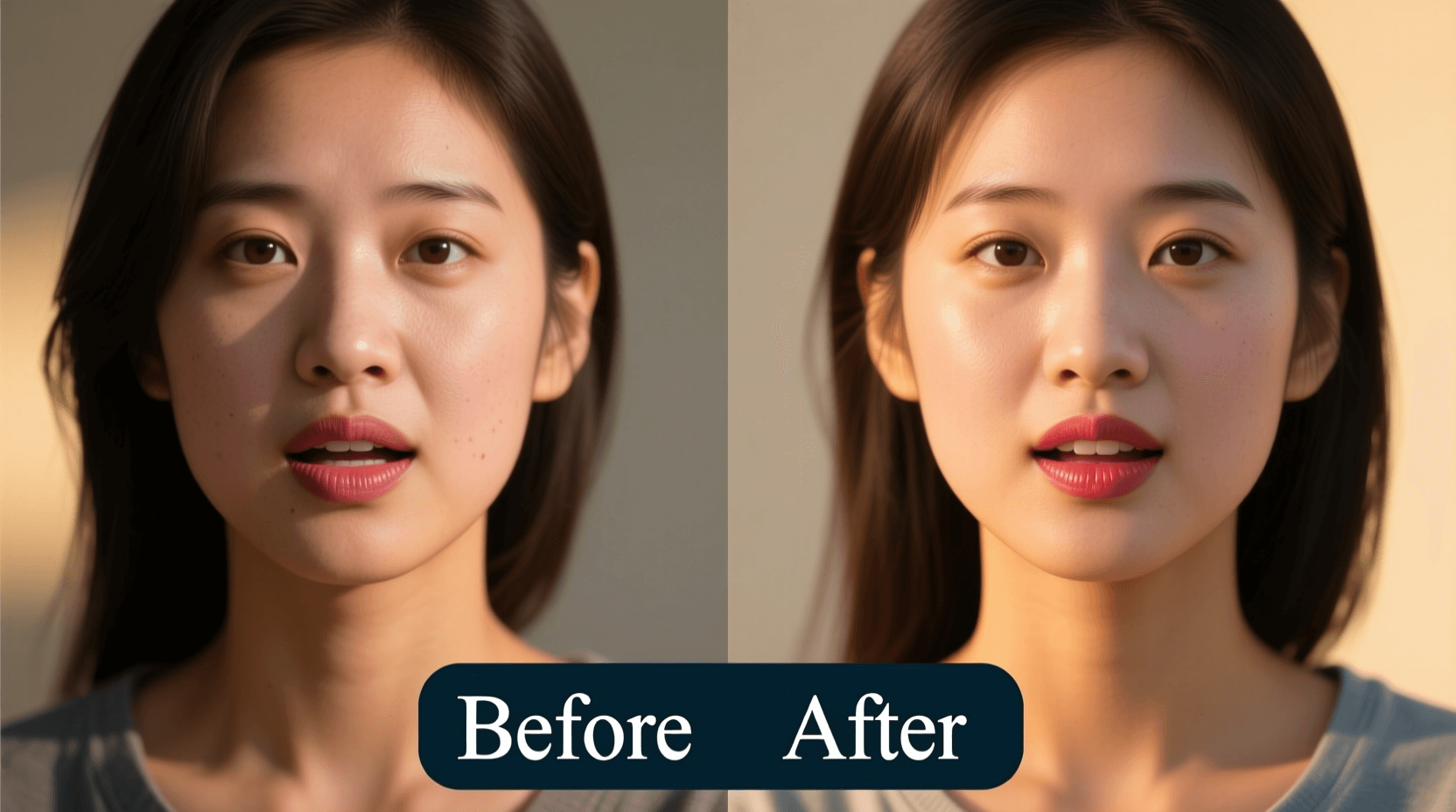
Why Video Generation Models Need Lip Sync Tools
Video generation AI excels at creating visuals but struggles with coordinated audio. VEO 3.1 introduced native audio generation, and Sora 2 includes dialogue features, but most models still generate silent footage or provide audio that doesn’t sync perfectly with mouth movements. Kling AI offers built-in lip sync capabilities, saving you an extra step. However, even Kling users often prefer third-party tools for better accuracy or multi-language support. When you generate a character speaking in your native language through Kling’s interface, the sync might work well. But if you need that same video dubbed into five languages for international marketing, external lip sync platforms offer much better localization workflows. Runway, Pika, and similar platforms focus on motion and visual quality rather than facial animation precision. You can generate beautiful cinematic shots of people appearing to speak, but the mouth movements won’t match specific words until you run the video through a lip sync tool. The workflow gap creates opportunity. Generate your base video using whichever model fits your creative vision, then add dialogue as a separate production step. This approach gives you more control over voice casting, allows for easy script revisions, and simplifies creating multiple language versions of the same video.
10 Best AI Lip Sync Tools for Video Generation Models
1. Vozo AI
Vozo AI handles enterprise-level lip syncing with support for over 110 languages. The platform automatically syncs lips, head movements, and facial expressions to match audio. What makes it stand out is the multi-speaker detection feature that automatically identifies and syncs multiple people in a single scene. When you upload videos from Sora or VEO, Vozo’s system analyzes each face independently. You can select specific faces to sync if the automatic detection misses anyone. The platform offers two modes: standard for quick results and precision mode when accuracy matters more than speed. Best for: Marketing teams and content agencies working on multilingual campaigns Works with: All major video models including VEO, Sora, Kling, Runway, and Pika Pricing: Free trial available, paid plans start at $19/month Key features: Multi-speaker support, voice cloning, real-time collaboration, bulk processing 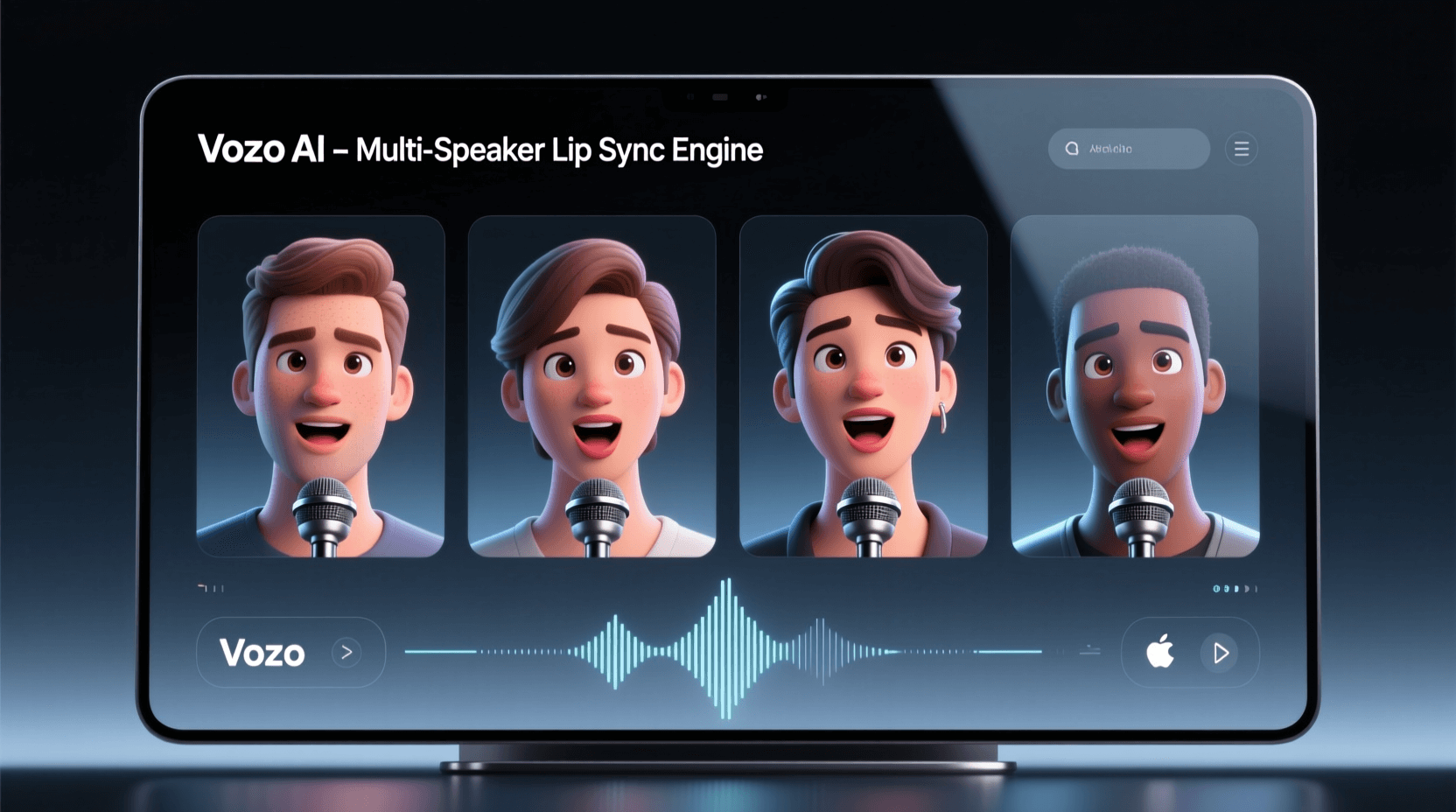
2. Magic Hour
Magic Hour combines face swapping with lip sync in one platform. You can generate or upload a video, swap faces, and automatically sync lip movements to new audio. Recent comparisons rate it as having some of the most accurate phoneme matching available. The platform shines when working with AI-generated avatars from tools like Kling or Runway. Upload your video, choose your audio source, and Magic Hour handles the rest. Processing happens in the cloud, so you’re not limited by local hardware. For creators working on high-volume projects, Magic Hour has produced over 1,000 videos for some users without major quality degradation. The interface focuses on speed rather than granular control, which works well for social media content but might frustrate users who want frame-by-frame adjustments. Best for: Social media creators and YouTube producers Works with: All video generation models, particularly strong with Kling and Runway outputs Pricing: Free plan with limitations, pro plans from $30/month Key features: Face swap integration, batch processing, cloud rendering, template library
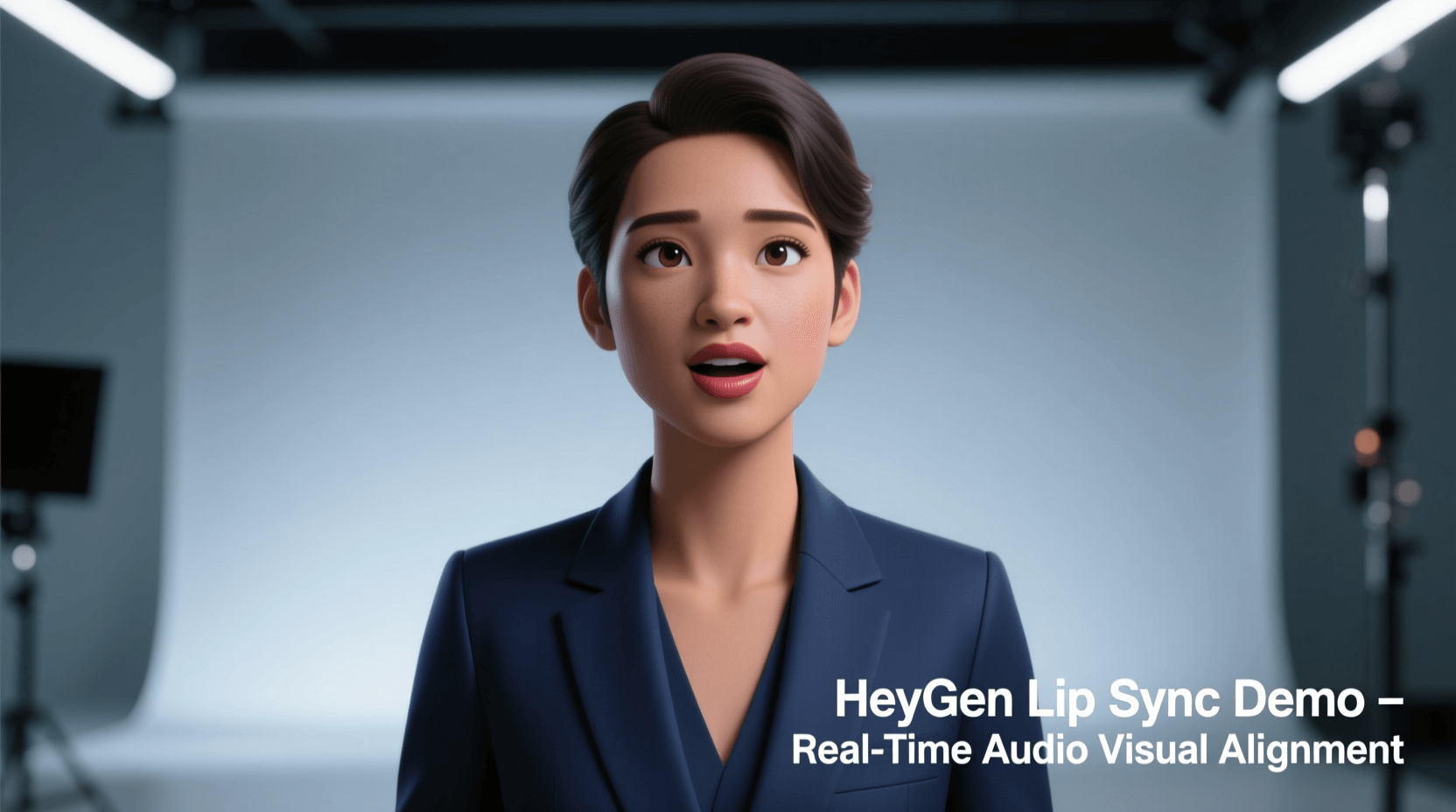
3. HeyGen
HeyGen targets corporate and marketing videos with over 500 preset avatars. While it’s primarily an avatar platform, the lip sync engine works with uploaded videos from any source. The system handles text-to-speech conversion and voice cloning in multiple languages. You can upload Sora or VEO footage of real people and use HeyGen to add professional voiceovers with perfect sync. The platform maintains facial expressions during speech, which many cheaper tools struggle with. This makes a big difference for training videos or sales presentations where credibility matters. The interface feels more corporate than creative, with templates designed for business use cases. If you’re making experimental art or social media memes, other tools might fit better. For Fortune 500 training materials or investor pitch videos, HeyGen delivers polish that justifies the higher price point. Best for: Corporate training, sales presentations, and professional business content Works with: All major video models, optimized for talking-head style content Pricing: Free trial with credits, paid plans from $24/month, enterprise pricing available Key features: 500+ avatars, multilingual support, voice cloning, brand templates
4. Sync Labs
Sync Labs focuses purely on lip sync accuracy. Their partnership with Fal made the technology available through API, which is perfect for developers building custom workflows. The system achieves near-zero-shot accuracy, meaning it works well even with unusual faces or angles. You upload any video and select your audio source. The platform automatically aligns lip movements with chosen audio, handling complex scenarios like fast speech or whispered dialogue. Voice cloning and text-to-speech work through single API calls. The technical approach makes Sync Labs ideal for automation. If you’re generating hundreds of videos with VEO for an ad campaign and need to localize each one into multiple languages, the API integration lets you build that pipeline. Manual users can access the same quality through the web interface, though it lacks the polish of consumer-focused competitors. Best for: Developers and studios with technical workflows Works with: All video formats, designed for programmatic integration Pricing: API pricing, pay-as-you-go model Key features: API access, voice cloning, TTS integration, sub-frame precision
5. LipSync.Video
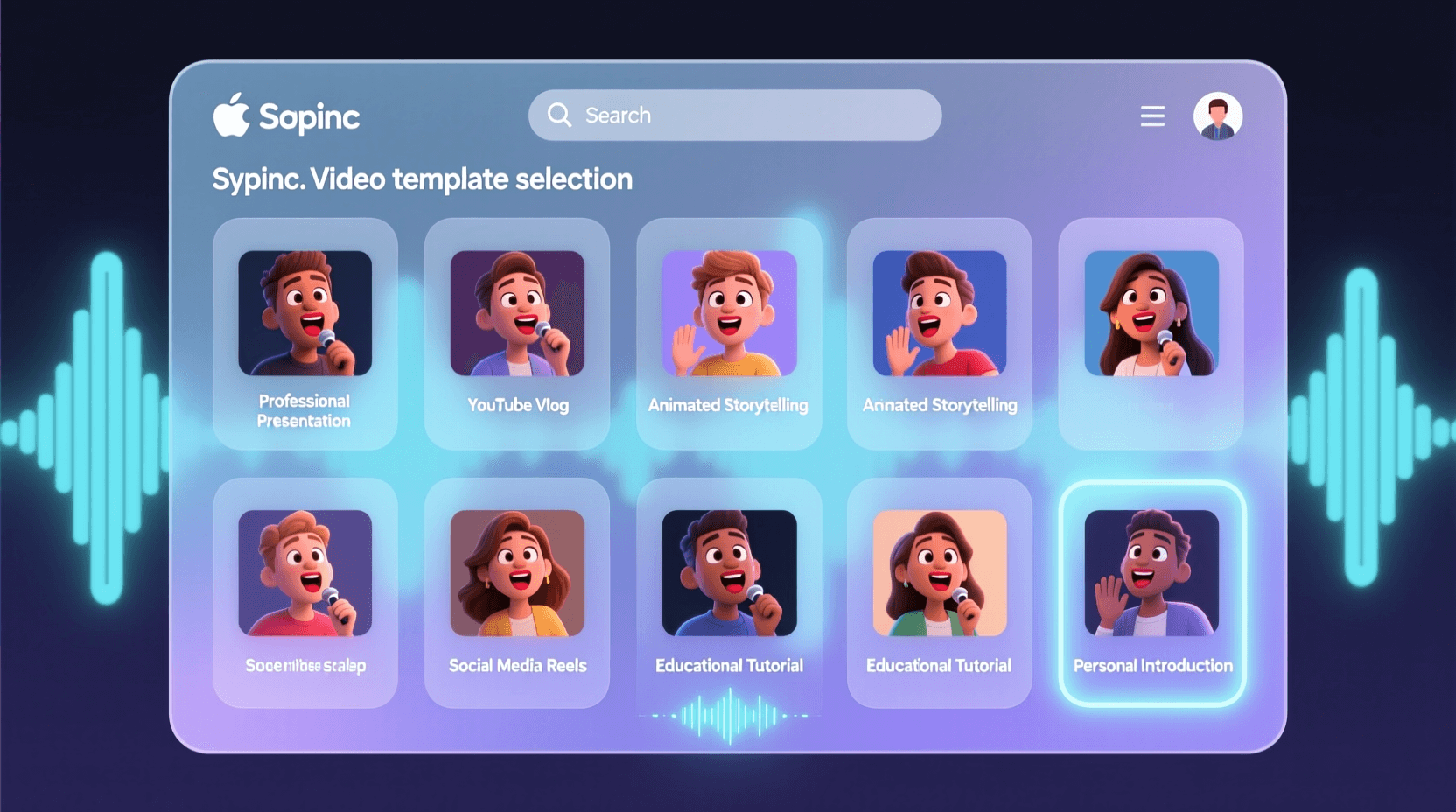
LipSync.Video emphasizes speed and simplicity. Choose a template, upload your audio or type text, and get synced video within minutes. The platform supports up to 4K output, preserving fine details like teeth and facial hair that lower-quality tools often blur. For creators working with VEO’s 4K outputs or other high-resolution sources, maintaining quality matters. LipSync.Video processes files without significant compression, though you’ll pay with longer processing times compared to 1080p-only competitors. The “Free Forever” plan offers limited credits, letting you test extensively before committing. This works well if you’re still deciding which tool fits your workflow. The template system speeds up common tasks like social media posts or quick marketing clips. Best for: Fast turnaround projects and social media content Works with: All video generation models, handles 4K resolution Pricing: Free tier available, paid plans from $15/month Key features: 4K support, template library, credit-based system, quick processing
6. Hedra AI
Hedra AI takes a different approach by starting with images rather than video. Upload a photo, add audio, and the platform generates video with proper lip sync and subtle head movements. This makes it perfect for working with AI-generated portraits from Midjourney or similar tools. You can use Hedra to create talking avatars from concept art, animate historical figures from photos, or bring illustrations to life. The system handles emotional expressiveness well, maintaining the mood of dialogue through facial animation. A sad monologue won’t have the same expressions as an excited sales pitch. While other tools focus on syncing existing video, Hedra generates the video from scratch. This gives it more control over facial movements but limits you to front-facing portraits. For side profiles or complex scenes, you’ll need a different tool. Best for: Animating static images and creating emotional character performances Works with: Images from any source, can also process video inputs Pricing: Free tier available, premium plans from $20/month Key features: Image-to-video, emotional expression control, head movement simulation
7. Runway ML
Runway ML offers lip sync as one feature within a broader creative suite. Industry analysis shows it’s particularly strong for syncing dialogue in multi-face scenes. If your VEO or Sora video includes several people talking, Runway can handle all of them simultaneously. The platform integrates with professional video editing software, making it useful for studios with existing workflows. You can export projects directly to Premiere or Final Cut, maintaining your timeline and effects. This saves the export-import cycle that standalone tools require. Runway’s generative audio tool creates sound effects and music alongside lip sync. For complete video production, having everything in one platform streamlines the process. However, if you only need lip syncing, the additional features might feel excessive. Best for: Professional studios and advanced creators Works with: Particularly strong with Runway’s own video generation, also handles external sources Pricing: Free trial available, plans from $12/month, professional tiers up to $76/month Key features: Professional integration, audio generation, multi-face sync, timeline editing
8. Dzine AI
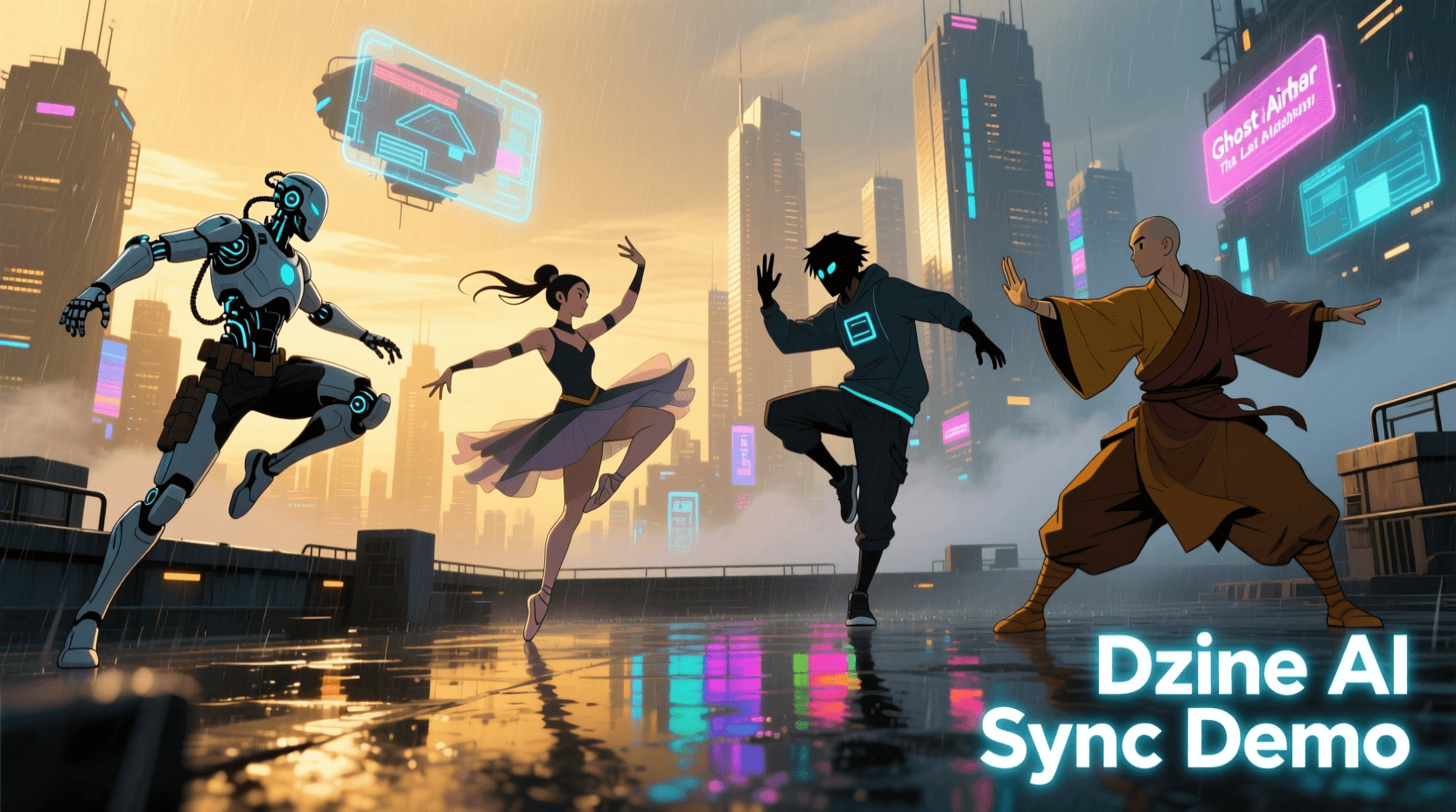
Dzine AI bundles lip sync with image-to-video, face swap, and background removal in an all-in-one platform. Their multi-character system syncs up to four people in a single scene, which few competitors match. The interface moves fast, with most operations completing in under a minute. If you’re working on tight deadlines or need to test multiple variations quickly, Dzine’s speed helps. Quality stays consistent across different video sources, whether you’re uploading from Sora, VEO, or Kling. Some users report occasional sync inconsistencies and variable video quality. The platform works best for standard talking-head content rather than extreme angles or partial face visibility. For most YouTube, TikTok, and Instagram content, those limitations won’t affect your work. Best for: Creators who need multiple AI tools in one platform Works with: All video generation models Pricing: Subscription required, plans start at $19/month Key features: Multi-character sync (up to 4), fast processing, bundled creative tools
9. Synthesia
Synthesia focuses on corporate video with AI avatars and multilingual support. While primarily an avatar platform, you can upload your own videos for lip sync processing. The system works particularly well with formal content like training modules, announcements, and educational materials. You’re paying for reliability and consistency. Synthesia’s enterprise clients include Fortune 500 companies that need videos to work perfectly every time. The platform handles batch processing, letting you generate dozens of language variations from a single source video. The trade-off comes with creative flexibility. Templates and workflows assume corporate use cases. Independent creators or experimental artists might find the system restrictive. But if you’re producing compliance training or onboarding videos, that structure helps maintain brand standards. Best for: Enterprise training and formal corporate communications Works with: All video sources, optimized for business content Pricing: Starting at $30 per video, monthly subscriptions available Key features: Enterprise features, batch processing, multilingual support, avatar library
10. D-ID
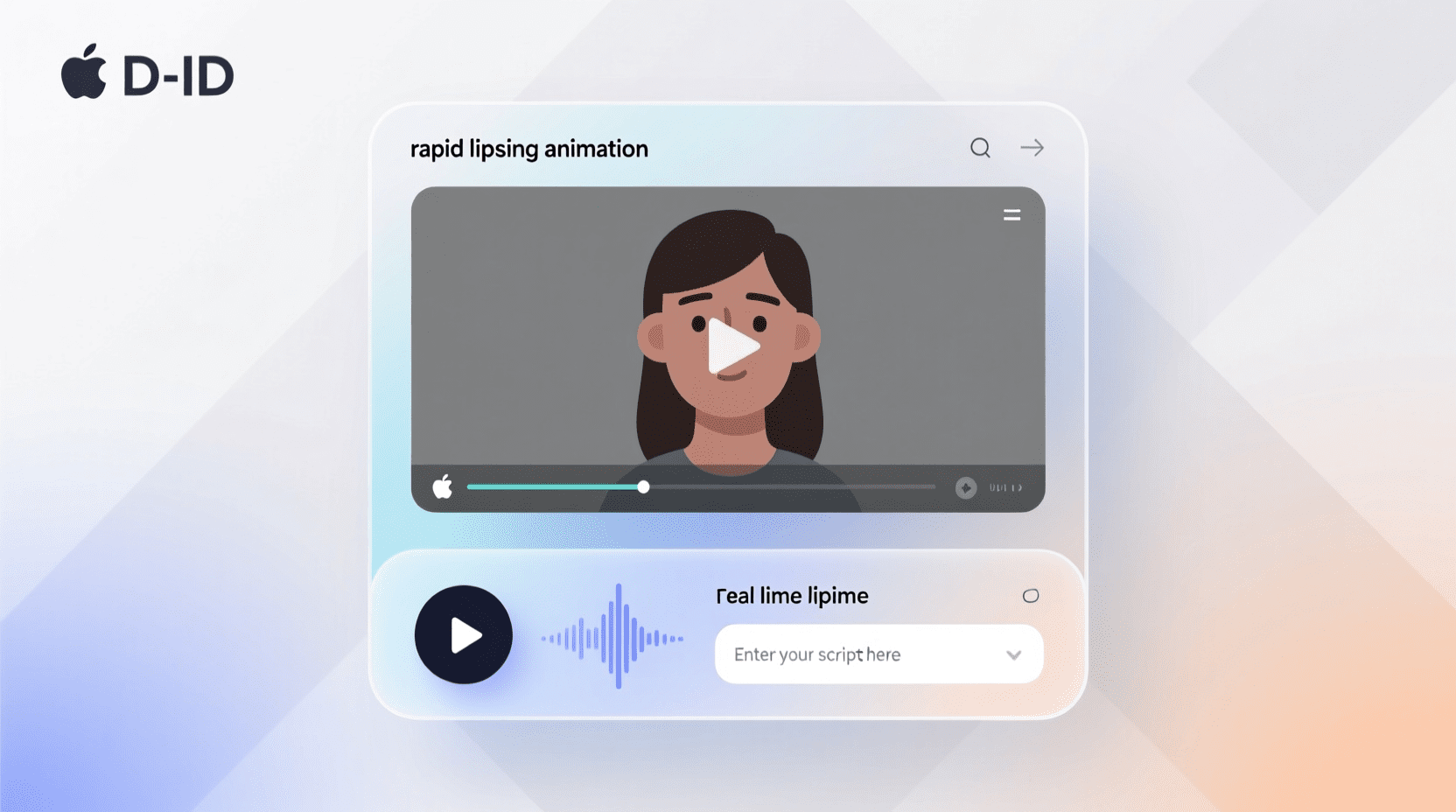
D-ID pioneered talking photo technology and remains one of the easiest platforms for beginners. Upload an image, add audio, and generate video within minutes. The system handles basic lip sync well, though it doesn’t match the precision of newer competitors. The simplicity makes D-ID useful for quick tests or low-stakes projects. If you want to see how Sora-generated portraits look with dialogue before investing in professional syncing, D-ID’s free tier lets you experiment. Results work fine for social media memes, quick presentations, or draft videos. More demanding projects will notice the limitations. Facial expressions don’t adapt as naturally, and the sync occasionally drifts during longer speeches. For polished final content, consider D-ID for concept testing then move to more advanced tools for production. Best for: Beginners and quick concept testing Works with: Images and simple videos Pricing: Free tier available, paid plans from $5.99/month Key features: Beginner-friendly interface, fast processing, mobile support
How to Choose the Right Lip Sync Tool
Your choice depends on what you’re making and how you work. For one-off projects or testing ideas, free tiers from LipSync.Video or D-ID let you experiment without commitment. Once you know what you need, paid tools offer better quality and fewer restrictions. Video source matters more than most creators realize. If you’re primarily working with Kling-generated content, that platform’s built-in lip sync might handle 80% of your needs. External tools become necessary when you need different languages, higher precision, or features Kling doesn’t offer. VEO and Sora users will always need external processing since those models don’t include lip sync. Language requirements shape tool selection significantly. Creating content for global audiences means you need platforms with broad language coverage. Vozo AI’s 110+ language support or HeyGen’s multilingual capabilities justify higher costs if you’re regularly producing localized versions. English-only creators can choose based on other factors. Volume affects pricing strategy. Pay-per-video pricing makes sense for occasional use, while subscription models benefit regular creators. If you’re generating daily content for TikTok or YouTube Shorts, calculate your monthly video count before choosing. Some tools that seem expensive monthly actually cost less per video than pay-as-you-go alternatives. Integration needs vary by workflow. Casual creators working entirely in browsers prefer web-based tools like Magic Hour or LipSync.Video. Professional studios with existing editing pipelines benefit from platforms like Runway that integrate with Premiere and After Effects. Developers building automated systems need API access, making Sync Labs the clear choice despite its technical learning curve. Quality requirements separate tools into tiers. Social media content forgives minor sync issues if the overall effect works. Corporate training, sales presentations, and film projects demand frame-perfect accuracy. Test your specific use case with free trials before committing to expensive subscriptions.
Workflow Tips for Combining Video Models with Lip Sync
Generate your base video first without worrying about audio. Focus on getting the visual elements right: composition, lighting, camera movement, and overall aesthetic. Most video generation models work better when you’re not also trying to coordinate dialogue and mouth movements. Plan your audio before syncing. Whether recording yourself or using text-to-speech, having a finalized audio track prevents wasted processing time. Some creators generate multiple audio variations to test different deliveries, but finalizing your script first saves iterations. Match output resolution to your distribution platform. If you’re making TikTok content, 1080p syncing processes faster than 4K and looks identical on phones. Save the high-resolution processing for content that needs it: client presentations, large displays, or platforms where viewers use big screens. Consider voice consistency across videos. If you’re building a channel or brand, voice cloning features help maintain consistency without recording every piece yourself. Upload a few minutes of your voice to platforms like Vozo or HeyGen, then generate unlimited content in that voice. This works particularly well for regular content like news summaries or product reviews. Test with short clips before processing long videos. If you’ve generated a two-minute video from VEO, sync the first 10 seconds to check quality before processing the entire file. This catches issues early when you can still adjust settings or try different tools. Plan for multiple languages early if you need them. Generate your video in a way that works across cultures: avoid text overlays with specific languages, use universal gestures, and choose visuals that translate globally. Adding localized audio tracks to the same video base saves production time versus generating separate videos for each market. 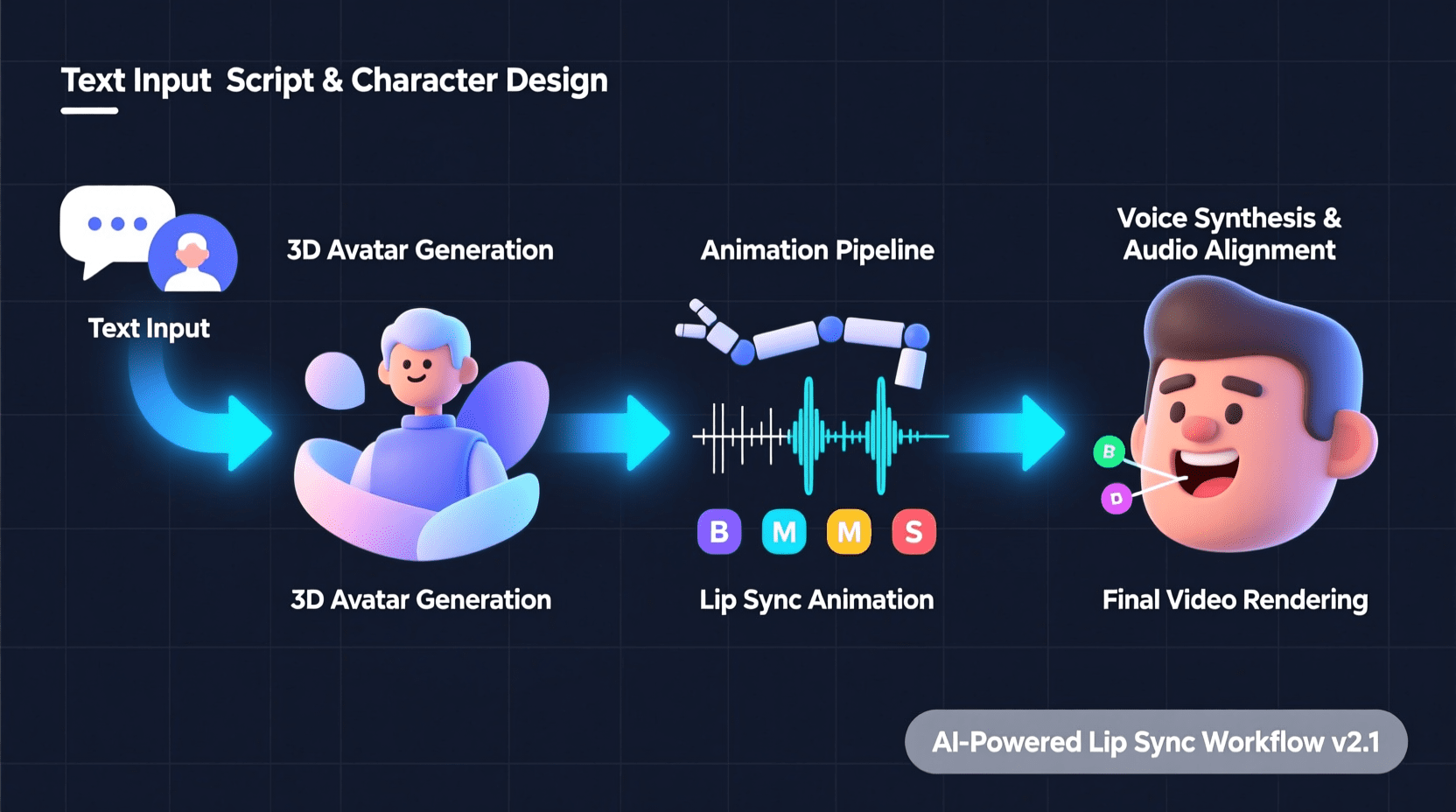
Frequently Asked Questions
Can these tools sync lip movements to videos from any AI generator?
Yes, all the tools listed work with video files regardless of source. Whether you generated your video with VEO, Sora, Kling, Runway, Pika, or any other platform, these lip sync tools process standard video formats. The only requirement is that faces must be clearly visible for the AI to track mouth movements.
How accurate is AI lip sync compared to manual animation?
Professional-grade AI lip sync now matches manual animation quality for most use cases. Testing shows that precision mode on tools like Vozo AI and Sync Labs achieves frame-accurate synchronization. However, extreme close-ups or very specific emotional performances might still benefit from manual touch-ups by professional animators.
Can I use these tools for commercial projects?
Most platforms include commercial licenses with paid subscriptions. Free tiers often restrict commercial use, so check each tool’s terms of service. For client work or revenue-generating content, invest in paid plans that explicitly permit commercial usage and provide proper licensing documentation.
Do lip sync tools work with animated characters or only real people?
Many tools handle both. Platforms like Vozo AI, Magic Hour, and Runway work with animated characters as long as facial features are clearly defined. Cartoon-style animations with minimal facial detail might see reduced accuracy compared to photorealistic renders. Test with your specific animation style before committing to production workflows.
Which tool is best for creating videos in multiple languages?
Vozo AI and HeyGen lead for multilingual content. Both support over 100 languages and handle voice cloning across languages. If you’re creating training videos or marketing materials for international audiences, these platforms streamline the localization workflow compared to using multiple tools.
Can these tools add lip sync to videos with multiple people talking?
Several tools handle multi-speaker scenarios. Vozo AI automatically detects and syncs multiple faces in a scene. Dzine AI syncs up to four characters simultaneously. Runway ML works well with dialogue scenes containing several speakers. For crowd scenes or more than four speakers, you might need to process faces individually or in groups.
Is lip sync technology getting better at handling side profiles and unusual angles?
Yes, recent improvements allow many tools to sync faces that aren’t directly facing the camera. However, accuracy still drops compared to front-facing shots. For best results, generate your base video with characters facing mostly toward the camera. If side profiles are necessary for your story, test multiple tools since capabilities vary significantly.
How long does lip sync processing typically take?
Processing time varies by video length, resolution, and tool. A 10-second 1080p clip typically processes in 2-10 minutes depending on the platform. Longer videos or 4K resolution can take 30 minutes or more. Cloud-based tools like Magic Hour and Vozo process faster than local solutions, though you’re dependent on upload speeds and server queue times.
Can I edit the lip sync after it’s generated?
Some platforms offer timing adjustments and fine-tuning options. Vozo AI lets you select specific faces and adjust sync manually. Runway ML integrates with professional editing software where you can make frame-level adjustments. Simpler tools like D-ID provide limited editing, requiring you to regenerate if results aren’t perfect.
Are there free AI lip sync tools that work well?
Several platforms offer capable free tiers. LipSync.Video provides a “Free Forever” plan with limited credits. D-ID offers free trials. Magic Hour and Vozo AI both have free testing options. While free tiers usually restrict video length, resolution, or monthly usage, they work fine for learning the technology or producing low-volume content.
What audio formats do these tools accept?
Most platforms accept standard audio formats including MP3, WAV, and M4A. Some tools like Vozo and HeyGen include text-to-speech engines, eliminating the need for audio files entirely. If you’re recording your own voice, WAV or high-quality MP3 generally produces better results than compressed formats.
Can lip sync tools fix videos where faces are partially hidden?
Performance drops significantly when faces are obscured. Sunglasses, masks, or hands covering mouths confuse tracking algorithms. If your VEO or Sora video includes these elements, consider regenerating with clearer face visibility or using creative editing to work around the limitations. Some advanced tools can sync partially visible mouths, but results won’t match full-face accuracy. AI lip sync technology transforms how we create talking videos. Whether you’re working with VEO’s cinematic 4K outputs, Sora’s storytelling capabilities, Kling’s rapid generation, or any other video model, these tools add dialogue without reshoots or expensive voice actors. Start with free tiers to test which platform fits your workflow, then scale up as your projects demand. The best video prompts combined with professional lip sync create content that engages audiences across languages and platforms.