
Keeping up with daily news can feel like a full-time job. Between checking different websites, scrolling through social media, and trying to filter out fake news, you might feel overwhelmed. News aggregator apps solve this problem by bringing all your favorite news sources into one place. In 2026, news aggregator apps have become smarter and more helpful. They use artificial intelligence to learn what you like and show you stories that matter to you. Whether you want breaking news, local updates, or specific topics like sports or technology, these apps make staying informed easier than ever. This guide covers the best news aggregator apps available in 2026. We tested each one to find out which apps work best for different needs, from simple reading to advanced customization.
Overview of the best news aggregators
| App Name | Best For | Cost | Platforms | Key Feature |
|---|---|---|---|---|
| Google News | General news coverage | Free | iOS, Android, Web | AI personalization |
| Apple News | Premium content | Free (Plus: $12.99/month) | iOS only | Beautiful design |
| Visual learners | Free | iOS, Android, Web | Magazine layout | |
| SmartNews | Fast loading | Free | iOS, Android | Offline reading |
| Feedly | Professionals | Free (Pro plans available) | iOS, Android, Web | RSS control |
| Inoreader | Power users | Free (Pro plans available) | iOS, Android, Web | Advanced automation |
| Ground News | Understanding bias | Free (Premium: $3.99+/month) | iOS, Android, Web | Bias ratings |
| NewsBreak | Local news | Free | iOS, Android | Hyper-local focus |
| Yahoo News | Video content | Free | iOS, Android, Web | Video news |
| Refind | Curated daily digest | Free | Web, Mobile | Email curation |
| AllTop | Topic-based browsing | Free | Web | No filtering |
| NewsBlur | RSS with social features | Free (Premium: $36/year) | Web, iOS, Android, macOS | RSS training |
| BBC News | International news | Free | iOS, Android, Web | Trusted source |
| The Guardian | Independent journalism | Free (Donation-supported) | iOS, Android, Web | Quality reporting |
| Techmeme | Tech industry | Free | Web | Tech focus |
What Is a News Aggregator App?
A news aggregator app collects news stories from many different sources and shows them in one place. Think of it as your personal newspaper that pulls articles from hundreds or thousands of websites automatically. These apps work in two main ways. Some use RSS feeds to pull content directly from news websites. Others use artificial intelligence algorithms that scan the web and select stories based on what you like to read. Instead of visiting 10 different news websites each morning, you open one app and see all the latest stories. Many apps let you customize your feed by choosing topics, blocking sources you don’t like, and even saving articles to read later when you have more time.
How Do News Aggregator Apps Make Money?
Most news aggregator apps are free to download and use. They make money through advertisements that appear between articles or at the bottom of your screen. Some apps offer premium subscriptions that remove ads and add extra features like offline reading or access to paid news sources. Other apps partner with news publishers and share advertising revenue. When you read an article through the app, both the app company and the original publisher get a cut of the ad money. This creates a win-win situation where publishers reach more readers and apps provide valuable content.
Here are the Best News Aggregator Apps
After testing dozens of news aggregators, we found these apps offer the best combination of features, reliability, and user experience. Each app has unique strengths that make it ideal for different types of readers.
1. Google News
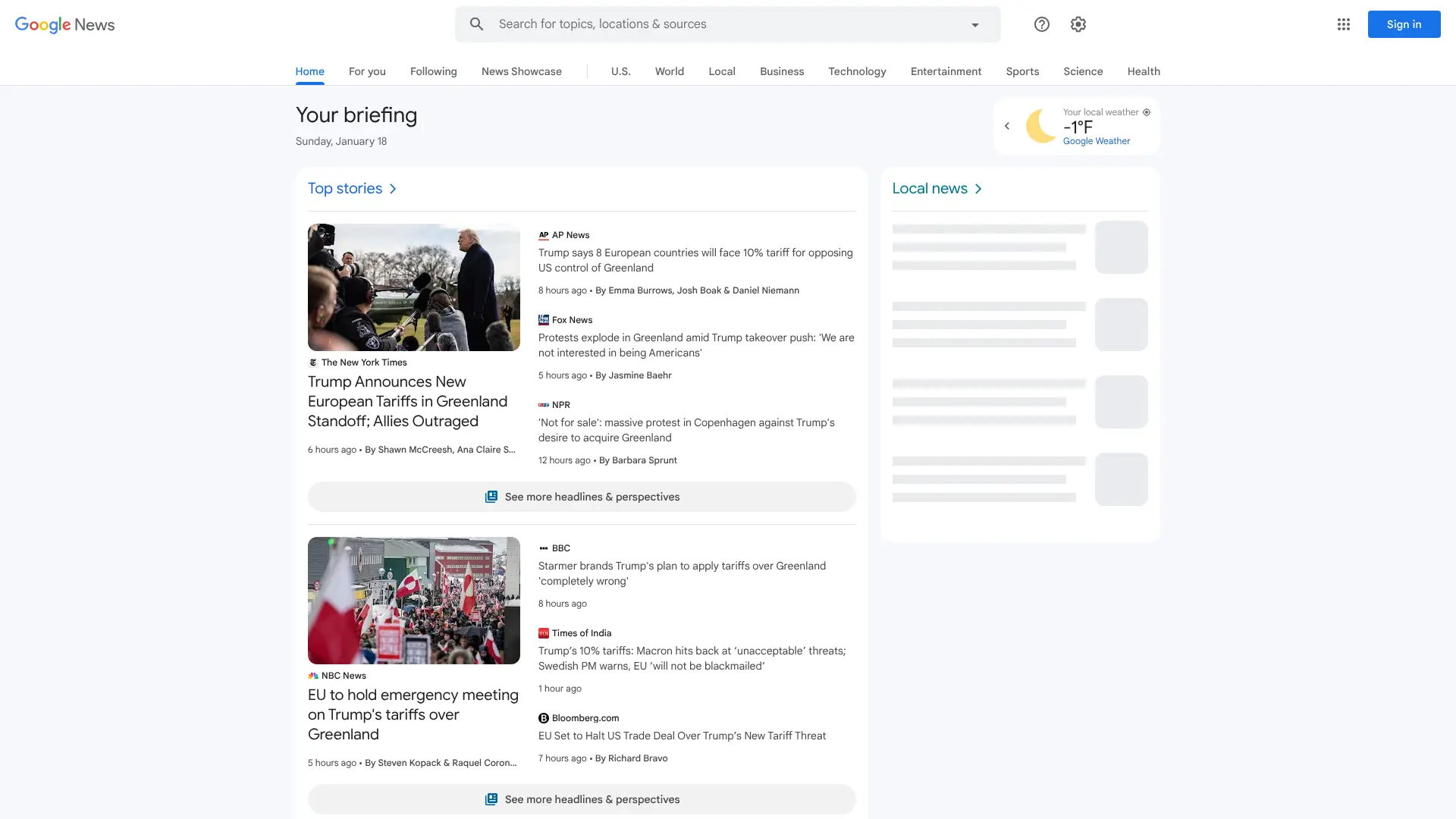 Google News remains one of the most powerful news aggregators in 2026. It uses advanced AI to scan thousands of news sources worldwide and create a personalized feed based on your reading habits and location.The app organizes stories into categories like world news, local updates, technology, sports, entertainment, and business. The “Full Coverage” feature shows you how different outlets report the same story, giving you multiple perspectives on important events. According to Statista research, Google News is among the most downloaded news apps in the United States. The app works seamlessly across devices and syncs your preferences everywhere you log in. Key Features:
- AI-powered personalization that learns your interests
- Full Coverage feature for multiple viewpoints
- Local news based on your location
- Free to use with no subscription required
- Available on iOS, Android, and web browsers
Best For: People who want comprehensive news coverage from verified sources without paying anything.
Website: news.google.com
2. Apple News
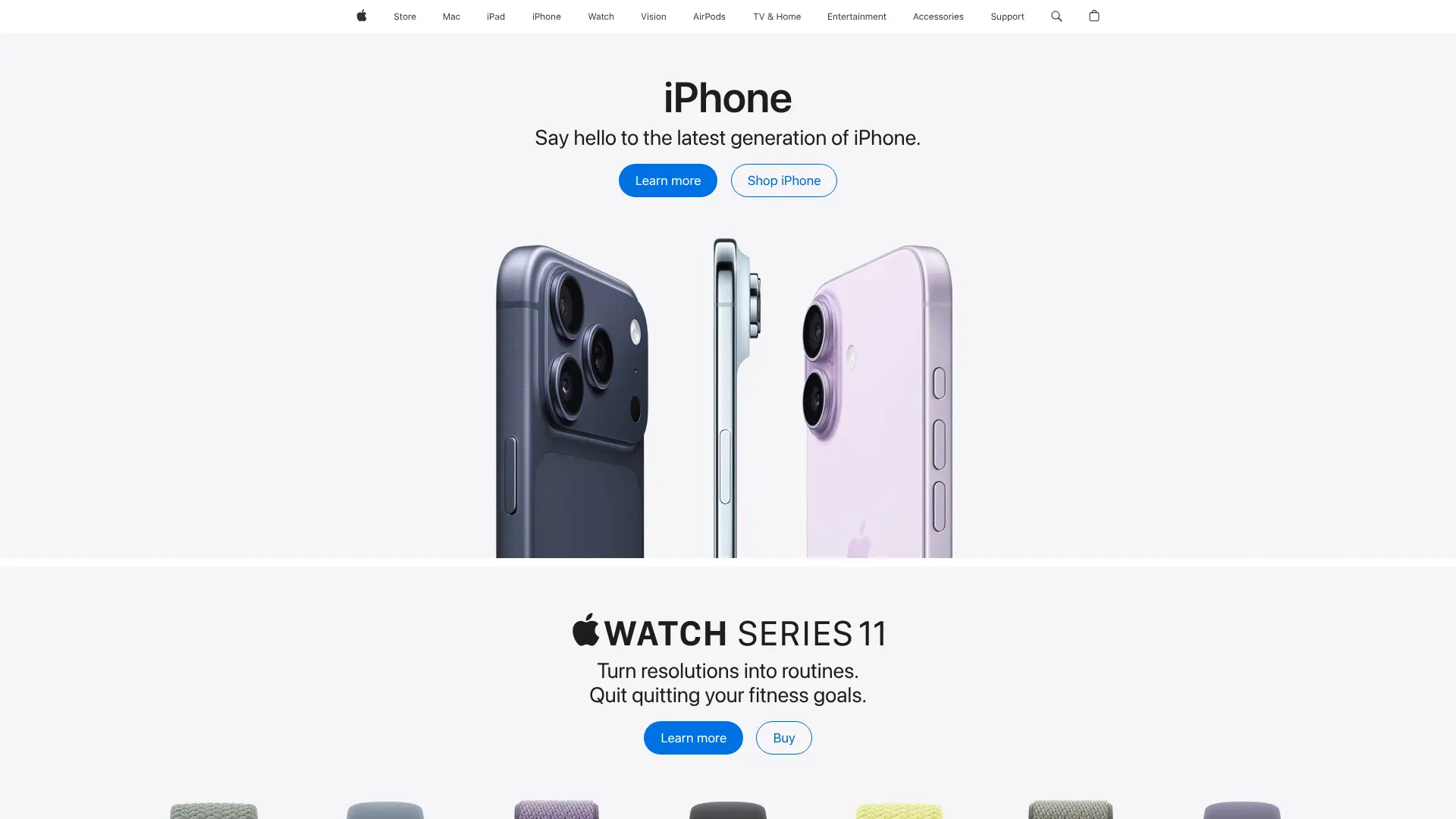 Apple News comes pre-installed on iPhones and iPads. It offers a clean, ad-free reading experience with content from major publishers. The app features beautiful design and smooth animations that make reading feel premium.
  The free version gives you access to thousands of articles from respected sources. Apple News+ costs $12.99 per month and unlocks premium content from publications like The Wall Street Journal, The Atlantic, and National Geographic. This subscription includes access to over 450 magazines. According to Apple’s official newsroom, the service has grown significantly, with millions of subscribers enjoying both free and premium content. The app also features audio stories narrated by professional voice actors. Key Features:
- Beautiful, distraction-free interface
- Access to premium paywalled content with subscription
- Audio stories for listening instead of reading
- Curated sections by Apple editors
- Seamless integration with Apple devices
Best For: iPhone and iPad users who want high-quality journalism and don’t mind paying for premium content.
Website: apple.com/apple-news
3. Flipboard
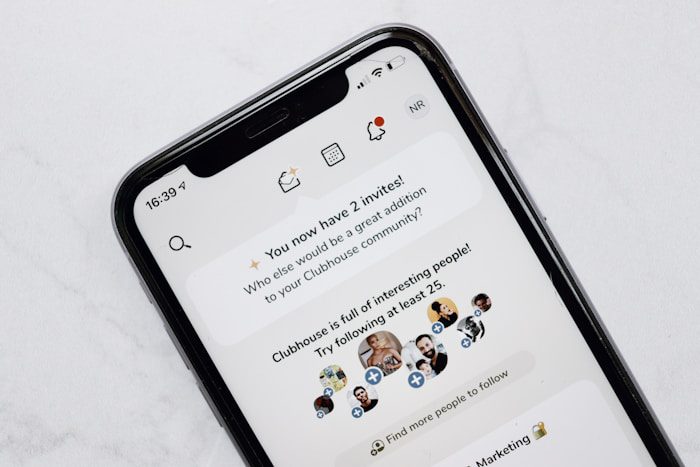
 Flipboard turns news reading into a visual magazine experience. The app displays articles with large images and smooth page-flipping animations. It feels like browsing a digital magazine rather than scrolling through a basic feed.
 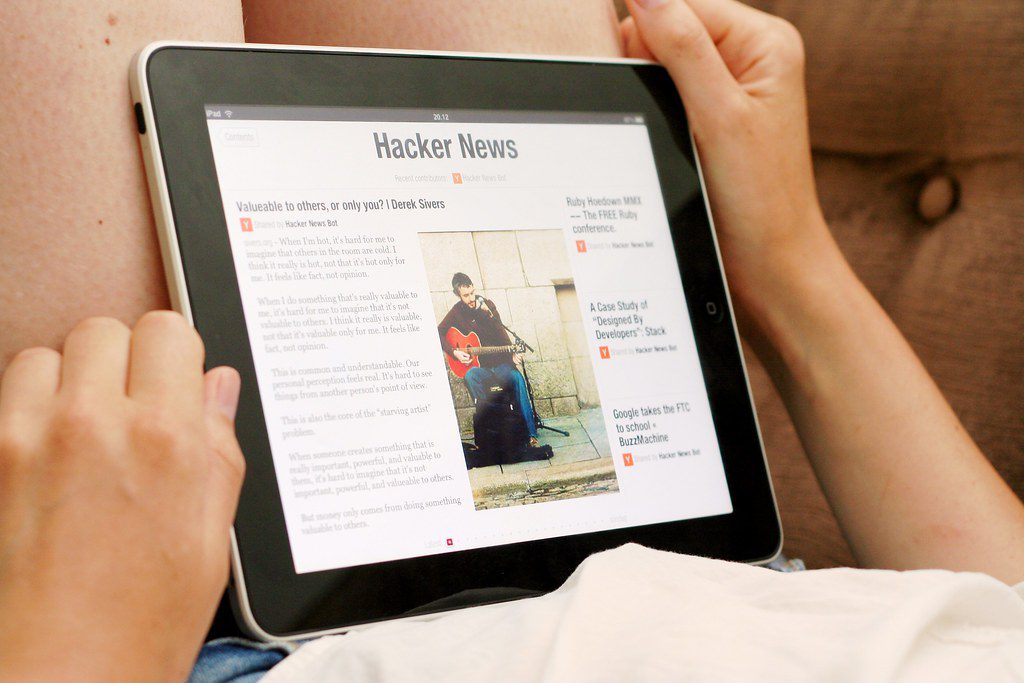 You can follow specific topics, create custom “magazines” by collecting articles, and share your collections with friends or colleagues. The app pulls content from major news sites, blogs, and even social media platforms like Twitter and Instagram. Flipboard works great for people who want a mix of news, blogs, and user-generated content. The magazine-style format makes it especially popular for visual topics like design, food, travel, and fashion. Key Features:
- Magazine-style layout with beautiful visuals
- Create and share custom content collections
- Follows social media feeds alongside news
- Available on iOS, Android, and web
- Free to use with most content accessible without subscription
Best For: Visual learners who enjoy a magazine-style reading experience and want to curate collections.
Website: flipboard.com
4. SmartNews
 SmartNews focuses on speed and simplicity. The app loads articles incredibly fast and uses minimal data, making it perfect for people with slower internet connections. It pulls content from over 3,000 trusted sources worldwide.
 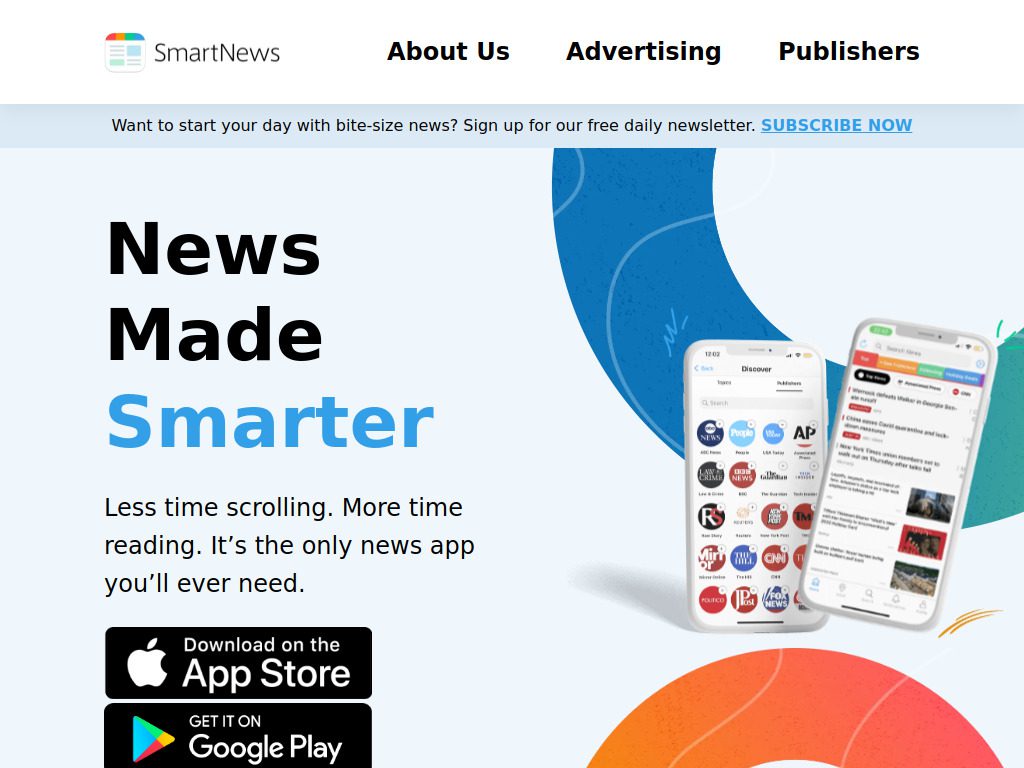 The app pre-downloads articles when you’re on WiFi so you can read them offline later. This saves data and lets you catch up on news during commutes or flights. SmartNews won the Best Mobile App Award in 2025. SmartNews organizes content into channels like politics, business, entertainment, sports, and technology. You can customize which channels appear and reorder them based on your priorities. Key Features:
- Extremely fast loading times
- Offline reading with pre-downloaded articles
- Low data usage compared to other apps
- Clean interface without clutter
- Completely free with no premium tier
Best For: Users who want quick access to news without using much mobile data or waiting for pages to load.
Website: smartnews.com
5. Feedly
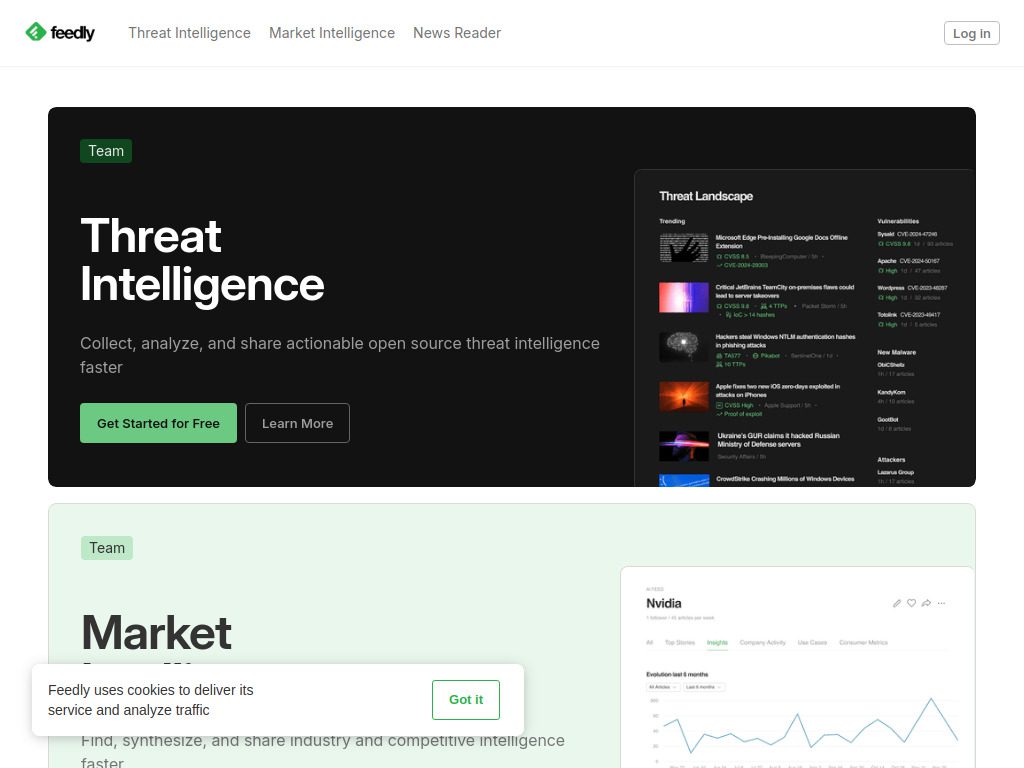
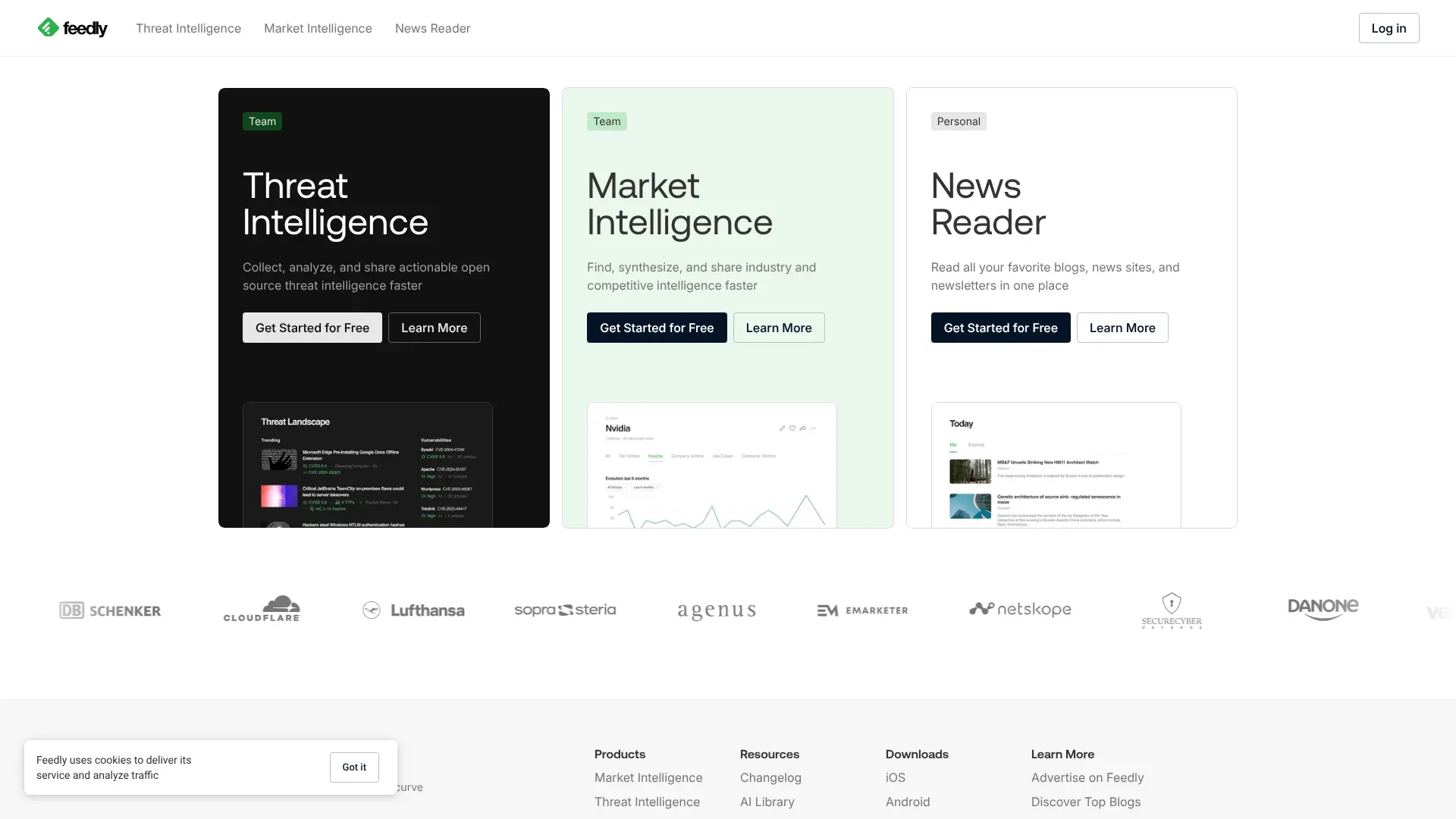 Feedly is a powerful RSS reader that lets you follow specific websites, blogs, YouTube channels, podcasts, and news sources. Unlike other aggregators that choose content for you, Feedly gives you complete control over what appears in your feed.
  The app uses AI called “Leo” to help filter your feeds and highlight the most important articles. You can organize sources into categories, search through your feeds, and integrate with other tools like Evernote, Pocket, and Slack. According to their website, Feedly serves over 15 million professionals who use it to stay informed about their industries. The free version lets you follow up to 100 sources, while paid plans unlock unlimited sources and advanced AI features. Key Features:
- Follow any website with an RSS feed
- AI-powered filtering to prioritize important content
- Integrations with productivity tools
- Organize sources into custom categories
- Available on web, iOS, and Android
Best For: Professionals and researchers who want to follow specific sources and organize information efficiently.
Website: feedly.com
6. Inoreader
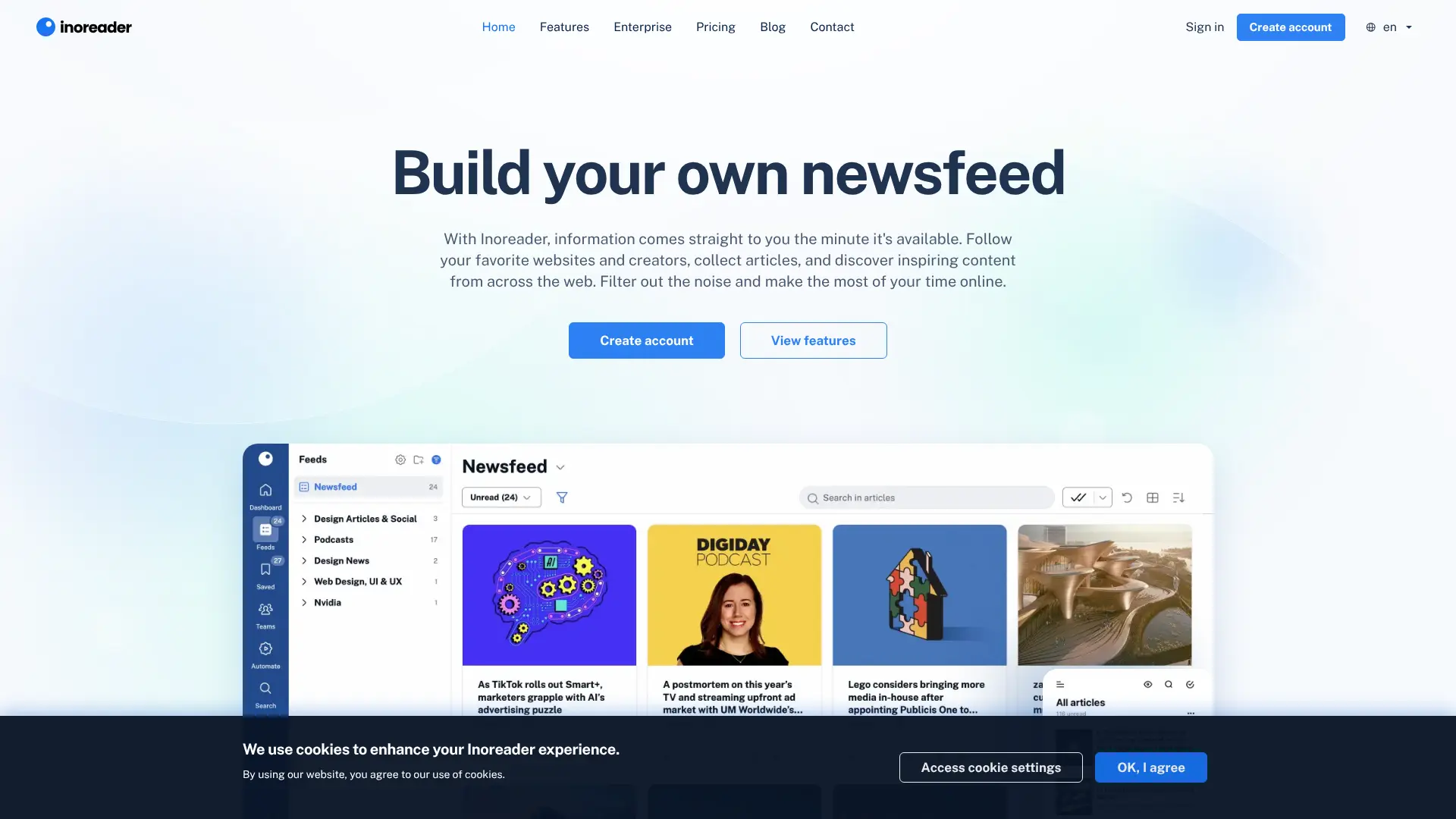 Inoreader is an advanced RSS reader with powerful automation features. It lets you create rules that automatically organize, filter, and share content based on keywords and conditions. This makes it ideal for power users who process large amounts of information. The app can follow RSS feeds, blogs, podcasts, social media pages, and email newsletters. You can set up active searches for specific topics and get alerts when new content appears that matches your criteria. Inoreader offers different viewing modes including list view, card view, and magazine view. The search function works for free users, unlike Feedly where search requires a paid subscription. Key Features:
- Advanced automation with rules and filters
- Free search functionality
- Follow social media feeds alongside news
- Multiple viewing layouts
- Powerful for professionals and researchers
Best For: Tech-savvy users who want maximum customization and automation capabilities.
Website: inoreader.com
7. Ground News
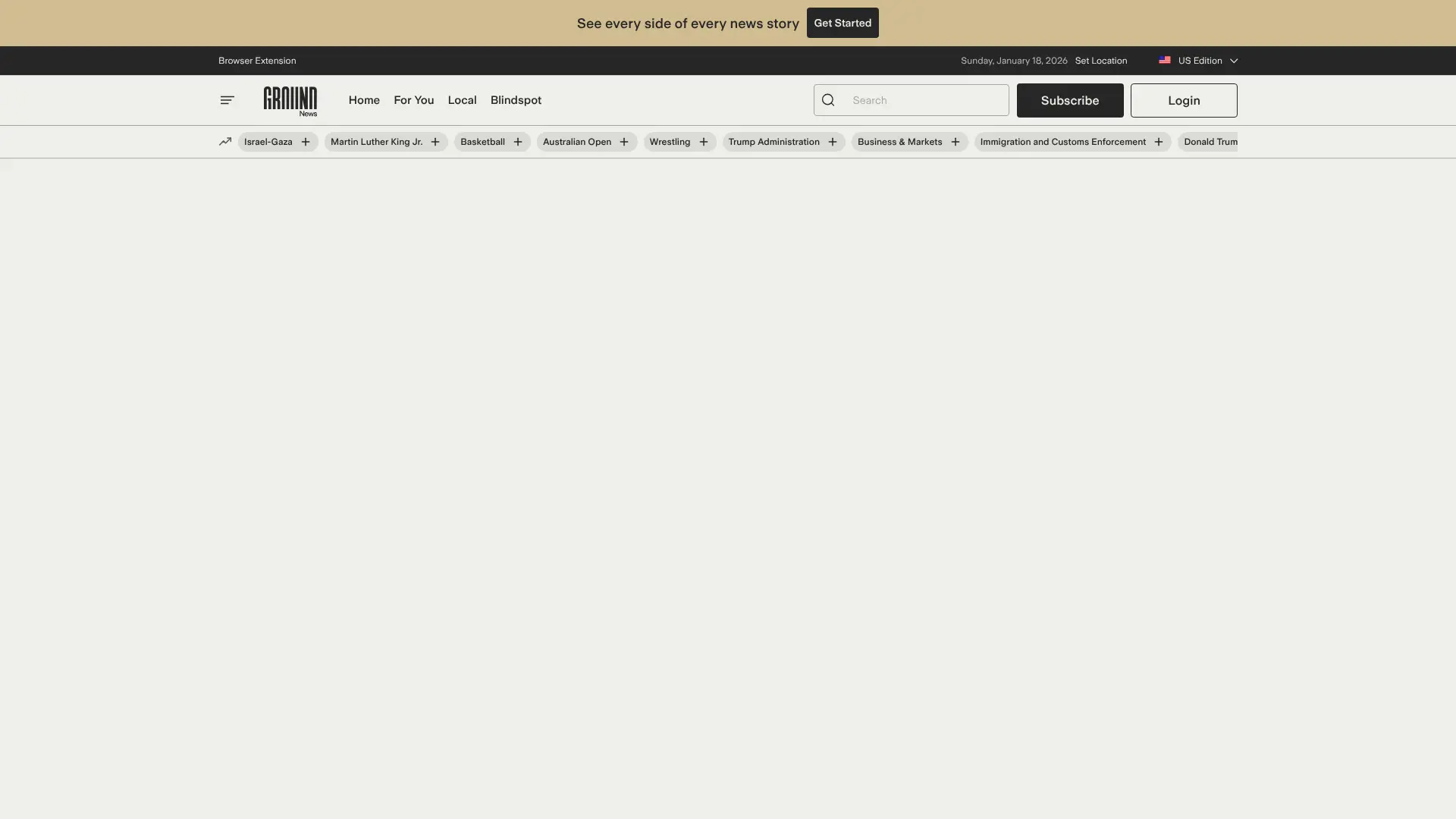 Ground News stands out by showing you how different news outlets cover the same story. The app rates sources based on political bias and displays articles from left-leaning, center, and right-leaning publications side by side. Each story includes a “Bias Distribution” chart showing how many left, center, and right sources covered it. This helps you understand if a story is getting more attention from one side of the political spectrum. The app also provides “Blindspot” reports that highlight stories heavily covered by one side but ignored by the other. This transparency helps you spot media bubbles and get a more complete picture of current events. Key Features:
- Shows political bias of news sources
- Compare how different outlets report the same story
- Blindspot reports reveal one-sided coverage
- Free version available with basic features
- Premium plans start at $3.99 per month
Best For: Readers who want to understand media bias and see multiple perspectives on controversial topics.
Website: ground.news
8. NewsBreak
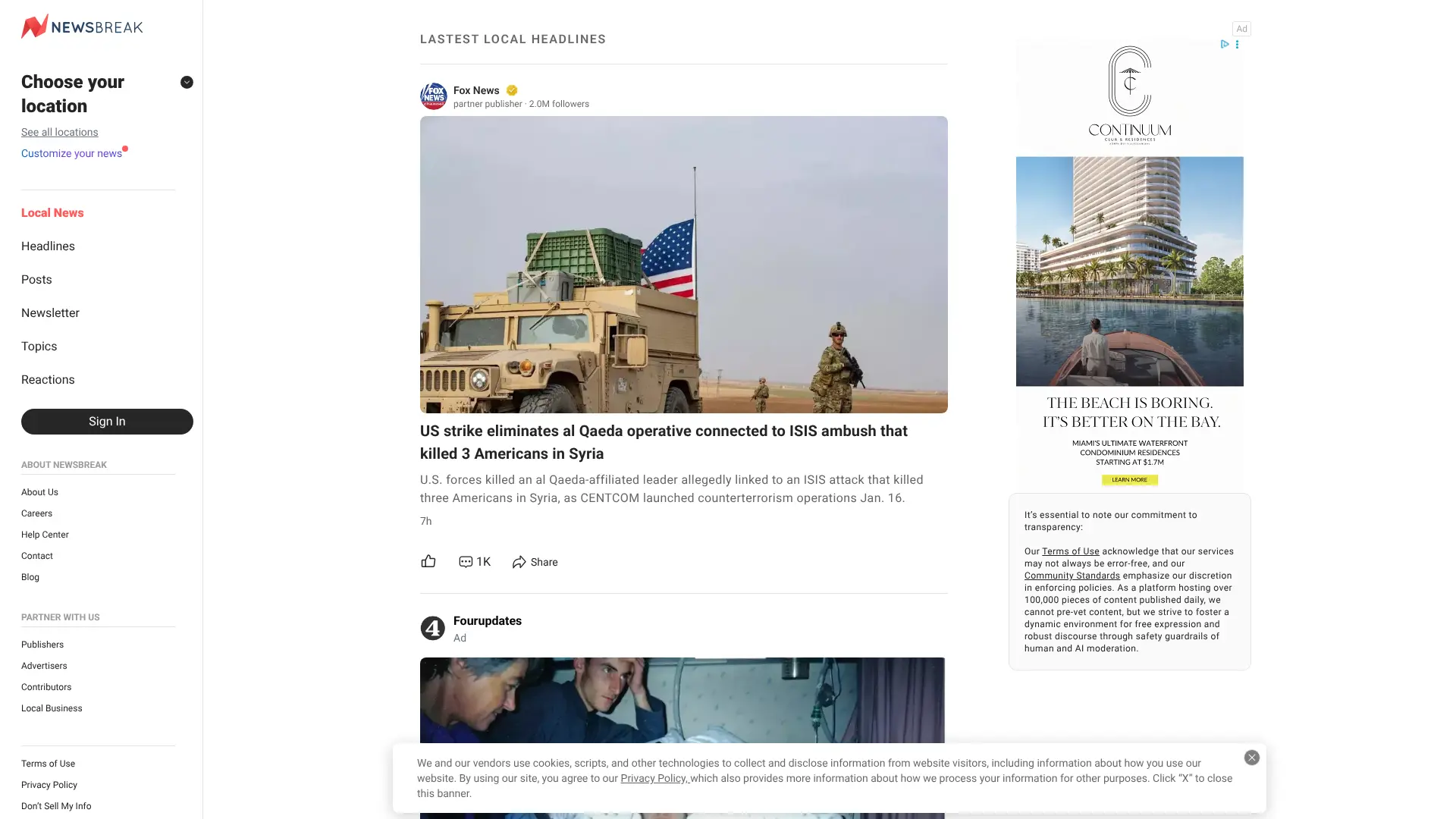 NewsBreak focuses on local news and community updates. Instead of showing you what’s happening around the world, it prioritizes stories from your city, neighborhood, and nearby areas. This makes it perfect for people who care more about local events than international headlines.
  The app uses your location to find relevant stories about local government, schools, weather, traffic, crime, and community events. Founded in 2015, NewsBreak has grown to become one of the largest local news platforms in the United States. You can customize how many notifications you receive, though even the lowest setting might feel like a lot if you prefer less frequent updates. The app works well for staying connected to your community. Key Features:
- Hyper-local news based on your location
- Community-focused coverage
- Emergency alerts for your area
- Free to use with no premium tier
- Available on iOS and Android
Best For: People who want to stay informed about local news and community events more than national or international stories.
Website: newsbreak.com
9. Yahoo News
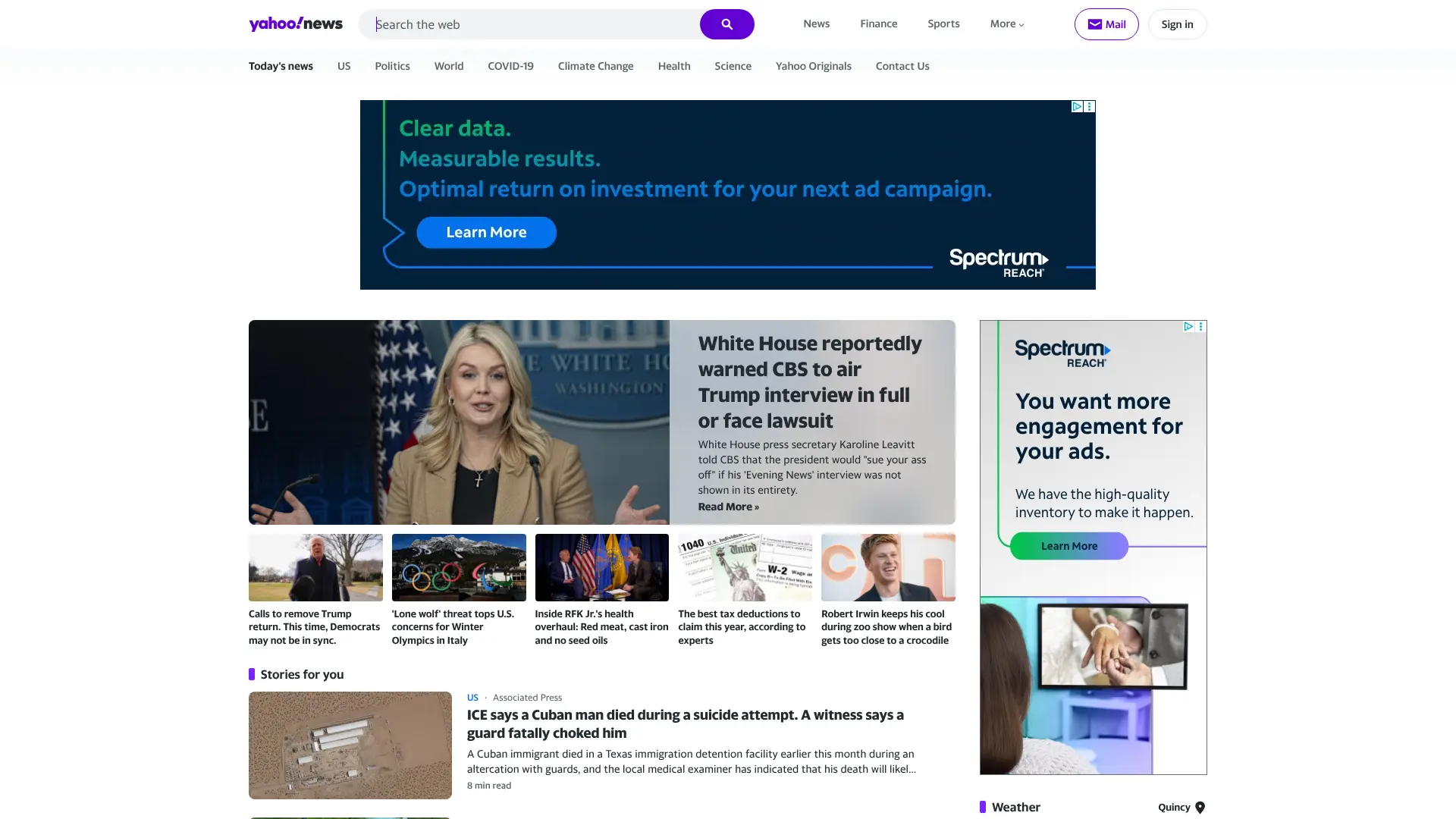 Yahoo News has been around for decades and remains popular in 2026. The app aggregates content from major publishers and also produces its own articles. It organizes related stories together, so you see all articles about the same topic grouped in one section before moving to the next topic. Yahoo News includes extensive video content, which sets it apart from text-focused aggregators. You can scroll through articles while a video continues playing in a small window. This multitasking feature works great if you have short attention spans or prefer watching news over reading it. The app offers multiple specialized versions including Yahoo Sports and Yahoo Finance for people interested in those specific areas. All versions are completely free, though you’ll see advertisements throughout the app.
  Key Features:
- Groups related stories together
- Extensive video news content
- Specialized apps for sports and finance
- Free with no subscription options
- Available on web, iOS, and Android
Best For: Users who prefer video news and want a traditional aggregator experience with organized topic sections.
Website: news.yahoo.com
10. Refind
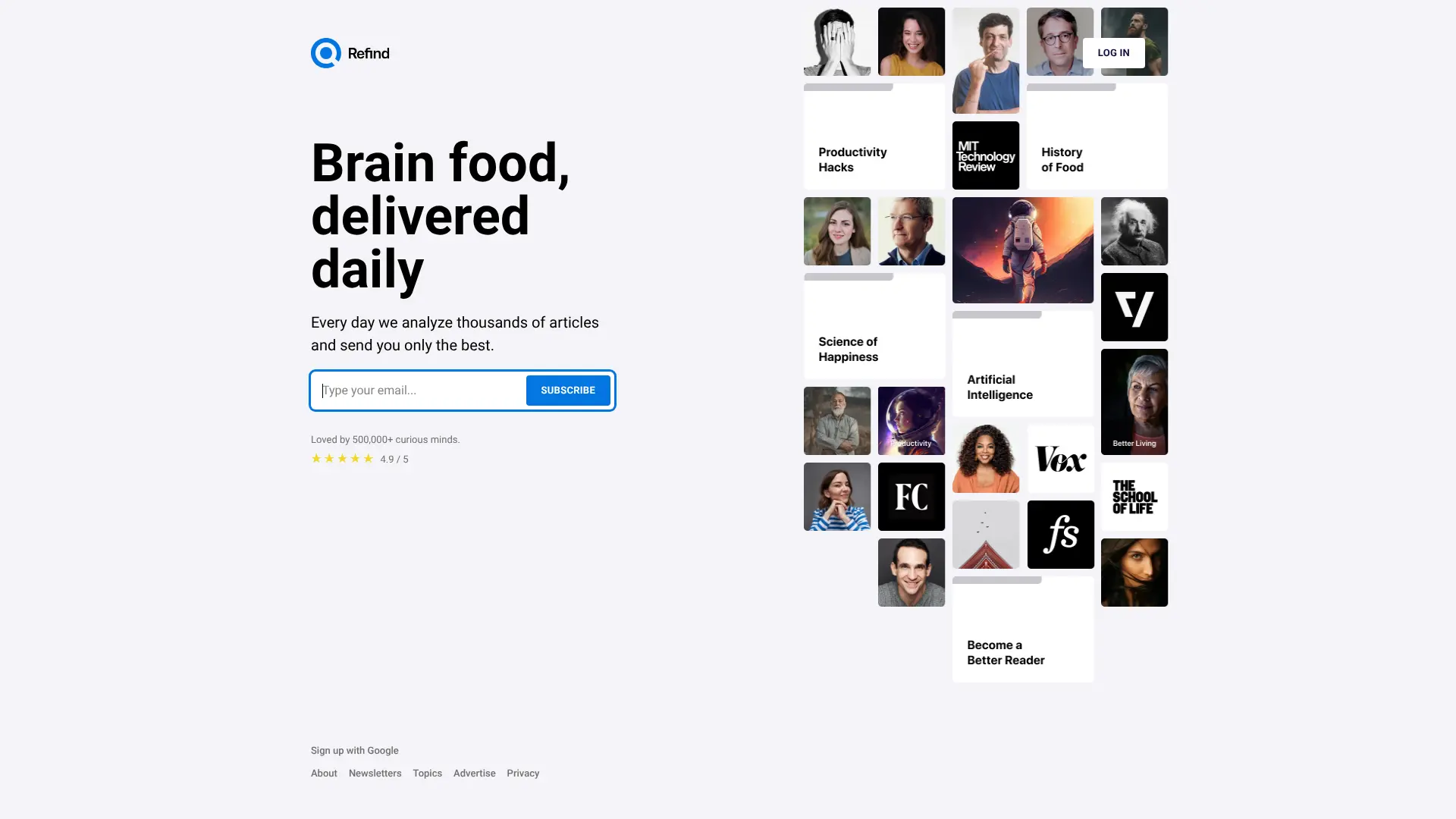 Refind delivers curated links to your inbox every day, calling itself “brain food, delivered daily.” Instead of overwhelming you with hundreds of articles, Refind analyzes thousands of sources and sends you only the most valuable content based on your interests. The service learns from your reading habits and gets better over time at selecting relevant articles. You can follow specific topics like productivity, science, technology, business, and many others. Refind is loved by over 500,000 curious minds who want quality over quantity. Unlike algorithm-driven feeds, Refind combines AI analysis with human curation to surface truly worthwhile content. The daily digest format helps you stay informed without spending hours scrolling through news feeds. Key Features:
- Daily curated email digest
- Personalized based on your interests
- Quality-focused content selection
- Follow specific topics and sources
- Available on web and mobile
Best For: People who want a curated daily digest of high-quality articles without information overload.
Website: refind.com
11. AllTop
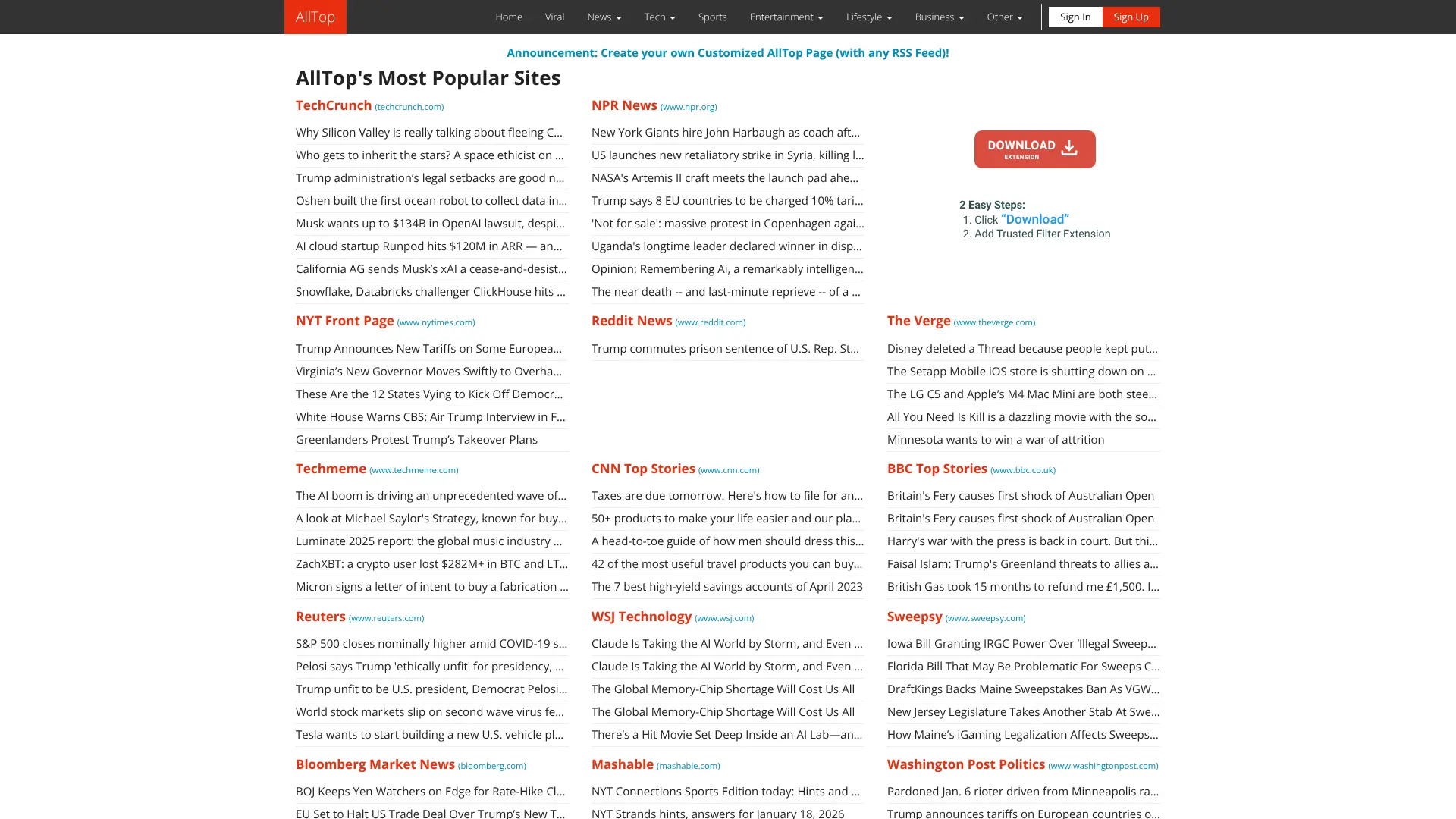 AllTop aggregates news and blog posts from popular sites across hundreds of topics. Created by Guy Kawasaki, it works like an online magazine rack where you can browse headlines from your favorite sources all in one place. The site organizes content into topic pages covering everything from technology and business to sports and entertainment. Each topic page displays the latest headlines from dozens of relevant sources, making it easy to scan what’s new across multiple sites without visiting each one individually. AllTop doesn’t use algorithms to filter content. Instead, it shows you everything from the sources you choose to follow. This gives you complete control over your news consumption and helps you discover new blogs and publications in your areas of interest. Key Features:
- Browse headlines from hundreds of topics
- No algorithmic filtering or personalization
- Discover new blogs and publications
- Create custom topic pages
- Completely free to use
Best For: People who want to browse headlines from multiple sources organized by topic without algorithmic filtering.
Website: alltop.com
12. NewsBlur
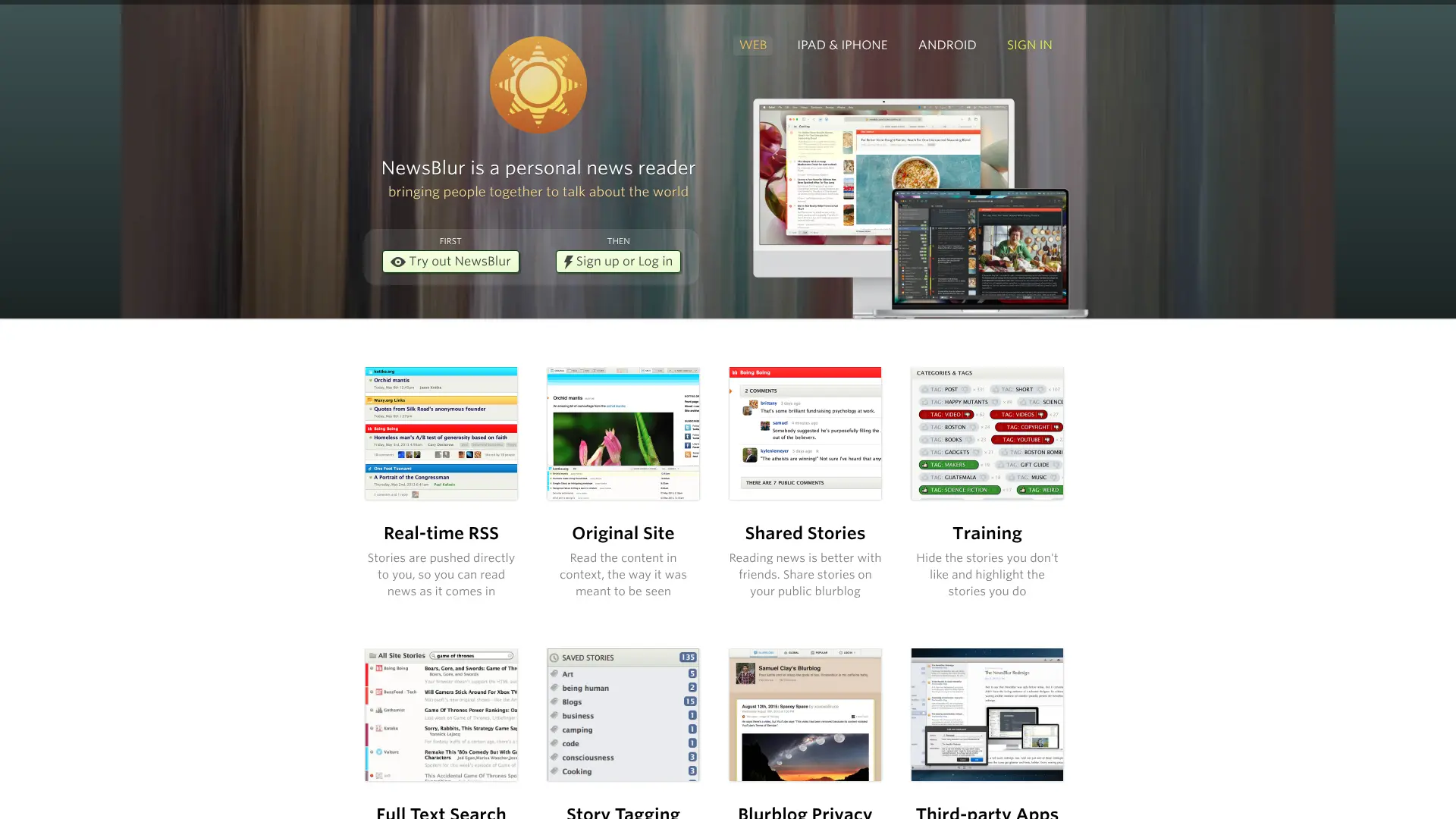 NewsBlur is an RSS reader with a personal touch that helps you train your news feed to show exactly what you want. The app learns your preferences through an intelligent training system where you can mark stories, authors, tags, and topics you like or dislike. The more you train NewsBlur, the better it becomes at filtering content. Stories you like appear highlighted in green, while stories you dislike are automatically hidden unless you choose to view them. This personal approach makes it different from algorithm-driven aggregators. NewsBlur offers multiple viewing modes including Feed view, Original view, Story view, and Text view. You can read the plain RSS feed, see the entire original website, view individual stories, or read extracted article text. The free version supports up to 64 sites, while premium accounts offer unlimited subscriptions for $36 per year. Key Features:
- Intelligent training system for personalization
- Multiple viewing modes for flexibility
- Social features to share and discuss stories
- Open-source software you can self-host
- Available on web, iOS, Android, and macOS
Best For: RSS enthusiasts who want granular control over their feed and enjoy training an intelligent system.
Website: newsblur.com
13. BBC News
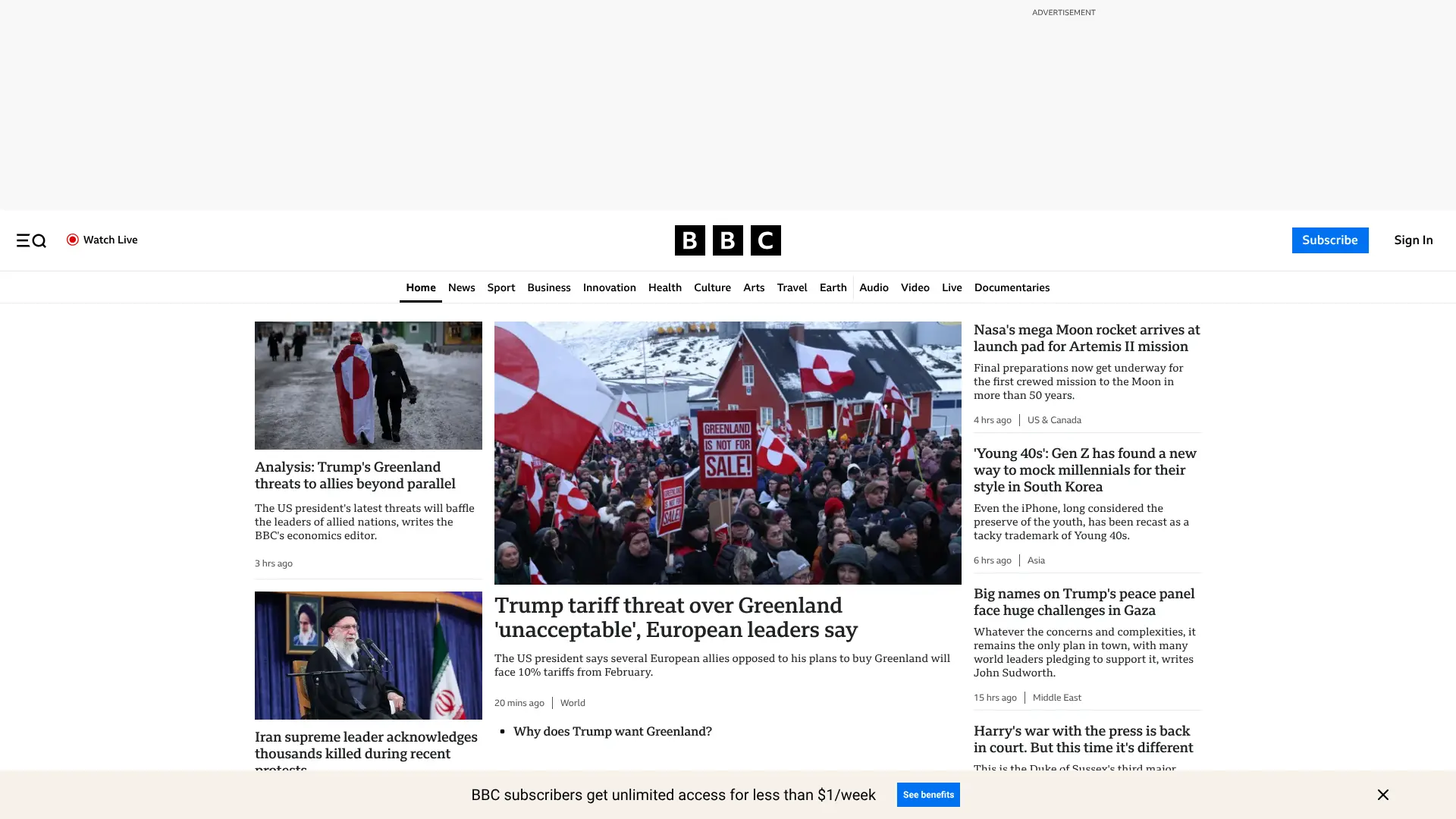 The BBC News app provides content directly from one of the world’s most trusted news organizations. Unlike aggregators that pull from multiple sources, this app focuses solely on BBC journalism from their global network of reporters.
  You get breaking news alerts, video content, and in-depth analysis on international events. The BBC maintains correspondents in over 200 countries, giving you reliable coverage of global news. The app is completely free with no subscription required. It works particularly well for international news and provides balanced reporting on world events. Key Features:
- Content from one trusted source
- Global news coverage
- Video and audio content
- Breaking news alerts
- Completely free
Best For: Readers who prefer content from a single trusted source rather than aggregated articles from multiple publishers.
Website: bbc.com/news
14. The Guardian
 The Guardian app offers award-winning journalism from one of the world’s most respected news organizations. While primarily focused on its own content, the app also includes curated stories from other sources to provide broader coverage. The Guardian is known for its independent journalism and in-depth reporting on politics, environment, culture, and more. The app offers a clean reading experience with customizable notifications and offline reading capabilities. While the content is free to read, the app occasionally prompts users to contribute to support their independent journalism model, which relies on reader donations rather than a paywall. Key Features:
- High-quality journalism from a trusted source
- Curated content from other publications
- Customizable notifications
- Offline reading capability
- Available on iOS and Android
Best For: Readers who value independent journalism and want a mix of primary and curated content.
Website: theguardian.com
15. Techmeme
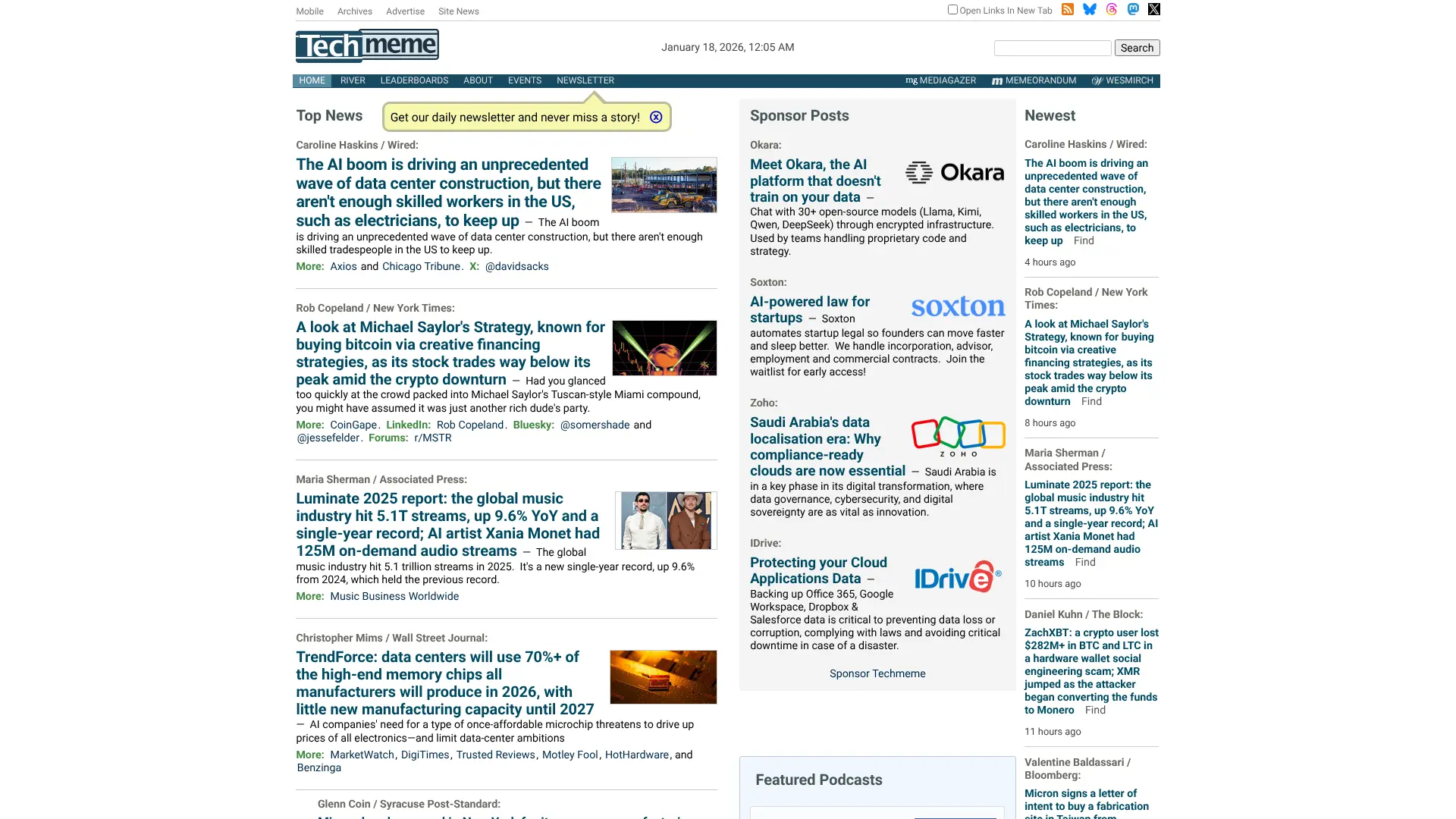 Techmeme specializes in technology news and industry updates. It aggregates stories from leading tech publications, blogs, and industry insiders. This focused approach makes it invaluable for people working in technology or those passionate about tech topics. The site displays the most important tech stories of the day with links to multiple sources covering each story. You can see different perspectives and choose which publication’s take you want to read. Techmeme updates throughout the day with real-time coverage of breaking tech news. The site works well on both desktop and mobile devices. Key Features:
- Specialized in technology news
- Multiple sources for each story
- Real-time updates
- Free to access
- Mobile and desktop friendly
Best For: Technology professionals and enthusiasts who want focused coverage of tech industry news.
Website: techmeme.com 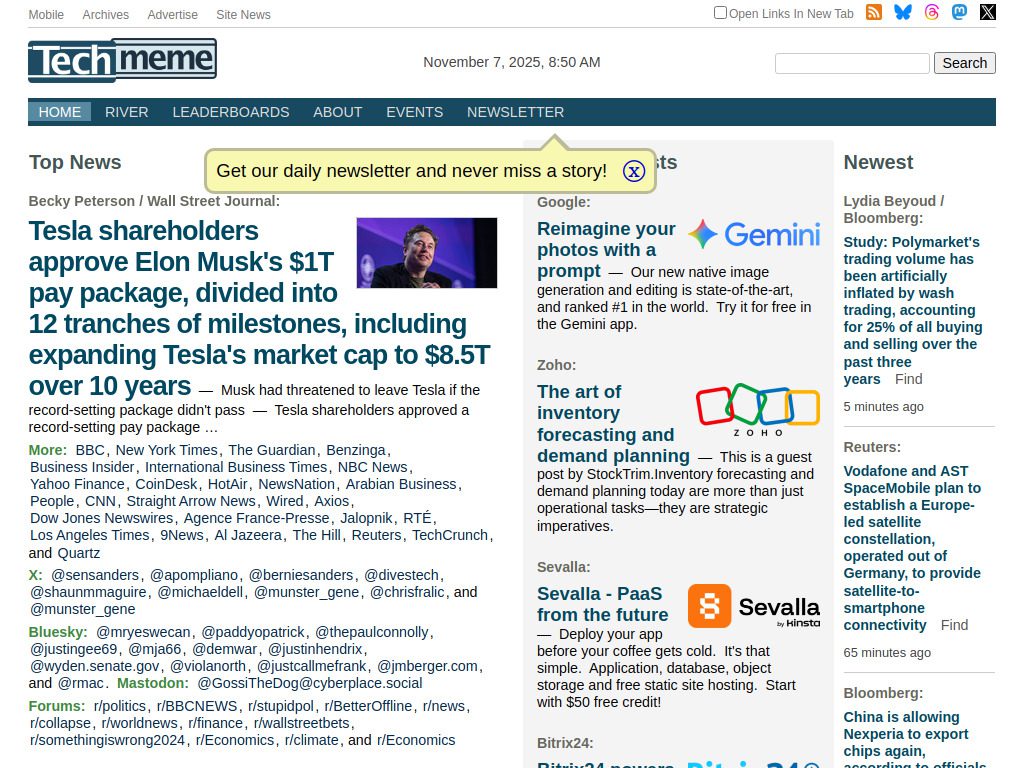
Why Should You Use a News Aggregator App?
News aggregator apps save you time and energy. Here are the main benefits:
Everything in One Place
You don’t need to remember 20 different website addresses or check multiple apps. One aggregator brings everything together in a single feed. This convenience means you spend less time searching and more time reading actual news.
Personalized Content
Modern aggregators learn from your reading habits. If you always read articles about space exploration but skip celebrity gossip, the app will show you more science stories and fewer entertainment pieces. Over time, your feed becomes more relevant to your interests.
Multiple Viewpoints
Some aggregators show you how different news outlets cover the same story. This helps you see multiple perspectives and understand media bias. You can compare how left-leaning and right-leaning sources report the same event.
Offline Reading
Many aggregator apps let you download articles to read when you don’t have internet access. This works great for subway commutes, airplane flights, or anywhere with poor signal.
Less Fake News
Quality aggregators pull content from verified news sources. They filter out unreliable websites and conspiracy theories. This helps you avoid misinformation and focus on real journalism from trusted publishers.
How to Choose the Right News Aggregator App
Not all news aggregator apps work the same way. Here’s what to look for when picking the right one:
Source Variety
Check if the app pulls from major news organizations like The New York Times, BBC, or Reuters. The more sources available, the better. Some apps focus on mainstream media while others include independent blogs and niche publications.
Customization Options
Can you choose specific topics? Block certain sources? Adjust how many stories appear? The best apps give you control over what you see. Look for filters, categories, and personalization settings.
User Interface
The app should be easy to navigate. You shouldn’t need a tutorial to find what you want. Test the app before committing to see if the layout feels natural and comfortable.
Speed and Performance
Slow apps are frustrating. The best aggregators load articles quickly and don’t crash or freeze. Read user reviews to see if people complain about technical problems.
Cost
Free apps usually show ads. Premium subscriptions cost anywhere from $3 to $10 per month. Decide if the extra features are worth paying for. Many apps offer free trials so you can test premium features before buying.
Platform Compatibility
Make sure the app works on your devices. Some apps are only available for iPhone while others work on both iOS and Android. Check if there’s a web version you can access from your computer.
Frequently Asked Questions
Are news aggregator apps legal?
Yes, news aggregator apps are legal. They typically link to the original source instead of copying full articles. Most display headlines or short excerpts, which falls under fair use in many countries. Reputable aggregators work with publishers and follow copyright laws.
Do news aggregator apps use a lot of data?
Data usage varies by app. Apps like SmartNews use minimal data by compressing images and text. Others that display full photos and videos use more data. Most apps let you download articles on WiFi to read offline, which saves mobile data.
Can I trust news from aggregator apps?
Quality aggregators pull content from verified news sources like major newspapers and established publications. However, you should still check if a source is reputable. Apps like Ground News help by showing you source bias and credibility ratings.
Which news aggregator app is completely free?
Google News, SmartNews, Yahoo News, NewsBreak, and Microsoft Start are completely free with no premium tiers. They show advertisements but don’t require subscriptions. Feedly, Inoreader, and Ground News offer free versions with limited features and paid upgrades.
Can I use news aggregators offline?
Many aggregators offer offline reading. SmartNews pre-downloads articles when you’re on WiFi. Pocket lets you save articles to read without internet. Apple News+ subscribers can download issues for offline access. Check each app’s features to see if offline reading is available.
How do news aggregator apps make money if they’re free?
Free apps earn money through advertisements displayed between articles. Some apps partner with publishers and share ad revenue. Other apps offer premium subscriptions that remove ads and add features like unlimited sources, advanced search, or access to paywalled content.
Which news aggregator is best for local news?
NewsBreak specializes in local news and community updates. It uses your location to show relevant stories about your city and neighborhood. Google News also includes a strong local news section based on your location.
Can I customize what news I see?
Yes, most aggregators let you customize your feed. You can choose topics to follow, block sources you don’t like, and adjust how stories appear. Apps like Feedly and Inoreader offer the most customization options, while simpler apps like SmartNews provide basic topic selection.
Do I need separate apps for different types of news?
No, most general aggregators cover all types of news. However, specialized apps like Techmeme for technology or Yahoo Finance for business news provide more in-depth coverage of specific areas. Choose based on whether you want broad coverage or deep expertise.
How often do news aggregators update?
Most aggregators update in real-time or within minutes of new stories being published. Breaking news appears almost instantly. The frequency depends on the app and how often publishers release new content. You can usually refresh manually to check for the latest updates.


