
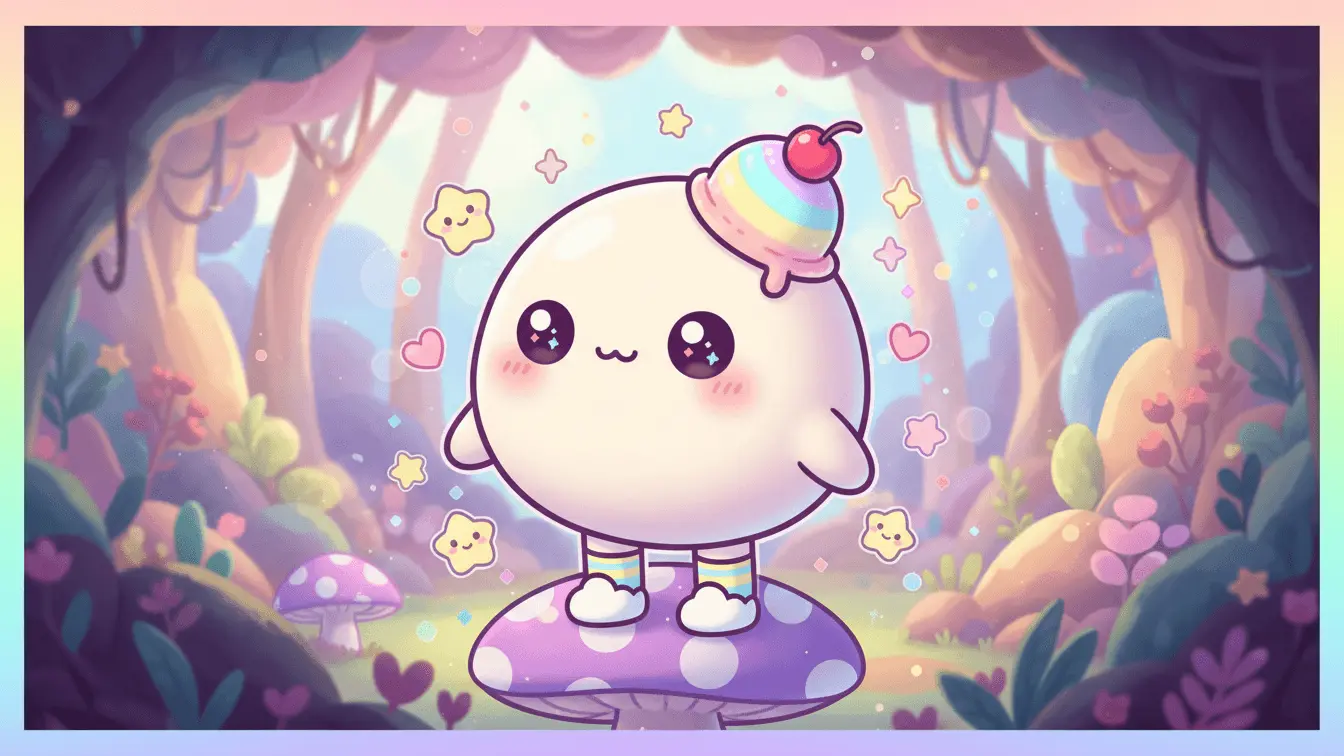
Kawaii character design is a Japanese art style that makes things look adorable and cute. The word “kawaii” means “cute” in Japanese. These characters have big eyes, small mouths, round faces, and soft colors. Think of Hello Kitty or Pikachu – that’s kawaii style.
AI tools now let you make these cute characters without drawing skills. AI FREE FOREVER’s Kawaii Image Generator creates perfect kawaii art from simple text descriptions. Just type what you want, and the AI builds it for you.
The best part? You don’t need to be an artist. These tools work for everyone – from beginners to pros looking to speed up their work.
Table of Contents
- What is Kawaii Character Design?
- 5 Basic Elements Every Kawaii Character Needs
- 7 Free AI Tools That Create Kawaii Characters
- Simple Prompts That Work Every Time
- How to Make Your First Kawaii Character (Step-by-Step)
- Advanced Tips for Better Results
- Common Mistakes to Avoid
- FAQ
- Key Takeaways
5 Basic Elements Every Kawaii Character Needs
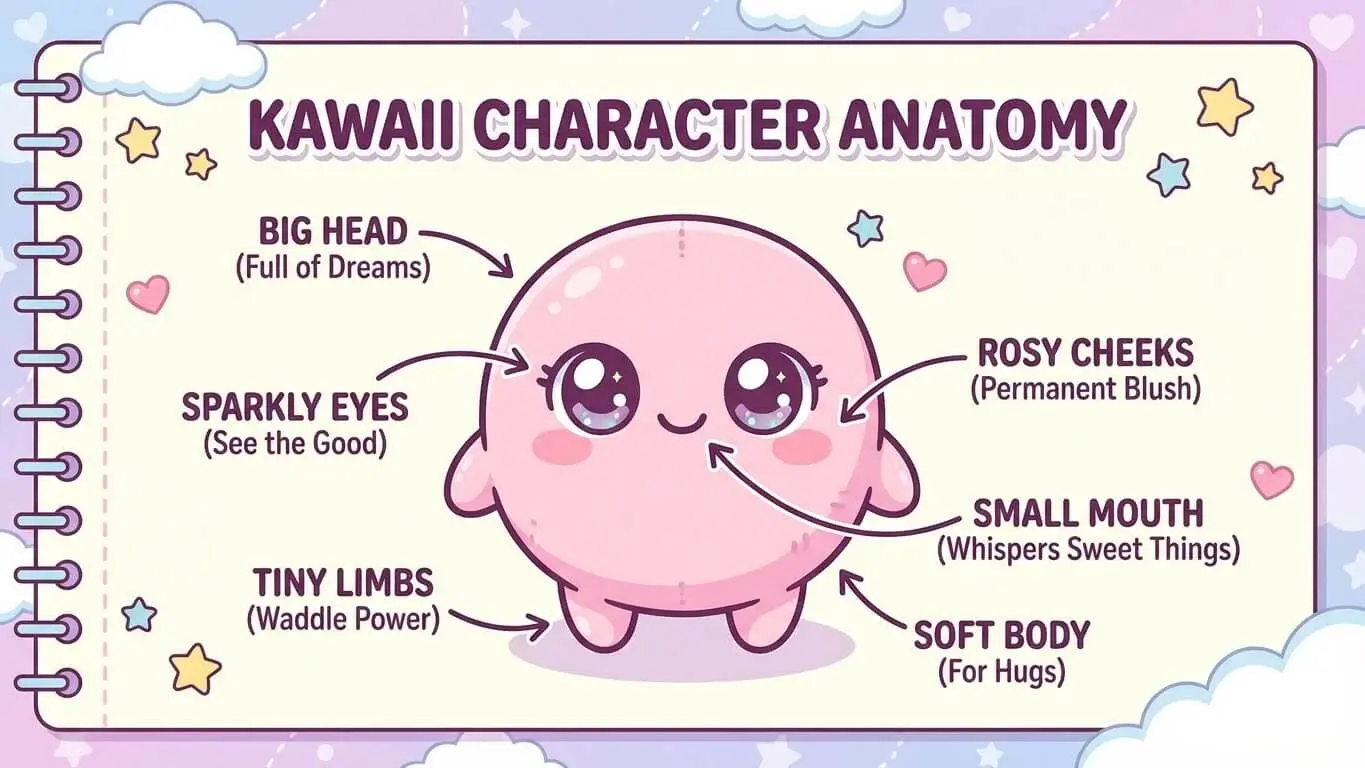
Want your character to look actually cute? These 5 things make or break kawaii designs.
1. Huge Eyes That Pop
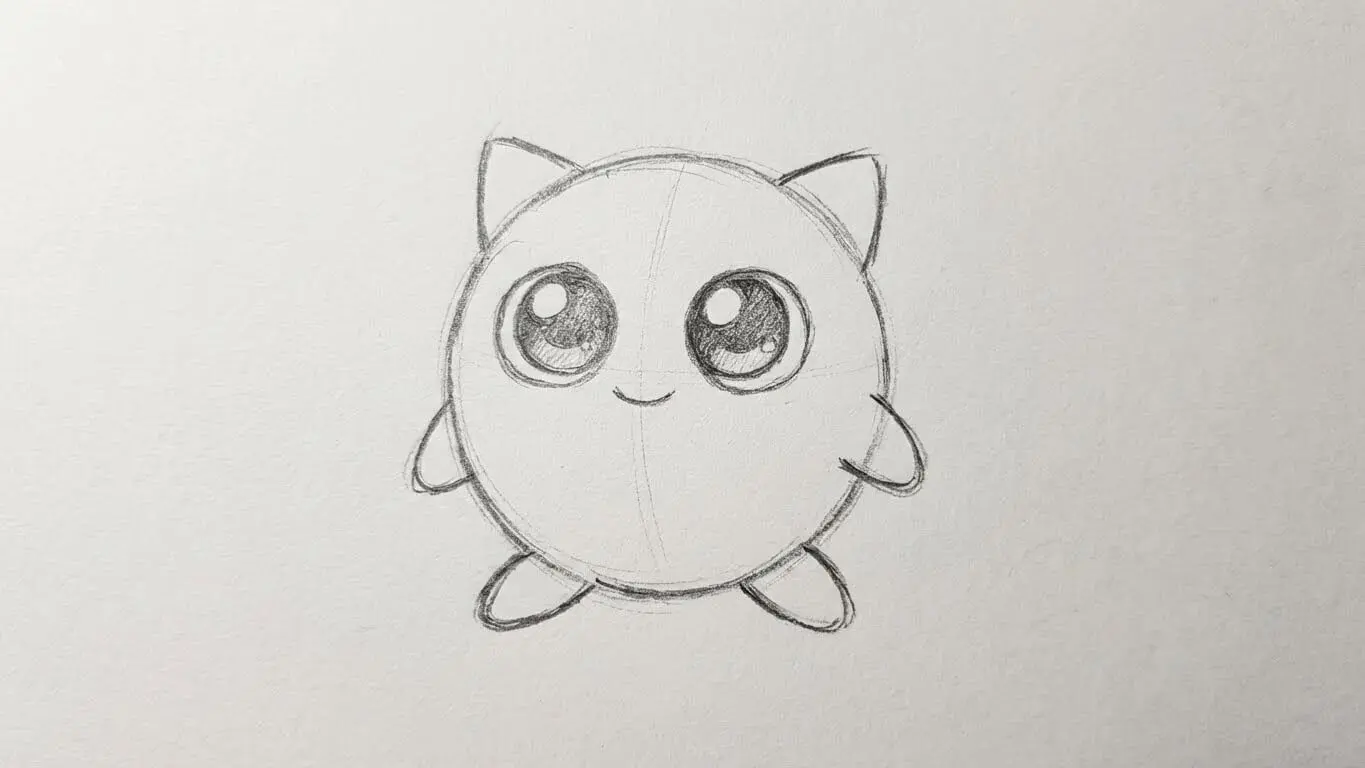
Big eyes are non-negotiable. They should take up at least one-third of the face. Make them round and shiny. Add sparkles or highlights to make them look alive. The bigger the eyes, the cuter your character looks.
2. Tiny Mouth (Or No Mouth at All)
Keep mouths small. A simple curve or dot works best. Some kawaii characters don’t even have mouths – just eyes and rosy cheeks. Design experts note that mouth placement matters more than size.
3. Round Shapes Everywhere
Sharp edges aren’t cute. Use circles and soft curves for heads, bodies, and limbs. Even square objects look better with rounded corners. Think marshmallows, not bricks.
4. Pastel Color Palette
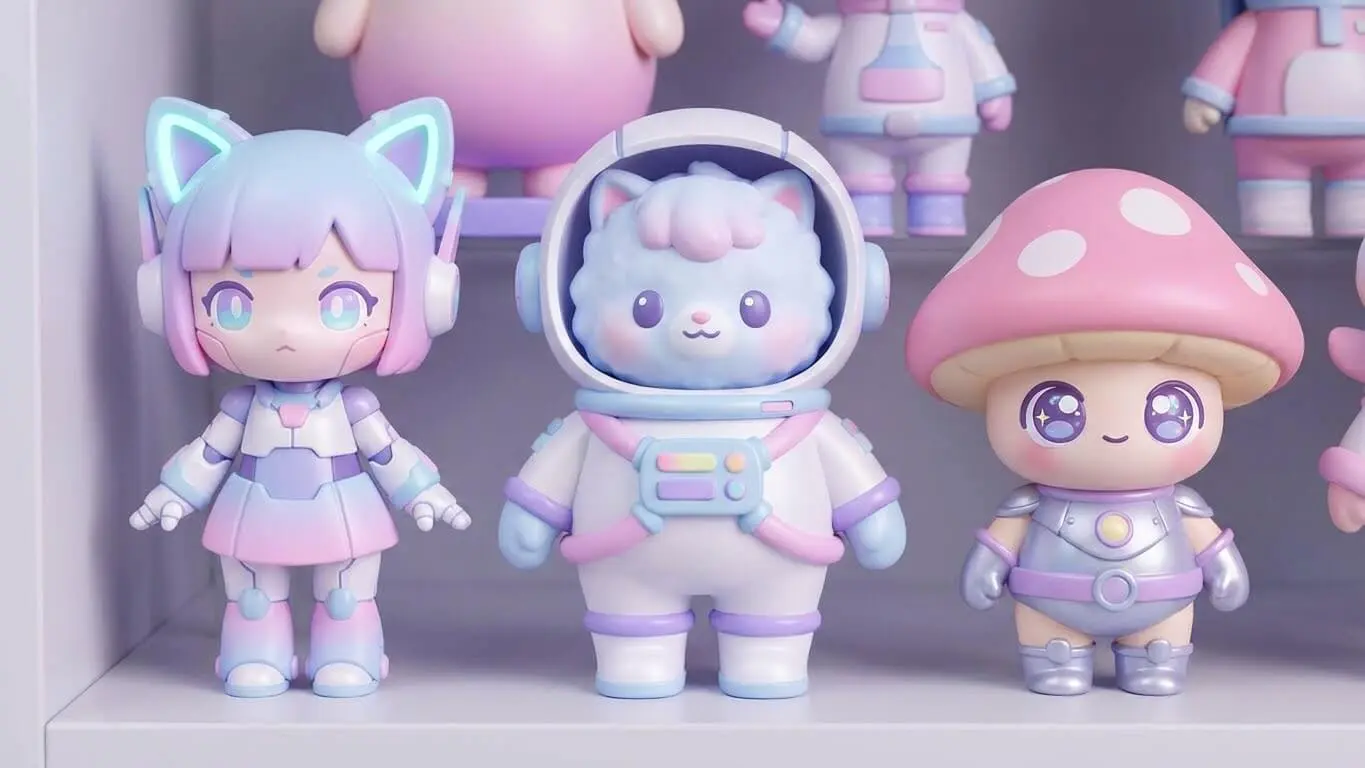
Stick to soft colors. Pink, mint green, lavender, baby blue, and cream work best. Bright neon colors kill the kawaii vibe. Your character should look gentle, not loud.
5. Fat Body, Big Head
The head should be way bigger than the body. We’re talking 40-60% of the total height. The body stays chubby and short. This creates that baby-like look that makes people want to protect your character.
7 Free AI Tools That Create Kawaii Characters
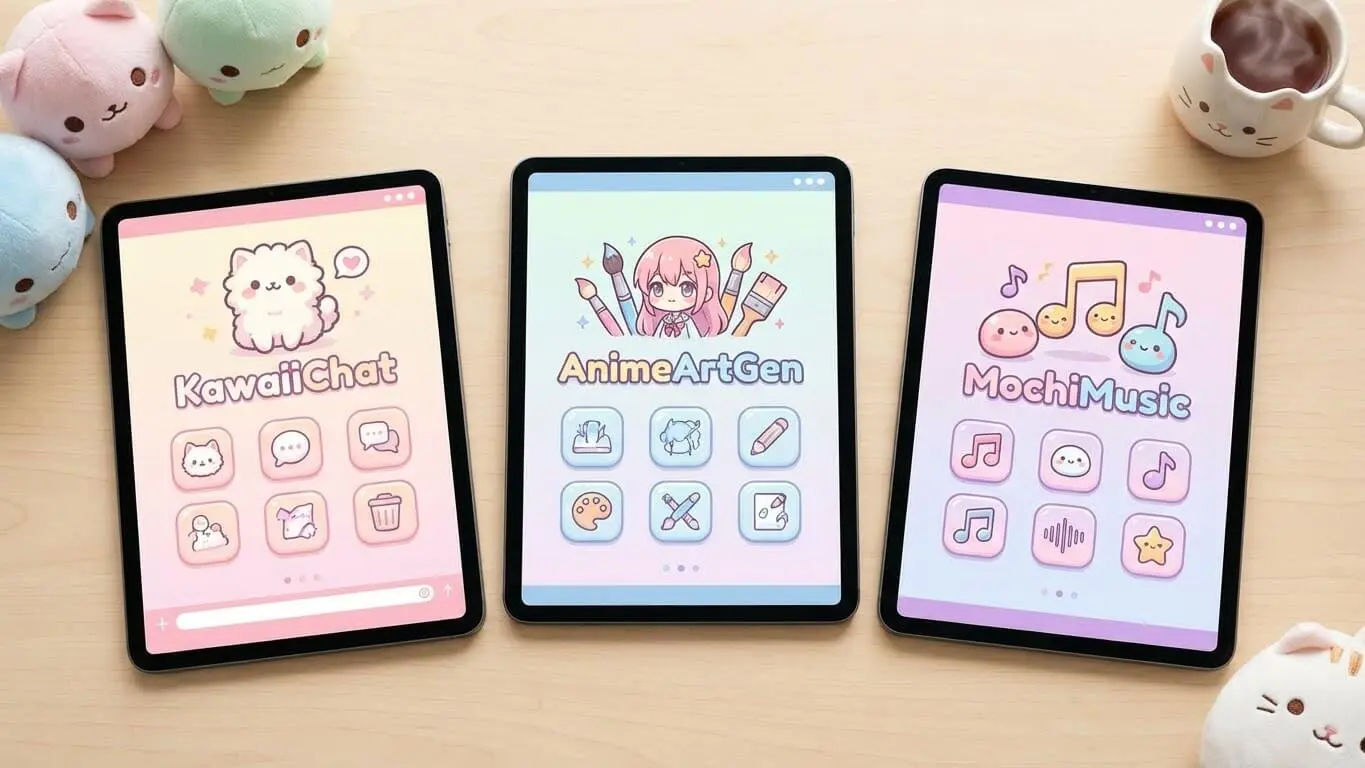
These tools let you build kawaii characters without spending a dime. I tested each one.
1. AI FREE FOREVER Kawaii Generator
AI FREE FOREVER sits at the top for good reason. Type your idea, pick your style, and watch it work. The tool understands kawaii aesthetics without extra explanation. Results come out clean with proper proportions. No signup needed, no credit card, just instant kawaii art.
The interface keeps things simple. You get options for chibi style, pastel colors, and character poses. Download your images in high quality. Perfect for stickers, social media, or merchandise.
2. Easy-Peasy.AI
This generator handles kawaii prompts well. It creates characters with the right proportions and features. The platform supports over 20 art styles including pure kawaii. Free tier gives you several images daily.
3. Fotor AI Anime Maker
Fotor works great for turning photos into kawaii characters. Upload your selfie and watch it transform into cute anime style. The tool also creates characters from scratch. Users can customize hair, outfits, and accessories after generation.
4. LlamaGen.Ai Character Designer
LlamaGen focuses on character consistency. Make a kawaii character once, then use it across multiple scenes. The platform maintains the same face and style every time. Great for creating character sheets or comic strips.
5. AI FREE FOREVER Chibi Generator
Need super-deformed kawaii characters? The Chibi Image Generator specializes in this style. Characters come out with massive heads and tiny bodies. Perfect for gaming avatars or cute stickers.
6. Vidnoz AI Avatar Generator
Vidnoz creates kawaii characters and turns them into animated videos. Type your description, get your character, then make it talk. Free to start with email signup. According to their site, the AI handles multiple kawaii styles at once.
7. Canva AI Generator
Canva added AI image generation recently. It works for kawaii designs if you use the right prompts. The advantage? You can edit results right in Canva’s design tools. Add text, backgrounds, or combine multiple characters easily.
Simple Prompts That Work Every Time
Good prompts = good results. Bad prompts = weird looking characters. Here’s what actually works.
The Basic Kawaii Prompt Formula
Start with this structure: “[Subject] + kawaii style + [key features] + [colors] + [background]”
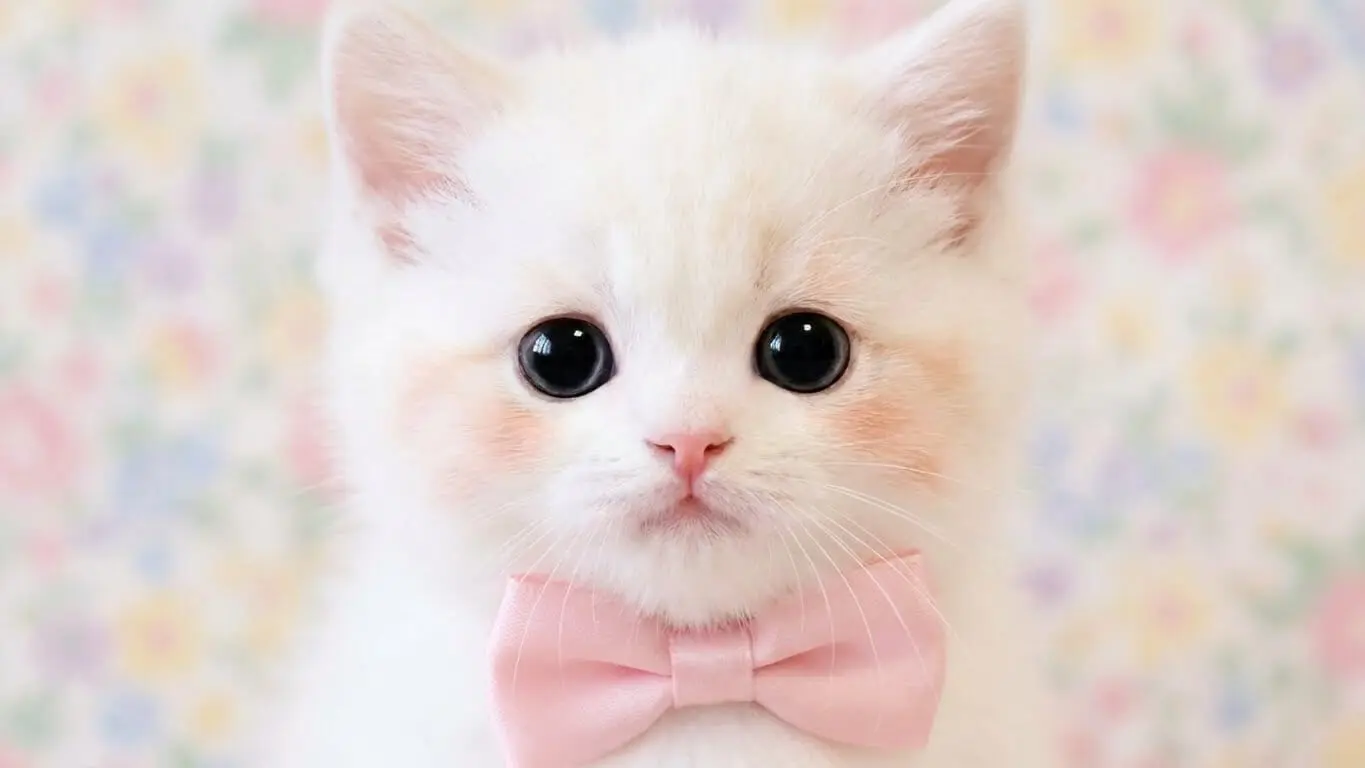
Example: “cute cat, kawaii style, big sparkly eyes, tiny pink nose, pastel pink and white colors, simple background”
This formula works across all AI tools. The AI understands what you want and delivers consistent results.
5 Ready-to-Use Prompts
For cute animals:
“adorable bunny with oversized eyes, chibi style, soft pastel pink fur, holding a strawberry, kawaii aesthetic, rounded features, white background”
For food characters:
“kawaii donut character, big happy eyes, rosy cheeks, pastel glaze colors, simple smiling face, cute arms and legs, white background”
For magical characters:
“cute fairy girl, kawaii style, large sparkling eyes, pastel purple hair, tiny wings, star wand, soft colors, dreamy background”
For everyday objects:
“kawaii coffee cup, smiling face, big eyes, steam heart shapes, pastel brown and cream, simple design, white background”
For chibi people:
“chibi girl with big eyes, small body, pastel outfit, round face, rosy cheeks, cute pose, kawaii aesthetic, simple background”
Words That Make Characters Cuter
Add these words to any prompt: sparkly, round, soft, gentle, tiny, adorable, fluffy, bubbly, sweet, cheerful, innocent, playful.
Avoid these words: realistic, detailed anatomy, sharp, angular, dark, gritty, serious, mature.
How to Make Your First Kawaii Character (Step-by-Step)
Let’s build a kawaii character from zero to finished design. Takes about 5 minutes.
Step 1. Pick Your Character Idea
What do you want to create? An animal? A person? A food item? Start simple. For this guide, we’ll make a cute panda.
Step 2. Open AI FREE FOREVER
Head to AI FREE FOREVER’s Kawaii Generator. No signup needed. The page loads fast and the generator sits right there.
Step 3. Write Your Prompt
Type this: “cute panda, kawaii style, huge round eyes with sparkles, tiny mouth, rosy cheeks, sitting position, soft black and white colors with pink accents, simple pastel background”
Step 4. Generate and Wait
Hit the generate button. The AI takes 10-30 seconds. It analyzes your prompt and builds the character piece by piece.
Step 5. Check the Results
Look at what came out. Does it match your vision? The eyes should be big, the body round, colors soft. If something feels off, move to step 6.
Step 6. Adjust Your Prompt
Want bigger eyes? Add “oversized sparkling eyes” to your prompt. Need different colors? Change “pink accents” to “blue accents” or “purple details”. AI art creators suggest trying 3-5 variations until you nail it.
Step 7. Download Your Character
Found the perfect version? Download it. Use it for whatever you need – stickers, social media, merchandise, or just for fun.
Pro Move: Make a Character Sheet
Create your character from different angles. Front view, side view, back view. This helps if you want to use the character in multiple projects. Generate each angle separately using similar prompts.
Advanced Tips for Better Results
Ready to level up? These tricks make your kawaii characters stand out.
Layer Your Prompts
Don’t dump everything into one sentence. Break it down:
- First part: Main subject and style
- Second part: Physical features
- Third part: Colors and mood
- Fourth part: Background and extras
Example: “kawaii bunny character | big round eyes, small pink nose, floppy ears | soft pastel pink and white | sitting in flower garden with butterflies”
Use Color Combos That Work
These color pairs never fail:
- Pink + mint green
- Lavender + cream
- Baby blue + peach
- Soft yellow + light gray
- Coral + sky blue
Add Emotional Cues
Tell the AI how your character feels. “Happy expression”, “shy pose”, “excited jumping”, “sleepy eyes”. Emotions make characters feel alive. People connect with feelings, not just cute faces.
Reference Popular Kawaii Styles
Mention known styles in your prompt. “Sanrio style”, “Studio Ghibli inspired”, “Pusheen aesthetic”, “Rilakkuma vibes”. The AI knows these references and applies their characteristics.
Control the Details
Want sharper images? Add “clean lines” or “crisp edges”. Need softer looks? Try “watercolor style” or “dreamy aesthetic”. Small detail words change the final output significantly.
Create Character Variations
Made one cute character? Build a family. Use the same prompt but change one element each time. Switch colors, accessories, or poses. You’ll get matching characters that look like they belong together.
Test Different AI Tools for Same Prompt
Run identical prompts through different generators. AI FREE FOREVER might give you one style, while the Chibi Generator creates another variation. Compare and pick the best.
Common Mistakes to Avoid
These errors mess up kawaii designs. Here’s how to dodge them.
Making Eyes Too Small
Small eyes kill the kawaii look. Eyes need to dominate the face. If your character’s eyes look normal-sized, make them 2x bigger. Then make them bigger again. You almost can’t go too big with kawaii eyes.
Using Harsh Colors
Bright red, electric blue, neon green – these wreck the gentle kawaii vibe. Stick to pastels. If you need bold colors, soften them. A study on kawaii design principles shows soft colors trigger positive emotional responses.
Adding Too Many Details
Kawaii stays simple. Don’t add complicated patterns, tons of accessories, or busy backgrounds. Each element should serve the cute factor. If it doesn’t make things cuter, cut it.
Forgetting the Proportions
Big head, small body. Not equal sizes. Not realistic proportions. The head should be massive compared to everything else. This creates that baby-like appeal people love.
Skipping the Rosy Cheeks
Blush marks matter. Two pink circles on the cheeks make characters instantly cuter. They show health, youth, and innocence. Don’t leave them out.
Making Mouths Too Big
Keep mouths tiny. A small curve or simple dot works best. Large mouths look weird on kawaii characters. The mouth should barely exist compared to the eyes.
Using Complex Prompts First Try
Start simple. Get the basic character working. Then add details one at a time. Dumping 20 requirements into one prompt confuses the AI. Build up slowly.
Not Testing Variations
Your first result probably won’t be perfect. Generate 5-10 versions. Small prompt tweaks create big changes. One word difference might give you exactly what you want.
Tips for Using Kawaii Characters
Got your cute characters. Now what? Here’s where they work best.
Social Media Content
Kawaii characters grab attention on Instagram, TikTok, and Twitter. Use them as profile pictures, post graphics, or story stickers. Cute content gets more shares and likes. People can’t scroll past adorable designs.
Stickers and Merchandise
Print your characters on stickers, shirts, mugs, or phone cases. Kawaii designs sell well. Sites like Redbubble or Etsy work great for this. The growing kawaii market shows these products stay popular.
Educational Materials
Teachers love kawaii characters for worksheets, presentations, and classroom decorations. Cute designs make learning feel fun. Kids pay more attention when materials look appealing.
Brand Mascots
Companies use kawaii characters to seem friendly and approachable. A cute mascot makes your brand memorable. People form emotional connections with kawaii designs faster than with corporate logos.
Gaming Assets
Indie games use kawaii characters constantly. They work for puzzles, adventures, or casual mobile games. Players enjoy cute graphics. The style fits many game types.
Comic and Storytelling
Build comics or stories with your kawaii characters. The simple designs make them easy to reproduce across multiple panels. Tools like LlamaGen help maintain character consistency in sequential art.
What Makes a Kawaii Character Actually Work?
Some kawaii designs flop. Others go viral. The difference? These factors.
Personality Shines Through
Your character needs a vibe. Shy? Energetic? Sleepy? Show it in the pose and expression. Generic cute faces get ignored. Characters with personality stick in people’s minds.
Simplicity Wins
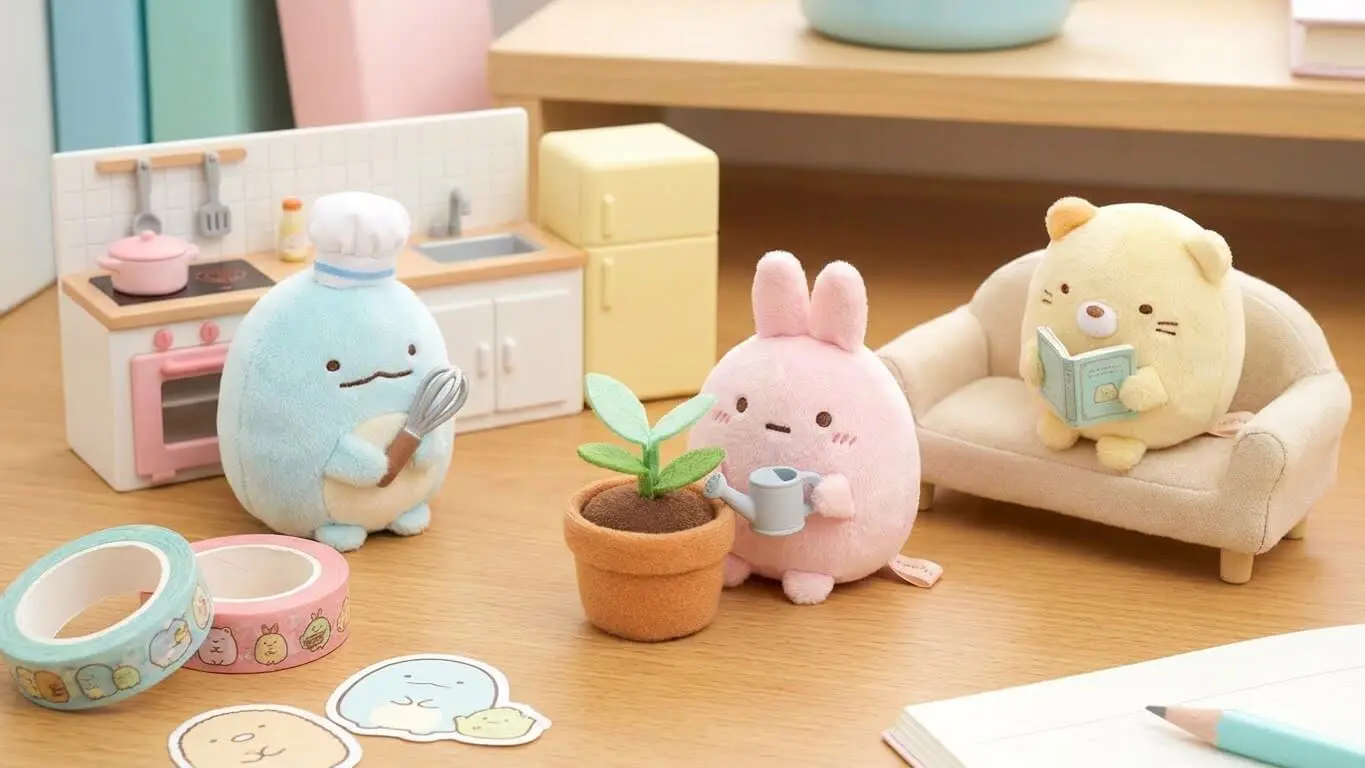
The best kawaii characters use minimal elements. One or two colors. Simple shapes. Clean lines. You should be able to draw your character from memory after seeing it once. If it’s too complex, simplify.
Emotional Appeal
People need to feel something. Make them smile, laugh, or say “aww”. Characters that trigger emotions perform better. Add tiny details that create emotional responses – a small heart, a gentle smile, sleepy eyes.
Recognizable Silhouette
Cover all the details and colors. Can you still tell what your character is just from the outline? Good kawaii designs work as silhouettes. The shape alone should be interesting and cute.
Consistent Style
If you’re making multiple characters, keep the style matching. Same eye shape, similar proportions, cohesive color palette. Consistency makes your characters feel like a family or collection.
From Prompt to Perfect: Refining Your Results
Generated something close but not quite right? Here’s how to fix it.
Eyes Need Work
Too small? Add “oversized eyes” or “huge sparkling eyes”. Wrong shape? Specify “round eyes” or “oval eyes”. No shine? Include “highlights in eyes” or “sparkly eyes”.
Colors Look Off
Be specific about shades. Don’t say “pink” – say “soft pastel pink” or “baby pink”. List exact colors you want. “Lavender purple, cream white, and soft peach colors” gets better results than “pretty colors”.
Pose Feels Stiff
Add action or emotion. “Jumping happily”, “sitting with knees pulled up”, “waving with both hands”. Dynamic poses make characters more engaging. Static standing poses look boring.
Background Distracts
Keep backgrounds simple. “Solid pastel background”, “simple gradient”, or “plain white background” work best. Busy backgrounds steal attention from your character.
Details Too Realistic
Add “cartoon style” or “flat design” to your prompt. Kawaii shouldn’t look realistic. If the AI adds too much detail or shading, specify “simple shading” or “flat colors”.
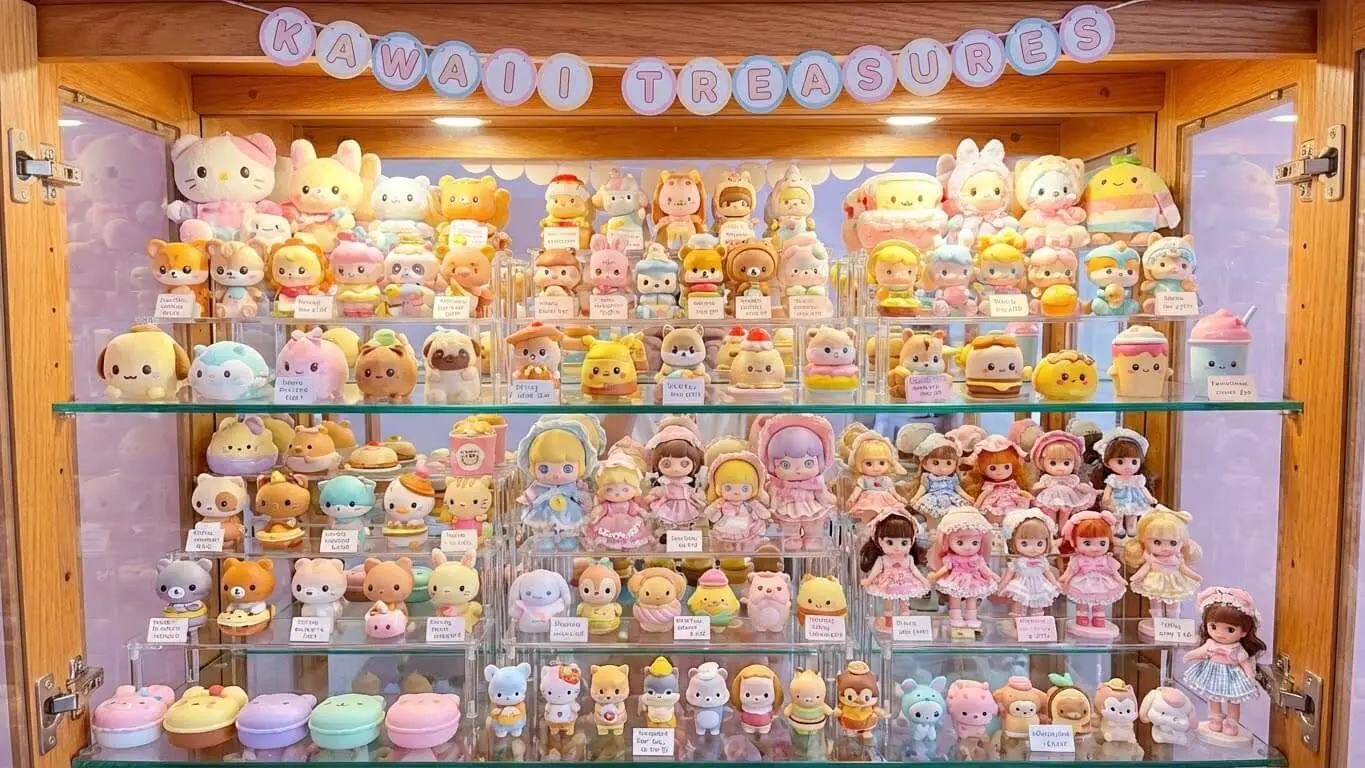
Building a Kawaii Character Collection
One character is cute. A whole collection is better. Here’s how to build one.
Start with a Theme
Pick a concept. Food items? Animals? Seasons? Fantasy creatures? A clear theme ties your collection together. All your characters should relate to the central idea.
Create a Color Scheme
Choose 3-5 colors that appear across all characters. Maybe pastel pink, mint, lavender, cream, and soft yellow. Each character uses some of these colors. This creates visual harmony.
Maintain Consistent Features
All characters need similar eye styles, cheek marks, and proportions. The individual designs differ, but the overall style stays the same. Think of Pokemon – each one looks different but clearly belongs to the same universe.
Vary the Personalities
Make each character unique through expression and pose. One looks happy, another shy, one sleepy, one energetic. Different personalities prevent your collection from feeling repetitive.
Document Your Prompts
Save every prompt that works. Build a prompt library. When you create a character you love, copy that prompt structure for others. Consistency comes from using similar prompt formats.
Test Them Together
Put multiple characters in one image occasionally. Do they look like they belong together? If one sticks out, adjust it to match the others. Character design tools often provide templates for group compositions.
Free vs Paid: What You Actually Need
Should you pay for AI character tools? Depends on what you’re doing.
Free Tools Work For:
- Learning and practice
- Personal projects
- Social media content
- Testing ideas
- Small-scale use
AI FREE FOREVER offers solid free options. You get quality results without spending money. Perfect for hobbyists or people just starting out.
Paid Tools Give You:
- Higher resolution images
- More generations per day
- Commercial usage rights
- Priority processing
- Advanced editing features
If you’re selling products with your characters or need professional quality, paid tools make sense. For everything else, free works fine.
The Smart Approach
Start with free tools. Learn what works. Build your skills. Once you’re making money from your kawaii characters or need premium features, then consider paid options. Don’t pay until you need to.
Kawaii Character Trends for 2025
The kawaii world keeps moving. Here’s what’s hot right now.
Retro Kawaii Fusion
Mixing 90s aesthetics with kawaii style. Think pastel colors with pixel art elements or vintage patterns. Characters that feel nostalgic but modern.
Gradient Hair and Features
Instead of solid colors, characters sport rainbow gradients or ombre effects. Pink fading to purple, blue melting into green. Adds depth while keeping the cute factor.
Emotional Expression Focus
Moving beyond just “happy cute” to show range. Sleepy kawaii, grumpy kawaii, anxious kawaii. Characters with relatable emotions connect better with audiences.
Nature-Inspired Designs
Kawaii mushrooms, flowers, crystals, and natural elements. Eco-friendly vibes mixed with cute aesthetics. People want characters that feel organic and peaceful.
Minimalist Kawaii
Super simple designs. Just eyes and a mouth on basic shapes. Less is more. These characters work great as icons or logos.
FAQ
Can I sell kawaii characters made with AI tools?
Check each tool’s terms. Most free AI generators allow commercial use, but read the fine print. AI FREE FOREVER permits commercial use of generated images. Paid tools usually offer full commercial rights. Always verify before selling.
How long does it take to generate a kawaii character?
10-30 seconds for most AI tools. You type your prompt, hit generate, and wait. Creating the perfect character might take multiple tries – budget 5-10 minutes for experimenting with different prompts.
Do I need art skills to use these tools?
Nope. That’s the point. AI tools handle the drawing part. You just describe what you want. Anyone can make kawaii characters, even if they can’t draw a stick figure.
What’s the difference between kawaii and chibi?
Kawaii is the overall cute aesthetic. Chibi is a specific style within kawaii that uses super-deformed proportions – huge heads, tiny bodies. All chibi is kawaii, but not all kawaii is chibi. Chibi generators focus on those exaggerated proportions.
Can I make realistic characters in kawaii style?
Sort of. You can make semi-realistic characters with kawaii elements like big eyes and soft colors. But true kawaii style stays simple and cartoon-like. Adding too much realism kills the cute vibe.
Which AI tool creates the best kawaii characters?
AI FREE FOREVER’s Kawaii Generator leads for ease and quality. For chibi-specific designs, try the Chibi Generator. For turning photos into kawaii, Fotor works well. Test a few to find your favorite.
How do I make my kawaii character unique?
Add personality through accessories, unusual color combos, or specific themes. A kawaii cat is common – but a kawaii cat wearing astronaut gear and holding bubble tea? That’s unique. Combine unexpected elements.
Can I edit AI-generated kawaii characters?
Yes. Download the image and edit it in Photoshop, Procreate, or free tools like GIMP. Change colors, add elements, or combine multiple AI generations. Many creators use AI as a starting point, then refine manually.
Why do some prompts fail completely?
Usually too vague or too complex. “Make something cute” gives random results. “Cute kawaii bunny with specific features and colors” works better. If a prompt fails, break it into smaller, clearer parts.
How many kawaii characters can I generate for free?
Varies by tool. AI FREE FOREVER offers generous free limits. Some tools cap at 5-10 daily generations on free plans. Easy-Peasy.AI gives several free images per day.
Key Takeaways
- Kawaii characters need big eyes, tiny mouths, round shapes, pastel colors, and oversized heads
- AI FREE FOREVER’s Kawaii Generator creates quality characters without signup or cost
- Good prompts follow this formula: subject + kawaii style + features + colors + background
- Start simple and add details gradually – complex first prompts usually fail
- Generate multiple variations to find the perfect character
- Keep designs simple – less detail often looks cuter than complex designs
- Pastel color combos work better than bright or dark colors
- Free tools work fine for most uses – only upgrade when you need commercial rights or premium features
- Document prompts that work so you can create consistent characters
- Test your characters as silhouettes – good designs work even in solid black
- Kawaii characters excel in social media, merchandise, games, and educational content
- Personality matters more than perfection – characters with emotion connect with people
Creating kawaii characters used to require art skills and years of practice. Now AI tools let anyone make cute designs in minutes. AI FREE FOREVER and similar generators put professional-quality kawaii creation in everyone’s hands. Whether you’re building a brand mascot, social media content, or just having fun, these tools deliver results fast. Start with simple prompts, experiment with variations, and watch your cute characters come to life.


