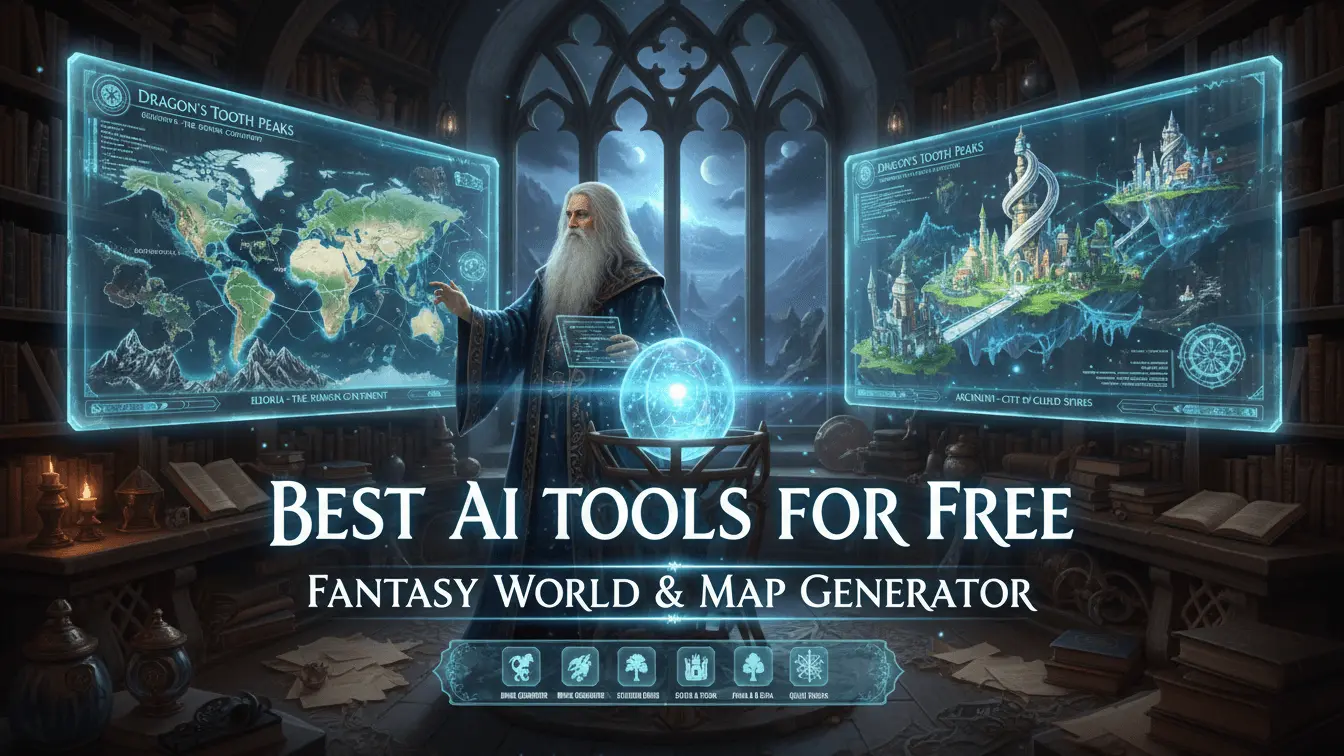
Creating fantasy worlds and detailed maps no longer requires years of artistic training or expensive software. AI-powered tools have changed how game masters, writers, and worldbuilders bring their imaginary realms to life. Whether you need a sprawling continent for your next novel or a detailed dungeon for your D&D campaign, these free AI tools make professional-quality map creation accessible to everyone.
Over 60% of dungeon masters now use digital mapping tools for their campaigns. The fantasy map generator market has grown significantly, with tools like Azgaar’s Fantasy Map Generator receiving millions of visits annually.
Table of Contents
- What Are Fantasy Map Generators and Why You Need Them
- Top AI Tools for Creating Fantasy Worlds and Maps
- Best DnD Battle Map Makers for Tabletop Games
- Fantasy World Name Generators for Your Creations
- How to Choose the Right Map Generator for Your Project
- Tips for Creating Professional Fantasy Maps
- Frequently Asked Questions
- Key Takeaways
What Are Fantasy Map Generators and Why You Need Them
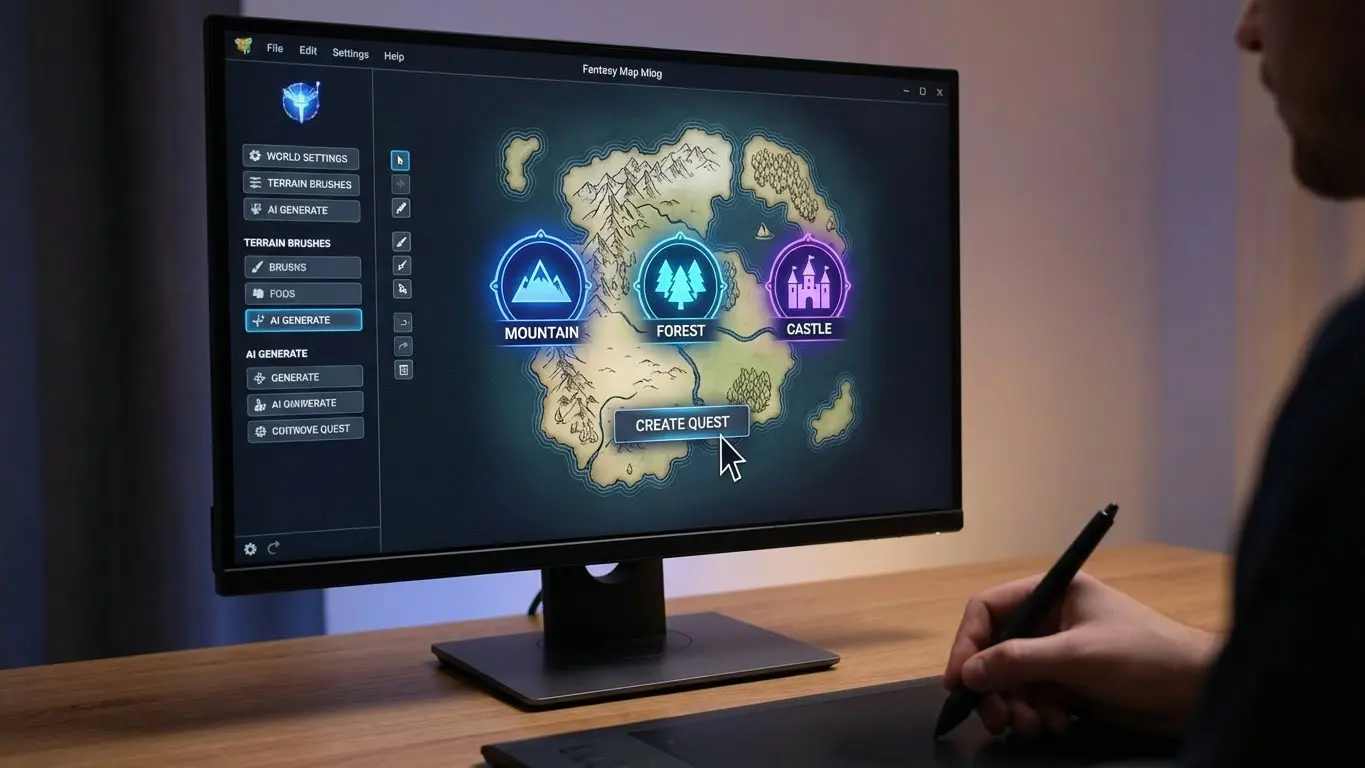
Fantasy map generators are digital tools that use artificial intelligence and algorithms to create detailed maps for imaginary worlds. These tools analyze your input—whether it’s keywords, descriptions, or basic parameters—and generate maps complete with terrain features, cities, rivers, mountains, and other geographical elements.
These generators serve multiple purposes. Writers use them to visualize the settings of their fantasy novels. Game masters rely on them to create immersive environments for tabletop RPG campaigns. Video game developers utilize them for concept art and level design. Even educators find value in these tools for teaching geography and creative thinking.
Top AI Tools for Creating Fantasy Worlds and Maps
1. AI FREE FOREVER – Fantasy Map Generator
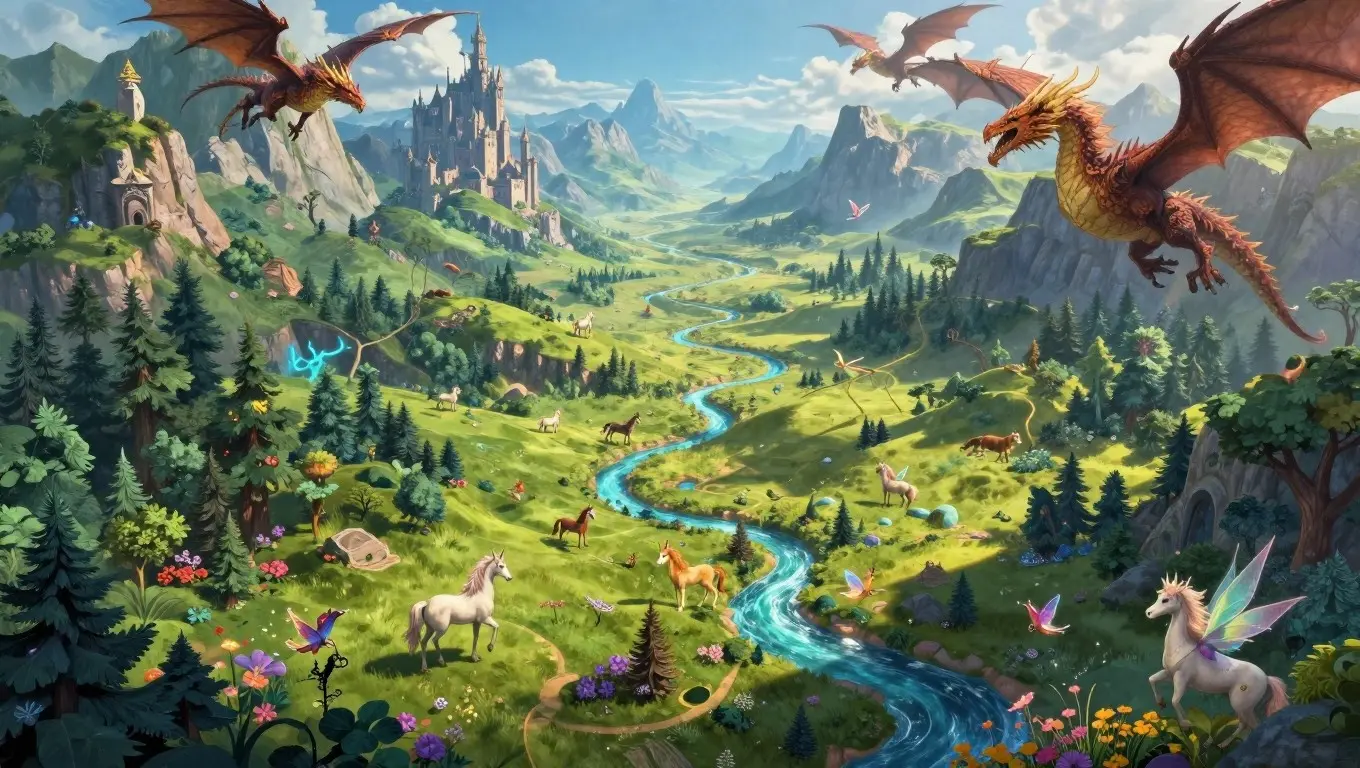
AFF is an incredible tool for free fantasy map creation. This platform combines powerful AI technology with an intuitive interface, making professional map generation accessible to everyone regardless of experience level.The tool excels in creating diverse map styles. Generate medieval fantasy realms with castles and villages, or create futuristic sci-fi landscapes with alien terrain. The AI understands context from your descriptions, producing maps that match your creative vision without requiring technical expertise.
What sets AI FREE FOREVER apart is its commitment to truly free access. While many “free” tools limit features or add watermarks, this platform provides full functionality without hidden costs. Users can generate unlimited maps, export in high resolution, and use their creations commercially without restrictions.
The platform supports multiple artistic styles through its fantasy image generator. Choose from hand-drawn aesthetics, digital painting styles, or photorealistic renders, the tool adapts to your preferences. With you can generate published novels and personal D&D campaigns.
2. Azgaar’s Fantasy Map Generator
Azgaar’s Fantasy Map Generator has become the gold standard for worldbuilders seeking detailed control. This free web-based tool generates complete fantasy worlds with political boundaries, cultures, religions, and trade routes.
The generator offers twelve starting templates ranging from Pangea to volcanic archipelagos. Users can customize every element, from terrain types to population distributions. The tool creates not just maps, but complete world data including demographics, military forces, and economic systems.
According to Reedsy’s mapping resources, Azgaar’s remains the go-to choice for D&D players and fantasy writers who need comprehensive worldbuilding features. The platform continues receiving regular updates, expanding its capabilities based on community feedback.
3. Inkarnate
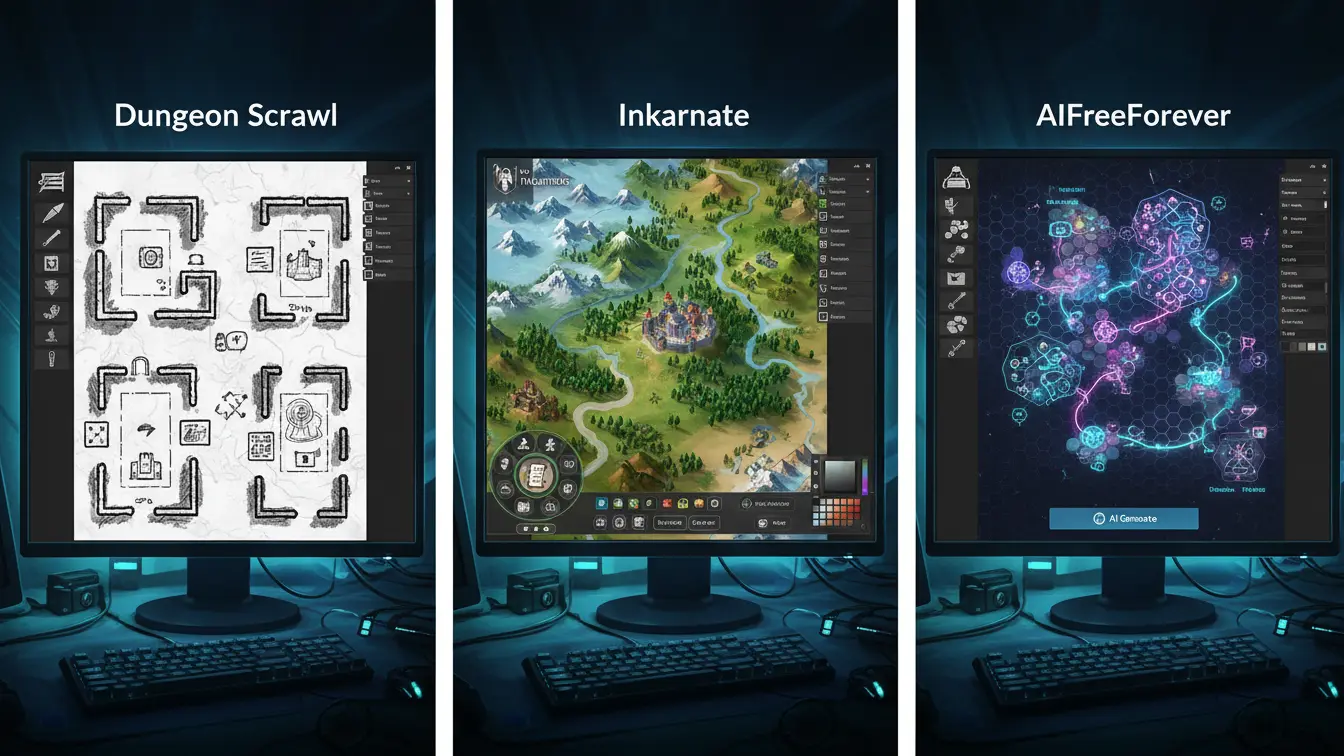
Inkarnate dominates the fantasy map-making scene with its polished interface and extensive asset library. The platform offers both free and premium tiers, with the free version providing substantial functionality for casual users.
Inkarnate features over 23,400 diverse assets covering every fantasy setting imaginable. From elven forests to orcish strongholds, the library caters to all creative needs. The drag-and-drop interface feels familiar to anyone who has used image editing software, reducing the learning curve significantly.
Inkarnate’s community stands as one of its greatest strengths. The platform hosts regular Twitch streams featuring tutorials and masterclasses. Active Discord and Reddit communities provide support, inspiration, and feedback for mapmakers at all skill levels.
4. Dungeon Scrawl
Dungeon Scrawl focuses specifically on dungeon and interior map creation. This free tool requires no sign-up and works entirely in your browser. The minimalist hand-drawn aesthetic appeals to those who prefer classic cartography styles.
Dungeon Scrawl supports various export formats including images and PDFs. The tool includes features like automatic room numbering, secret passages, and trap markers. For unprepared dungeon masters, it serves as a lifesaver for creating battle-ready maps on short notice.
5. Wonderdraft
Wonderdraft offers a one-time purchase model at $29.99, making it accessible compared to subscription-based alternatives. This desktop software runs on Windows, Linux, and MacOS, providing offline map creation capabilities.
Wonderdraft’s trace feature allows you to import reference images and build maps based on real-world geography or sketches. The included asset library proves sufficient for most projects, though additional art packs are available for purchase. Copyright ownership is clear and creator-friendly. You retain full rights to maps created with Wonderdraft, including commercial use.
6. Medieval Fantasy City Generator by Watabou
Watabou’s city generator found here https://watabou.itch.io/medieval-fantasy-city-generator specializes in creating detailed urban environments. The tool generates cities with customizable street layouts, districts, points of interest, and architectural styles.
Despite its name suggesting medieval themes, the generator works for various settings. Historical city layouts remain relevant across different time periods and fantasy styles. The tool allows naming customization for cities, streets, and landmarks, adding personal touches to generated maps.
The generator produces maps suitable for both world-building and gameplay. Writers can use them to visualize urban settings in their stories. Game masters find them perfect for city-based adventures where players explore detailed neighborhoods and districts.
7. Fotor’s AI Fantasy Map Generator
Fotor brings professional image editing capabilities to fantasy map creation. The platform combines AI generation with editing tools, allowing users to refine and customize their maps after initial creation.
The tool offers multiple output options per prompt, giving you choices before committing to a design. AI-powered features like image upscaling, content replacement, and automatic extension help polish your maps to professional standards.
Fotor functions as both an online tool and mobile app, available on Android and iOS. This cross-platform capability lets you create maps on the go, perfect for sudden inspiration or last-minute campaign preparation.
8. Dreamina
Dreamina leverages advanced AI to create detailed fantasy maps from text descriptions. The platform’s intelligent understanding of prompts produces organized, coherent maps that match your vision.
The tool includes powerful editing features like HD upscaling and Inpaint, which lets you modify specific map areas without regenerating the entire image. This selective editing capability saves time when you want to adjust small details or add specific features.
Dreamina’s AI expander feature proves particularly useful for multi-page projects. It can extend your maps while maintaining visual consistency, perfect for creating connected regions or expanding existing world maps.
9. ImagineArt Fantasy Map Generator
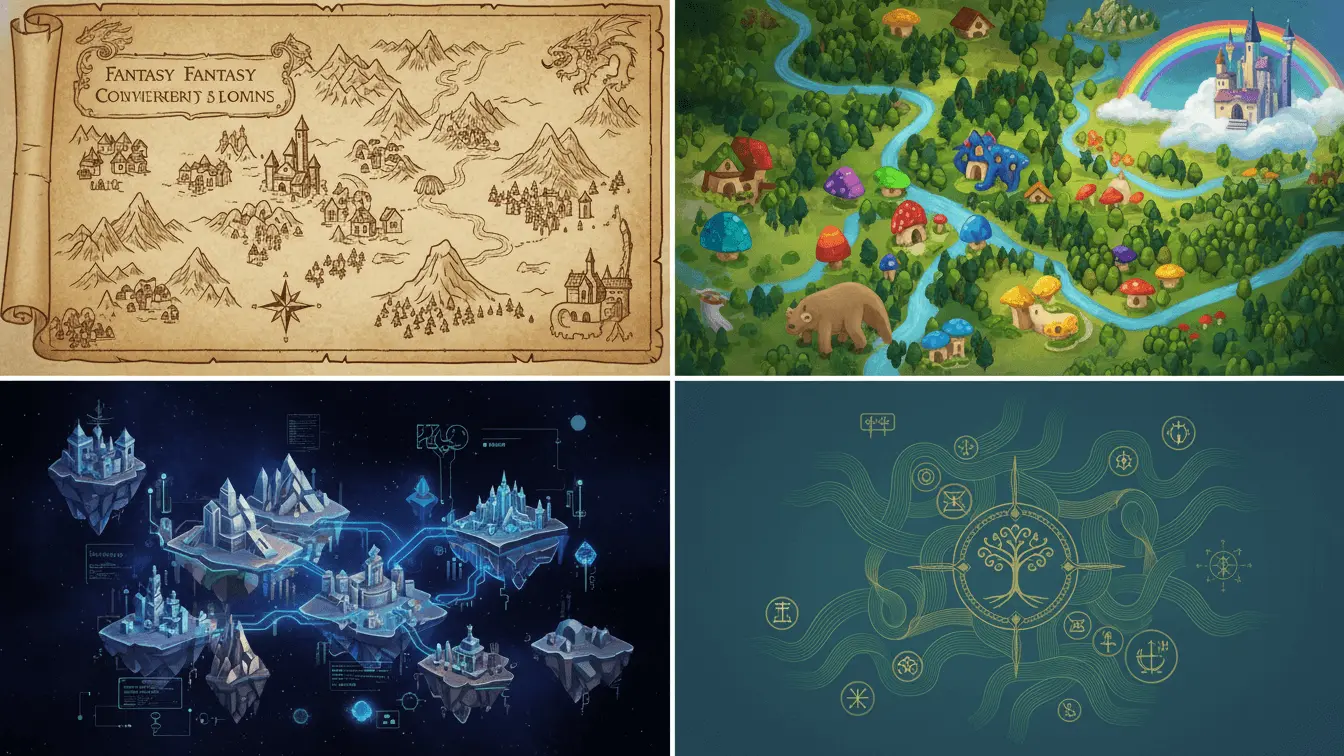
ImagineArt provides extensive style customization options ranging from hyper-realistic details to whimsical fantasy aesthetics. The platform’s intuitive dashboard offers instant previews and real-time adjustments.
10. DungeonFog
DungeonFog specializes in battlemap creation for tabletop RPGs. The platform offers both free and premium tiers, with free accounts providing access to three map slots and basic features.
The tool’s asset library exceeds 3,000 items, covering various time periods and settings. Monthly asset pack releases keep the content fresh and expand creative possibilities. Premium members access watermark-free assets and advanced features like multiple levels per map.
DungeonFog integrates seamlessly with virtual tabletop platforms. Export options support various formats, making it easy to use your maps in online games or print them for physical tabletop sessions.
Best DnD Battle Map Makers
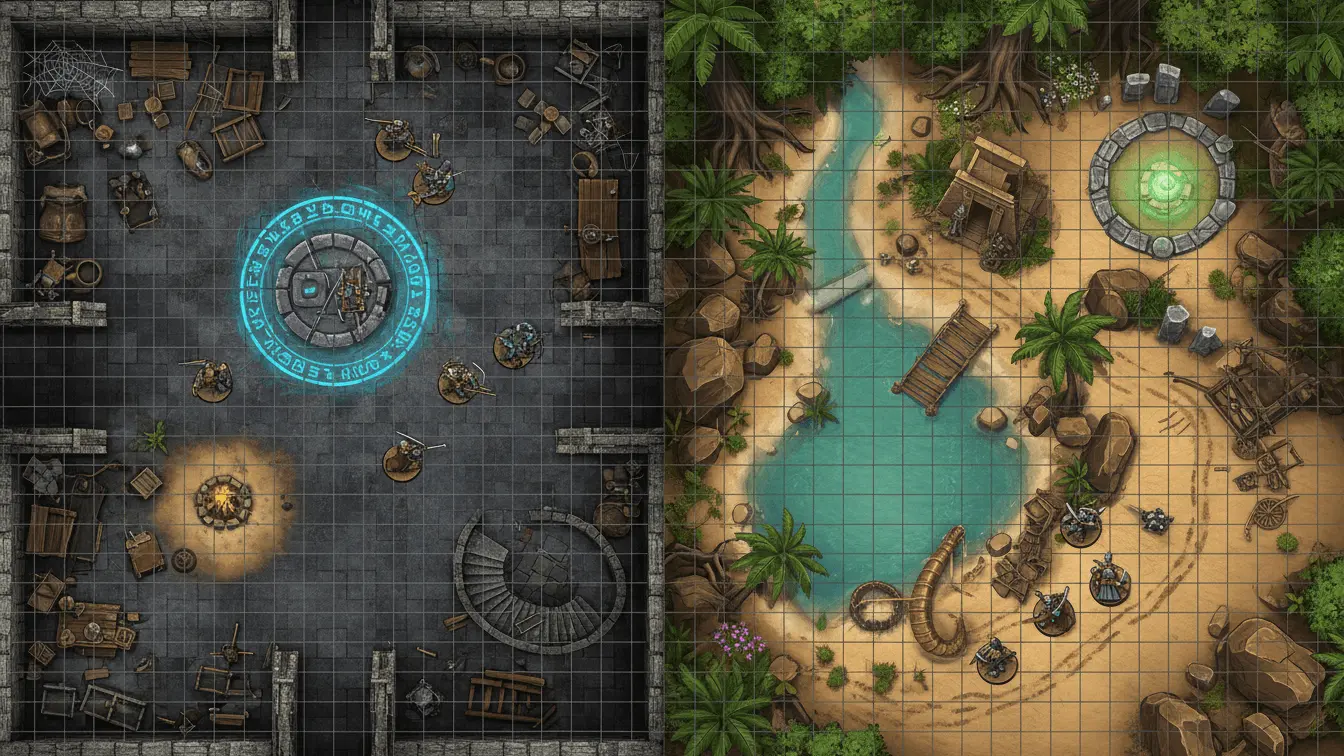
Battle maps serve a specific purpose in tabletop gaming—they provide tactical layouts for combat encounters. These specialized tools focus on creating detailed, grid-based maps optimized for miniature placement and movement tracking.
Dungeon Map Doodler
Dungeon Map Doodler offers a streamlined approach to battle map creation. This free browser-based tool requires no downloads or sign-ups. The interface prioritizes speed, allowing game masters to create functional maps quickly during sessions.
The tool includes adjustable map sizes and detail levels. While it lacks the extensive asset libraries of some competitors, this simplicity becomes an advantage for quick map generation. Game masters appreciate the ability to sketch maps on the fly without getting lost in complex features.
RPG Map Editor 2
RPG Map Editor 2 embraces retro pixel art aesthetics reminiscent of classic RPGs like Dragon Quest and Final Fantasy. This style choice creates nostalgic, charming maps perfect for certain campaign settings.
The editor integrates with other popular map generation tools including Watabou’s One Page Dungeons and the Donjon Random Dungeon Generator. This compatibility allows you to generate base maps then refine them with detailed editing.
According to Arcane Eye’s tool comparison, RPG Map Editor 2 works best for simpler dungeons where the pixel art style enhances rather than detracts from gameplay.
Mipui Map Maker
Mipui provides a browser-based solution for grid-based dungeon creation. The simplistic graphics resemble hand-drawn graph paper maps, appealing to old-school RPG enthusiasts.
The tool excels at functional map creation without artistic frills. This approach works well for game masters who prioritize tactical clarity over visual spectacle. The interface responds quickly, making real-time map adjustments during gameplay practical.
MapForge
MapForge offers desktop software for Windows and Mac users. The platform features an extensive library of 237 content add-ons, providing nearly 50,000 mapping assets across various genres.
Sixty add-ons are free downloads, giving new users a substantial asset collection immediately. The software supports commercial use for many add-ons, making it viable for professional game designers and publishers.
MapForge covers multiple game genres beyond fantasy. Modern, sci-fi, and post-apocalyptic asset packs enable map creation for diverse RPG settings. The one-time purchase model appeals to users wanting to avoid ongoing subscription costs.
Fantasy World Name Generators
Naming fantasy worlds presents a unique challenge. The right name evokes atmosphere, hints at history, and captures the essence of your imagined realm. AI-powered name generators solve this creative hurdle by producing contextually appropriate suggestions based on your specifications.
AI FREE FOREVER Fantasy World Name Generator
The AI FREE FOREVER world name generator creates unique names tailored to your world’s characteristics. Input keywords describing your setting—whether it’s a dragon empire, blood moon realm, or sunken temple—and receive names that match your theme.
The tool goes beyond simple random generation. It considers linguistic patterns, cultural influences, and genre conventions to produce names that feel authentic to your fantasy setting. This intelligent approach ensures generated names fit naturally into your worldbuilding rather than feeling forced or random.
AIFreeBox Fantasy World Name Generator
AIFreeBox employs transformer-based language models fine-tuned for creative naming patterns. The tool supports 33 languages and 16 thematic styles ranging from classic medieval to cosmic mysteries.
Each generated name includes a brief background note of 18 words or less. These contextual hints help evaluate usability and spark further creative ideas. The tool functions as a collaborative assistant rather than a replacement for human creativity.
ProWritingAid Fantasy Name Generator
ProWritingAid integrates name generation with comprehensive writing tools. The platform produces names for characters, places, and artifacts while offering grammar checking, style improvements, and story analysis.
The generator ensures cultural appropriateness within fantasy contexts by applying established linguistic patterns. This prevents accidentally using names that clash with your world’s established conventions or unintentionally reference real-world cultures inappropriately.
WriteCream Fantasy World Name Generator
WriteCream offers single-click name generation with advanced algorithmic creativity. The platform combines syllables and linguistic patterns to ensure originality while maintaining pronounceability.
Customization settings let you adjust name length, complexity, and style to match specific preferences. The user-friendly interface makes the tool accessible to writers, game designers, and enthusiasts regardless of technical skill level.
How to Choose the Right Map Generator for Your Project
Selecting the appropriate fantasy map generator depends on several factors. Your project type, skill level, budget, and specific requirements all influence which tool serves you best.
Consider Your Project Type
Different generators excel at different tasks. World-building projects for novels benefit from tools like Azgaar’s that generate complete geographical and political systems. Tabletop RPG campaigns might prioritize battle map creators like DungeonFog or Dungeon Scrawl.
Writers often need fewer features than game masters. A simple map showing major locations suffices for most novels, while RPG campaigns require detailed tactical maps for combat encounters. Choose tools that match your actual needs rather than the most feature-rich option.
Evaluate Learning Curves
Some tools prioritize simplicity while others offer deep customization at the cost of complexity. Dungeon Scrawl and AI FREE FOREVER provide intuitive interfaces perfect for beginners. Campaign Cartographer 3, while powerful, requires significant time investment to master.
Consider your timeline. If you need maps quickly for an upcoming game session, choose streamlined tools with minimal learning curves. Long-term projects allow time to master more complex software that offers greater control.
Budget Considerations
Many excellent free options exist, but premium tools often provide additional value. Evaluate what free tiers offer before committing to paid subscriptions. Some tools like Wonderdraft charge one-time fees, while others like Inkarnate use ongoing subscriptions.
Free tools often impose limitations on map slots, resolution, or asset access. Determine whether these restrictions impact your project. For personal campaigns or unpublished writing, free tiers typically suffice. Commercial projects might justify premium features.
Check Export and Usage Rights
Verify whether you can use generated maps commercially. Some tools restrict usage to personal projects unless you purchase premium licenses. Others like AI FREE FOREVER explicitly allow commercial use of all generated content.
Export formats matter for different use cases. Web-based campaigns need image formats compatible with virtual tabletops. Print projects require high-resolution exports. Ensure your chosen tool supports necessary output formats.
Tips for Creating Professional Fantasy Maps
Even powerful AI tools benefit from human guidance and refinement. These strategies help you create maps that look professional and serve your project effectively.
Start With Clear Concepts
Define your world’s basic characteristics before generating maps. Consider climate zones, major geographical features, and the distribution of civilizations. Tools like AI FREE FOREVER’s landscape generator can help visualize specific regions.
Write brief descriptions of key locations. These notes guide AI generation and ensure consistency across multiple maps. Detailed prompts produce more accurate results than vague instructions.
Maintain Geographic Realism
Fantasy worlds feel more immersive when geography follows natural principles. Rivers flow from mountains to oceans, not uphill. Deserts typically occur on leeward sides of mountain ranges. Climate zones progress logically from poles to equator.
According to mapping experts, tools incorporating real-world geographical principles produce more believable results. Modern generators like Azgaar’s account for these factors automatically.
Layer Your Details
Build maps progressively rather than trying to include everything at once. Start with major geographical features—continents, mountain ranges, major rivers. Add cities and roads in a second pass. Political boundaries and cultural regions come last.
This layered approach prevents overcrowding and maintains readability. Players and readers need to understand your map quickly. Too much detail creates visual confusion rather than enriching the experience.
Customize Generated Results
AI-generated maps serve as starting points rather than finished products. Refine them to match your specific needs. Move cities to strategically important locations. Adjust terrain to create interesting travel routes. Add unique landmarks that feature in your story or campaign.
Tools like Fotor and Dreamina include editing features for post-generation refinement. Others allow exporting to image editing software for additional customization using tools like digital painting generators.
Consider Scale Appropriately
Different map scales serve different purposes. World maps show continental layouts and major geographical features. Regional maps detail provinces, cities, and notable locations. Local maps focus on specific areas like cities or dungeons.
Create maps at appropriate scales for your needs. Writers might need only world and regional maps. Game masters often require all three scales for different phases of campaigns. Tools like Worldographer support multiple scale levels with automatic synchronization.
Test Map Functionality
Verify that your maps work for their intended purpose. Show them to potential users—players, readers, or playtesters. Ask whether they understand the geography and can navigate confidently.
For battle maps, test whether miniatures fit comfortably on grid squares. Ensure important features are clearly visible. For world maps, confirm that major locations are easily identifiable and travel routes make logical sense.
Frequently Asked Questions
Can I use AI-generated maps commercially?
Usage rights vary by tool. AI FREE FOREVER explicitly allows commercial use of all generated maps. Inkarnate Pro permits commercial use. Always check each platform’s terms of service before using maps in commercial projects. Some free tools restrict commercial use to encourage premium upgrades.
Do I need artistic skills to create good fantasy maps?
No artistic ability is required for modern AI map generators. These tools handle the artistic aspects automatically. You need only provide clear descriptions of what you want. Platforms like AI FREE FOREVER and Dreamina excel at translating text descriptions into visual maps without requiring any drawing skills.
What’s the difference between world maps and battle maps?
World maps show large-scale geography including continents, kingdoms, and major features. They help visualize overall settings and plan long journeys. Battle maps focus on tactical scales, showing individual rooms or encounter areas with grid systems for miniature placement. Game masters typically need both types for complete campaigns.
Can AI tools create maps for specific genres like steampunk or cyberpunk?
Yes, many AI generators support various genres beyond traditional fantasy. AI FREE FOREVER offers specialized generators for steampunk, cyberpunk, and other styles. Specify your desired aesthetic in prompts to guide generation toward specific genre conventions.
How detailed can AI-generated maps become?
Detail levels range from simple regional overviews to highly specific battle maps showing individual furniture. Tools like Azgaar’s generate extensive world data including demographics and economics. Battle map creators like DungeonFog place thousands of individual assets. Choose tools matching your required detail level—more detail isn’t always better.
Are there map generators specifically for D&D campaigns?
Several tools target D&D specifically. Dungeon Scrawl became part of Roll20 with direct integration planned. DungeonFog and Inkarnate both support standard D&D grid sizes. However, most fantasy map generators work perfectly for D&D regardless of their primary focus. The key is ensuring proper grid sizing for miniature use.
Can I import my own assets into these generators?
Asset import capabilities vary. Premium tools like MapForge and Inkarnate Pro support custom assets. Free versions typically limit you to included libraries. AI-based generators like AI FREE FOREVER create complete maps from descriptions, eliminating the need for manual asset placement.
How long does it take to generate a fantasy map?
Generation times range from seconds to minutes depending on complexity. AI tools like AI FREE FOREVER and Dreamina produce results within 30-60 seconds. Manual editing tools like Inkarnate depend on your design speed—simple maps take 10-15 minutes while detailed creations might require hours. Random generators provide instant results with one-click generation.
Do these tools work on mobile devices?
Many modern generators offer mobile compatibility. Fotor provides dedicated Android and iOS apps. Web-based tools like Azgaar’s and Dungeon Scrawl function in mobile browsers though desktop offers better experiences for detailed editing. Check specific platform requirements before relying on mobile access.
Can I generate multiple maps for the same world?
Absolutely. Most projects require multiple maps at different scales or showing different regions. Save your generated maps and maintain consistent styling across them. Tools like Worldographer help by synchronizing maps at multiple scale levels automatically. Maintain notes about your world’s geography to ensure consistency across separate generations.