Wondering which AI note-taker to choose in 2027? If you mostly meet online and like to jot down a few points while AI fills in the rest, go with Granola AI. For a versatile tool that handles conference rooms, phone calls, and audio recordings across all settings, choose Plaud Note Pro.
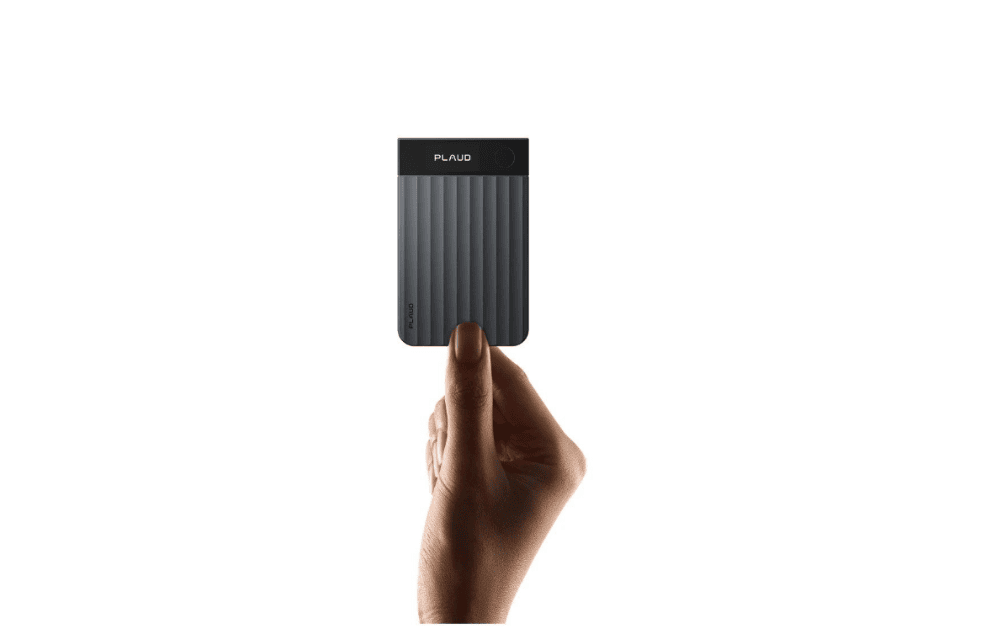
Plaud Note Pro is a physical AI note taker for in-person meetings and phone calls that keeps an audio record on dedicated hardware, so I can go back to the original audio when a summary gets something wrong.
How to choose the best AI notetaker in 2027
| If what I care about most is | I’d choose | The direct reason |
| AI building out online meeting notes around my handwritten points | Granola | The output follows the points I flagged in the moment |
| Recording conference rooms, calls and online meetings | Plaud Note Pro + Plaud Desktop | The hardware and desktop app cover different audio entry points |
| Replaying the original audio when a summary is wrong | Plaud Note Pro + Plaud Desktop | Keeps an audio record you can check |
The Problem With Context-Free Meeting Notes
Where Granola Falls Short for Real-World Workflows
-
Audio quality — whether the recording was captured clearly in rooms without a laptop present
-
Playback access — whether the original recording can be replayed for verification or detail
-
Offline capture — whether the entire conversation can be saved first when the phone has no connection
Why Plaud Note Pro Is the Better Fit
-
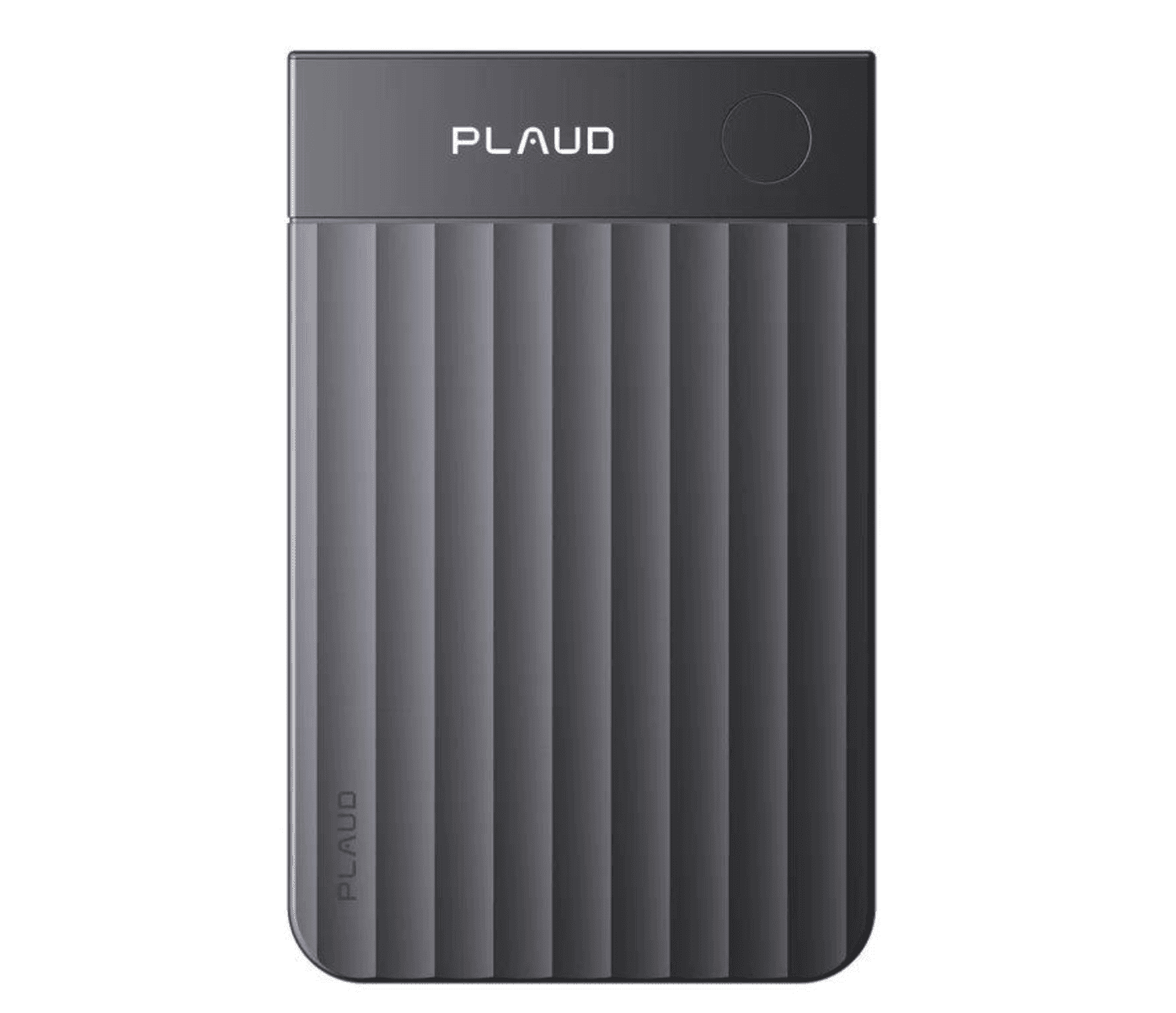
Plaud Note Pro device — captures face-to-face meetings and phone calls directly
-
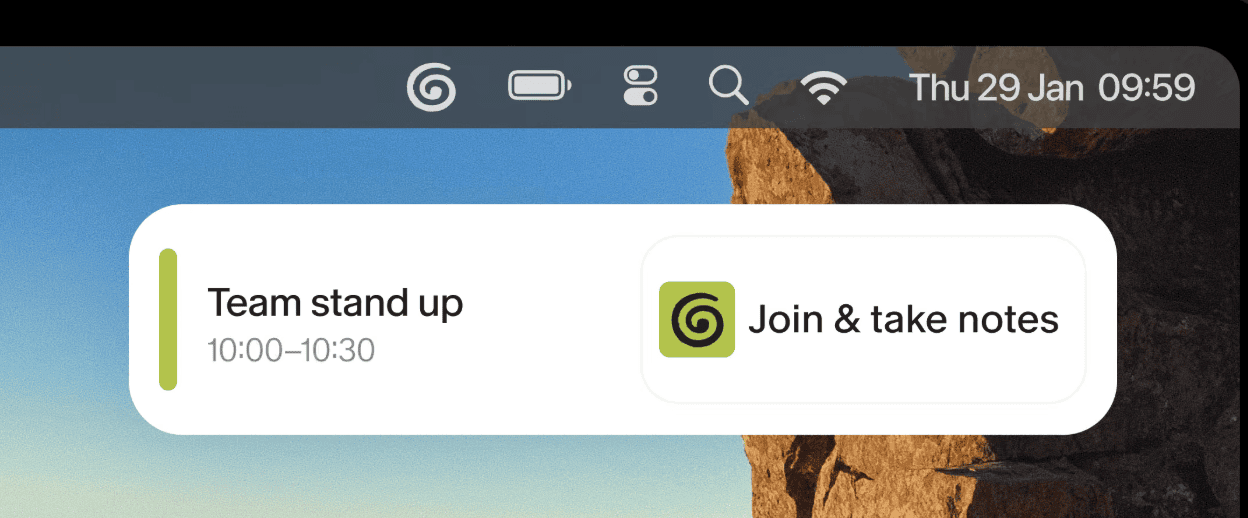
Plaud Desktop — handles online meetings on the computer
-
Unified library — recordings, transcripts, summaries, and user highlights all end up in a single, searchable place
How Granola Builds Notes Around What You Type
The Limits of Granola’s Zero Audio Retention Policy
-
What exact wording did someone use in an interview?
-
Was there a condition attached to the date a client committed to?
-
When two people talked at once, did the transcript assign names correctly?
Granola’s Recording Front-End Limitations
-
iOS: supports face-to-face conversations and outgoing calls
-
Android: currently supports face-to-face recording, but not call capture
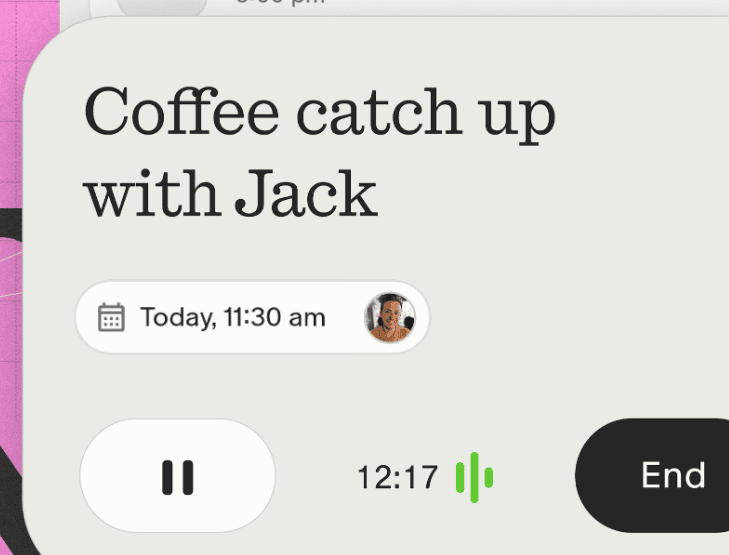
-
Mobile transcription: requires a network connection
Plaud Note Pro: Audio Quality First, Summary Second
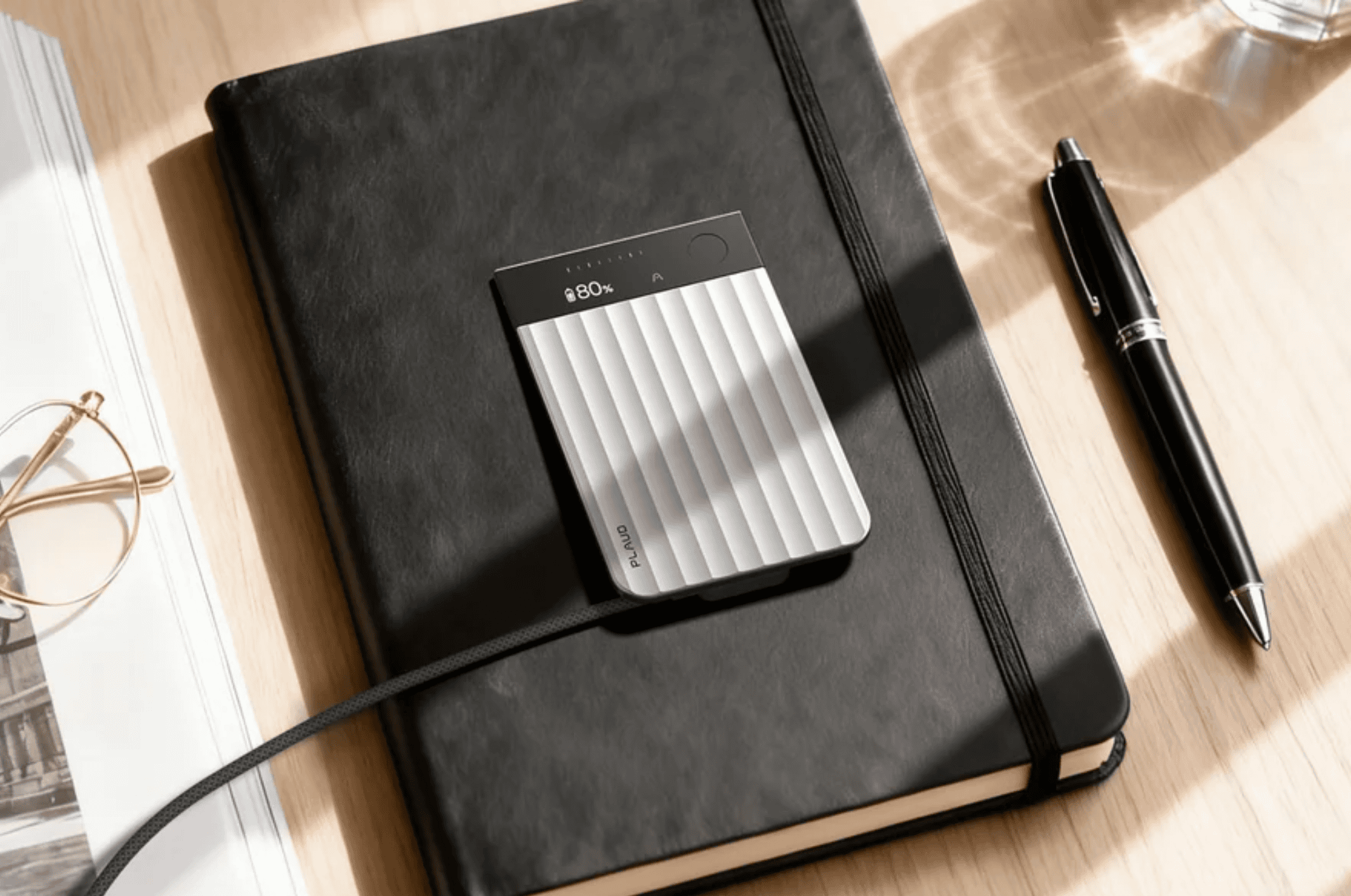
Face-to-Face Meetings
Phone Calls
Online Meetings
Offline Recording
Two Approaches to Human-Flagged Emphasis
| Comparison | Granola | Plaud Note Pro |
| Main form | AI notepad software | Card-style physical AI note taker plus Plaud Desktop |
| Online meetings | Desktop app captures device audio, no meeting bot needed | Plaud Desktop captures computer audio, no meeting bot needed |
| Face-to-face conversations | Uses the phone or computer microphone | 4 MEMS microphones plus 1 VPU, with an official maximum pickup range of about 5 meters |
| Phone calls | iOS supports outgoing calls, Android currently doesn’t support call capture | Device attaches magnetically to the back of the phone and records calls through the VPU |
| Original audio | Deleted after transcription, no long-term audio playback | Keeps recordings so you can replay them and check exact wording |
| Human emphasis | Write while listening, and AI fills in from your notes and the transcript | Press Highlight, and you can also add text, images and files |
| Offline | Rough notes can be kept, transcription needs a network | 64GB of internal storage saves recordings first, then syncs for processing later |
| Transcription languages | Officially updated to support 32 languages | Supports 112+ languages |
| Best for | Mostly online meetings, with a focus on note editing, cross-meeting queries and a team knowledge base | A mix of calls, conference rooms and online meetings that needs an audio record and dedicated recording hardware |
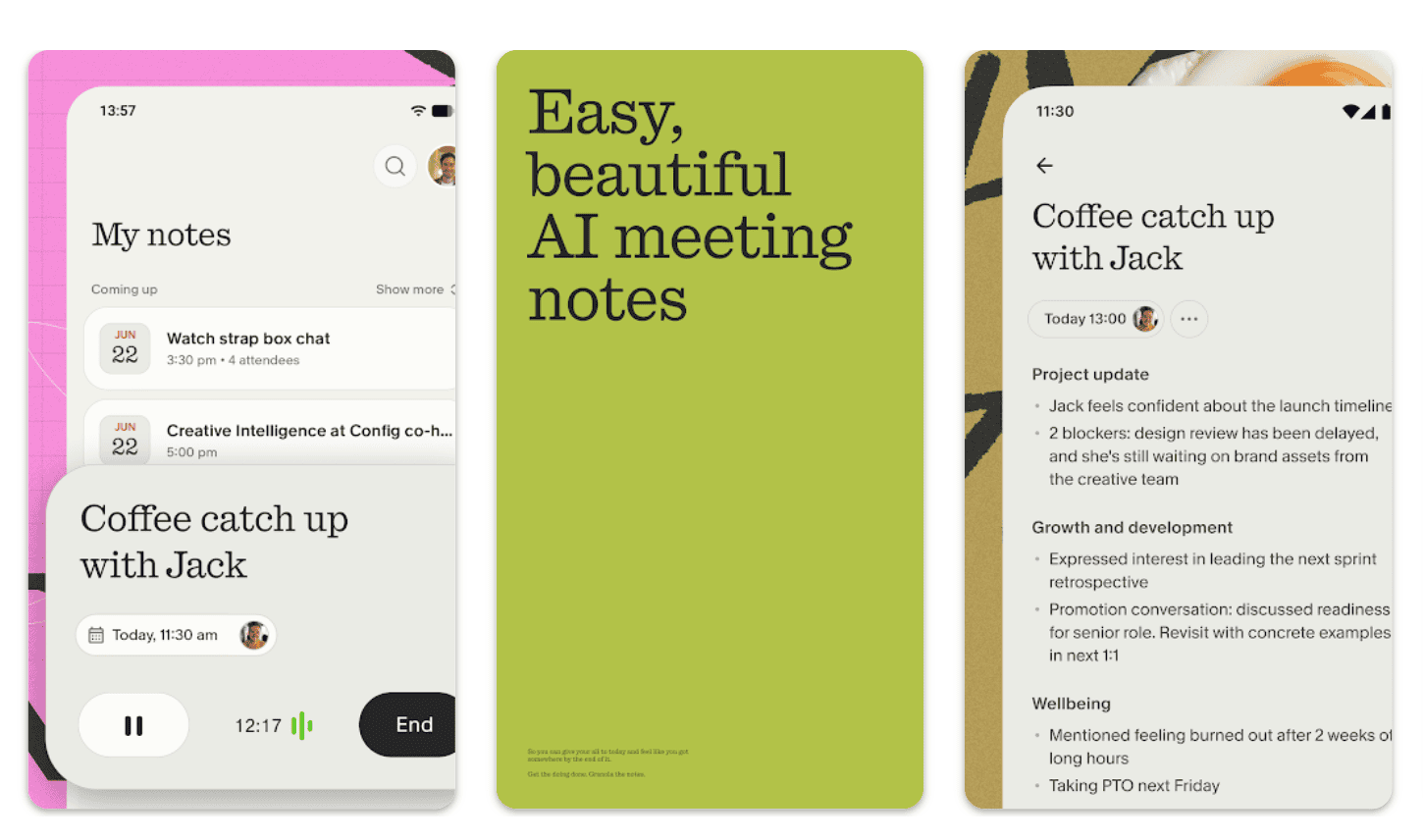
Pricing: Subscription vs. Hardware
| Plan | Hardware price | Annual subscription | Year 1 total | 3-year total | Main limit or allowance |
| Granola Basic | $0 | $0 | $0 | $0 | Meeting history shows only the last 30 days |
| Granola Business | $0 | $168 | $168 | $504 | Charged per user, includes unlimited history and advanced integrations |
| Plaud Note Pro + Starter | $189 | $0 | $189 | $189 | 300 minutes a month, includes Plaud Desktop |
| Plaud Note Pro + Pro | $189 | $99.99 | $288.99 | $488.97 | 1,200 minutes a month |
| Plaud Note Pro + Unlimited | $189 | $239.99 | $428.99 | $908.97 | Unlimited transcription |
How do Granola and Plaud differ on privacy?
| Privacy question | Granola | Plaud Note Pro and Plaud Desktop |
| Original audio | Deleted once notes are done, with transcripts and notes kept long term | Can keep recordings, transcripts, summaries and Highlights |
| Data minimization | Keeps one less copy of original audio, but text records still need managing | Keeps more complete evidence, which also adds access permission and retention management |
| Model training and security | Check against the current transparency page and enterprise agreement | Lists ISO 27001, ISO 27701, SOC 2, HIPAA, GDPR and EN 18031, and Plaud states that it doesn’t use recordings or transcripts to train AI models |
| Deletion controls | Mainly about managing transcripts, notes and shared folders | Requires managing audio, transcripts, exported files and sharing permissions together |
Which Tool for Which Workflow?
Keep Granola If:
-
Meetings happen mostly online, and note editing quality is the priority
-
Typed notes already guide the AI effectively
-
The organization prefers minimal audio retention
-
A free trial without hardware investment is preferred (Granola Basic)
Choose Plaud Note Pro If:
-
The original audio may need to be checked — interview quotes, client commitments, complex figures, overlapping speakers
-
Conference rooms are large, noisy, or crowded — where a 4-mic array, ~5 m pickup range, and dedicated battery outperform a phone
-
The day mixes calls, in-person meetings, and online meetings that should live in one library
-
Broader language coverage is needed (112+ languages vs. 32)
-
Offline capture is essential — 64GB on-device storage with sync later
The Core Question: Notes or Audio Record?
-
Keep “what the meeting concluded” → Granola is lighter. It completes a few lines of notes, structures them with Templates, and turns content into next steps with Recipes and Chat.
-
Keep “how exactly it was said” → Plaud Note Pro is the better fit. It keeps original recordings, transcripts, Highlights, and summaries together — and the recording setup stays intact whether the meeting is on a computer, a phone call, or in a conference room.
FAQ
Can Plaud Note Pro fully replace Granola?
Not completely. Plaud Note Pro is stronger at original audio, phone call recording, dedicated pickup hardware and offline saving. Granola’s notepad, Recipes, cross-meeting Chat and team folders are better at turning meetings directly into knowledge you can keep using. The choice depends on whether you need a complete audio record more, or a more convenient note workspace.
Does Granola save meeting recordings?
Not long term. Granola uses device audio to generate the transcript, but it officially states that the audio is deleted after the notes are generated and only the transcript and notes are kept. If you need to replay exact words repeatedly, Plaud Note Pro is the better fit.
Can Granola record face-to-face meetings and phone calls?
Yes, but capabilities differ by platform. iOS supports face-to-face conversations and outgoing calls, and Android currently supports face-to-face conversations but not call capture. The Mac and Windows desktop apps can record video meetings on the computer. Transcription on mobile requires a network connection.
Which is cheaper, Granola or Plaud Note Pro?
Granola Basic is free, and Granola Business is $14 per user per month. Plaud Note Pro requires buying the $189 hardware first, which comes with the Plaud Starter Plan’s 300 minutes a month. If you only have online meetings, Granola costs less. Plaud Note Pro’s hardware only pays off when you need one record for calls, conference rooms and online meetings.
Can both record online meetings without a meeting bot?
Yes. The Granola desktop app and Plaud Desktop can both capture computer audio directly, with no bot joining the meeting as a participant. Individual Plaud Desktop users need to link a Plaud device first and keep an active Plaud Starter Plan or higher.