Grammar Checker
A grammar checker analyzes your text for grammar mistakes, spelling errors, and punctuation issues. Use this tool to polish your writing for emails, essays, reports, and professional documents in seconds.
What is a Grammar Checker?
A grammar checker is a tool that scans your writing for errors in grammar, spelling, punctuation, and sentence structure. It analyzes text to identify mistakes like subject-verb disagreement, misplaced commas, spelling errors, and awkward phrasing. This tool is designed for students writing essays, professionals drafting emails and reports, content creators, and anyone who wants to produce clear, error-free writing. Grammar checkers save time by catching mistakes you might miss during manual proofreading and help improve your overall writing skills through detailed explanations.
How to Use This Tool
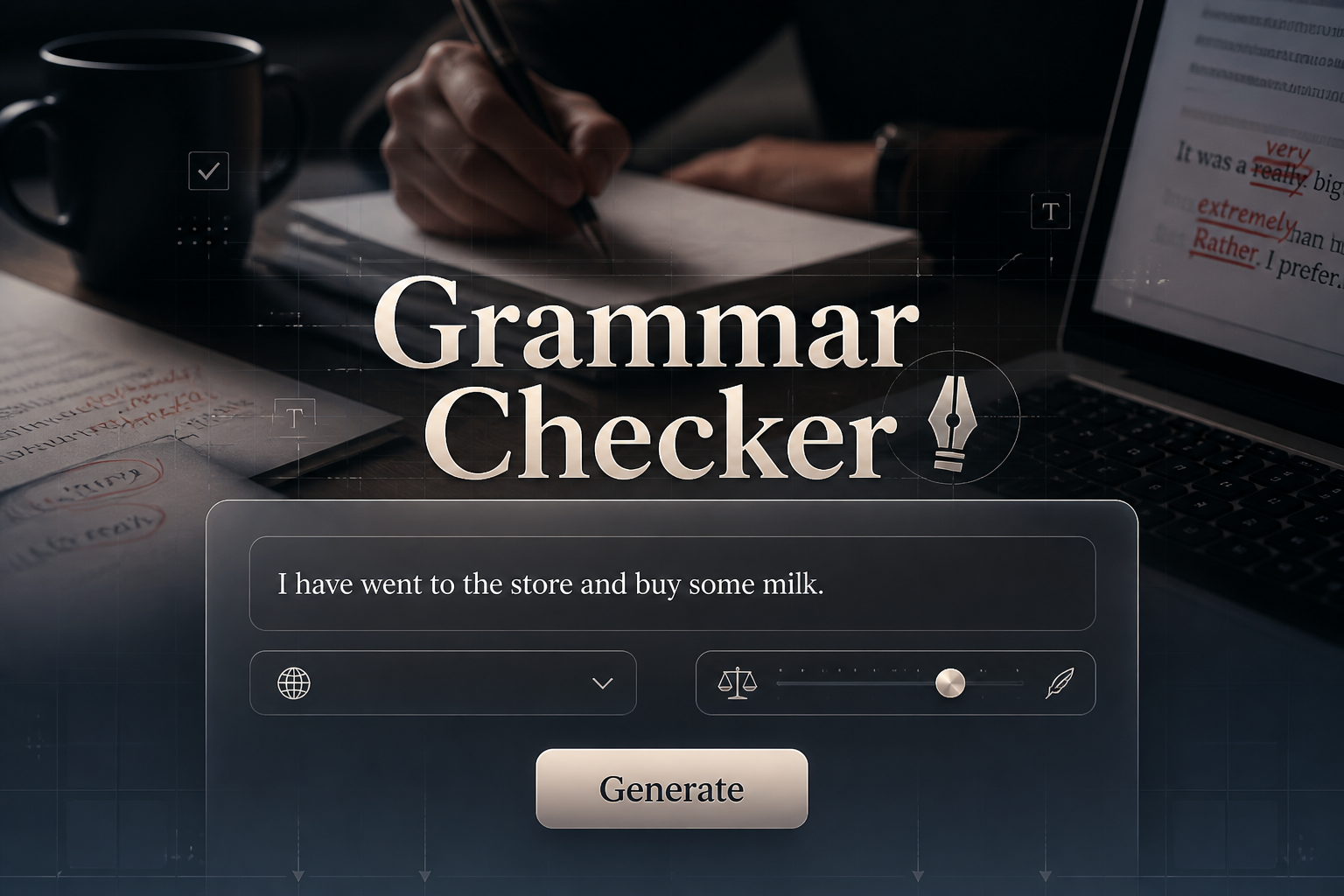
Using this grammar checker is straightforward and takes just seconds. Paste your text, select your preferences, and get instant feedback with actionable suggestions to fix errors.
1. Paste your text
Copy and paste the text you want to check into the input field. This can be anything from a short email to a long essay or article.
2. Choose check depth
Select basic for grammar and spelling only, advanced to include style and clarity suggestions, or complete for tone and engagement feedback.
3. Select English variant
Pick your preferred English variant like US, UK, Australian, or Canadian English to ensure spelling and grammar rules match your audience.
4. Review error highlights
The tool highlights all detected errors with clear explanations and suggestions for each issue so you understand what went wrong.
5. Apply corrections
Make the suggested edits to your text to eliminate errors and improve clarity, readability, and professionalism.
Common Grammar Mistakes Detected
Grammar checkers identify a wide range of errors that commonly appear in writing. Understanding these mistake types helps you become a better writer over time.
Subject-verb agreement errors
Detects when subjects and verbs do not match in number, such as using a singular verb with a plural subject or vice versa. To look up the correct plural form of any noun, use the plural noun rules tool.
Spelling mistakes and typos
Catches misspelled words, typos from fast typing, and commonly confused words like their, there, and they're.
Punctuation errors
Identifies missing commas, incorrect apostrophe use, run-on sentences, and improper use of periods, semicolons, and colons.
Verb tense inconsistencies
Flags shifts in verb tense that confuse the timeline of events, ensuring your writing maintains consistent past, present, or future tense.
Sentence structure issues
Highlights fragments, run-on sentences, awkward phrasing, and overly complex sentences that hurt readability. Once you identify problematic sentences, use our sentence rewriter to rephrase them in a clearer or more professional tone.
Frequently Asked Questions
Here are answers to common questions about using grammar checkers. After checking grammar, improve your full content with our Article Rewriter. For a more interactive AI correction experience that fixes grammar, spelling, punctuation, and formatting in a single pass and explains every change, try our AI text fixer. For vocabulary expansion while writing, use our random verb generator to discover action words that can replace weak or repetitive verbs in your text. If your text also has capitalization problems such as ALL CAPS or inconsistent case, fix them first using the uppercase to lowercase converter. To capitalize the first letter of every word in headlines or product names, use the capitalize each word tool. To fix sentence-level capitalization, including converting ALL CAPS text back to readable form, use the capitalize sentences tool. To learn the full rules behind English capitalization — which words should be capitalized and why — visit our interactive capitalization rules in English guide.
What types of errors does it catch?
This grammar checker catches grammar errors like subject-verb disagreement, spelling mistakes, punctuation issues including comma splices, verb tense inconsistencies, and sentence structure problems like fragments and run-ons.
Does it explain the errors?
Yes. Each identified error comes with a clear explanation of what went wrong and specific suggestions for how to fix it, helping you learn and avoid the same mistakes in future writing.
Can I check long documents?
Yes. You can check documents of any length, from short emails and social media posts to long essays, articles, research papers, and reports without restrictions. To verify the word count of your document before or after checking, use the free online word counter. For a detailed breakdown of letters, numbers, spaces, and symbols, use the character counter online.
Does it support different English variants?
Yes. The tool supports US English, UK English, Australian English, and Canadian English, adjusting spelling, punctuation, and grammar rules to match your selected variant.
Is it accurate for professional writing?
Yes. The grammar checker uses advanced algorithms trained on professional and academic writing standards, making it reliable for business emails, reports, academic papers, and other formal documents.
